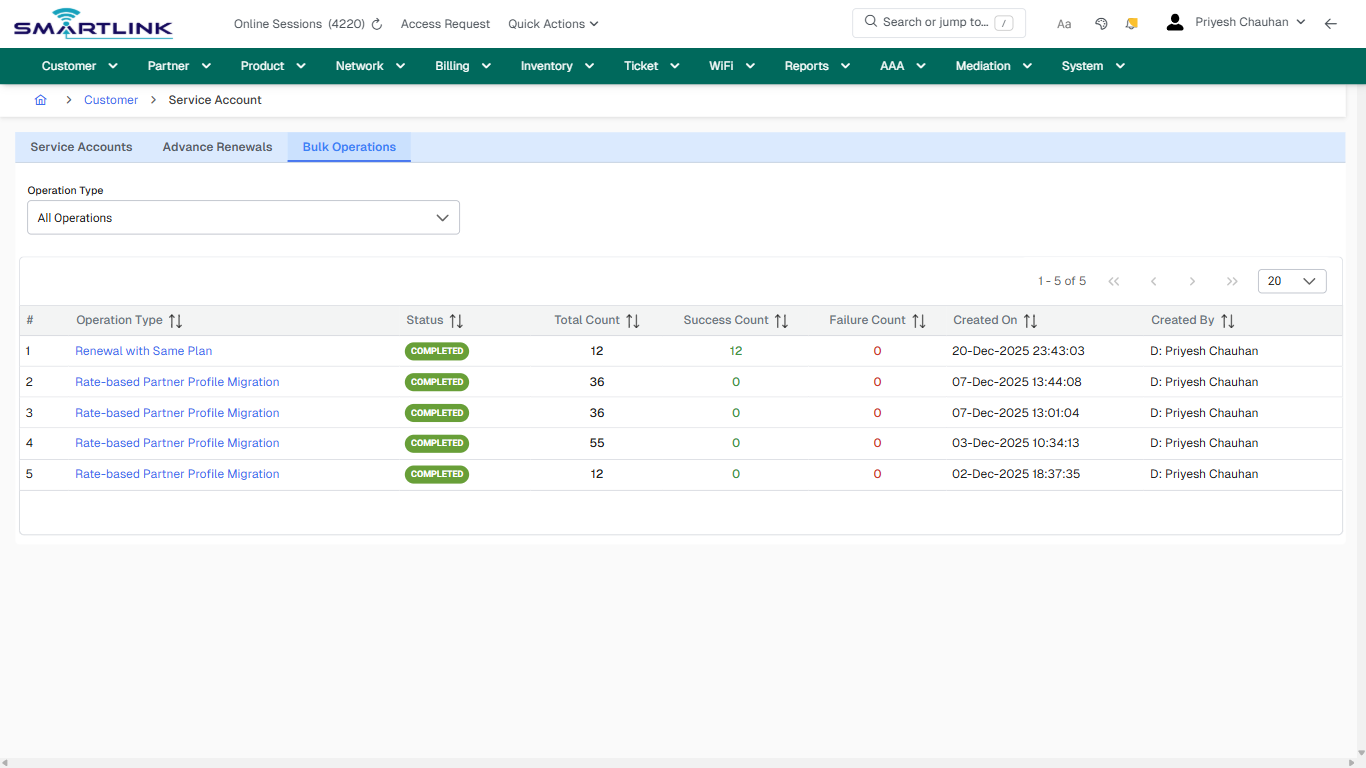
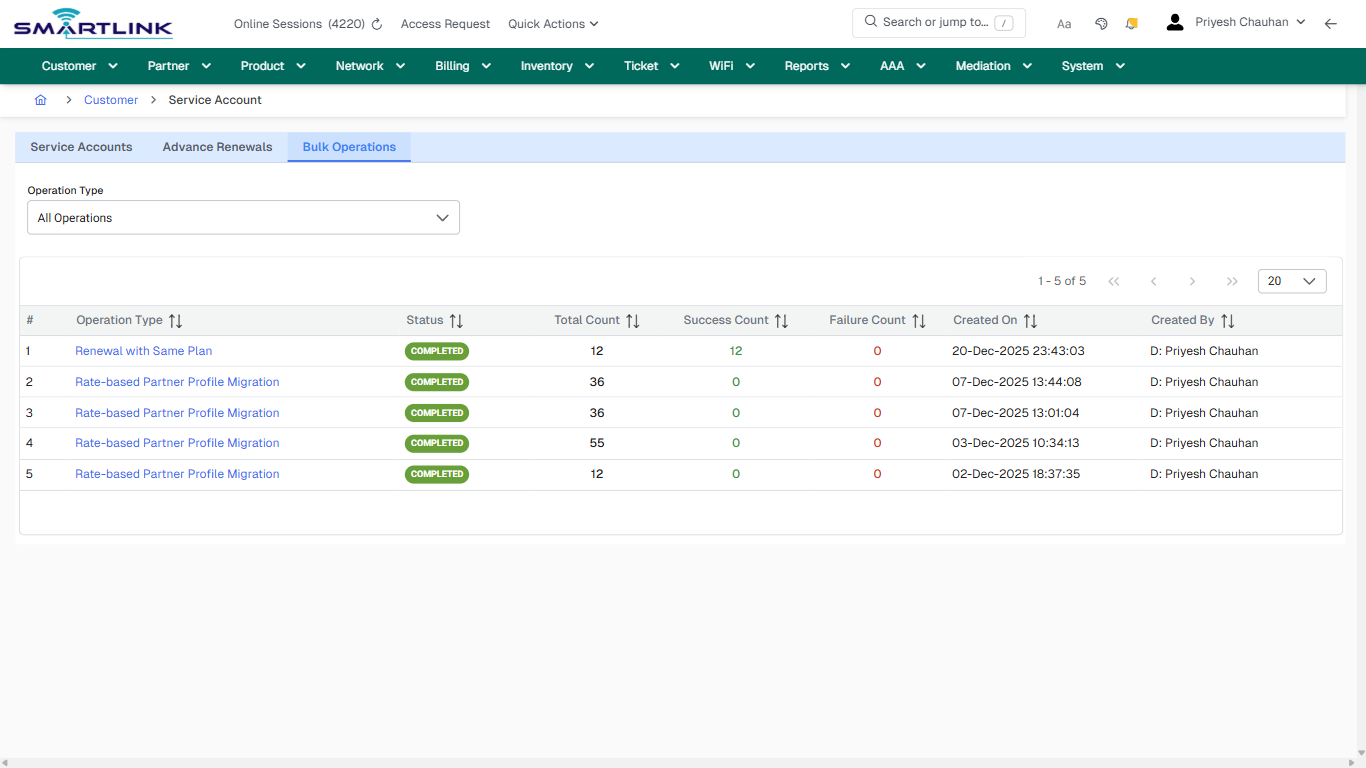
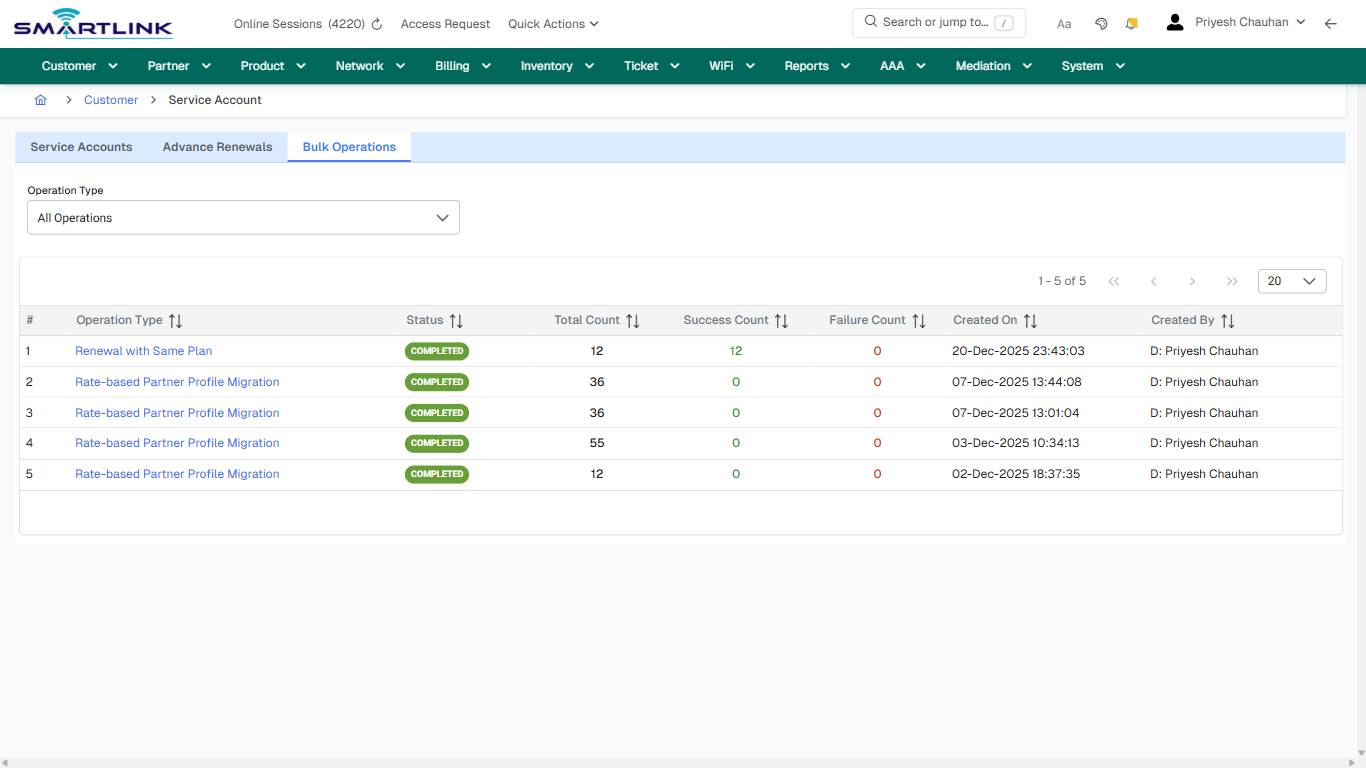
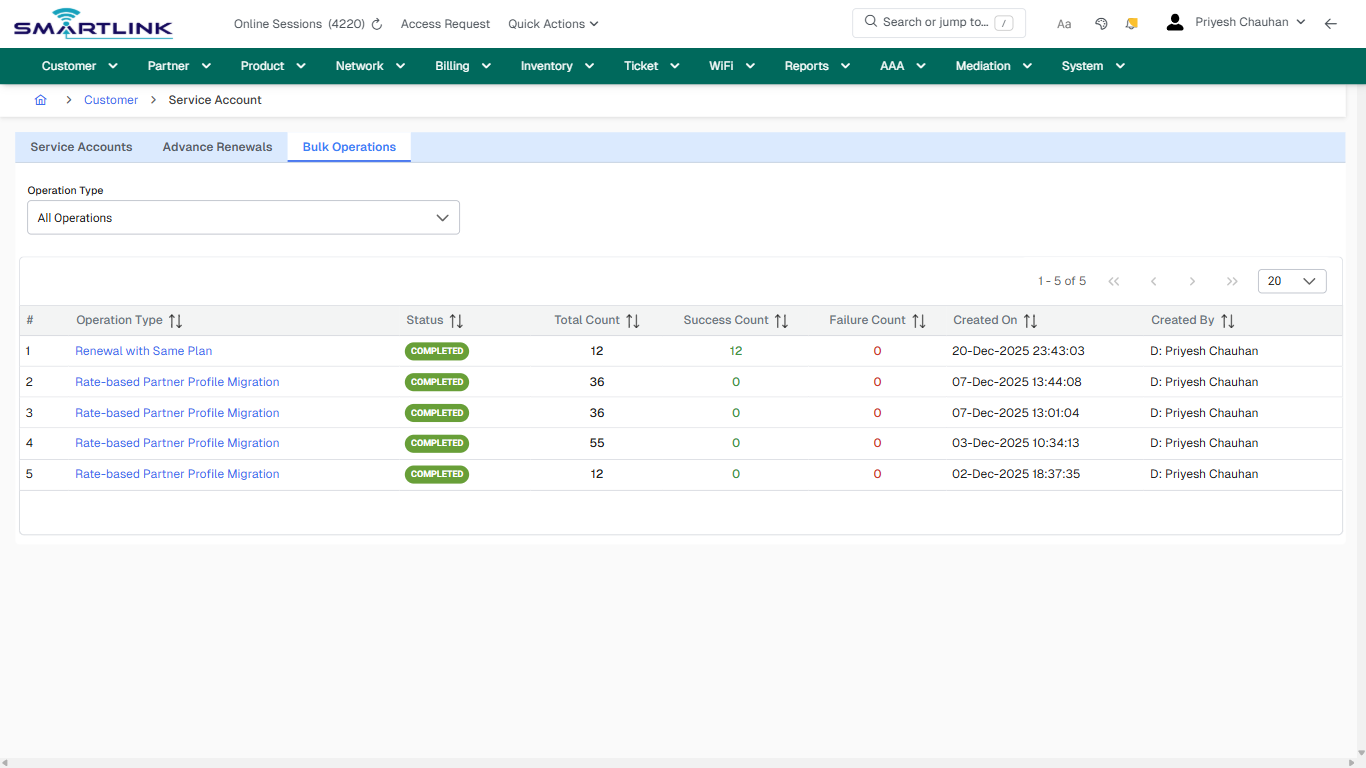
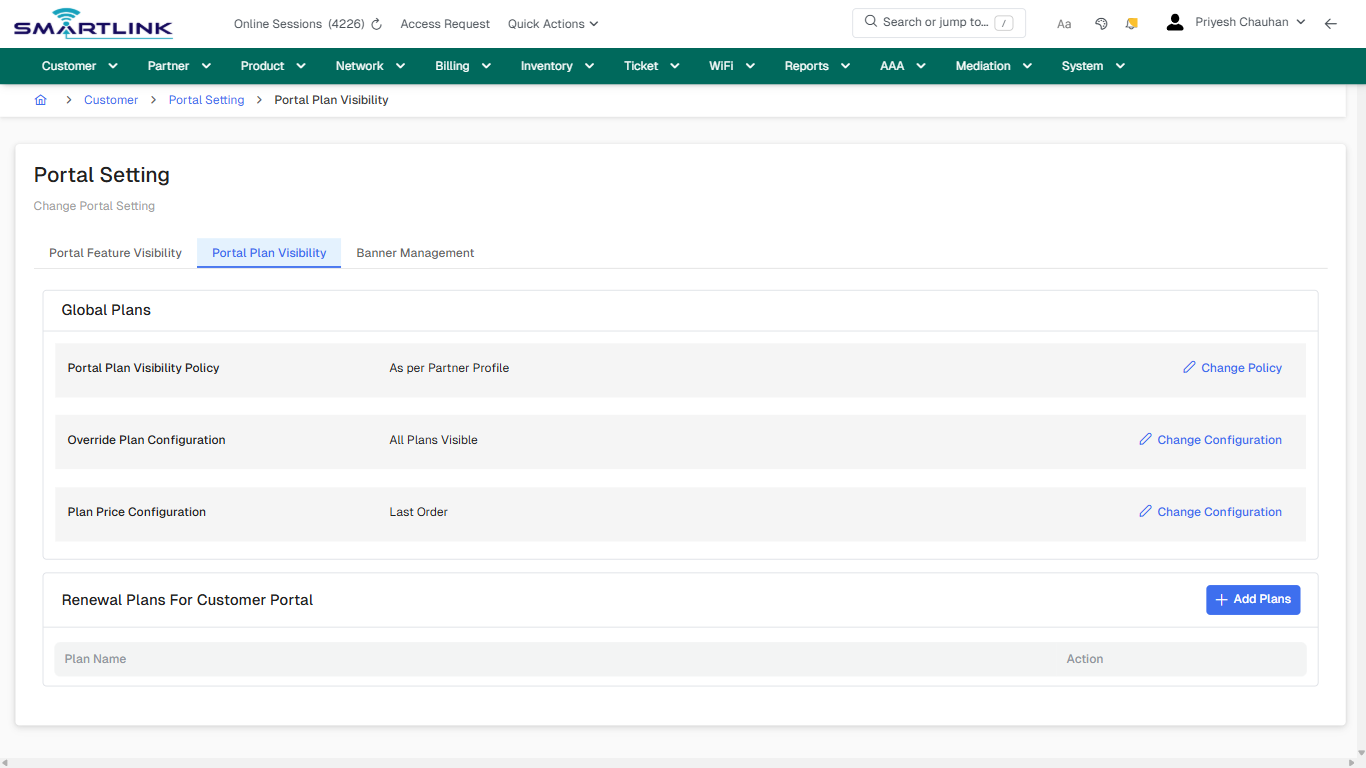
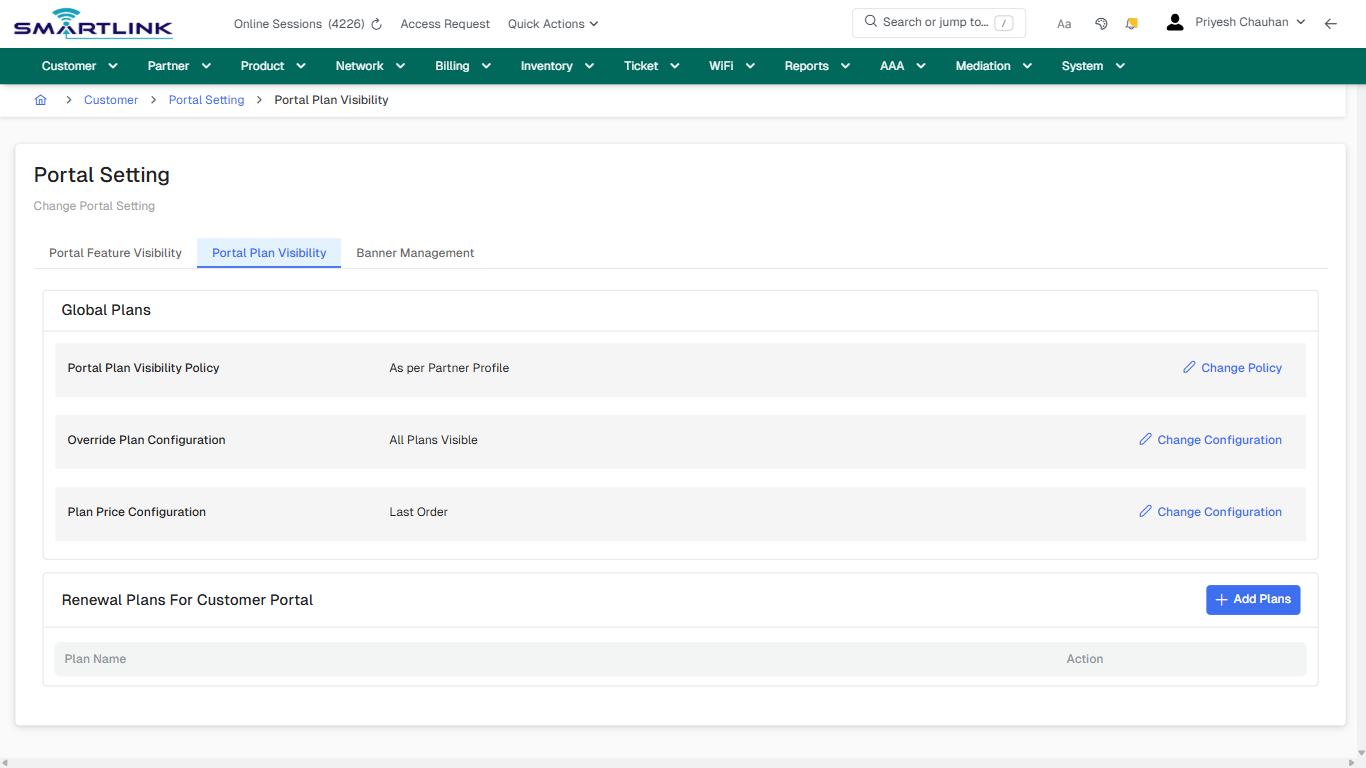
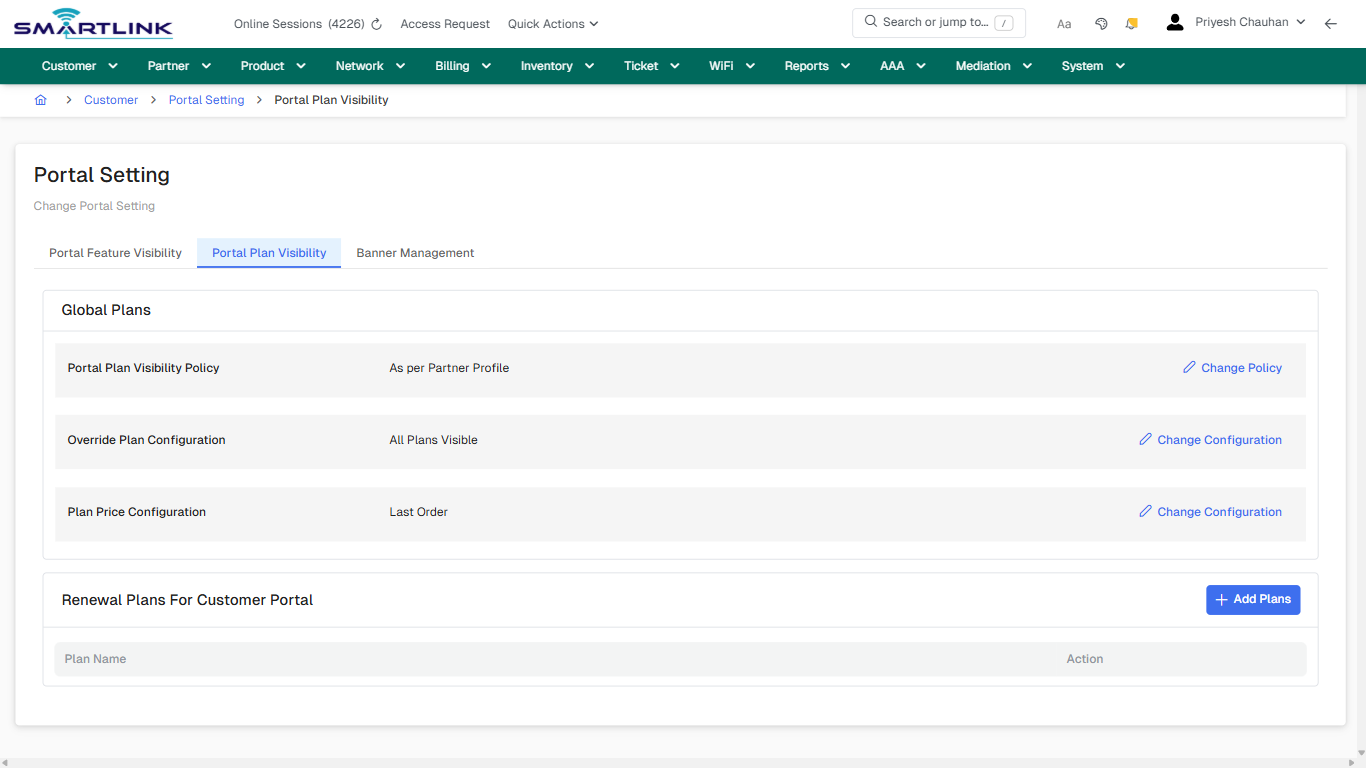
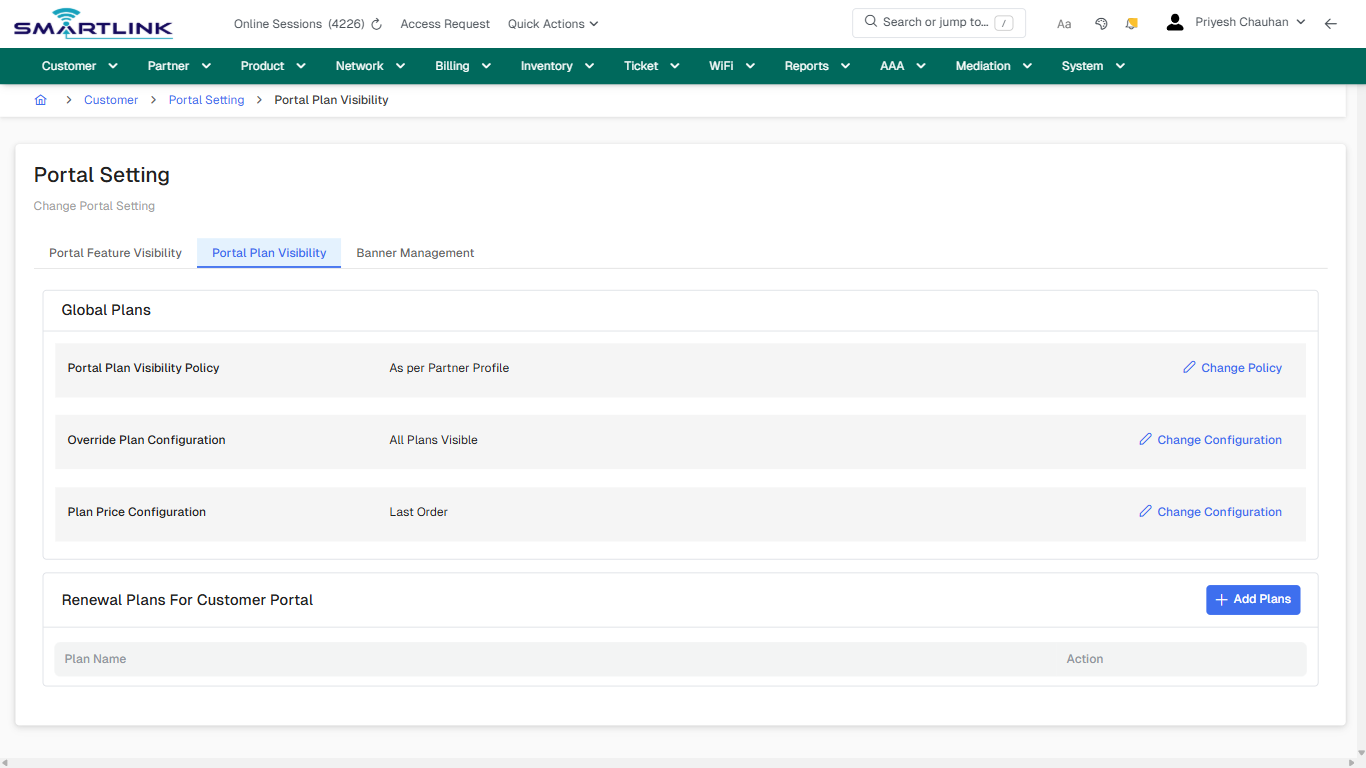
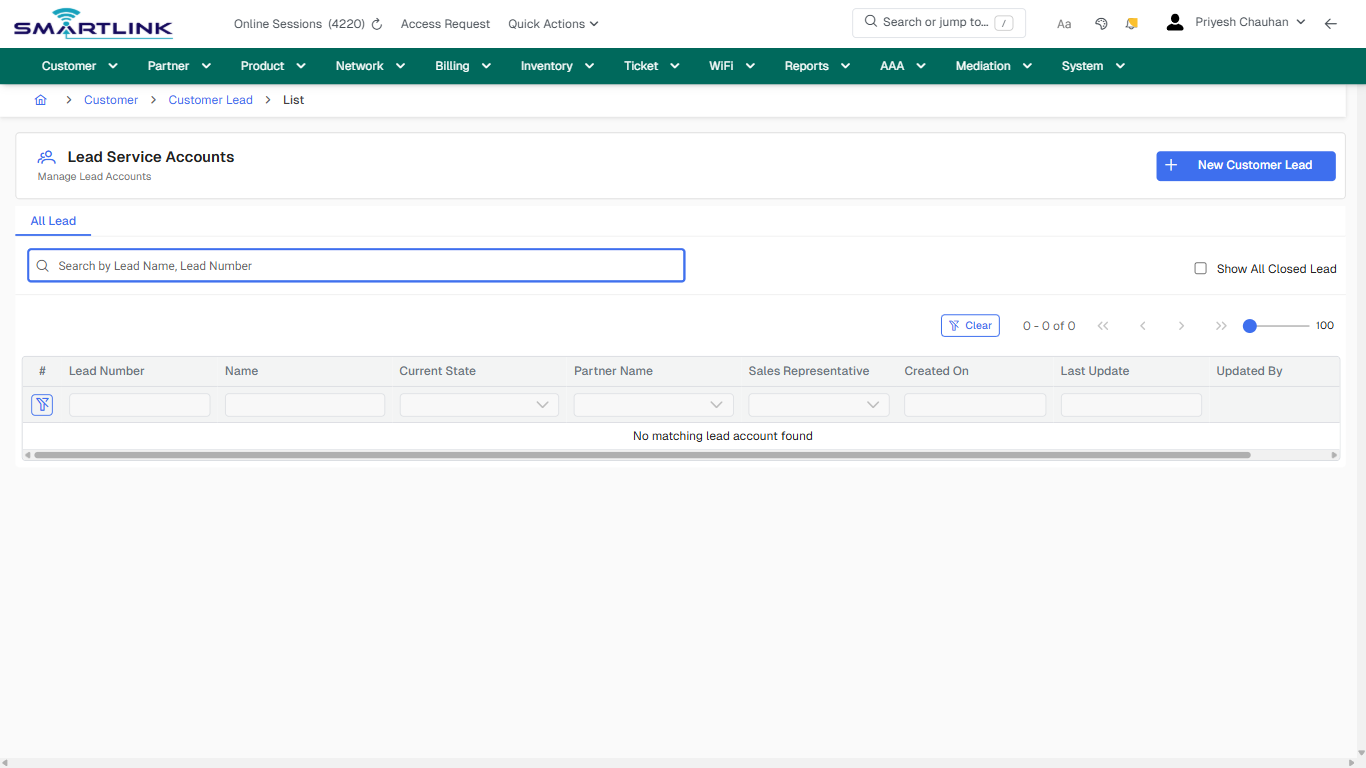
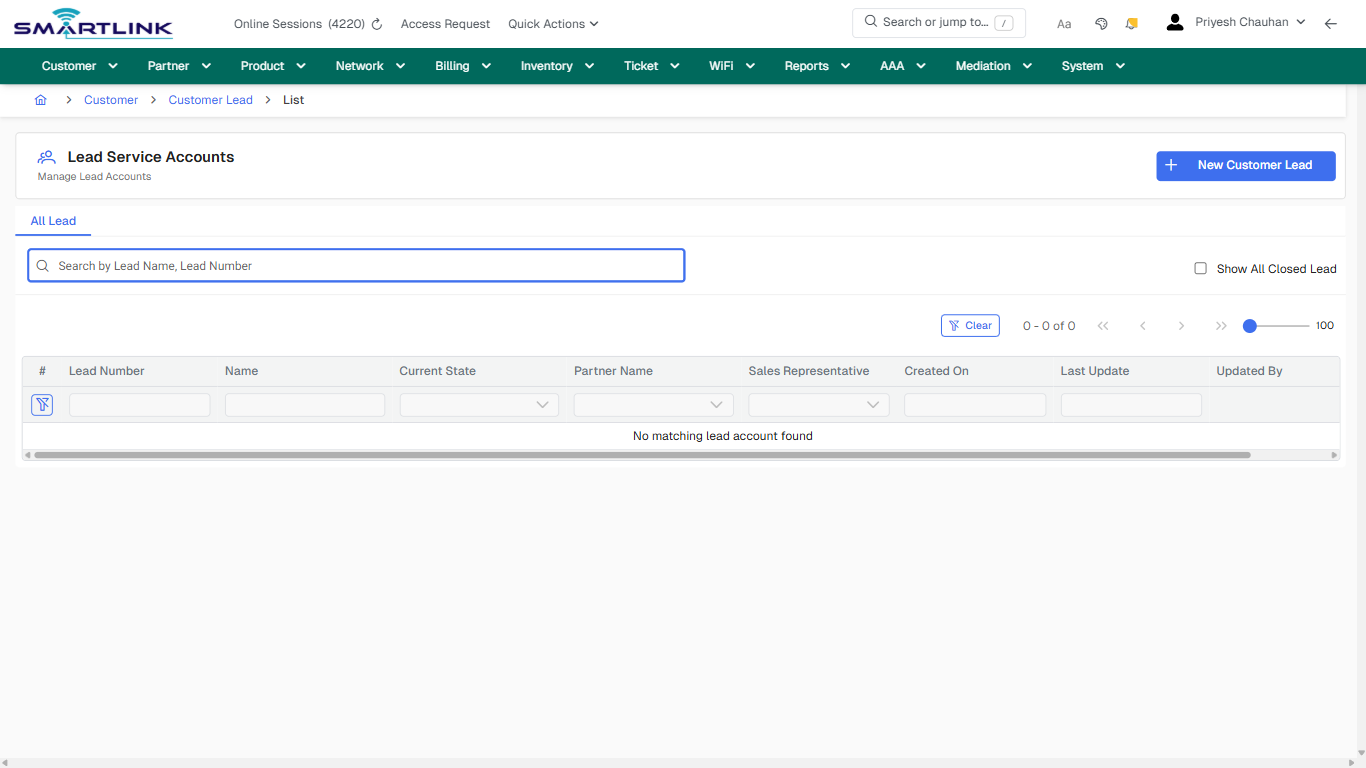
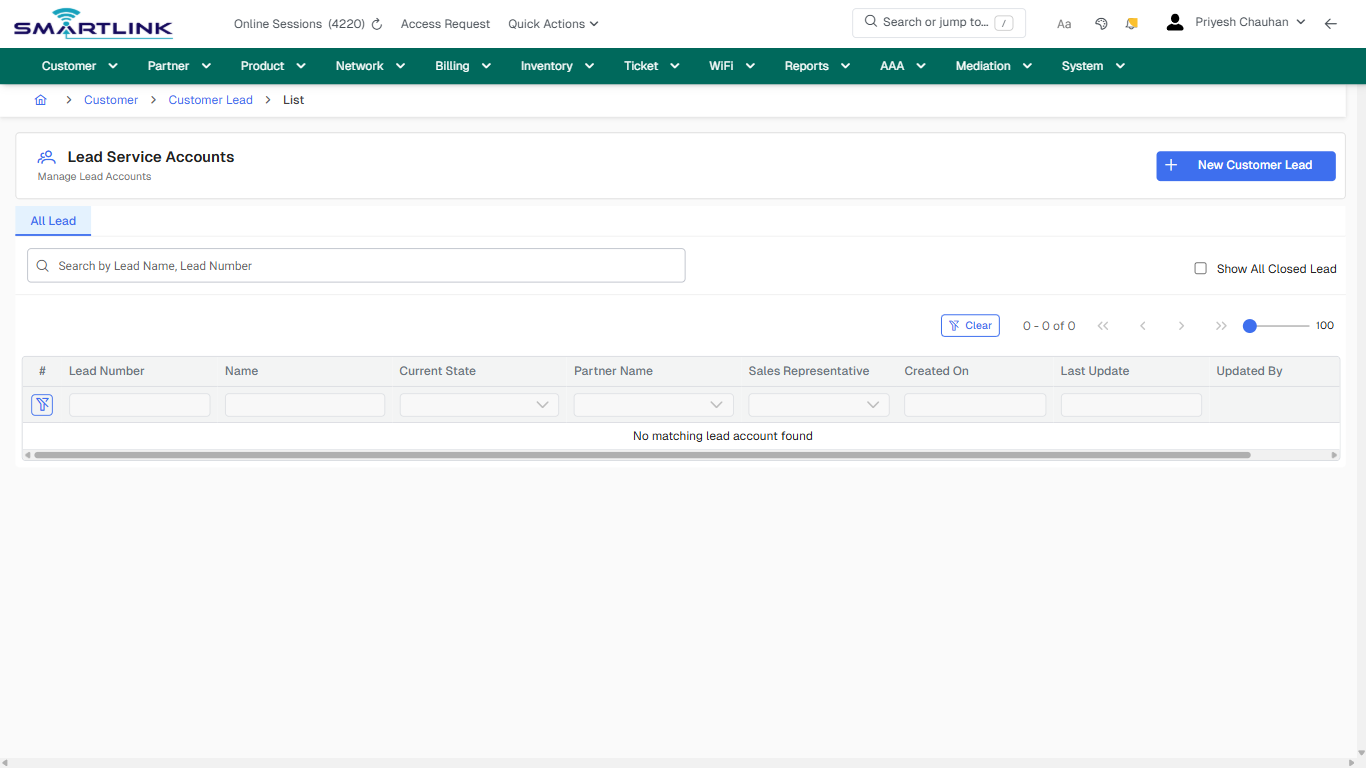
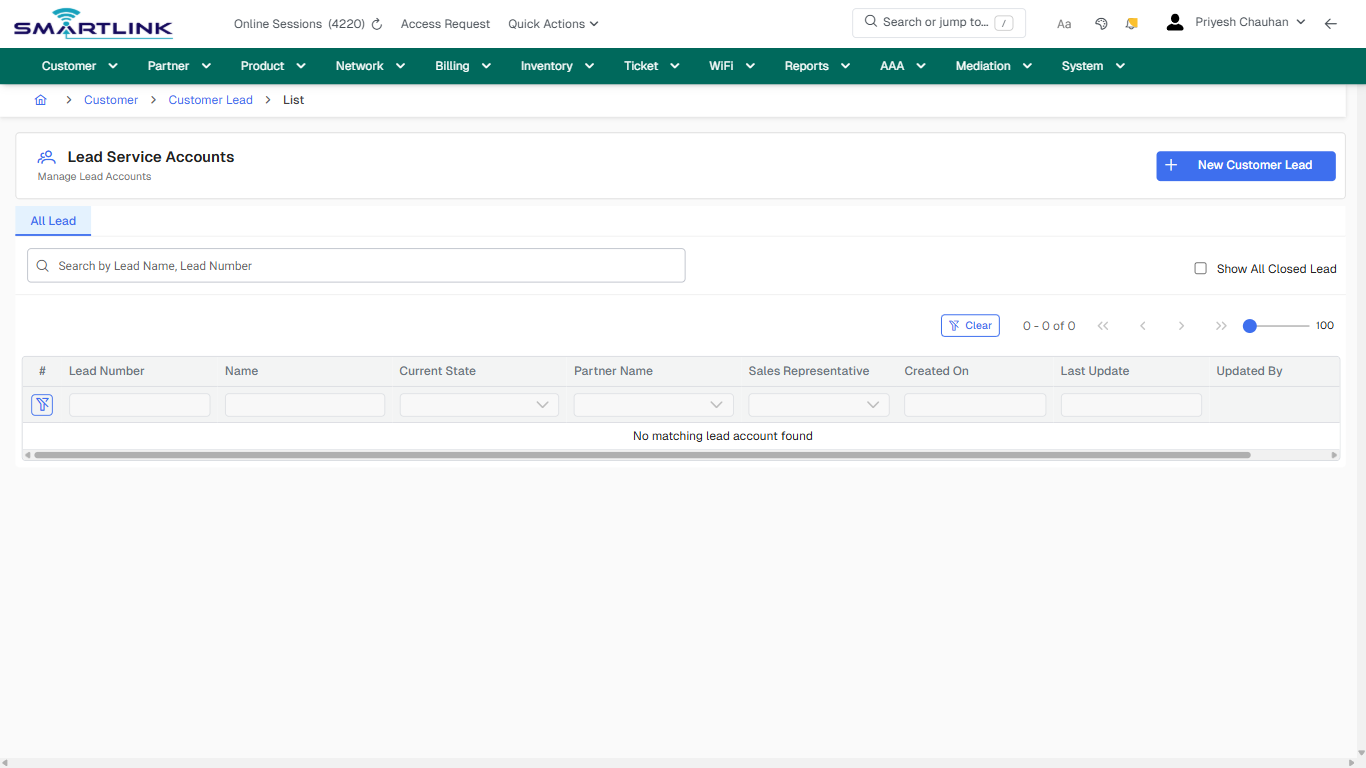
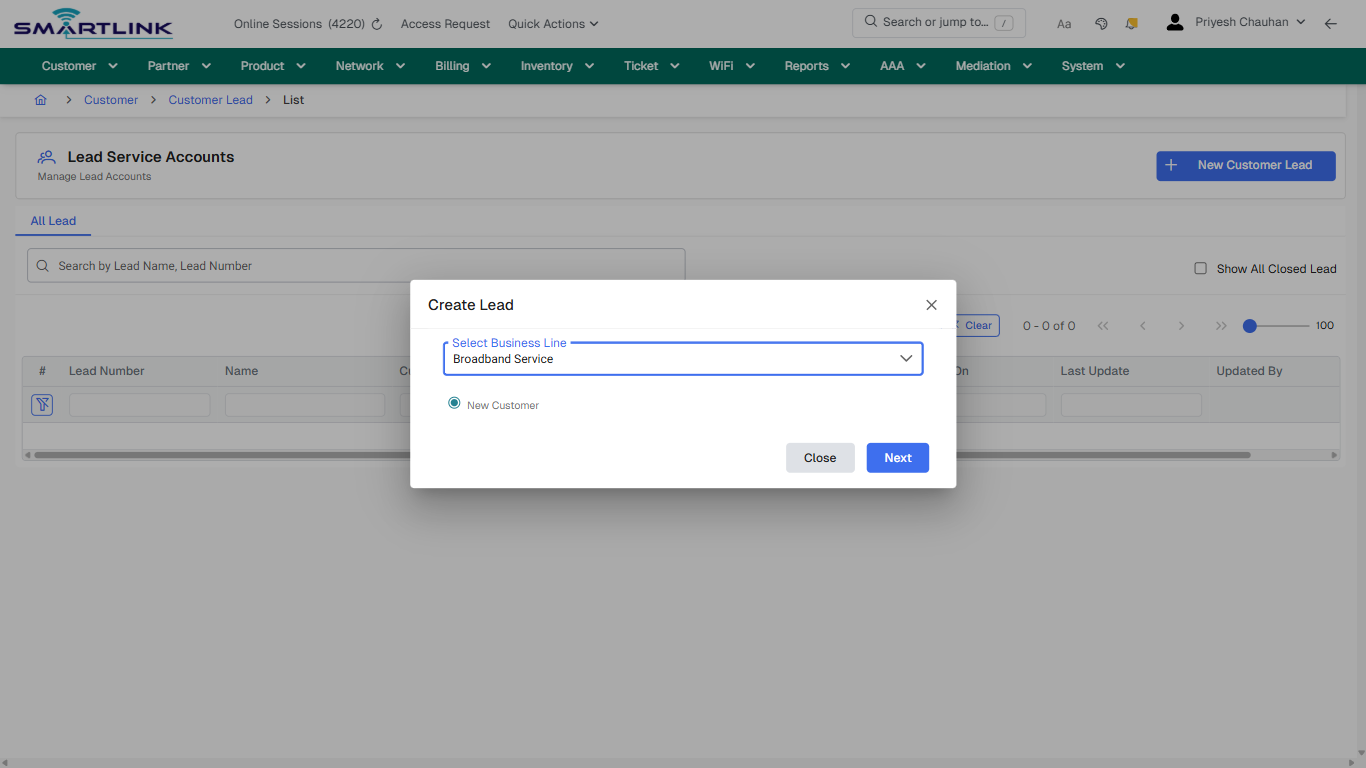
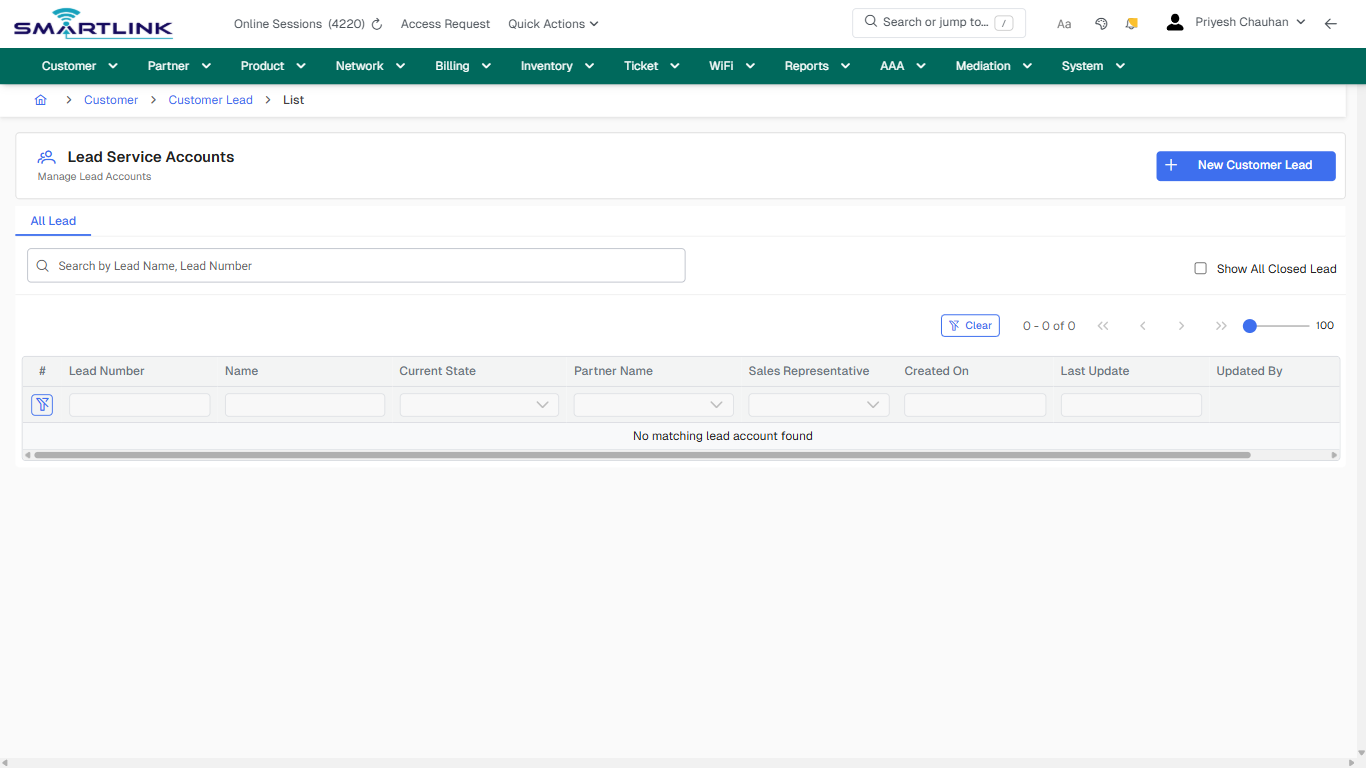
# Customer & Subscriber Management

Routes under: cust

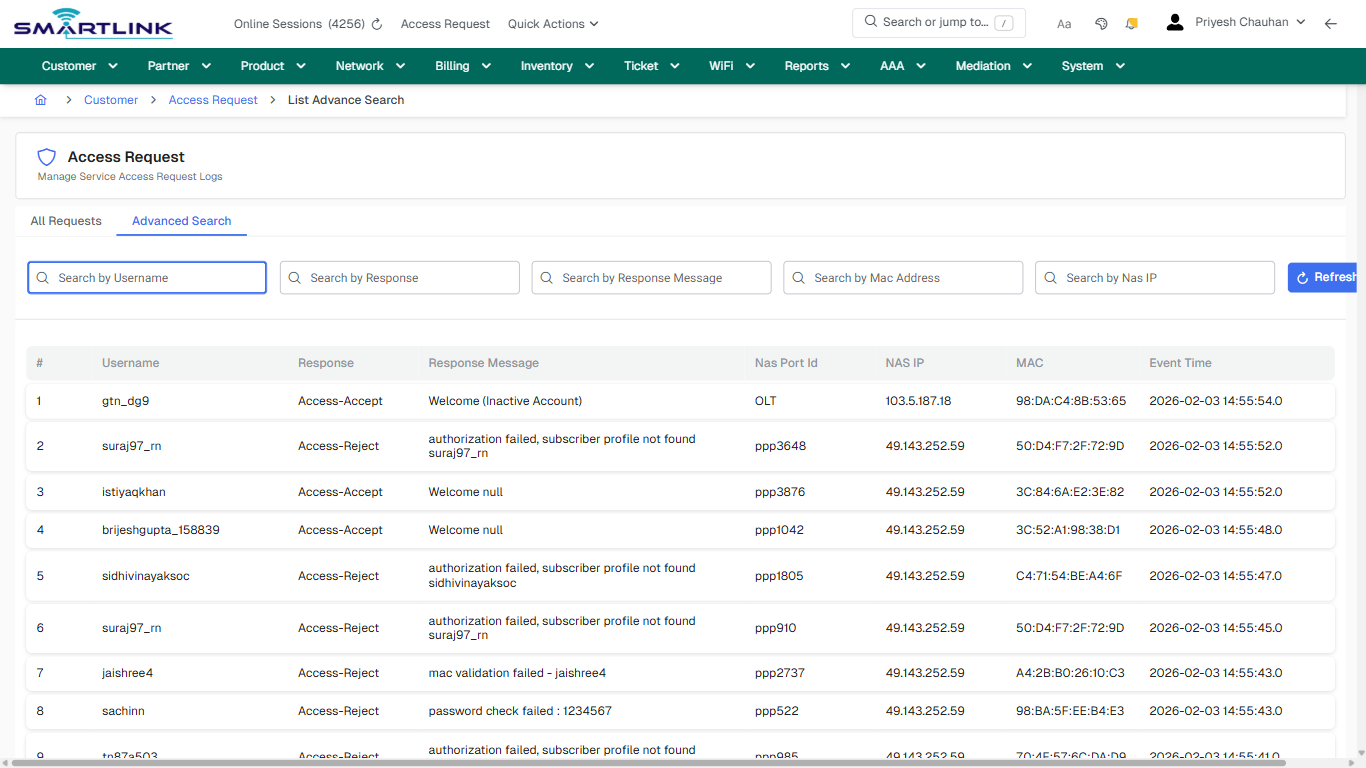
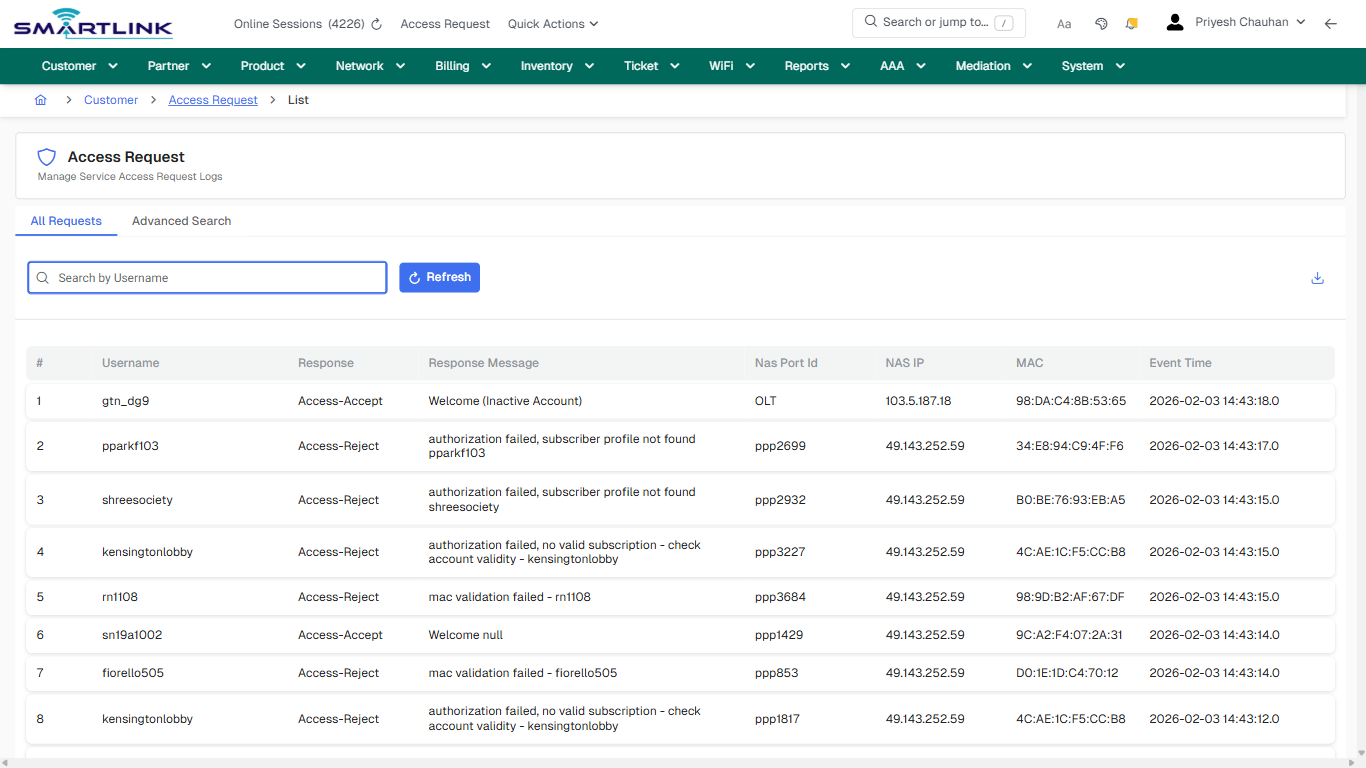
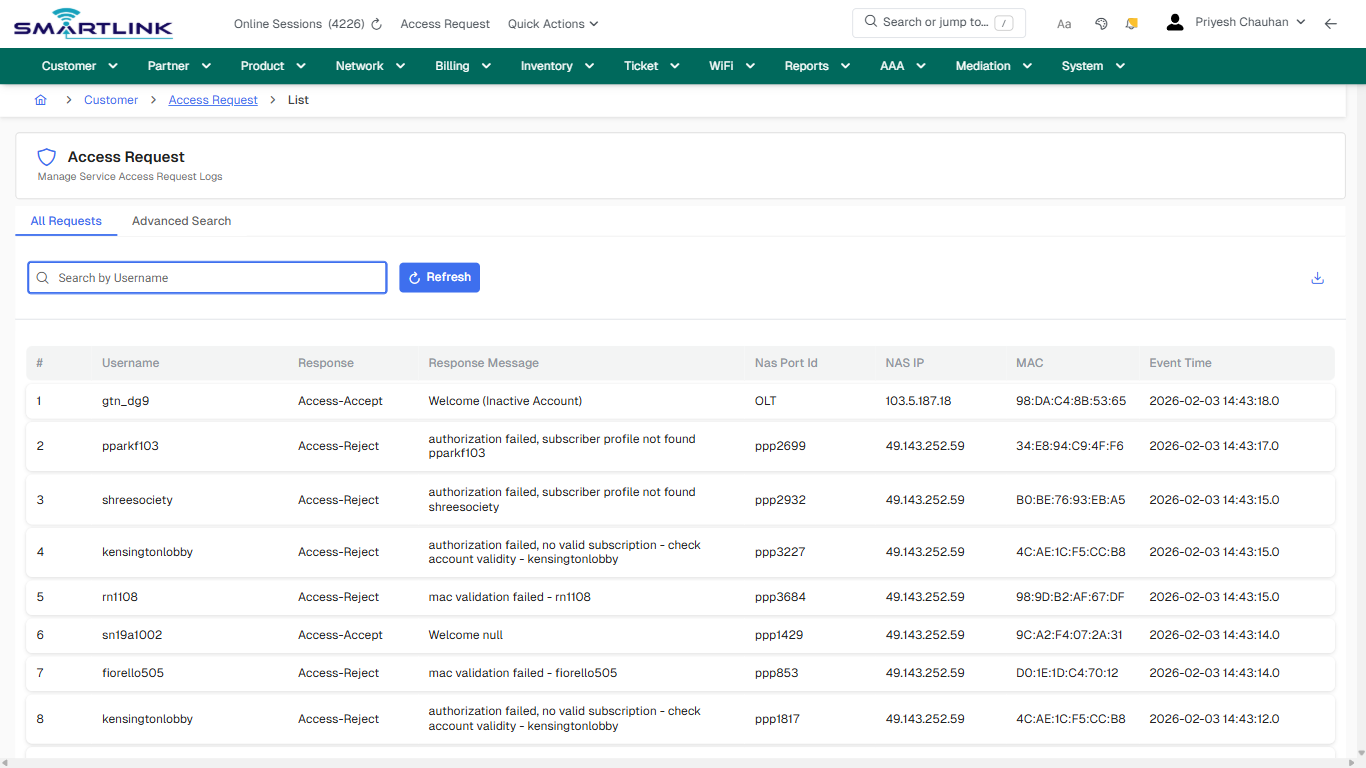
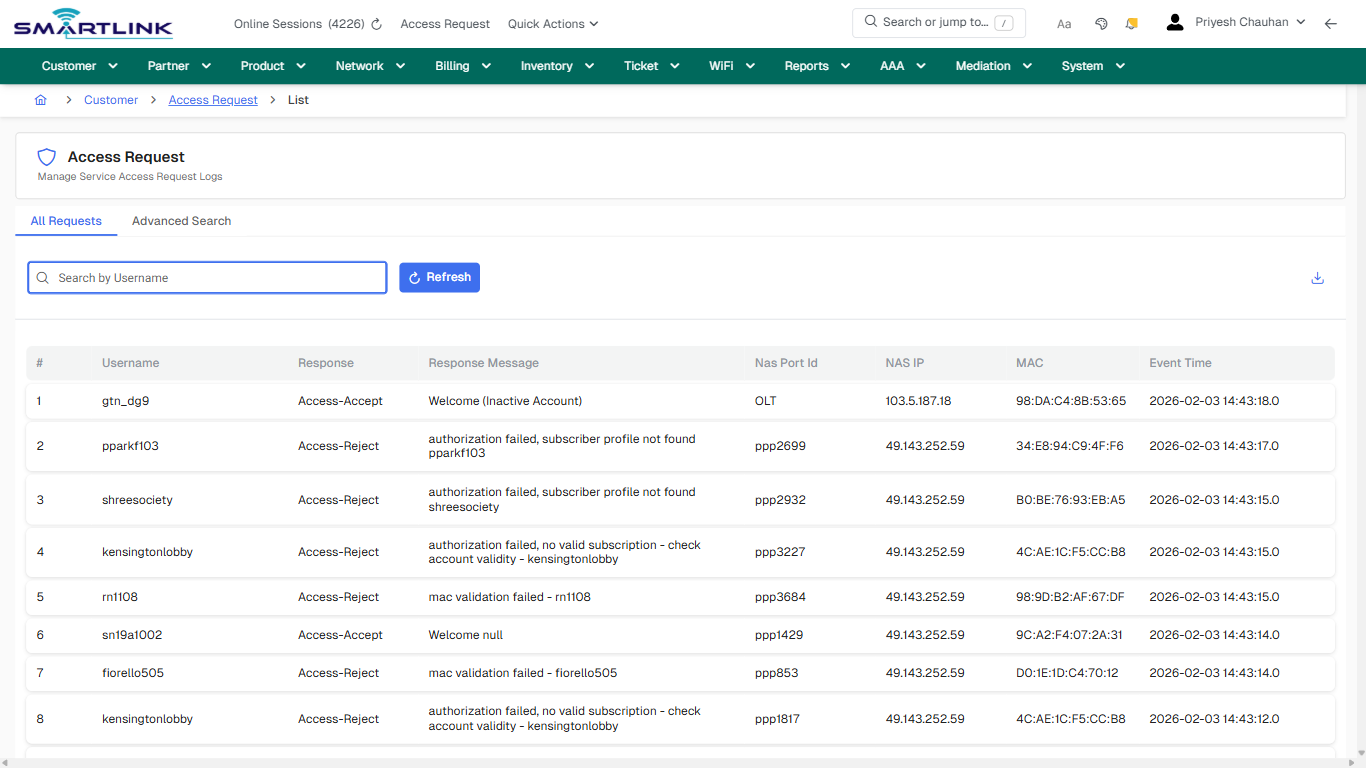
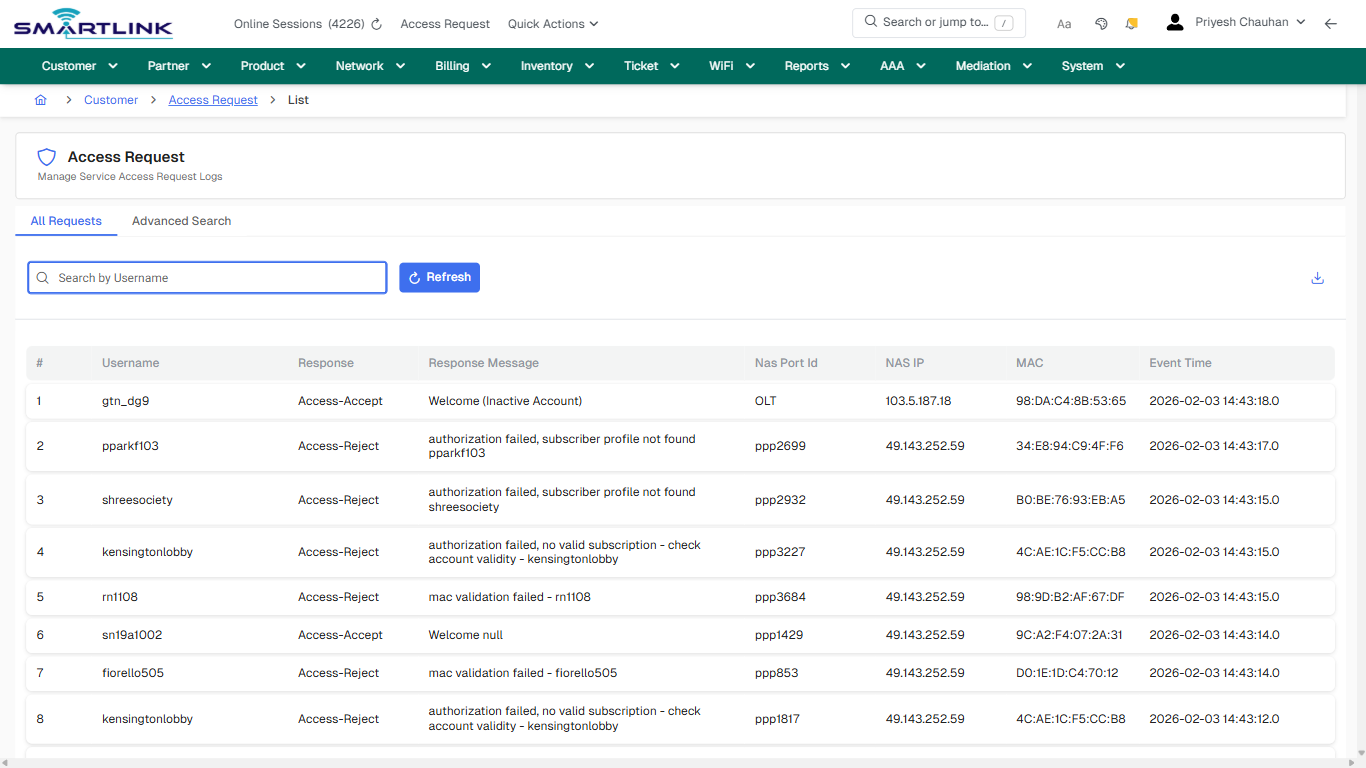
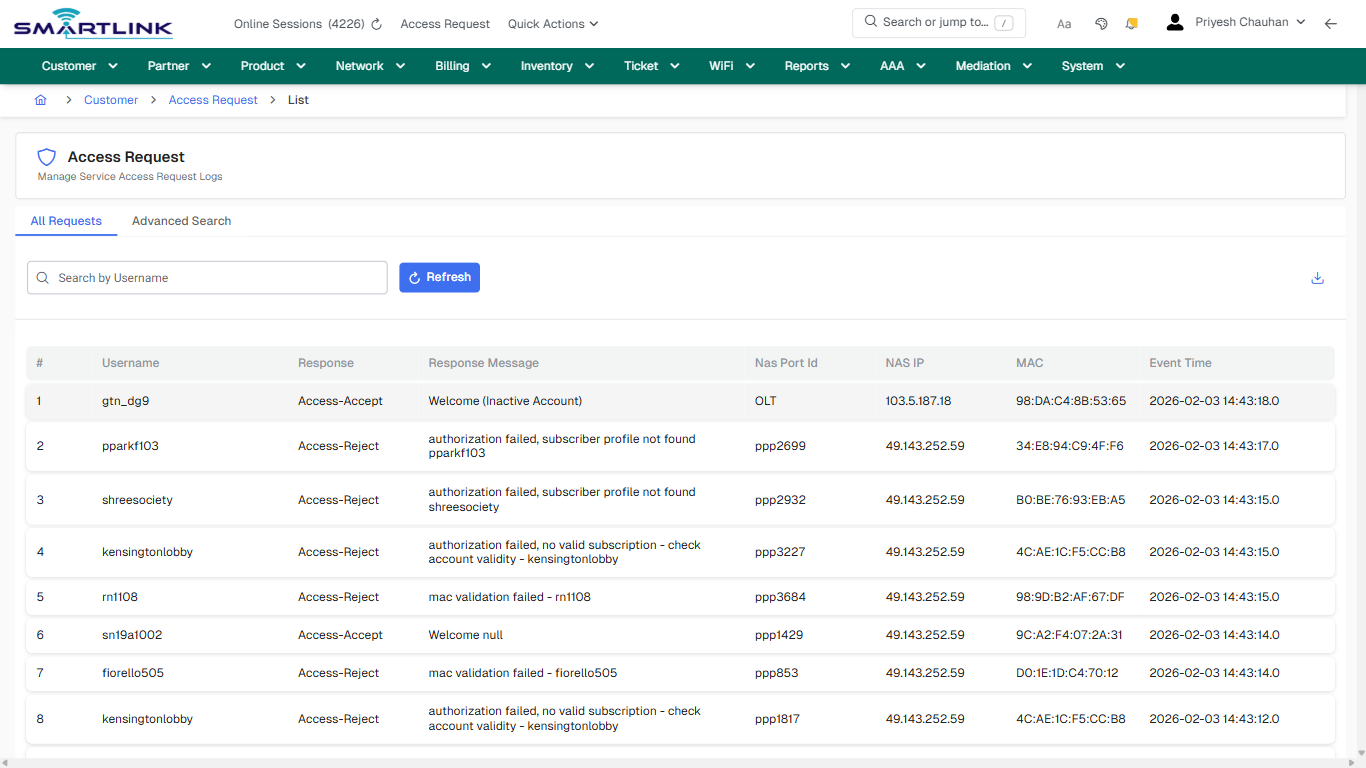
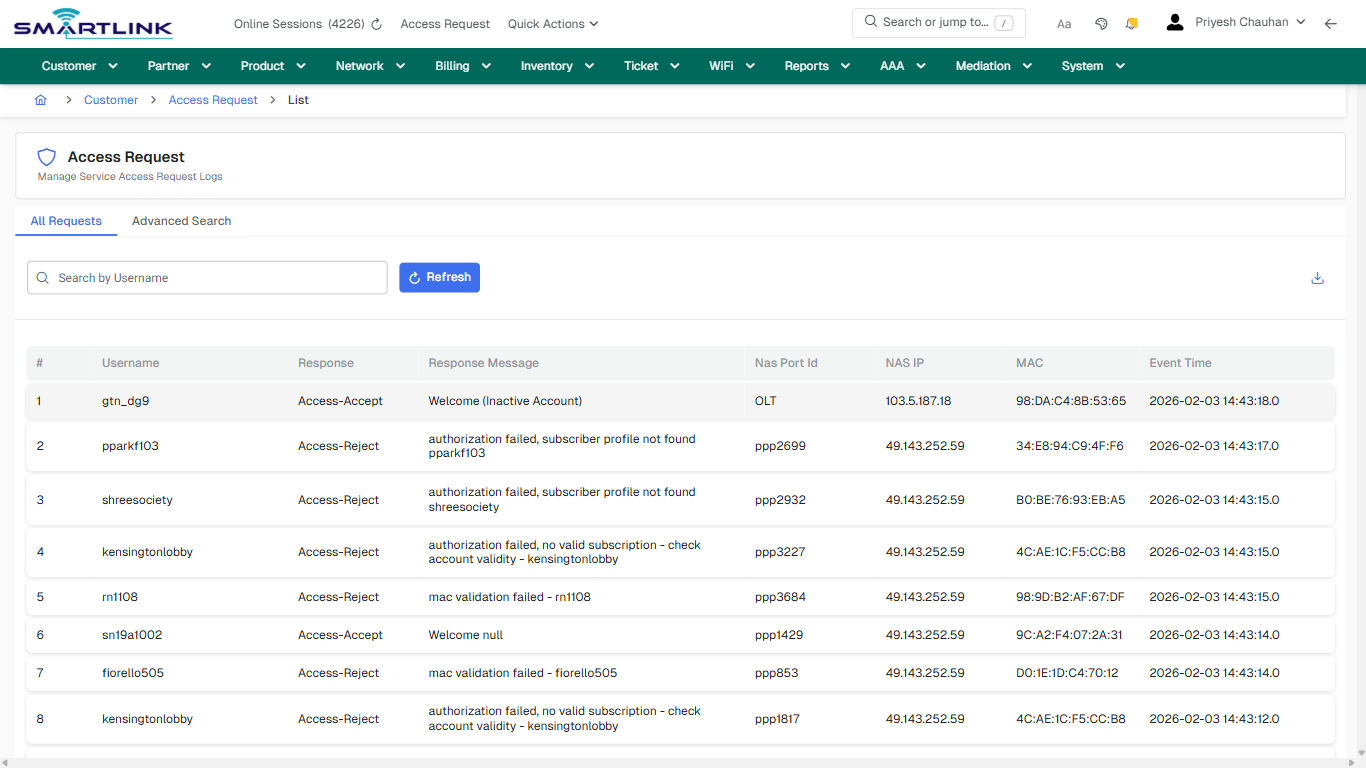
# cust > accesslog > adv

# cust &gt; accesslog &gt; adv

**Route:** cust/accesslog/adv

**URL:** https://admin.myslbb.com/#/cust/accesslog/adv

---

## Overview

 This page is a draft SOP reference for the above screen in **i2i Core OSS/BSS**. It is auto-generated from UI exports and should be reviewed for operational correctness before customer release.

## When to Use

- Use this screen for the workflow represented by this route.
- Do not make billing/AAA/provisioning-impacting changes without required authorization.
 
## Typical Workflow

1. Verify you are working on the correct entity (Customer/Account/Service).
2. Review the current lifecycle state before making changes.
3. Apply changes and validate system response.
4. Confirm downstream impact (AAA/Provisioning/Billing) where applicable.
 
## Field &amp; Action Hints (Auto-detected)

- **Actions detected:** Auto, Close, Customer, Access Request, Refresh

## Validation &amp; Safety Checks

- Confirm identifiers before saving.
- Confirm lifecycle state allows the change.
- Confirm rollback/support path exists for production actions.
 
## Escalation Guidance

- **L1:** Verify input, permissions, and entity state.
- **L2:** Validate dependencies and downstream state.
- **L3/Admin:** Policy/config changes or suspected defect.
 
---

## Screenshots

## default

**Captured URL:** https://admin.myslbb.com/#/cust/accesslog/adv

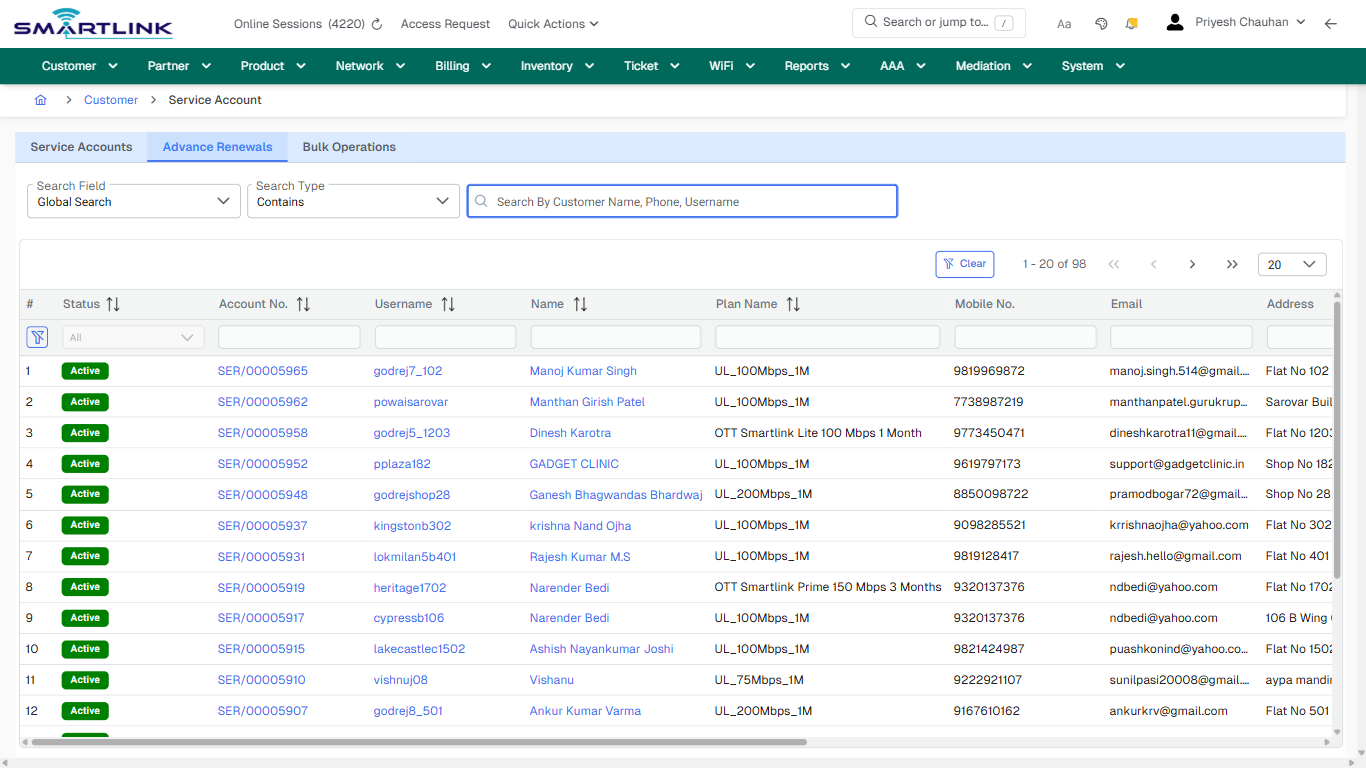
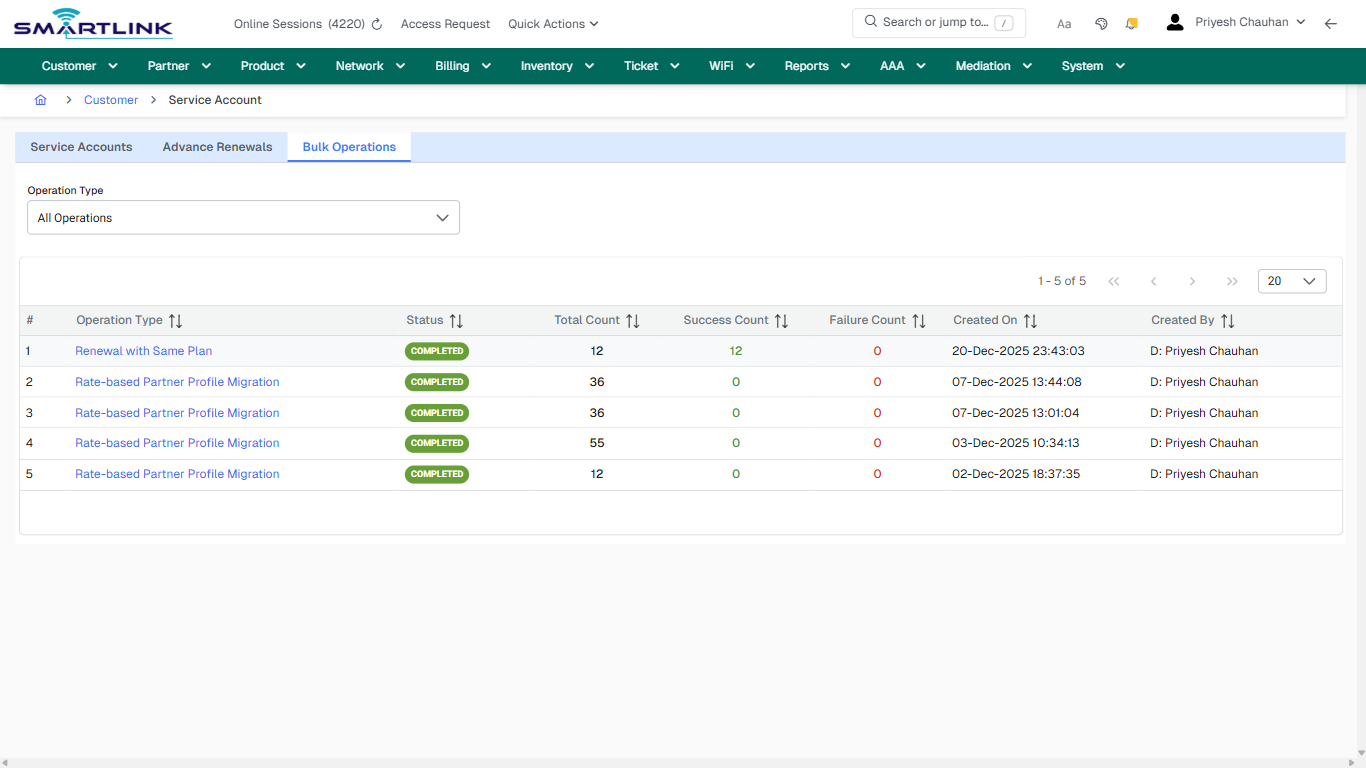
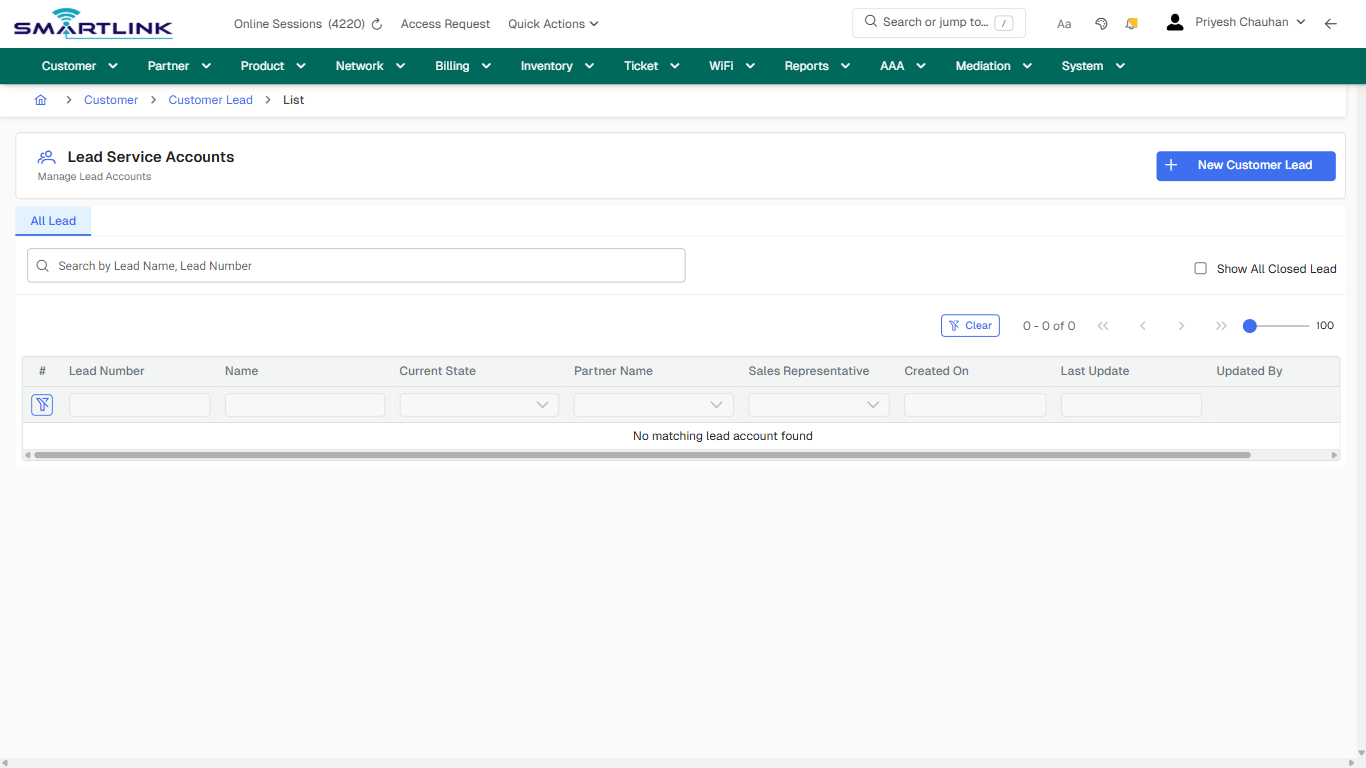
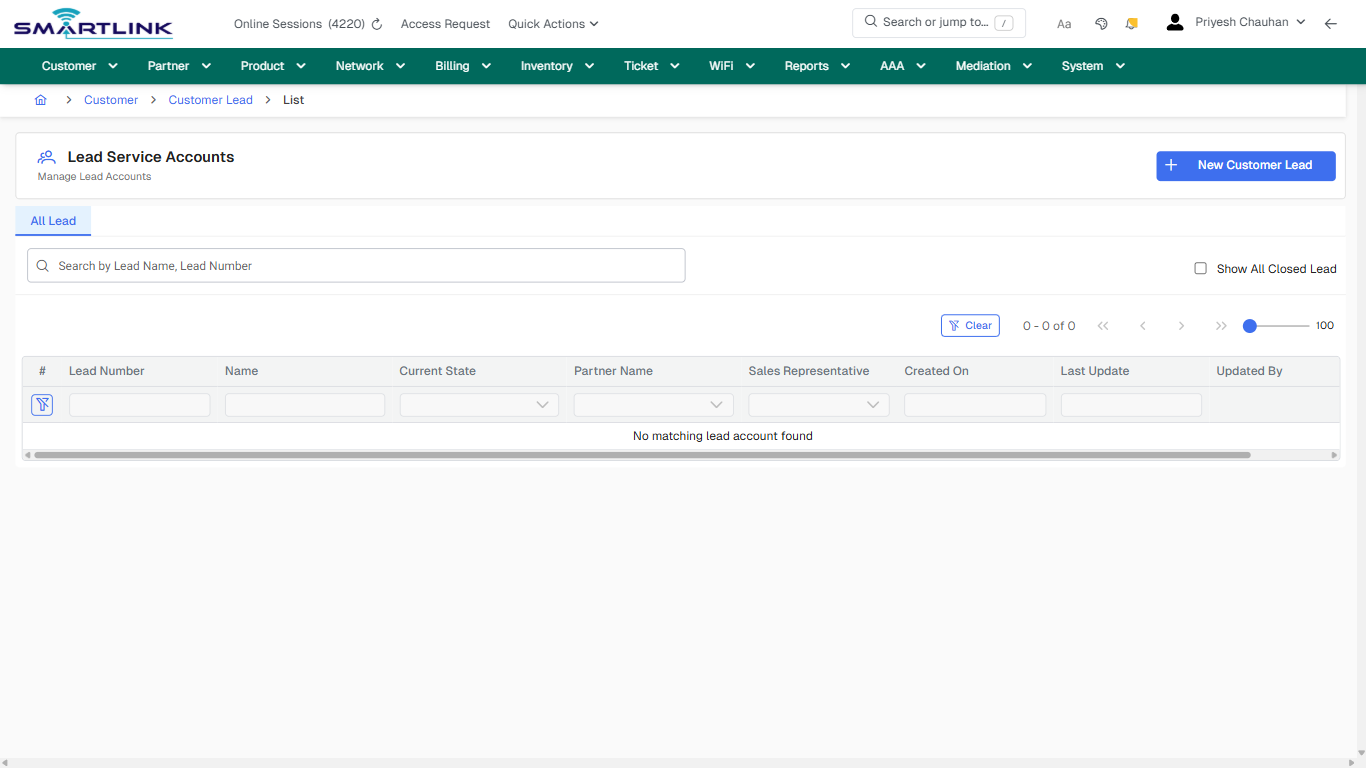
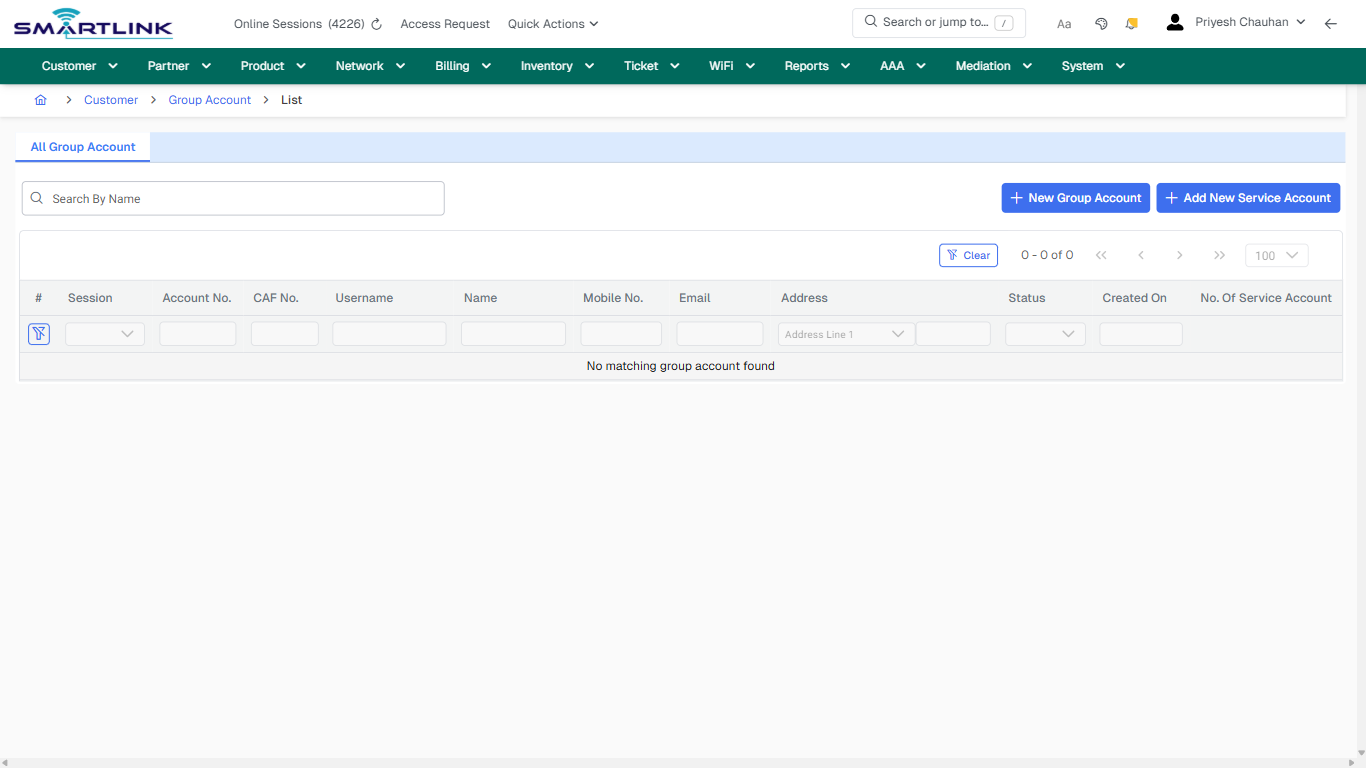
<div id="bkmrk-images-uploading%E2%80%A6">*Images uploading…*<div data-img-token="IMG_PLACEHOLDER_0_1770130530006">![screenshot](https://kb.i2itechservices.com/uploads/images/gallery/2026-02/admin-myslbb-com-cust-accesslog-adv-default-bb5b64e3f5-part-01.png)

![screenshot](https://kb.i2itechservices.com/uploads/images/gallery/2026-02/admin-myslbb-com-cust-accesslog-adv-default-bb5b64e3f5-part-02.png)

</div></div>---

## drilldown\_one\_item

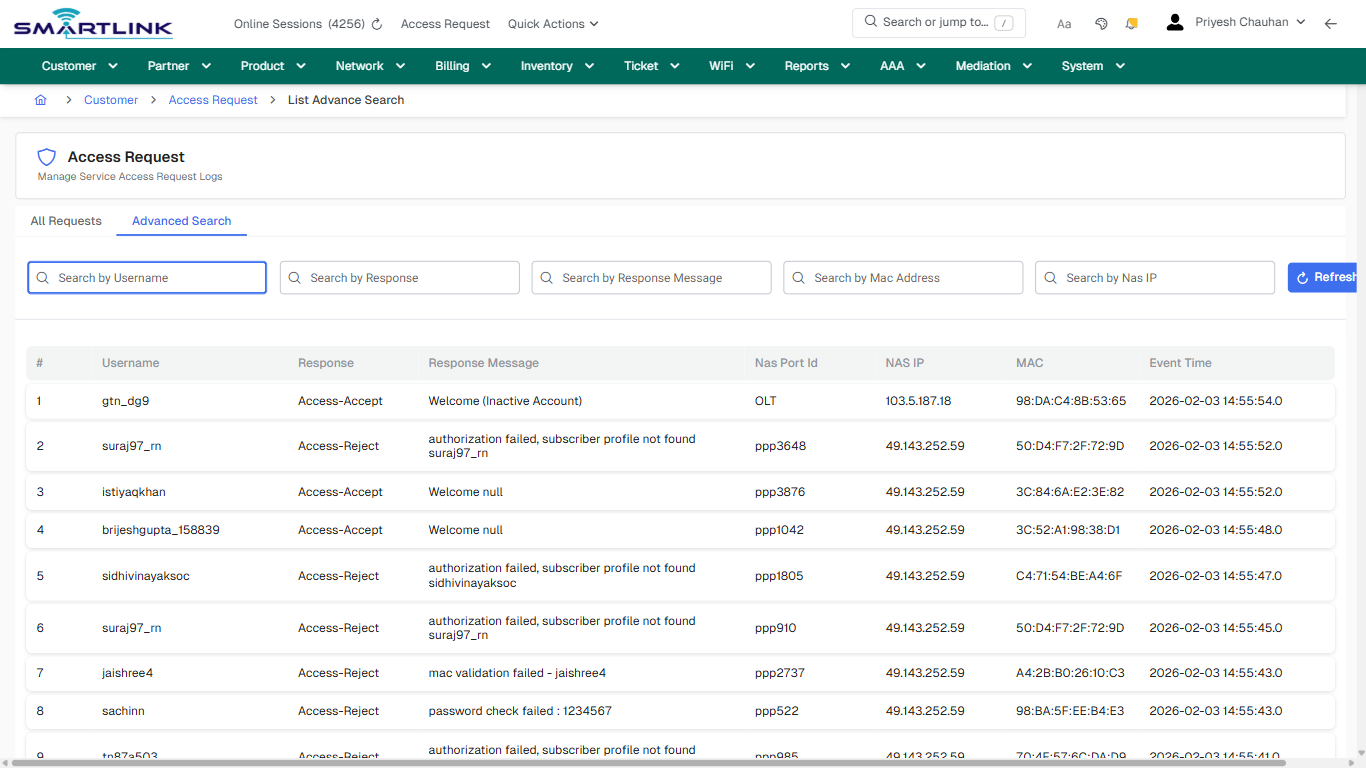
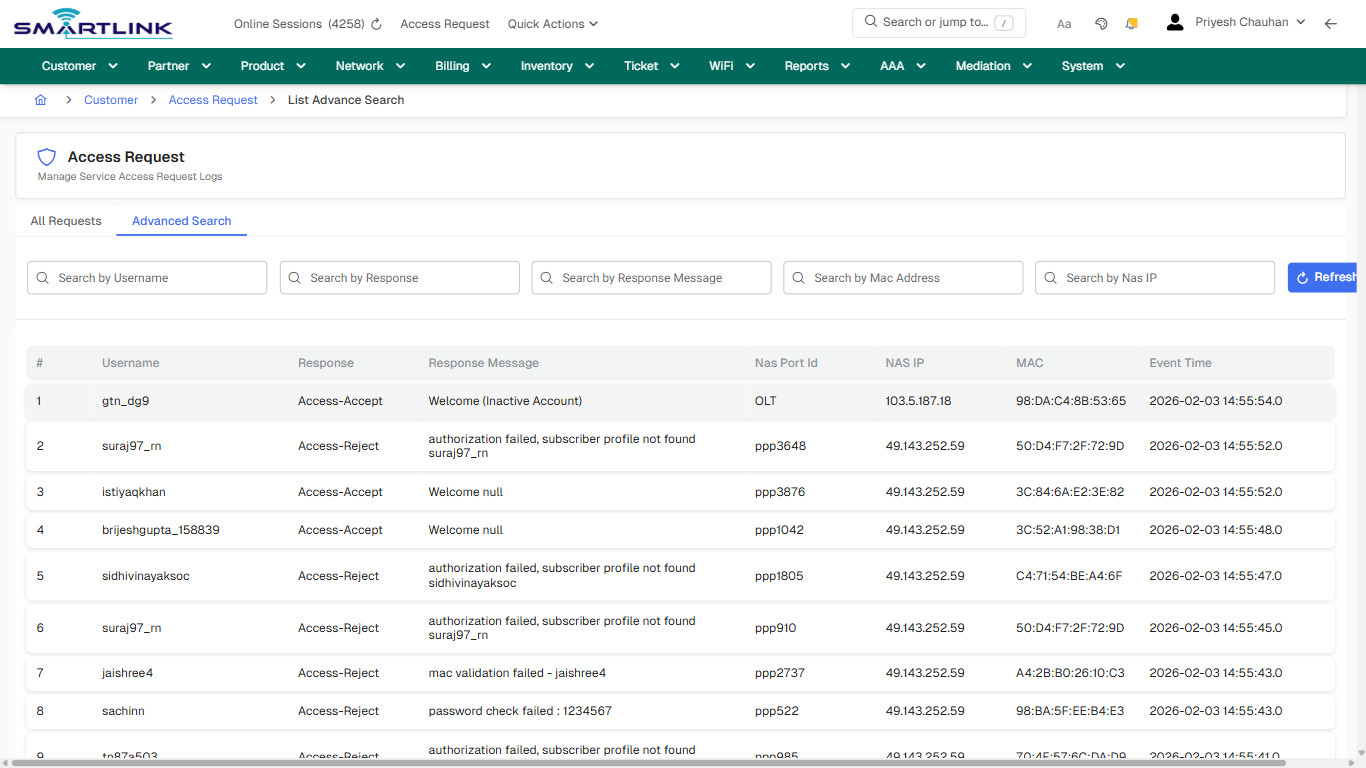
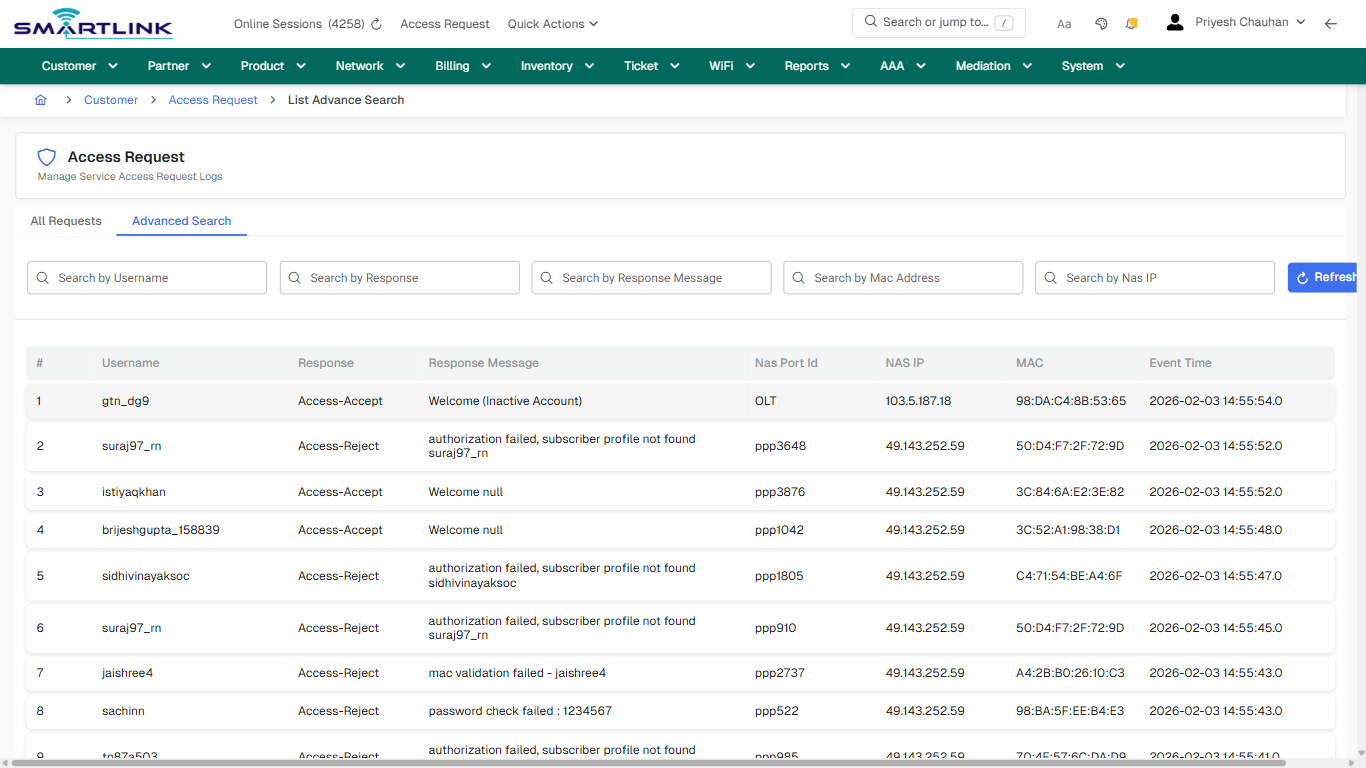
**Captured URL:** https://admin.myslbb.com/#/cust/accesslog/adv

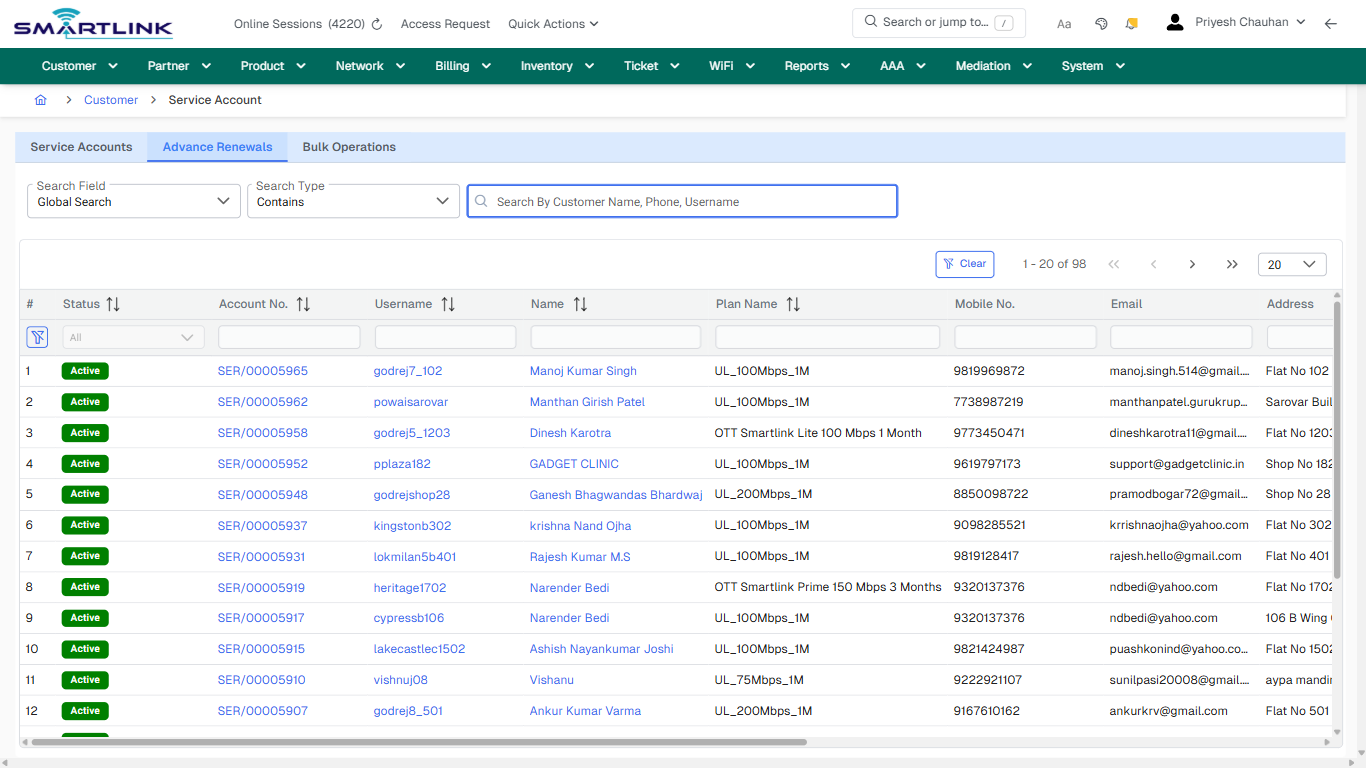
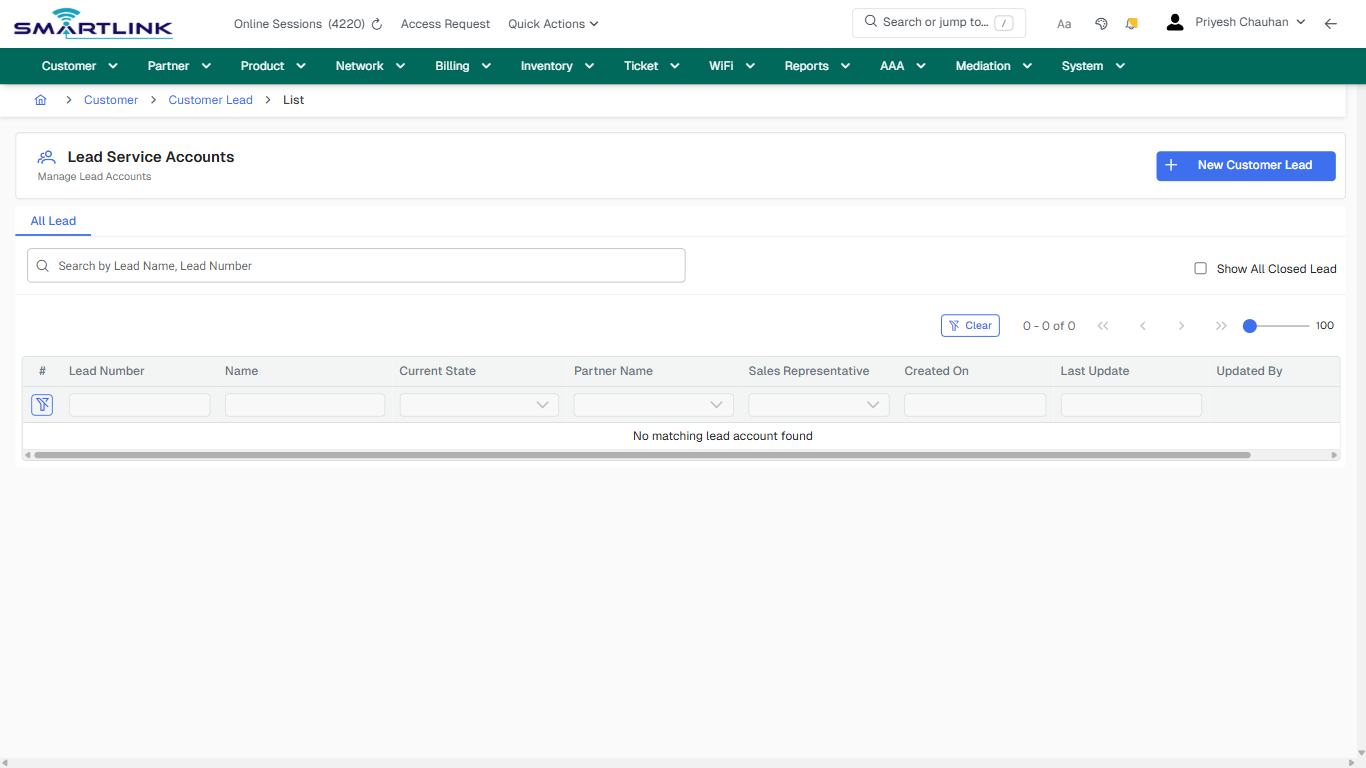
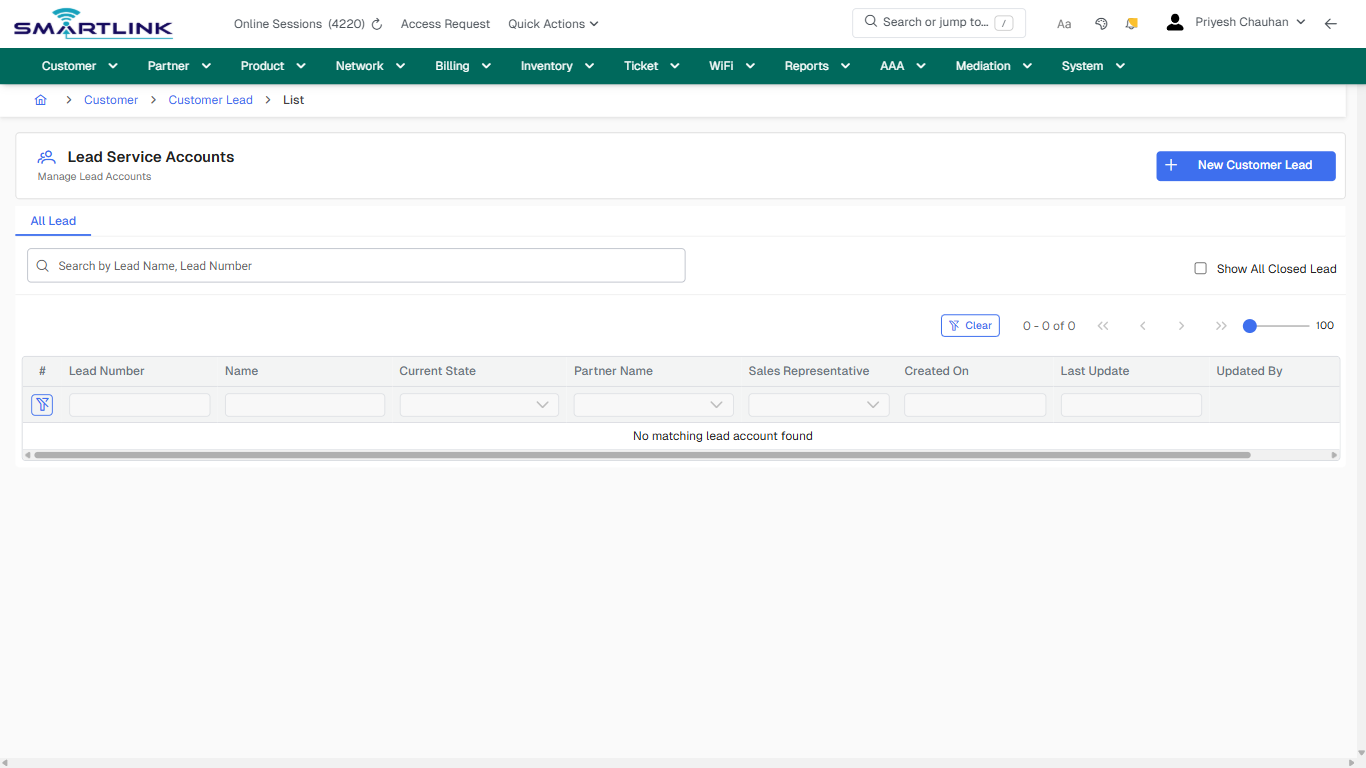
<div id="bkmrk-images-uploading%E2%80%A6-1">*Images uploading…*<div data-img-token="IMG_PLACEHOLDER_1_1770130530006">![screenshot](https://kb.i2itechservices.com/uploads/images/gallery/2026-02/admin-myslbb-com-cust-accesslog-adv-drilldown-one-item-13ce23632f-part-01.png)

![screenshot](https://kb.i2itechservices.com/uploads/images/gallery/2026-02/admin-myslbb-com-cust-accesslog-adv-drilldown-one-item-13ce23632f-part-02.png)

</div></div>

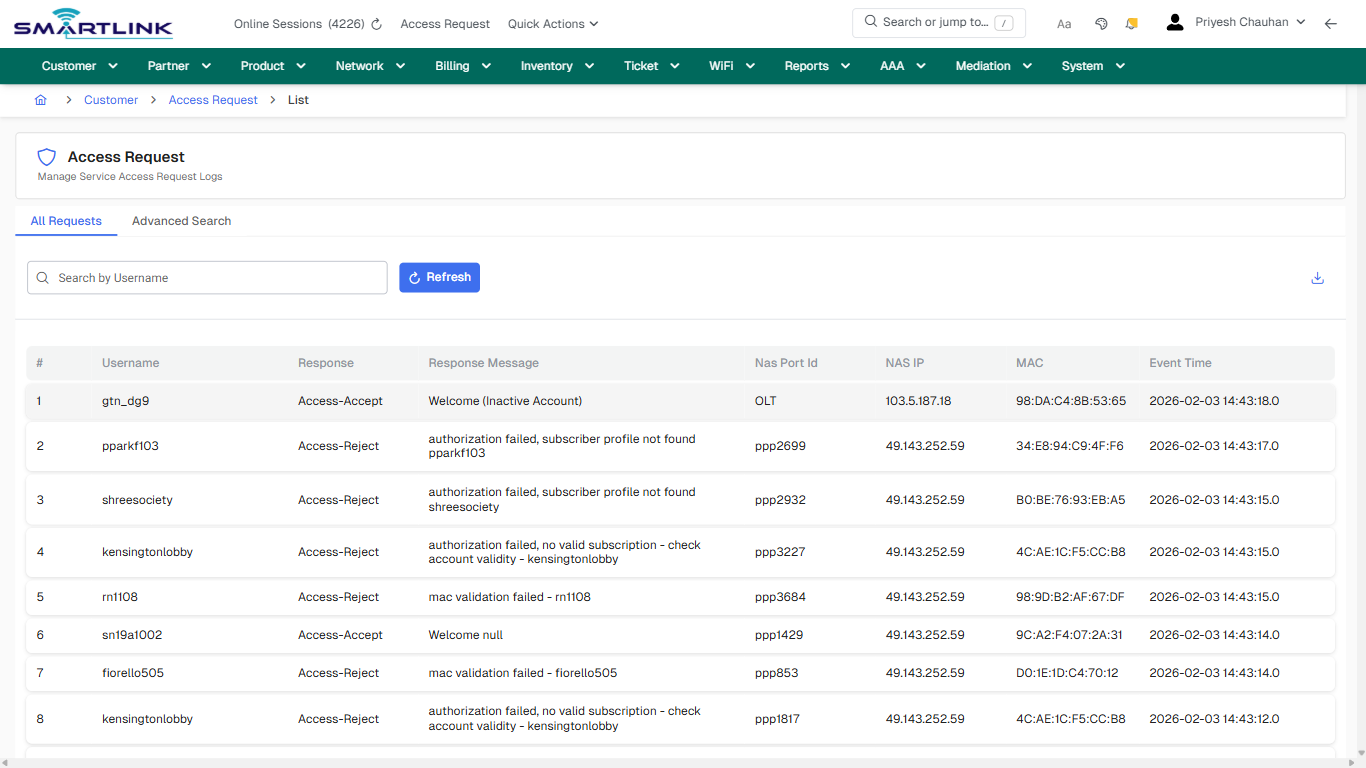
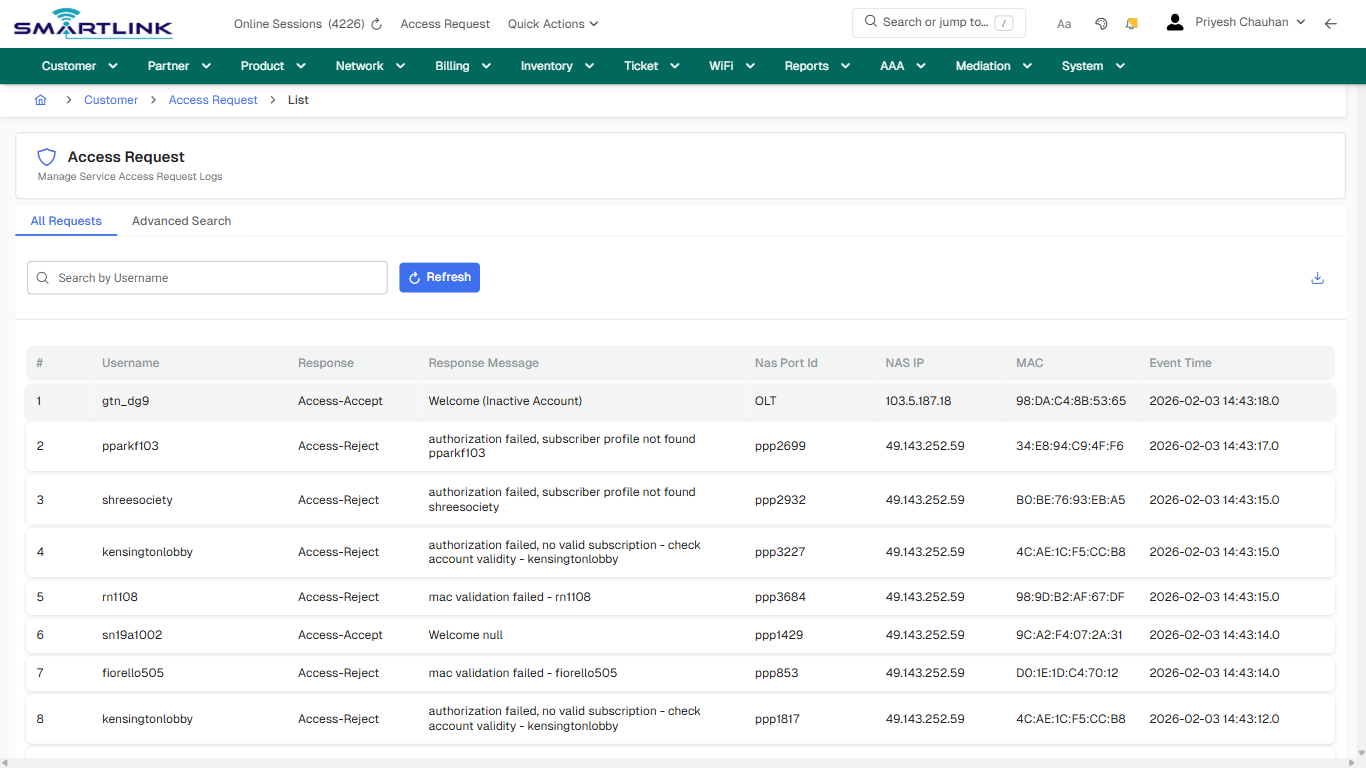
# cust > accesslog > all

# cust &gt; accesslog &gt; all

**Route:** cust/accesslog/all

**URL:** https://admin.myslbb.com/#/cust/accesslog/all

---

## Overview

 This page is a draft SOP reference for the above screen in **i2i Core OSS/BSS**. It is auto-generated from UI exports and should be reviewed for operational correctness before customer release.

## When to Use

- Use this screen for the workflow represented by this route.
- Do not make billing/AAA/provisioning-impacting changes without required authorization.
 
## Typical Workflow

1. Verify you are working on the correct entity (Customer/Account/Service).
2. Review the current lifecycle state before making changes.
3. Apply changes and validate system response.
4. Confirm downstream impact (AAA/Provisioning/Billing) where applicable.
 
## Field &amp; Action Hints (Auto-detected)

- **Actions detected:** Auto, Close, Customer, Access Request, Refresh

## Validation &amp; Safety Checks

- Confirm identifiers before saving.
- Confirm lifecycle state allows the change.
- Confirm rollback/support path exists for production actions.
 
## Escalation Guidance

- **L1:** Verify input, permissions, and entity state.
- **L2:** Validate dependencies and downstream state.
- **L3/Admin:** Policy/config changes or suspected defect.
 
---

## Screenshots

## default

**Captured URL:** https://admin.myslbb.com/#/cust/accesslog/all

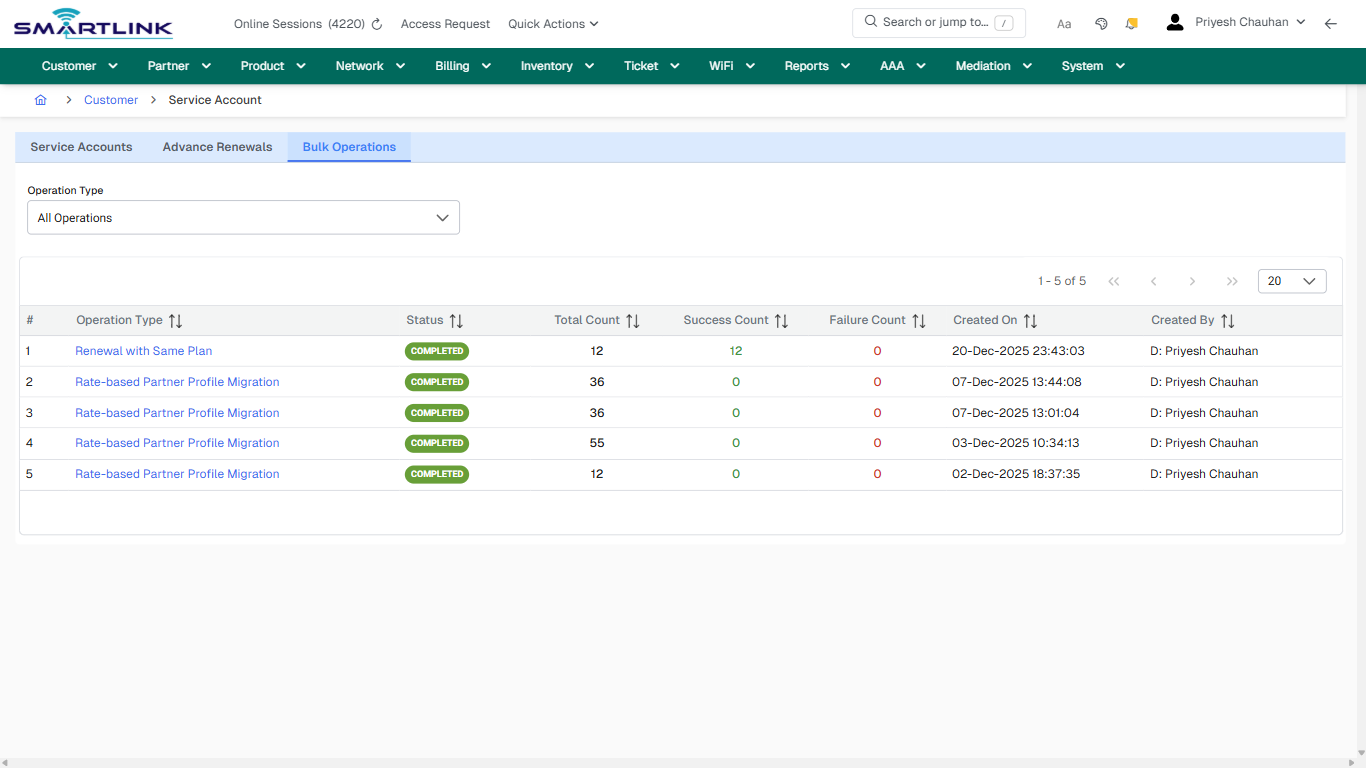
<div id="bkmrk-images-uploading%E2%80%A6">*Images uploading…*<div data-img-token="IMG_PLACEHOLDER_0_1770130533320">![screenshot](https://kb.i2itechservices.com/uploads/images/gallery/2026-02/admin-myslbb-com-cust-accesslog-all-default-34f9cafa42-part-01.png)

![screenshot](https://kb.i2itechservices.com/uploads/images/gallery/2026-02/admin-myslbb-com-cust-accesslog-all-default-34f9cafa42-part-02.png)

</div></div>---

## default

**Captured URL:** https://admin.myslbb.com/#/cust/accesslog/all

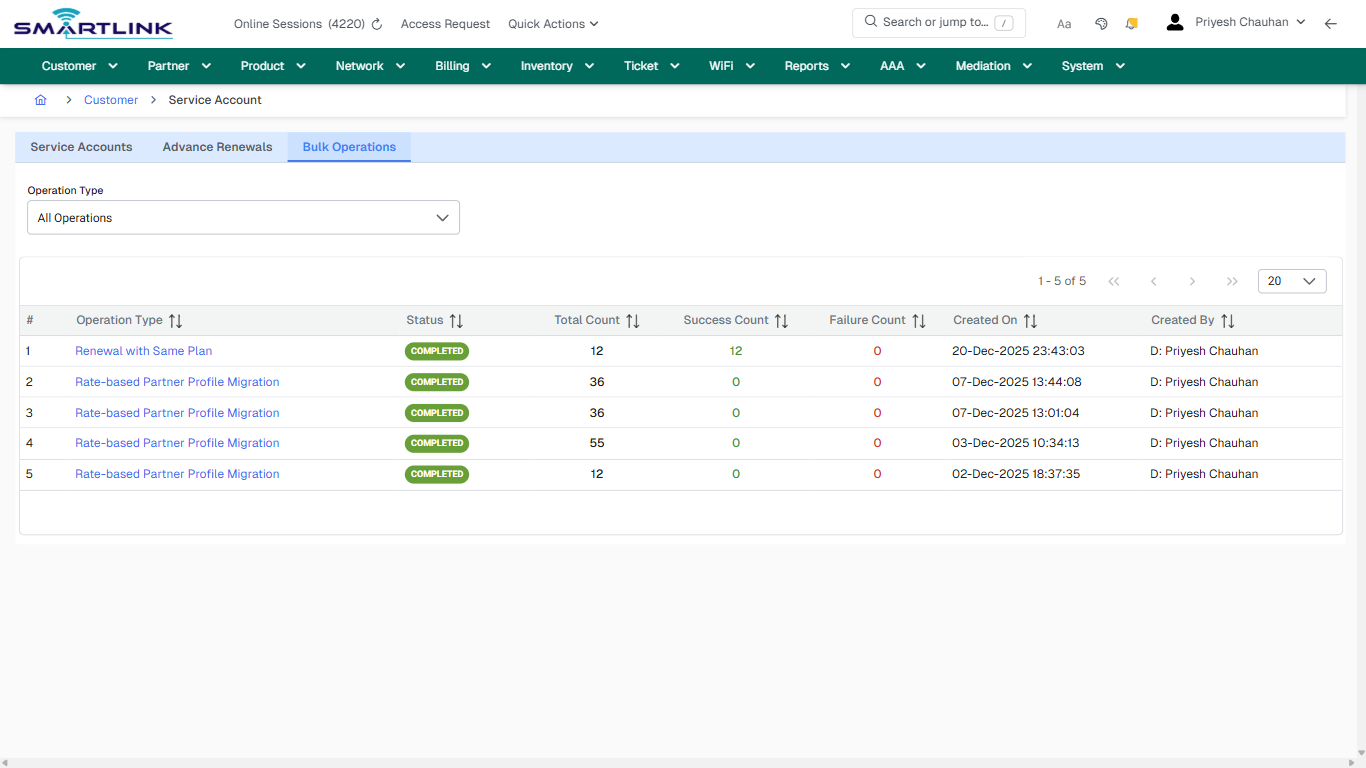
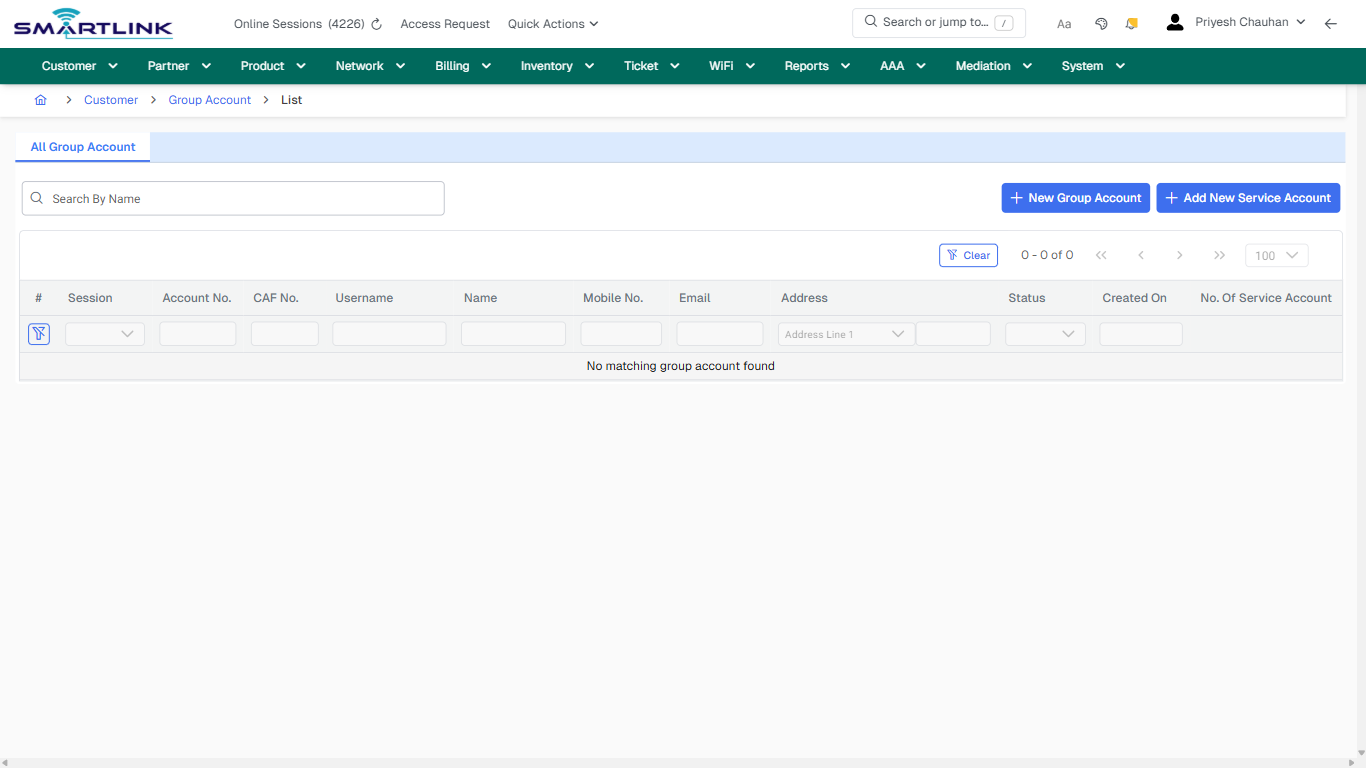
<div id="bkmrk-images-uploading%E2%80%A6-1">*Images uploading…*<div data-img-token="IMG_PLACEHOLDER_1_1770130533320">![screenshot](https://kb.i2itechservices.com/uploads/images/gallery/2026-02/NC6admin-myslbb-com-cust-accesslog-all-default-34f9cafa42-part-01.png)

![screenshot](https://kb.i2itechservices.com/uploads/images/gallery/2026-02/Nffadmin-myslbb-com-cust-accesslog-all-default-34f9cafa42-part-02.png)

</div></div>---

## drilldown\_one\_item

**Captured URL:** https://admin.myslbb.com/#/cust/accesslog/all

<div id="bkmrk-images-uploading%E2%80%A6-2">*Images uploading…*<div data-img-token="IMG_PLACEHOLDER_2_1770130533320">![screenshot](https://kb.i2itechservices.com/uploads/images/gallery/2026-02/admin-myslbb-com-cust-accesslog-all-drilldown-one-item-a371a949d4-part-01.png)

![screenshot](https://kb.i2itechservices.com/uploads/images/gallery/2026-02/admin-myslbb-com-cust-accesslog-all-drilldown-one-item-a371a949d4-part-02.png)

</div></div>---

## drilldown\_one\_item

**Captured URL:** https://admin.myslbb.com/#/cust/accesslog/all

<div id="bkmrk-images-uploading%E2%80%A6-3">*Images uploading…*<div data-img-token="IMG_PLACEHOLDER_3_1770130533320">![screenshot](https://kb.i2itechservices.com/uploads/images/gallery/2026-02/HNsadmin-myslbb-com-cust-accesslog-all-drilldown-one-item-a371a949d4-part-01.png)

![screenshot](https://kb.i2itechservices.com/uploads/images/gallery/2026-02/WXNadmin-myslbb-com-cust-accesslog-all-drilldown-one-item-a371a949d4-part-02.png)

</div></div>

# cust > acct > list

# cust &gt; acct &gt; list

**Route:** cust/acct/list

**URL:** https://admin.myslbb.com/#/cust/acct/list

---

## Overview

 This page is a draft SOP reference for the above screen in **i2i Core OSS/BSS**. It is auto-generated from UI exports and should be reviewed for operational correctness before customer release.

## When to Use

- Use this screen for the workflow represented by this route.
- Do not make billing/AAA/provisioning-impacting changes without required authorization.
 
## Typical Workflow

1. Verify you are working on the correct entity (Customer/Account/Service).
2. Review the current lifecycle state before making changes.
3. Apply changes and validate system response.
4. Confirm downstream impact (AAA/Provisioning/Billing) where applicable.
 
## Field &amp; Action Hints (Auto-detected)

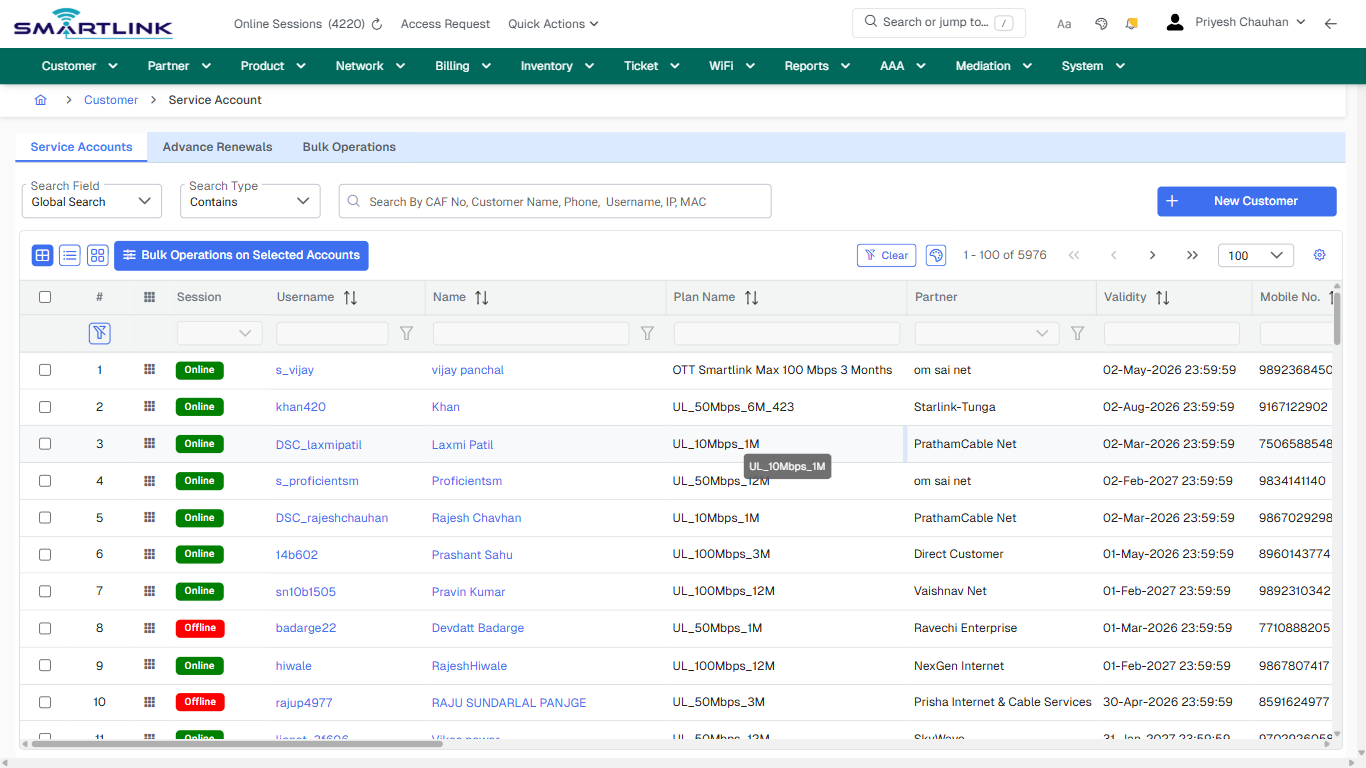
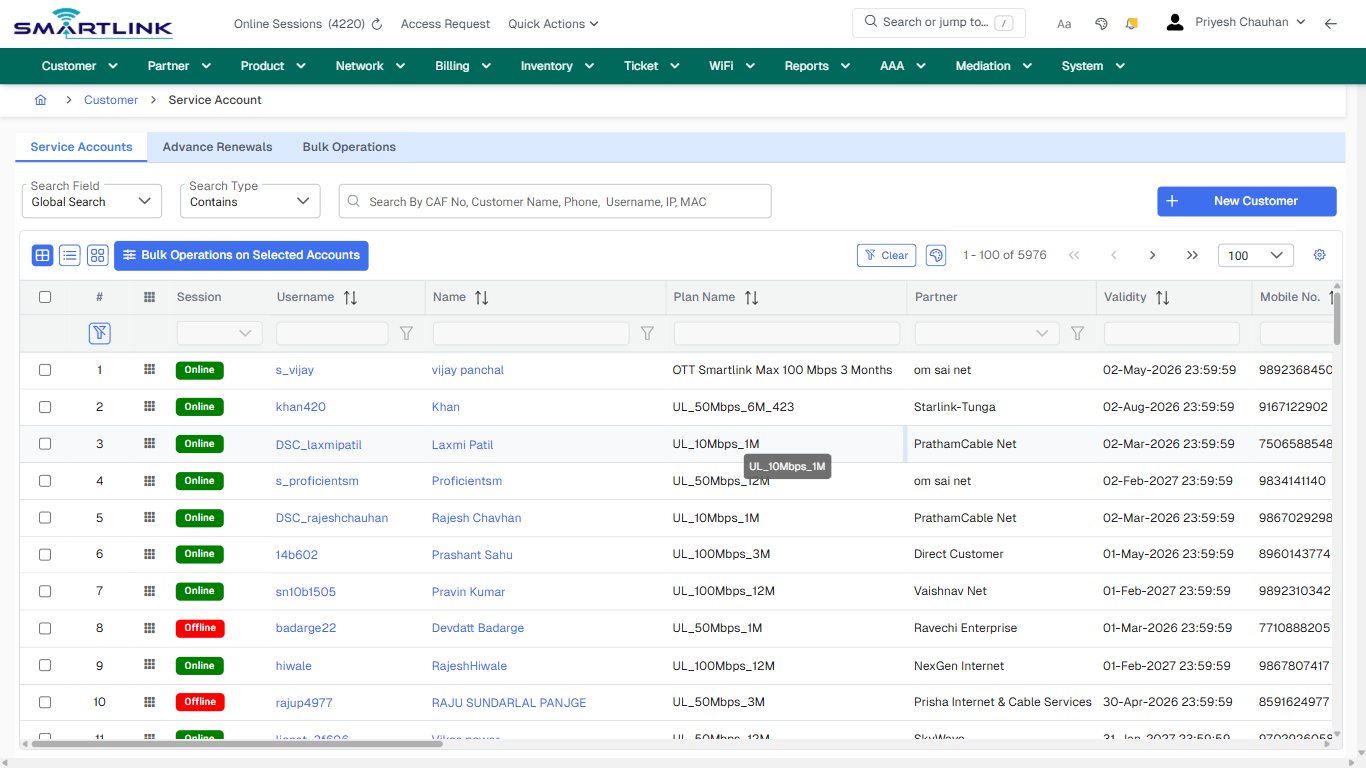
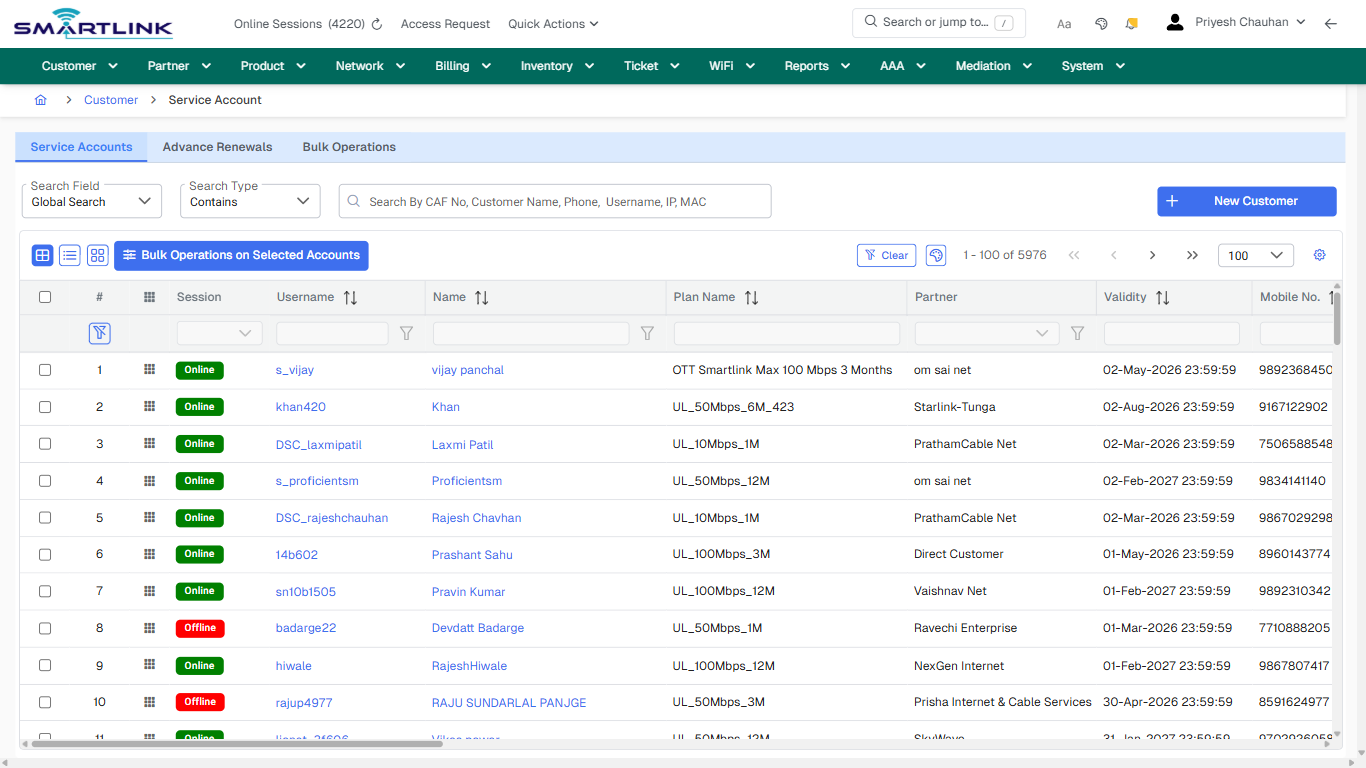
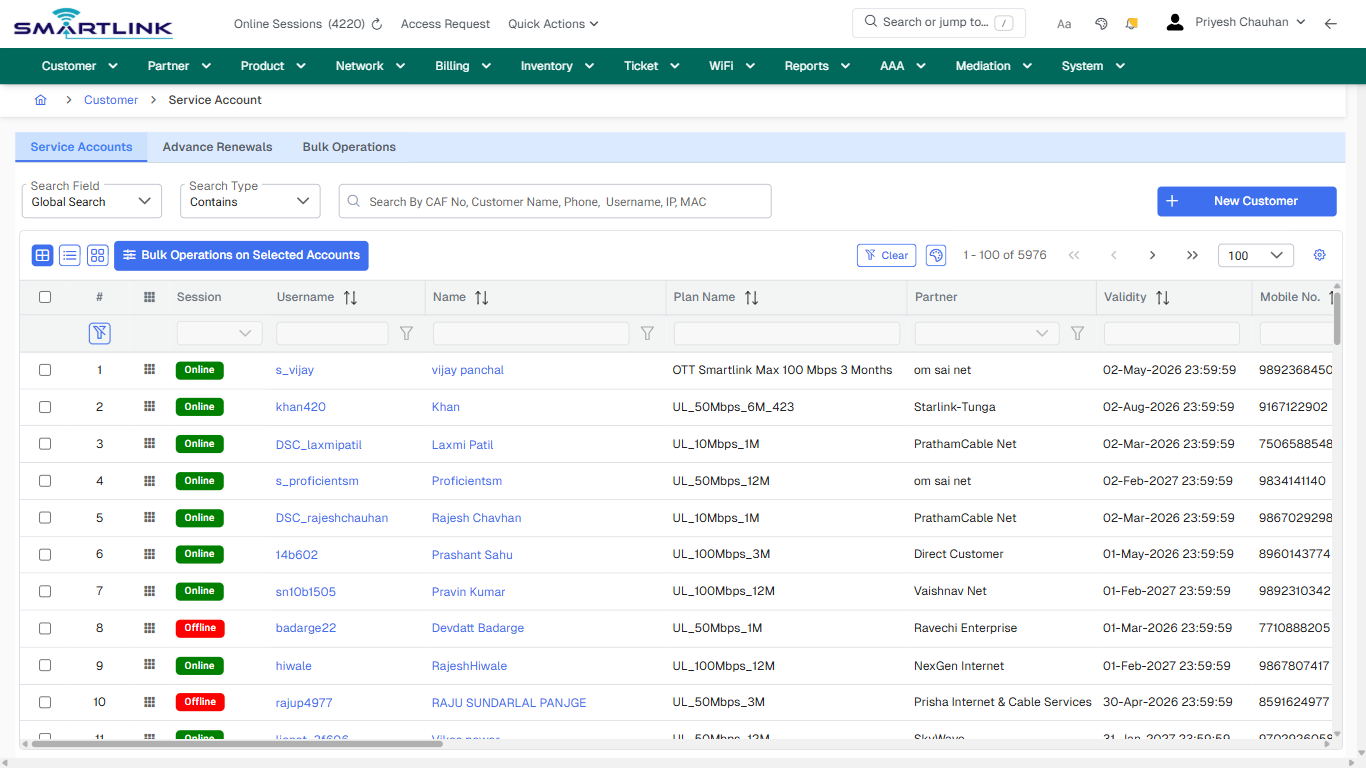
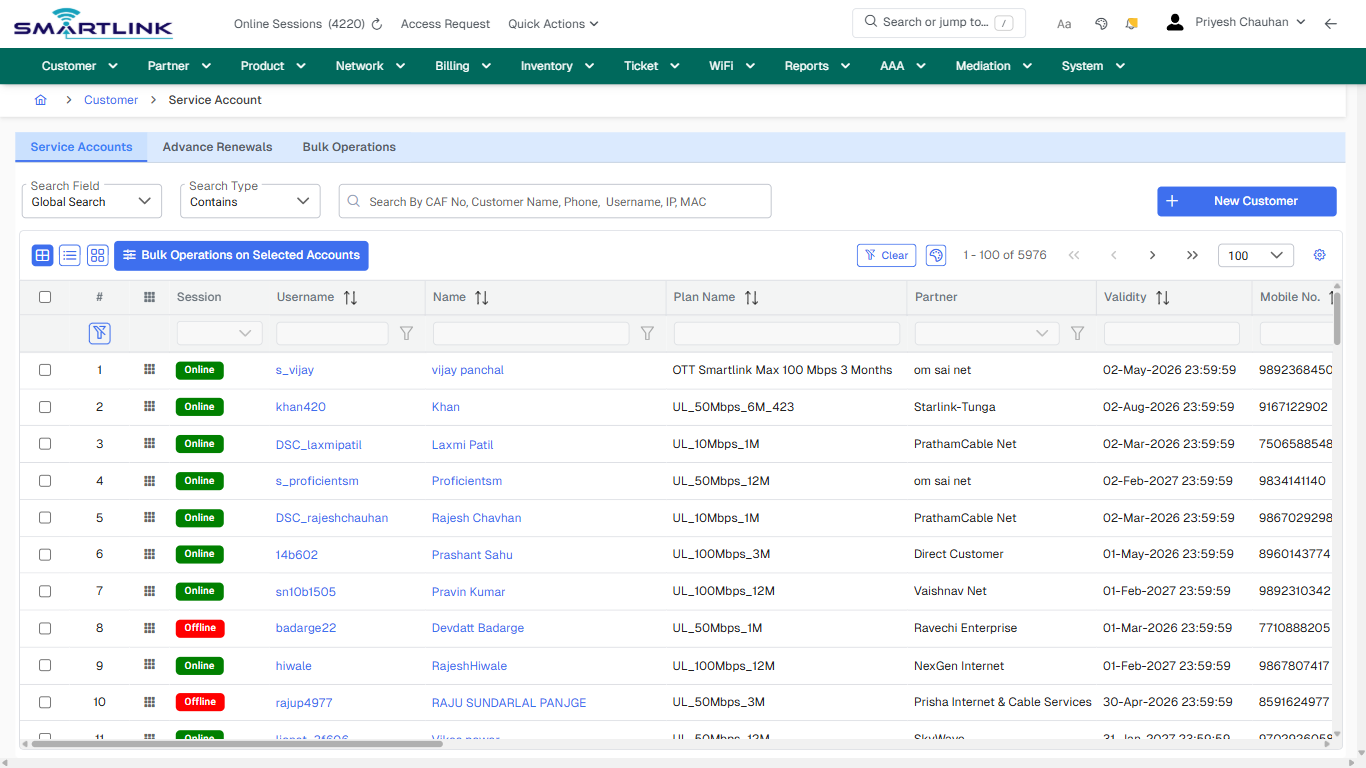
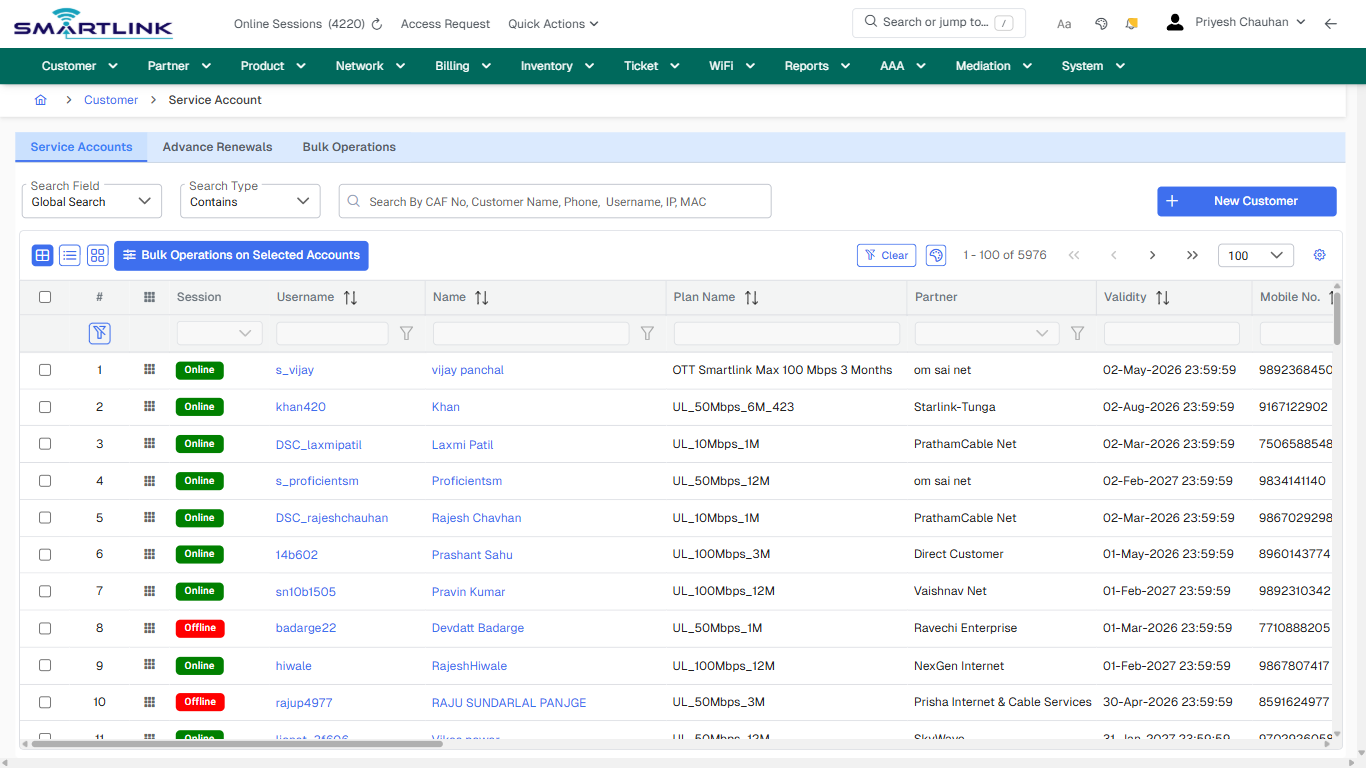
- **Headings detected:** Search Customers
- **Fields detected:** Search Field, Search Type
- **Actions detected:** Auto, Close, Customer, Advanced Search, New Customer, Bulk Operations on Selected Accounts, Clear, Bulk Operations, s\_vijay, vijay panchal, khan420, Khan, DSC\_laxmipatil, Laxmi Patil, s\_proficientsm, Proficientsm, DSC\_rajeshchauhan, Rajesh Chavhan, 14b602, Prashant Sahu

## Validation &amp; Safety Checks

- Confirm identifiers before saving.
- Confirm lifecycle state allows the change.
- Confirm rollback/support path exists for production actions.
 
## Escalation Guidance

- **L1:** Verify input, permissions, and entity state.
- **L2:** Validate dependencies and downstream state.
- **L3/Admin:** Policy/config changes or suspected defect.
 
---

## Screenshots

## default

**Captured URL:** https://admin.myslbb.com/#/cust/acct/list

<div id="bkmrk-images-uploading%E2%80%A6">*Images uploading…*<div data-img-token="IMG_PLACEHOLDER_0_1770130539050">![screenshot](https://kb.i2itechservices.com/uploads/images/gallery/2026-02/admin-myslbb-com-cust-acct-list-default-0b3435e69c-part-01.png)

![screenshot](https://kb.i2itechservices.com/uploads/images/gallery/2026-02/admin-myslbb-com-cust-acct-list-default-0b3435e69c-part-02.png)

</div></div>---

## ui\_tab\_1

**Captured URL:** https://admin.myslbb.com/#/cust/acct/list

<div id="bkmrk-images-uploading%E2%80%A6-1">*Images uploading…*<div data-img-token="IMG_PLACEHOLDER_1_1770130539050">![screenshot](https://kb.i2itechservices.com/uploads/images/gallery/2026-02/admin-myslbb-com-cust-acct-list-ui-tab-1-d7f595eafb-part-01.png)

![screenshot](https://kb.i2itechservices.com/uploads/images/gallery/2026-02/admin-myslbb-com-cust-acct-list-ui-tab-1-d7f595eafb-part-02.png)

</div></div>---

## ui\_tab\_2

**Captured URL:** https://admin.myslbb.com/#/cust/acct/list

<div id="bkmrk-images-uploading%E2%80%A6-2">*Images uploading…*<div data-img-token="IMG_PLACEHOLDER_2_1770130539050">![screenshot](https://kb.i2itechservices.com/uploads/images/gallery/2026-02/admin-myslbb-com-cust-acct-list-ui-tab-2-16d3c085f8-part-01.png)

![screenshot](https://kb.i2itechservices.com/uploads/images/gallery/2026-02/admin-myslbb-com-cust-acct-list-ui-tab-2-16d3c085f8-part-02.png)

</div></div>---

## ui\_tab\_3

**Captured URL:** https://admin.myslbb.com/#/cust/acct/list

<div id="bkmrk-images-uploading%E2%80%A6-3">*Images uploading…*<div data-img-token="IMG_PLACEHOLDER_3_1770130539050">![screenshot](https://kb.i2itechservices.com/uploads/images/gallery/2026-02/admin-myslbb-com-cust-acct-list-ui-tab-3-8077a05523-part-01.png)

![screenshot](https://kb.i2itechservices.com/uploads/images/gallery/2026-02/admin-myslbb-com-cust-acct-list-ui-tab-3-8077a05523-part-02.png)

</div></div>---

## common\_tab\_1

**Captured URL:** https://admin.myslbb.com/#/cust/acct/list

<div id="bkmrk-images-uploading%E2%80%A6-4">*Images uploading…*<div data-img-token="IMG_PLACEHOLDER_4_1770130539050">![screenshot](https://kb.i2itechservices.com/uploads/images/gallery/2026-02/admin-myslbb-com-cust-acct-list-common-tab-1-6cd64fe29a-part-01.png)

![screenshot](https://kb.i2itechservices.com/uploads/images/gallery/2026-02/admin-myslbb-com-cust-acct-list-common-tab-1-6cd64fe29a-part-02.png)

</div></div>---

## common\_tab\_2

**Captured URL:** https://admin.myslbb.com/#/cust/acct/list

<div id="bkmrk-images-uploading%E2%80%A6-5">*Images uploading…*<div data-img-token="IMG_PLACEHOLDER_5_1770130539050">![screenshot](https://kb.i2itechservices.com/uploads/images/gallery/2026-02/admin-myslbb-com-cust-acct-list-common-tab-2-c5718c6cc5-part-01.png)

![screenshot](https://kb.i2itechservices.com/uploads/images/gallery/2026-02/admin-myslbb-com-cust-acct-list-common-tab-2-c5718c6cc5-part-02.png)

</div></div>---

## common\_tab\_3

**Captured URL:** https://admin.myslbb.com/#/cust/acct/list

<div id="bkmrk-images-uploading%E2%80%A6-6">*Images uploading…*<div data-img-token="IMG_PLACEHOLDER_6_1770130539050">![screenshot](https://kb.i2itechservices.com/uploads/images/gallery/2026-02/admin-myslbb-com-cust-acct-list-common-tab-3-fd7f24d7a1-part-01.png)

![screenshot](https://kb.i2itechservices.com/uploads/images/gallery/2026-02/admin-myslbb-com-cust-acct-list-common-tab-3-fd7f24d7a1-part-02.png)

</div></div>---

## common\_tab\_4

**Captured URL:** https://admin.myslbb.com/#/cust/acct/list

<div id="bkmrk-images-uploading%E2%80%A6-7">*Images uploading…*<div data-img-token="IMG_PLACEHOLDER_7_1770130539050">![screenshot](https://kb.i2itechservices.com/uploads/images/gallery/2026-02/admin-myslbb-com-cust-acct-list-common-tab-4-14a84e0eb7-part-01.png)

![screenshot](https://kb.i2itechservices.com/uploads/images/gallery/2026-02/admin-myslbb-com-cust-acct-list-common-tab-4-14a84e0eb7-part-02.png)

</div></div>---

## drilldown\_one\_item

**Captured URL:** https://admin.myslbb.com/#/cust/acct/list

<div id="bkmrk-images-uploading%E2%80%A6-8">*Images uploading…*<div data-img-token="IMG_PLACEHOLDER_8_1770130539050">![screenshot](https://kb.i2itechservices.com/uploads/images/gallery/2026-02/admin-myslbb-com-cust-acct-list-drilldown-one-item-537f10a8b3-part-01.png)

![screenshot](https://kb.i2itechservices.com/uploads/images/gallery/2026-02/admin-myslbb-com-cust-acct-list-drilldown-one-item-537f10a8b3-part-02.png)

</div></div>

# cust > acct > vacct > 1001286 > 1287 > findetdv

# cust &gt; acct &gt; vacct &gt; 1001286 &gt; 1287 &gt; findetdv

**Route:** cust/acct/vacct/1001286/1287/findetdv

**URL:** https://admin.myslbb.com/#/cust/acct/vacct/1001286/1287/findetdv

---

## Overview

 This page is a draft SOP reference for the above screen in **i2i Core OSS/BSS**. It is auto-generated from UI exports and should be reviewed for operational correctness before customer release.

## When to Use

- Use this screen for the workflow represented by this route.
- Do not make billing/AAA/provisioning-impacting changes without required authorization.
 
## Typical Workflow

1. Verify you are working on the correct entity (Customer/Account/Service).
2. Review the current lifecycle state before making changes.
3. Apply changes and validate system response.
4. Confirm downstream impact (AAA/Provisioning/Billing) where applicable.
 
## Field &amp; Action Hints (Auto-detected)

- **Fields detected:** Document Type, Status, Date Range
- **Actions detected:** Auto, Close, Customer, Service Account, View, Transactions, Edit, Change Status, Renew, Cancel Plan, Reset MAC, Change Password, Live Monitoring, eCAF, Apply Filter, Clear Filter, Add Debit Note, Add Credit Note

## Validation &amp; Safety Checks

- Confirm identifiers before saving.
- Confirm lifecycle state allows the change.
- Confirm rollback/support path exists for production actions.
 
## Escalation Guidance

- **L1:** Verify input, permissions, and entity state.
- **L2:** Validate dependencies and downstream state.
- **L3/Admin:** Policy/config changes or suspected defect.
 
---

## Screenshots

## drilldown\_one\_item

**Captured URL:** https://admin.myslbb.com/#/cust/acct/vacct/1001286/1287/findetdv

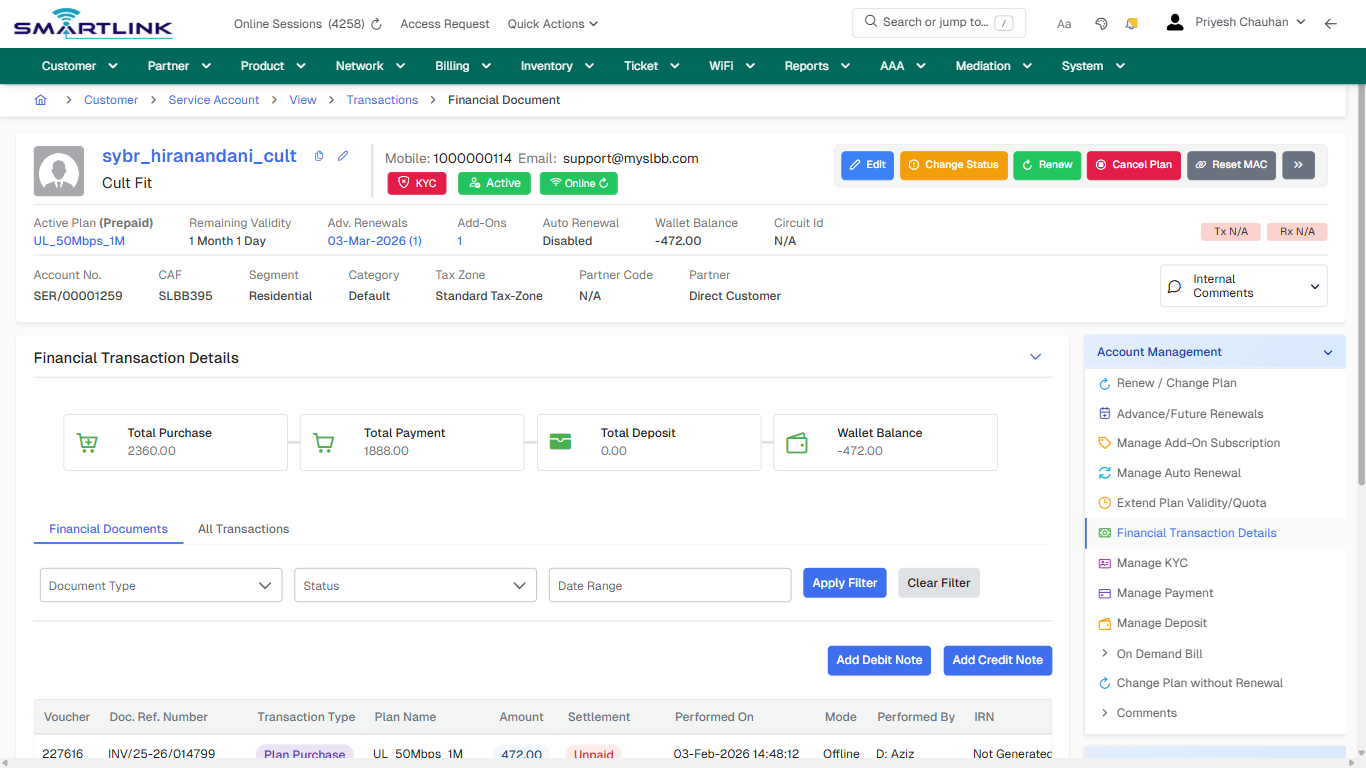
<div id="bkmrk-images-uploading%E2%80%A6">*Images uploading…*<div data-img-token="IMG_PLACEHOLDER_0_1770130551149">![screenshot](https://kb.i2itechservices.com/uploads/images/gallery/2026-02/admin-myslbb-com-cust-acct-vacct-1001286-1287-findetdv-drilldown-one-item-6aa189ea63-part-01.png)

![screenshot](https://kb.i2itechservices.com/uploads/images/gallery/2026-02/admin-myslbb-com-cust-acct-vacct-1001286-1287-findetdv-drilldown-one-item-6aa189ea63-part-02.png)

</div></div>

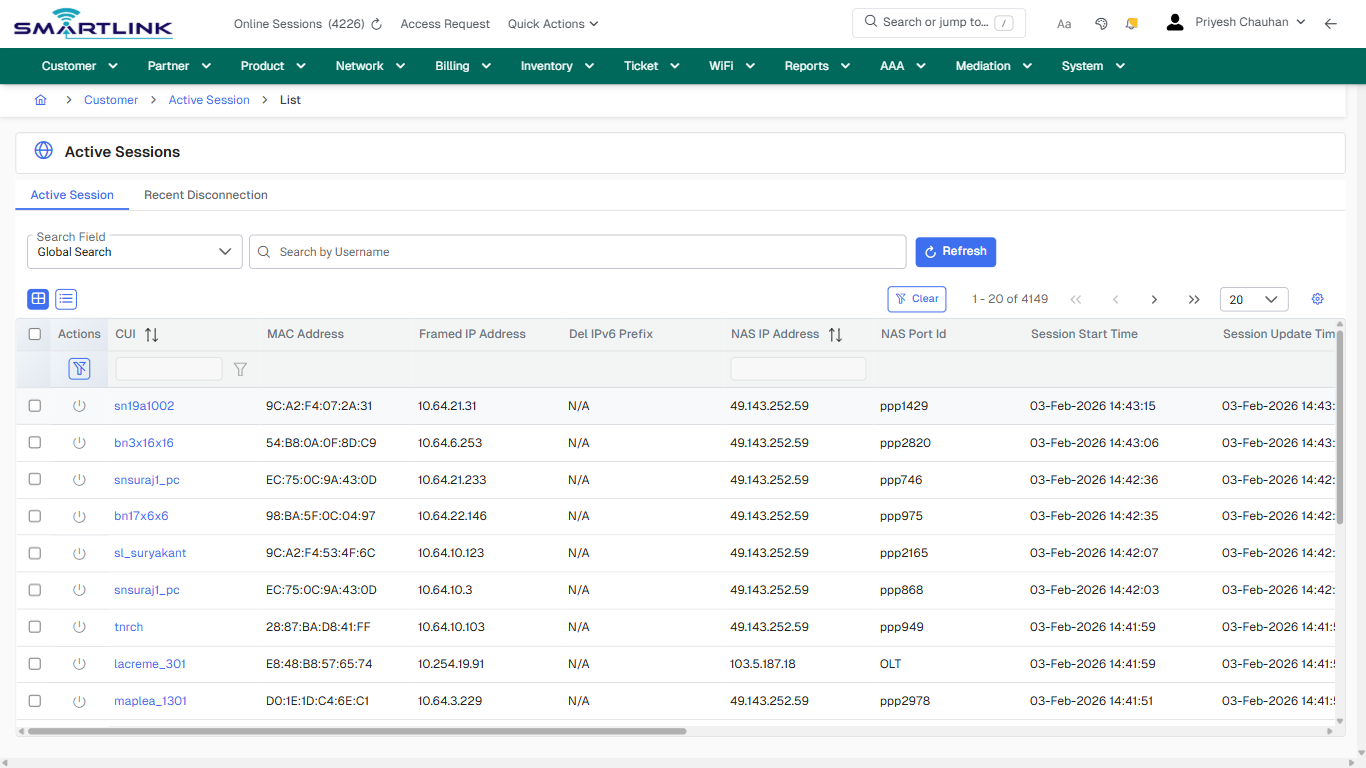
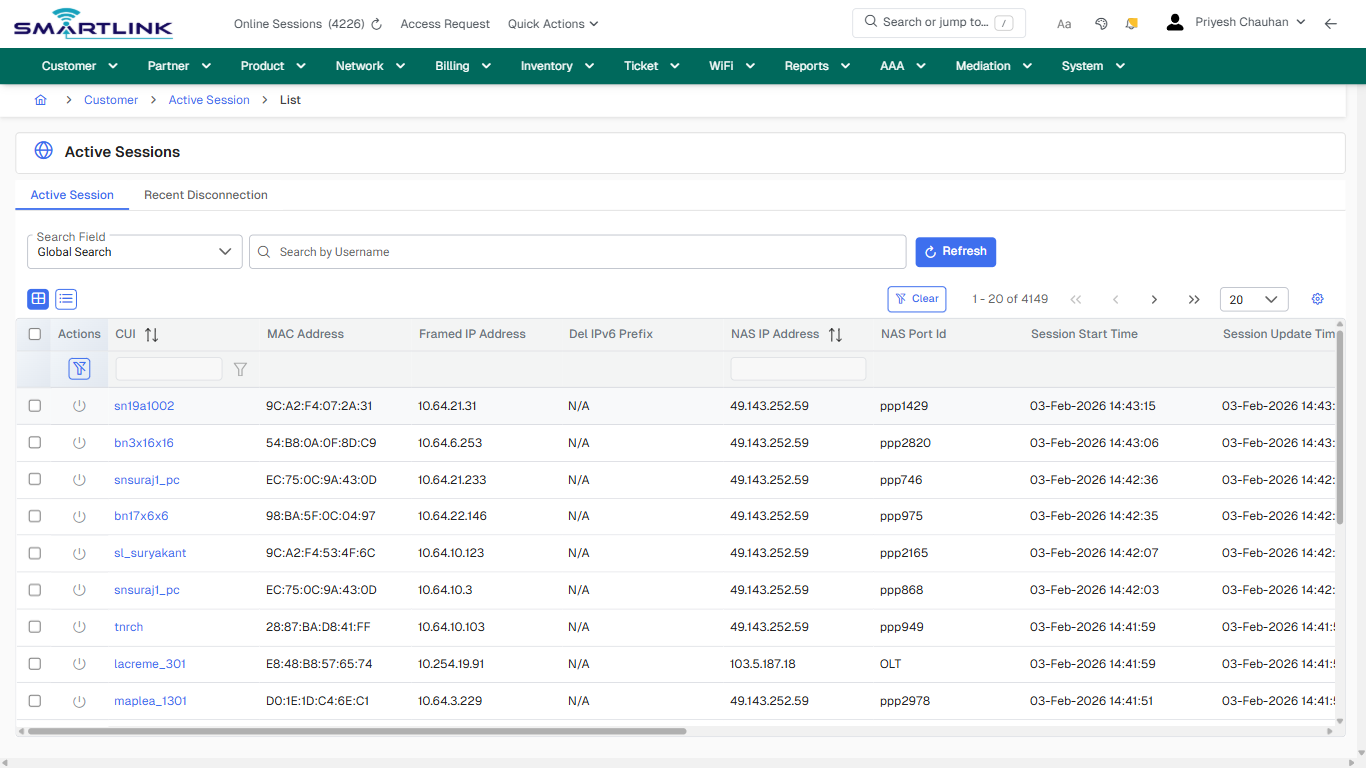
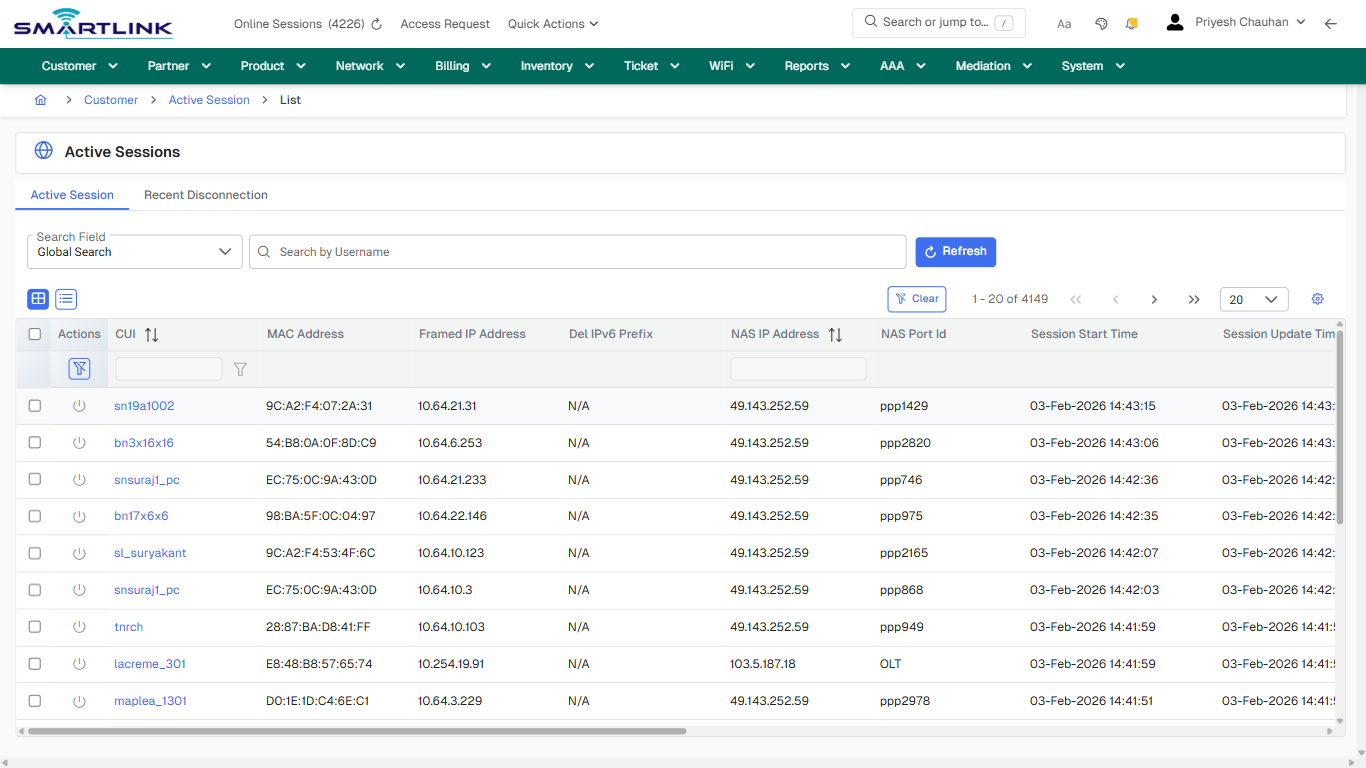
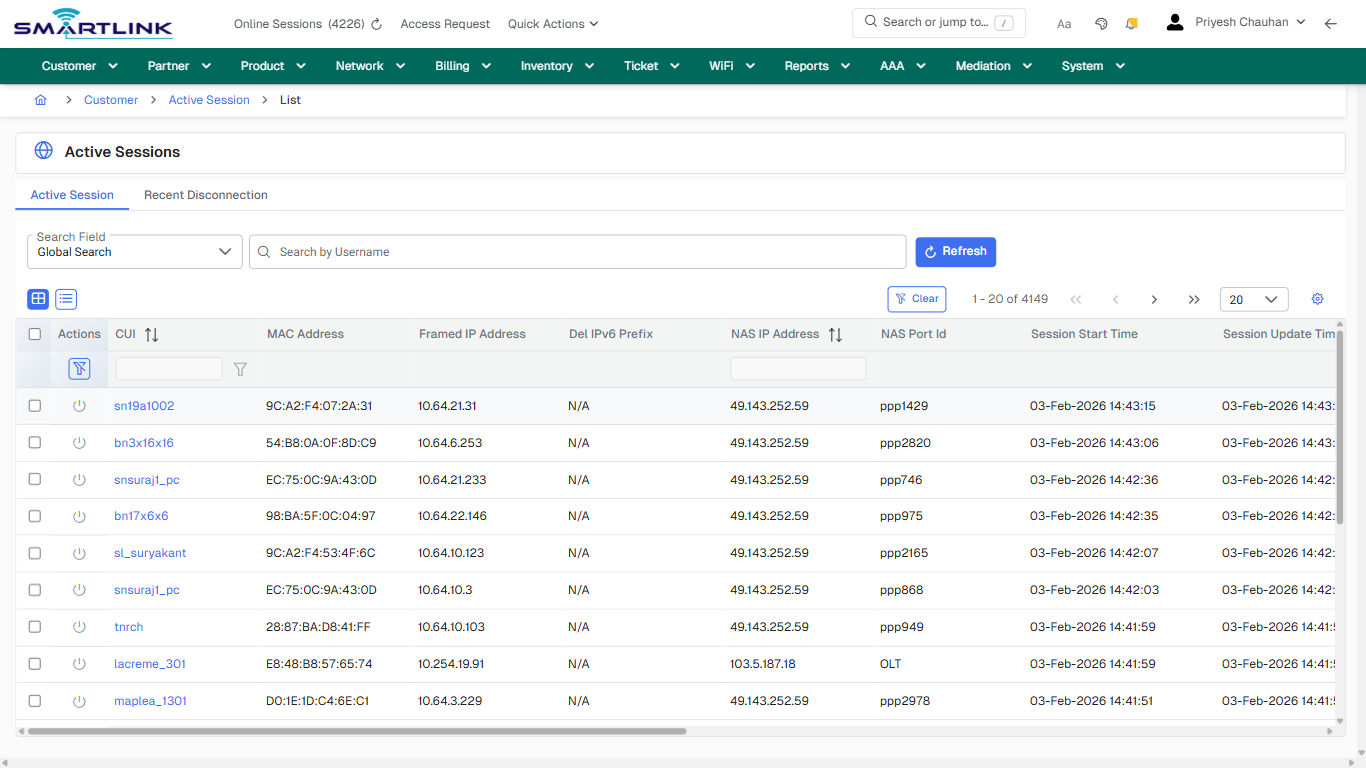
# cust > actsess > all

# cust &gt; actsess &gt; all

**Route:** cust/actsess/all

**URL:** https://admin.myslbb.com/#/cust/actsess/all

---

## Overview

 This page is a draft SOP reference for the above screen in **i2i Core OSS/BSS**. It is auto-generated from UI exports and should be reviewed for operational correctness before customer release.

## When to Use

- Use this screen for the workflow represented by this route.
- Do not make billing/AAA/provisioning-impacting changes without required authorization.
 
## Typical Workflow

1. Verify you are working on the correct entity (Customer/Account/Service).
2. Review the current lifecycle state before making changes.
3. Apply changes and validate system response.
4. Confirm downstream impact (AAA/Provisioning/Billing) where applicable.
 
## Field &amp; Action Hints (Auto-detected)

- **Fields detected:** Search Field
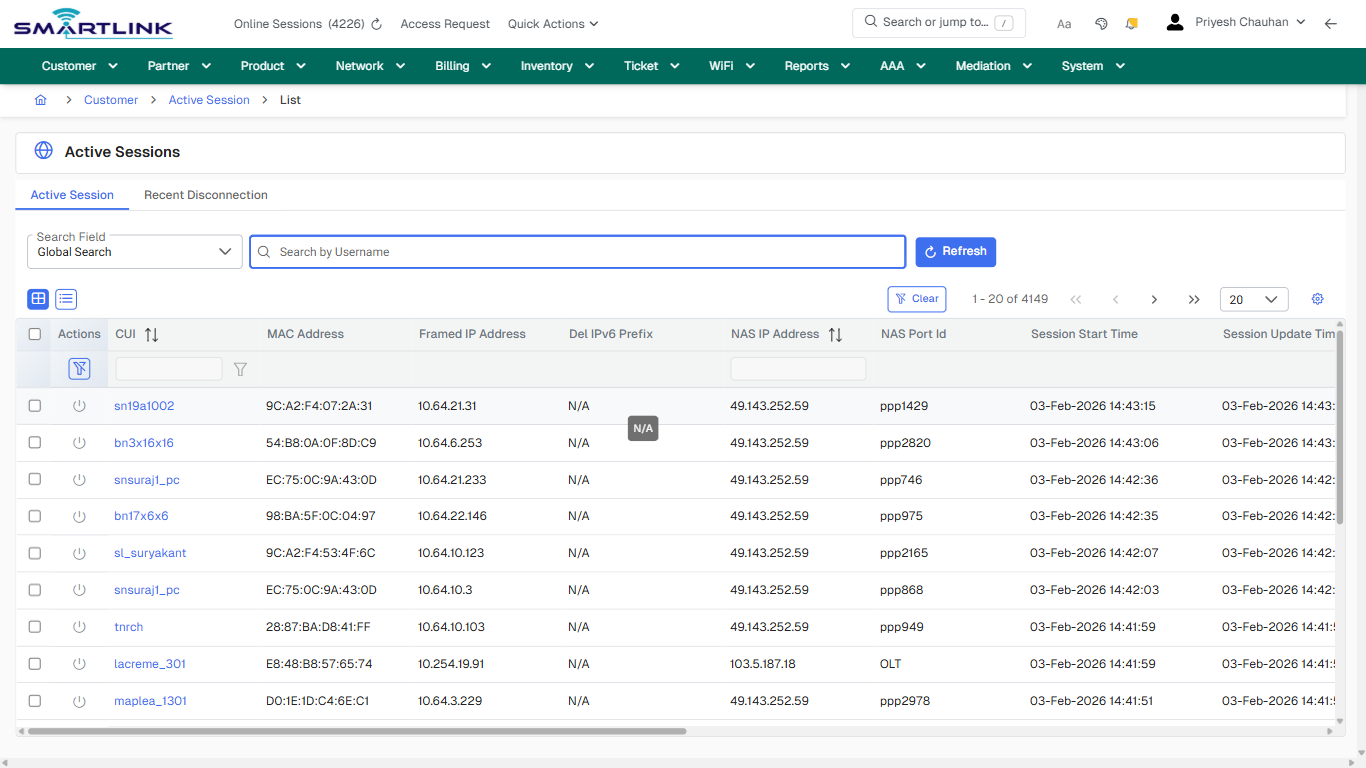
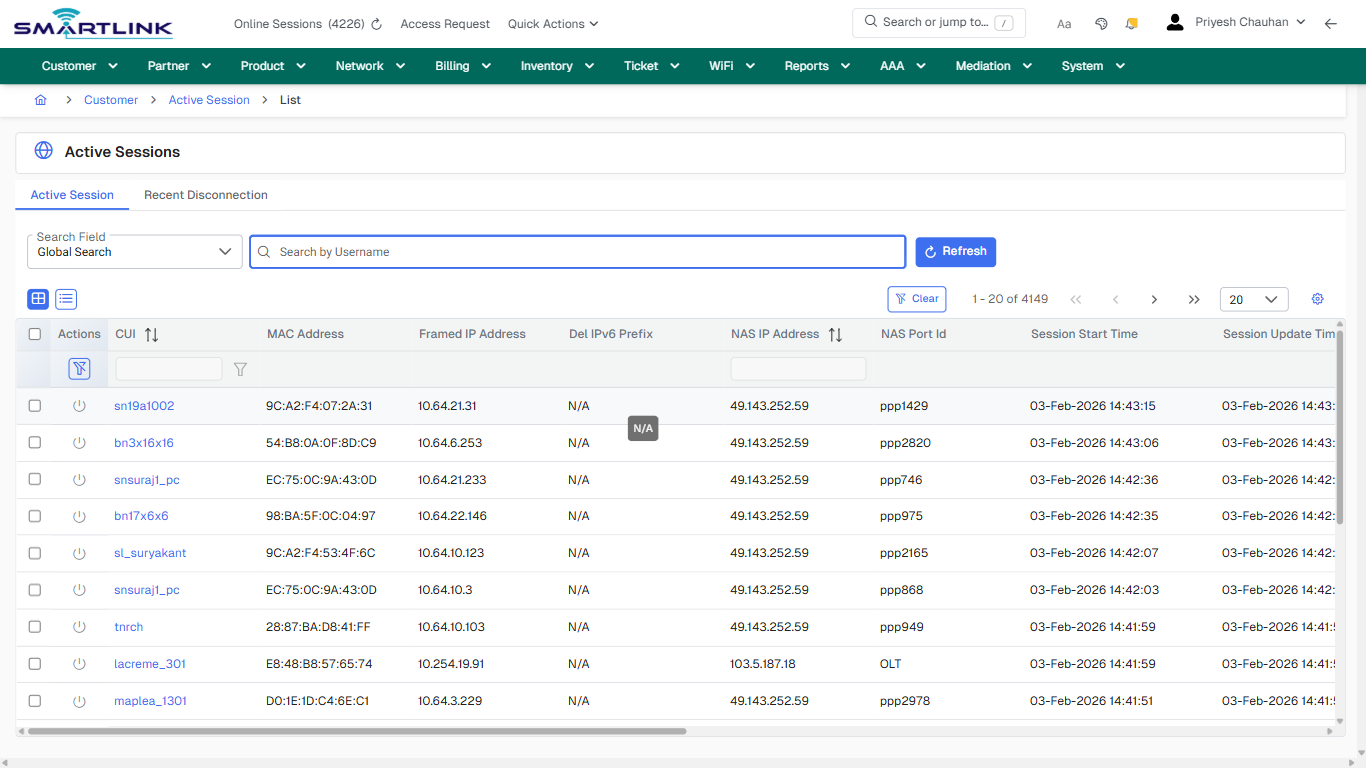
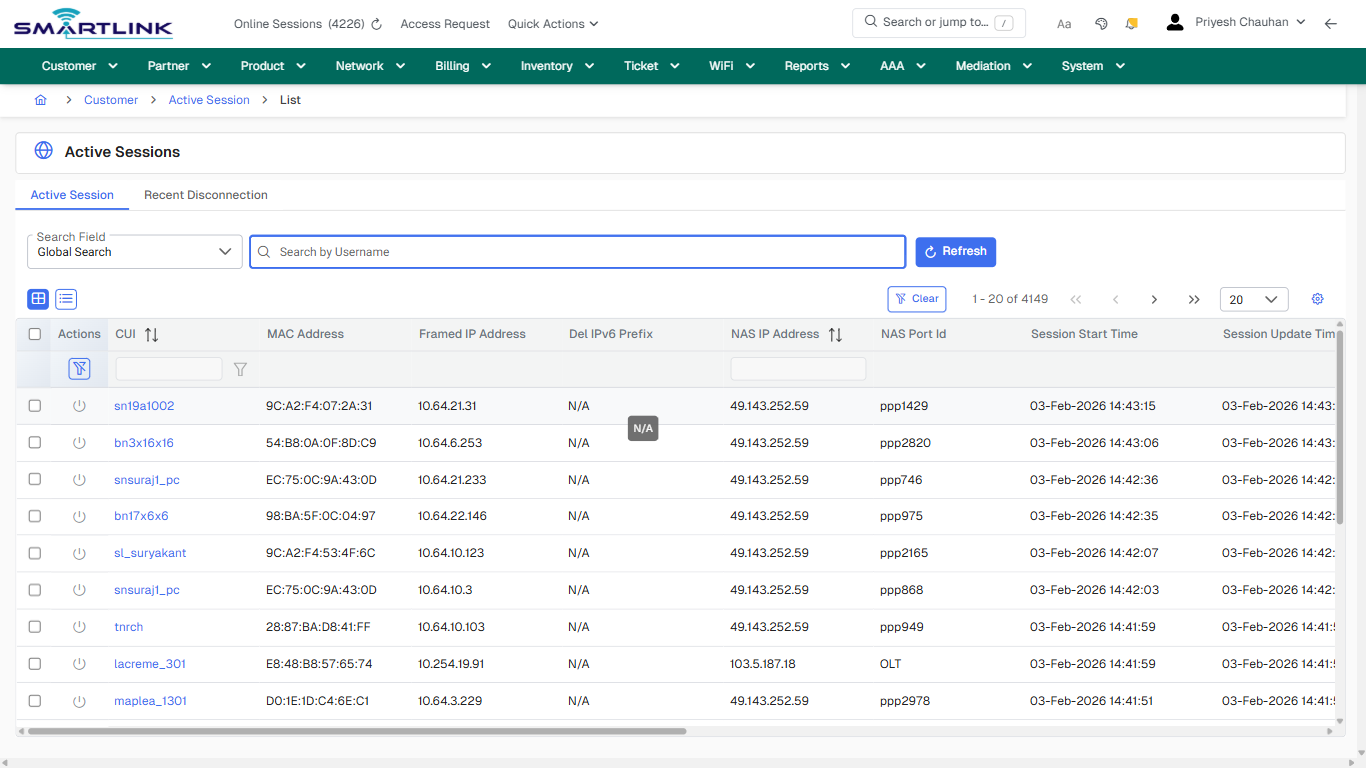
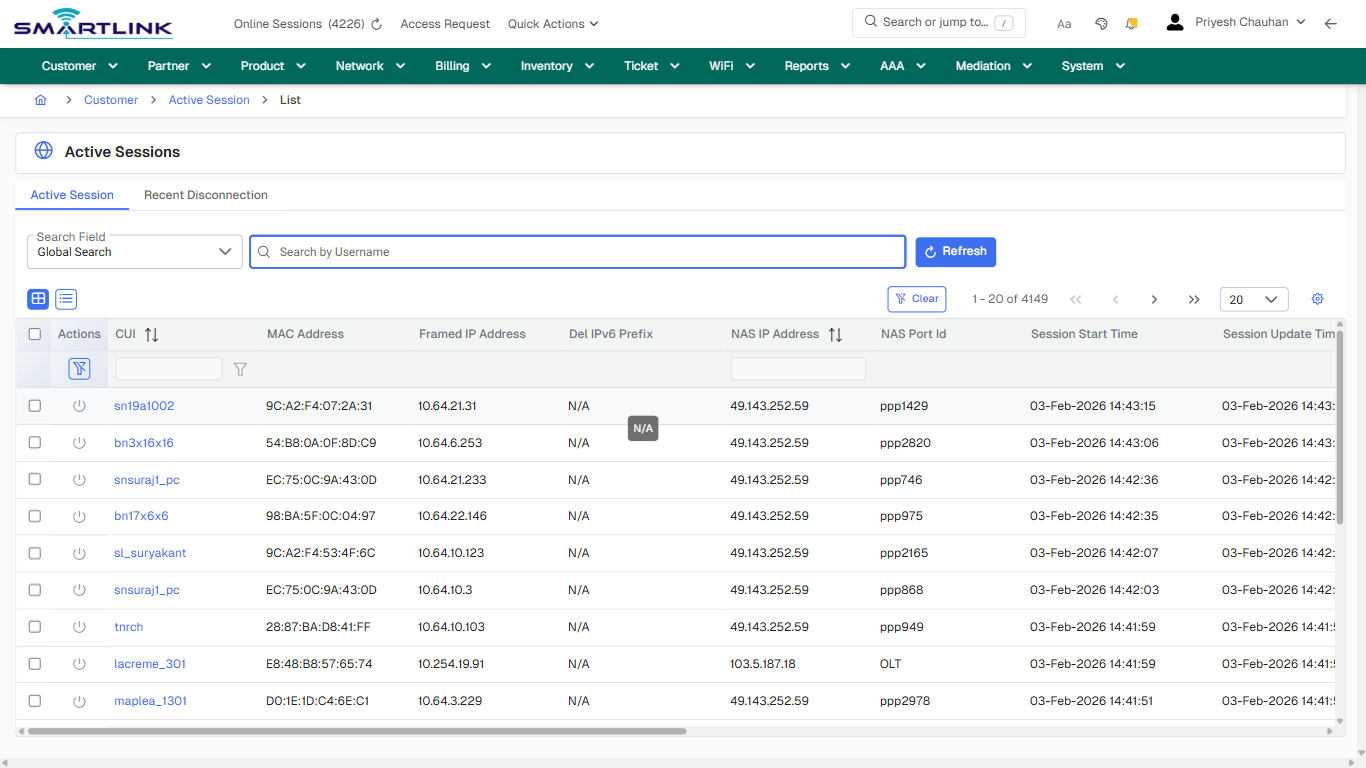
- **Actions detected:** Auto, Close, Customer, Active Session, Refresh, Clear, sn19a1002, bn3x16x16, snsuraj1\_pc, bn17x6x6, sl\_suryakant, tnrch, lacreme\_301, maplea\_1301, sn15a103, rakeshsolanki, kanakia\_c1404, inyatshaikh, baalwadi, bn17x4x7

## Validation &amp; Safety Checks

- Confirm identifiers before saving.
- Confirm lifecycle state allows the change.
- Confirm rollback/support path exists for production actions.
 
## Escalation Guidance

- **L1:** Verify input, permissions, and entity state.
- **L2:** Validate dependencies and downstream state.
- **L3/Admin:** Policy/config changes or suspected defect.
 
---

## Screenshots

## default

**Captured URL:** https://admin.myslbb.com/#/cust/actsess/all

<div id="bkmrk-images-uploading%E2%80%A6">*Images uploading…*<div data-img-token="IMG_PLACEHOLDER_0_1770130553257">![screenshot](https://kb.i2itechservices.com/uploads/images/gallery/2026-02/admin-myslbb-com-cust-actsess-all-default-baef08d59f-part-01.png)

![screenshot](https://kb.i2itechservices.com/uploads/images/gallery/2026-02/admin-myslbb-com-cust-actsess-all-default-baef08d59f-part-02.png)

</div></div>---

## default

**Captured URL:** https://admin.myslbb.com/#/cust/actsess/all

<div id="bkmrk-images-uploading%E2%80%A6-1">*Images uploading…*<div data-img-token="IMG_PLACEHOLDER_1_1770130553257">![screenshot](https://kb.i2itechservices.com/uploads/images/gallery/2026-02/bQaadmin-myslbb-com-cust-actsess-all-default-baef08d59f-part-01.png)

![screenshot](https://kb.i2itechservices.com/uploads/images/gallery/2026-02/Q0Badmin-myslbb-com-cust-actsess-all-default-baef08d59f-part-02.png)

</div></div>---

## drilldown\_one\_item

**Captured URL:** https://admin.myslbb.com/#/cust/actsess/all

<div id="bkmrk-images-uploading%E2%80%A6-2">*Images uploading…*<div data-img-token="IMG_PLACEHOLDER_2_1770130553257">![screenshot](https://kb.i2itechservices.com/uploads/images/gallery/2026-02/admin-myslbb-com-cust-actsess-all-drilldown-one-item-ec20f5fafa-part-01.png)

![screenshot](https://kb.i2itechservices.com/uploads/images/gallery/2026-02/admin-myslbb-com-cust-actsess-all-drilldown-one-item-ec20f5fafa-part-02.png)

</div></div>---

## drilldown\_one\_item

**Captured URL:** https://admin.myslbb.com/#/cust/actsess/all

<div id="bkmrk-images-uploading%E2%80%A6-3">*Images uploading…*<div data-img-token="IMG_PLACEHOLDER_3_1770130553257">![screenshot](https://kb.i2itechservices.com/uploads/images/gallery/2026-02/l6Radmin-myslbb-com-cust-actsess-all-drilldown-one-item-ec20f5fafa-part-01.png)

![screenshot](https://kb.i2itechservices.com/uploads/images/gallery/2026-02/nSdadmin-myslbb-com-cust-actsess-all-drilldown-one-item-ec20f5fafa-part-02.png)

</div></div>

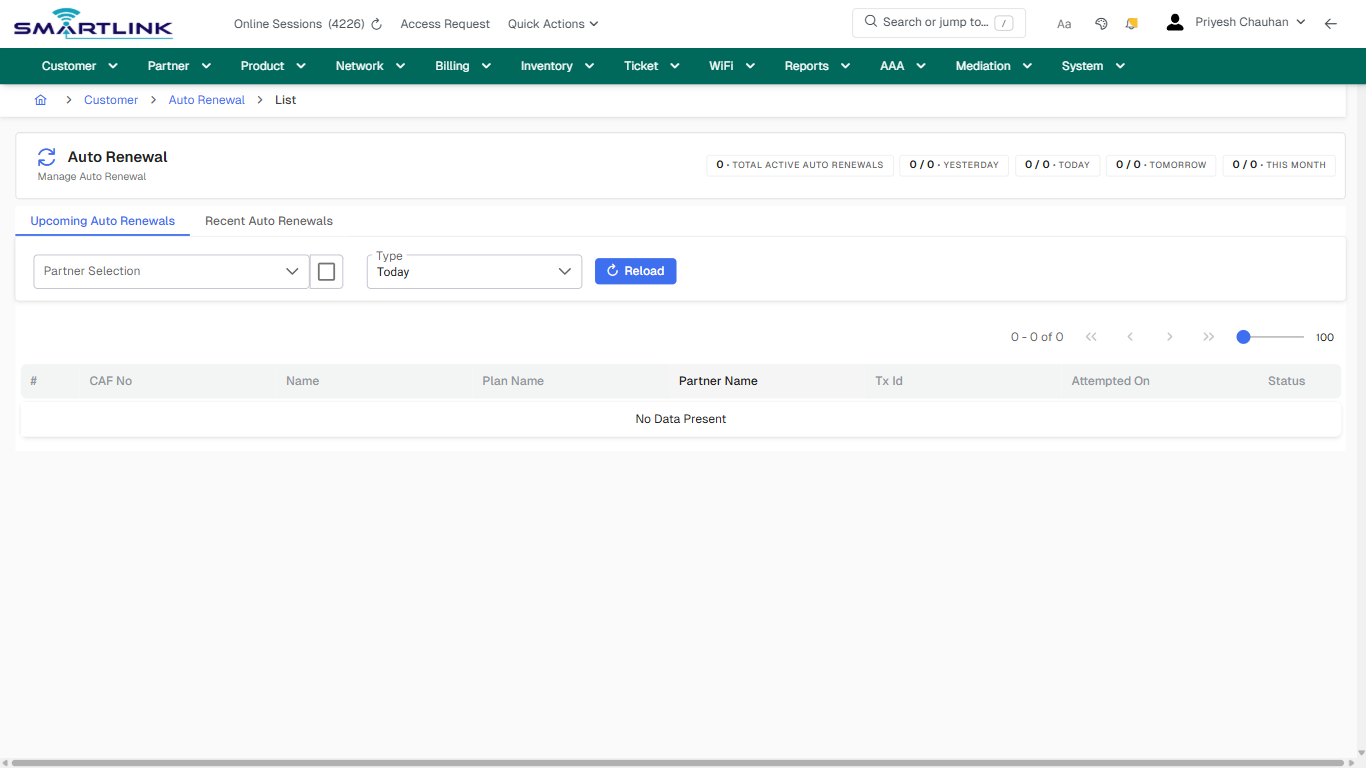
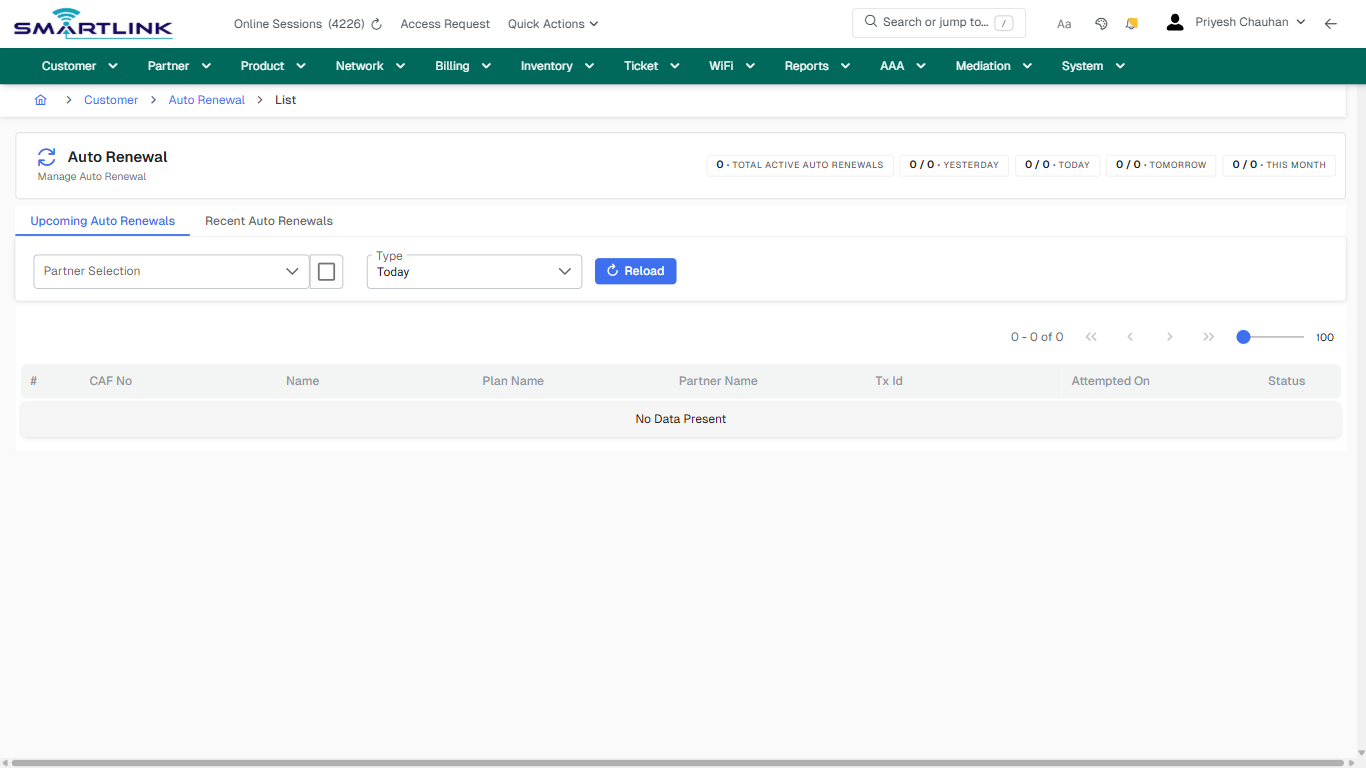
# cust > autorenew > all

# cust &gt; autorenew &gt; all

**Route:** cust/autorenew/all

**URL:** https://admin.myslbb.com/#/cust/autorenew/all

---

## Overview

 This page is a draft SOP reference for the above screen in **i2i Core OSS/BSS**. It is auto-generated from UI exports and should be reviewed for operational correctness before customer release.

## When to Use

- Use this screen for the workflow represented by this route.
- Do not make billing/AAA/provisioning-impacting changes without required authorization.
 
## Typical Workflow

1. Verify you are working on the correct entity (Customer/Account/Service).
2. Review the current lifecycle state before making changes.
3. Apply changes and validate system response.
4. Confirm downstream impact (AAA/Provisioning/Billing) where applicable.
 
## Field &amp; Action Hints (Auto-detected)

- **Fields detected:** Type
- **Actions detected:** Auto, Close, Customer, Auto Renewal

## Validation &amp; Safety Checks

- Confirm identifiers before saving.
- Confirm lifecycle state allows the change.
- Confirm rollback/support path exists for production actions.
 
## Escalation Guidance

- **L1:** Verify input, permissions, and entity state.
- **L2:** Validate dependencies and downstream state.
- **L3/Admin:** Policy/config changes or suspected defect.
 
---

## Screenshots

## default

**Captured URL:** https://admin.myslbb.com/#/cust/autorenew/all

<div id="bkmrk-images-uploading%E2%80%A6">*Images uploading…*<div data-img-token="IMG_PLACEHOLDER_0_1770130558872">![screenshot](https://kb.i2itechservices.com/uploads/images/gallery/2026-02/admin-myslbb-com-cust-autorenew-all-default-4c0efb3dea-part-01.png)

![screenshot](https://kb.i2itechservices.com/uploads/images/gallery/2026-02/admin-myslbb-com-cust-autorenew-all-default-4c0efb3dea-part-02.png)

</div></div>---

## create\_new

**Captured URL:** https://admin.myslbb.com/#/cust/autorenew/all

<div id="bkmrk-images-uploading%E2%80%A6-1">*Images uploading…*<div data-img-token="IMG_PLACEHOLDER_1_1770130558872">![screenshot](https://kb.i2itechservices.com/uploads/images/gallery/2026-02/admin-myslbb-com-cust-autorenew-all-create-new-434ef915ec-part-01.png)

![screenshot](https://kb.i2itechservices.com/uploads/images/gallery/2026-02/admin-myslbb-com-cust-autorenew-all-create-new-434ef915ec-part-02.png)

</div></div>---

## drilldown\_one\_item

**Captured URL:** https://admin.myslbb.com/#/cust/autorenew/all

<div id="bkmrk-images-uploading%E2%80%A6-2">*Images uploading…*<div data-img-token="IMG_PLACEHOLDER_2_1770130558872">![screenshot](https://kb.i2itechservices.com/uploads/images/gallery/2026-02/admin-myslbb-com-cust-autorenew-all-drilldown-one-item-ed27b34109-part-01.png)

![screenshot](https://kb.i2itechservices.com/uploads/images/gallery/2026-02/admin-myslbb-com-cust-autorenew-all-drilldown-one-item-ed27b34109-part-02.png)

</div></div>

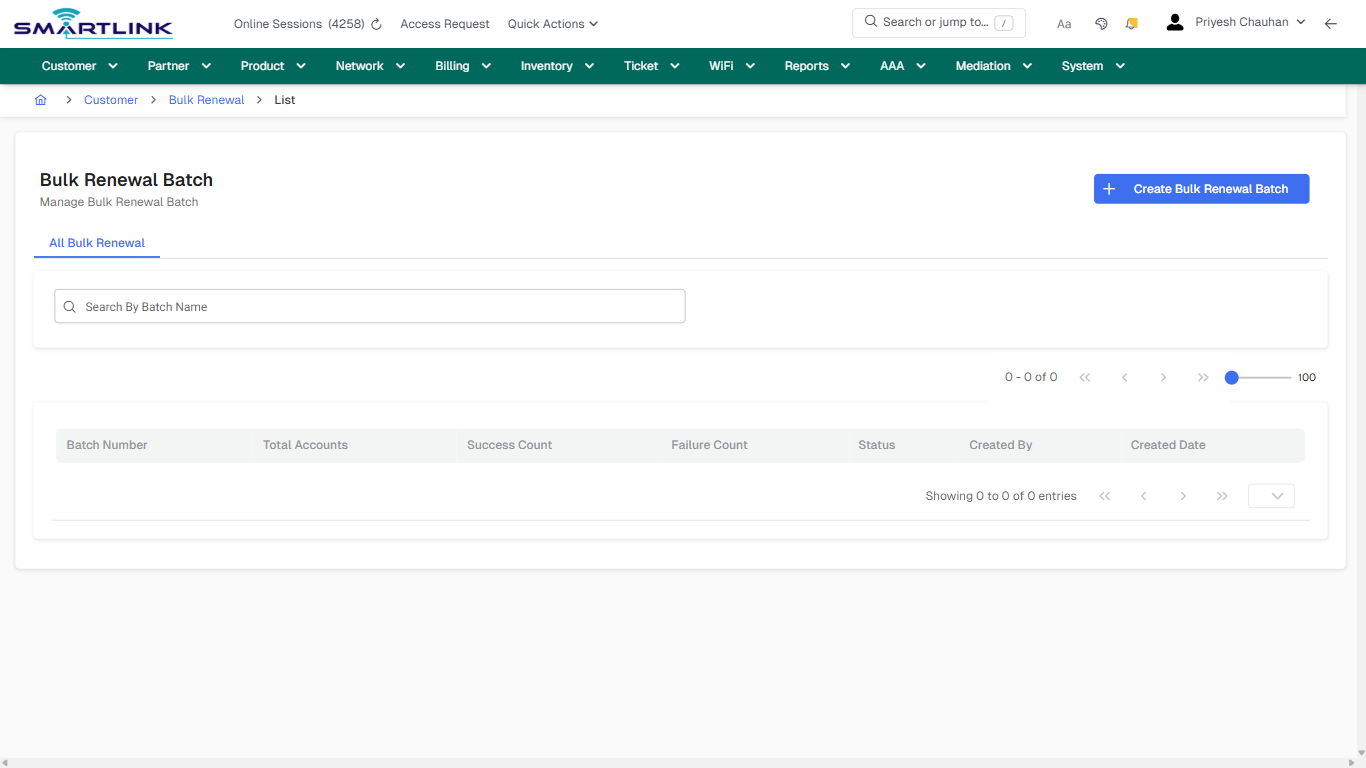
# cust > bulkrenew > all

# cust &gt; bulkrenew &gt; all

**Route:** cust/bulkrenew/all

**URL:** https://admin.myslbb.com/#/cust/bulkrenew/all

---

## Overview

 This page is a draft SOP reference for the above screen in **i2i Core OSS/BSS**. It is auto-generated from UI exports and should be reviewed for operational correctness before customer release.

## When to Use

- Use this screen for the workflow represented by this route.
- Do not make billing/AAA/provisioning-impacting changes without required authorization.
 
## Typical Workflow

1. Verify you are working on the correct entity (Customer/Account/Service).
2. Review the current lifecycle state before making changes.
3. Apply changes and validate system response.
4. Confirm downstream impact (AAA/Provisioning/Billing) where applicable.
 
## Field &amp; Action Hints (Auto-detected)

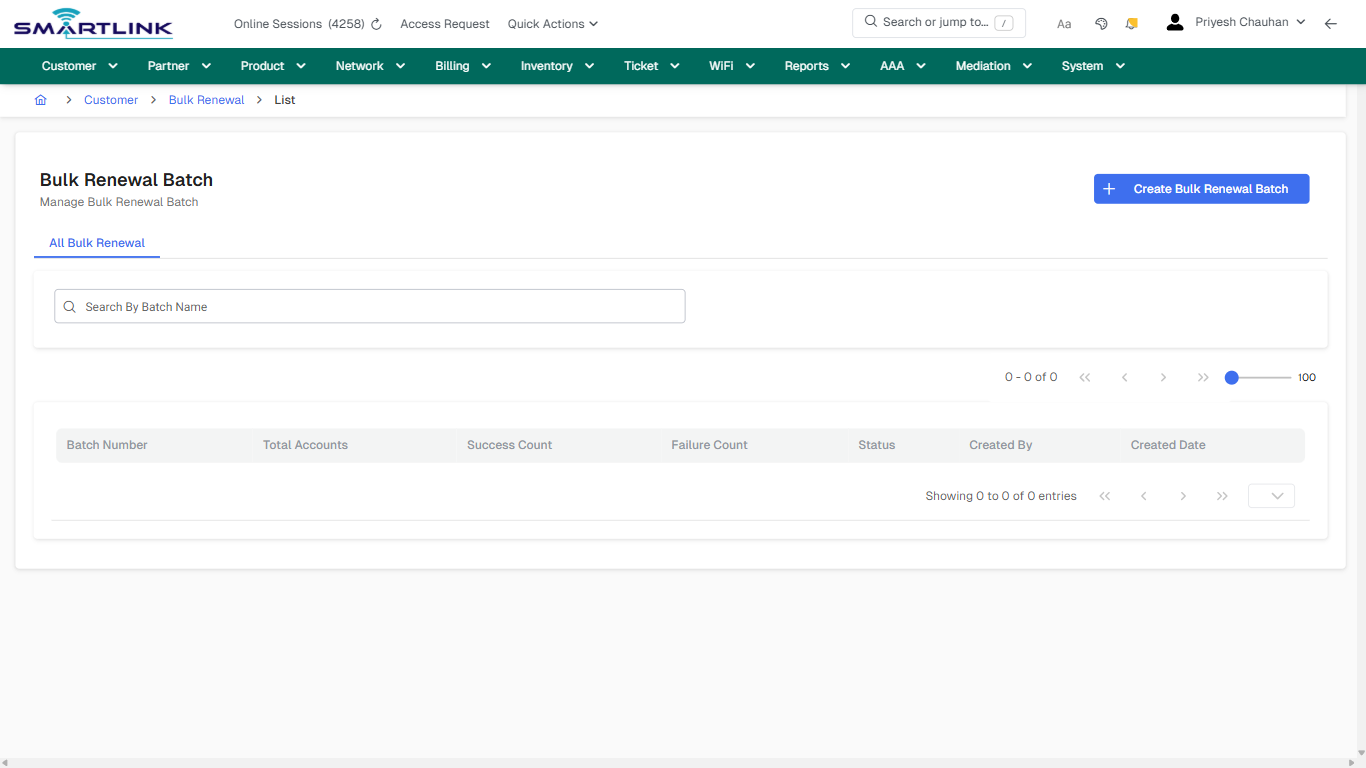
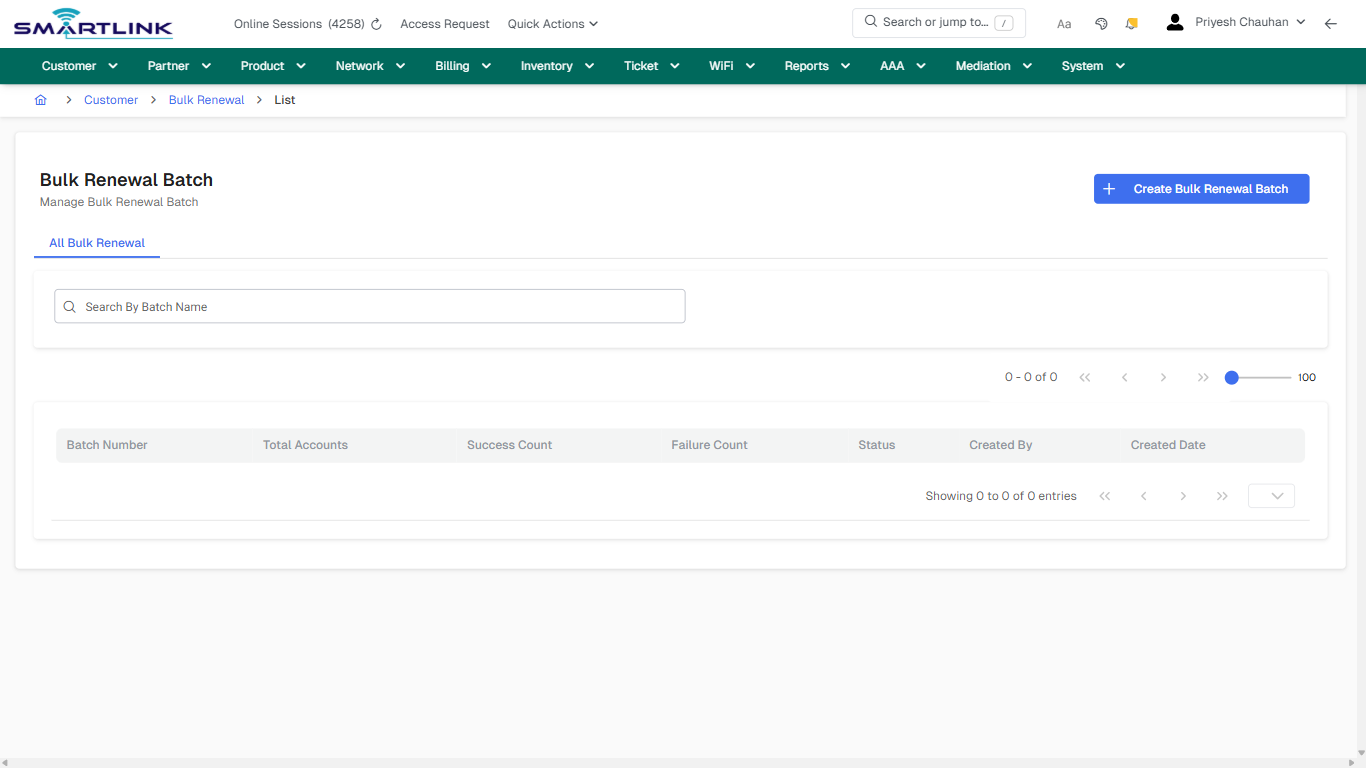
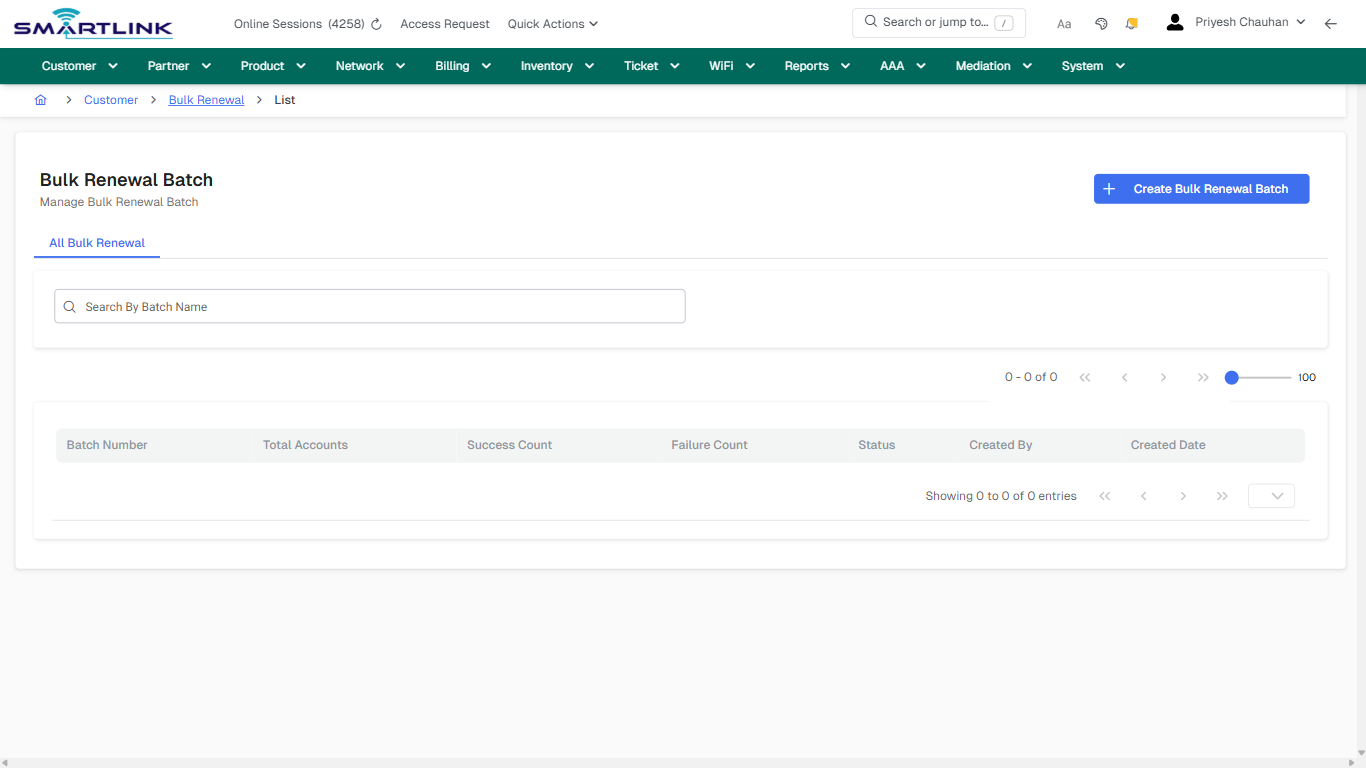
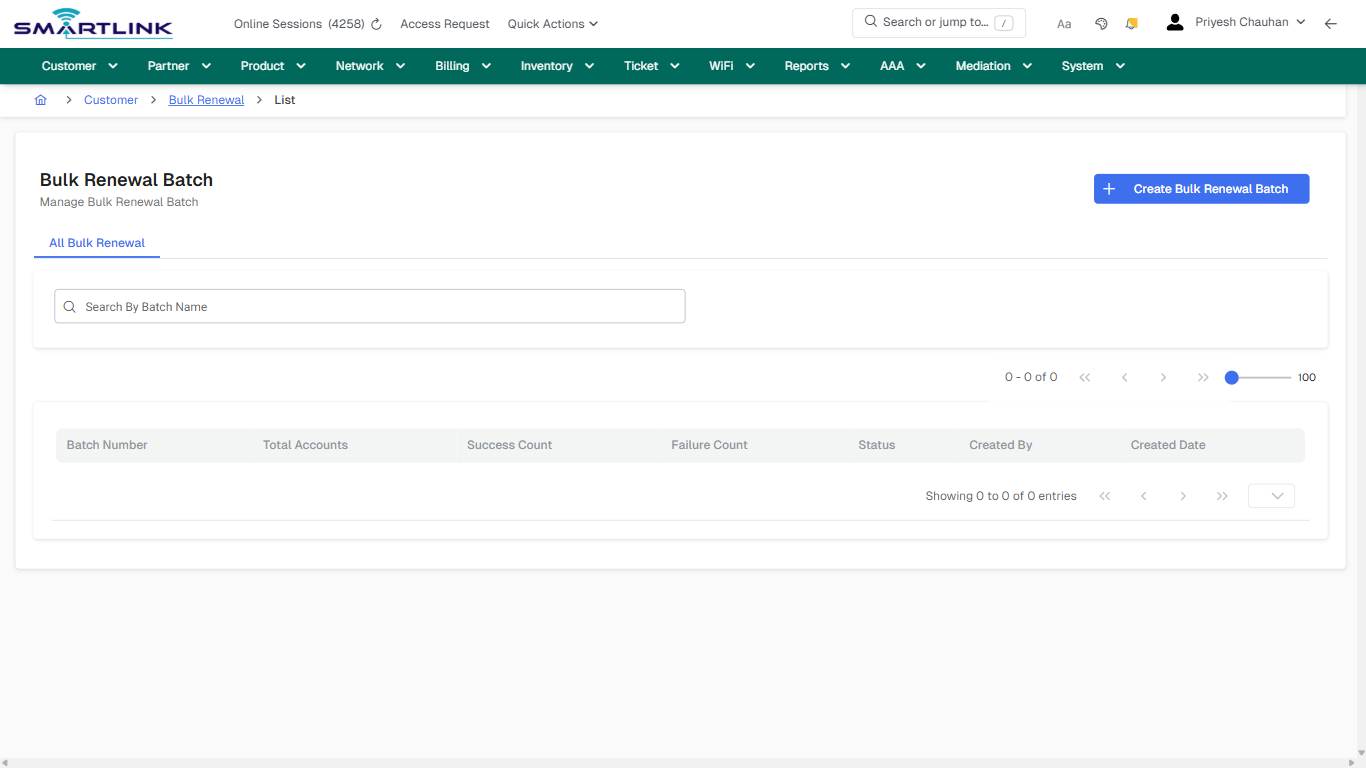
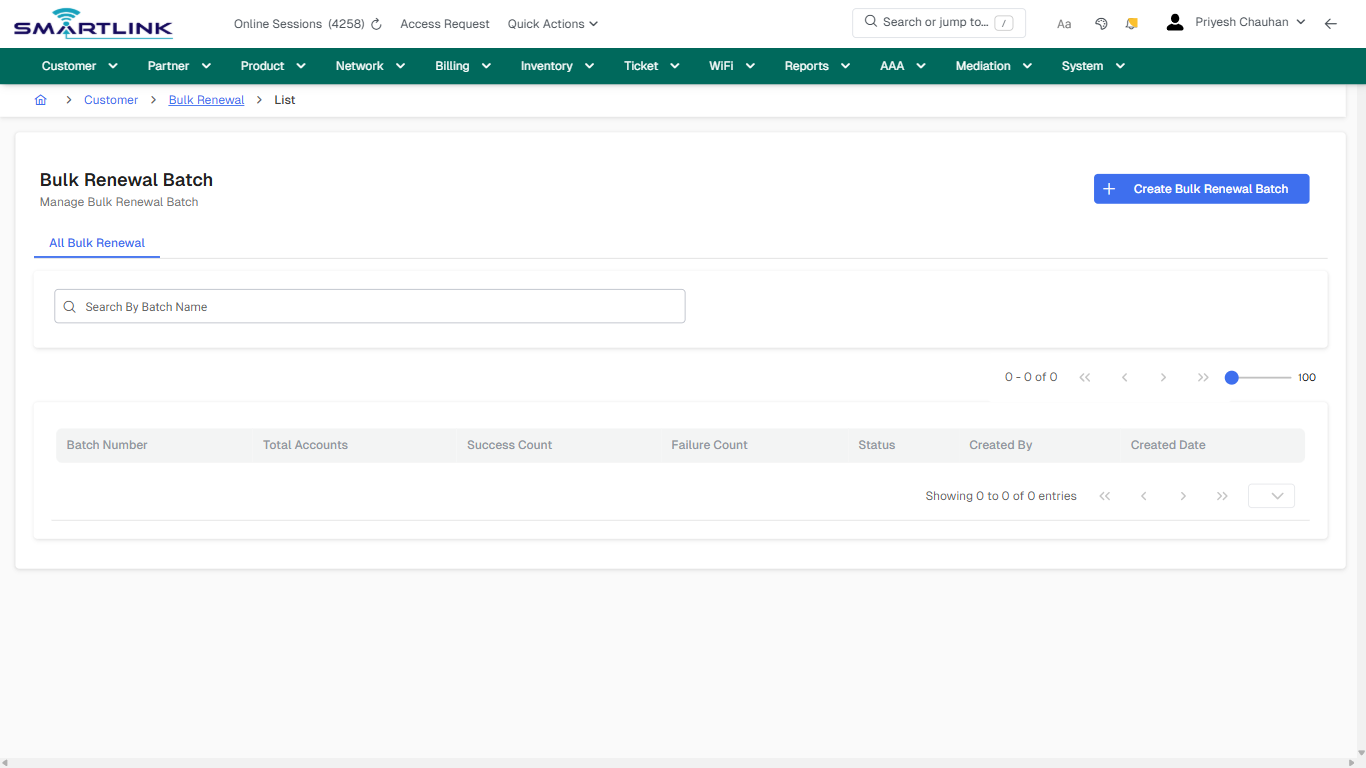
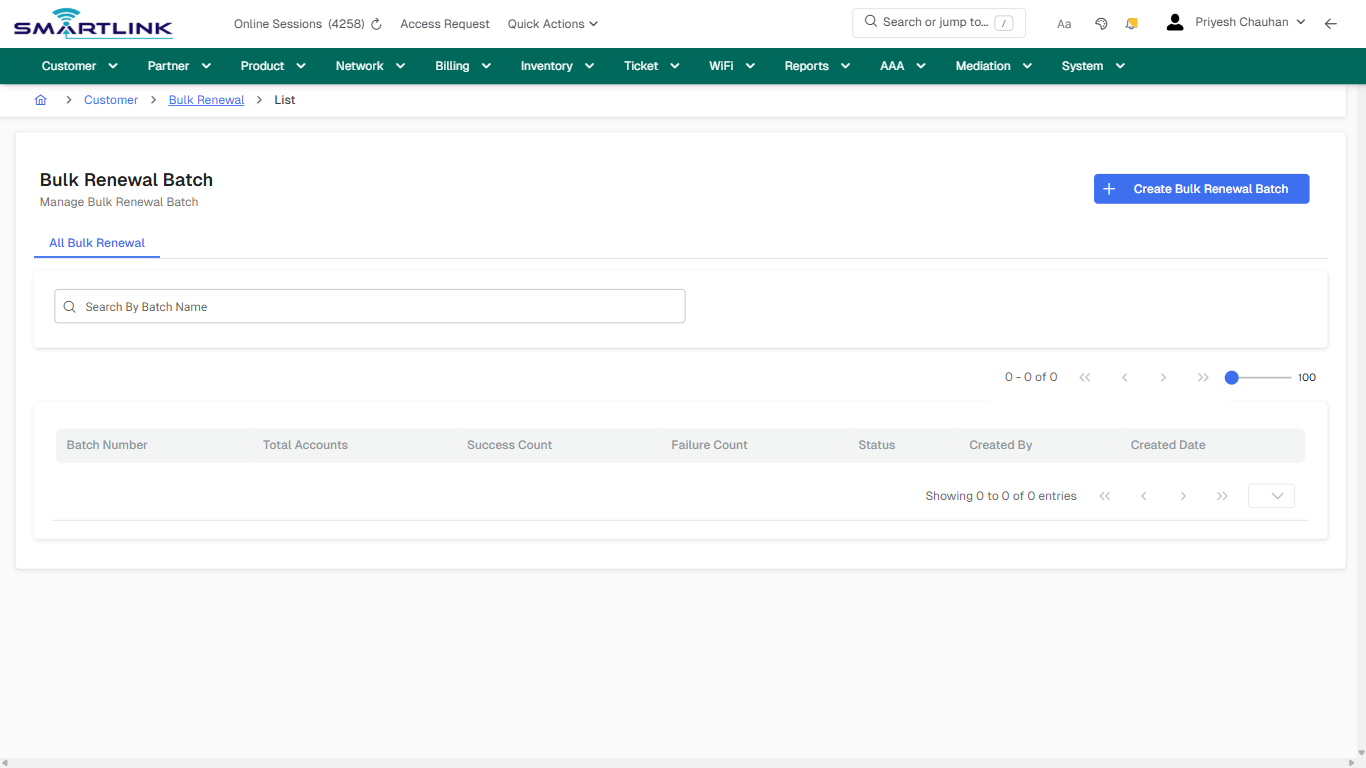
- **Actions detected:** Auto, Close, Customer, Bulk Renewal, Create Bulk Renewal Batch

## Validation &amp; Safety Checks

- Confirm identifiers before saving.
- Confirm lifecycle state allows the change.
- Confirm rollback/support path exists for production actions.
 
## Escalation Guidance

- **L1:** Verify input, permissions, and entity state.
- **L2:** Validate dependencies and downstream state.
- **L3/Admin:** Policy/config changes or suspected defect.
 
---

## Screenshots

## default

**Captured URL:** https://admin.myslbb.com/#/cust/bulkrenew/all

<div id="bkmrk-images-uploading%E2%80%A6">*Images uploading…*<div data-img-token="IMG_PLACEHOLDER_0_1770130563186">![screenshot](https://kb.i2itechservices.com/uploads/images/gallery/2026-02/admin-myslbb-com-cust-bulkrenew-all-default-a77b871fbd-part-01.png)

![screenshot](https://kb.i2itechservices.com/uploads/images/gallery/2026-02/admin-myslbb-com-cust-bulkrenew-all-default-a77b871fbd-part-02.png)

</div></div>---

## default

**Captured URL:** https://admin.myslbb.com/#/cust/bulkrenew/all

<div id="bkmrk-images-uploading%E2%80%A6-1">*Images uploading…*<div data-img-token="IMG_PLACEHOLDER_1_1770130563186">![screenshot](https://kb.i2itechservices.com/uploads/images/gallery/2026-02/KBDadmin-myslbb-com-cust-bulkrenew-all-default-a77b871fbd-part-01.png)

![screenshot](https://kb.i2itechservices.com/uploads/images/gallery/2026-02/qSNadmin-myslbb-com-cust-bulkrenew-all-default-a77b871fbd-part-02.png)

</div></div>---

## create\_new

**Captured URL:** https://admin.myslbb.com/#/cust/bulkrenew/all

<div id="bkmrk-images-uploading%E2%80%A6-2">*Images uploading…*<div data-img-token="IMG_PLACEHOLDER_2_1770130563186">![screenshot](https://kb.i2itechservices.com/uploads/images/gallery/2026-02/admin-myslbb-com-cust-bulkrenew-all-create-new-c7f91ed833-part-01.png)

![screenshot](https://kb.i2itechservices.com/uploads/images/gallery/2026-02/admin-myslbb-com-cust-bulkrenew-all-create-new-c7f91ed833-part-02.png)

</div></div>---

## create\_new

**Captured URL:** https://admin.myslbb.com/#/cust/bulkrenew/all

<div id="bkmrk-images-uploading%E2%80%A6-3">*Images uploading…*<div data-img-token="IMG_PLACEHOLDER_3_1770130563186">![screenshot](https://kb.i2itechservices.com/uploads/images/gallery/2026-02/BdIadmin-myslbb-com-cust-bulkrenew-all-create-new-c7f91ed833-part-01.png)

![screenshot](https://kb.i2itechservices.com/uploads/images/gallery/2026-02/JVuadmin-myslbb-com-cust-bulkrenew-all-create-new-c7f91ed833-part-02.png)

</div></div>

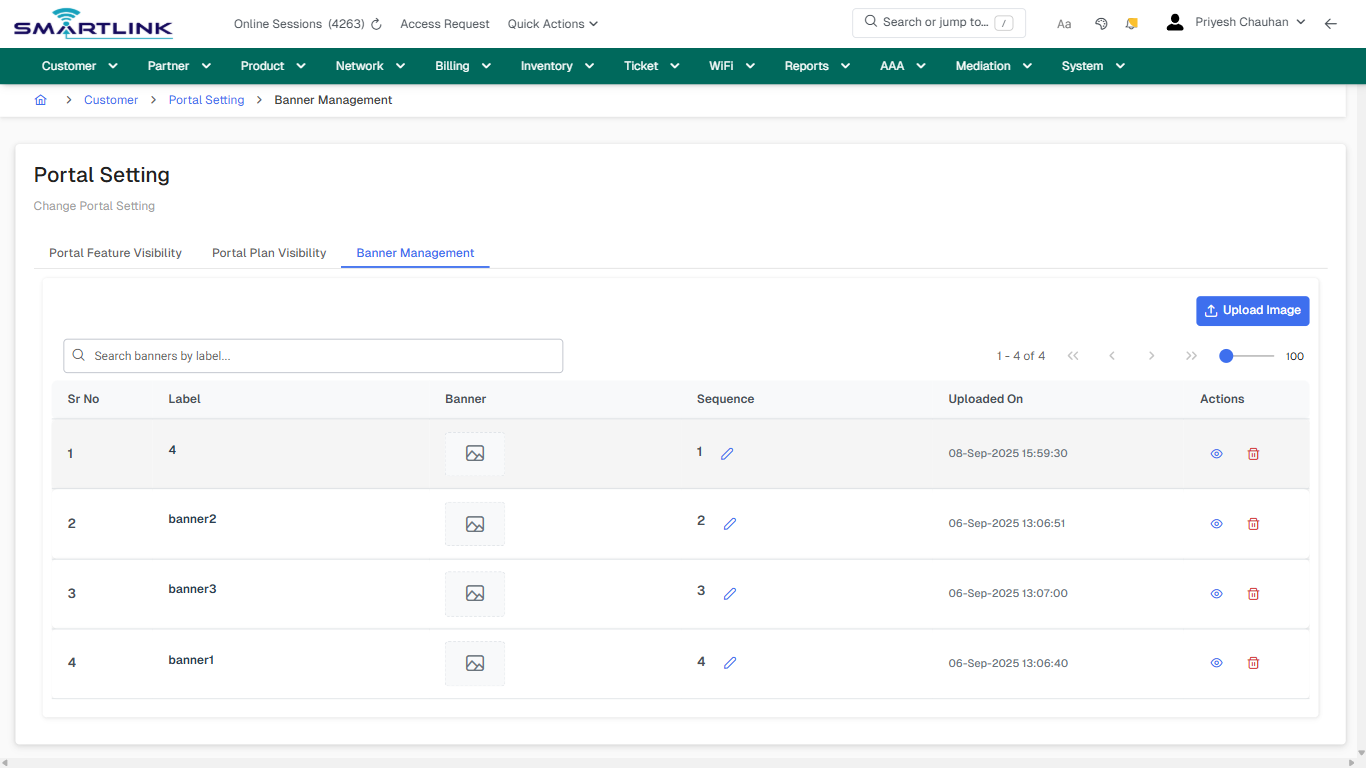
# cust > cpo > banner mgmt

# cust &gt; cpo &gt; banner mgmt

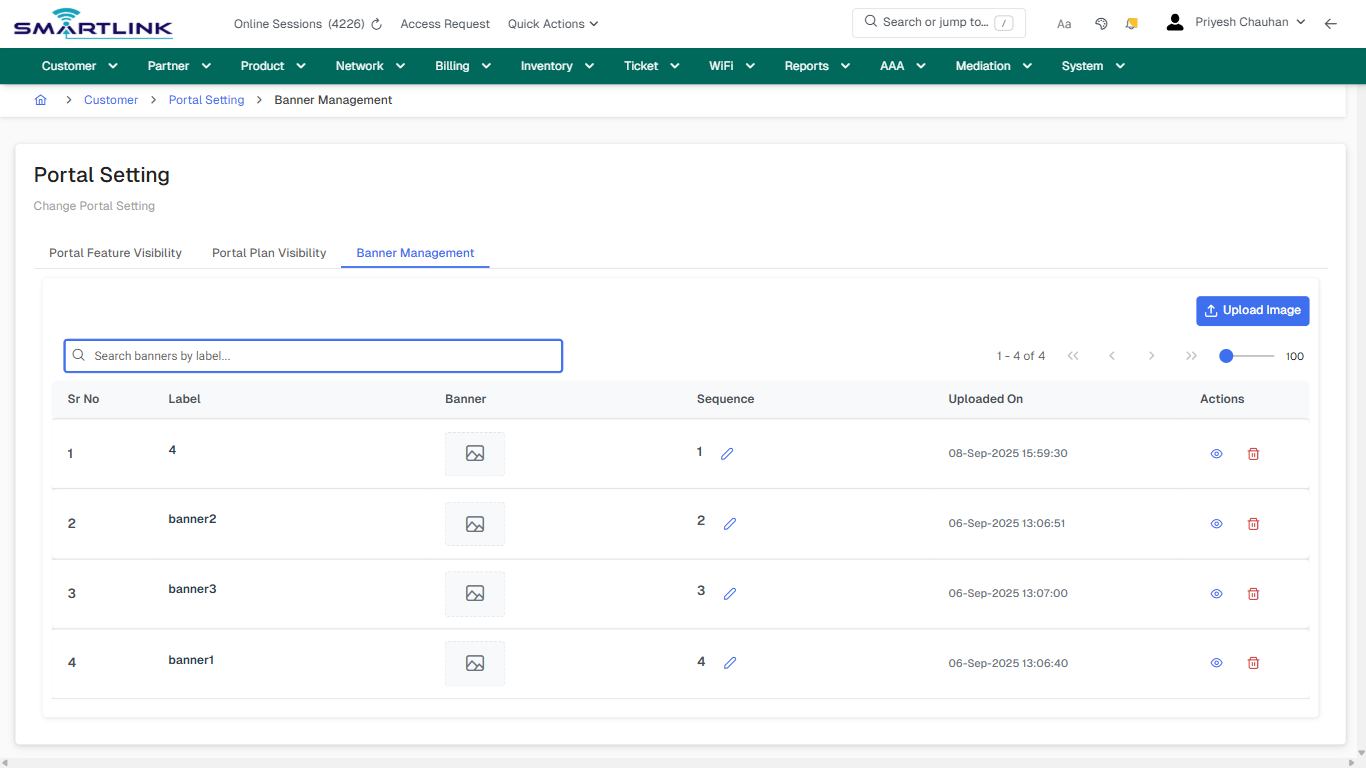
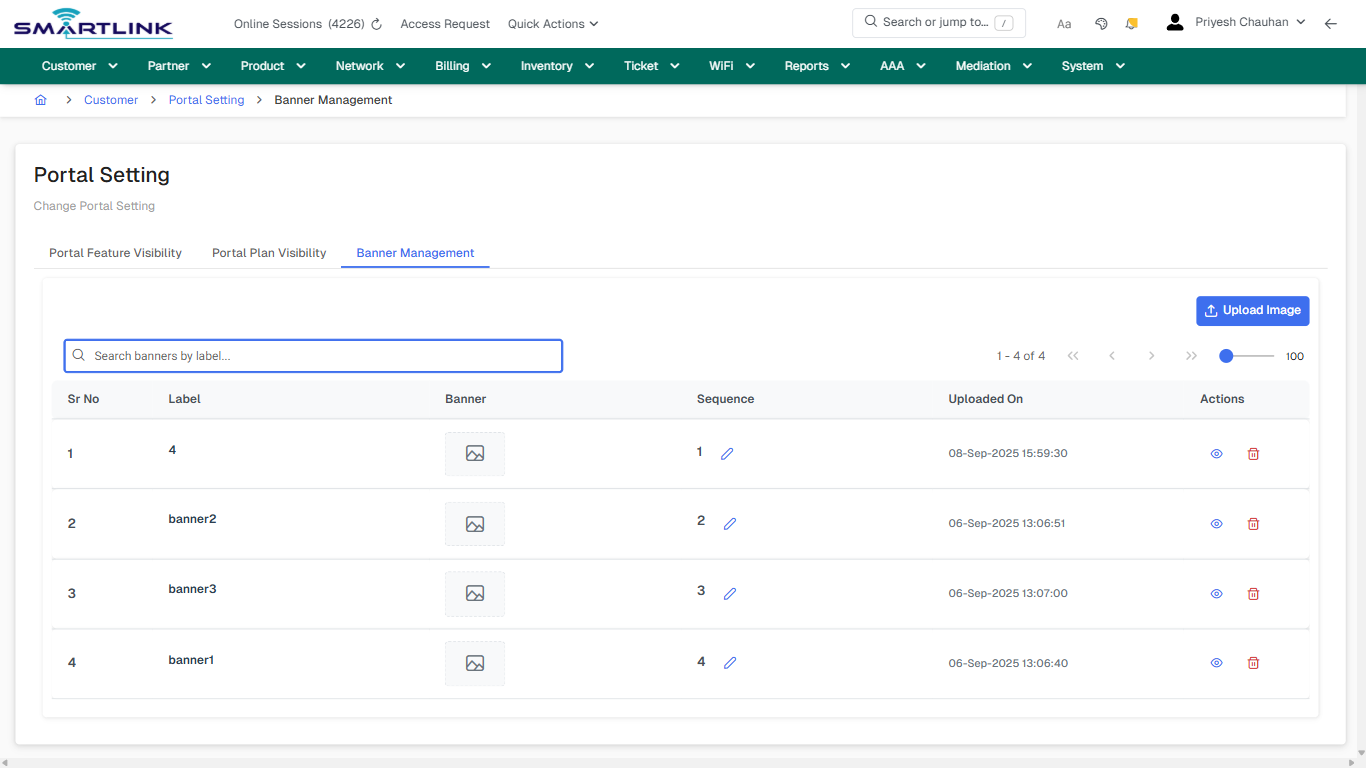
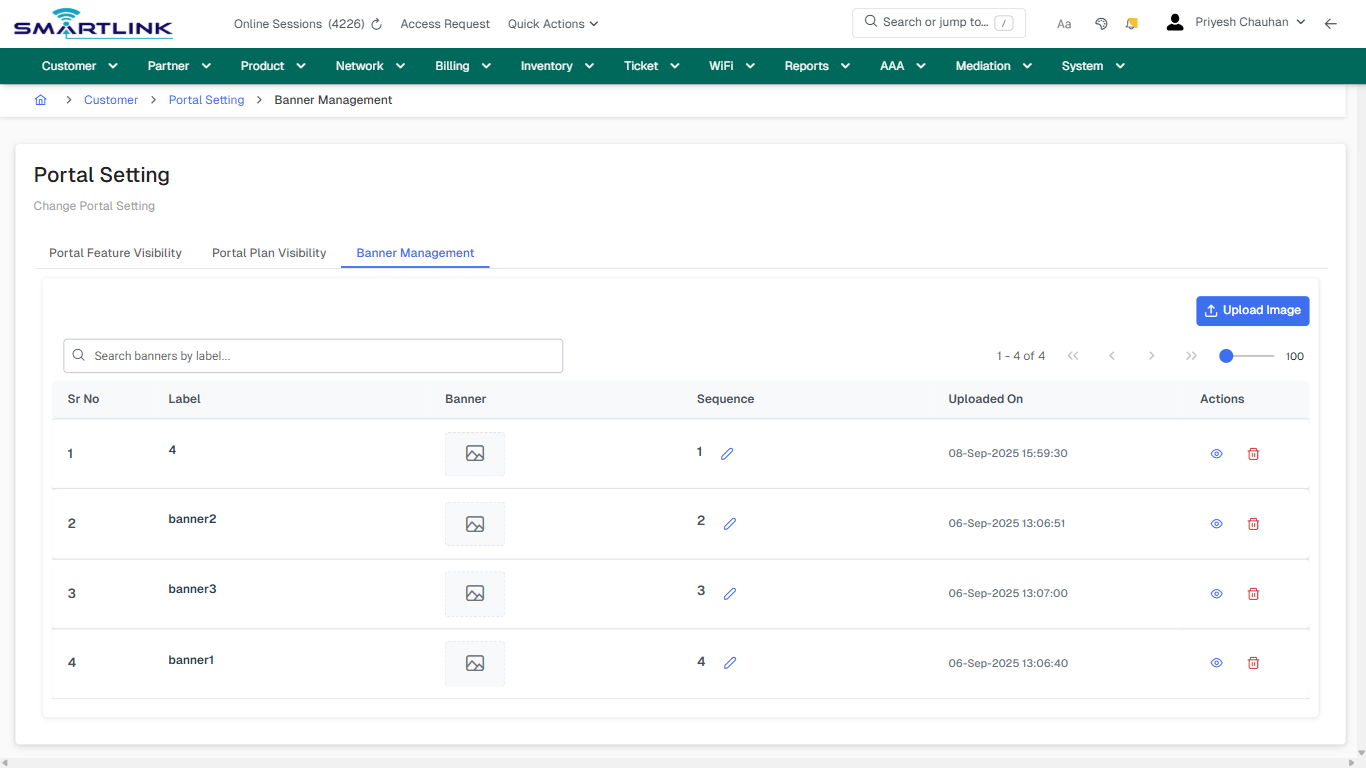
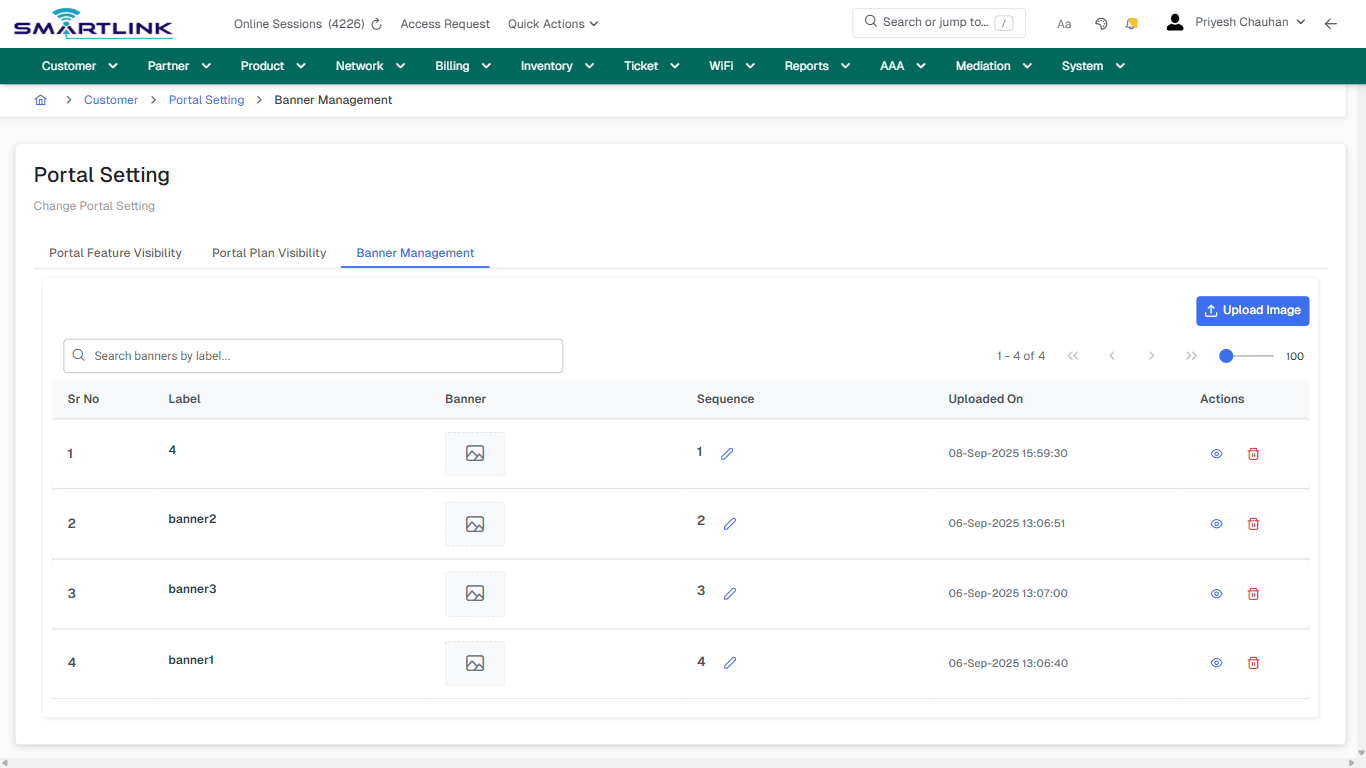
**Route:** cust/cpo/banner-mgmt

**URL:** https://admin.myslbb.com/#/cust/cpo/banner-mgmt

---

## Overview

 This page is a draft SOP reference for the above screen in **i2i Core OSS/BSS**. It is auto-generated from UI exports and should be reviewed for operational correctness before customer release.

## When to Use

- Use this screen for the workflow represented by this route.
- Do not make billing/AAA/provisioning-impacting changes without required authorization.
 
## Typical Workflow

1. Verify you are working on the correct entity (Customer/Account/Service).
2. Review the current lifecycle state before making changes.
3. Apply changes and validate system response.
4. Confirm downstream impact (AAA/Provisioning/Billing) where applicable.
 
## Field &amp; Action Hints (Auto-detected)

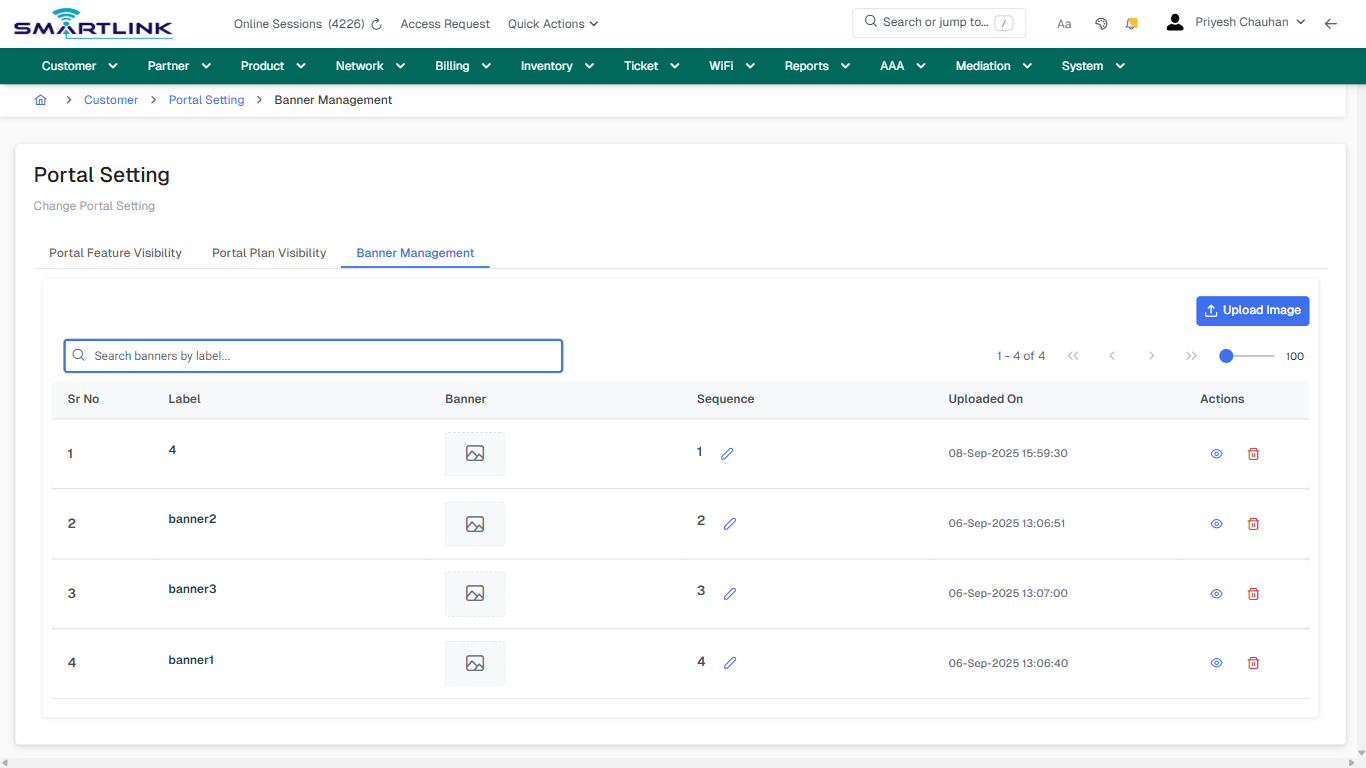
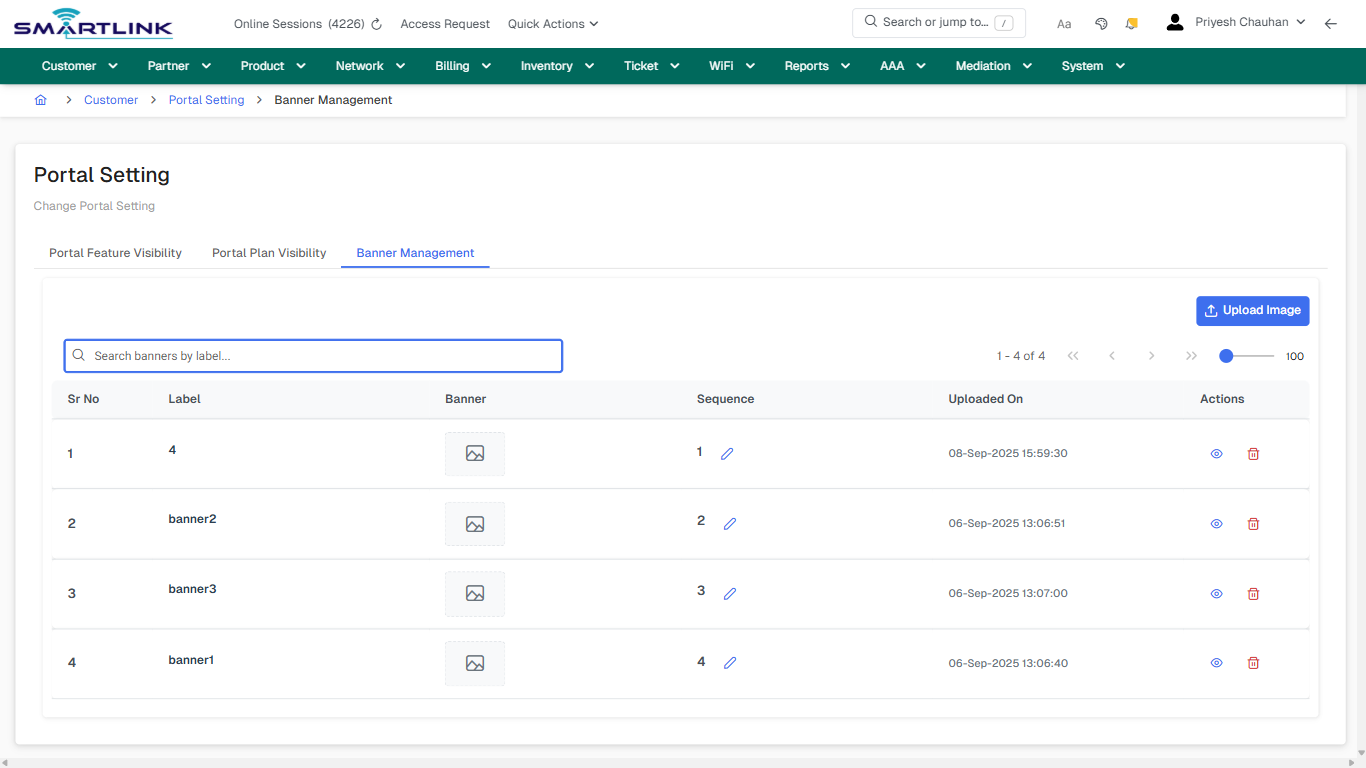
- **Actions detected:** Auto, Close, Customer, Portal Setting, Upload Image

## Validation &amp; Safety Checks

- Confirm identifiers before saving.
- Confirm lifecycle state allows the change.
- Confirm rollback/support path exists for production actions.
 
## Escalation Guidance

- **L1:** Verify input, permissions, and entity state.
- **L2:** Validate dependencies and downstream state.
- **L3/Admin:** Policy/config changes or suspected defect.
 
---

## Screenshots

## ui\_tab\_3

**Captured URL:** https://admin.myslbb.com/#/cust/cpo/banner-mgmt

<div id="bkmrk-images-uploading%E2%80%A6">*Images uploading…*<div data-img-token="IMG_PLACEHOLDER_0_1770130568709">![screenshot](https://kb.i2itechservices.com/uploads/images/gallery/2026-02/admin-myslbb-com-cust-cpo-banner-mgmt-ui-tab-3-83cfbceb47-part-01.png)

![screenshot](https://kb.i2itechservices.com/uploads/images/gallery/2026-02/admin-myslbb-com-cust-cpo-banner-mgmt-ui-tab-3-83cfbceb47-part-02.png)

</div></div>---

## common\_tab\_3

**Captured URL:** https://admin.myslbb.com/#/cust/cpo/banner-mgmt

<div id="bkmrk-images-uploading%E2%80%A6-1">*Images uploading…*<div data-img-token="IMG_PLACEHOLDER_1_1770130568709">![screenshot](https://kb.i2itechservices.com/uploads/images/gallery/2026-02/admin-myslbb-com-cust-cpo-banner-mgmt-common-tab-3-078eb78654-part-01.png)

![screenshot](https://kb.i2itechservices.com/uploads/images/gallery/2026-02/admin-myslbb-com-cust-cpo-banner-mgmt-common-tab-3-078eb78654-part-02.png)

</div></div>---

## common\_tab\_4

**Captured URL:** https://admin.myslbb.com/#/cust/cpo/banner-mgmt

<div id="bkmrk-images-uploading%E2%80%A6-2">*Images uploading…*<div data-img-token="IMG_PLACEHOLDER_2_1770130568709">![screenshot](https://kb.i2itechservices.com/uploads/images/gallery/2026-02/admin-myslbb-com-cust-cpo-banner-mgmt-common-tab-4-8d6e61888c-part-01.png)

![screenshot](https://kb.i2itechservices.com/uploads/images/gallery/2026-02/admin-myslbb-com-cust-cpo-banner-mgmt-common-tab-4-8d6e61888c-part-02.png)

</div></div>---

## drilldown\_one\_item

**Captured URL:** https://admin.myslbb.com/#/cust/cpo/banner-mgmt

<div id="bkmrk-images-uploading%E2%80%A6-3">*Images uploading…*<div data-img-token="IMG_PLACEHOLDER_3_1770130568709">![screenshot](https://kb.i2itechservices.com/uploads/images/gallery/2026-02/admin-myslbb-com-cust-cpo-banner-mgmt-drilldown-one-item-ed193a7e8e-part-01.png)

![screenshot](https://kb.i2itechservices.com/uploads/images/gallery/2026-02/admin-myslbb-com-cust-cpo-banner-mgmt-drilldown-one-item-ed193a7e8e-part-02.png)

</div></div>

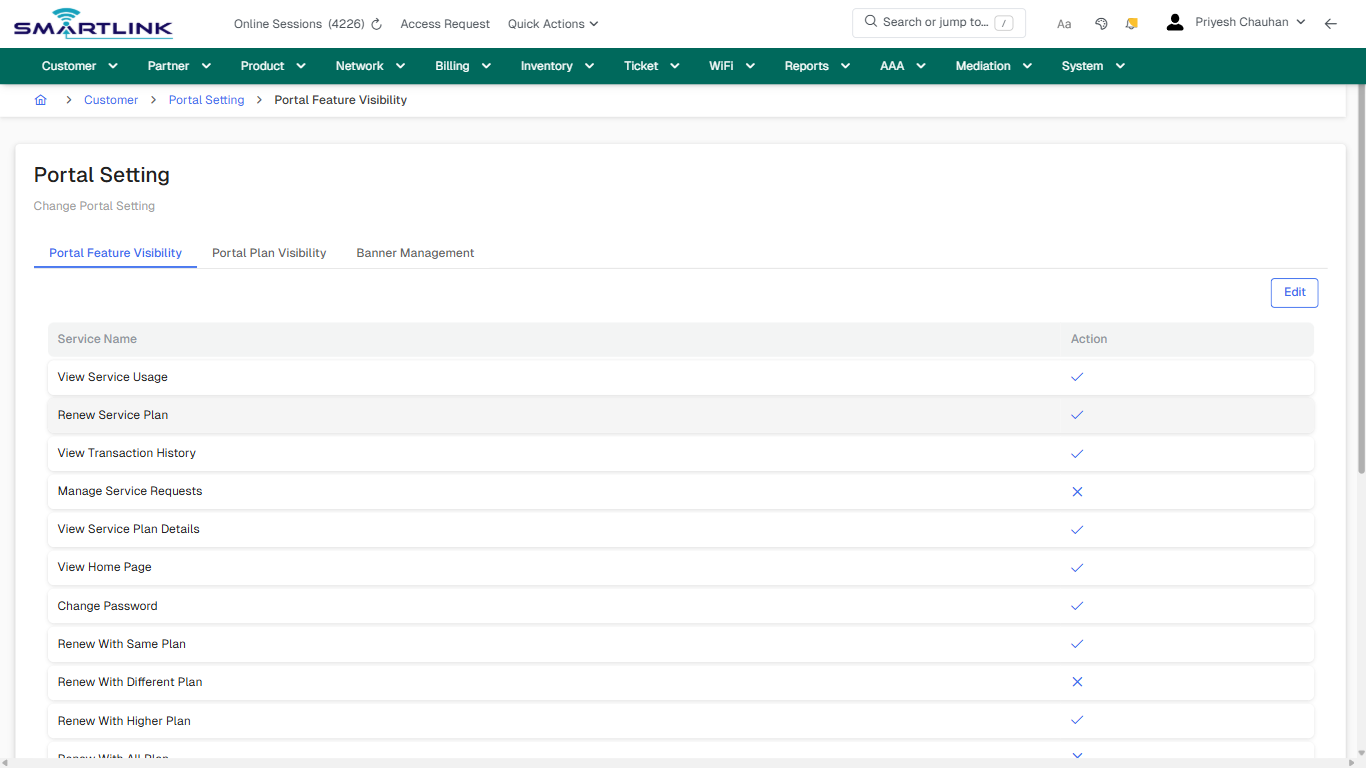
# cust > cpo > pfv

# cust &gt; cpo &gt; pfv

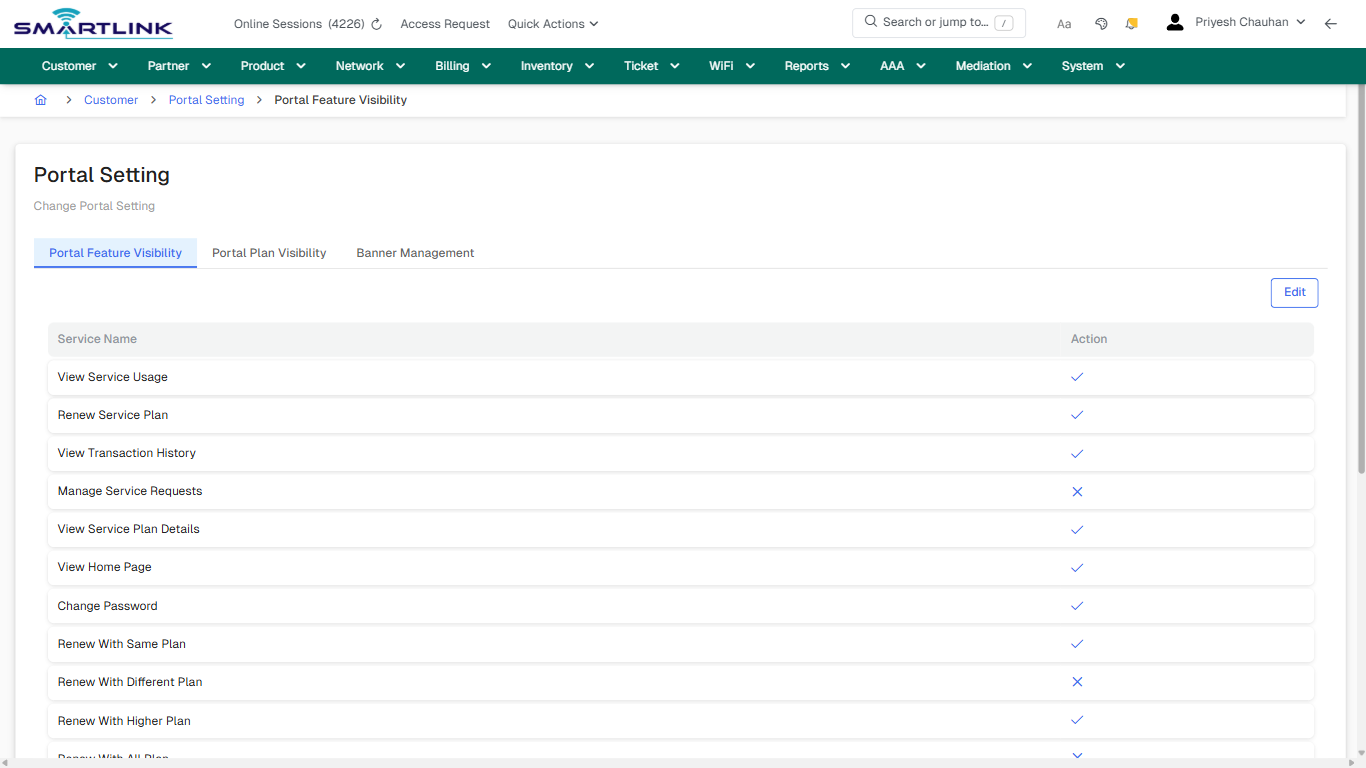
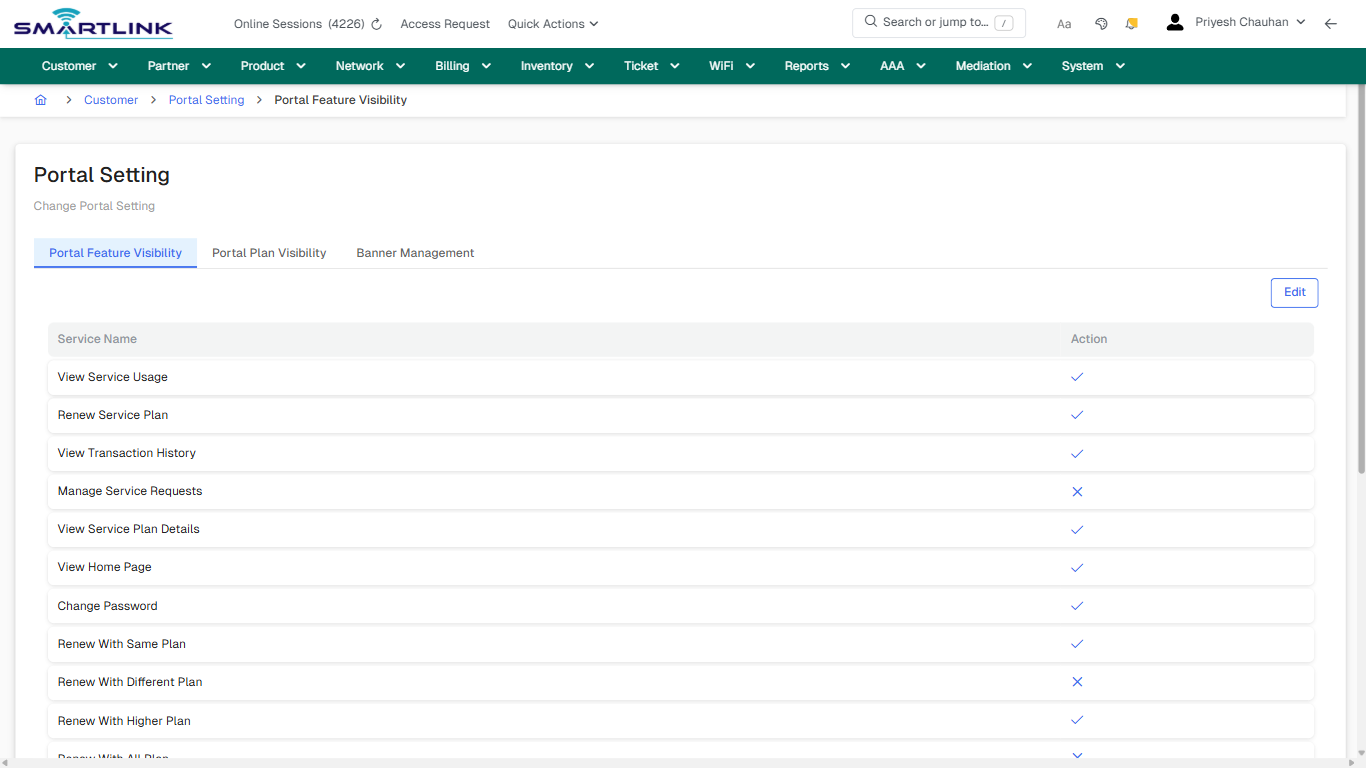
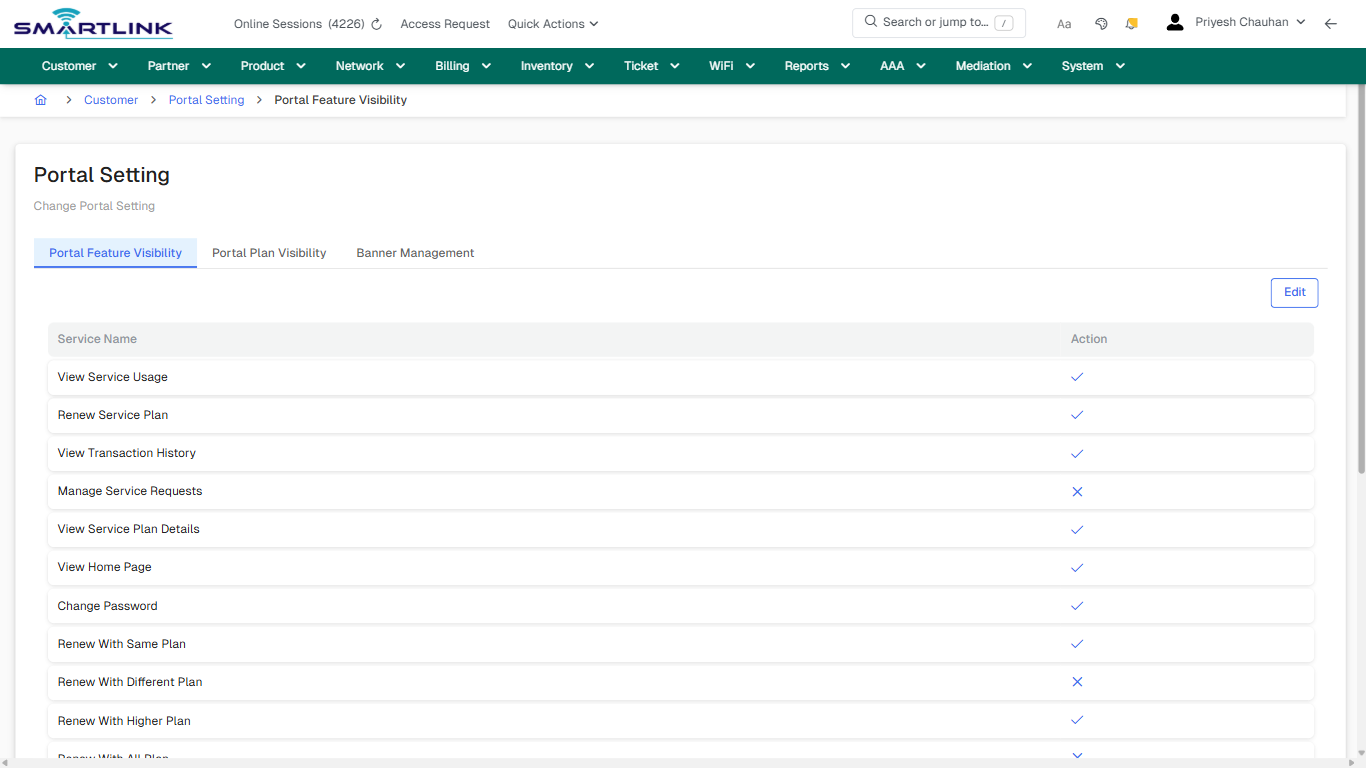
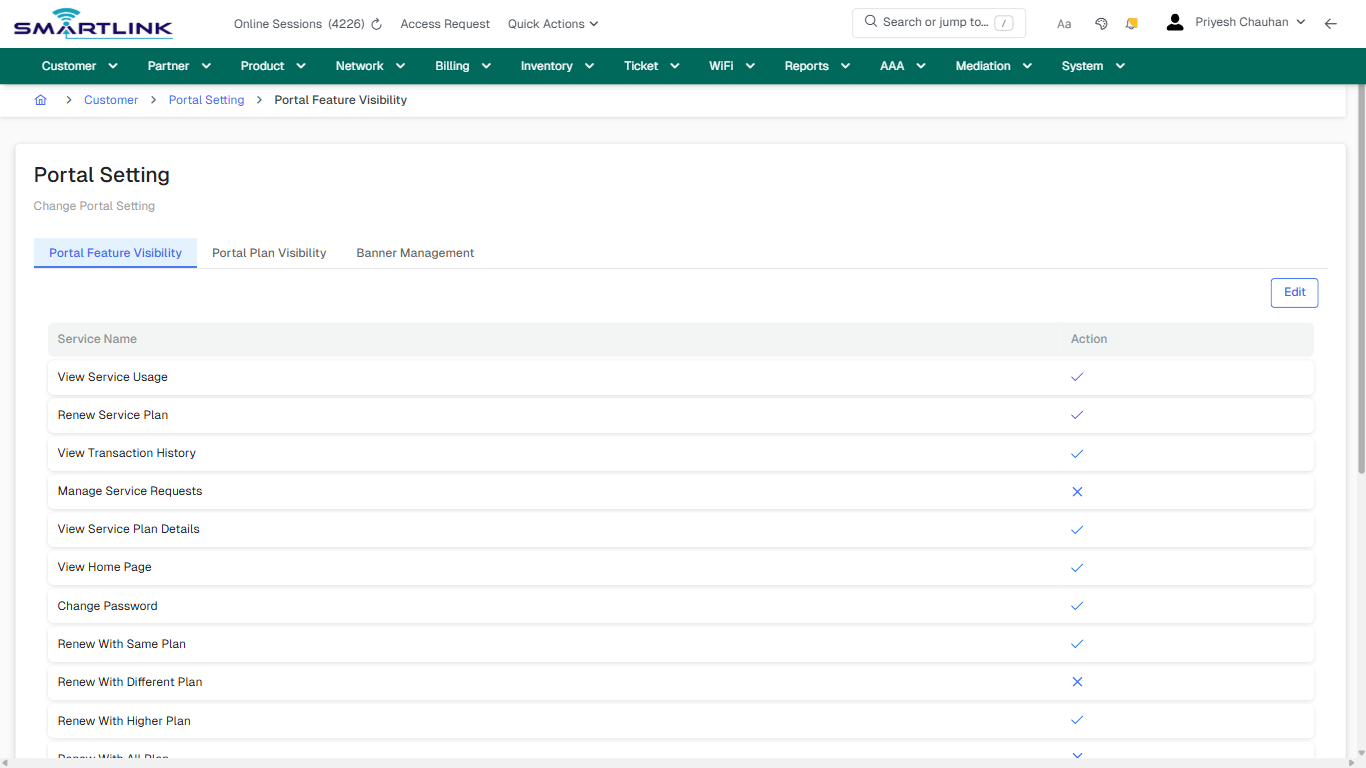
**Route:** cust/cpo/pfv

**URL:** https://admin.myslbb.com/#/cust/cpo/pfv

---

## Overview

 This page is a draft SOP reference for the above screen in **i2i Core OSS/BSS**. It is auto-generated from UI exports and should be reviewed for operational correctness before customer release.

## When to Use

- Use this screen for the workflow represented by this route.
- Do not make billing/AAA/provisioning-impacting changes without required authorization.
 
## Typical Workflow

1. Verify you are working on the correct entity (Customer/Account/Service).
2. Review the current lifecycle state before making changes.
3. Apply changes and validate system response.
4. Confirm downstream impact (AAA/Provisioning/Billing) where applicable.
 
## Field &amp; Action Hints (Auto-detected)

- **Actions detected:** Auto, Close, Customer, Portal Setting, Edit

## Validation &amp; Safety Checks

- Confirm identifiers before saving.
- Confirm lifecycle state allows the change.
- Confirm rollback/support path exists for production actions.
 
## Escalation Guidance

- **L1:** Verify input, permissions, and entity state.
- **L2:** Validate dependencies and downstream state.
- **L3/Admin:** Policy/config changes or suspected defect.
 
---

## Screenshots

## default

**Captured URL:** https://admin.myslbb.com/#/cust/cpo/pfv

<div id="bkmrk-images-uploading%E2%80%A6">*Images uploading…*<div data-img-token="IMG_PLACEHOLDER_0_1770130574258">![screenshot](https://kb.i2itechservices.com/uploads/images/gallery/2026-02/admin-myslbb-com-cust-cpo-pfv-default-9e2c5dda74-part-01.png)

![screenshot](https://kb.i2itechservices.com/uploads/images/gallery/2026-02/admin-myslbb-com-cust-cpo-pfv-default-9e2c5dda74-part-02.png)

</div></div>---

## ui\_tab\_1

**Captured URL:** https://admin.myslbb.com/#/cust/cpo/pfv

<div id="bkmrk-images-uploading%E2%80%A6-1">*Images uploading…*<div data-img-token="IMG_PLACEHOLDER_1_1770130574258">![screenshot](https://kb.i2itechservices.com/uploads/images/gallery/2026-02/admin-myslbb-com-cust-cpo-pfv-ui-tab-1-b4db456bf5-part-01.png)

![screenshot](https://kb.i2itechservices.com/uploads/images/gallery/2026-02/admin-myslbb-com-cust-cpo-pfv-ui-tab-1-b4db456bf5-part-02.png)

</div></div>---

## common\_tab\_1

**Captured URL:** https://admin.myslbb.com/#/cust/cpo/pfv

<div id="bkmrk-images-uploading%E2%80%A6-2">*Images uploading…*<div data-img-token="IMG_PLACEHOLDER_2_1770130574258">![screenshot](https://kb.i2itechservices.com/uploads/images/gallery/2026-02/admin-myslbb-com-cust-cpo-pfv-common-tab-1-96e1a1aee5-part-01.png)

![screenshot](https://kb.i2itechservices.com/uploads/images/gallery/2026-02/admin-myslbb-com-cust-cpo-pfv-common-tab-1-96e1a1aee5-part-02.png)

</div></div>

# cust > cpo > ppv

# cust &gt; cpo &gt; ppv

**Route:** cust/cpo/ppv

**URL:** https://admin.myslbb.com/#/cust/cpo/ppv

---

## Overview

 This page is a draft SOP reference for the above screen in **i2i Core OSS/BSS**. It is auto-generated from UI exports and should be reviewed for operational correctness before customer release.

## When to Use

- Use this screen for the workflow represented by this route.
- Do not make billing/AAA/provisioning-impacting changes without required authorization.
 
## Typical Workflow

1. Verify you are working on the correct entity (Customer/Account/Service).
2. Review the current lifecycle state before making changes.
3. Apply changes and validate system response.
4. Confirm downstream impact (AAA/Provisioning/Billing) where applicable.
 
## Field &amp; Action Hints (Auto-detected)

- **Actions detected:** Auto, Close, Customer, Portal Setting, Add Plans

## Validation &amp; Safety Checks

- Confirm identifiers before saving.
- Confirm lifecycle state allows the change.
- Confirm rollback/support path exists for production actions.
 
## Escalation Guidance

- **L1:** Verify input, permissions, and entity state.
- **L2:** Validate dependencies and downstream state.
- **L3/Admin:** Policy/config changes or suspected defect.
 
---

## Screenshots

## ui\_tab\_2

**Captured URL:** https://admin.myslbb.com/#/cust/cpo/ppv

<div id="bkmrk-images-uploading%E2%80%A6">*Images uploading…*<div data-img-token="IMG_PLACEHOLDER_0_1770130578558">![screenshot](https://kb.i2itechservices.com/uploads/images/gallery/2026-02/admin-myslbb-com-cust-cpo-ppv-ui-tab-2-b1b9faa3a1-part-01.png)

![screenshot](https://kb.i2itechservices.com/uploads/images/gallery/2026-02/admin-myslbb-com-cust-cpo-ppv-ui-tab-2-b1b9faa3a1-part-02.png)

</div></div>---

## common\_tab\_2

**Captured URL:** https://admin.myslbb.com/#/cust/cpo/ppv

<div id="bkmrk-images-uploading%E2%80%A6-1">*Images uploading…*<div data-img-token="IMG_PLACEHOLDER_1_1770130578558">![screenshot](https://kb.i2itechservices.com/uploads/images/gallery/2026-02/admin-myslbb-com-cust-cpo-ppv-common-tab-2-8117d09578-part-01.png)

![screenshot](https://kb.i2itechservices.com/uploads/images/gallery/2026-02/admin-myslbb-com-cust-cpo-ppv-common-tab-2-8117d09578-part-02.png)

</div></div>

# cust > lead > all

# cust &gt; lead &gt; all

**Route:** cust/lead/all

**URL:** https://admin.myslbb.com/#/cust/lead/all

---

## Overview

 This page is a draft SOP reference for the above screen in **i2i Core OSS/BSS**. It is auto-generated from UI exports and should be reviewed for operational correctness before customer release.

## When to Use

- Use this screen for the workflow represented by this route.
- Do not make billing/AAA/provisioning-impacting changes without required authorization.
 
## Typical Workflow

1. Verify you are working on the correct entity (Customer/Account/Service).
2. Review the current lifecycle state before making changes.
3. Apply changes and validate system response.
4. Confirm downstream impact (AAA/Provisioning/Billing) where applicable.
 
## Field &amp; Action Hints (Auto-detected)

- **Fields detected:** Show All Closed Lead
- **Actions detected:** Auto, Close, Customer, Customer Lead, New Customer Lead, Clear

## Validation &amp; Safety Checks

- Confirm identifiers before saving.
- Confirm lifecycle state allows the change.
- Confirm rollback/support path exists for production actions.
 
## Escalation Guidance

- **L1:** Verify input, permissions, and entity state.
- **L2:** Validate dependencies and downstream state.
- **L3/Admin:** Policy/config changes or suspected defect.
 
---

## Screenshots

## default

**Captured URL:** https://admin.myslbb.com/#/cust/lead/all

<div id="bkmrk-images-uploading%E2%80%A6">*Images uploading…*<div data-img-token="IMG_PLACEHOLDER_0_1770130581720">![screenshot](https://kb.i2itechservices.com/uploads/images/gallery/2026-02/admin-myslbb-com-cust-lead-all-default-02e6a8450f-part-01.png)

![screenshot](https://kb.i2itechservices.com/uploads/images/gallery/2026-02/admin-myslbb-com-cust-lead-all-default-02e6a8450f-part-02.png)

</div></div>---

## ui\_tab\_1

**Captured URL:** https://admin.myslbb.com/#/cust/lead/all

<div id="bkmrk-images-uploading%E2%80%A6-1">*Images uploading…*<div data-img-token="IMG_PLACEHOLDER_1_1770130581720">![screenshot](https://kb.i2itechservices.com/uploads/images/gallery/2026-02/admin-myslbb-com-cust-lead-all-ui-tab-1-c04614ccd2-part-01.png)

![screenshot](https://kb.i2itechservices.com/uploads/images/gallery/2026-02/admin-myslbb-com-cust-lead-all-ui-tab-1-c04614ccd2-part-02.png)

</div></div>---

## common\_tab\_1

**Captured URL:** https://admin.myslbb.com/#/cust/lead/all

<div id="bkmrk-images-uploading%E2%80%A6-2">*Images uploading…*<div data-img-token="IMG_PLACEHOLDER_2_1770130581720">![screenshot](https://kb.i2itechservices.com/uploads/images/gallery/2026-02/admin-myslbb-com-cust-lead-all-common-tab-1-63c0bfec04-part-01.png)

![screenshot](https://kb.i2itechservices.com/uploads/images/gallery/2026-02/admin-myslbb-com-cust-lead-all-common-tab-1-63c0bfec04-part-02.png)

</div></div>---

## common\_tab\_2

**Captured URL:** https://admin.myslbb.com/#/cust/lead/all

<div id="bkmrk-images-uploading%E2%80%A6-3">*Images uploading…*<div data-img-token="IMG_PLACEHOLDER_3_1770130581720">![screenshot](https://kb.i2itechservices.com/uploads/images/gallery/2026-02/admin-myslbb-com-cust-lead-all-common-tab-2-5a28a603ce-part-01.png)

![screenshot](https://kb.i2itechservices.com/uploads/images/gallery/2026-02/admin-myslbb-com-cust-lead-all-common-tab-2-5a28a603ce-part-02.png)

</div></div>---

## create\_new

**Captured URL:** https://admin.myslbb.com/#/cust/lead/all

<div id="bkmrk-images-uploading%E2%80%A6-4">*Images uploading…*<div data-img-token="IMG_PLACEHOLDER_4_1770130581720">![screenshot](https://kb.i2itechservices.com/uploads/images/gallery/2026-02/admin-myslbb-com-cust-lead-all-create-new-11e6d39271-part-01.png)

![screenshot](https://kb.i2itechservices.com/uploads/images/gallery/2026-02/admin-myslbb-com-cust-lead-all-create-new-11e6d39271-part-02.png)

</div></div>---

## drilldown\_one\_item

**Captured URL:** https://admin.myslbb.com/#/cust/lead/all

<div id="bkmrk-images-uploading%E2%80%A6-5">*Images uploading…*<div data-img-token="IMG_PLACEHOLDER_5_1770130581720">![screenshot](https://kb.i2itechservices.com/uploads/images/gallery/2026-02/admin-myslbb-com-cust-lead-all-drilldown-one-item-64a737b55f-part-01.png)

![screenshot](https://kb.i2itechservices.com/uploads/images/gallery/2026-02/admin-myslbb-com-cust-lead-all-drilldown-one-item-64a737b55f-part-02.png)

</div></div>

# cust > lealineacct > list > all

# cust &gt; lealineacct &gt; list &gt; all

**Route:** cust/lealineacct/list/all

**URL:** https://admin.myslbb.com/#/cust/lealineacct/list/all

---

## Overview

 This page is a draft SOP reference for the above screen in **i2i Core OSS/BSS**. It is auto-generated from UI exports and should be reviewed for operational correctness before customer release.

## When to Use

- Use this screen for the workflow represented by this route.
- Do not make billing/AAA/provisioning-impacting changes without required authorization.
 
## Typical Workflow

1. Verify you are working on the correct entity (Customer/Account/Service).
2. Review the current lifecycle state before making changes.
3. Apply changes and validate system response.
4. Confirm downstream impact (AAA/Provisioning/Billing) where applicable.
 
## Field &amp; Action Hints (Auto-detected)

- **Actions detected:** Auto, Close, Customer, Group Account, New Group Account, Add New Service Account, Clear

## Validation &amp; Safety Checks

- Confirm identifiers before saving.
- Confirm lifecycle state allows the change.
- Confirm rollback/support path exists for production actions.
 
## Escalation Guidance

- **L1:** Verify input, permissions, and entity state.
- **L2:** Validate dependencies and downstream state.
- **L3/Admin:** Policy/config changes or suspected defect.
 
---

## Screenshots

## default

**Captured URL:** https://admin.myslbb.com/#/cust/lealineacct/list/all

<div id="bkmrk-images-uploading%E2%80%A6">*Images uploading…*<div data-img-token="IMG_PLACEHOLDER_0_1770130589580">![screenshot](https://kb.i2itechservices.com/uploads/images/gallery/2026-02/admin-myslbb-com-cust-lealineacct-list-all-default-2257e48181-part-01.png)

![screenshot](https://kb.i2itechservices.com/uploads/images/gallery/2026-02/admin-myslbb-com-cust-lealineacct-list-all-default-2257e48181-part-02.png)

</div></div>---

## ui\_tab\_1

**Captured URL:** https://admin.myslbb.com/#/cust/lealineacct/list/all

<div id="bkmrk-images-uploading%E2%80%A6-1">*Images uploading…*<div data-img-token="IMG_PLACEHOLDER_1_1770130589580">![screenshot](https://kb.i2itechservices.com/uploads/images/gallery/2026-02/admin-myslbb-com-cust-lealineacct-list-all-ui-tab-1-2ec14bbad3-part-01.png)

![screenshot](https://kb.i2itechservices.com/uploads/images/gallery/2026-02/admin-myslbb-com-cust-lealineacct-list-all-ui-tab-1-2ec14bbad3-part-02.png)

</div></div>---

## common\_tab\_1

**Captured URL:** https://admin.myslbb.com/#/cust/lealineacct/list/all

<div id="bkmrk-images-uploading%E2%80%A6-2">*Images uploading…*<div data-img-token="IMG_PLACEHOLDER_2_1770130589580">![screenshot](https://kb.i2itechservices.com/uploads/images/gallery/2026-02/admin-myslbb-com-cust-lealineacct-list-all-common-tab-1-7449ed099d-part-01.png)

![screenshot](https://kb.i2itechservices.com/uploads/images/gallery/2026-02/admin-myslbb-com-cust-lealineacct-list-all-common-tab-1-7449ed099d-part-02.png)

</div></div>---

## common\_tab\_2

**Captured URL:** https://admin.myslbb.com/#/cust/lealineacct/list/all

<div id="bkmrk-images-uploading%E2%80%A6-3">*Images uploading…*<div data-img-token="IMG_PLACEHOLDER_3_1770130589580">![screenshot](https://kb.i2itechservices.com/uploads/images/gallery/2026-02/admin-myslbb-com-cust-lealineacct-list-all-common-tab-2-1d26a6815d-part-01.png)

![screenshot](https://kb.i2itechservices.com/uploads/images/gallery/2026-02/admin-myslbb-com-cust-lealineacct-list-all-common-tab-2-1d26a6815d-part-02.png)

</div></div>---

## drilldown\_one\_item

**Captured URL:** https://admin.myslbb.com/#/cust/lealineacct/list/all

<div id="bkmrk-images-uploading%E2%80%A6-4">*Images uploading…*<div data-img-token="IMG_PLACEHOLDER_4_1770130589580">![screenshot](https://kb.i2itechservices.com/uploads/images/gallery/2026-02/admin-myslbb-com-cust-lealineacct-list-all-drilldown-one-item-af747ea39a-part-01.png)

![screenshot](https://kb.i2itechservices.com/uploads/images/gallery/2026-02/admin-myslbb-com-cust-lealineacct-list-all-drilldown-one-item-af747ea39a-part-02.png)

</div></div>

# cust > lealineacct > postpaid > create > 0

# cust &gt; lealineacct &gt; postpaid &gt; create &gt; 0

**Route:** cust/lealineacct/postpaid/create/0

**URL:** https://admin.myslbb.com/#/cust/lealineacct/postpaid/create/0

---

## Overview

 This page is a draft SOP reference for the above screen in **i2i Core OSS/BSS**. It is auto-generated from UI exports and should be reviewed for operational correctness before customer release.

## When to Use

- Use this screen for the workflow represented by this route.
- Do not make billing/AAA/provisioning-impacting changes without required authorization.
 
## Typical Workflow

1. Verify you are working on the correct entity (Customer/Account/Service).
2. Review the current lifecycle state before making changes.
3. Apply changes and validate system response.
4. Confirm downstream impact (AAA/Provisioning/Billing) where applicable.
 
## Field &amp; Action Hints (Auto-detected)

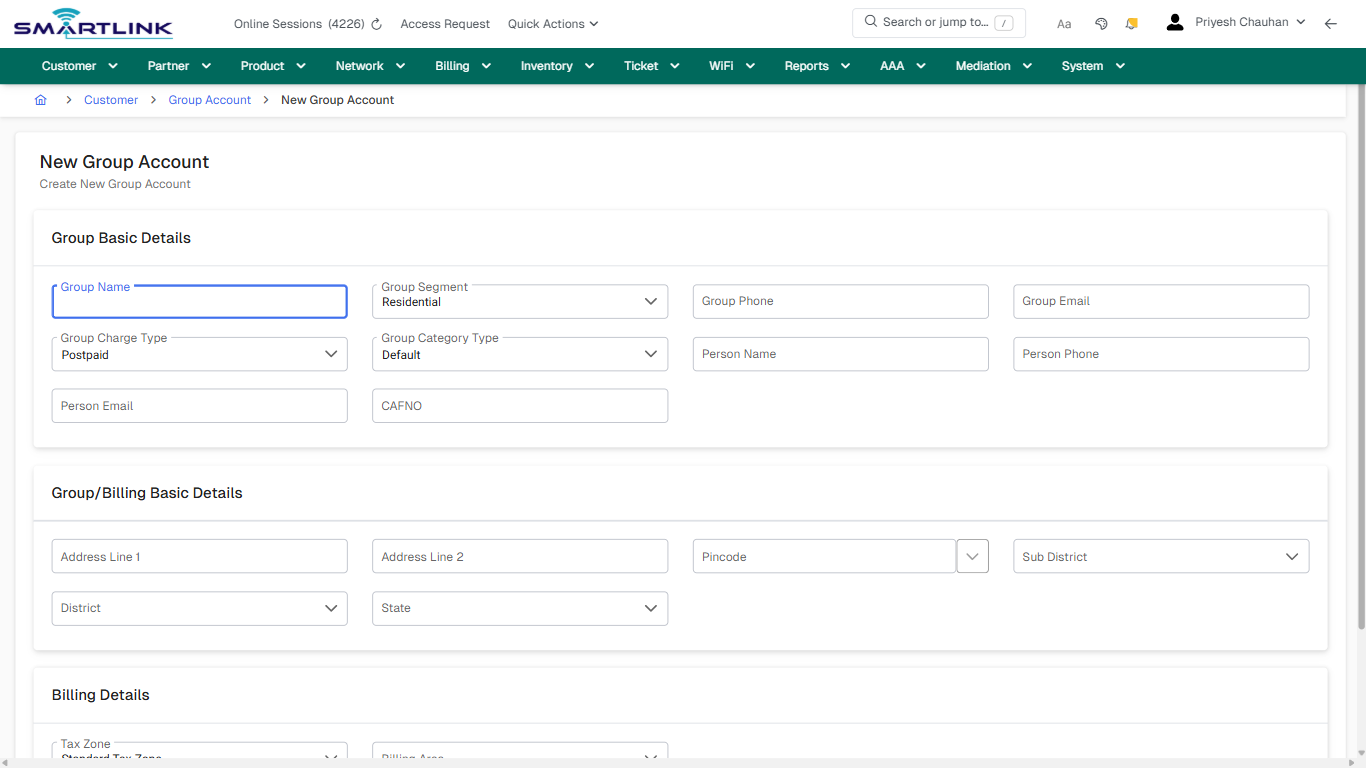
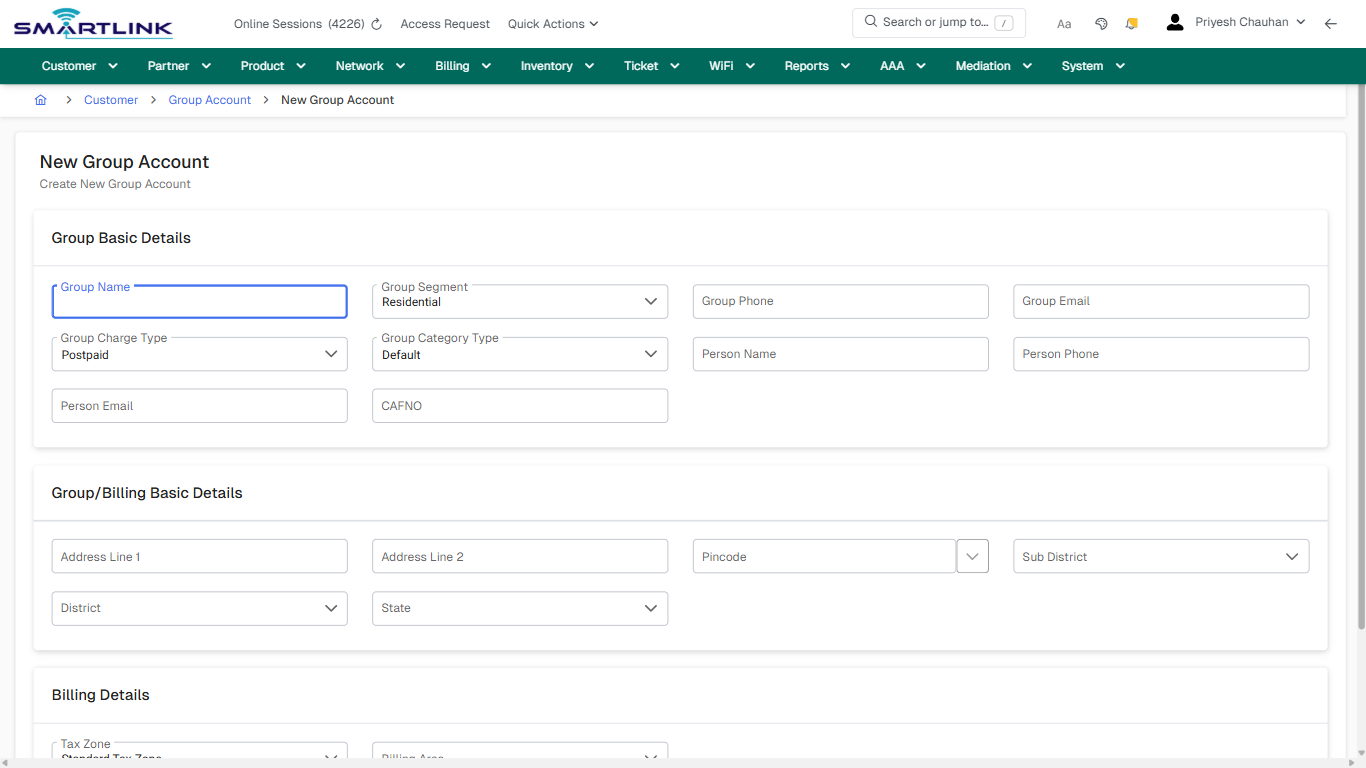
- **Fields detected:** Group Name, Group Segment, Group Phone, Group Email, Group Charge Type, Group Category Type, Person Name, Person Phone, Person Email, CAFNO, Address Line 1, Address Line 2, Pincode, Sub District, District, State, Tax Zone, Billing Area
- **Actions detected:** Auto, Close, Customer, Group Account, Create Group Account, Cancel

## Validation &amp; Safety Checks

- Confirm identifiers before saving.
- Confirm lifecycle state allows the change.
- Confirm rollback/support path exists for production actions.
 
## Escalation Guidance

- **L1:** Verify input, permissions, and entity state.
- **L2:** Validate dependencies and downstream state.
- **L3/Admin:** Policy/config changes or suspected defect.
 
---

## Screenshots

## create\_new

**Captured URL:** https://admin.myslbb.com/#/cust/lealineacct/postpaid/create/0

<div id="bkmrk-images-uploading%E2%80%A6">*Images uploading…*<div data-img-token="IMG_PLACEHOLDER_0_1770130596340">![screenshot](https://kb.i2itechservices.com/uploads/images/gallery/2026-02/admin-myslbb-com-cust-lealineacct-postpaid-create-0-create-new-dee1b38c43-part-01.png)

![screenshot](https://kb.i2itechservices.com/uploads/images/gallery/2026-02/admin-myslbb-com-cust-lealineacct-postpaid-create-0-create-new-dee1b38c43-part-02.png)

</div></div>

# cust > set

# cust &gt; set

**Route:** cust/set

**URL:** https://admin.myslbb.com/#/cust/set

---

## Overview

 This page is a draft SOP reference for the above screen in **i2i Core OSS/BSS**. It is auto-generated from UI exports and should be reviewed for operational correctness before customer release.

## When to Use

- Use this screen for the workflow represented by this route.
- Do not make billing/AAA/provisioning-impacting changes without required authorization.
 
## Typical Workflow

1. Verify you are working on the correct entity (Customer/Account/Service).
2. Review the current lifecycle state before making changes.
3. Apply changes and validate system response.
4. Confirm downstream impact (AAA/Provisioning/Billing) where applicable.
 
## Field &amp; Action Hints (Auto-detected)

- **Actions detected:** Auto, Close, Customer, Settings

## Validation &amp; Safety Checks

- Confirm identifiers before saving.
- Confirm lifecycle state allows the change.
- Confirm rollback/support path exists for production actions.
 
## Escalation Guidance

- **L1:** Verify input, permissions, and entity state.
- **L2:** Validate dependencies and downstream state.
- **L3/Admin:** Policy/config changes or suspected defect.
 
---

## Screenshots

## default

**Captured URL:** https://admin.myslbb.com/#/cust/set

<div id="bkmrk-images-uploading%E2%80%A6">*Images uploading…*<div data-img-token="IMG_PLACEHOLDER_0_1770130598327">![screenshot](https://kb.i2itechservices.com/uploads/images/gallery/2026-02/admin-myslbb-com-cust-set-default-2525fc3da4-part-01.png)

![screenshot](https://kb.i2itechservices.com/uploads/images/gallery/2026-02/admin-myslbb-com-cust-set-default-2525fc3da4-part-02.png)

</div></div>

# Customer & Subscriber Management – Overview

# Customer &amp; Subscriber Management – Overview

**Product:** i2i Core OSS/BSS  
 **Company:** i2i Tech Services Private Limited

---

## Purpose

 The Customer &amp; Subscriber Management module is the foundation of i2i Core OSS/BSS. It establishes the authoritative identity and ownership model used across AAA, provisioning, billing, reporting, and audit flows.

## Conceptual Model

- **Customer**: Legal/commercial entity (individual/organization/partner).
- **Account**: Billing &amp; service container under a customer.
- **Service**: A provisioned offering (broadband, leased line, add-ons) owned by an account.
- **Subscriber**: End endpoint/identity consuming the service (credentials + network identifiers).
 
## Lifecycle

1. Create Customer → Create Account
2. Attach Service(s) to Account
3. Create Subscriber identity and map it to service
4. Activate → Operate (Modify/Suspend/Resume) → Terminate
 
## Operational Principles

- **Data integrity first**: Avoid duplicates and uncontrolled edits.
- **Controlled state transitions**: Changes must be lifecycle-aware.
- **Downstream impact awareness**: Customer data drives AAA &amp; billing behavior.
- **Auditability**: All changes must be traceable to a user and time.
 
## Role Responsibilities

- **L1/NOC**: Create customers/accounts, routine updates, status checks, basic lifecycle actions.
- **L2 Ops**: Validate AAA/provisioning dependencies, handle complex corrections safely.
- **L3/Admin**: Policy, configuration, integration, and defect triage.
 
---

## Screenshots

*Screenshots not yet added.*

# Customer Creation & Classification

# Customer Creation &amp; Classification

**Product:** i2i Core OSS/BSS  
 **Company:** i2i Tech Services Private Limited

---

## Purpose

 Customer creation establishes the legal and operational identity for all downstream workflows in i2i Core OSS/BSS. Classification determines policy eligibility, billing ownership, provisioning constraints, and reporting visibility.

## When to Create a New Customer

- New legal/commercial entity onboarding (residential, enterprise, partner/reseller).
- Contractually separate ownership requiring distinct invoicing/compliance.
 
## When NOT to Create a New Customer

- Additional services for the same entity (create a new **Account** or **Service**).
- New location under the same agreement (use account/service mapping as per policy).
 
## Classification Guidance

- **Residential**: Standard policies, minimal exceptions.
- **Enterprise**: SLA-sensitive, multi-service/multi-site, approvals often required.
- **Partner/Reseller**: Revenue-share/settlement logic; restricted operational permissions.
 
## Mandatory Data &amp; Verification

- Customer name (legal), classification, verified contact details.
- Installation &amp; billing address mapping (as applicable).
- Uniqueness checks (avoid duplicates).
 
## Validation &amp; Controls

- Mandatory fields enforced; role-based permissions apply.
- Classification changes should be restricted after dependent entities exist.
- All creation actions must be auditable.
 
## Downstream Impact

- **Billing**: invoicing entity, tax/compliance behavior, ownership.
- **AAA**: root ownership for subscriber identities and policy boundaries.
- **Provisioning**: service eligibility and lifecycle enforcement.
 
---

## Screenshots

*Screenshots not yet added.*

# Account Creation & Billing Relationship

# Account Creation &amp; Billing Relationship

**Product:** i2i Core OSS/BSS  
 **Company:** i2i Tech Services Private Limited

---

## Purpose

 Accounts represent the commercial and billing container under a customer. Accounts are used to group services, define billing ownership, and enforce policies such as billing cycle, credit controls, and operational constraints.

## When to Create a New Account

- Separate billing relationship required (different GST/tax entity, cycle, or payer).
- Multi-site enterprise requiring separate service grouping and reporting.
- Partner/reseller models where settlement and ownership boundaries differ.
 
## Key Attributes

- **Billing owner** and invoicing details
- **Billing cycle** / effective dates
- **Payment terms** / credit policy (if applicable)
- **Account status** (active/suspended/closed)
 
## Workflow

1. Select the correct customer → Create Account
2. Set billing ownership &amp; cycle
3. Validate address/tax/compliance data (if used)
4. Save → Confirm account readiness for service attachment
 
## Validation &amp; Safety

- Do not attach services to incorrect account; ownership impacts billing and reporting.
- Do not change billing cycle/effective date without approvals.
- Account closure must ensure services are terminated/archived per policy.
 
## Downstream Impact

- **Billing**: invoice generation, adjustments, and ledger grouping.
- **Service**: services inherit account ownership and constraints.
- **Reporting**: KPIs roll up by account/customer hierarchy.
 
---

## Screenshots

*Screenshots not yet added.*

# Service Association & Ownership

# Service Association &amp; Ownership

**Product:** i2i Core OSS/BSS  
 **Company:** i2i Tech Services Private Limited

---

## Purpose

 Services represent the deliverable offering mapped to an account. Service association defines entitlement, provisioning scope, AAA applicability, and chargeability. Ownership must remain unambiguous to avoid revenue leakage and provisioning conflicts.

## Service Ownership Rules

- A service must belong to exactly one **Account** at a time.
- Service identifiers must remain stable (IDs used by provisioning/AAA/billing).
- Ownership transfers require controlled workflow and audit trail.
 
## Workflow

1. Open Account → Add/Attach Service
2. Select service type/plan/profile (as per product configuration)
3. Set activation/effective dates (if applicable)
4. Validate mandatory attributes → Save
 
## Validation &amp; Safety

- Confirm service type aligns with customer classification (residential vs enterprise vs partner).
- Confirm charging/rating applicability before activation.
- Do not edit service identifiers in production without escalation.
 
## Downstream Impact

- **Provisioning**: triggers activation workflows and network mapping.
- **AAA**: defines authorization scope and service entitlement.
- **Billing**: determines recurring/one-time charges and invoice mapping.
 
---

## Screenshots

*Screenshots not yet added.*

# Subscriber Creation & Identity Mapping

# Subscriber Creation &amp; Identity Mapping

**Product:** i2i Core OSS/BSS  
 **Company:** i2i Tech Services Private Limited

---

## Purpose

 Subscribers represent the operational endpoint identity consuming a service (credentials + network identifiers). Correct mapping ensures authentication success, accurate accounting, and consistent service state across systems.

## Identity Components

- **Authentication identity**: username/identifier used by AAA
- **Authorization mapping**: which service/plan/profile applies
- **Network identifiers**: MAC/VLAN/Circuit/Interface mapping where applicable
- **Status**: active/suspended/terminated aligned to lifecycle
 
## Workflow

1. Open Service → Create Subscriber
2. Assign identity/credentials per policy
3. Map subscriber to service entitlement
4. Validate uniqueness → Save
5. Perform post-save validation (AAA/provisioning readiness)
 
## Validation &amp; Safety

- Credentials must be unique within the defined domain/policy scope.
- Ensure correct plan/profile mapping; wrong mapping causes speed/policy mismatches.
- Any production credential reset should be auditable and approved.
 
## Troubleshooting Signals

- Authentication fails → check identity mapping and subscriber status
- Session starts but wrong policy → check service profile mapping
- Usage not visible → check accounting correlation and identifiers
 
---

## Screenshots

*Screenshots not yet added.*

# Customer Search, Verification & Duplicate Prevention

# Customer Search, Verification &amp; Duplicate Prevention

**Product:** i2i Core OSS/BSS  
 **Company:** i2i Tech Services Private Limited

---

## Purpose

 Search and verification reduces duplicate creation, prevents ownership errors, and ensures operational accuracy. This workflow must be executed before creating any new customer or account in production.

## Minimum Verification Checks

- Search by primary phone and email
- Search by identity reference (customer code/ID, document reference if used)
- Search by address keywords (when phone/email are unknown)
 
## Duplicate Prevention Rules

- Do not create a new customer if the same legal entity already exists.
- If multiple records exist, escalate for merge/dedup policy handling.
- Prefer updating verified contact fields rather than creating a second customer.
 
## Operational Workflow

1. Search using strongest identifiers first (phone/email/customer ID).
2. Open matching record and verify classification and active services.
3. If match confirmed → proceed with account/service actions under the existing customer.
4. If uncertain → escalate for verification before creation.
 
---

## Screenshots

*Screenshots not yet added.*

# Customer Updates & Controlled Changes

# Customer Updates &amp; Controlled Changes

**Product:** i2i Core OSS/BSS  
 **Company:** i2i Tech Services Private Limited

---

## Purpose

 Customer updates must be controlled because changes can impact billing, compliance communication, and operational routing. This page defines safe update practices and approval boundaries.

## Allowed Routine Updates (L1)

- Contact phone/email corrections (verified)
- Address corrections (as per SOP)
- Non-policy metadata updates (tags/notes if used)
 
## Restricted Updates (Require Approval / L2-L3)

- Customer classification changes (residential ↔ enterprise ↔ partner)
- Billing owner / invoicing identity changes
- Compliance identifiers used in invoices or regulatory reporting
 
## Safe Workflow

1. Confirm you are editing the correct customer (ID verification).
2. Review active services and accounts before changes.
3. Apply minimal change; avoid bulk edits.
4. Save and document reason/notes (as per policy).
 
## Common Risks

- Wrong customer edited → downstream billing/communication issues.
- Unapproved classification change → policy mismatches and audit risk.
 
---

## Screenshots

*Screenshots not yet added.*

# Service Lifecycle Actions – Suspend / Resume

# Service Lifecycle Actions – Suspend / Resume

**Product:** i2i Core OSS/BSS  
 **Company:** i2i Tech Services Private Limited

---

## Purpose

 Suspension and resumption are controlled lifecycle actions used to enforce policy (non-payment, misuse, temporary hold) without full termination. These actions must be consistent across customer/account/service/subscriber states.

## When to Suspend

- Billing/collection policy trigger (as approved)
- Security/abuse policy trigger (as approved)
- Customer-requested temporary hold (if supported)
 
## When NOT to Suspend

- When service must be permanently disconnected (use termination workflow)
- When entity ownership is unclear (verify customer/account first)
 
## Operational Workflow

1. Open the service → verify current status and active subscriber identity.
2. Trigger Suspend → confirm reason code/notes (if required).
3. Validate downstream: AAA should deny/limit session as per policy.
4. For Resume: confirm approvals/collection closure → resume → validate sessions.
 
## Validation

- Confirm the correct service and subscriber mapping before action.
- Confirm the expected downstream enforcement behavior (AAA state).
- Record action reason for audit trail.
 
## Troubleshooting

- Service suspended but user still online → verify AAA session handling and session termination policy.
- Service resumed but cannot authenticate → verify subscriber status and mapping.
 
---

## Screenshots

*Screenshots not yet added.*

# Service Termination / Disconnection & Data Retention

# Service Termination / Disconnection &amp; Data Retention

**Product:** i2i Core OSS/BSS  
 **Company:** i2i Tech Services Private Limited

---

## Purpose

 Termination is the permanent lifecycle closure of a service/subscriber relationship. Termination must ensure charging is closed correctly, AAA access is revoked, and records are retained according to policy.

## Pre-termination Checks

- Confirm customer/account ownership and correct service selection.
- Confirm billing closure or final invoice policy (as applicable).
- Confirm provisioning rollback policy (if applicable).
 
## Operational Workflow

1. Open service → validate active state and dependencies.
2. Trigger Termination/Disconnection → select reason and effective date if used.
3. Validate downstream: AAA access revoked, sessions terminated as per policy.
4. Confirm billing closure behavior and data retention flags.
 
## Retention &amp; Audit

- Operational records should remain queryable for audit for defined retention period.
- Do not hard-delete production entities unless explicitly approved and supported by policy.
 
## Common Issues

- Residual sessions after termination → check AAA session termination enforcement.
- Final invoice mismatch → check effective date and billing cycle alignment.
 
---

## Screenshots

*Screenshots not yet added.*

# Common Operational Scenarios & Troubleshooting

# Common Operational Scenarios &amp; Troubleshooting

**Product:** i2i Core OSS/BSS  
 **Company:** i2i Tech Services Private Limited

---

## Scenario A: Customer exists but onboarding fails

- Verify customer classification and mandatory data completeness.
- Verify account exists and is active.
- Verify service can be attached to that account per policy.
 
## Scenario B: Authentication fails after subscriber creation

- Verify subscriber is active and mapped to correct service/plan.
- Verify credential uniqueness and correct username format.
- Verify AAA policy assignment and service entitlement mapping.
 
## Scenario C: Wrong speed/policy applied

- Verify service plan/profile mapping.
- Verify subscriber is mapped to the intended service and not a stale record.
- Re-check effective dates and policy inheritance rules.
 
## Scenario D: Billing mismatch after ownership changes

- Verify account ownership and billing cycle/effective date alignment.
- Verify service is attached to the correct account.
- Escalate if correction requires ledger adjustments.
 
## Escalation Guidance

- **L1**: Verify IDs, status, and basic mapping.
- **L2**: Validate AAA/provisioning/billing dependencies and run corrective SOP.
- **L3**: Policy/config/integration issues and suspected product defects.
 
---

## Screenshots

*Screenshots not yet added.*