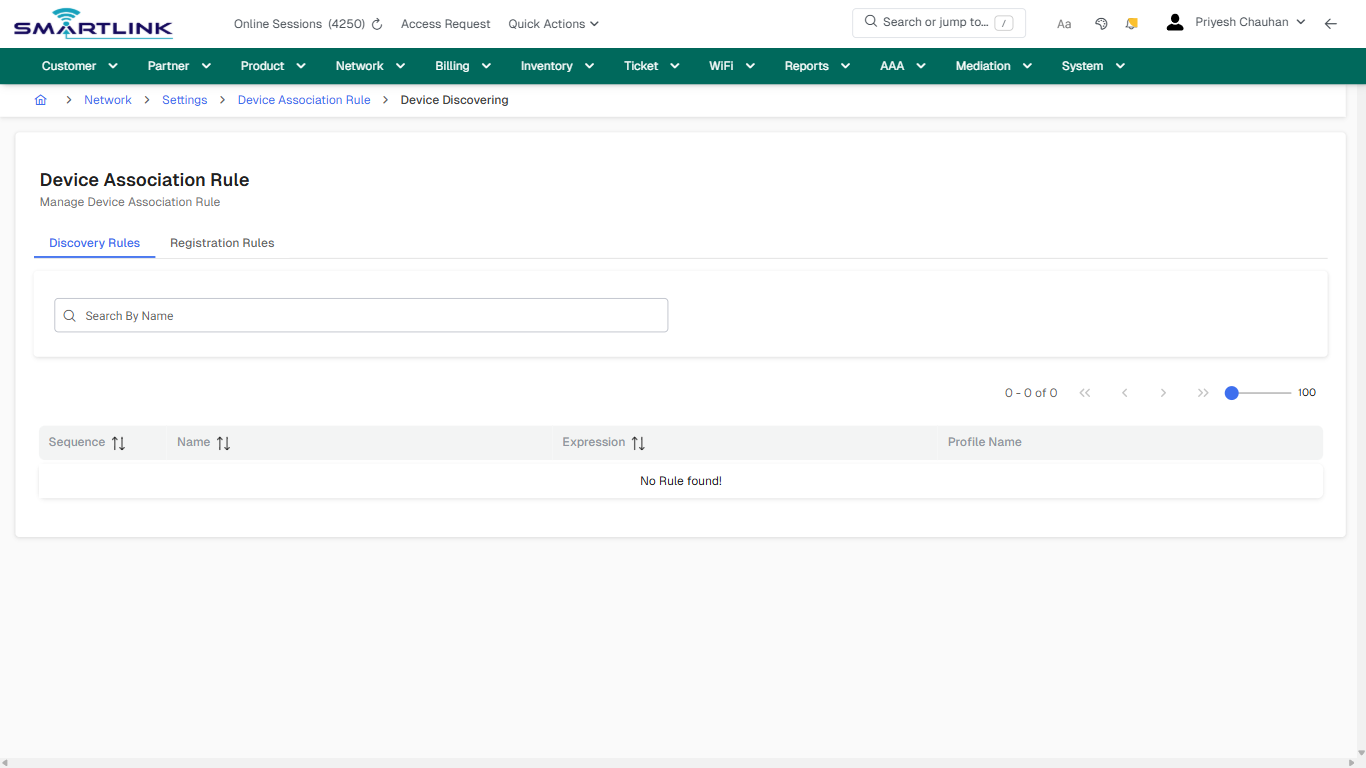
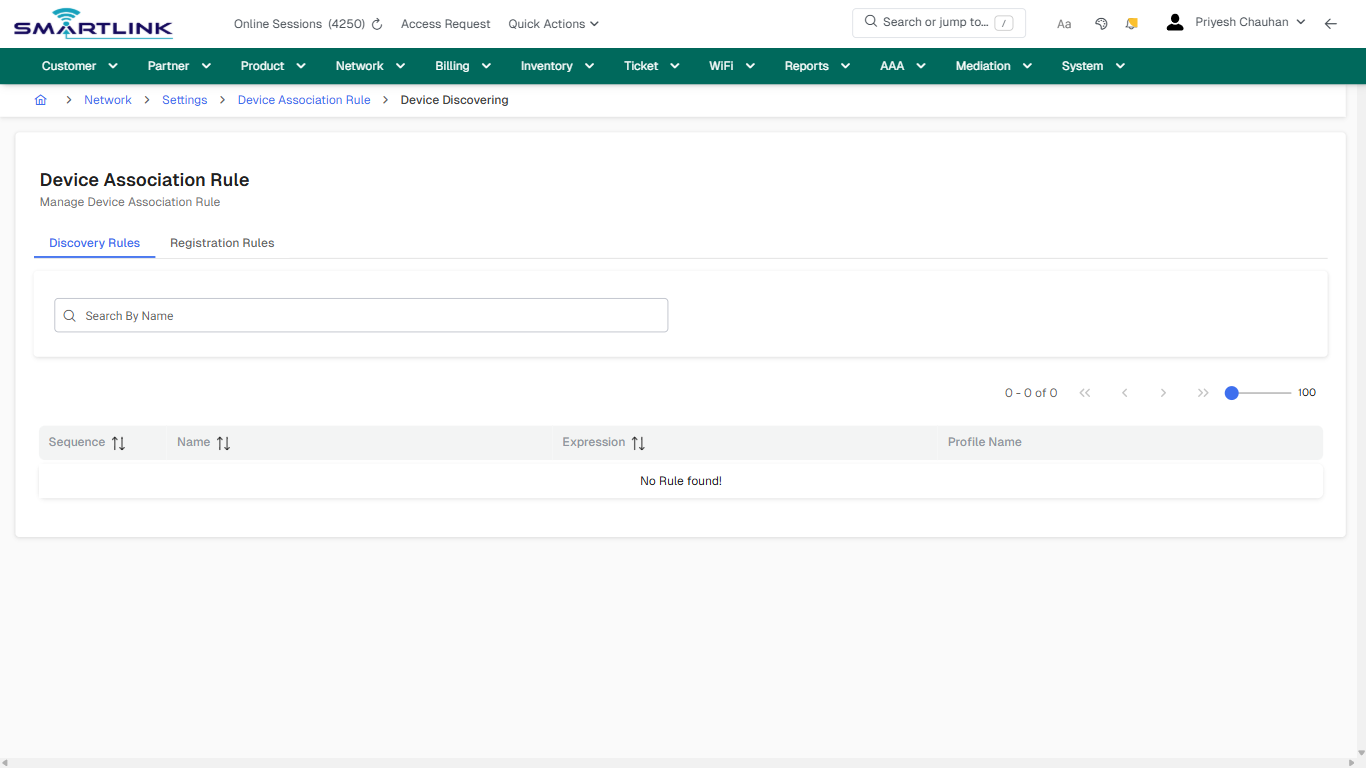
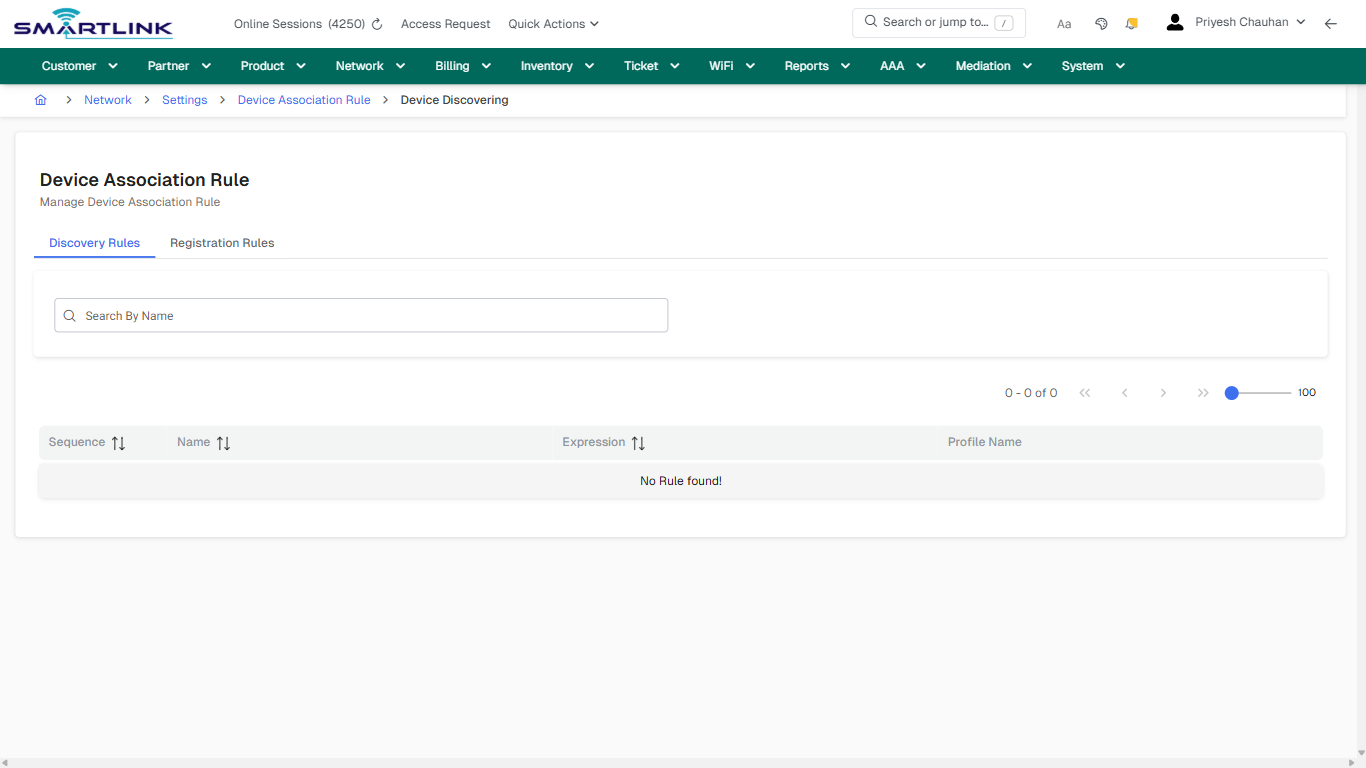
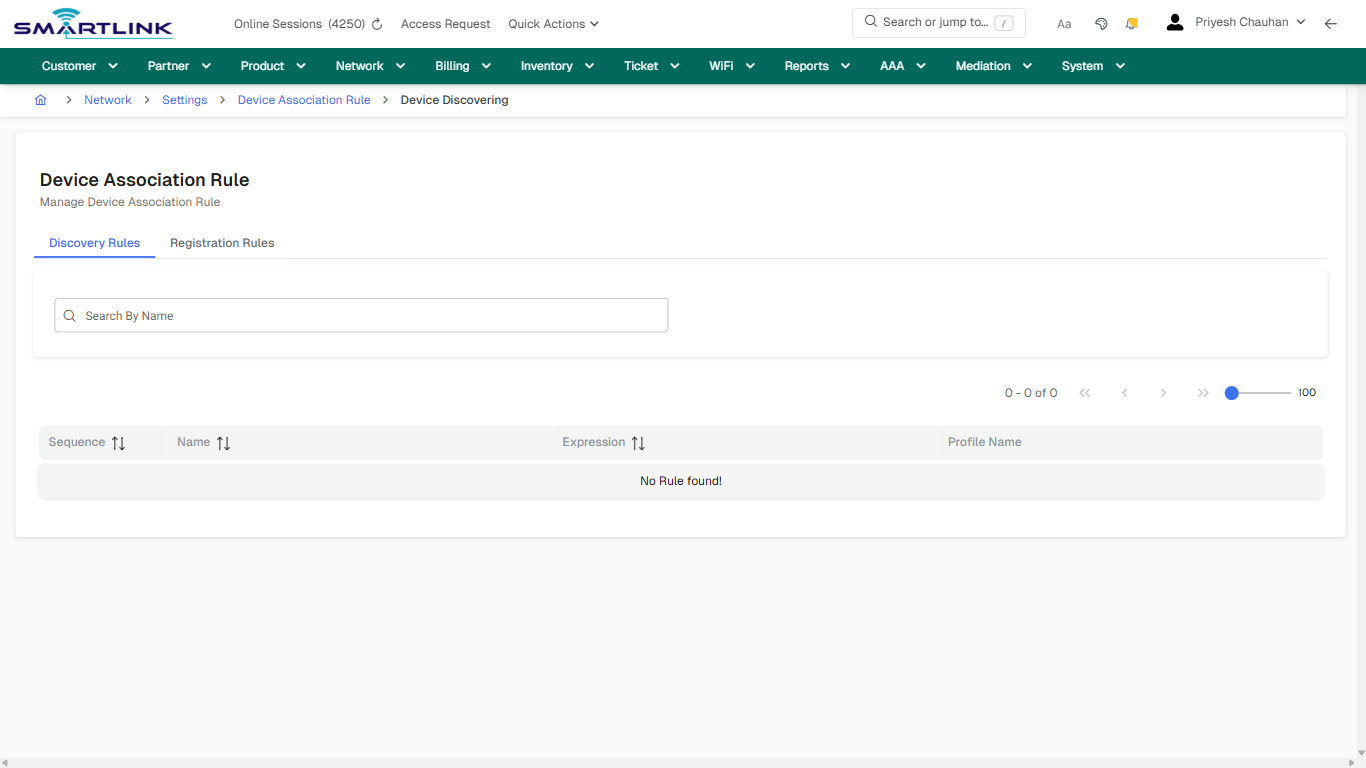
# Developer & Integrations

Routes under: dev

# dev > netdev > addbysubnet

# dev &gt; netdev &gt; addbysubnet

**Route:** dev/netdev/addbysubnet

**URL:** https://admin.myslbb.com/#/dev/netdev/addbysubnet

---

## Overview

 This page is a draft SOP reference for the above screen in **i2i Core OSS/BSS**. It is auto-generated from UI exports and should be reviewed for operational correctness before customer release.

## When to Use

- Use this screen for the workflow represented by this route.
- Do not make billing/AAA/provisioning-impacting changes without required authorization.
 
## Typical Workflow

1. Verify you are working on the correct entity (Customer/Account/Service).
2. Review the current lifecycle state before making changes.
3. Apply changes and validate system response.
4. Confirm downstream impact (AAA/Provisioning/Billing) where applicable.
 
## Field &amp; Action Hints (Auto-detected)

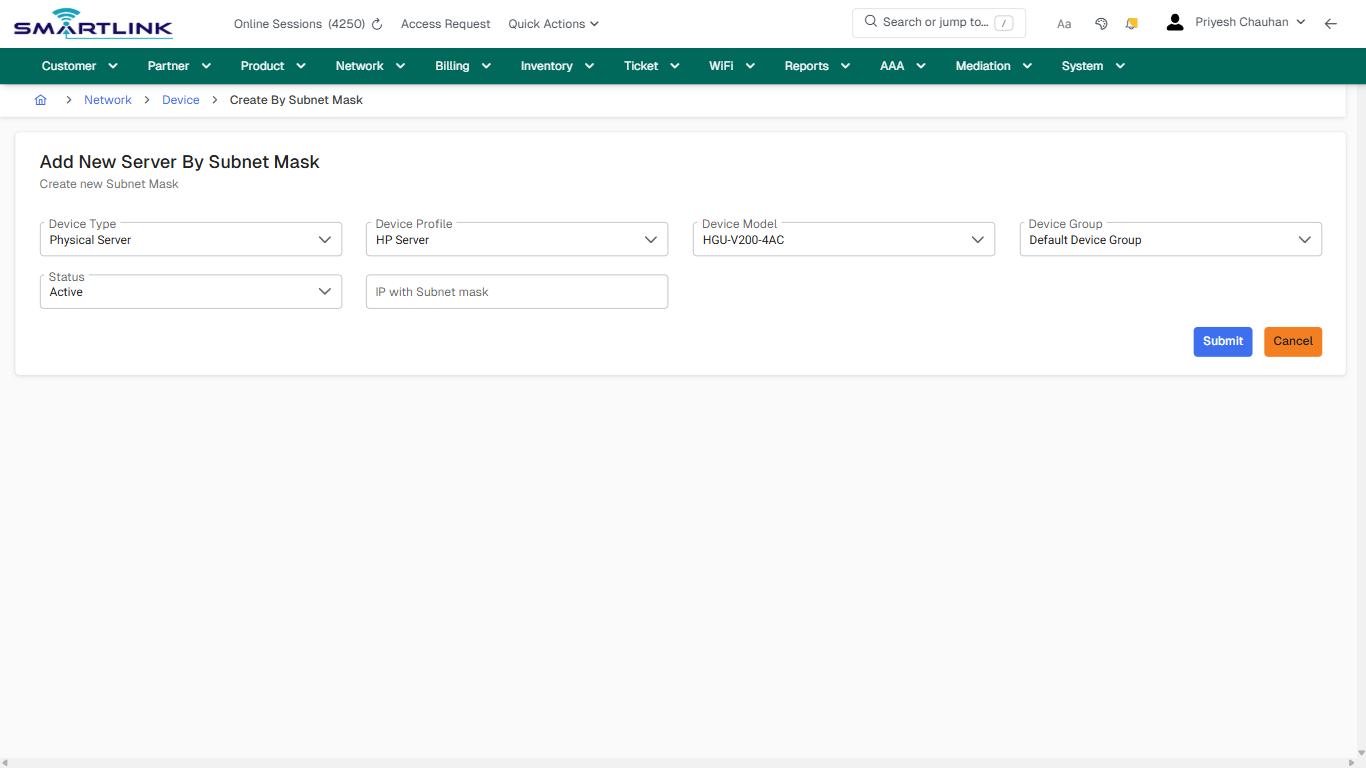
- **Fields detected:** Device Type, Device Profile, Device Model, Device Group, Status, IP with Subnet mask
- **Actions detected:** Auto, Close, Network, Device, Cancel, Submit

## Validation &amp; Safety Checks

- Confirm identifiers before saving.
- Confirm lifecycle state allows the change.
- Confirm rollback/support path exists for production actions.
 
## Escalation Guidance

- **L1:** Verify input, permissions, and entity state.
- **L2:** Validate dependencies and downstream state.
- **L3/Admin:** Policy/config changes or suspected defect.
 
---

## Screenshots

## create\_new

**Captured URL:** https://admin.myslbb.com/#/dev/netdev/addbysubnet

<div id="bkmrk-images-uploading%E2%80%A6">*Images uploading…*<div data-img-token="IMG_PLACEHOLDER_0_1770130600303">![screenshot](https://kb.i2itechservices.com/uploads/images/gallery/2026-02/admin-myslbb-com-dev-netdev-addbysubnet-create-new-398d08f403-part-01.png)

![screenshot](https://kb.i2itechservices.com/uploads/images/gallery/2026-02/admin-myslbb-com-dev-netdev-addbysubnet-create-new-398d08f403-part-02.png)

</div></div>

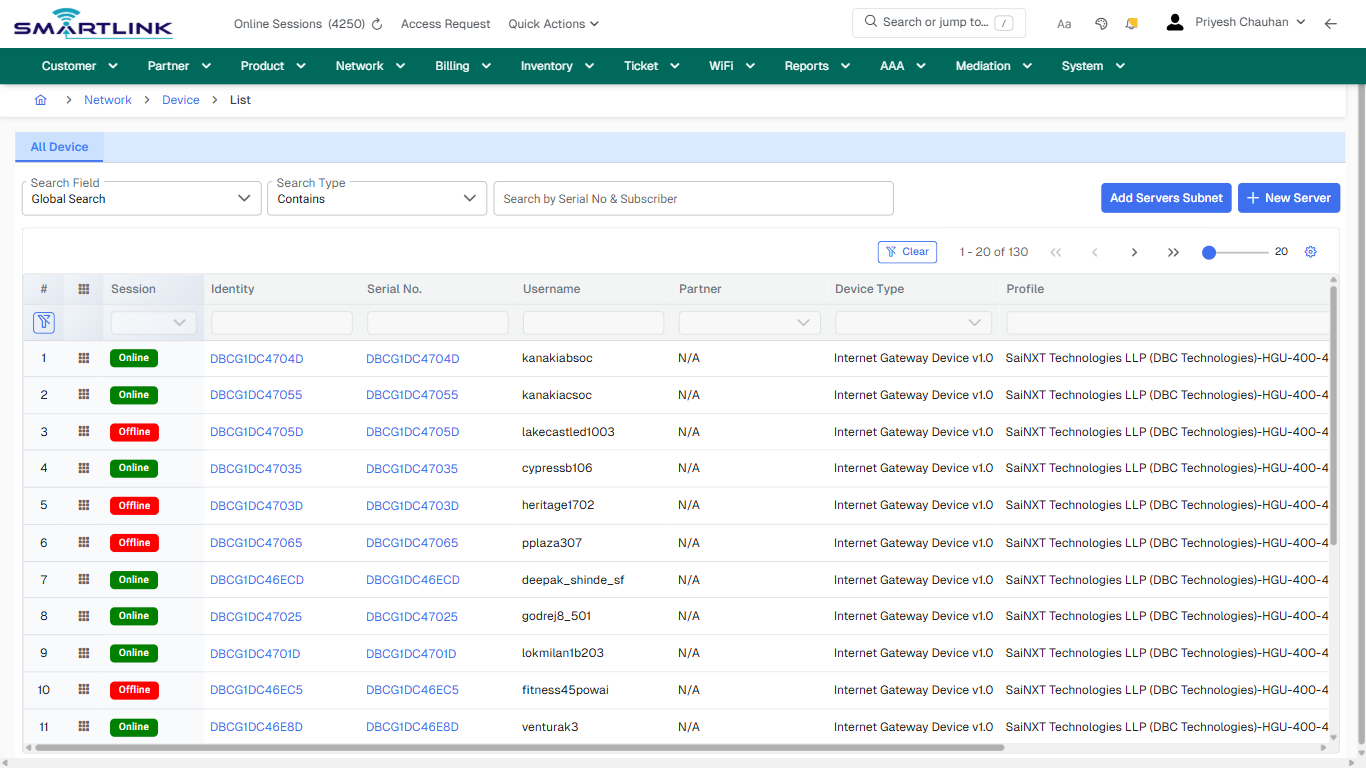
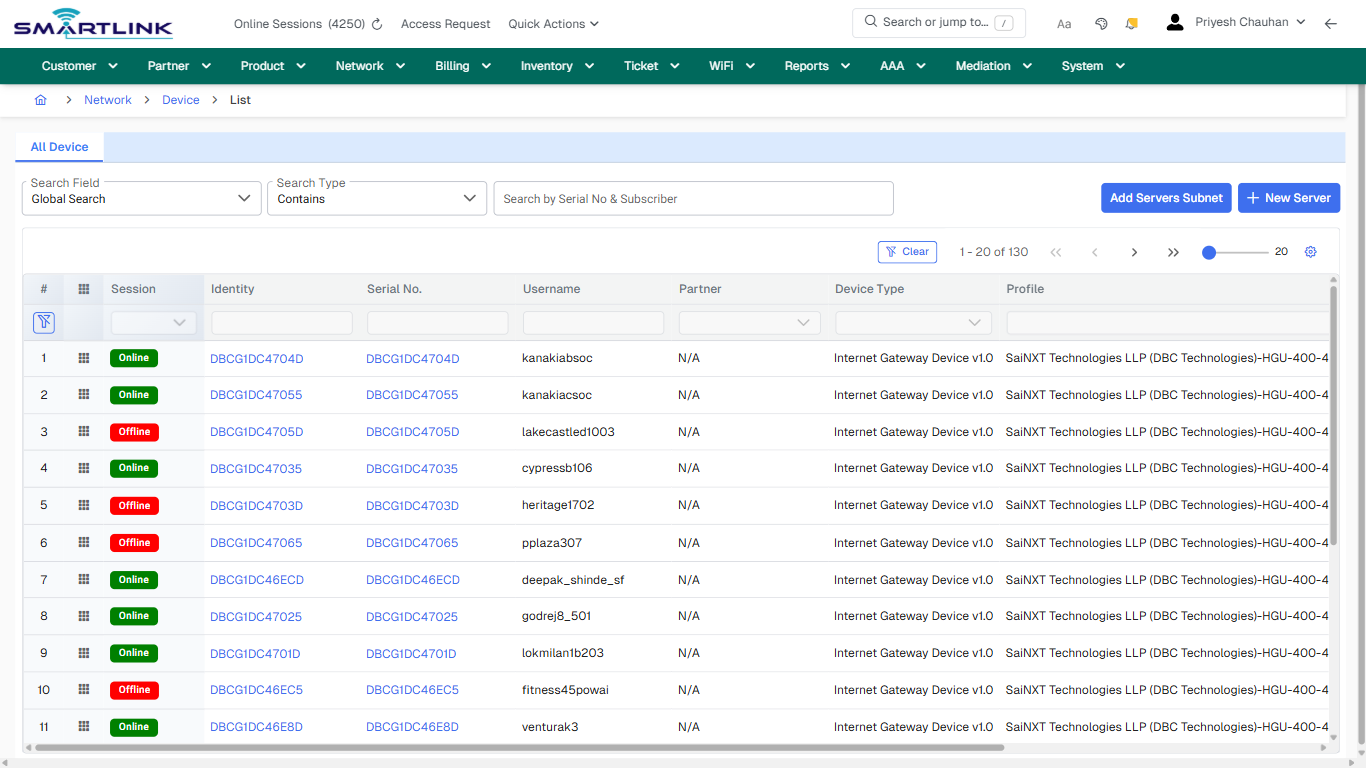
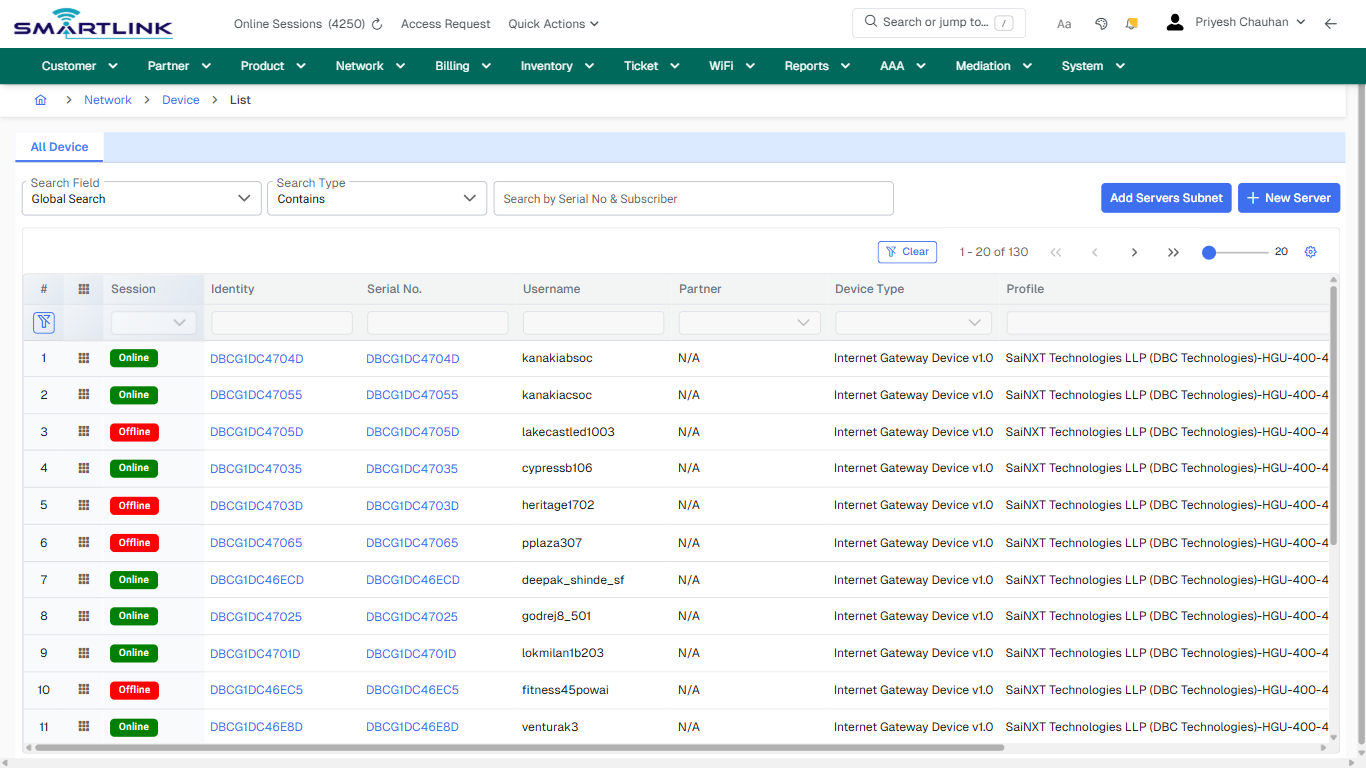
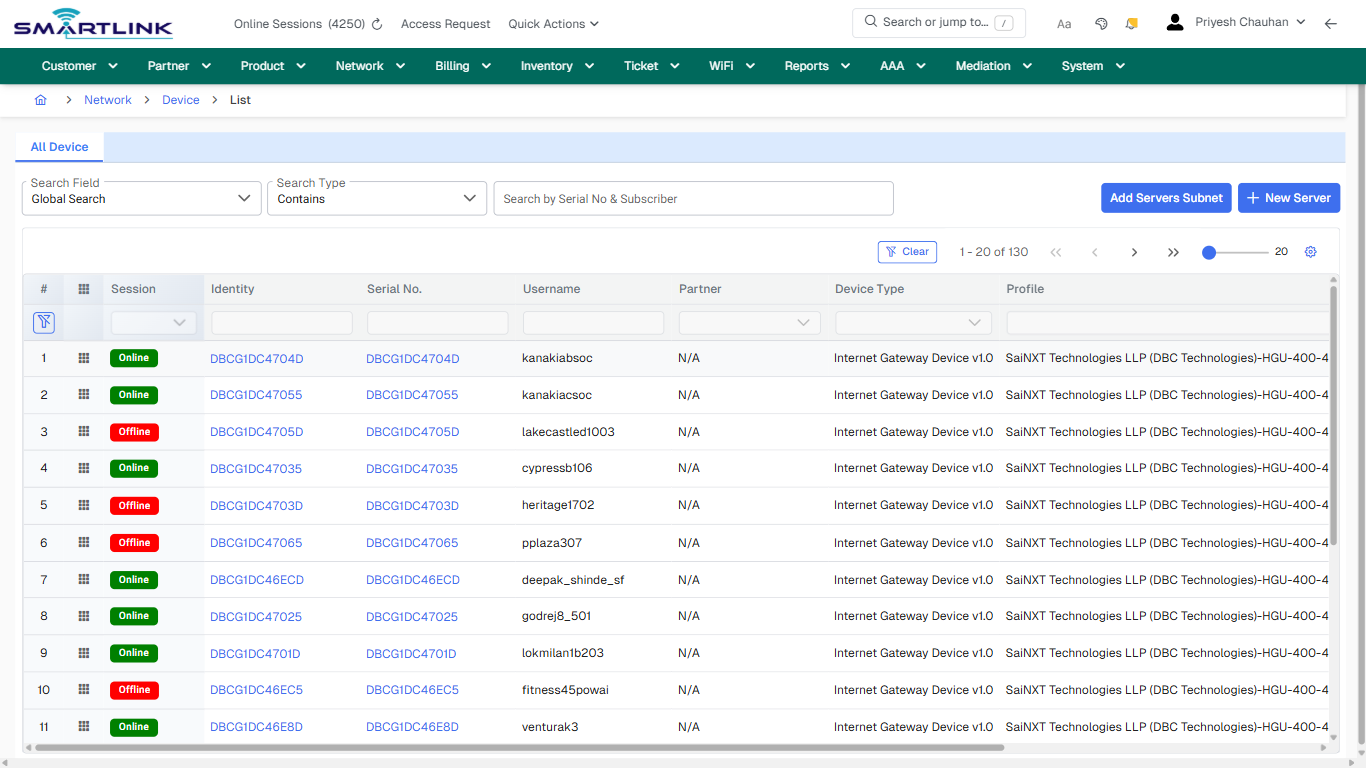
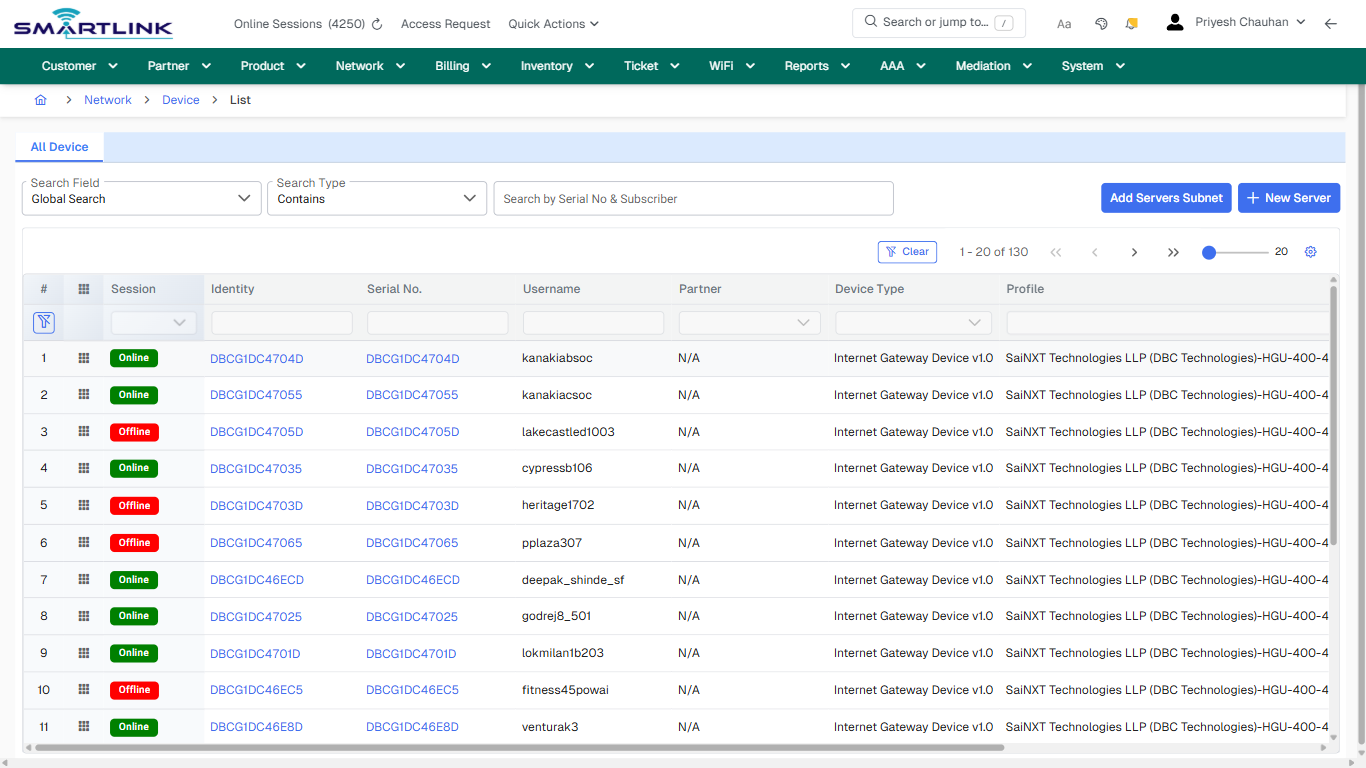
# dev > netdev > all

# dev &gt; netdev &gt; all

**Route:** dev/netdev/all

**URL:** https://admin.myslbb.com/#/dev/netdev/all

---

## Overview

 This page is a draft SOP reference for the above screen in **i2i Core OSS/BSS**. It is auto-generated from UI exports and should be reviewed for operational correctness before customer release.

## When to Use

- Use this screen for the workflow represented by this route.
- Do not make billing/AAA/provisioning-impacting changes without required authorization.
 
## Typical Workflow

1. Verify you are working on the correct entity (Customer/Account/Service).
2. Review the current lifecycle state before making changes.
3. Apply changes and validate system response.
4. Confirm downstream impact (AAA/Provisioning/Billing) where applicable.
 
## Field &amp; Action Hints (Auto-detected)

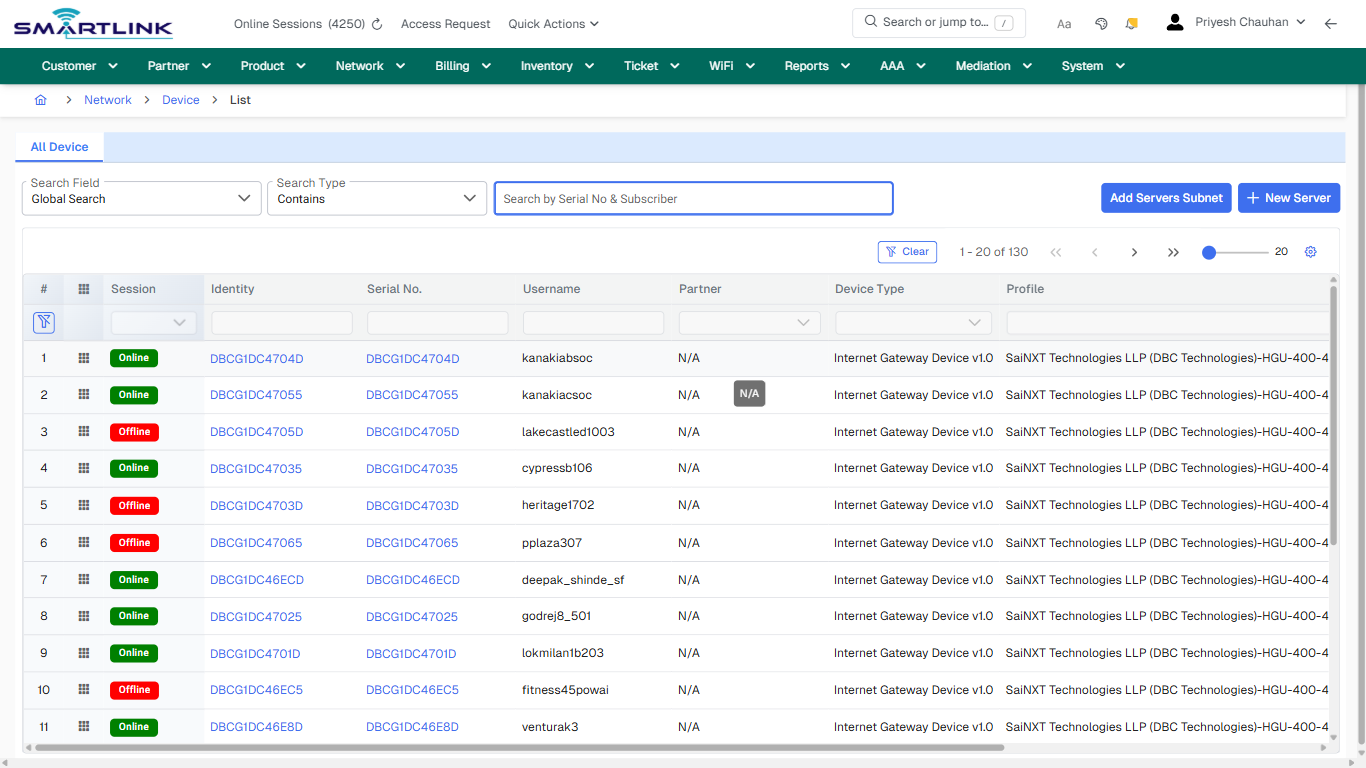
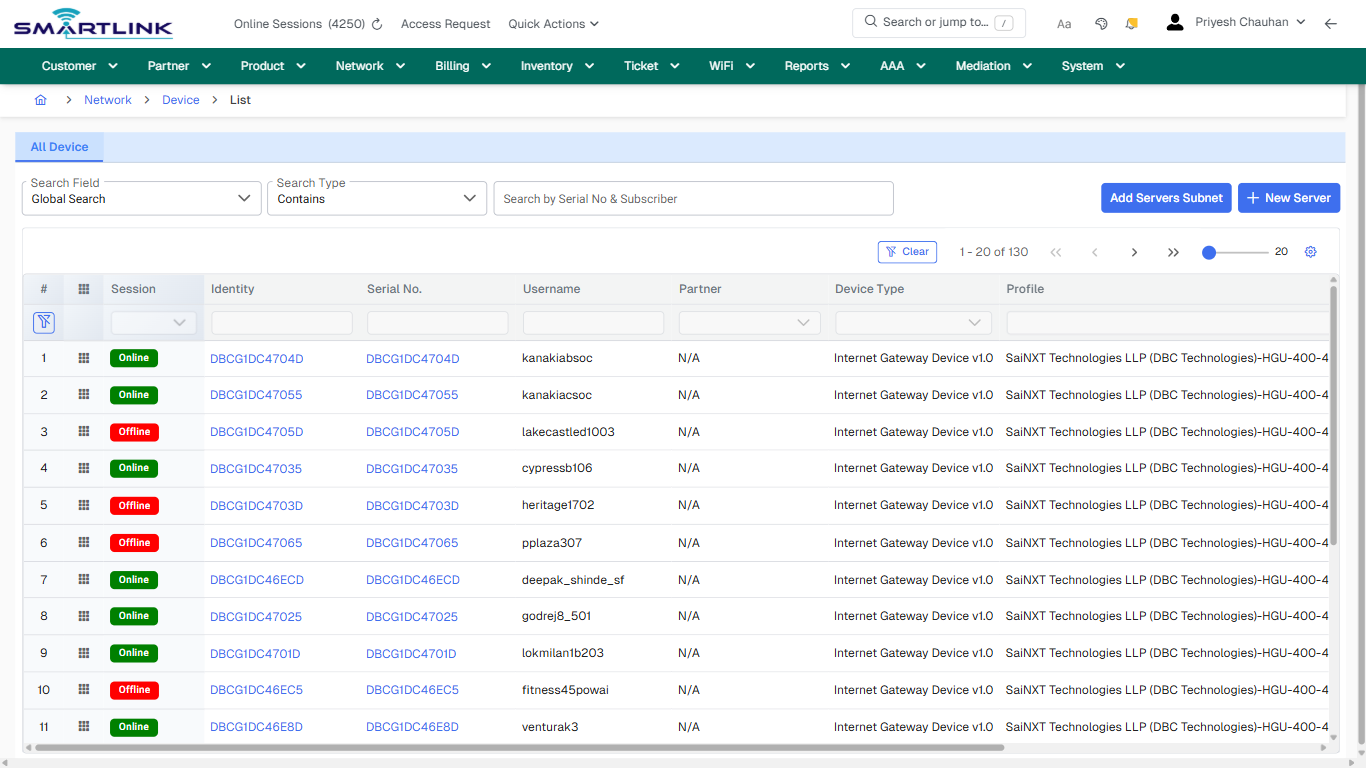
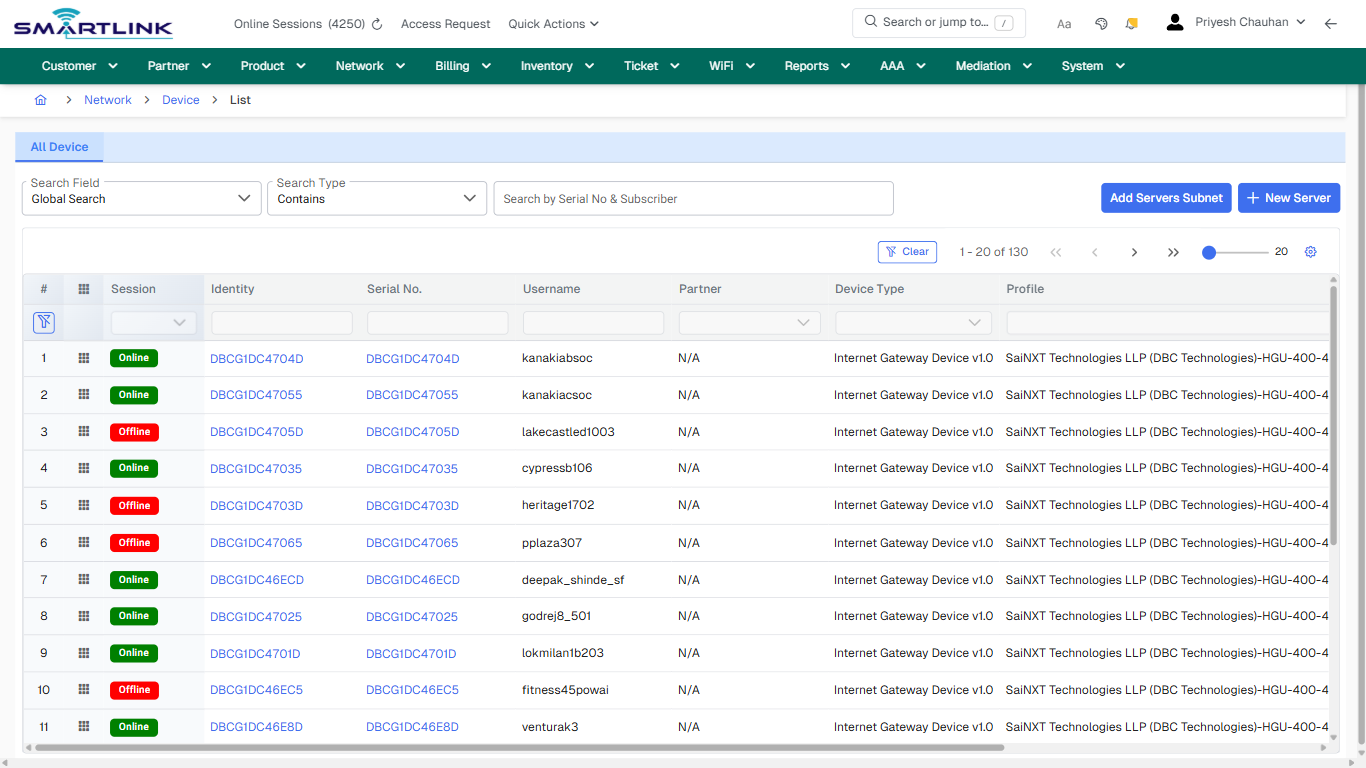
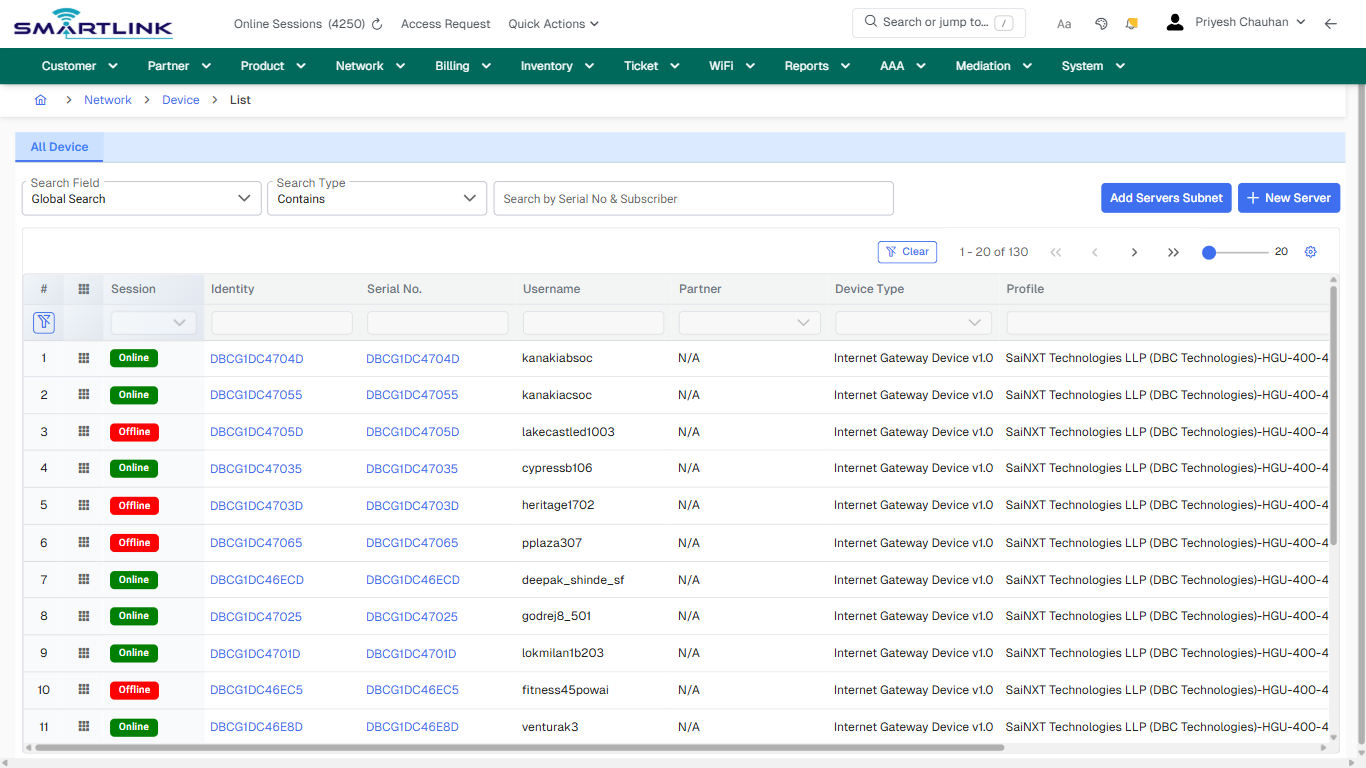
- **Fields detected:** Search Field, Search Type
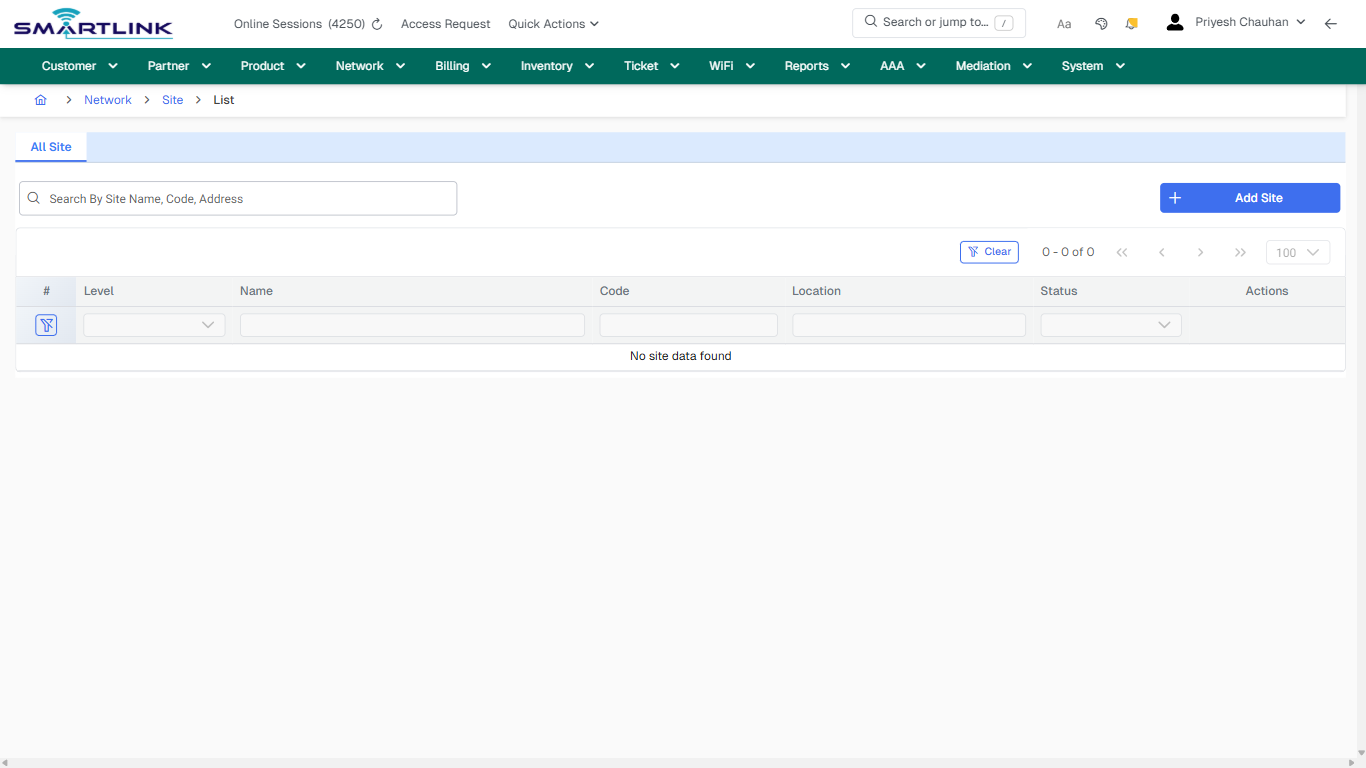
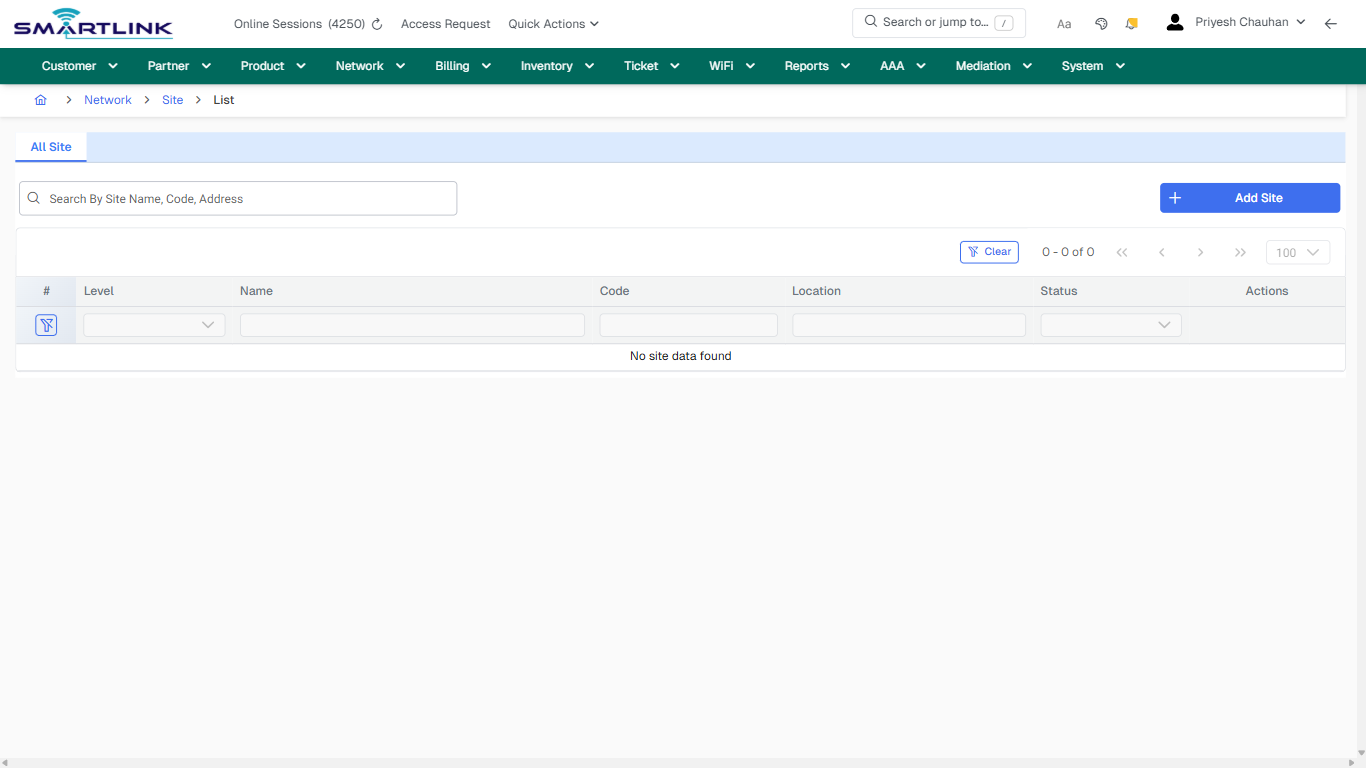
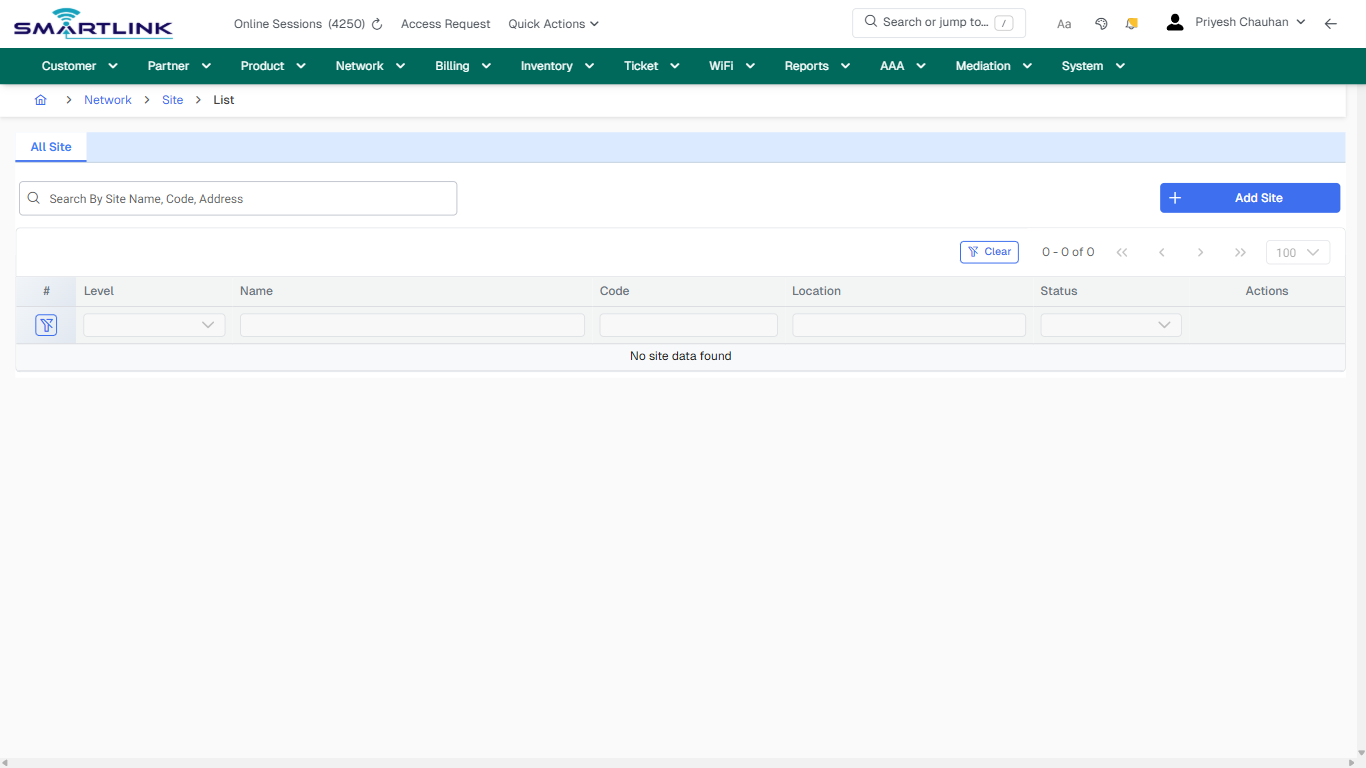
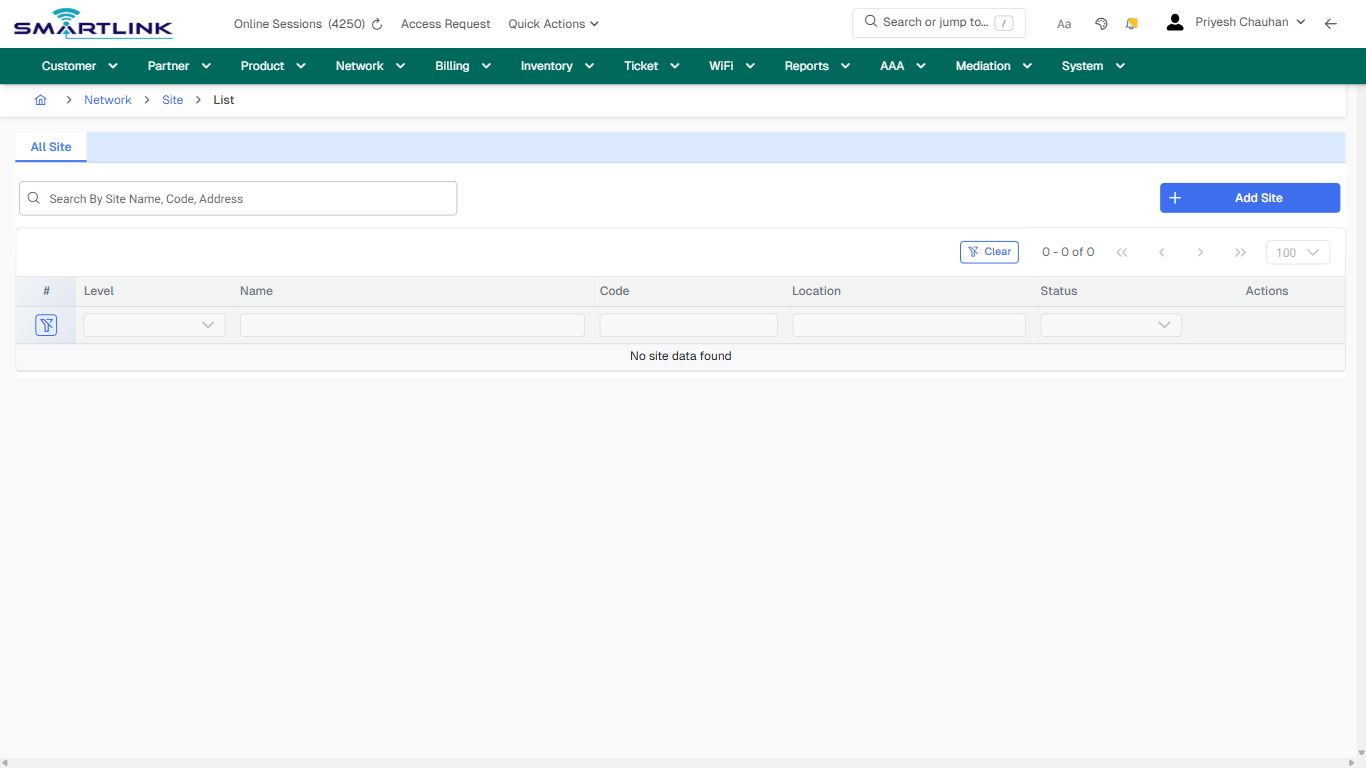
- **Actions detected:** Auto, Close, Network, Device, Add Servers Subnet, New Server, Clear, DBCG1DC4704D, DBCG1DC47055, DBCG1DC4705D, DBCG1DC47035, DBCG1DC4703D, DBCG1DC47065, DBCG1DC46ECD, DBCG1DC47025, DBCG1DC4701D, DBCG1DC46EC5, DBCG1DC46E8D, DBCG1DC46EA5, DBCG1DC46ED5

## Validation &amp; Safety Checks

- Confirm identifiers before saving.
- Confirm lifecycle state allows the change.
- Confirm rollback/support path exists for production actions.
 
## Escalation Guidance

- **L1:** Verify input, permissions, and entity state.
- **L2:** Validate dependencies and downstream state.
- **L3/Admin:** Policy/config changes or suspected defect.
 
---

## Screenshots

## default

**Captured URL:** https://admin.myslbb.com/#/dev/netdev/all

<div id="bkmrk-images-uploading%E2%80%A6">*Images uploading…*<div data-img-token="IMG_PLACEHOLDER_0_1770130602272">![screenshot](https://kb.i2itechservices.com/uploads/images/gallery/2026-02/admin-myslbb-com-dev-netdev-all-default-a7b655e7f8-part-01.png)

![screenshot](https://kb.i2itechservices.com/uploads/images/gallery/2026-02/admin-myslbb-com-dev-netdev-all-default-a7b655e7f8-part-02.png)

</div></div>---

## ui\_tab\_1

**Captured URL:** https://admin.myslbb.com/#/dev/netdev/all

<div id="bkmrk-images-uploading%E2%80%A6-1">*Images uploading…*<div data-img-token="IMG_PLACEHOLDER_1_1770130602272">![screenshot](https://kb.i2itechservices.com/uploads/images/gallery/2026-02/admin-myslbb-com-dev-netdev-all-ui-tab-1-db734d51a8-part-01.png)

![screenshot](https://kb.i2itechservices.com/uploads/images/gallery/2026-02/admin-myslbb-com-dev-netdev-all-ui-tab-1-db734d51a8-part-02.png)

</div></div>---

## common\_tab\_1

**Captured URL:** https://admin.myslbb.com/#/dev/netdev/all

<div id="bkmrk-images-uploading%E2%80%A6-2">*Images uploading…*<div data-img-token="IMG_PLACEHOLDER_2_1770130602272">![screenshot](https://kb.i2itechservices.com/uploads/images/gallery/2026-02/admin-myslbb-com-dev-netdev-all-common-tab-1-d911c9b7bf-part-01.png)

![screenshot](https://kb.i2itechservices.com/uploads/images/gallery/2026-02/admin-myslbb-com-dev-netdev-all-common-tab-1-d911c9b7bf-part-02.png)

</div></div>---

## common\_tab\_2

**Captured URL:** https://admin.myslbb.com/#/dev/netdev/all

<div id="bkmrk-images-uploading%E2%80%A6-3">*Images uploading…*<div data-img-token="IMG_PLACEHOLDER_3_1770130602272">![screenshot](https://kb.i2itechservices.com/uploads/images/gallery/2026-02/admin-myslbb-com-dev-netdev-all-common-tab-2-b4e450eaf9-part-01.png)

![screenshot](https://kb.i2itechservices.com/uploads/images/gallery/2026-02/admin-myslbb-com-dev-netdev-all-common-tab-2-b4e450eaf9-part-02.png)

</div></div>---

## drilldown\_one\_item

**Captured URL:** https://admin.myslbb.com/#/dev/netdev/all

<div id="bkmrk-images-uploading%E2%80%A6-4">*Images uploading…*<div data-img-token="IMG_PLACEHOLDER_4_1770130602272">![screenshot](https://kb.i2itechservices.com/uploads/images/gallery/2026-02/admin-myslbb-com-dev-netdev-all-drilldown-one-item-23c5f21794-part-01.png)

![screenshot](https://kb.i2itechservices.com/uploads/images/gallery/2026-02/admin-myslbb-com-dev-netdev-all-drilldown-one-item-23c5f21794-part-02.png)

</div></div>

# dev > netdiscdev > all

# dev &gt; netdiscdev &gt; all

**Route:** dev/netdiscdev/all

**URL:** https://admin.myslbb.com/#/dev/netdiscdev/all

---

## Overview

 This page is a draft SOP reference for the above screen in **i2i Core OSS/BSS**. It is auto-generated from UI exports and should be reviewed for operational correctness before customer release.

## When to Use

- Use this screen for the workflow represented by this route.
- Do not make billing/AAA/provisioning-impacting changes without required authorization.
 
## Typical Workflow

1. Verify you are working on the correct entity (Customer/Account/Service).
2. Review the current lifecycle state before making changes.
3. Apply changes and validate system response.
4. Confirm downstream impact (AAA/Provisioning/Billing) where applicable.
 
## Field &amp; Action Hints (Auto-detected)

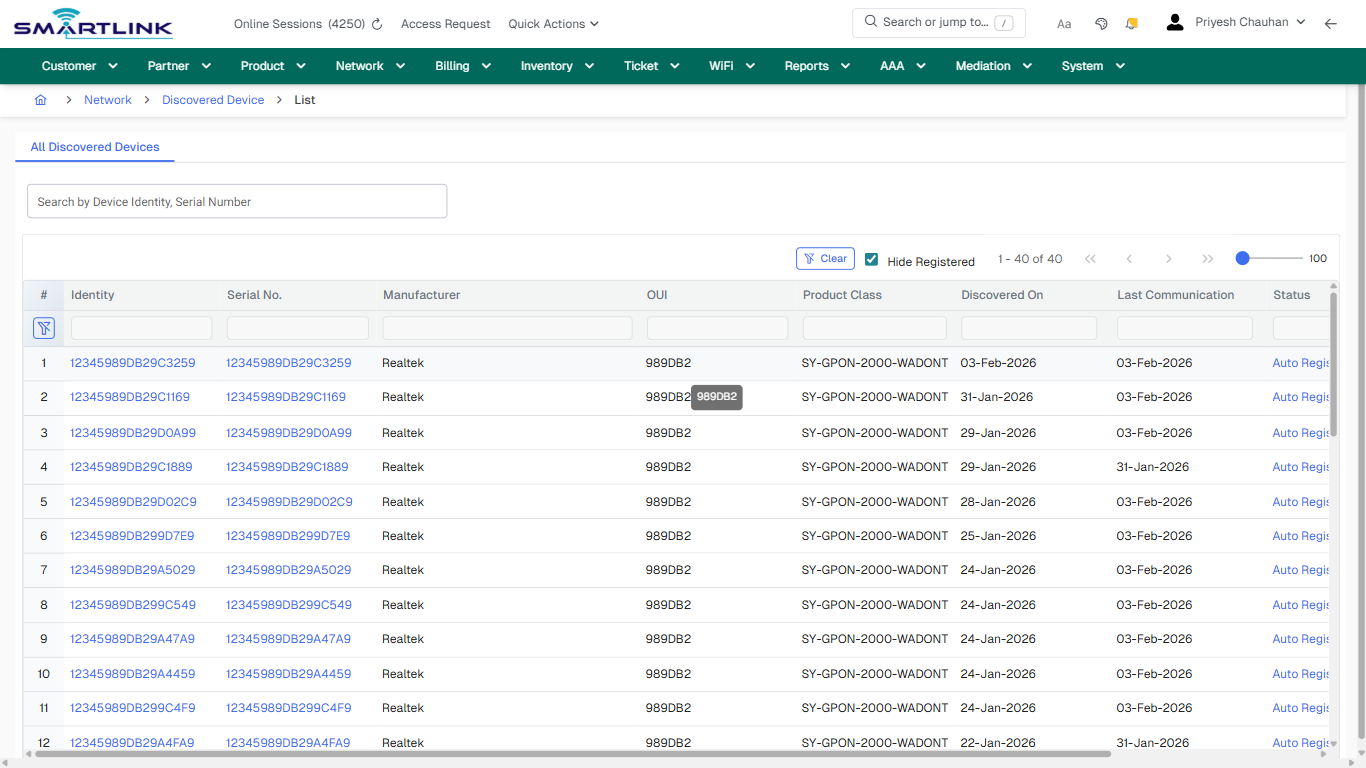
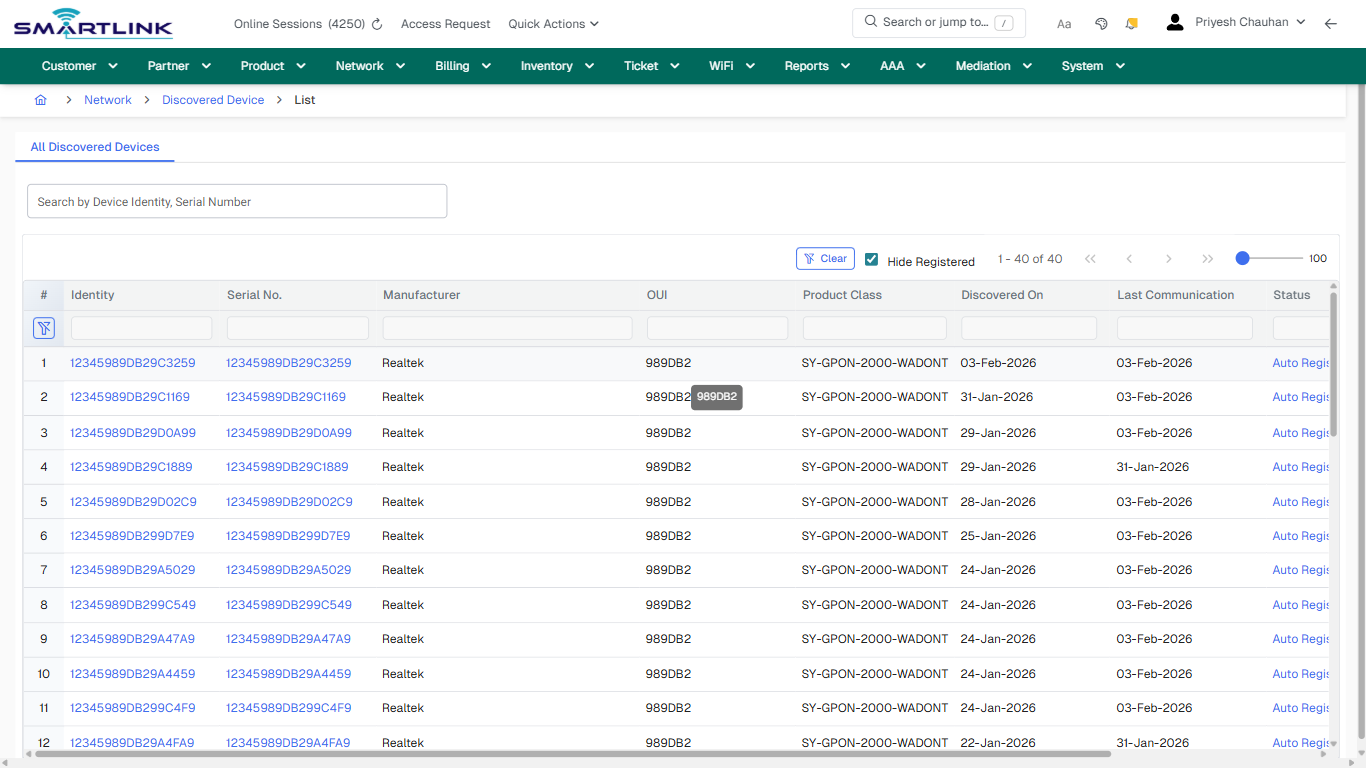
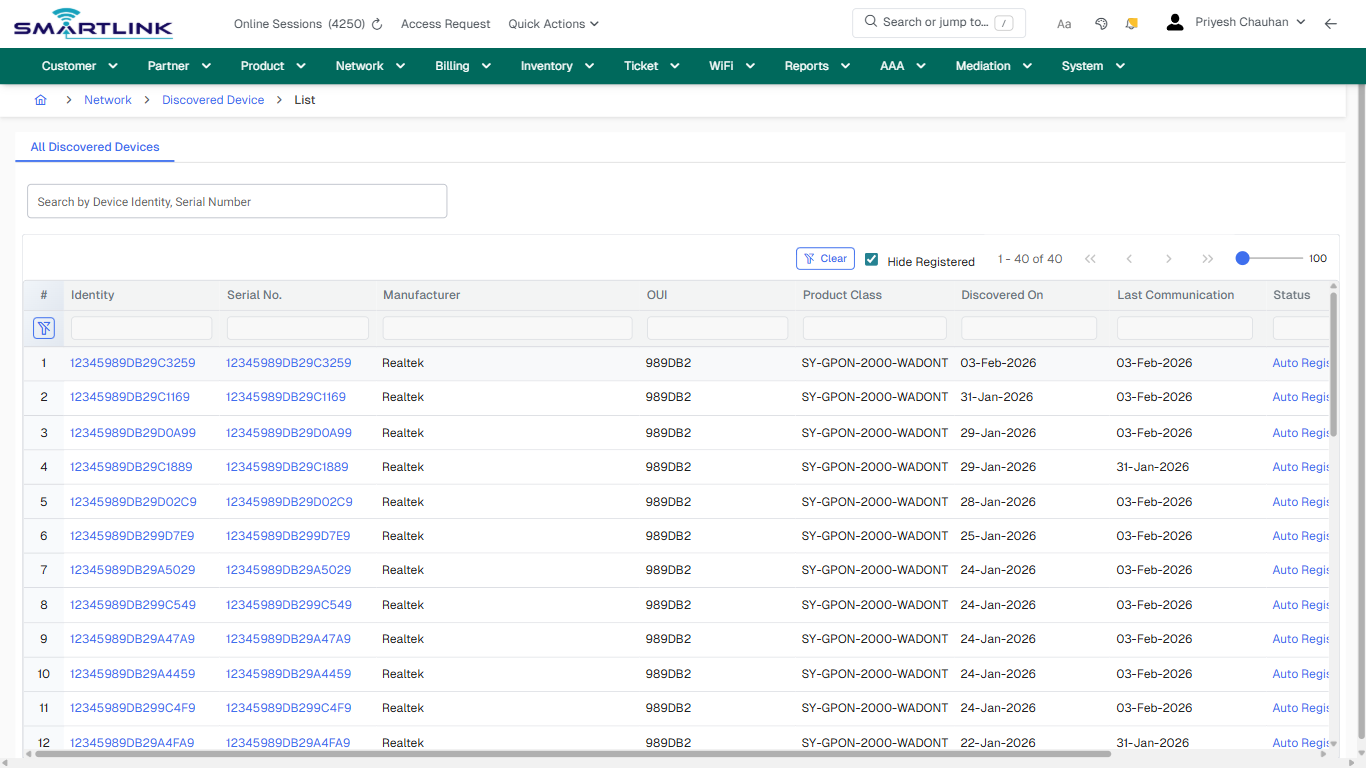
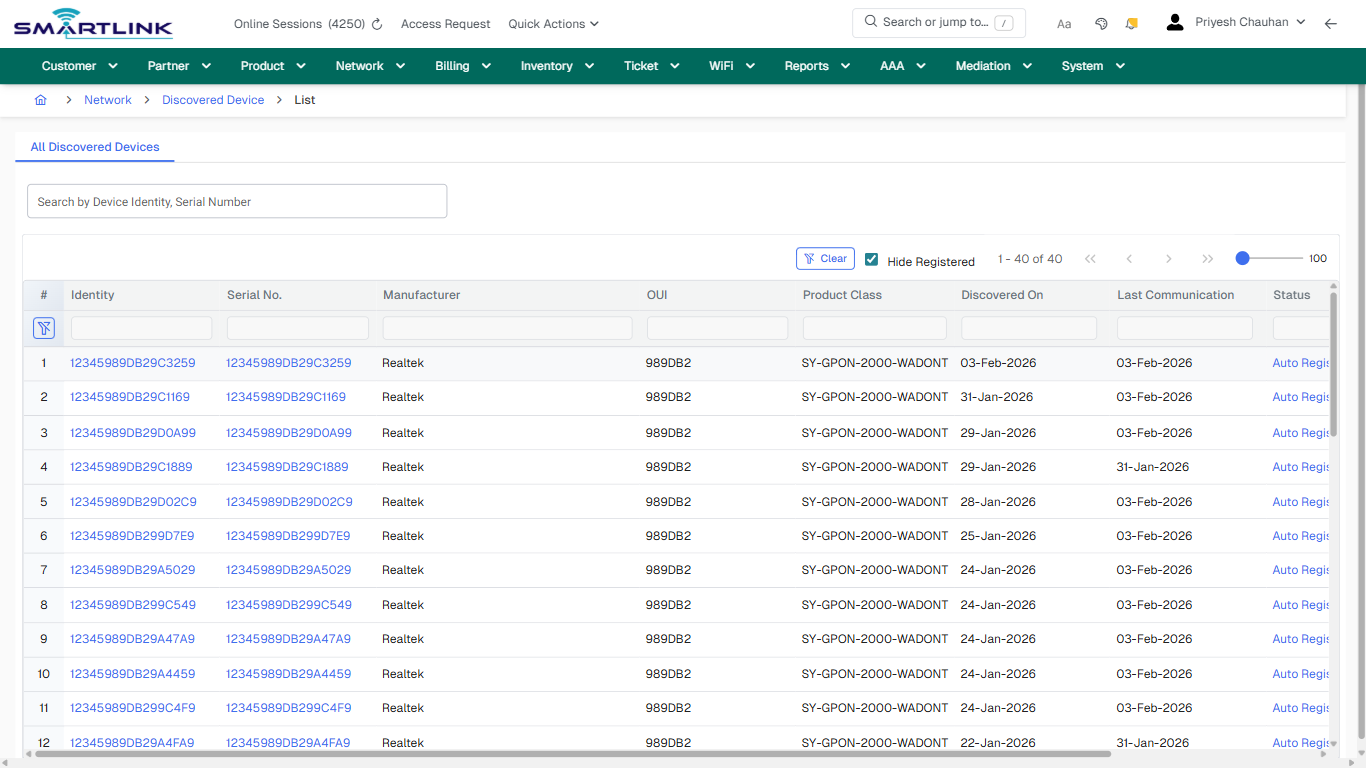
- **Actions detected:** Auto, Close, Network, Discovered Device, Clear, 12345989DB29C3259, Auto Registration Failed, 12345989DB29C1169, 12345989DB29D0A99, 12345989DB29C1889, 12345989DB29D02C9, 12345989DB299D7E9, 12345989DB29A5029, 12345989DB299C549, 12345989DB29A47A9, 12345989DB29A4459, 12345989DB299C4F9, 12345989DB29A4FA9, 12345989DB299C2A9, DBCG1DC3A3B4

## Validation &amp; Safety Checks

- Confirm identifiers before saving.
- Confirm lifecycle state allows the change.
- Confirm rollback/support path exists for production actions.
 
## Escalation Guidance

- **L1:** Verify input, permissions, and entity state.
- **L2:** Validate dependencies and downstream state.
- **L3/Admin:** Policy/config changes or suspected defect.
 
---

## Screenshots

## default

**Captured URL:** https://admin.myslbb.com/#/dev/netdiscdev/all

<div id="bkmrk-images-uploading%E2%80%A6">*Images uploading…*<div data-img-token="IMG_PLACEHOLDER_0_1770130609484">![screenshot](https://kb.i2itechservices.com/uploads/images/gallery/2026-02/admin-myslbb-com-dev-netdiscdev-all-default-a6ce036b6f-part-01.png)

![screenshot](https://kb.i2itechservices.com/uploads/images/gallery/2026-02/admin-myslbb-com-dev-netdiscdev-all-default-a6ce036b6f-part-02.png)

</div></div>---

## drilldown\_one\_item

**Captured URL:** https://admin.myslbb.com/#/dev/netdiscdev/all

<div id="bkmrk-images-uploading%E2%80%A6-1">*Images uploading…*<div data-img-token="IMG_PLACEHOLDER_1_1770130609484">![screenshot](https://kb.i2itechservices.com/uploads/images/gallery/2026-02/admin-myslbb-com-dev-netdiscdev-all-drilldown-one-item-9bde976631-part-01.png)

![screenshot](https://kb.i2itechservices.com/uploads/images/gallery/2026-02/admin-myslbb-com-dev-netdiscdev-all-drilldown-one-item-9bde976631-part-02.png)

</div></div>

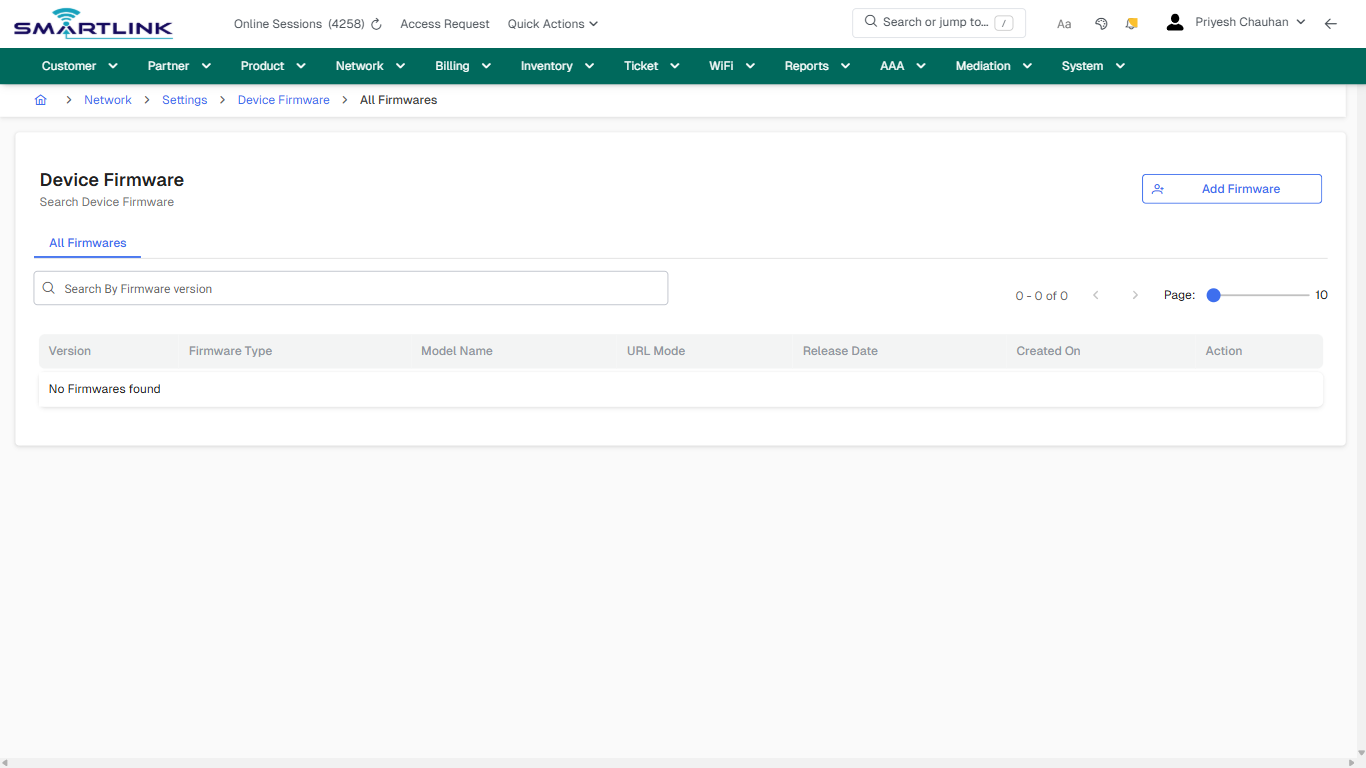
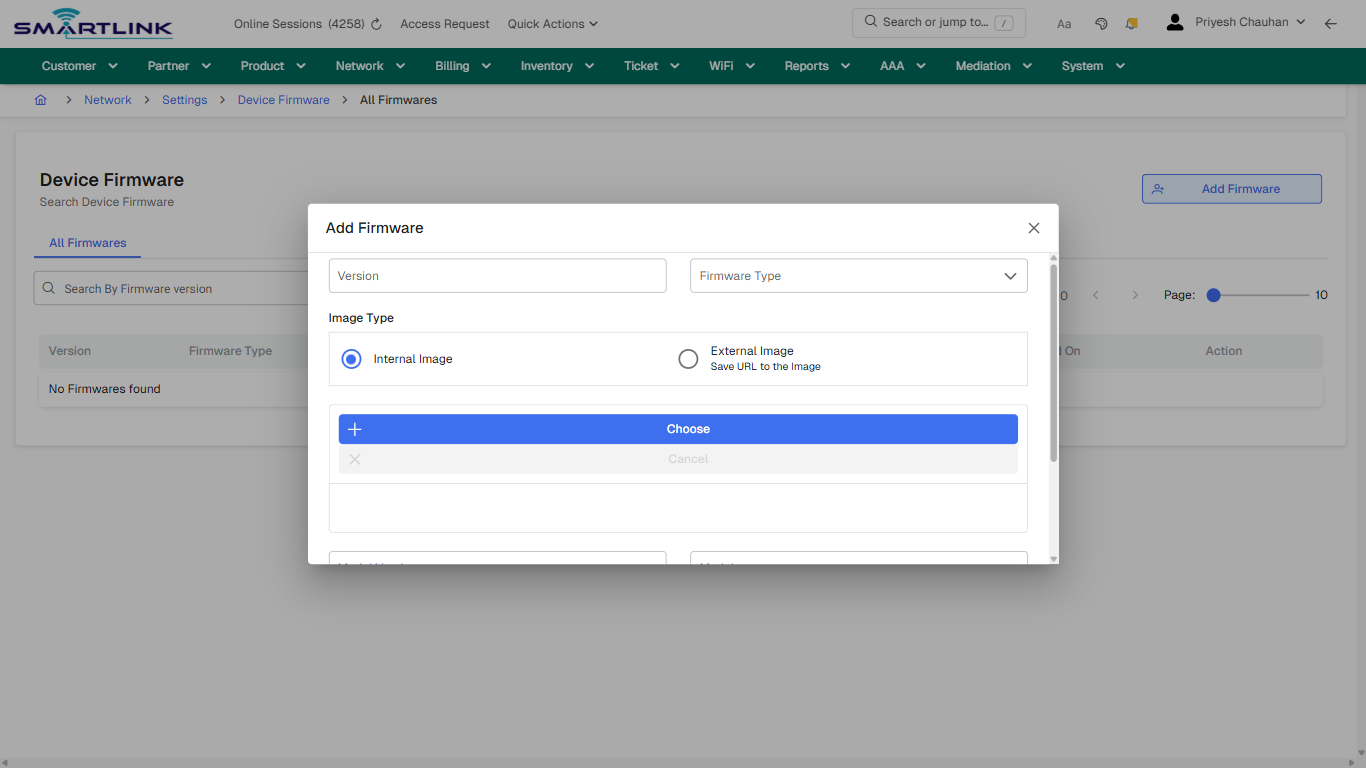
# dev > settings > firm > all

# dev &gt; settings &gt; firm &gt; all

**Route:** dev/settings/firm/all

**URL:** https://admin.myslbb.com/#/dev/settings/firm/all

---

## Overview

 This page is a draft SOP reference for the above screen in **i2i Core OSS/BSS**. It is auto-generated from UI exports and should be reviewed for operational correctness before customer release.

## When to Use

- Use this screen for the workflow represented by this route.
- Do not make billing/AAA/provisioning-impacting changes without required authorization.
 
## Typical Workflow

1. Verify you are working on the correct entity (Customer/Account/Service).
2. Review the current lifecycle state before making changes.
3. Apply changes and validate system response.
4. Confirm downstream impact (AAA/Provisioning/Billing) where applicable.
 
## Field &amp; Action Hints (Auto-detected)

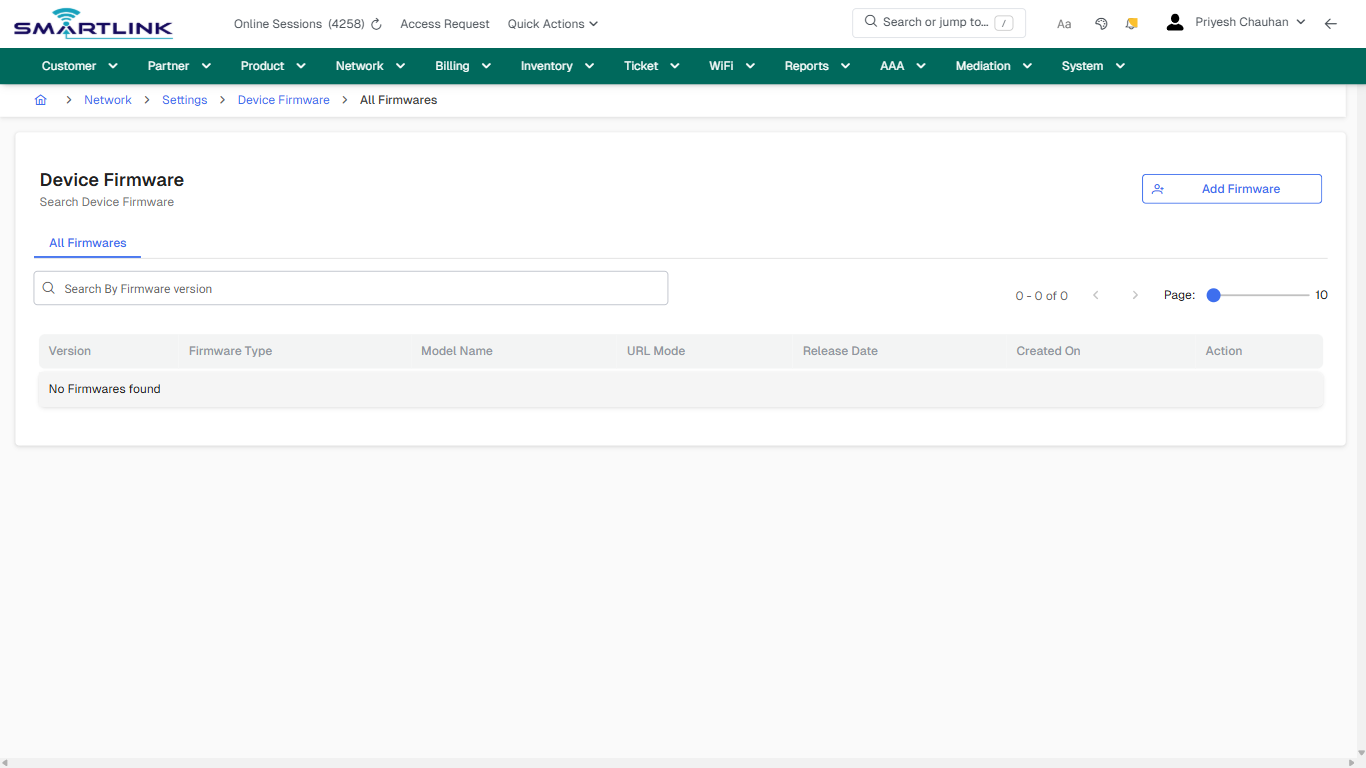
- **Actions detected:** Auto, Close, Network, Settings, Device Firmware, Add Firmware

## Validation &amp; Safety Checks

- Confirm identifiers before saving.
- Confirm lifecycle state allows the change.
- Confirm rollback/support path exists for production actions.
 
## Escalation Guidance

- **L1:** Verify input, permissions, and entity state.
- **L2:** Validate dependencies and downstream state.
- **L3/Admin:** Policy/config changes or suspected defect.
 
---

## Screenshots

## default

**Captured URL:** https://admin.myslbb.com/#/dev/settings/firm/all

<div id="bkmrk-images-uploading%E2%80%A6">*Images uploading…*<div data-img-token="IMG_PLACEHOLDER_0_1770130612698">![screenshot](https://kb.i2itechservices.com/uploads/images/gallery/2026-02/admin-myslbb-com-dev-settings-firm-all-default-e78170e1af-part-01.png)

![screenshot](https://kb.i2itechservices.com/uploads/images/gallery/2026-02/admin-myslbb-com-dev-settings-firm-all-default-e78170e1af-part-02.png)

</div></div>---

## create\_new

**Captured URL:** https://admin.myslbb.com/#/dev/settings/firm/all

<div id="bkmrk-images-uploading%E2%80%A6-1">*Images uploading…*<div data-img-token="IMG_PLACEHOLDER_1_1770130612698">![screenshot](https://kb.i2itechservices.com/uploads/images/gallery/2026-02/admin-myslbb-com-dev-settings-firm-all-create-new-211a55c600-part-01.png)

![screenshot](https://kb.i2itechservices.com/uploads/images/gallery/2026-02/admin-myslbb-com-dev-settings-firm-all-create-new-211a55c600-part-02.png)

</div></div>---

## drilldown\_one\_item

**Captured URL:** https://admin.myslbb.com/#/dev/settings/firm/all

<div id="bkmrk-images-uploading%E2%80%A6-2">*Images uploading…*<div data-img-token="IMG_PLACEHOLDER_2_1770130612698">![screenshot](https://kb.i2itechservices.com/uploads/images/gallery/2026-02/admin-myslbb-com-dev-settings-firm-all-drilldown-one-item-d6ad3f312b-part-01.png)

![screenshot](https://kb.i2itechservices.com/uploads/images/gallery/2026-02/admin-myslbb-com-dev-settings-firm-all-drilldown-one-item-d6ad3f312b-part-02.png)

</div></div>

# dev > settings > mg > add

# dev &gt; settings &gt; mg &gt; add

**Route:** dev/settings/mg/add

**URL:** https://admin.myslbb.com/#/dev/settings/mg/add

---

## Overview

 This page is a draft SOP reference for the above screen in **i2i Core OSS/BSS**. It is auto-generated from UI exports and should be reviewed for operational correctness before customer release.

## When to Use

- Use this screen for the workflow represented by this route.
- Do not make billing/AAA/provisioning-impacting changes without required authorization.
 
## Typical Workflow

1. Verify you are working on the correct entity (Customer/Account/Service).
2. Review the current lifecycle state before making changes.
3. Apply changes and validate system response.
4. Confirm downstream impact (AAA/Provisioning/Billing) where applicable.
 
## Field &amp; Action Hints (Auto-detected)

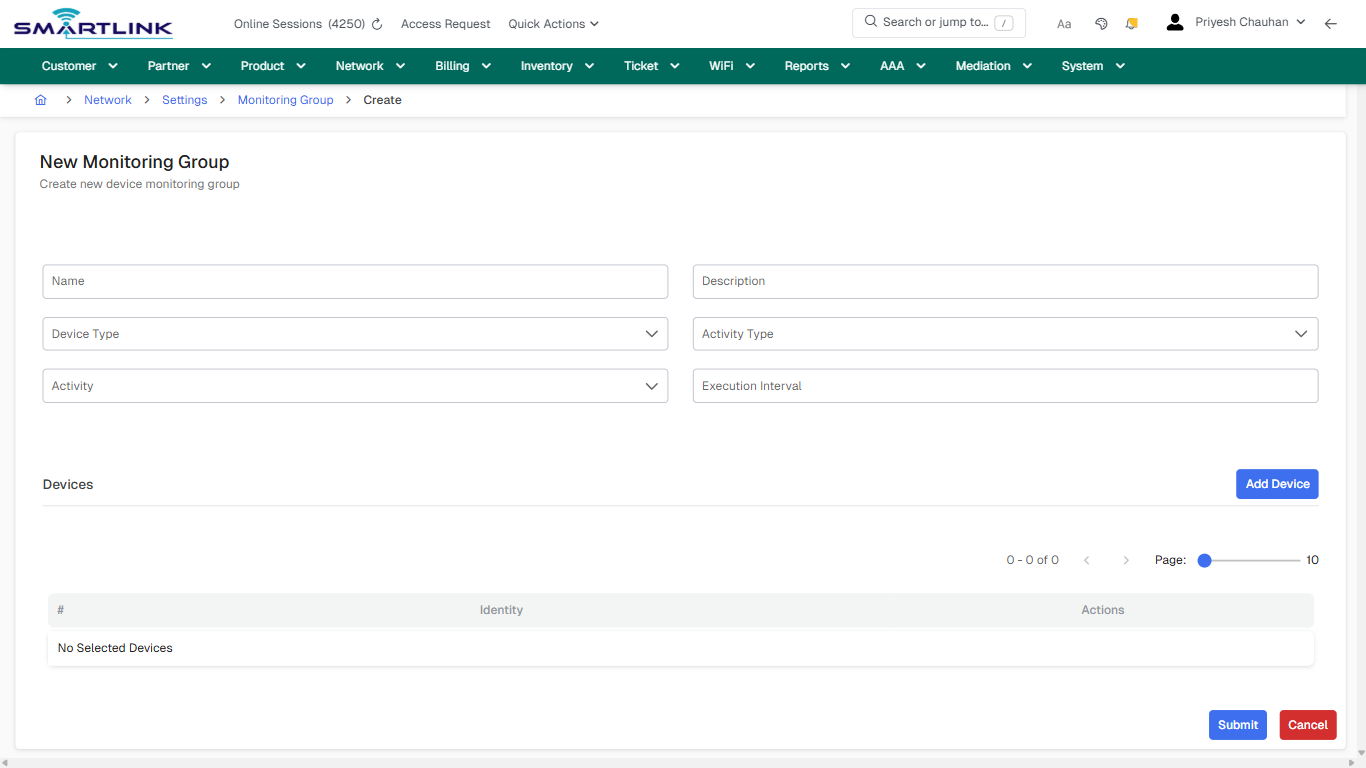
- **Fields detected:** Name, Description, Device Type, Activity Type, Activity, Execution Interval
- **Actions detected:** Auto, Close, Network, Settings, Monitoring Group, Add Device, Cancel, Submit

## Validation &amp; Safety Checks

- Confirm identifiers before saving.
- Confirm lifecycle state allows the change.
- Confirm rollback/support path exists for production actions.
 
## Escalation Guidance

- **L1:** Verify input, permissions, and entity state.
- **L2:** Validate dependencies and downstream state.
- **L3/Admin:** Policy/config changes or suspected defect.
 
---

## Screenshots

## create\_new

**Captured URL:** https://admin.myslbb.com/#/dev/settings/mg/add

<div id="bkmrk-images-uploading%E2%80%A6">*Images uploading…*<div data-img-token="IMG_PLACEHOLDER_0_1770130616996">![screenshot](https://kb.i2itechservices.com/uploads/images/gallery/2026-02/admin-myslbb-com-dev-settings-mg-add-create-new-a85690ed3d-part-01.png)

![screenshot](https://kb.i2itechservices.com/uploads/images/gallery/2026-02/admin-myslbb-com-dev-settings-mg-add-create-new-a85690ed3d-part-02.png)

</div></div>

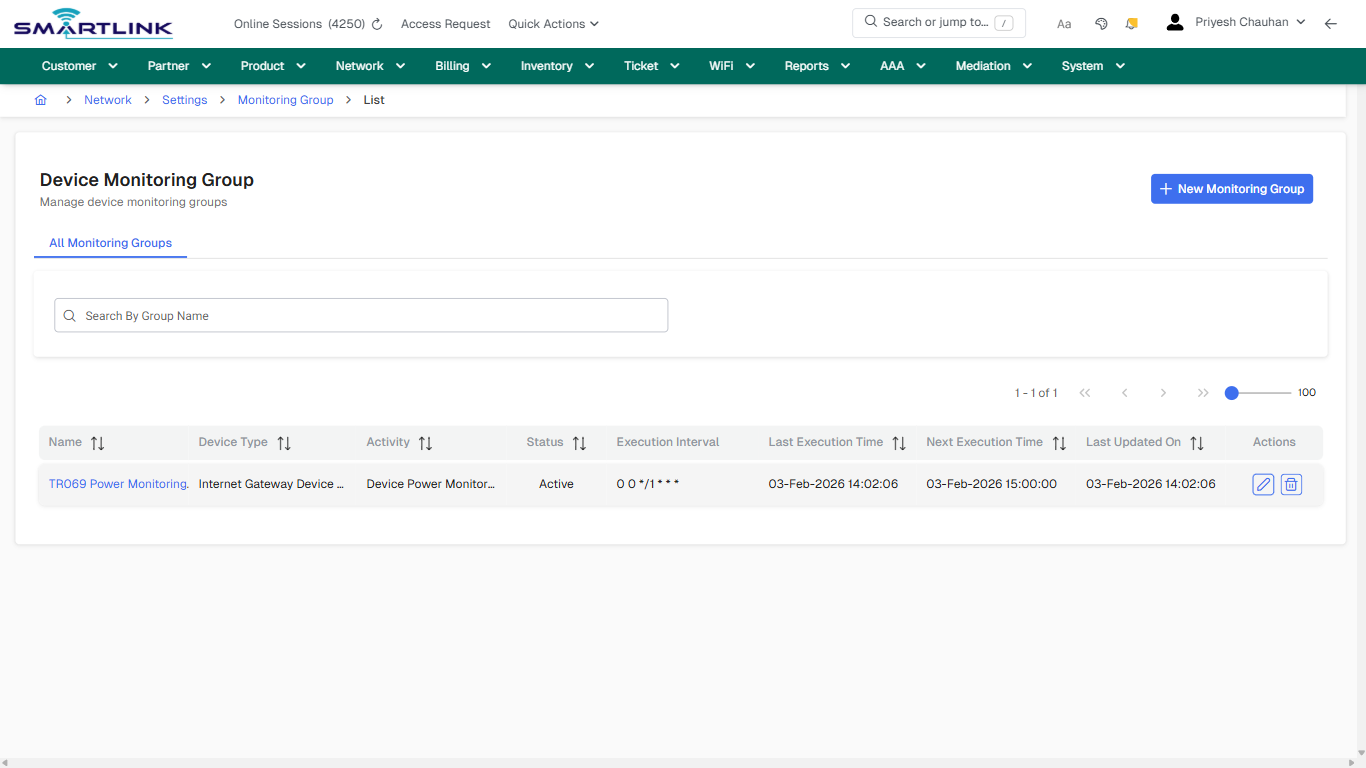
# dev > settings > mg > all

# dev &gt; settings &gt; mg &gt; all

**Route:** dev/settings/mg/all

**URL:** https://admin.myslbb.com/#/dev/settings/mg/all

---

## Overview

 This page is a draft SOP reference for the above screen in **i2i Core OSS/BSS**. It is auto-generated from UI exports and should be reviewed for operational correctness before customer release.

## When to Use

- Use this screen for the workflow represented by this route.
- Do not make billing/AAA/provisioning-impacting changes without required authorization.
 
## Typical Workflow

1. Verify you are working on the correct entity (Customer/Account/Service).
2. Review the current lifecycle state before making changes.
3. Apply changes and validate system response.
4. Confirm downstream impact (AAA/Provisioning/Billing) where applicable.
 
## Field &amp; Action Hints (Auto-detected)

- **Actions detected:** Auto, Close, Network, Settings, Monitoring Group, New Monitoring Group, TR069 Power Monitoring

## Validation &amp; Safety Checks

- Confirm identifiers before saving.
- Confirm lifecycle state allows the change.
- Confirm rollback/support path exists for production actions.
 
## Escalation Guidance

- **L1:** Verify input, permissions, and entity state.
- **L2:** Validate dependencies and downstream state.
- **L3/Admin:** Policy/config changes or suspected defect.
 
---

## Screenshots

## default

**Captured URL:** https://admin.myslbb.com/#/dev/settings/mg/all

<div id="bkmrk-images-uploading%E2%80%A6">*Images uploading…*<div data-img-token="IMG_PLACEHOLDER_0_1770130618959">![screenshot](https://kb.i2itechservices.com/uploads/images/gallery/2026-02/admin-myslbb-com-dev-settings-mg-all-default-20b214f21b-part-01.png)

![screenshot](https://kb.i2itechservices.com/uploads/images/gallery/2026-02/admin-myslbb-com-dev-settings-mg-all-default-20b214f21b-part-02.png)

</div></div>---

## drilldown\_one\_item

**Captured URL:** https://admin.myslbb.com/#/dev/settings/mg/all

<div id="bkmrk-images-uploading%E2%80%A6-1">*Images uploading…*<div data-img-token="IMG_PLACEHOLDER_1_1770130618959">![screenshot](https://kb.i2itechservices.com/uploads/images/gallery/2026-02/admin-myslbb-com-dev-settings-mg-all-drilldown-one-item-967fb24a8e-part-01.png)

![screenshot](https://kb.i2itechservices.com/uploads/images/gallery/2026-02/admin-myslbb-com-dev-settings-mg-all-drilldown-one-item-967fb24a8e-part-02.png)

</div></div>

# dev > settings > model > add

# dev &gt; settings &gt; model &gt; add

**Route:** dev/settings/model/add

**URL:** https://admin.myslbb.com/#/dev/settings/model/add

---

## Overview

 This page is a draft SOP reference for the above screen in **i2i Core OSS/BSS**. It is auto-generated from UI exports and should be reviewed for operational correctness before customer release.

## When to Use

- Use this screen for the workflow represented by this route.
- Do not make billing/AAA/provisioning-impacting changes without required authorization.
 
## Typical Workflow

1. Verify you are working on the correct entity (Customer/Account/Service).
2. Review the current lifecycle state before making changes.
3. Apply changes and validate system response.
4. Confirm downstream impact (AAA/Provisioning/Billing) where applicable.
 
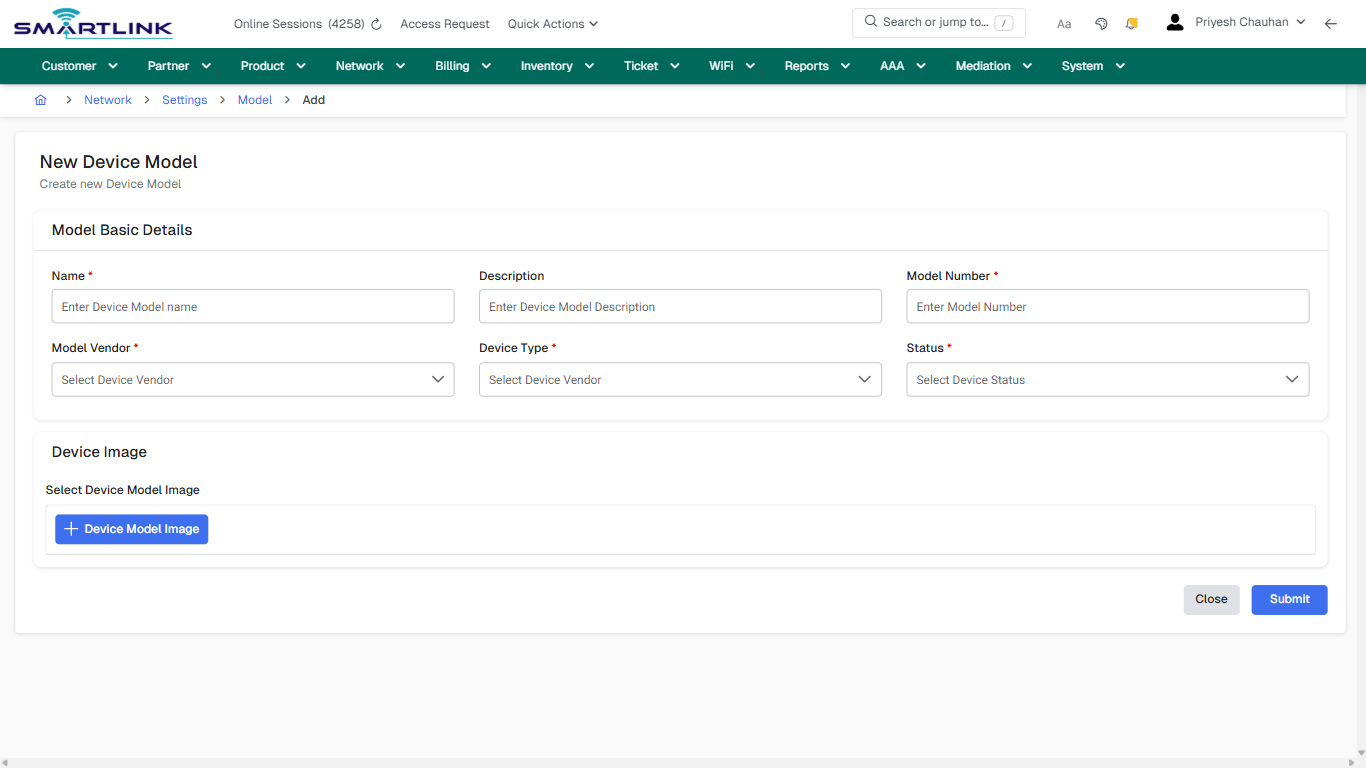
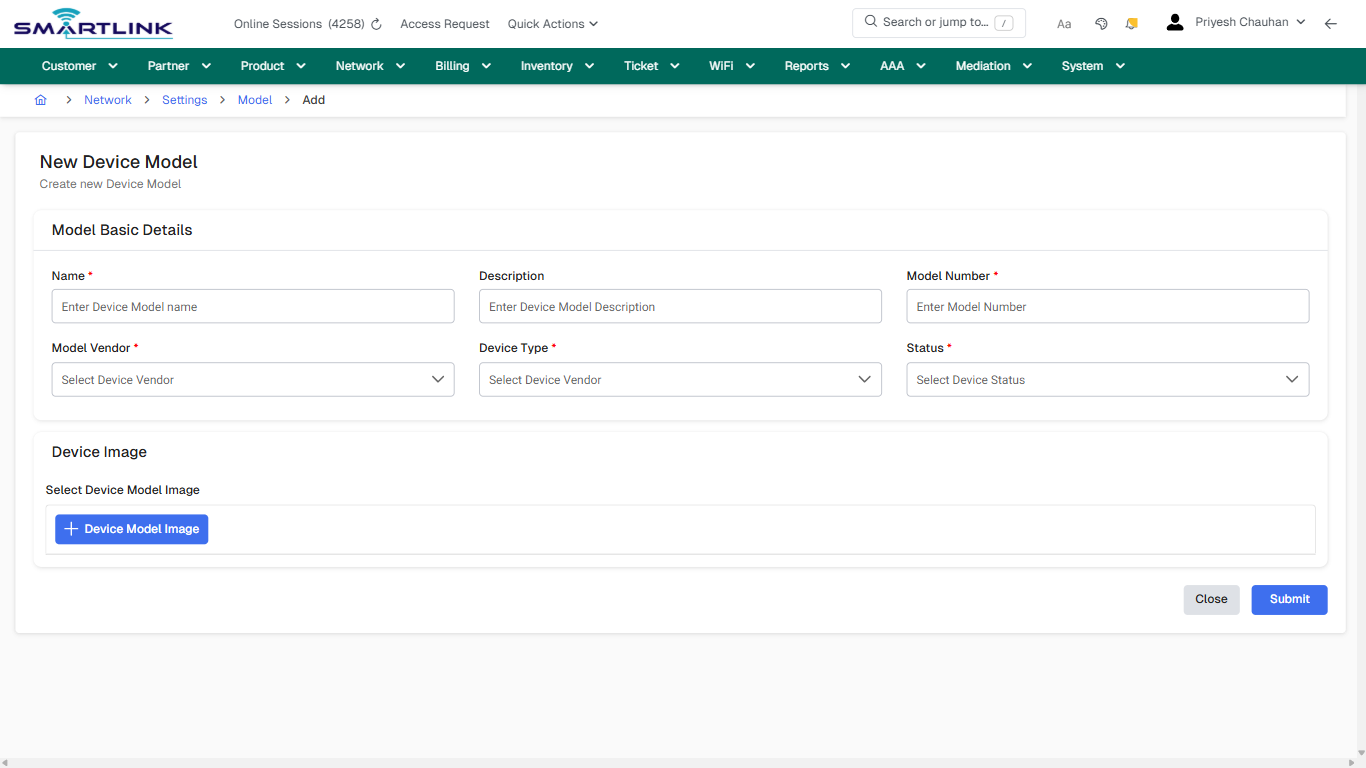
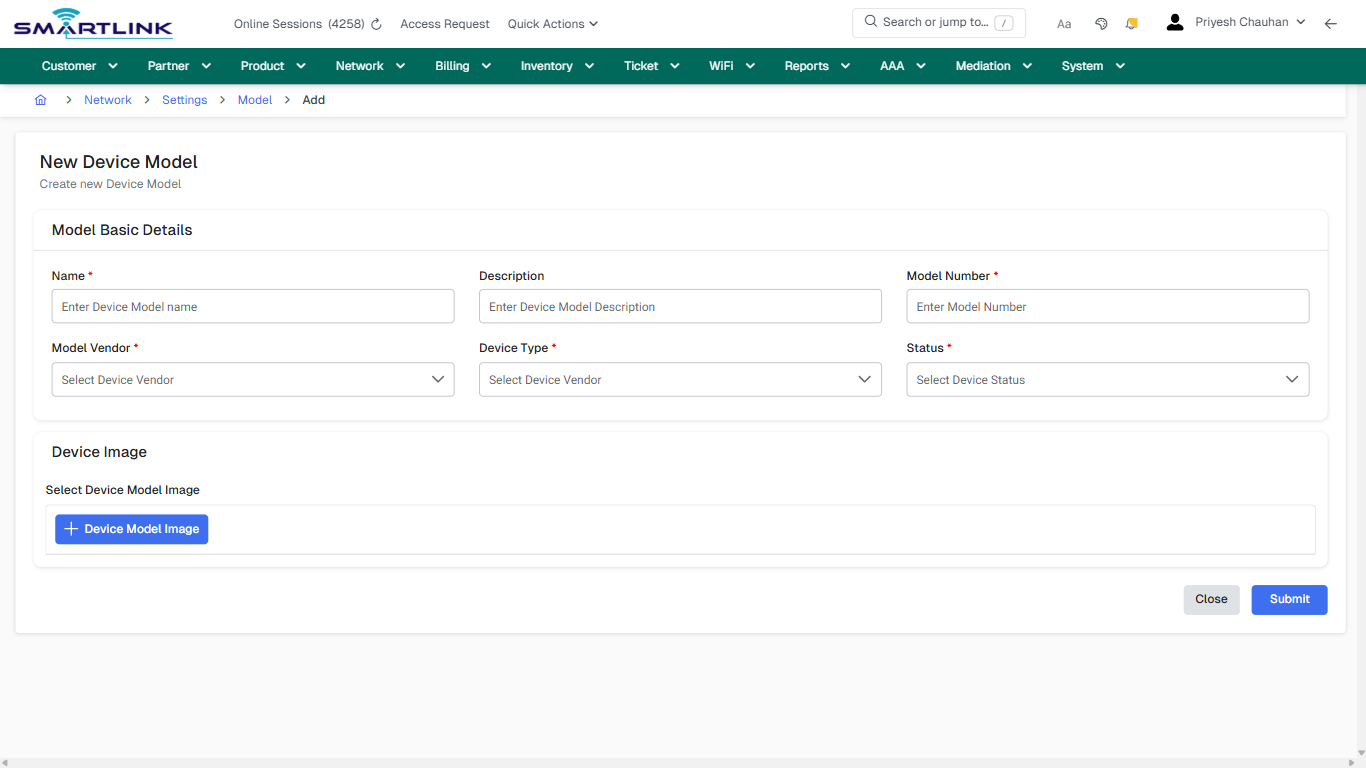
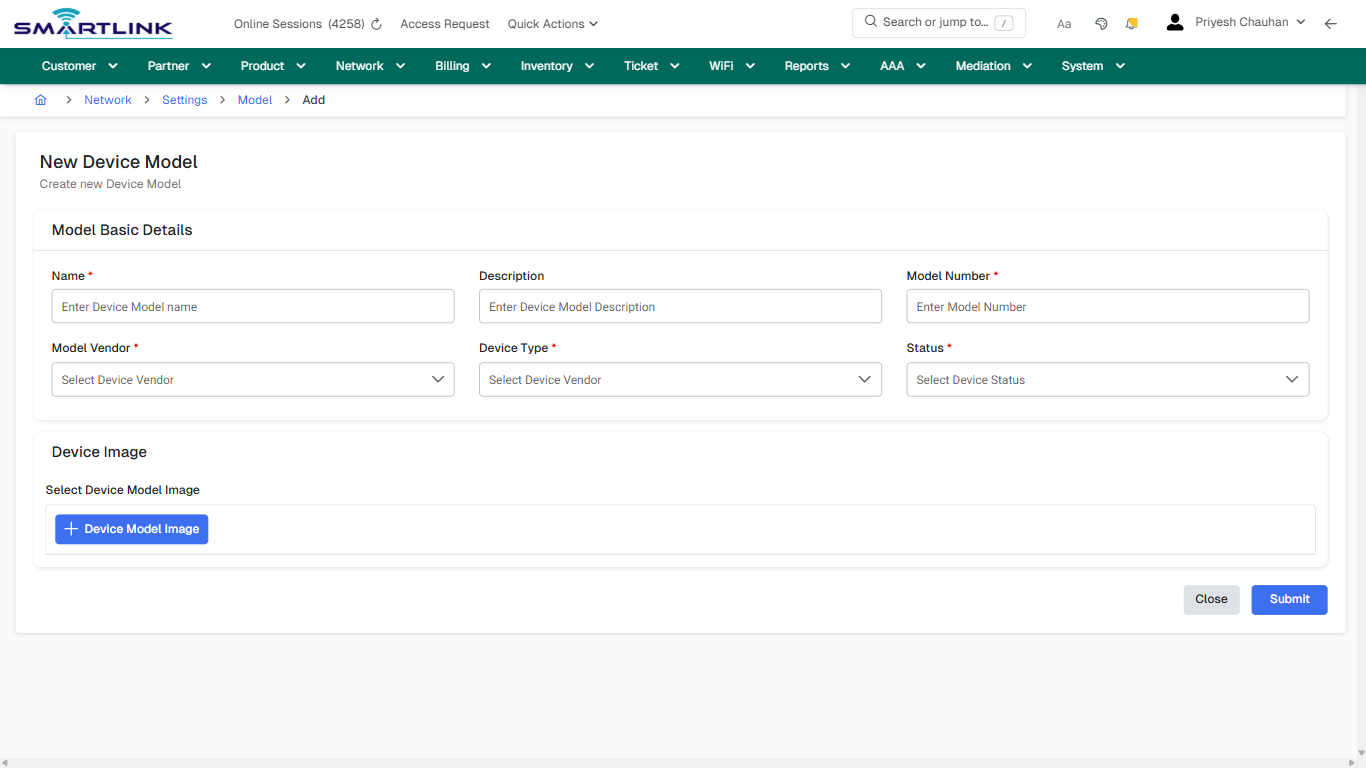
## Field &amp; Action Hints (Auto-detected)

- **Fields detected:** Name \*, Description, Model Number \*, Model Vendor \*, Device Type \*, Status \*, Select Device Model Image
- **Actions detected:** Auto, Close, Network, Settings, Model, Submit

## Validation &amp; Safety Checks

- Confirm identifiers before saving.
- Confirm lifecycle state allows the change.
- Confirm rollback/support path exists for production actions.
 
## Escalation Guidance

- **L1:** Verify input, permissions, and entity state.
- **L2:** Validate dependencies and downstream state.
- **L3/Admin:** Policy/config changes or suspected defect.
 
---

## Screenshots

## create\_new

**Captured URL:** https://admin.myslbb.com/#/dev/settings/model/add

<div id="bkmrk-images-uploading%E2%80%A6">*Images uploading…*<div data-img-token="IMG_PLACEHOLDER_0_1770130622101">![screenshot](https://kb.i2itechservices.com/uploads/images/gallery/2026-02/admin-myslbb-com-dev-settings-model-add-create-new-8c7d289a37-part-01.png)

![screenshot](https://kb.i2itechservices.com/uploads/images/gallery/2026-02/admin-myslbb-com-dev-settings-model-add-create-new-8c7d289a37-part-02.png)

</div></div>---

## create\_new

**Captured URL:** https://admin.myslbb.com/#/dev/settings/model/add

<div id="bkmrk-images-uploading%E2%80%A6-1">*Images uploading…*<div data-img-token="IMG_PLACEHOLDER_1_1770130622101">![screenshot](https://kb.i2itechservices.com/uploads/images/gallery/2026-02/gcxadmin-myslbb-com-dev-settings-model-add-create-new-8c7d289a37-part-01.png)

![screenshot](https://kb.i2itechservices.com/uploads/images/gallery/2026-02/A3yadmin-myslbb-com-dev-settings-model-add-create-new-8c7d289a37-part-02.png)

</div></div>

# dev > settings > model > all

# dev &gt; settings &gt; model &gt; all

**Route:** dev/settings/model/all

**URL:** https://admin.myslbb.com/#/dev/settings/model/all

---

## Overview

 This page is a draft SOP reference for the above screen in **i2i Core OSS/BSS**. It is auto-generated from UI exports and should be reviewed for operational correctness before customer release.

## When to Use

- Use this screen for the workflow represented by this route.
- Do not make billing/AAA/provisioning-impacting changes without required authorization.
 
## Typical Workflow

1. Verify you are working on the correct entity (Customer/Account/Service).
2. Review the current lifecycle state before making changes.
3. Apply changes and validate system response.
4. Confirm downstream impact (AAA/Provisioning/Billing) where applicable.
 
## Field &amp; Action Hints (Auto-detected)

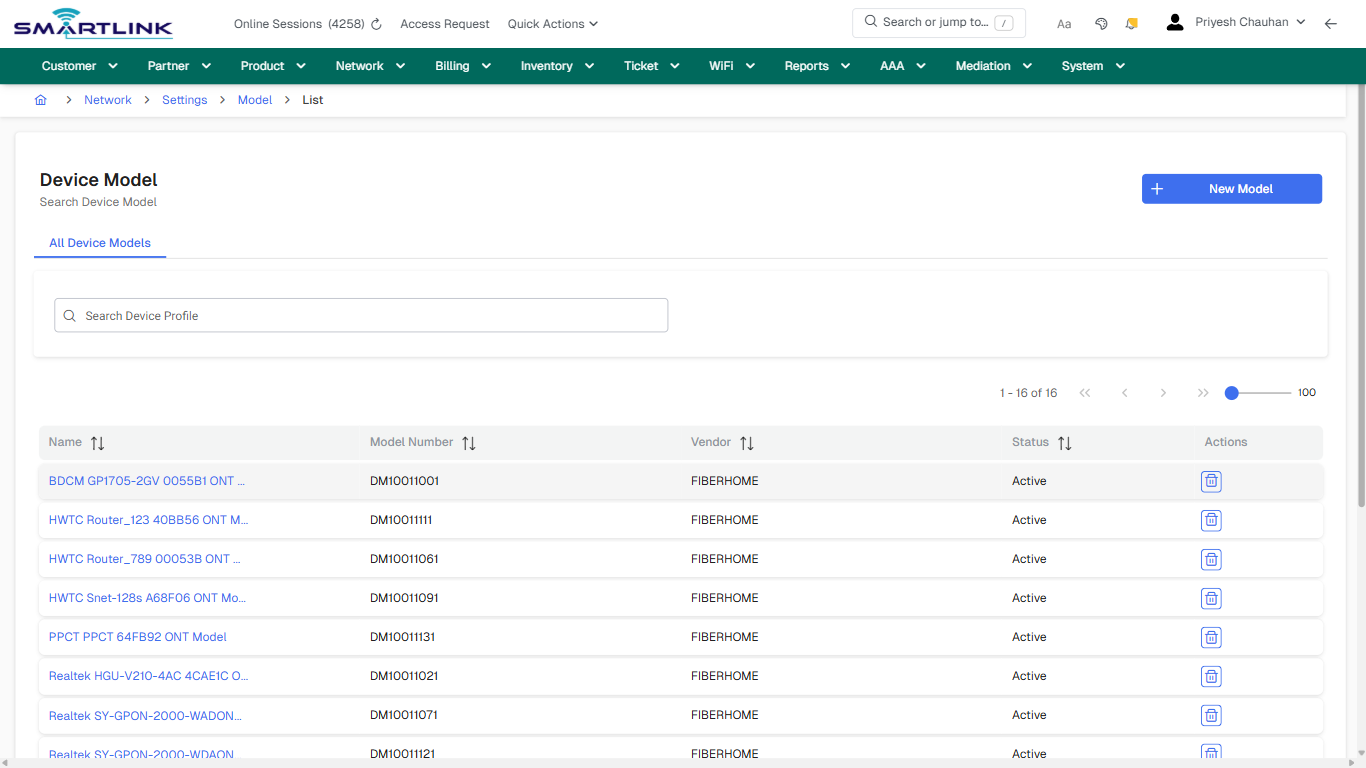
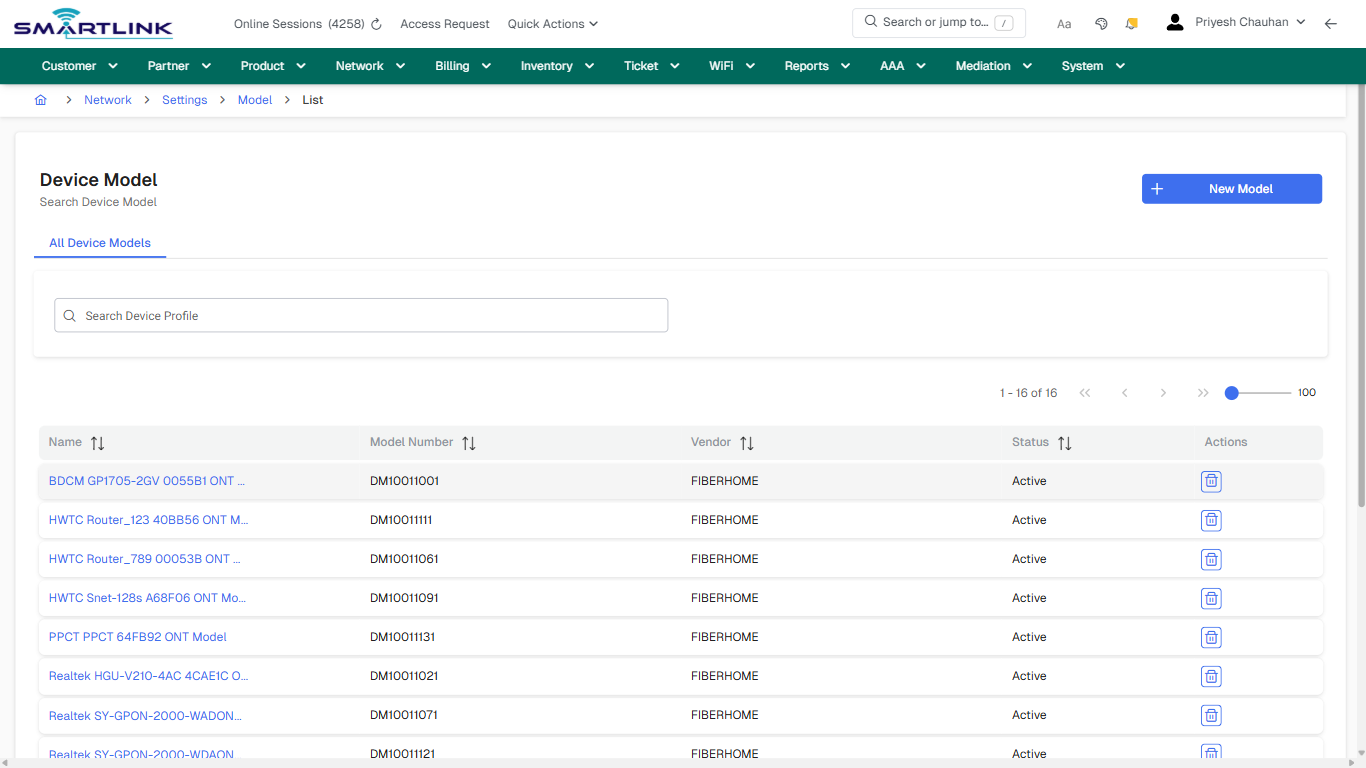
- **Actions detected:** Auto, Close, Network, Settings, Model, New Model, BDCM GP1705-2GV 0055B1 ONT Model, HWTC Router\_123 40BB56 ONT Model, HWTC Router\_789 00053B ONT Model, HWTC Snet-128s A68F06 ONT Model, PPCT PPCT 64FB92 ONT Model, Realtek HGU-V210-4AC 4CAE1C ONT Model, TP-Link IGD E0D362 ONT Model, TP-Link XC220-G3v DC6279 ONT Model, XPON SM009 XPON ONT Model

## Validation &amp; Safety Checks

- Confirm identifiers before saving.
- Confirm lifecycle state allows the change.
- Confirm rollback/support path exists for production actions.
 
## Escalation Guidance

- **L1:** Verify input, permissions, and entity state.
- **L2:** Validate dependencies and downstream state.
- **L3/Admin:** Policy/config changes or suspected defect.
 
---

## Screenshots

## default

**Captured URL:** https://admin.myslbb.com/#/dev/settings/model/all

<div id="bkmrk-images-uploading%E2%80%A6">*Images uploading…*<div data-img-token="IMG_PLACEHOLDER_0_1770130625238">![screenshot](https://kb.i2itechservices.com/uploads/images/gallery/2026-02/admin-myslbb-com-dev-settings-model-all-default-fb59c69a65-part-01.png)

![screenshot](https://kb.i2itechservices.com/uploads/images/gallery/2026-02/admin-myslbb-com-dev-settings-model-all-default-fb59c69a65-part-02.png)

</div></div>---

## default

**Captured URL:** https://admin.myslbb.com/#/dev/settings/model/all

<div id="bkmrk-images-uploading%E2%80%A6-1">*Images uploading…*<div data-img-token="IMG_PLACEHOLDER_1_1770130625238">![screenshot](https://kb.i2itechservices.com/uploads/images/gallery/2026-02/Xmsadmin-myslbb-com-dev-settings-model-all-default-fb59c69a65-part-01.png)

![screenshot](https://kb.i2itechservices.com/uploads/images/gallery/2026-02/rrVadmin-myslbb-com-dev-settings-model-all-default-fb59c69a65-part-02.png)

</div></div>---

## drilldown\_one\_item

**Captured URL:** https://admin.myslbb.com/#/dev/settings/model/all

<div id="bkmrk-images-uploading%E2%80%A6-2">*Images uploading…*<div data-img-token="IMG_PLACEHOLDER_2_1770130625238">![screenshot](https://kb.i2itechservices.com/uploads/images/gallery/2026-02/admin-myslbb-com-dev-settings-model-all-drilldown-one-item-6fcbe27ecc-part-01.png)

![screenshot](https://kb.i2itechservices.com/uploads/images/gallery/2026-02/admin-myslbb-com-dev-settings-model-all-drilldown-one-item-6fcbe27ecc-part-02.png)

</div></div>---

## drilldown\_one\_item

**Captured URL:** https://admin.myslbb.com/#/dev/settings/model/all

<div id="bkmrk-images-uploading%E2%80%A6-3">*Images uploading…*<div data-img-token="IMG_PLACEHOLDER_3_1770130625238">![screenshot](https://kb.i2itechservices.com/uploads/images/gallery/2026-02/Nzqadmin-myslbb-com-dev-settings-model-all-drilldown-one-item-6fcbe27ecc-part-01.png)

![screenshot](https://kb.i2itechservices.com/uploads/images/gallery/2026-02/WhDadmin-myslbb-com-dev-settings-model-all-drilldown-one-item-6fcbe27ecc-part-02.png)

</div></div>

# dev > settings > profile > all

# dev &gt; settings &gt; profile &gt; all

**Route:** dev/settings/profile/all

**URL:** https://admin.myslbb.com/#/dev/settings/profile/all

---

## Overview

 This page is a draft SOP reference for the above screen in **i2i Core OSS/BSS**. It is auto-generated from UI exports and should be reviewed for operational correctness before customer release.

## When to Use

- Use this screen for the workflow represented by this route.
- Do not make billing/AAA/provisioning-impacting changes without required authorization.
 
## Typical Workflow

1. Verify you are working on the correct entity (Customer/Account/Service).
2. Review the current lifecycle state before making changes.
3. Apply changes and validate system response.
4. Confirm downstream impact (AAA/Provisioning/Billing) where applicable.
 
## Field &amp; Action Hints (Auto-detected)

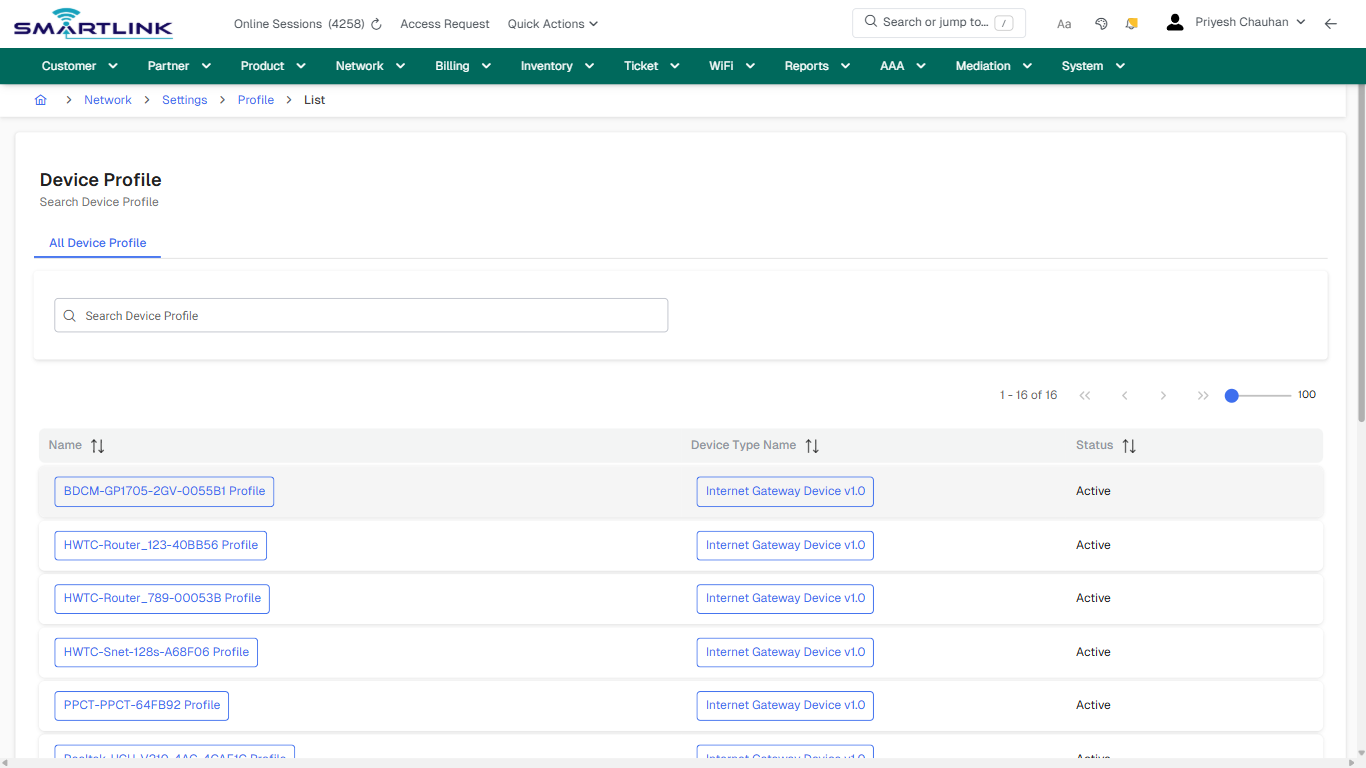
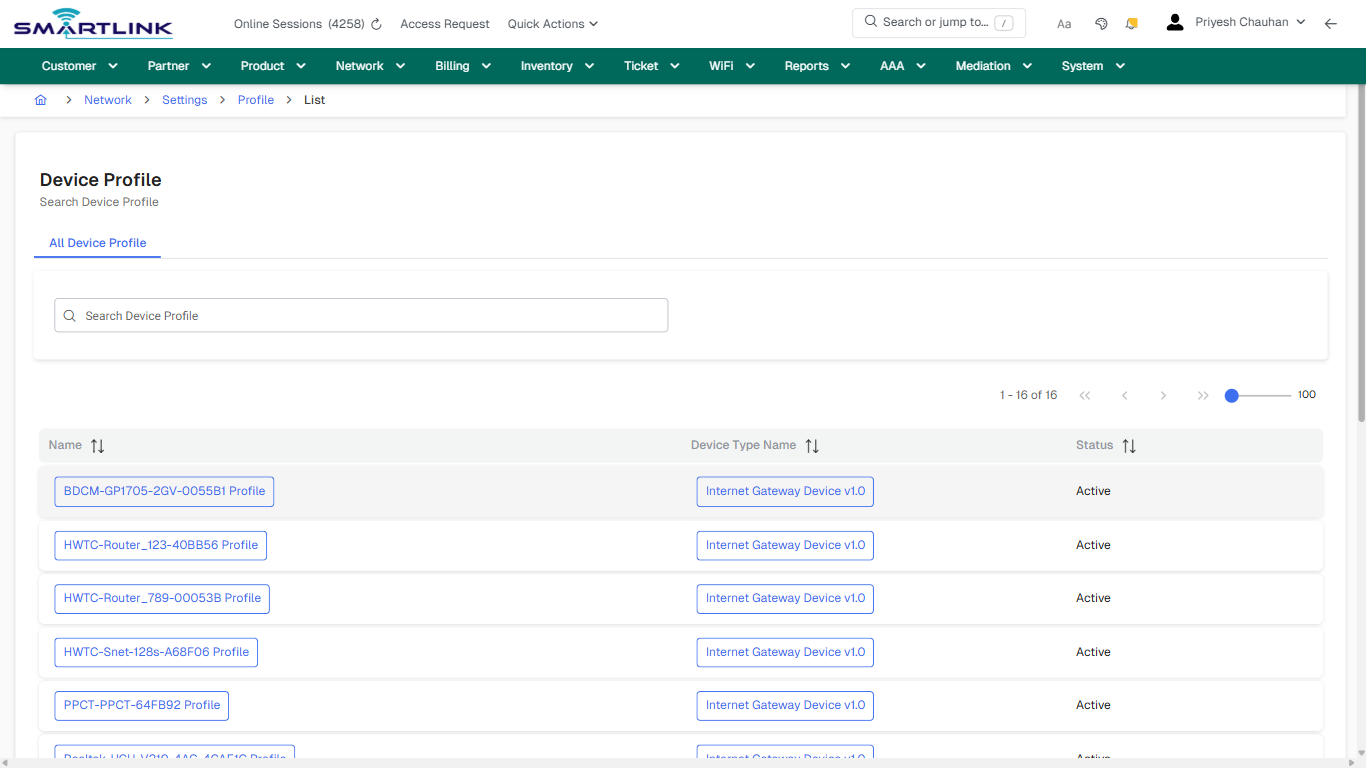
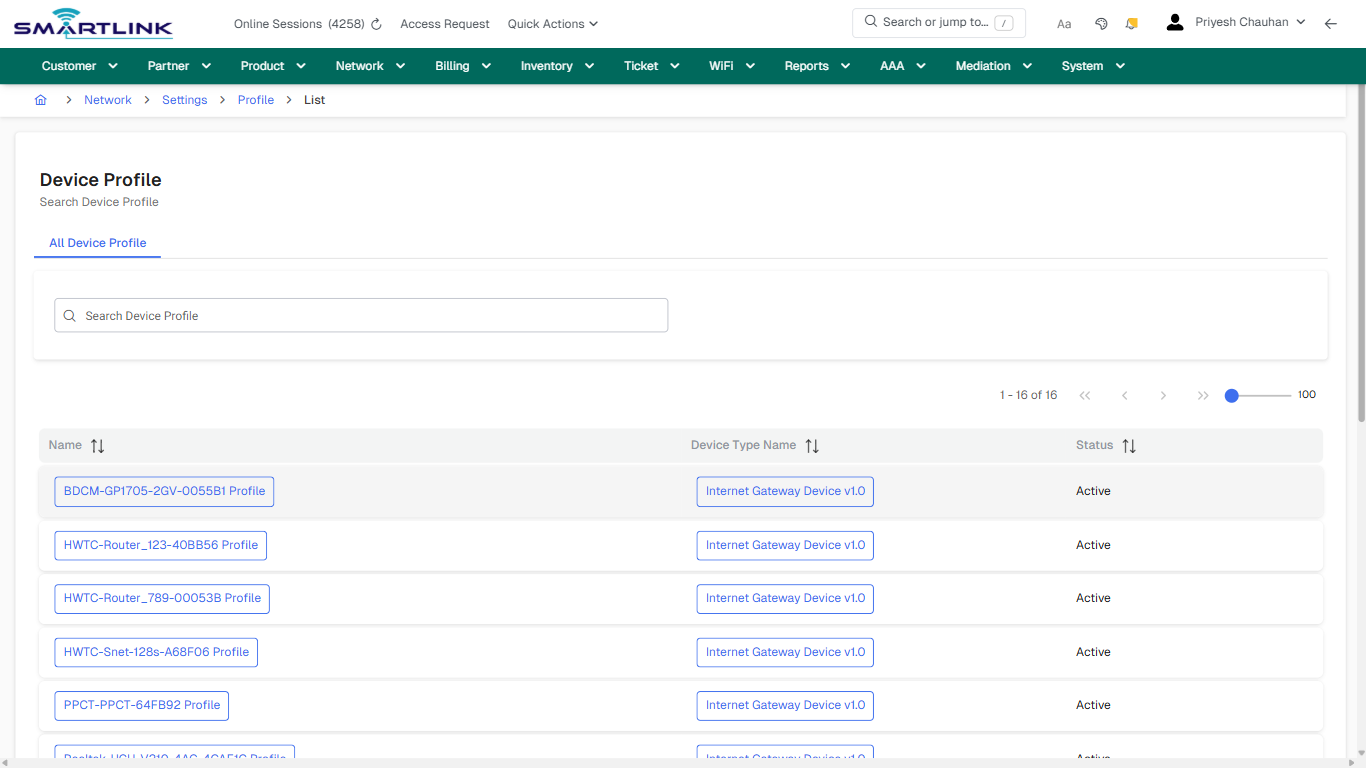
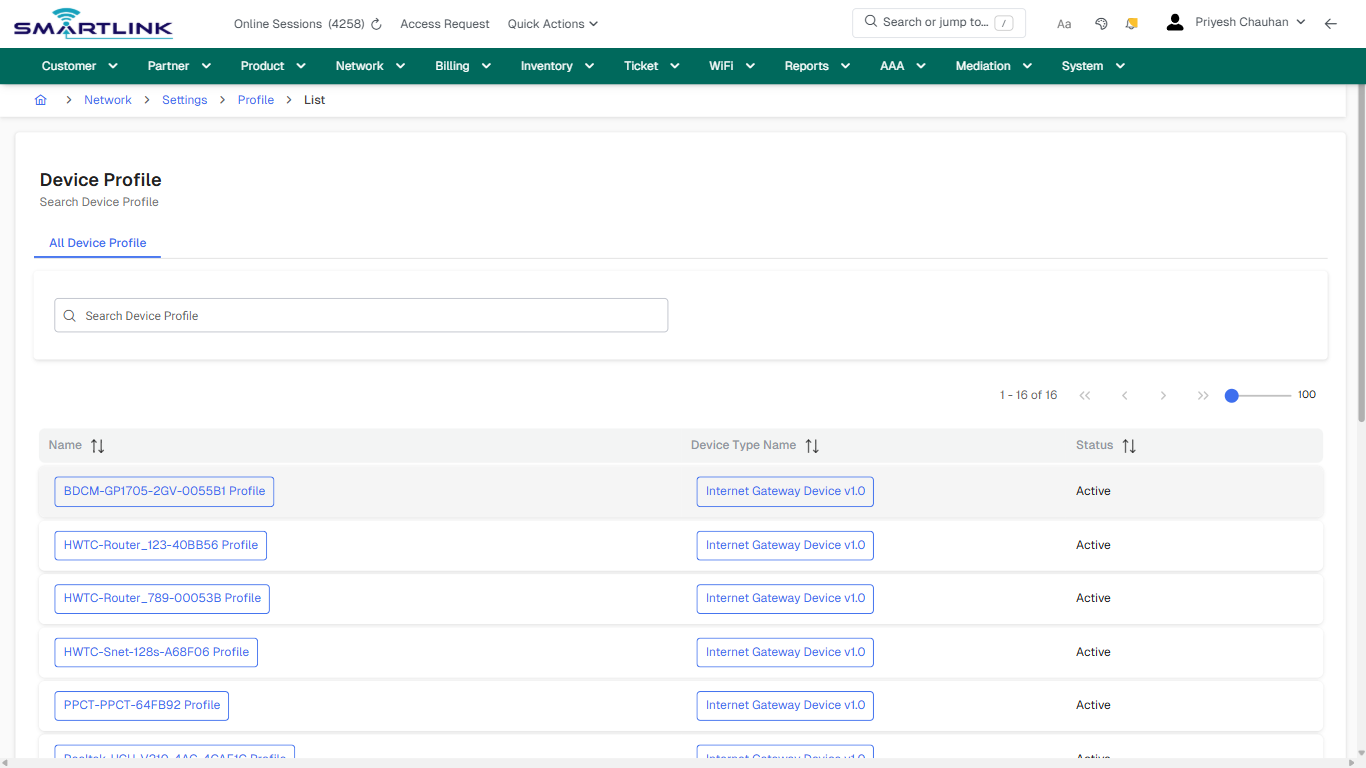
- **Actions detected:** Auto, Close, Network, Settings, Profile, BDCM-GP1705-2GV-0055B1 Profile, Internet Gateway Device v1.0, HWTC-Router\_123-40BB56 Profile, HWTC-Router\_789-00053B Profile, HWTC-Snet-128s-A68F06 Profile, PPCT-PPCT-64FB92 Profile, Realtek-HGU-V210-4AC-4CAE1C Profile, TP-Link-IGD-E0D362 Profile, TP-Link-XC220-G3v-DC6279 Profile, XPON-SM009-XPON Profile

## Validation &amp; Safety Checks

- Confirm identifiers before saving.
- Confirm lifecycle state allows the change.
- Confirm rollback/support path exists for production actions.
 
## Escalation Guidance

- **L1:** Verify input, permissions, and entity state.
- **L2:** Validate dependencies and downstream state.
- **L3/Admin:** Policy/config changes or suspected defect.
 
---

## Screenshots

## default

**Captured URL:** https://admin.myslbb.com/#/dev/settings/profile/all

<div id="bkmrk-images-uploading%E2%80%A6">*Images uploading…*<div data-img-token="IMG_PLACEHOLDER_0_1770130630730">![screenshot](https://kb.i2itechservices.com/uploads/images/gallery/2026-02/admin-myslbb-com-dev-settings-profile-all-default-4cbe5c5b46-part-01.png)

![screenshot](https://kb.i2itechservices.com/uploads/images/gallery/2026-02/admin-myslbb-com-dev-settings-profile-all-default-4cbe5c5b46-part-02.png)

</div></div>---

## drilldown\_one\_item

**Captured URL:** https://admin.myslbb.com/#/dev/settings/profile/all

<div id="bkmrk-images-uploading%E2%80%A6-1">*Images uploading…*<div data-img-token="IMG_PLACEHOLDER_1_1770130630730">![screenshot](https://kb.i2itechservices.com/uploads/images/gallery/2026-02/admin-myslbb-com-dev-settings-profile-all-drilldown-one-item-0f3e133266-part-01.png)

![screenshot](https://kb.i2itechservices.com/uploads/images/gallery/2026-02/admin-myslbb-com-dev-settings-profile-all-drilldown-one-item-0f3e133266-part-02.png)

</div></div>

# dev > settings > rule > all

# dev &gt; settings &gt; rule &gt; all

**Route:** dev/settings/rule/all

**URL:** https://admin.myslbb.com/#/dev/settings/rule/all

---

## Overview

 This page is a draft SOP reference for the above screen in **i2i Core OSS/BSS**. It is auto-generated from UI exports and should be reviewed for operational correctness before customer release.

## When to Use

- Use this screen for the workflow represented by this route.
- Do not make billing/AAA/provisioning-impacting changes without required authorization.
 
## Typical Workflow

1. Verify you are working on the correct entity (Customer/Account/Service).
2. Review the current lifecycle state before making changes.
3. Apply changes and validate system response.
4. Confirm downstream impact (AAA/Provisioning/Billing) where applicable.
 
## Field &amp; Action Hints (Auto-detected)

- **Actions detected:** Auto, Close, Network, Settings, Device Association Rule

## Validation &amp; Safety Checks

- Confirm identifiers before saving.
- Confirm lifecycle state allows the change.
- Confirm rollback/support path exists for production actions.
 
## Escalation Guidance

- **L1:** Verify input, permissions, and entity state.
- **L2:** Validate dependencies and downstream state.
- **L3/Admin:** Policy/config changes or suspected defect.
 
---

## Screenshots

## default

**Captured URL:** https://admin.myslbb.com/#/dev/settings/rule/all

<div id="bkmrk-images-uploading%E2%80%A6">*Images uploading…*<div data-img-token="IMG_PLACEHOLDER_0_1770130633856">![screenshot](https://kb.i2itechservices.com/uploads/images/gallery/2026-02/admin-myslbb-com-dev-settings-rule-all-default-64337f9328-part-01.png)

![screenshot](https://kb.i2itechservices.com/uploads/images/gallery/2026-02/admin-myslbb-com-dev-settings-rule-all-default-64337f9328-part-02.png)

</div></div>---

## drilldown\_one\_item

**Captured URL:** https://admin.myslbb.com/#/dev/settings/rule/all

<div id="bkmrk-images-uploading%E2%80%A6-1">*Images uploading…*<div data-img-token="IMG_PLACEHOLDER_1_1770130633856">![screenshot](https://kb.i2itechservices.com/uploads/images/gallery/2026-02/admin-myslbb-com-dev-settings-rule-all-drilldown-one-item-b2056793e1-part-01.png)

![screenshot](https://kb.i2itechservices.com/uploads/images/gallery/2026-02/admin-myslbb-com-dev-settings-rule-all-drilldown-one-item-b2056793e1-part-02.png)

</div></div>

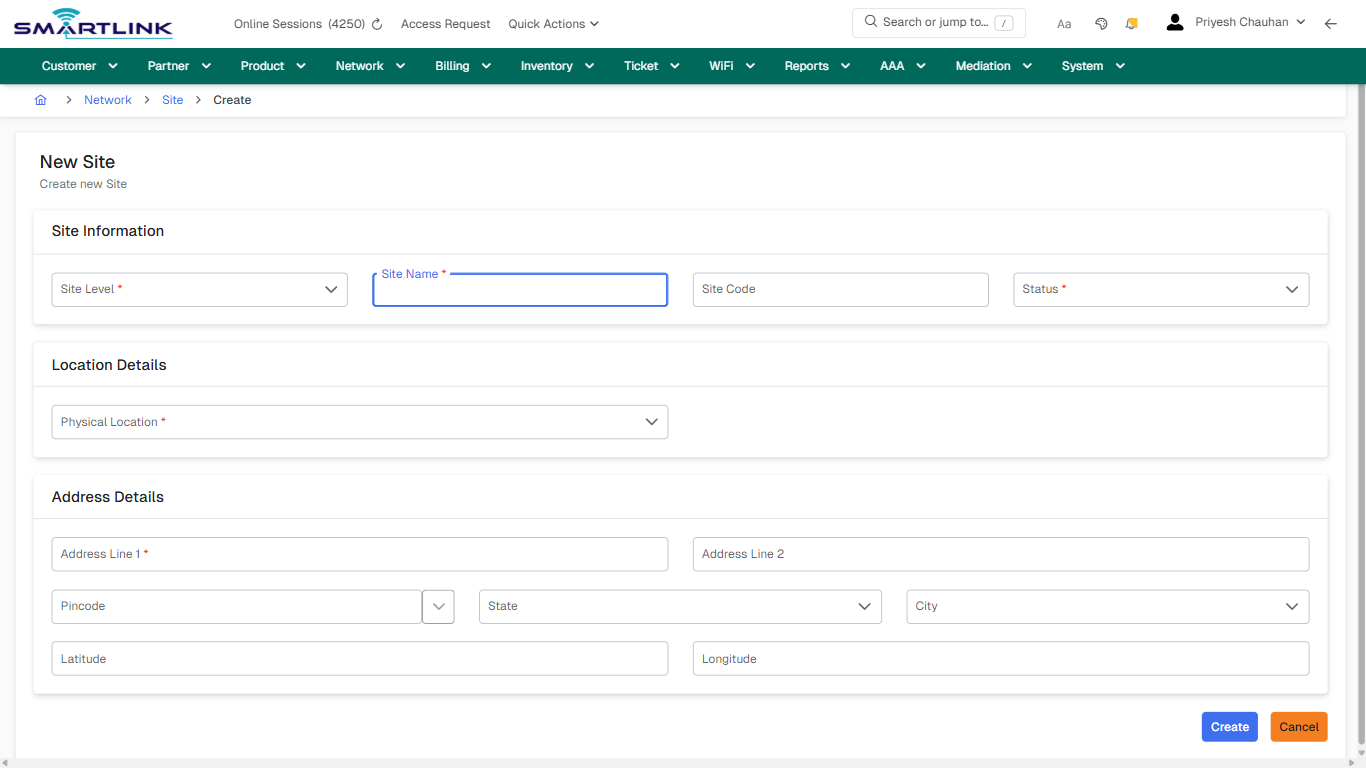
# dev > site > add

# dev &gt; site &gt; add

**Route:** dev/site/add

**URL:** https://admin.myslbb.com/#/dev/site/add

---

## Overview

 This page is a draft SOP reference for the above screen in **i2i Core OSS/BSS**. It is auto-generated from UI exports and should be reviewed for operational correctness before customer release.

## When to Use

- Use this screen for the workflow represented by this route.
- Do not make billing/AAA/provisioning-impacting changes without required authorization.
 
## Typical Workflow

1. Verify you are working on the correct entity (Customer/Account/Service).
2. Review the current lifecycle state before making changes.
3. Apply changes and validate system response.
4. Confirm downstream impact (AAA/Provisioning/Billing) where applicable.
 
## Field &amp; Action Hints (Auto-detected)

- **Fields detected:** Site Level \*, Site Name \*, Site Code, Status \*, Physical Location \*, Address Line 1 \*, Address Line 2, Pincode, State, City, Latitude, Longitude
- **Actions detected:** Auto, Close, Network, Site, Cancel, Create

## Validation &amp; Safety Checks

- Confirm identifiers before saving.
- Confirm lifecycle state allows the change.
- Confirm rollback/support path exists for production actions.
 
## Escalation Guidance

- **L1:** Verify input, permissions, and entity state.
- **L2:** Validate dependencies and downstream state.
- **L3/Admin:** Policy/config changes or suspected defect.
 
---

## Screenshots

## create\_new

**Captured URL:** https://admin.myslbb.com/#/dev/site/add

<div id="bkmrk-images-uploading%E2%80%A6">*Images uploading…*<div data-img-token="IMG_PLACEHOLDER_0_1770130636979">![screenshot](https://kb.i2itechservices.com/uploads/images/gallery/2026-02/admin-myslbb-com-dev-site-add-create-new-f93b1faead-part-01.png)

![screenshot](https://kb.i2itechservices.com/uploads/images/gallery/2026-02/admin-myslbb-com-dev-site-add-create-new-f93b1faead-part-02.png)

</div></div>

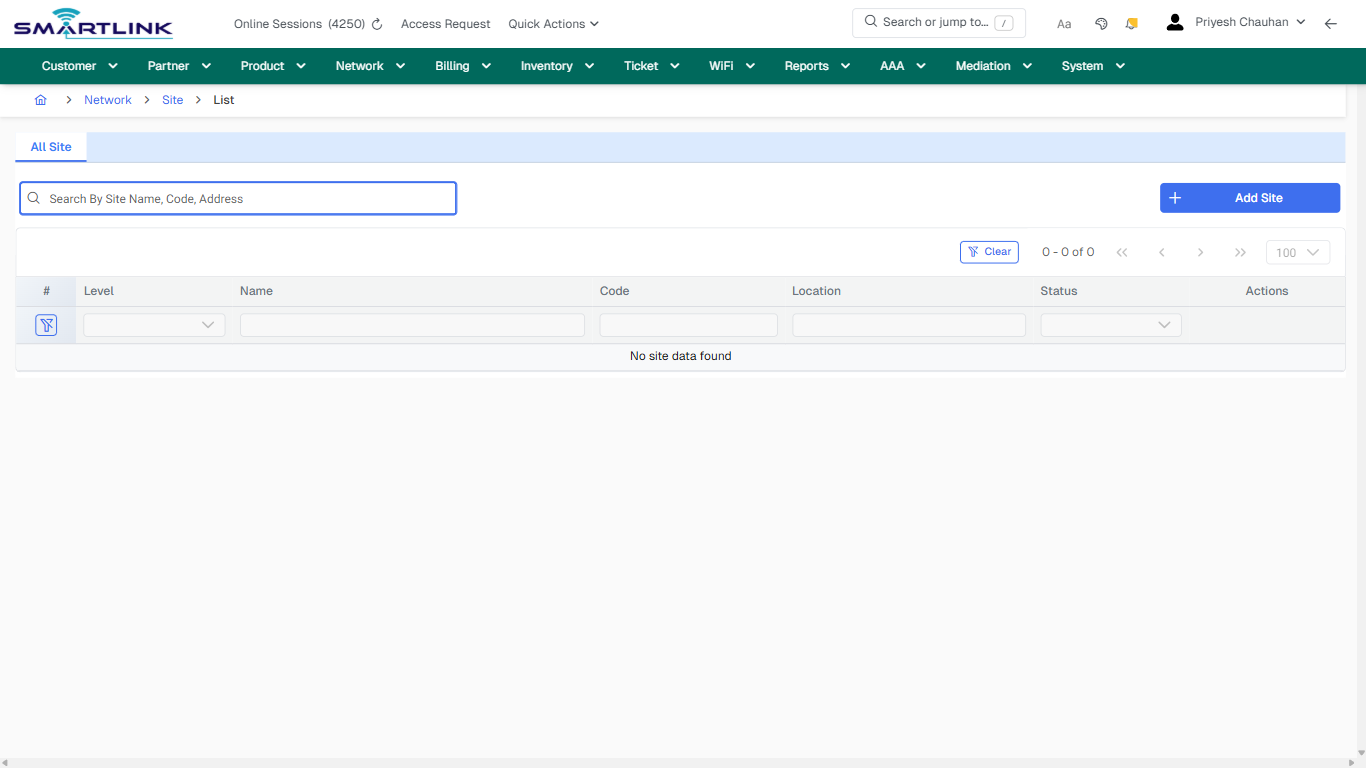
# dev > site > all

# dev &gt; site &gt; all

**Route:** dev/site/all

**URL:** https://admin.myslbb.com/#/dev/site/all

---

## Overview

 This page is a draft SOP reference for the above screen in **i2i Core OSS/BSS**. It is auto-generated from UI exports and should be reviewed for operational correctness before customer release.

## When to Use

- Use this screen for the workflow represented by this route.
- Do not make billing/AAA/provisioning-impacting changes without required authorization.
 
## Typical Workflow

1. Verify you are working on the correct entity (Customer/Account/Service).
2. Review the current lifecycle state before making changes.
3. Apply changes and validate system response.
4. Confirm downstream impact (AAA/Provisioning/Billing) where applicable.
 
## Field &amp; Action Hints (Auto-detected)

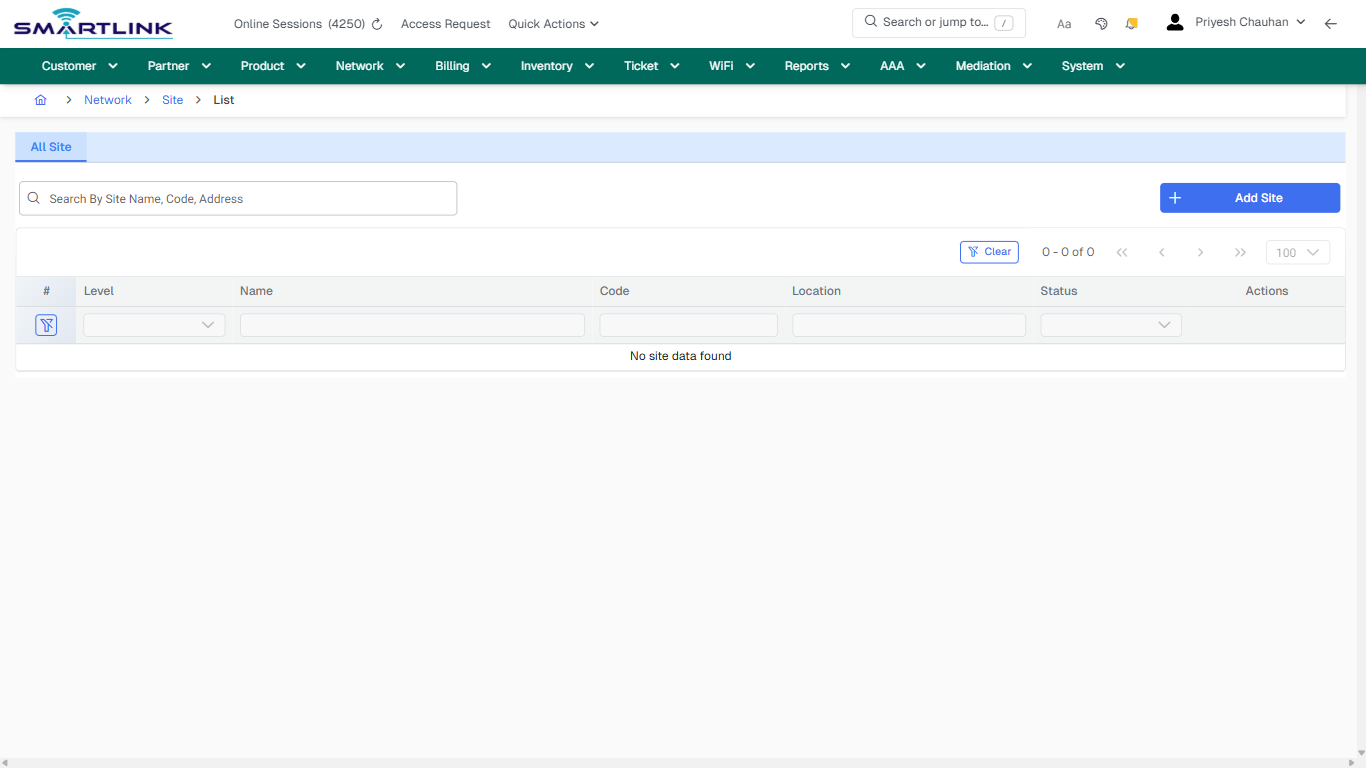
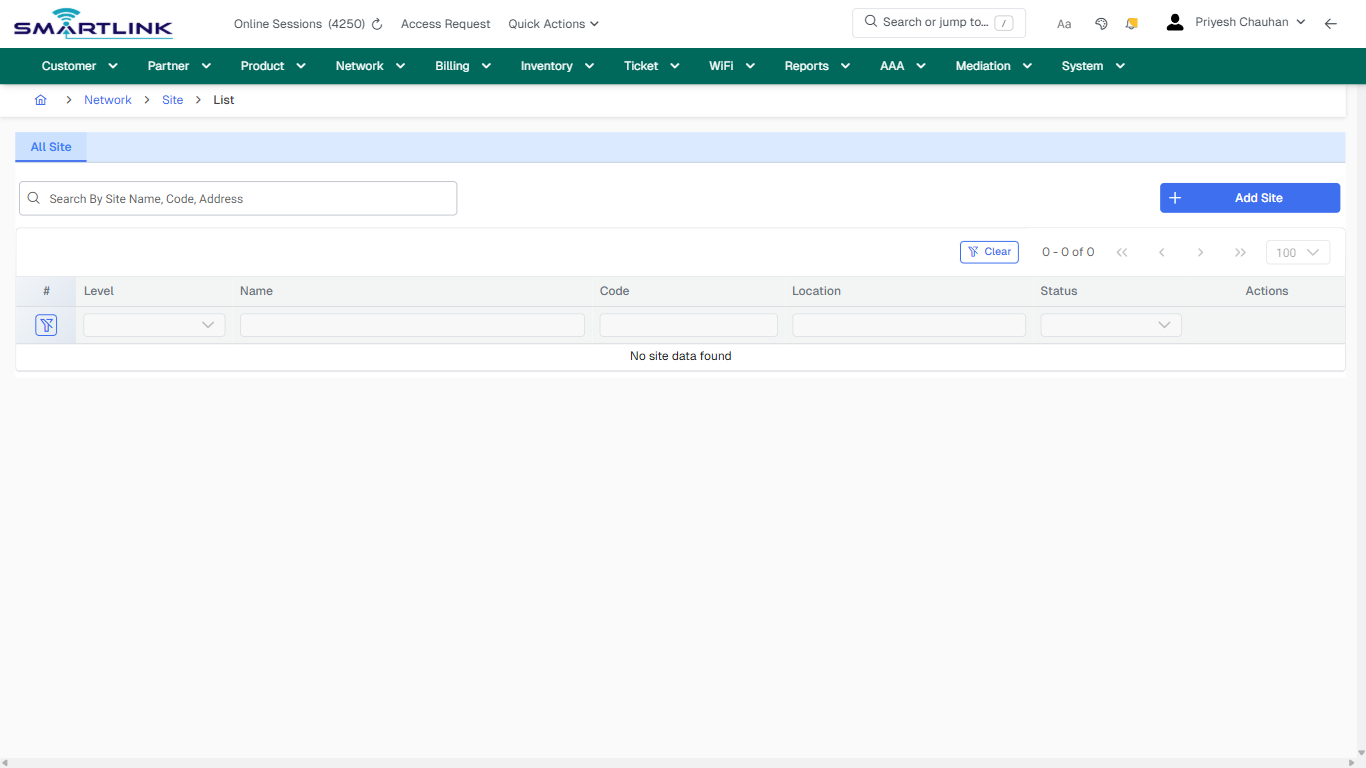
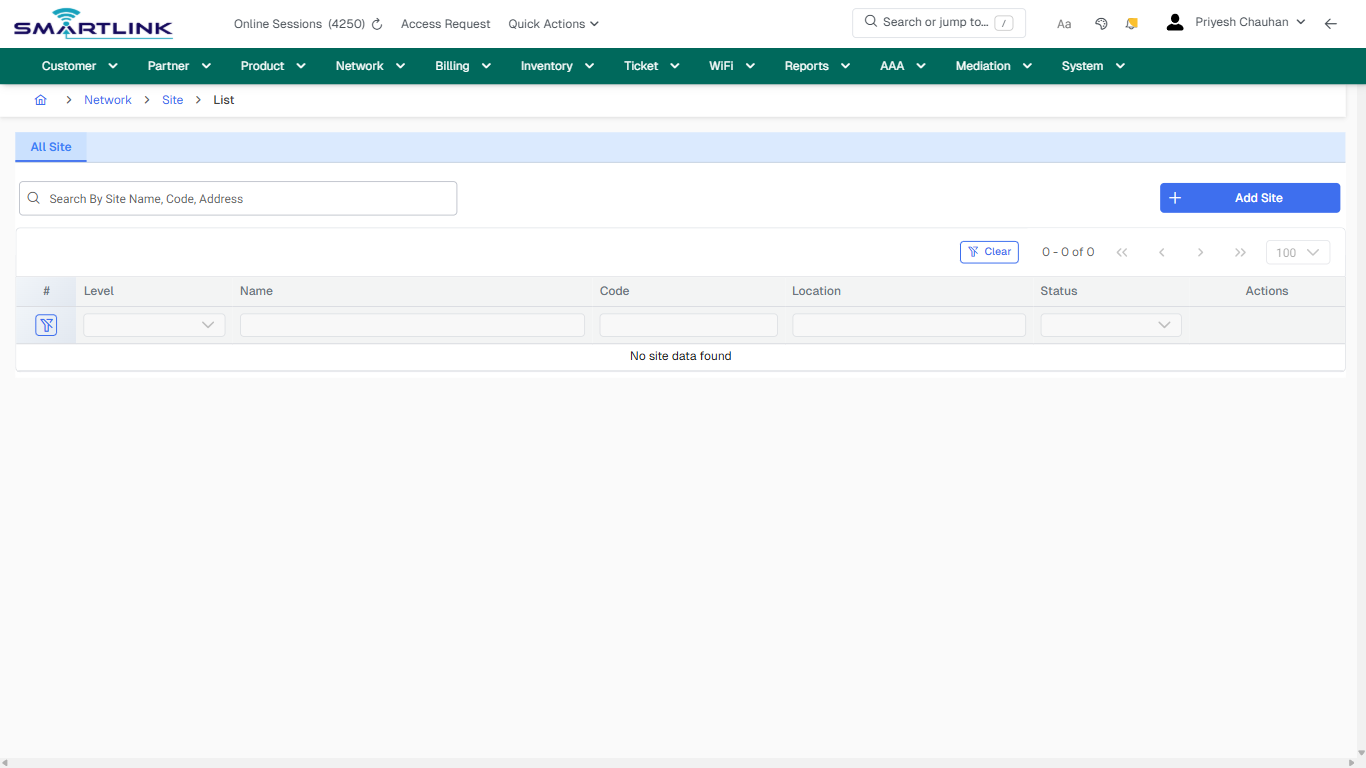
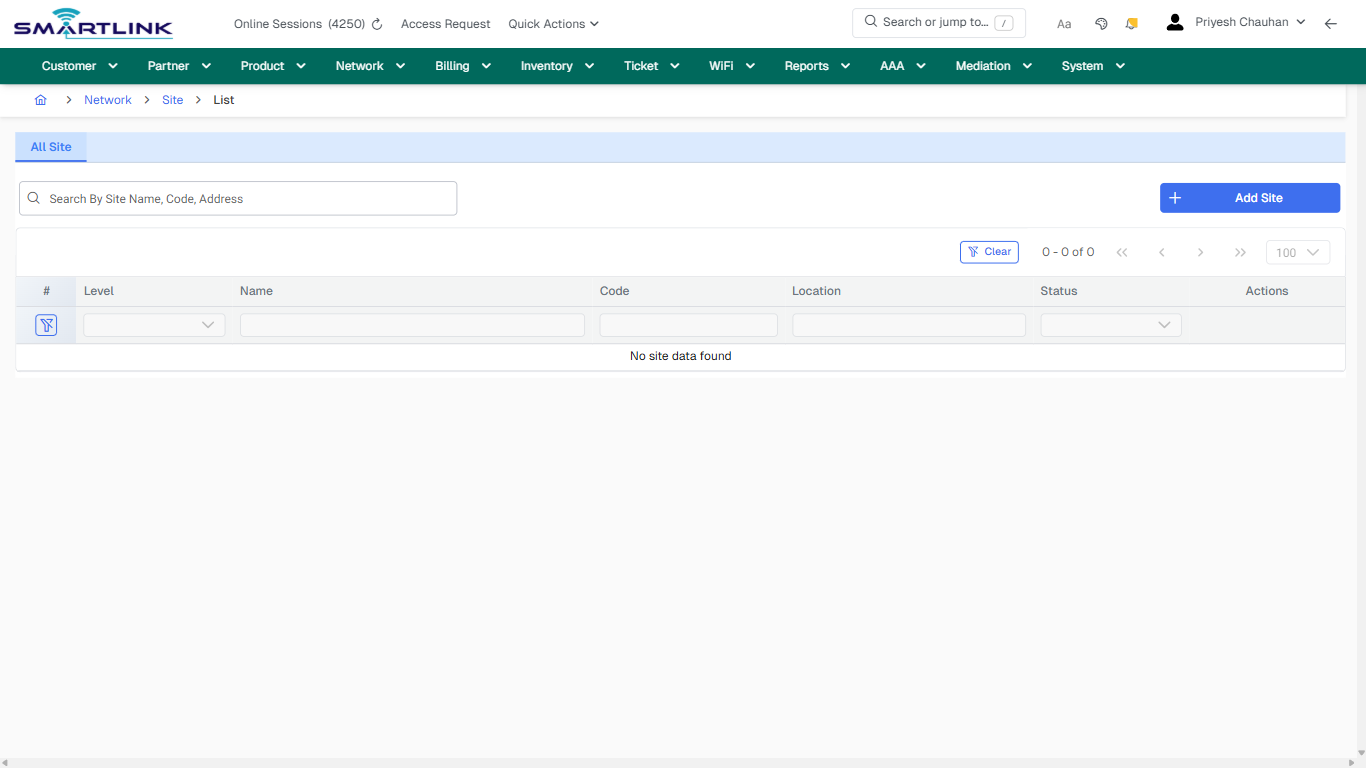
- **Actions detected:** Auto, Close, Network, Site, Add Site, Clear

## Validation &amp; Safety Checks

- Confirm identifiers before saving.
- Confirm lifecycle state allows the change.
- Confirm rollback/support path exists for production actions.
 
## Escalation Guidance

- **L1:** Verify input, permissions, and entity state.
- **L2:** Validate dependencies and downstream state.
- **L3/Admin:** Policy/config changes or suspected defect.
 
---

## Screenshots

## default

**Captured URL:** https://admin.myslbb.com/#/dev/site/all

<div id="bkmrk-images-uploading%E2%80%A6">*Images uploading…*<div data-img-token="IMG_PLACEHOLDER_0_1770130638948">![screenshot](https://kb.i2itechservices.com/uploads/images/gallery/2026-02/admin-myslbb-com-dev-site-all-default-08d943fce8-part-01.png)

![screenshot](https://kb.i2itechservices.com/uploads/images/gallery/2026-02/admin-myslbb-com-dev-site-all-default-08d943fce8-part-02.png)

</div></div>---

## ui\_tab\_1

**Captured URL:** https://admin.myslbb.com/#/dev/site/all

<div id="bkmrk-images-uploading%E2%80%A6-1">*Images uploading…*<div data-img-token="IMG_PLACEHOLDER_1_1770130638948">![screenshot](https://kb.i2itechservices.com/uploads/images/gallery/2026-02/admin-myslbb-com-dev-site-all-ui-tab-1-6623aefcb1-part-01.png)

![screenshot](https://kb.i2itechservices.com/uploads/images/gallery/2026-02/admin-myslbb-com-dev-site-all-ui-tab-1-6623aefcb1-part-02.png)

</div></div>---

## common\_tab\_1

**Captured URL:** https://admin.myslbb.com/#/dev/site/all

<div id="bkmrk-images-uploading%E2%80%A6-2">*Images uploading…*<div data-img-token="IMG_PLACEHOLDER_2_1770130638948">![screenshot](https://kb.i2itechservices.com/uploads/images/gallery/2026-02/admin-myslbb-com-dev-site-all-common-tab-1-08e7fbf993-part-01.png)

![screenshot](https://kb.i2itechservices.com/uploads/images/gallery/2026-02/admin-myslbb-com-dev-site-all-common-tab-1-08e7fbf993-part-02.png)

</div></div>---

## common\_tab\_2

**Captured URL:** https://admin.myslbb.com/#/dev/site/all

<div id="bkmrk-images-uploading%E2%80%A6-3">*Images uploading…*<div data-img-token="IMG_PLACEHOLDER_3_1770130638948">![screenshot](https://kb.i2itechservices.com/uploads/images/gallery/2026-02/admin-myslbb-com-dev-site-all-common-tab-2-d52d5c0618-part-01.png)

![screenshot](https://kb.i2itechservices.com/uploads/images/gallery/2026-02/admin-myslbb-com-dev-site-all-common-tab-2-d52d5c0618-part-02.png)

</div></div>---

## drilldown\_one\_item

**Captured URL:** https://admin.myslbb.com/#/dev/site/all

<div id="bkmrk-images-uploading%E2%80%A6-4">*Images uploading…*<div data-img-token="IMG_PLACEHOLDER_4_1770130638948">![screenshot](https://kb.i2itechservices.com/uploads/images/gallery/2026-02/admin-myslbb-com-dev-site-all-drilldown-one-item-94dab8086f-part-01.png)

![screenshot](https://kb.i2itechservices.com/uploads/images/gallery/2026-02/admin-myslbb-com-dev-site-all-drilldown-one-item-94dab8086f-part-02.png)

</div></div>