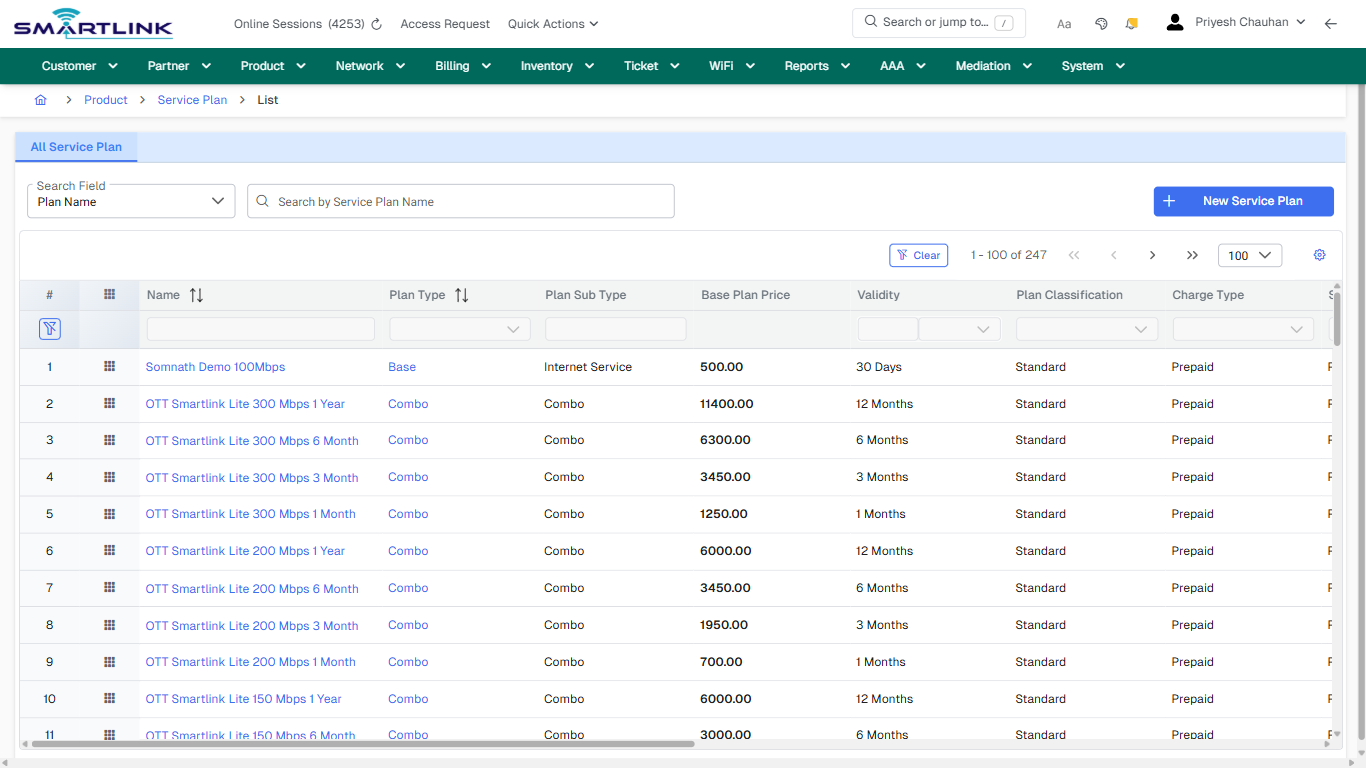
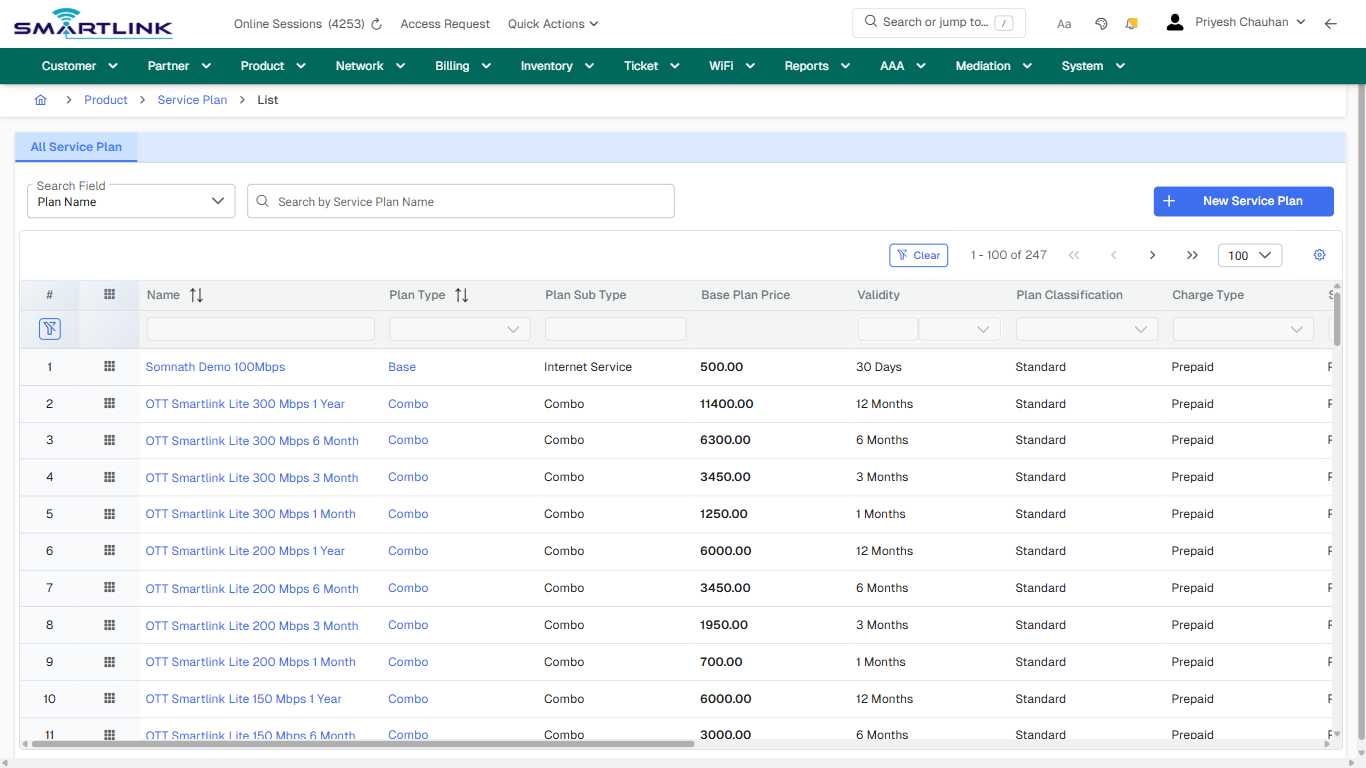
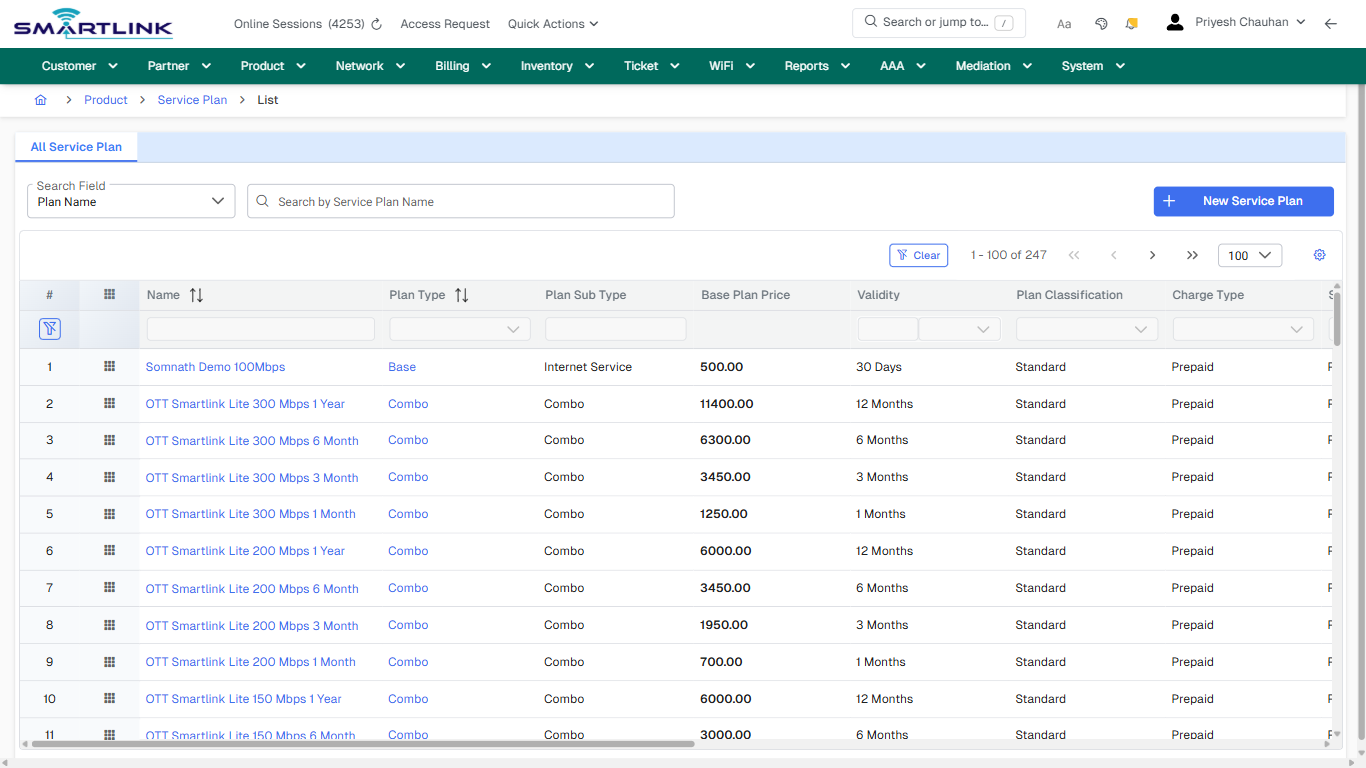
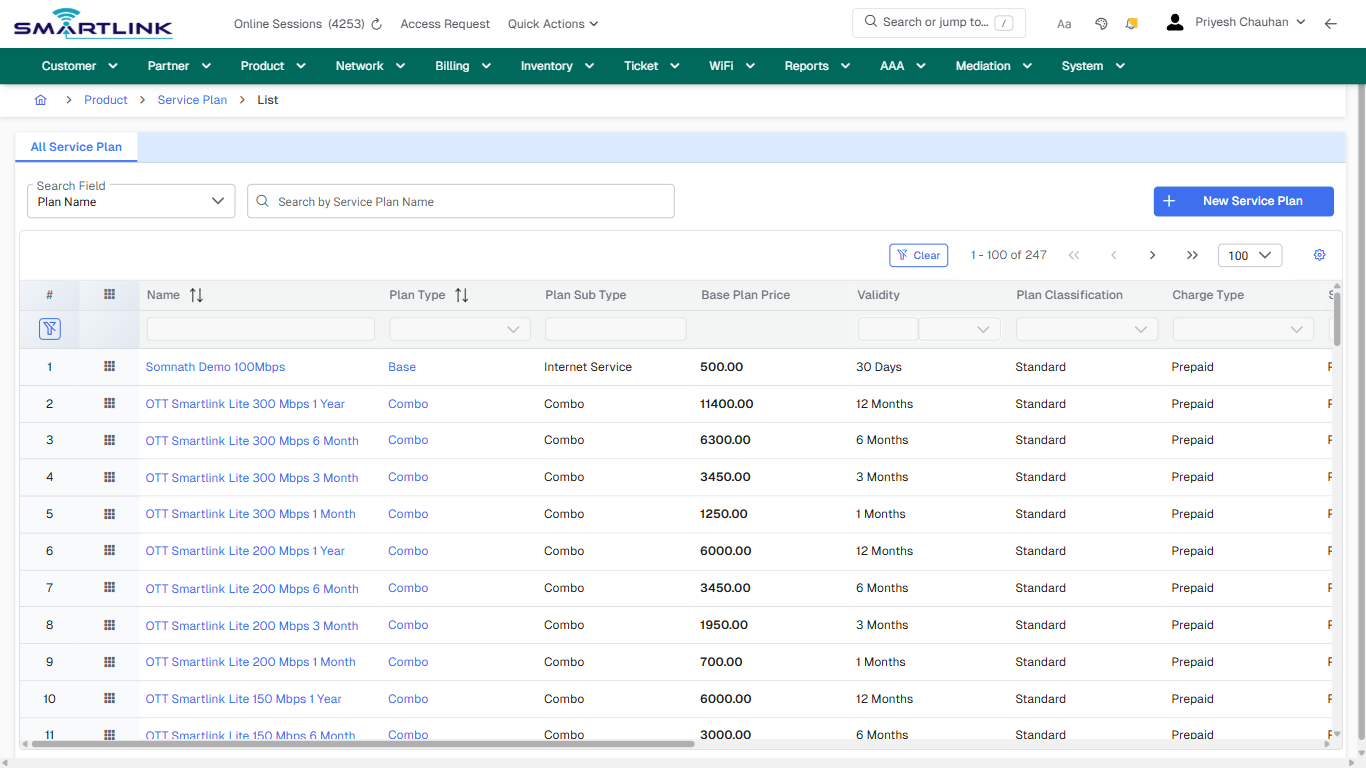
# Provisioning & Activation

Routes under: pro

# pro > actm > addactm

# pro &gt; actm &gt; addactm

**Route:** pro/actm/addactm

**URL:** https://admin.myslbb.com/#/pro/actm/addactm

---

## Overview

 This page is a draft SOP reference for the above screen in **i2i Core OSS/BSS**. It is auto-generated from UI exports and should be reviewed for operational correctness before customer release.

## When to Use

- Use this screen for the workflow represented by this route.
- Do not make billing/AAA/provisioning-impacting changes without required authorization.
 
## Typical Workflow

1. Verify you are working on the correct entity (Customer/Account/Service).
2. Review the current lifecycle state before making changes.
3. Apply changes and validate system response.
4. Confirm downstream impact (AAA/Provisioning/Billing) where applicable.
 
## Field &amp; Action Hints (Auto-detected)

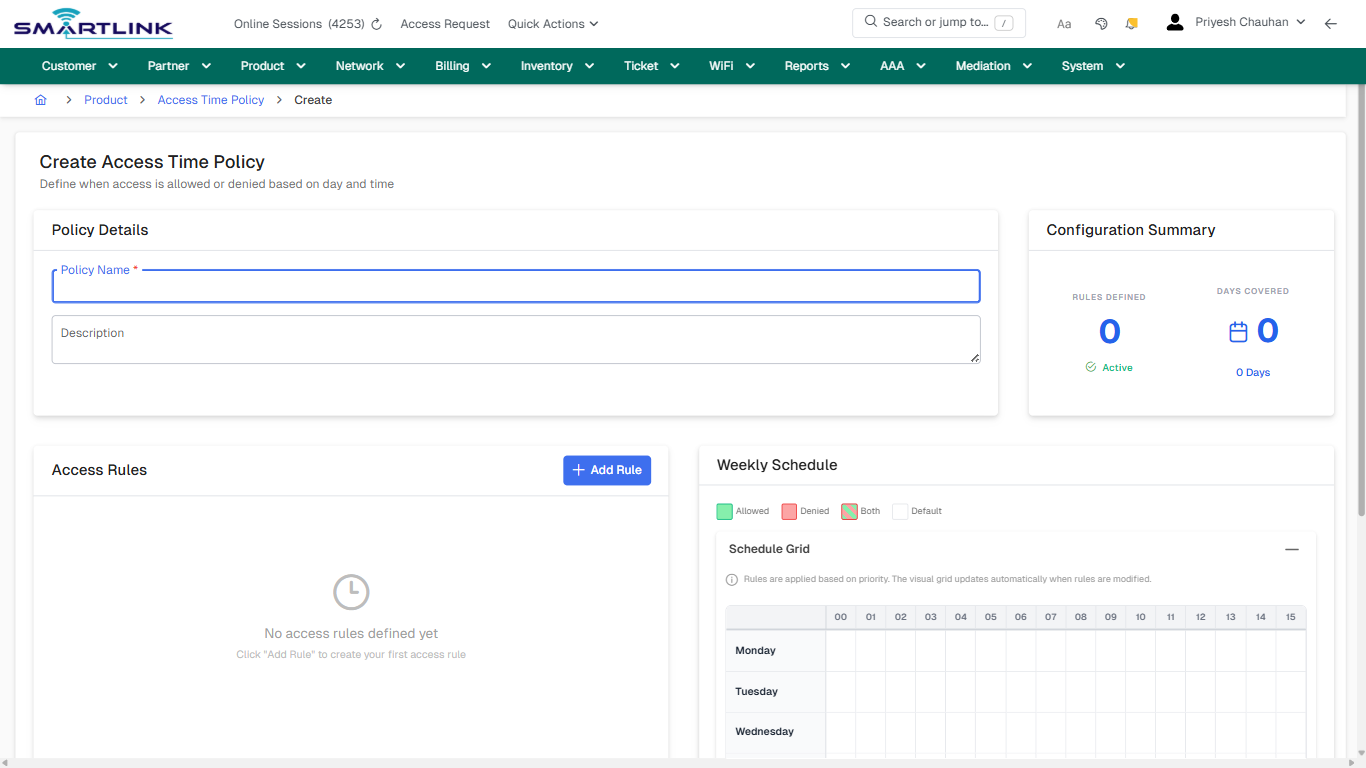
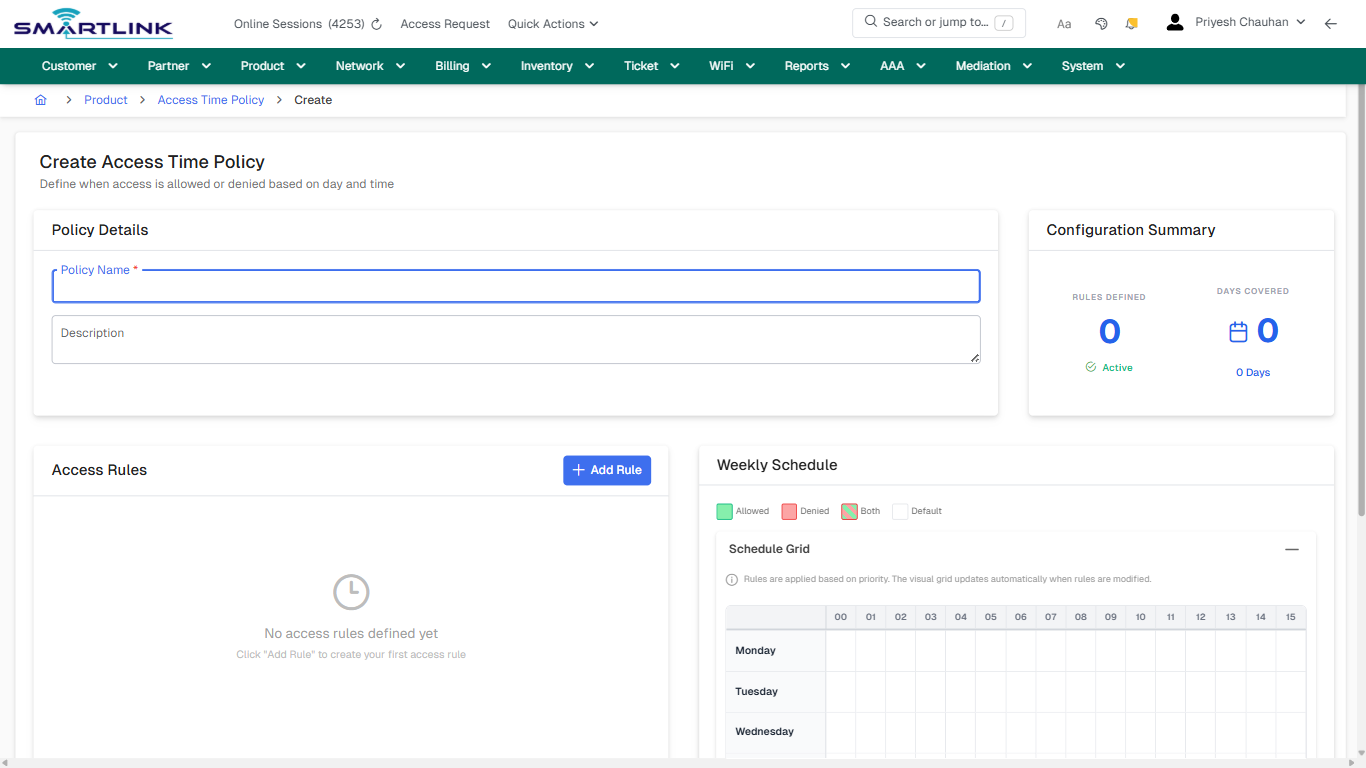
- **Fields detected:** Policy Name \*, Description
- **Actions detected:** Auto, Close, Product, Access Time Policy, Add Rule, Create Policy, Cancel

## Validation &amp; Safety Checks

- Confirm identifiers before saving.
- Confirm lifecycle state allows the change.
- Confirm rollback/support path exists for production actions.
 
## Escalation Guidance

- **L1:** Verify input, permissions, and entity state.
- **L2:** Validate dependencies and downstream state.
- **L3/Admin:** Policy/config changes or suspected defect.
 
---

## Screenshots

## create\_new

**Captured URL:** https://admin.myslbb.com/#/pro/actm/addactm

<div id="bkmrk-images-uploading%E2%80%A6">*Images uploading…*<div data-img-token="IMG_PLACEHOLDER_0_1770130736457">![screenshot](https://kb.i2itechservices.com/uploads/images/gallery/2026-02/admin-myslbb-com-pro-actm-addactm-create-new-00cd59b6df-part-01.png)

![screenshot](https://kb.i2itechservices.com/uploads/images/gallery/2026-02/admin-myslbb-com-pro-actm-addactm-create-new-00cd59b6df-part-02.png)

</div></div>

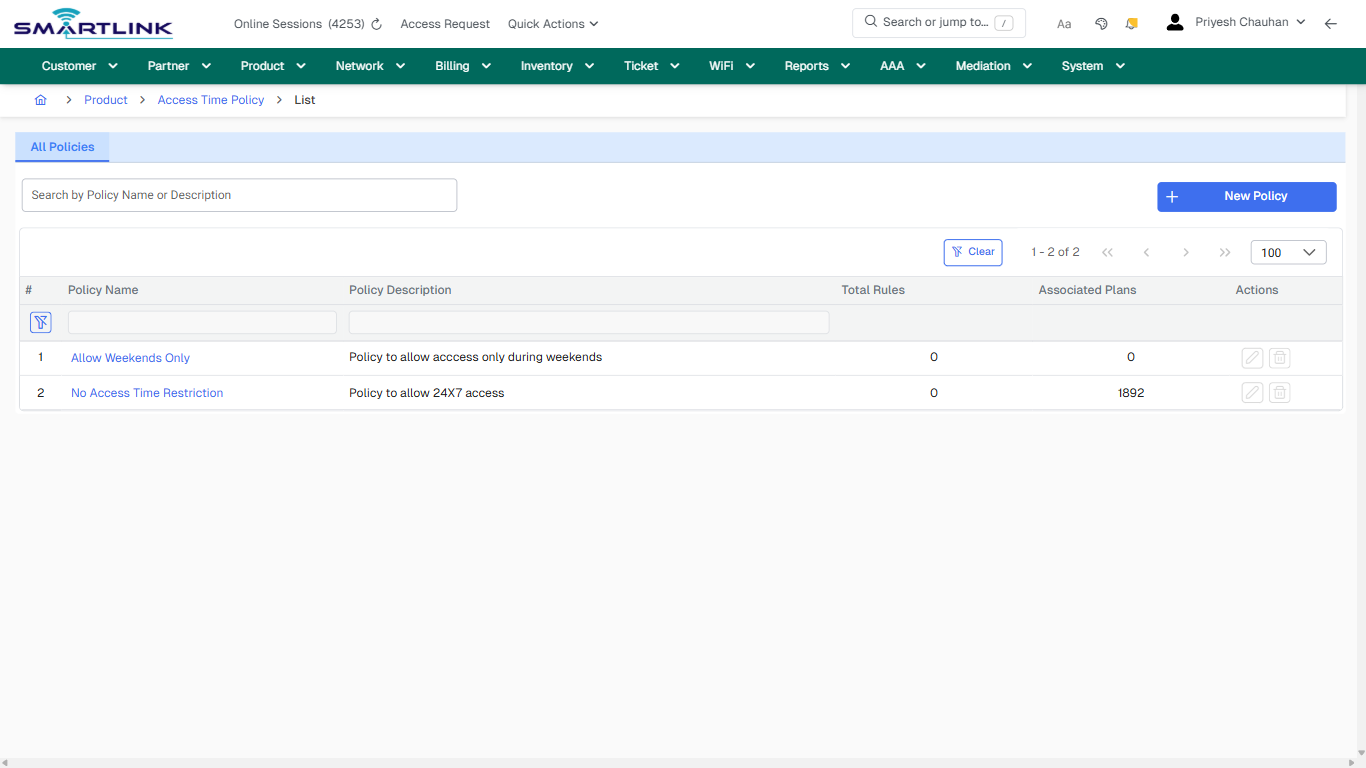
# pro > actm > list > all

# pro &gt; actm &gt; list &gt; all

**Route:** pro/actm/list/all

**URL:** https://admin.myslbb.com/#/pro/actm/list/all

---

## Overview

 This page is a draft SOP reference for the above screen in **i2i Core OSS/BSS**. It is auto-generated from UI exports and should be reviewed for operational correctness before customer release.

## When to Use

- Use this screen for the workflow represented by this route.
- Do not make billing/AAA/provisioning-impacting changes without required authorization.
 
## Typical Workflow

1. Verify you are working on the correct entity (Customer/Account/Service).
2. Review the current lifecycle state before making changes.
3. Apply changes and validate system response.
4. Confirm downstream impact (AAA/Provisioning/Billing) where applicable.
 
## Field &amp; Action Hints (Auto-detected)

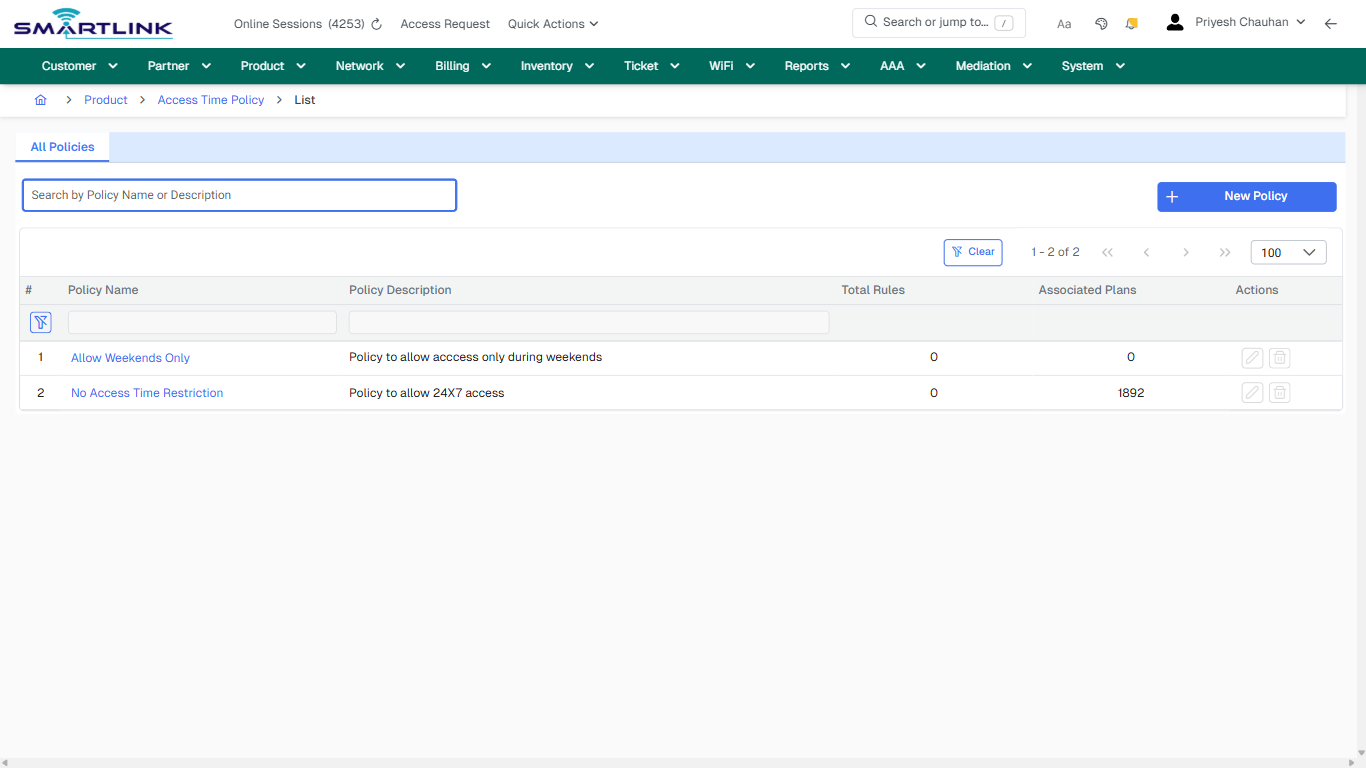
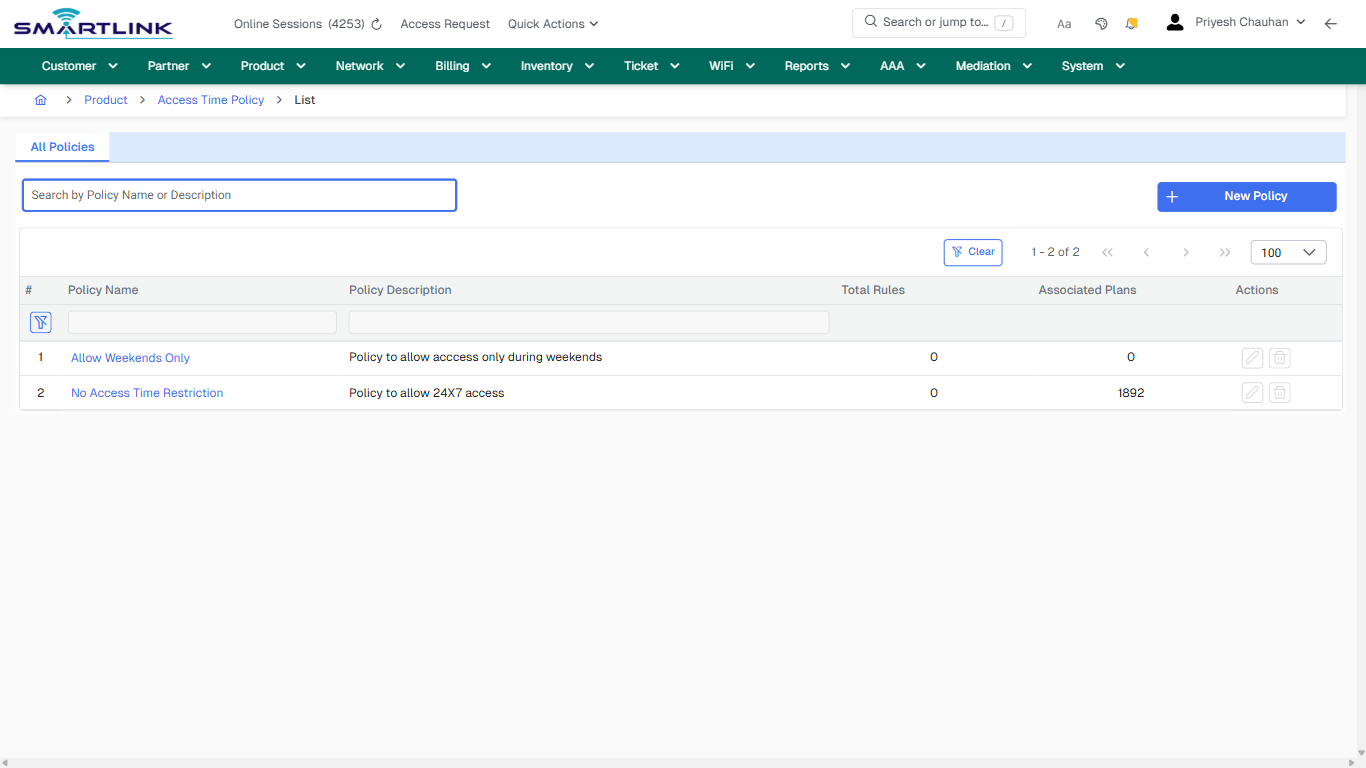
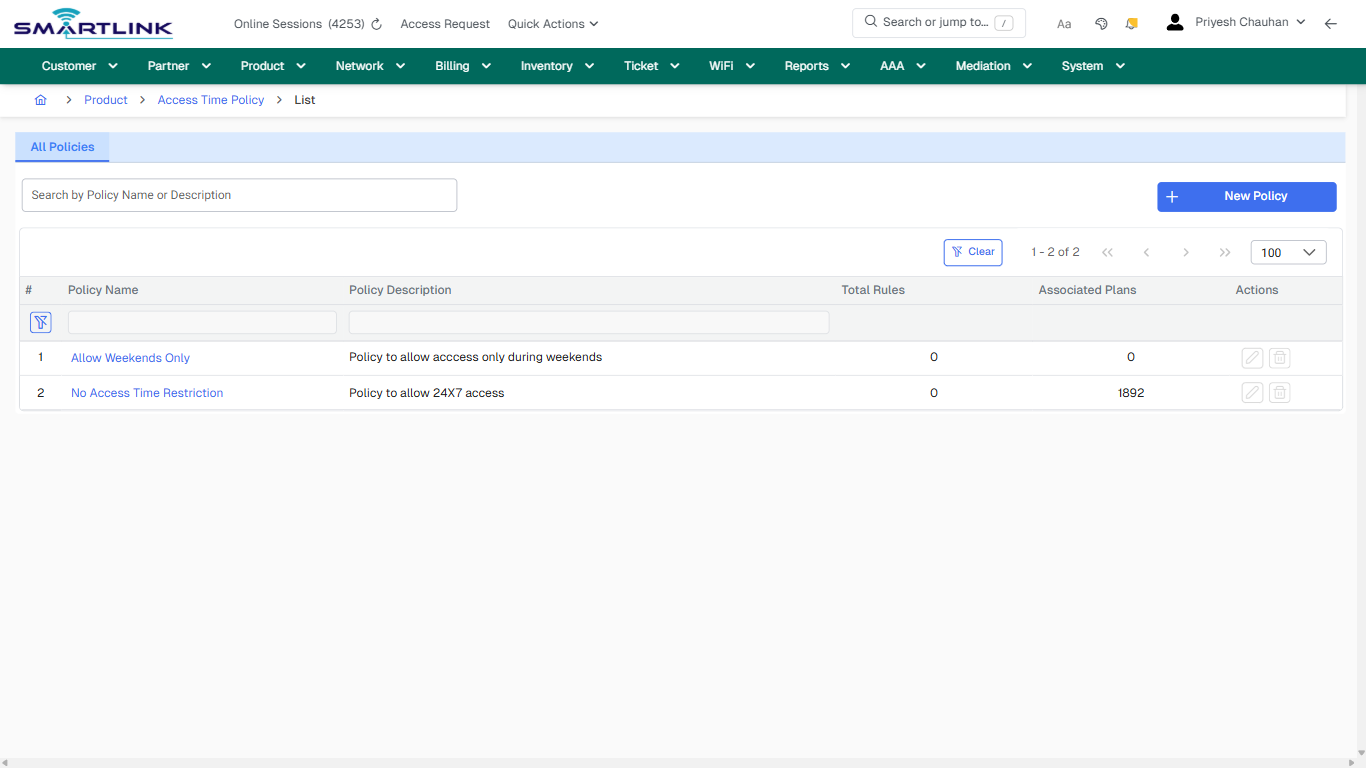
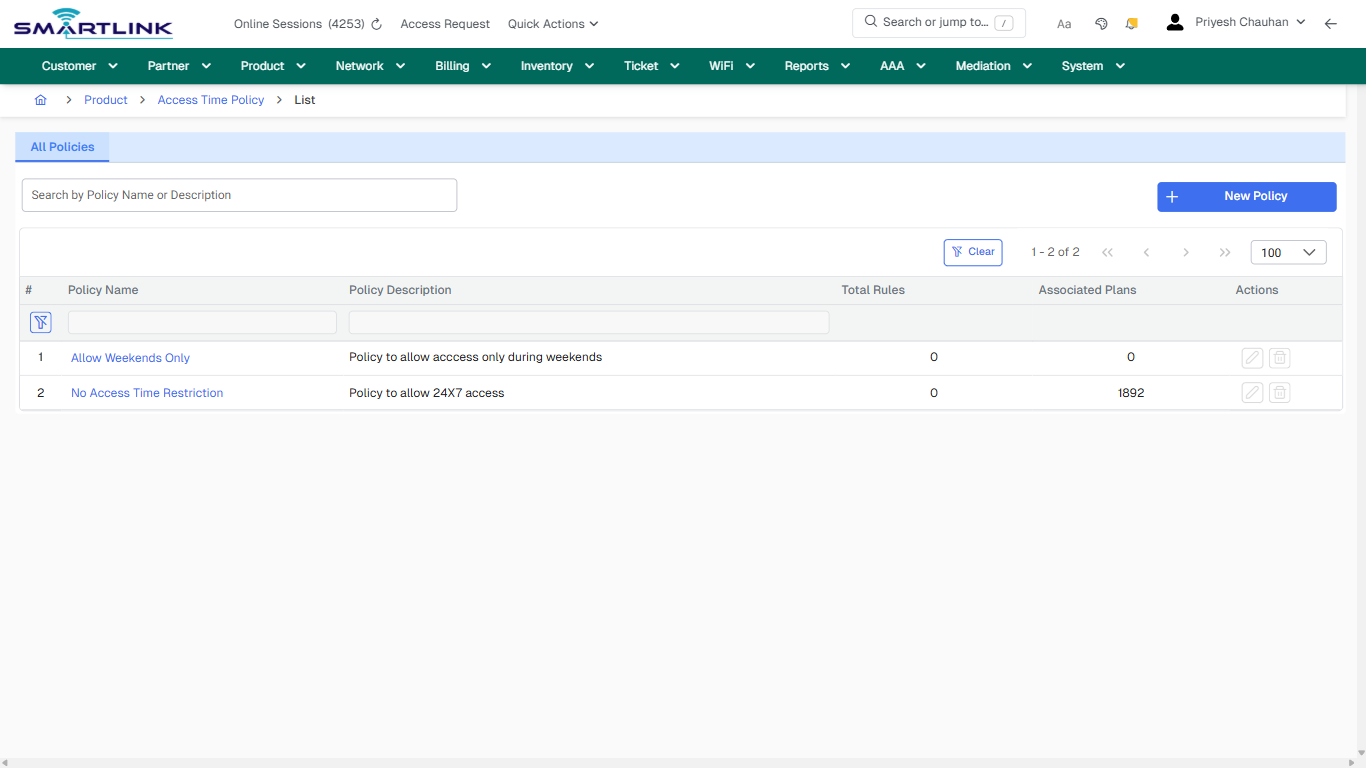
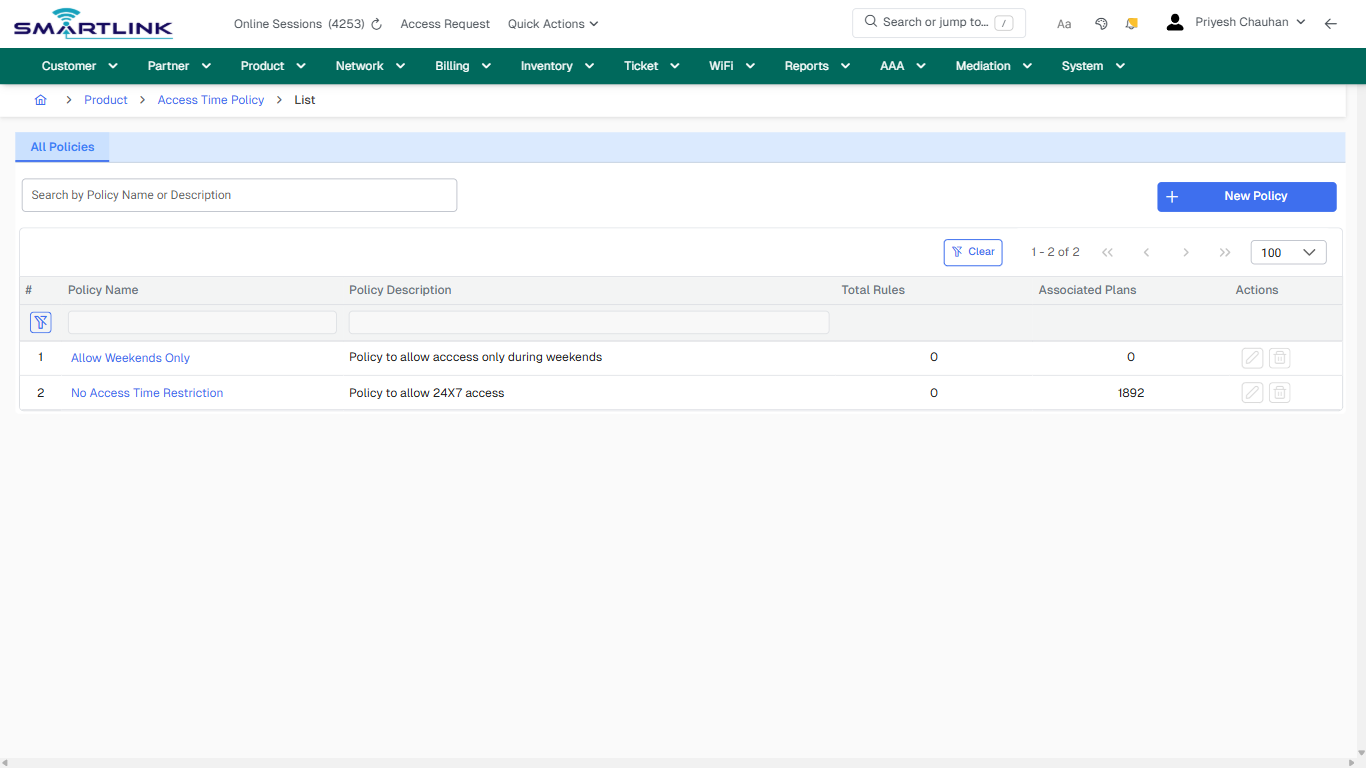
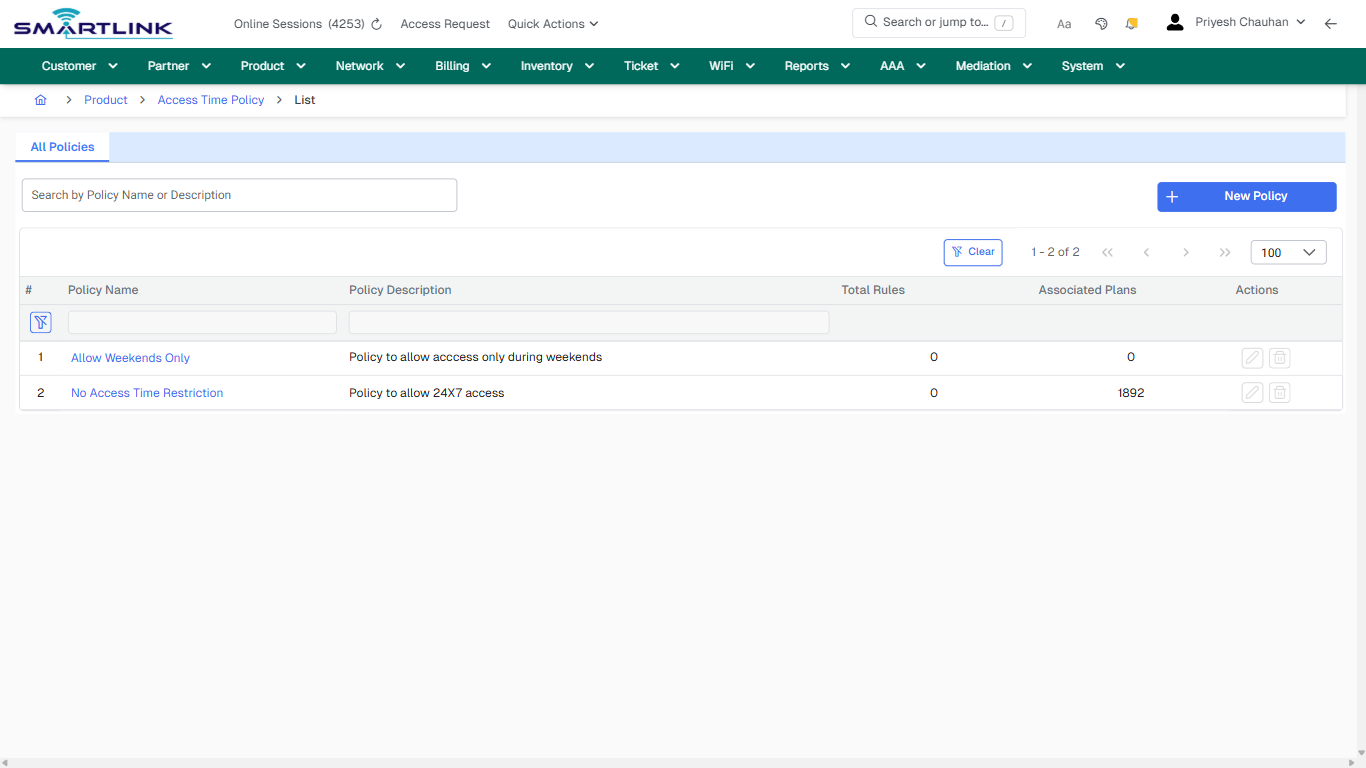
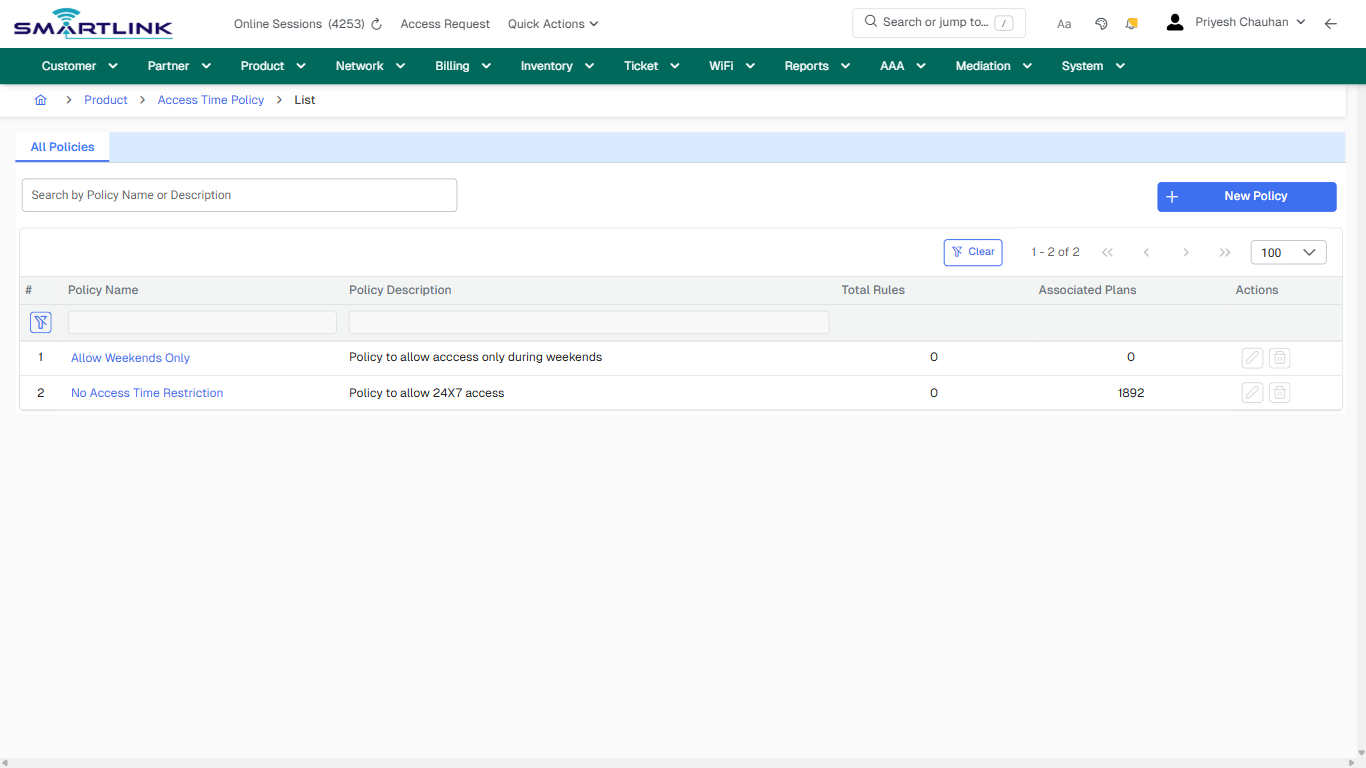
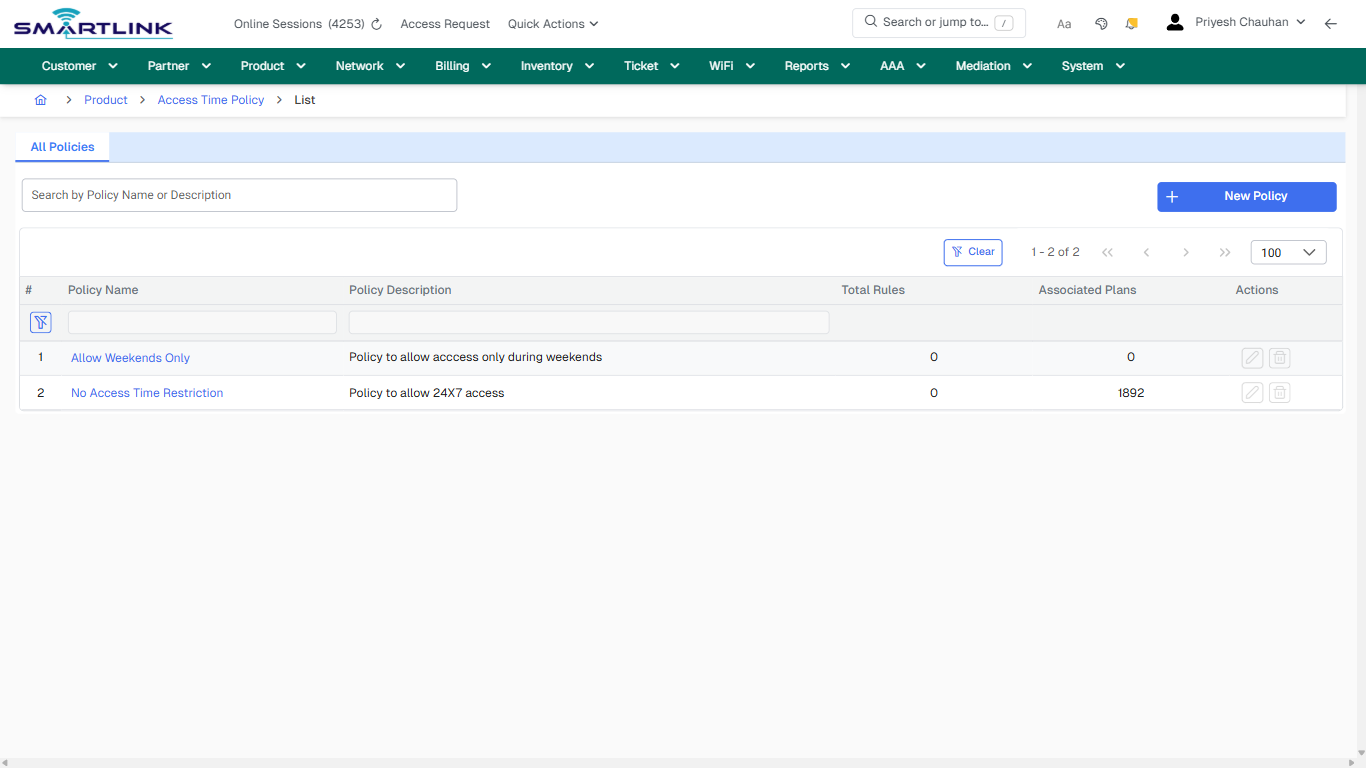
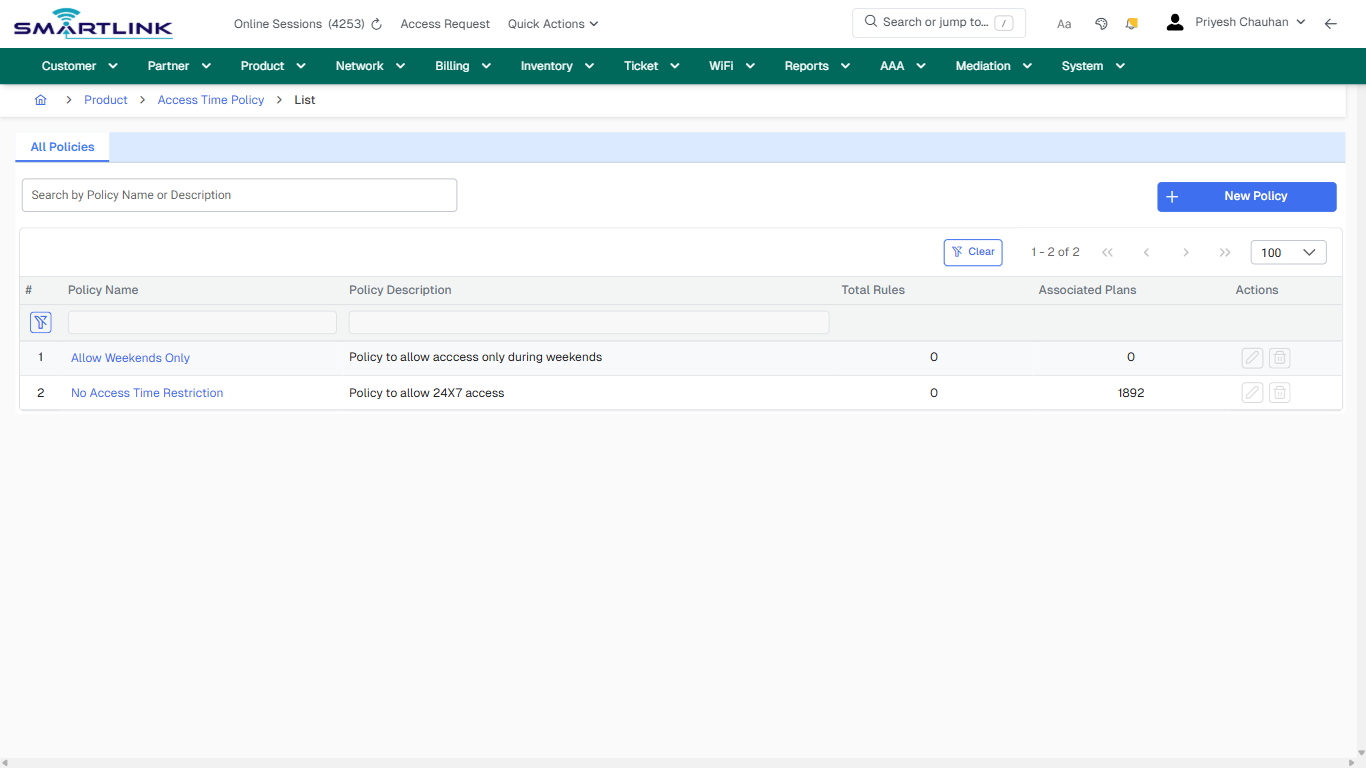
- **Actions detected:** Auto, Close, Product, Access Time Policy, New Policy, Clear, Allow Weekends Only, No Access Time Restriction

## Validation &amp; Safety Checks

- Confirm identifiers before saving.
- Confirm lifecycle state allows the change.
- Confirm rollback/support path exists for production actions.
 
## Escalation Guidance

- **L1:** Verify input, permissions, and entity state.
- **L2:** Validate dependencies and downstream state.
- **L3/Admin:** Policy/config changes or suspected defect.
 
---

## Screenshots

## default

**Captured URL:** https://admin.myslbb.com/#/pro/actm/list/all

<div id="bkmrk-images-uploading%E2%80%A6">*Images uploading…*<div data-img-token="IMG_PLACEHOLDER_0_1770130738423">![screenshot](https://kb.i2itechservices.com/uploads/images/gallery/2026-02/admin-myslbb-com-pro-actm-list-all-default-71149e7904-part-01.png)

![screenshot](https://kb.i2itechservices.com/uploads/images/gallery/2026-02/admin-myslbb-com-pro-actm-list-all-default-71149e7904-part-02.png)

</div></div>---

## ui\_tab\_1

**Captured URL:** https://admin.myslbb.com/#/pro/actm/list/all

<div id="bkmrk-images-uploading%E2%80%A6-1">*Images uploading…*<div data-img-token="IMG_PLACEHOLDER_1_1770130738423">![screenshot](https://kb.i2itechservices.com/uploads/images/gallery/2026-02/admin-myslbb-com-pro-actm-list-all-ui-tab-1-4c9d60bd89-part-01.png)

![screenshot](https://kb.i2itechservices.com/uploads/images/gallery/2026-02/admin-myslbb-com-pro-actm-list-all-ui-tab-1-4c9d60bd89-part-02.png)

</div></div>---

## common\_tab\_1

**Captured URL:** https://admin.myslbb.com/#/pro/actm/list/all

<div id="bkmrk-images-uploading%E2%80%A6-2">*Images uploading…*<div data-img-token="IMG_PLACEHOLDER_2_1770130738423">![screenshot](https://kb.i2itechservices.com/uploads/images/gallery/2026-02/admin-myslbb-com-pro-actm-list-all-common-tab-1-099ff6bd01-part-01.png)

![screenshot](https://kb.i2itechservices.com/uploads/images/gallery/2026-02/admin-myslbb-com-pro-actm-list-all-common-tab-1-099ff6bd01-part-02.png)

</div></div>---

## common\_tab\_2

**Captured URL:** https://admin.myslbb.com/#/pro/actm/list/all

<div id="bkmrk-images-uploading%E2%80%A6-3">*Images uploading…*<div data-img-token="IMG_PLACEHOLDER_3_1770130738423">![screenshot](https://kb.i2itechservices.com/uploads/images/gallery/2026-02/admin-myslbb-com-pro-actm-list-all-common-tab-2-ddfedbd69f-part-01.png)

![screenshot](https://kb.i2itechservices.com/uploads/images/gallery/2026-02/admin-myslbb-com-pro-actm-list-all-common-tab-2-ddfedbd69f-part-02.png)

</div></div>---

## drilldown\_one\_item

**Captured URL:** https://admin.myslbb.com/#/pro/actm/list/all

<div id="bkmrk-images-uploading%E2%80%A6-4">*Images uploading…*<div data-img-token="IMG_PLACEHOLDER_4_1770130738423">![screenshot](https://kb.i2itechservices.com/uploads/images/gallery/2026-02/admin-myslbb-com-pro-actm-list-all-drilldown-one-item-ba3a899b5d-part-01.png)

![screenshot](https://kb.i2itechservices.com/uploads/images/gallery/2026-02/admin-myslbb-com-pro-actm-list-all-drilldown-one-item-ba3a899b5d-part-02.png)

</div></div>

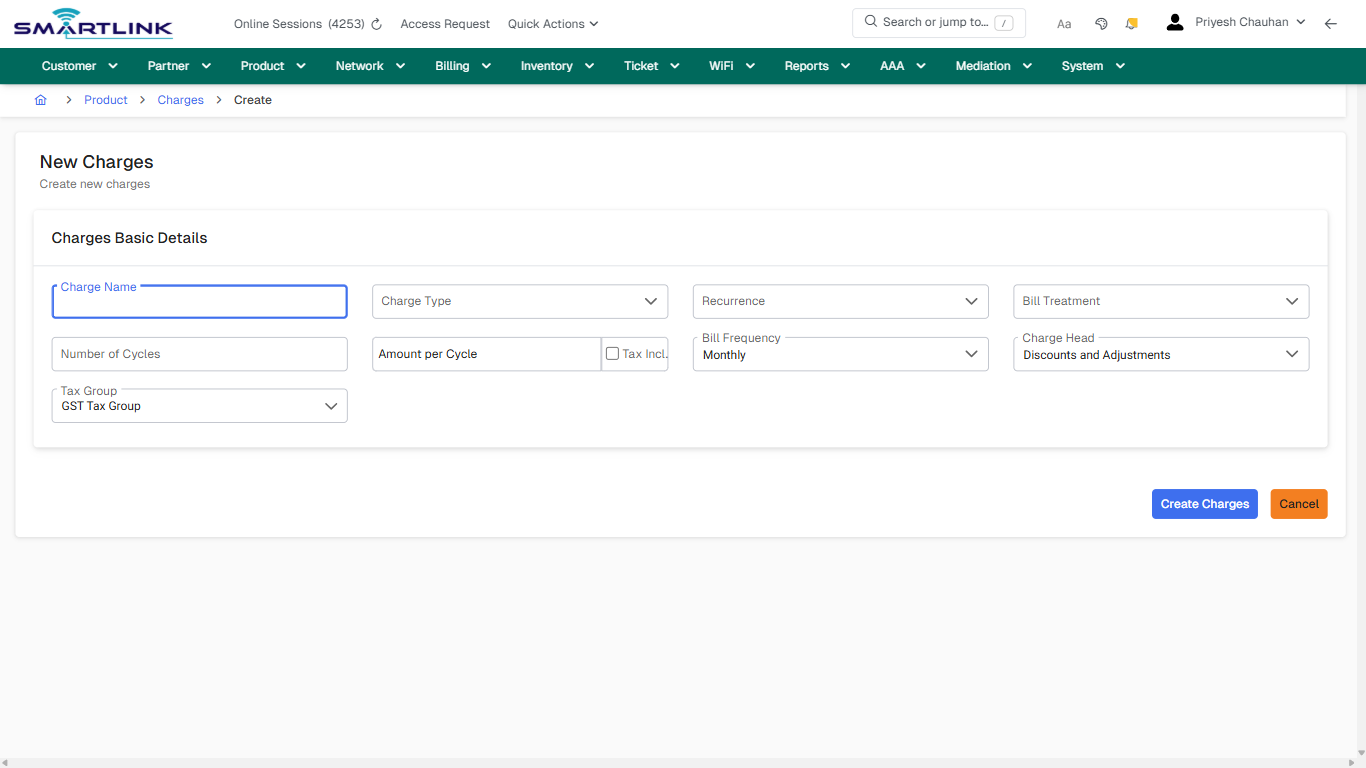
# pro > charge > chpost

# pro &gt; charge &gt; chpost

**Route:** pro/charge/chpost

**URL:** https://admin.myslbb.com/#/pro/charge/chpost

---

## Overview

 This page is a draft SOP reference for the above screen in **i2i Core OSS/BSS**. It is auto-generated from UI exports and should be reviewed for operational correctness before customer release.

## When to Use

- Use this screen for the workflow represented by this route.
- Do not make billing/AAA/provisioning-impacting changes without required authorization.
 
## Typical Workflow

1. Verify you are working on the correct entity (Customer/Account/Service).
2. Review the current lifecycle state before making changes.
3. Apply changes and validate system response.
4. Confirm downstream impact (AAA/Provisioning/Billing) where applicable.
 
## Field &amp; Action Hints (Auto-detected)

- **Fields detected:** Charge Name, Charge Type, Recurrence, Bill Treatment, Number of Cycles, Amount per Cycle, Bill Frequency, Charge Head, Tax Group
- **Actions detected:** Auto, Close, Product, Charges, Create Charges, Cancel

## Validation &amp; Safety Checks

- Confirm identifiers before saving.
- Confirm lifecycle state allows the change.
- Confirm rollback/support path exists for production actions.
 
## Escalation Guidance

- **L1:** Verify input, permissions, and entity state.
- **L2:** Validate dependencies and downstream state.
- **L3/Admin:** Policy/config changes or suspected defect.
 
---

## Screenshots

## create\_new

**Captured URL:** https://admin.myslbb.com/#/pro/charge/chpost

<div id="bkmrk-images-uploading%E2%80%A6">*Images uploading…*<div data-img-token="IMG_PLACEHOLDER_0_1770130744980">![screenshot](https://kb.i2itechservices.com/uploads/images/gallery/2026-02/admin-myslbb-com-pro-charge-chpost-create-new-b278474ed4-part-01.png)

![screenshot](https://kb.i2itechservices.com/uploads/images/gallery/2026-02/admin-myslbb-com-pro-charge-chpost-create-new-b278474ed4-part-02.png)

</div></div>

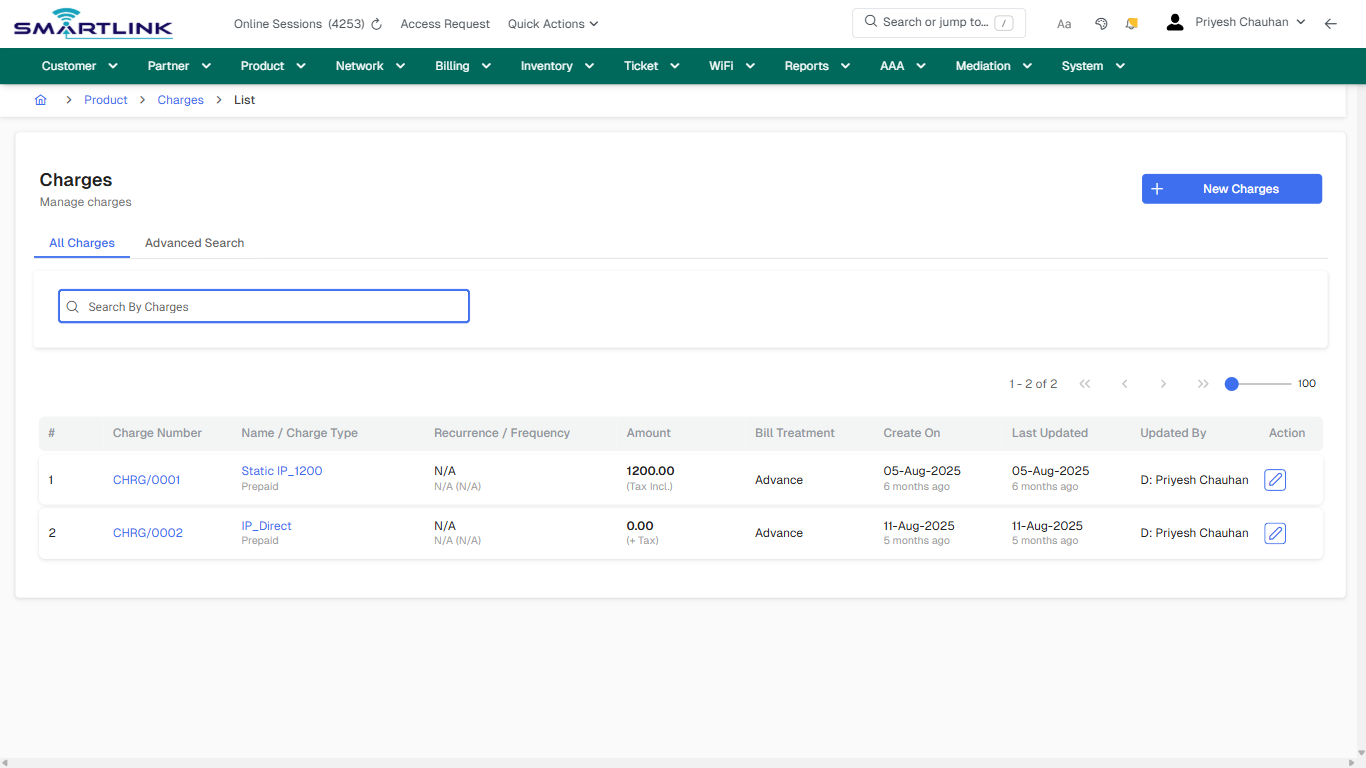
# pro > charge > list > all

# pro &gt; charge &gt; list &gt; all

**Route:** pro/charge/list/all

**URL:** https://admin.myslbb.com/#/pro/charge/list/all

---

## Overview

 This page is a draft SOP reference for the above screen in **i2i Core OSS/BSS**. It is auto-generated from UI exports and should be reviewed for operational correctness before customer release.

## When to Use

- Use this screen for the workflow represented by this route.
- Do not make billing/AAA/provisioning-impacting changes without required authorization.
 
## Typical Workflow

1. Verify you are working on the correct entity (Customer/Account/Service).
2. Review the current lifecycle state before making changes.
3. Apply changes and validate system response.
4. Confirm downstream impact (AAA/Provisioning/Billing) where applicable.
 
## Field &amp; Action Hints (Auto-detected)

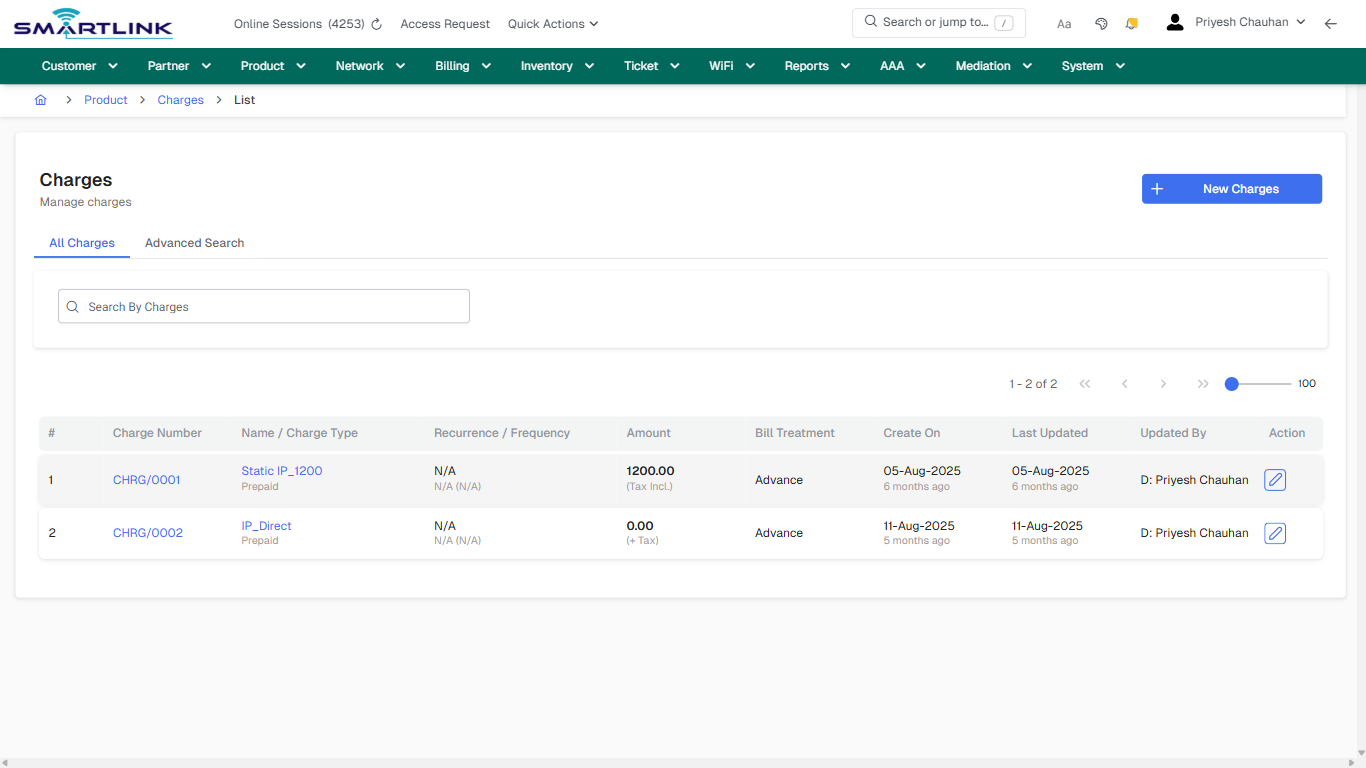
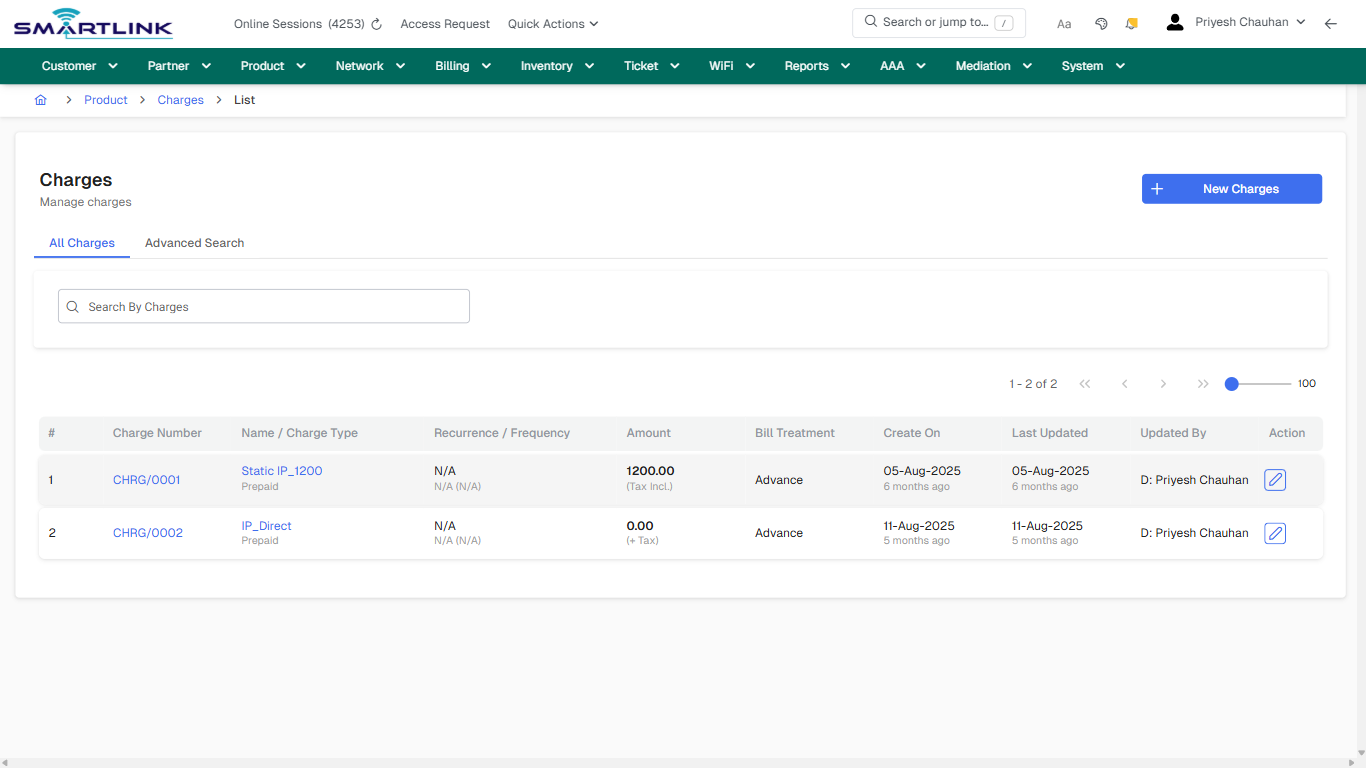
- **Actions detected:** Auto, Close, Product, Charges, New Charges, CHRG/0001, Static IP\_1200, CHRG/0002, IP\_Direct

## Validation &amp; Safety Checks

- Confirm identifiers before saving.
- Confirm lifecycle state allows the change.
- Confirm rollback/support path exists for production actions.
 
## Escalation Guidance

- **L1:** Verify input, permissions, and entity state.
- **L2:** Validate dependencies and downstream state.
- **L3/Admin:** Policy/config changes or suspected defect.
 
---

## Screenshots

## default

**Captured URL:** https://admin.myslbb.com/#/pro/charge/list/all

<div id="bkmrk-images-uploading%E2%80%A6">*Images uploading…*<div data-img-token="IMG_PLACEHOLDER_0_1770130746945">![screenshot](https://kb.i2itechservices.com/uploads/images/gallery/2026-02/admin-myslbb-com-pro-charge-list-all-default-4d4b6b1d4e-part-01.png)

![screenshot](https://kb.i2itechservices.com/uploads/images/gallery/2026-02/admin-myslbb-com-pro-charge-list-all-default-4d4b6b1d4e-part-02.png)

</div></div>---

## drilldown\_one\_item

**Captured URL:** https://admin.myslbb.com/#/pro/charge/list/all

<div id="bkmrk-images-uploading%E2%80%A6-1">*Images uploading…*<div data-img-token="IMG_PLACEHOLDER_1_1770130746945">![screenshot](https://kb.i2itechservices.com/uploads/images/gallery/2026-02/admin-myslbb-com-pro-charge-list-all-drilldown-one-item-e0db8fdc42-part-01.png)

![screenshot](https://kb.i2itechservices.com/uploads/images/gallery/2026-02/admin-myslbb-com-pro-charge-list-all-drilldown-one-item-e0db8fdc42-part-02.png)

</div></div>

# pro > iptv > broadcaster > all

# pro &gt; iptv &gt; broadcaster &gt; all

**Route:** pro/iptv/broadcaster/all

**URL:** https://admin.myslbb.com/#/pro/iptv/broadcaster/all

---

## Overview

 This page is a draft SOP reference for the above screen in **i2i Core OSS/BSS**. It is auto-generated from UI exports and should be reviewed for operational correctness before customer release.

## When to Use

- Use this screen for the workflow represented by this route.
- Do not make billing/AAA/provisioning-impacting changes without required authorization.
 
## Typical Workflow

1. Verify you are working on the correct entity (Customer/Account/Service).
2. Review the current lifecycle state before making changes.
3. Apply changes and validate system response.
4. Confirm downstream impact (AAA/Provisioning/Billing) where applicable.
 
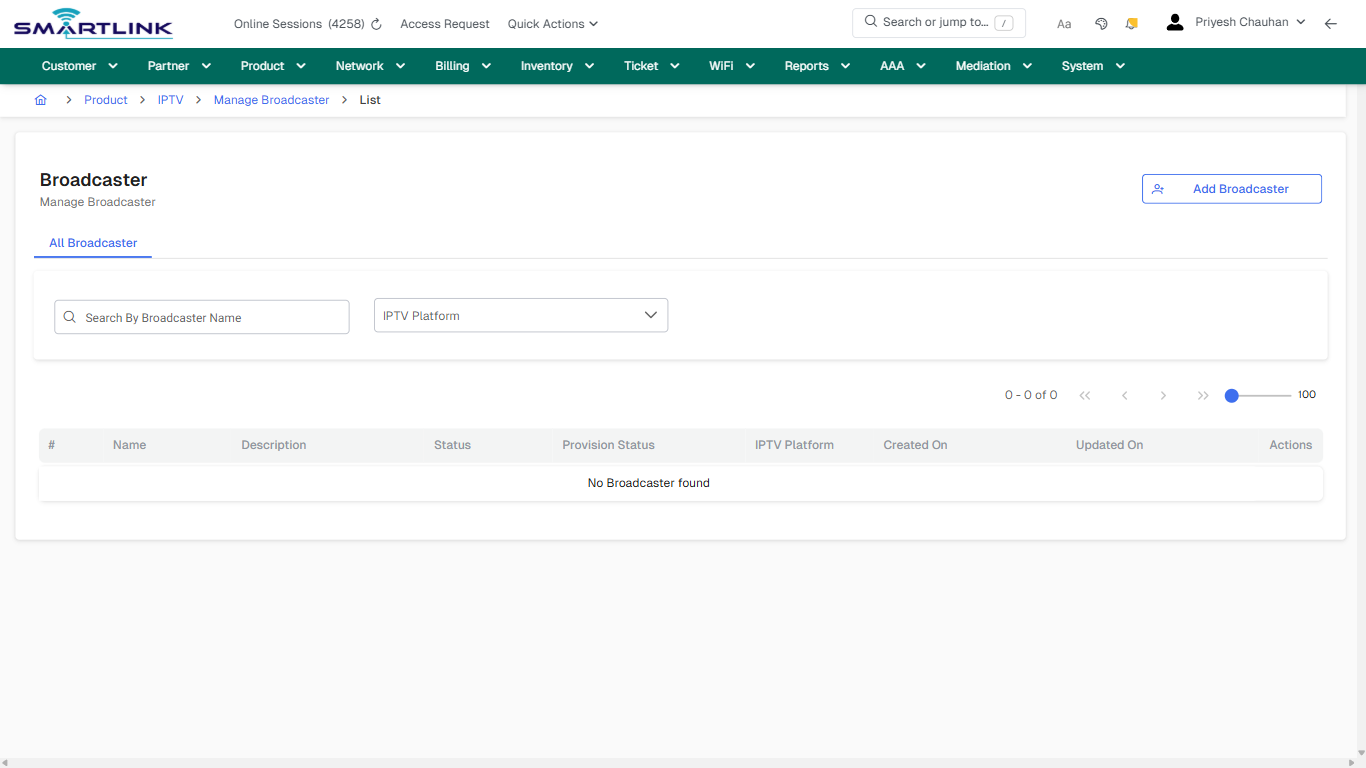
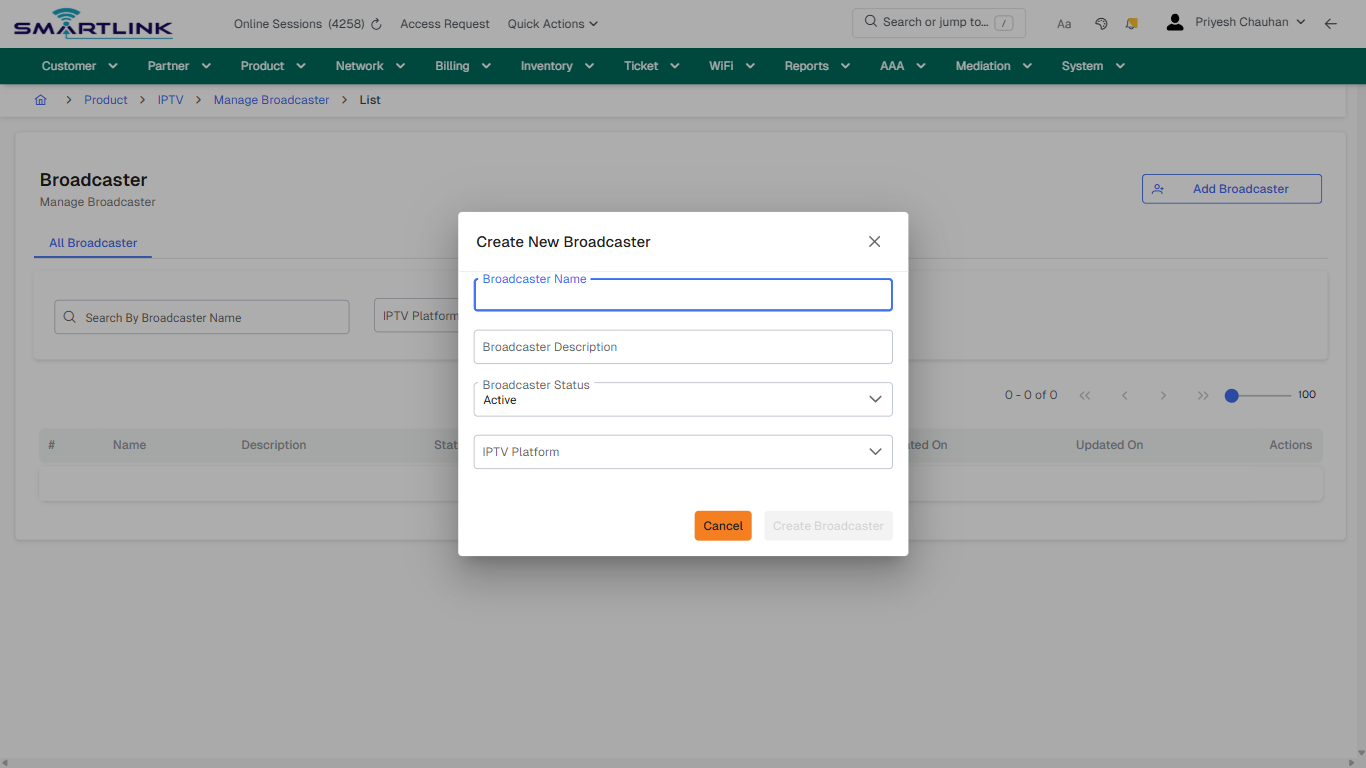
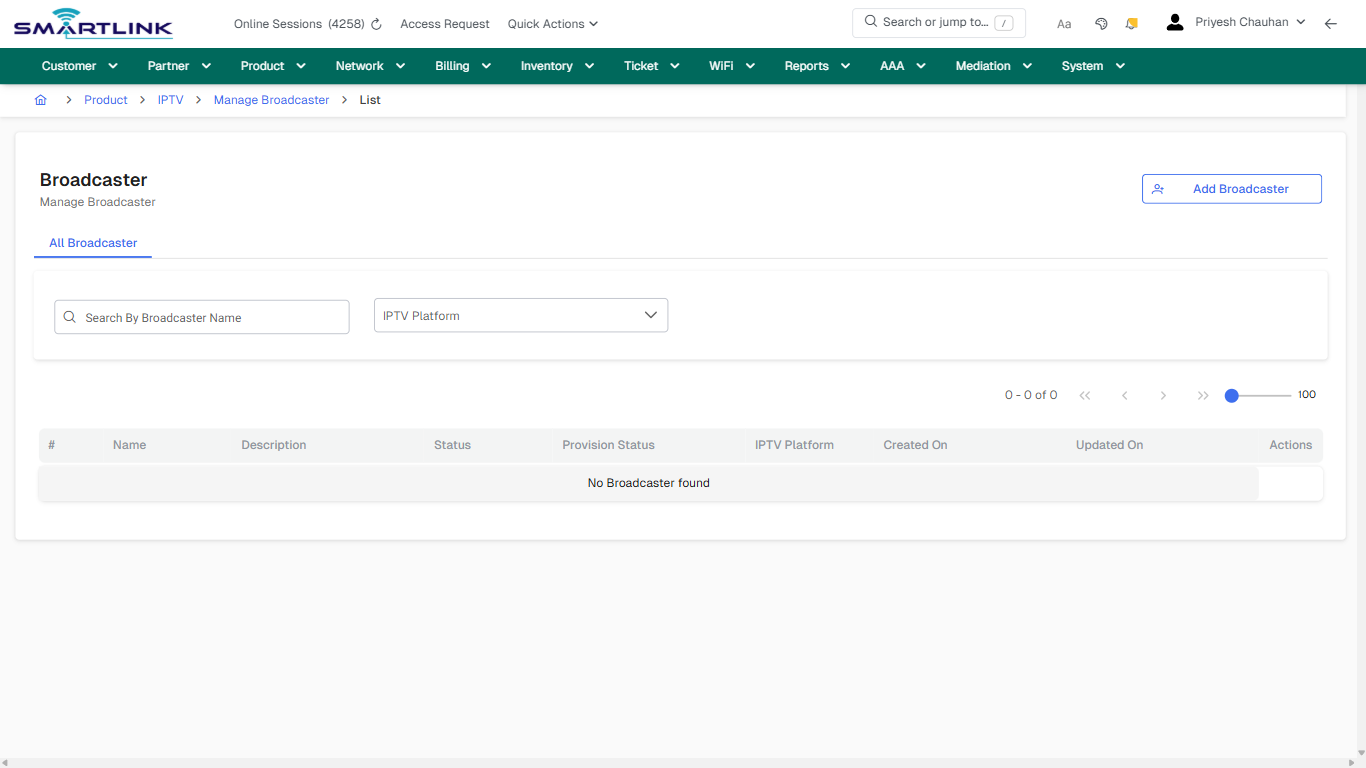
## Field &amp; Action Hints (Auto-detected)

- **Fields detected:** IPTV Platform
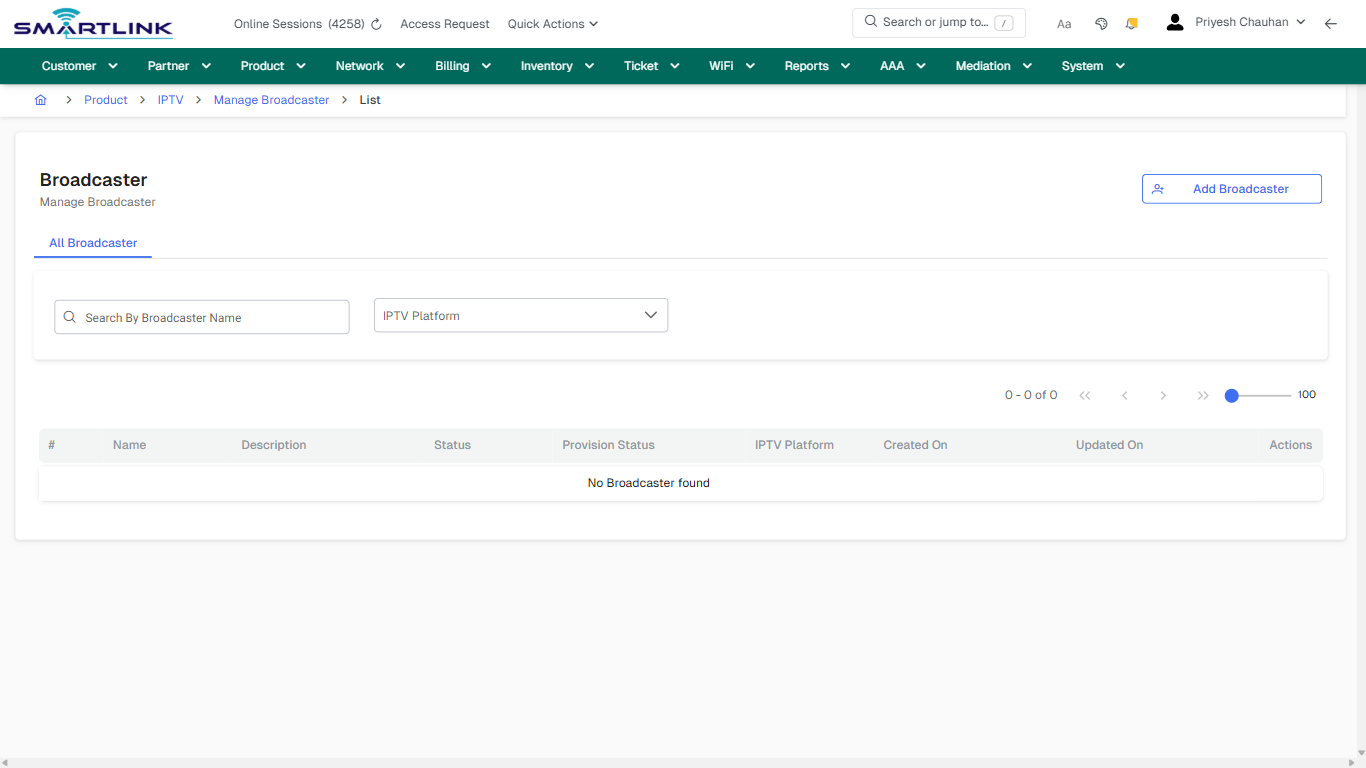
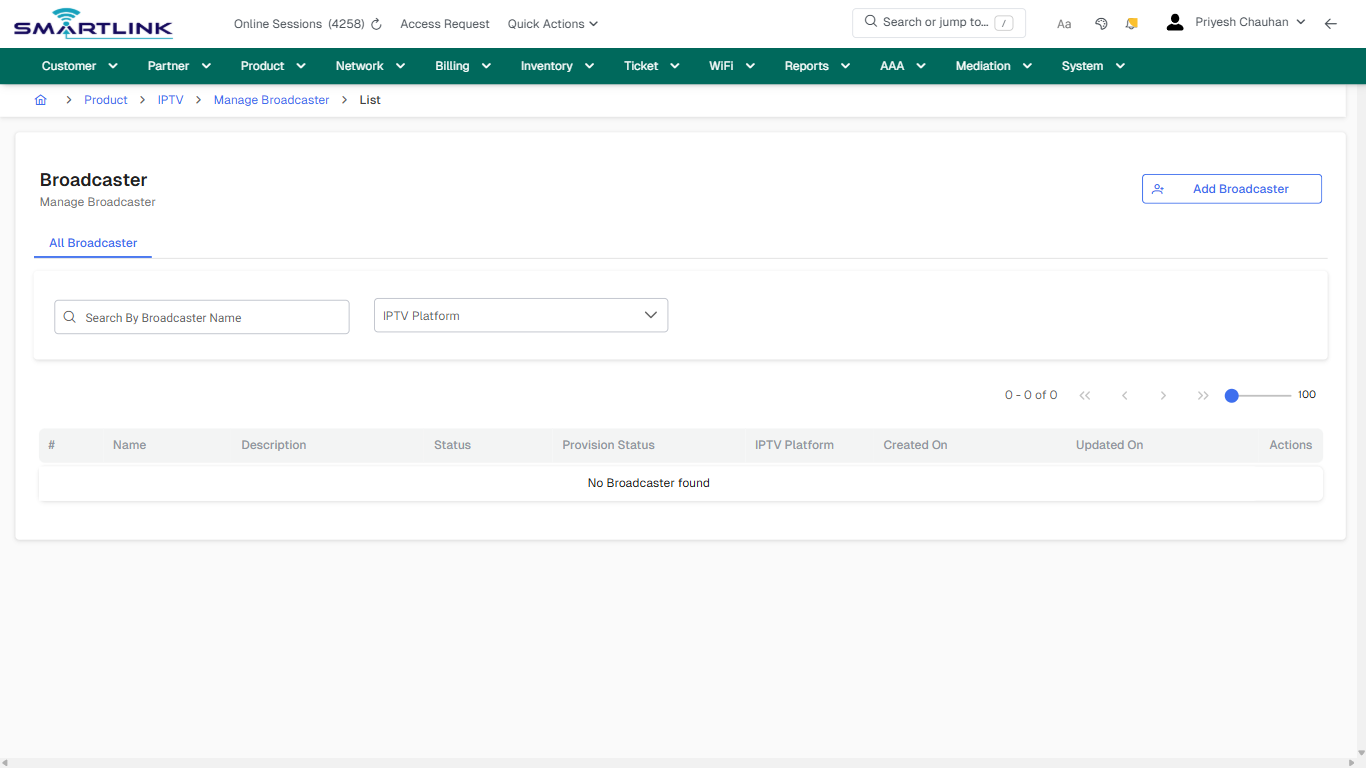
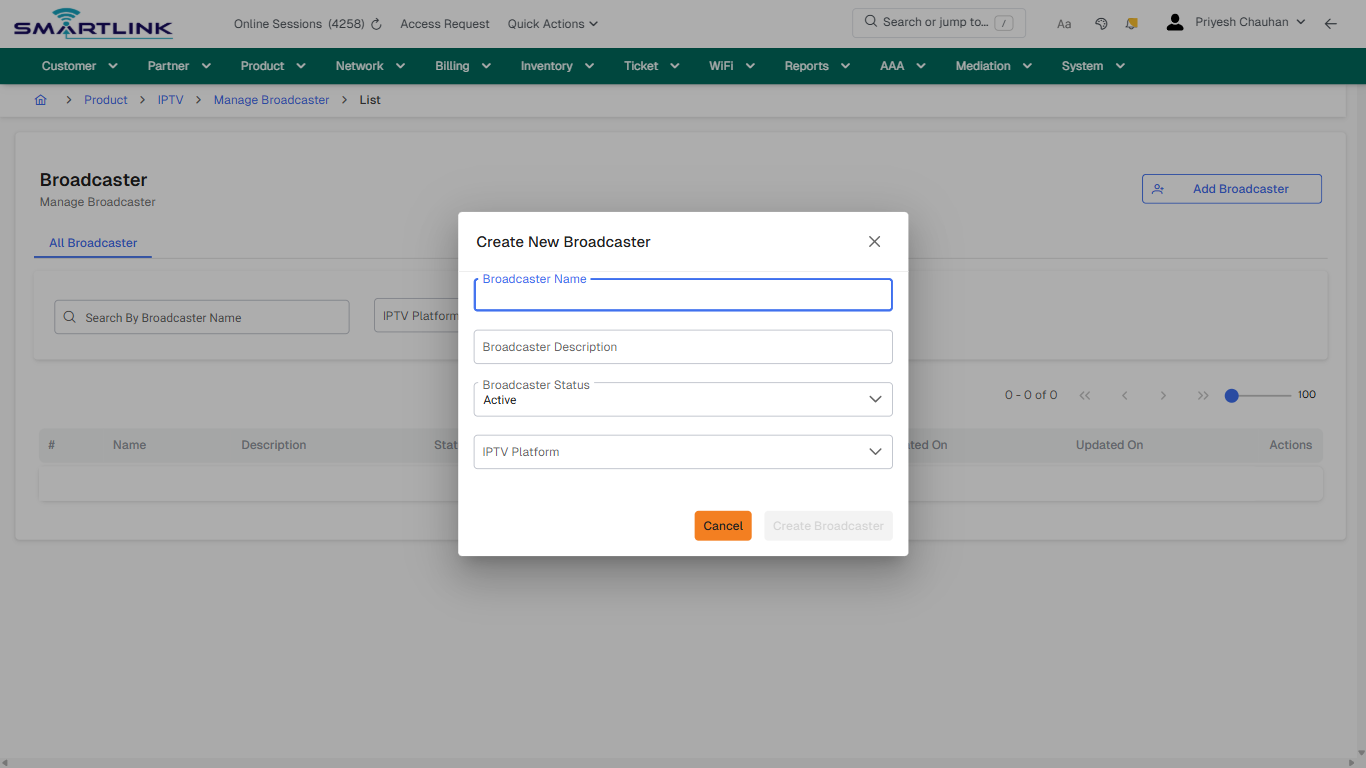
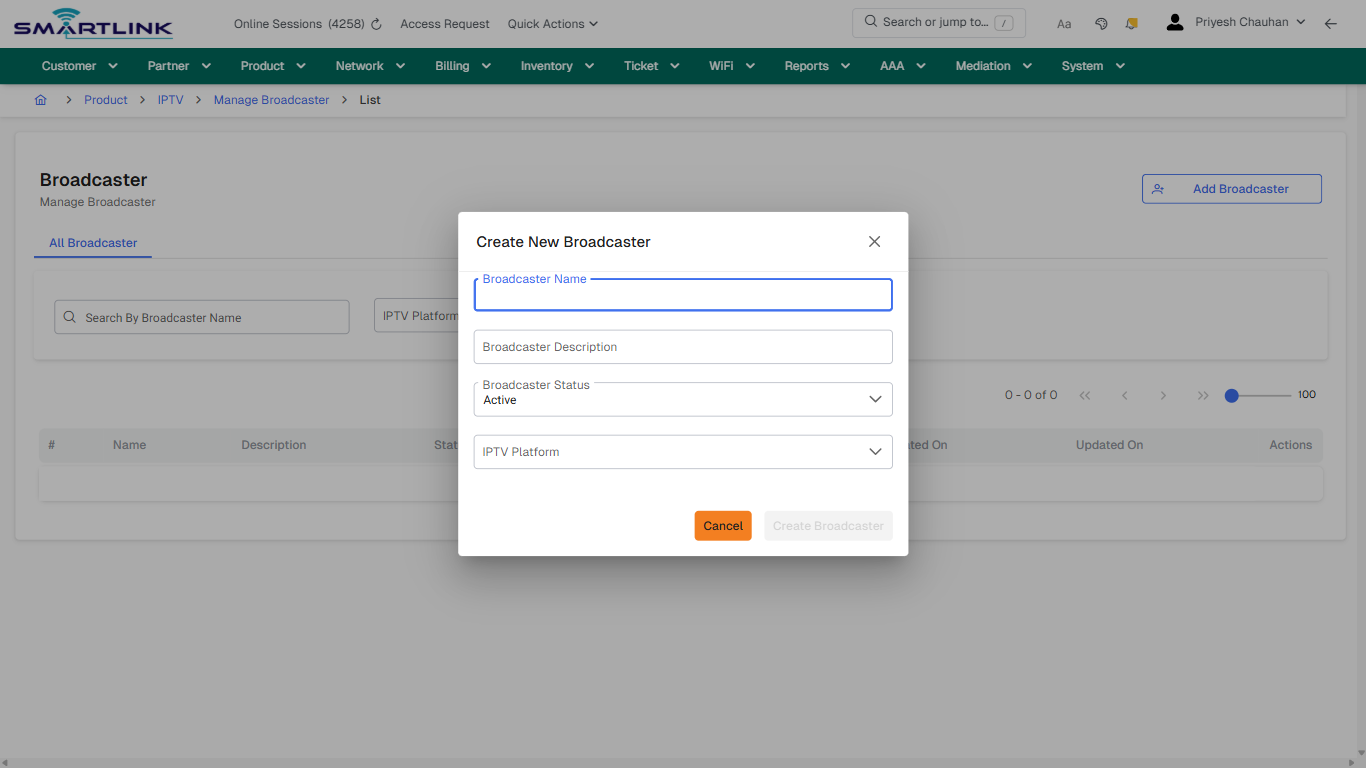
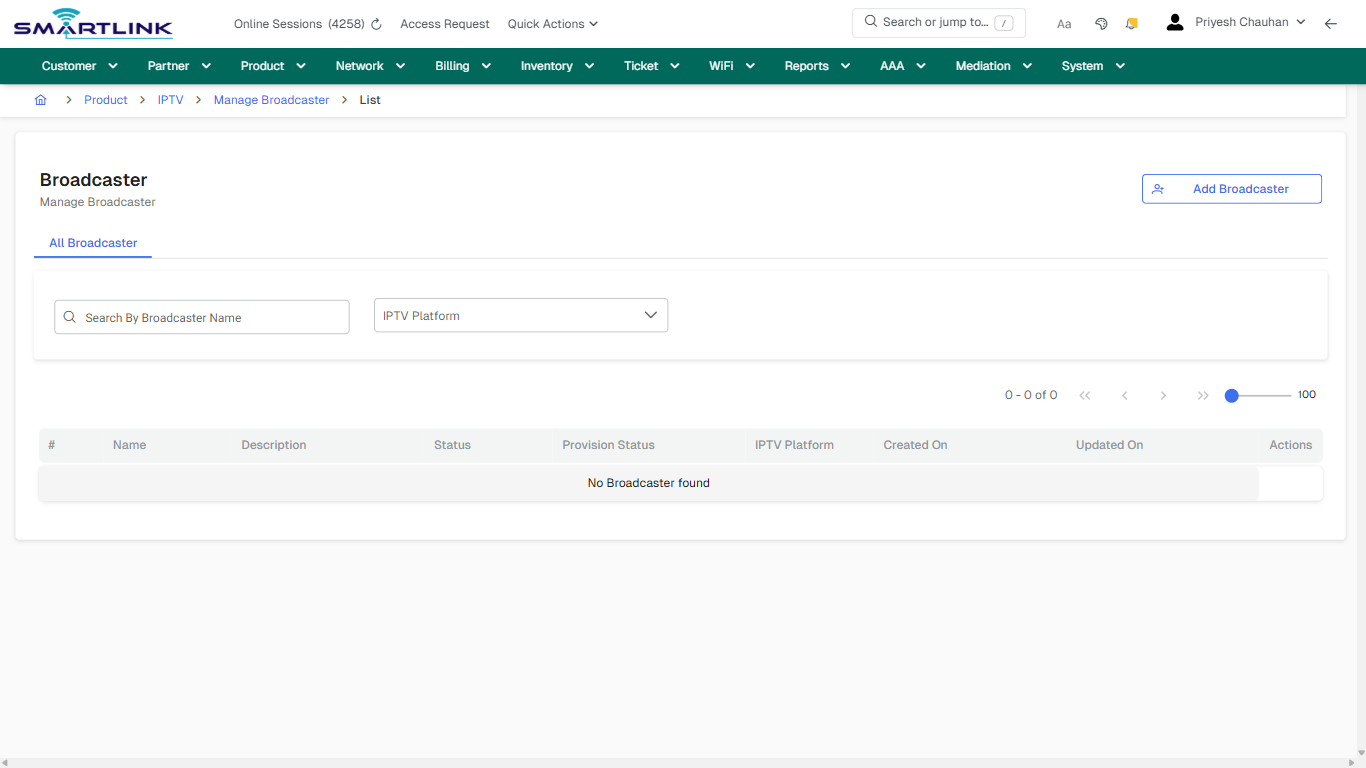
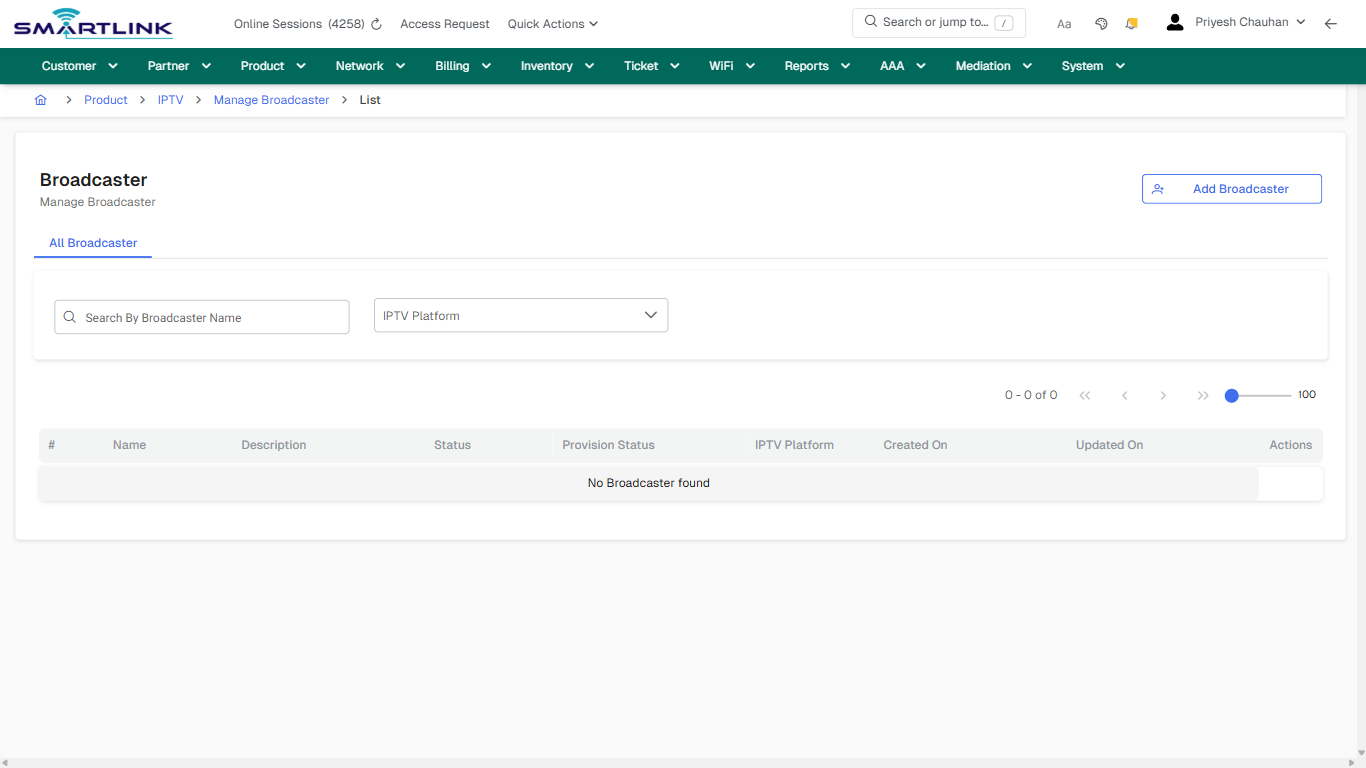
- **Actions detected:** Auto, Close, Product, IPTV, Manage Broadcaster, Add Broadcaster

## Validation &amp; Safety Checks

- Confirm identifiers before saving.
- Confirm lifecycle state allows the change.
- Confirm rollback/support path exists for production actions.
 
## Escalation Guidance

- **L1:** Verify input, permissions, and entity state.
- **L2:** Validate dependencies and downstream state.
- **L3/Admin:** Policy/config changes or suspected defect.
 
---

## Screenshots

## default

**Captured URL:** https://admin.myslbb.com/#/pro/iptv/broadcaster/all

<div id="bkmrk-images-uploading%E2%80%A6">*Images uploading…*<div data-img-token="IMG_PLACEHOLDER_0_1770130750051">![screenshot](https://kb.i2itechservices.com/uploads/images/gallery/2026-02/admin-myslbb-com-pro-iptv-broadcaster-all-default-a29973c58d-part-01.png)

![screenshot](https://kb.i2itechservices.com/uploads/images/gallery/2026-02/admin-myslbb-com-pro-iptv-broadcaster-all-default-a29973c58d-part-02.png)

</div></div>---

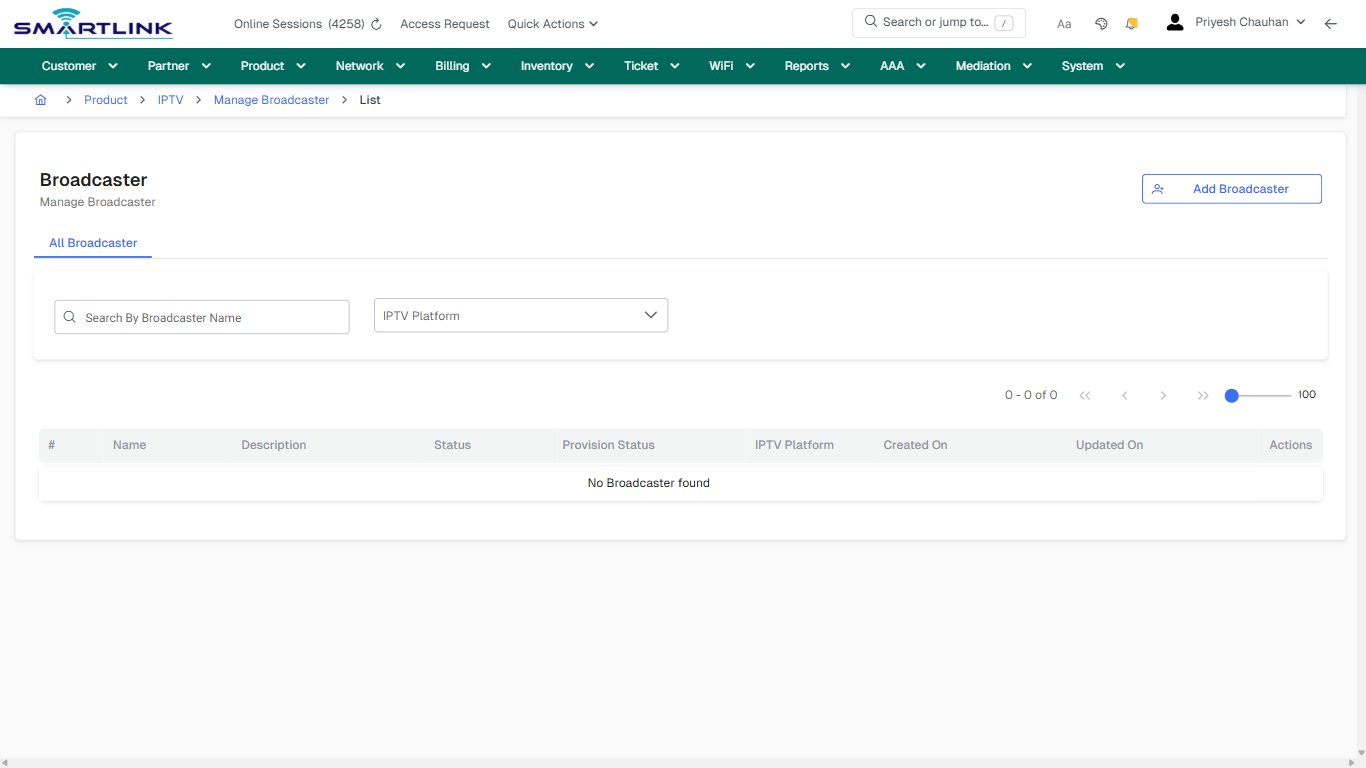
## default

**Captured URL:** https://admin.myslbb.com/#/pro/iptv/broadcaster/all

<div id="bkmrk-images-uploading%E2%80%A6-1">*Images uploading…*<div data-img-token="IMG_PLACEHOLDER_1_1770130750051">![screenshot](https://kb.i2itechservices.com/uploads/images/gallery/2026-02/O5Iadmin-myslbb-com-pro-iptv-broadcaster-all-default-a29973c58d-part-01.png)

![screenshot](https://kb.i2itechservices.com/uploads/images/gallery/2026-02/K70admin-myslbb-com-pro-iptv-broadcaster-all-default-a29973c58d-part-02.png)

</div></div>---

## create\_new

**Captured URL:** https://admin.myslbb.com/#/pro/iptv/broadcaster/all

<div id="bkmrk-images-uploading%E2%80%A6-2">*Images uploading…*<div data-img-token="IMG_PLACEHOLDER_2_1770130750051">![screenshot](https://kb.i2itechservices.com/uploads/images/gallery/2026-02/admin-myslbb-com-pro-iptv-broadcaster-all-create-new-ea6c36052c-part-01.png)

![screenshot](https://kb.i2itechservices.com/uploads/images/gallery/2026-02/admin-myslbb-com-pro-iptv-broadcaster-all-create-new-ea6c36052c-part-02.png)

</div></div>---

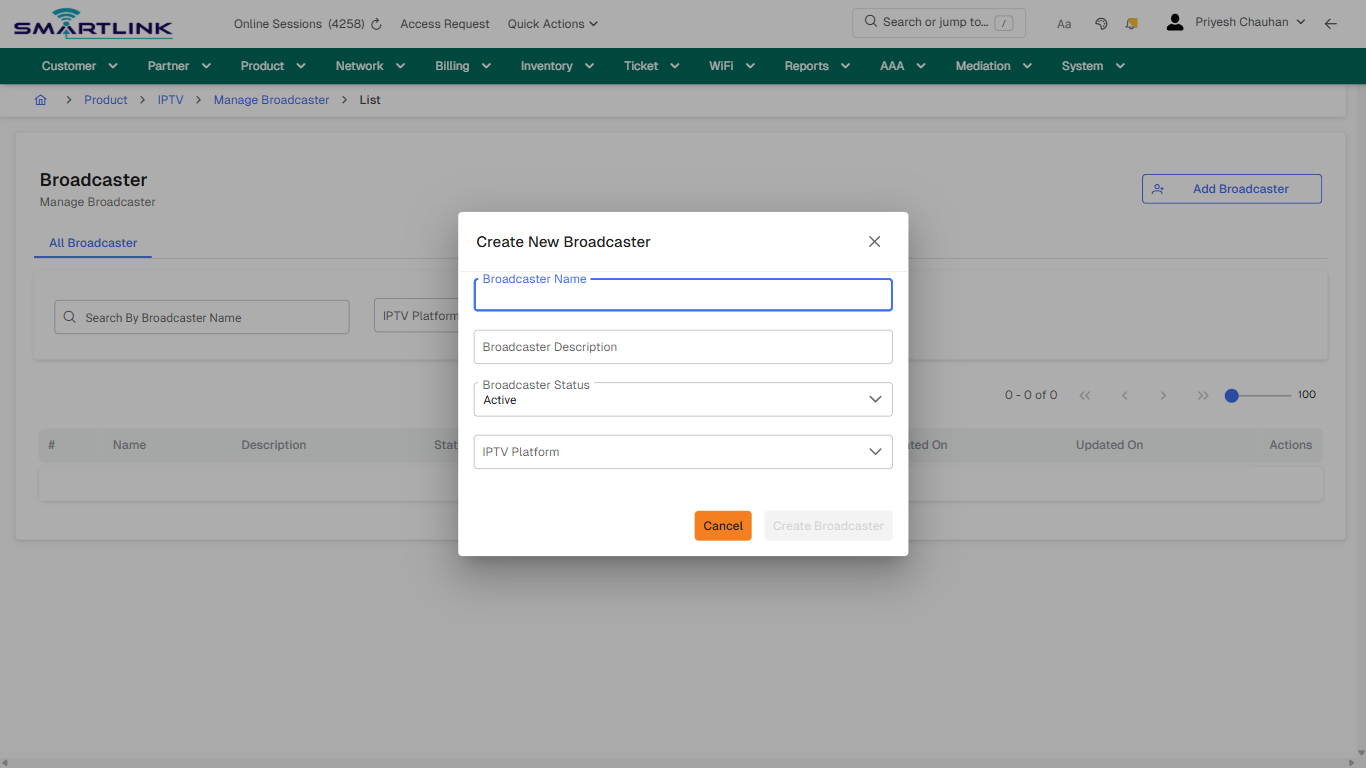
## create\_new

**Captured URL:** https://admin.myslbb.com/#/pro/iptv/broadcaster/all

<div id="bkmrk-images-uploading%E2%80%A6-3">*Images uploading…*<div data-img-token="IMG_PLACEHOLDER_3_1770130750051">![screenshot](https://kb.i2itechservices.com/uploads/images/gallery/2026-02/bVFadmin-myslbb-com-pro-iptv-broadcaster-all-create-new-ea6c36052c-part-01.png)

![screenshot](https://kb.i2itechservices.com/uploads/images/gallery/2026-02/mYSadmin-myslbb-com-pro-iptv-broadcaster-all-create-new-ea6c36052c-part-02.png)

</div></div>---

## drilldown\_one\_item

**Captured URL:** https://admin.myslbb.com/#/pro/iptv/broadcaster/all

<div id="bkmrk-images-uploading%E2%80%A6-4">*Images uploading…*<div data-img-token="IMG_PLACEHOLDER_4_1770130750051">![screenshot](https://kb.i2itechservices.com/uploads/images/gallery/2026-02/admin-myslbb-com-pro-iptv-broadcaster-all-drilldown-one-item-8eaa9f90ab-part-01.png)

![screenshot](https://kb.i2itechservices.com/uploads/images/gallery/2026-02/admin-myslbb-com-pro-iptv-broadcaster-all-drilldown-one-item-8eaa9f90ab-part-02.png)

</div></div>---

## drilldown\_one\_item

**Captured URL:** https://admin.myslbb.com/#/pro/iptv/broadcaster/all

<div id="bkmrk-images-uploading%E2%80%A6-5">*Images uploading…*<div data-img-token="IMG_PLACEHOLDER_5_1770130750051">![screenshot](https://kb.i2itechservices.com/uploads/images/gallery/2026-02/JR6admin-myslbb-com-pro-iptv-broadcaster-all-drilldown-one-item-8eaa9f90ab-part-01.png)

![screenshot](https://kb.i2itechservices.com/uploads/images/gallery/2026-02/Drkadmin-myslbb-com-pro-iptv-broadcaster-all-drilldown-one-item-8eaa9f90ab-part-02.png)

</div></div>

# pro > iptv > category > all

# pro &gt; iptv &gt; category &gt; all

**Route:** pro/iptv/category/all

**URL:** https://admin.myslbb.com/#/pro/iptv/category/all

---

## Overview

 This page is a draft SOP reference for the above screen in **i2i Core OSS/BSS**. It is auto-generated from UI exports and should be reviewed for operational correctness before customer release.

## When to Use

- Use this screen for the workflow represented by this route.
- Do not make billing/AAA/provisioning-impacting changes without required authorization.
 
## Typical Workflow

1. Verify you are working on the correct entity (Customer/Account/Service).
2. Review the current lifecycle state before making changes.
3. Apply changes and validate system response.
4. Confirm downstream impact (AAA/Provisioning/Billing) where applicable.
 
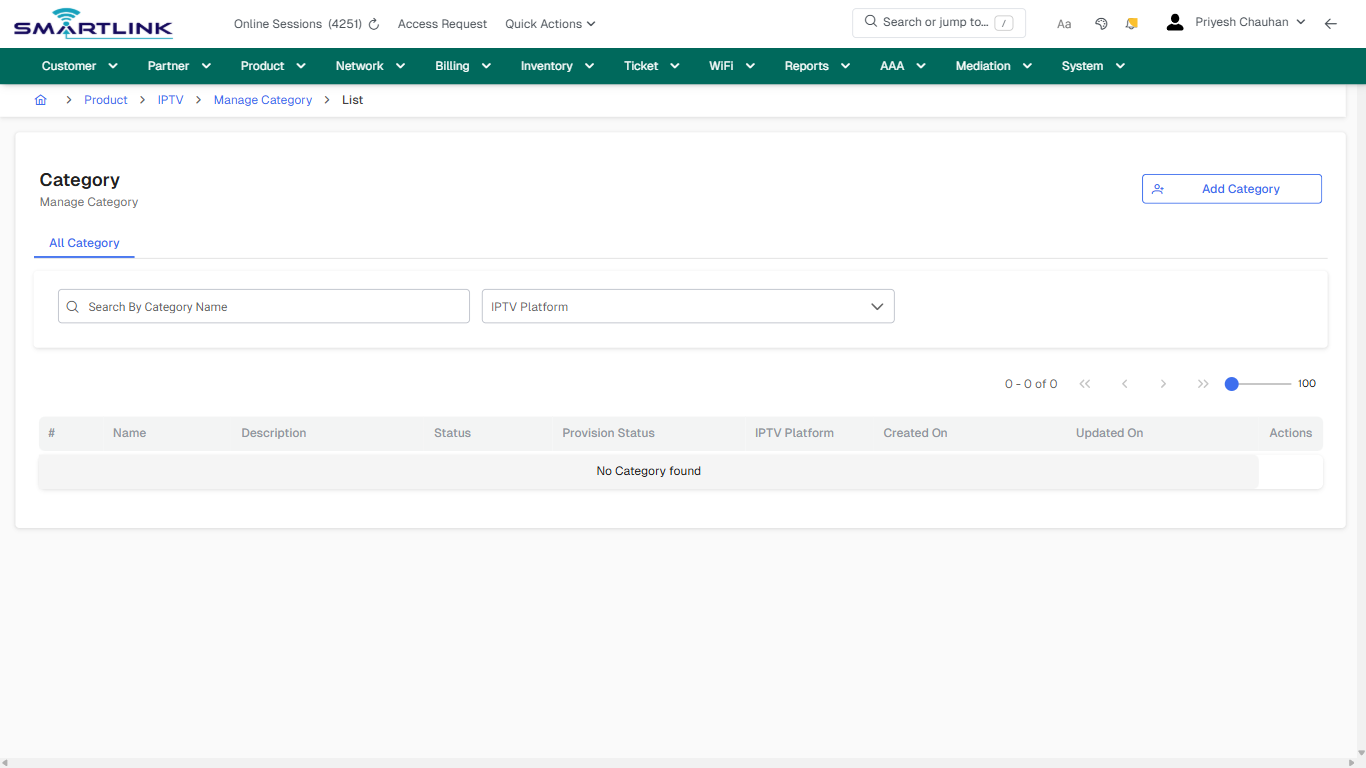
## Field &amp; Action Hints (Auto-detected)

- **Fields detected:** IPTV Platform
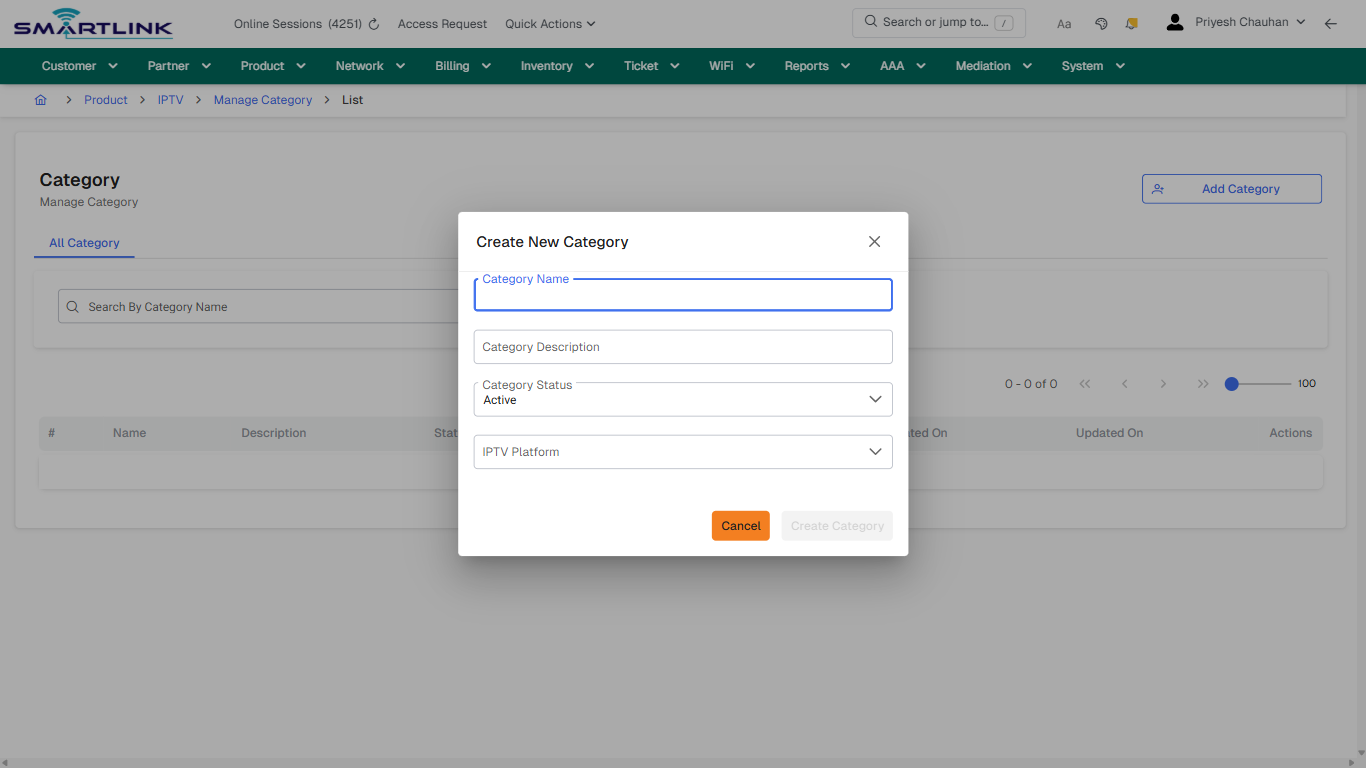
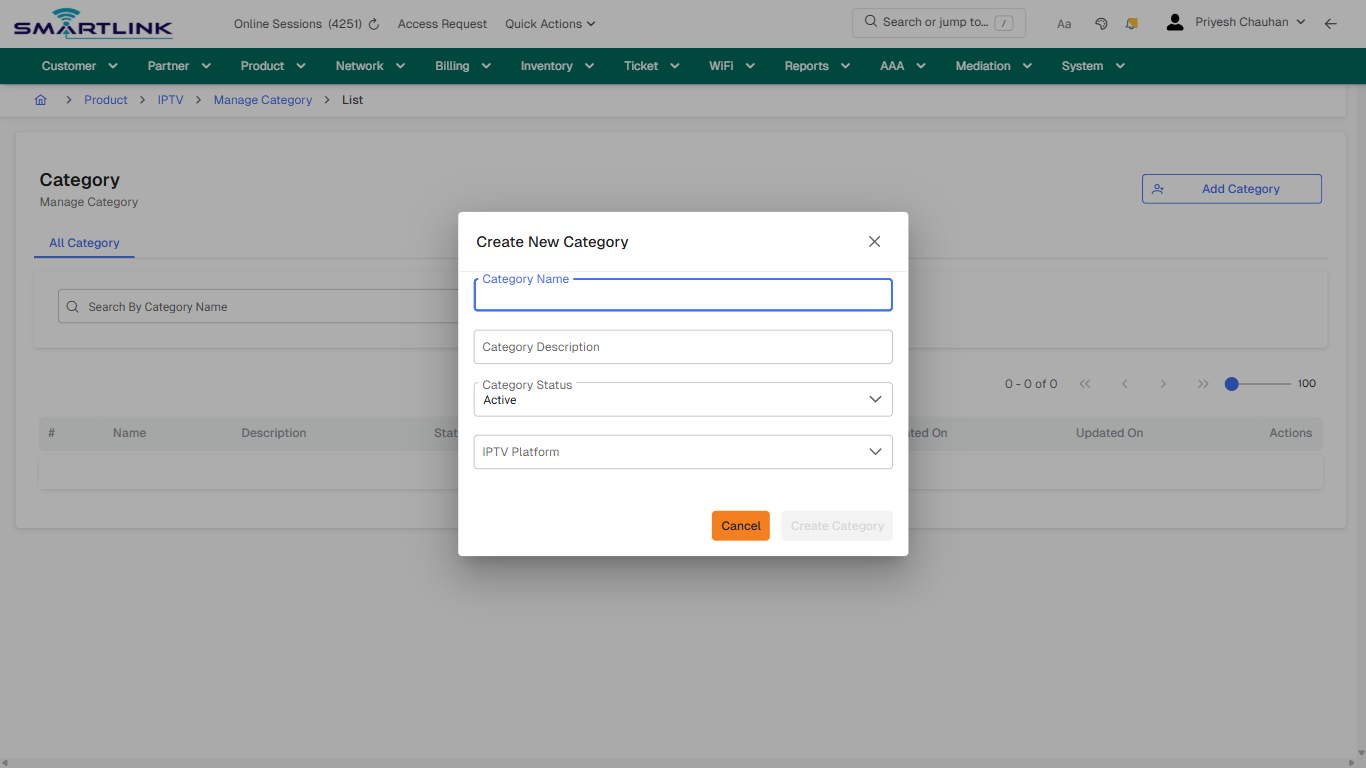
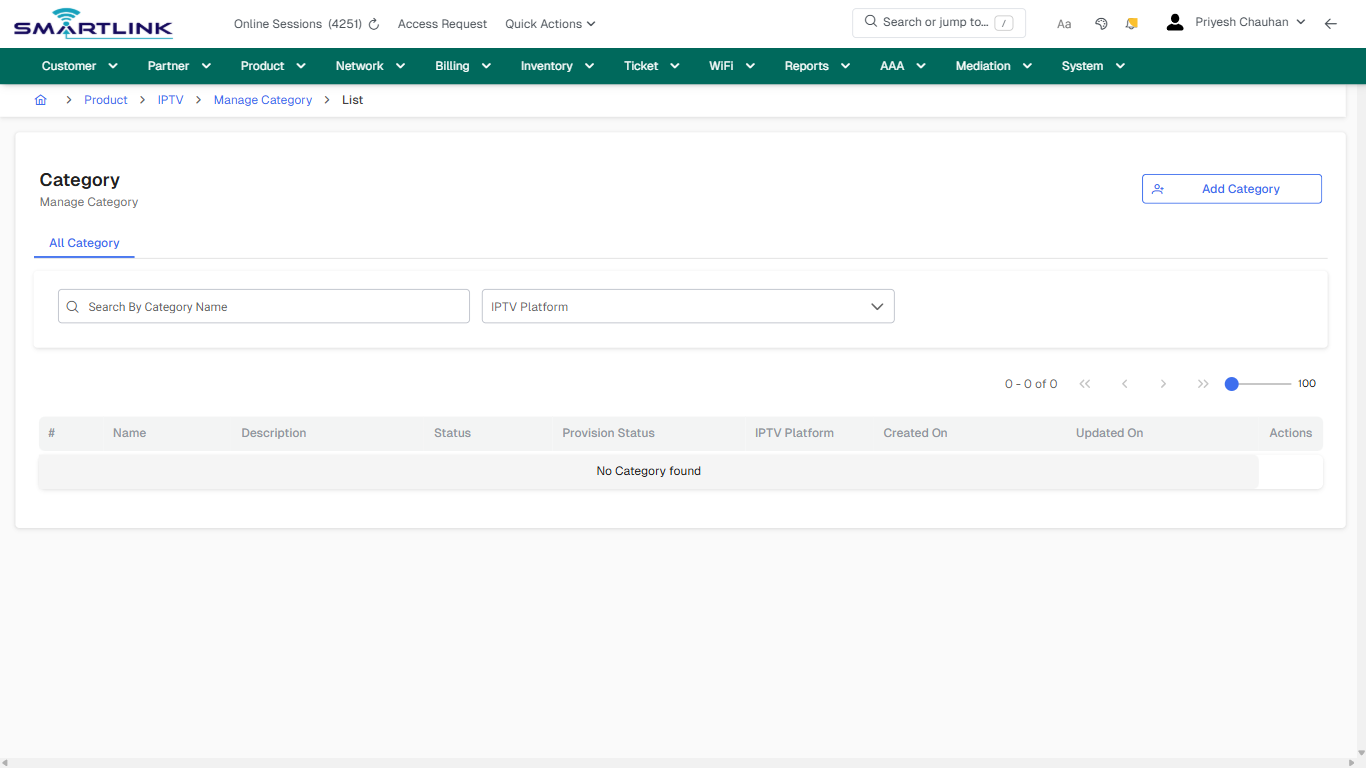
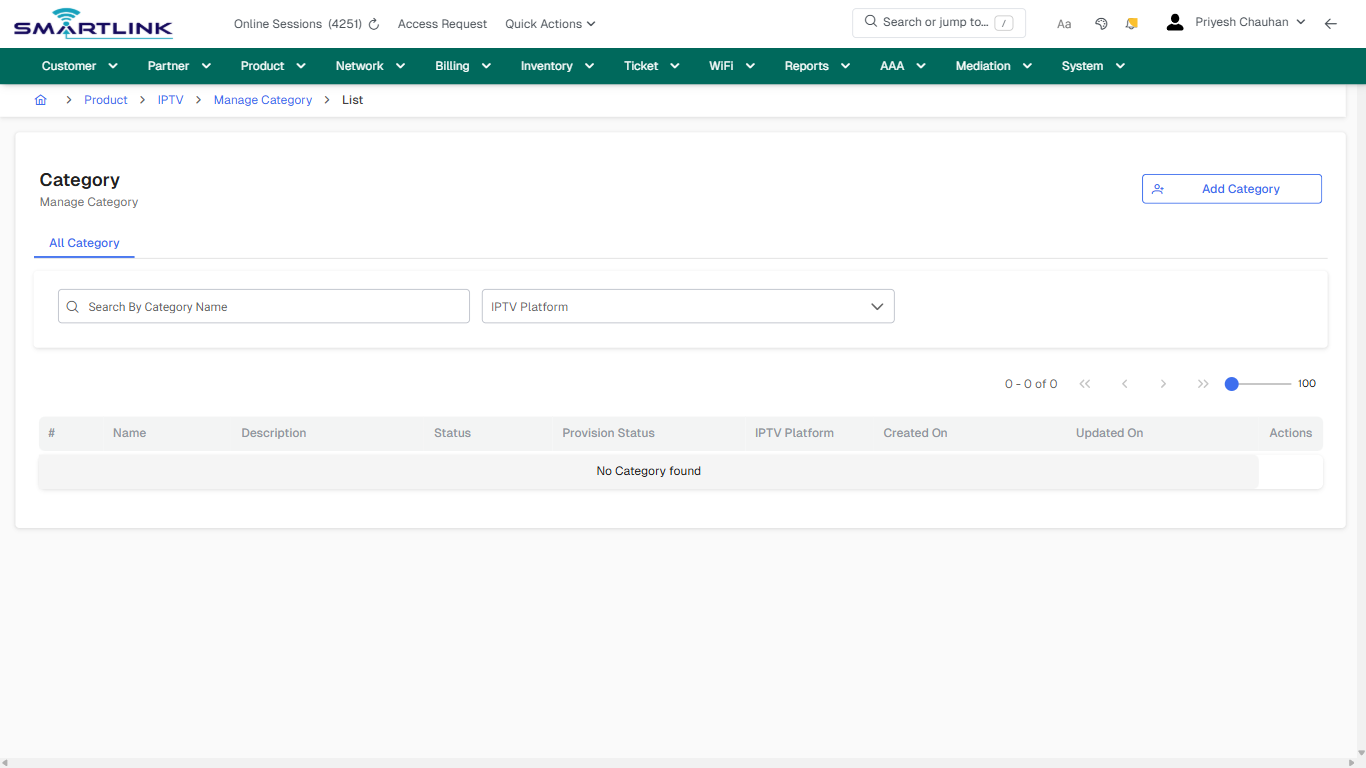
- **Actions detected:** Auto, Close, Product, IPTV, Manage Category, Add Category

## Validation &amp; Safety Checks

- Confirm identifiers before saving.
- Confirm lifecycle state allows the change.
- Confirm rollback/support path exists for production actions.
 
## Escalation Guidance

- **L1:** Verify input, permissions, and entity state.
- **L2:** Validate dependencies and downstream state.
- **L3/Admin:** Policy/config changes or suspected defect.
 
---

## Screenshots

## default

**Captured URL:** https://admin.myslbb.com/#/pro/iptv/category/all

<div id="bkmrk-images-uploading%E2%80%A6">*Images uploading…*<div data-img-token="IMG_PLACEHOLDER_0_1770130757775">![screenshot](https://kb.i2itechservices.com/uploads/images/gallery/2026-02/admin-myslbb-com-pro-iptv-category-all-default-6052df5b62-part-01.png)

![screenshot](https://kb.i2itechservices.com/uploads/images/gallery/2026-02/admin-myslbb-com-pro-iptv-category-all-default-6052df5b62-part-02.png)

</div></div>---

## create\_new

**Captured URL:** https://admin.myslbb.com/#/pro/iptv/category/all

<div id="bkmrk-images-uploading%E2%80%A6-1">*Images uploading…*<div data-img-token="IMG_PLACEHOLDER_1_1770130757775">![screenshot](https://kb.i2itechservices.com/uploads/images/gallery/2026-02/admin-myslbb-com-pro-iptv-category-all-create-new-f5b4de55d2-part-01.png)

![screenshot](https://kb.i2itechservices.com/uploads/images/gallery/2026-02/admin-myslbb-com-pro-iptv-category-all-create-new-f5b4de55d2-part-02.png)

</div></div>---

## drilldown\_one\_item

**Captured URL:** https://admin.myslbb.com/#/pro/iptv/category/all

<div id="bkmrk-images-uploading%E2%80%A6-2">*Images uploading…*<div data-img-token="IMG_PLACEHOLDER_2_1770130757775">![screenshot](https://kb.i2itechservices.com/uploads/images/gallery/2026-02/admin-myslbb-com-pro-iptv-category-all-drilldown-one-item-7cfa22e337-part-01.png)

![screenshot](https://kb.i2itechservices.com/uploads/images/gallery/2026-02/admin-myslbb-com-pro-iptv-category-all-drilldown-one-item-7cfa22e337-part-02.png)

</div></div>

# pro > iptv > channel > add

# pro &gt; iptv &gt; channel &gt; add

**Route:** pro/iptv/channel/add

**URL:** https://admin.myslbb.com/#/pro/iptv/channel/add

---

## Overview

 This page is a draft SOP reference for the above screen in **i2i Core OSS/BSS**. It is auto-generated from UI exports and should be reviewed for operational correctness before customer release.

## When to Use

- Use this screen for the workflow represented by this route.
- Do not make billing/AAA/provisioning-impacting changes without required authorization.
 
## Typical Workflow

1. Verify you are working on the correct entity (Customer/Account/Service).
2. Review the current lifecycle state before making changes.
3. Apply changes and validate system response.
4. Confirm downstream impact (AAA/Provisioning/Billing) where applicable.
 
## Field &amp; Action Hints (Auto-detected)

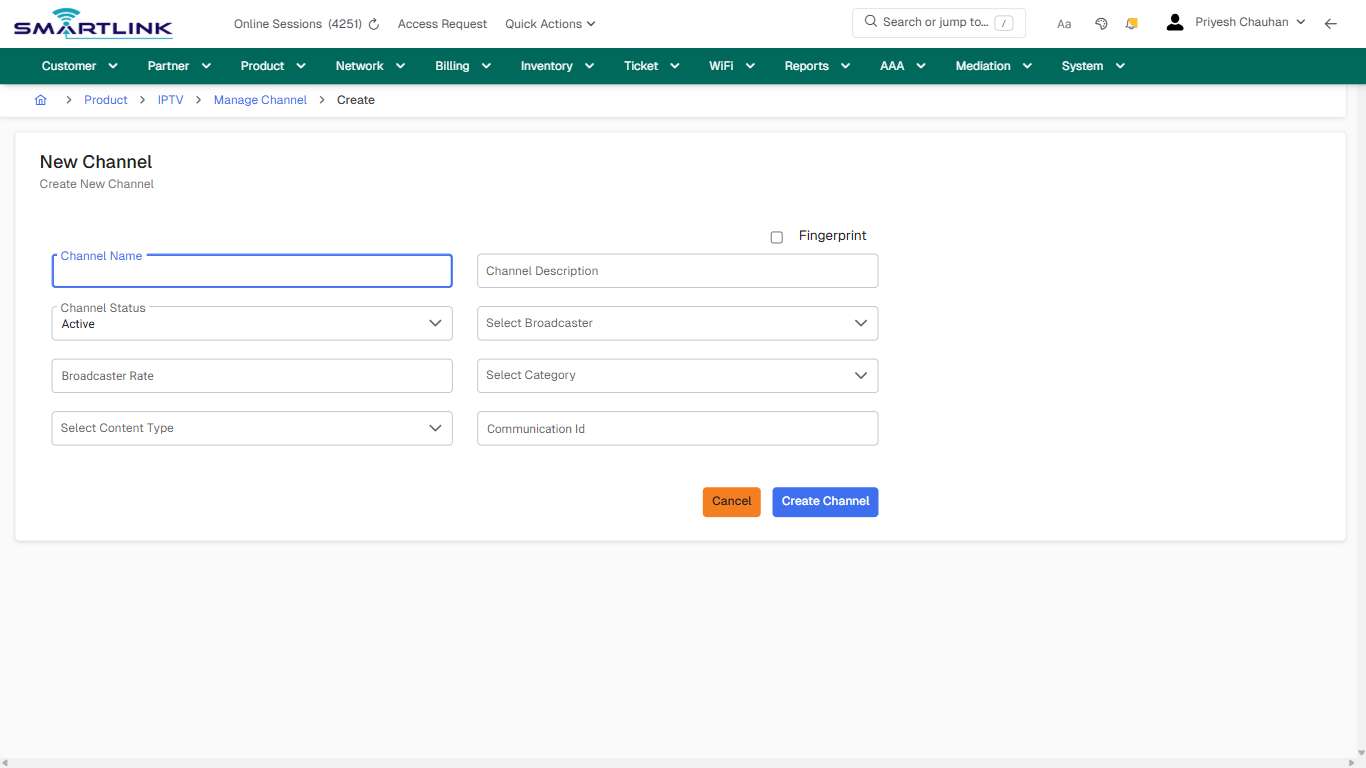
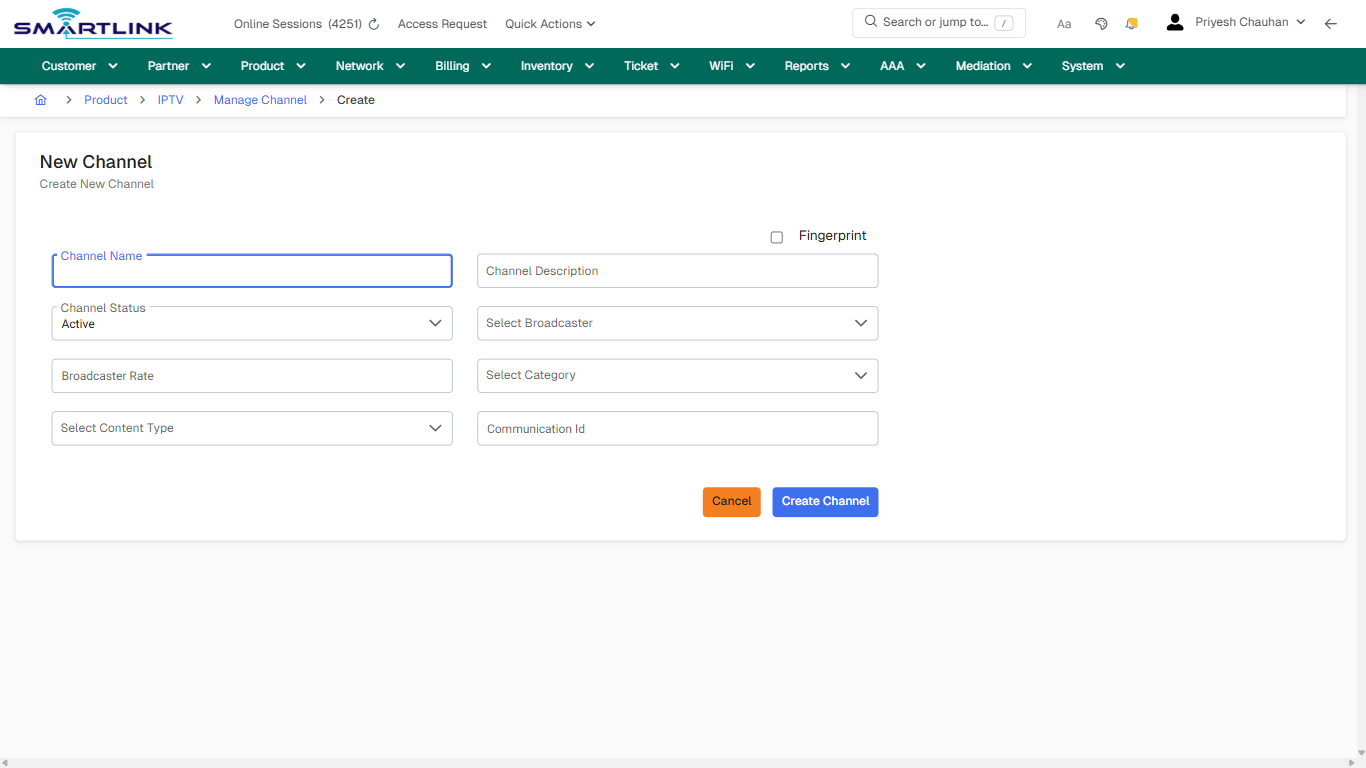
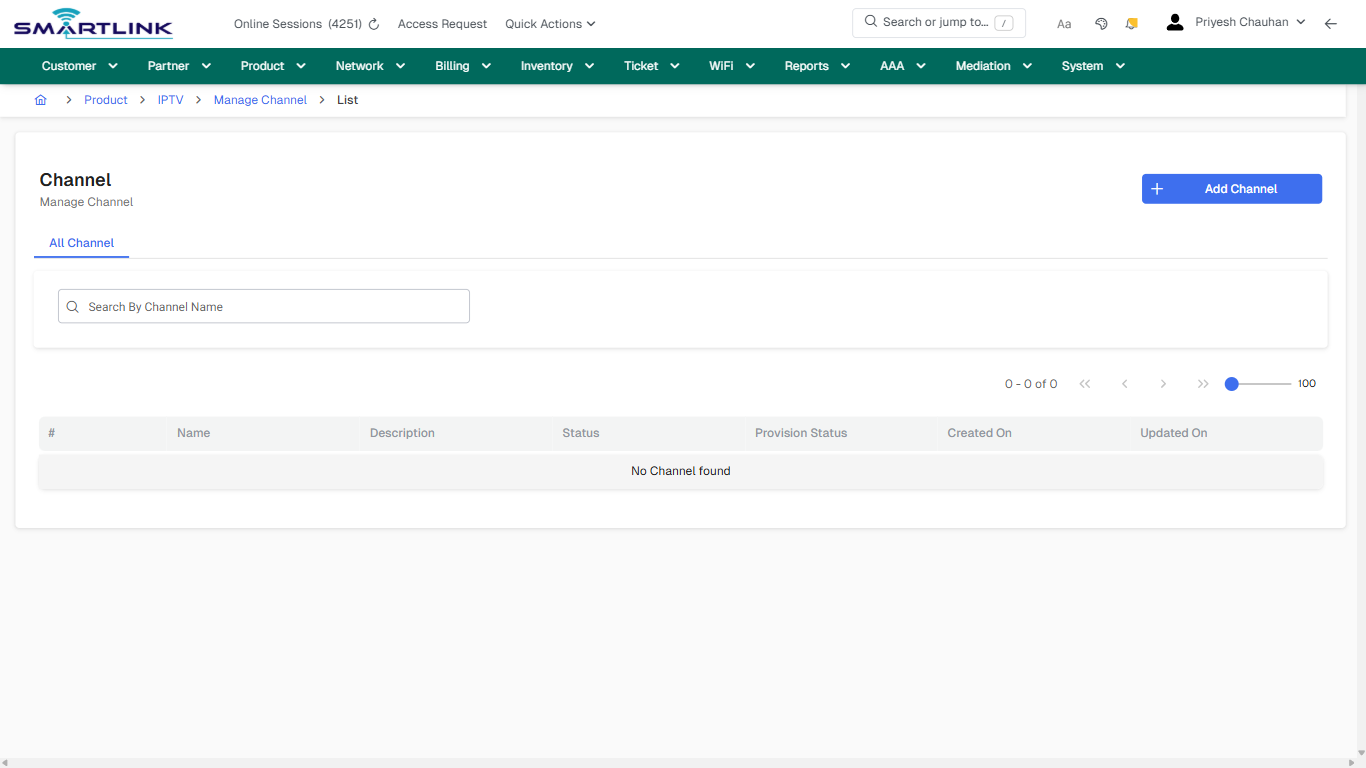
- **Fields detected:** Channel Name, Channel Description, Channel Status, Select Broadcaster, Select Category, Select Content Type
- **Actions detected:** Auto, Close, Product, IPTV, Manage Channel, Cancel, Create Channel

## Validation &amp; Safety Checks

- Confirm identifiers before saving.
- Confirm lifecycle state allows the change.
- Confirm rollback/support path exists for production actions.
 
## Escalation Guidance

- **L1:** Verify input, permissions, and entity state.
- **L2:** Validate dependencies and downstream state.
- **L3/Admin:** Policy/config changes or suspected defect.
 
---

## Screenshots

## create\_new

**Captured URL:** https://admin.myslbb.com/#/pro/iptv/channel/add

<div id="bkmrk-images-uploading%E2%80%A6">*Images uploading…*<div data-img-token="IMG_PLACEHOLDER_0_1770130762072">![screenshot](https://kb.i2itechservices.com/uploads/images/gallery/2026-02/admin-myslbb-com-pro-iptv-channel-add-create-new-9a90d3a55c-part-01.png)

![screenshot](https://kb.i2itechservices.com/uploads/images/gallery/2026-02/admin-myslbb-com-pro-iptv-channel-add-create-new-9a90d3a55c-part-02.png)

</div></div>

# pro > iptv > channel > all

# pro &gt; iptv &gt; channel &gt; all

**Route:** pro/iptv/channel/all

**URL:** https://admin.myslbb.com/#/pro/iptv/channel/all

---

## Overview

 This page is a draft SOP reference for the above screen in **i2i Core OSS/BSS**. It is auto-generated from UI exports and should be reviewed for operational correctness before customer release.

## When to Use

- Use this screen for the workflow represented by this route.
- Do not make billing/AAA/provisioning-impacting changes without required authorization.
 
## Typical Workflow

1. Verify you are working on the correct entity (Customer/Account/Service).
2. Review the current lifecycle state before making changes.
3. Apply changes and validate system response.
4. Confirm downstream impact (AAA/Provisioning/Billing) where applicable.
 
## Field &amp; Action Hints (Auto-detected)

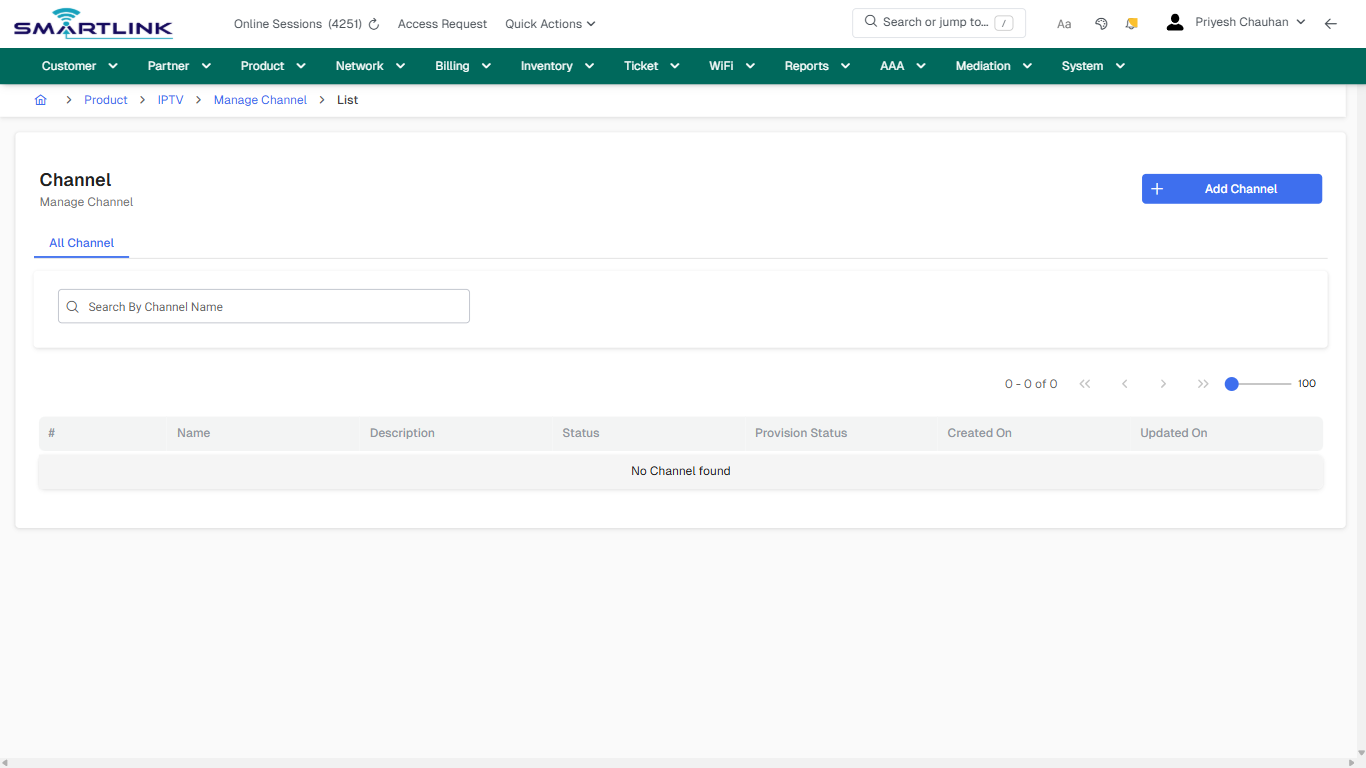
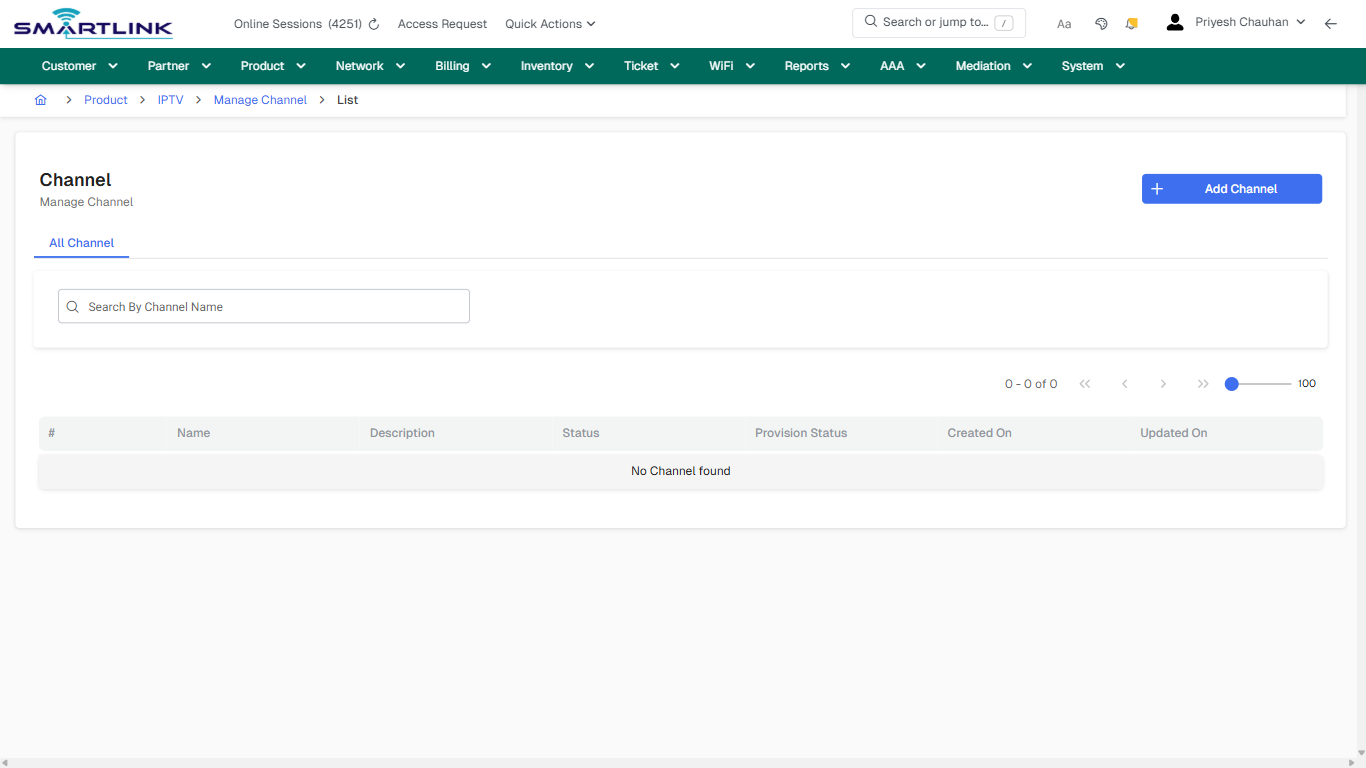
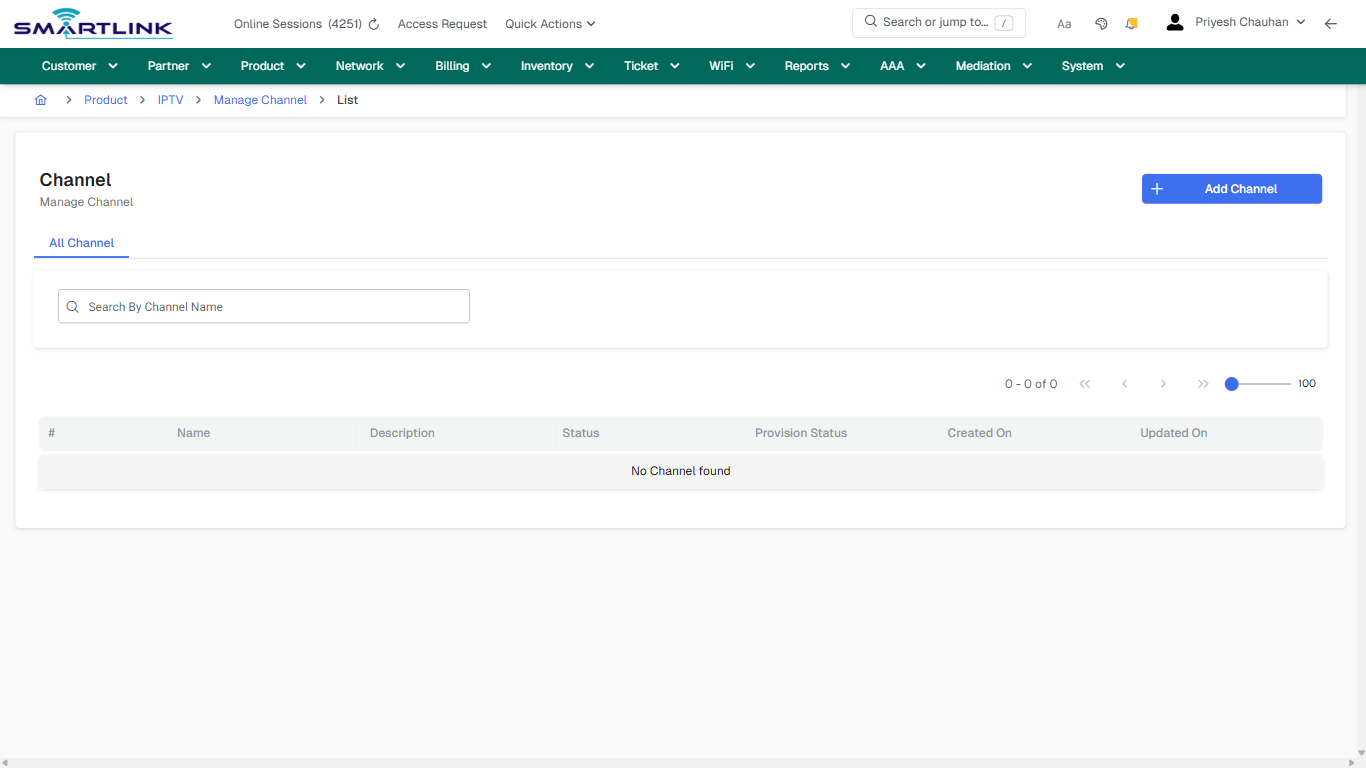
- **Actions detected:** Auto, Close, Product, IPTV, Manage Channel, Add Channel

## Validation &amp; Safety Checks

- Confirm identifiers before saving.
- Confirm lifecycle state allows the change.
- Confirm rollback/support path exists for production actions.
 
## Escalation Guidance

- **L1:** Verify input, permissions, and entity state.
- **L2:** Validate dependencies and downstream state.
- **L3/Admin:** Policy/config changes or suspected defect.
 
---

## Screenshots

## default

**Captured URL:** https://admin.myslbb.com/#/pro/iptv/channel/all

<div id="bkmrk-images-uploading%E2%80%A6">*Images uploading…*<div data-img-token="IMG_PLACEHOLDER_0_1770130764025">![screenshot](https://kb.i2itechservices.com/uploads/images/gallery/2026-02/admin-myslbb-com-pro-iptv-channel-all-default-7b7f34ad66-part-01.png)

![screenshot](https://kb.i2itechservices.com/uploads/images/gallery/2026-02/admin-myslbb-com-pro-iptv-channel-all-default-7b7f34ad66-part-02.png)

</div></div>---

## drilldown\_one\_item

**Captured URL:** https://admin.myslbb.com/#/pro/iptv/channel/all

<div id="bkmrk-images-uploading%E2%80%A6-1">*Images uploading…*<div data-img-token="IMG_PLACEHOLDER_1_1770130764025">![screenshot](https://kb.i2itechservices.com/uploads/images/gallery/2026-02/admin-myslbb-com-pro-iptv-channel-all-drilldown-one-item-e12d15bc39-part-01.png)

![screenshot](https://kb.i2itechservices.com/uploads/images/gallery/2026-02/admin-myslbb-com-pro-iptv-channel-all-drilldown-one-item-e12d15bc39-part-02.png)

</div></div>

# pro > iptv > package > add

# pro &gt; iptv &gt; package &gt; add

**Route:** pro/iptv/package/add

**URL:** https://admin.myslbb.com/#/pro/iptv/package/add

---

## Overview

 This page is a draft SOP reference for the above screen in **i2i Core OSS/BSS**. It is auto-generated from UI exports and should be reviewed for operational correctness before customer release.

## When to Use

- Use this screen for the workflow represented by this route.
- Do not make billing/AAA/provisioning-impacting changes without required authorization.
 
## Typical Workflow

1. Verify you are working on the correct entity (Customer/Account/Service).
2. Review the current lifecycle state before making changes.
3. Apply changes and validate system response.
4. Confirm downstream impact (AAA/Provisioning/Billing) where applicable.
 
## Field &amp; Action Hints (Auto-detected)

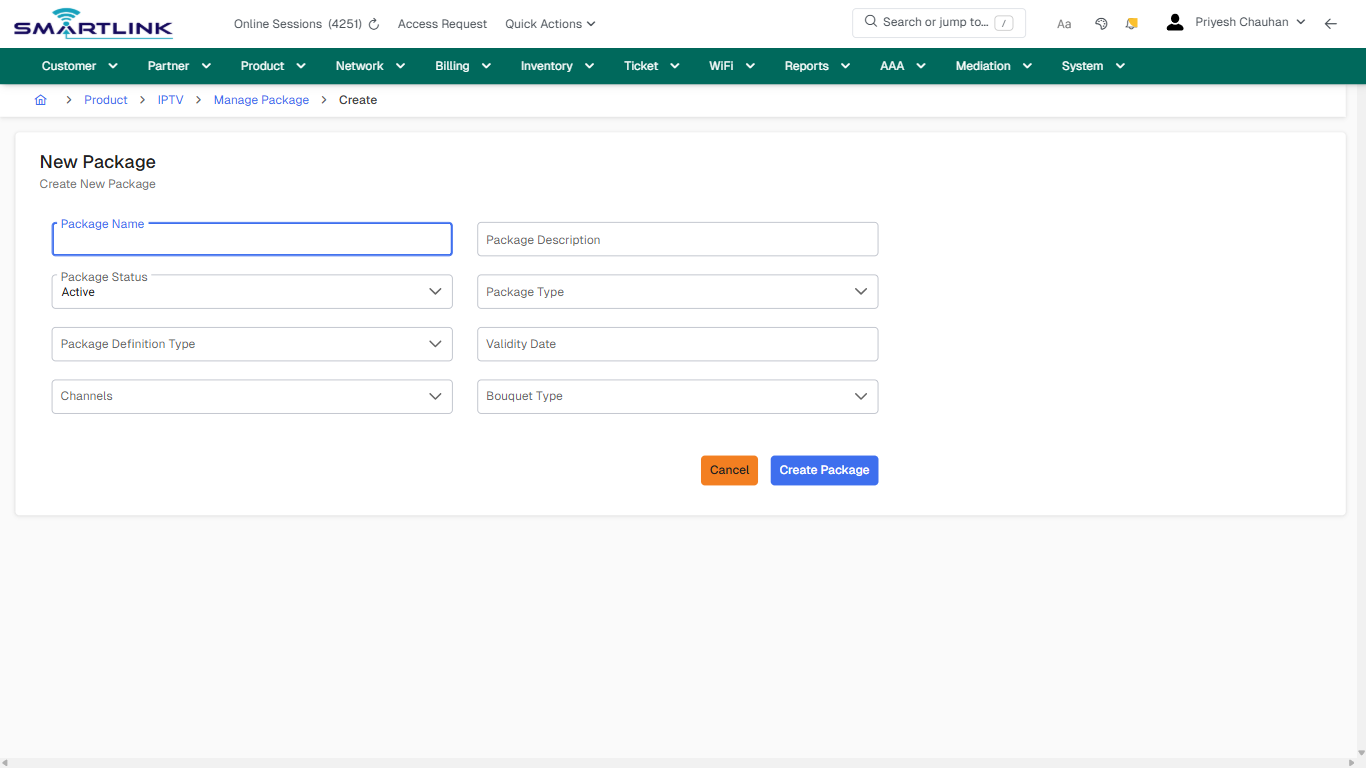
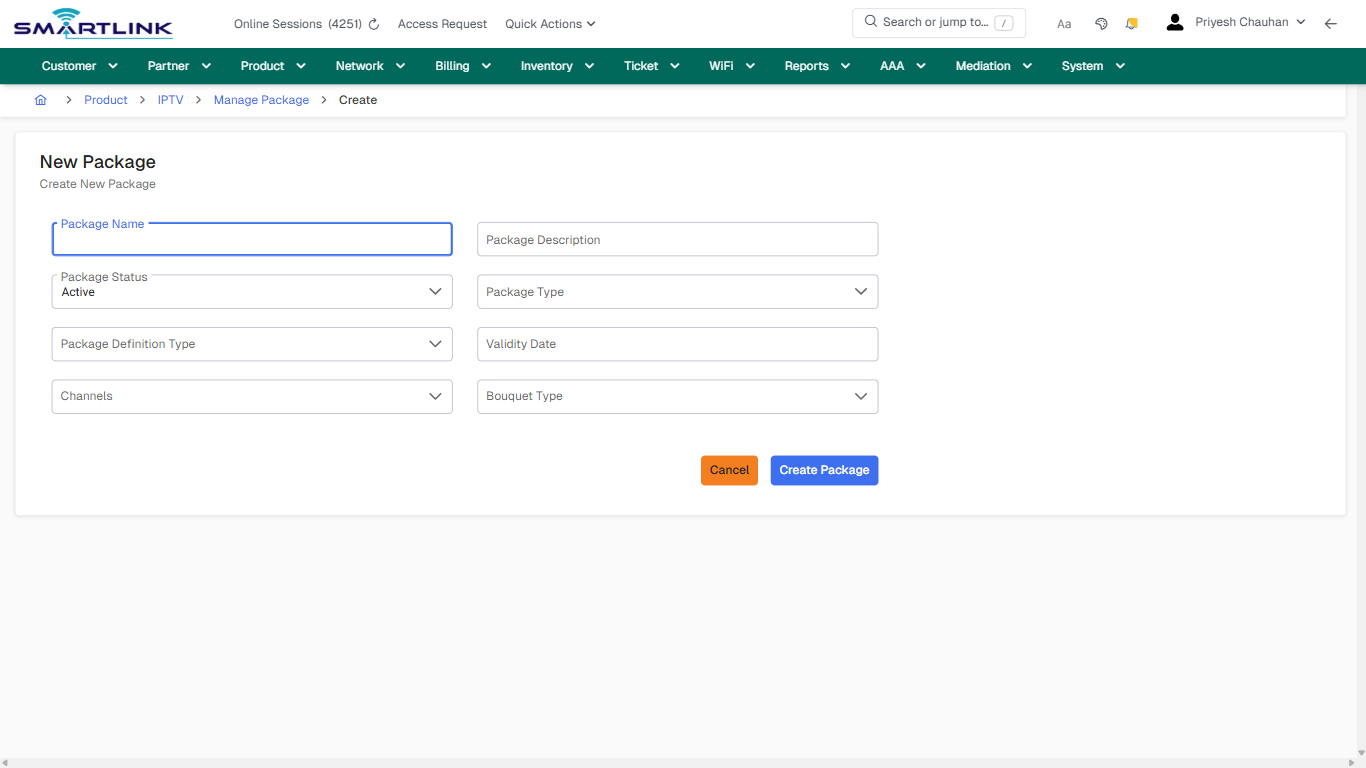
- **Fields detected:** Package Name, Package Description, Package Status, Package Type, Package Definition Type, Validity Date, Channels, Bouquet Type
- **Actions detected:** Auto, Close, Product, IPTV, Manage Package, Cancel, Create Package

## Validation &amp; Safety Checks

- Confirm identifiers before saving.
- Confirm lifecycle state allows the change.
- Confirm rollback/support path exists for production actions.
 
## Escalation Guidance

- **L1:** Verify input, permissions, and entity state.
- **L2:** Validate dependencies and downstream state.
- **L3/Admin:** Policy/config changes or suspected defect.
 
---

## Screenshots

## create\_new

**Captured URL:** https://admin.myslbb.com/#/pro/iptv/package/add

<div id="bkmrk-images-uploading%E2%80%A6">*Images uploading…*<div data-img-token="IMG_PLACEHOLDER_0_1770130767131">![screenshot](https://kb.i2itechservices.com/uploads/images/gallery/2026-02/admin-myslbb-com-pro-iptv-package-add-create-new-2cef2bcd3c-part-01.png)

![screenshot](https://kb.i2itechservices.com/uploads/images/gallery/2026-02/admin-myslbb-com-pro-iptv-package-add-create-new-2cef2bcd3c-part-02.png)

</div></div>

# pro > iptv > package > all

# pro &gt; iptv &gt; package &gt; all

**Route:** pro/iptv/package/all

**URL:** https://admin.myslbb.com/#/pro/iptv/package/all

---

## Overview

 This page is a draft SOP reference for the above screen in **i2i Core OSS/BSS**. It is auto-generated from UI exports and should be reviewed for operational correctness before customer release.

## When to Use

- Use this screen for the workflow represented by this route.
- Do not make billing/AAA/provisioning-impacting changes without required authorization.
 
## Typical Workflow

1. Verify you are working on the correct entity (Customer/Account/Service).
2. Review the current lifecycle state before making changes.
3. Apply changes and validate system response.
4. Confirm downstream impact (AAA/Provisioning/Billing) where applicable.
 
## Field &amp; Action Hints (Auto-detected)

- **Actions detected:** Auto, Close, Product, IPTV, Manage Package, Add Package

## Validation &amp; Safety Checks

- Confirm identifiers before saving.
- Confirm lifecycle state allows the change.
- Confirm rollback/support path exists for production actions.
 
## Escalation Guidance

- **L1:** Verify input, permissions, and entity state.
- **L2:** Validate dependencies and downstream state.
- **L3/Admin:** Policy/config changes or suspected defect.
 
---

## Screenshots

## default

**Captured URL:** https://admin.myslbb.com/#/pro/iptv/package/all

<div id="bkmrk-images-uploading%E2%80%A6">*Images uploading…*<div data-img-token="IMG_PLACEHOLDER_0_1770130769113">![screenshot](https://kb.i2itechservices.com/uploads/images/gallery/2026-02/admin-myslbb-com-pro-iptv-package-all-default-77ba323903-part-01.png)

![screenshot](https://kb.i2itechservices.com/uploads/images/gallery/2026-02/admin-myslbb-com-pro-iptv-package-all-default-77ba323903-part-02.png)

</div></div>---

## drilldown\_one\_item

**Captured URL:** https://admin.myslbb.com/#/pro/iptv/package/all

<div id="bkmrk-images-uploading%E2%80%A6-1">*Images uploading…*<div data-img-token="IMG_PLACEHOLDER_1_1770130769113">![screenshot](https://kb.i2itechservices.com/uploads/images/gallery/2026-02/admin-myslbb-com-pro-iptv-package-all-drilldown-one-item-e6ac905137-part-01.png)

![screenshot](https://kb.i2itechservices.com/uploads/images/gallery/2026-02/admin-myslbb-com-pro-iptv-package-all-drilldown-one-item-e6ac905137-part-02.png)

</div></div>

# pro > iqos > addiqos

# pro &gt; iqos &gt; addiqos

**Route:** pro/iqos/addiqos

**URL:** https://admin.myslbb.com/#/pro/iqos/addiqos

---

## Overview

 This page is a draft SOP reference for the above screen in **i2i Core OSS/BSS**. It is auto-generated from UI exports and should be reviewed for operational correctness before customer release.

## When to Use

- Use this screen for the workflow represented by this route.
- Do not make billing/AAA/provisioning-impacting changes without required authorization.
 
## Typical Workflow

1. Verify you are working on the correct entity (Customer/Account/Service).
2. Review the current lifecycle state before making changes.
3. Apply changes and validate system response.
4. Confirm downstream impact (AAA/Provisioning/Billing) where applicable.
 
## Field &amp; Action Hints (Auto-detected)

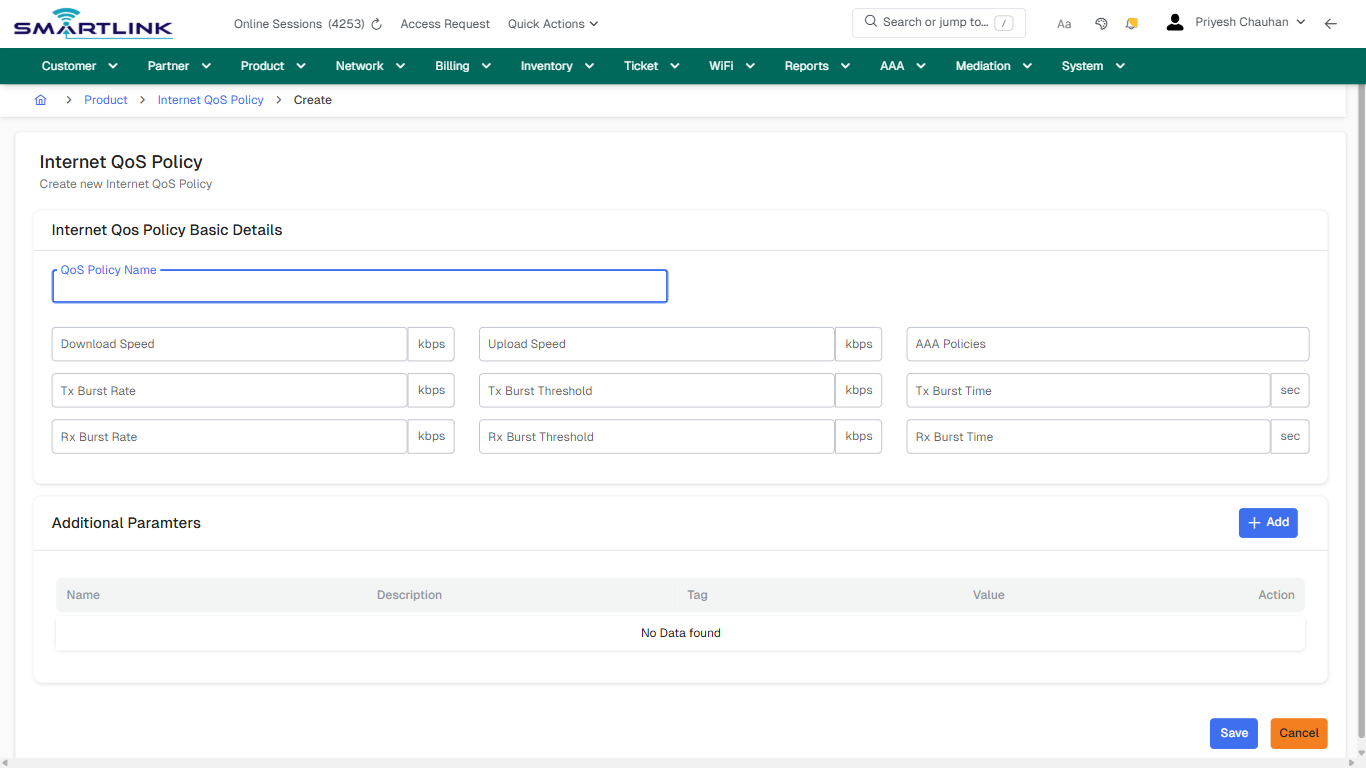
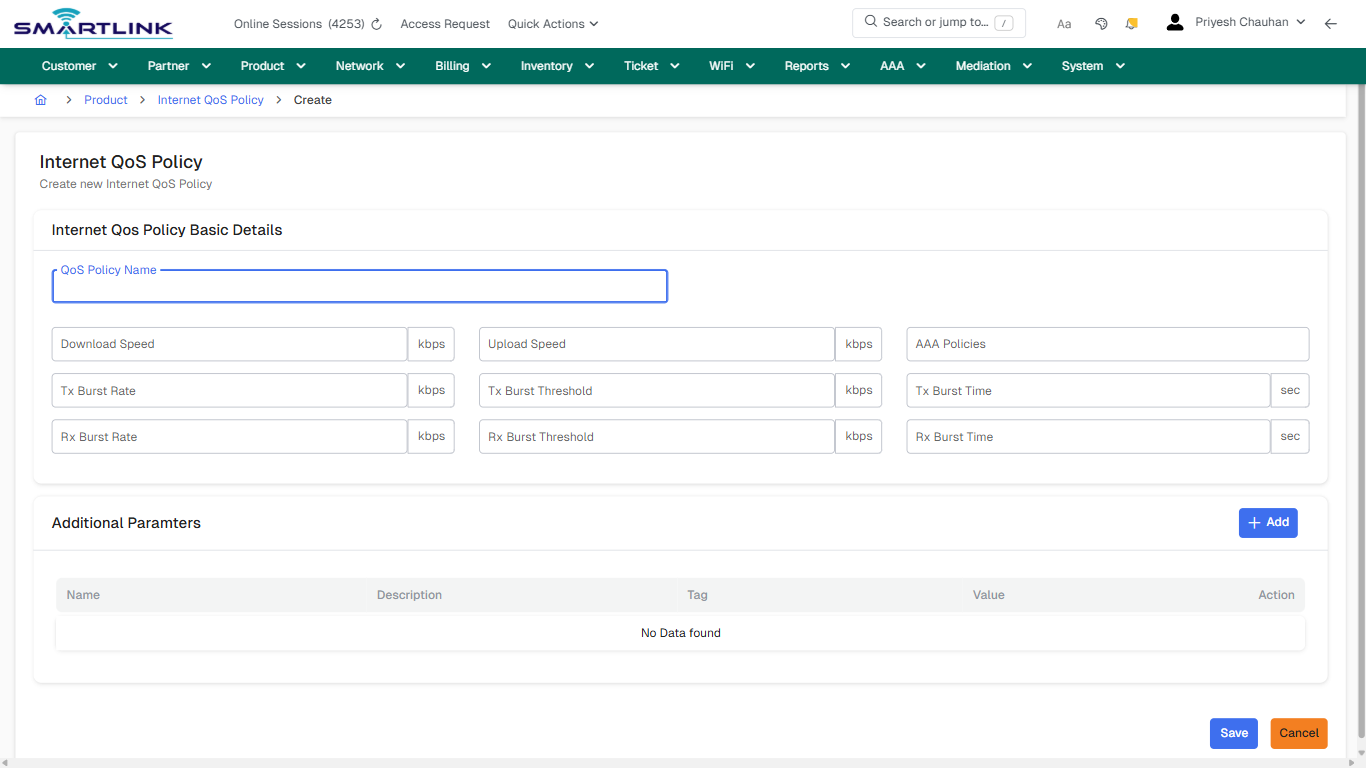
- **Fields detected:** QoS Policy Name, Download Speed, Upload Speed, AAA Policies, Tx Burst Rate, Tx Burst Threshold, Tx Burst Time, Rx Burst Rate, Rx Burst Threshold, Rx Burst Time
- **Actions detected:** Auto, Close, Product, Internet QoS Policy, Add, Save, Cancel

## Validation &amp; Safety Checks

- Confirm identifiers before saving.
- Confirm lifecycle state allows the change.
- Confirm rollback/support path exists for production actions.
 
## Escalation Guidance

- **L1:** Verify input, permissions, and entity state.
- **L2:** Validate dependencies and downstream state.
- **L3/Admin:** Policy/config changes or suspected defect.
 
---

## Screenshots

## create\_new

**Captured URL:** https://admin.myslbb.com/#/pro/iqos/addiqos

<div id="bkmrk-images-uploading%E2%80%A6">*Images uploading…*<div data-img-token="IMG_PLACEHOLDER_0_1770130772219">![screenshot](https://kb.i2itechservices.com/uploads/images/gallery/2026-02/admin-myslbb-com-pro-iqos-addiqos-create-new-a06faeb52d-part-01.png)

![screenshot](https://kb.i2itechservices.com/uploads/images/gallery/2026-02/admin-myslbb-com-pro-iqos-addiqos-create-new-a06faeb52d-part-02.png)

</div></div>

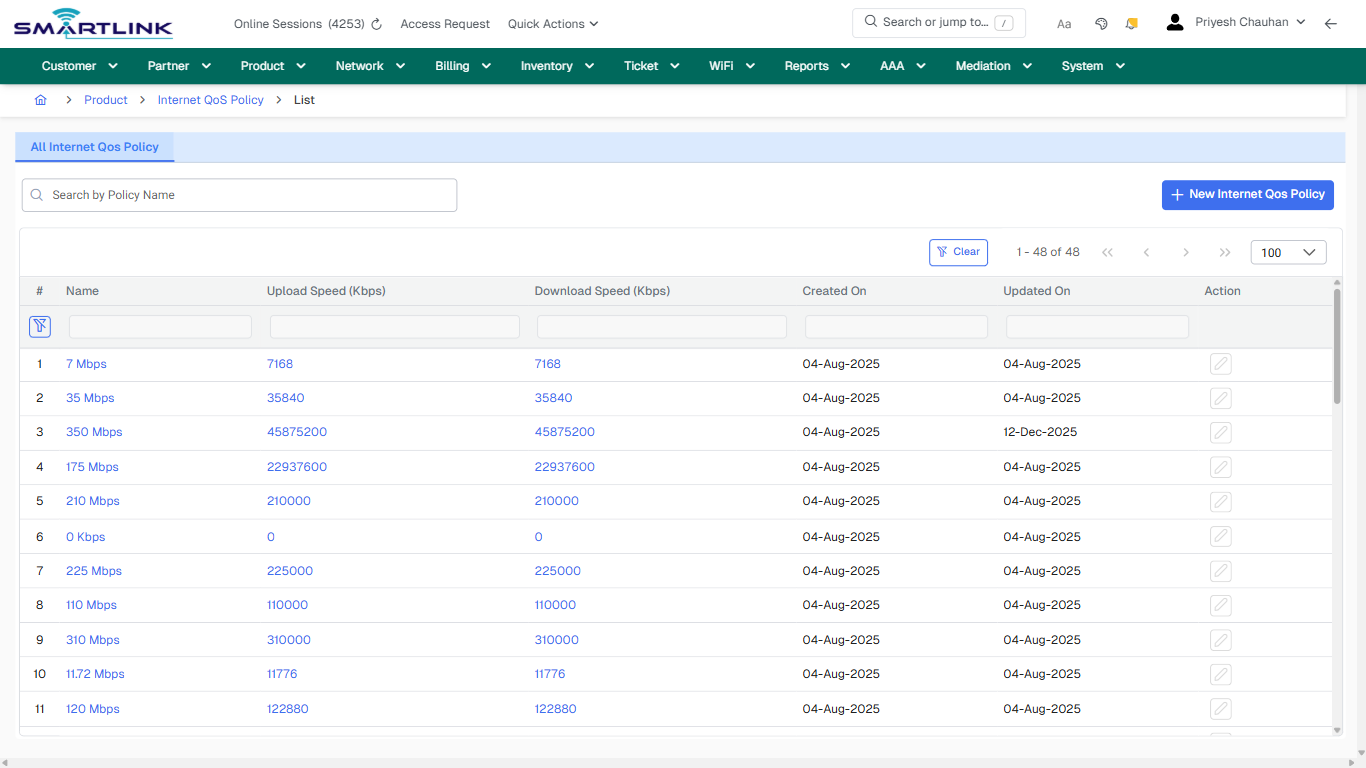
# pro > iqos > all

# pro &gt; iqos &gt; all

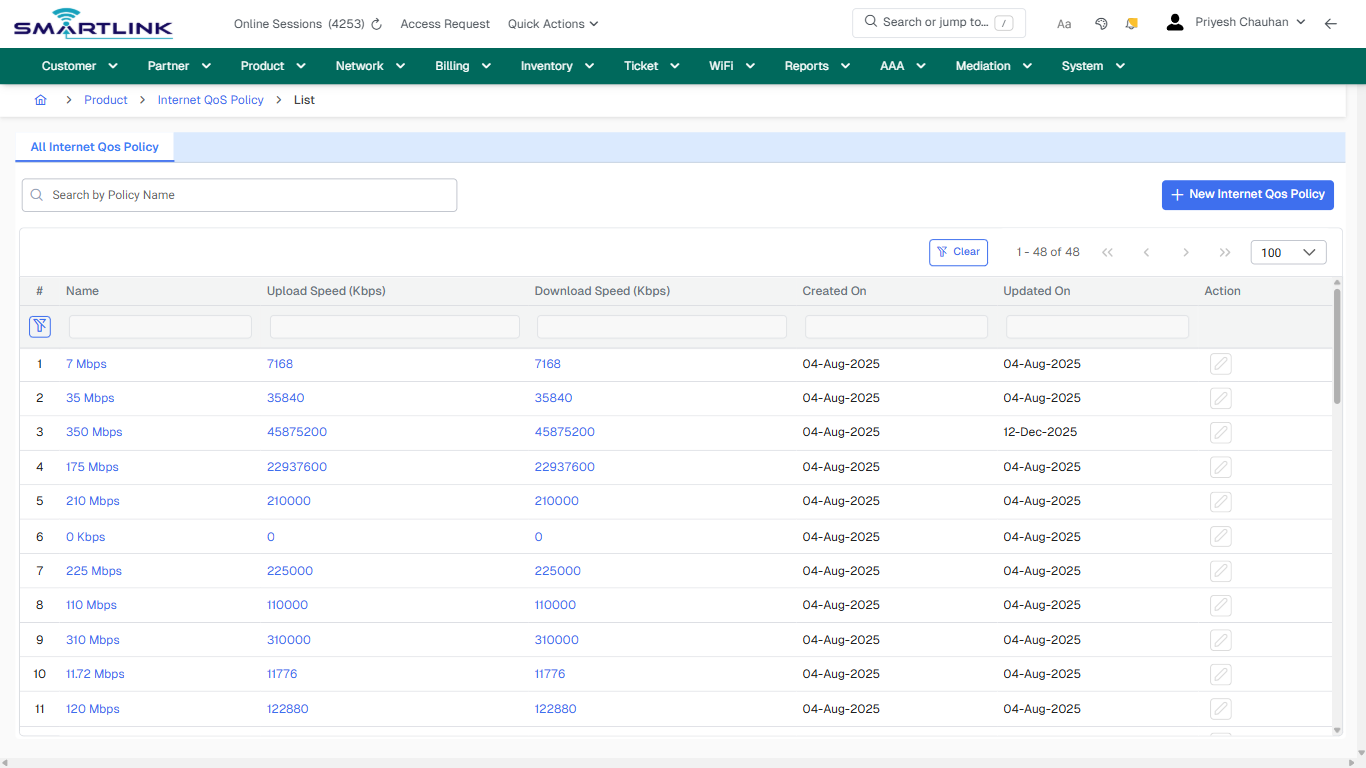
**Route:** pro/iqos/all

**URL:** https://admin.myslbb.com/#/pro/iqos/all

---

## Overview

 This page is a draft SOP reference for the above screen in **i2i Core OSS/BSS**. It is auto-generated from UI exports and should be reviewed for operational correctness before customer release.

## When to Use

- Use this screen for the workflow represented by this route.
- Do not make billing/AAA/provisioning-impacting changes without required authorization.
 
## Typical Workflow

1. Verify you are working on the correct entity (Customer/Account/Service).
2. Review the current lifecycle state before making changes.
3. Apply changes and validate system response.
4. Confirm downstream impact (AAA/Provisioning/Billing) where applicable.
 
## Field &amp; Action Hints (Auto-detected)

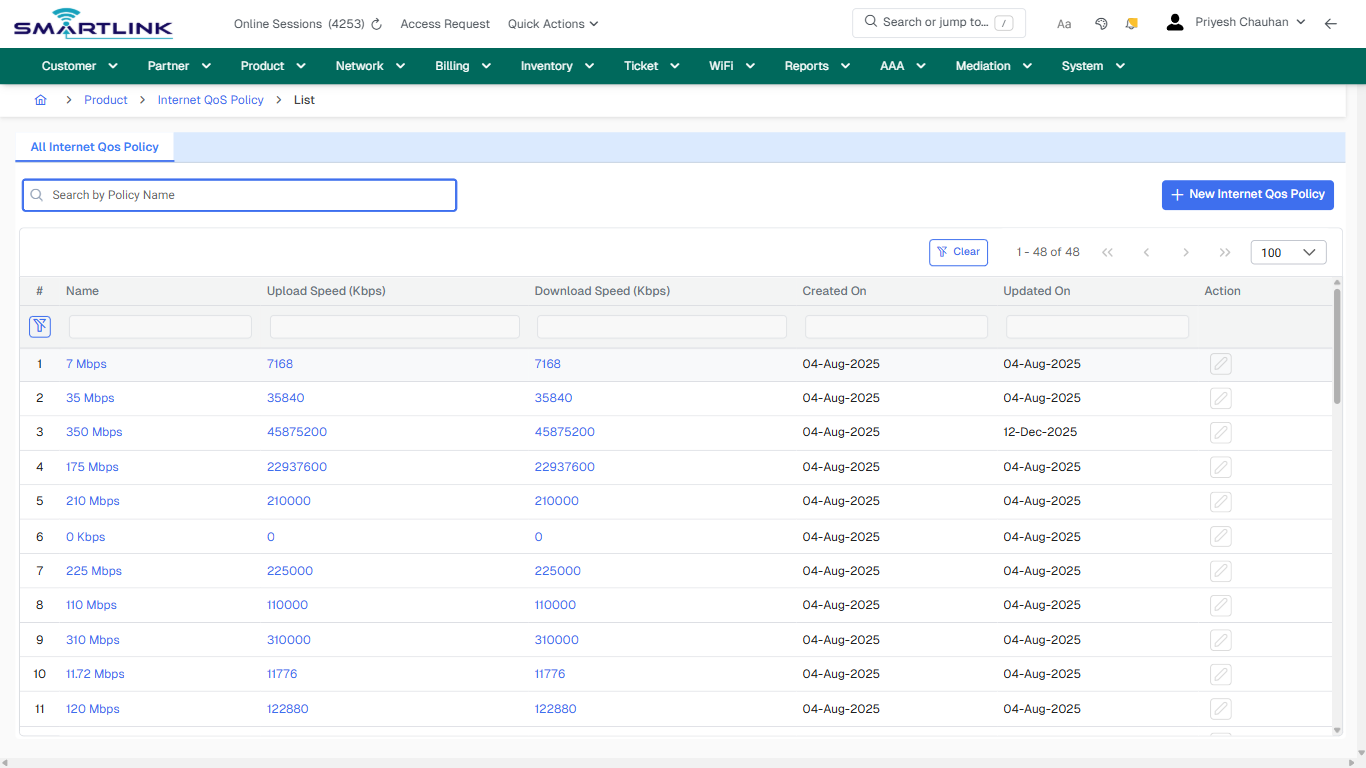
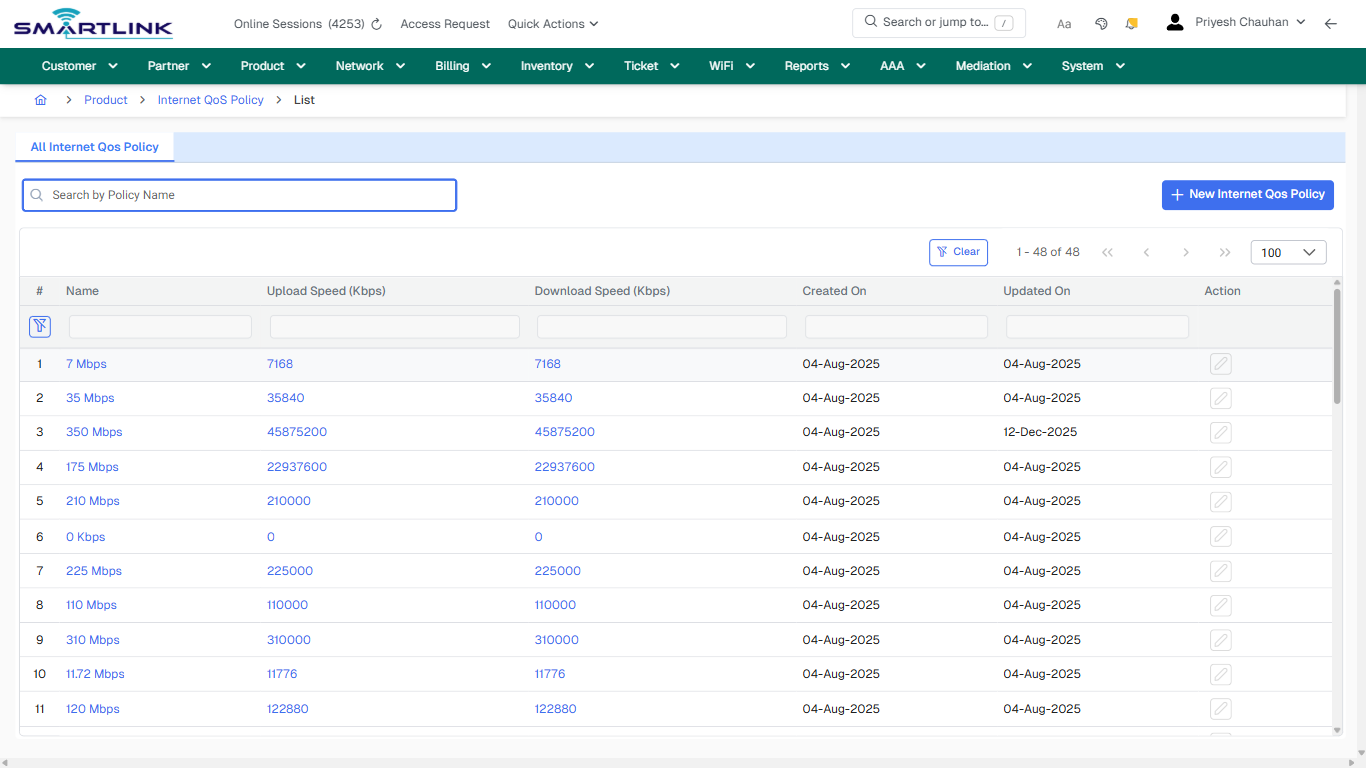
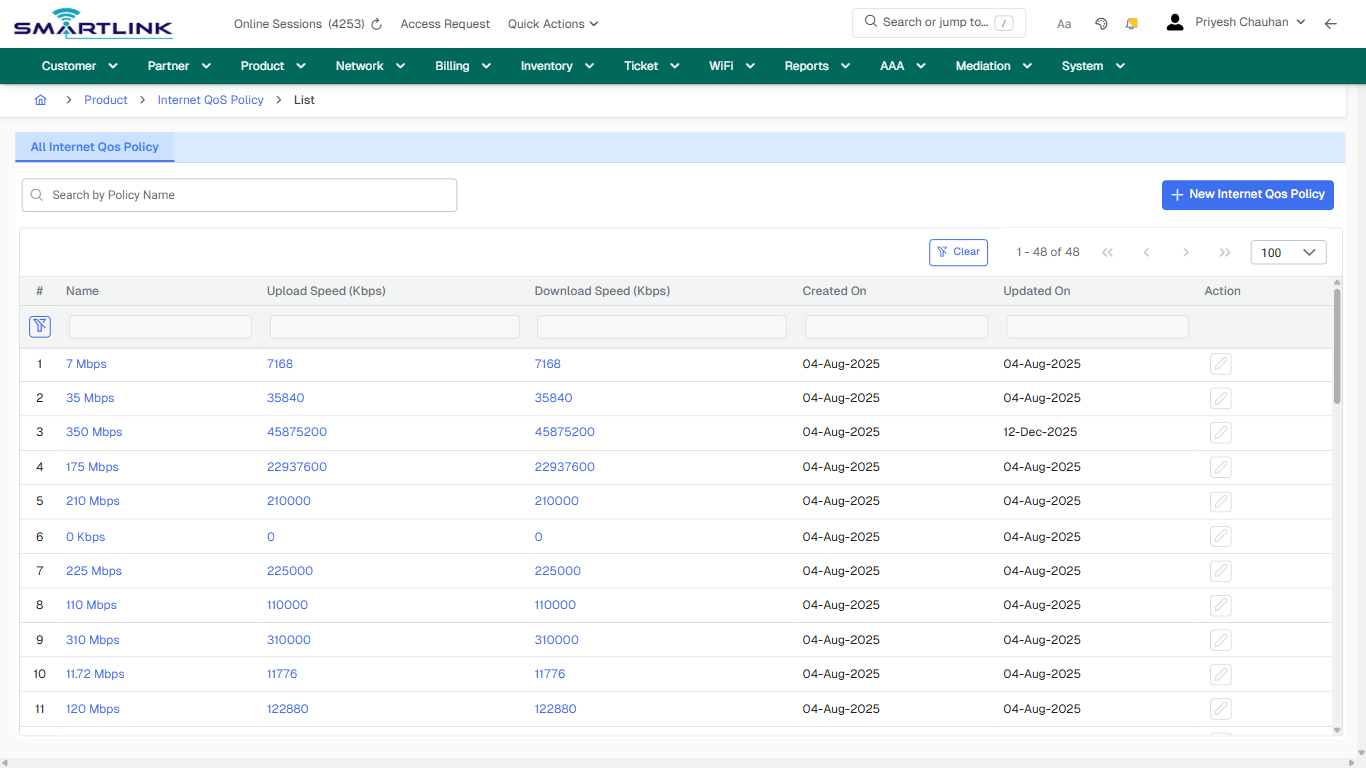
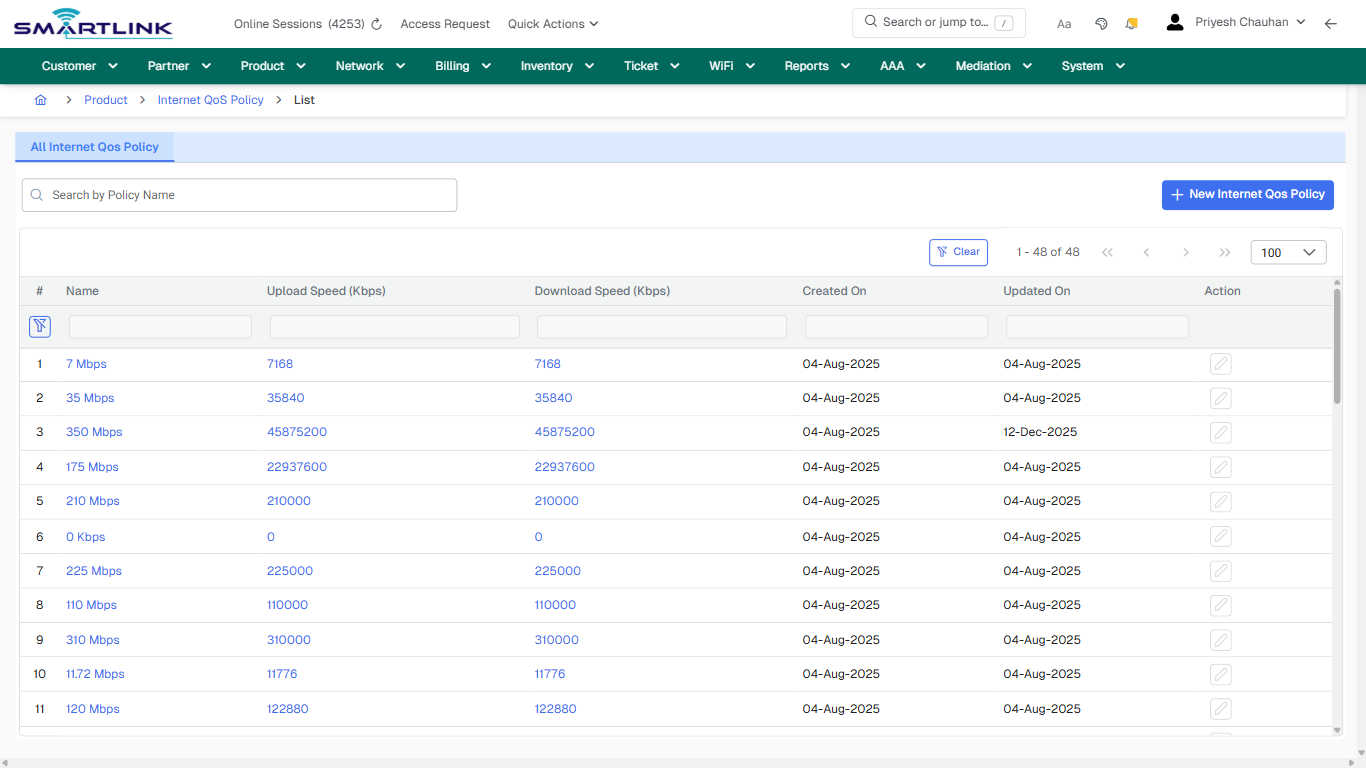
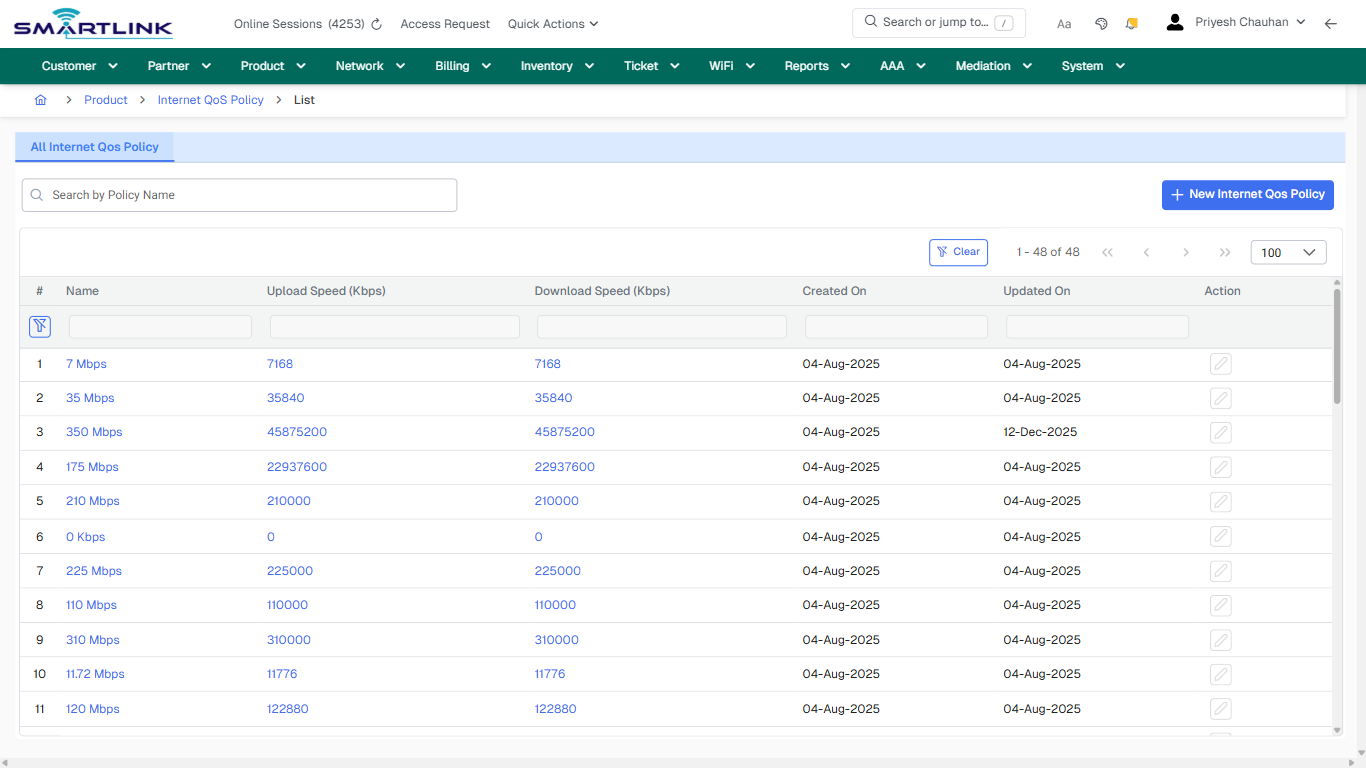
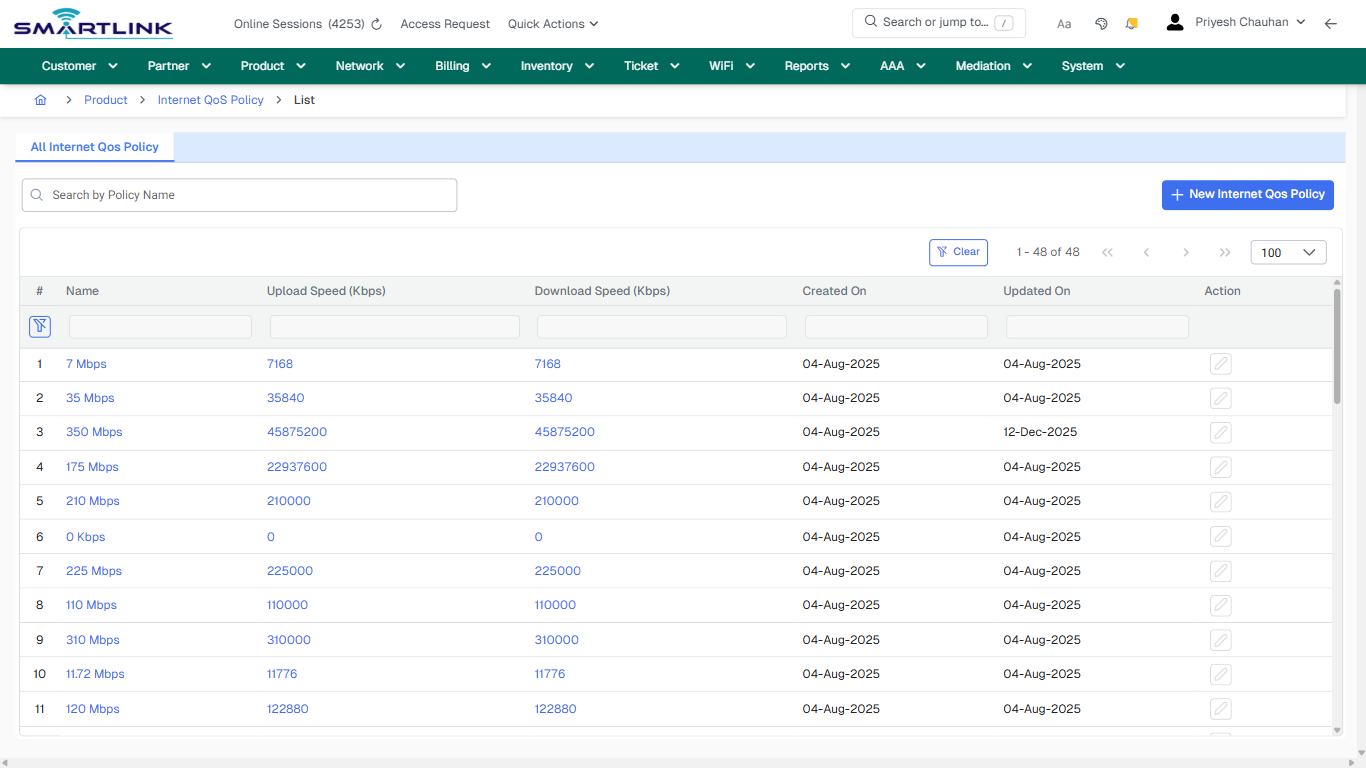
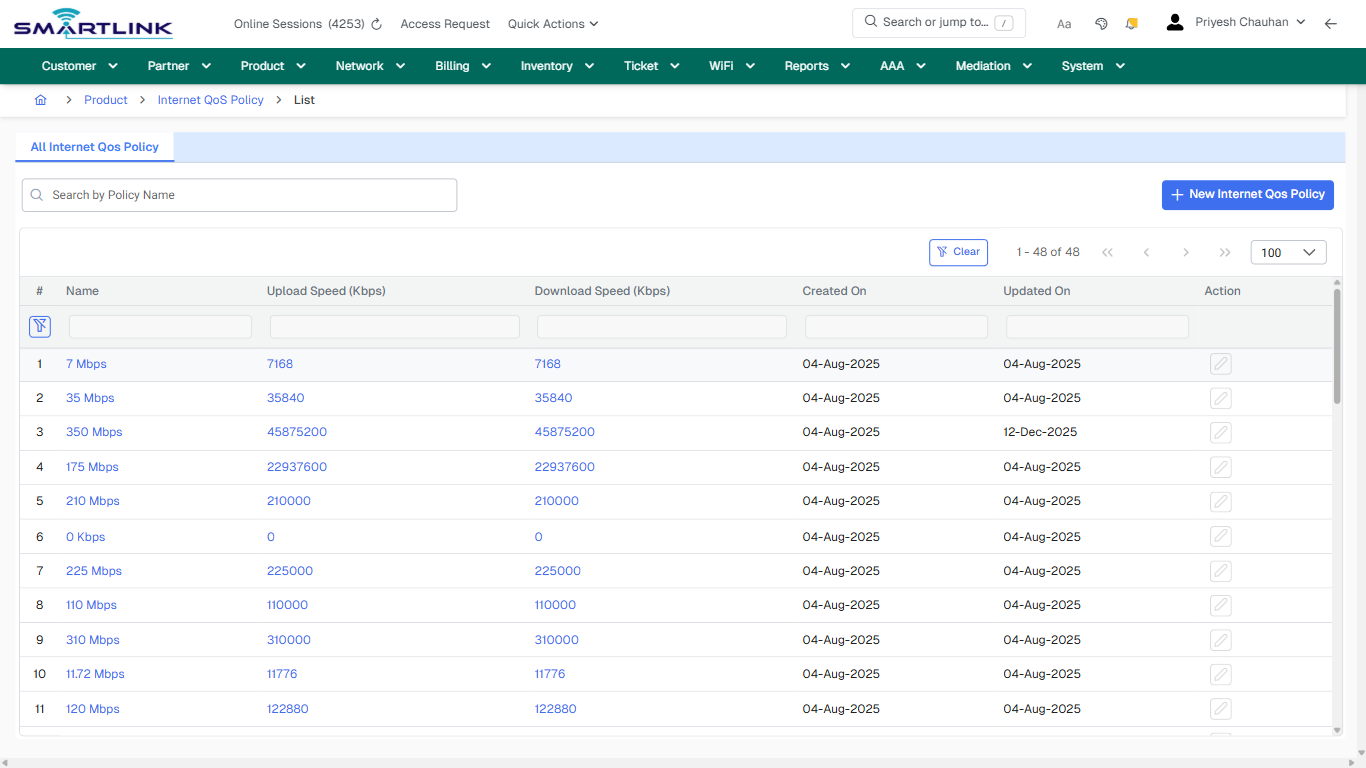
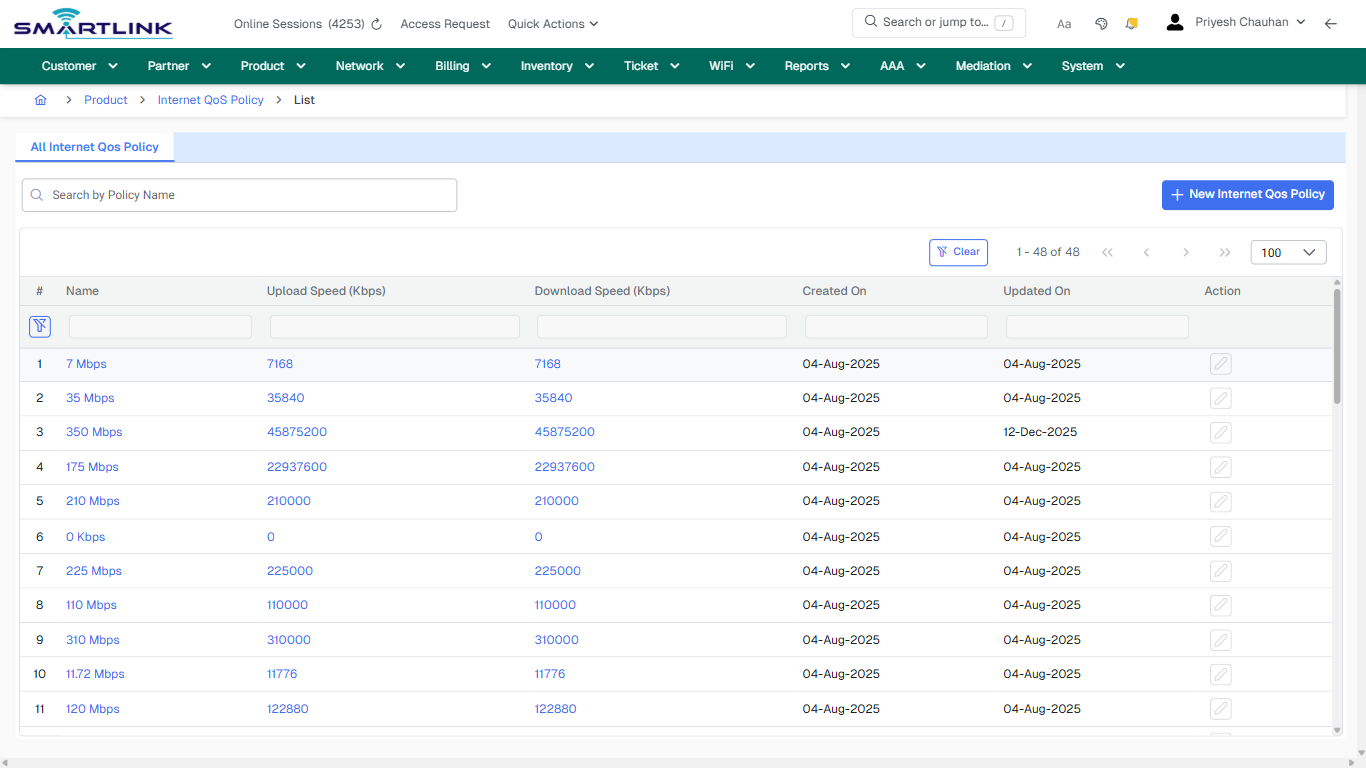
- **Actions detected:** Auto, Close, Product, Internet QoS Policy, New Internet Qos Policy, Clear, 7 Mbps, 7168, 35 Mbps, 35840, 350 Mbps, 45875200, 175 Mbps, 22937600, 210 Mbps, 210000, 0 Kbps, 0, 225 Mbps, 225000

## Validation &amp; Safety Checks

- Confirm identifiers before saving.
- Confirm lifecycle state allows the change.
- Confirm rollback/support path exists for production actions.
 
## Escalation Guidance

- **L1:** Verify input, permissions, and entity state.
- **L2:** Validate dependencies and downstream state.
- **L3/Admin:** Policy/config changes or suspected defect.
 
---

## Screenshots

## default

**Captured URL:** https://admin.myslbb.com/#/pro/iqos/all

<div id="bkmrk-images-uploading%E2%80%A6">*Images uploading…*<div data-img-token="IMG_PLACEHOLDER_0_1770130774215">![screenshot](https://kb.i2itechservices.com/uploads/images/gallery/2026-02/admin-myslbb-com-pro-iqos-all-default-b1bd6ad432-part-01.png)

![screenshot](https://kb.i2itechservices.com/uploads/images/gallery/2026-02/admin-myslbb-com-pro-iqos-all-default-b1bd6ad432-part-02.png)

</div></div>---

## ui\_tab\_1

**Captured URL:** https://admin.myslbb.com/#/pro/iqos/all

<div id="bkmrk-images-uploading%E2%80%A6-1">*Images uploading…*<div data-img-token="IMG_PLACEHOLDER_1_1770130774215">![screenshot](https://kb.i2itechservices.com/uploads/images/gallery/2026-02/admin-myslbb-com-pro-iqos-all-ui-tab-1-288b3a901d-part-01.png)

![screenshot](https://kb.i2itechservices.com/uploads/images/gallery/2026-02/admin-myslbb-com-pro-iqos-all-ui-tab-1-288b3a901d-part-02.png)

</div></div>---

## common\_tab\_1

**Captured URL:** https://admin.myslbb.com/#/pro/iqos/all

<div id="bkmrk-images-uploading%E2%80%A6-2">*Images uploading…*<div data-img-token="IMG_PLACEHOLDER_2_1770130774215">![screenshot](https://kb.i2itechservices.com/uploads/images/gallery/2026-02/admin-myslbb-com-pro-iqos-all-common-tab-1-89614d0fe4-part-01.png)

![screenshot](https://kb.i2itechservices.com/uploads/images/gallery/2026-02/admin-myslbb-com-pro-iqos-all-common-tab-1-89614d0fe4-part-02.png)

</div></div>---

## common\_tab\_2

**Captured URL:** https://admin.myslbb.com/#/pro/iqos/all

<div id="bkmrk-images-uploading%E2%80%A6-3">*Images uploading…*<div data-img-token="IMG_PLACEHOLDER_3_1770130774215">![screenshot](https://kb.i2itechservices.com/uploads/images/gallery/2026-02/admin-myslbb-com-pro-iqos-all-common-tab-2-31b8dbc723-part-01.png)

![screenshot](https://kb.i2itechservices.com/uploads/images/gallery/2026-02/admin-myslbb-com-pro-iqos-all-common-tab-2-31b8dbc723-part-02.png)

</div></div>---

## drilldown\_one\_item

**Captured URL:** https://admin.myslbb.com/#/pro/iqos/all

<div id="bkmrk-images-uploading%E2%80%A6-4">*Images uploading…*<div data-img-token="IMG_PLACEHOLDER_4_1770130774215">![screenshot](https://kb.i2itechservices.com/uploads/images/gallery/2026-02/admin-myslbb-com-pro-iqos-all-drilldown-one-item-7053ae4525-part-01.png)

![screenshot](https://kb.i2itechservices.com/uploads/images/gallery/2026-02/admin-myslbb-com-pro-iqos-all-drilldown-one-item-7053ae4525-part-02.png)

</div></div>

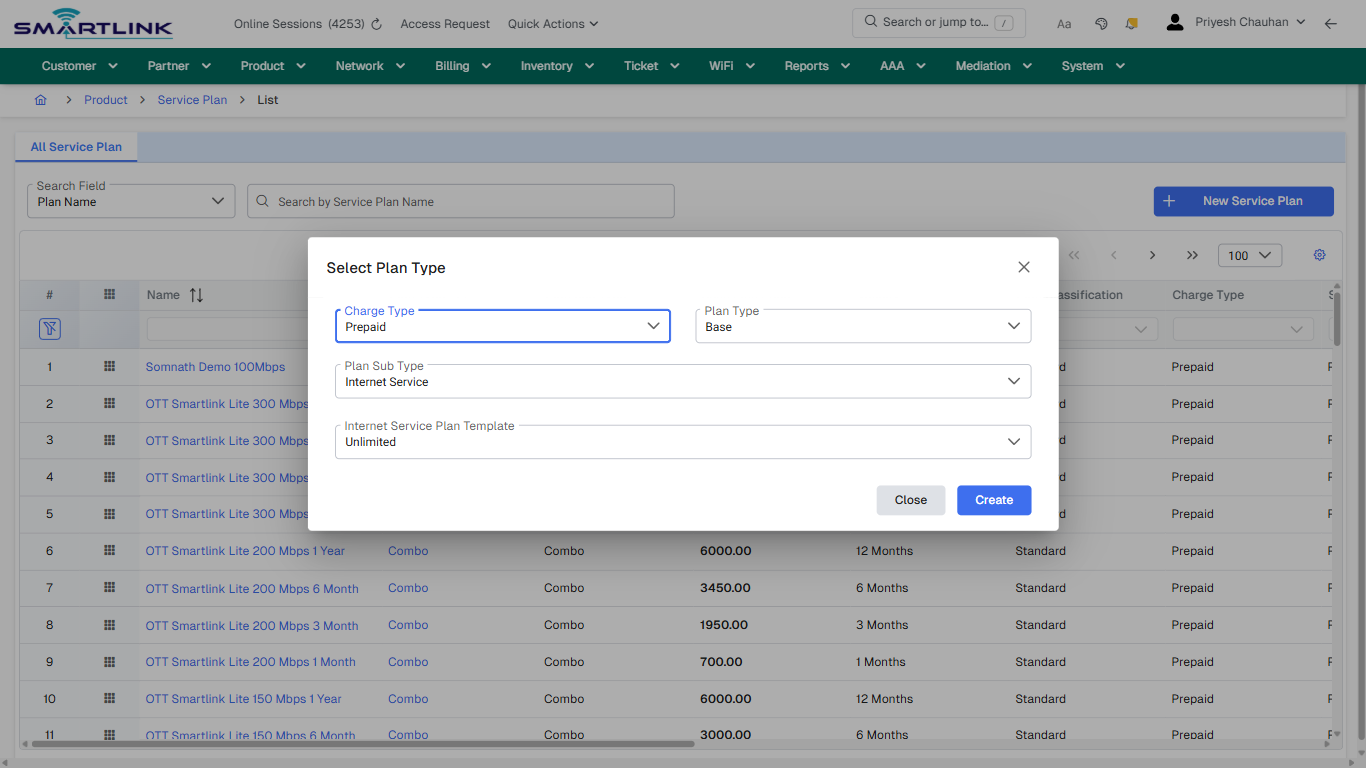
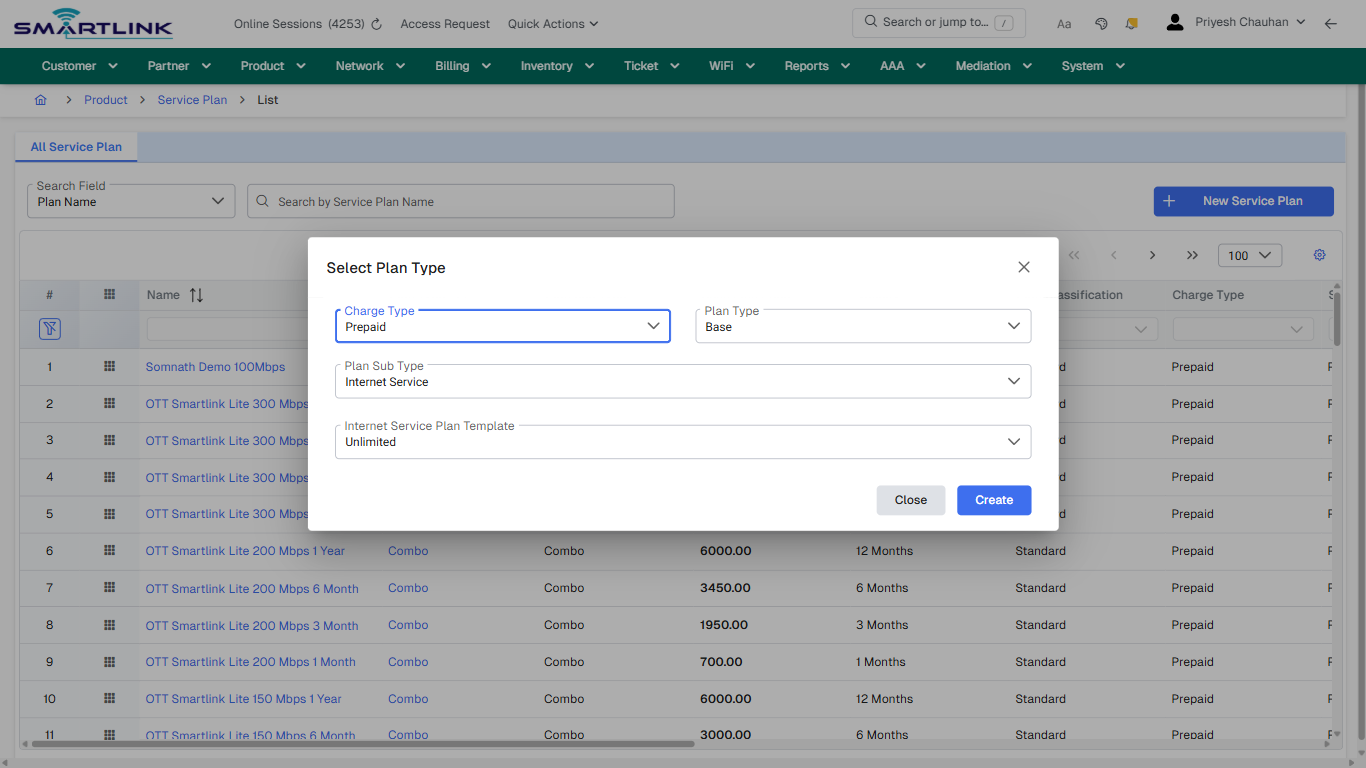
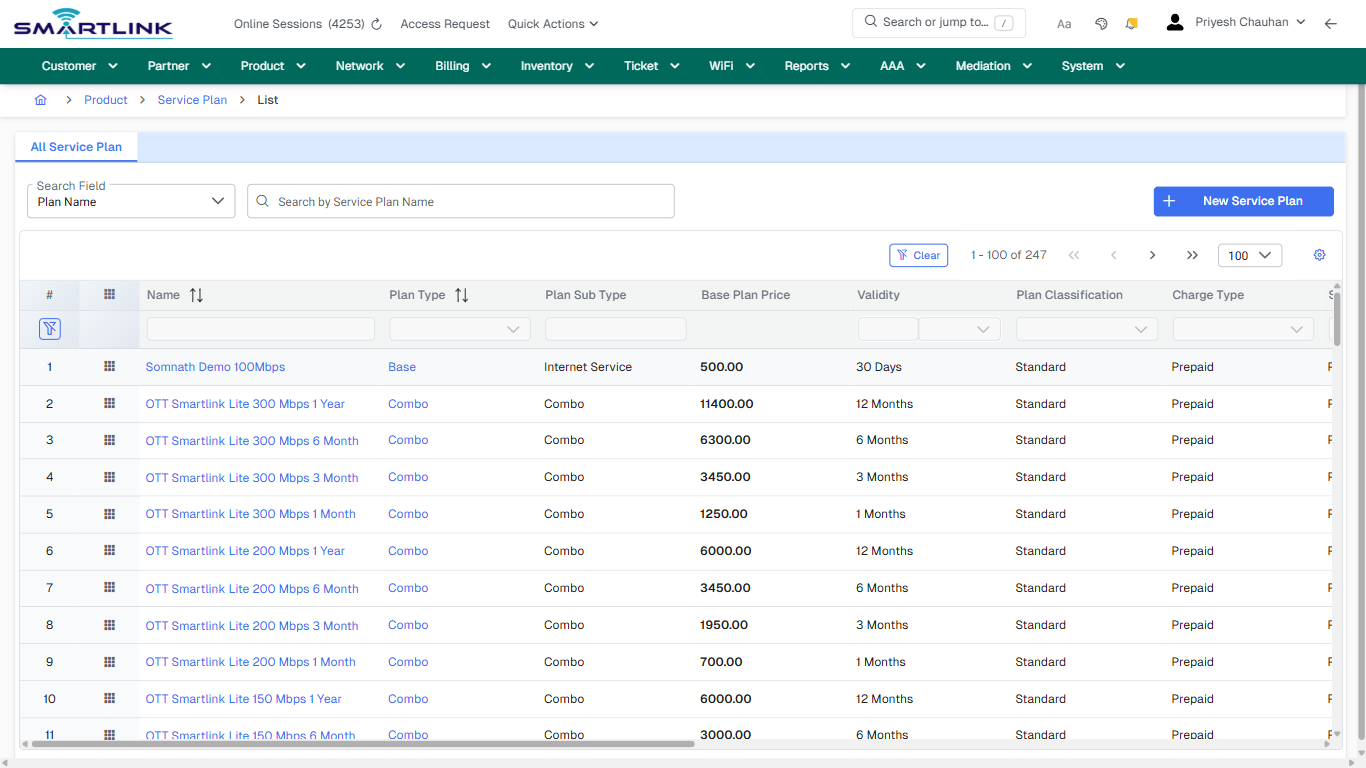
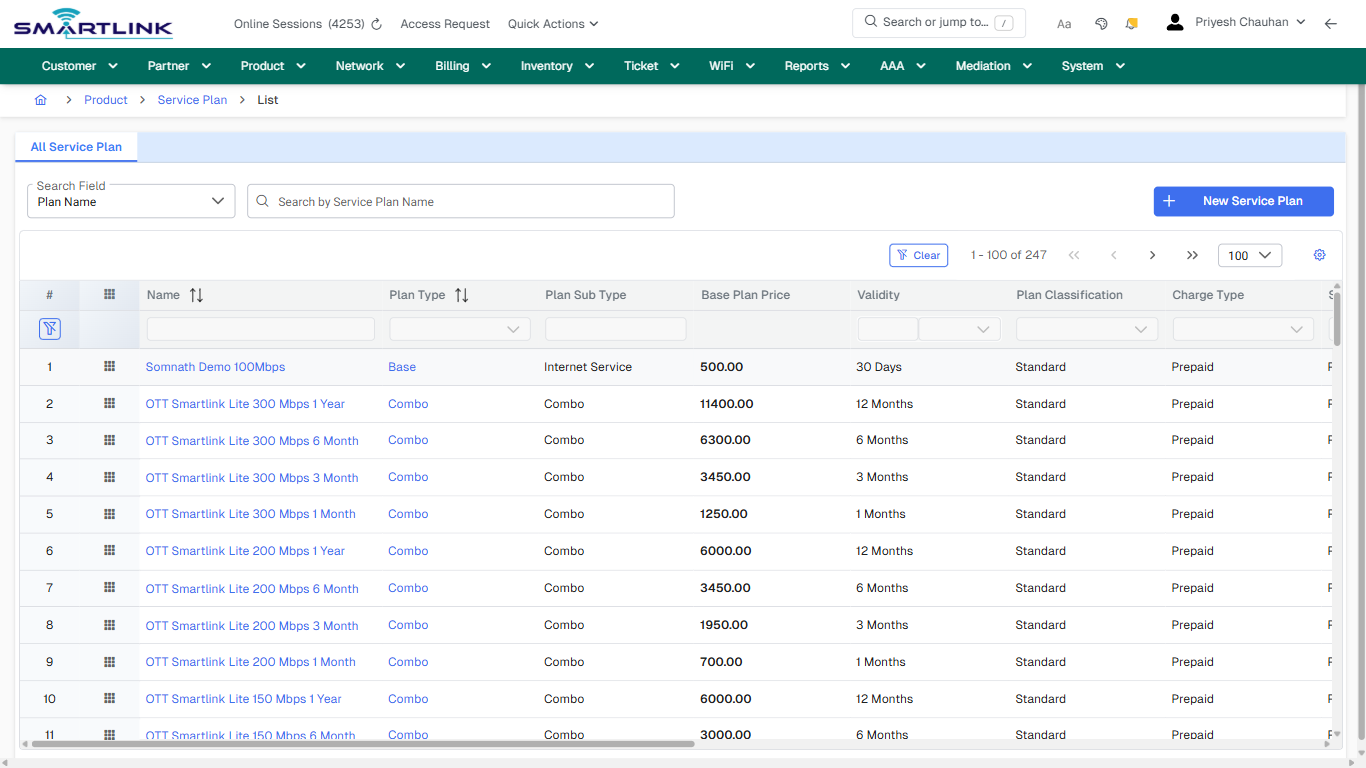
# pro > plan > list > all

# pro &gt; plan &gt; list &gt; all

**Route:** pro/plan/list/all

**URL:** https://admin.myslbb.com/#/pro/plan/list/all

---

## Overview

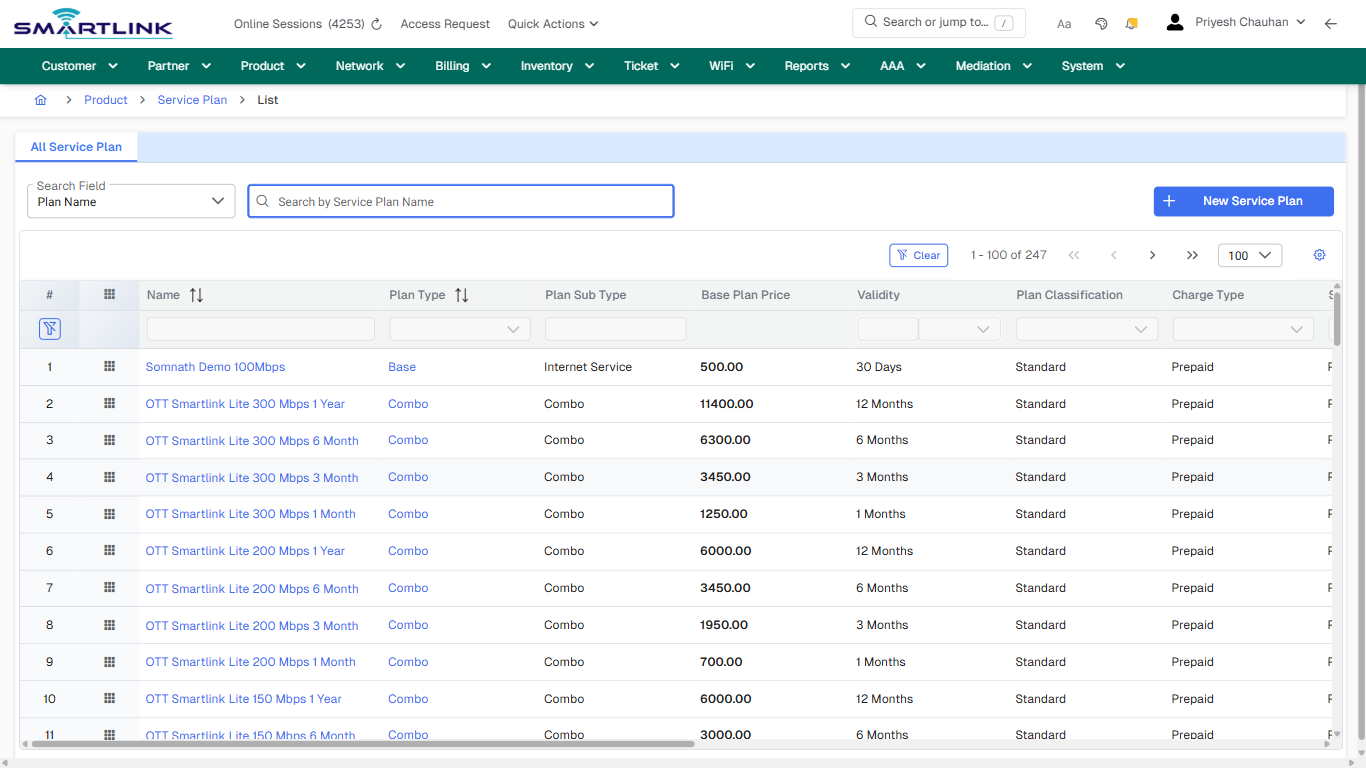
 This page is a draft SOP reference for the above screen in **i2i Core OSS/BSS**. It is auto-generated from UI exports and should be reviewed for operational correctness before customer release.

## When to Use

- Use this screen for the workflow represented by this route.
- Do not make billing/AAA/provisioning-impacting changes without required authorization.
 
## Typical Workflow

1. Verify you are working on the correct entity (Customer/Account/Service).
2. Review the current lifecycle state before making changes.
3. Apply changes and validate system response.
4. Confirm downstream impact (AAA/Provisioning/Billing) where applicable.
 
## Field &amp; Action Hints (Auto-detected)

- **Fields detected:** Search Field
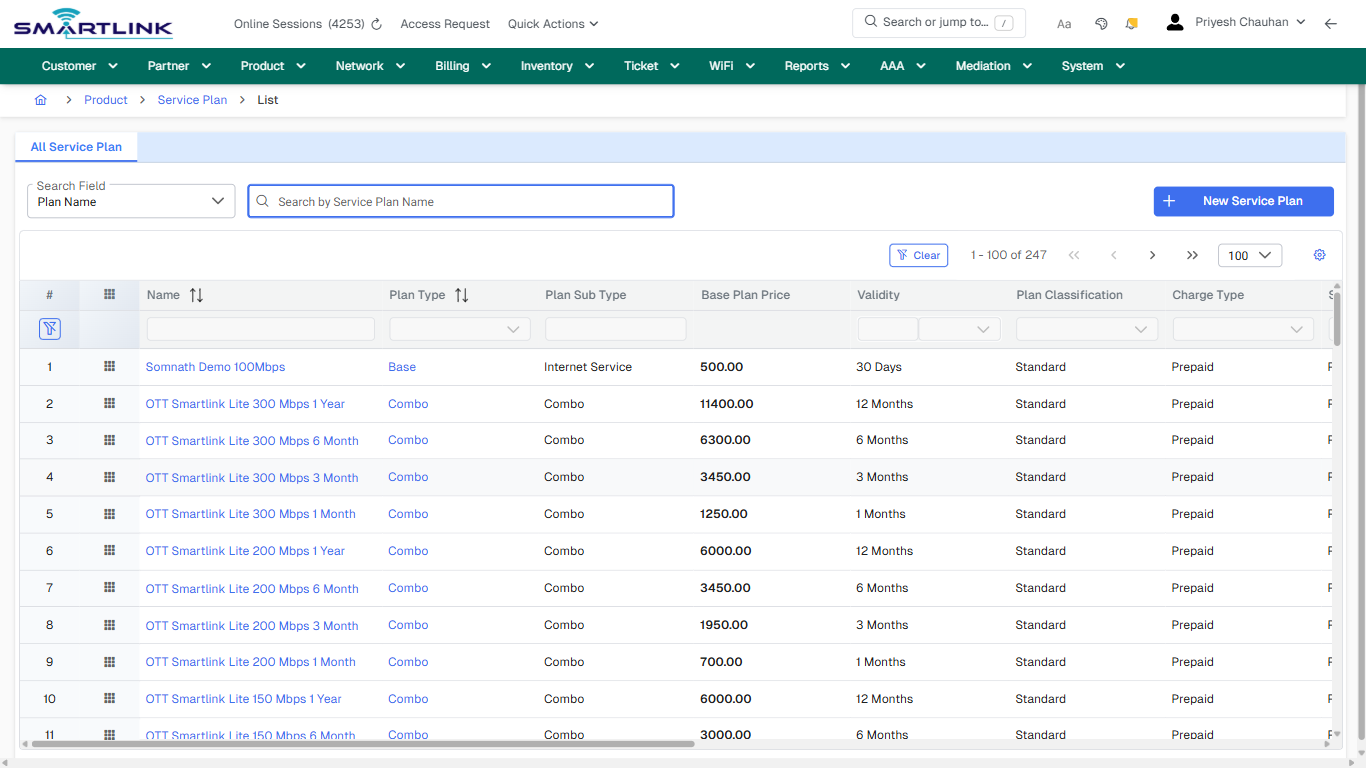
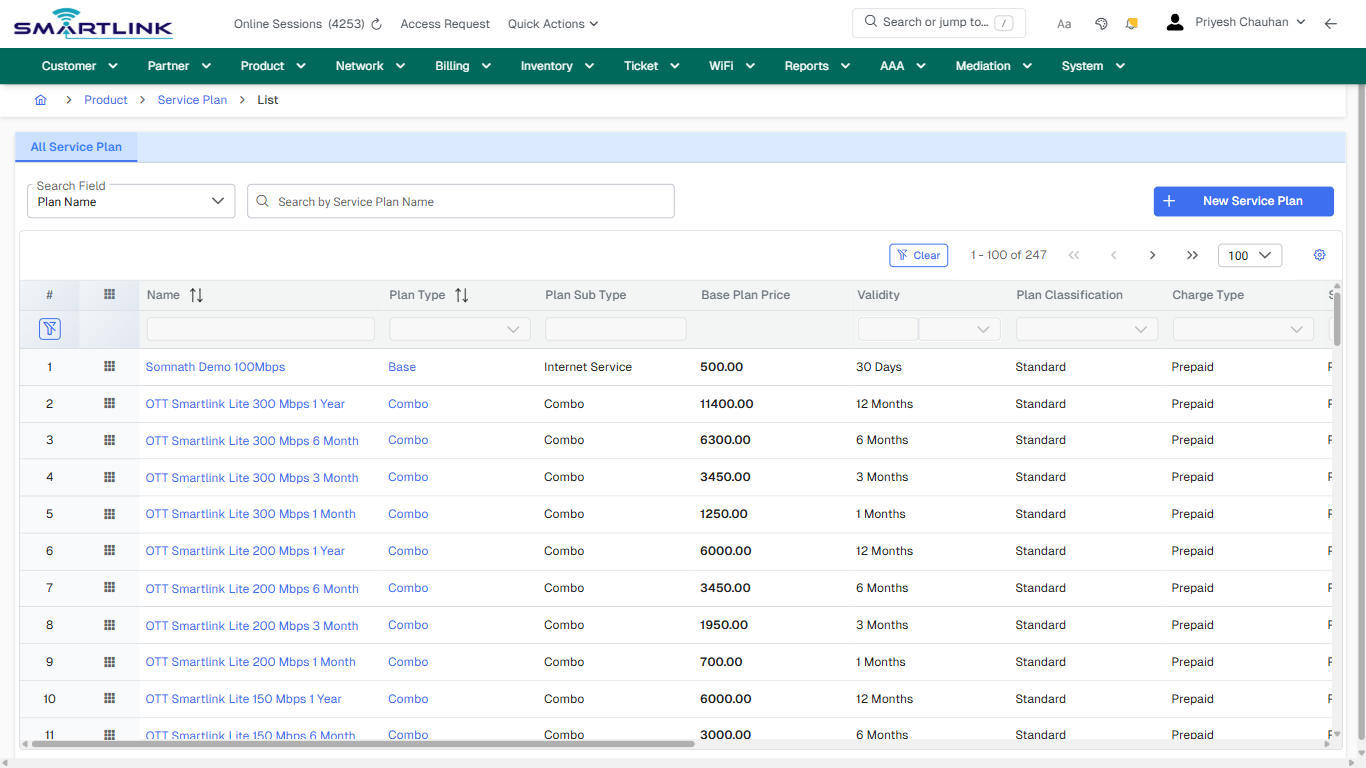
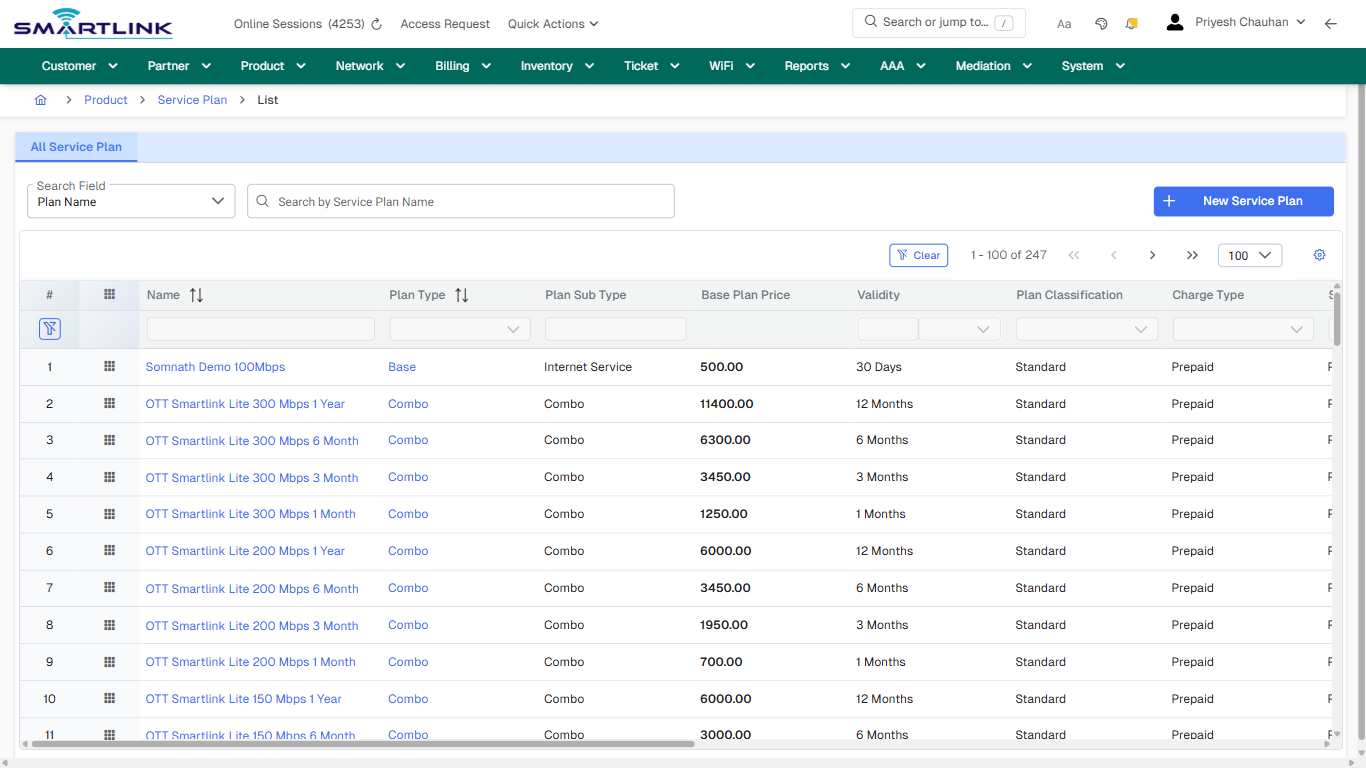
- **Actions detected:** Auto, Close, Product, Service Plan, New Service Plan, Clear, Somnath Demo 100Mbps, Base, OTT Smartlink Lite 300 Mbps 1 Year, Combo, OTT Smartlink Lite 300 Mbps 6 Month, OTT Smartlink Lite 300 Mbps 3 Month, OTT Smartlink Lite 300 Mbps 1 Month, OTT Smartlink Lite 200 Mbps 1 Year, OTT Smartlink Lite 200 Mbps 6 Month, OTT Smartlink Lite 200 Mbps 3 Month, OTT Smartlink Lite 200 Mbps 1 Month, OTT Smartlink Lite 150 Mbps 1 Year, OTT Smartlink Lite 150 Mbps 6 Month, OTT Smartlink Lite 150 Mbps 3 Month

## Validation &amp; Safety Checks

- Confirm identifiers before saving.
- Confirm lifecycle state allows the change.
- Confirm rollback/support path exists for production actions.
 
## Escalation Guidance

- **L1:** Verify input, permissions, and entity state.
- **L2:** Validate dependencies and downstream state.
- **L3/Admin:** Policy/config changes or suspected defect.
 
---

## Screenshots

## default

**Captured URL:** https://admin.myslbb.com/#/pro/plan/list/all

<div id="bkmrk-images-uploading%E2%80%A6">*Images uploading…*<div data-img-token="IMG_PLACEHOLDER_0_1770130780939">![screenshot](https://kb.i2itechservices.com/uploads/images/gallery/2026-02/admin-myslbb-com-pro-plan-list-all-default-705d66c9df-part-01.png)

![screenshot](https://kb.i2itechservices.com/uploads/images/gallery/2026-02/admin-myslbb-com-pro-plan-list-all-default-705d66c9df-part-02.png)

</div></div>---

## ui\_tab\_1

**Captured URL:** https://admin.myslbb.com/#/pro/plan/list/all

<div id="bkmrk-images-uploading%E2%80%A6-1">*Images uploading…*<div data-img-token="IMG_PLACEHOLDER_1_1770130780939">![screenshot](https://kb.i2itechservices.com/uploads/images/gallery/2026-02/admin-myslbb-com-pro-plan-list-all-ui-tab-1-33ce81e120-part-01.png)

![screenshot](https://kb.i2itechservices.com/uploads/images/gallery/2026-02/admin-myslbb-com-pro-plan-list-all-ui-tab-1-33ce81e120-part-02.png)

</div></div>---

## common\_tab\_1

**Captured URL:** https://admin.myslbb.com/#/pro/plan/list/all

<div id="bkmrk-images-uploading%E2%80%A6-2">*Images uploading…*<div data-img-token="IMG_PLACEHOLDER_2_1770130780939">![screenshot](https://kb.i2itechservices.com/uploads/images/gallery/2026-02/admin-myslbb-com-pro-plan-list-all-common-tab-1-b9ef4cc515-part-01.png)

![screenshot](https://kb.i2itechservices.com/uploads/images/gallery/2026-02/admin-myslbb-com-pro-plan-list-all-common-tab-1-b9ef4cc515-part-02.png)

</div></div>---

## common\_tab\_2

**Captured URL:** https://admin.myslbb.com/#/pro/plan/list/all

<div id="bkmrk-images-uploading%E2%80%A6-3">*Images uploading…*<div data-img-token="IMG_PLACEHOLDER_3_1770130780939">![screenshot](https://kb.i2itechservices.com/uploads/images/gallery/2026-02/admin-myslbb-com-pro-plan-list-all-common-tab-2-f059443c90-part-01.png)

![screenshot](https://kb.i2itechservices.com/uploads/images/gallery/2026-02/admin-myslbb-com-pro-plan-list-all-common-tab-2-f059443c90-part-02.png)

</div></div>---

## create\_new

**Captured URL:** https://admin.myslbb.com/#/pro/plan/list/all

<div id="bkmrk-images-uploading%E2%80%A6-4">*Images uploading…*<div data-img-token="IMG_PLACEHOLDER_4_1770130780939">![screenshot](https://kb.i2itechservices.com/uploads/images/gallery/2026-02/admin-myslbb-com-pro-plan-list-all-create-new-453d13795c-part-01.png)

![screenshot](https://kb.i2itechservices.com/uploads/images/gallery/2026-02/admin-myslbb-com-pro-plan-list-all-create-new-453d13795c-part-02.png)

</div></div>---

## drilldown\_one\_item

**Captured URL:** https://admin.myslbb.com/#/pro/plan/list/all

<div id="bkmrk-images-uploading%E2%80%A6-5">*Images uploading…*<div data-img-token="IMG_PLACEHOLDER_5_1770130780939">![screenshot](https://kb.i2itechservices.com/uploads/images/gallery/2026-02/admin-myslbb-com-pro-plan-list-all-drilldown-one-item-131398cc4e-part-01.png)

![screenshot](https://kb.i2itechservices.com/uploads/images/gallery/2026-02/admin-myslbb-com-pro-plan-list-all-drilldown-one-item-131398cc4e-part-02.png)

</div></div>

# pro > promotion policy > add

# pro &gt; promotion policy &gt; add

**Route:** pro/promotion-policy/add

**URL:** https://admin.myslbb.com/#/pro/promotion-policy/add

---

## Overview

 This page is a draft SOP reference for the above screen in **i2i Core OSS/BSS**. It is auto-generated from UI exports and should be reviewed for operational correctness before customer release.

## When to Use

- Use this screen for the workflow represented by this route.
- Do not make billing/AAA/provisioning-impacting changes without required authorization.
 
## Typical Workflow

1. Verify you are working on the correct entity (Customer/Account/Service).
2. Review the current lifecycle state before making changes.
3. Apply changes and validate system response.
4. Confirm downstream impact (AAA/Provisioning/Billing) where applicable.
 
## Field &amp; Action Hints (Auto-detected)

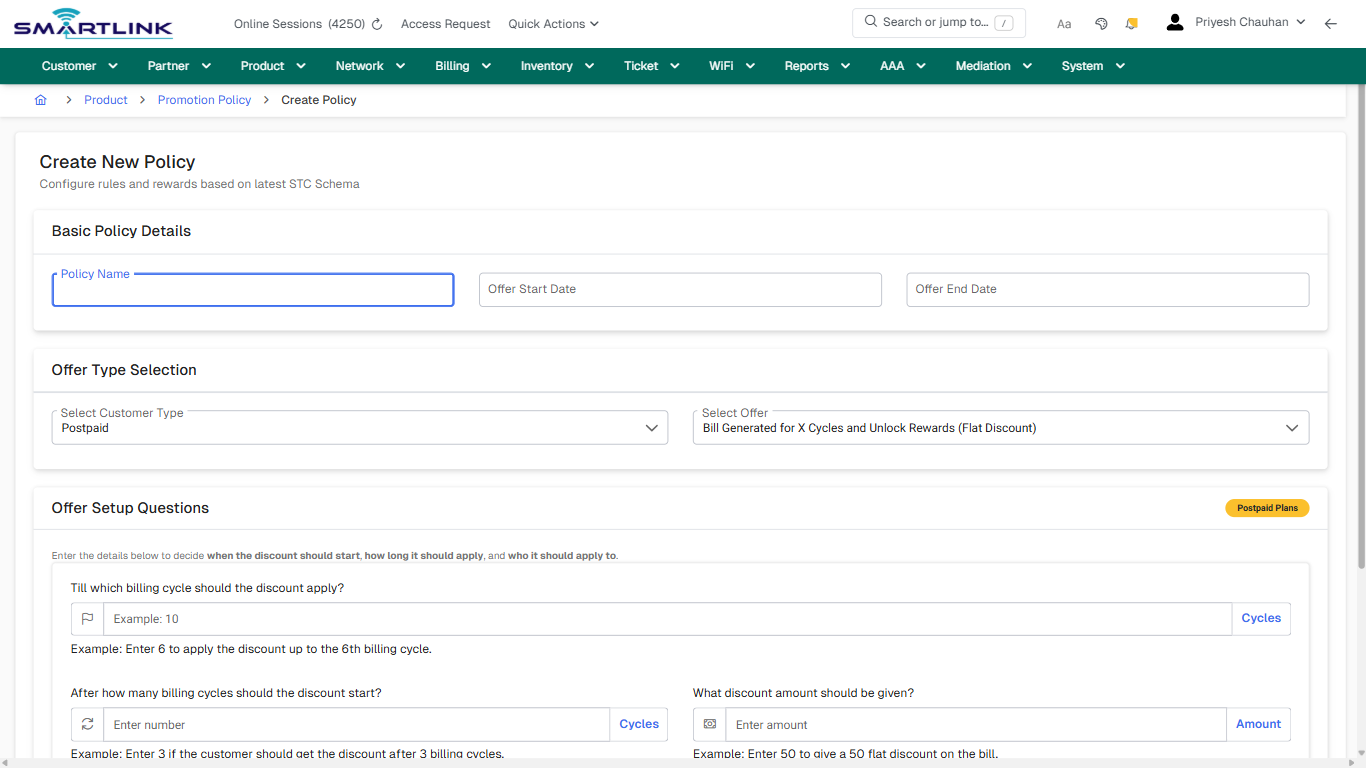
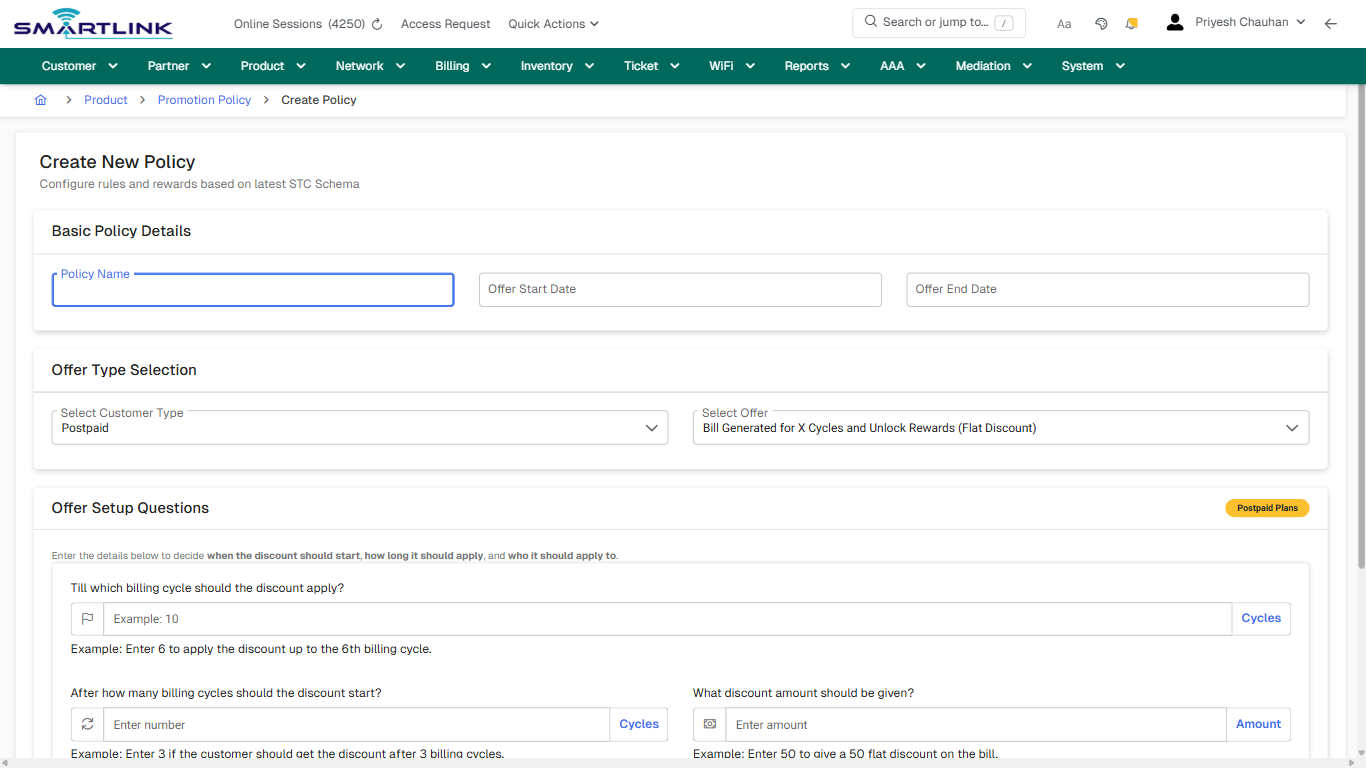
- **Fields detected:** Policy Name, Offer Start Date, Offer End Date, Select Customer Type, Select Offer, What discount amount should be given?, Which partners should this offer apply to?, Which plans should this offer apply to?
- **Actions detected:** Auto, Close, Product, Promotion Policy, Create Policy, Cancel

## Validation &amp; Safety Checks

- Confirm identifiers before saving.
- Confirm lifecycle state allows the change.
- Confirm rollback/support path exists for production actions.
 
## Escalation Guidance

- **L1:** Verify input, permissions, and entity state.
- **L2:** Validate dependencies and downstream state.
- **L3/Admin:** Policy/config changes or suspected defect.
 
---

## Screenshots

## create\_new

**Captured URL:** https://admin.myslbb.com/#/pro/promotion-policy/add

<div id="bkmrk-images-uploading%E2%80%A6">*Images uploading…*<div data-img-token="IMG_PLACEHOLDER_0_1770130788958">![screenshot](https://kb.i2itechservices.com/uploads/images/gallery/2026-02/admin-myslbb-com-pro-promotion-policy-add-create-new-0429eada32-part-01.png)

![screenshot](https://kb.i2itechservices.com/uploads/images/gallery/2026-02/admin-myslbb-com-pro-promotion-policy-add-create-new-0429eada32-part-02.png)

</div></div>

# pro > promotion policy > all

# pro &gt; promotion policy &gt; all

**Route:** pro/promotion-policy/all

**URL:** https://admin.myslbb.com/#/pro/promotion-policy/all

---

## Overview

 This page is a draft SOP reference for the above screen in **i2i Core OSS/BSS**. It is auto-generated from UI exports and should be reviewed for operational correctness before customer release.

## When to Use

- Use this screen for the workflow represented by this route.
- Do not make billing/AAA/provisioning-impacting changes without required authorization.
 
## Typical Workflow

1. Verify you are working on the correct entity (Customer/Account/Service).
2. Review the current lifecycle state before making changes.
3. Apply changes and validate system response.
4. Confirm downstream impact (AAA/Provisioning/Billing) where applicable.
 
## Field &amp; Action Hints (Auto-detected)

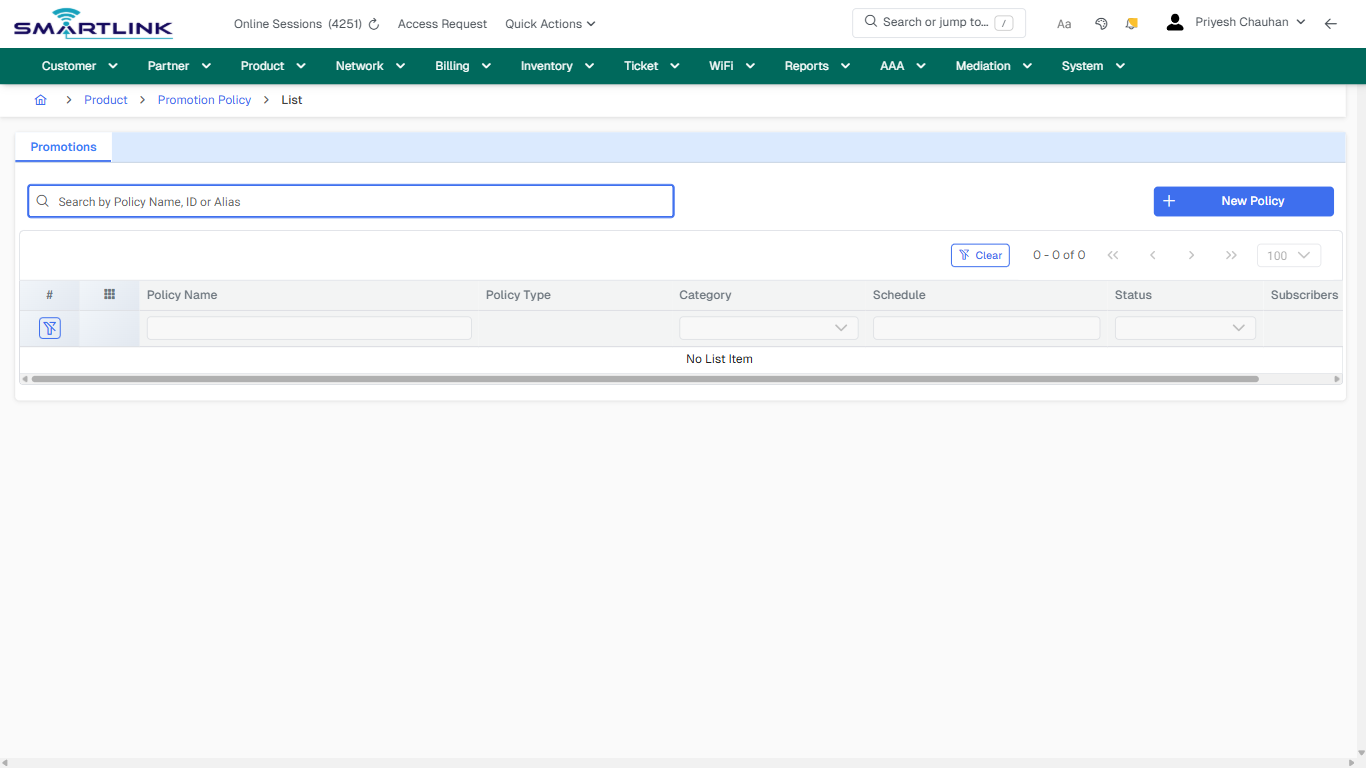
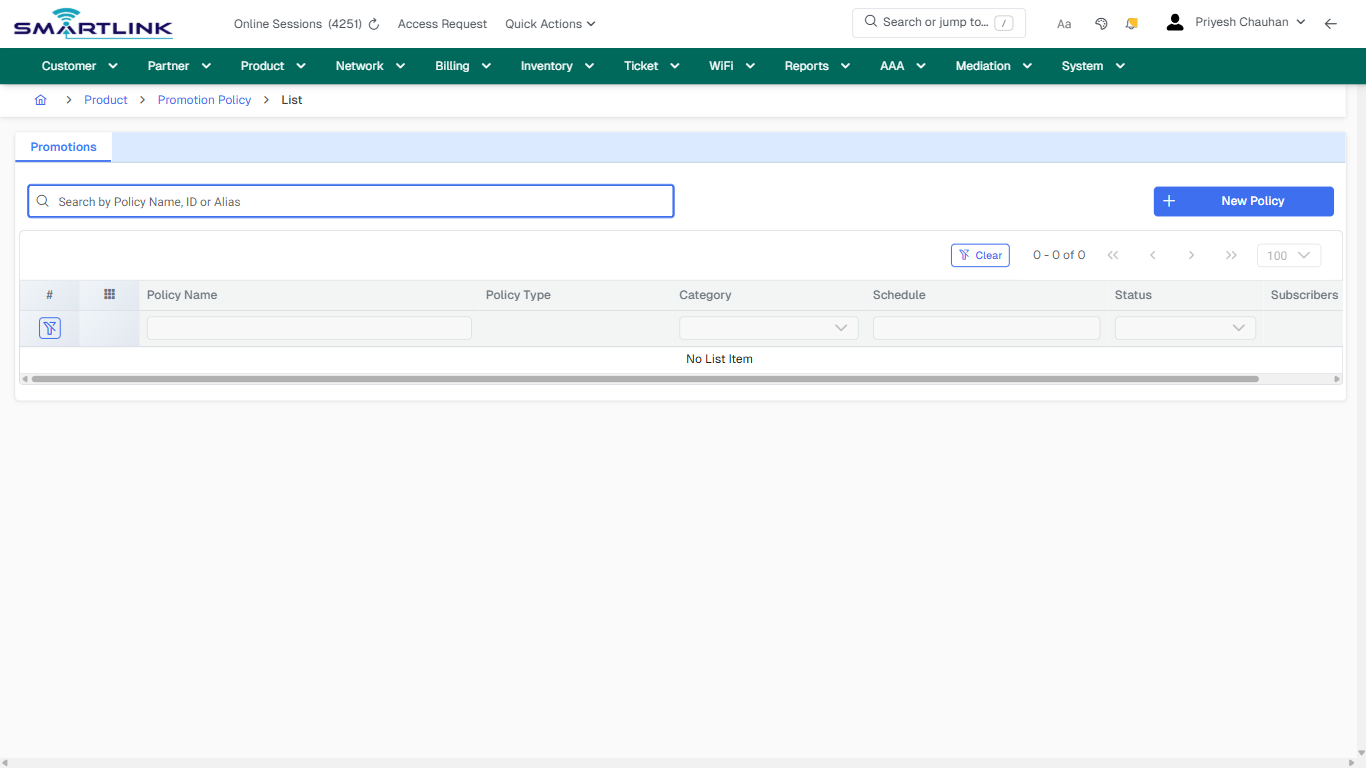
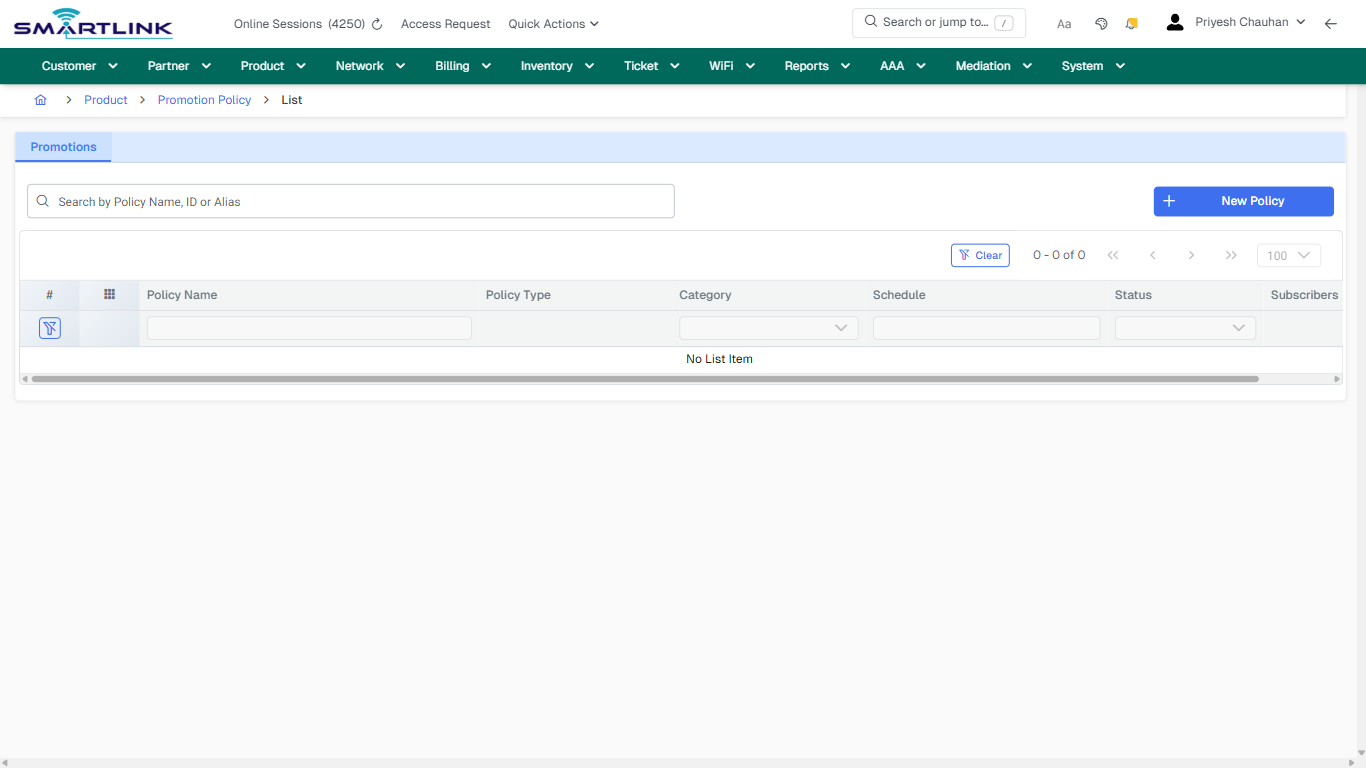
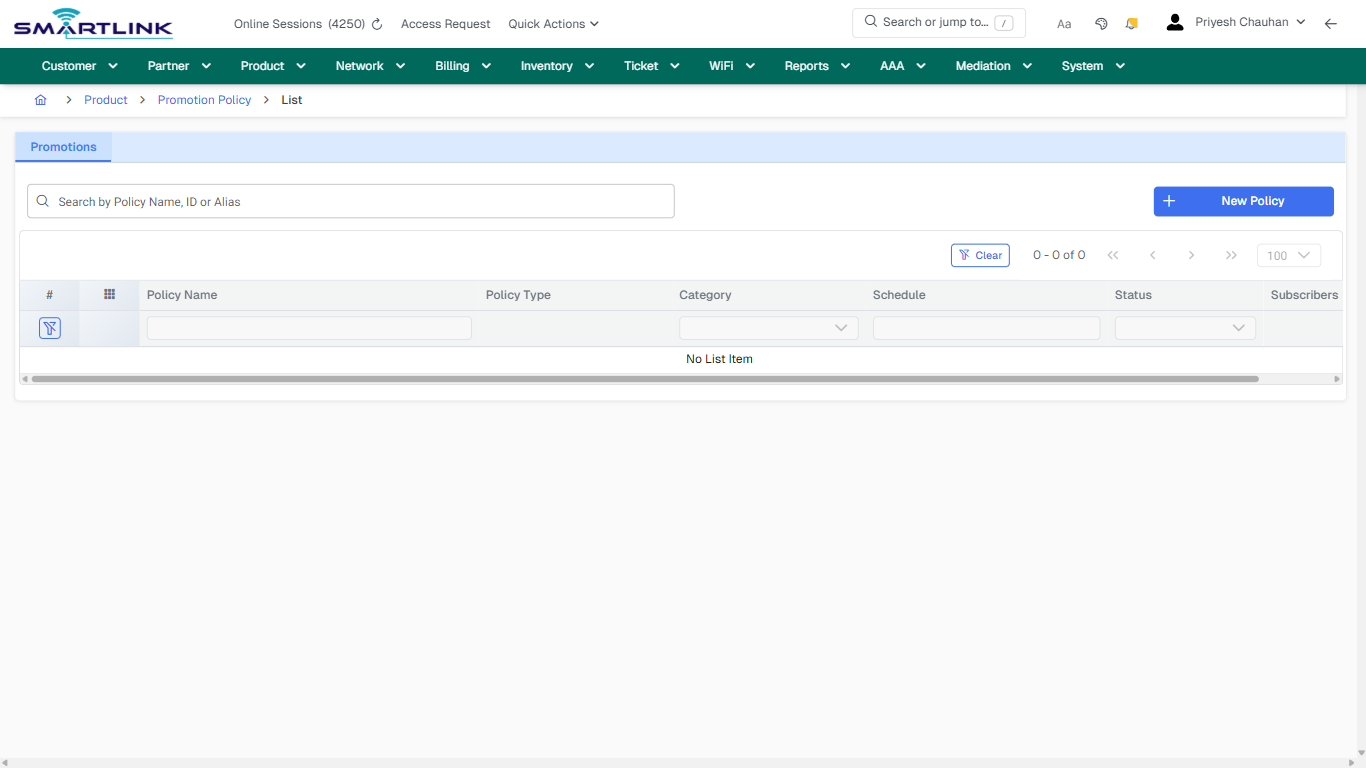
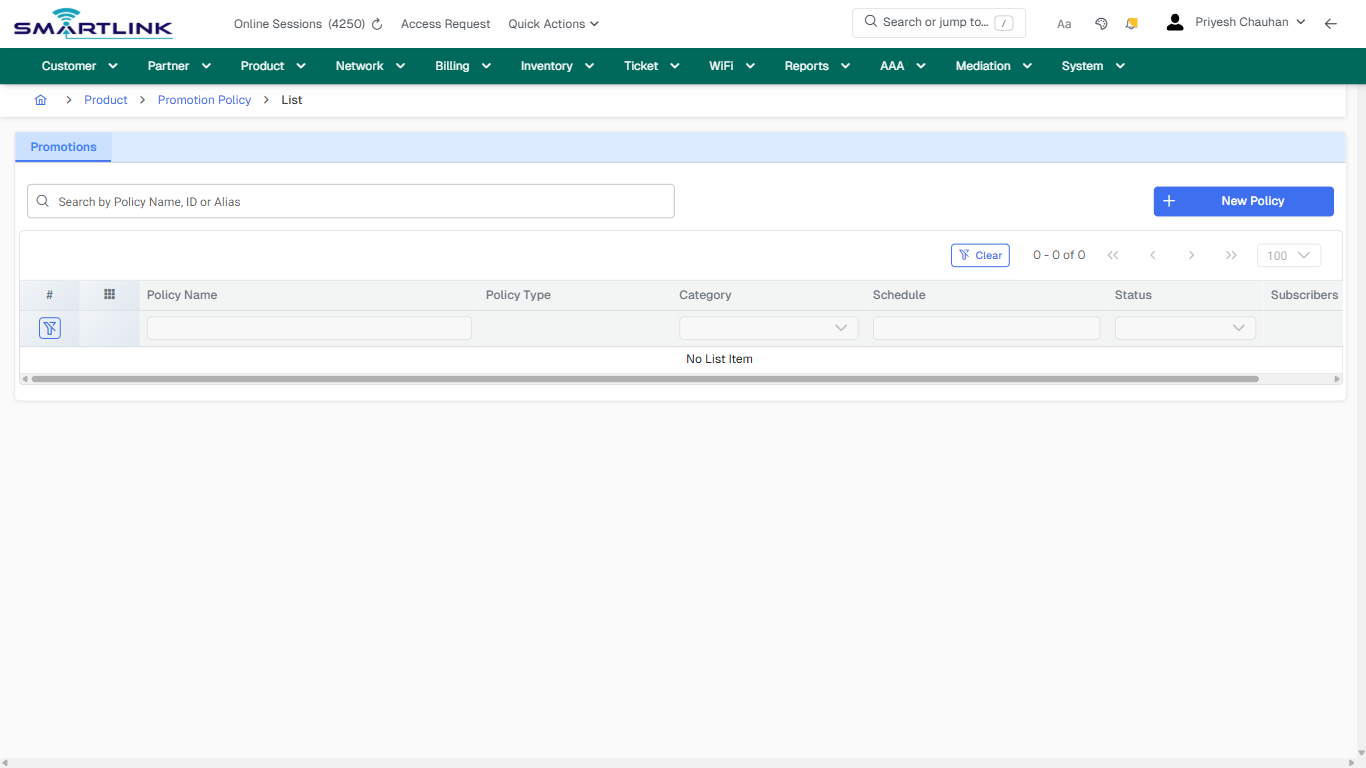
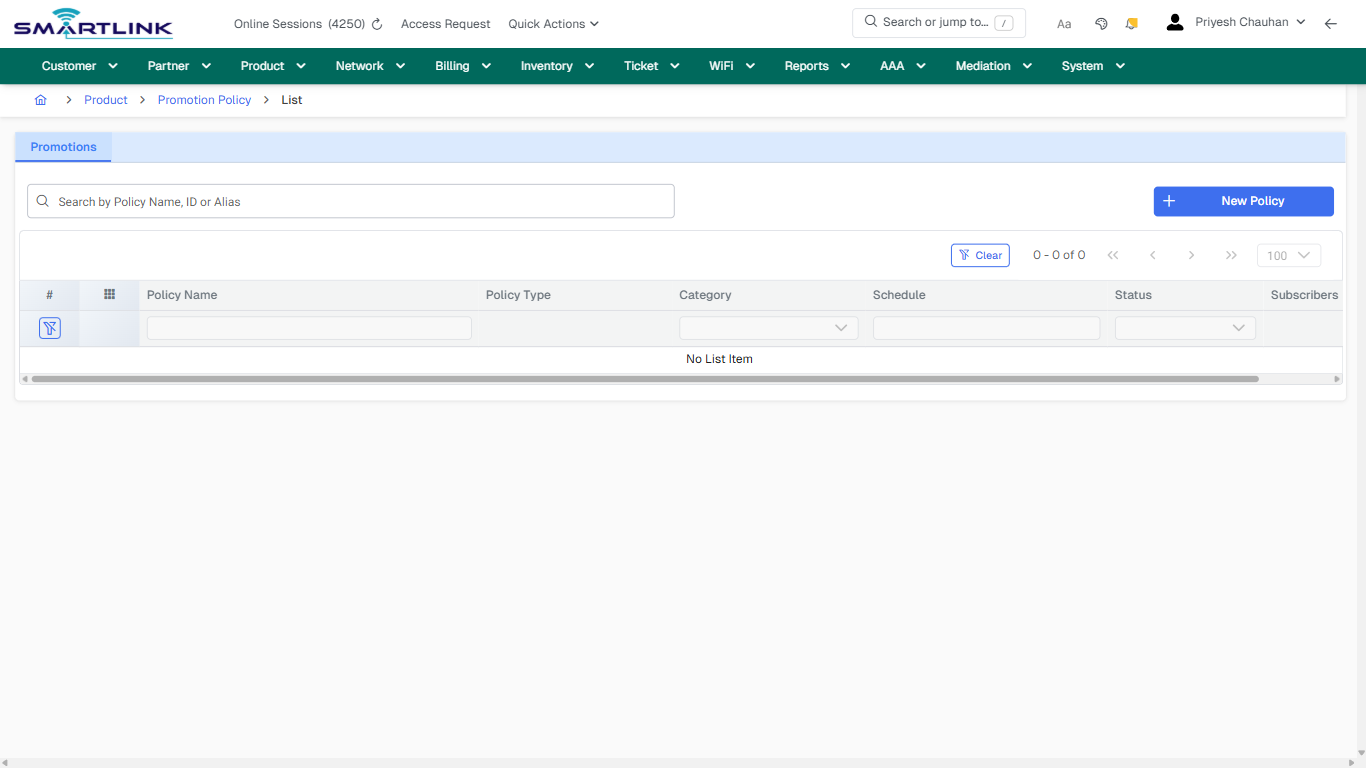
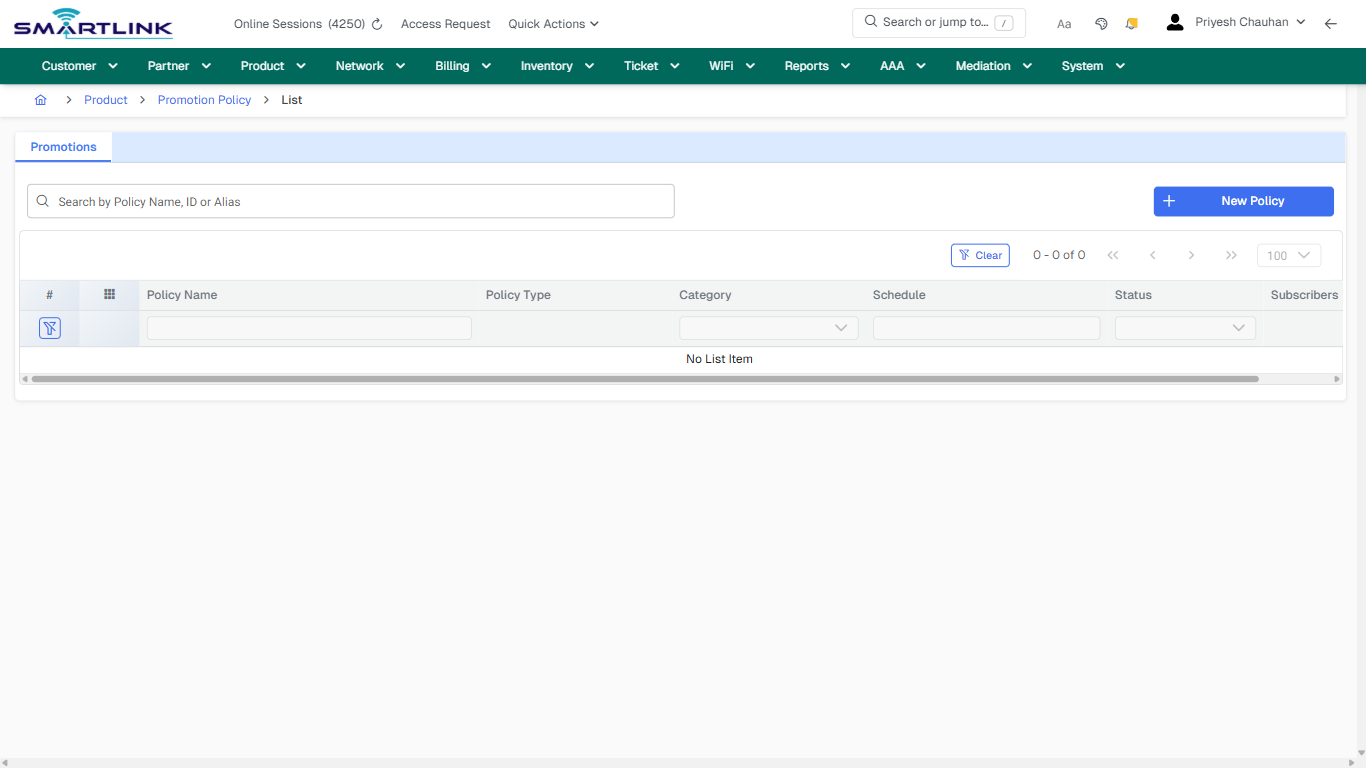
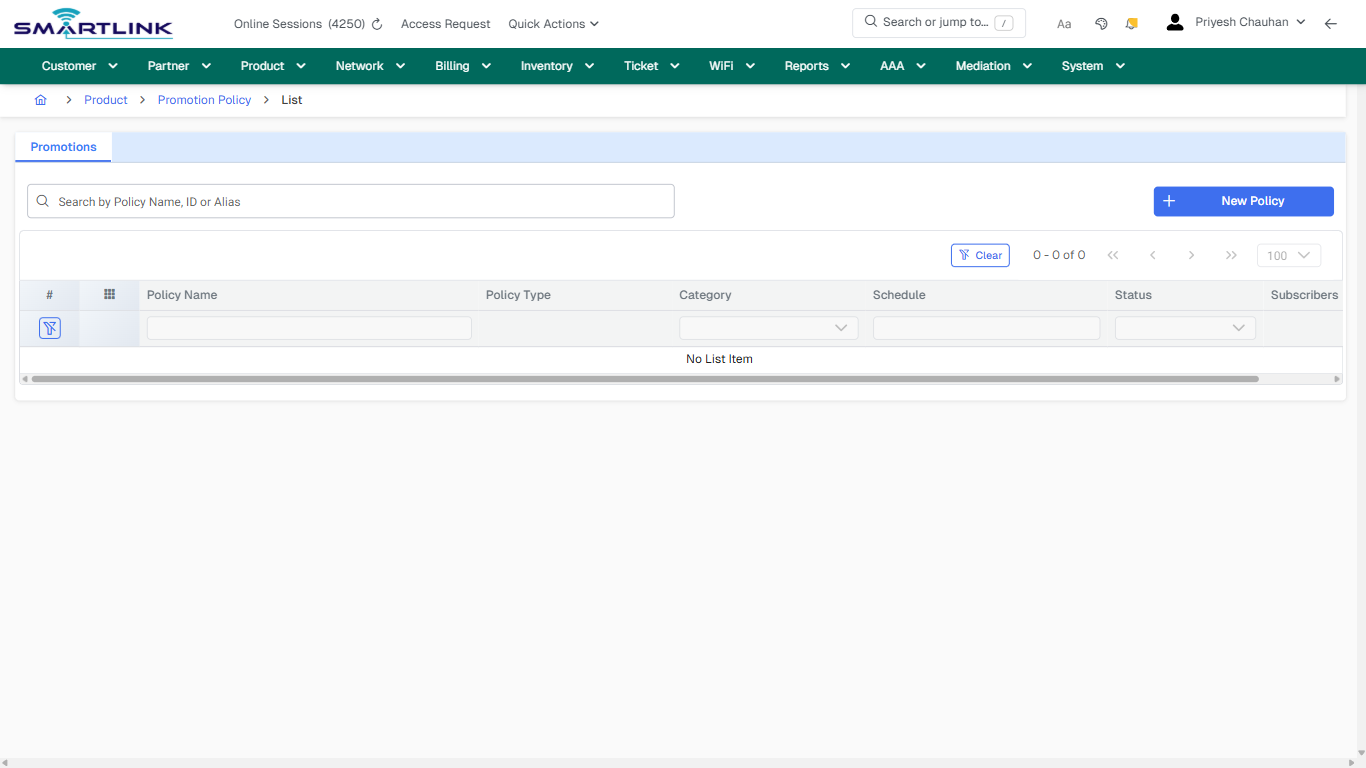
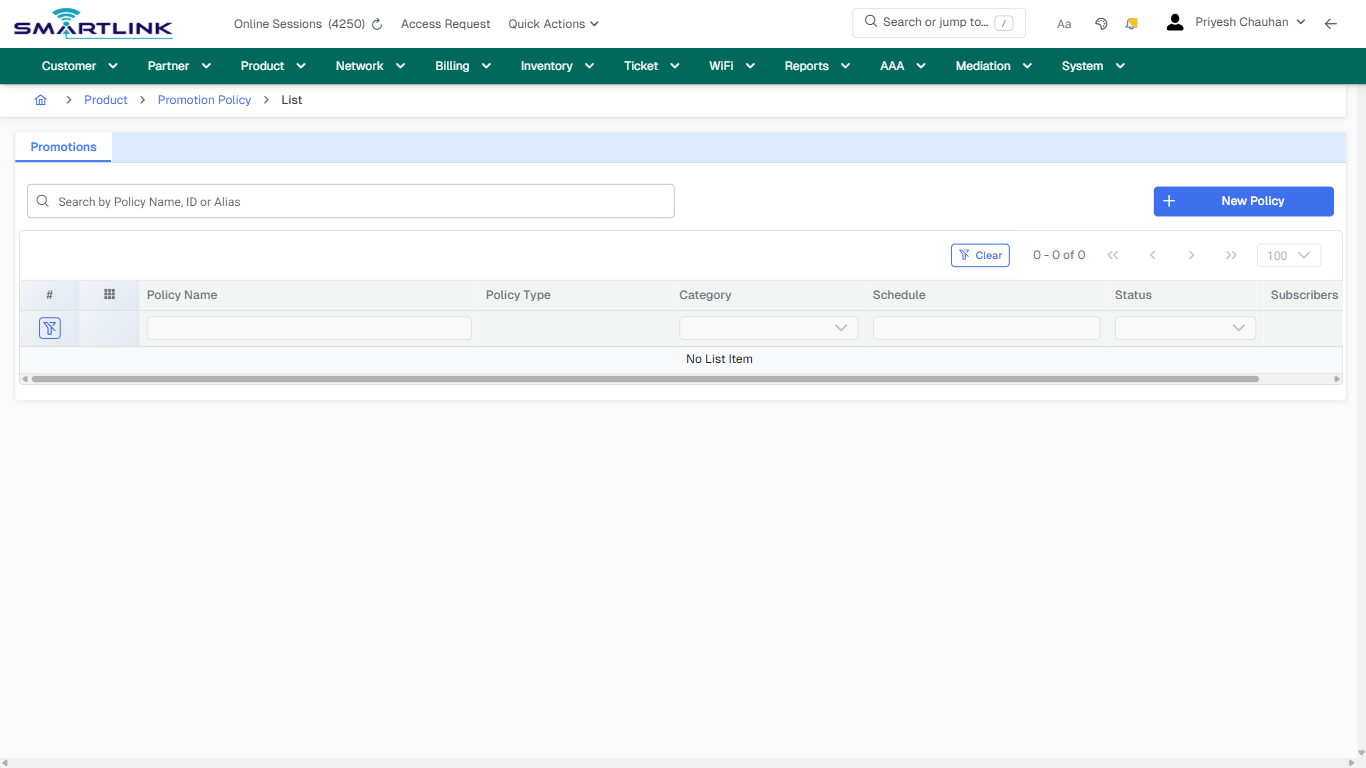
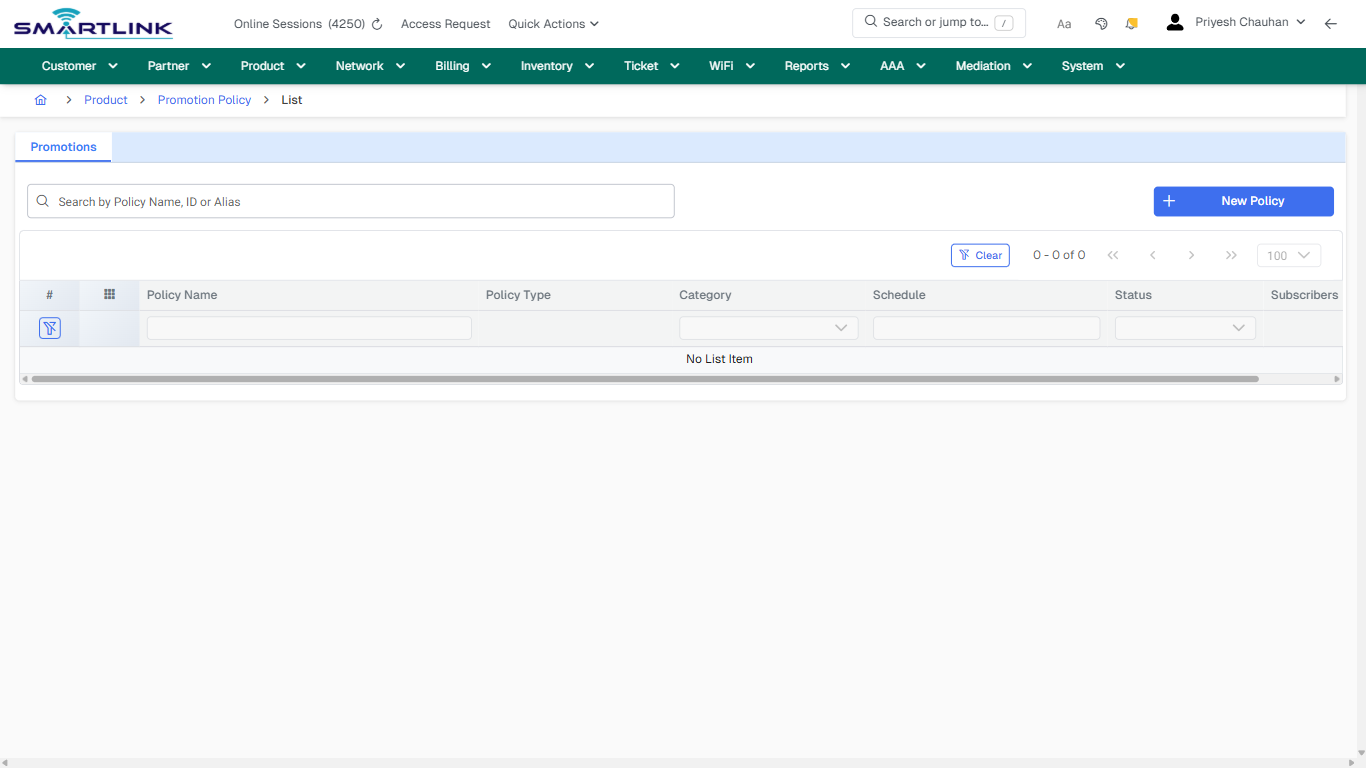
- **Actions detected:** Auto, Close, Product, Promotion Policy, New Policy, Clear

## Validation &amp; Safety Checks

- Confirm identifiers before saving.
- Confirm lifecycle state allows the change.
- Confirm rollback/support path exists for production actions.
 
## Escalation Guidance

- **L1:** Verify input, permissions, and entity state.
- **L2:** Validate dependencies and downstream state.
- **L3/Admin:** Policy/config changes or suspected defect.
 
---

## Screenshots

## default

**Captured URL:** https://admin.myslbb.com/#/pro/promotion-policy/all

<div id="bkmrk-images-uploading%E2%80%A6">*Images uploading…*<div data-img-token="IMG_PLACEHOLDER_0_1770130790940">![screenshot](https://kb.i2itechservices.com/uploads/images/gallery/2026-02/admin-myslbb-com-pro-promotion-policy-all-default-c4a19d396b-part-01.png)

![screenshot](https://kb.i2itechservices.com/uploads/images/gallery/2026-02/admin-myslbb-com-pro-promotion-policy-all-default-c4a19d396b-part-02.png)

</div></div>---

## ui\_tab\_1

**Captured URL:** https://admin.myslbb.com/#/pro/promotion-policy/all

<div id="bkmrk-images-uploading%E2%80%A6-1">*Images uploading…*<div data-img-token="IMG_PLACEHOLDER_1_1770130790940">![screenshot](https://kb.i2itechservices.com/uploads/images/gallery/2026-02/admin-myslbb-com-pro-promotion-policy-all-ui-tab-1-6d5c705b9c-part-01.png)

![screenshot](https://kb.i2itechservices.com/uploads/images/gallery/2026-02/admin-myslbb-com-pro-promotion-policy-all-ui-tab-1-6d5c705b9c-part-02.png)

</div></div>---

## common\_tab\_1

**Captured URL:** https://admin.myslbb.com/#/pro/promotion-policy/all

<div id="bkmrk-images-uploading%E2%80%A6-2">*Images uploading…*<div data-img-token="IMG_PLACEHOLDER_2_1770130790940">![screenshot](https://kb.i2itechservices.com/uploads/images/gallery/2026-02/admin-myslbb-com-pro-promotion-policy-all-common-tab-1-25d3186164-part-01.png)

![screenshot](https://kb.i2itechservices.com/uploads/images/gallery/2026-02/admin-myslbb-com-pro-promotion-policy-all-common-tab-1-25d3186164-part-02.png)

</div></div>---

## common\_tab\_2

**Captured URL:** https://admin.myslbb.com/#/pro/promotion-policy/all

<div id="bkmrk-images-uploading%E2%80%A6-3">*Images uploading…*<div data-img-token="IMG_PLACEHOLDER_3_1770130790940">![screenshot](https://kb.i2itechservices.com/uploads/images/gallery/2026-02/admin-myslbb-com-pro-promotion-policy-all-common-tab-2-bef6c0c5c5-part-01.png)

![screenshot](https://kb.i2itechservices.com/uploads/images/gallery/2026-02/admin-myslbb-com-pro-promotion-policy-all-common-tab-2-bef6c0c5c5-part-02.png)

</div></div>---

## drilldown\_one\_item

**Captured URL:** https://admin.myslbb.com/#/pro/promotion-policy/all

<div id="bkmrk-images-uploading%E2%80%A6-4">*Images uploading…*<div data-img-token="IMG_PLACEHOLDER_4_1770130790940">![screenshot](https://kb.i2itechservices.com/uploads/images/gallery/2026-02/admin-myslbb-com-pro-promotion-policy-all-drilldown-one-item-aefbb26734-part-01.png)

![screenshot](https://kb.i2itechservices.com/uploads/images/gallery/2026-02/admin-myslbb-com-pro-promotion-policy-all-drilldown-one-item-aefbb26734-part-02.png)

</div></div>

# pro > voucher > batch > add

# pro &gt; voucher &gt; batch &gt; add

**Route:** pro/voucher/batch/add

**URL:** https://admin.myslbb.com/#/pro/voucher/batch/add

---

## Overview

 This page is a draft SOP reference for the above screen in **i2i Core OSS/BSS**. It is auto-generated from UI exports and should be reviewed for operational correctness before customer release.

## When to Use

- Use this screen for the workflow represented by this route.
- Do not make billing/AAA/provisioning-impacting changes without required authorization.
 
## Typical Workflow

1. Verify you are working on the correct entity (Customer/Account/Service).
2. Review the current lifecycle state before making changes.
3. Apply changes and validate system response.
4. Confirm downstream impact (AAA/Provisioning/Billing) where applicable.
 
## Field &amp; Action Hints (Auto-detected)

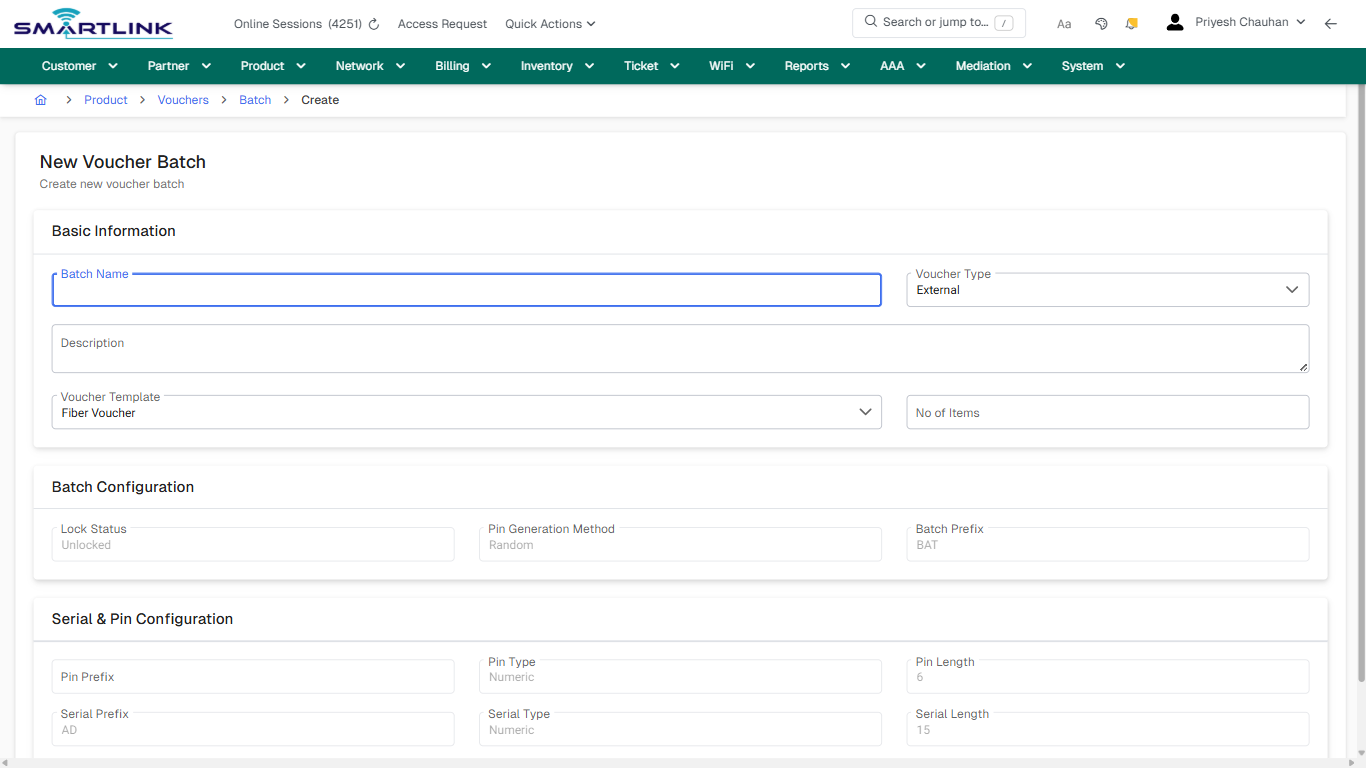
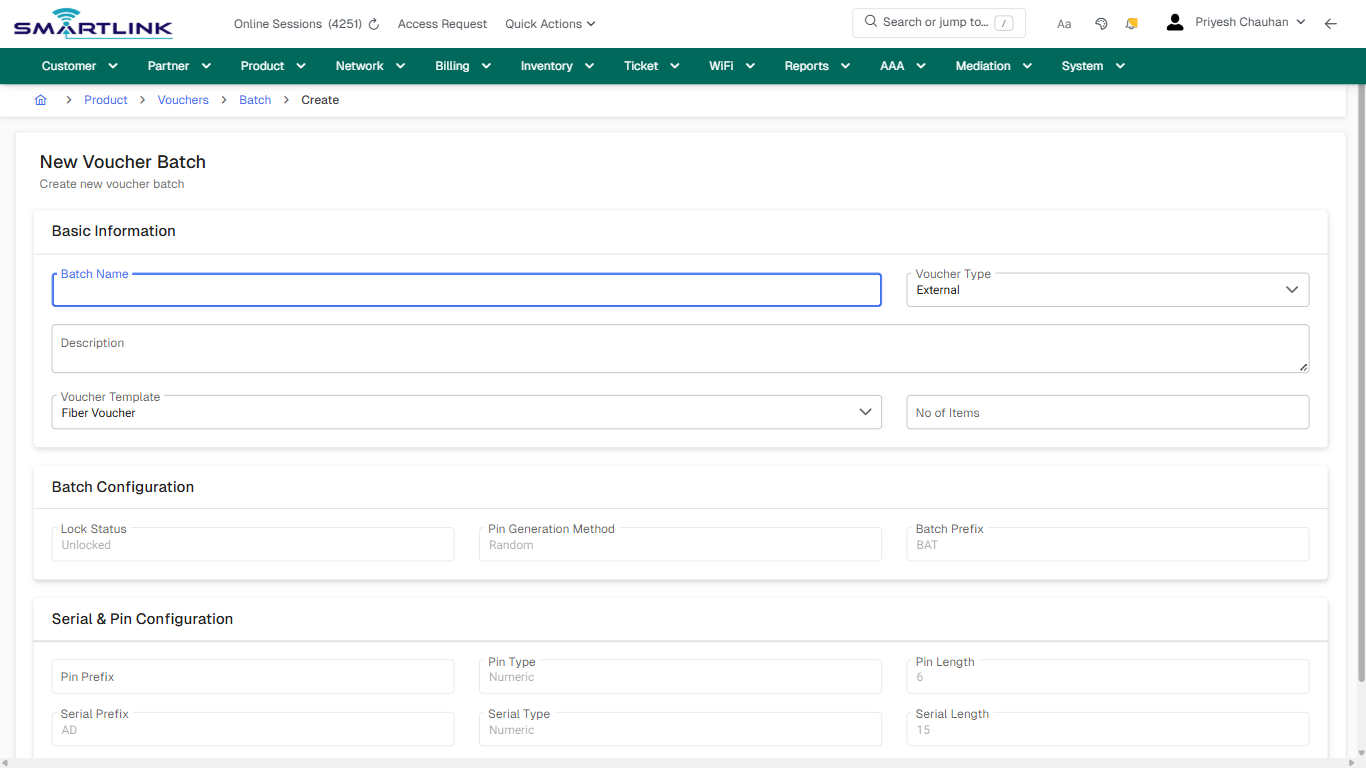
- **Fields detected:** Batch Name, Voucher Type, Description, Voucher Template, No of Items, Lock Status, Pin Generation Method, Batch Prefix, Pin Prefix, Pin Type, Pin Length, Serial Prefix, Serial Type, Serial Length
- **Actions detected:** Auto, Close, Product, Vouchers, Batch, Cancel, Generate

## Validation &amp; Safety Checks

- Confirm identifiers before saving.
- Confirm lifecycle state allows the change.
- Confirm rollback/support path exists for production actions.
 
## Escalation Guidance

- **L1:** Verify input, permissions, and entity state.
- **L2:** Validate dependencies and downstream state.
- **L3/Admin:** Policy/config changes or suspected defect.
 
---

## Screenshots

## create\_new

**Captured URL:** https://admin.myslbb.com/#/pro/voucher/batch/add

<div id="bkmrk-images-uploading%E2%80%A6">*Images uploading…*<div data-img-token="IMG_PLACEHOLDER_0_1770130797577">![screenshot](https://kb.i2itechservices.com/uploads/images/gallery/2026-02/admin-myslbb-com-pro-voucher-batch-add-create-new-03a9f8e6d6-part-01.png)

![screenshot](https://kb.i2itechservices.com/uploads/images/gallery/2026-02/admin-myslbb-com-pro-voucher-batch-add-create-new-03a9f8e6d6-part-02.png)

</div></div>

# pro > voucher > batch > all

# pro &gt; voucher &gt; batch &gt; all

**Route:** pro/voucher/batch/all

**URL:** https://admin.myslbb.com/#/pro/voucher/batch/all

---

## Overview

 This page is a draft SOP reference for the above screen in **i2i Core OSS/BSS**. It is auto-generated from UI exports and should be reviewed for operational correctness before customer release.

## When to Use

- Use this screen for the workflow represented by this route.
- Do not make billing/AAA/provisioning-impacting changes without required authorization.
 
## Typical Workflow

1. Verify you are working on the correct entity (Customer/Account/Service).
2. Review the current lifecycle state before making changes.
3. Apply changes and validate system response.
4. Confirm downstream impact (AAA/Provisioning/Billing) where applicable.
 
## Field &amp; Action Hints (Auto-detected)

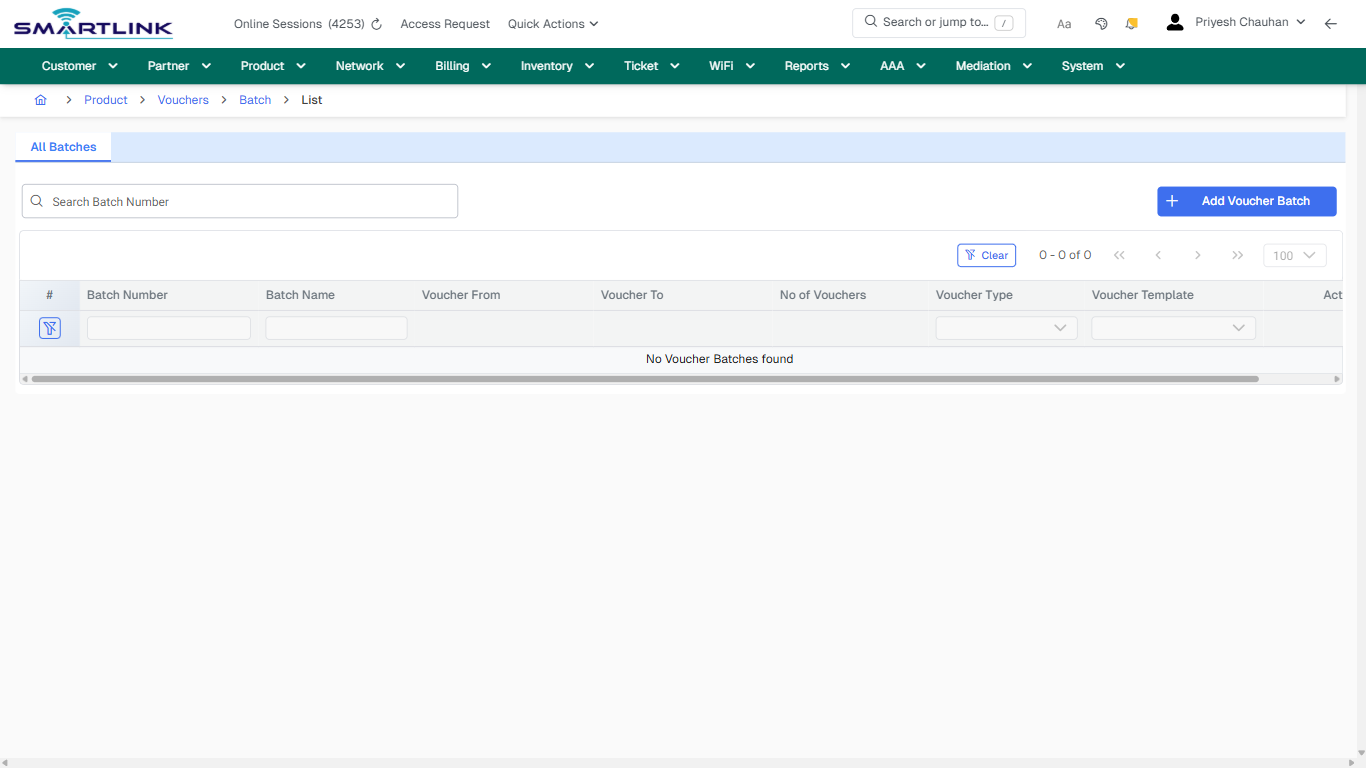
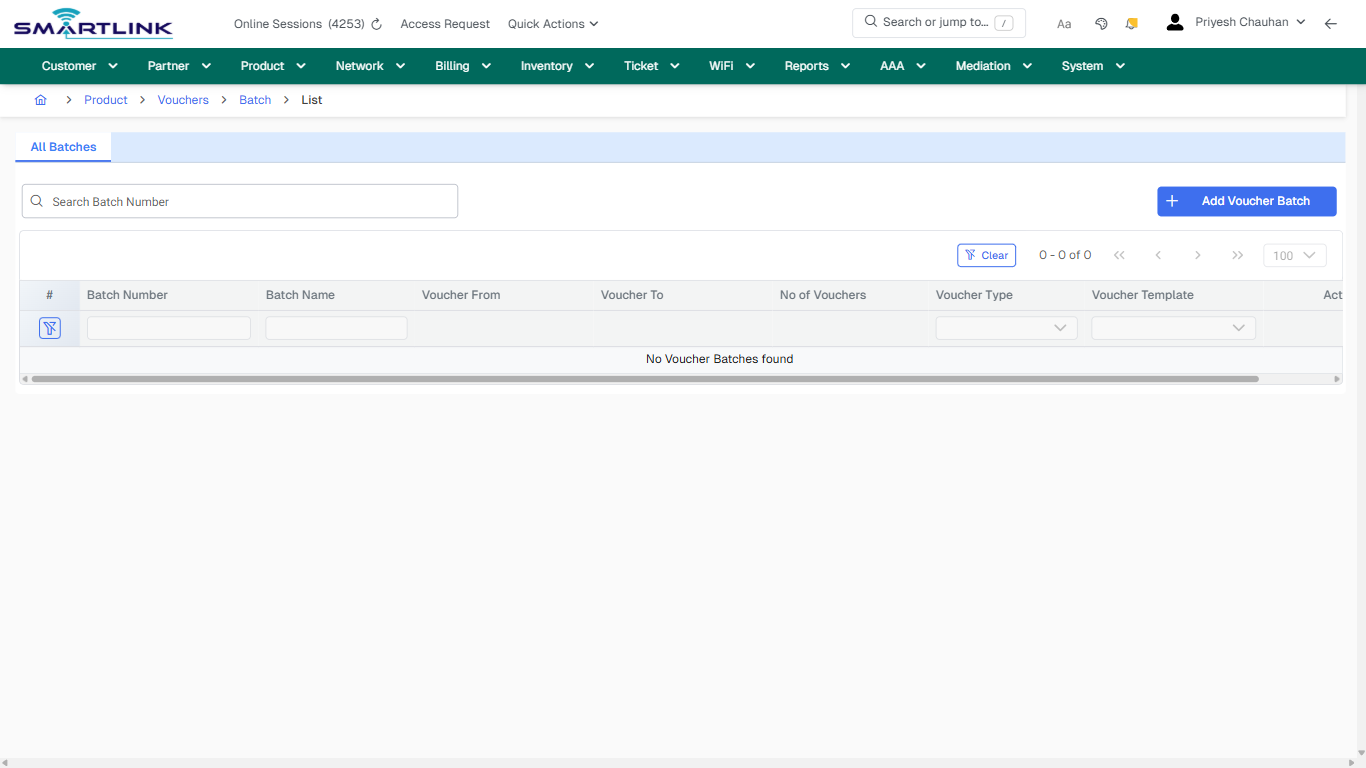
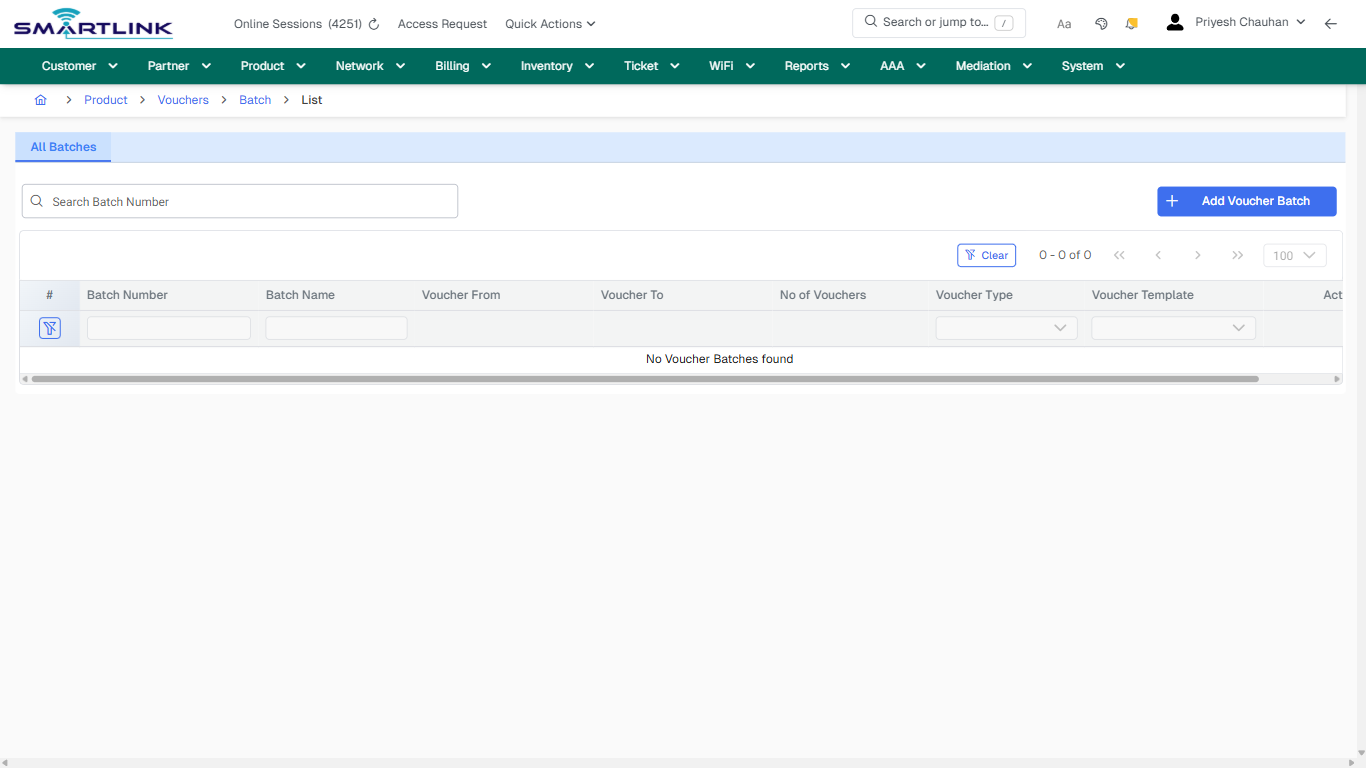
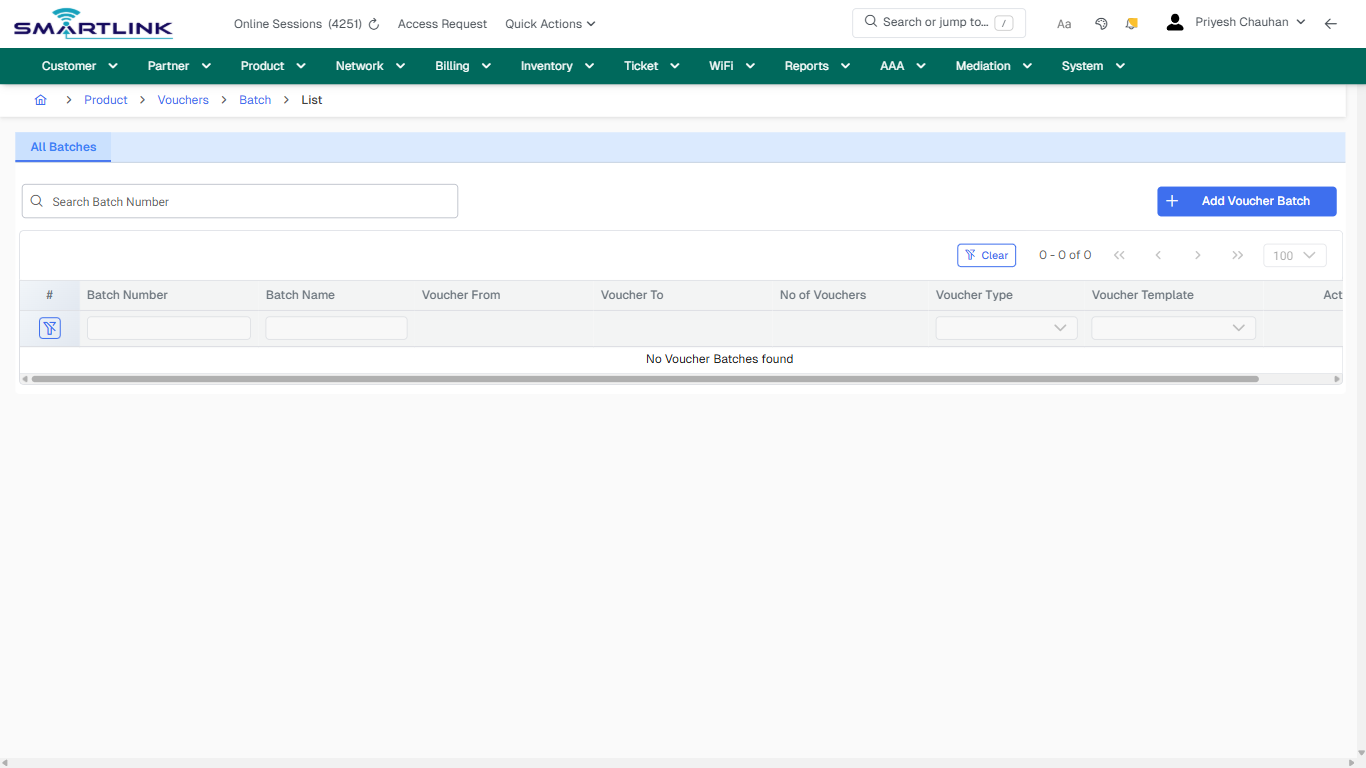
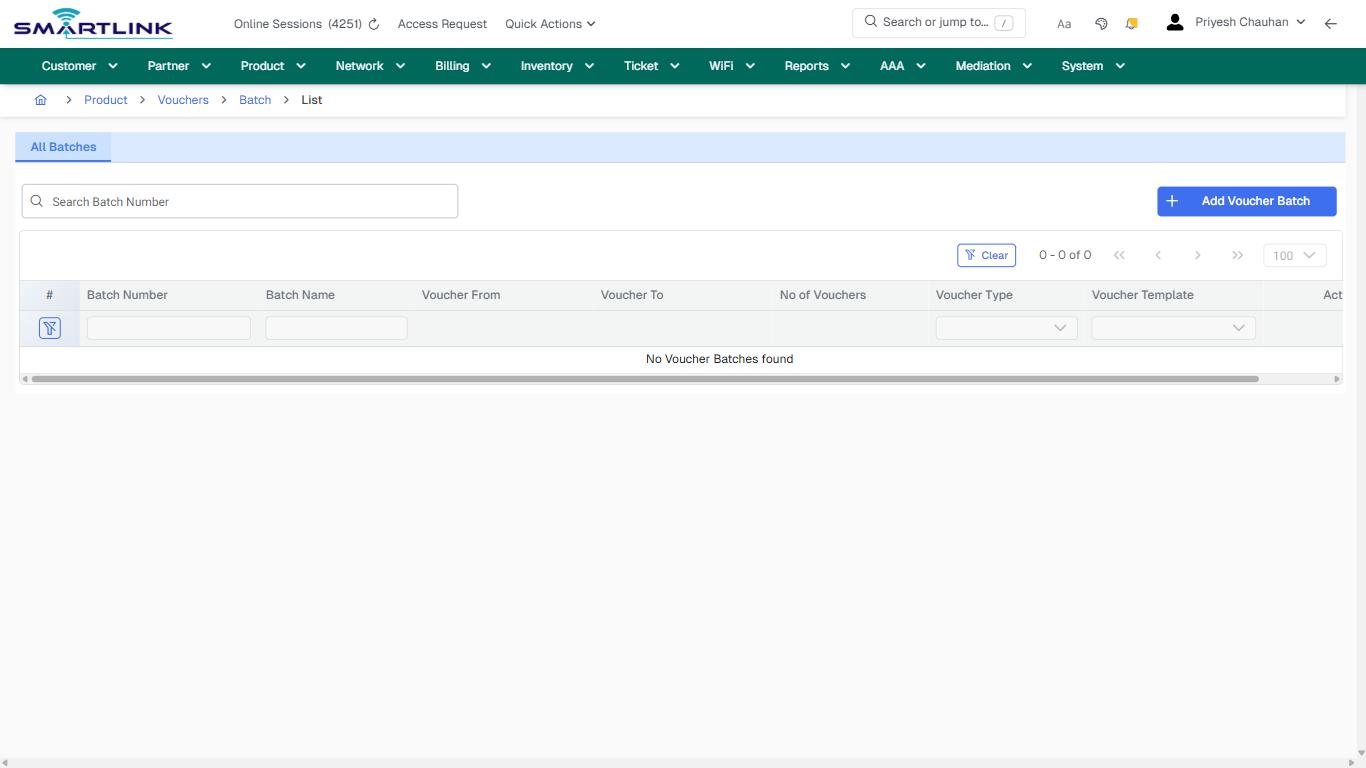
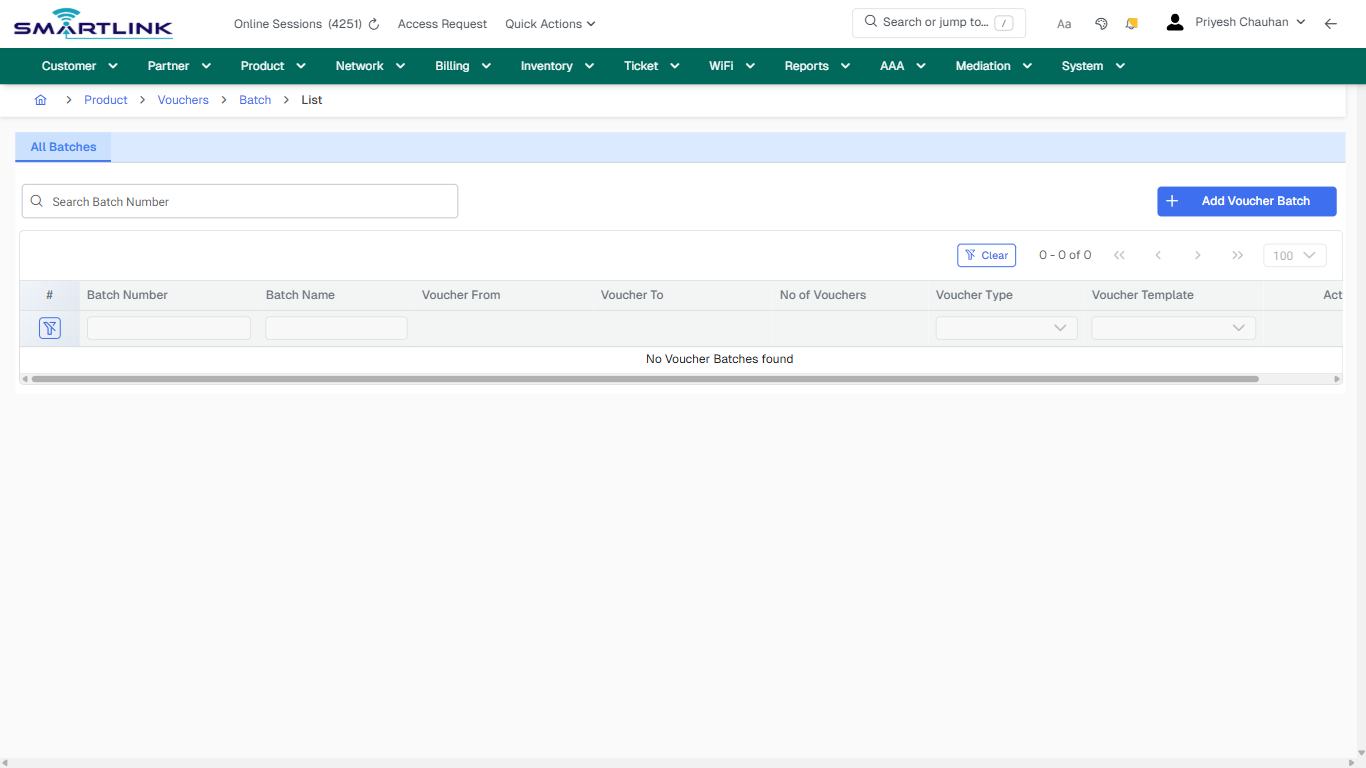
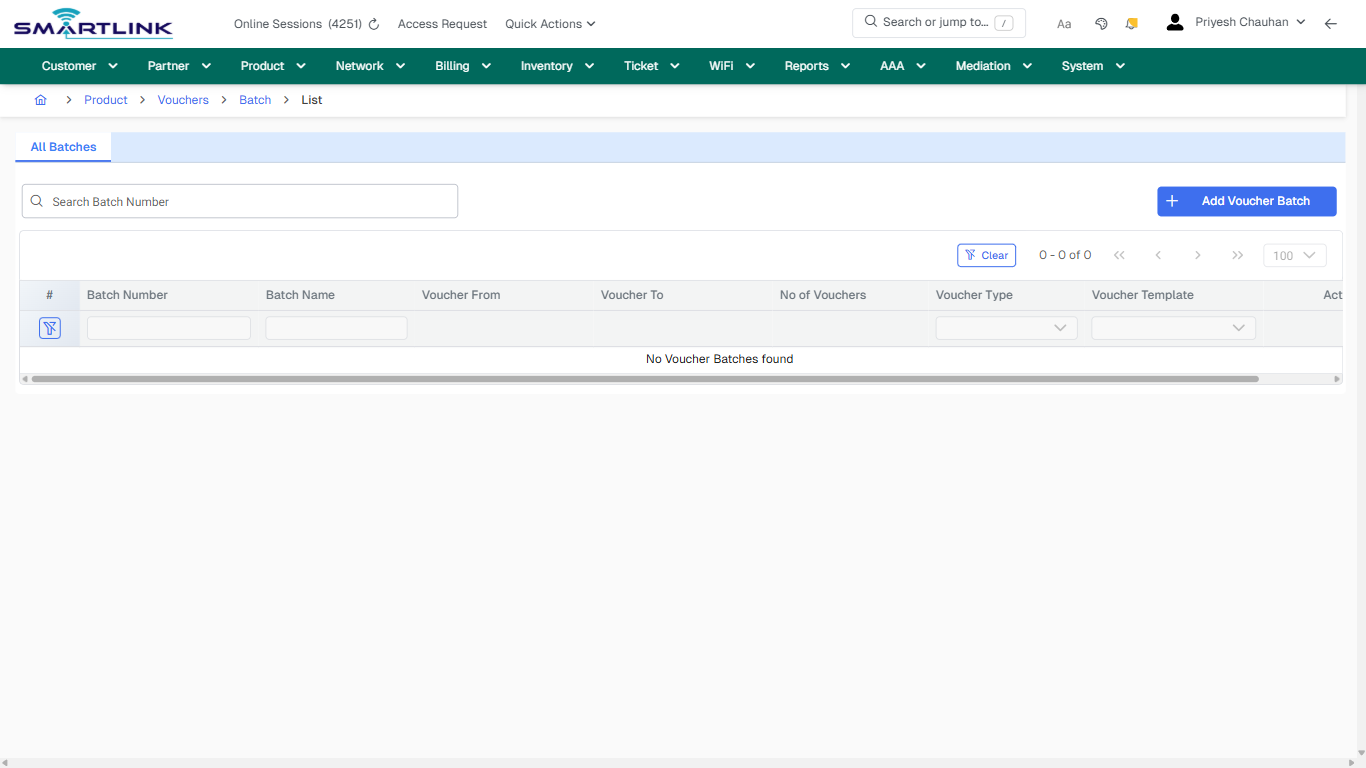
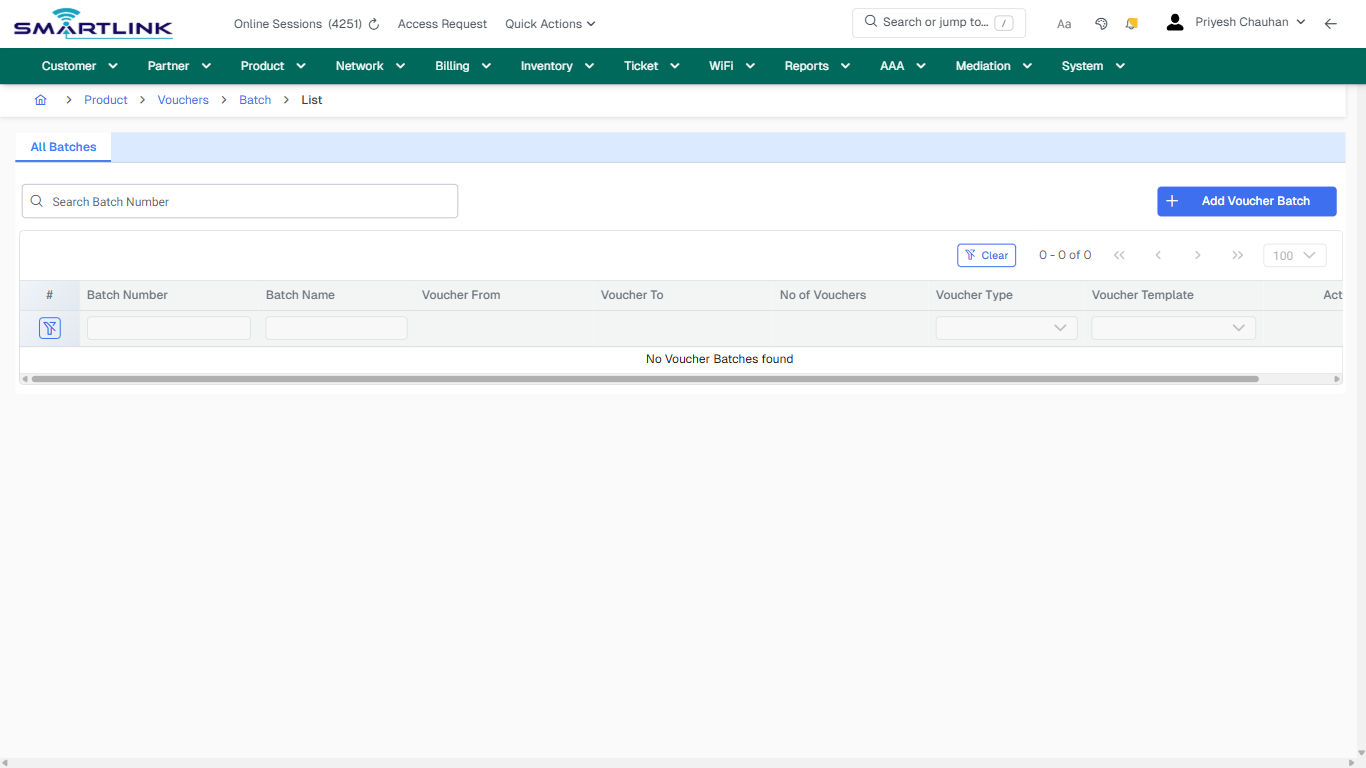
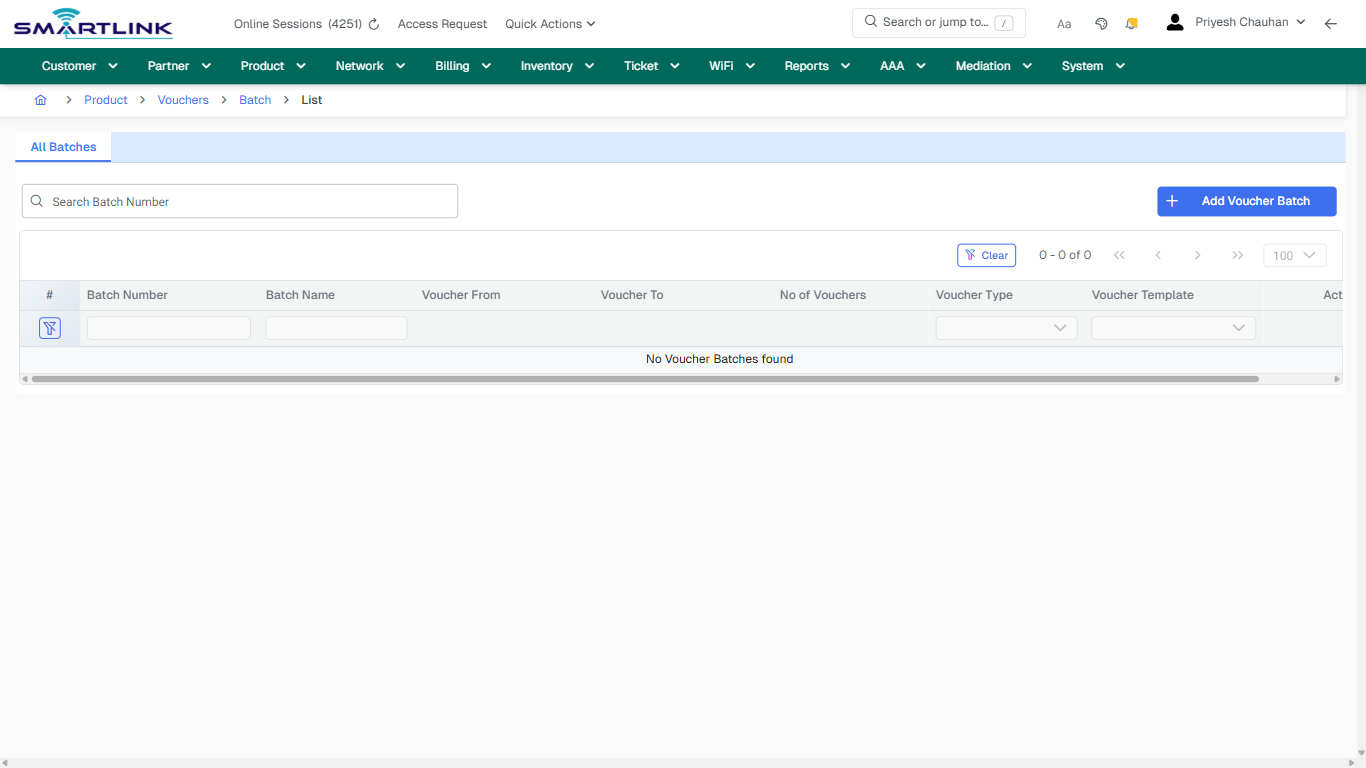
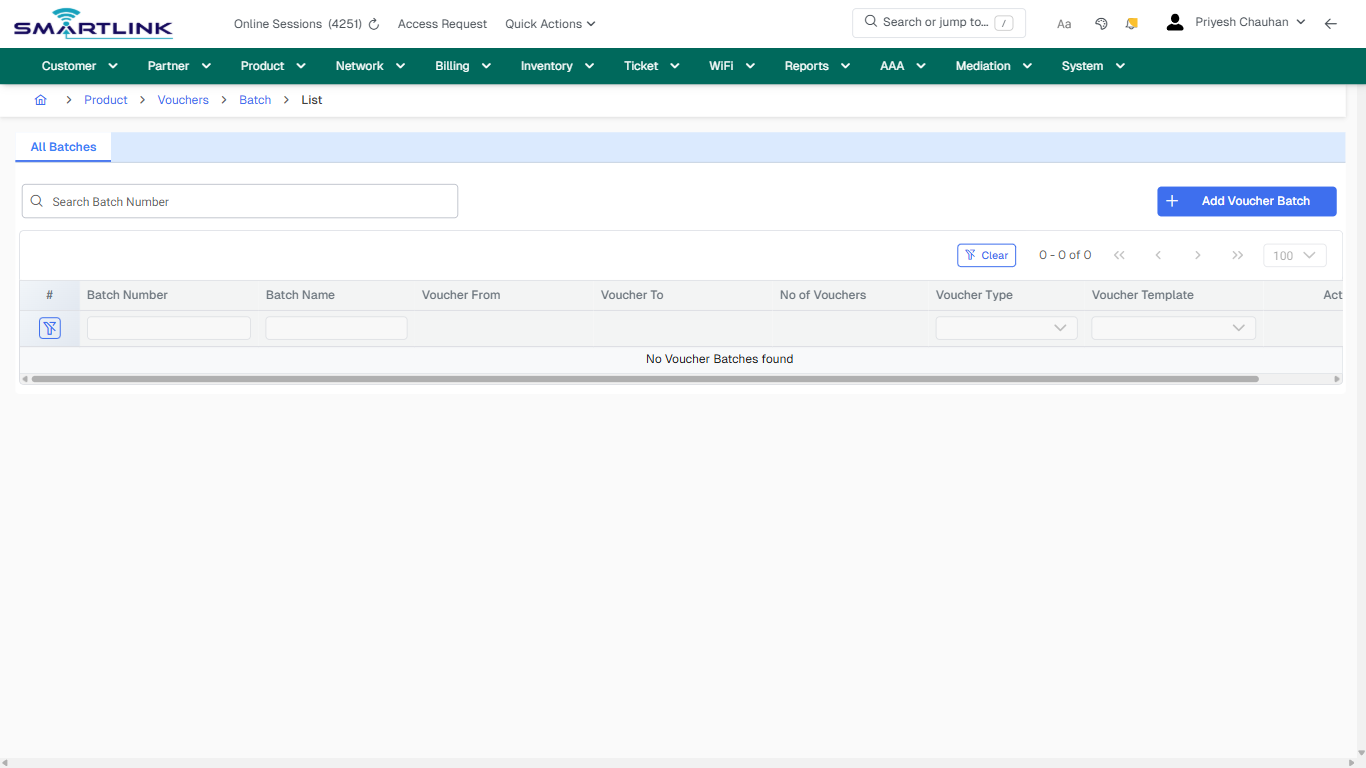
- **Actions detected:** Auto, Close, Product, Vouchers, Batch, Add Voucher Batch, Clear

## Validation &amp; Safety Checks

- Confirm identifiers before saving.
- Confirm lifecycle state allows the change.
- Confirm rollback/support path exists for production actions.
 
## Escalation Guidance

- **L1:** Verify input, permissions, and entity state.
- **L2:** Validate dependencies and downstream state.
- **L3/Admin:** Policy/config changes or suspected defect.
 
---

## Screenshots

## default

**Captured URL:** https://admin.myslbb.com/#/pro/voucher/batch/all

<div id="bkmrk-images-uploading%E2%80%A6">*Images uploading…*<div data-img-token="IMG_PLACEHOLDER_0_1770130799552">![screenshot](https://kb.i2itechservices.com/uploads/images/gallery/2026-02/admin-myslbb-com-pro-voucher-batch-all-default-8f8ec741af-part-01.png)

![screenshot](https://kb.i2itechservices.com/uploads/images/gallery/2026-02/admin-myslbb-com-pro-voucher-batch-all-default-8f8ec741af-part-02.png)

</div></div>---

## ui\_tab\_1

**Captured URL:** https://admin.myslbb.com/#/pro/voucher/batch/all

<div id="bkmrk-images-uploading%E2%80%A6-1">*Images uploading…*<div data-img-token="IMG_PLACEHOLDER_1_1770130799552">![screenshot](https://kb.i2itechservices.com/uploads/images/gallery/2026-02/admin-myslbb-com-pro-voucher-batch-all-ui-tab-1-06740a06a7-part-01.png)

![screenshot](https://kb.i2itechservices.com/uploads/images/gallery/2026-02/admin-myslbb-com-pro-voucher-batch-all-ui-tab-1-06740a06a7-part-02.png)

</div></div>---

## common\_tab\_1

**Captured URL:** https://admin.myslbb.com/#/pro/voucher/batch/all

<div id="bkmrk-images-uploading%E2%80%A6-2">*Images uploading…*<div data-img-token="IMG_PLACEHOLDER_2_1770130799552">![screenshot](https://kb.i2itechservices.com/uploads/images/gallery/2026-02/admin-myslbb-com-pro-voucher-batch-all-common-tab-1-1b978c1973-part-01.png)

![screenshot](https://kb.i2itechservices.com/uploads/images/gallery/2026-02/admin-myslbb-com-pro-voucher-batch-all-common-tab-1-1b978c1973-part-02.png)

</div></div>---

## common\_tab\_2

**Captured URL:** https://admin.myslbb.com/#/pro/voucher/batch/all

<div id="bkmrk-images-uploading%E2%80%A6-3">*Images uploading…*<div data-img-token="IMG_PLACEHOLDER_3_1770130799552">![screenshot](https://kb.i2itechservices.com/uploads/images/gallery/2026-02/admin-myslbb-com-pro-voucher-batch-all-common-tab-2-b0df49c7b4-part-01.png)

![screenshot](https://kb.i2itechservices.com/uploads/images/gallery/2026-02/admin-myslbb-com-pro-voucher-batch-all-common-tab-2-b0df49c7b4-part-02.png)

</div></div>---

## drilldown\_one\_item

**Captured URL:** https://admin.myslbb.com/#/pro/voucher/batch/all

<div id="bkmrk-images-uploading%E2%80%A6-4">*Images uploading…*<div data-img-token="IMG_PLACEHOLDER_4_1770130799552">![screenshot](https://kb.i2itechservices.com/uploads/images/gallery/2026-02/admin-myslbb-com-pro-voucher-batch-all-drilldown-one-item-9ed6df1fe7-part-01.png)

![screenshot](https://kb.i2itechservices.com/uploads/images/gallery/2026-02/admin-myslbb-com-pro-voucher-batch-all-drilldown-one-item-9ed6df1fe7-part-02.png)

</div></div>

# pro > voucher > temp > add

# pro &gt; voucher &gt; temp &gt; add

**Route:** pro/voucher/temp/add

**URL:** https://admin.myslbb.com/#/pro/voucher/temp/add

---

## Overview

 This page is a draft SOP reference for the above screen in **i2i Core OSS/BSS**. It is auto-generated from UI exports and should be reviewed for operational correctness before customer release.

## When to Use

- Use this screen for the workflow represented by this route.
- Do not make billing/AAA/provisioning-impacting changes without required authorization.
 
## Typical Workflow

1. Verify you are working on the correct entity (Customer/Account/Service).
2. Review the current lifecycle state before making changes.
3. Apply changes and validate system response.
4. Confirm downstream impact (AAA/Provisioning/Billing) where applicable.
 
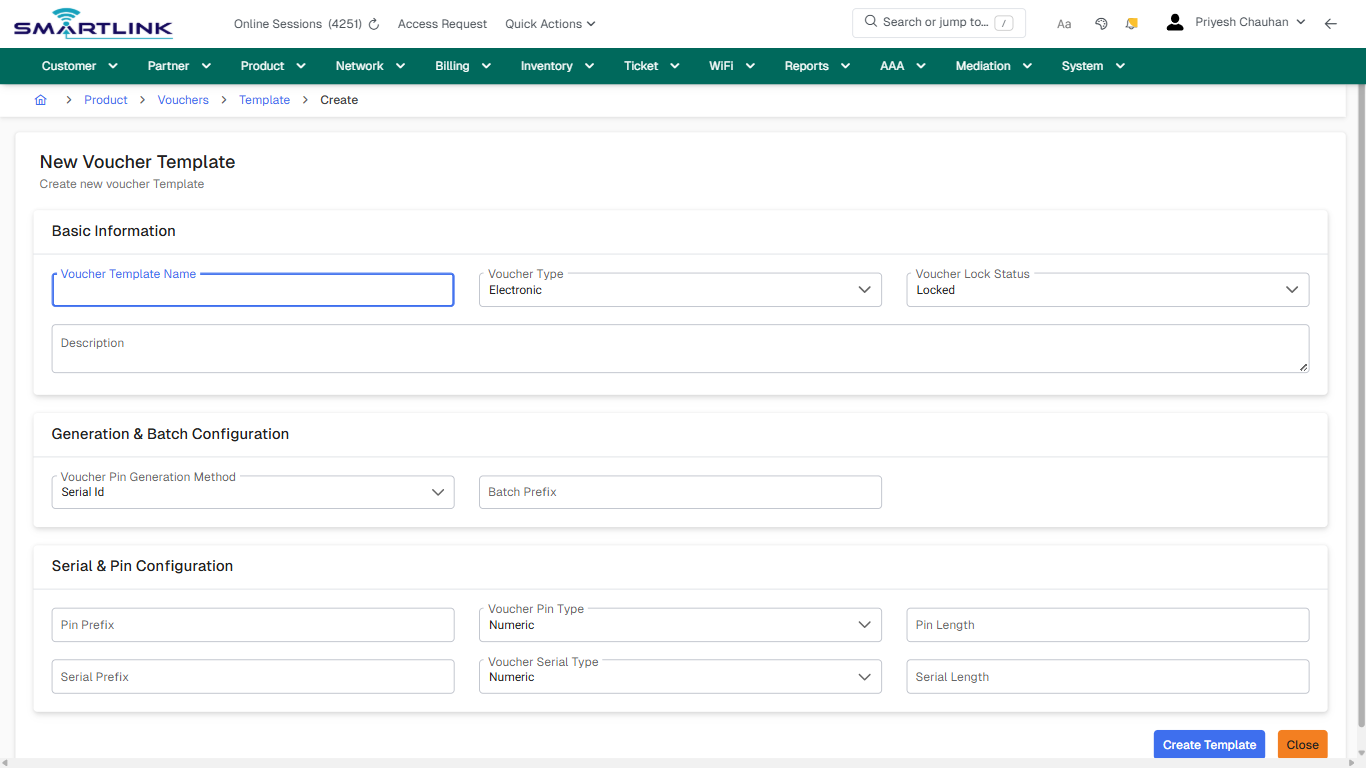
## Field &amp; Action Hints (Auto-detected)

- **Fields detected:** Voucher Template Name, Voucher Type, Voucher Lock Status, Description, Voucher Pin Generation Method, Batch Prefix, Pin Prefix, Voucher Pin Type, Pin Length, Serial Prefix, Voucher Serial Type, Serial Length
- **Actions detected:** Auto, Close, Product, Vouchers, Template, Create Template

## Validation &amp; Safety Checks

- Confirm identifiers before saving.
- Confirm lifecycle state allows the change.
- Confirm rollback/support path exists for production actions.
 
## Escalation Guidance

- **L1:** Verify input, permissions, and entity state.
- **L2:** Validate dependencies and downstream state.
- **L3/Admin:** Policy/config changes or suspected defect.
 
---

## Screenshots

## create\_new

**Captured URL:** https://admin.myslbb.com/#/pro/voucher/temp/add

<div id="bkmrk-images-uploading%E2%80%A6">*Images uploading…*<div data-img-token="IMG_PLACEHOLDER_0_1770130806164">![screenshot](https://kb.i2itechservices.com/uploads/images/gallery/2026-02/admin-myslbb-com-pro-voucher-temp-add-create-new-29a5bf1f02-part-01.png)

![screenshot](https://kb.i2itechservices.com/uploads/images/gallery/2026-02/admin-myslbb-com-pro-voucher-temp-add-create-new-29a5bf1f02-part-02.png)

</div></div>

# pro > voucher > temp > all

# pro &gt; voucher &gt; temp &gt; all

**Route:** pro/voucher/temp/all

**URL:** https://admin.myslbb.com/#/pro/voucher/temp/all

---

## Overview

 This page is a draft SOP reference for the above screen in **i2i Core OSS/BSS**. It is auto-generated from UI exports and should be reviewed for operational correctness before customer release.

## When to Use

- Use this screen for the workflow represented by this route.
- Do not make billing/AAA/provisioning-impacting changes without required authorization.
 
## Typical Workflow

1. Verify you are working on the correct entity (Customer/Account/Service).
2. Review the current lifecycle state before making changes.
3. Apply changes and validate system response.
4. Confirm downstream impact (AAA/Provisioning/Billing) where applicable.
 
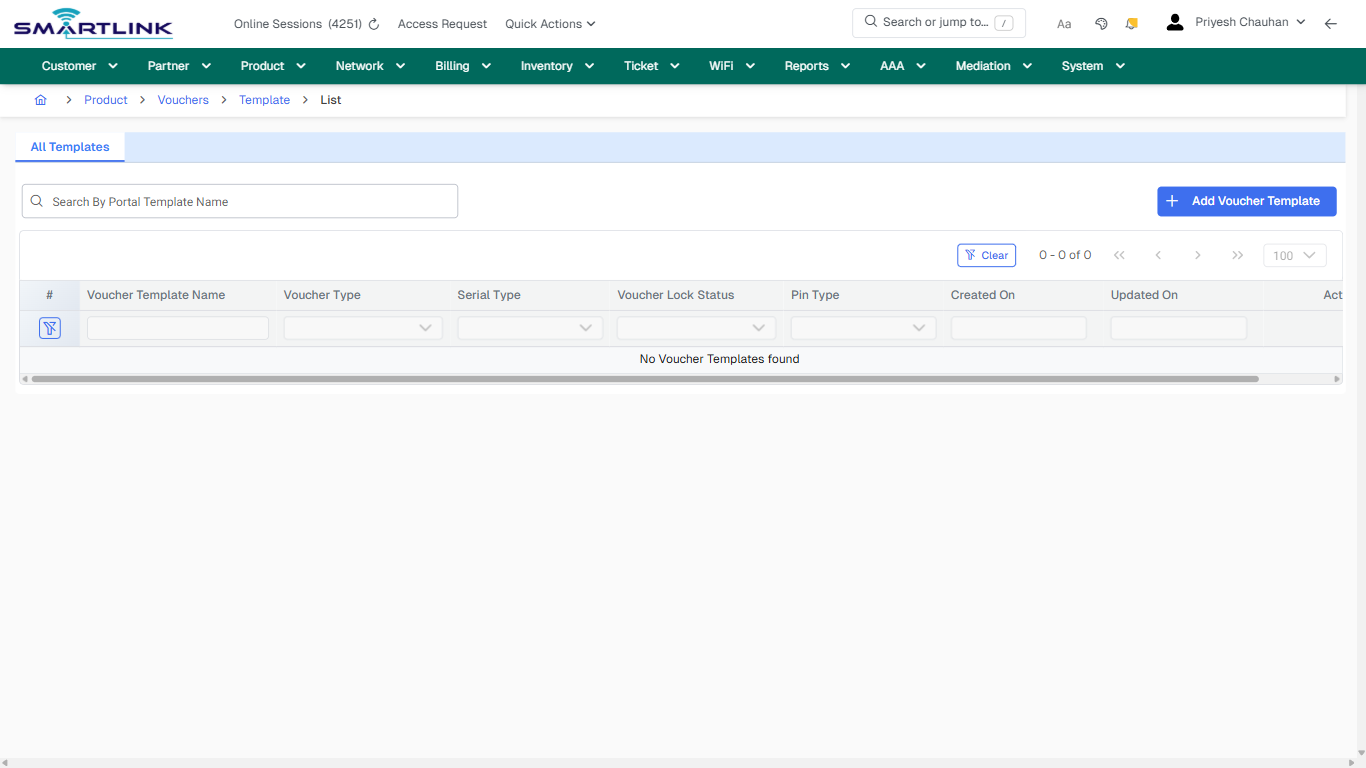
## Field &amp; Action Hints (Auto-detected)

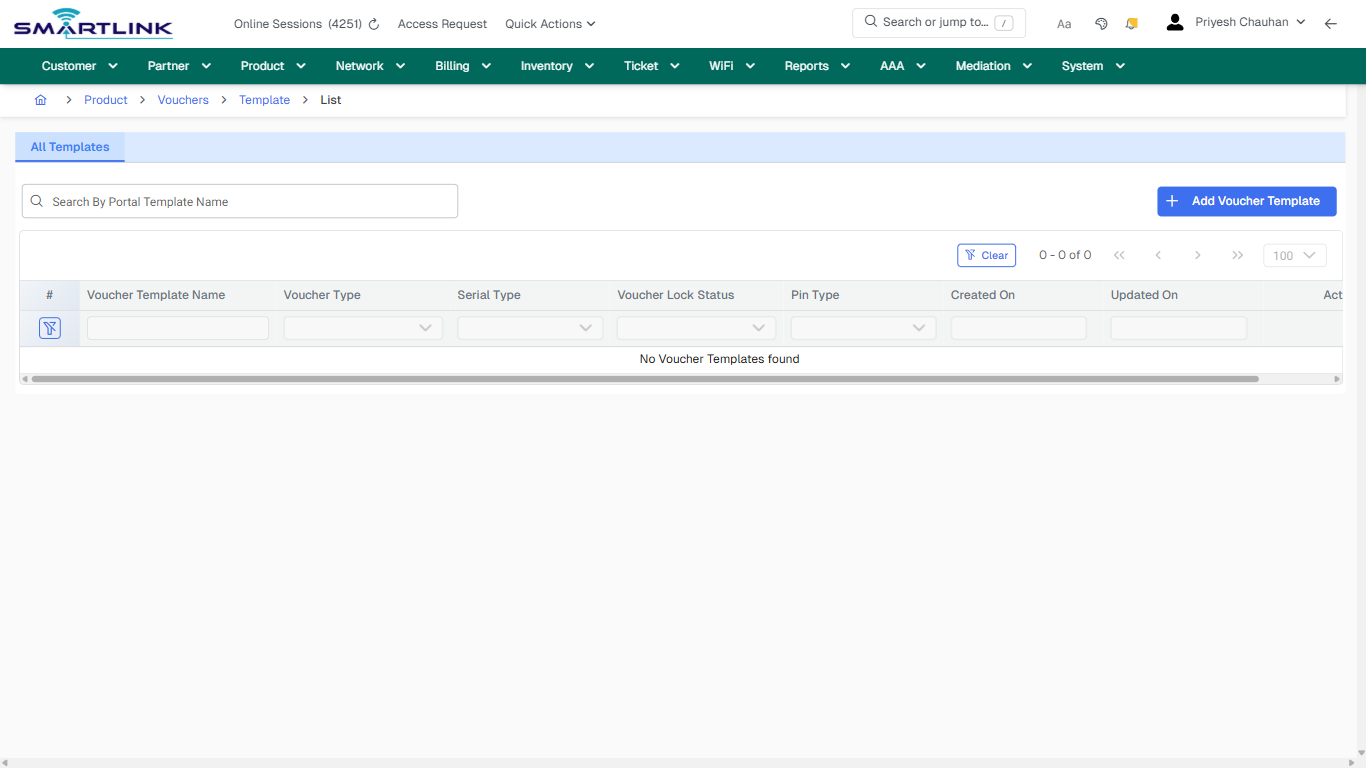
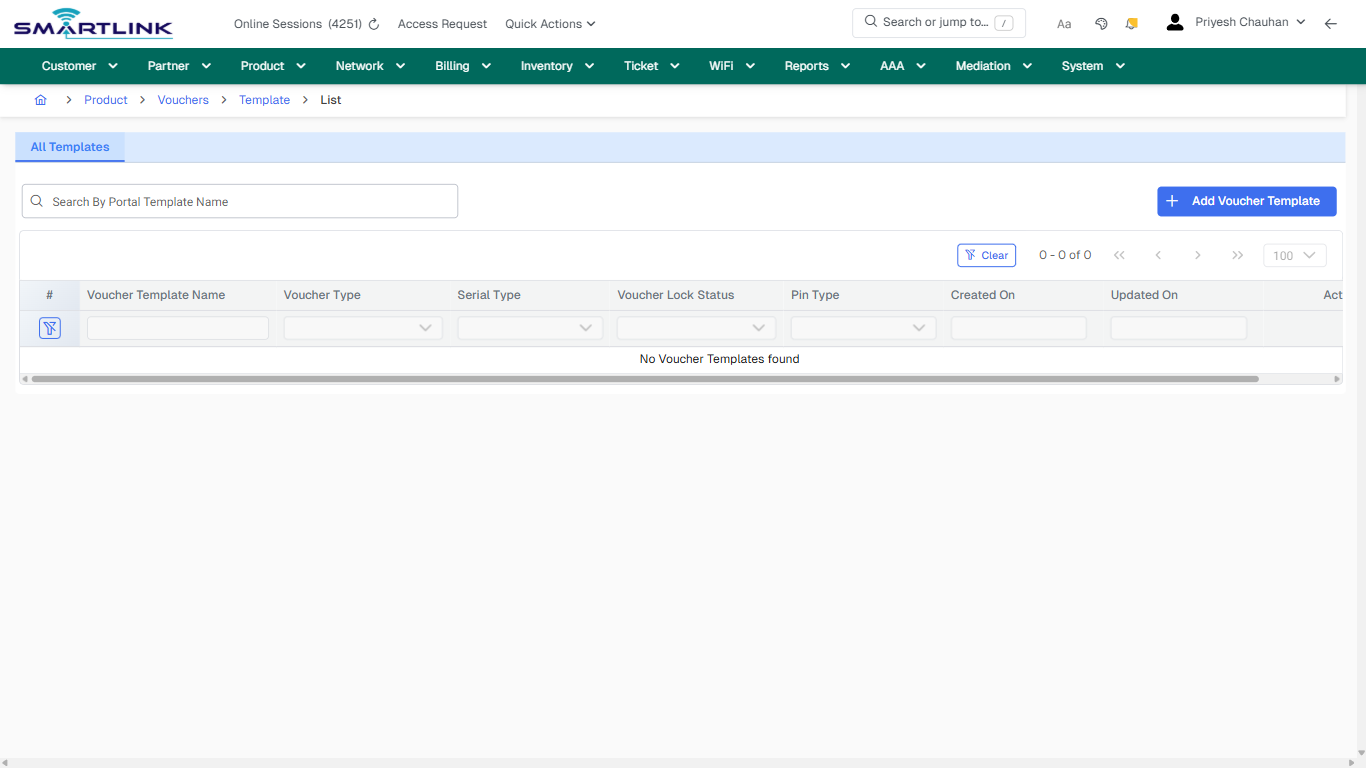
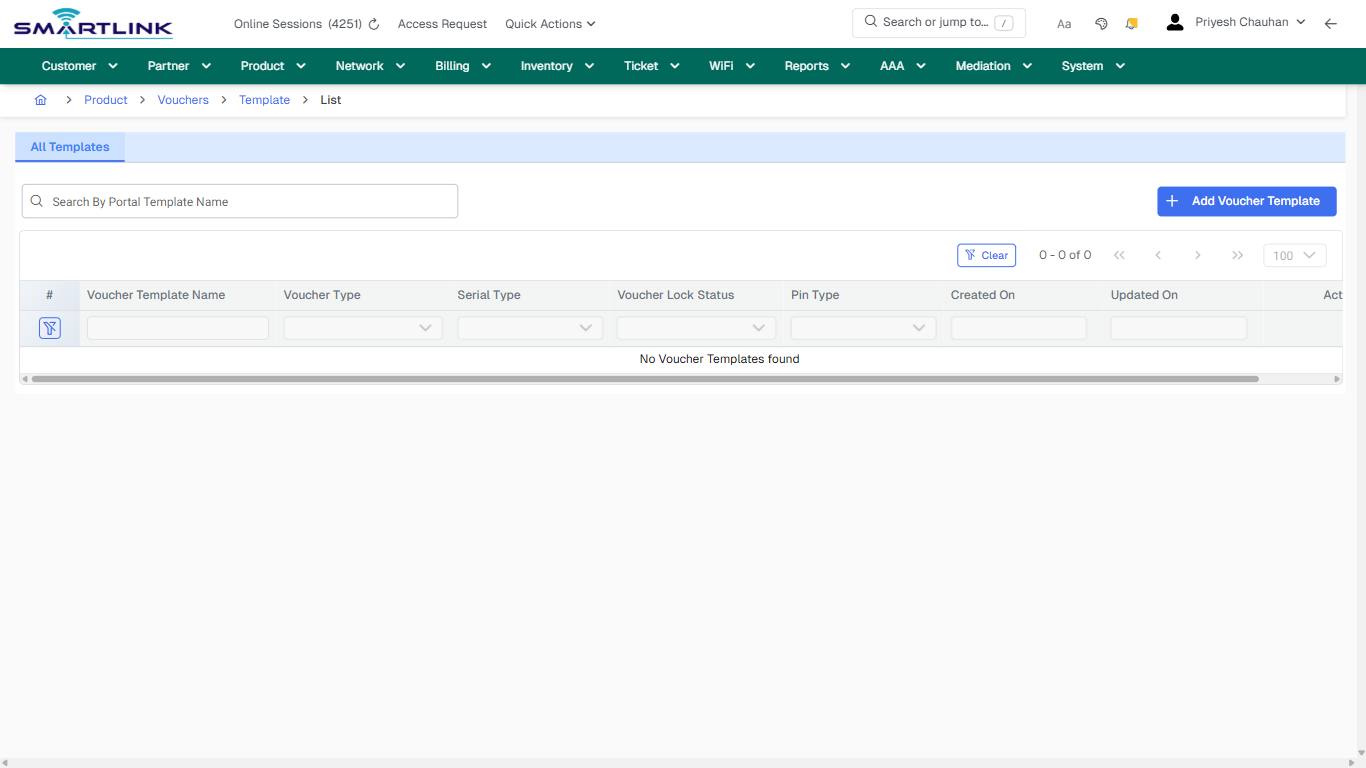
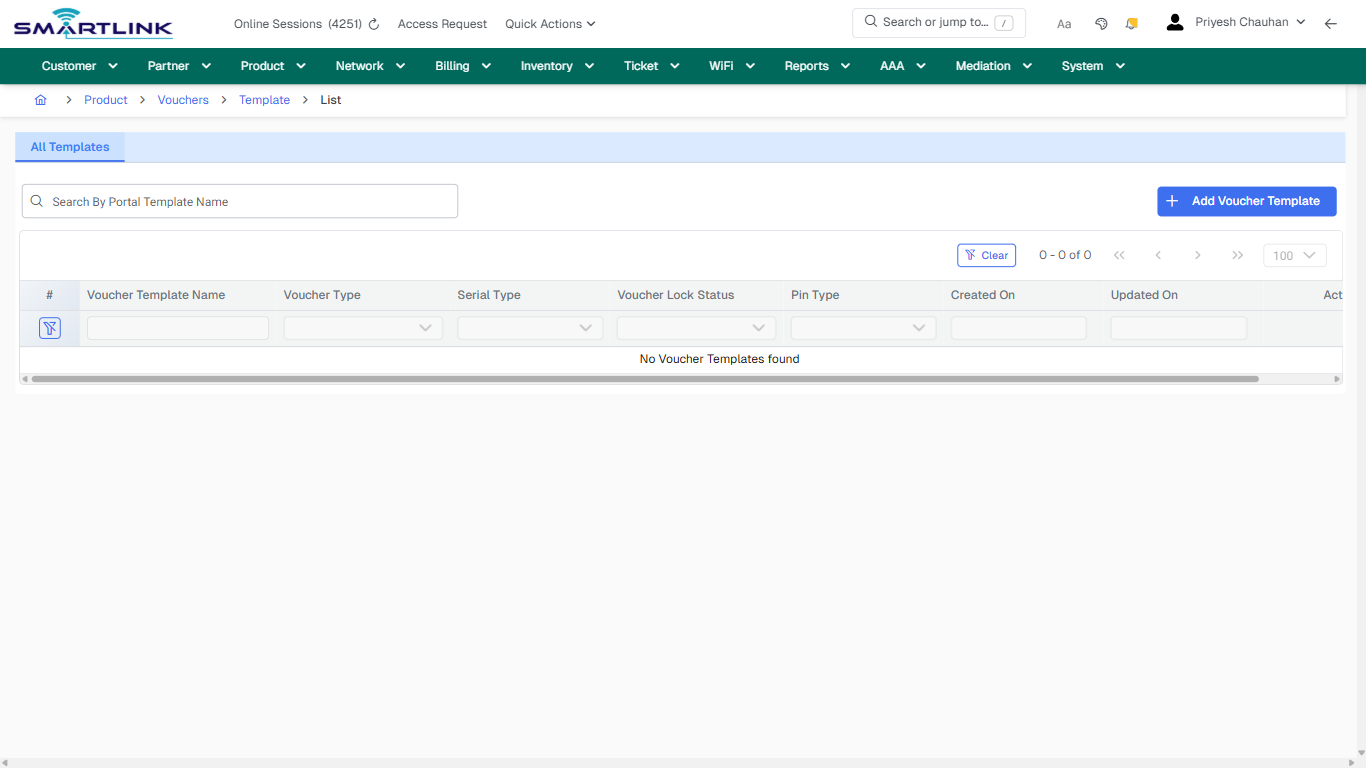
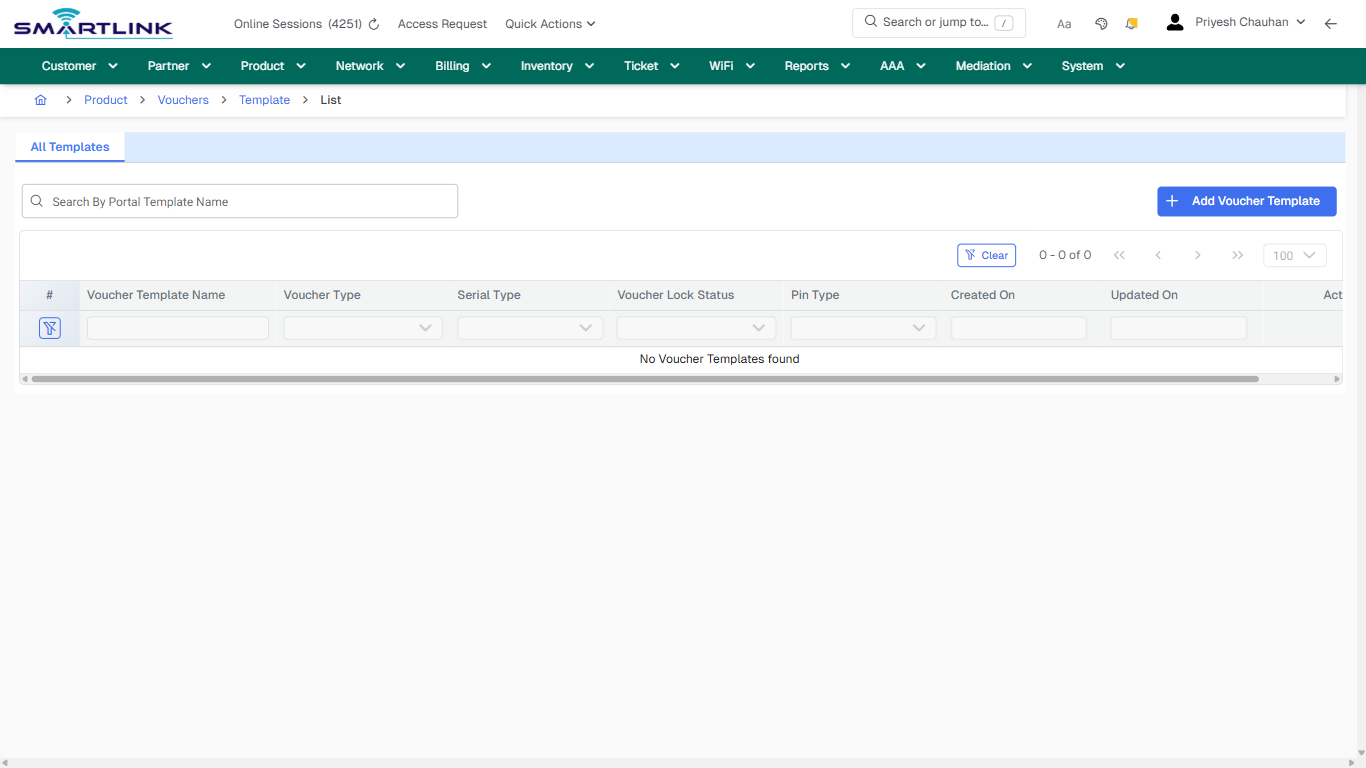
- **Actions detected:** Auto, Close, Product, Vouchers, Template, Add Voucher Template, Clear

## Validation &amp; Safety Checks

- Confirm identifiers before saving.
- Confirm lifecycle state allows the change.
- Confirm rollback/support path exists for production actions.
 
## Escalation Guidance

- **L1:** Verify input, permissions, and entity state.
- **L2:** Validate dependencies and downstream state.
- **L3/Admin:** Policy/config changes or suspected defect.
 
---

## Screenshots

## default

**Captured URL:** https://admin.myslbb.com/#/pro/voucher/temp/all

<div id="bkmrk-images-uploading%E2%80%A6">*Images uploading…*<div data-img-token="IMG_PLACEHOLDER_0_1770130808143">![screenshot](https://kb.i2itechservices.com/uploads/images/gallery/2026-02/admin-myslbb-com-pro-voucher-temp-all-default-09b260738f-part-01.png)

![screenshot](https://kb.i2itechservices.com/uploads/images/gallery/2026-02/admin-myslbb-com-pro-voucher-temp-all-default-09b260738f-part-02.png)

</div></div>---

## ui\_tab\_1

**Captured URL:** https://admin.myslbb.com/#/pro/voucher/temp/all

<div id="bkmrk-images-uploading%E2%80%A6-1">*Images uploading…*<div data-img-token="IMG_PLACEHOLDER_1_1770130808143">![screenshot](https://kb.i2itechservices.com/uploads/images/gallery/2026-02/admin-myslbb-com-pro-voucher-temp-all-ui-tab-1-7bc98c2724-part-01.png)

![screenshot](https://kb.i2itechservices.com/uploads/images/gallery/2026-02/admin-myslbb-com-pro-voucher-temp-all-ui-tab-1-7bc98c2724-part-02.png)

</div></div>---

## common\_tab\_1

**Captured URL:** https://admin.myslbb.com/#/pro/voucher/temp/all

<div id="bkmrk-images-uploading%E2%80%A6-2">*Images uploading…*<div data-img-token="IMG_PLACEHOLDER_2_1770130808143">![screenshot](https://kb.i2itechservices.com/uploads/images/gallery/2026-02/admin-myslbb-com-pro-voucher-temp-all-common-tab-1-46eaae84b4-part-01.png)

![screenshot](https://kb.i2itechservices.com/uploads/images/gallery/2026-02/admin-myslbb-com-pro-voucher-temp-all-common-tab-1-46eaae84b4-part-02.png)

</div></div>---

## common\_tab\_2

**Captured URL:** https://admin.myslbb.com/#/pro/voucher/temp/all

<div id="bkmrk-images-uploading%E2%80%A6-3">*Images uploading…*<div data-img-token="IMG_PLACEHOLDER_3_1770130808143">![screenshot](https://kb.i2itechservices.com/uploads/images/gallery/2026-02/admin-myslbb-com-pro-voucher-temp-all-common-tab-2-2f83628268-part-01.png)

![screenshot](https://kb.i2itechservices.com/uploads/images/gallery/2026-02/admin-myslbb-com-pro-voucher-temp-all-common-tab-2-2f83628268-part-02.png)

</div></div>---

## drilldown\_one\_item

**Captured URL:** https://admin.myslbb.com/#/pro/voucher/temp/all

<div id="bkmrk-images-uploading%E2%80%A6-4">*Images uploading…*<div data-img-token="IMG_PLACEHOLDER_4_1770130808143">![screenshot](https://kb.i2itechservices.com/uploads/images/gallery/2026-02/admin-myslbb-com-pro-voucher-temp-all-drilldown-one-item-8593e4067b-part-01.png)

![screenshot](https://kb.i2itechservices.com/uploads/images/gallery/2026-02/admin-myslbb-com-pro-voucher-temp-all-drilldown-one-item-8593e4067b-part-02.png)

</div></div>