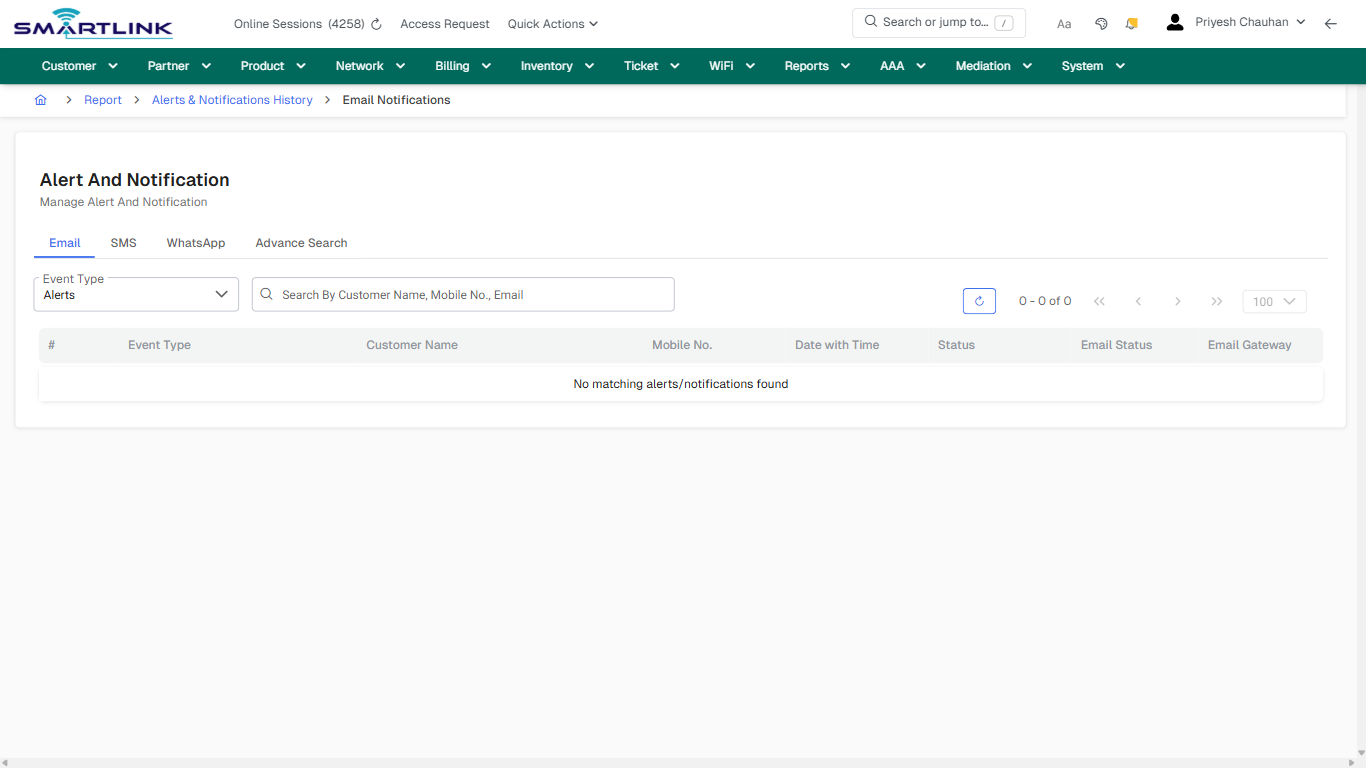
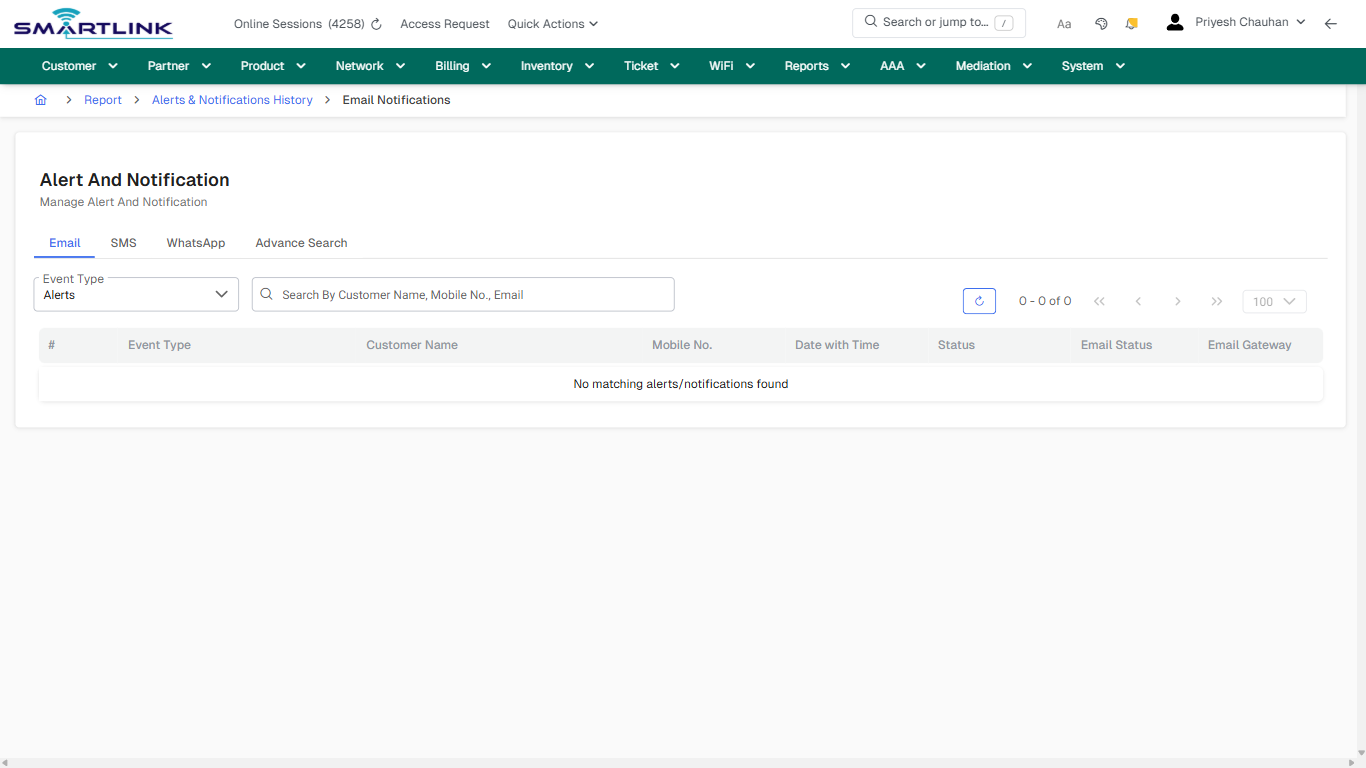
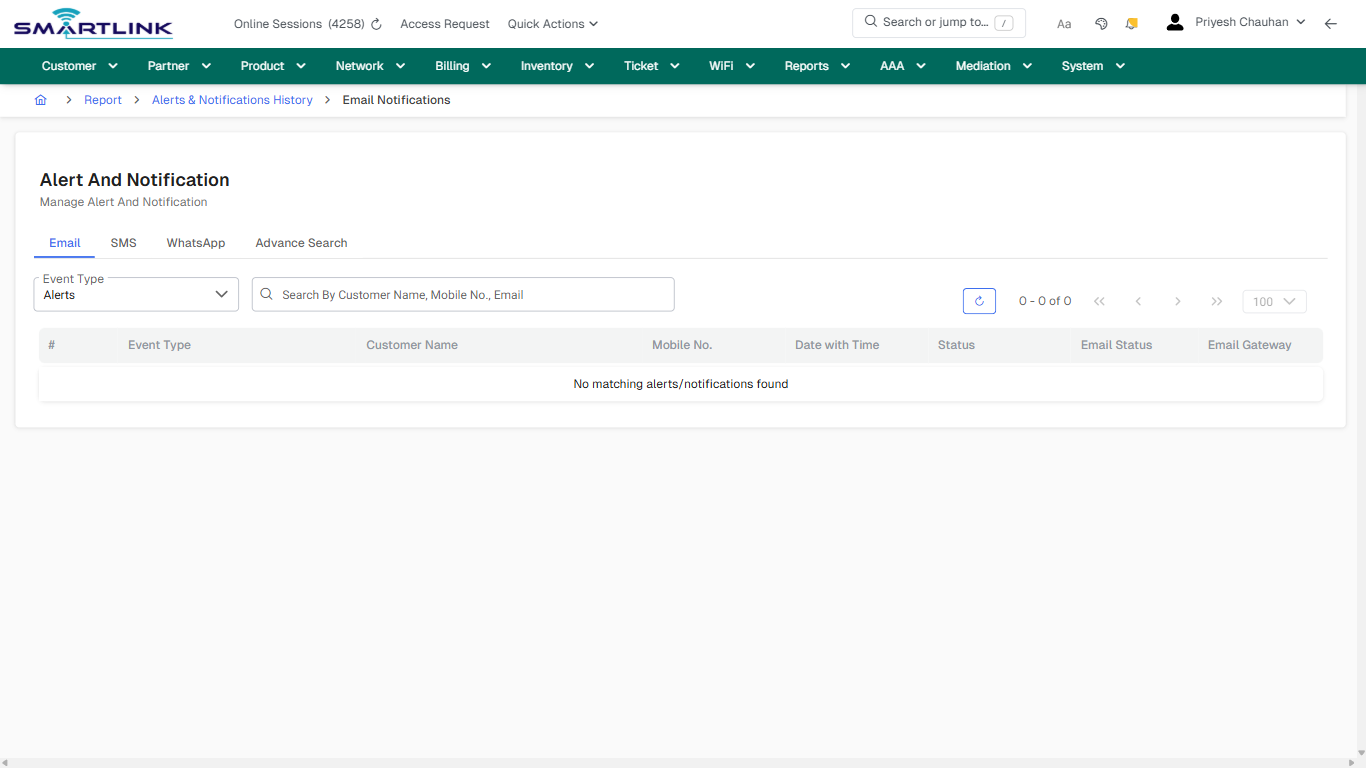
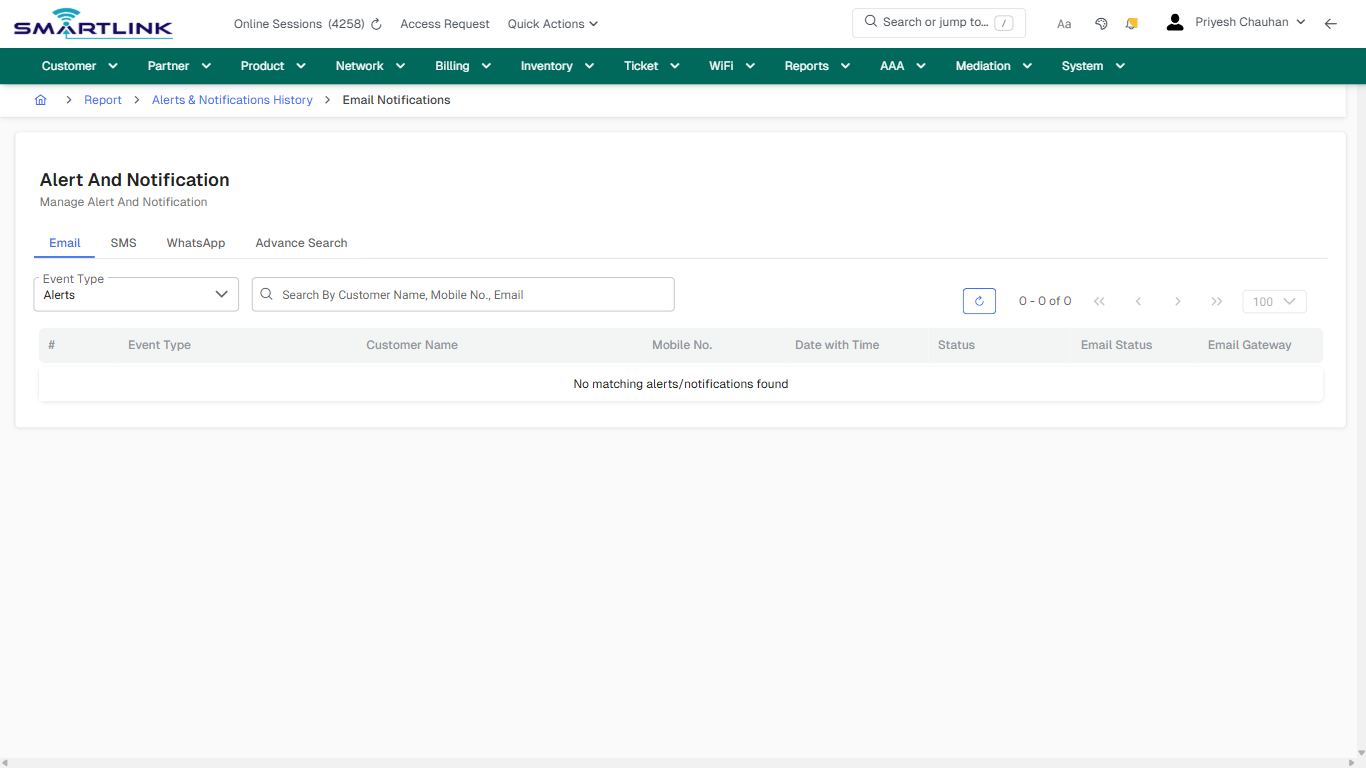
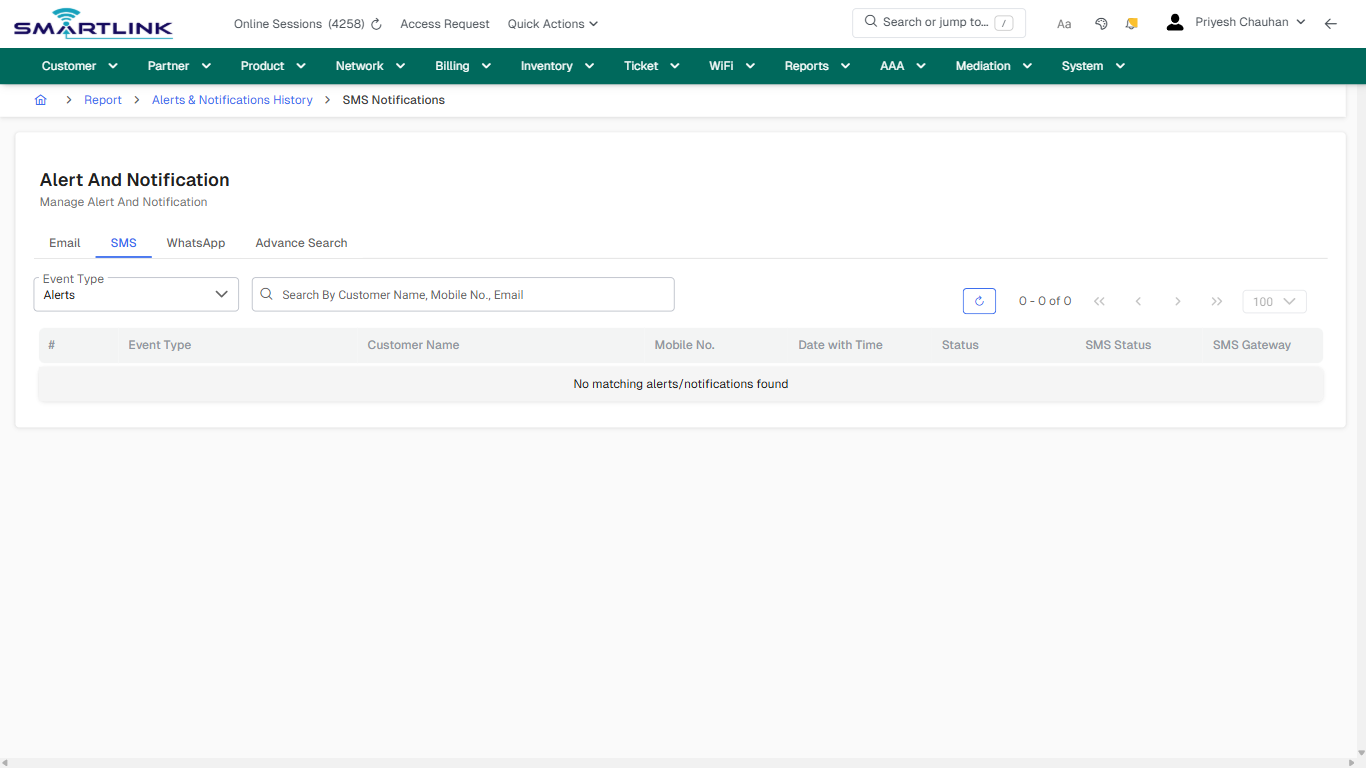
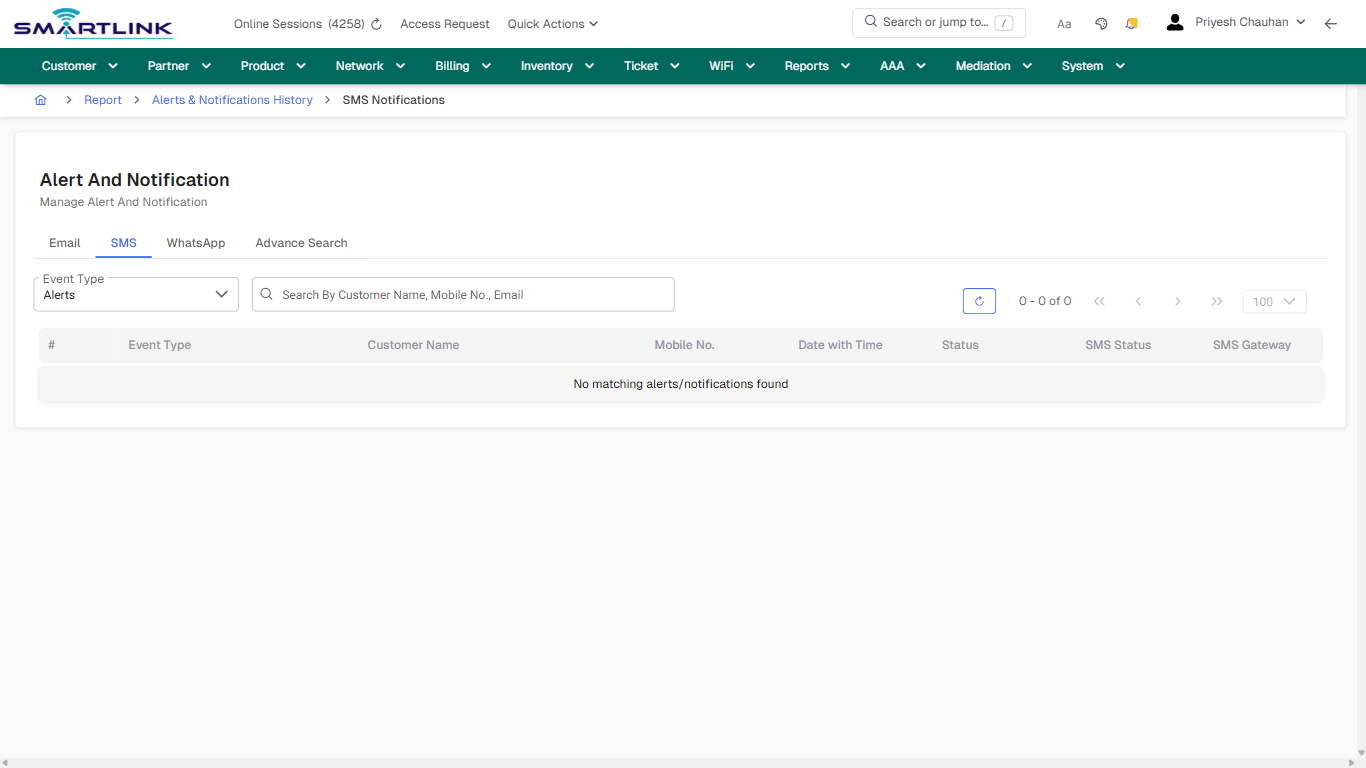
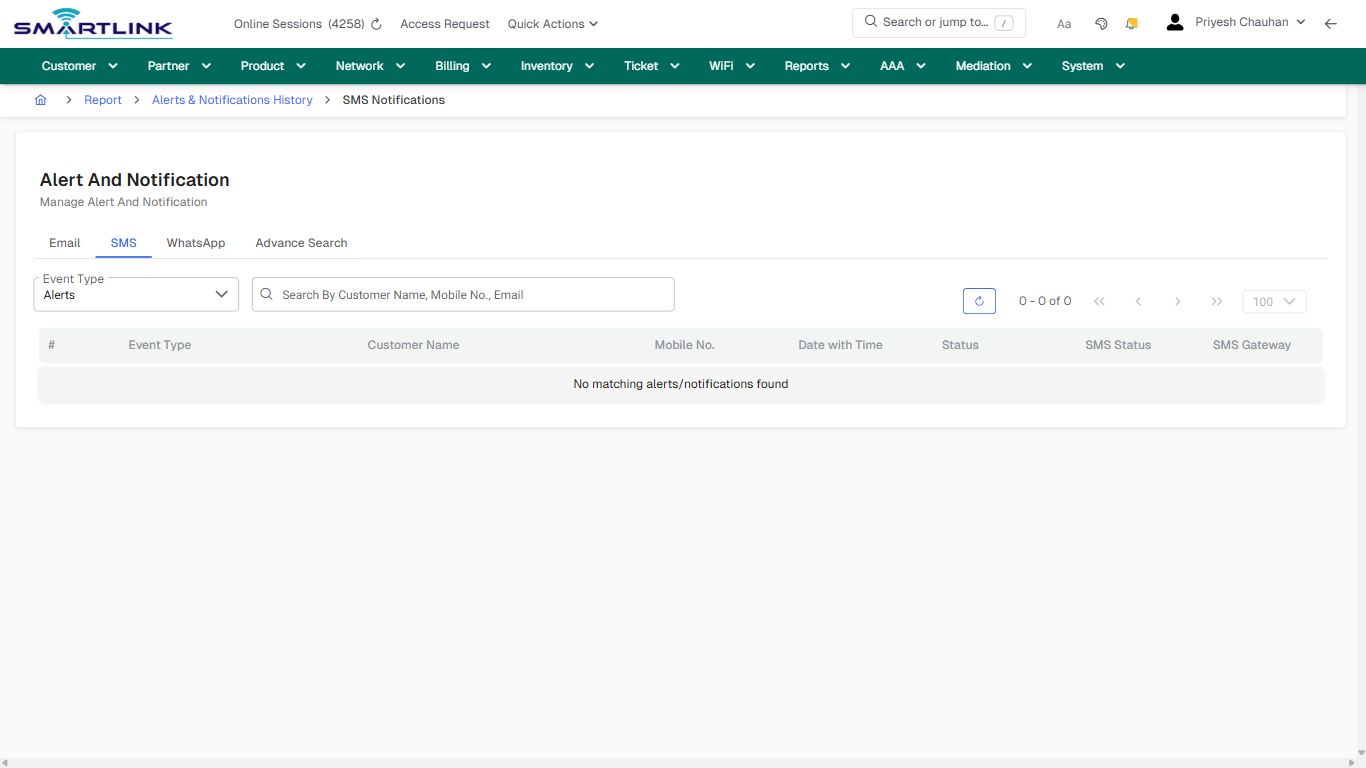
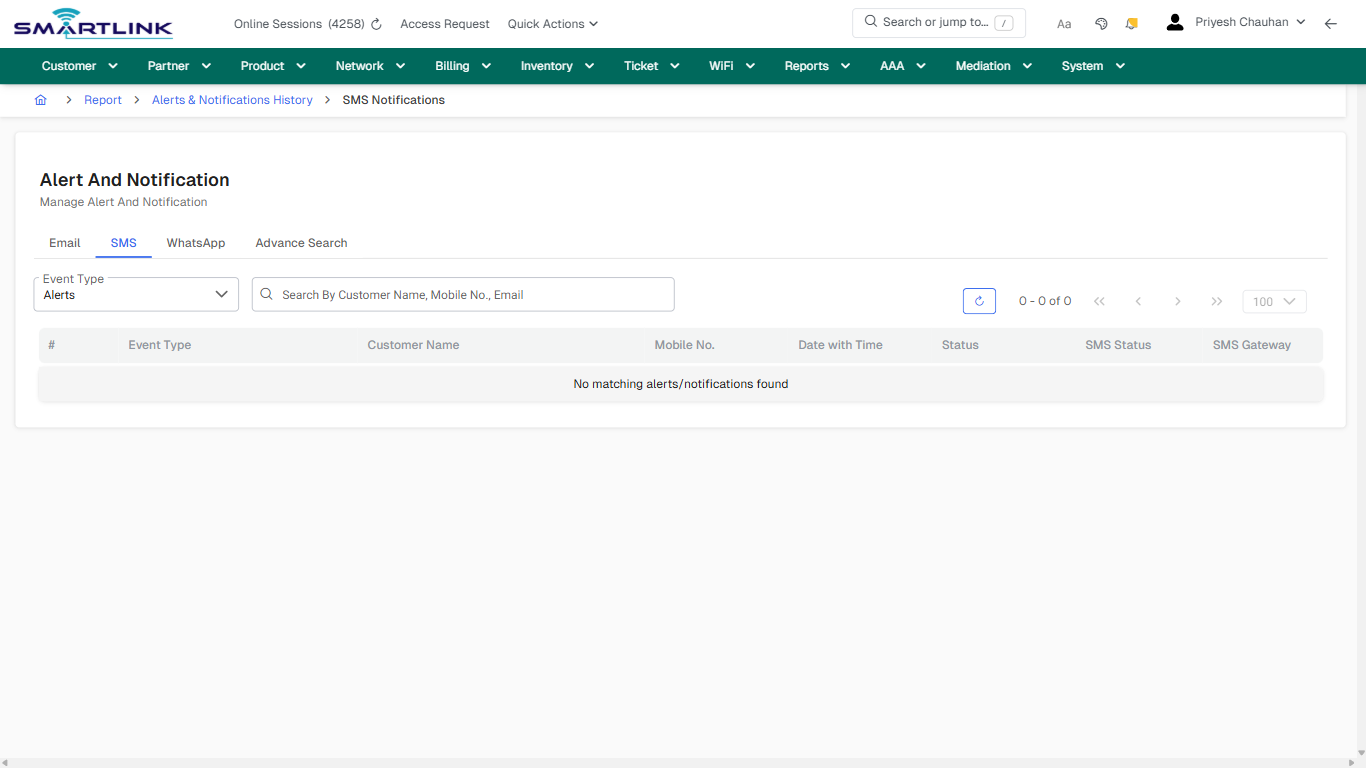
# Reports & Analytics

Routes under: rep

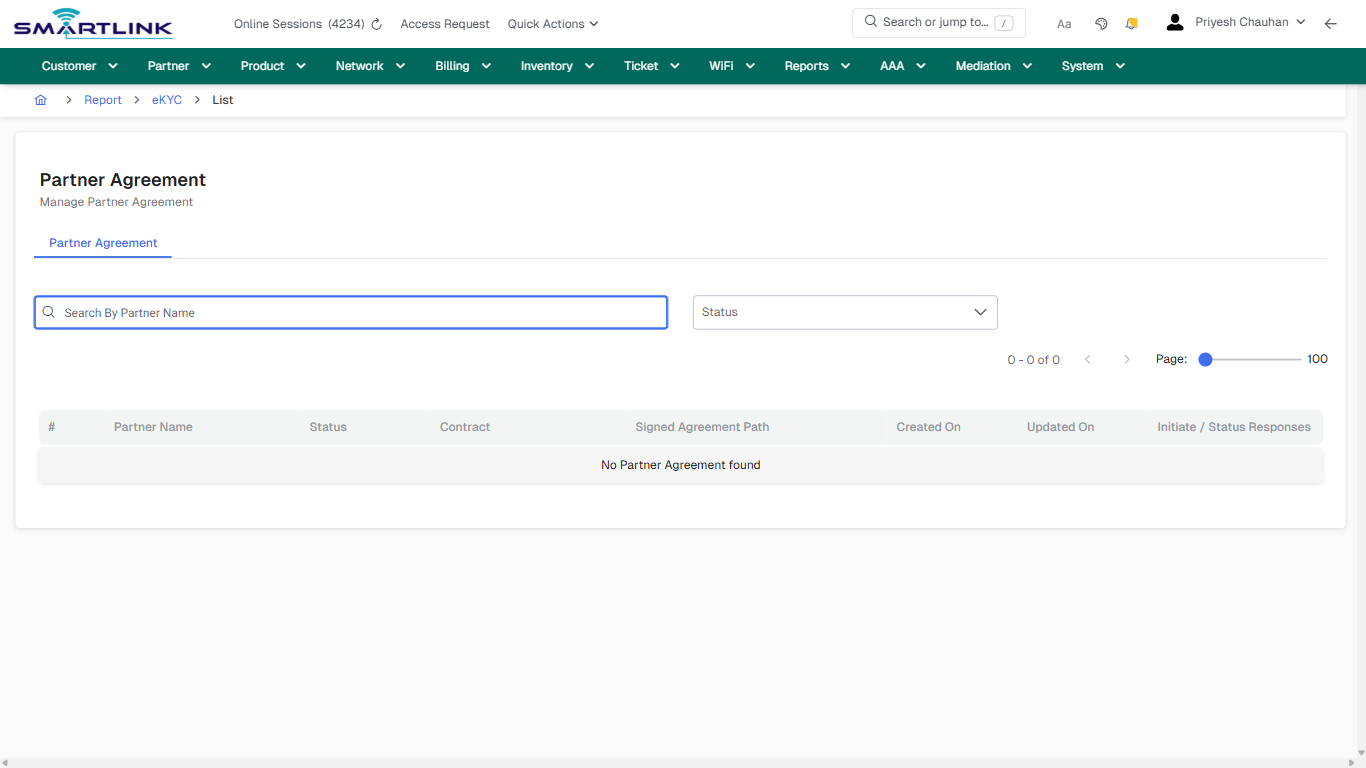
# rep > agree > all

# rep &gt; agree &gt; all

**Route:** rep/agree/all

**URL:** https://admin.myslbb.com/#/rep/agree/all

---

## Overview

 This page is a draft SOP reference for the above screen in **i2i Core OSS/BSS**. It is auto-generated from UI exports and should be reviewed for operational correctness before customer release.

## When to Use

- Use this screen for the workflow represented by this route.
- Do not make billing/AAA/provisioning-impacting changes without required authorization.
 
## Typical Workflow

1. Verify you are working on the correct entity (Customer/Account/Service).
2. Review the current lifecycle state before making changes.
3. Apply changes and validate system response.
4. Confirm downstream impact (AAA/Provisioning/Billing) where applicable.
 
## Field &amp; Action Hints (Auto-detected)

- **Fields detected:** Status
- **Actions detected:** Auto, Close, Report, eKYC

## Validation &amp; Safety Checks

- Confirm identifiers before saving.
- Confirm lifecycle state allows the change.
- Confirm rollback/support path exists for production actions.
 
## Escalation Guidance

- **L1:** Verify input, permissions, and entity state.
- **L2:** Validate dependencies and downstream state.
- **L3/Admin:** Policy/config changes or suspected defect.
 
---

## Screenshots

## default

**Captured URL:** https://admin.myslbb.com/#/rep/agree/all

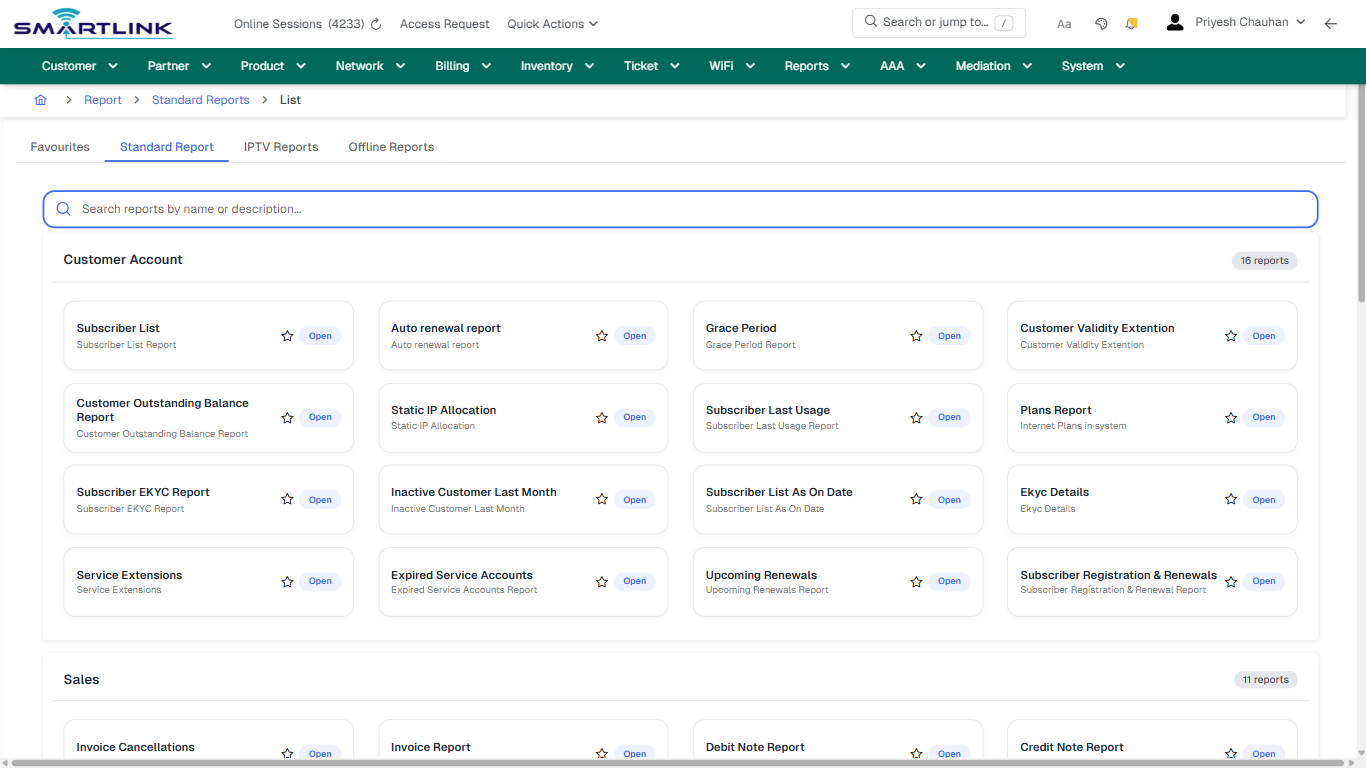
<div id="bkmrk-images-uploading%E2%80%A6">*Images uploading…*<div data-img-token="IMG_PLACEHOLDER_0_1770130814781">![screenshot](https://kb.i2itechservices.com/uploads/images/gallery/2026-02/admin-myslbb-com-rep-agree-all-default-64b839defc-part-01.png)

![screenshot](https://kb.i2itechservices.com/uploads/images/gallery/2026-02/admin-myslbb-com-rep-agree-all-default-64b839defc-part-02.png)

</div></div>---

## drilldown\_one\_item

**Captured URL:** https://admin.myslbb.com/#/rep/agree/all

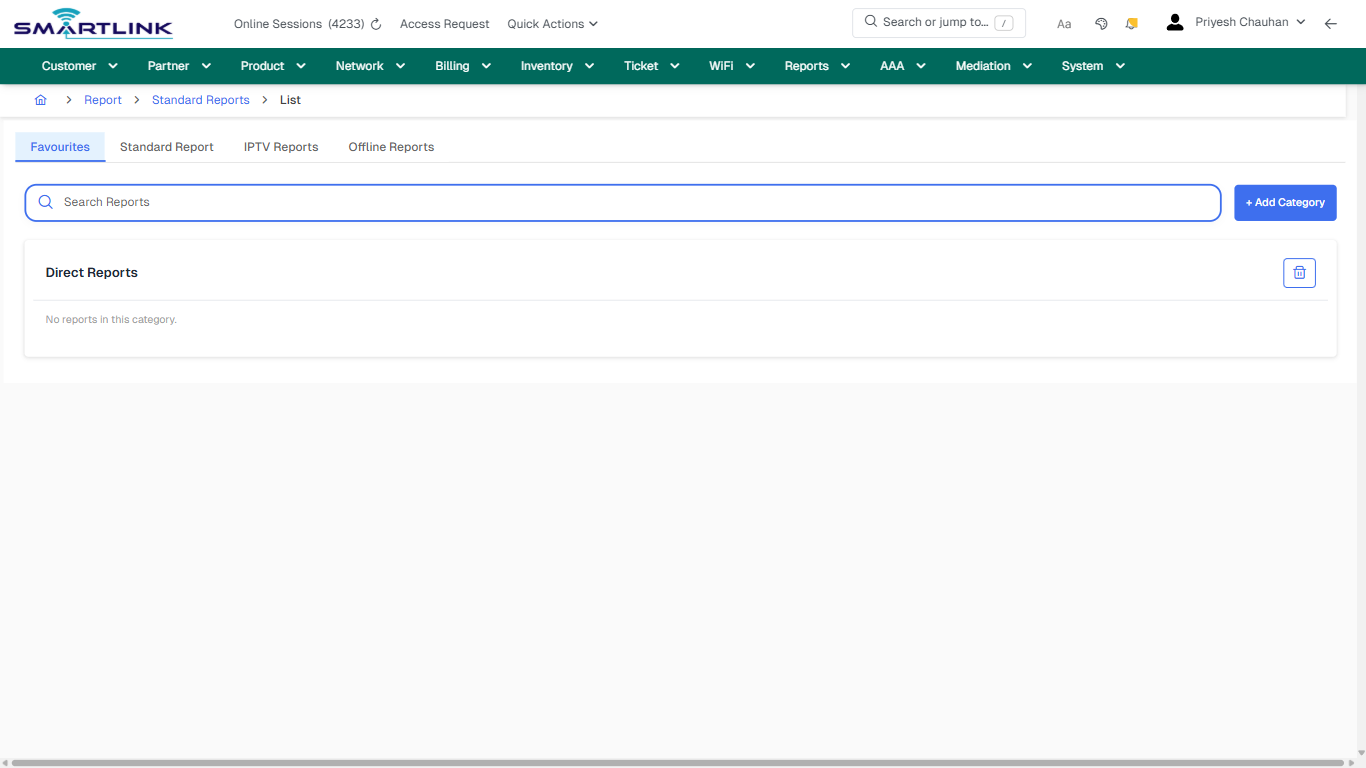
<div id="bkmrk-images-uploading%E2%80%A6-1">*Images uploading…*<div data-img-token="IMG_PLACEHOLDER_1_1770130814781">![screenshot](https://kb.i2itechservices.com/uploads/images/gallery/2026-02/admin-myslbb-com-rep-agree-all-drilldown-one-item-89d8f9a434-part-01.png)

![screenshot](https://kb.i2itechservices.com/uploads/images/gallery/2026-02/admin-myslbb-com-rep-agree-all-drilldown-one-item-89d8f9a434-part-02.png)

</div></div>

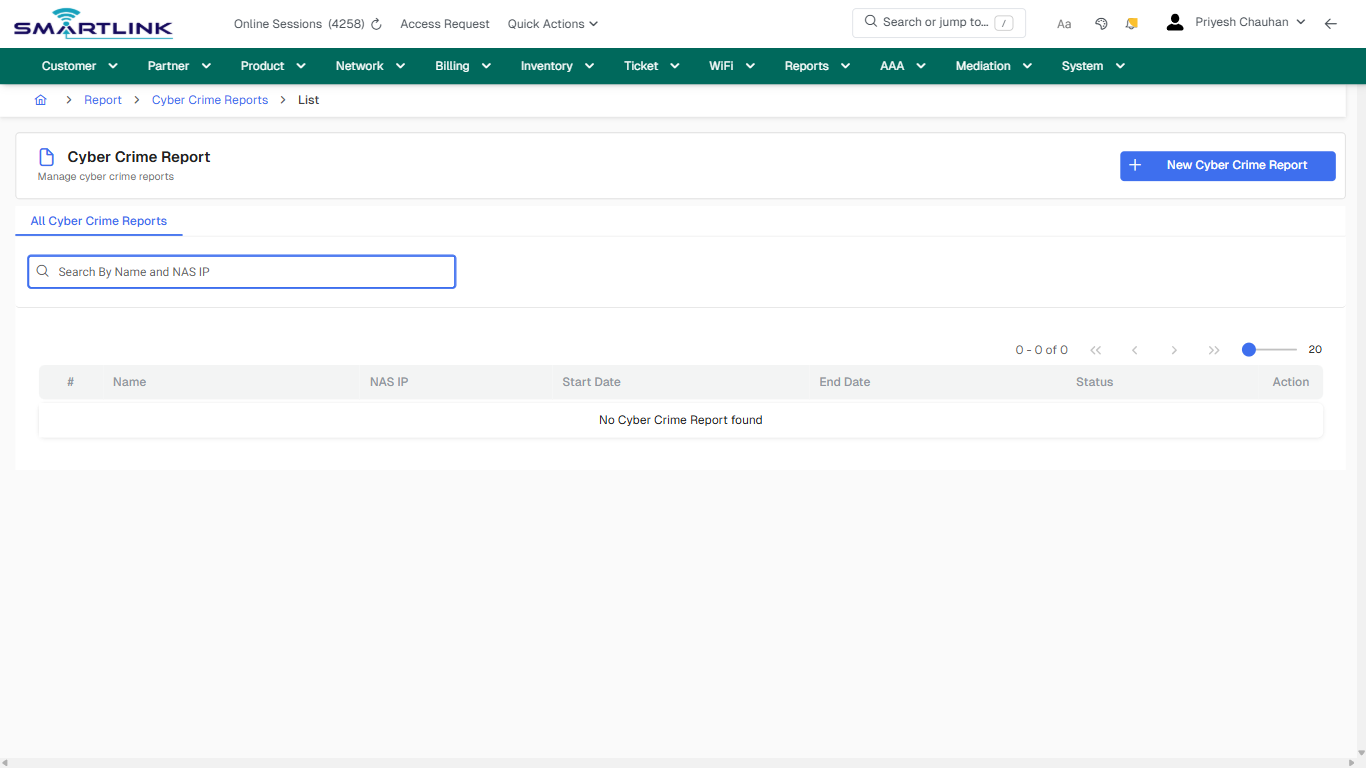
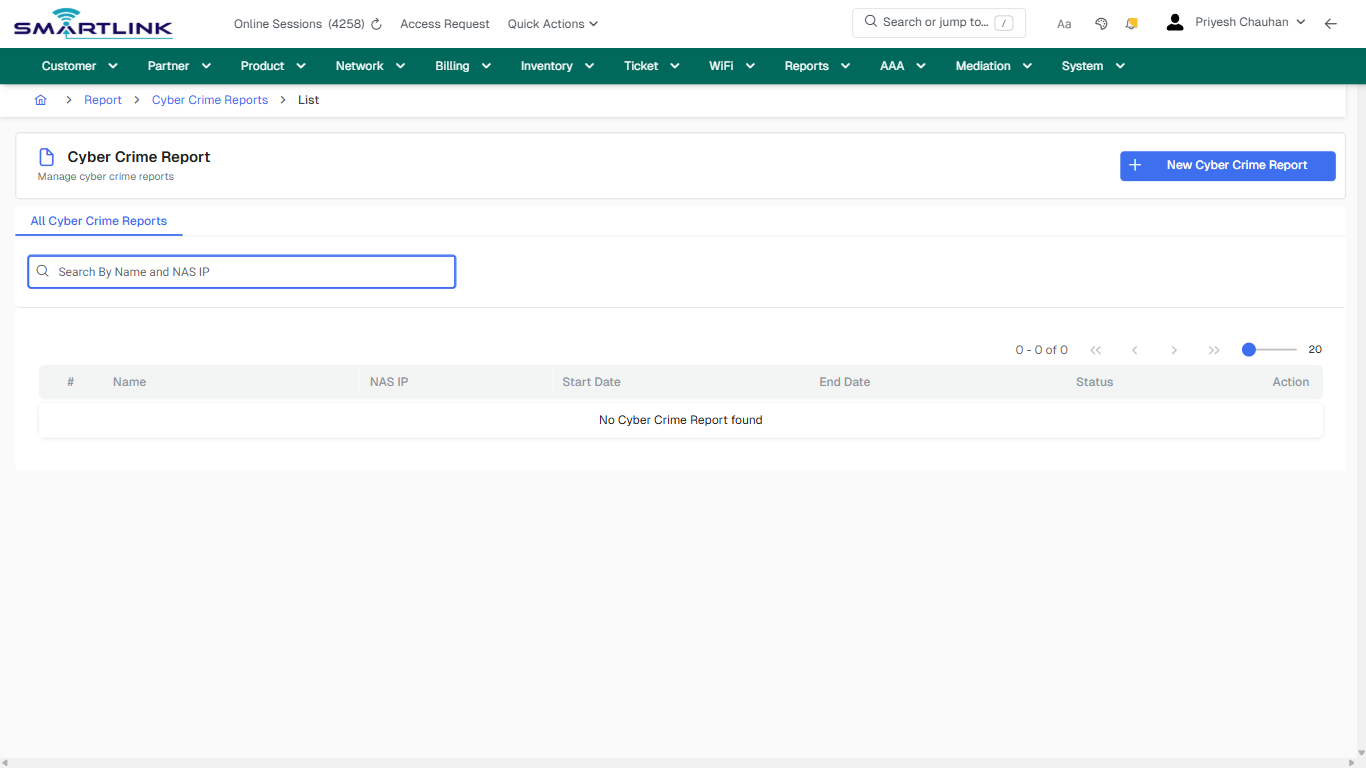
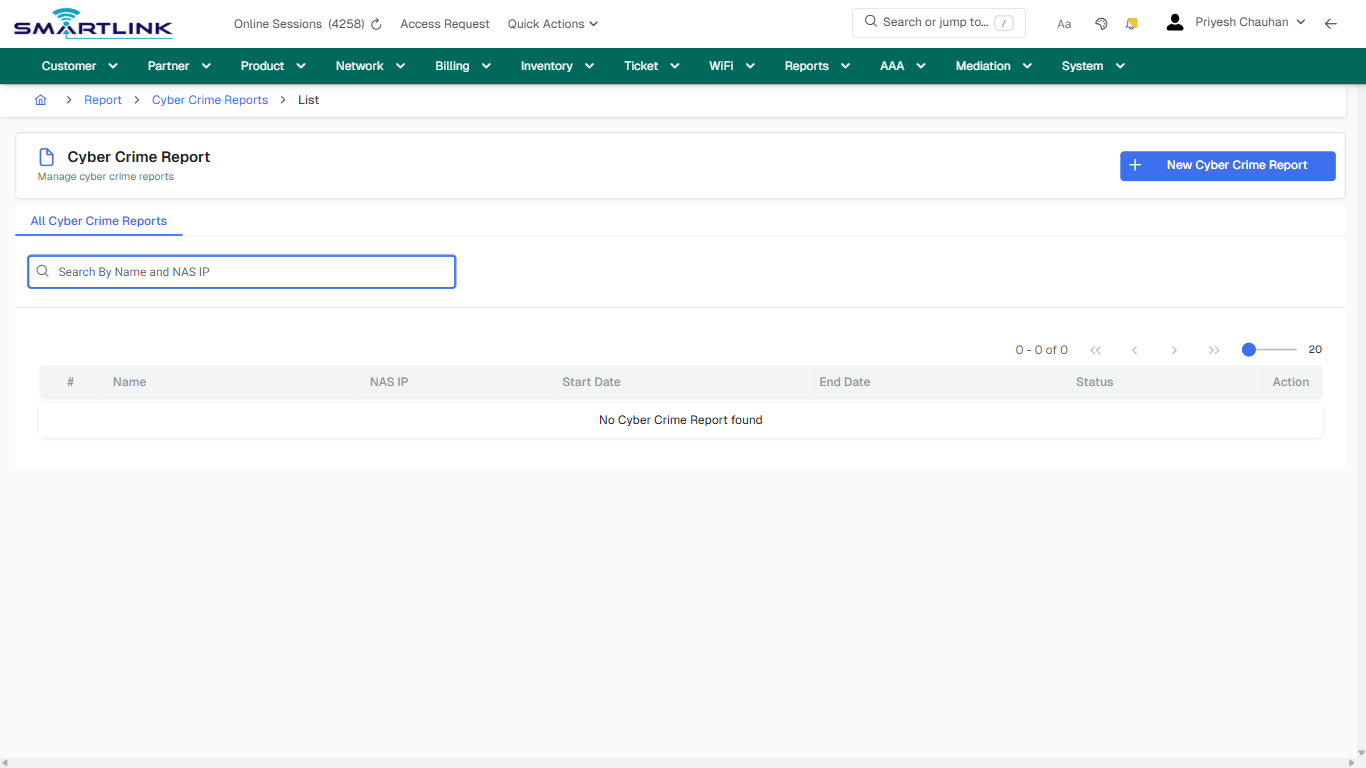
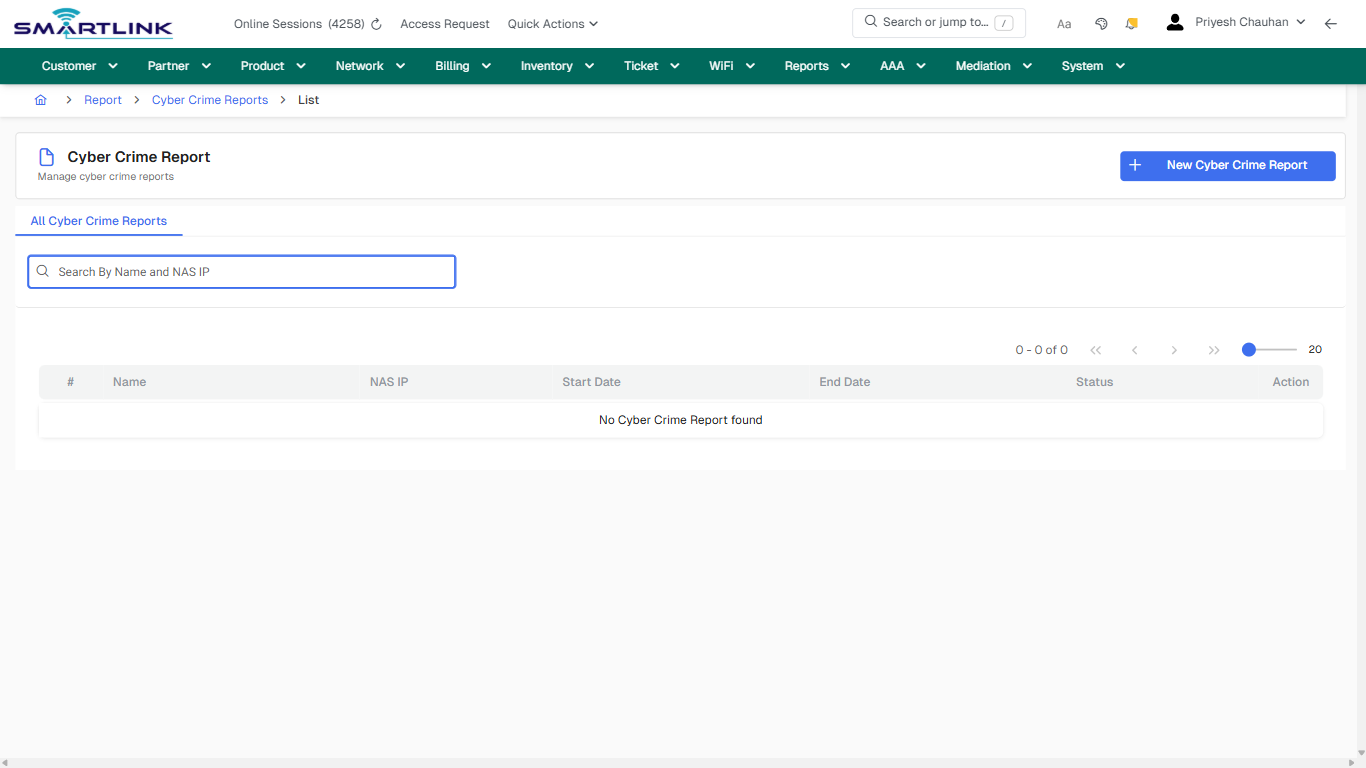
# rep > ccrep > list > all

# rep &gt; ccrep &gt; list &gt; all

**Route:** rep/ccrep/list/all

**URL:** https://admin.myslbb.com/#/rep/ccrep/list/all

---

## Overview

 This page is a draft SOP reference for the above screen in **i2i Core OSS/BSS**. It is auto-generated from UI exports and should be reviewed for operational correctness before customer release.

## When to Use

- Use this screen for the workflow represented by this route.
- Do not make billing/AAA/provisioning-impacting changes without required authorization.
 
## Typical Workflow

1. Verify you are working on the correct entity (Customer/Account/Service).
2. Review the current lifecycle state before making changes.
3. Apply changes and validate system response.
4. Confirm downstream impact (AAA/Provisioning/Billing) where applicable.
 
## Field &amp; Action Hints (Auto-detected)

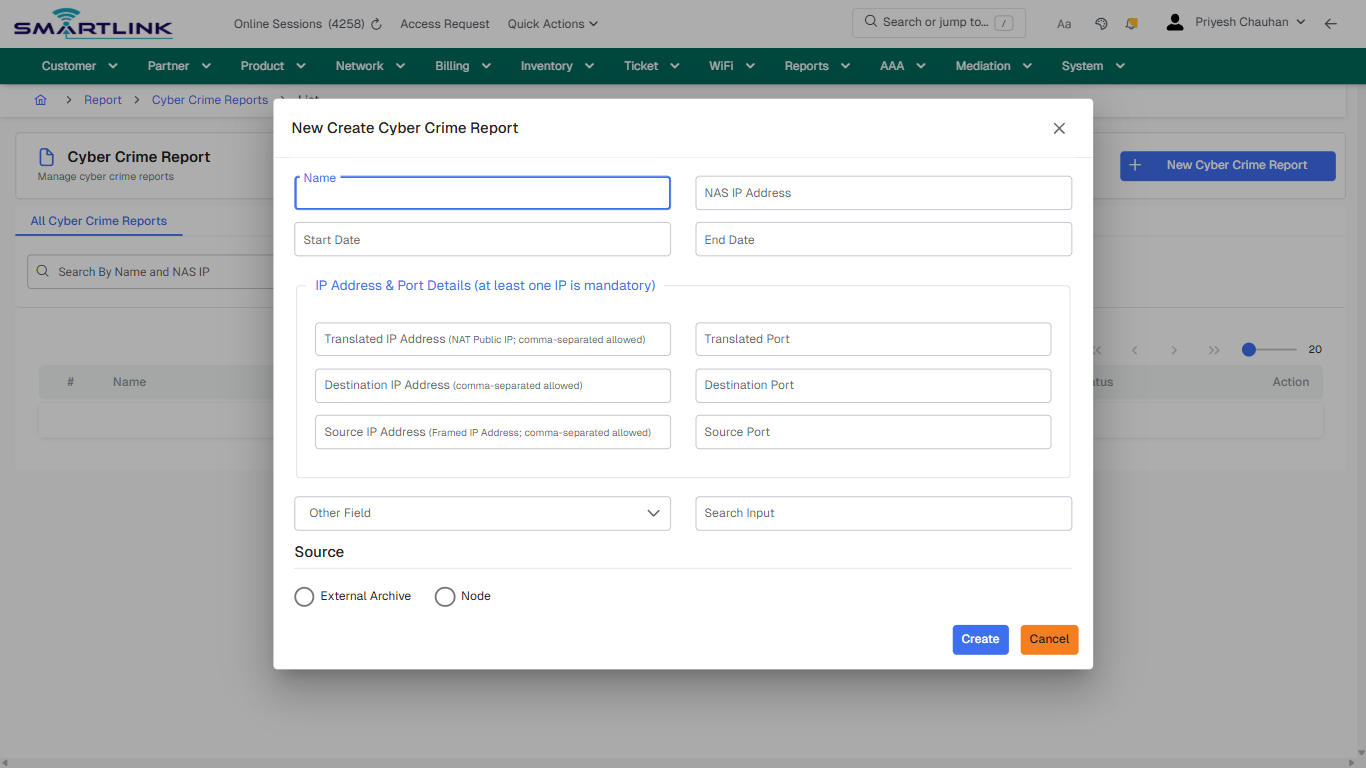
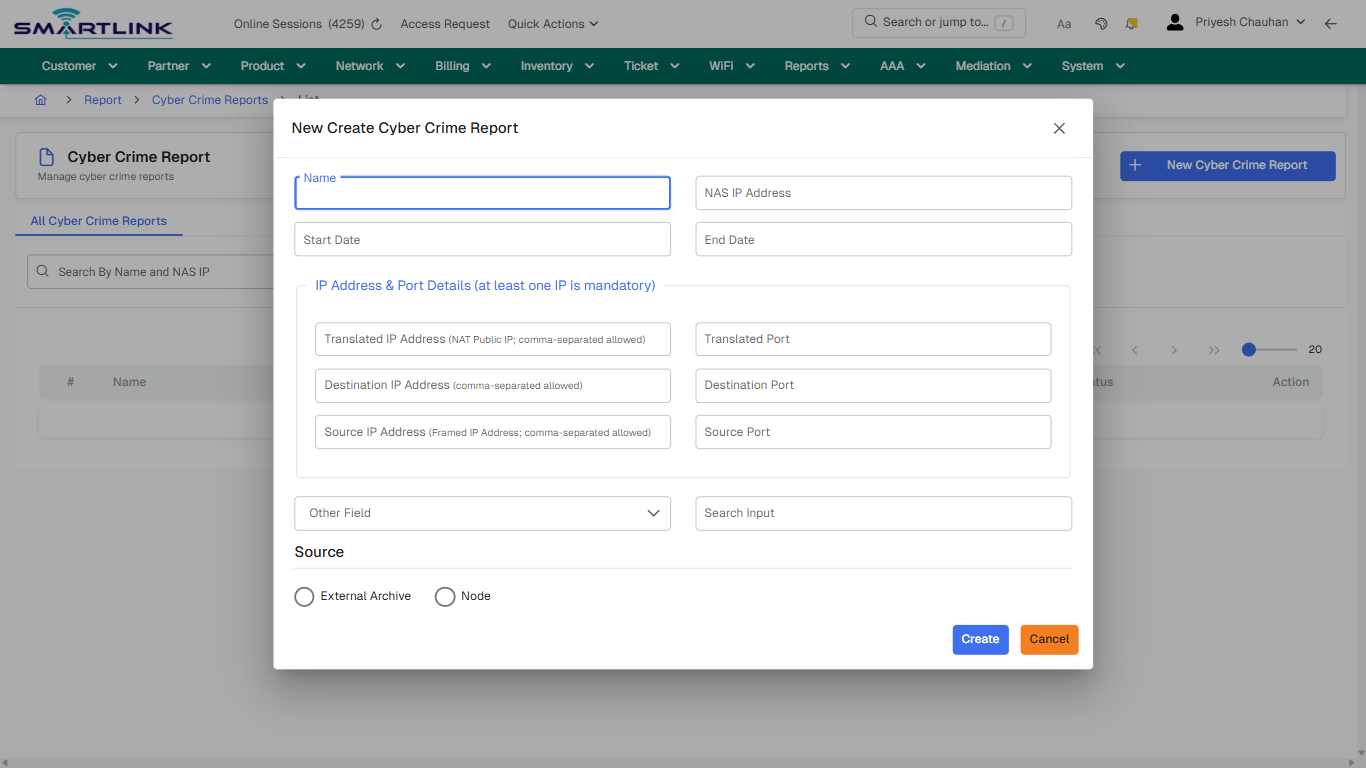
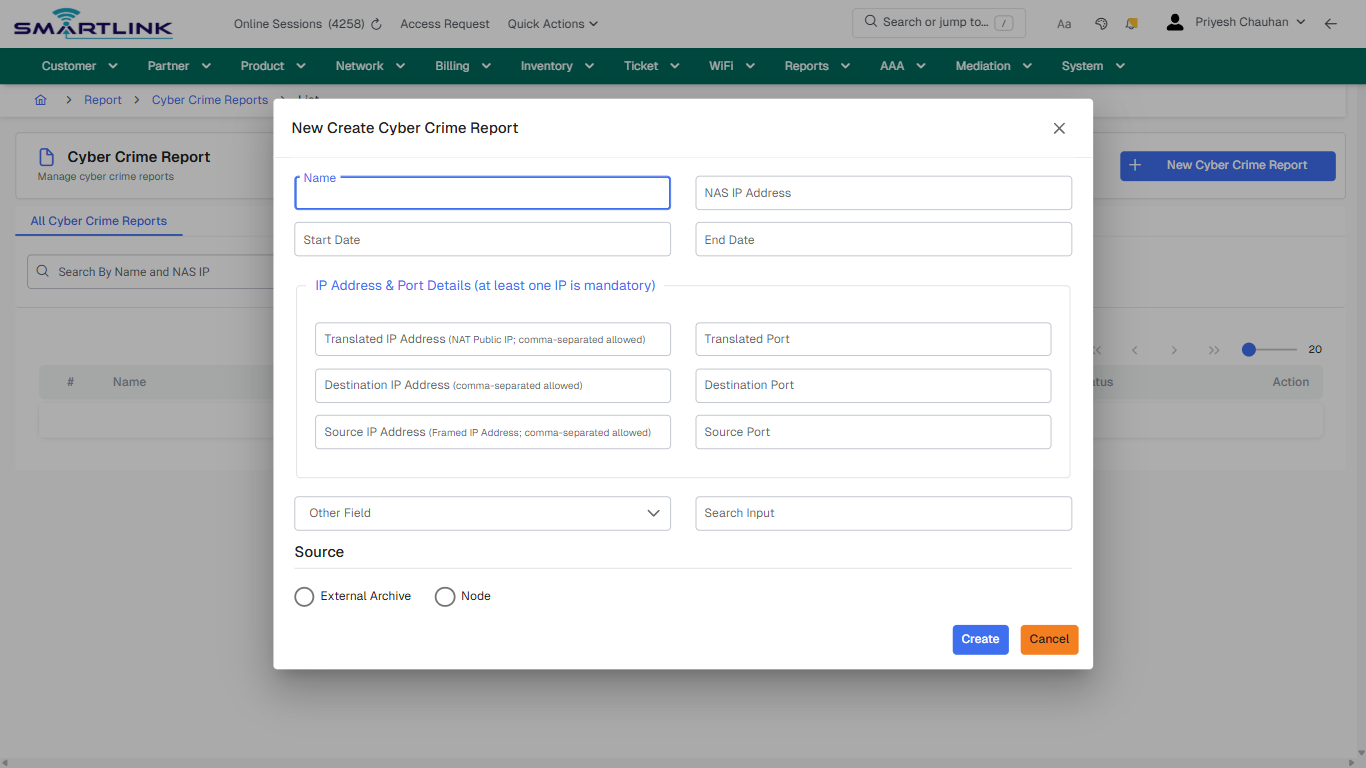
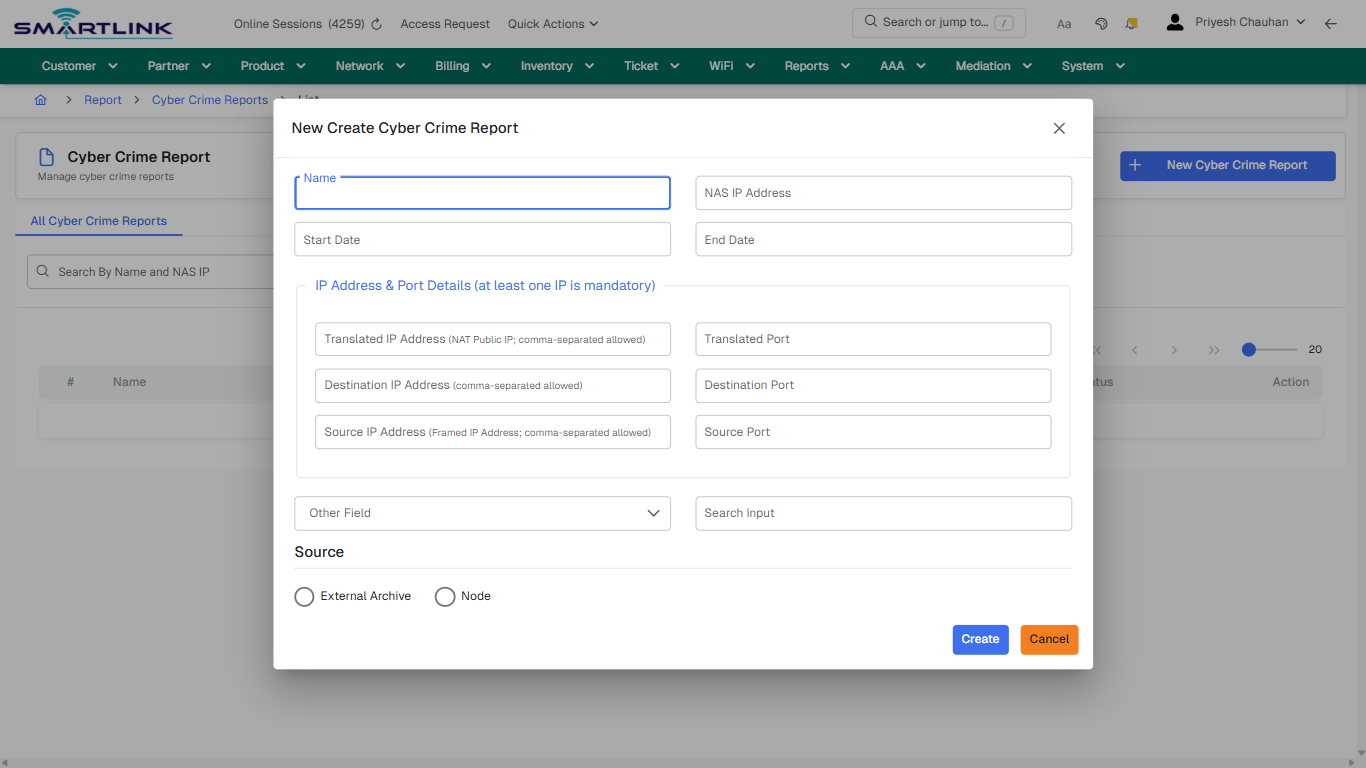
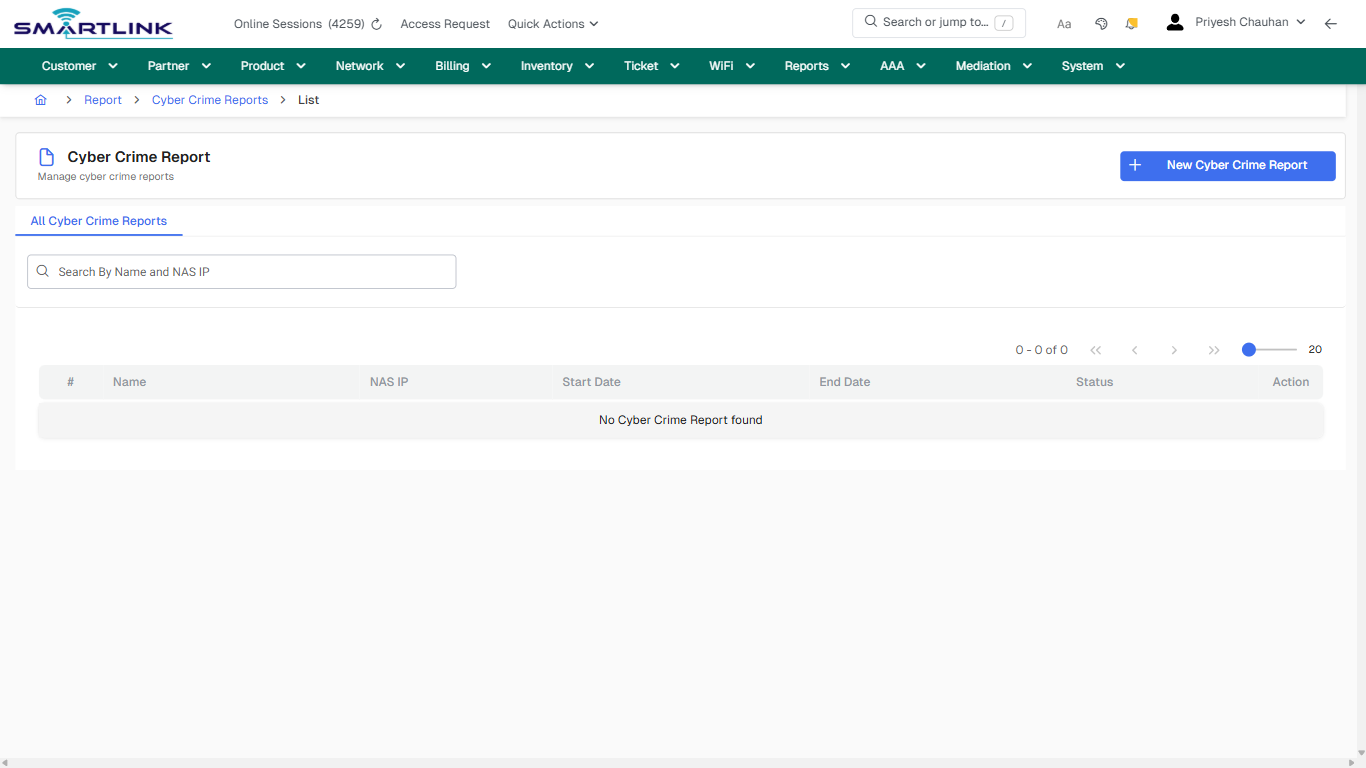
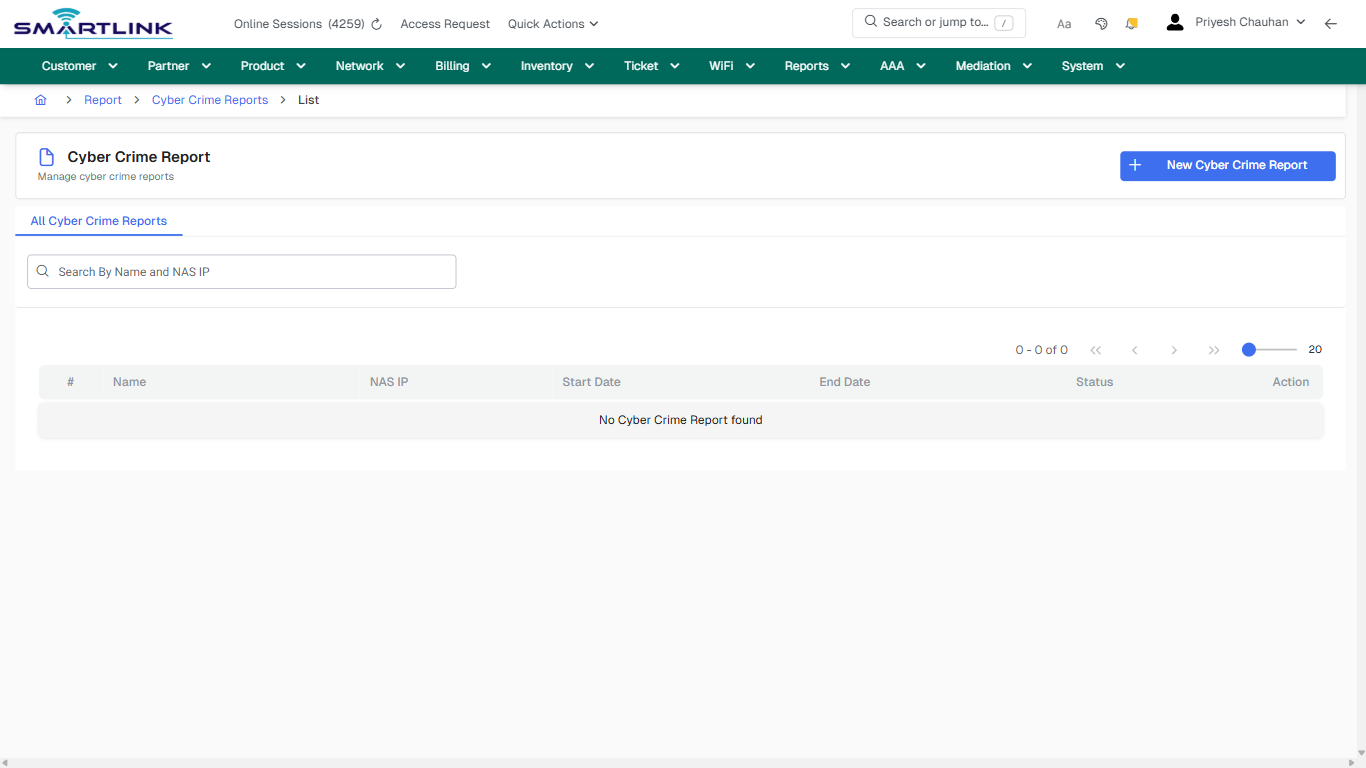
- **Actions detected:** Auto, Close, Report, Cyber Crime Reports, New Cyber Crime Report

## Validation &amp; Safety Checks

- Confirm identifiers before saving.
- Confirm lifecycle state allows the change.
- Confirm rollback/support path exists for production actions.
 
## Escalation Guidance

- **L1:** Verify input, permissions, and entity state.
- **L2:** Validate dependencies and downstream state.
- **L3/Admin:** Policy/config changes or suspected defect.
 
---

## Screenshots

## default

**Captured URL:** https://admin.myslbb.com/#/rep/ccrep/list/all

<div id="bkmrk-images-uploading%E2%80%A6">*Images uploading…*<div data-img-token="IMG_PLACEHOLDER_0_1770130817932">![screenshot](https://kb.i2itechservices.com/uploads/images/gallery/2026-02/admin-myslbb-com-rep-ccrep-list-all-default-b99764db1d-part-01.png)

![screenshot](https://kb.i2itechservices.com/uploads/images/gallery/2026-02/admin-myslbb-com-rep-ccrep-list-all-default-b99764db1d-part-02.png)

</div></div>---

## default

**Captured URL:** https://admin.myslbb.com/#/rep/ccrep/list/all

<div id="bkmrk-images-uploading%E2%80%A6-1">*Images uploading…*<div data-img-token="IMG_PLACEHOLDER_1_1770130817932">![screenshot](https://kb.i2itechservices.com/uploads/images/gallery/2026-02/3Beadmin-myslbb-com-rep-ccrep-list-all-default-b99764db1d-part-01.png)

![screenshot](https://kb.i2itechservices.com/uploads/images/gallery/2026-02/KoCadmin-myslbb-com-rep-ccrep-list-all-default-b99764db1d-part-02.png)

</div></div>---

## create\_new

**Captured URL:** https://admin.myslbb.com/#/rep/ccrep/list/all

<div id="bkmrk-images-uploading%E2%80%A6-2">*Images uploading…*<div data-img-token="IMG_PLACEHOLDER_2_1770130817932">![screenshot](https://kb.i2itechservices.com/uploads/images/gallery/2026-02/admin-myslbb-com-rep-ccrep-list-all-create-new-590eed5b5b-part-01.png)

![screenshot](https://kb.i2itechservices.com/uploads/images/gallery/2026-02/admin-myslbb-com-rep-ccrep-list-all-create-new-590eed5b5b-part-02.png)

</div></div>---

## create\_new

**Captured URL:** https://admin.myslbb.com/#/rep/ccrep/list/all

<div id="bkmrk-images-uploading%E2%80%A6-3">*Images uploading…*<div data-img-token="IMG_PLACEHOLDER_3_1770130817932">![screenshot](https://kb.i2itechservices.com/uploads/images/gallery/2026-02/GKladmin-myslbb-com-rep-ccrep-list-all-create-new-590eed5b5b-part-01.png)

![screenshot](https://kb.i2itechservices.com/uploads/images/gallery/2026-02/zagadmin-myslbb-com-rep-ccrep-list-all-create-new-590eed5b5b-part-02.png)

</div></div>---

## drilldown\_one\_item

**Captured URL:** https://admin.myslbb.com/#/rep/ccrep/list/all

<div id="bkmrk-images-uploading%E2%80%A6-4">*Images uploading…*<div data-img-token="IMG_PLACEHOLDER_4_1770130817932">![screenshot](https://kb.i2itechservices.com/uploads/images/gallery/2026-02/admin-myslbb-com-rep-ccrep-list-all-drilldown-one-item-bfa0ef08c9-part-01.png)

![screenshot](https://kb.i2itechservices.com/uploads/images/gallery/2026-02/admin-myslbb-com-rep-ccrep-list-all-drilldown-one-item-bfa0ef08c9-part-02.png)

</div></div>---

## drilldown\_one\_item

**Captured URL:** https://admin.myslbb.com/#/rep/ccrep/list/all

<div id="bkmrk-images-uploading%E2%80%A6-5">*Images uploading…*<div data-img-token="IMG_PLACEHOLDER_5_1770130817932">![screenshot](https://kb.i2itechservices.com/uploads/images/gallery/2026-02/op2admin-myslbb-com-rep-ccrep-list-all-drilldown-one-item-bfa0ef08c9-part-01.png)

![screenshot](https://kb.i2itechservices.com/uploads/images/gallery/2026-02/OdCadmin-myslbb-com-rep-ccrep-list-all-drilldown-one-item-bfa0ef08c9-part-02.png)

</div></div>

# rep > coltr > all

# rep &gt; coltr &gt; all

**Route:** rep/coltr/all

**URL:** https://admin.myslbb.com/#/rep/coltr/all

---

## Overview

 This page is a draft SOP reference for the above screen in **i2i Core OSS/BSS**. It is auto-generated from UI exports and should be reviewed for operational correctness before customer release.

## When to Use

- Use this screen for the workflow represented by this route.
- Do not make billing/AAA/provisioning-impacting changes without required authorization.
 
## Typical Workflow

1. Verify you are working on the correct entity (Customer/Account/Service).
2. Review the current lifecycle state before making changes.
3. Apply changes and validate system response.
4. Confirm downstream impact (AAA/Provisioning/Billing) where applicable.
 
## Field &amp; Action Hints (Auto-detected)

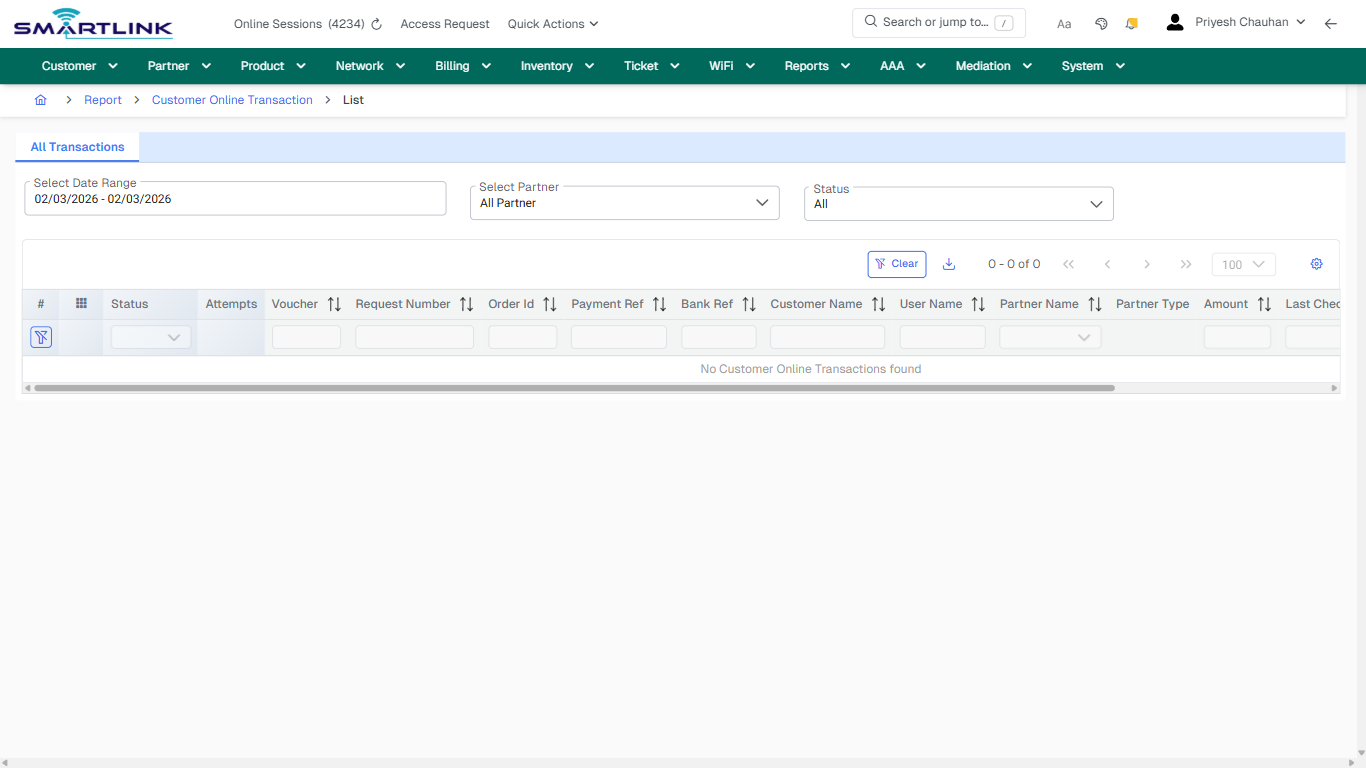
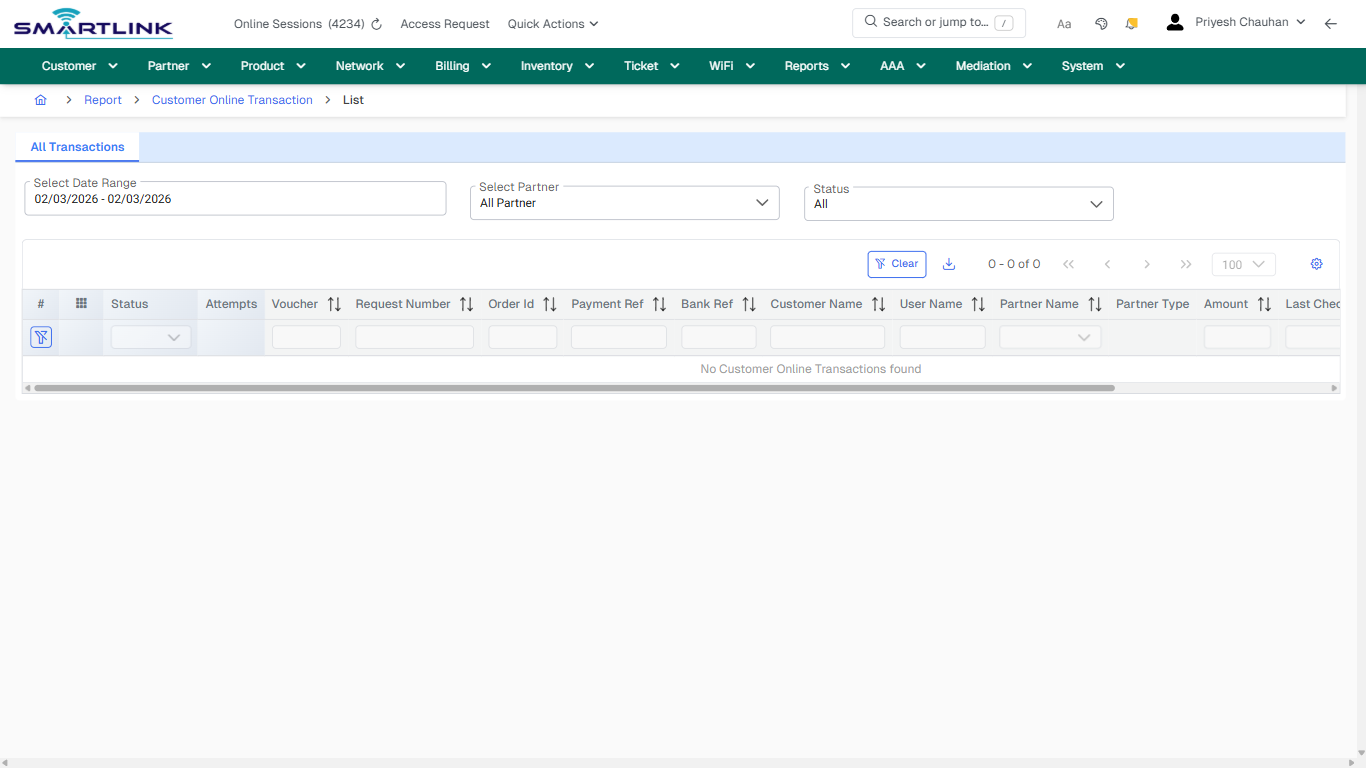
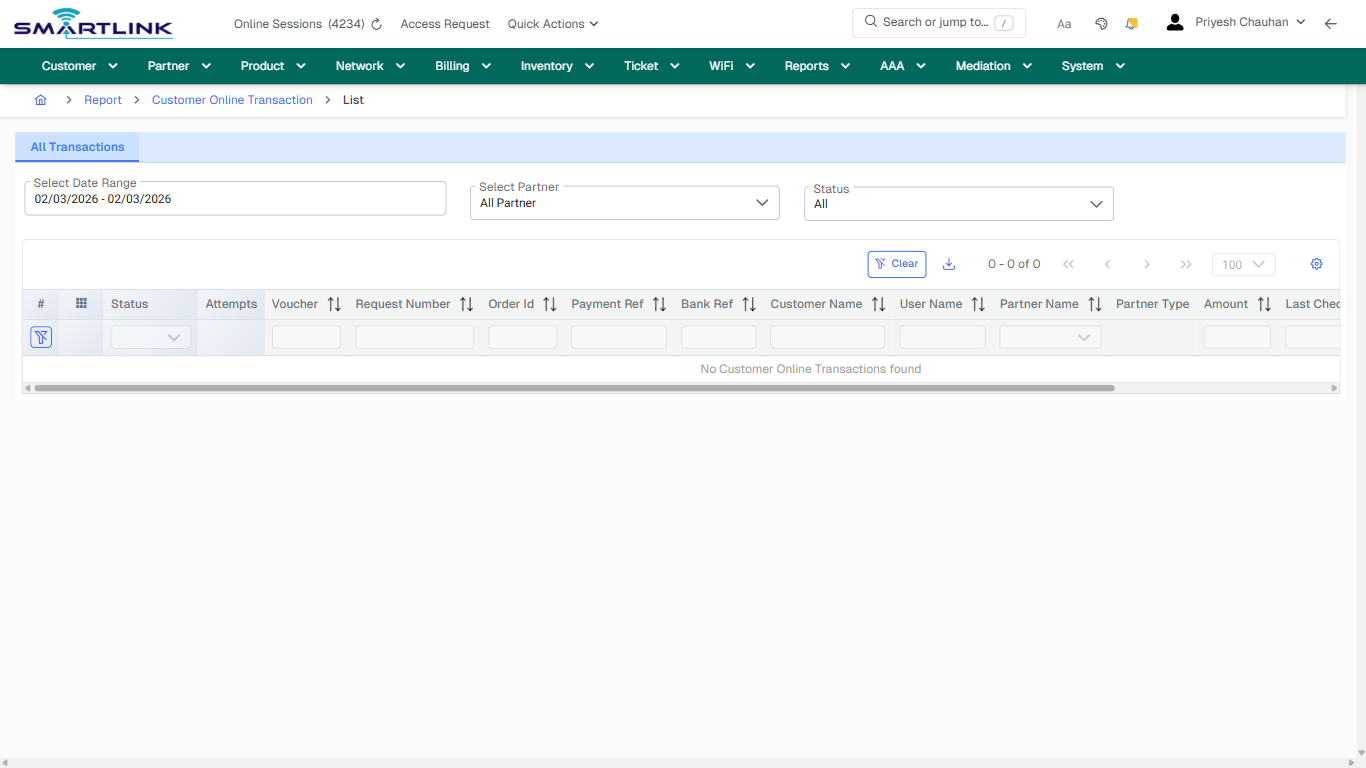
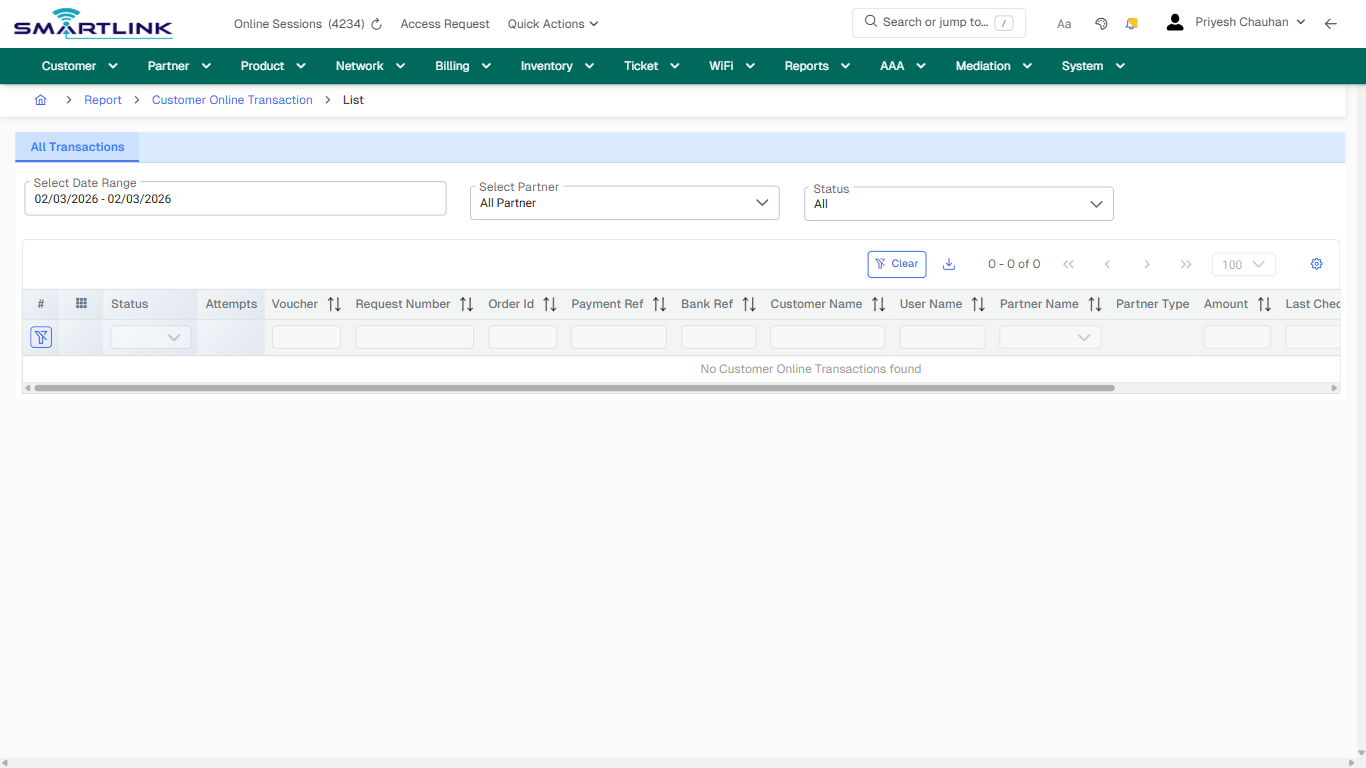
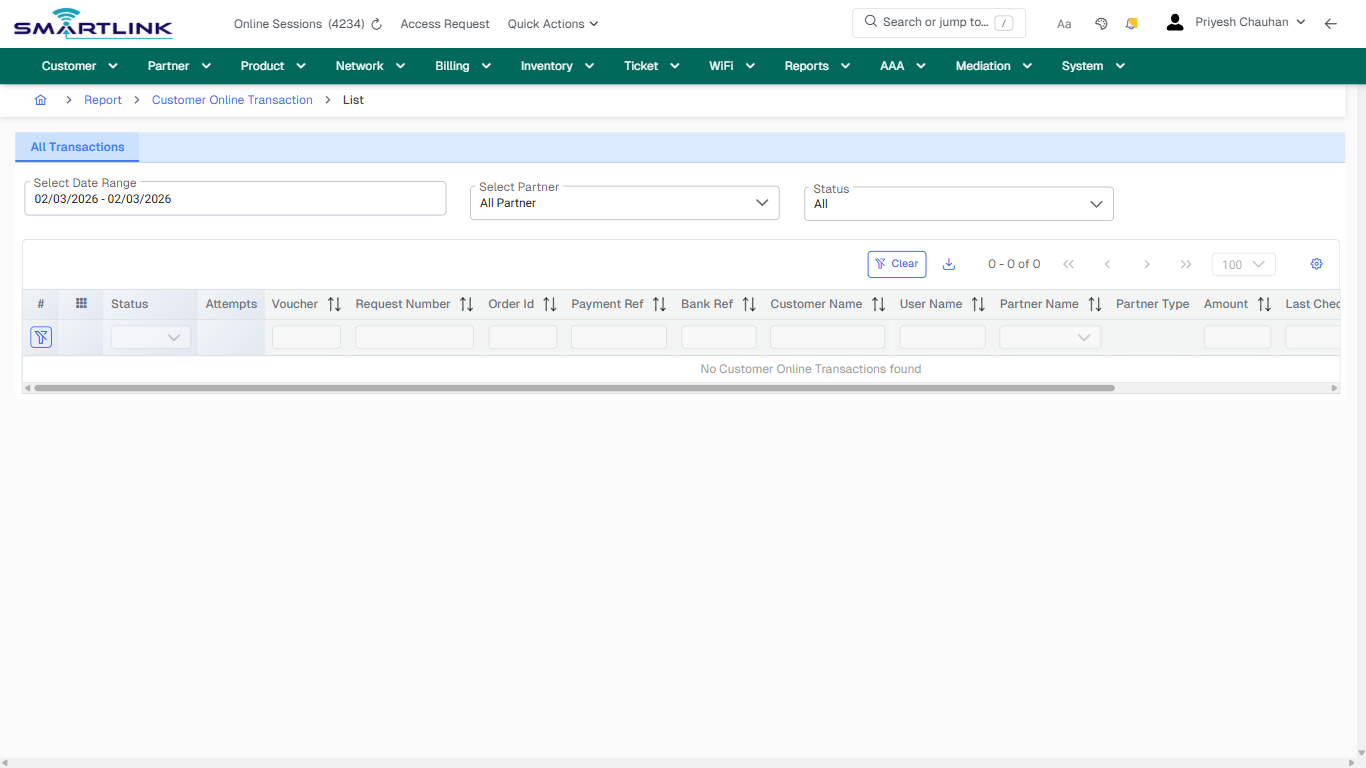
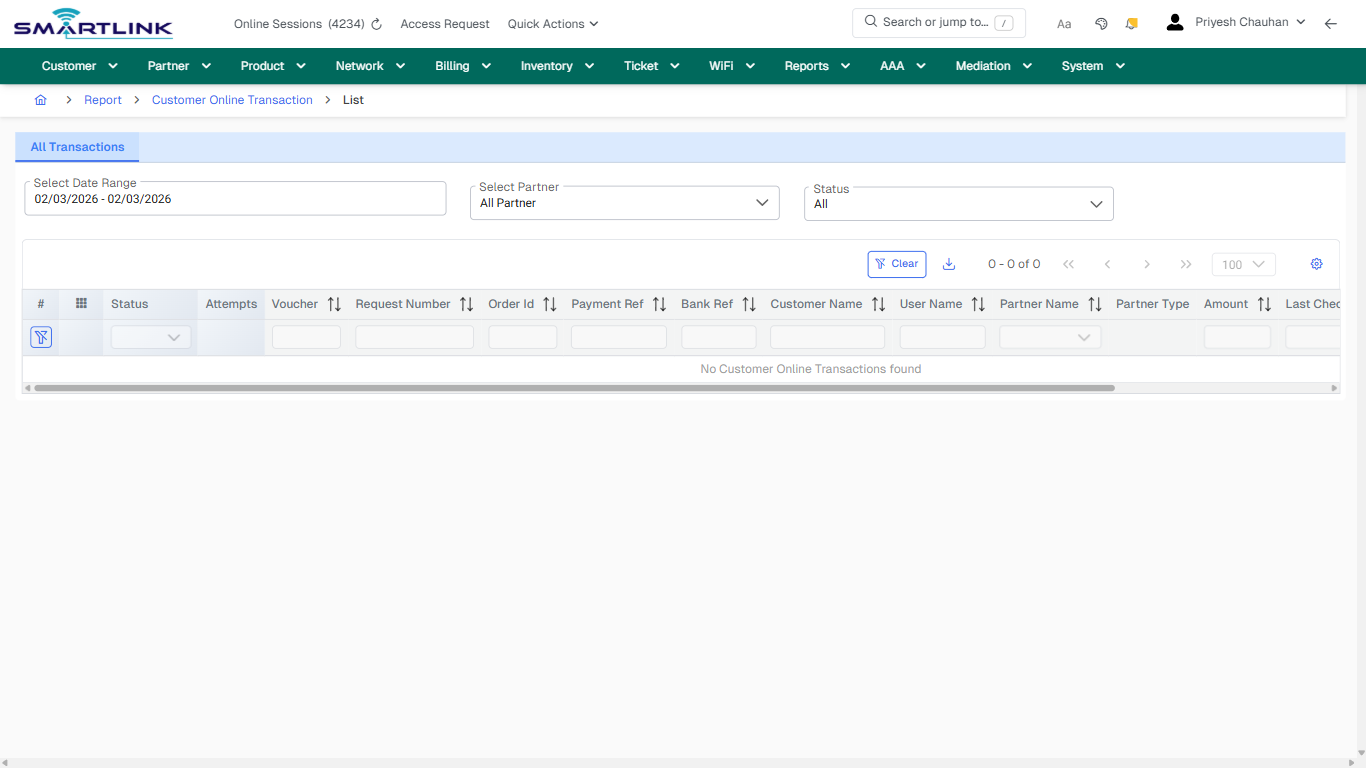
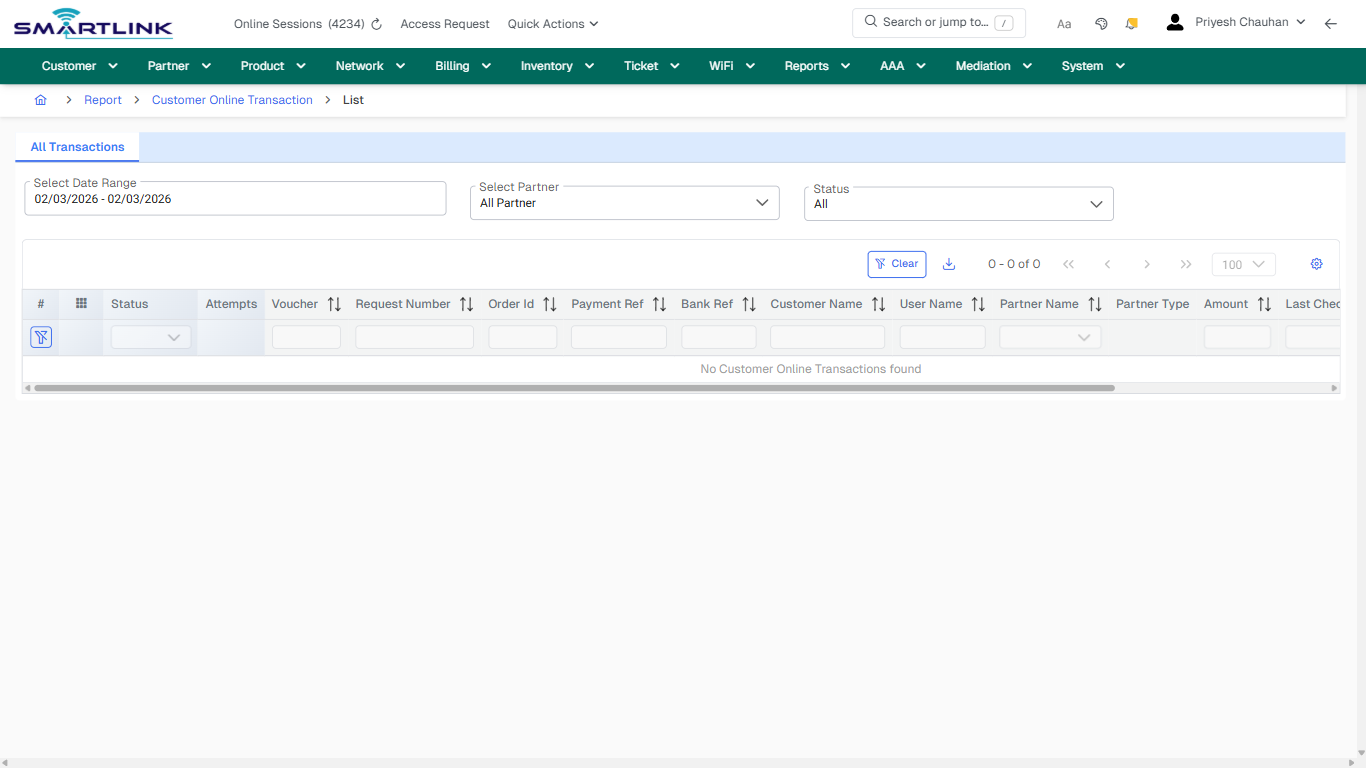
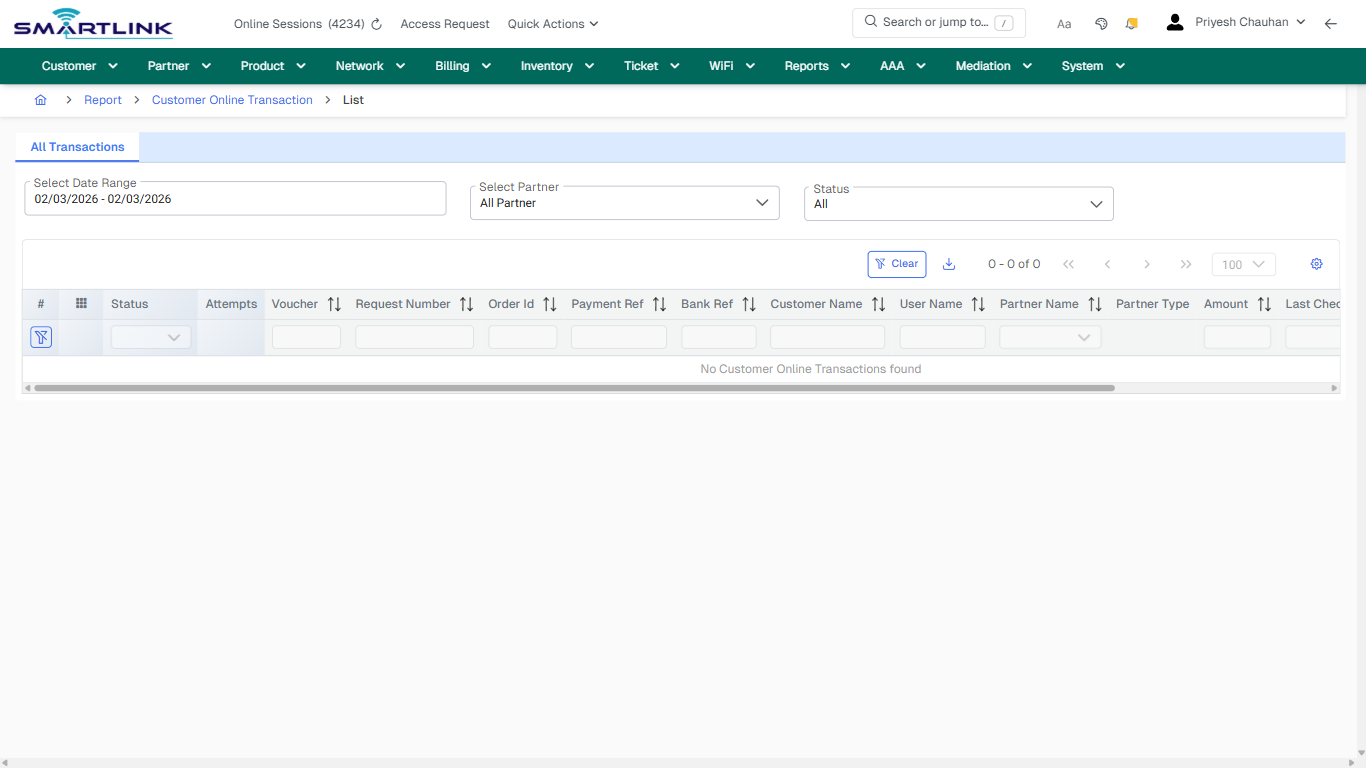
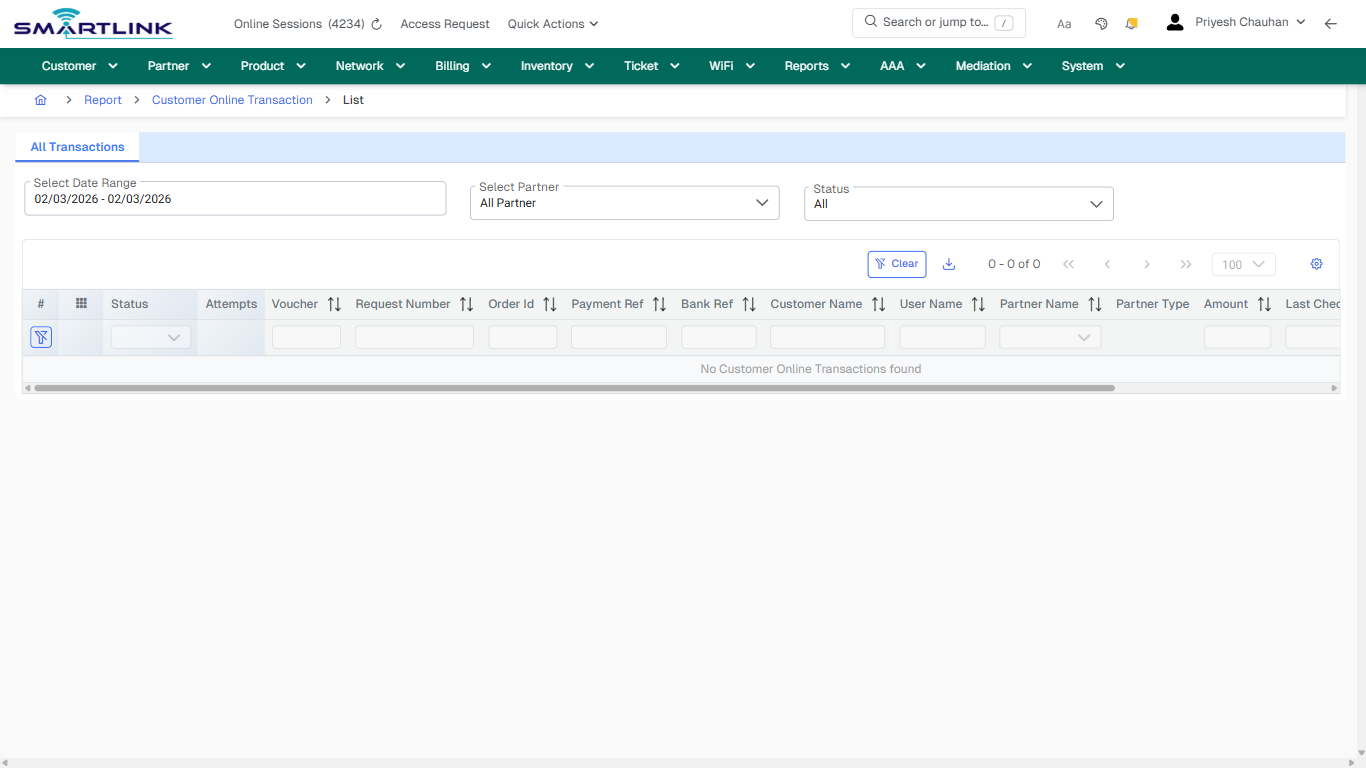
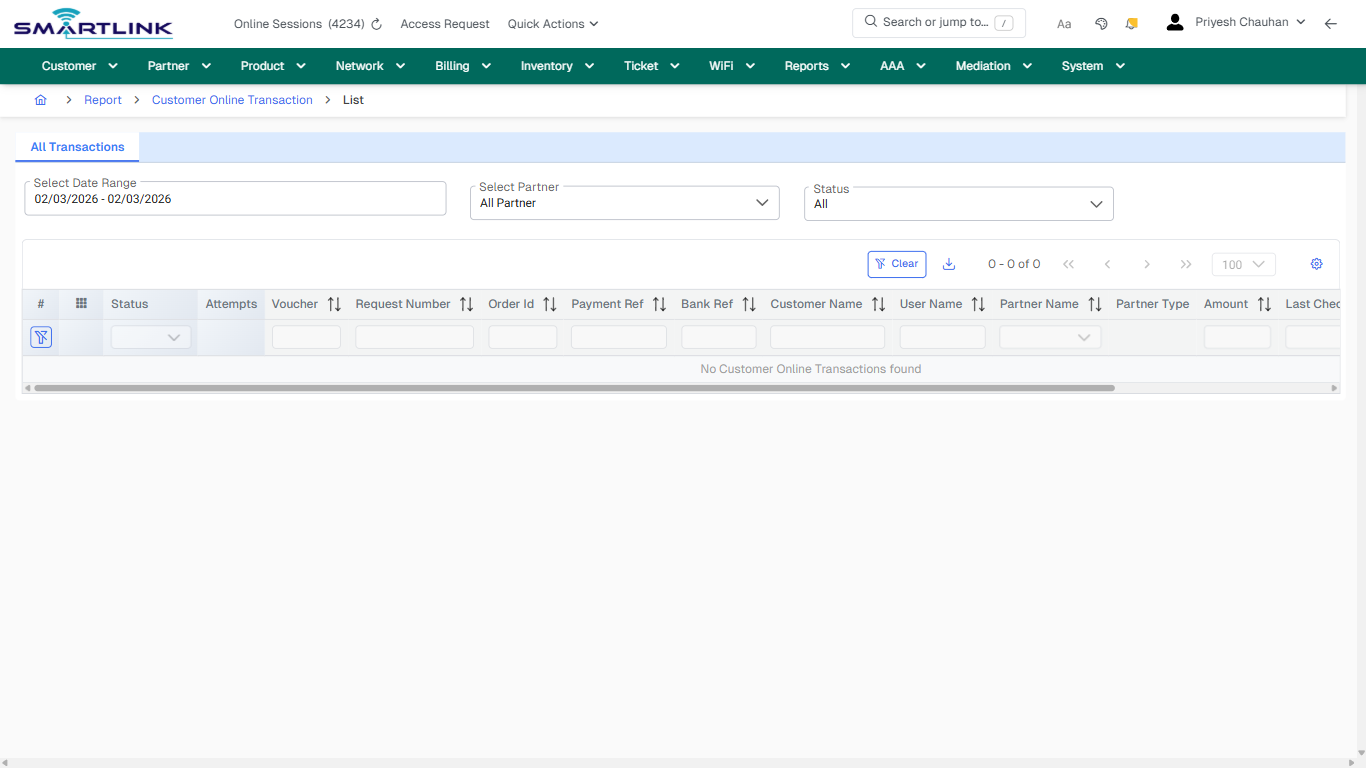
- **Fields detected:** Select Date Range, Select Partner, Status
- **Actions detected:** Auto, Close, Report, Customer Online Transaction, Clear

## Validation &amp; Safety Checks

- Confirm identifiers before saving.
- Confirm lifecycle state allows the change.
- Confirm rollback/support path exists for production actions.
 
## Escalation Guidance

- **L1:** Verify input, permissions, and entity state.
- **L2:** Validate dependencies and downstream state.
- **L3/Admin:** Policy/config changes or suspected defect.
 
---

## Screenshots

## default

**Captured URL:** https://admin.myslbb.com/#/rep/coltr/all

<div id="bkmrk-images-uploading%E2%80%A6">*Images uploading…*<div data-img-token="IMG_PLACEHOLDER_0_1770130825717">![screenshot](https://kb.i2itechservices.com/uploads/images/gallery/2026-02/admin-myslbb-com-rep-coltr-all-default-4e8ce97c6f-part-01.png)

![screenshot](https://kb.i2itechservices.com/uploads/images/gallery/2026-02/admin-myslbb-com-rep-coltr-all-default-4e8ce97c6f-part-02.png)

</div></div>---

## ui\_tab\_1

**Captured URL:** https://admin.myslbb.com/#/rep/coltr/all

<div id="bkmrk-images-uploading%E2%80%A6-1">*Images uploading…*<div data-img-token="IMG_PLACEHOLDER_1_1770130825717">![screenshot](https://kb.i2itechservices.com/uploads/images/gallery/2026-02/admin-myslbb-com-rep-coltr-all-ui-tab-1-d61bc25a2d-part-01.png)

![screenshot](https://kb.i2itechservices.com/uploads/images/gallery/2026-02/admin-myslbb-com-rep-coltr-all-ui-tab-1-d61bc25a2d-part-02.png)

</div></div>---

## common\_tab\_1

**Captured URL:** https://admin.myslbb.com/#/rep/coltr/all

<div id="bkmrk-images-uploading%E2%80%A6-2">*Images uploading…*<div data-img-token="IMG_PLACEHOLDER_2_1770130825717">![screenshot](https://kb.i2itechservices.com/uploads/images/gallery/2026-02/admin-myslbb-com-rep-coltr-all-common-tab-1-ab1b99acdc-part-01.png)

![screenshot](https://kb.i2itechservices.com/uploads/images/gallery/2026-02/admin-myslbb-com-rep-coltr-all-common-tab-1-ab1b99acdc-part-02.png)

</div></div>---

## common\_tab\_2

**Captured URL:** https://admin.myslbb.com/#/rep/coltr/all

<div id="bkmrk-images-uploading%E2%80%A6-3">*Images uploading…*<div data-img-token="IMG_PLACEHOLDER_3_1770130825717">![screenshot](https://kb.i2itechservices.com/uploads/images/gallery/2026-02/admin-myslbb-com-rep-coltr-all-common-tab-2-273257f5bd-part-01.png)

![screenshot](https://kb.i2itechservices.com/uploads/images/gallery/2026-02/admin-myslbb-com-rep-coltr-all-common-tab-2-273257f5bd-part-02.png)

</div></div>---

## drilldown\_one\_item

**Captured URL:** https://admin.myslbb.com/#/rep/coltr/all

<div id="bkmrk-images-uploading%E2%80%A6-4">*Images uploading…*<div data-img-token="IMG_PLACEHOLDER_4_1770130825717">![screenshot](https://kb.i2itechservices.com/uploads/images/gallery/2026-02/admin-myslbb-com-rep-coltr-all-drilldown-one-item-6df54d94c3-part-01.png)

![screenshot](https://kb.i2itechservices.com/uploads/images/gallery/2026-02/admin-myslbb-com-rep-coltr-all-drilldown-one-item-6df54d94c3-part-02.png)

</div></div>

# rep > dtl

# rep &gt; dtl

**Route:** rep/dtl

**URL:** https://admin.myslbb.com/#/rep/dtl

---

## Overview

 This page is a draft SOP reference for the above screen in **i2i Core OSS/BSS**. It is auto-generated from UI exports and should be reviewed for operational correctness before customer release.

## When to Use

- Use this screen for the workflow represented by this route.
- Do not make billing/AAA/provisioning-impacting changes without required authorization.
 
## Typical Workflow

1. Verify you are working on the correct entity (Customer/Account/Service).
2. Review the current lifecycle state before making changes.
3. Apply changes and validate system response.
4. Confirm downstream impact (AAA/Provisioning/Billing) where applicable.
 
## Field &amp; Action Hints (Auto-detected)

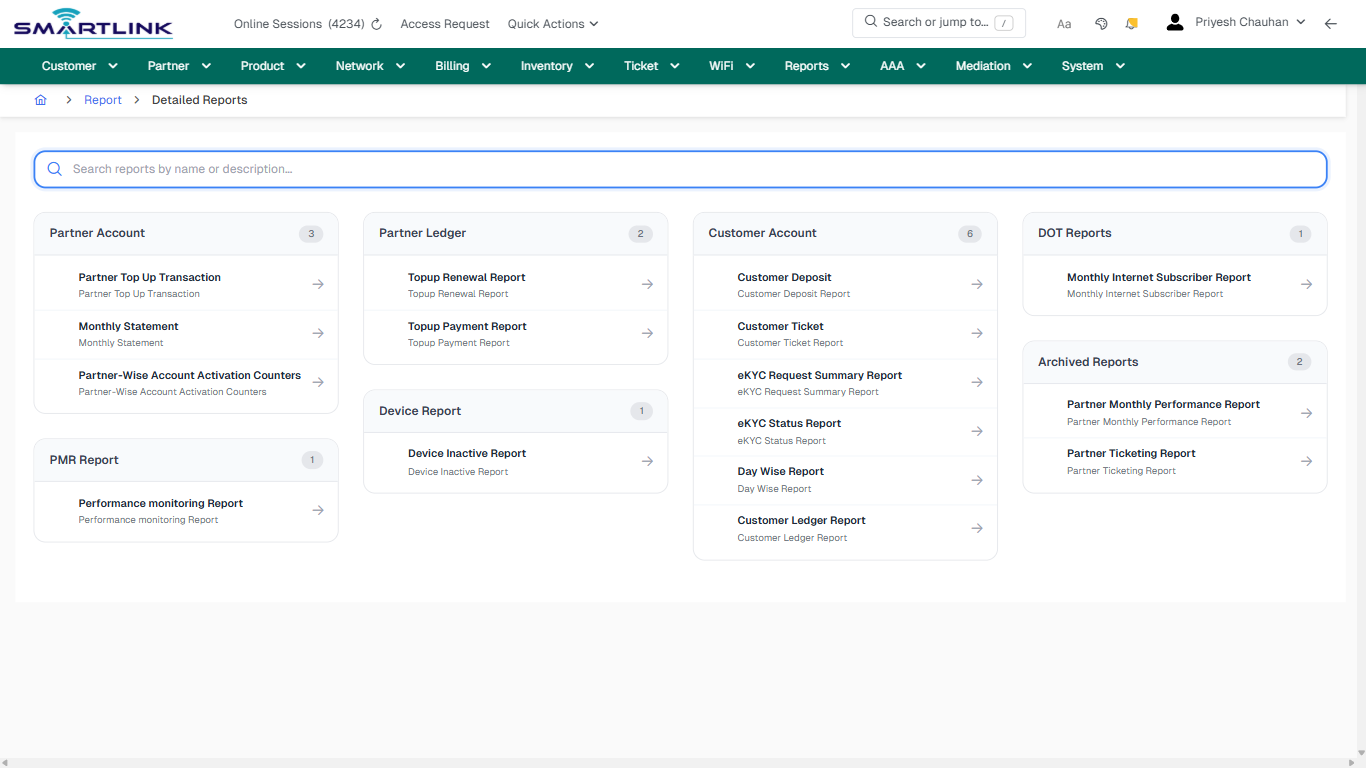
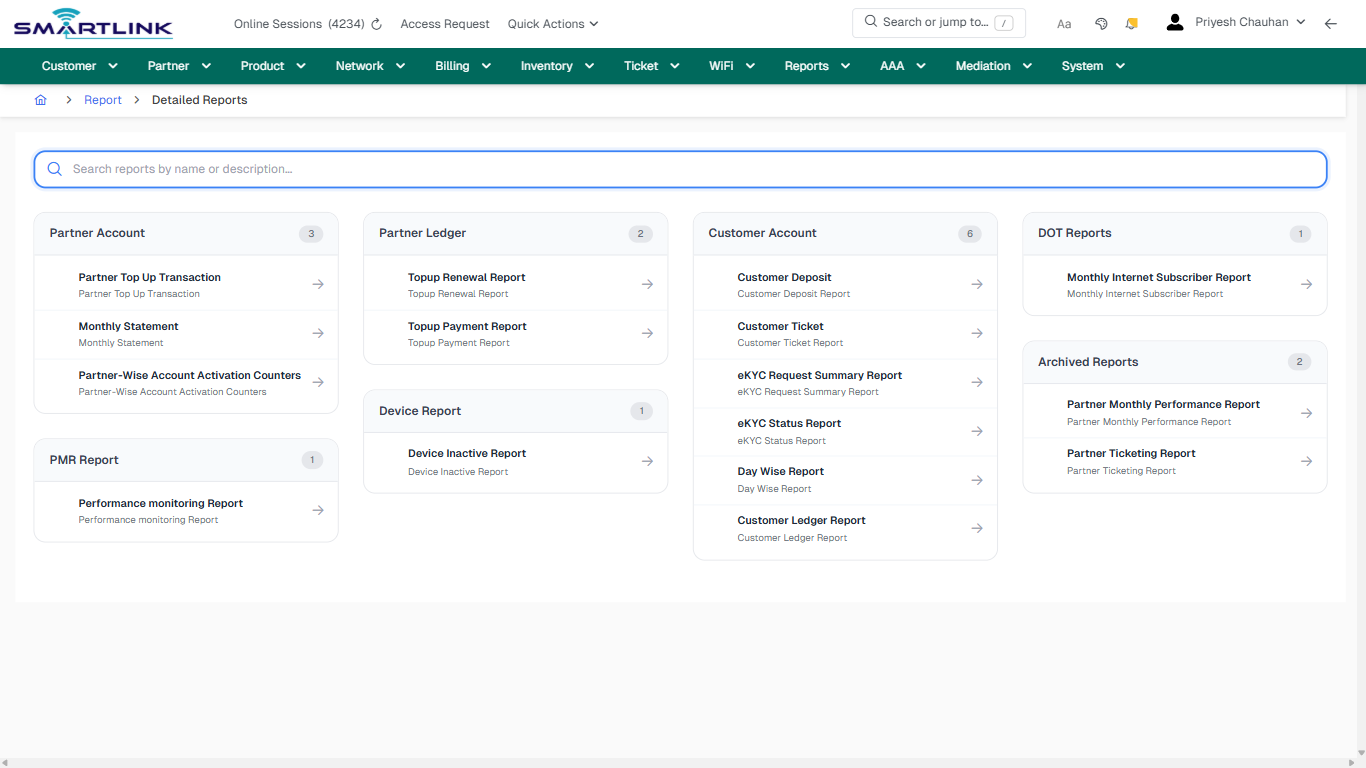
- **Headings detected:** Partner Account, Partner Ledger, Customer Account, DOT Reports, Archived Reports, Device Report, PMR Report
- **Actions detected:** Auto, Close, Report

## Validation &amp; Safety Checks

- Confirm identifiers before saving.
- Confirm lifecycle state allows the change.
- Confirm rollback/support path exists for production actions.
 
## Escalation Guidance

- **L1:** Verify input, permissions, and entity state.
- **L2:** Validate dependencies and downstream state.
- **L3/Admin:** Policy/config changes or suspected defect.
 
---

## Screenshots

## default

**Captured URL:** https://admin.myslbb.com/#/rep/dtl

<div id="bkmrk-images-uploading%E2%80%A6">*Images uploading…*<div data-img-token="IMG_PLACEHOLDER_0_1770130832381">![screenshot](https://kb.i2itechservices.com/uploads/images/gallery/2026-02/admin-myslbb-com-rep-dtl-default-0531f737f5-part-01.png)

![screenshot](https://kb.i2itechservices.com/uploads/images/gallery/2026-02/admin-myslbb-com-rep-dtl-default-0531f737f5-part-02.png)

</div></div>

# rep > loltr > all

# rep &gt; loltr &gt; all

**Route:** rep/loltr/all

**URL:** https://admin.myslbb.com/#/rep/loltr/all

---

## Overview

 This page is a draft SOP reference for the above screen in **i2i Core OSS/BSS**. It is auto-generated from UI exports and should be reviewed for operational correctness before customer release.

## When to Use

- Use this screen for the workflow represented by this route.
- Do not make billing/AAA/provisioning-impacting changes without required authorization.
 
## Typical Workflow

1. Verify you are working on the correct entity (Customer/Account/Service).
2. Review the current lifecycle state before making changes.
3. Apply changes and validate system response.
4. Confirm downstream impact (AAA/Provisioning/Billing) where applicable.
 
## Field &amp; Action Hints (Auto-detected)

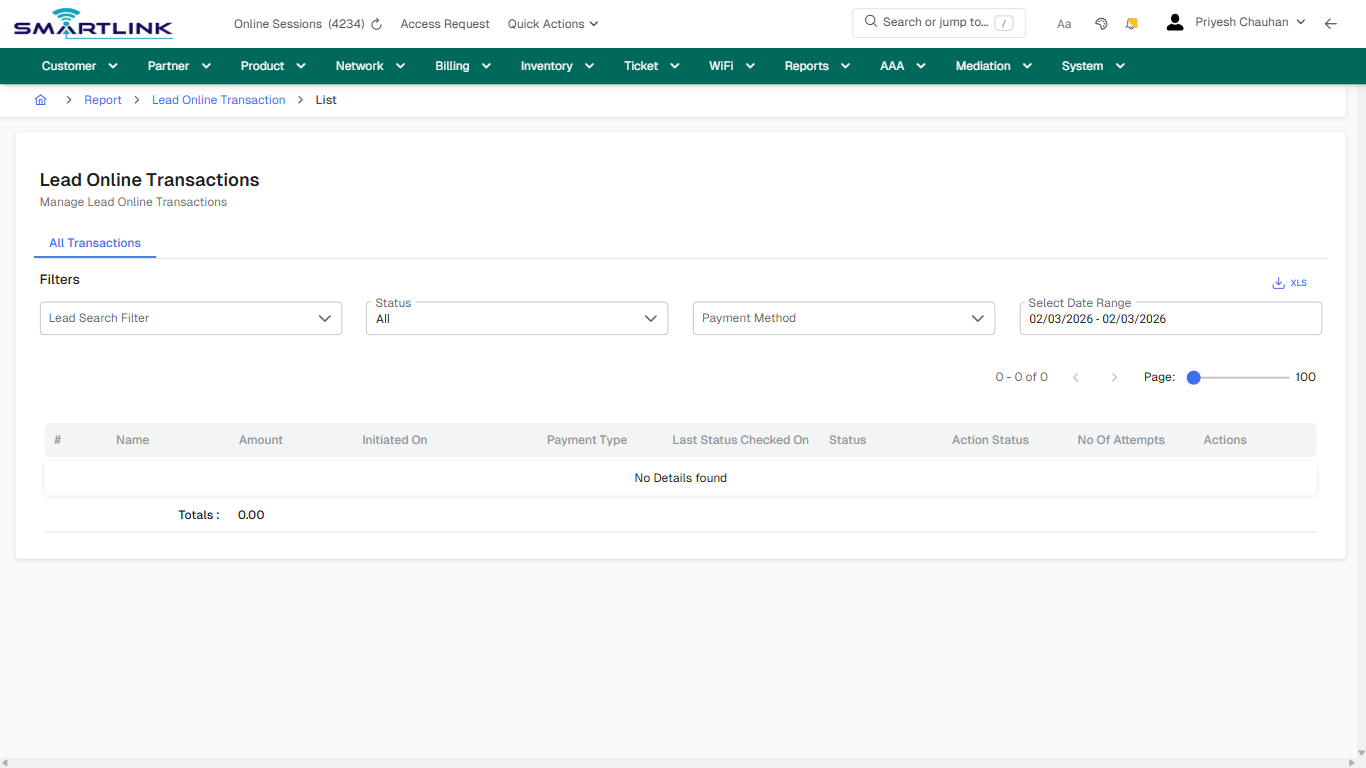
- **Fields detected:** Lead Search Filter, Status, Payment Method, Select Date Range
- **Actions detected:** Auto, Close, Report, Lead Online Transaction

## Validation &amp; Safety Checks

- Confirm identifiers before saving.
- Confirm lifecycle state allows the change.
- Confirm rollback/support path exists for production actions.
 
## Escalation Guidance

- **L1:** Verify input, permissions, and entity state.
- **L2:** Validate dependencies and downstream state.
- **L3/Admin:** Policy/config changes or suspected defect.
 
---

## Screenshots

## default

**Captured URL:** https://admin.myslbb.com/#/rep/loltr/all

<div id="bkmrk-images-uploading%E2%80%A6">*Images uploading…*<div data-img-token="IMG_PLACEHOLDER_0_1770130834390">![screenshot](https://kb.i2itechservices.com/uploads/images/gallery/2026-02/admin-myslbb-com-rep-loltr-all-default-9f18d73e61-part-01.png)

![screenshot](https://kb.i2itechservices.com/uploads/images/gallery/2026-02/admin-myslbb-com-rep-loltr-all-default-9f18d73e61-part-02.png)

</div></div>---

## drilldown\_one\_item

**Captured URL:** https://admin.myslbb.com/#/rep/loltr/all

<div id="bkmrk-images-uploading%E2%80%A6-1">*Images uploading…*<div data-img-token="IMG_PLACEHOLDER_1_1770130834390">![screenshot](https://kb.i2itechservices.com/uploads/images/gallery/2026-02/admin-myslbb-com-rep-loltr-all-drilldown-one-item-07128506f9-part-01.png)

![screenshot](https://kb.i2itechservices.com/uploads/images/gallery/2026-02/admin-myslbb-com-rep-loltr-all-drilldown-one-item-07128506f9-part-02.png)

</div></div>

# rep > notif > adv

# rep &gt; notif &gt; adv

**Route:** rep/notif/adv

**URL:** https://admin.myslbb.com/#/rep/notif/adv

---

## Overview

 This page is a draft SOP reference for the above screen in **i2i Core OSS/BSS**. It is auto-generated from UI exports and should be reviewed for operational correctness before customer release.

## When to Use

- Use this screen for the workflow represented by this route.
- Do not make billing/AAA/provisioning-impacting changes without required authorization.
 
## Typical Workflow

1. Verify you are working on the correct entity (Customer/Account/Service).
2. Review the current lifecycle state before making changes.
3. Apply changes and validate system response.
4. Confirm downstream impact (AAA/Provisioning/Billing) where applicable.
 
## Field &amp; Action Hints (Auto-detected)

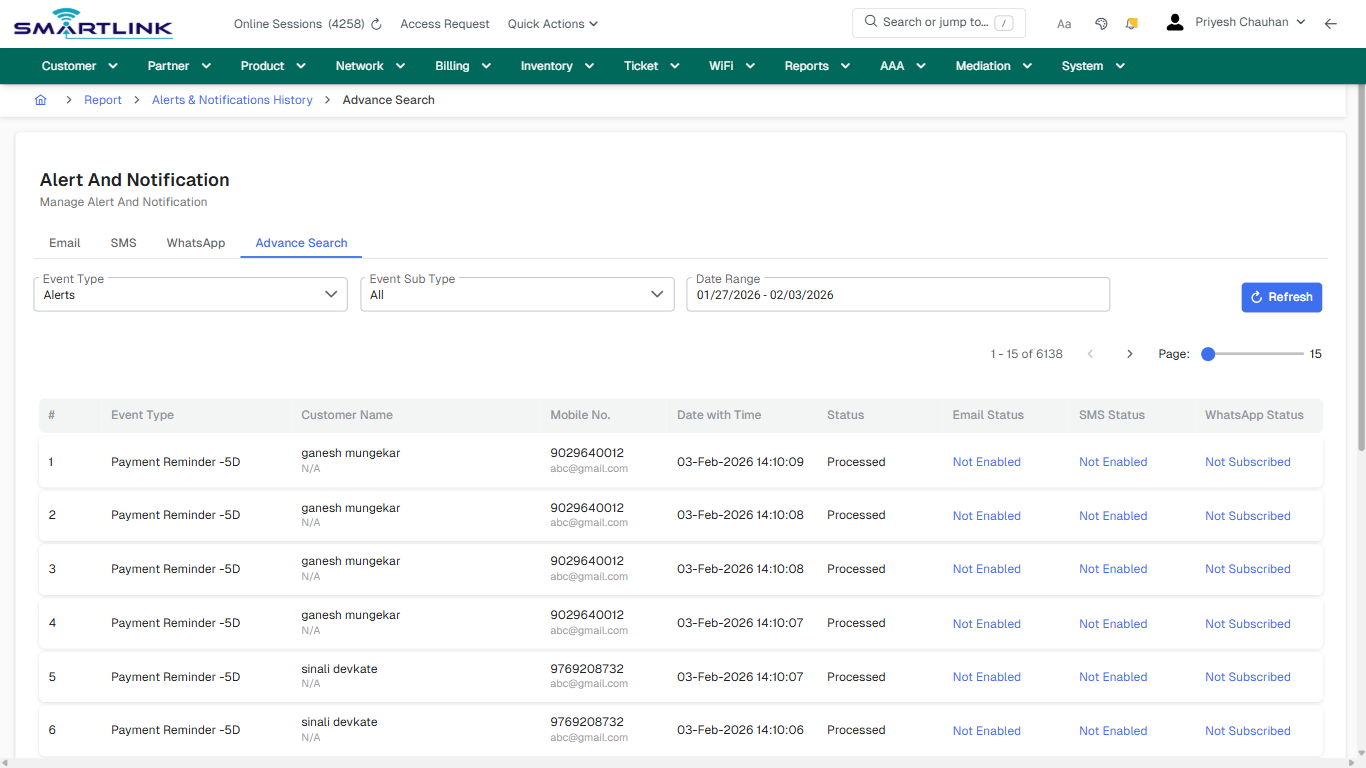
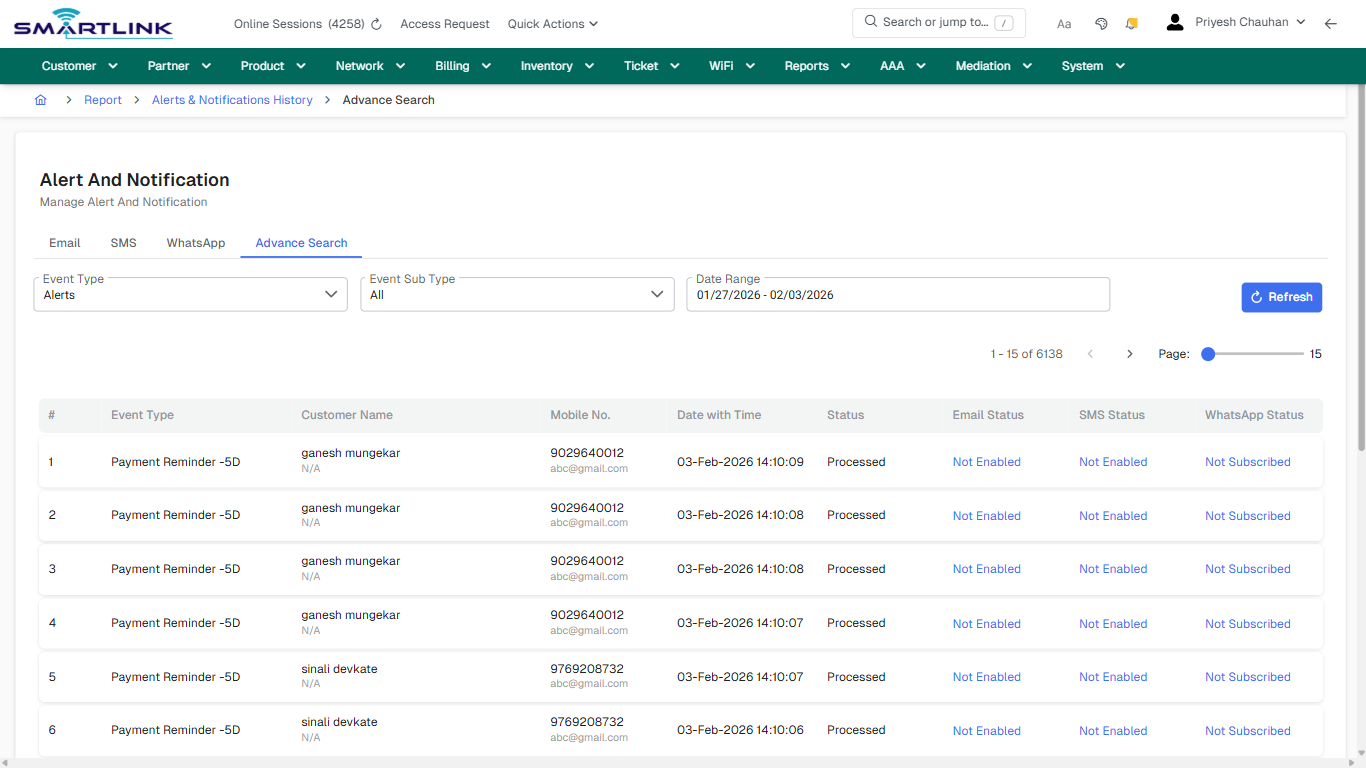
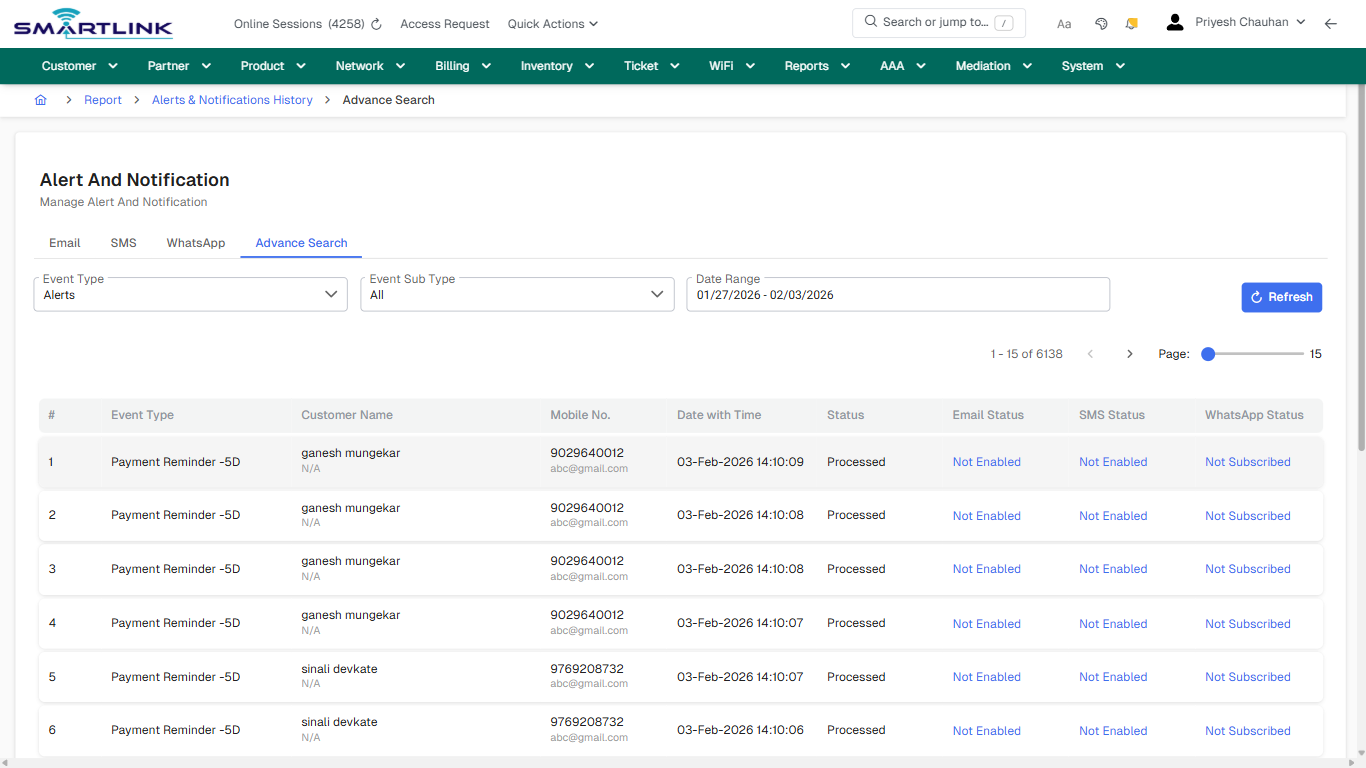
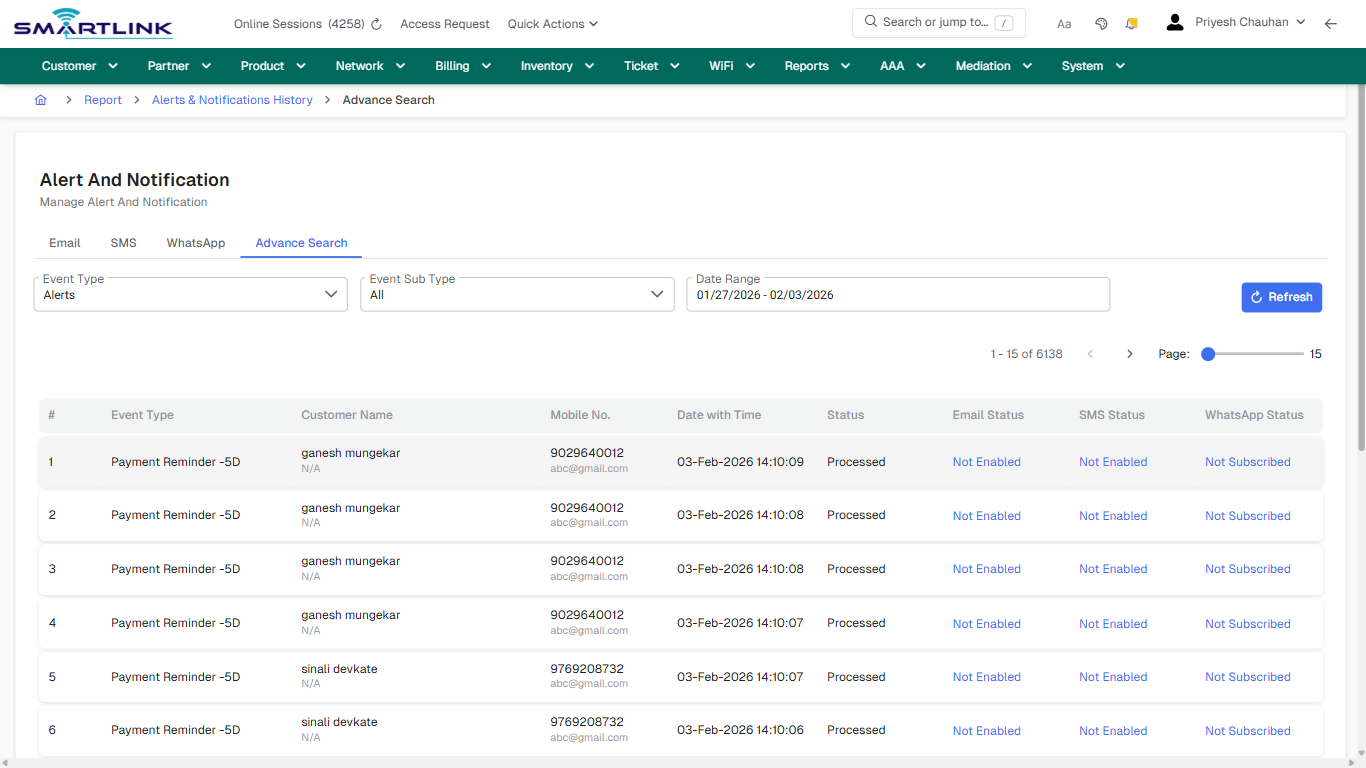
- **Fields detected:** Event Type, Event Sub Type, Date Range
- **Actions detected:** Auto, Close, Report, Alerts &amp; Notifications History, Refresh, Not Enabled, Not Subscribed

## Validation &amp; Safety Checks

- Confirm identifiers before saving.
- Confirm lifecycle state allows the change.
- Confirm rollback/support path exists for production actions.
 
## Escalation Guidance

- **L1:** Verify input, permissions, and entity state.
- **L2:** Validate dependencies and downstream state.
- **L3/Admin:** Policy/config changes or suspected defect.
 
---

## Screenshots

## default

**Captured URL:** https://admin.myslbb.com/#/rep/notif/adv

<div id="bkmrk-images-uploading%E2%80%A6">*Images uploading…*<div data-img-token="IMG_PLACEHOLDER_0_1770130837532">![screenshot](https://kb.i2itechservices.com/uploads/images/gallery/2026-02/admin-myslbb-com-rep-notif-adv-default-487784bb70-part-01.png)

![screenshot](https://kb.i2itechservices.com/uploads/images/gallery/2026-02/admin-myslbb-com-rep-notif-adv-default-487784bb70-part-02.png)

</div></div>---

## drilldown\_one\_item

**Captured URL:** https://admin.myslbb.com/#/rep/notif/adv

<div id="bkmrk-images-uploading%E2%80%A6-1">*Images uploading…*<div data-img-token="IMG_PLACEHOLDER_1_1770130837532">![screenshot](https://kb.i2itechservices.com/uploads/images/gallery/2026-02/admin-myslbb-com-rep-notif-adv-drilldown-one-item-61e113e093-part-01.png)

![screenshot](https://kb.i2itechservices.com/uploads/images/gallery/2026-02/admin-myslbb-com-rep-notif-adv-drilldown-one-item-61e113e093-part-02.png)

</div></div>

# rep > notif > email

# rep &gt; notif &gt; email

**Route:** rep/notif/email

**URL:** https://admin.myslbb.com/#/rep/notif/email

---

## Overview

 This page is a draft SOP reference for the above screen in **i2i Core OSS/BSS**. It is auto-generated from UI exports and should be reviewed for operational correctness before customer release.

## When to Use

- Use this screen for the workflow represented by this route.
- Do not make billing/AAA/provisioning-impacting changes without required authorization.
 
## Typical Workflow

1. Verify you are working on the correct entity (Customer/Account/Service).
2. Review the current lifecycle state before making changes.
3. Apply changes and validate system response.
4. Confirm downstream impact (AAA/Provisioning/Billing) where applicable.
 
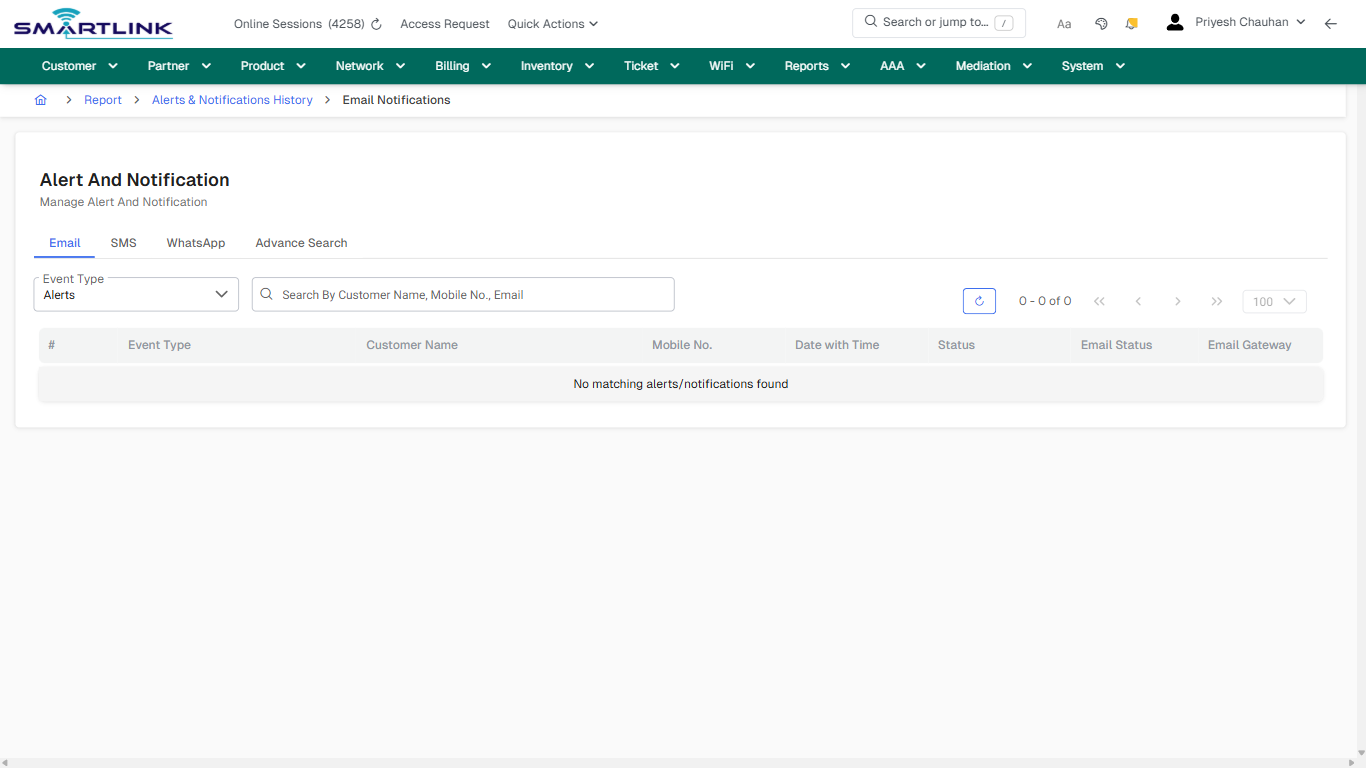
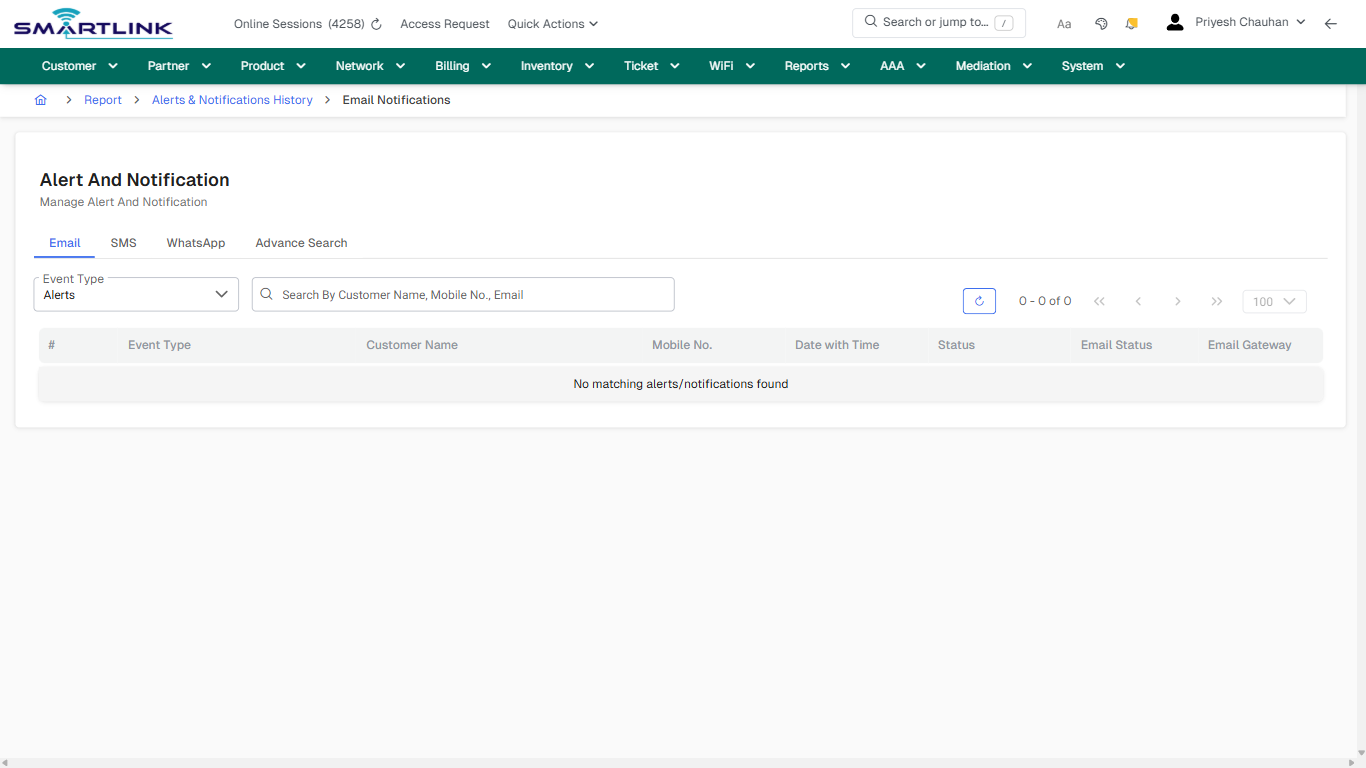
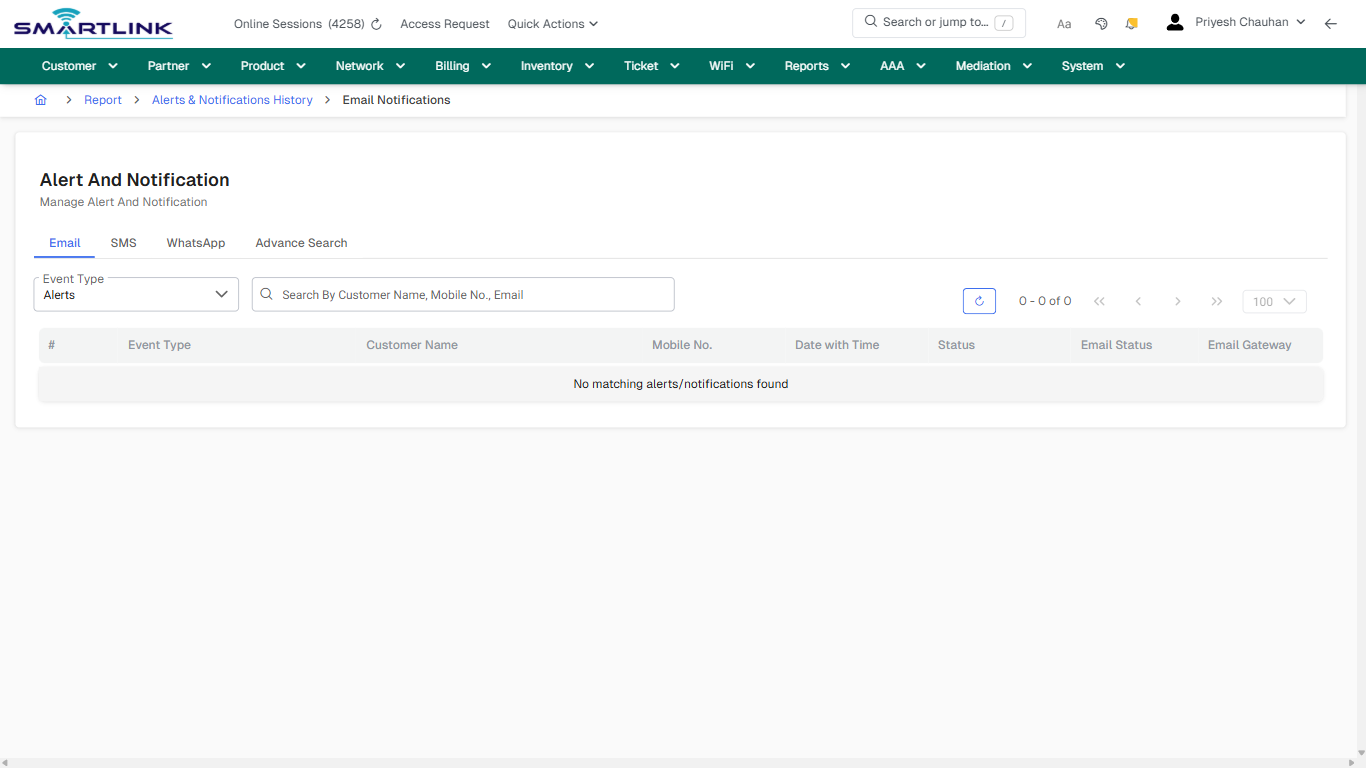
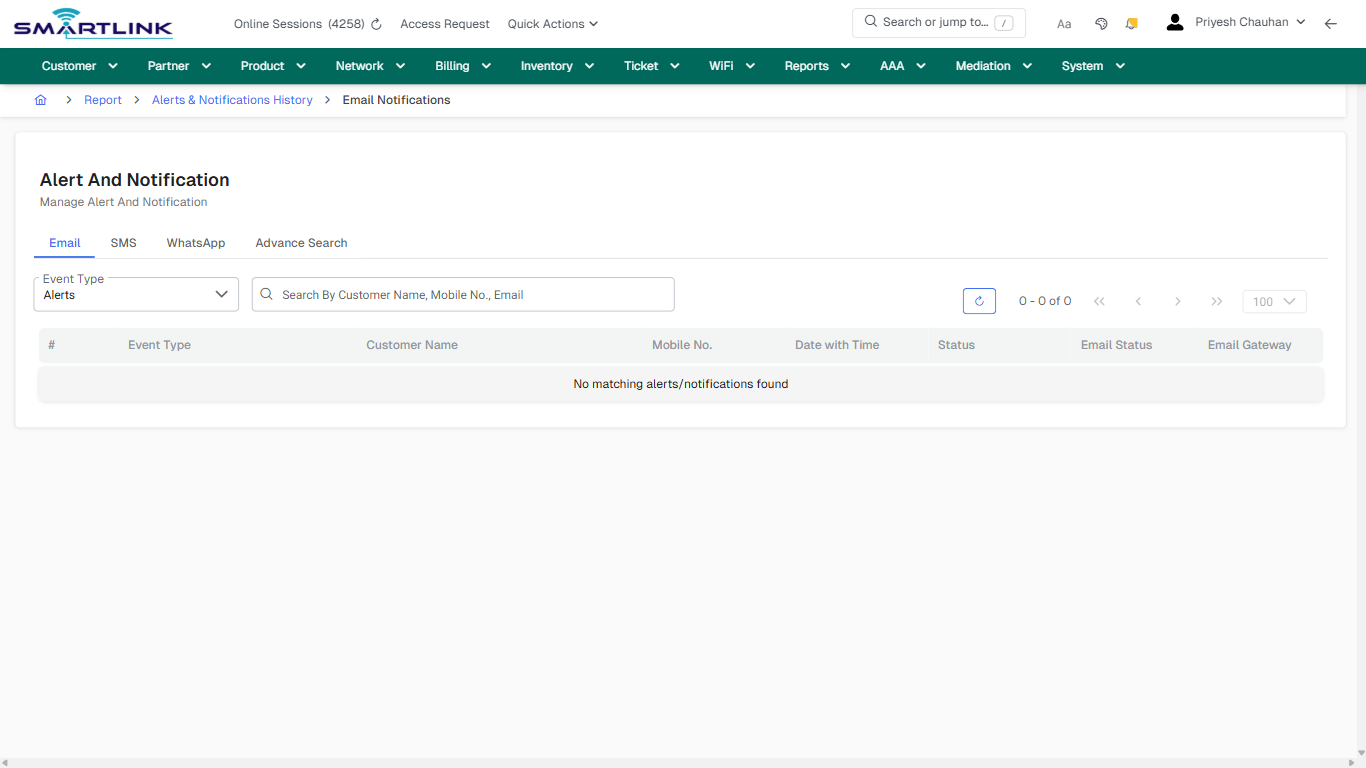
## Field &amp; Action Hints (Auto-detected)

- **Fields detected:** Event Type
- **Actions detected:** Auto, Close, Report, Alerts &amp; Notifications History

## Validation &amp; Safety Checks

- Confirm identifiers before saving.
- Confirm lifecycle state allows the change.
- Confirm rollback/support path exists for production actions.
 
## Escalation Guidance

- **L1:** Verify input, permissions, and entity state.
- **L2:** Validate dependencies and downstream state.
- **L3/Admin:** Policy/config changes or suspected defect.
 
---

## Screenshots

## default

**Captured URL:** https://admin.myslbb.com/#/rep/notif/email

<div id="bkmrk-images-uploading%E2%80%A6">*Images uploading…*<div data-img-token="IMG_PLACEHOLDER_0_1770130840707">![screenshot](https://kb.i2itechservices.com/uploads/images/gallery/2026-02/admin-myslbb-com-rep-notif-email-default-050e11101e-part-01.png)

![screenshot](https://kb.i2itechservices.com/uploads/images/gallery/2026-02/admin-myslbb-com-rep-notif-email-default-050e11101e-part-02.png)

</div></div>---

## default

**Captured URL:** https://admin.myslbb.com/#/rep/notif/email

<div id="bkmrk-images-uploading%E2%80%A6-1">*Images uploading…*<div data-img-token="IMG_PLACEHOLDER_1_1770130840707">![screenshot](https://kb.i2itechservices.com/uploads/images/gallery/2026-02/4vPadmin-myslbb-com-rep-notif-email-default-050e11101e-part-01.png)

![screenshot](https://kb.i2itechservices.com/uploads/images/gallery/2026-02/g4Iadmin-myslbb-com-rep-notif-email-default-050e11101e-part-02.png)

</div></div>---

## drilldown\_one\_item

**Captured URL:** https://admin.myslbb.com/#/rep/notif/email

<div id="bkmrk-images-uploading%E2%80%A6-2">*Images uploading…*<div data-img-token="IMG_PLACEHOLDER_2_1770130840707">![screenshot](https://kb.i2itechservices.com/uploads/images/gallery/2026-02/admin-myslbb-com-rep-notif-email-drilldown-one-item-74ae064bfb-part-01.png)

![screenshot](https://kb.i2itechservices.com/uploads/images/gallery/2026-02/admin-myslbb-com-rep-notif-email-drilldown-one-item-74ae064bfb-part-02.png)

</div></div>---

## drilldown\_one\_item

**Captured URL:** https://admin.myslbb.com/#/rep/notif/email

<div id="bkmrk-images-uploading%E2%80%A6-3">*Images uploading…*<div data-img-token="IMG_PLACEHOLDER_3_1770130840707">![screenshot](https://kb.i2itechservices.com/uploads/images/gallery/2026-02/1uYadmin-myslbb-com-rep-notif-email-drilldown-one-item-74ae064bfb-part-01.png)

![screenshot](https://kb.i2itechservices.com/uploads/images/gallery/2026-02/OaWadmin-myslbb-com-rep-notif-email-drilldown-one-item-74ae064bfb-part-02.png)

</div></div>

# rep > notif > sms

# rep &gt; notif &gt; sms

**Route:** rep/notif/sms

**URL:** https://admin.myslbb.com/#/rep/notif/sms

---

## Overview

 This page is a draft SOP reference for the above screen in **i2i Core OSS/BSS**. It is auto-generated from UI exports and should be reviewed for operational correctness before customer release.

## When to Use

- Use this screen for the workflow represented by this route.
- Do not make billing/AAA/provisioning-impacting changes without required authorization.
 
## Typical Workflow

1. Verify you are working on the correct entity (Customer/Account/Service).
2. Review the current lifecycle state before making changes.
3. Apply changes and validate system response.
4. Confirm downstream impact (AAA/Provisioning/Billing) where applicable.
 
## Field &amp; Action Hints (Auto-detected)

- **Fields detected:** Event Type
- **Actions detected:** Auto, Close, Report, Alerts &amp; Notifications History

## Validation &amp; Safety Checks

- Confirm identifiers before saving.
- Confirm lifecycle state allows the change.
- Confirm rollback/support path exists for production actions.
 
## Escalation Guidance

- **L1:** Verify input, permissions, and entity state.
- **L2:** Validate dependencies and downstream state.
- **L3/Admin:** Policy/config changes or suspected defect.
 
---

## Screenshots

## default

**Captured URL:** https://admin.myslbb.com/#/rep/notif/sms

<div id="bkmrk-images-uploading%E2%80%A6">*Images uploading…*<div data-img-token="IMG_PLACEHOLDER_0_1770130846109">![screenshot](https://kb.i2itechservices.com/uploads/images/gallery/2026-02/admin-myslbb-com-rep-notif-sms-default-3bab102af1-part-01.png)

![screenshot](https://kb.i2itechservices.com/uploads/images/gallery/2026-02/admin-myslbb-com-rep-notif-sms-default-3bab102af1-part-02.png)

</div></div>---

## drilldown\_one\_item

**Captured URL:** https://admin.myslbb.com/#/rep/notif/sms

<div id="bkmrk-images-uploading%E2%80%A6-1">*Images uploading…*<div data-img-token="IMG_PLACEHOLDER_1_1770130846109">![screenshot](https://kb.i2itechservices.com/uploads/images/gallery/2026-02/admin-myslbb-com-rep-notif-sms-drilldown-one-item-856b954ee5-part-01.png)

![screenshot](https://kb.i2itechservices.com/uploads/images/gallery/2026-02/admin-myslbb-com-rep-notif-sms-drilldown-one-item-856b954ee5-part-02.png)

</div></div>

# rep > notif > whatsapp

# rep &gt; notif &gt; whatsapp

**Route:** rep/notif/whatsapp

**URL:** https://admin.myslbb.com/#/rep/notif/whatsapp

---

## Overview

 This page is a draft SOP reference for the above screen in **i2i Core OSS/BSS**. It is auto-generated from UI exports and should be reviewed for operational correctness before customer release.

## When to Use

- Use this screen for the workflow represented by this route.
- Do not make billing/AAA/provisioning-impacting changes without required authorization.
 
## Typical Workflow

1. Verify you are working on the correct entity (Customer/Account/Service).
2. Review the current lifecycle state before making changes.
3. Apply changes and validate system response.
4. Confirm downstream impact (AAA/Provisioning/Billing) where applicable.
 
## Field &amp; Action Hints (Auto-detected)

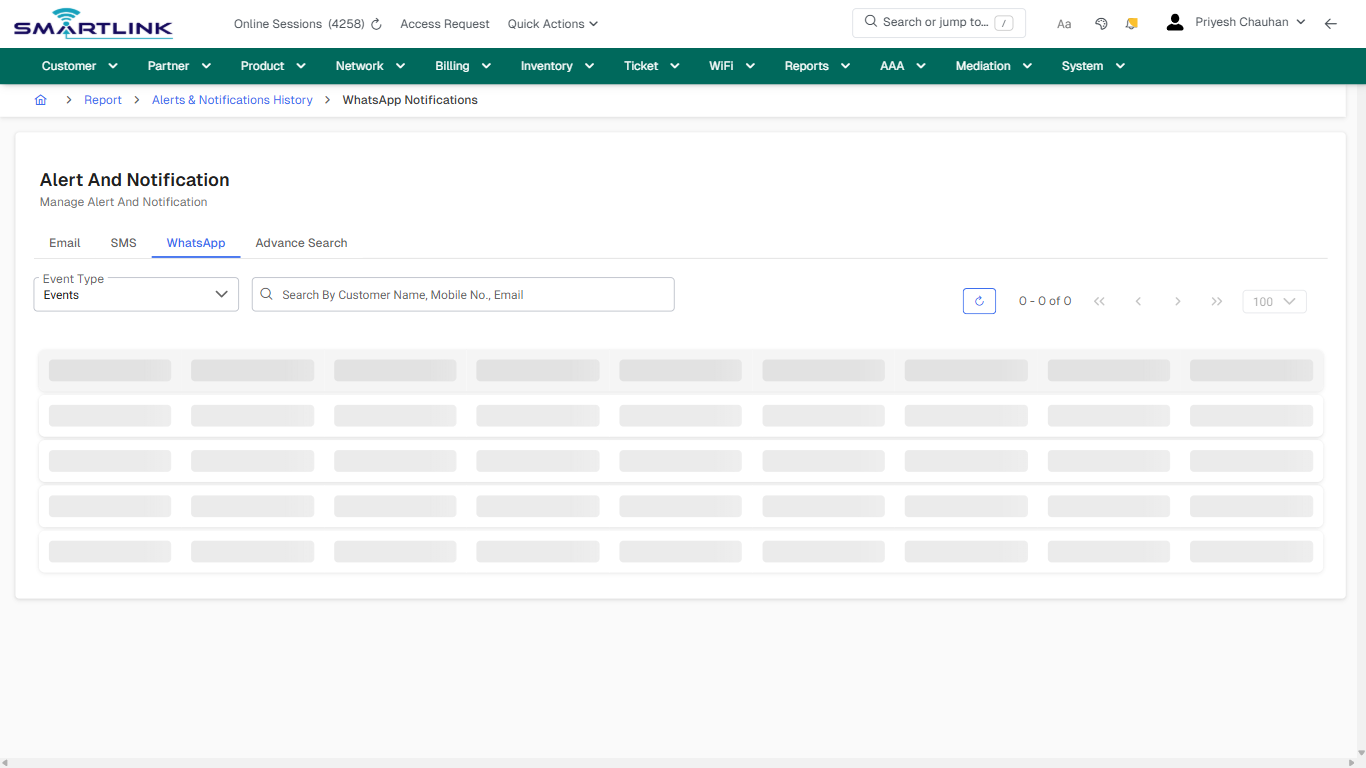
- **Fields detected:** Event Type
- **Actions detected:** Auto, Close, Report, Alerts &amp; Notifications History

## Validation &amp; Safety Checks

- Confirm identifiers before saving.
- Confirm lifecycle state allows the change.
- Confirm rollback/support path exists for production actions.
 
## Escalation Guidance

- **L1:** Verify input, permissions, and entity state.
- **L2:** Validate dependencies and downstream state.
- **L3/Admin:** Policy/config changes or suspected defect.
 
---

## Screenshots

## default

**Captured URL:** https://admin.myslbb.com/#/rep/notif/whatsapp

<div id="bkmrk-images-uploading%E2%80%A6">*Images uploading…*<div data-img-token="IMG_PLACEHOLDER_0_1770130849214">![screenshot](https://kb.i2itechservices.com/uploads/images/gallery/2026-02/admin-myslbb-com-rep-notif-whatsapp-default-94a6f8a4cb-part-01.png)

![screenshot](https://kb.i2itechservices.com/uploads/images/gallery/2026-02/admin-myslbb-com-rep-notif-whatsapp-default-94a6f8a4cb-part-02.png)

</div></div>---

## drilldown\_one\_item

**Captured URL:** https://admin.myslbb.com/#/rep/notif/whatsapp

<div id="bkmrk-images-uploading%E2%80%A6-1">*Images uploading…*<div data-img-token="IMG_PLACEHOLDER_1_1770130849214">![screenshot](https://kb.i2itechservices.com/uploads/images/gallery/2026-02/admin-myslbb-com-rep-notif-whatsapp-drilldown-one-item-3f0a80b9ba-part-01.png)

![screenshot](https://kb.i2itechservices.com/uploads/images/gallery/2026-02/admin-myslbb-com-rep-notif-whatsapp-drilldown-one-item-3f0a80b9ba-part-02.png)

</div></div>

# rep > poltr > all

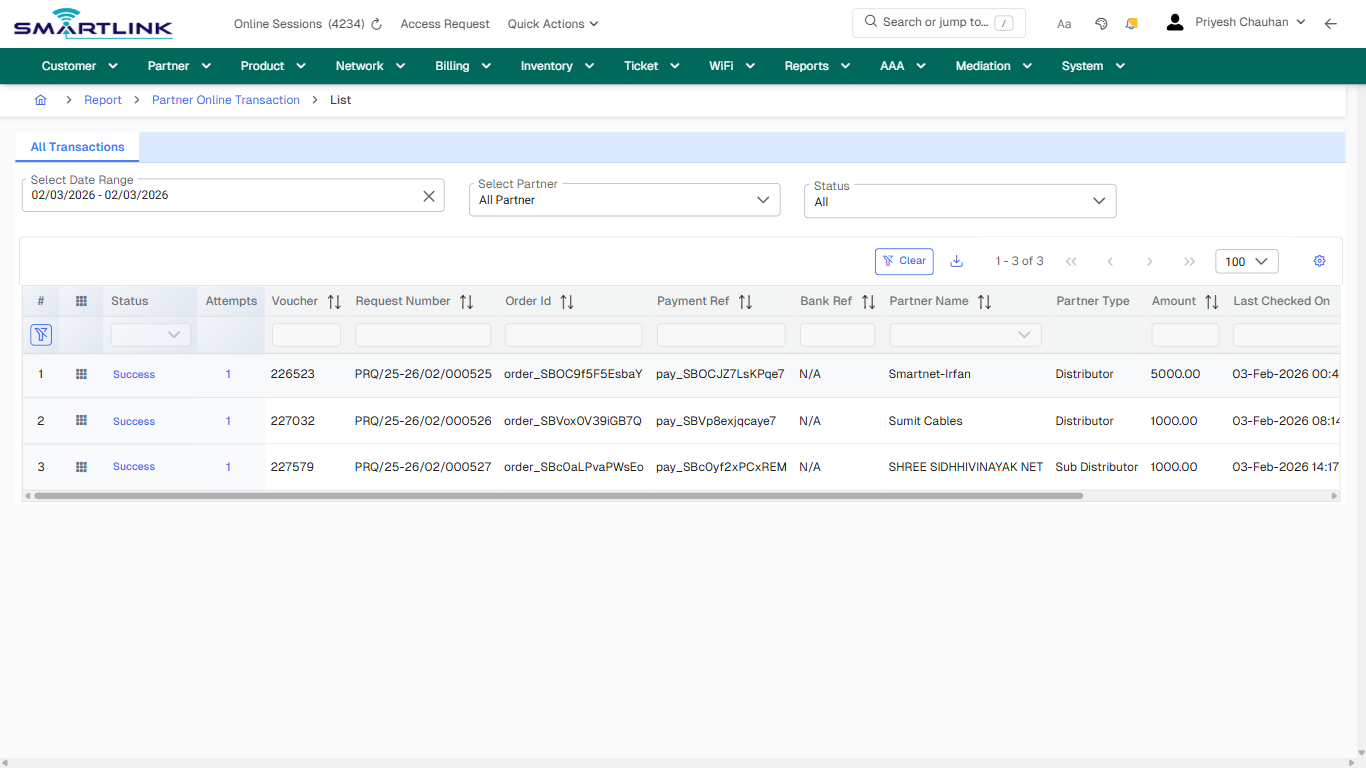
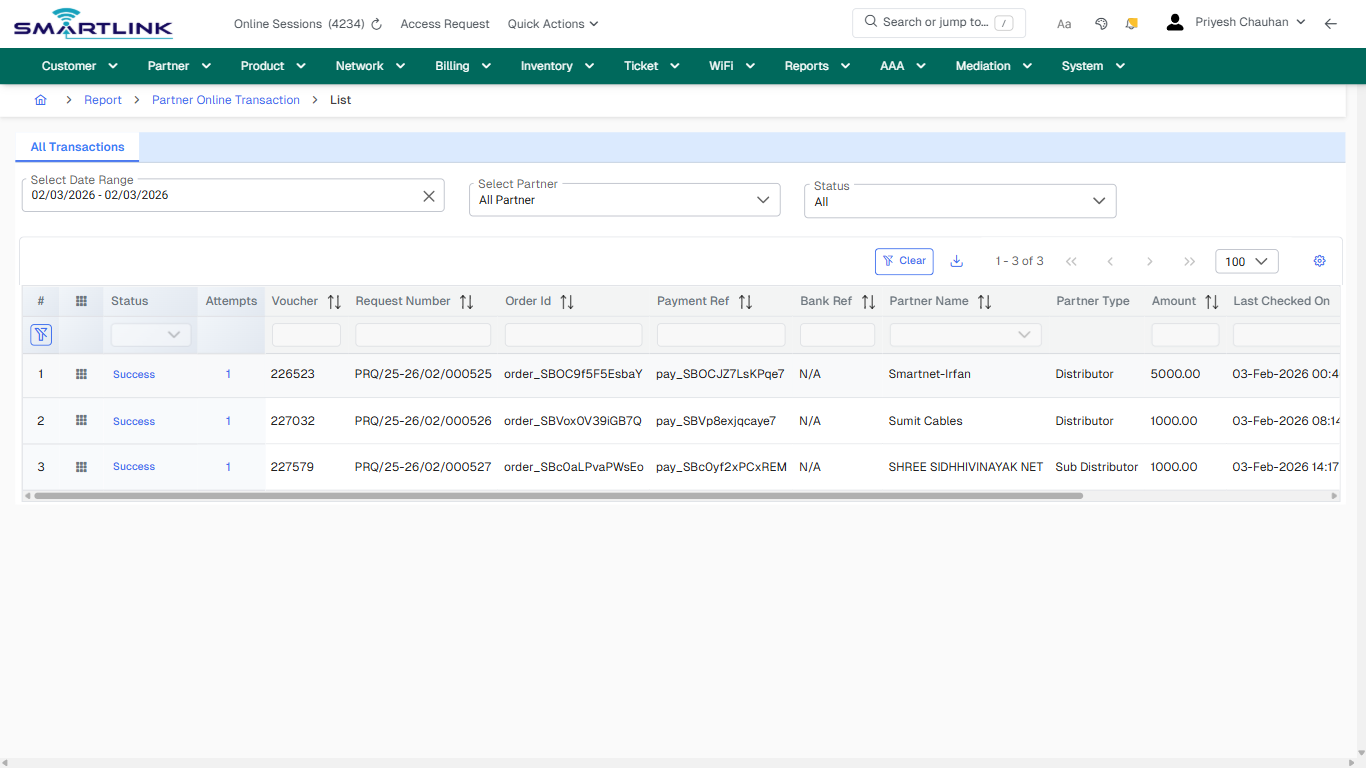
# rep &gt; poltr &gt; all

**Route:** rep/poltr/all

**URL:** https://admin.myslbb.com/#/rep/poltr/all

---

## Overview

 This page is a draft SOP reference for the above screen in **i2i Core OSS/BSS**. It is auto-generated from UI exports and should be reviewed for operational correctness before customer release.

## When to Use

- Use this screen for the workflow represented by this route.
- Do not make billing/AAA/provisioning-impacting changes without required authorization.
 
## Typical Workflow

1. Verify you are working on the correct entity (Customer/Account/Service).
2. Review the current lifecycle state before making changes.
3. Apply changes and validate system response.
4. Confirm downstream impact (AAA/Provisioning/Billing) where applicable.
 
## Field &amp; Action Hints (Auto-detected)

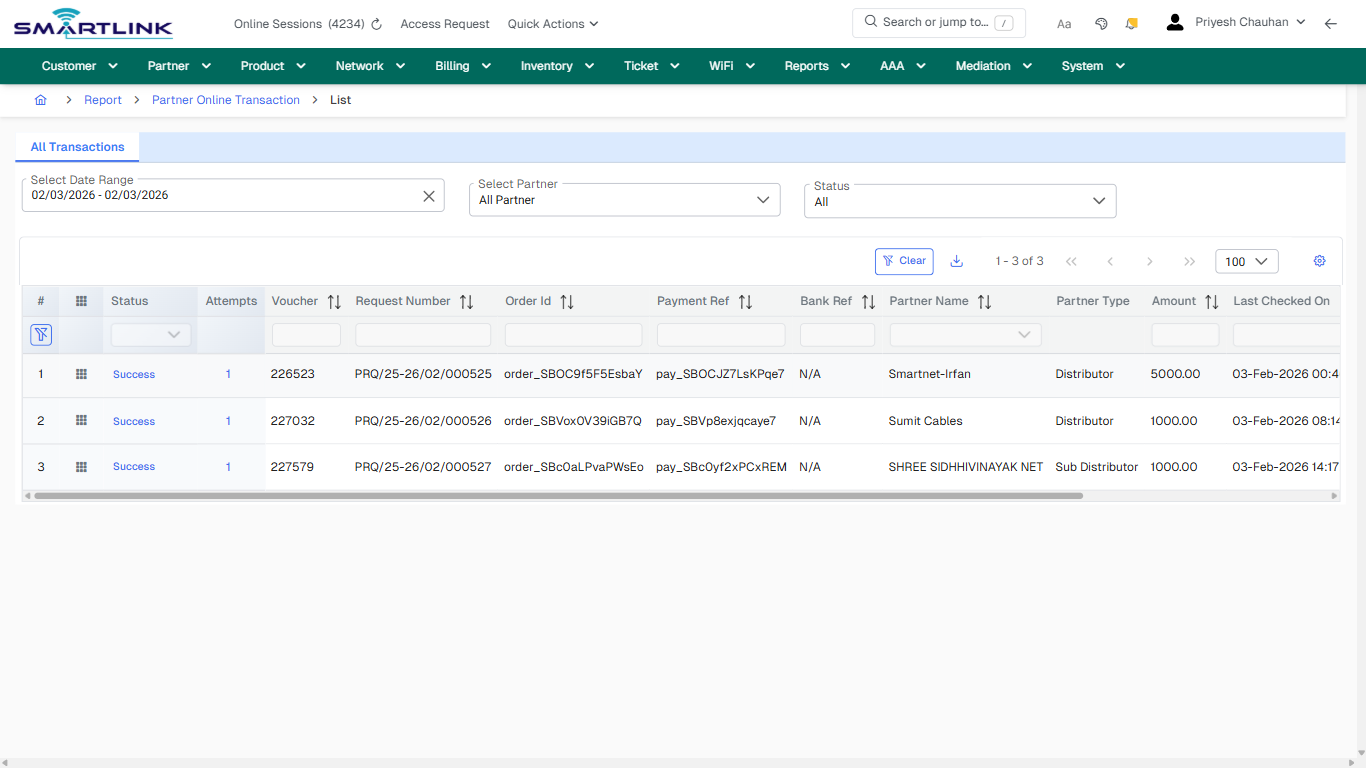
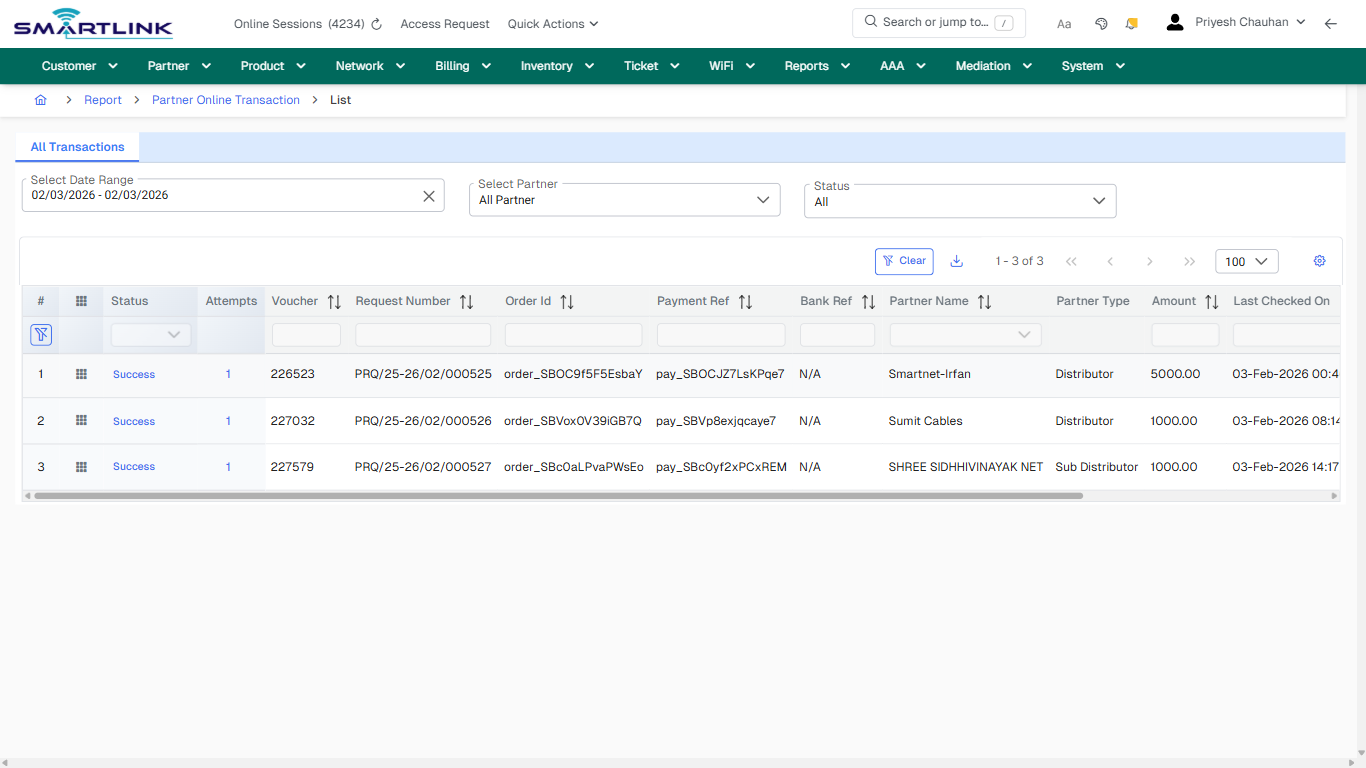
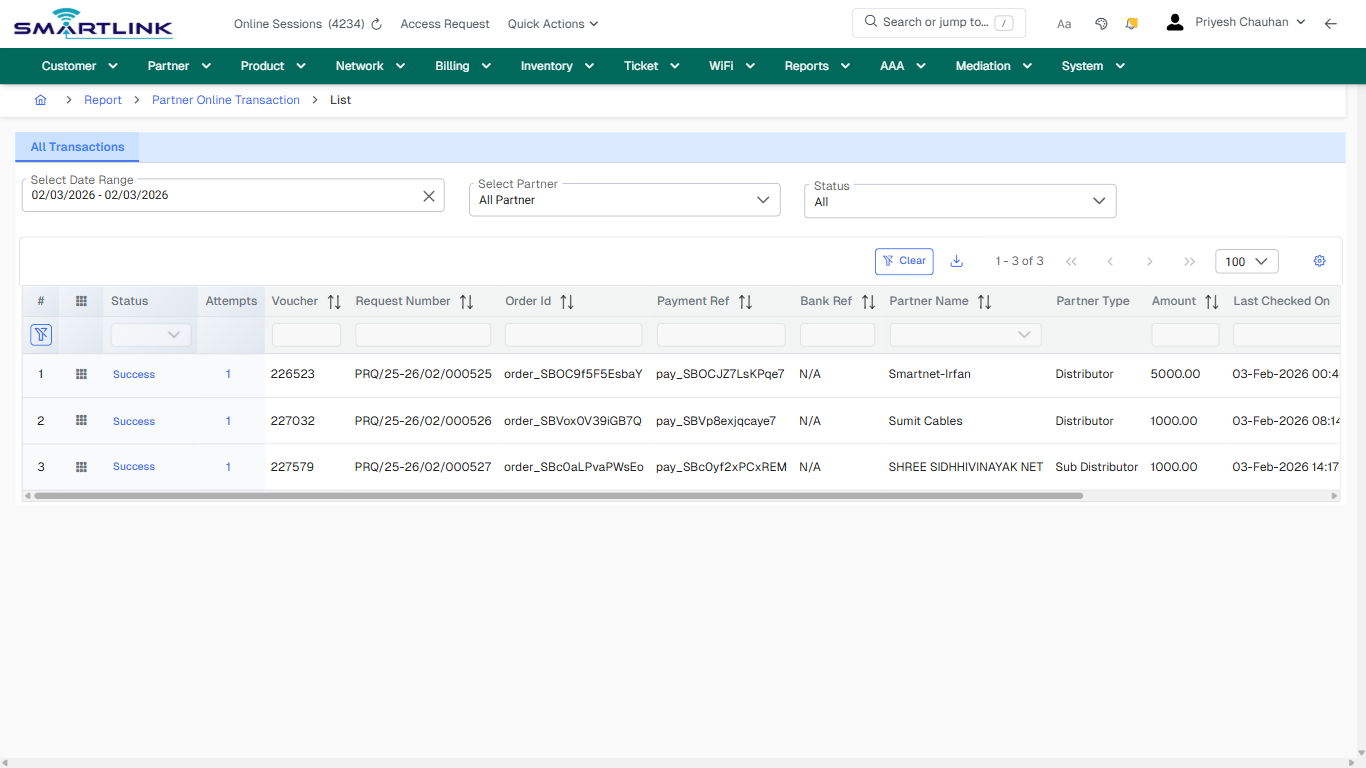
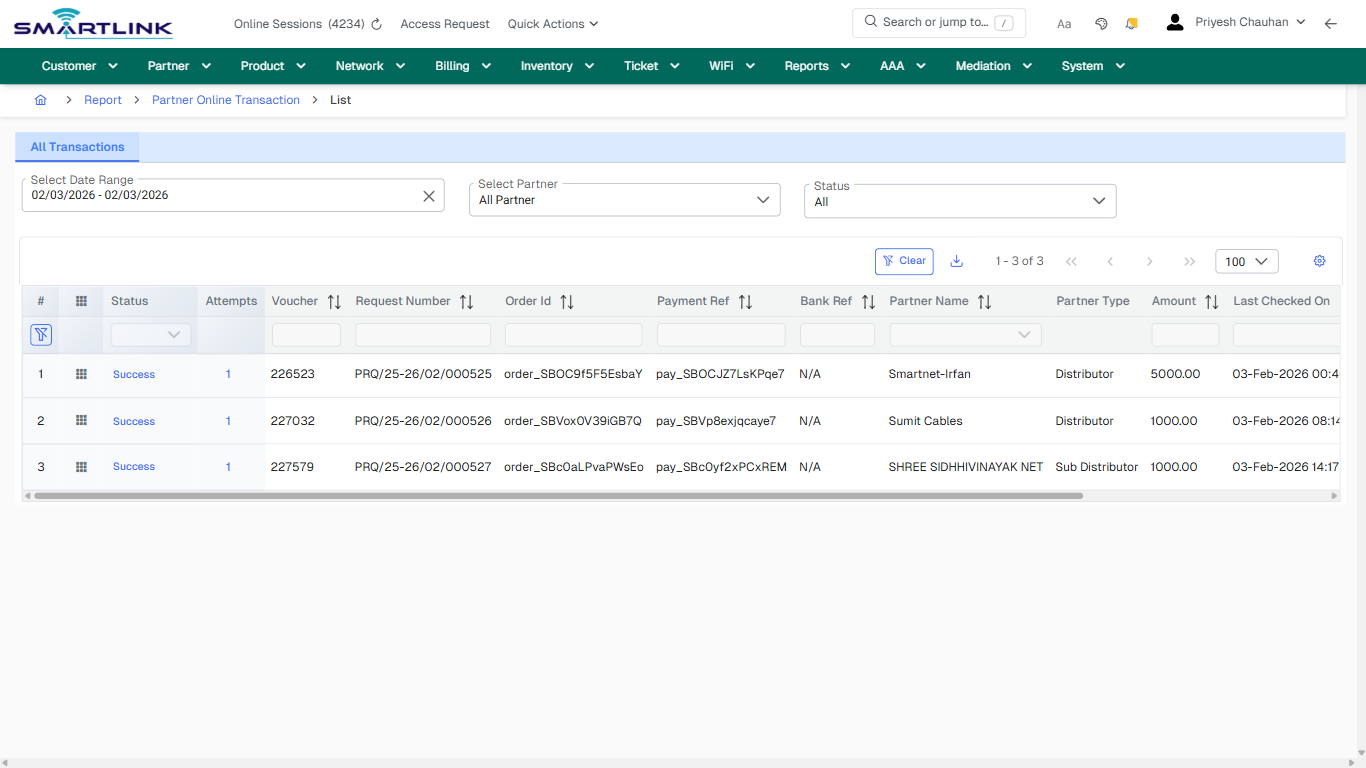
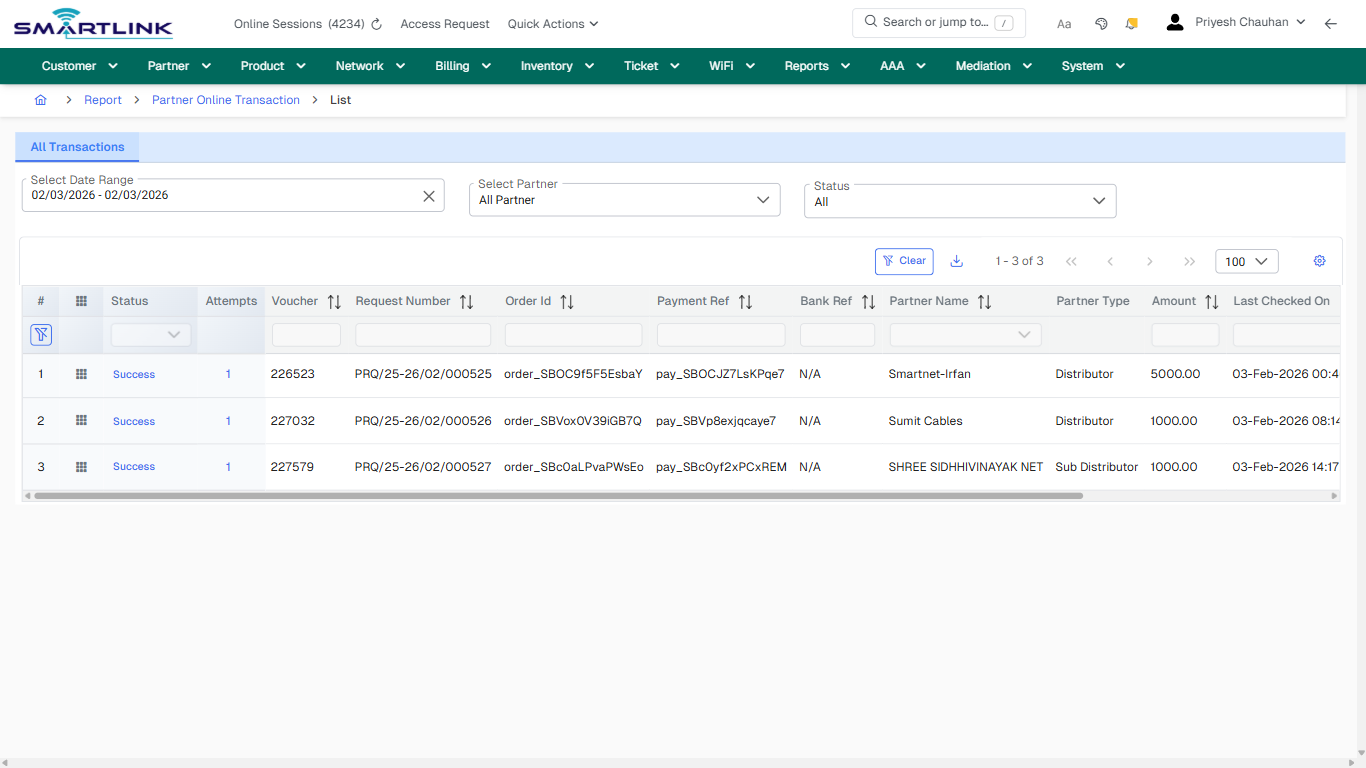
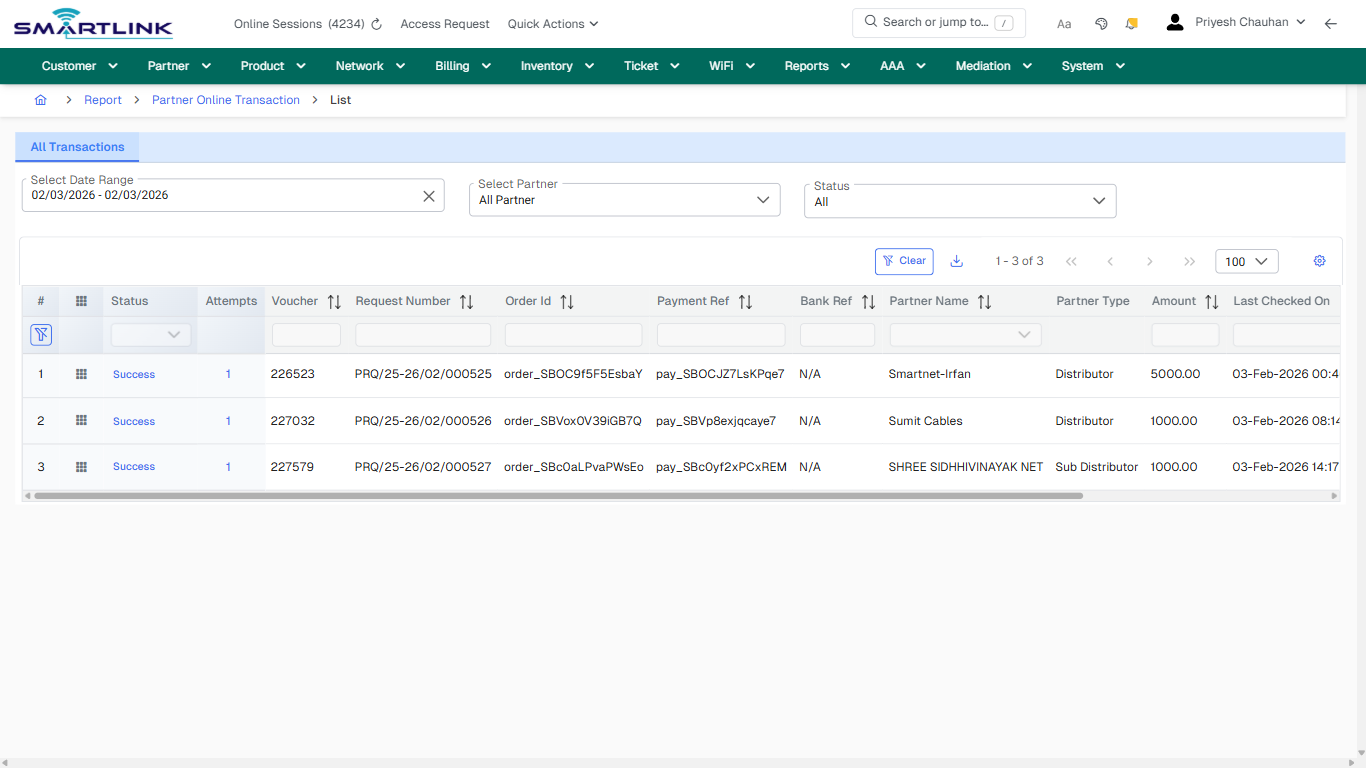
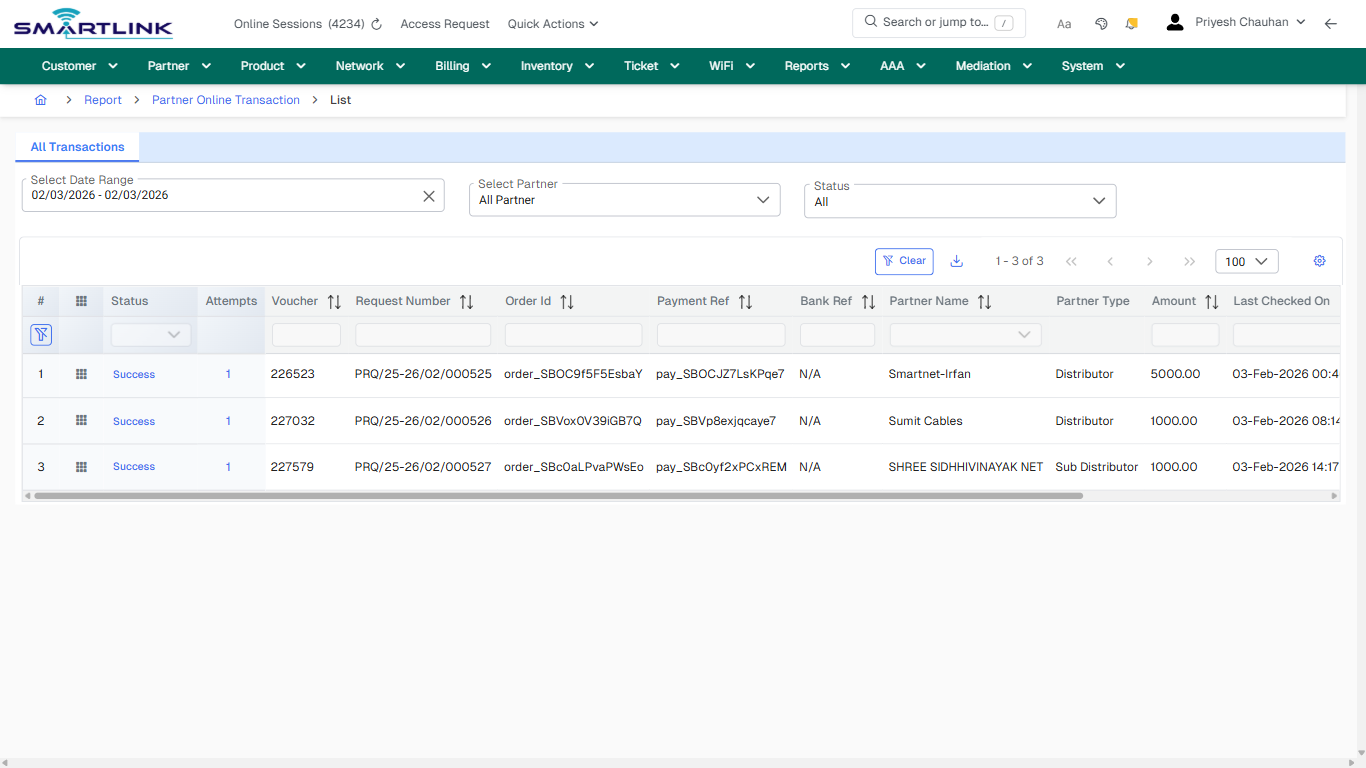
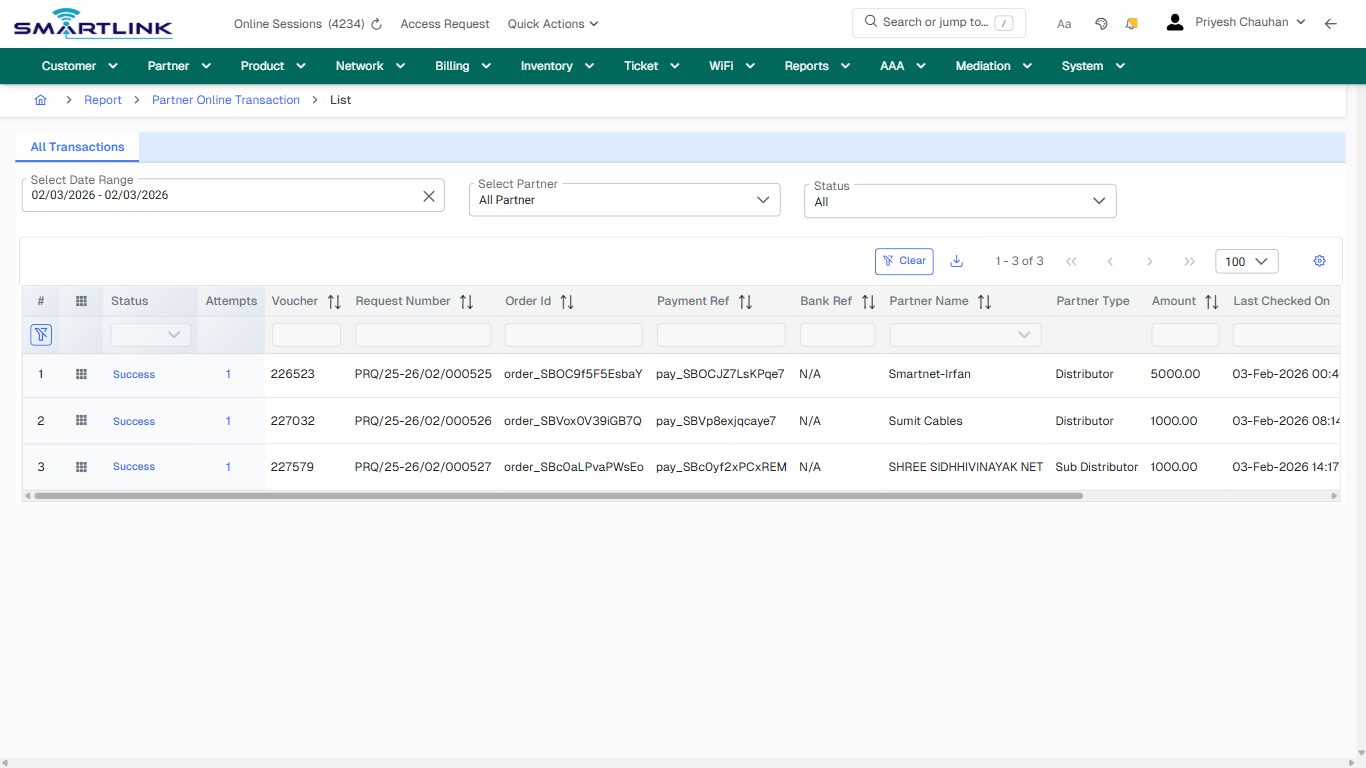
- **Fields detected:** Select Date Range, Select Partner, Status
- **Actions detected:** Auto, Close, Report, Partner Online Transaction, Clear, Success, 1

## Validation &amp; Safety Checks

- Confirm identifiers before saving.
- Confirm lifecycle state allows the change.
- Confirm rollback/support path exists for production actions.
 
## Escalation Guidance

- **L1:** Verify input, permissions, and entity state.
- **L2:** Validate dependencies and downstream state.
- **L3/Admin:** Policy/config changes or suspected defect.
 
---

## Screenshots

## default

**Captured URL:** https://admin.myslbb.com/#/rep/poltr/all

<div id="bkmrk-images-uploading%E2%80%A6">*Images uploading…*<div data-img-token="IMG_PLACEHOLDER_0_1770130852360">![screenshot](https://kb.i2itechservices.com/uploads/images/gallery/2026-02/admin-myslbb-com-rep-poltr-all-default-4b2d6916a2-part-01.png)

![screenshot](https://kb.i2itechservices.com/uploads/images/gallery/2026-02/admin-myslbb-com-rep-poltr-all-default-4b2d6916a2-part-02.png)

</div></div>---

## ui\_tab\_1

**Captured URL:** https://admin.myslbb.com/#/rep/poltr/all

<div id="bkmrk-images-uploading%E2%80%A6-1">*Images uploading…*<div data-img-token="IMG_PLACEHOLDER_1_1770130852360">![screenshot](https://kb.i2itechservices.com/uploads/images/gallery/2026-02/admin-myslbb-com-rep-poltr-all-ui-tab-1-93cc469710-part-01.png)

![screenshot](https://kb.i2itechservices.com/uploads/images/gallery/2026-02/admin-myslbb-com-rep-poltr-all-ui-tab-1-93cc469710-part-02.png)

</div></div>---

## common\_tab\_1

**Captured URL:** https://admin.myslbb.com/#/rep/poltr/all

<div id="bkmrk-images-uploading%E2%80%A6-2">*Images uploading…*<div data-img-token="IMG_PLACEHOLDER_2_1770130852360">![screenshot](https://kb.i2itechservices.com/uploads/images/gallery/2026-02/admin-myslbb-com-rep-poltr-all-common-tab-1-e457bd83f4-part-01.png)

![screenshot](https://kb.i2itechservices.com/uploads/images/gallery/2026-02/admin-myslbb-com-rep-poltr-all-common-tab-1-e457bd83f4-part-02.png)

</div></div>---

## common\_tab\_2

**Captured URL:** https://admin.myslbb.com/#/rep/poltr/all

<div id="bkmrk-images-uploading%E2%80%A6-3">*Images uploading…*<div data-img-token="IMG_PLACEHOLDER_3_1770130852360">![screenshot](https://kb.i2itechservices.com/uploads/images/gallery/2026-02/admin-myslbb-com-rep-poltr-all-common-tab-2-7e012081cb-part-01.png)

![screenshot](https://kb.i2itechservices.com/uploads/images/gallery/2026-02/admin-myslbb-com-rep-poltr-all-common-tab-2-7e012081cb-part-02.png)

</div></div>---

## drilldown\_one\_item

**Captured URL:** https://admin.myslbb.com/#/rep/poltr/all

<div id="bkmrk-images-uploading%E2%80%A6-4">*Images uploading…*<div data-img-token="IMG_PLACEHOLDER_4_1770130852360">![screenshot](https://kb.i2itechservices.com/uploads/images/gallery/2026-02/admin-myslbb-com-rep-poltr-all-drilldown-one-item-d1285fbcd7-part-01.png)

![screenshot](https://kb.i2itechservices.com/uploads/images/gallery/2026-02/admin-myslbb-com-rep-poltr-all-drilldown-one-item-d1285fbcd7-part-02.png)

</div></div>

# rep > srep > add

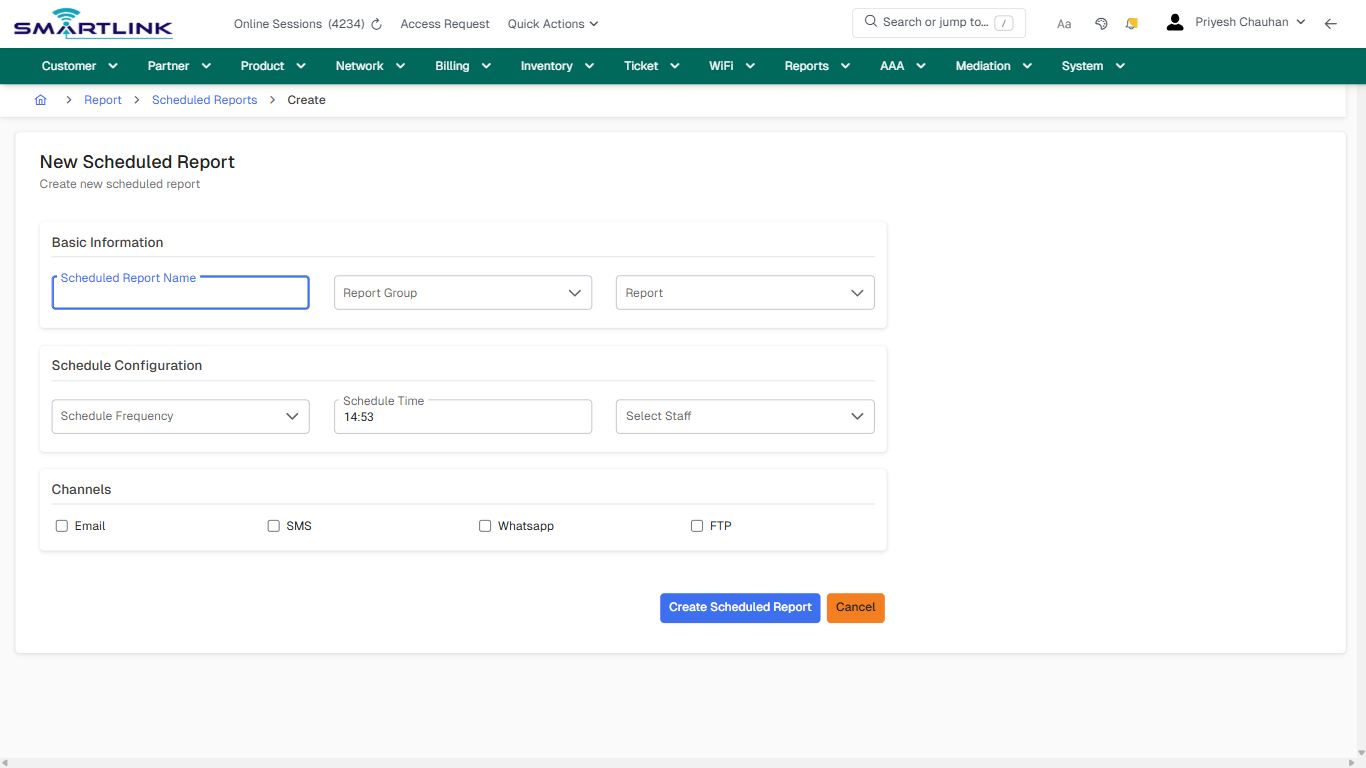
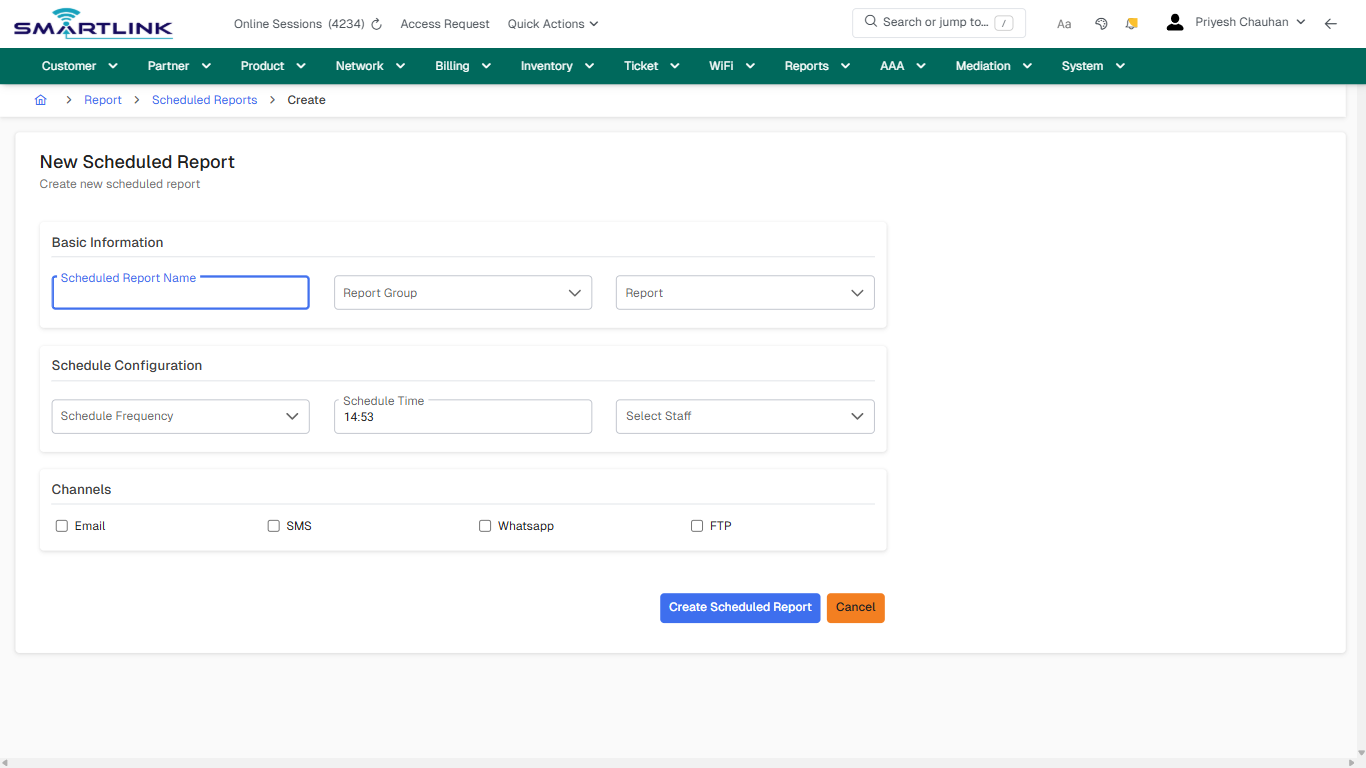
# rep &gt; srep &gt; add

**Route:** rep/srep/add

**URL:** https://admin.myslbb.com/#/rep/srep/add

---

## Overview

 This page is a draft SOP reference for the above screen in **i2i Core OSS/BSS**. It is auto-generated from UI exports and should be reviewed for operational correctness before customer release.

## When to Use

- Use this screen for the workflow represented by this route.
- Do not make billing/AAA/provisioning-impacting changes without required authorization.
 
## Typical Workflow

1. Verify you are working on the correct entity (Customer/Account/Service).
2. Review the current lifecycle state before making changes.
3. Apply changes and validate system response.
4. Confirm downstream impact (AAA/Provisioning/Billing) where applicable.
 
## Field &amp; Action Hints (Auto-detected)

- **Fields detected:** Scheduled Report Name, Report Group, Report, Schedule Frequency, Schedule Time, Email, SMS, Whatsapp, FTP
- **Actions detected:** Auto, Close, Report, Scheduled Reports, Create Scheduled Report, Cancel

## Validation &amp; Safety Checks

- Confirm identifiers before saving.
- Confirm lifecycle state allows the change.
- Confirm rollback/support path exists for production actions.
 
## Escalation Guidance

- **L1:** Verify input, permissions, and entity state.
- **L2:** Validate dependencies and downstream state.
- **L3/Admin:** Policy/config changes or suspected defect.
 
---

## Screenshots

## create\_new

**Captured URL:** https://admin.myslbb.com/#/rep/srep/add

<div id="bkmrk-images-uploading%E2%80%A6">*Images uploading…*<div data-img-token="IMG_PLACEHOLDER_0_1770130859087">![screenshot](https://kb.i2itechservices.com/uploads/images/gallery/2026-02/admin-myslbb-com-rep-srep-add-create-new-143d20f554-part-01.png)

![screenshot](https://kb.i2itechservices.com/uploads/images/gallery/2026-02/admin-myslbb-com-rep-srep-add-create-new-143d20f554-part-02.png)

</div></div>

# rep > srep > all

# rep &gt; srep &gt; all

**Route:** rep/srep/all

**URL:** https://admin.myslbb.com/#/rep/srep/all

---

## Overview

 This page is a draft SOP reference for the above screen in **i2i Core OSS/BSS**. It is auto-generated from UI exports and should be reviewed for operational correctness before customer release.

## When to Use

- Use this screen for the workflow represented by this route.
- Do not make billing/AAA/provisioning-impacting changes without required authorization.
 
## Typical Workflow

1. Verify you are working on the correct entity (Customer/Account/Service).
2. Review the current lifecycle state before making changes.
3. Apply changes and validate system response.
4. Confirm downstream impact (AAA/Provisioning/Billing) where applicable.
 
## Field &amp; Action Hints (Auto-detected)

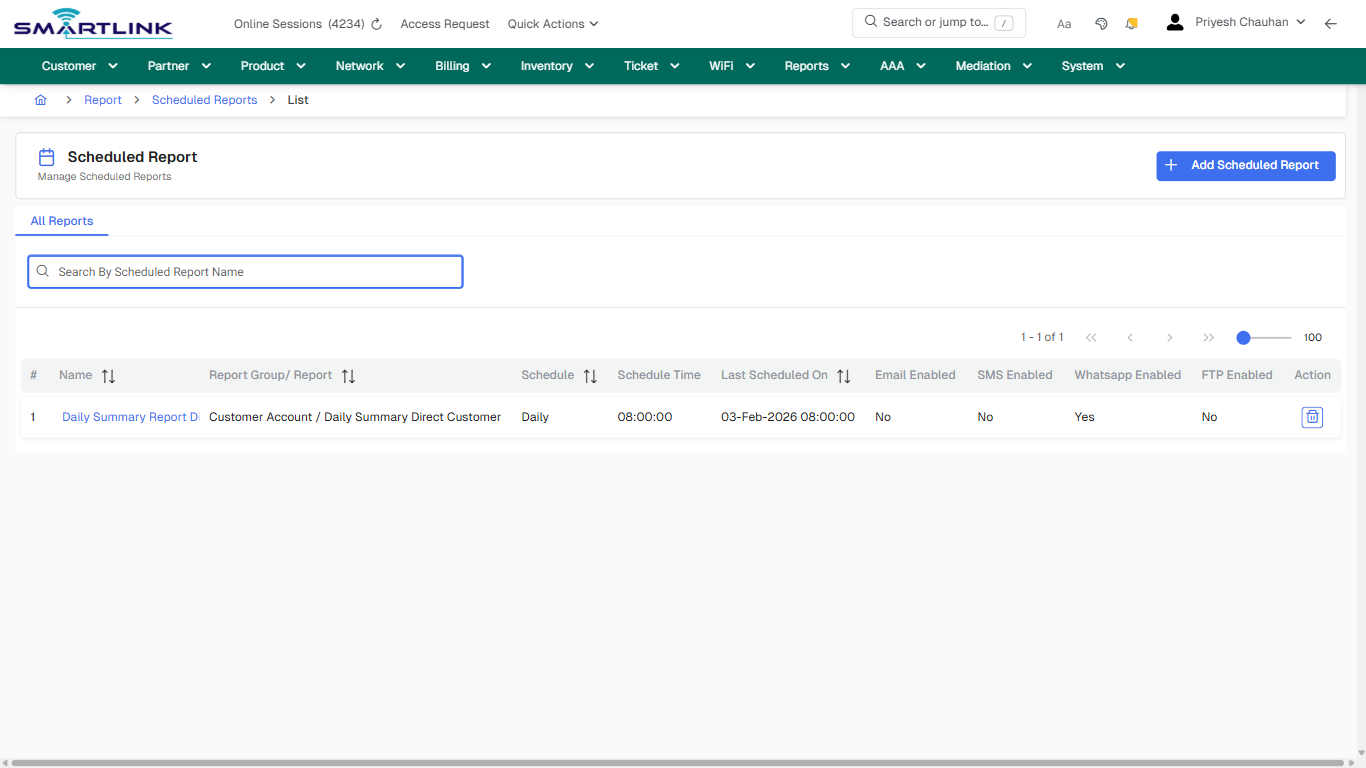
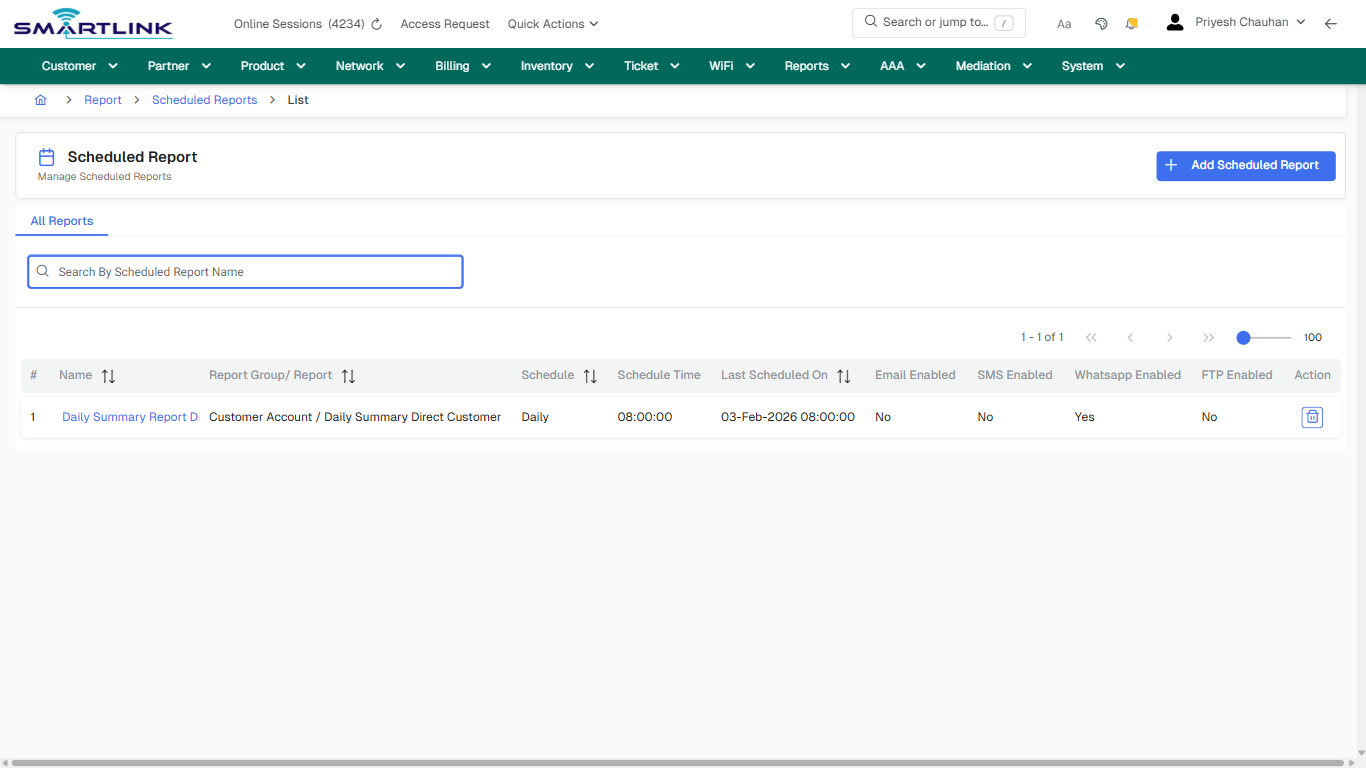
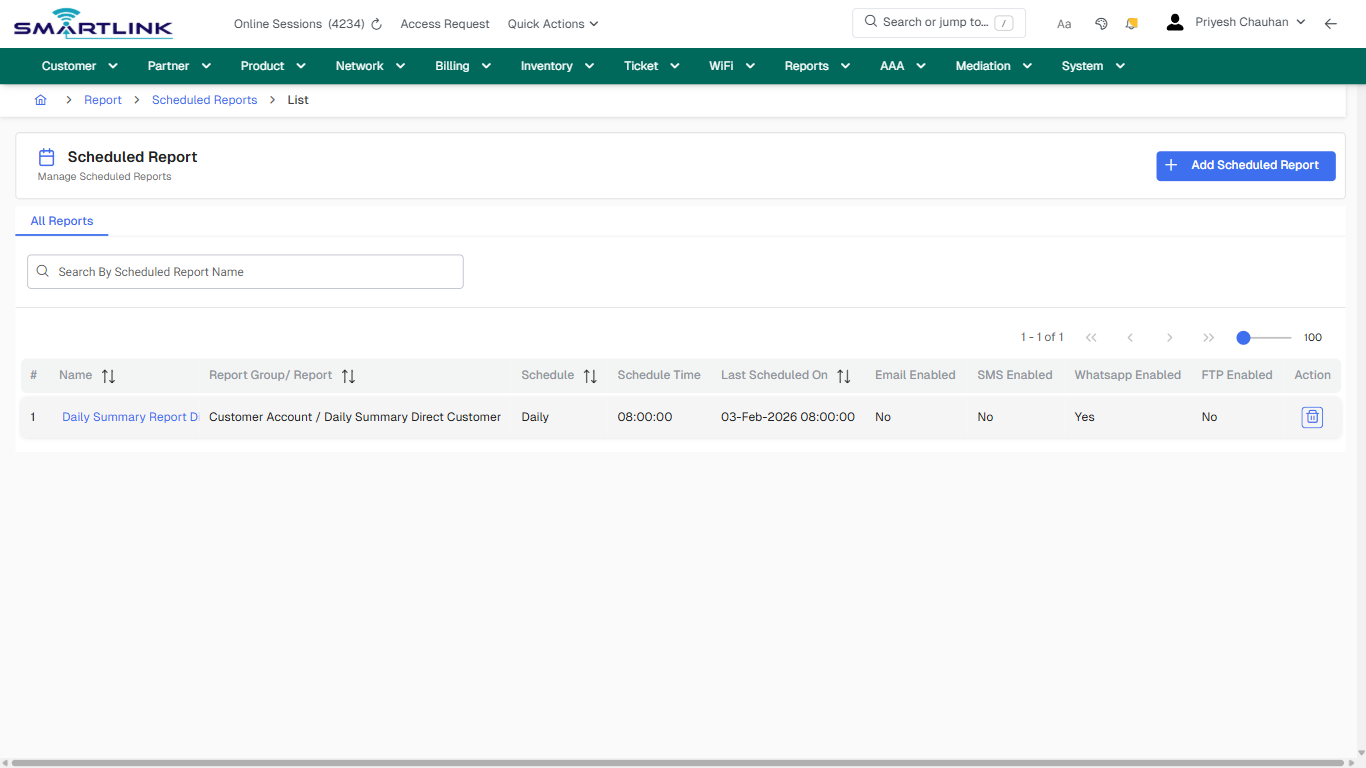
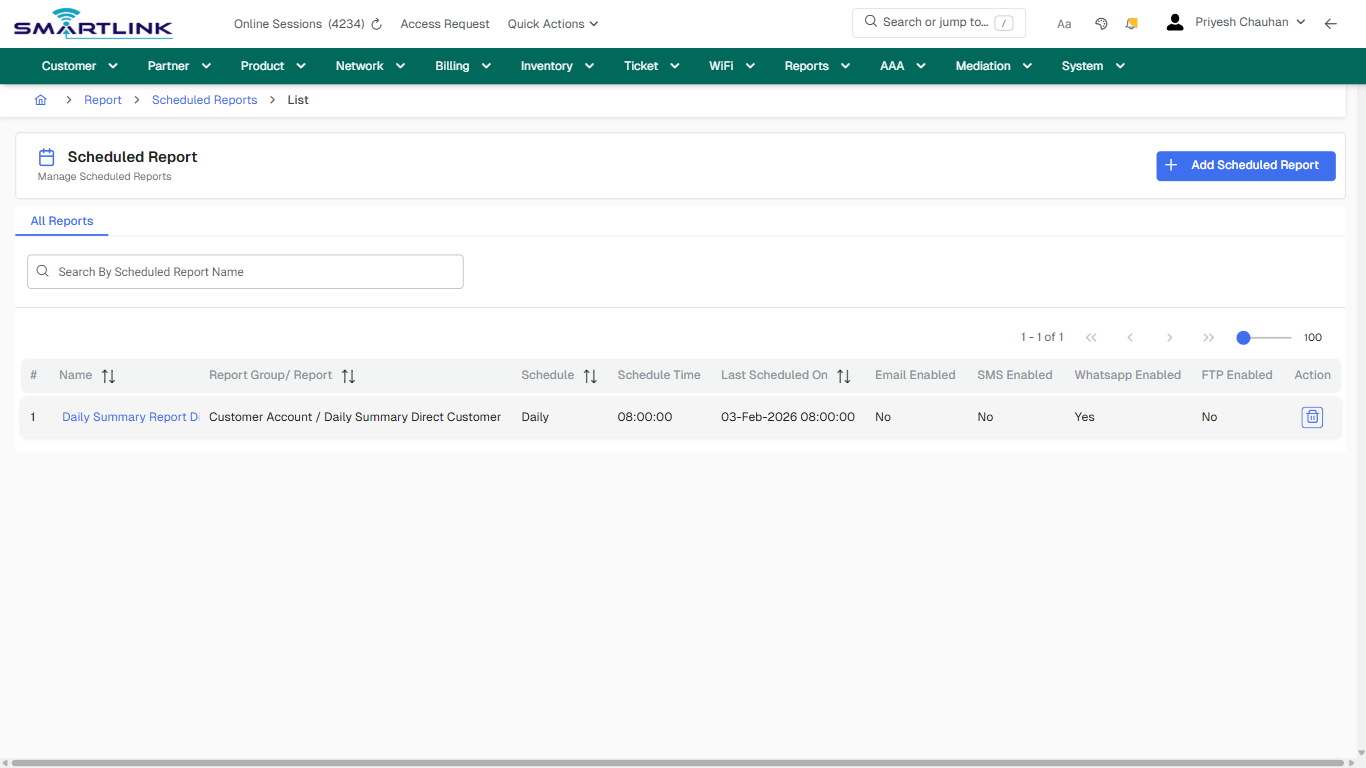
- **Actions detected:** Auto, Close, Report, Scheduled Reports, Add Scheduled Report, Daily Summary Report Direct Customer

## Validation &amp; Safety Checks

- Confirm identifiers before saving.
- Confirm lifecycle state allows the change.
- Confirm rollback/support path exists for production actions.
 
## Escalation Guidance

- **L1:** Verify input, permissions, and entity state.
- **L2:** Validate dependencies and downstream state.
- **L3/Admin:** Policy/config changes or suspected defect.
 
---

## Screenshots

## default

**Captured URL:** https://admin.myslbb.com/#/rep/srep/all

<div id="bkmrk-images-uploading%E2%80%A6">*Images uploading…*<div data-img-token="IMG_PLACEHOLDER_0_1770130861070">![screenshot](https://kb.i2itechservices.com/uploads/images/gallery/2026-02/admin-myslbb-com-rep-srep-all-default-9117ff2297-part-01.png)

![screenshot](https://kb.i2itechservices.com/uploads/images/gallery/2026-02/admin-myslbb-com-rep-srep-all-default-9117ff2297-part-02.png)

</div></div>---

## drilldown\_one\_item

**Captured URL:** https://admin.myslbb.com/#/rep/srep/all

<div id="bkmrk-images-uploading%E2%80%A6-1">*Images uploading…*<div data-img-token="IMG_PLACEHOLDER_1_1770130861070">![screenshot](https://kb.i2itechservices.com/uploads/images/gallery/2026-02/admin-myslbb-com-rep-srep-all-drilldown-one-item-58e9cb4709-part-01.png)

![screenshot](https://kb.i2itechservices.com/uploads/images/gallery/2026-02/admin-myslbb-com-rep-srep-all-drilldown-one-item-58e9cb4709-part-02.png)

</div></div>

# rep > stdrep

# rep &gt; stdrep

**Route:** rep/stdrep

**URL:** https://admin.myslbb.com/#/rep/stdrep

---

## Overview

 This page is a draft SOP reference for the above screen in **i2i Core OSS/BSS**. It is auto-generated from UI exports and should be reviewed for operational correctness before customer release.

## When to Use

- Use this screen for the workflow represented by this route.
- Do not make billing/AAA/provisioning-impacting changes without required authorization.
 
## Typical Workflow

1. Verify you are working on the correct entity (Customer/Account/Service).
2. Review the current lifecycle state before making changes.
3. Apply changes and validate system response.
4. Confirm downstream impact (AAA/Provisioning/Billing) where applicable.
 
## Field &amp; Action Hints (Auto-detected)

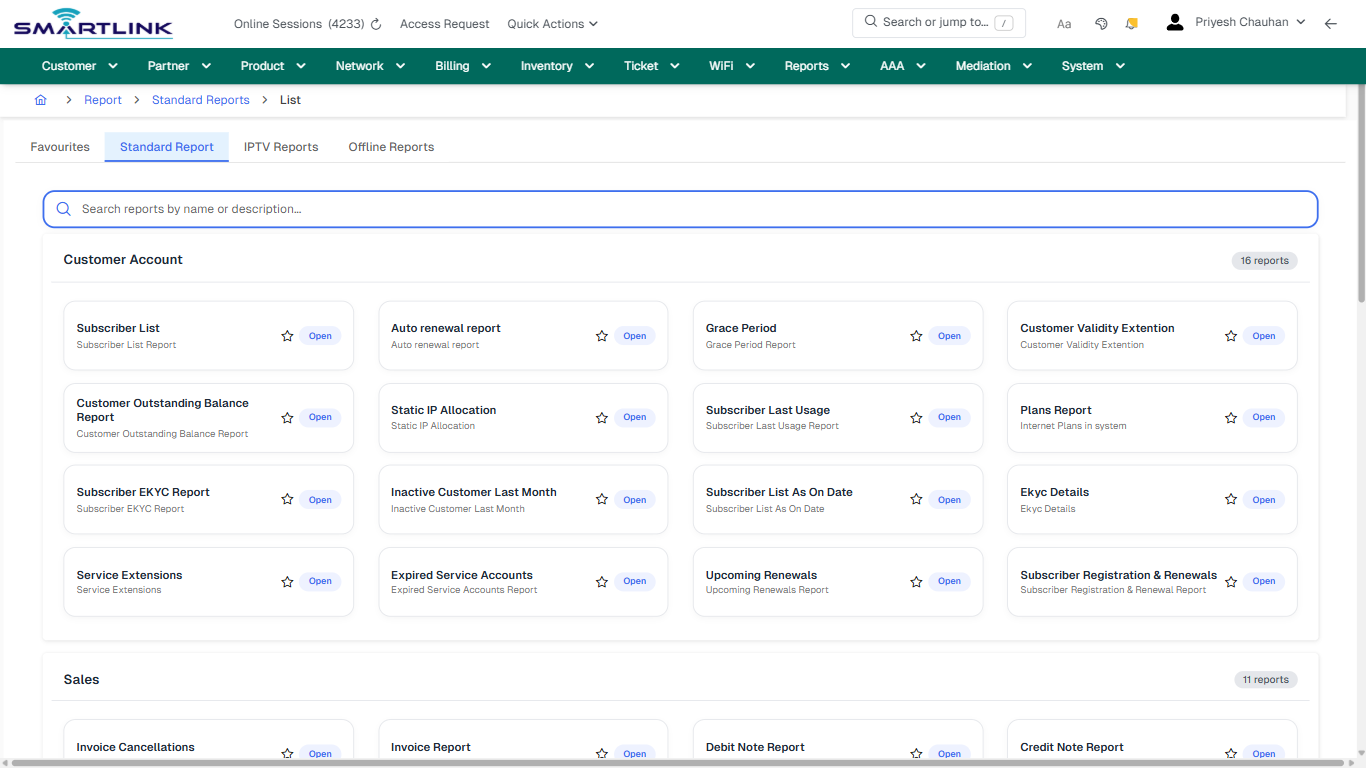
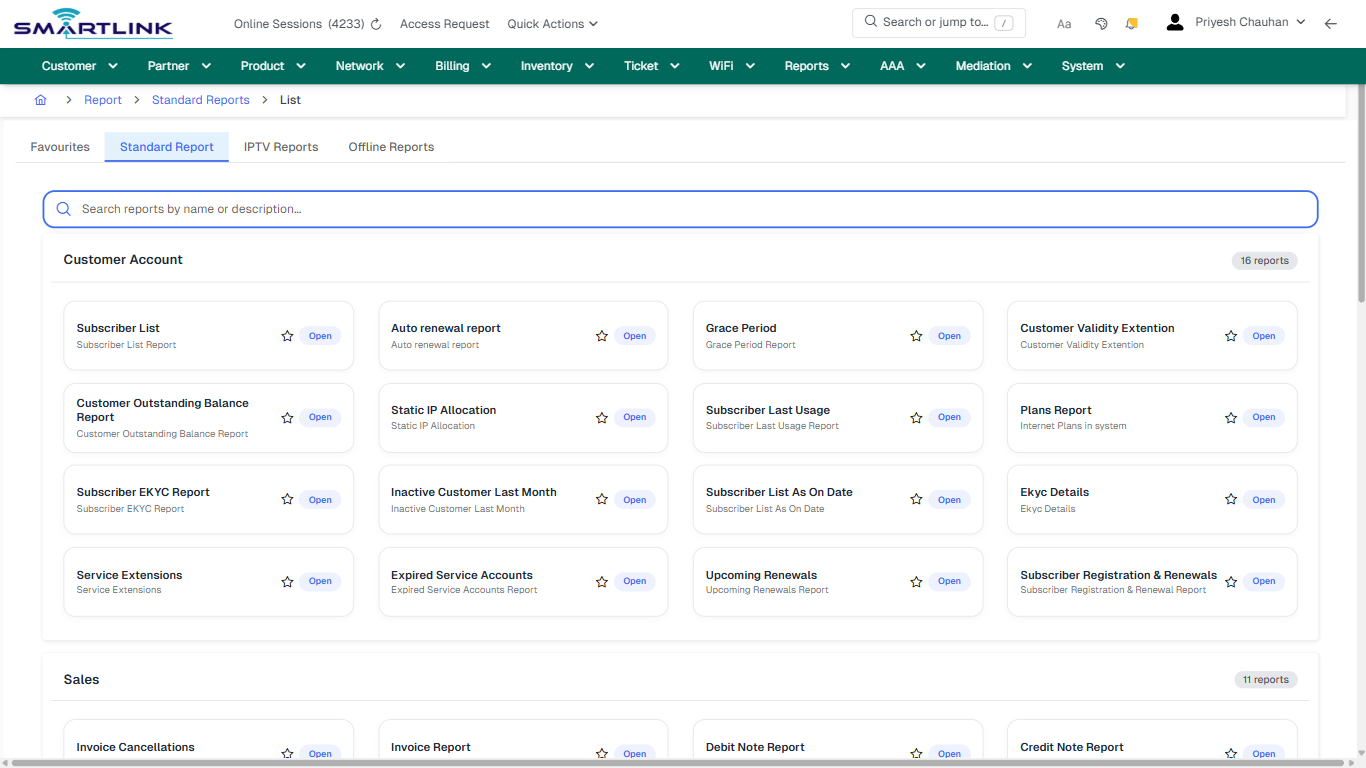
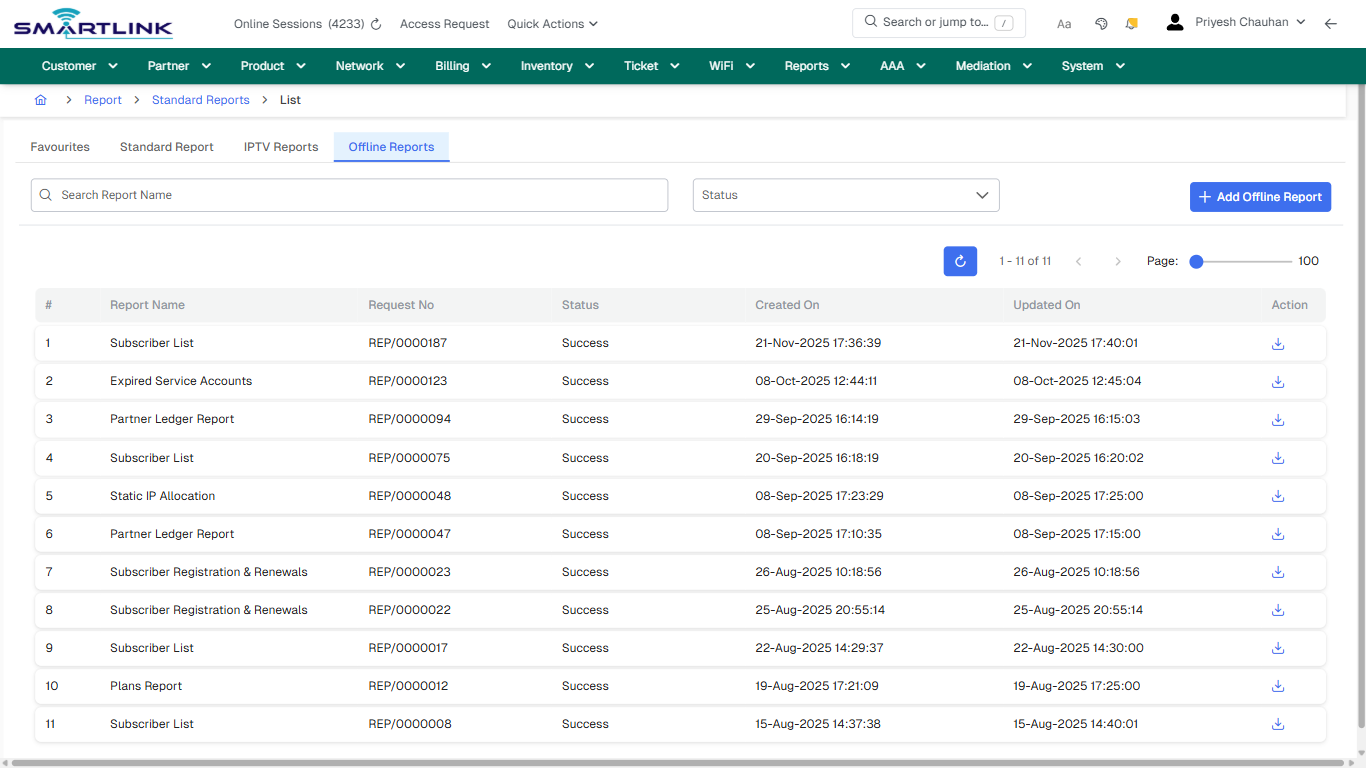
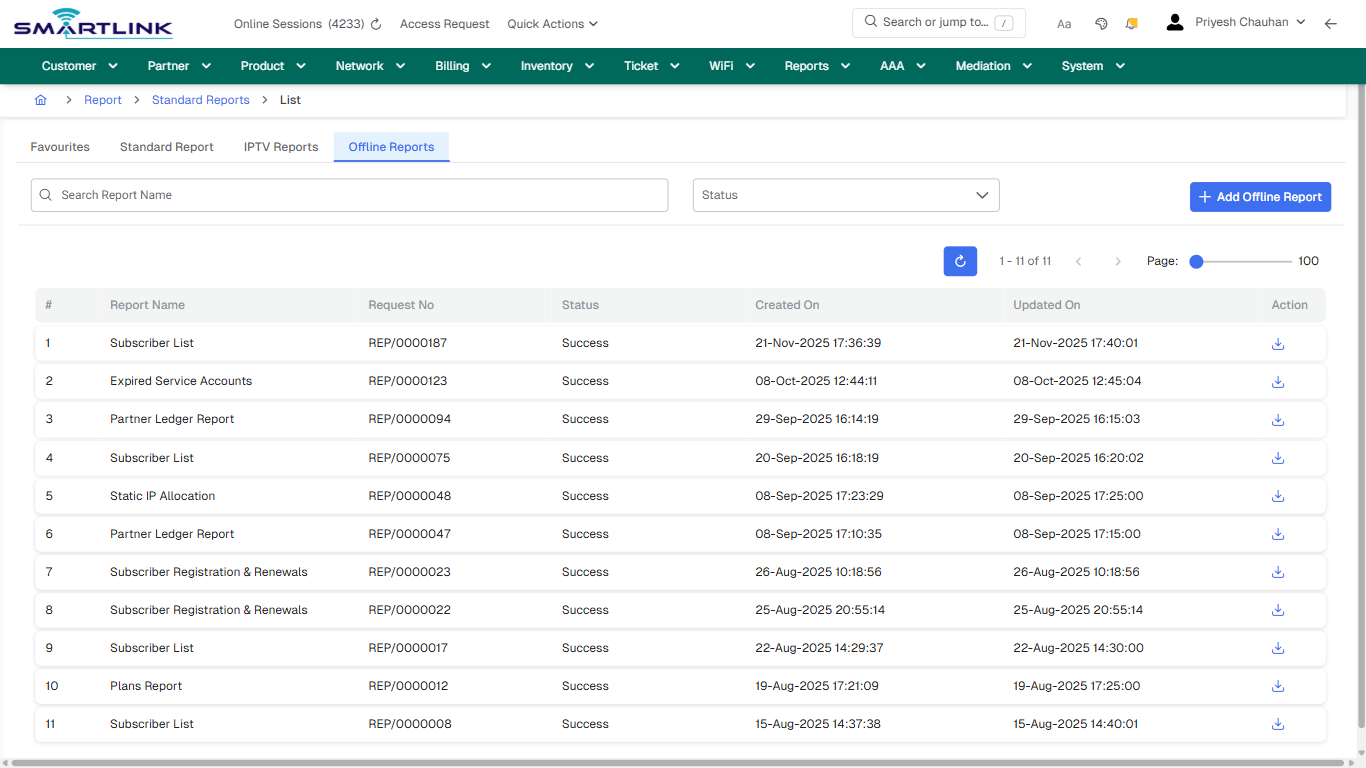
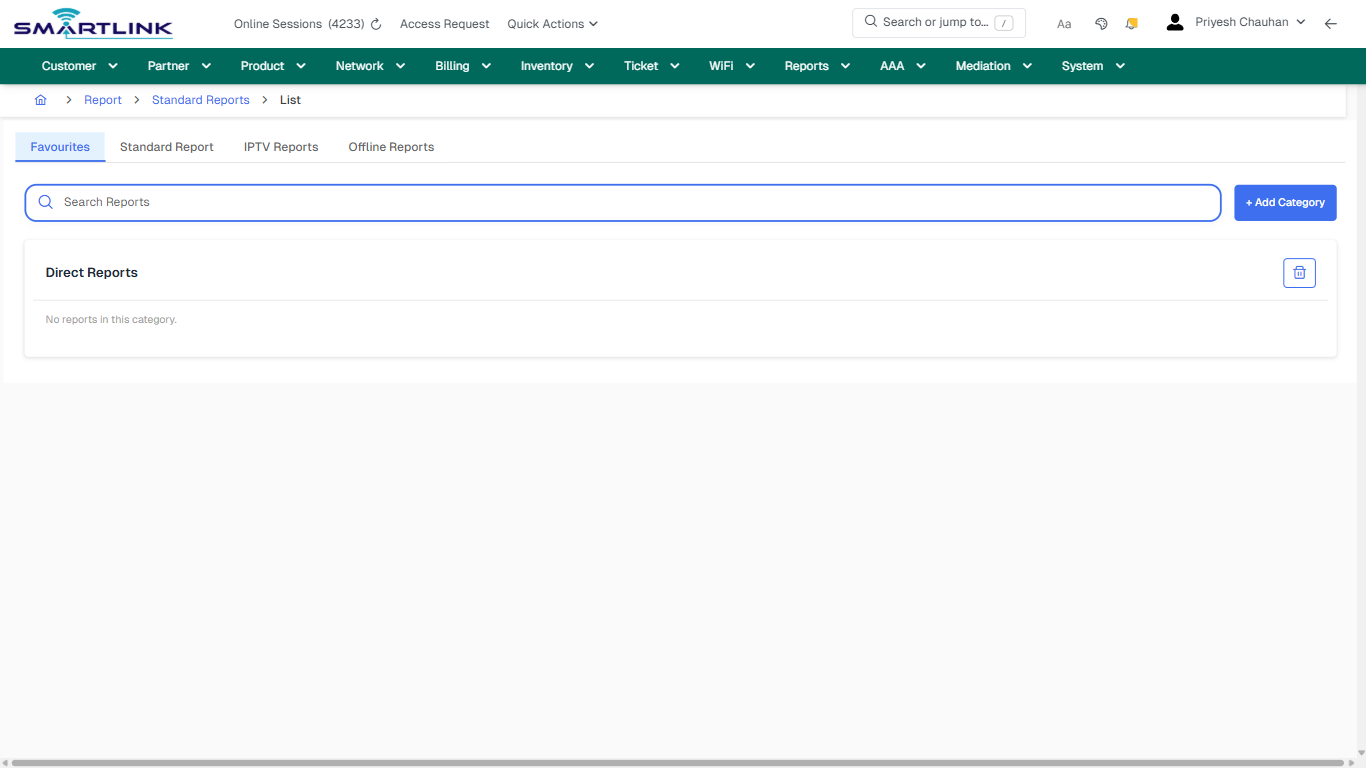
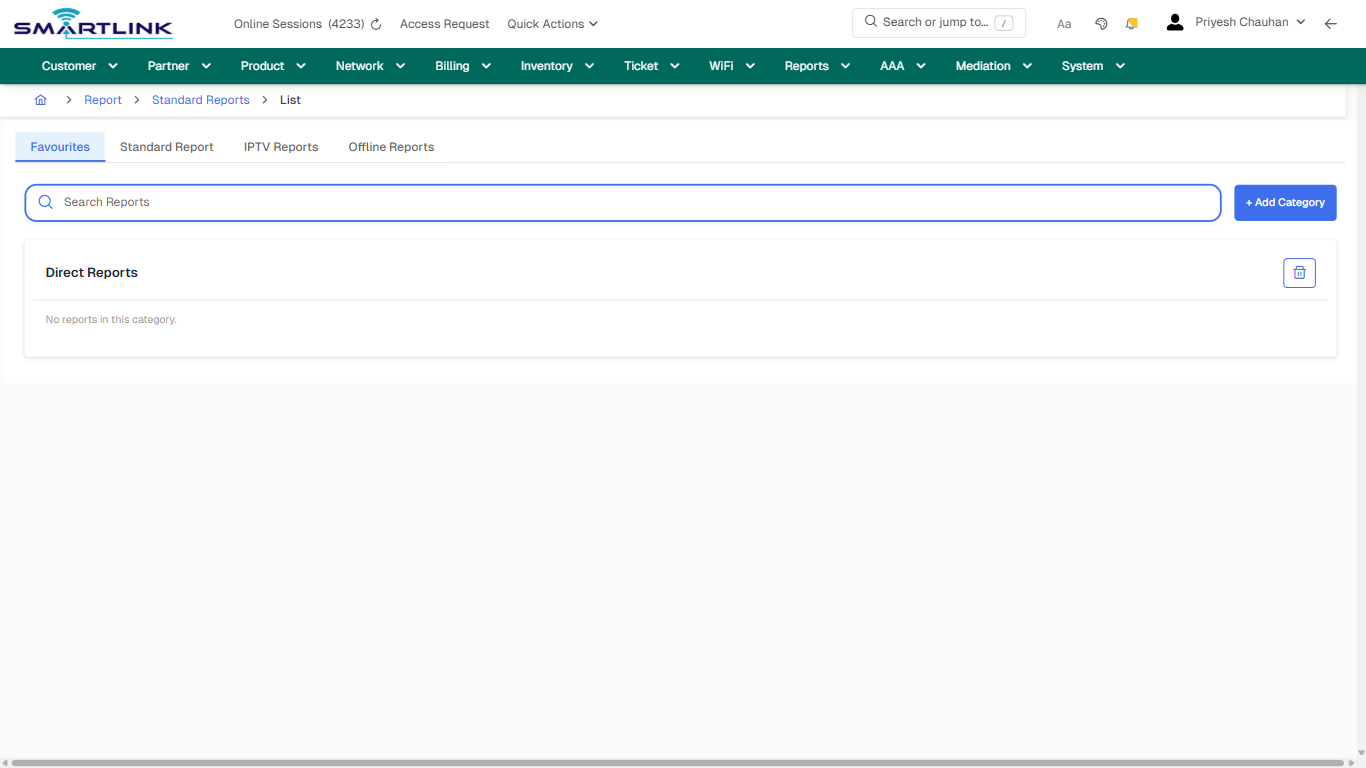
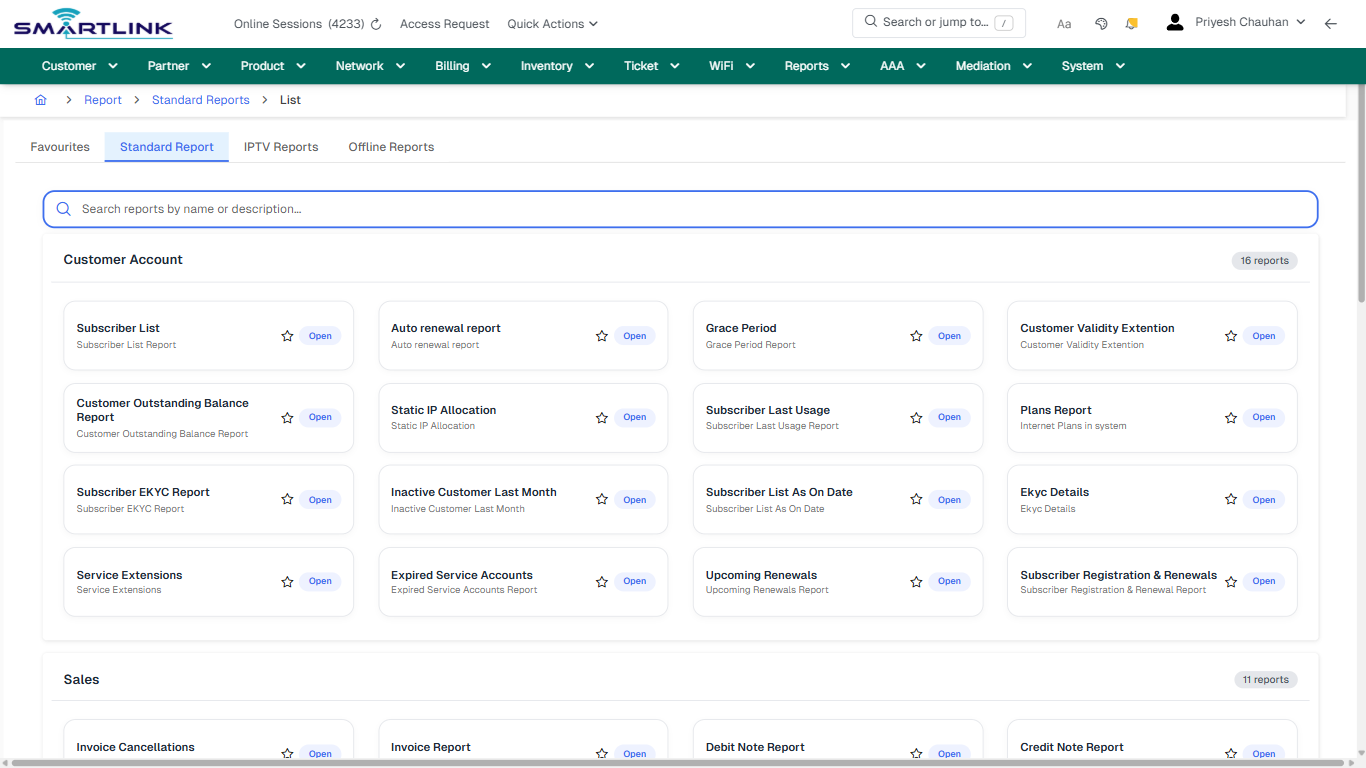
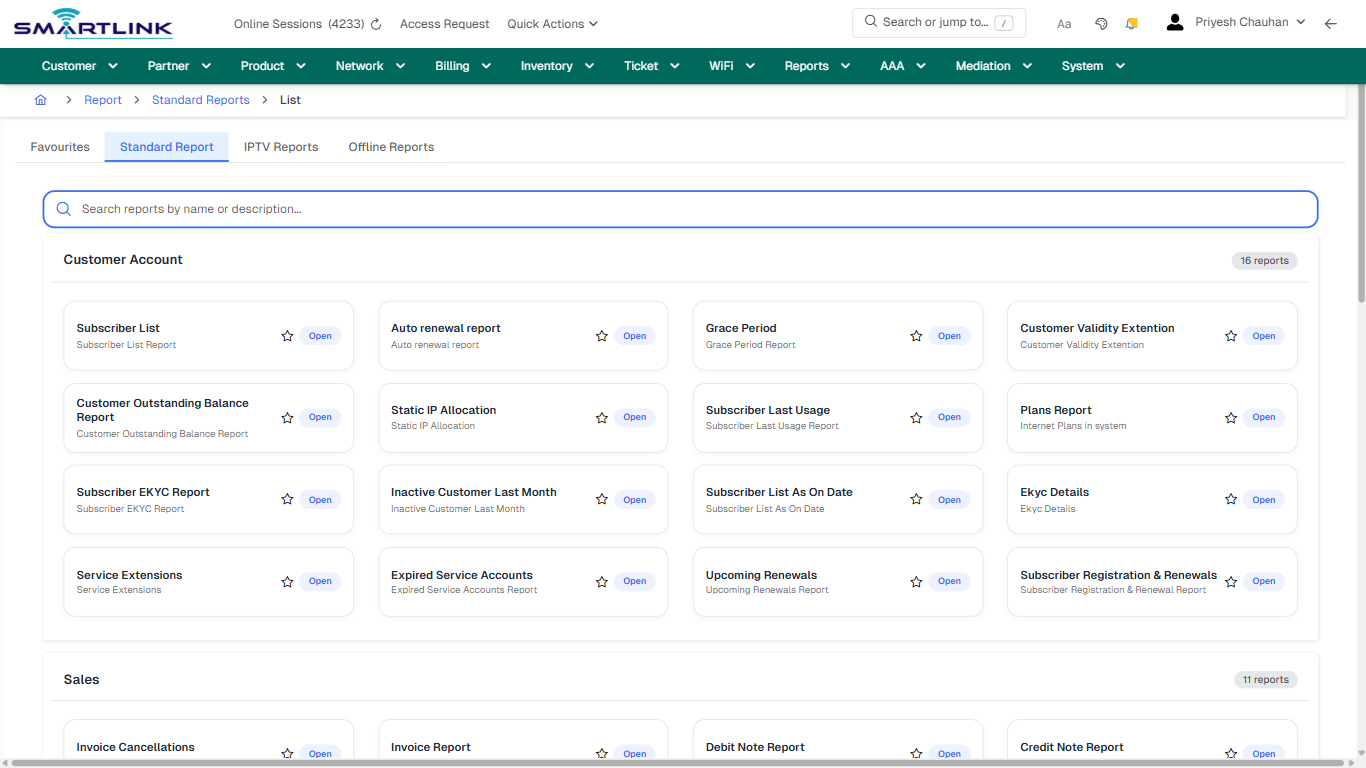
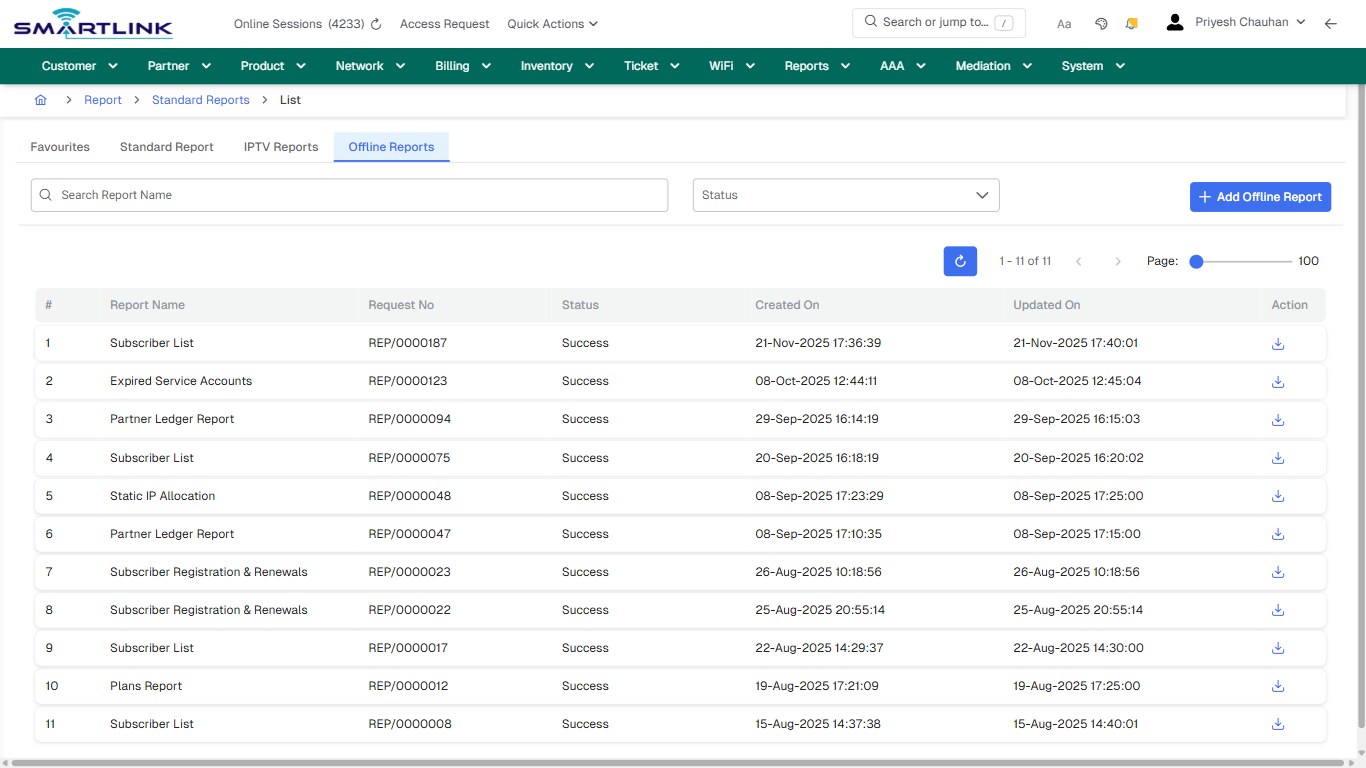
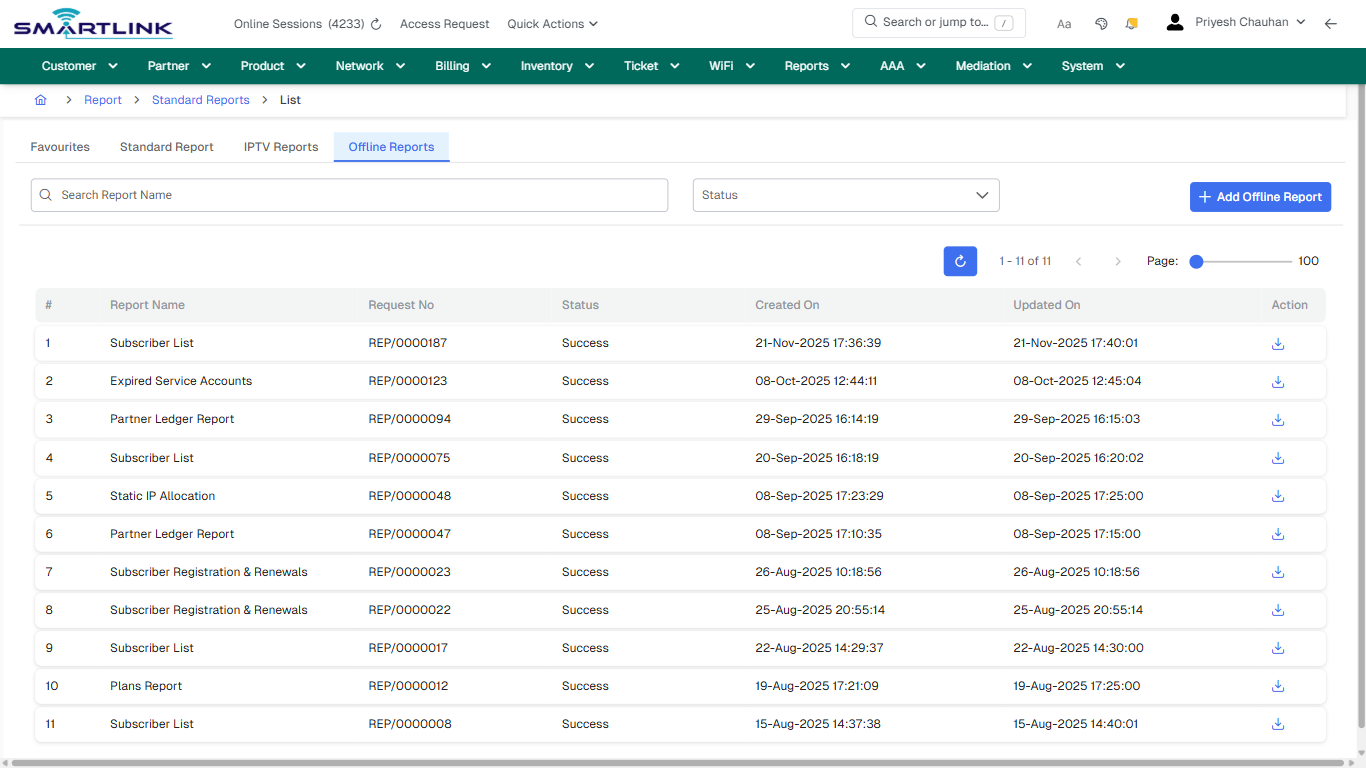
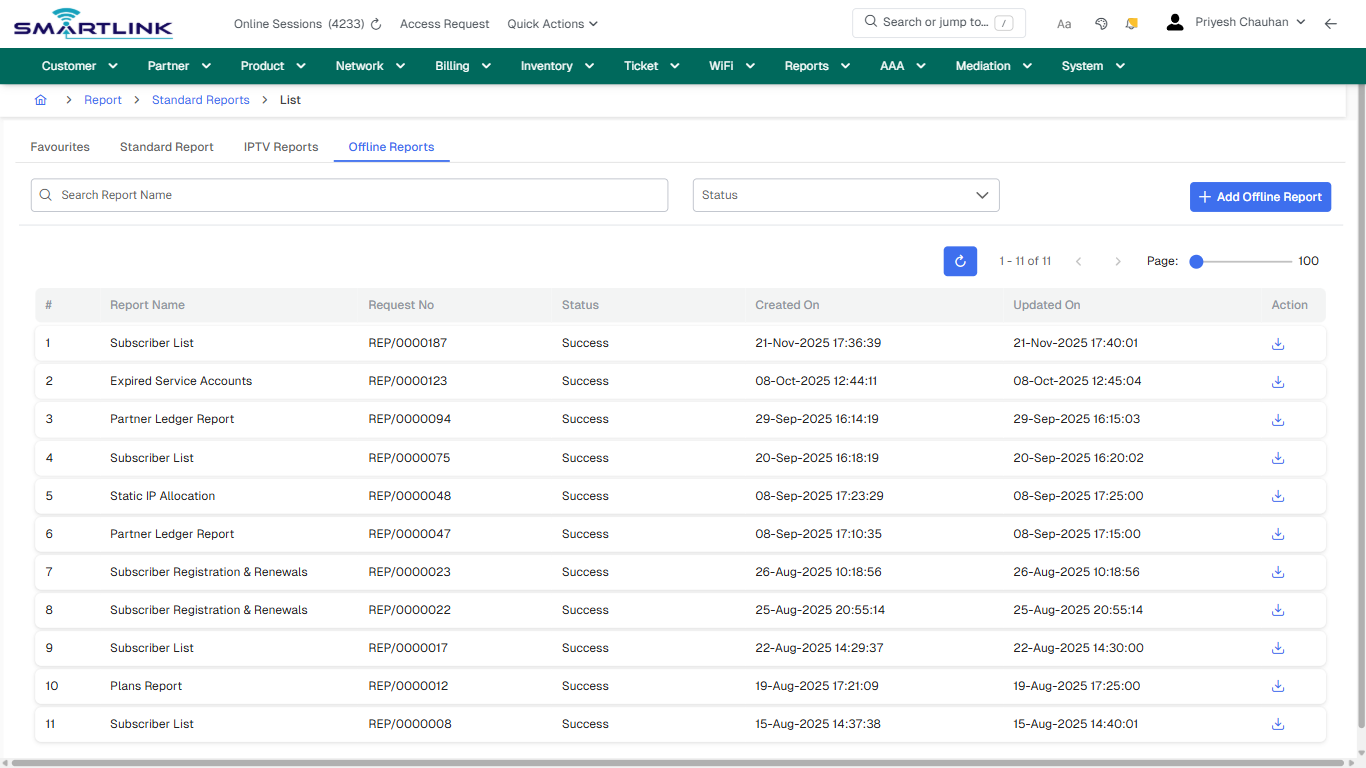
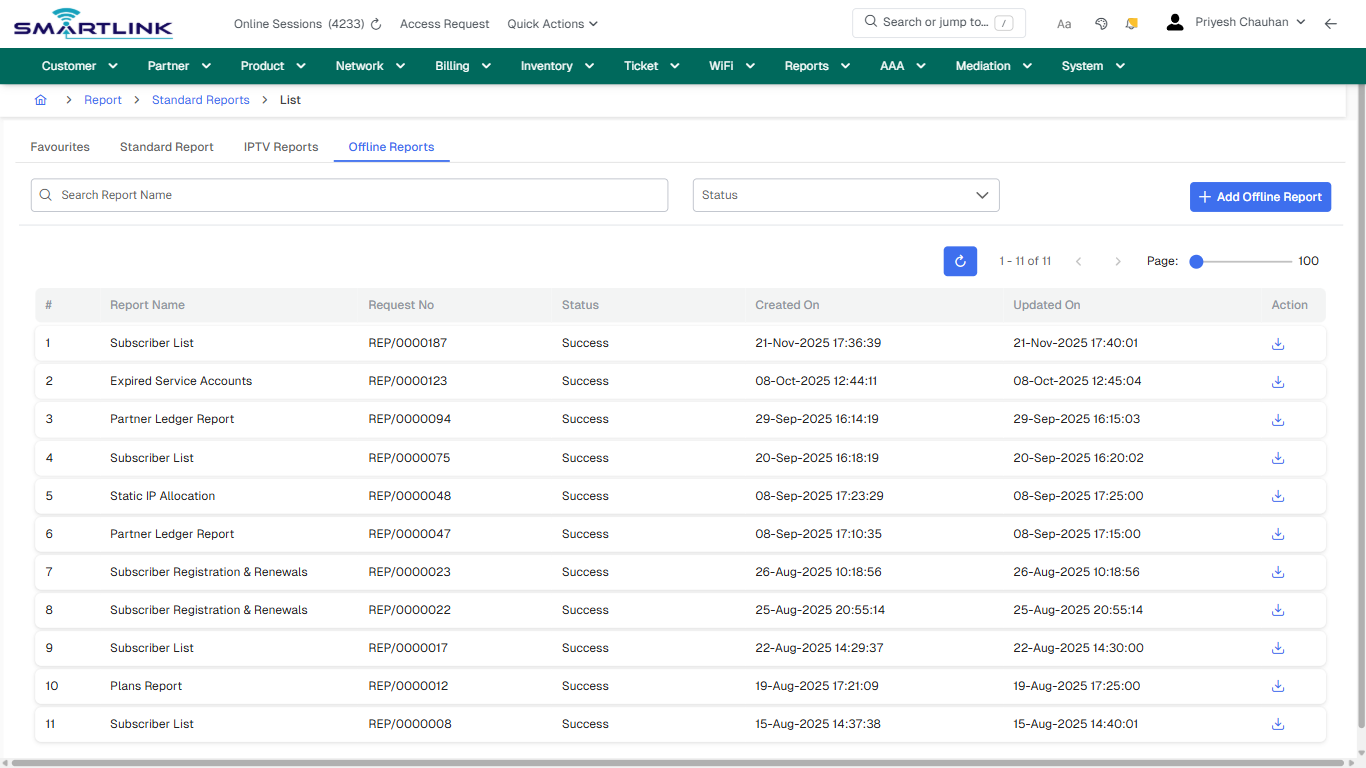
- **Headings detected:** Direct Reports, Customer Account, Sales, Partner Reports, Custom Reports, DoT Reports, Service Usage Reprts
- **Fields detected:** Status
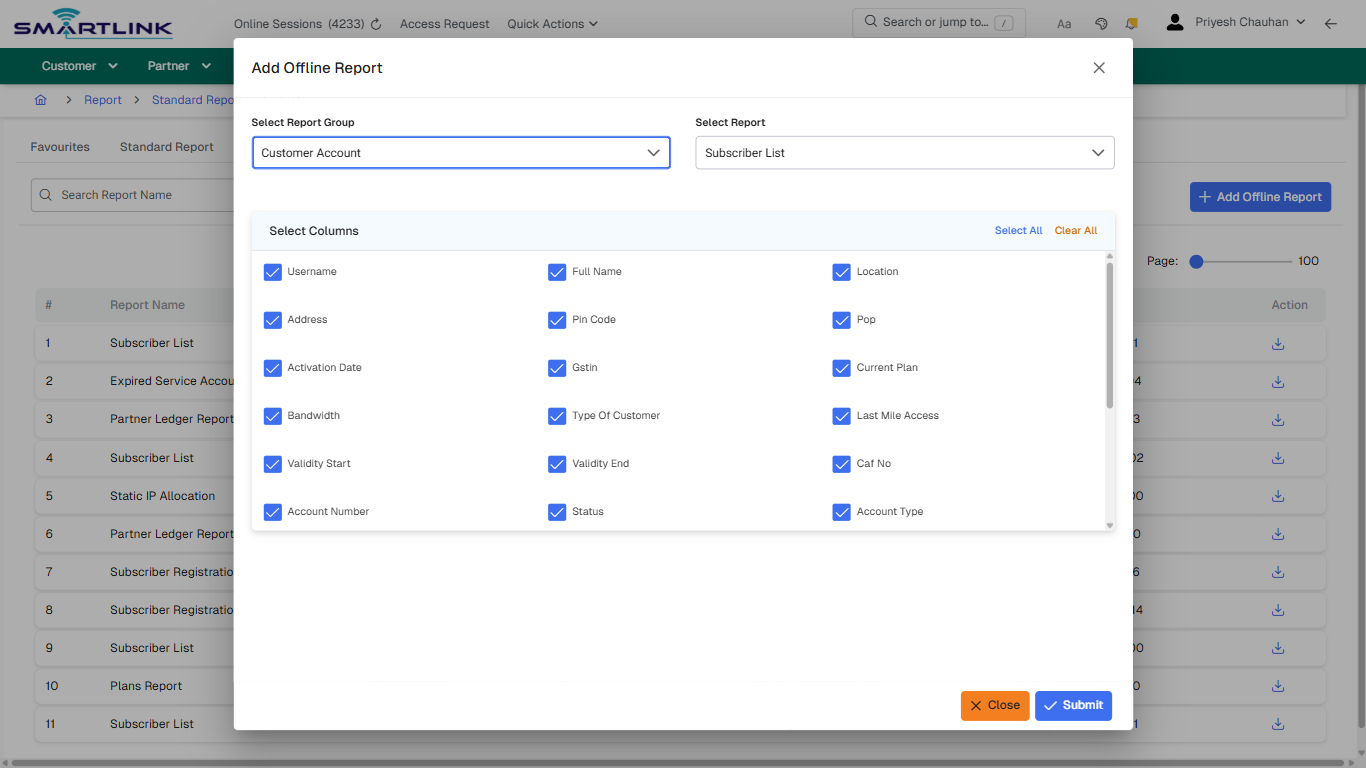
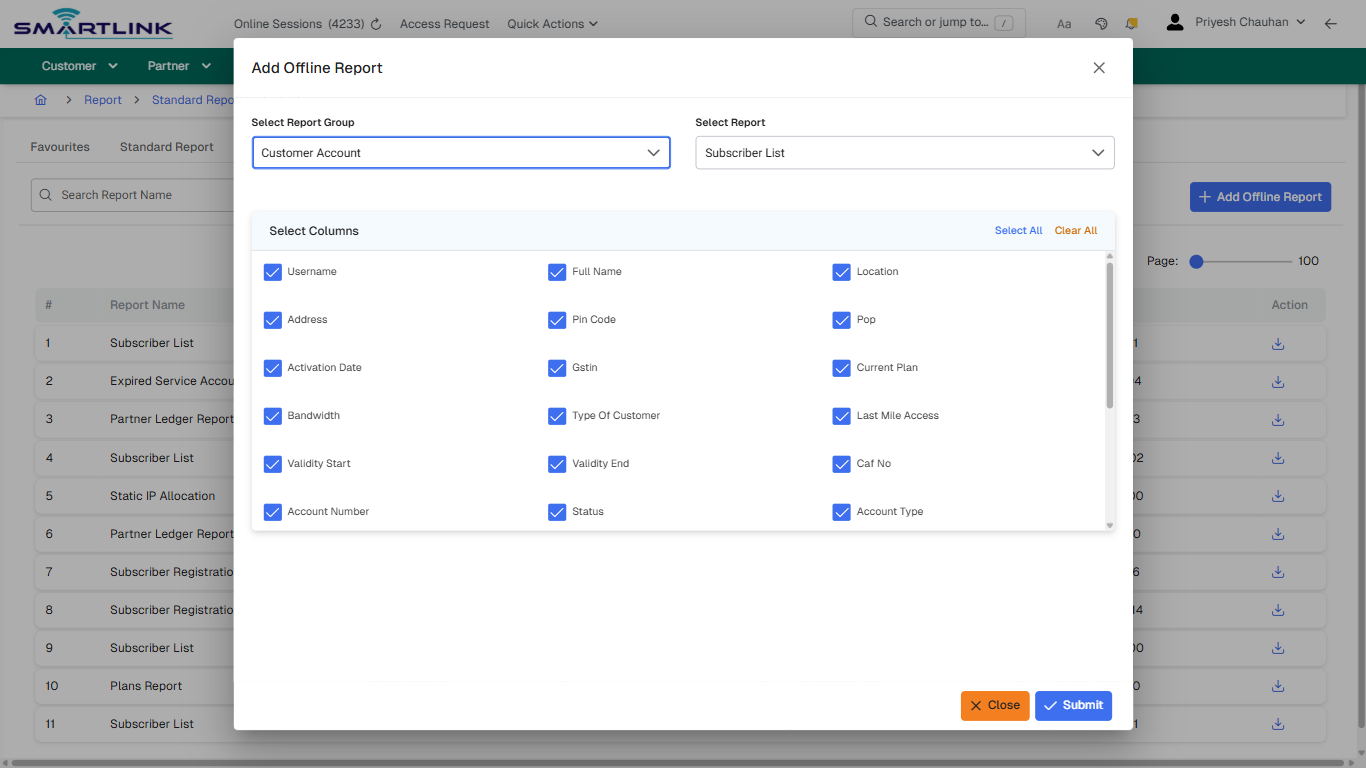
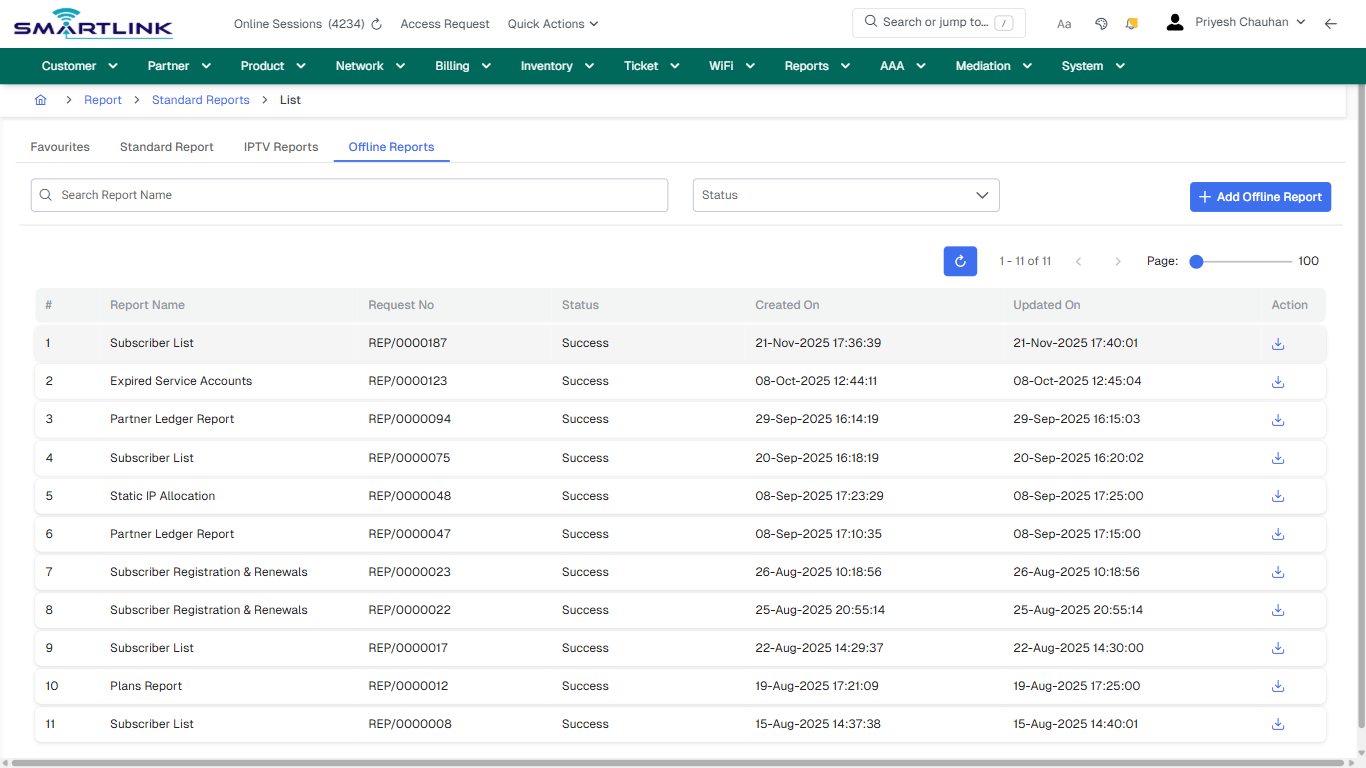
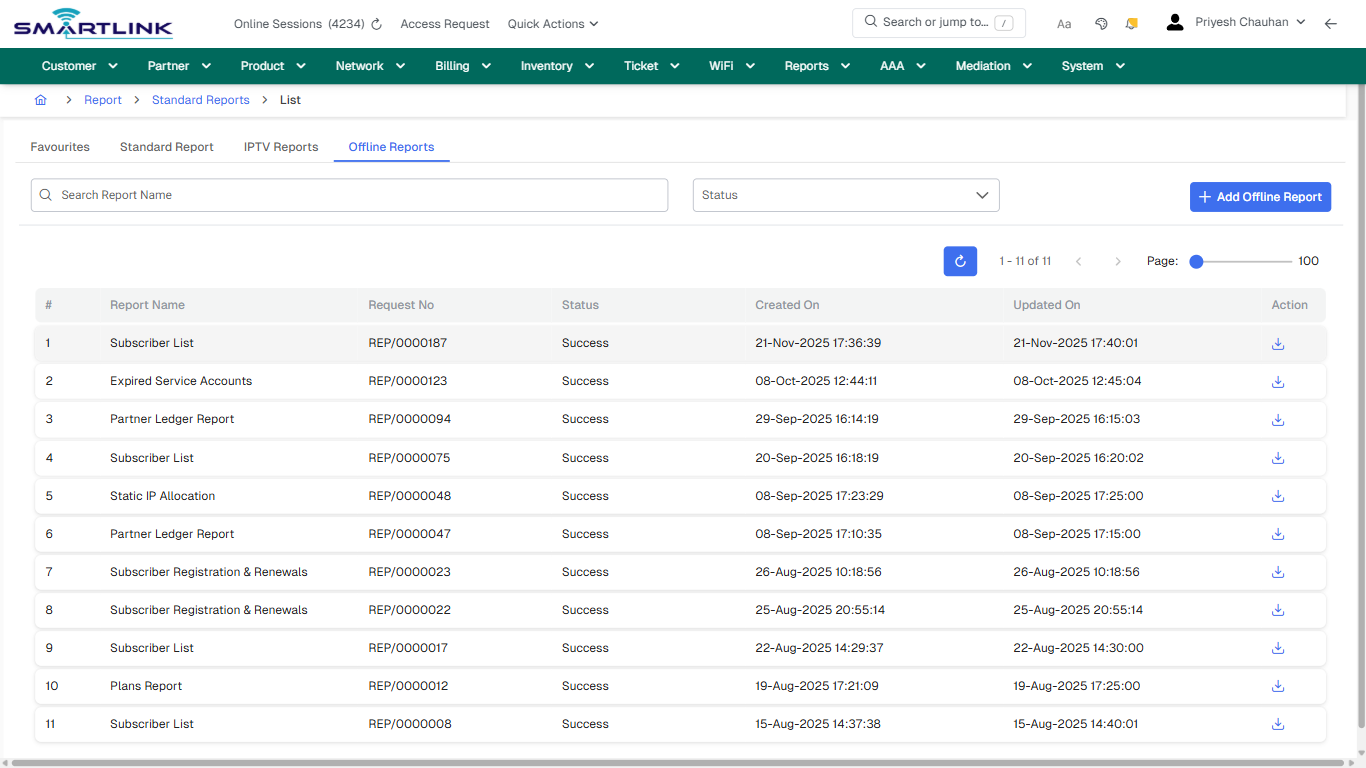
- **Actions detected:** Auto, Close, Report, Standard Reports, + Add Category, Open, Add Offline Report

## Validation &amp; Safety Checks

- Confirm identifiers before saving.
- Confirm lifecycle state allows the change.
- Confirm rollback/support path exists for production actions.
 
## Escalation Guidance

- **L1:** Verify input, permissions, and entity state.
- **L2:** Validate dependencies and downstream state.
- **L3/Admin:** Policy/config changes or suspected defect.
 
---

## Screenshots

## default

**Captured URL:** https://admin.myslbb.com/#/rep/stdrep

<div id="bkmrk-images-uploading%E2%80%A6">*Images uploading…*<div data-img-token="IMG_PLACEHOLDER_0_1770130864225">![screenshot](https://kb.i2itechservices.com/uploads/images/gallery/2026-02/admin-myslbb-com-rep-stdrep-default-fa4b5e7562-part-01.png)

![screenshot](https://kb.i2itechservices.com/uploads/images/gallery/2026-02/admin-myslbb-com-rep-stdrep-default-fa4b5e7562-part-02.png)

</div></div>---

## ui\_tab\_1

**Captured URL:** https://admin.myslbb.com/#/rep/stdrep

<div id="bkmrk-images-uploading%E2%80%A6-1">*Images uploading…*<div data-img-token="IMG_PLACEHOLDER_1_1770130864225">![screenshot](https://kb.i2itechservices.com/uploads/images/gallery/2026-02/admin-myslbb-com-rep-stdrep-ui-tab-1-f181a83b7c-part-01.png)

![screenshot](https://kb.i2itechservices.com/uploads/images/gallery/2026-02/admin-myslbb-com-rep-stdrep-ui-tab-1-f181a83b7c-part-02.png)

</div></div>---

## ui\_tab\_2

**Captured URL:** https://admin.myslbb.com/#/rep/stdrep

<div id="bkmrk-images-uploading%E2%80%A6-2">*Images uploading…*<div data-img-token="IMG_PLACEHOLDER_2_1770130864225">![screenshot](https://kb.i2itechservices.com/uploads/images/gallery/2026-02/admin-myslbb-com-rep-stdrep-ui-tab-2-d0dbb7f2c1-part-01.png)

![screenshot](https://kb.i2itechservices.com/uploads/images/gallery/2026-02/admin-myslbb-com-rep-stdrep-ui-tab-2-d0dbb7f2c1-part-02.png)

</div></div>---

## ui\_tab\_3

**Captured URL:** https://admin.myslbb.com/#/rep/stdrep

<div id="bkmrk-images-uploading%E2%80%A6-3">*Images uploading…*<div data-img-token="IMG_PLACEHOLDER_3_1770130864225">![screenshot](https://kb.i2itechservices.com/uploads/images/gallery/2026-02/admin-myslbb-com-rep-stdrep-ui-tab-3-3fb1633825-part-01.png)

![screenshot](https://kb.i2itechservices.com/uploads/images/gallery/2026-02/admin-myslbb-com-rep-stdrep-ui-tab-3-3fb1633825-part-02.png)

</div></div>---

## ui\_tab\_4

**Captured URL:** https://admin.myslbb.com/#/rep/stdrep

<div id="bkmrk-images-uploading%E2%80%A6-4">*Images uploading…*<div data-img-token="IMG_PLACEHOLDER_4_1770130864225">![screenshot](https://kb.i2itechservices.com/uploads/images/gallery/2026-02/admin-myslbb-com-rep-stdrep-ui-tab-4-a632d42530-part-01.png)

![screenshot](https://kb.i2itechservices.com/uploads/images/gallery/2026-02/admin-myslbb-com-rep-stdrep-ui-tab-4-a632d42530-part-02.png)

</div></div>---

## common\_tab\_1

**Captured URL:** https://admin.myslbb.com/#/rep/stdrep

<div id="bkmrk-images-uploading%E2%80%A6-5">*Images uploading…*<div data-img-token="IMG_PLACEHOLDER_5_1770130864225">![screenshot](https://kb.i2itechservices.com/uploads/images/gallery/2026-02/admin-myslbb-com-rep-stdrep-common-tab-1-3eb417d5dd-part-01.png)

![screenshot](https://kb.i2itechservices.com/uploads/images/gallery/2026-02/admin-myslbb-com-rep-stdrep-common-tab-1-3eb417d5dd-part-02.png)

</div></div>---

## common\_tab\_2

**Captured URL:** https://admin.myslbb.com/#/rep/stdrep

<div id="bkmrk-images-uploading%E2%80%A6-6">*Images uploading…*<div data-img-token="IMG_PLACEHOLDER_6_1770130864225">![screenshot](https://kb.i2itechservices.com/uploads/images/gallery/2026-02/admin-myslbb-com-rep-stdrep-common-tab-2-24d36b4183-part-01.png)

![screenshot](https://kb.i2itechservices.com/uploads/images/gallery/2026-02/admin-myslbb-com-rep-stdrep-common-tab-2-24d36b4183-part-02.png)

</div></div>---

## common\_tab\_3

**Captured URL:** https://admin.myslbb.com/#/rep/stdrep

<div id="bkmrk-images-uploading%E2%80%A6-7">*Images uploading…*<div data-img-token="IMG_PLACEHOLDER_7_1770130864225">![screenshot](https://kb.i2itechservices.com/uploads/images/gallery/2026-02/admin-myslbb-com-rep-stdrep-common-tab-3-b1d20249f9-part-01.png)

![screenshot](https://kb.i2itechservices.com/uploads/images/gallery/2026-02/admin-myslbb-com-rep-stdrep-common-tab-3-b1d20249f9-part-02.png)

</div></div>---

## common\_tab\_4

**Captured URL:** https://admin.myslbb.com/#/rep/stdrep

<div id="bkmrk-images-uploading%E2%80%A6-8">*Images uploading…*<div data-img-token="IMG_PLACEHOLDER_8_1770130864225">![screenshot](https://kb.i2itechservices.com/uploads/images/gallery/2026-02/admin-myslbb-com-rep-stdrep-common-tab-4-73641bd46e-part-01.png)

![screenshot](https://kb.i2itechservices.com/uploads/images/gallery/2026-02/admin-myslbb-com-rep-stdrep-common-tab-4-73641bd46e-part-02.png)

</div></div>---

## common\_tab\_5

**Captured URL:** https://admin.myslbb.com/#/rep/stdrep

<div id="bkmrk-images-uploading%E2%80%A6-9">*Images uploading…*<div data-img-token="IMG_PLACEHOLDER_9_1770130864225">![screenshot](https://kb.i2itechservices.com/uploads/images/gallery/2026-02/admin-myslbb-com-rep-stdrep-common-tab-5-12b26afe26-part-01.png)

![screenshot](https://kb.i2itechservices.com/uploads/images/gallery/2026-02/admin-myslbb-com-rep-stdrep-common-tab-5-12b26afe26-part-02.png)

</div></div>---

## create\_new

**Captured URL:** https://admin.myslbb.com/#/rep/stdrep

<div id="bkmrk-images-uploading%E2%80%A6-10">*Images uploading…*<div data-img-token="IMG_PLACEHOLDER_10_1770130864225">![screenshot](https://kb.i2itechservices.com/uploads/images/gallery/2026-02/admin-myslbb-com-rep-stdrep-create-new-74fbd4261d-part-01.png)

![screenshot](https://kb.i2itechservices.com/uploads/images/gallery/2026-02/admin-myslbb-com-rep-stdrep-create-new-74fbd4261d-part-02.png)

</div></div>---

## drilldown\_one\_item

**Captured URL:** https://admin.myslbb.com/#/rep/stdrep

<div id="bkmrk-images-uploading%E2%80%A6-11">*Images uploading…*<div data-img-token="IMG_PLACEHOLDER_11_1770130864225">![screenshot](https://kb.i2itechservices.com/uploads/images/gallery/2026-02/admin-myslbb-com-rep-stdrep-drilldown-one-item-e1df0f5178-part-01.png)

![screenshot](https://kb.i2itechservices.com/uploads/images/gallery/2026-02/admin-myslbb-com-rep-stdrep-drilldown-one-item-e1df0f5178-part-02.png)

</div></div>