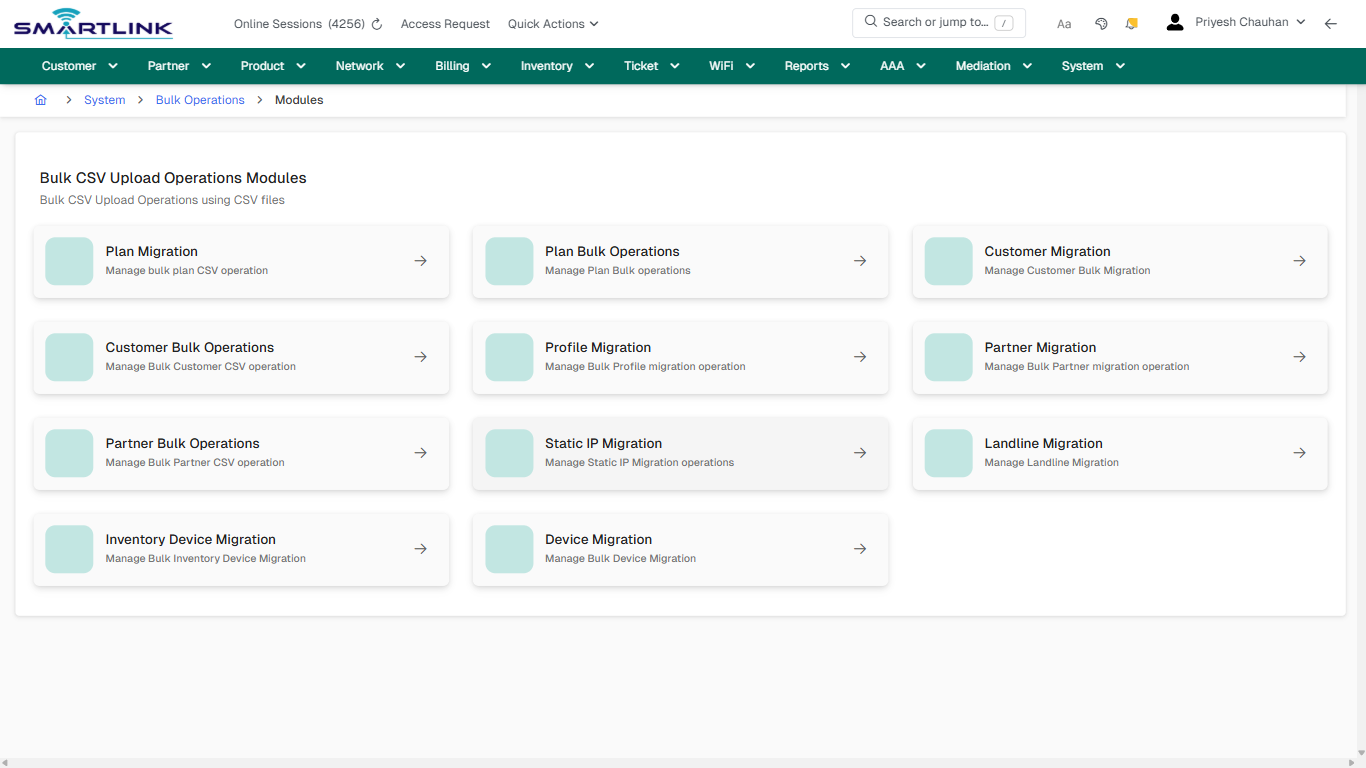
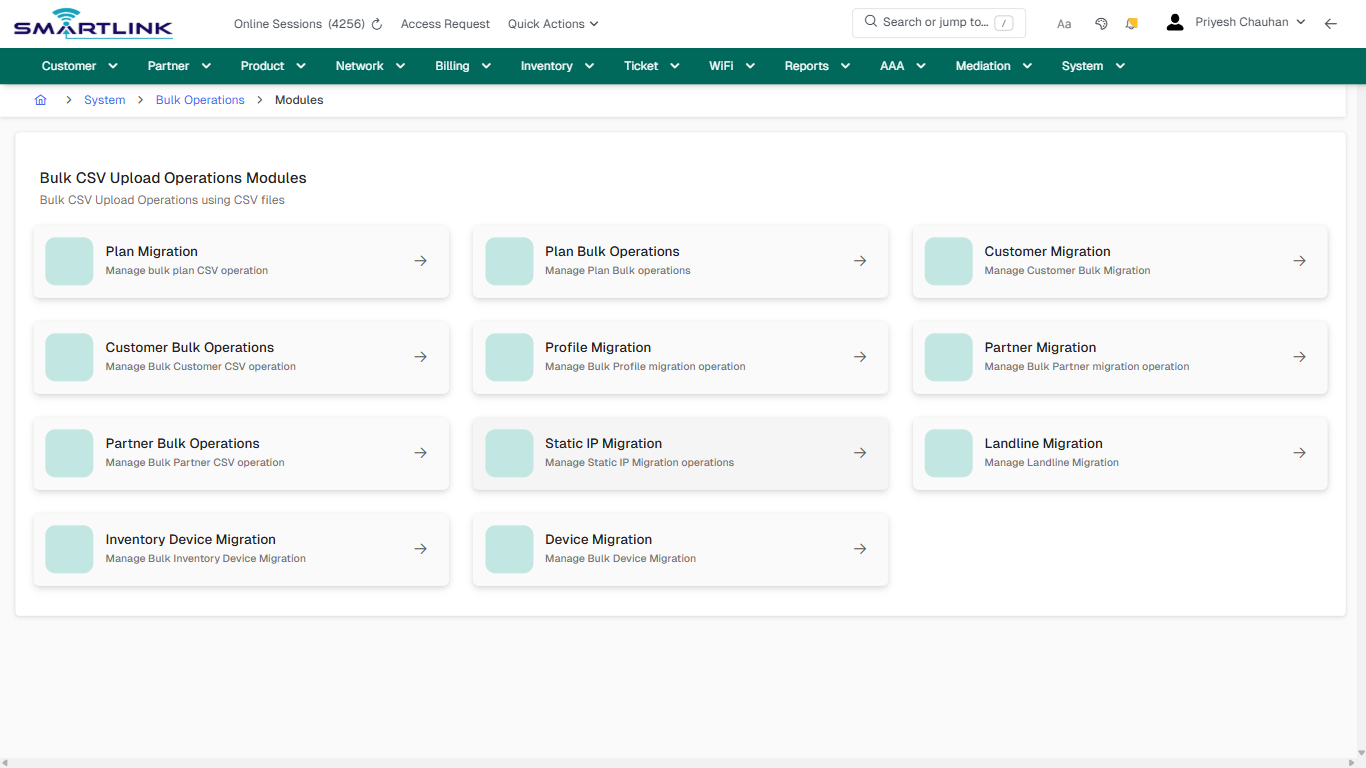
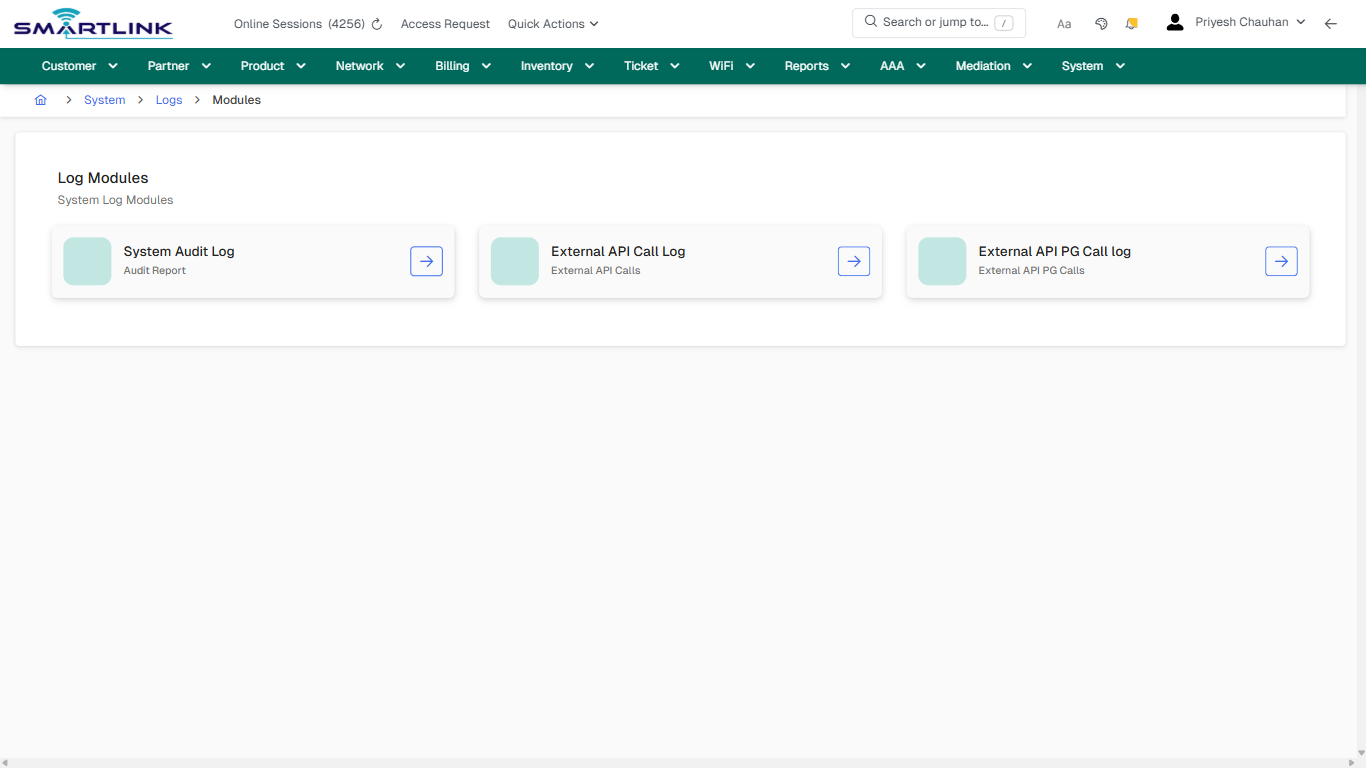
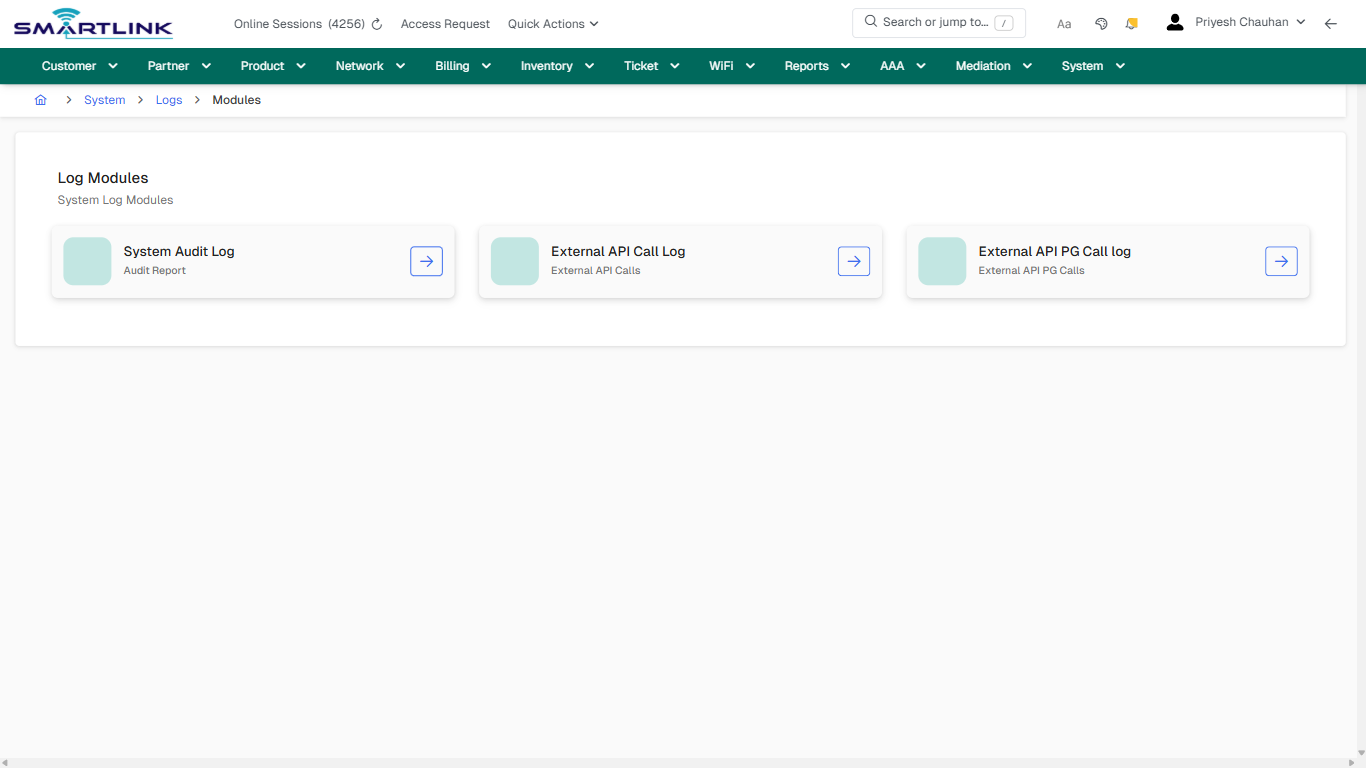
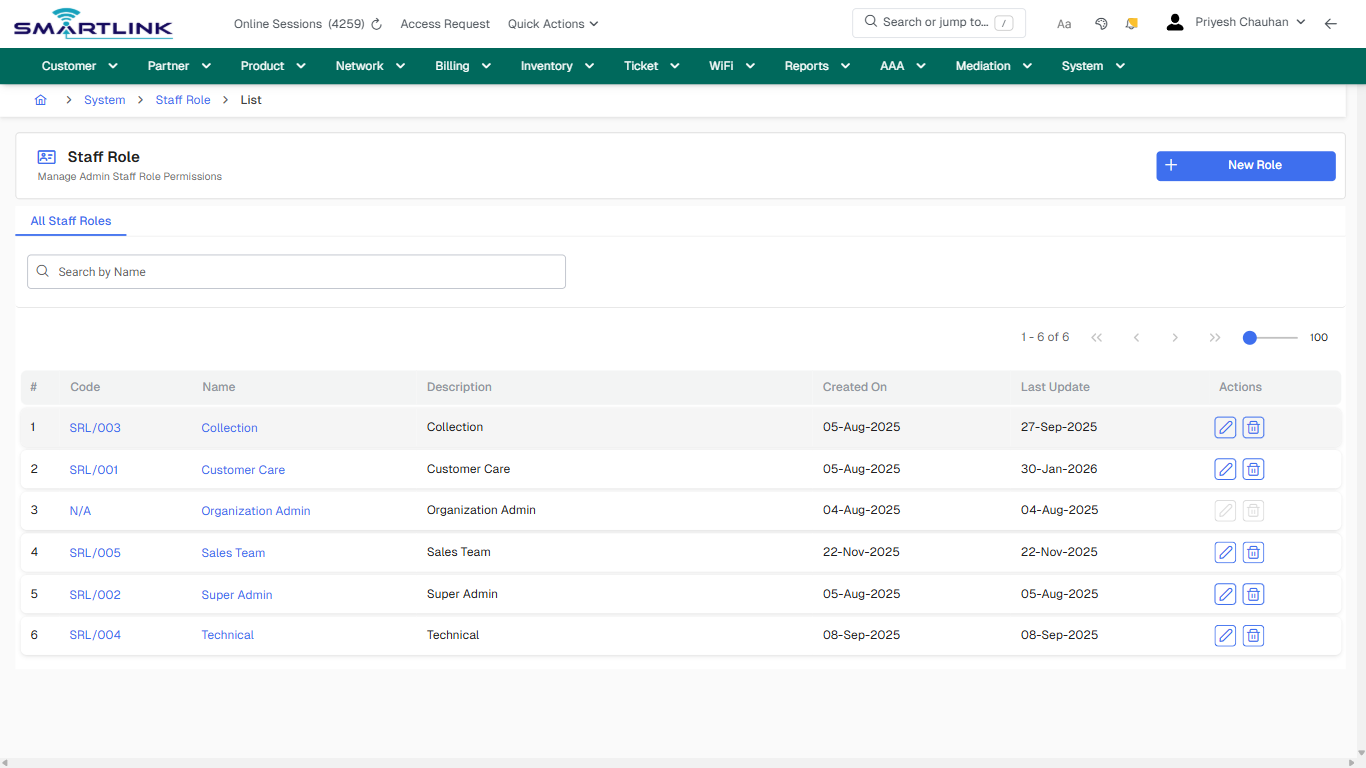
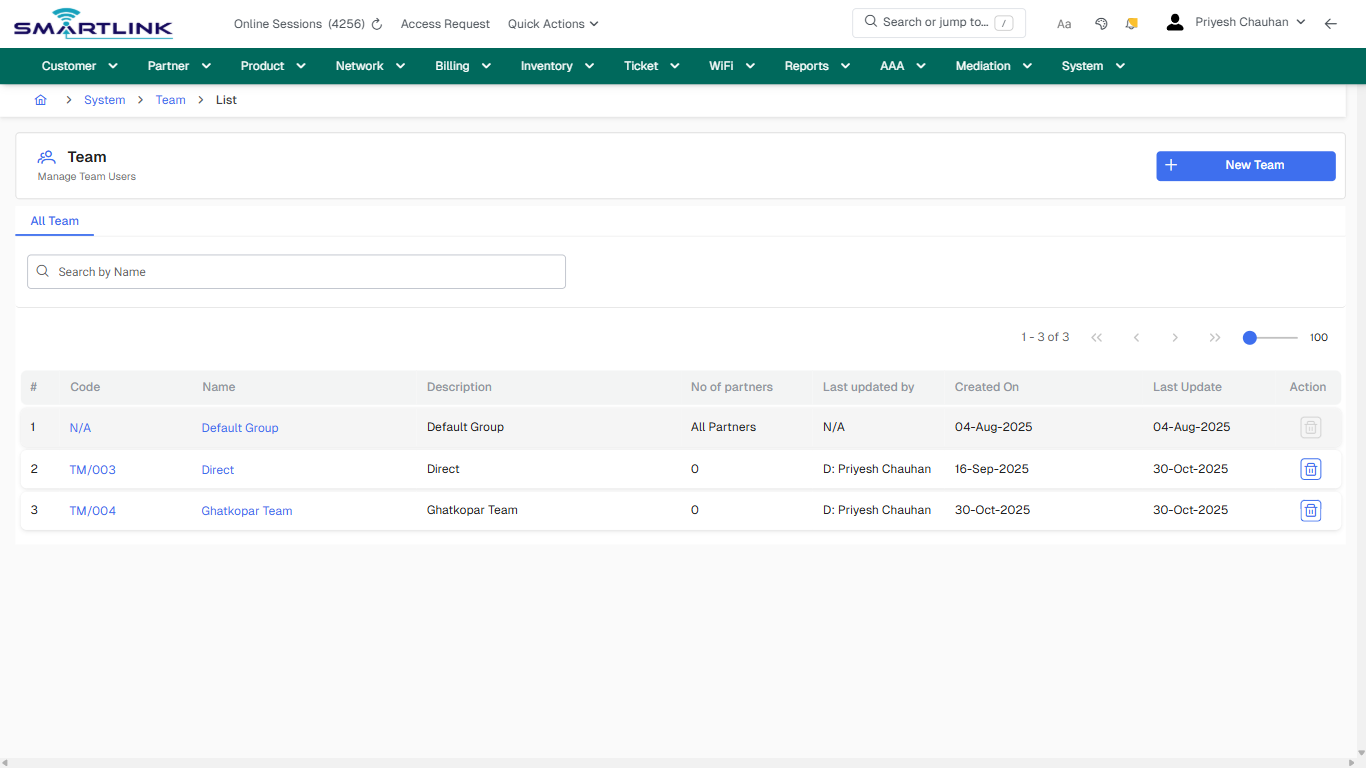
# System Configuration

Routes under: sys

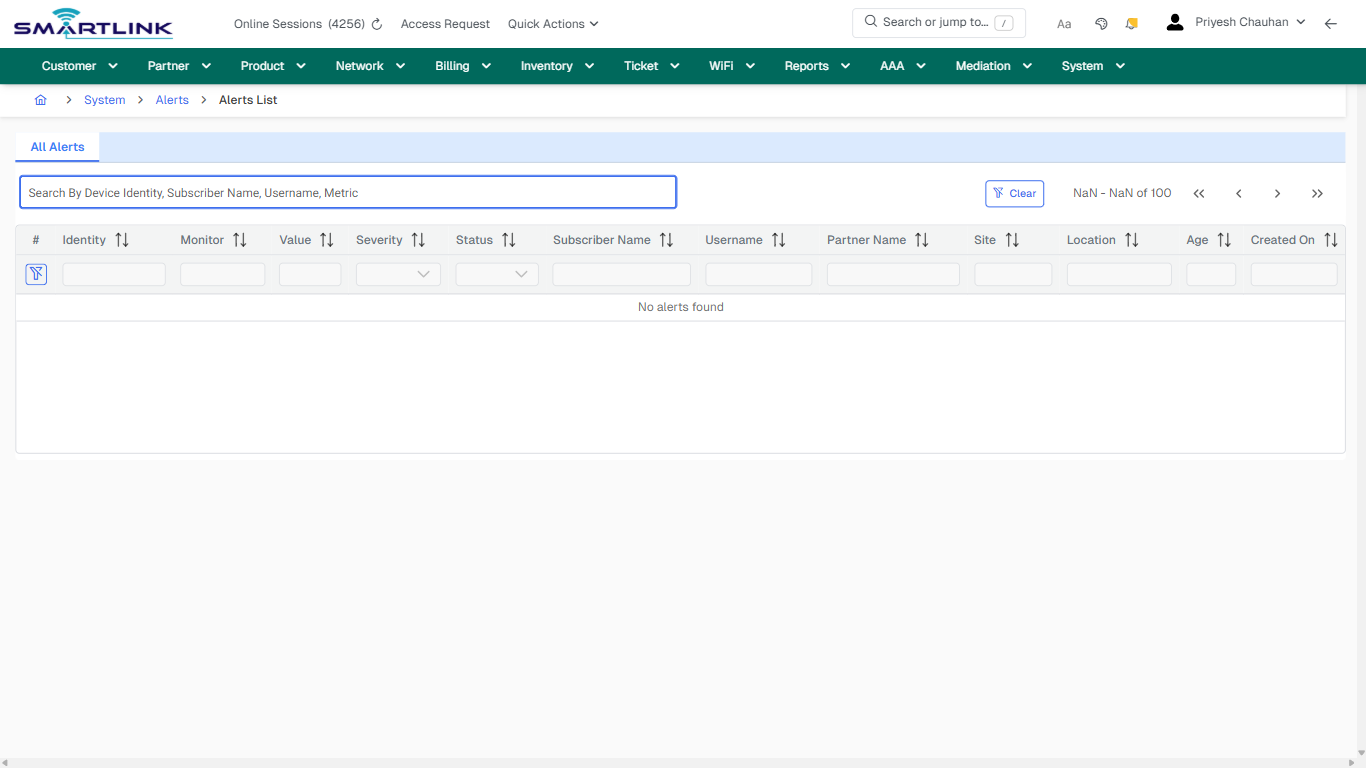
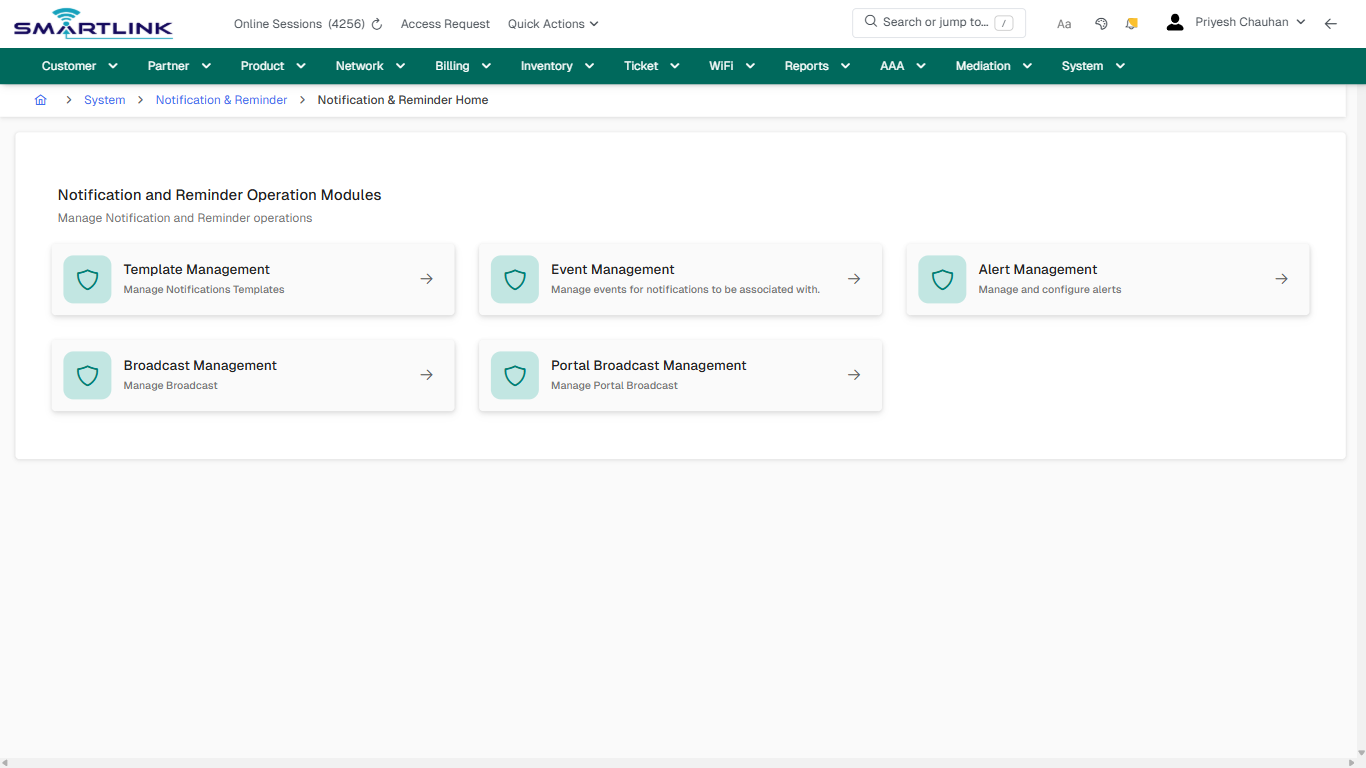
# sys > alerts

# sys &gt; alerts

**Route:** sys/alerts

**URL:** https://admin.myslbb.com/#/sys/alerts

---

## Overview

 This page is a draft SOP reference for the above screen in **i2i Core OSS/BSS**. It is auto-generated from UI exports and should be reviewed for operational correctness before customer release.

## When to Use

- Use this screen for the workflow represented by this route.
- Do not make billing/AAA/provisioning-impacting changes without required authorization.
 
## Typical Workflow

1. Verify you are working on the correct entity (Customer/Account/Service).
2. Review the current lifecycle state before making changes.
3. Apply changes and validate system response.
4. Confirm downstream impact (AAA/Provisioning/Billing) where applicable.
 
## Field &amp; Action Hints (Auto-detected)

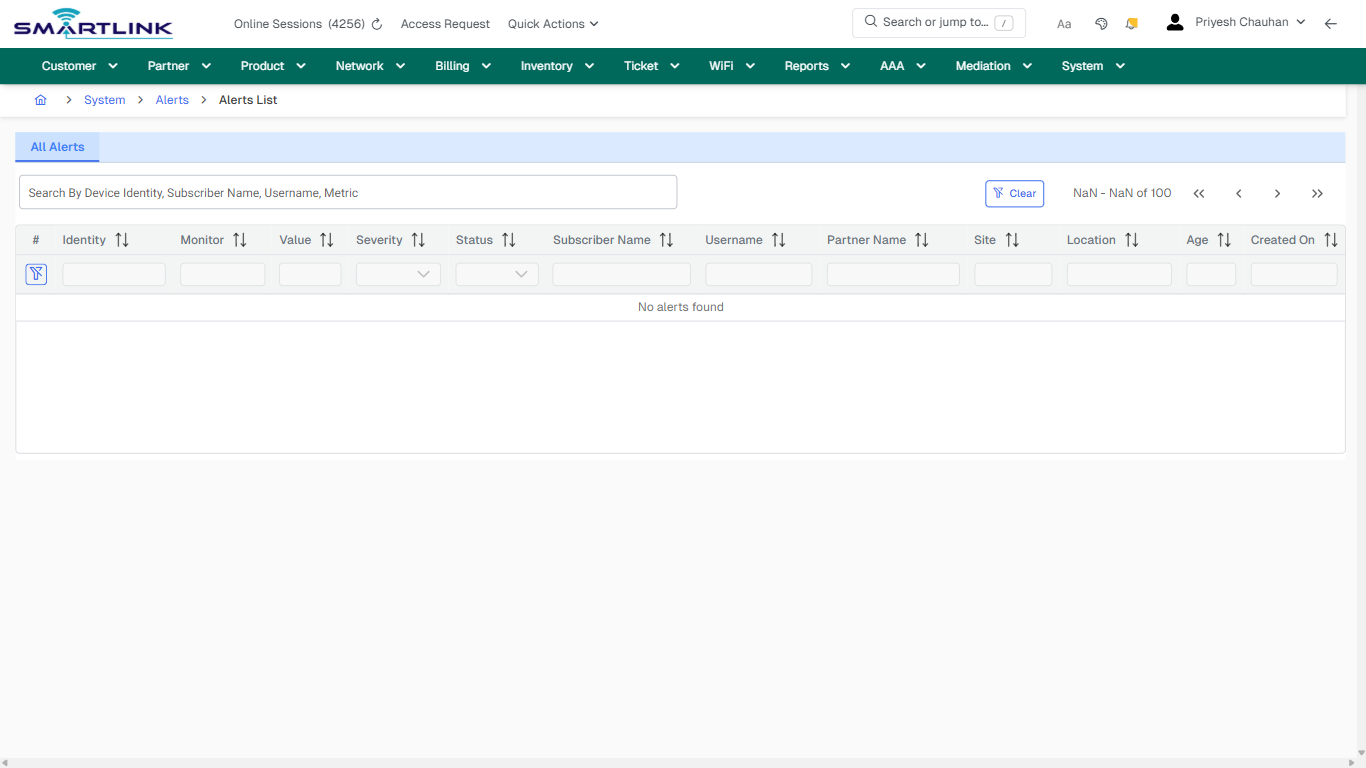
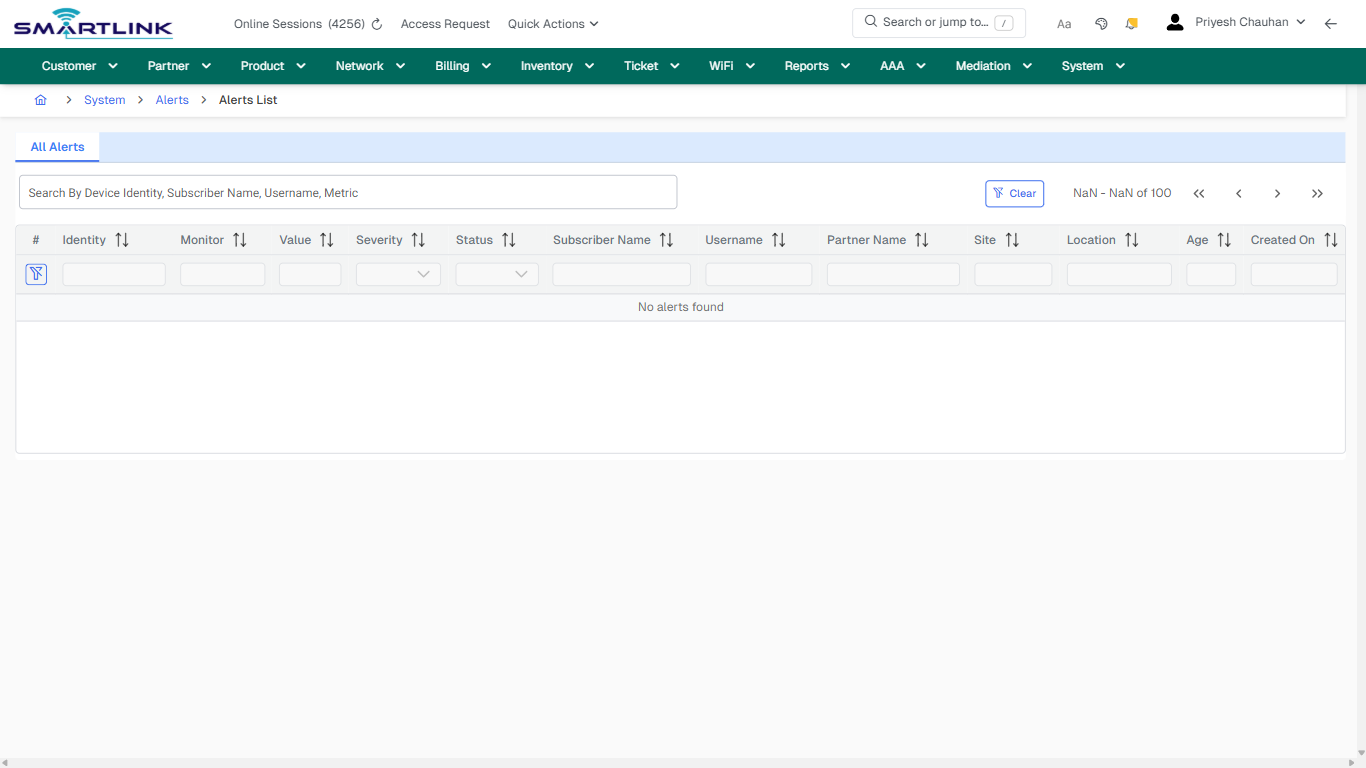
- **Actions detected:** Auto, Close, System, Alerts, Clear

## Validation &amp; Safety Checks

- Confirm identifiers before saving.
- Confirm lifecycle state allows the change.
- Confirm rollback/support path exists for production actions.
 
## Escalation Guidance

- **L1:** Verify input, permissions, and entity state.
- **L2:** Validate dependencies and downstream state.
- **L3/Admin:** Policy/config changes or suspected defect.
 
---

## Screenshots

## default

**Captured URL:** https://admin.myslbb.com/#/sys/alerts

<div id="bkmrk-images-uploading%E2%80%A6">*Images uploading…*<div data-img-token="IMG_PLACEHOLDER_0_1770130879104">![screenshot](https://kb.i2itechservices.com/uploads/images/gallery/2026-02/admin-myslbb-com-sys-alerts-default-9b2c2a7cdf-part-01.png)

![screenshot](https://kb.i2itechservices.com/uploads/images/gallery/2026-02/admin-myslbb-com-sys-alerts-default-9b2c2a7cdf-part-02.png)

</div></div>---

## ui\_tab\_1

**Captured URL:** https://admin.myslbb.com/#/sys/alerts

<div id="bkmrk-images-uploading%E2%80%A6-1">*Images uploading…*<div data-img-token="IMG_PLACEHOLDER_1_1770130879104">![screenshot](https://kb.i2itechservices.com/uploads/images/gallery/2026-02/admin-myslbb-com-sys-alerts-ui-tab-1-af114f6997-part-01.png)

![screenshot](https://kb.i2itechservices.com/uploads/images/gallery/2026-02/admin-myslbb-com-sys-alerts-ui-tab-1-af114f6997-part-02.png)

</div></div>---

## common\_tab\_1

**Captured URL:** https://admin.myslbb.com/#/sys/alerts

<div id="bkmrk-images-uploading%E2%80%A6-2">*Images uploading…*<div data-img-token="IMG_PLACEHOLDER_2_1770130879104">![screenshot](https://kb.i2itechservices.com/uploads/images/gallery/2026-02/admin-myslbb-com-sys-alerts-common-tab-1-aaaf170027-part-01.png)

![screenshot](https://kb.i2itechservices.com/uploads/images/gallery/2026-02/admin-myslbb-com-sys-alerts-common-tab-1-aaaf170027-part-02.png)

</div></div>---

## common\_tab\_2

**Captured URL:** https://admin.myslbb.com/#/sys/alerts

<div id="bkmrk-images-uploading%E2%80%A6-3">*Images uploading…*<div data-img-token="IMG_PLACEHOLDER_3_1770130879104">![screenshot](https://kb.i2itechservices.com/uploads/images/gallery/2026-02/admin-myslbb-com-sys-alerts-common-tab-2-bc48216cfc-part-01.png)

![screenshot](https://kb.i2itechservices.com/uploads/images/gallery/2026-02/admin-myslbb-com-sys-alerts-common-tab-2-bc48216cfc-part-02.png)

</div></div>---

## drilldown\_one\_item

**Captured URL:** https://admin.myslbb.com/#/sys/alerts

<div id="bkmrk-images-uploading%E2%80%A6-4">*Images uploading…*<div data-img-token="IMG_PLACEHOLDER_4_1770130879104">![screenshot](https://kb.i2itechservices.com/uploads/images/gallery/2026-02/admin-myslbb-com-sys-alerts-drilldown-one-item-3746b1493a-part-01.png)

![screenshot](https://kb.i2itechservices.com/uploads/images/gallery/2026-02/admin-myslbb-com-sys-alerts-drilldown-one-item-3746b1493a-part-02.png)

</div></div>

# sys > alerts > summary

# sys &gt; alerts &gt; summary

**Route:** sys/alerts/summary

**URL:** https://admin.myslbb.com/#/sys/alerts/summary

---

## Overview

 This page is a draft SOP reference for the above screen in **i2i Core OSS/BSS**. It is auto-generated from UI exports and should be reviewed for operational correctness before customer release.

## When to Use

- Use this screen for the workflow represented by this route.
- Do not make billing/AAA/provisioning-impacting changes without required authorization.
 
## Typical Workflow

1. Verify you are working on the correct entity (Customer/Account/Service).
2. Review the current lifecycle state before making changes.
3. Apply changes and validate system response.
4. Confirm downstream impact (AAA/Provisioning/Billing) where applicable.
 
## Field &amp; Action Hints (Auto-detected)

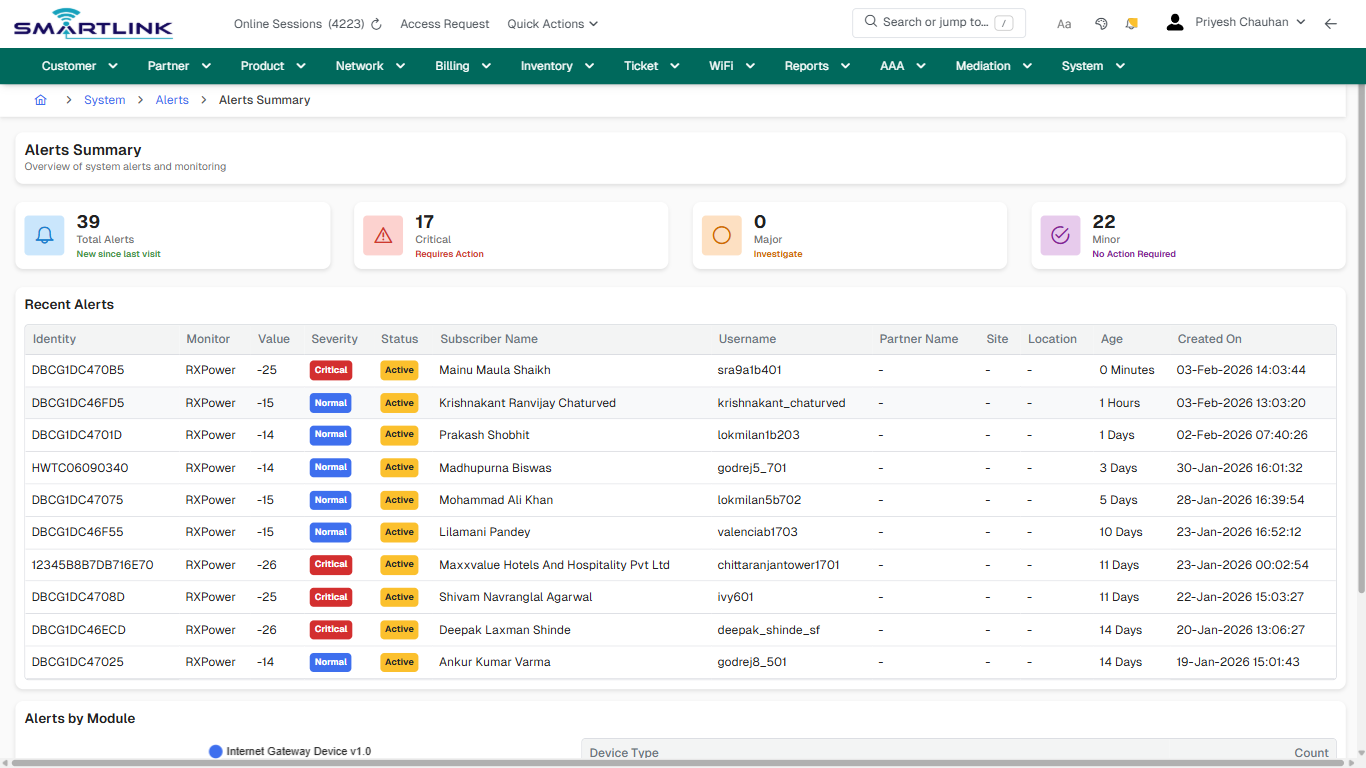
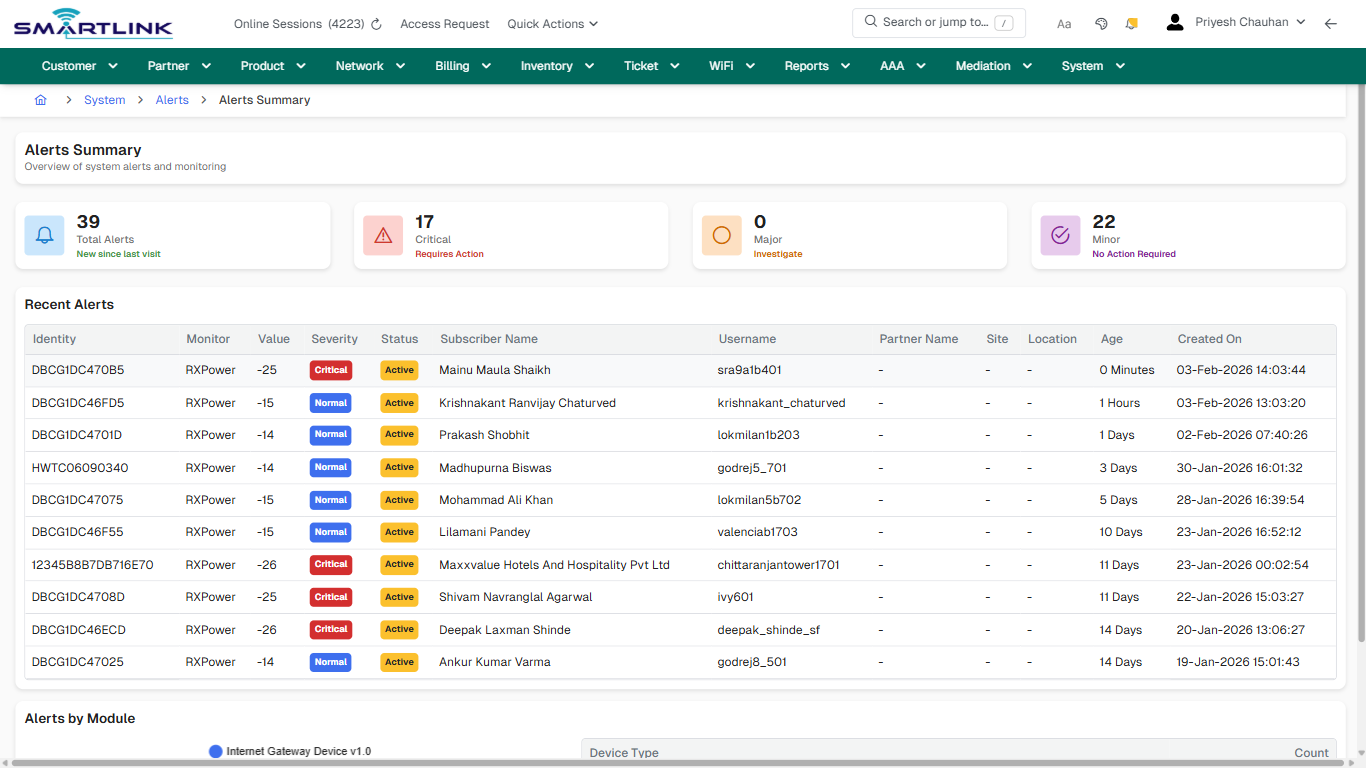
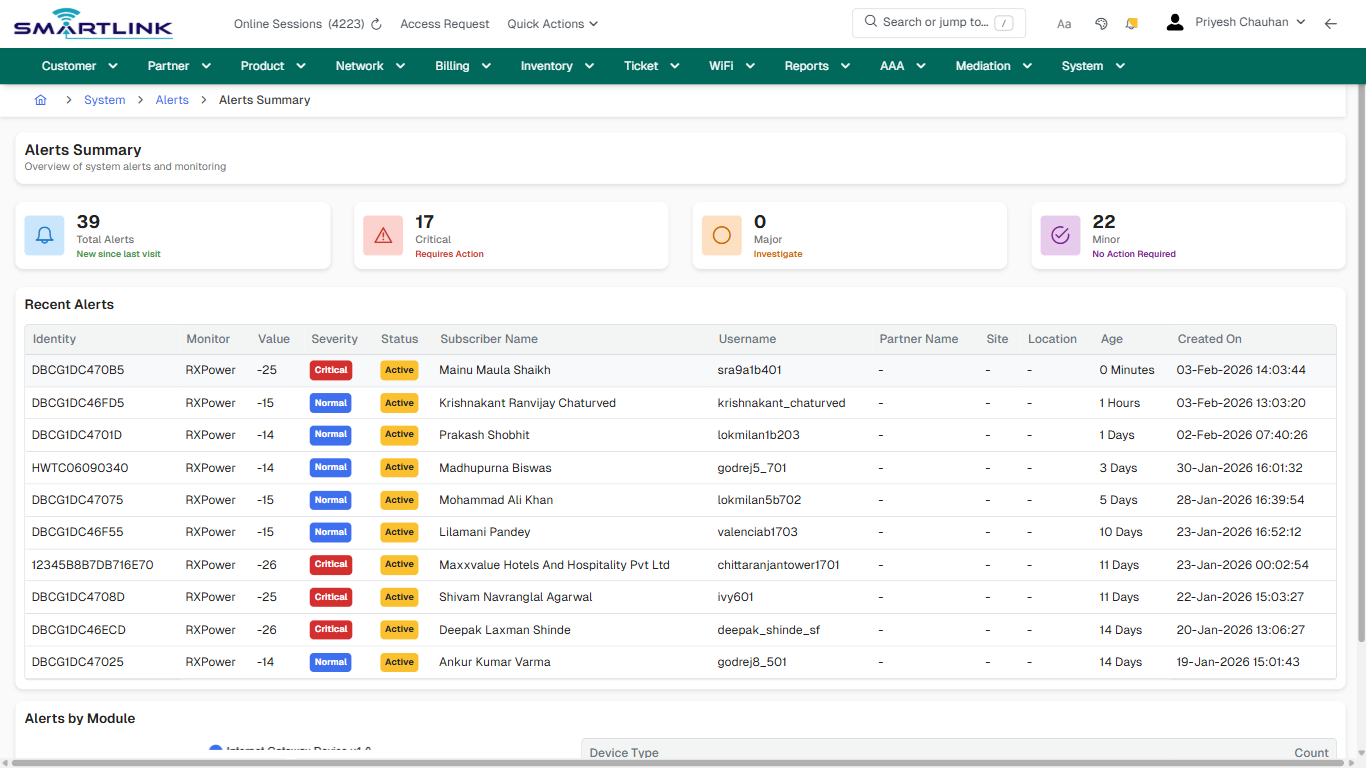
- **Headings detected:** Alerts Summary, Recent Alerts, Alerts by Module
- **Actions detected:** Auto, Close, System, Alerts, Internet Gateway Device v1.0, 1

## Validation &amp; Safety Checks

- Confirm identifiers before saving.
- Confirm lifecycle state allows the change.
- Confirm rollback/support path exists for production actions.
 
## Escalation Guidance

- **L1:** Verify input, permissions, and entity state.
- **L2:** Validate dependencies and downstream state.
- **L3/Admin:** Policy/config changes or suspected defect.
 
---

## Screenshots

## default

**Captured URL:** https://admin.myslbb.com/#/sys/alerts/summary

<div id="bkmrk-images-uploading%E2%80%A6">*Images uploading…*<div data-img-token="IMG_PLACEHOLDER_0_1770130885727">![screenshot](https://kb.i2itechservices.com/uploads/images/gallery/2026-02/admin-myslbb-com-sys-alerts-summary-default-0e6b2637ec-part-01.png)

![screenshot](https://kb.i2itechservices.com/uploads/images/gallery/2026-02/admin-myslbb-com-sys-alerts-summary-default-0e6b2637ec-part-02.png)

</div></div>---

## drilldown\_one\_item

**Captured URL:** https://admin.myslbb.com/#/sys/alerts/summary

<div id="bkmrk-images-uploading%E2%80%A6-1">*Images uploading…*<div data-img-token="IMG_PLACEHOLDER_1_1770130885727">![screenshot](https://kb.i2itechservices.com/uploads/images/gallery/2026-02/admin-myslbb-com-sys-alerts-summary-drilldown-one-item-038d149e38-part-01.png)

![screenshot](https://kb.i2itechservices.com/uploads/images/gallery/2026-02/admin-myslbb-com-sys-alerts-summary-drilldown-one-item-038d149e38-part-02.png)

</div></div>

# sys > audit

# sys &gt; audit

**Route:** sys/audit

**URL:** https://admin.myslbb.com/#/sys/audit

---

## Overview

 This page is a draft SOP reference for the above screen in **i2i Core OSS/BSS**. It is auto-generated from UI exports and should be reviewed for operational correctness before customer release.

## When to Use

- Use this screen for the workflow represented by this route.
- Do not make billing/AAA/provisioning-impacting changes without required authorization.
 
## Typical Workflow

1. Verify you are working on the correct entity (Customer/Account/Service).
2. Review the current lifecycle state before making changes.
3. Apply changes and validate system response.
4. Confirm downstream impact (AAA/Provisioning/Billing) where applicable.
 
## Field &amp; Action Hints (Auto-detected)

- **Actions detected:** Auto, Close

## Validation &amp; Safety Checks

- Confirm identifiers before saving.
- Confirm lifecycle state allows the change.
- Confirm rollback/support path exists for production actions.
 
## Escalation Guidance

- **L1:** Verify input, permissions, and entity state.
- **L2:** Validate dependencies and downstream state.
- **L3/Admin:** Policy/config changes or suspected defect.
 
---

## Screenshots

## default

**Captured URL:** https://admin.myslbb.com/#/sys/audit

<div id="bkmrk-images-uploading%E2%80%A6">*Images uploading…*<div data-img-token="IMG_PLACEHOLDER_0_1770130888924">![screenshot](https://kb.i2itechservices.com/uploads/images/gallery/2026-02/admin-myslbb-com-sys-audit-default-b712095004-part-01.png)

![screenshot](https://kb.i2itechservices.com/uploads/images/gallery/2026-02/admin-myslbb-com-sys-audit-default-b712095004-part-02.png)

</div></div>

# sys > csv

# sys &gt; csv

**Route:** sys/csv

**URL:** https://admin.myslbb.com/#/sys/csv

---

## Overview

 This page is a draft SOP reference for the above screen in **i2i Core OSS/BSS**. It is auto-generated from UI exports and should be reviewed for operational correctness before customer release.

## When to Use

- Use this screen for the workflow represented by this route.
- Do not make billing/AAA/provisioning-impacting changes without required authorization.
 
## Typical Workflow

1. Verify you are working on the correct entity (Customer/Account/Service).
2. Review the current lifecycle state before making changes.
3. Apply changes and validate system response.
4. Confirm downstream impact (AAA/Provisioning/Billing) where applicable.
 
## Field &amp; Action Hints (Auto-detected)

- **Actions detected:** Auto, Close, System, Bulk Operations

## Validation &amp; Safety Checks

- Confirm identifiers before saving.
- Confirm lifecycle state allows the change.
- Confirm rollback/support path exists for production actions.
 
## Escalation Guidance

- **L1:** Verify input, permissions, and entity state.
- **L2:** Validate dependencies and downstream state.
- **L3/Admin:** Policy/config changes or suspected defect.
 
---

## Screenshots

## default

**Captured URL:** https://admin.myslbb.com/#/sys/csv

<div id="bkmrk-images-uploading%E2%80%A6">*Images uploading…*<div data-img-token="IMG_PLACEHOLDER_0_1770130890906">![screenshot](https://kb.i2itechservices.com/uploads/images/gallery/2026-02/admin-myslbb-com-sys-csv-default-fa73300d32-part-01.png)

![screenshot](https://kb.i2itechservices.com/uploads/images/gallery/2026-02/admin-myslbb-com-sys-csv-default-fa73300d32-part-02.png)

</div></div>

# sys > logs

# sys &gt; logs

**Route:** sys/logs

**URL:** https://admin.myslbb.com/#/sys/logs

---

## Overview

 This page is a draft SOP reference for the above screen in **i2i Core OSS/BSS**. It is auto-generated from UI exports and should be reviewed for operational correctness before customer release.

## When to Use

- Use this screen for the workflow represented by this route.
- Do not make billing/AAA/provisioning-impacting changes without required authorization.
 
## Typical Workflow

1. Verify you are working on the correct entity (Customer/Account/Service).
2. Review the current lifecycle state before making changes.
3. Apply changes and validate system response.
4. Confirm downstream impact (AAA/Provisioning/Billing) where applicable.
 
## Field &amp; Action Hints (Auto-detected)

- **Actions detected:** Auto, Close, System, Logs

## Validation &amp; Safety Checks

- Confirm identifiers before saving.
- Confirm lifecycle state allows the change.
- Confirm rollback/support path exists for production actions.
 
## Escalation Guidance

- **L1:** Verify input, permissions, and entity state.
- **L2:** Validate dependencies and downstream state.
- **L3/Admin:** Policy/config changes or suspected defect.
 
---

## Screenshots

## default

**Captured URL:** https://admin.myslbb.com/#/sys/logs

<div id="bkmrk-images-uploading%E2%80%A6">*Images uploading…*<div data-img-token="IMG_PLACEHOLDER_0_1770130892894">![screenshot](https://kb.i2itechservices.com/uploads/images/gallery/2026-02/admin-myslbb-com-sys-logs-default-0c2141fd10-part-01.png)

![screenshot](https://kb.i2itechservices.com/uploads/images/gallery/2026-02/admin-myslbb-com-sys-logs-default-0c2141fd10-part-02.png)

</div></div>

# sys > ntfrem

# sys &gt; ntfrem

**Route:** sys/ntfrem

**URL:** https://admin.myslbb.com/#/sys/ntfrem

---

## Overview

 This page is a draft SOP reference for the above screen in **i2i Core OSS/BSS**. It is auto-generated from UI exports and should be reviewed for operational correctness before customer release.

## When to Use

- Use this screen for the workflow represented by this route.
- Do not make billing/AAA/provisioning-impacting changes without required authorization.
 
## Typical Workflow

1. Verify you are working on the correct entity (Customer/Account/Service).
2. Review the current lifecycle state before making changes.
3. Apply changes and validate system response.
4. Confirm downstream impact (AAA/Provisioning/Billing) where applicable.
 
## Field &amp; Action Hints (Auto-detected)

- **Actions detected:** Auto, Close, System, Notification &amp; Reminder

## Validation &amp; Safety Checks

- Confirm identifiers before saving.
- Confirm lifecycle state allows the change.
- Confirm rollback/support path exists for production actions.
 
## Escalation Guidance

- **L1:** Verify input, permissions, and entity state.
- **L2:** Validate dependencies and downstream state.
- **L3/Admin:** Policy/config changes or suspected defect.
 
---

## Screenshots

## default

**Captured URL:** https://admin.myslbb.com/#/sys/ntfrem

<div id="bkmrk-images-uploading%E2%80%A6">*Images uploading…*<div data-img-token="IMG_PLACEHOLDER_0_1770130894886">![screenshot](https://kb.i2itechservices.com/uploads/images/gallery/2026-02/admin-myslbb-com-sys-ntfrem-default-ecac9f9fd6-part-01.png)

![screenshot](https://kb.i2itechservices.com/uploads/images/gallery/2026-02/admin-myslbb-com-sys-ntfrem-default-ecac9f9fd6-part-02.png)

</div></div>

# sys > role > addrole

# sys &gt; role &gt; addrole

**Route:** sys/role/addrole

**URL:** https://admin.myslbb.com/#/sys/role/addrole

---

## Overview

 This page is a draft SOP reference for the above screen in **i2i Core OSS/BSS**. It is auto-generated from UI exports and should be reviewed for operational correctness before customer release.

## When to Use

- Use this screen for the workflow represented by this route.
- Do not make billing/AAA/provisioning-impacting changes without required authorization.
 
## Typical Workflow

1. Verify you are working on the correct entity (Customer/Account/Service).
2. Review the current lifecycle state before making changes.
3. Apply changes and validate system response.
4. Confirm downstream impact (AAA/Provisioning/Billing) where applicable.
 
## Field &amp; Action Hints (Auto-detected)

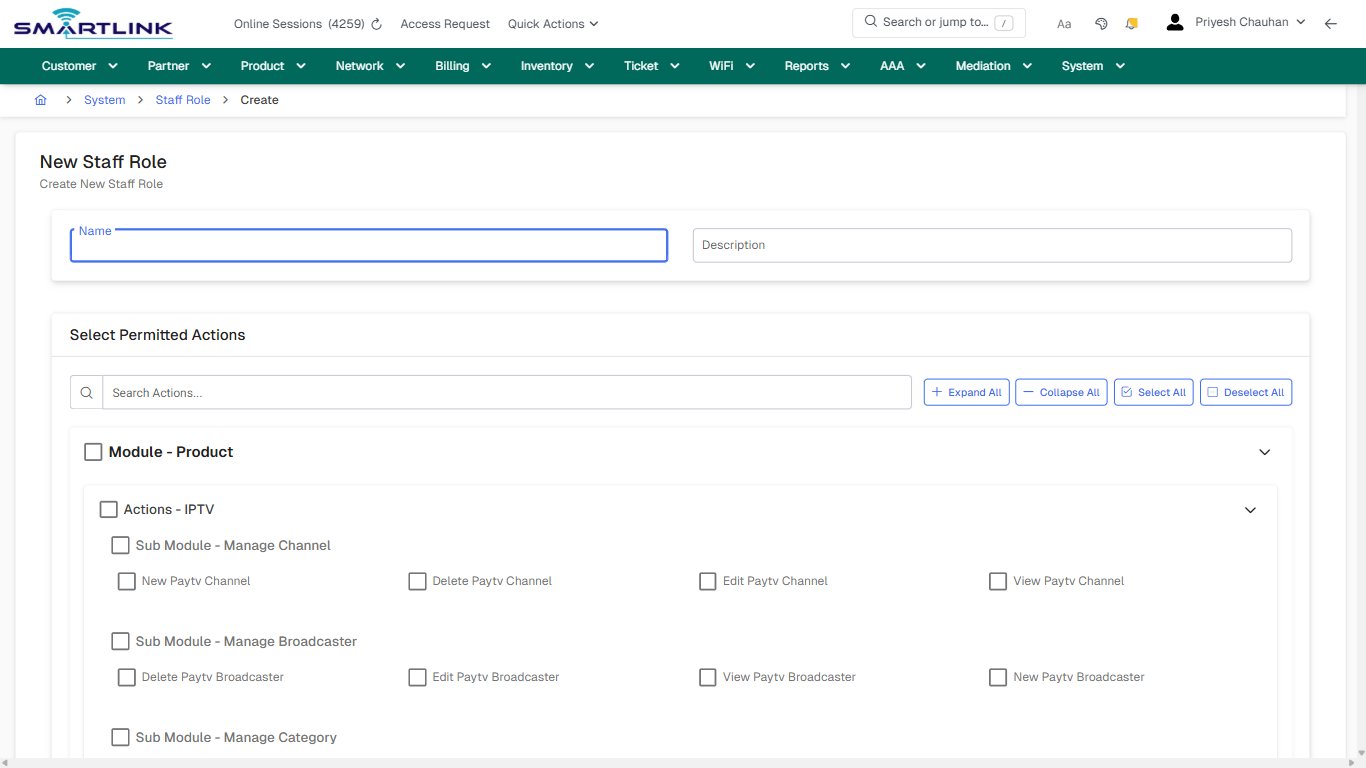
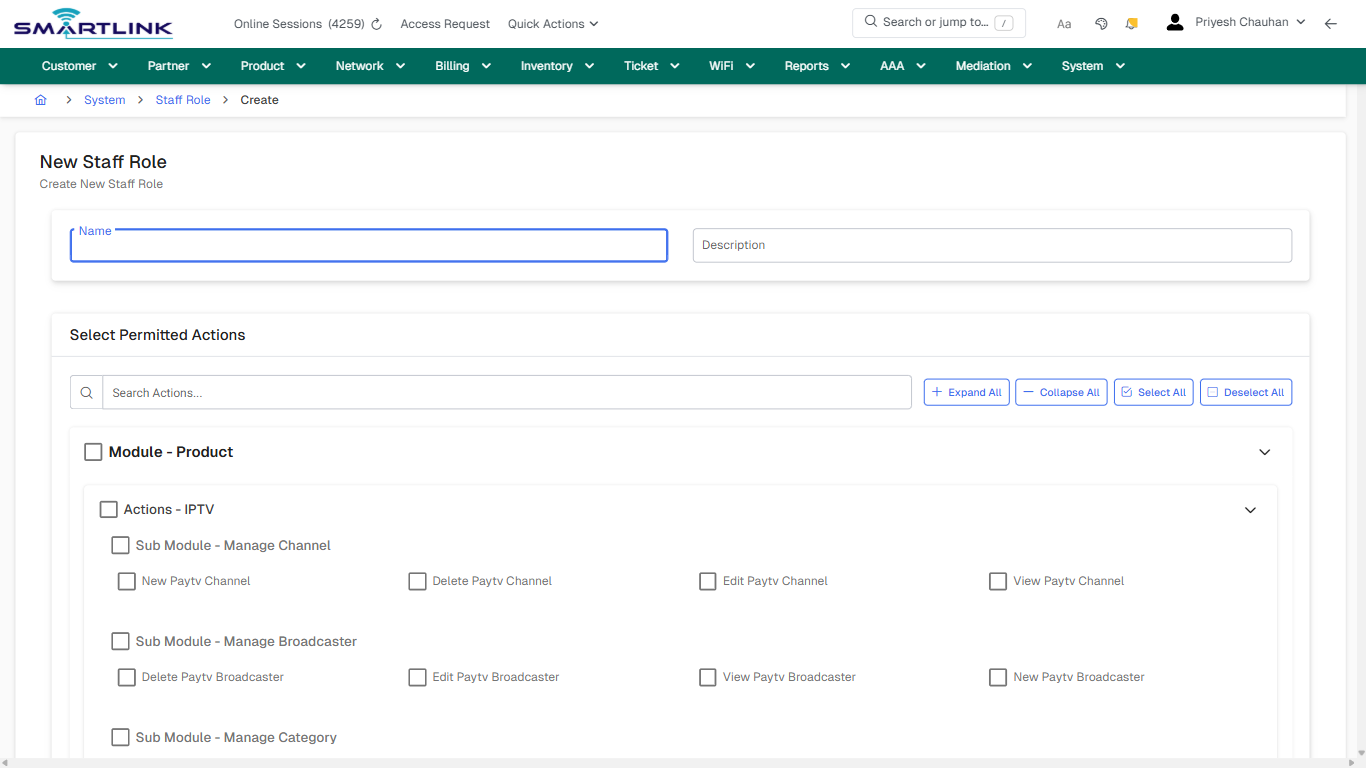
- **Fields detected:** Name, Description, New Paytv Channel, Delete Paytv Channel, Edit Paytv Channel, View Paytv Channel, Delete Paytv Broadcaster, Edit Paytv Broadcaster, View Paytv Broadcaster, New Paytv Broadcaster, View Paytv Category, Edit Paytv Category, Delete Paytv Category, New Paytv Category, New Paytv Package, Delete Paytv Package, Edit Paytv Package, View Paytv Package, Manage Voucher Batch, Manage Voucher Template, Edit Internet Service Plan, View Product Active Users, View Product Operation Log, New Internet Service Plan, View Internet Service Plan
- **Actions detected:** Auto, Close, System, Staff Role, Expand All, Collapse All, Select All, Deselect All, Module - Product, Actions - IPTV, Actions - Voucher, Actions - OTT, Actions - Service Plan, Actions - Promotions, Actions - Policies, Actions - Charges, Module - Customer, Actions - Group Account, Actions - Account, Actions - Settings

## Validation &amp; Safety Checks

- Confirm identifiers before saving.
- Confirm lifecycle state allows the change.
- Confirm rollback/support path exists for production actions.
 
## Escalation Guidance

- **L1:** Verify input, permissions, and entity state.
- **L2:** Validate dependencies and downstream state.
- **L3/Admin:** Policy/config changes or suspected defect.
 
---

## Screenshots

## create\_new

**Captured URL:** https://admin.myslbb.com/#/sys/role/addrole

<div id="bkmrk-images-uploading%E2%80%A6">*Images uploading…*<div data-img-token="IMG_PLACEHOLDER_0_1770130896950">![screenshot](https://kb.i2itechservices.com/uploads/images/gallery/2026-02/admin-myslbb-com-sys-role-addrole-create-new-69753c0fe7-part-01.png)

![screenshot](https://kb.i2itechservices.com/uploads/images/gallery/2026-02/admin-myslbb-com-sys-role-addrole-create-new-69753c0fe7-part-02.png)

</div></div>---

## create\_new

**Captured URL:** https://admin.myslbb.com/#/sys/role/addrole

<div id="bkmrk-images-uploading%E2%80%A6-1">*Images uploading…*<div data-img-token="IMG_PLACEHOLDER_1_1770130896950">![screenshot](https://kb.i2itechservices.com/uploads/images/gallery/2026-02/reladmin-myslbb-com-sys-role-addrole-create-new-69753c0fe7-part-01.png)

![screenshot](https://kb.i2itechservices.com/uploads/images/gallery/2026-02/syqadmin-myslbb-com-sys-role-addrole-create-new-69753c0fe7-part-02.png)

</div></div>

# sys > role > all

# sys &gt; role &gt; all

**Route:** sys/role/all

**URL:** https://admin.myslbb.com/#/sys/role/all

---

## Overview

 This page is a draft SOP reference for the above screen in **i2i Core OSS/BSS**. It is auto-generated from UI exports and should be reviewed for operational correctness before customer release.

## When to Use

- Use this screen for the workflow represented by this route.
- Do not make billing/AAA/provisioning-impacting changes without required authorization.
 
## Typical Workflow

1. Verify you are working on the correct entity (Customer/Account/Service).
2. Review the current lifecycle state before making changes.
3. Apply changes and validate system response.
4. Confirm downstream impact (AAA/Provisioning/Billing) where applicable.
 
## Field &amp; Action Hints (Auto-detected)

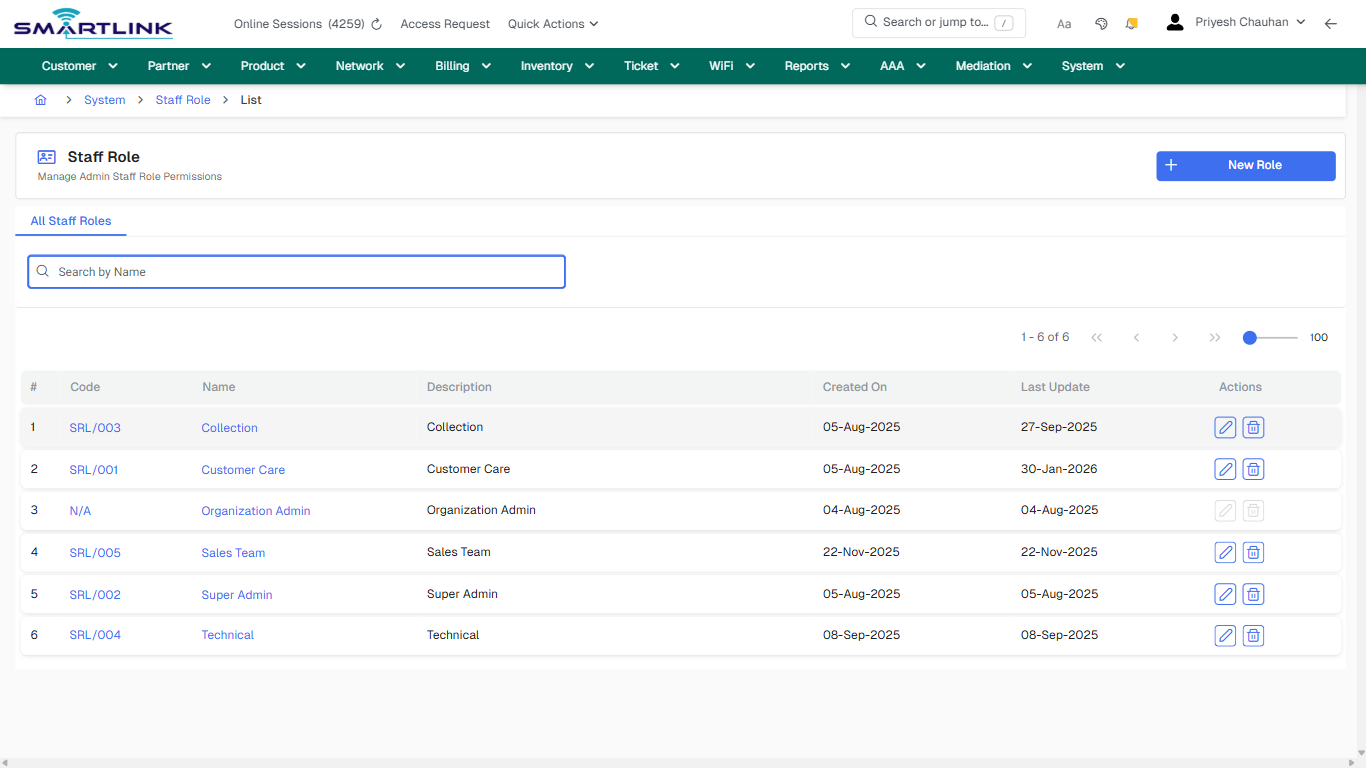
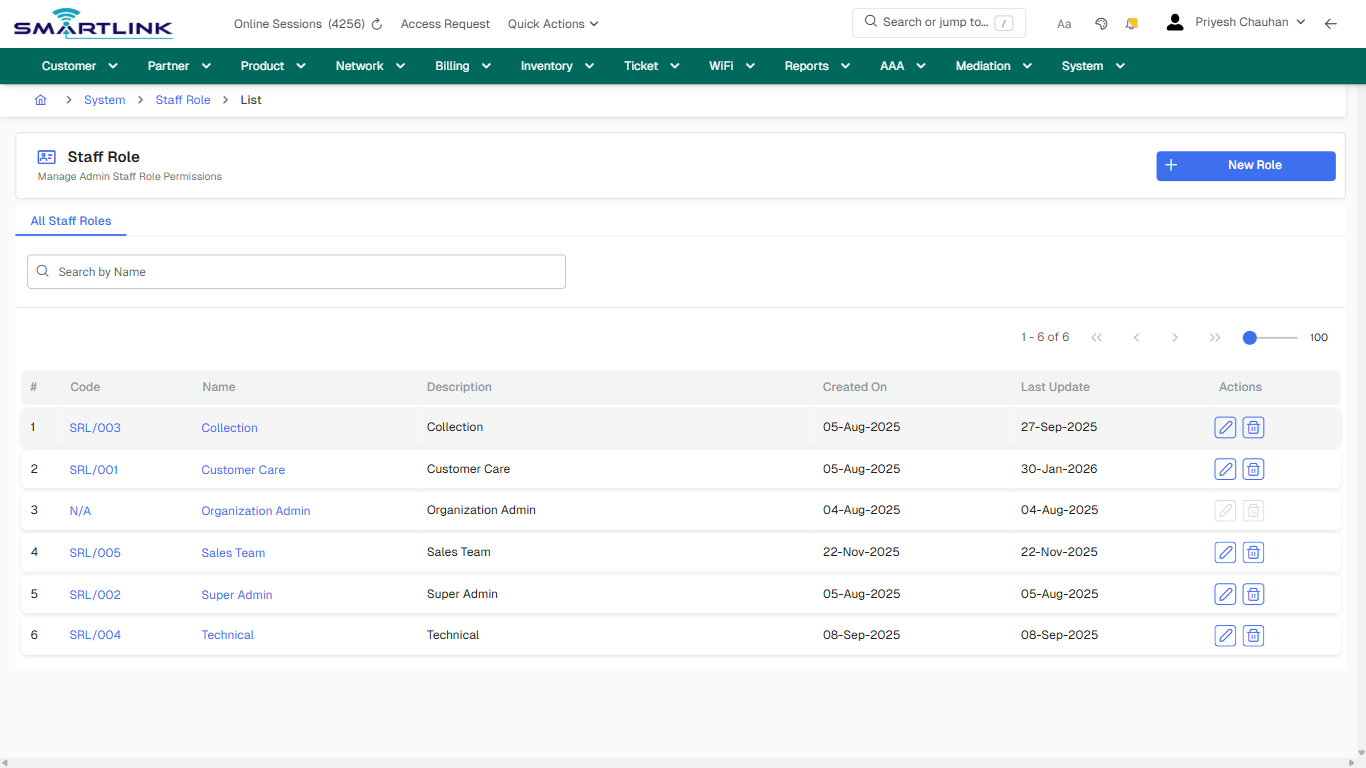
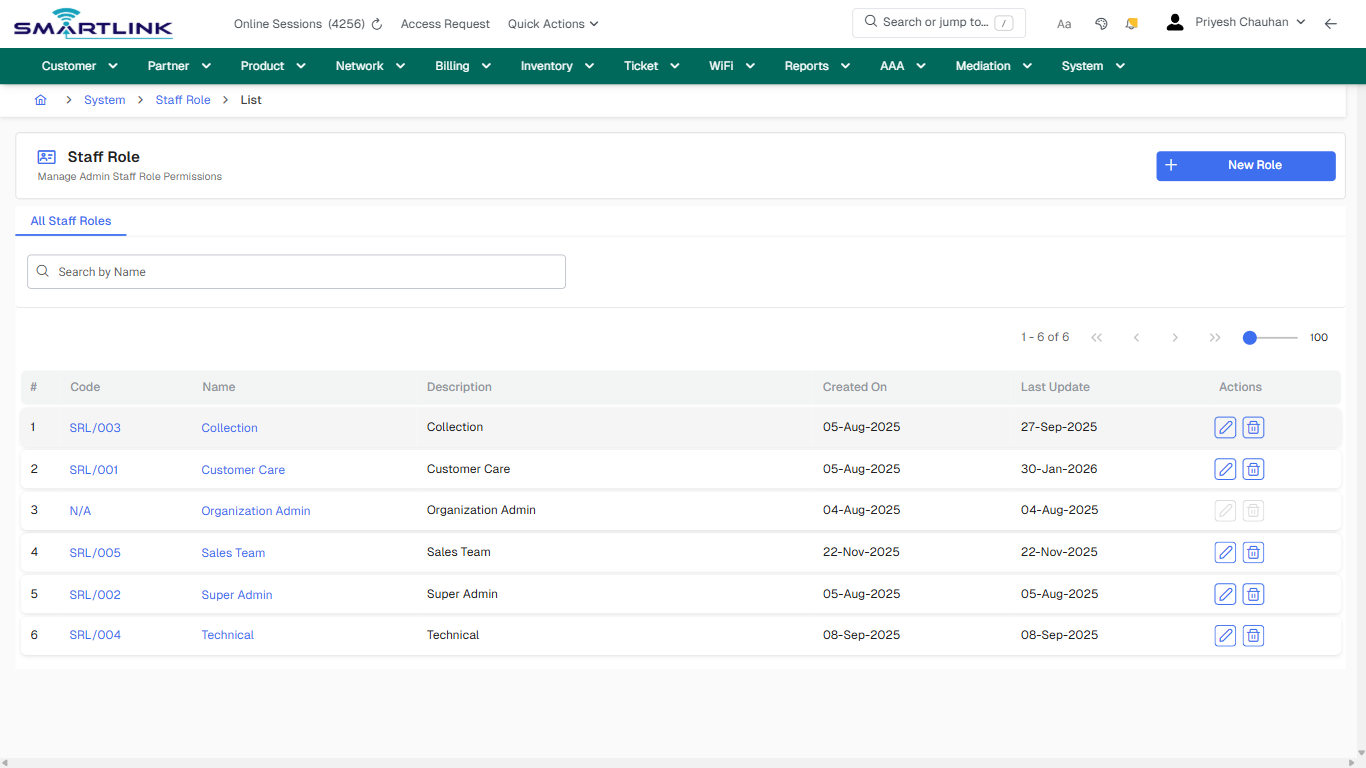
- **Actions detected:** Auto, Close, System, Staff Role, New Role, SRL/003, Collection, SRL/001, Customer Care, N/A, Organization Admin, SRL/005, Sales Team, SRL/002, Super Admin, SRL/004, Technical

## Validation &amp; Safety Checks

- Confirm identifiers before saving.
- Confirm lifecycle state allows the change.
- Confirm rollback/support path exists for production actions.
 
## Escalation Guidance

- **L1:** Verify input, permissions, and entity state.
- **L2:** Validate dependencies and downstream state.
- **L3/Admin:** Policy/config changes or suspected defect.
 
---

## Screenshots

## default

**Captured URL:** https://admin.myslbb.com/#/sys/role/all

<div id="bkmrk-images-uploading%E2%80%A6">*Images uploading…*<div data-img-token="IMG_PLACEHOLDER_0_1770130900092">![screenshot](https://kb.i2itechservices.com/uploads/images/gallery/2026-02/admin-myslbb-com-sys-role-all-default-02e0b0413b-part-01.png)

![screenshot](https://kb.i2itechservices.com/uploads/images/gallery/2026-02/admin-myslbb-com-sys-role-all-default-02e0b0413b-part-02.png)

</div></div>---

## drilldown\_one\_item

**Captured URL:** https://admin.myslbb.com/#/sys/role/all

<div id="bkmrk-images-uploading%E2%80%A6-1">*Images uploading…*<div data-img-token="IMG_PLACEHOLDER_1_1770130900092">![screenshot](https://kb.i2itechservices.com/uploads/images/gallery/2026-02/admin-myslbb-com-sys-role-all-drilldown-one-item-194a624932-part-01.png)

![screenshot](https://kb.i2itechservices.com/uploads/images/gallery/2026-02/admin-myslbb-com-sys-role-all-drilldown-one-item-194a624932-part-02.png)

</div></div>

# sys > role > l > all

# sys &gt; role &gt; l &gt; all

**Route:** sys/role/l/all

**URL:** https://admin.myslbb.com/#/sys/role/l/all

---

## Overview

 This page is a draft SOP reference for the above screen in **i2i Core OSS/BSS**. It is auto-generated from UI exports and should be reviewed for operational correctness before customer release.

## When to Use

- Use this screen for the workflow represented by this route.
- Do not make billing/AAA/provisioning-impacting changes without required authorization.
 
## Typical Workflow

1. Verify you are working on the correct entity (Customer/Account/Service).
2. Review the current lifecycle state before making changes.
3. Apply changes and validate system response.
4. Confirm downstream impact (AAA/Provisioning/Billing) where applicable.
 
## Field &amp; Action Hints (Auto-detected)

- **Actions detected:** Auto, Close, System, Staff Role, New Role, SRL/003, Collection, SRL/001, Customer Care, N/A, Organization Admin, SRL/005, Sales Team, SRL/002, Super Admin, SRL/004, Technical

## Validation &amp; Safety Checks

- Confirm identifiers before saving.
- Confirm lifecycle state allows the change.
- Confirm rollback/support path exists for production actions.
 
## Escalation Guidance

- **L1:** Verify input, permissions, and entity state.
- **L2:** Validate dependencies and downstream state.
- **L3/Admin:** Policy/config changes or suspected defect.
 
---

## Screenshots

## default

**Captured URL:** https://admin.myslbb.com/#/sys/role/l/all

<div id="bkmrk-images-uploading%E2%80%A6">*Images uploading…*<div data-img-token="IMG_PLACEHOLDER_0_1770130903244">![screenshot](https://kb.i2itechservices.com/uploads/images/gallery/2026-02/admin-myslbb-com-sys-role-l-all-default-bdbd6321be-part-01.png)

![screenshot](https://kb.i2itechservices.com/uploads/images/gallery/2026-02/admin-myslbb-com-sys-role-l-all-default-bdbd6321be-part-02.png)

</div></div>---

## drilldown\_one\_item

**Captured URL:** https://admin.myslbb.com/#/sys/role/l/all

<div id="bkmrk-images-uploading%E2%80%A6-1">*Images uploading…*<div data-img-token="IMG_PLACEHOLDER_1_1770130903244">![screenshot](https://kb.i2itechservices.com/uploads/images/gallery/2026-02/admin-myslbb-com-sys-role-l-all-drilldown-one-item-d14845cb0a-part-01.png)

![screenshot](https://kb.i2itechservices.com/uploads/images/gallery/2026-02/admin-myslbb-com-sys-role-l-all-drilldown-one-item-d14845cb0a-part-02.png)

</div></div>

# sys > sau

# sys &gt; sau

**Route:** sys/sau

**URL:** https://admin.myslbb.com/#/sys/sau

---

## Overview

 This page is a draft SOP reference for the above screen in **i2i Core OSS/BSS**. It is auto-generated from UI exports and should be reviewed for operational correctness before customer release.

## When to Use

- Use this screen for the workflow represented by this route.
- Do not make billing/AAA/provisioning-impacting changes without required authorization.
 
## Typical Workflow

1. Verify you are working on the correct entity (Customer/Account/Service).
2. Review the current lifecycle state before making changes.
3. Apply changes and validate system response.
4. Confirm downstream impact (AAA/Provisioning/Billing) where applicable.
 
## Field &amp; Action Hints (Auto-detected)

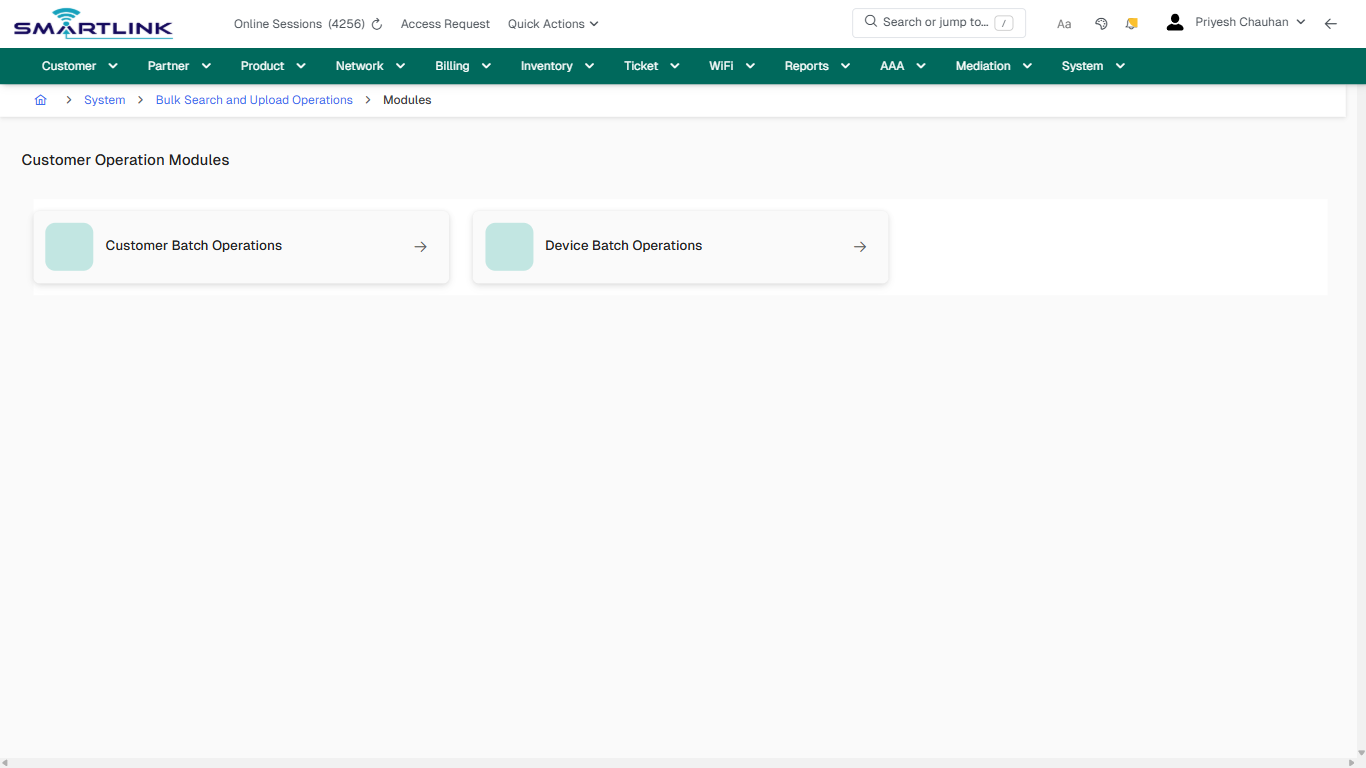
- **Actions detected:** Auto, Close, System, Bulk Search and Upload Operations

## Validation &amp; Safety Checks

- Confirm identifiers before saving.
- Confirm lifecycle state allows the change.
- Confirm rollback/support path exists for production actions.
 
## Escalation Guidance

- **L1:** Verify input, permissions, and entity state.
- **L2:** Validate dependencies and downstream state.
- **L3/Admin:** Policy/config changes or suspected defect.
 
---

## Screenshots

## default

**Captured URL:** https://admin.myslbb.com/#/sys/sau

<div id="bkmrk-images-uploading%E2%80%A6">*Images uploading…*<div data-img-token="IMG_PLACEHOLDER_0_1770130906406">![screenshot](https://kb.i2itechservices.com/uploads/images/gallery/2026-02/admin-myslbb-com-sys-sau-default-ec778e001e-part-01.png)

![screenshot](https://kb.i2itechservices.com/uploads/images/gallery/2026-02/admin-myslbb-com-sys-sau-default-ec778e001e-part-02.png)

</div></div>

# sys > set

# sys &gt; set

**Route:** sys/set

**URL:** https://admin.myslbb.com/#/sys/set

---

## Overview

 This page is a draft SOP reference for the above screen in **i2i Core OSS/BSS**. It is auto-generated from UI exports and should be reviewed for operational correctness before customer release.

## When to Use

- Use this screen for the workflow represented by this route.
- Do not make billing/AAA/provisioning-impacting changes without required authorization.
 
## Typical Workflow

1. Verify you are working on the correct entity (Customer/Account/Service).
2. Review the current lifecycle state before making changes.
3. Apply changes and validate system response.
4. Confirm downstream impact (AAA/Provisioning/Billing) where applicable.
 
## Field &amp; Action Hints (Auto-detected)

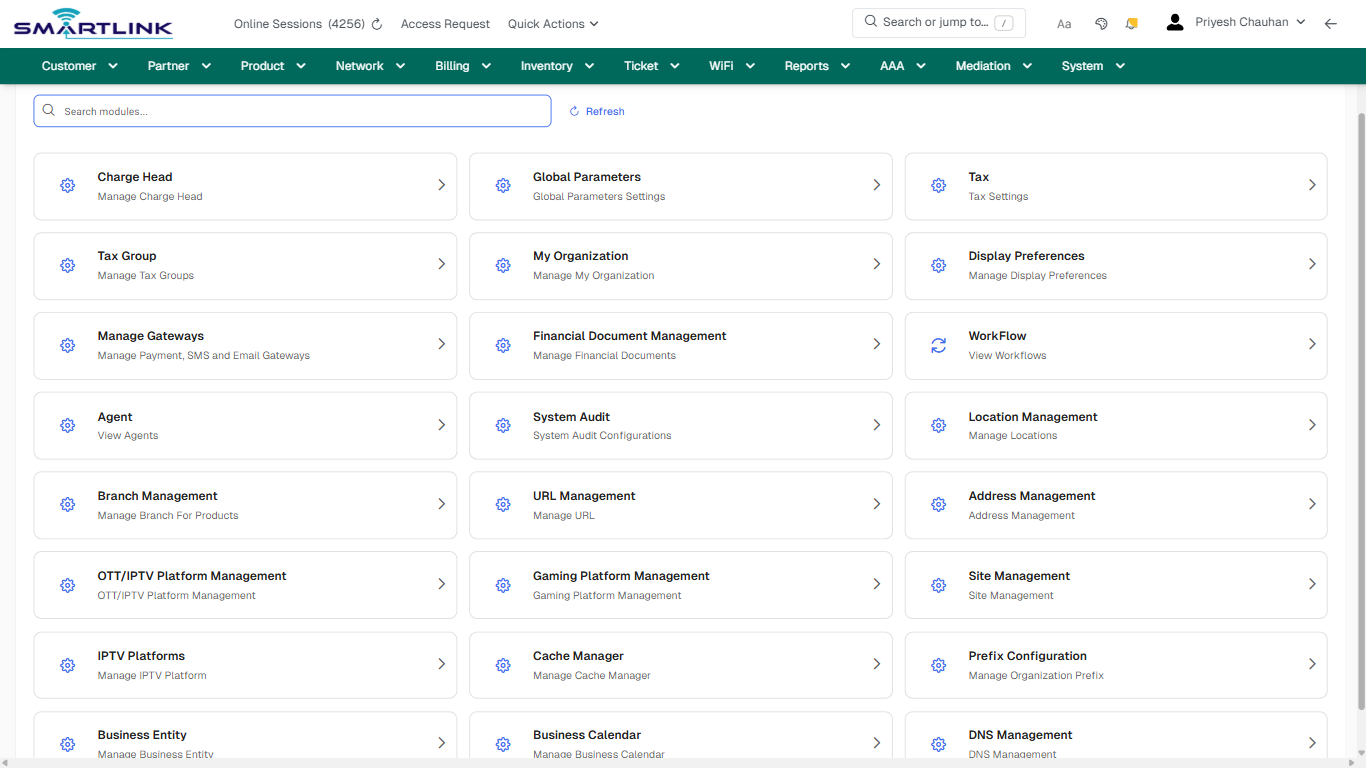
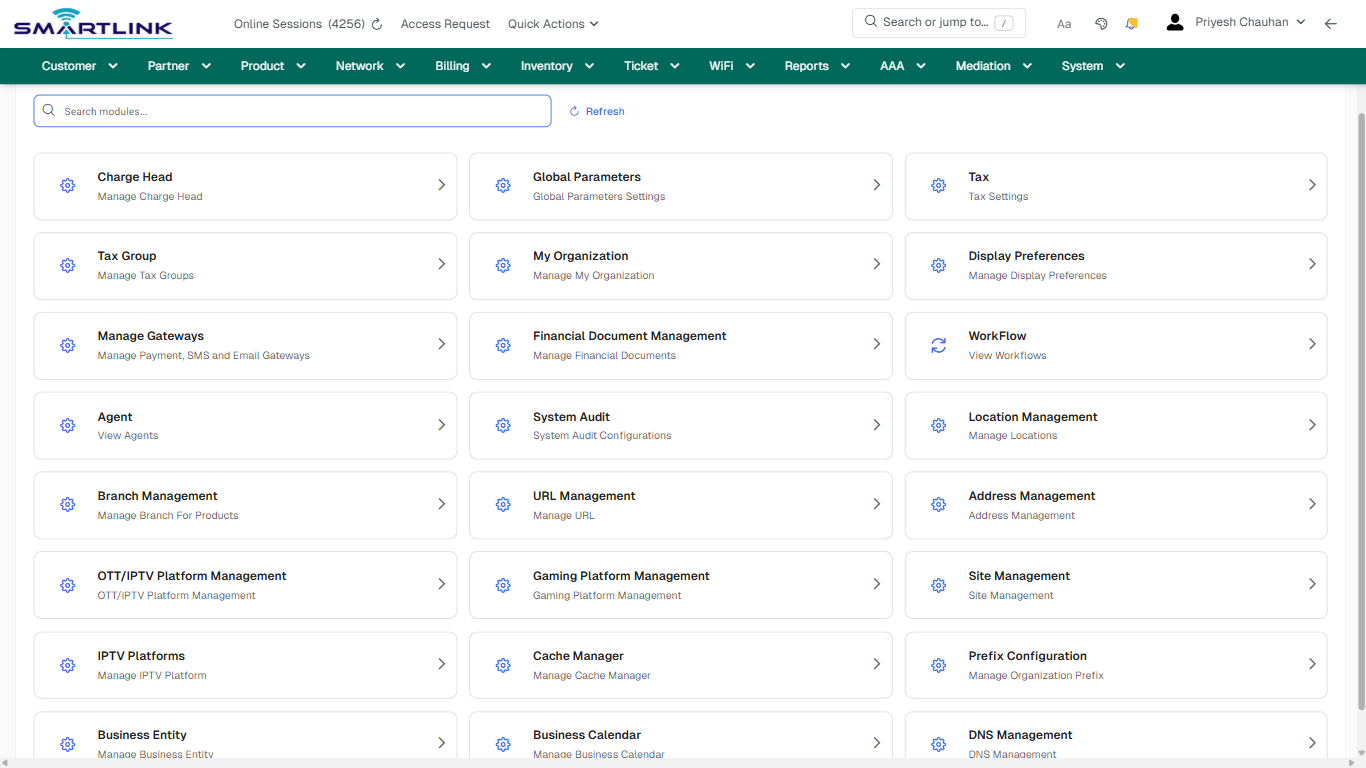
- **Headings detected:** Charge Head, Global Parameters, Tax, Tax Group, My Organization, Display Preferences, Manage Gateways, Financial Document Management, WorkFlow, Agent
- **Actions detected:** Auto, Close, System, System Settings, Refresh

## Validation &amp; Safety Checks

- Confirm identifiers before saving.
- Confirm lifecycle state allows the change.
- Confirm rollback/support path exists for production actions.
 
## Escalation Guidance

- **L1:** Verify input, permissions, and entity state.
- **L2:** Validate dependencies and downstream state.
- **L3/Admin:** Policy/config changes or suspected defect.
 
---

## Screenshots

## default

**Captured URL:** https://admin.myslbb.com/#/sys/set

<div id="bkmrk-images-uploading%E2%80%A6">*Images uploading…*<div data-img-token="IMG_PLACEHOLDER_0_1770130908363">![screenshot](https://kb.i2itechservices.com/uploads/images/gallery/2026-02/admin-myslbb-com-sys-set-default-8d7e806c0c-part-01.png)

![screenshot](https://kb.i2itechservices.com/uploads/images/gallery/2026-02/admin-myslbb-com-sys-set-default-8d7e806c0c-part-02.png)

</div></div>

# sys > staff > add

# sys &gt; staff &gt; add

**Route:** sys/staff/add

**URL:** https://admin.myslbb.com/#/sys/staff/add

---

## Overview

 This page is a draft SOP reference for the above screen in **i2i Core OSS/BSS**. It is auto-generated from UI exports and should be reviewed for operational correctness before customer release.

## When to Use

- Use this screen for the workflow represented by this route.
- Do not make billing/AAA/provisioning-impacting changes without required authorization.
 
## Typical Workflow

1. Verify you are working on the correct entity (Customer/Account/Service).
2. Review the current lifecycle state before making changes.
3. Apply changes and validate system response.
4. Confirm downstream impact (AAA/Provisioning/Billing) where applicable.
 
## Field &amp; Action Hints (Auto-detected)

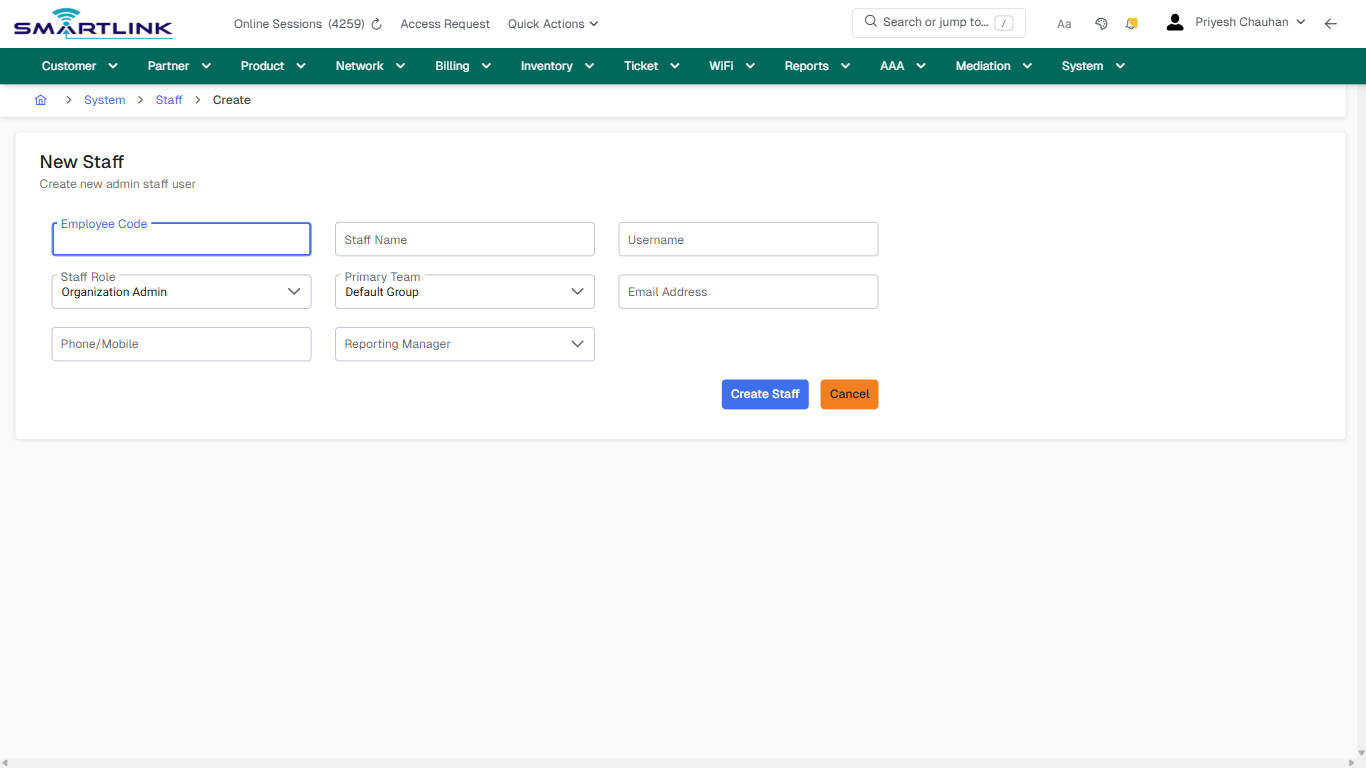
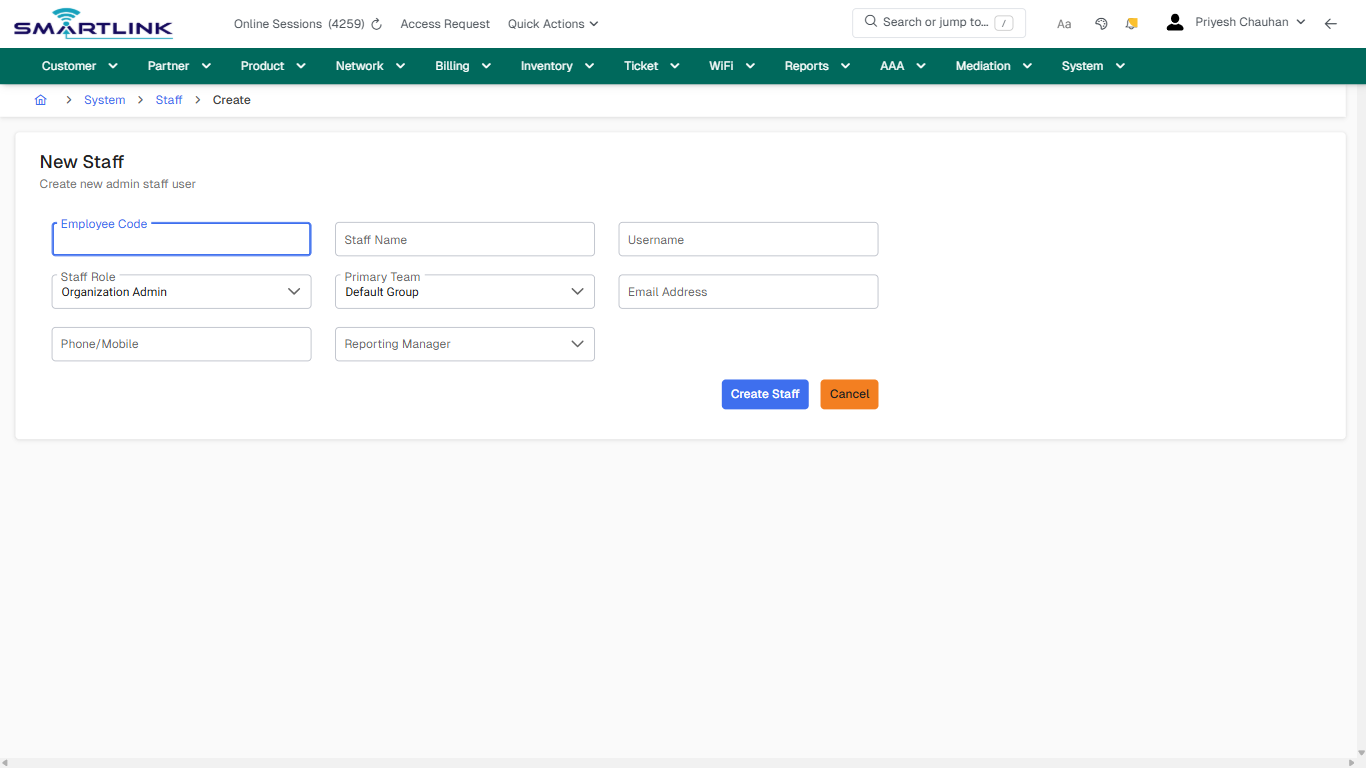
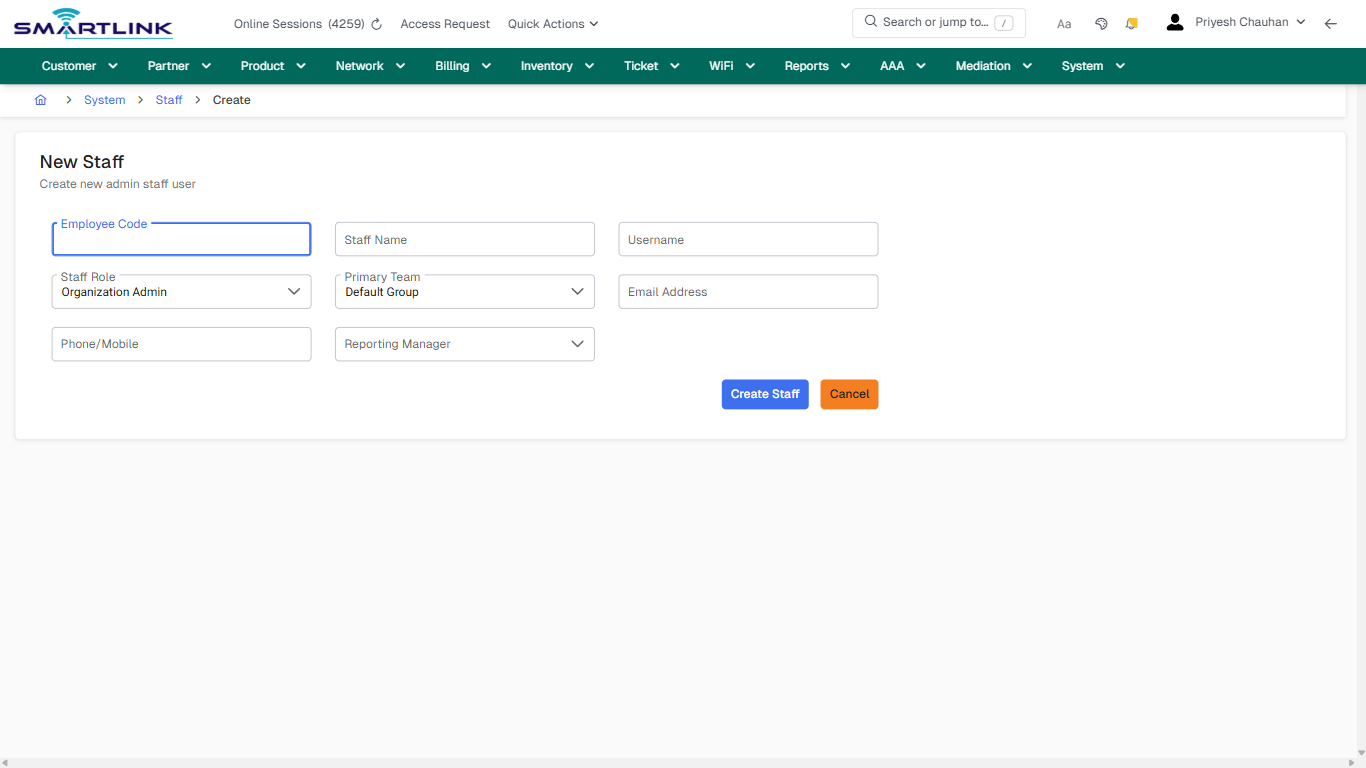
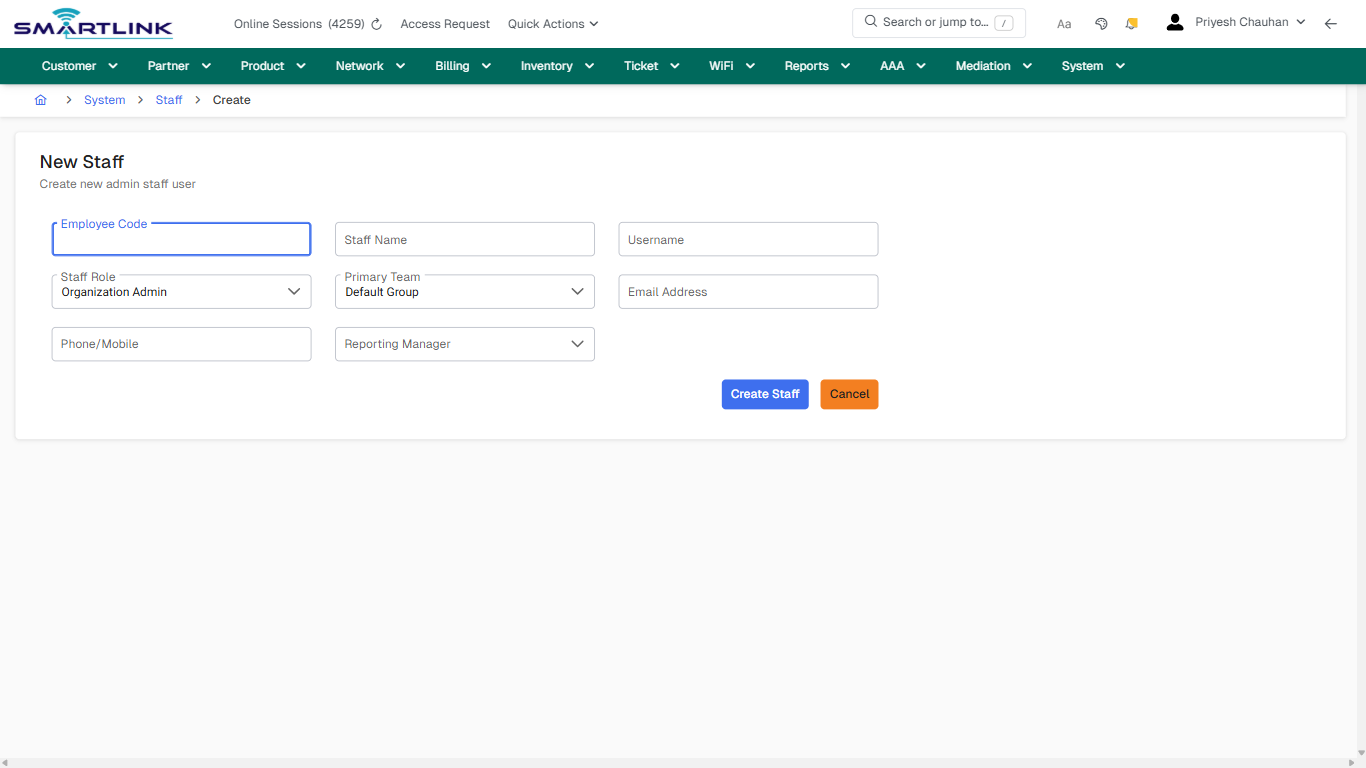
- **Fields detected:** Employee Code, Staff Name, Username, Staff Role, Primary Team, Email Address, Phone/Mobile, Reporting Manager
- **Actions detected:** Auto, Close, System, Staff, Create Staff, Cancel

## Validation &amp; Safety Checks

- Confirm identifiers before saving.
- Confirm lifecycle state allows the change.
- Confirm rollback/support path exists for production actions.
 
## Escalation Guidance

- **L1:** Verify input, permissions, and entity state.
- **L2:** Validate dependencies and downstream state.
- **L3/Admin:** Policy/config changes or suspected defect.
 
---

## Screenshots

## create\_new

**Captured URL:** https://admin.myslbb.com/#/sys/staff/add

<div id="bkmrk-images-uploading%E2%80%A6">*Images uploading…*<div data-img-token="IMG_PLACEHOLDER_0_1770130910366">![screenshot](https://kb.i2itechservices.com/uploads/images/gallery/2026-02/admin-myslbb-com-sys-staff-add-create-new-918cda253a-part-01.png)

![screenshot](https://kb.i2itechservices.com/uploads/images/gallery/2026-02/admin-myslbb-com-sys-staff-add-create-new-918cda253a-part-02.png)

</div></div>---

## create\_new

**Captured URL:** https://admin.myslbb.com/#/sys/staff/add

<div id="bkmrk-images-uploading%E2%80%A6-1">*Images uploading…*<div data-img-token="IMG_PLACEHOLDER_1_1770130910366">![screenshot](https://kb.i2itechservices.com/uploads/images/gallery/2026-02/qFFadmin-myslbb-com-sys-staff-add-create-new-918cda253a-part-01.png)

![screenshot](https://kb.i2itechservices.com/uploads/images/gallery/2026-02/vFXadmin-myslbb-com-sys-staff-add-create-new-918cda253a-part-02.png)

</div></div>

# sys > staff > all

# sys &gt; staff &gt; all

**Route:** sys/staff/all

**URL:** https://admin.myslbb.com/#/sys/staff/all

---

## Overview

 This page is a draft SOP reference for the above screen in **i2i Core OSS/BSS**. It is auto-generated from UI exports and should be reviewed for operational correctness before customer release.

## When to Use

- Use this screen for the workflow represented by this route.
- Do not make billing/AAA/provisioning-impacting changes without required authorization.
 
## Typical Workflow

1. Verify you are working on the correct entity (Customer/Account/Service).
2. Review the current lifecycle state before making changes.
3. Apply changes and validate system response.
4. Confirm downstream impact (AAA/Provisioning/Billing) where applicable.
 
## Field &amp; Action Hints (Auto-detected)

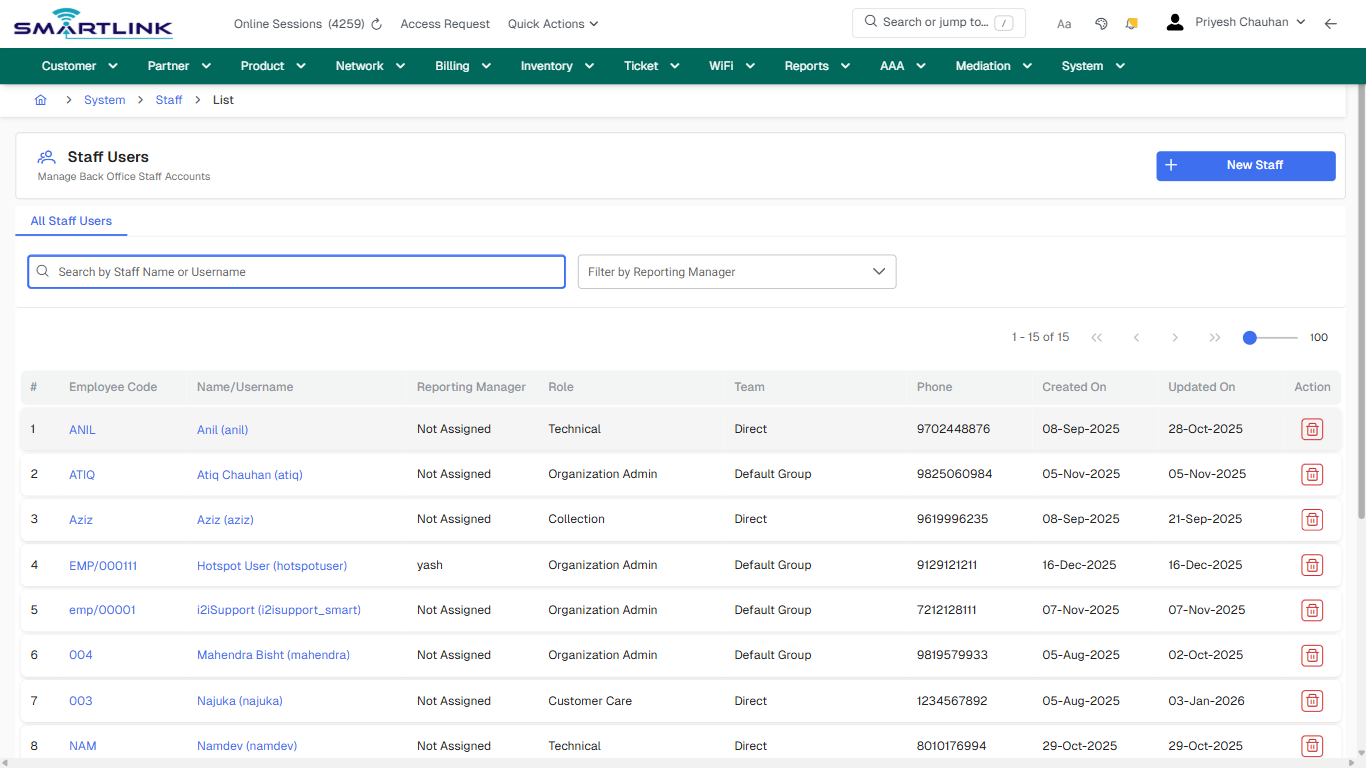
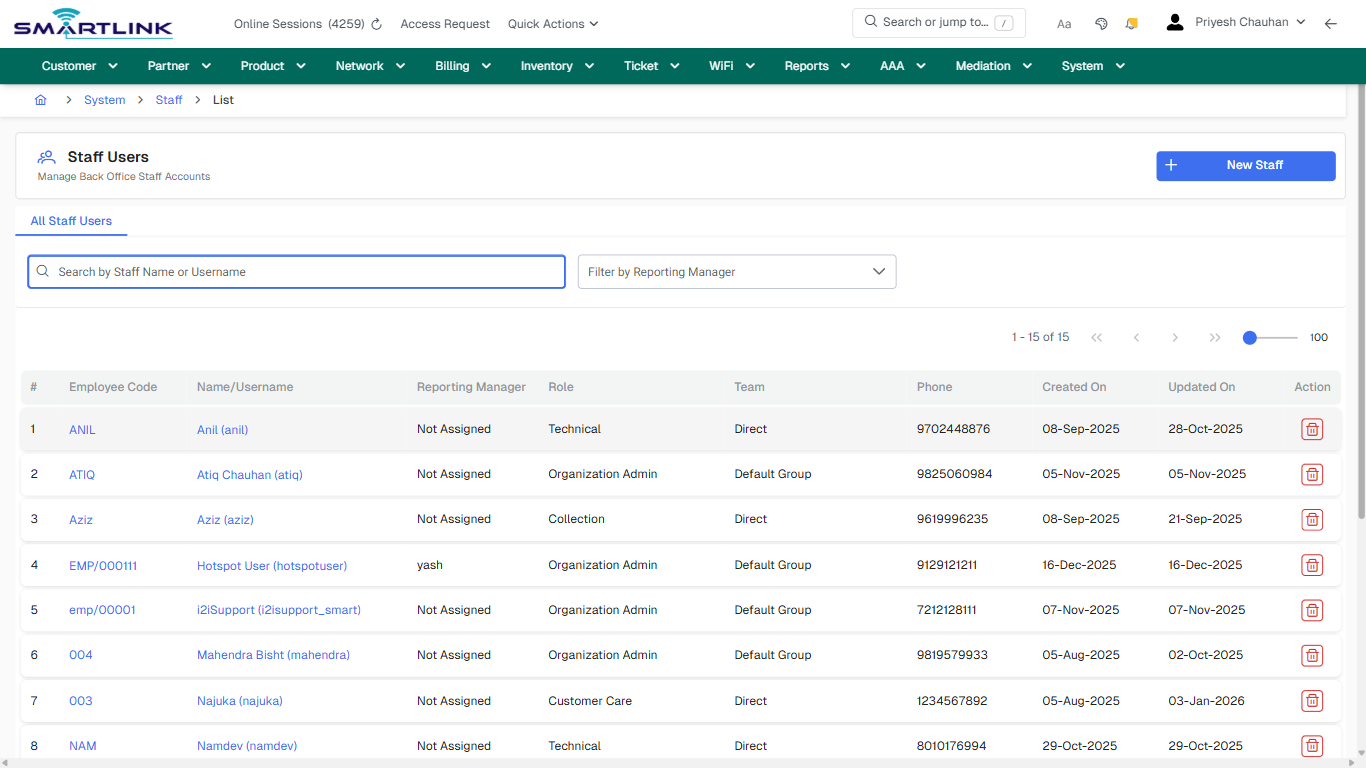
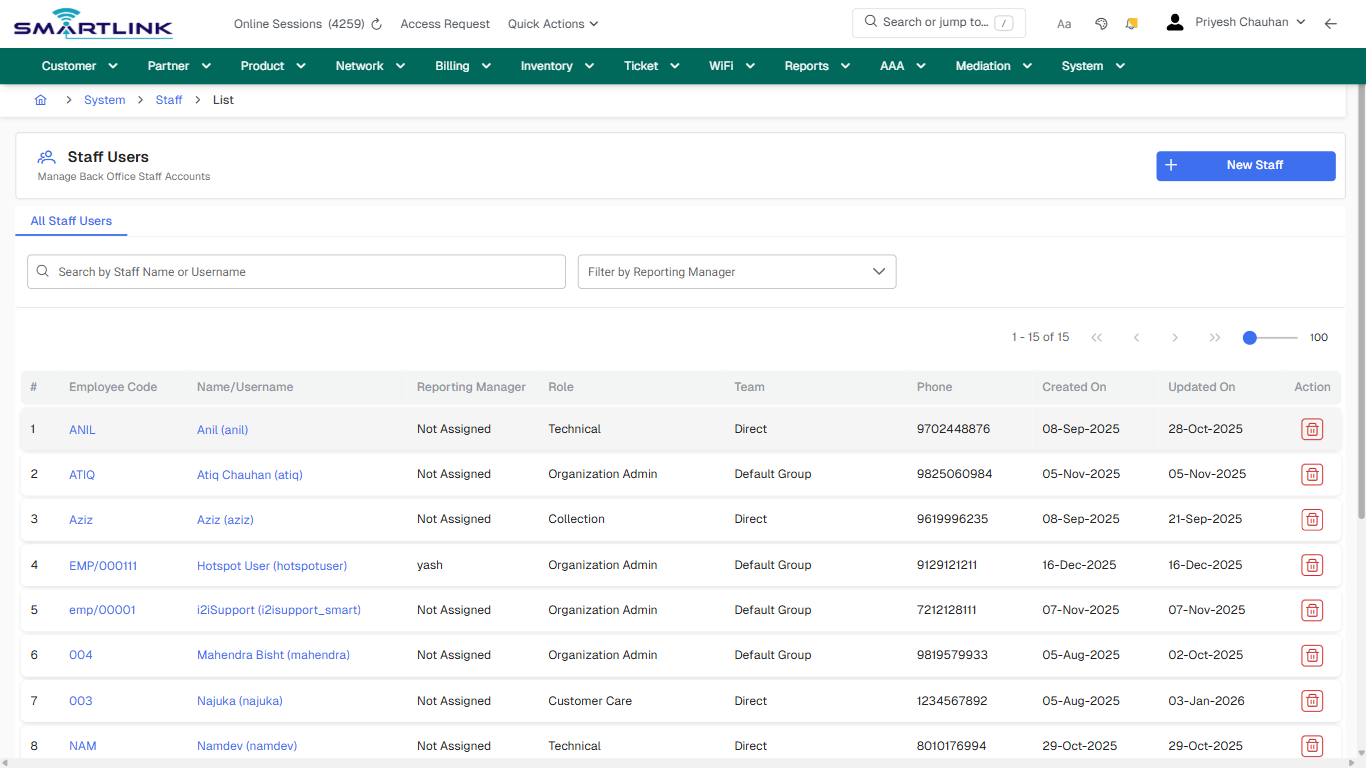
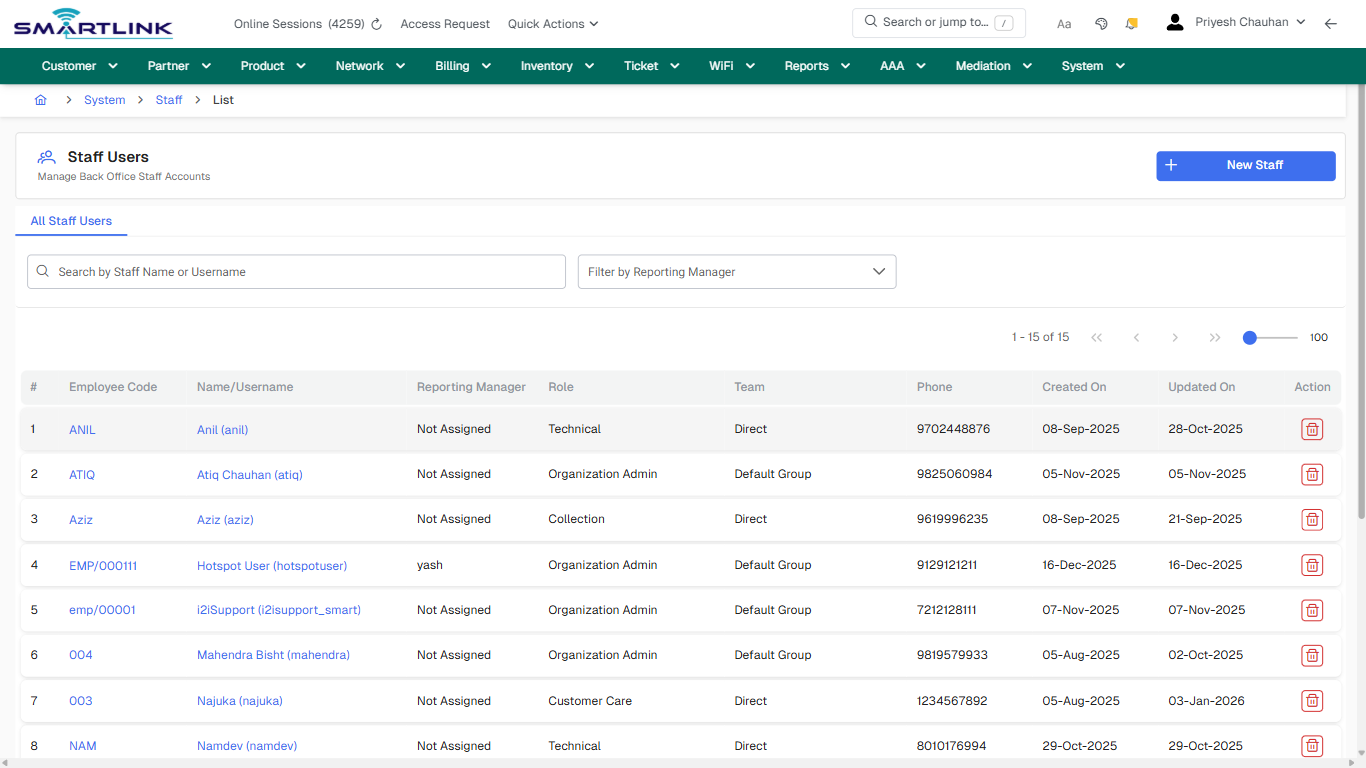
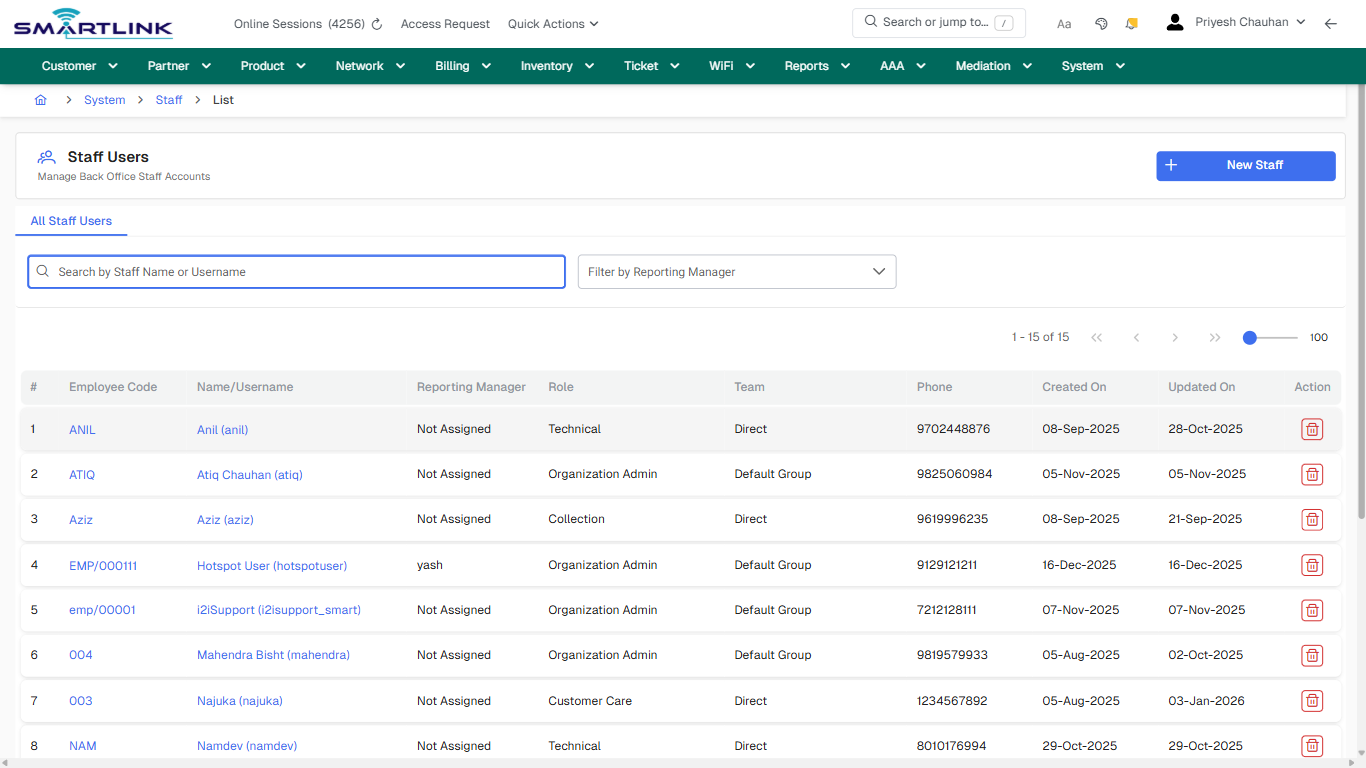
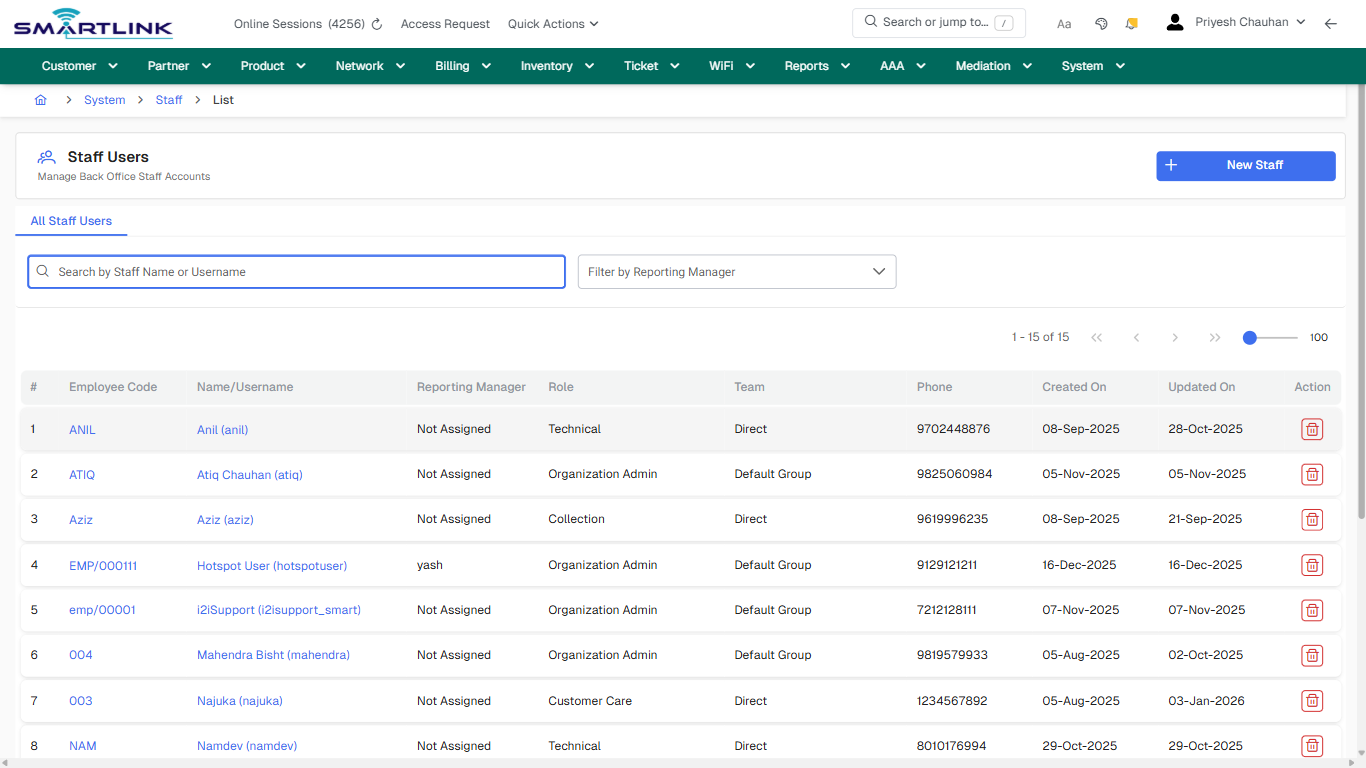
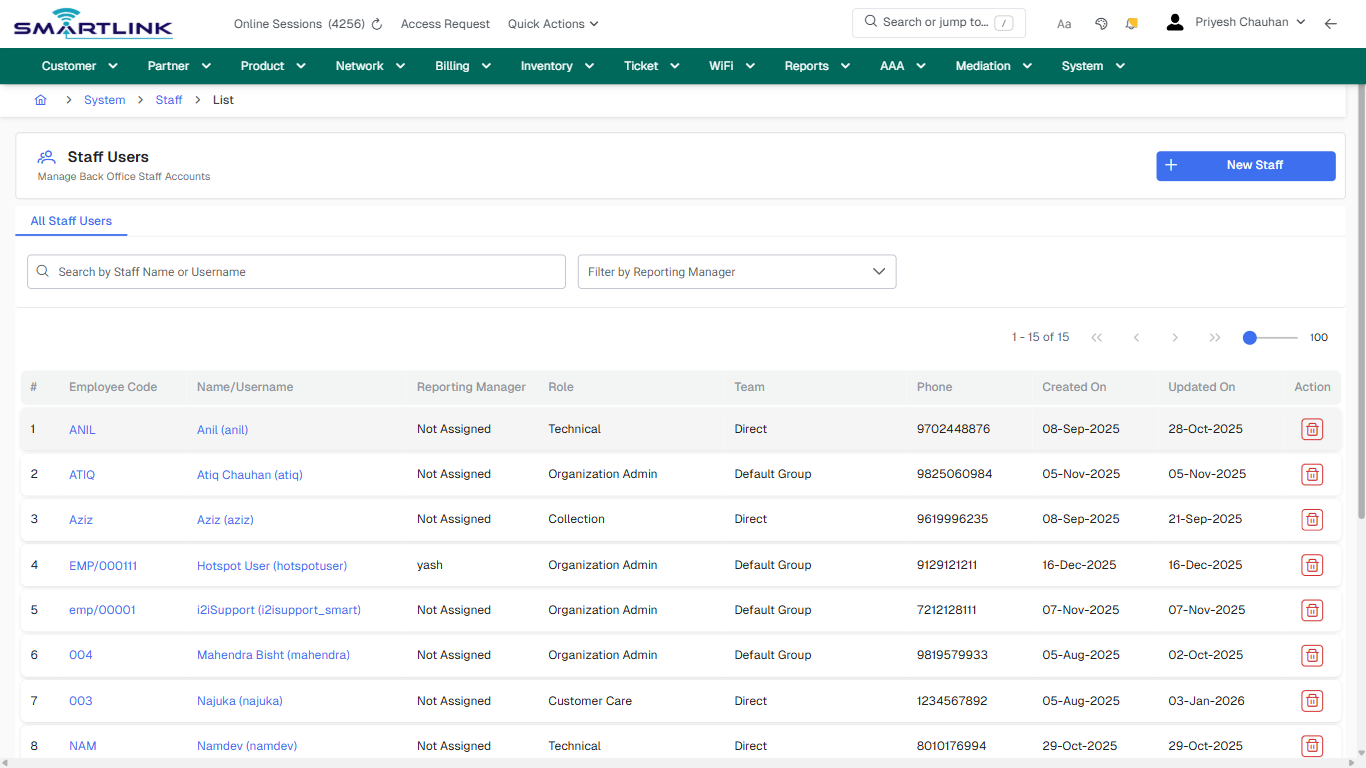
- **Actions detected:** Auto, Close, System, Staff, New Staff, ANIL, Anil (anil), ATIQ, Atiq Chauhan (atiq), Aziz, Aziz (aziz), EMP/000111, Hotspot User (hotspotuser), emp/00001, i2iSupport (i2isupport\_smart), 004, Mahendra Bisht (mahendra), 003, Najuka (najuka), NAM

## Validation &amp; Safety Checks

- Confirm identifiers before saving.
- Confirm lifecycle state allows the change.
- Confirm rollback/support path exists for production actions.
 
## Escalation Guidance

- **L1:** Verify input, permissions, and entity state.
- **L2:** Validate dependencies and downstream state.
- **L3/Admin:** Policy/config changes or suspected defect.
 
---

## Screenshots

## default

**Captured URL:** https://admin.myslbb.com/#/sys/staff/all

<div id="bkmrk-images-uploading%E2%80%A6">*Images uploading…*<div data-img-token="IMG_PLACEHOLDER_0_1770130913489">![screenshot](https://kb.i2itechservices.com/uploads/images/gallery/2026-02/admin-myslbb-com-sys-staff-all-default-fed617582e-part-01.png)

![screenshot](https://kb.i2itechservices.com/uploads/images/gallery/2026-02/admin-myslbb-com-sys-staff-all-default-fed617582e-part-02.png)

</div></div>---

## drilldown\_one\_item

**Captured URL:** https://admin.myslbb.com/#/sys/staff/all

<div id="bkmrk-images-uploading%E2%80%A6-1">*Images uploading…*<div data-img-token="IMG_PLACEHOLDER_1_1770130913489">![screenshot](https://kb.i2itechservices.com/uploads/images/gallery/2026-02/admin-myslbb-com-sys-staff-all-drilldown-one-item-145846bbb2-part-01.png)

![screenshot](https://kb.i2itechservices.com/uploads/images/gallery/2026-02/admin-myslbb-com-sys-staff-all-drilldown-one-item-145846bbb2-part-02.png)

</div></div>

# sys > staff > l > all

# sys &gt; staff &gt; l &gt; all

**Route:** sys/staff/l/all

**URL:** https://admin.myslbb.com/#/sys/staff/l/all

---

## Overview

 This page is a draft SOP reference for the above screen in **i2i Core OSS/BSS**. It is auto-generated from UI exports and should be reviewed for operational correctness before customer release.

## When to Use

- Use this screen for the workflow represented by this route.
- Do not make billing/AAA/provisioning-impacting changes without required authorization.
 
## Typical Workflow

1. Verify you are working on the correct entity (Customer/Account/Service).
2. Review the current lifecycle state before making changes.
3. Apply changes and validate system response.
4. Confirm downstream impact (AAA/Provisioning/Billing) where applicable.
 
## Field &amp; Action Hints (Auto-detected)

- **Actions detected:** Auto, Close, System, Staff, New Staff, ANIL, Anil (anil), ATIQ, Atiq Chauhan (atiq), Aziz, Aziz (aziz), EMP/000111, Hotspot User (hotspotuser), emp/00001, i2iSupport (i2isupport\_smart), 004, Mahendra Bisht (mahendra), 003, Najuka (najuka), NAM

## Validation &amp; Safety Checks

- Confirm identifiers before saving.
- Confirm lifecycle state allows the change.
- Confirm rollback/support path exists for production actions.
 
## Escalation Guidance

- **L1:** Verify input, permissions, and entity state.
- **L2:** Validate dependencies and downstream state.
- **L3/Admin:** Policy/config changes or suspected defect.
 
---

## Screenshots

## default

**Captured URL:** https://admin.myslbb.com/#/sys/staff/l/all

<div id="bkmrk-images-uploading%E2%80%A6">*Images uploading…*<div data-img-token="IMG_PLACEHOLDER_0_1770130916703">![screenshot](https://kb.i2itechservices.com/uploads/images/gallery/2026-02/admin-myslbb-com-sys-staff-l-all-default-56b88f3947-part-01.png)

![screenshot](https://kb.i2itechservices.com/uploads/images/gallery/2026-02/admin-myslbb-com-sys-staff-l-all-default-56b88f3947-part-02.png)

</div></div>---

## drilldown\_one\_item

**Captured URL:** https://admin.myslbb.com/#/sys/staff/l/all

<div id="bkmrk-images-uploading%E2%80%A6-1">*Images uploading…*<div data-img-token="IMG_PLACEHOLDER_1_1770130916703">![screenshot](https://kb.i2itechservices.com/uploads/images/gallery/2026-02/admin-myslbb-com-sys-staff-l-all-drilldown-one-item-61350b6e25-part-01.png)

![screenshot](https://kb.i2itechservices.com/uploads/images/gallery/2026-02/admin-myslbb-com-sys-staff-l-all-drilldown-one-item-61350b6e25-part-02.png)

</div></div>

# sys > staffg > add

# sys &gt; staffg &gt; add

**Route:** sys/staffg/add

**URL:** https://admin.myslbb.com/#/sys/staffg/add

---

## Overview

 This page is a draft SOP reference for the above screen in **i2i Core OSS/BSS**. It is auto-generated from UI exports and should be reviewed for operational correctness before customer release.

## When to Use

- Use this screen for the workflow represented by this route.
- Do not make billing/AAA/provisioning-impacting changes without required authorization.
 
## Typical Workflow

1. Verify you are working on the correct entity (Customer/Account/Service).
2. Review the current lifecycle state before making changes.
3. Apply changes and validate system response.
4. Confirm downstream impact (AAA/Provisioning/Billing) where applicable.
 
## Field &amp; Action Hints (Auto-detected)

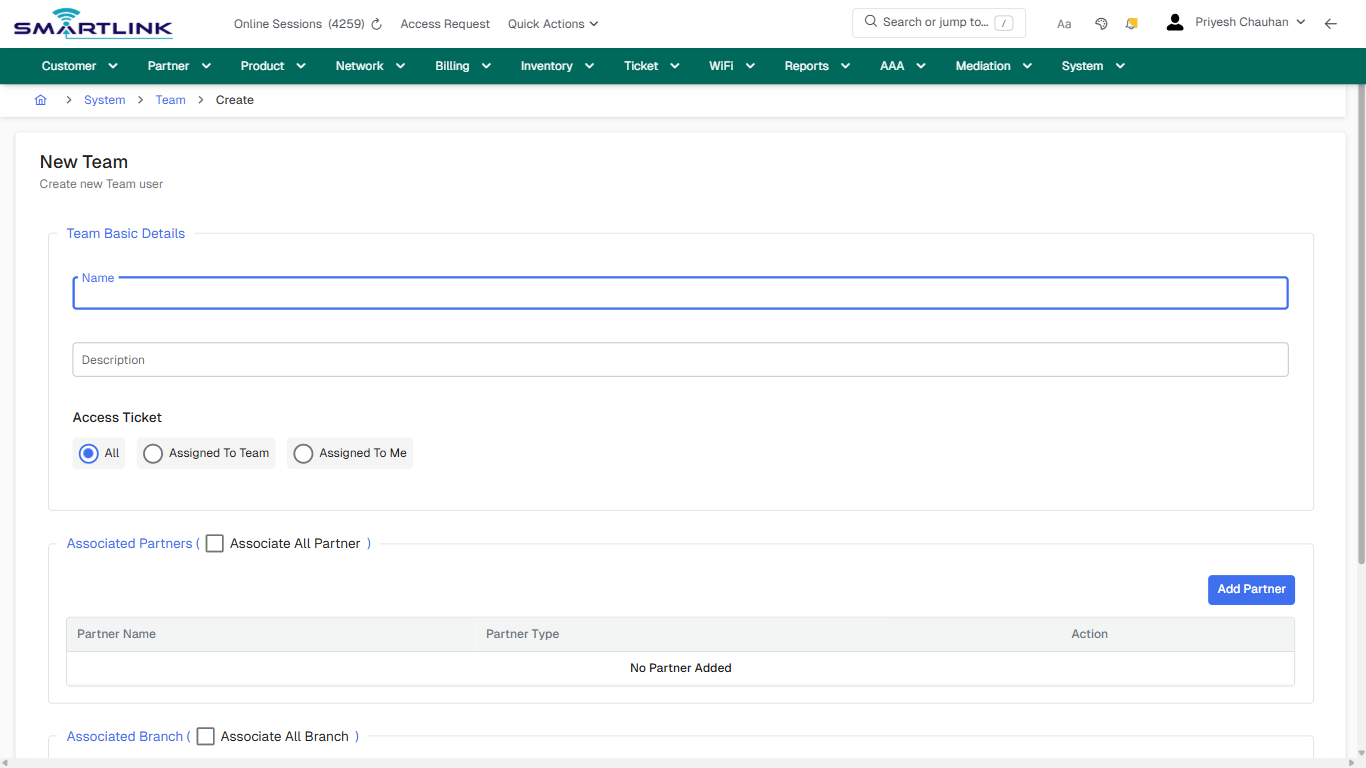
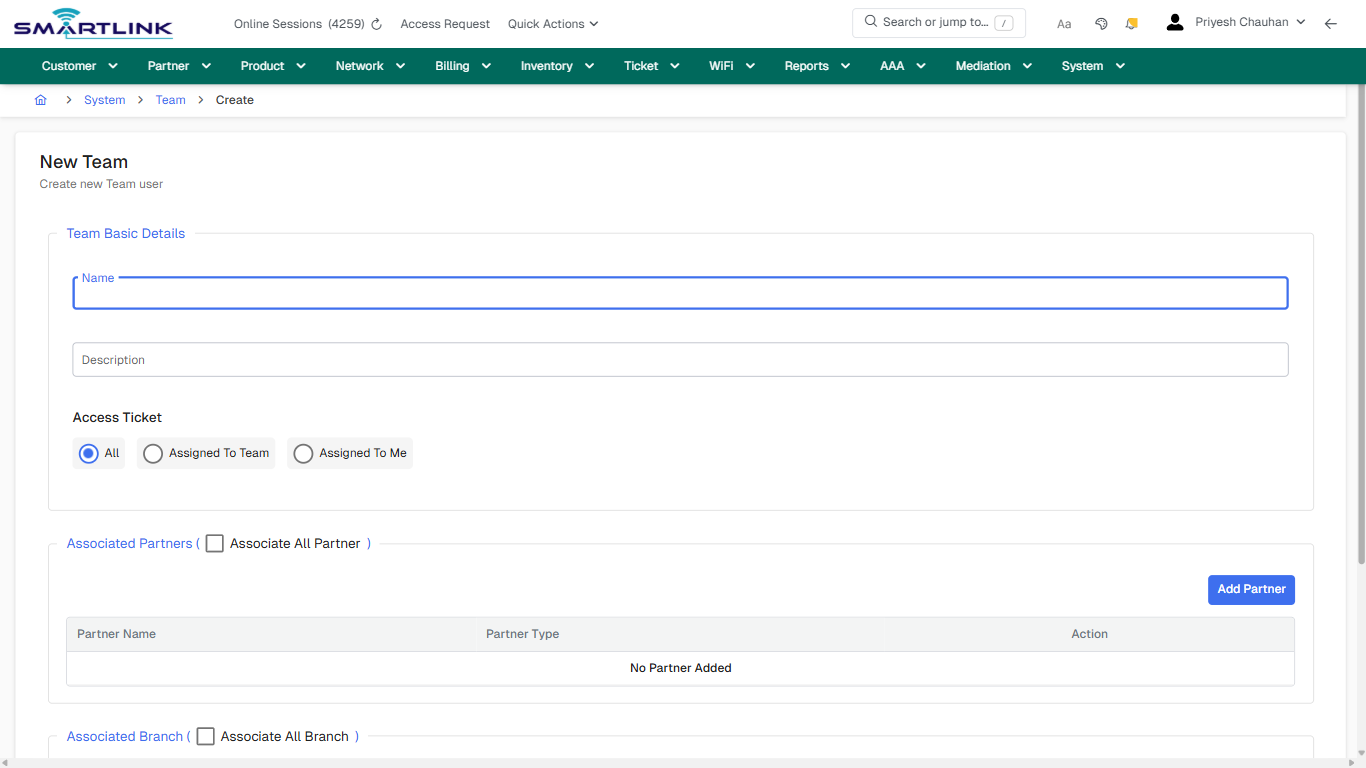
- **Headings detected:** Access Ticket
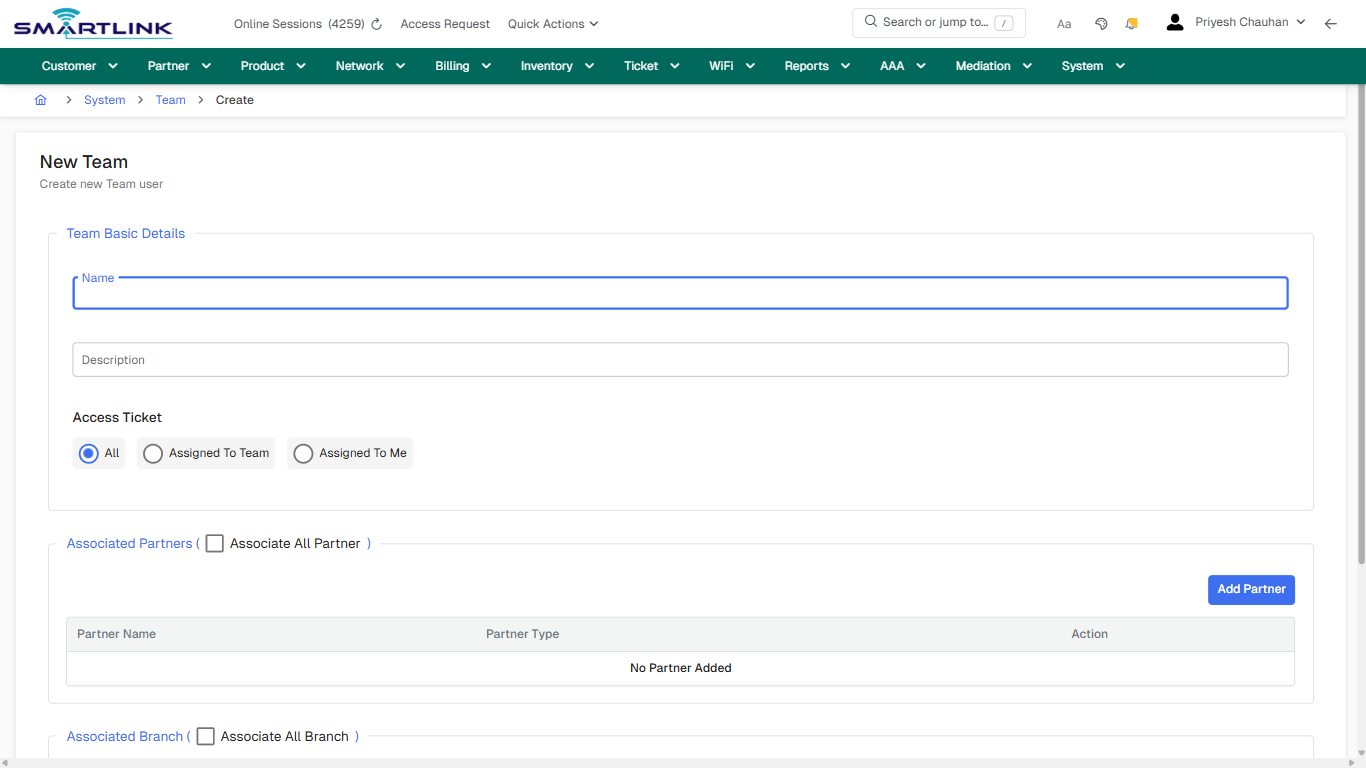
- **Fields detected:** Name, Description, All, Assigned To Team, Assigned To Me, Associate All Partner, Associate All Branch
- **Actions detected:** Auto, Close, System, Team, Add Partner, Add Branch, Create Team, Cancel

## Validation &amp; Safety Checks

- Confirm identifiers before saving.
- Confirm lifecycle state allows the change.
- Confirm rollback/support path exists for production actions.
 
## Escalation Guidance

- **L1:** Verify input, permissions, and entity state.
- **L2:** Validate dependencies and downstream state.
- **L3/Admin:** Policy/config changes or suspected defect.
 
---

## Screenshots

## create\_new

**Captured URL:** https://admin.myslbb.com/#/sys/staffg/add

<div id="bkmrk-images-uploading%E2%80%A6">*Images uploading…*<div data-img-token="IMG_PLACEHOLDER_0_1770130919860">![screenshot](https://kb.i2itechservices.com/uploads/images/gallery/2026-02/admin-myslbb-com-sys-staffg-add-create-new-ba7f3de78d-part-01.png)

![screenshot](https://kb.i2itechservices.com/uploads/images/gallery/2026-02/admin-myslbb-com-sys-staffg-add-create-new-ba7f3de78d-part-02.png)

</div></div>---

## create\_new

**Captured URL:** https://admin.myslbb.com/#/sys/staffg/add

<div id="bkmrk-images-uploading%E2%80%A6-1">*Images uploading…*<div data-img-token="IMG_PLACEHOLDER_1_1770130919860">![screenshot](https://kb.i2itechservices.com/uploads/images/gallery/2026-02/dtPadmin-myslbb-com-sys-staffg-add-create-new-ba7f3de78d-part-01.png)

![screenshot](https://kb.i2itechservices.com/uploads/images/gallery/2026-02/o10admin-myslbb-com-sys-staffg-add-create-new-ba7f3de78d-part-02.png)

</div></div>

# sys > staffg > all

# sys &gt; staffg &gt; all

**Route:** sys/staffg/all

**URL:** https://admin.myslbb.com/#/sys/staffg/all

---

## Overview

 This page is a draft SOP reference for the above screen in **i2i Core OSS/BSS**. It is auto-generated from UI exports and should be reviewed for operational correctness before customer release.

## When to Use

- Use this screen for the workflow represented by this route.
- Do not make billing/AAA/provisioning-impacting changes without required authorization.
 
## Typical Workflow

1. Verify you are working on the correct entity (Customer/Account/Service).
2. Review the current lifecycle state before making changes.
3. Apply changes and validate system response.
4. Confirm downstream impact (AAA/Provisioning/Billing) where applicable.
 
## Field &amp; Action Hints (Auto-detected)

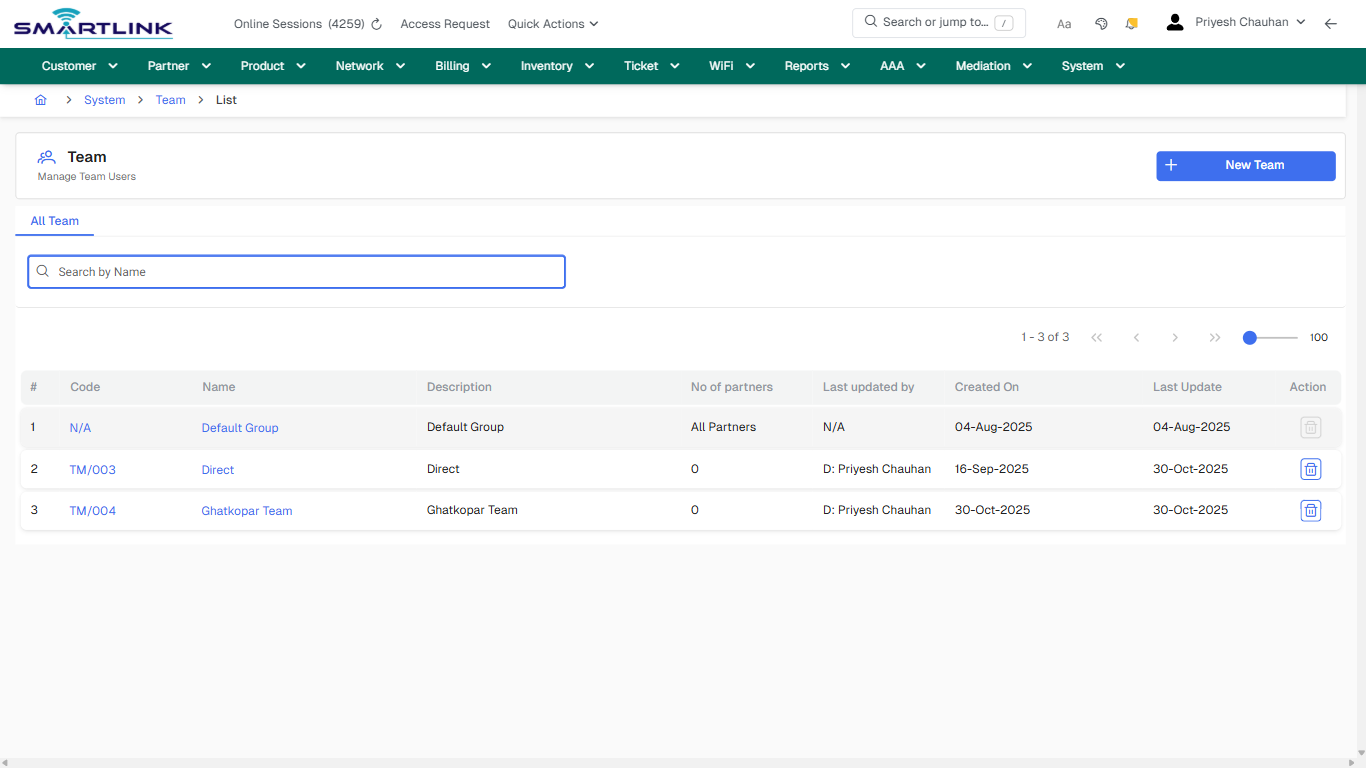
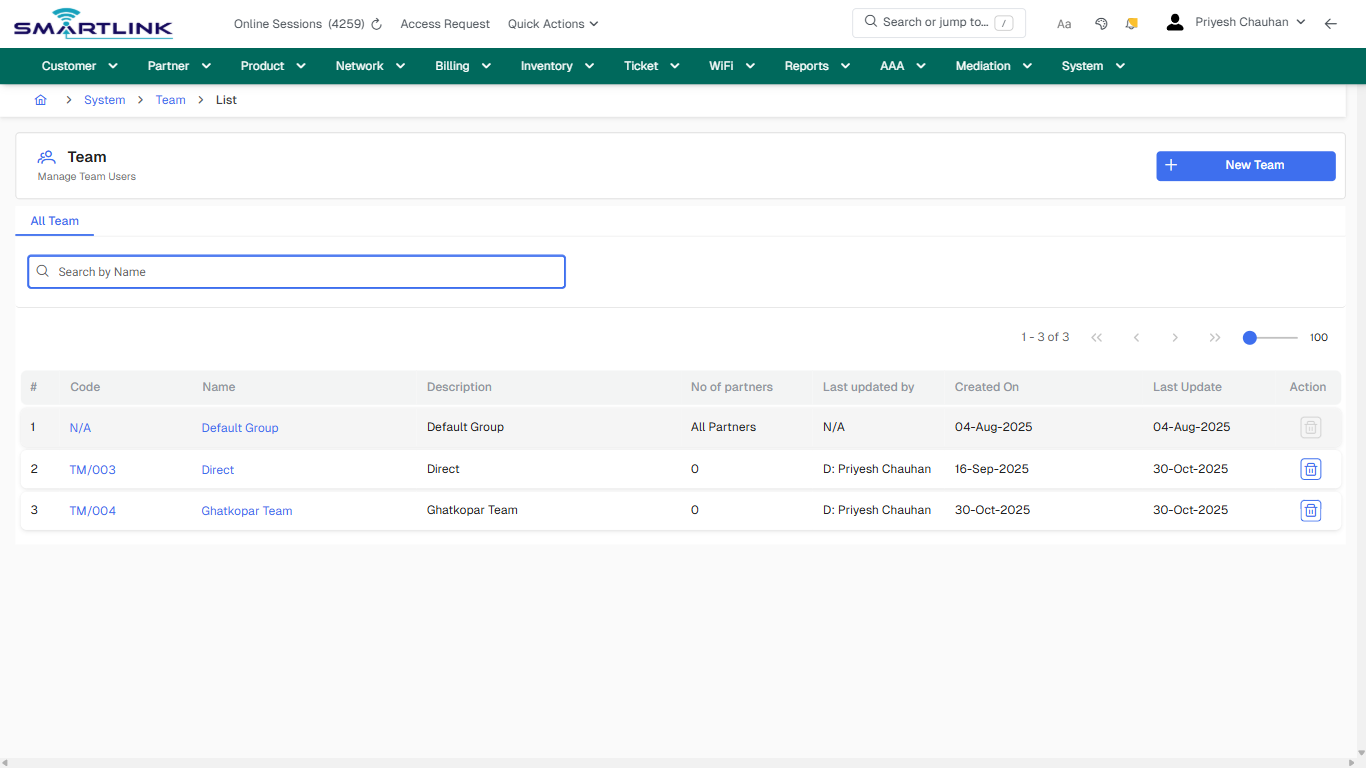
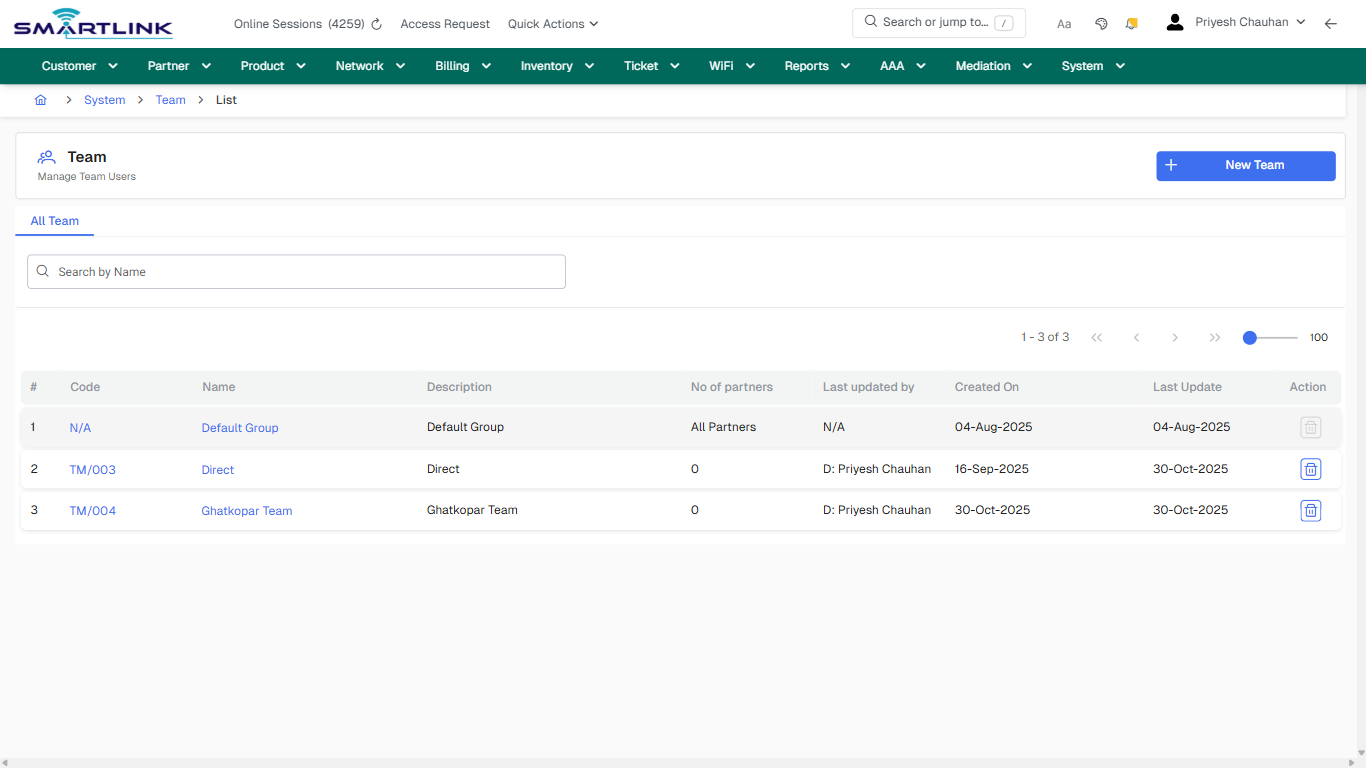
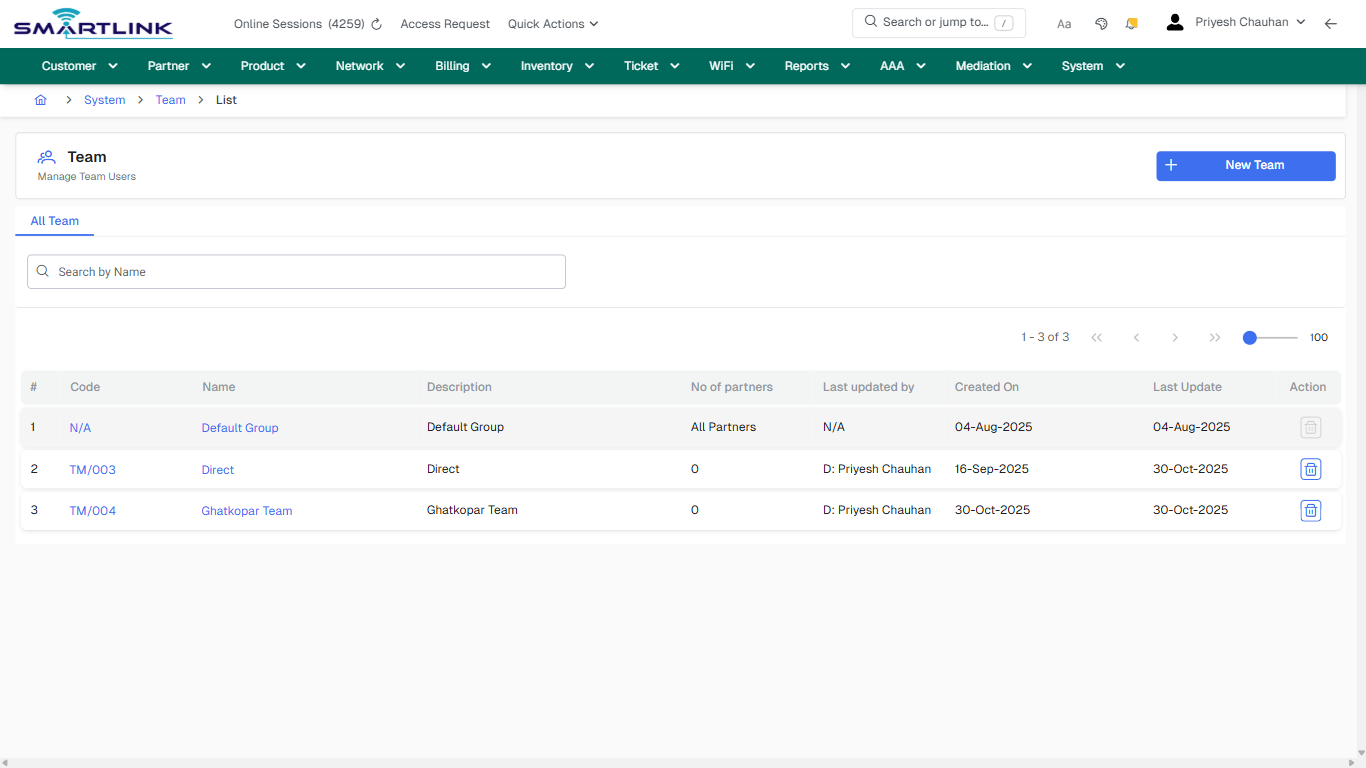
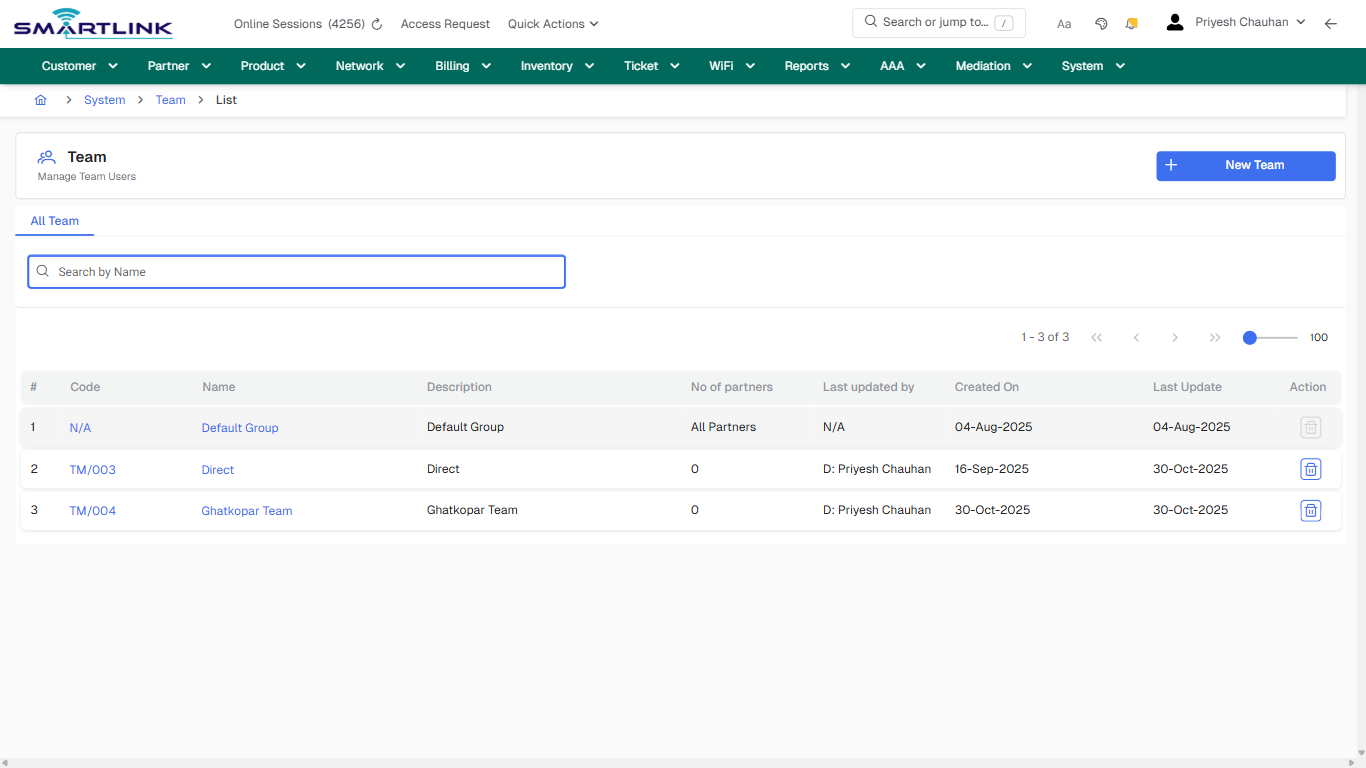
- **Actions detected:** Auto, Close, System, Team, New Team, N/A, Default Group, TM/003, Direct, TM/004, Ghatkopar Team

## Validation &amp; Safety Checks

- Confirm identifiers before saving.
- Confirm lifecycle state allows the change.
- Confirm rollback/support path exists for production actions.
 
## Escalation Guidance

- **L1:** Verify input, permissions, and entity state.
- **L2:** Validate dependencies and downstream state.
- **L3/Admin:** Policy/config changes or suspected defect.
 
---

## Screenshots

## default

**Captured URL:** https://admin.myslbb.com/#/sys/staffg/all

<div id="bkmrk-images-uploading%E2%80%A6">*Images uploading…*<div data-img-token="IMG_PLACEHOLDER_0_1770130923014">![screenshot](https://kb.i2itechservices.com/uploads/images/gallery/2026-02/admin-myslbb-com-sys-staffg-all-default-ff98030736-part-01.png)

![screenshot](https://kb.i2itechservices.com/uploads/images/gallery/2026-02/admin-myslbb-com-sys-staffg-all-default-ff98030736-part-02.png)

</div></div>---

## drilldown\_one\_item

**Captured URL:** https://admin.myslbb.com/#/sys/staffg/all

<div id="bkmrk-images-uploading%E2%80%A6-1">*Images uploading…*<div data-img-token="IMG_PLACEHOLDER_1_1770130923014">![screenshot](https://kb.i2itechservices.com/uploads/images/gallery/2026-02/admin-myslbb-com-sys-staffg-all-drilldown-one-item-efbb70ec78-part-01.png)

![screenshot](https://kb.i2itechservices.com/uploads/images/gallery/2026-02/admin-myslbb-com-sys-staffg-all-drilldown-one-item-efbb70ec78-part-02.png)

</div></div>

# sys > staffg > l > all

# sys &gt; staffg &gt; l &gt; all

**Route:** sys/staffg/l/all

**URL:** https://admin.myslbb.com/#/sys/staffg/l/all

---

## Overview

 This page is a draft SOP reference for the above screen in **i2i Core OSS/BSS**. It is auto-generated from UI exports and should be reviewed for operational correctness before customer release.

## When to Use

- Use this screen for the workflow represented by this route.
- Do not make billing/AAA/provisioning-impacting changes without required authorization.
 
## Typical Workflow

1. Verify you are working on the correct entity (Customer/Account/Service).
2. Review the current lifecycle state before making changes.
3. Apply changes and validate system response.
4. Confirm downstream impact (AAA/Provisioning/Billing) where applicable.
 
## Field &amp; Action Hints (Auto-detected)

- **Actions detected:** Auto, Close, System, Team, New Team, N/A, Default Group, TM/003, Direct, TM/004, Ghatkopar Team

## Validation &amp; Safety Checks

- Confirm identifiers before saving.
- Confirm lifecycle state allows the change.
- Confirm rollback/support path exists for production actions.
 
## Escalation Guidance

- **L1:** Verify input, permissions, and entity state.
- **L2:** Validate dependencies and downstream state.
- **L3/Admin:** Policy/config changes or suspected defect.
 
---

## Screenshots

## default

**Captured URL:** https://admin.myslbb.com/#/sys/staffg/l/all

<div id="bkmrk-images-uploading%E2%80%A6">*Images uploading…*<div data-img-token="IMG_PLACEHOLDER_0_1770130926149">![screenshot](https://kb.i2itechservices.com/uploads/images/gallery/2026-02/admin-myslbb-com-sys-staffg-l-all-default-0e043542bb-part-01.png)

![screenshot](https://kb.i2itechservices.com/uploads/images/gallery/2026-02/admin-myslbb-com-sys-staffg-l-all-default-0e043542bb-part-02.png)

</div></div>---

## drilldown\_one\_item

**Captured URL:** https://admin.myslbb.com/#/sys/staffg/l/all

<div id="bkmrk-images-uploading%E2%80%A6-1">*Images uploading…*<div data-img-token="IMG_PLACEHOLDER_1_1770130926149">![screenshot](https://kb.i2itechservices.com/uploads/images/gallery/2026-02/admin-myslbb-com-sys-staffg-l-all-drilldown-one-item-1118fc3520-part-01.png)

![screenshot](https://kb.i2itechservices.com/uploads/images/gallery/2026-02/admin-myslbb-com-sys-staffg-l-all-drilldown-one-item-1118fc3520-part-02.png)

</div></div>