# WSMP

Routes under: wsmp

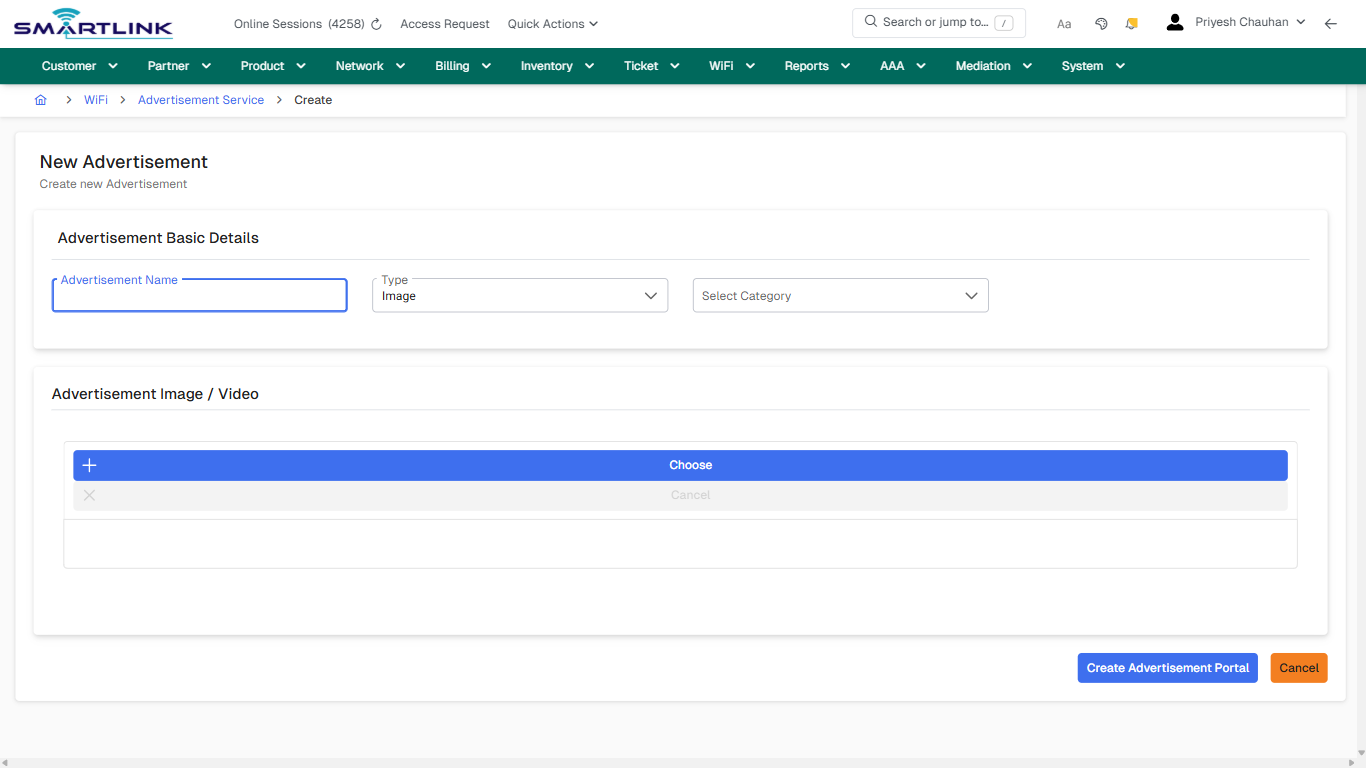
# wsmp > advment > add

# wsmp &gt; advment &gt; add

**Route:** wsmp/advment/add

**URL:** https://admin.myslbb.com/#/wsmp/advment/add

---

## Overview

 This page is a draft SOP reference for the above screen in **i2i Core OSS/BSS**. It is auto-generated from UI exports and should be reviewed for operational correctness before customer release.

## When to Use

- Use this screen for the workflow represented by this route.
- Do not make billing/AAA/provisioning-impacting changes without required authorization.
 
## Typical Workflow

1. Verify you are working on the correct entity (Customer/Account/Service).
2. Review the current lifecycle state before making changes.
3. Apply changes and validate system response.
4. Confirm downstream impact (AAA/Provisioning/Billing) where applicable.
 
## Field &amp; Action Hints (Auto-detected)

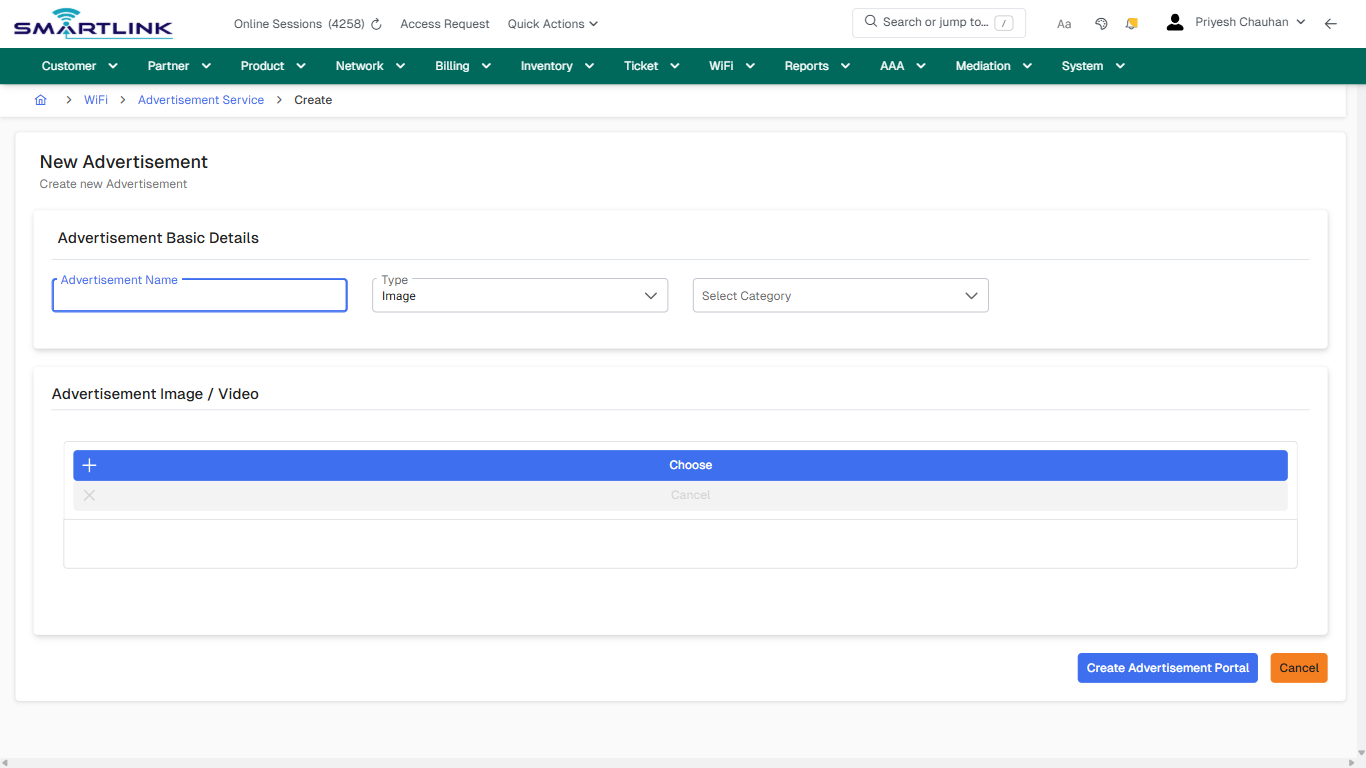
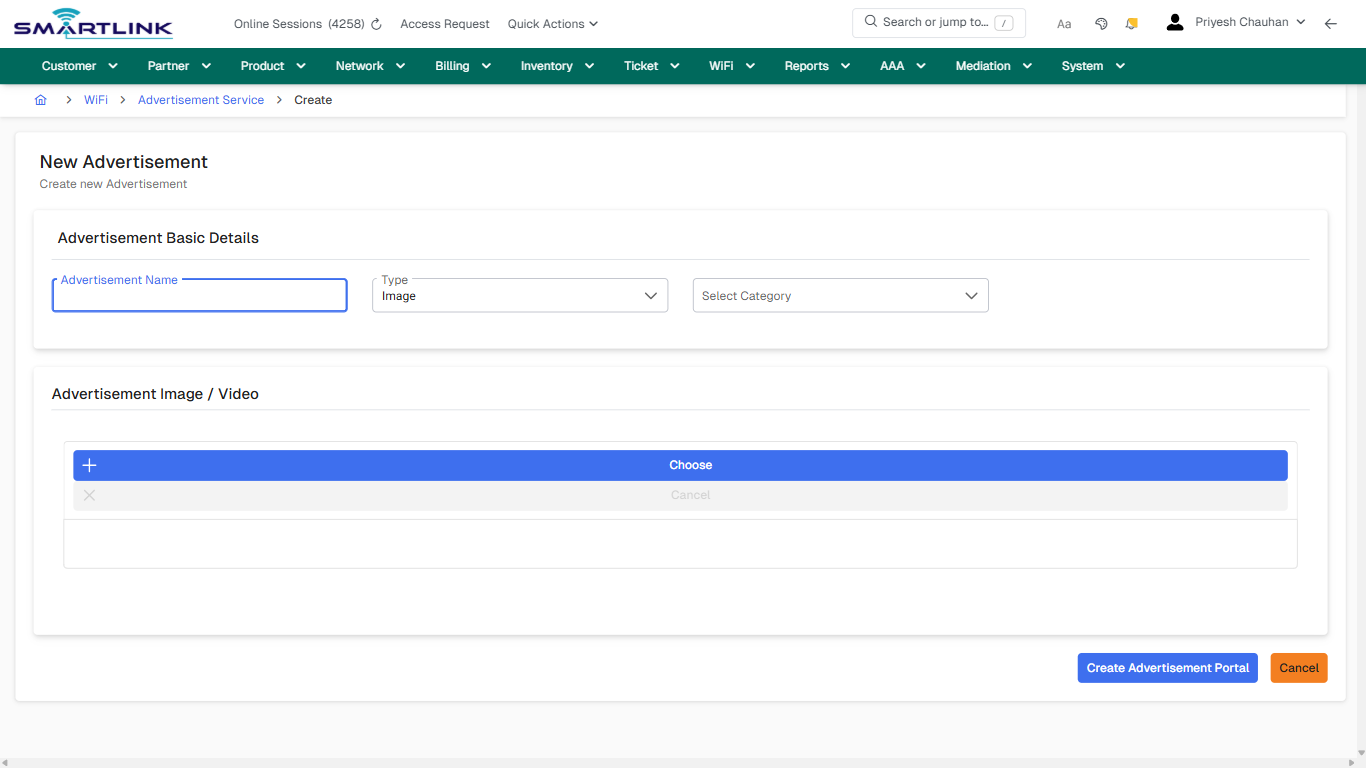
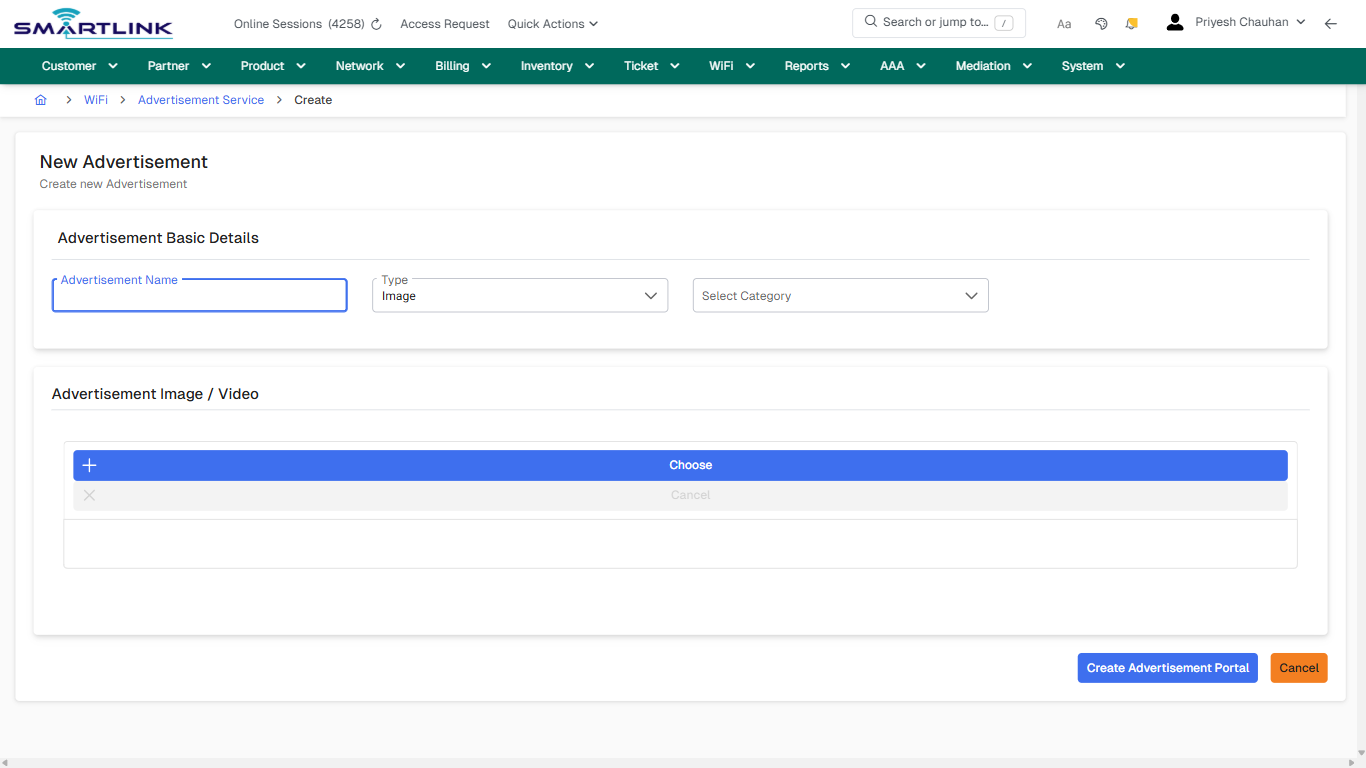
- **Fields detected:** Advertisement Name, Type, Select Category
- **Actions detected:** Auto, Close, WiFi, Advertisement Service, Cancel, Create Advertisement Portal

## Validation &amp; Safety Checks

- Confirm identifiers before saving.
- Confirm lifecycle state allows the change.
- Confirm rollback/support path exists for production actions.
 
## Escalation Guidance

- **L1:** Verify input, permissions, and entity state.
- **L2:** Validate dependencies and downstream state.
- **L3/Admin:** Policy/config changes or suspected defect.
 
---

## Screenshots

## create\_new

**Captured URL:** https://admin.myslbb.com/#/wsmp/advment/add

<div id="bkmrk-images-uploading%E2%80%A6">*Images uploading…*<div data-img-token="IMG_PLACEHOLDER_0_1770130982011">![screenshot](https://kb.i2itechservices.com/uploads/images/gallery/2026-02/admin-myslbb-com-wsmp-advment-add-create-new-5b86c0c547-part-01.png)

![screenshot](https://kb.i2itechservices.com/uploads/images/gallery/2026-02/admin-myslbb-com-wsmp-advment-add-create-new-5b86c0c547-part-02.png)

</div></div>---

## create\_new

**Captured URL:** https://admin.myslbb.com/#/wsmp/advment/add

<div id="bkmrk-images-uploading%E2%80%A6-1">*Images uploading…*<div data-img-token="IMG_PLACEHOLDER_1_1770130982011">![screenshot](https://kb.i2itechservices.com/uploads/images/gallery/2026-02/iK5admin-myslbb-com-wsmp-advment-add-create-new-5b86c0c547-part-01.png)

![screenshot](https://kb.i2itechservices.com/uploads/images/gallery/2026-02/G1uadmin-myslbb-com-wsmp-advment-add-create-new-5b86c0c547-part-02.png)

</div></div>

# wsmp > advment > list > all

# wsmp &gt; advment &gt; list &gt; all

**Route:** wsmp/advment/list/all

**URL:** https://admin.myslbb.com/#/wsmp/advment/list/all

---

## Overview

 This page is a draft SOP reference for the above screen in **i2i Core OSS/BSS**. It is auto-generated from UI exports and should be reviewed for operational correctness before customer release.

## When to Use

- Use this screen for the workflow represented by this route.
- Do not make billing/AAA/provisioning-impacting changes without required authorization.
 
## Typical Workflow

1. Verify you are working on the correct entity (Customer/Account/Service).
2. Review the current lifecycle state before making changes.
3. Apply changes and validate system response.
4. Confirm downstream impact (AAA/Provisioning/Billing) where applicable.
 
## Field &amp; Action Hints (Auto-detected)

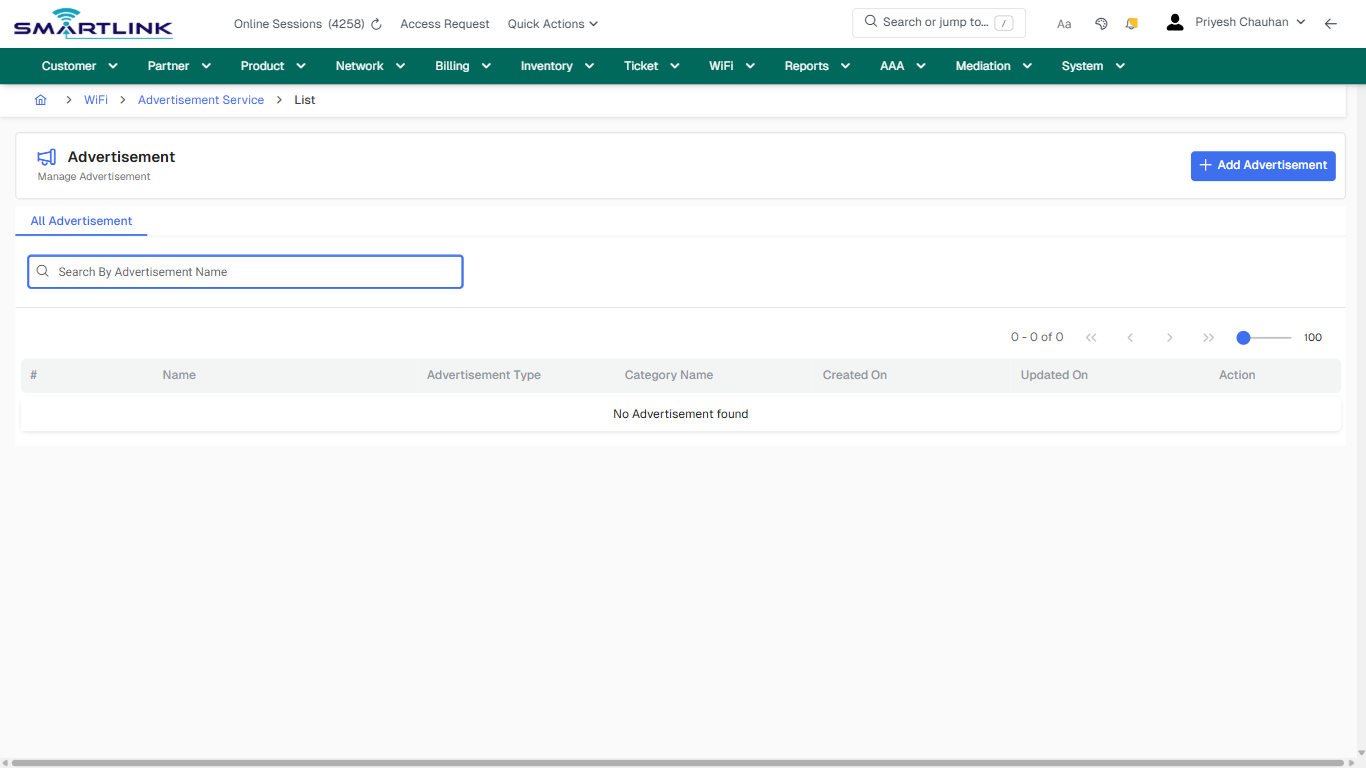
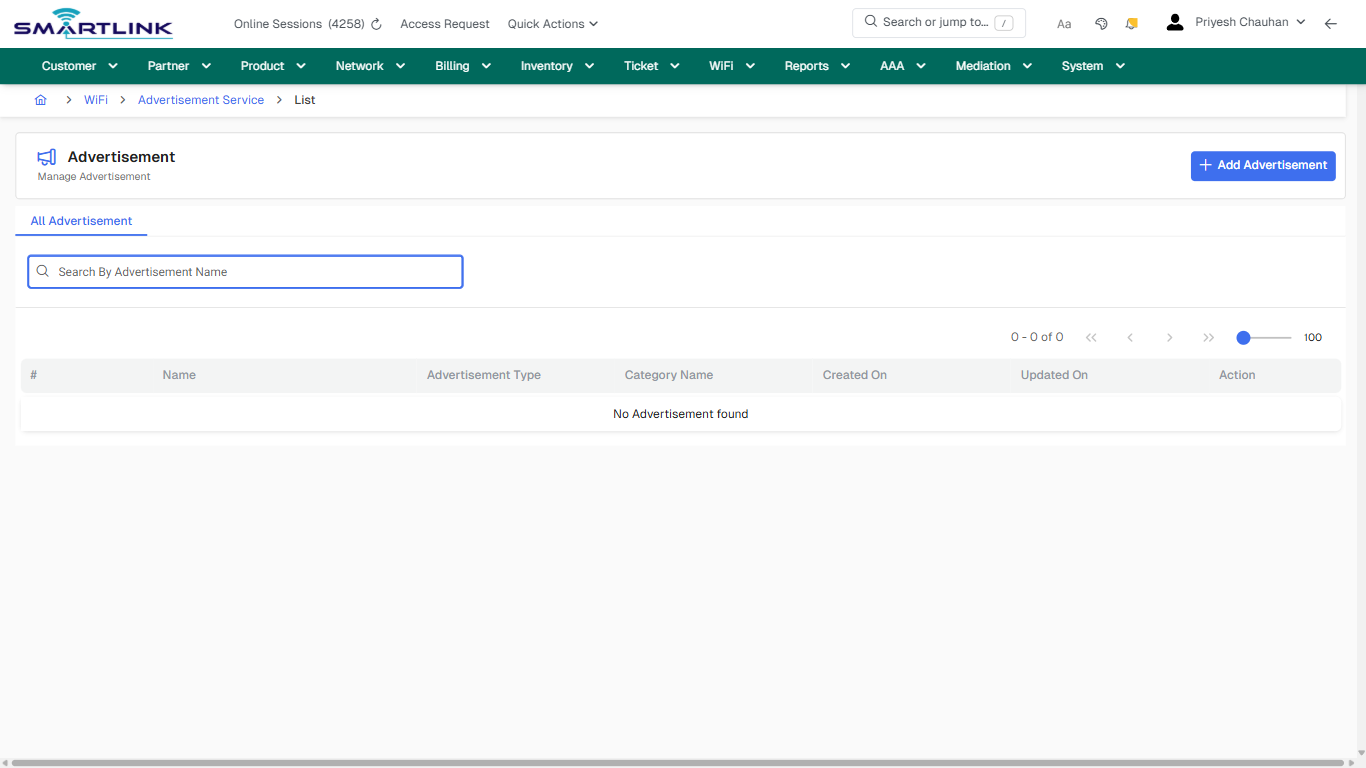
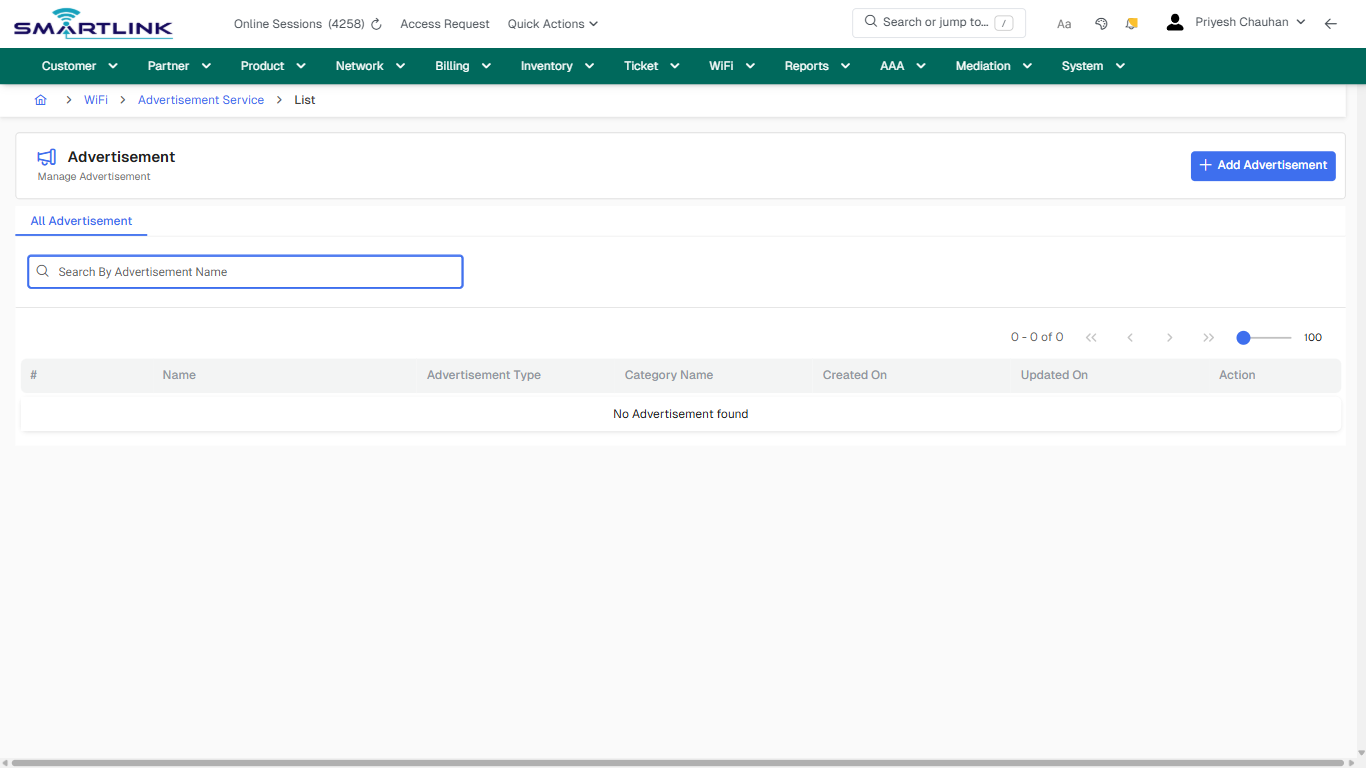
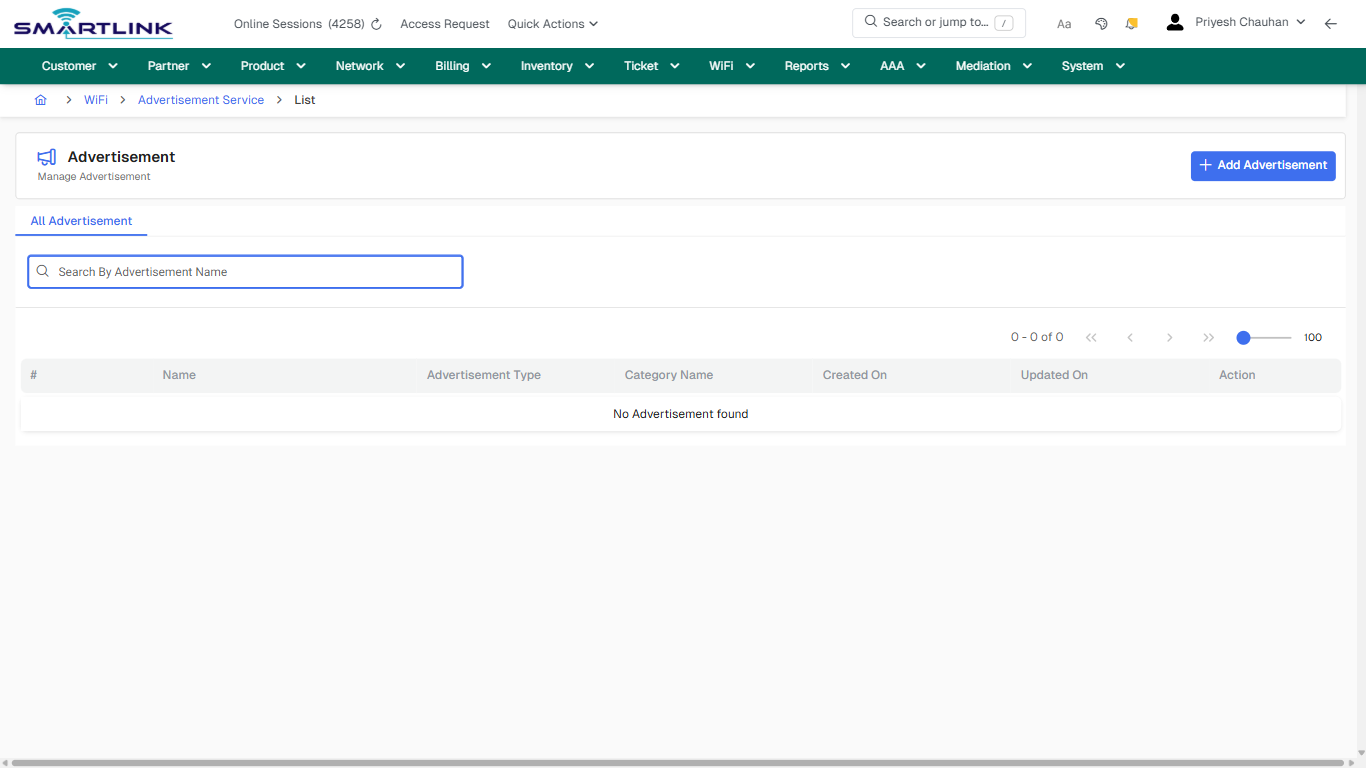
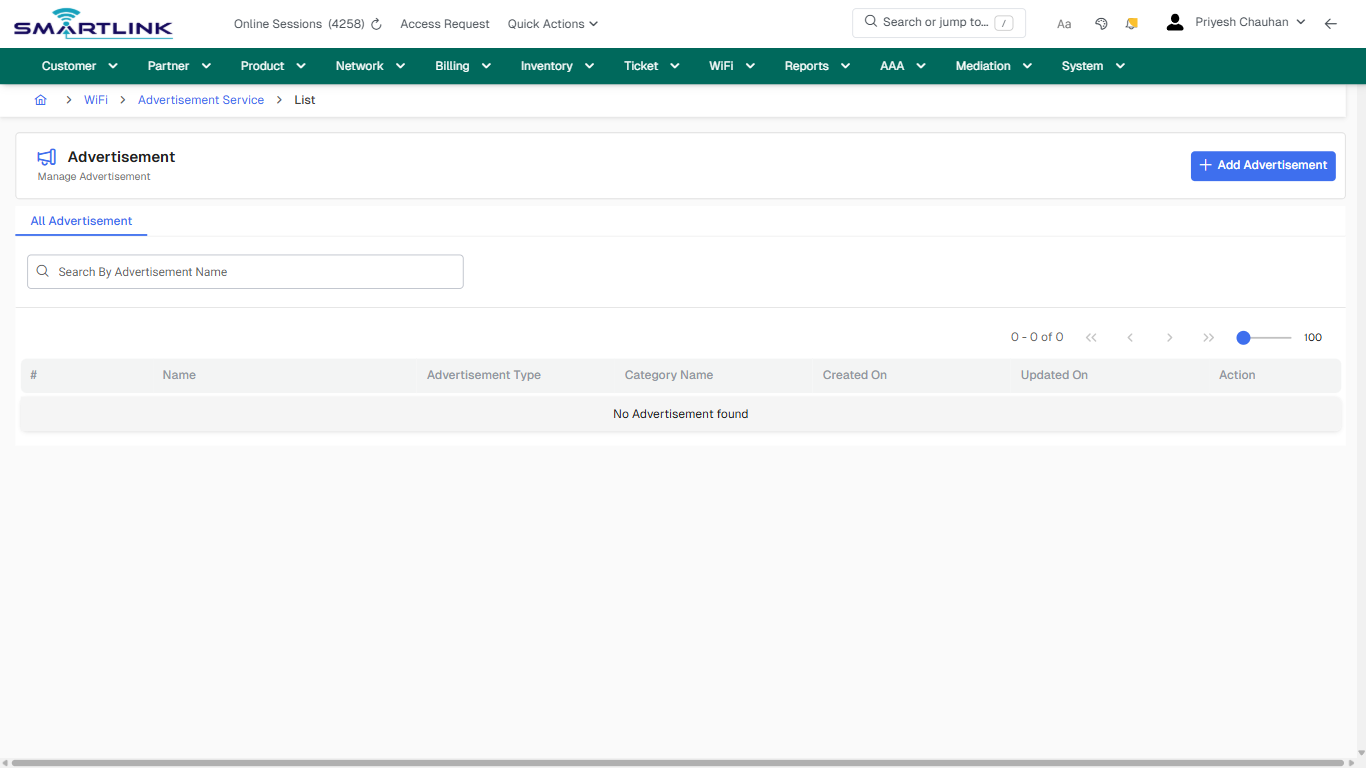
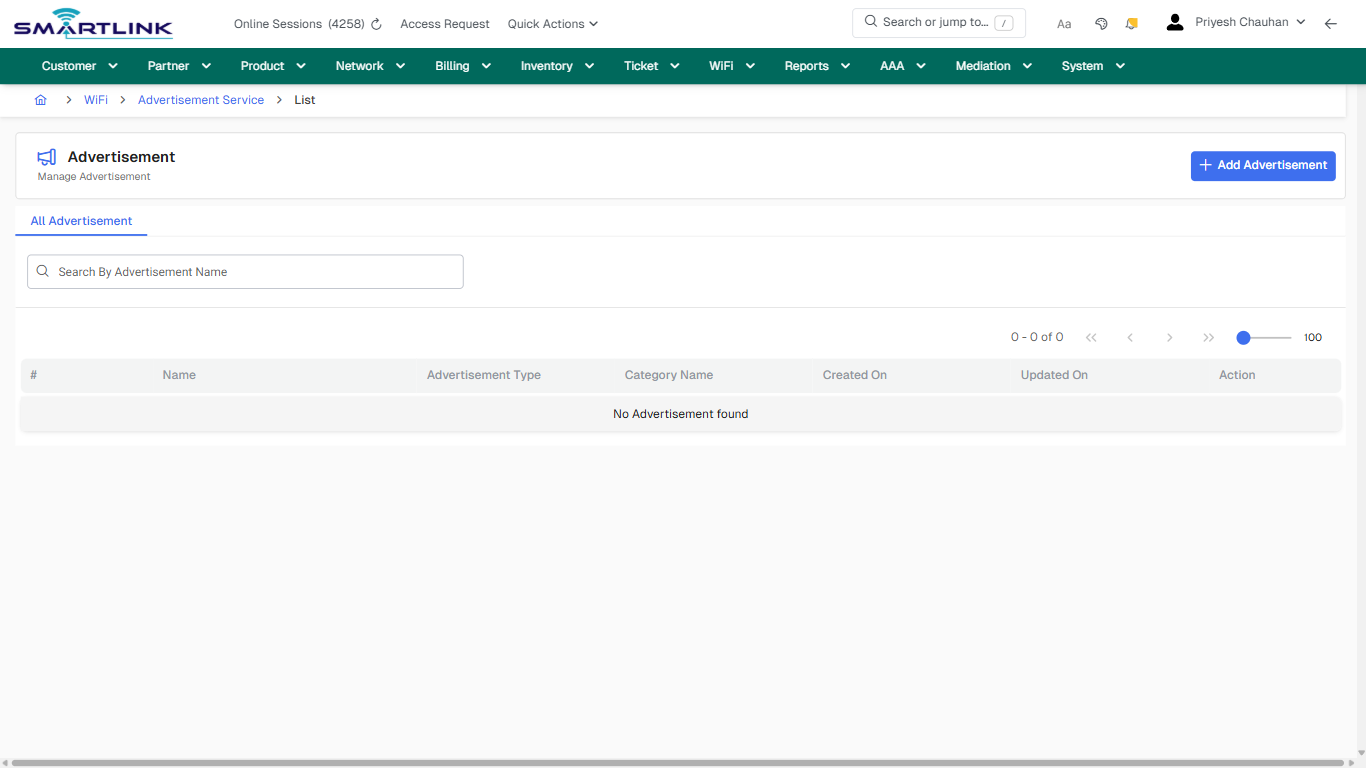
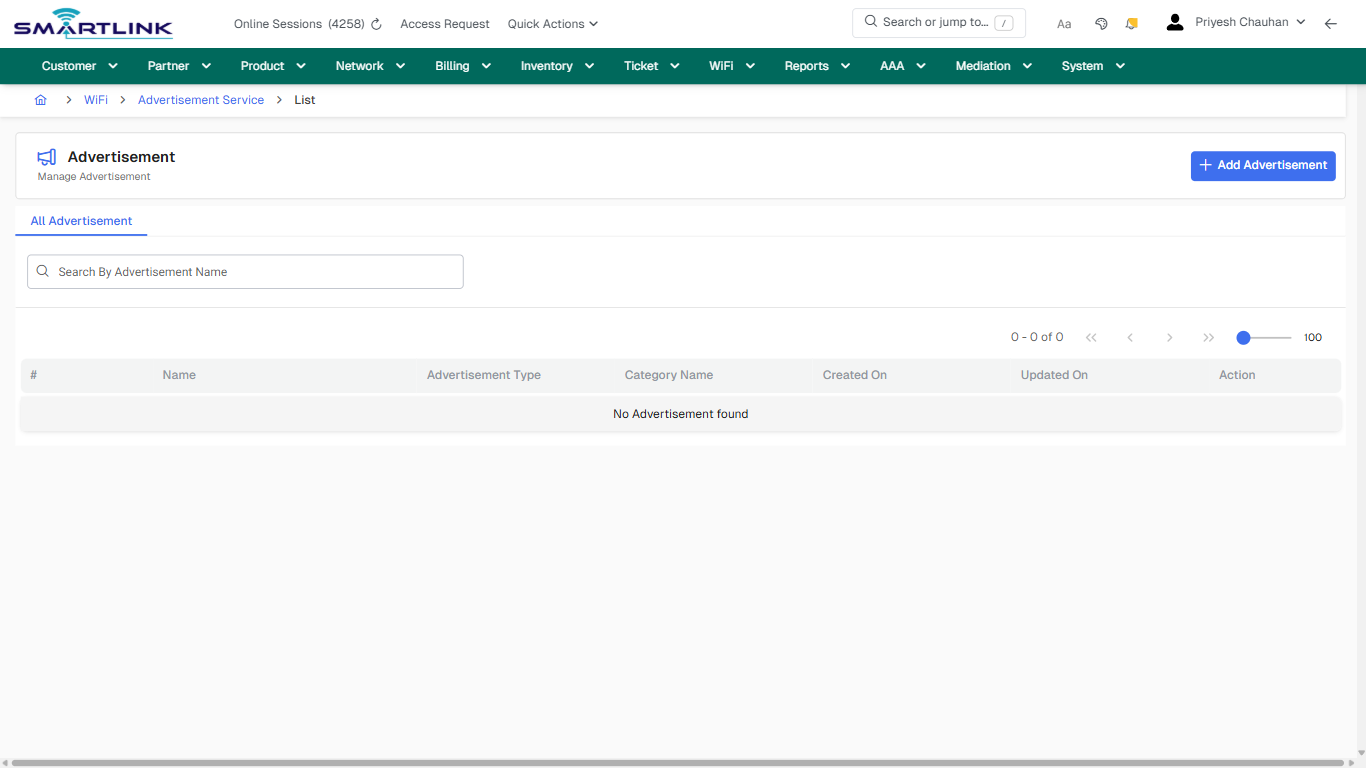
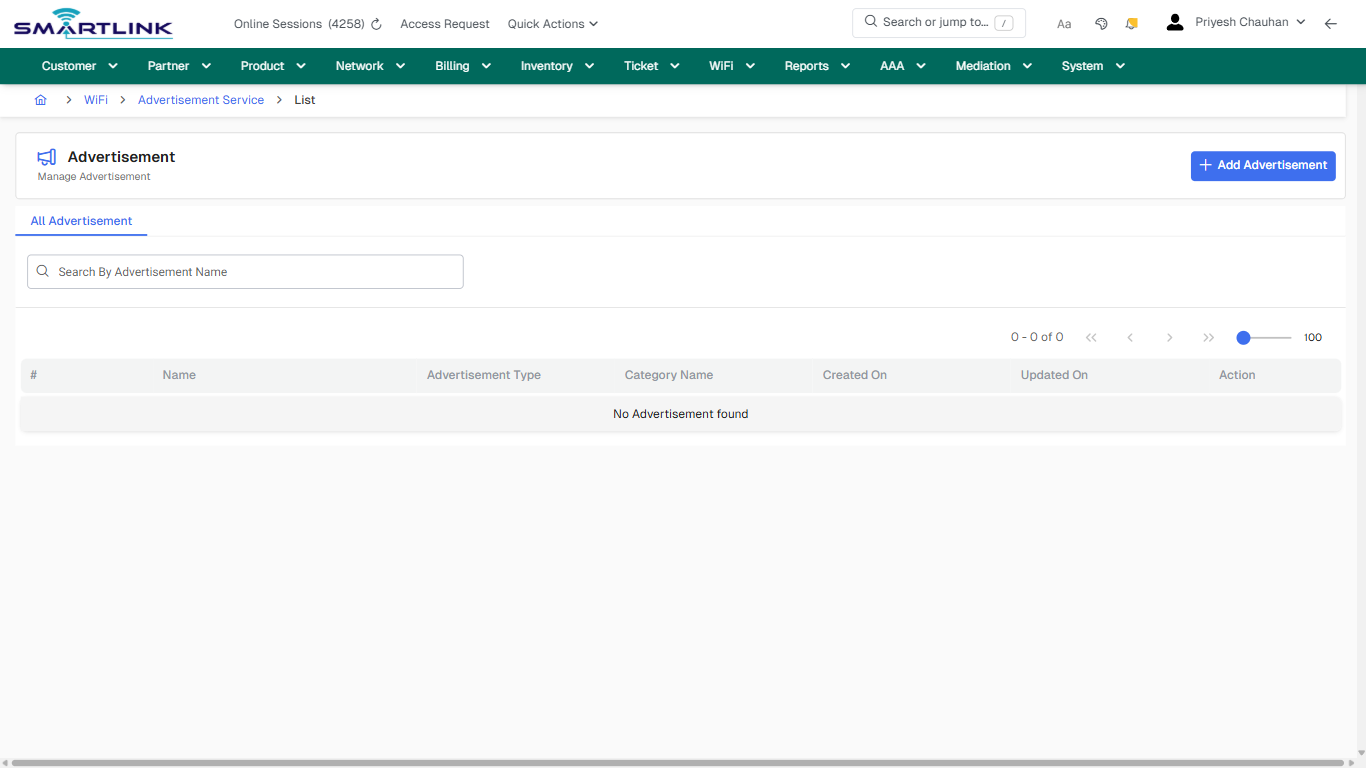
- **Actions detected:** Auto, Close, WiFi, Advertisement Service, Add Advertisement

## Validation &amp; Safety Checks

- Confirm identifiers before saving.
- Confirm lifecycle state allows the change.
- Confirm rollback/support path exists for production actions.
 
## Escalation Guidance

- **L1:** Verify input, permissions, and entity state.
- **L2:** Validate dependencies and downstream state.
- **L3/Admin:** Policy/config changes or suspected defect.
 
---

## Screenshots

## default

**Captured URL:** https://admin.myslbb.com/#/wsmp/advment/list/all

<div id="bkmrk-images-uploading%E2%80%A6">*Images uploading…*<div data-img-token="IMG_PLACEHOLDER_0_1770130985110">![screenshot](https://kb.i2itechservices.com/uploads/images/gallery/2026-02/admin-myslbb-com-wsmp-advment-list-all-default-58090ffb9b-part-01.png)

![screenshot](https://kb.i2itechservices.com/uploads/images/gallery/2026-02/admin-myslbb-com-wsmp-advment-list-all-default-58090ffb9b-part-02.png)

</div></div>---

## default

**Captured URL:** https://admin.myslbb.com/#/wsmp/advment/list/all

<div id="bkmrk-images-uploading%E2%80%A6-1">*Images uploading…*<div data-img-token="IMG_PLACEHOLDER_1_1770130985110">![screenshot](https://kb.i2itechservices.com/uploads/images/gallery/2026-02/IMDadmin-myslbb-com-wsmp-advment-list-all-default-58090ffb9b-part-01.png)

![screenshot](https://kb.i2itechservices.com/uploads/images/gallery/2026-02/xXOadmin-myslbb-com-wsmp-advment-list-all-default-58090ffb9b-part-02.png)

</div></div>---

## drilldown\_one\_item

**Captured URL:** https://admin.myslbb.com/#/wsmp/advment/list/all

<div id="bkmrk-images-uploading%E2%80%A6-2">*Images uploading…*<div data-img-token="IMG_PLACEHOLDER_2_1770130985110">![screenshot](https://kb.i2itechservices.com/uploads/images/gallery/2026-02/admin-myslbb-com-wsmp-advment-list-all-drilldown-one-item-e4ac879f9d-part-01.png)

![screenshot](https://kb.i2itechservices.com/uploads/images/gallery/2026-02/admin-myslbb-com-wsmp-advment-list-all-drilldown-one-item-e4ac879f9d-part-02.png)

</div></div>---

## drilldown\_one\_item

**Captured URL:** https://admin.myslbb.com/#/wsmp/advment/list/all

<div id="bkmrk-images-uploading%E2%80%A6-3">*Images uploading…*<div data-img-token="IMG_PLACEHOLDER_3_1770130985110">![screenshot](https://kb.i2itechservices.com/uploads/images/gallery/2026-02/lIsadmin-myslbb-com-wsmp-advment-list-all-drilldown-one-item-e4ac879f9d-part-01.png)

![screenshot](https://kb.i2itechservices.com/uploads/images/gallery/2026-02/W94admin-myslbb-com-wsmp-advment-list-all-drilldown-one-item-e4ac879f9d-part-02.png)

</div></div>

# wsmp > ap > all

# wsmp &gt; ap &gt; all

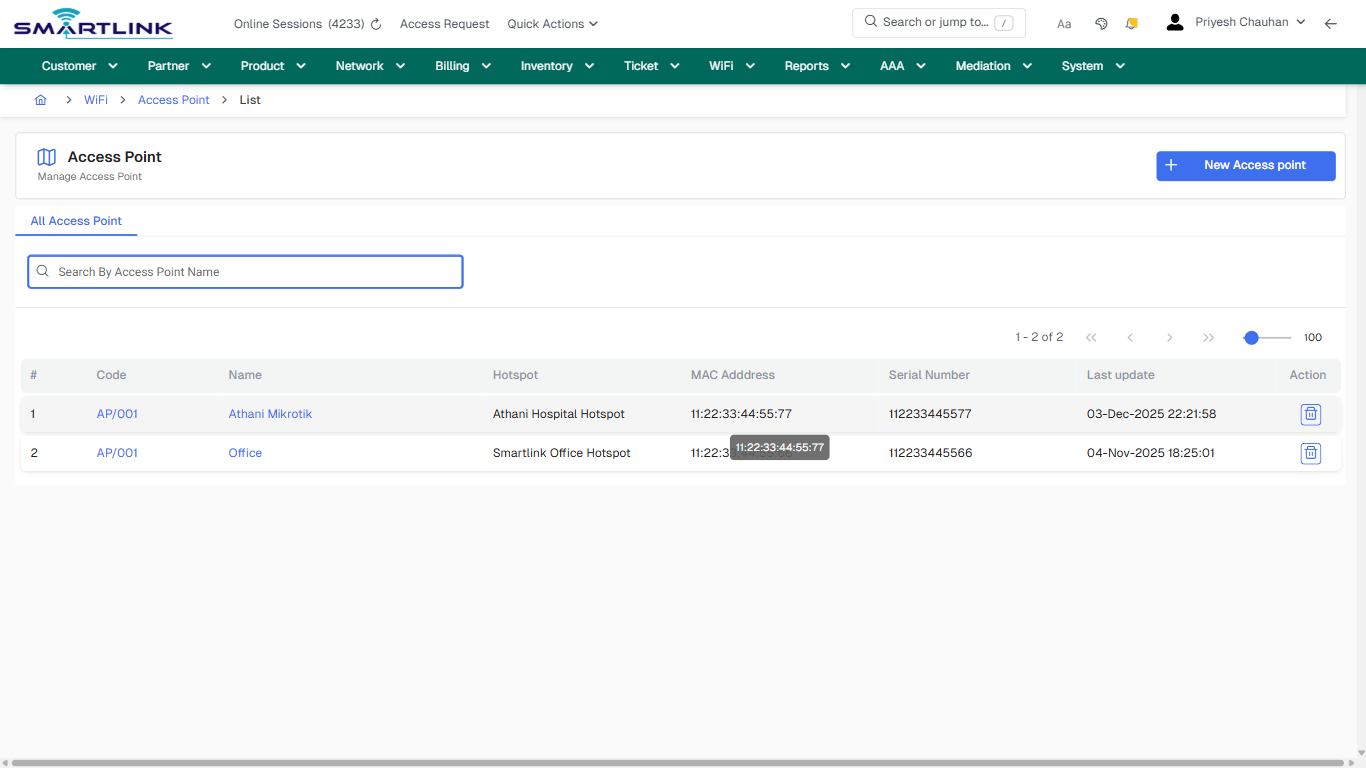
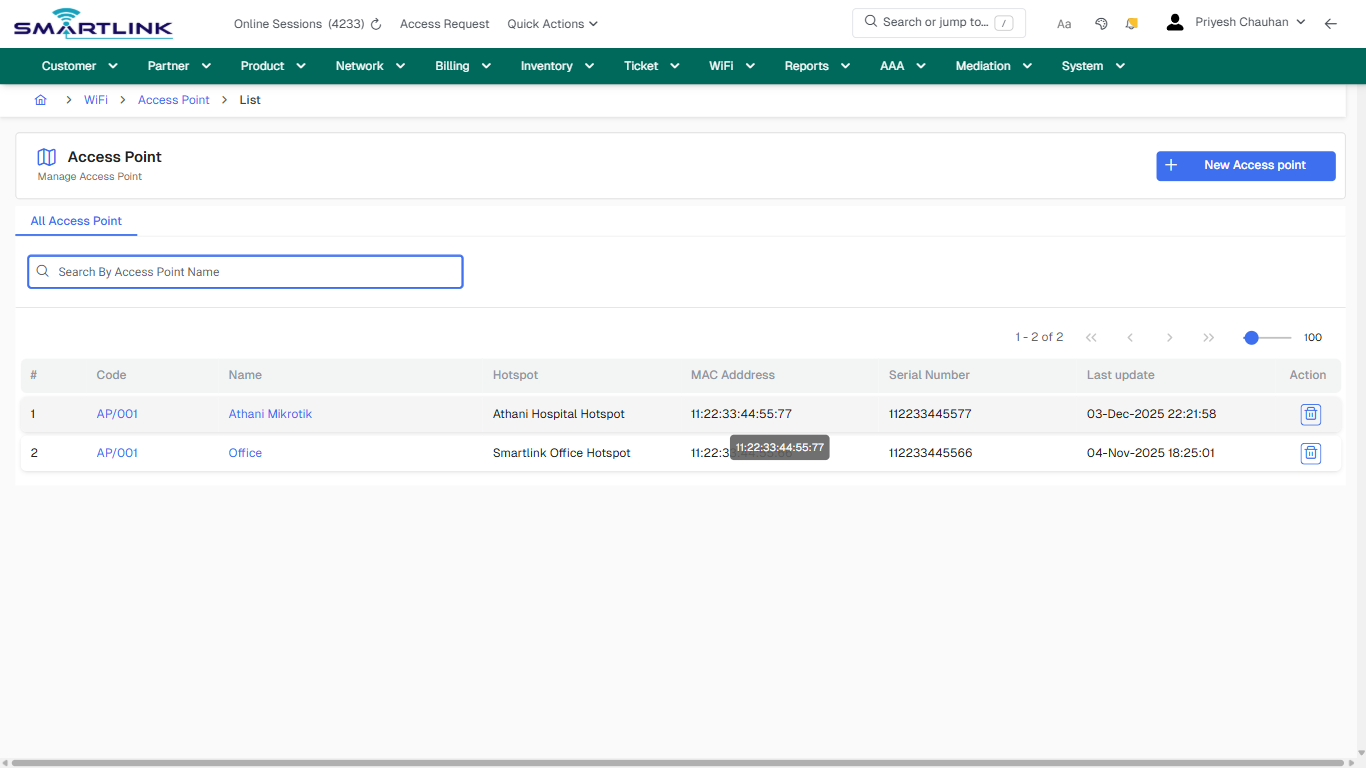
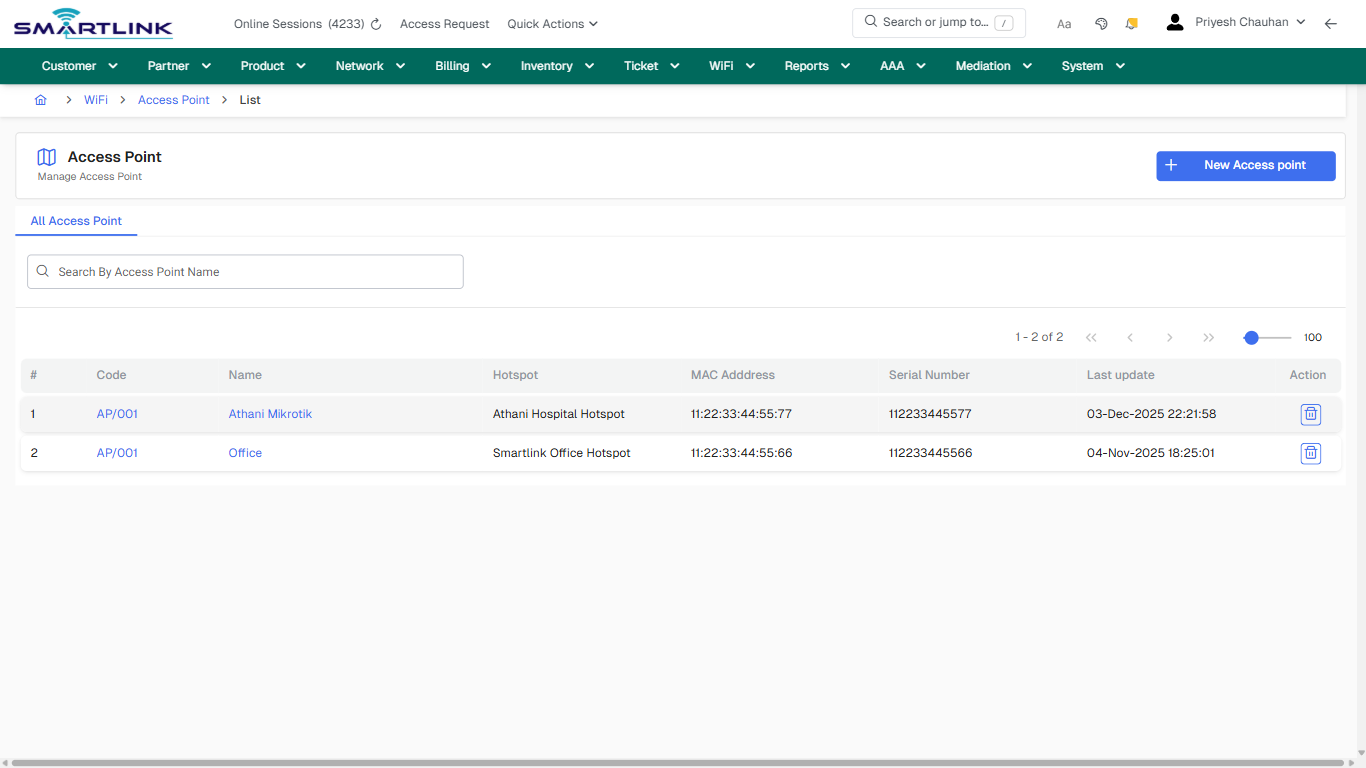
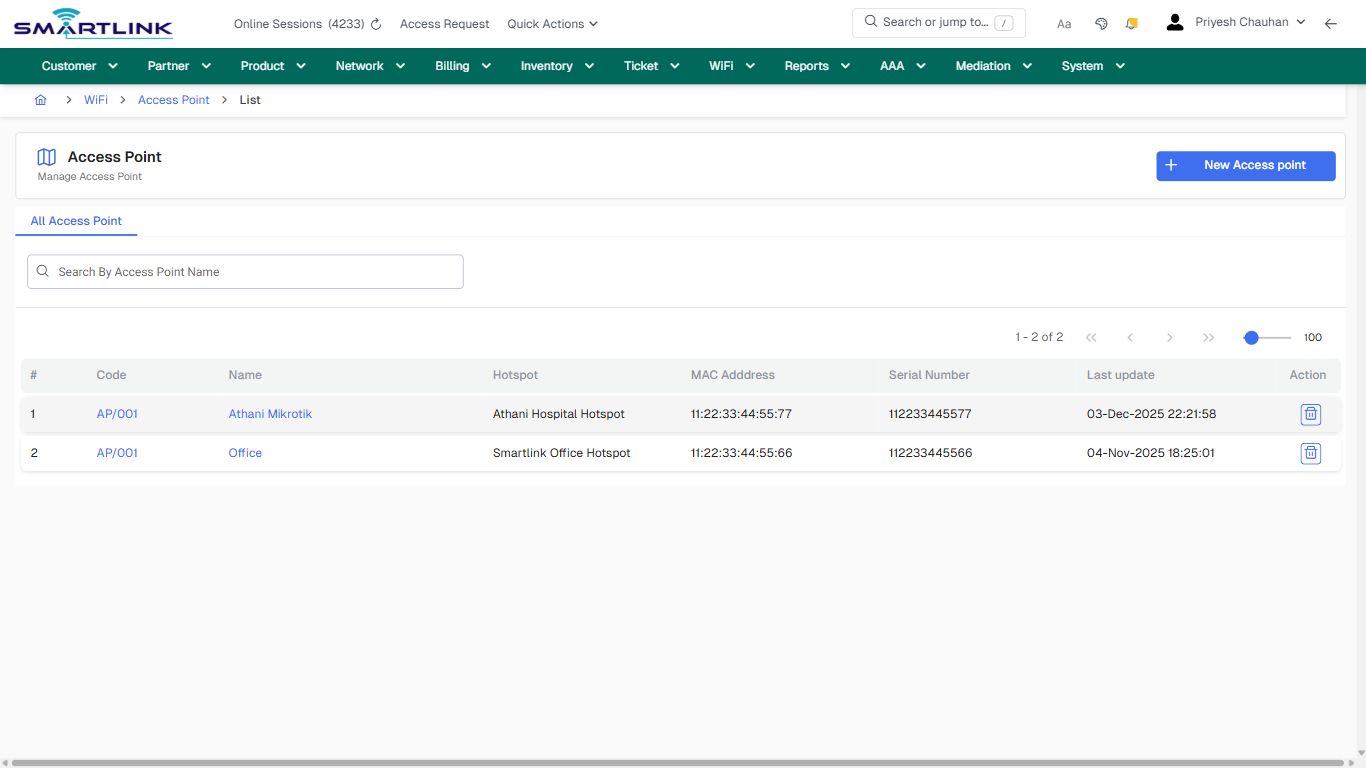
**Route:** wsmp/ap/all

**URL:** https://admin.myslbb.com/#/wsmp/ap/all

---

## Overview

 This page is a draft SOP reference for the above screen in **i2i Core OSS/BSS**. It is auto-generated from UI exports and should be reviewed for operational correctness before customer release.

## When to Use

- Use this screen for the workflow represented by this route.
- Do not make billing/AAA/provisioning-impacting changes without required authorization.
 
## Typical Workflow

1. Verify you are working on the correct entity (Customer/Account/Service).
2. Review the current lifecycle state before making changes.
3. Apply changes and validate system response.
4. Confirm downstream impact (AAA/Provisioning/Billing) where applicable.
 
## Field &amp; Action Hints (Auto-detected)

- **Actions detected:** Auto, Close, WiFi, Access Point, New Access point, AP/001, Athani Mikrotik, Office

## Validation &amp; Safety Checks

- Confirm identifiers before saving.
- Confirm lifecycle state allows the change.
- Confirm rollback/support path exists for production actions.
 
## Escalation Guidance

- **L1:** Verify input, permissions, and entity state.
- **L2:** Validate dependencies and downstream state.
- **L3/Admin:** Policy/config changes or suspected defect.
 
---

## Screenshots

## default

**Captured URL:** https://admin.myslbb.com/#/wsmp/ap/all

<div id="bkmrk-images-uploading%E2%80%A6">*Images uploading…*<div data-img-token="IMG_PLACEHOLDER_0_1770130990500">![screenshot](https://kb.i2itechservices.com/uploads/images/gallery/2026-02/admin-myslbb-com-wsmp-ap-all-default-5fc74f8c49-part-01.png)

![screenshot](https://kb.i2itechservices.com/uploads/images/gallery/2026-02/admin-myslbb-com-wsmp-ap-all-default-5fc74f8c49-part-02.png)

</div></div>---

## drilldown\_one\_item

**Captured URL:** https://admin.myslbb.com/#/wsmp/ap/all

<div id="bkmrk-images-uploading%E2%80%A6-1">*Images uploading…*<div data-img-token="IMG_PLACEHOLDER_1_1770130990500">![screenshot](https://kb.i2itechservices.com/uploads/images/gallery/2026-02/admin-myslbb-com-wsmp-ap-all-drilldown-one-item-b587c6582f-part-01.png)

![screenshot](https://kb.i2itechservices.com/uploads/images/gallery/2026-02/admin-myslbb-com-wsmp-ap-all-drilldown-one-item-b587c6582f-part-02.png)

</div></div>

# wsmp > ap > create

# wsmp &gt; ap &gt; create

**Route:** wsmp/ap/create

**URL:** https://admin.myslbb.com/#/wsmp/ap/create

---

## Overview

 This page is a draft SOP reference for the above screen in **i2i Core OSS/BSS**. It is auto-generated from UI exports and should be reviewed for operational correctness before customer release.

## When to Use

- Use this screen for the workflow represented by this route.
- Do not make billing/AAA/provisioning-impacting changes without required authorization.
 
## Typical Workflow

1. Verify you are working on the correct entity (Customer/Account/Service).
2. Review the current lifecycle state before making changes.
3. Apply changes and validate system response.
4. Confirm downstream impact (AAA/Provisioning/Billing) where applicable.
 
## Field &amp; Action Hints (Auto-detected)

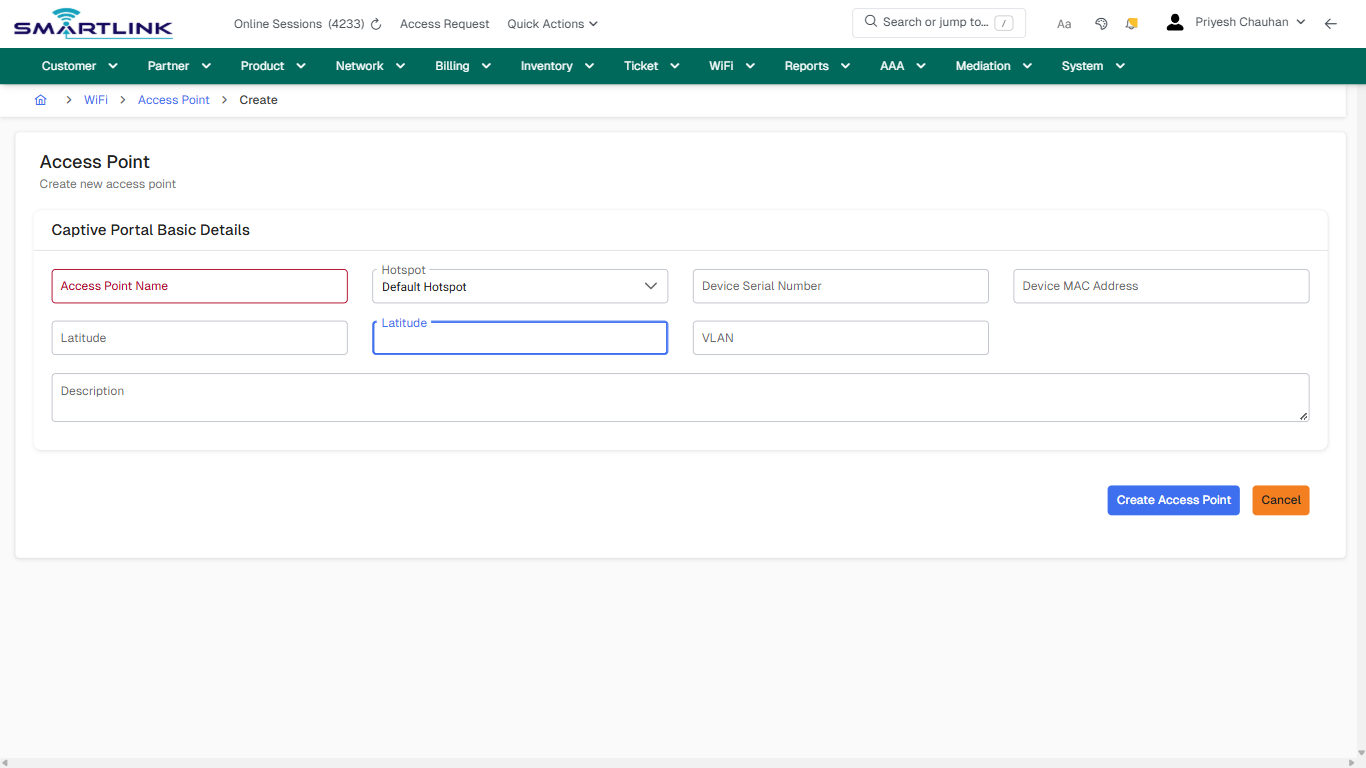
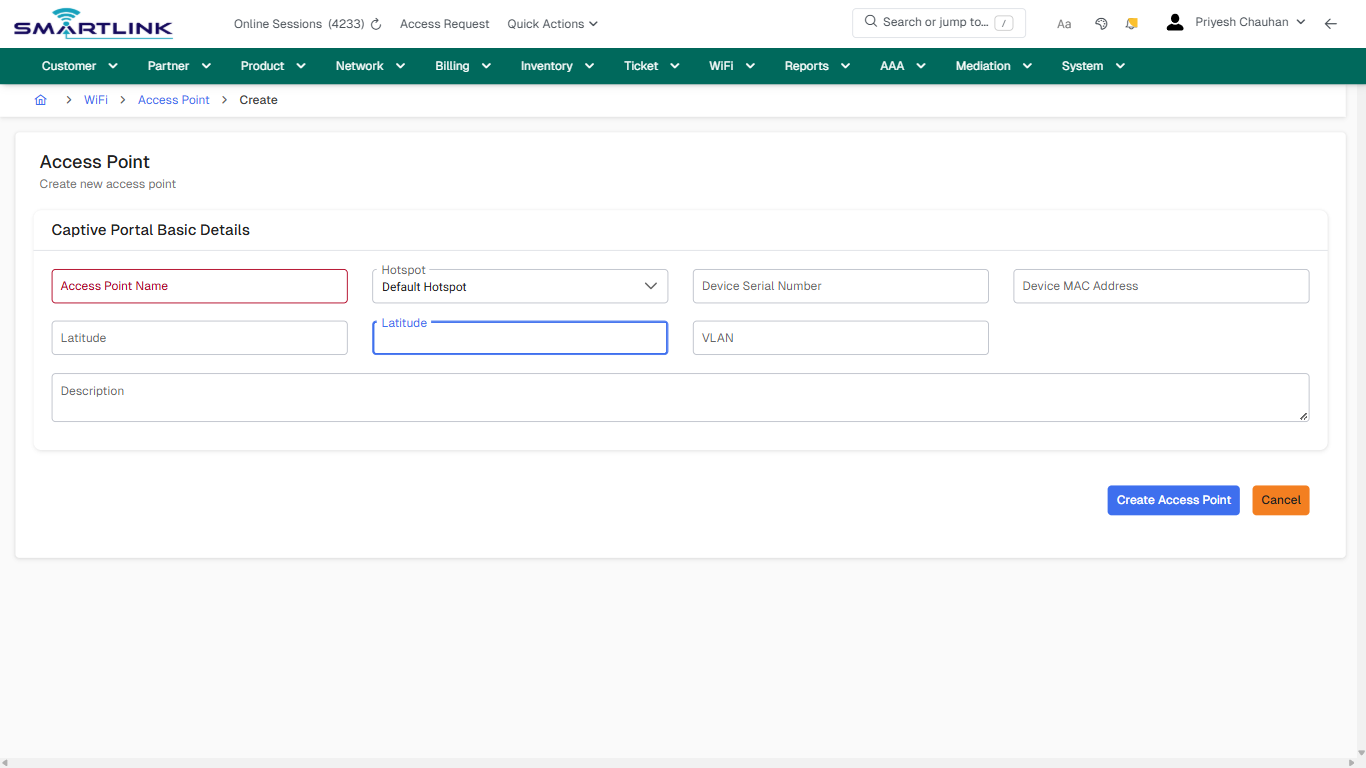
- **Fields detected:** Access Point Name, Hotspot, Device Serial Number, Device MAC Address, Latitude, VLAN, Description
- **Actions detected:** Auto, Close, WiFi, Access Point, Create Access Point, Cancel

## Validation &amp; Safety Checks

- Confirm identifiers before saving.
- Confirm lifecycle state allows the change.
- Confirm rollback/support path exists for production actions.
 
## Escalation Guidance

- **L1:** Verify input, permissions, and entity state.
- **L2:** Validate dependencies and downstream state.
- **L3/Admin:** Policy/config changes or suspected defect.
 
---

## Screenshots

## create\_new

**Captured URL:** https://admin.myslbb.com/#/wsmp/ap/create

<div id="bkmrk-images-uploading%E2%80%A6">*Images uploading…*<div data-img-token="IMG_PLACEHOLDER_0_1770130993624">![screenshot](https://kb.i2itechservices.com/uploads/images/gallery/2026-02/admin-myslbb-com-wsmp-ap-create-create-new-6cc4903974-part-01.png)

![screenshot](https://kb.i2itechservices.com/uploads/images/gallery/2026-02/admin-myslbb-com-wsmp-ap-create-create-new-6cc4903974-part-02.png)

</div></div>

# wsmp > cp > add

# wsmp &gt; cp &gt; add

**Route:** wsmp/cp/add

**URL:** https://admin.myslbb.com/#/wsmp/cp/add

---

## Overview

 This page is a draft SOP reference for the above screen in **i2i Core OSS/BSS**. It is auto-generated from UI exports and should be reviewed for operational correctness before customer release.

## When to Use

- Use this screen for the workflow represented by this route.
- Do not make billing/AAA/provisioning-impacting changes without required authorization.
 
## Typical Workflow

1. Verify you are working on the correct entity (Customer/Account/Service).
2. Review the current lifecycle state before making changes.
3. Apply changes and validate system response.
4. Confirm downstream impact (AAA/Provisioning/Billing) where applicable.
 
## Field &amp; Action Hints (Auto-detected)

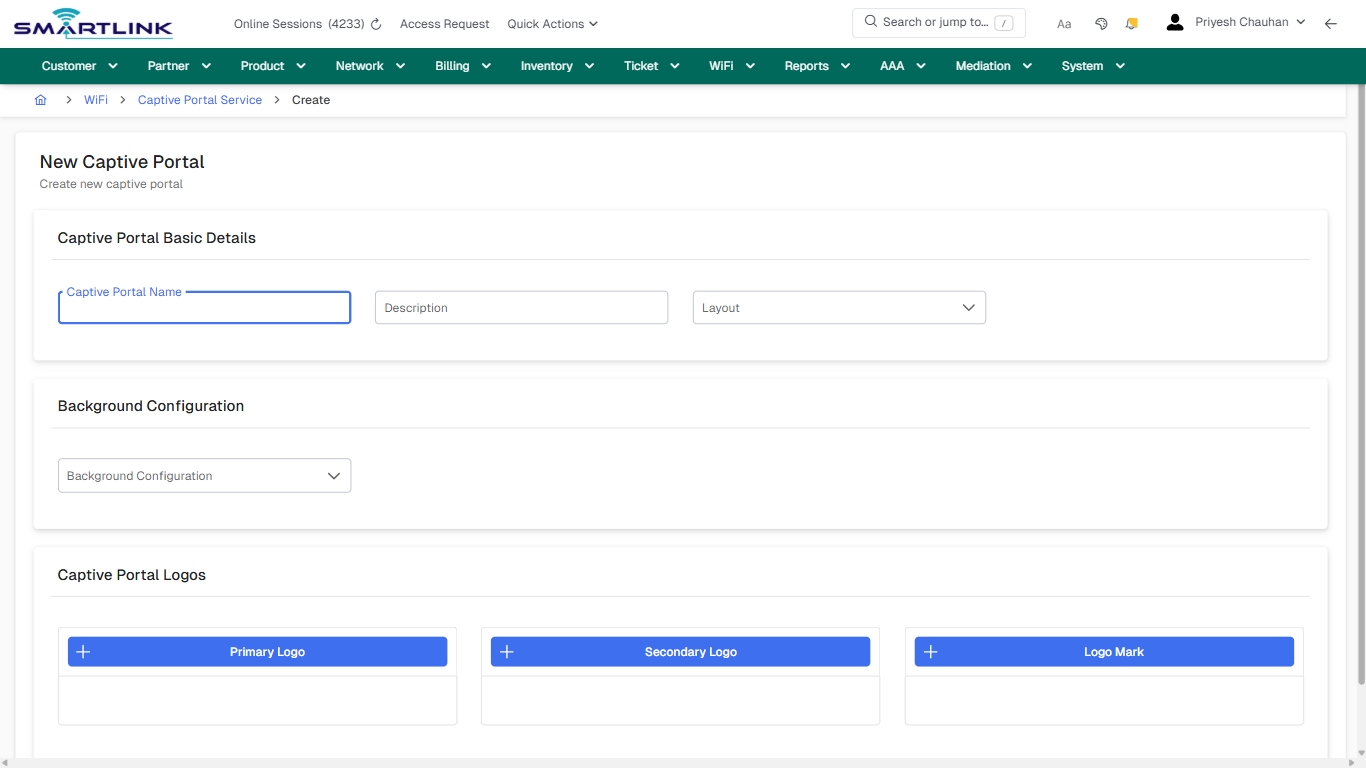
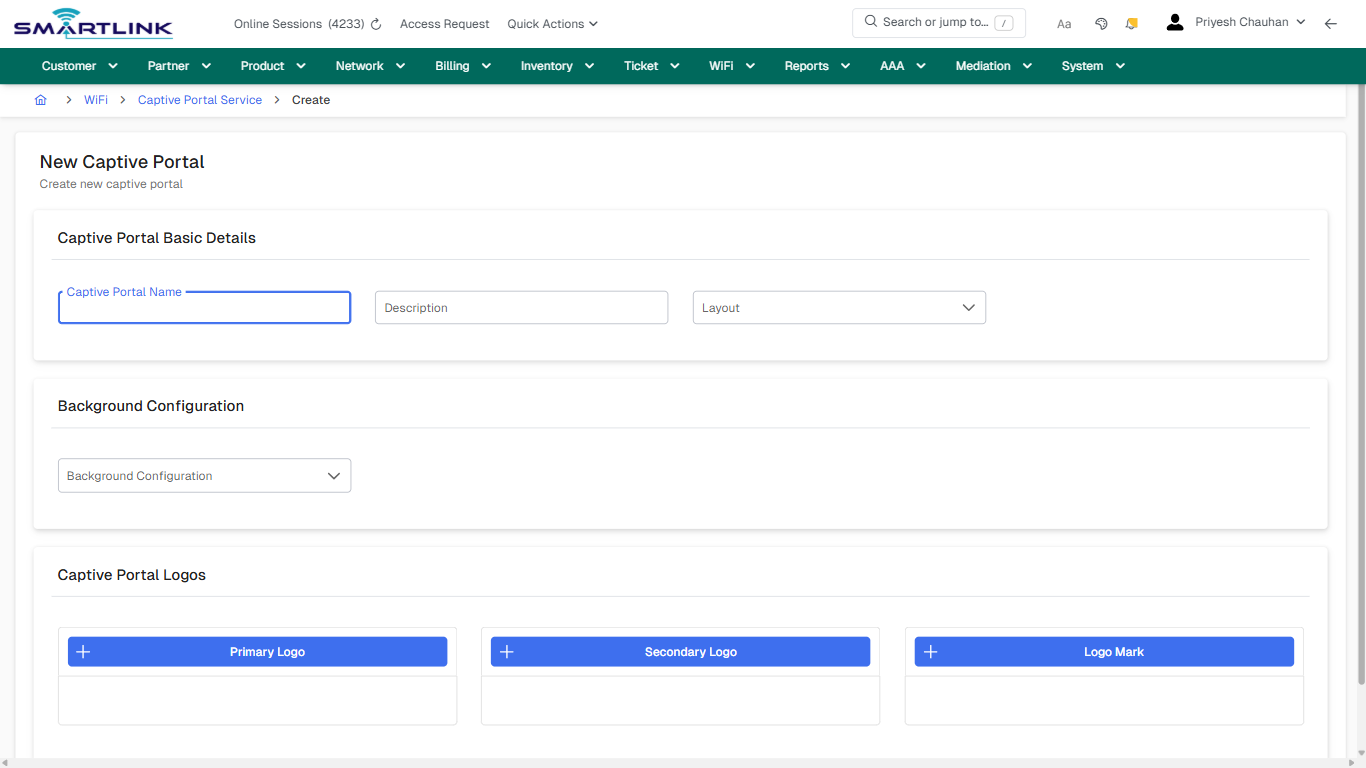
- **Fields detected:** Captive Portal Name, Description, Layout, Background Configuration
- **Actions detected:** Auto, Close, WiFi, Captive Portal Service, Create Captive Portal, Cancel

## Validation &amp; Safety Checks

- Confirm identifiers before saving.
- Confirm lifecycle state allows the change.
- Confirm rollback/support path exists for production actions.
 
## Escalation Guidance

- **L1:** Verify input, permissions, and entity state.
- **L2:** Validate dependencies and downstream state.
- **L3/Admin:** Policy/config changes or suspected defect.
 
---

## Screenshots

## create\_new

**Captured URL:** https://admin.myslbb.com/#/wsmp/cp/add

<div id="bkmrk-images-uploading%E2%80%A6">*Images uploading…*<div data-img-token="IMG_PLACEHOLDER_0_1770130995622">![screenshot](https://kb.i2itechservices.com/uploads/images/gallery/2026-02/admin-myslbb-com-wsmp-cp-add-create-new-3ee7de614a-part-01.png)

![screenshot](https://kb.i2itechservices.com/uploads/images/gallery/2026-02/admin-myslbb-com-wsmp-cp-add-create-new-3ee7de614a-part-02.png)

</div></div>

# wsmp > cp > list > all

# wsmp &gt; cp &gt; list &gt; all

**Route:** wsmp/cp/list/all

**URL:** https://admin.myslbb.com/#/wsmp/cp/list/all

---

## Overview

 This page is a draft SOP reference for the above screen in **i2i Core OSS/BSS**. It is auto-generated from UI exports and should be reviewed for operational correctness before customer release.

## When to Use

- Use this screen for the workflow represented by this route.
- Do not make billing/AAA/provisioning-impacting changes without required authorization.
 
## Typical Workflow

1. Verify you are working on the correct entity (Customer/Account/Service).
2. Review the current lifecycle state before making changes.
3. Apply changes and validate system response.
4. Confirm downstream impact (AAA/Provisioning/Billing) where applicable.
 
## Field &amp; Action Hints (Auto-detected)

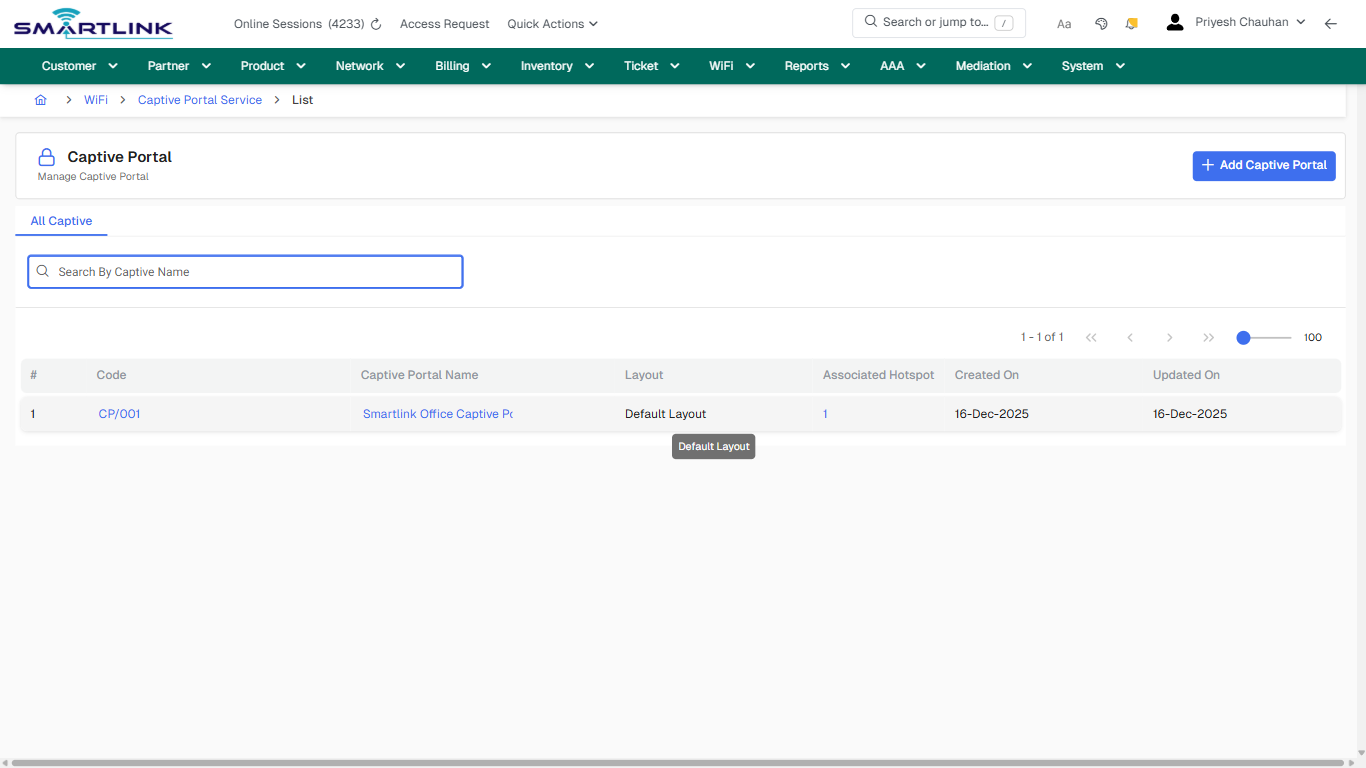
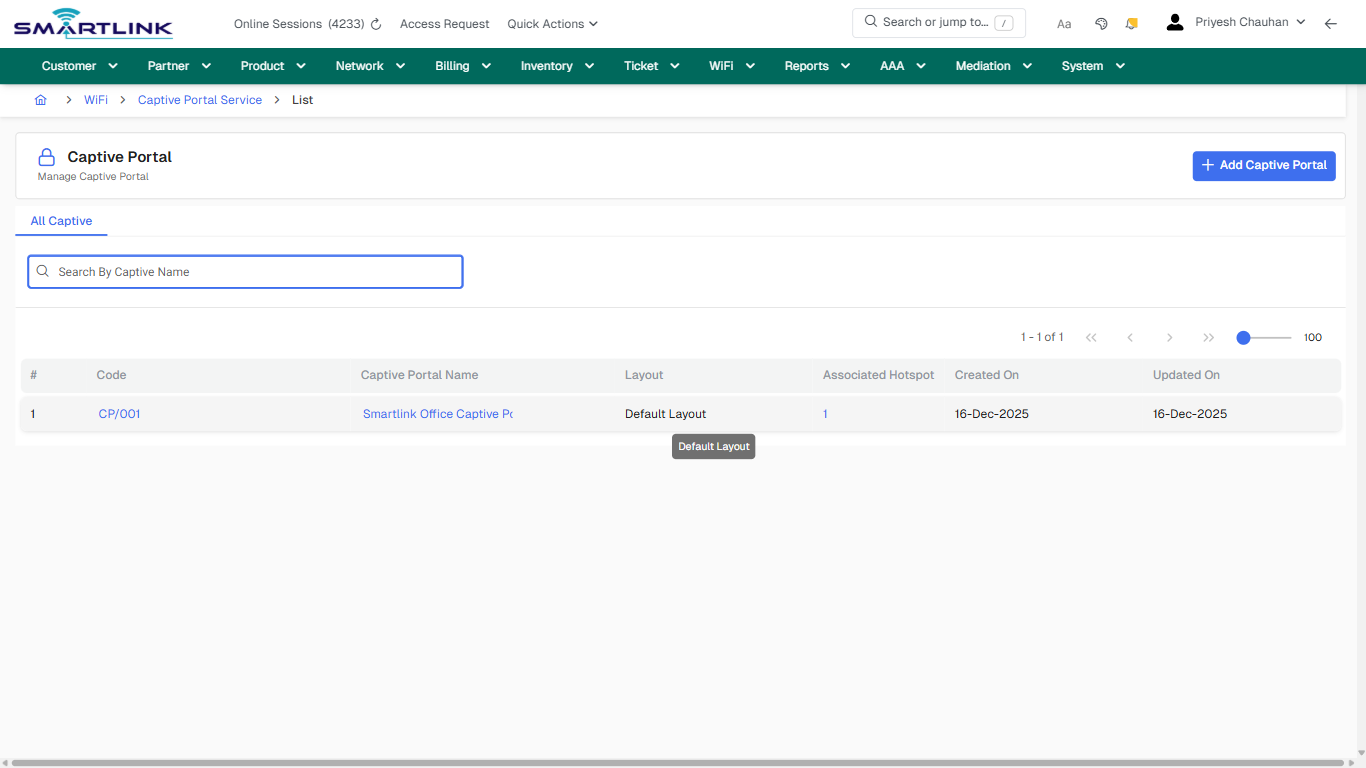
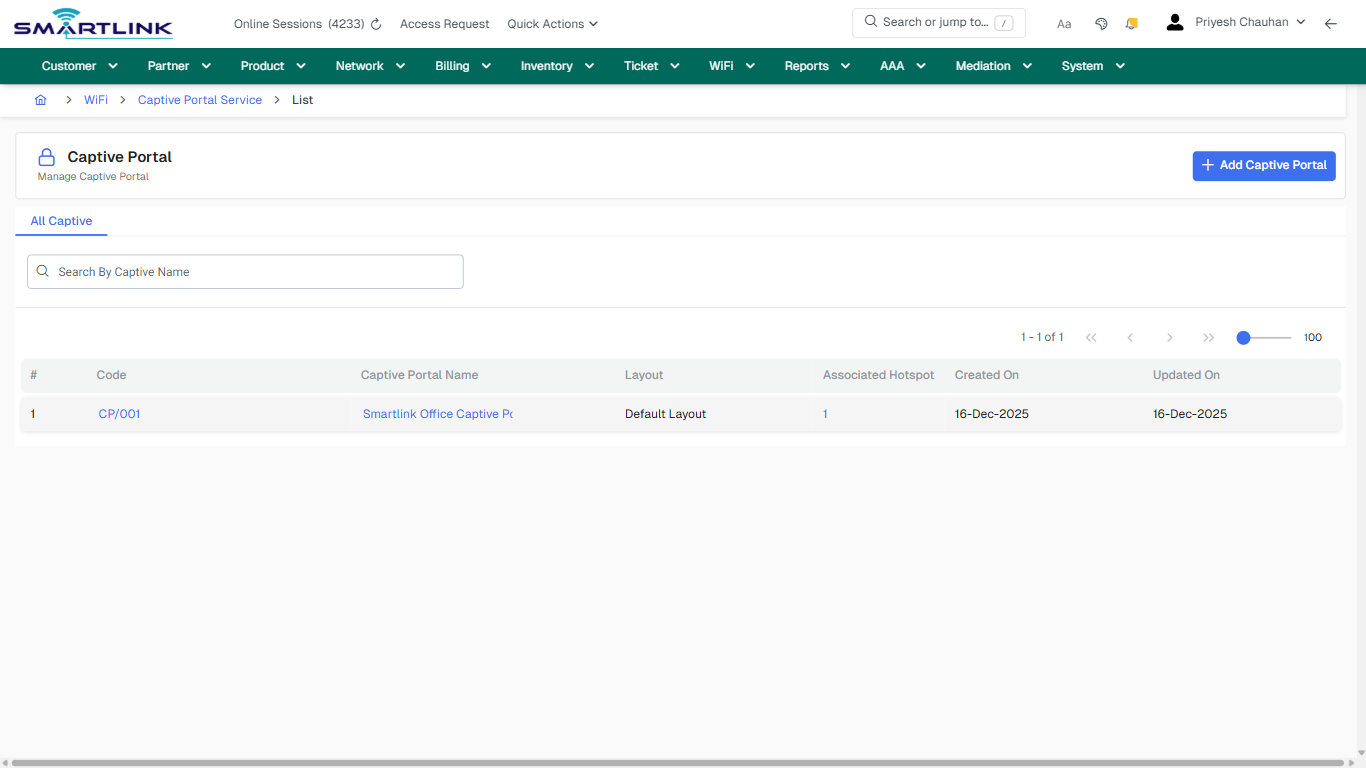
- **Actions detected:** Auto, Close, WiFi, Captive Portal Service, Add Captive Portal, CP/001, Smartlink Office Captive Portal, 1

## Validation &amp; Safety Checks

- Confirm identifiers before saving.
- Confirm lifecycle state allows the change.
- Confirm rollback/support path exists for production actions.
 
## Escalation Guidance

- **L1:** Verify input, permissions, and entity state.
- **L2:** Validate dependencies and downstream state.
- **L3/Admin:** Policy/config changes or suspected defect.
 
---

## Screenshots

## default

**Captured URL:** https://admin.myslbb.com/#/wsmp/cp/list/all

<div id="bkmrk-images-uploading%E2%80%A6">*Images uploading…*<div data-img-token="IMG_PLACEHOLDER_0_1770130997606">![screenshot](https://kb.i2itechservices.com/uploads/images/gallery/2026-02/admin-myslbb-com-wsmp-cp-list-all-default-62e9de002e-part-01.png)

![screenshot](https://kb.i2itechservices.com/uploads/images/gallery/2026-02/admin-myslbb-com-wsmp-cp-list-all-default-62e9de002e-part-02.png)

</div></div>---

## drilldown\_one\_item

**Captured URL:** https://admin.myslbb.com/#/wsmp/cp/list/all

<div id="bkmrk-images-uploading%E2%80%A6-1">*Images uploading…*<div data-img-token="IMG_PLACEHOLDER_1_1770130997606">![screenshot](https://kb.i2itechservices.com/uploads/images/gallery/2026-02/admin-myslbb-com-wsmp-cp-list-all-drilldown-one-item-457c6927ac-part-01.png)

![screenshot](https://kb.i2itechservices.com/uploads/images/gallery/2026-02/admin-myslbb-com-wsmp-cp-list-all-drilldown-one-item-457c6927ac-part-02.png)

</div></div>

# wsmp > hspot > create

# wsmp &gt; hspot &gt; create

**Route:** wsmp/hspot/create

**URL:** https://admin.myslbb.com/#/wsmp/hspot/create

---

## Overview

 This page is a draft SOP reference for the above screen in **i2i Core OSS/BSS**. It is auto-generated from UI exports and should be reviewed for operational correctness before customer release.

## When to Use

- Use this screen for the workflow represented by this route.
- Do not make billing/AAA/provisioning-impacting changes without required authorization.
 
## Typical Workflow

1. Verify you are working on the correct entity (Customer/Account/Service).
2. Review the current lifecycle state before making changes.
3. Apply changes and validate system response.
4. Confirm downstream impact (AAA/Provisioning/Billing) where applicable.
 
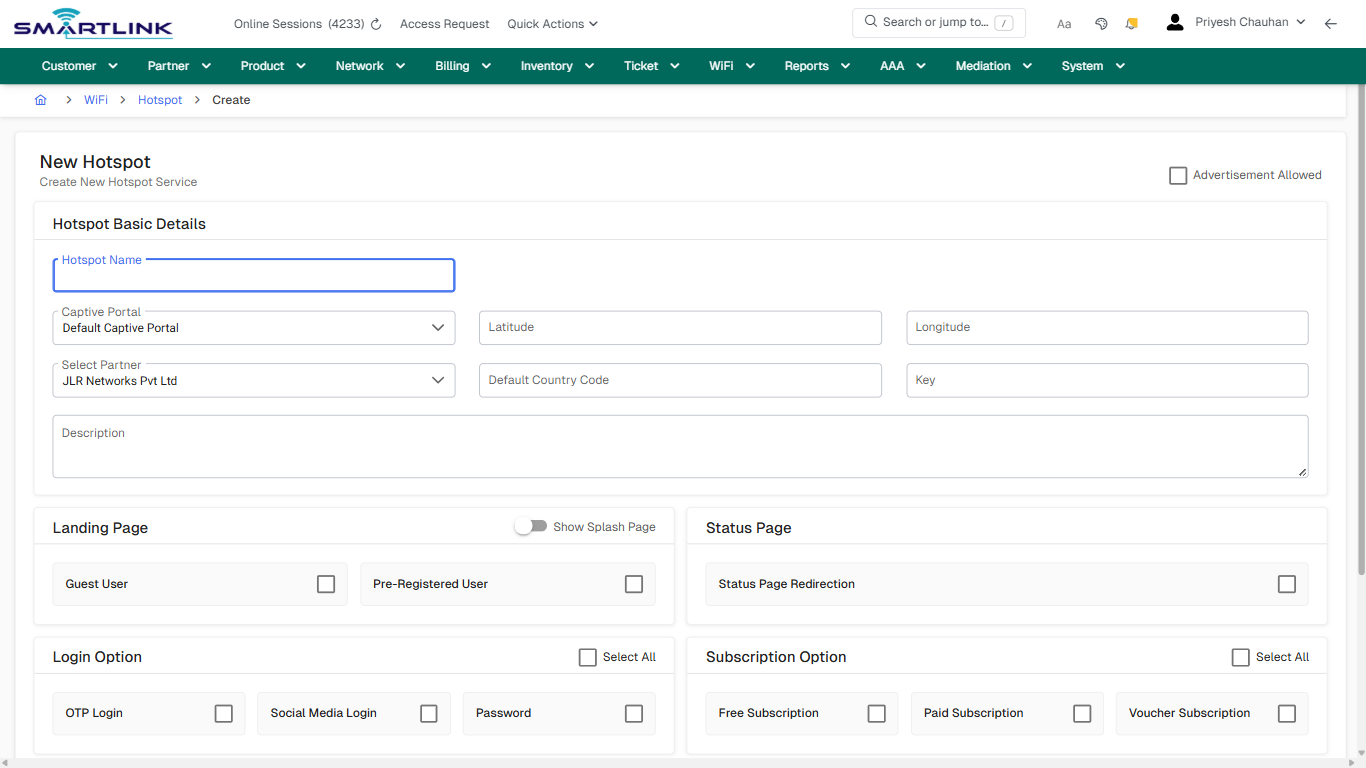
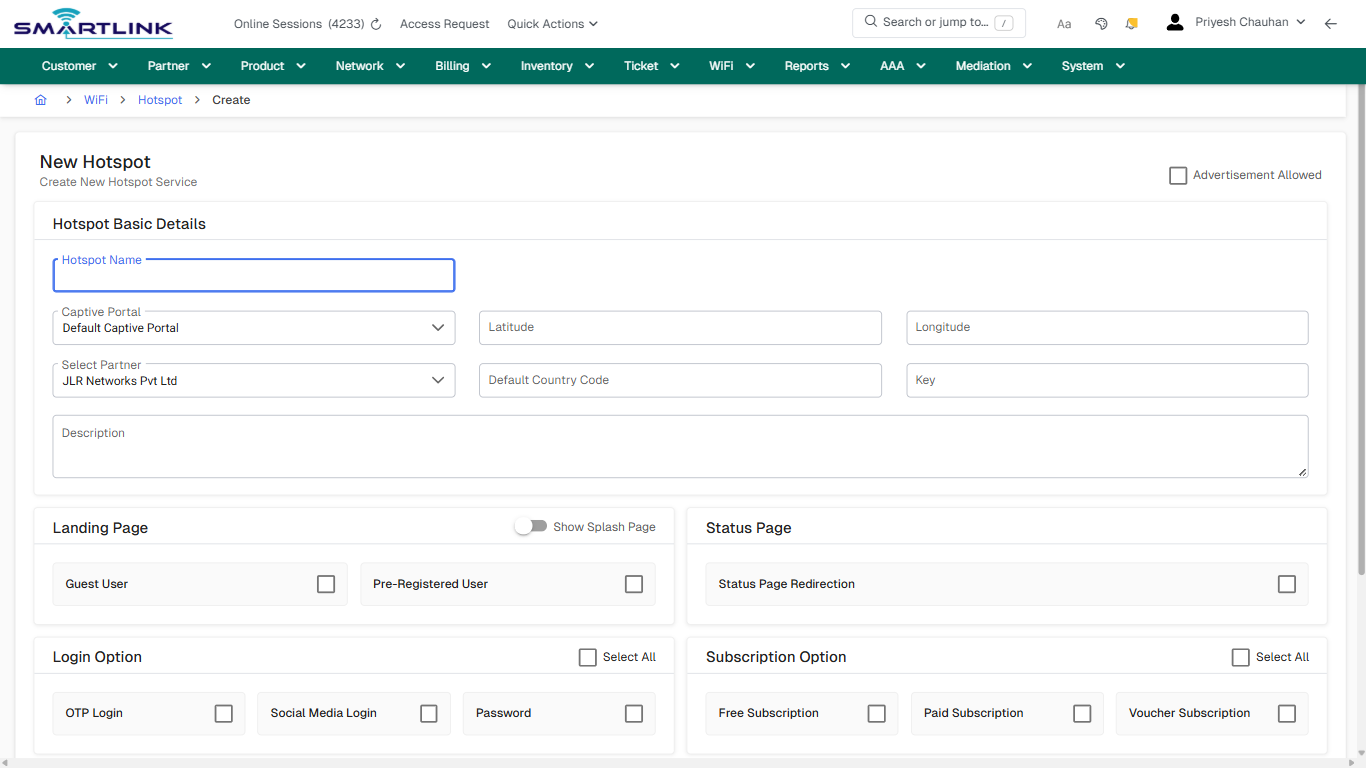
## Field &amp; Action Hints (Auto-detected)

- **Fields detected:** Advertisement Allowed, Hotspot Name, Captive Portal, Latitude, Longitude, Select Partner, Default Country Code, Key, Description, Select All, One Time Use, Time Duration, Never Expires
- **Actions detected:** Auto, Close, WiFi, Hotspot, Create Hotspot, Cancel

## Validation &amp; Safety Checks

- Confirm identifiers before saving.
- Confirm lifecycle state allows the change.
- Confirm rollback/support path exists for production actions.
 
## Escalation Guidance

- **L1:** Verify input, permissions, and entity state.
- **L2:** Validate dependencies and downstream state.
- **L3/Admin:** Policy/config changes or suspected defect.
 
---

## Screenshots

## create\_new

**Captured URL:** https://admin.myslbb.com/#/wsmp/hspot/create

<div id="bkmrk-images-uploading%E2%80%A6">*Images uploading…*<div data-img-token="IMG_PLACEHOLDER_0_1770131000956">![screenshot](https://kb.i2itechservices.com/uploads/images/gallery/2026-02/admin-myslbb-com-wsmp-hspot-create-create-new-e187268d5b-part-01.png)

![screenshot](https://kb.i2itechservices.com/uploads/images/gallery/2026-02/admin-myslbb-com-wsmp-hspot-create-create-new-e187268d5b-part-02.png)

</div></div>

# wsmp > hspot > list > all

# wsmp &gt; hspot &gt; list &gt; all

**Route:** wsmp/hspot/list/all

**URL:** https://admin.myslbb.com/#/wsmp/hspot/list/all

---

## Overview

 This page is a draft SOP reference for the above screen in **i2i Core OSS/BSS**. It is auto-generated from UI exports and should be reviewed for operational correctness before customer release.

## When to Use

- Use this screen for the workflow represented by this route.
- Do not make billing/AAA/provisioning-impacting changes without required authorization.
 
## Typical Workflow

1. Verify you are working on the correct entity (Customer/Account/Service).
2. Review the current lifecycle state before making changes.
3. Apply changes and validate system response.
4. Confirm downstream impact (AAA/Provisioning/Billing) where applicable.
 
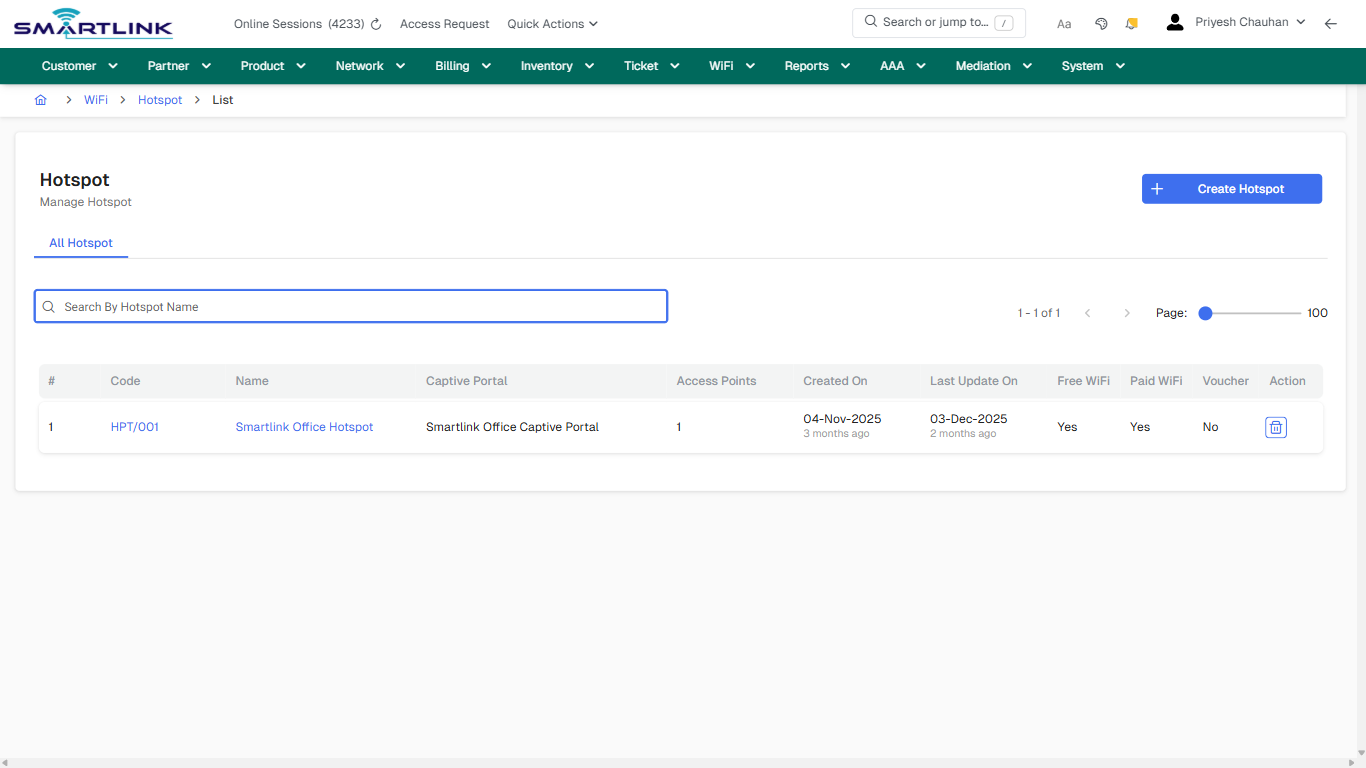
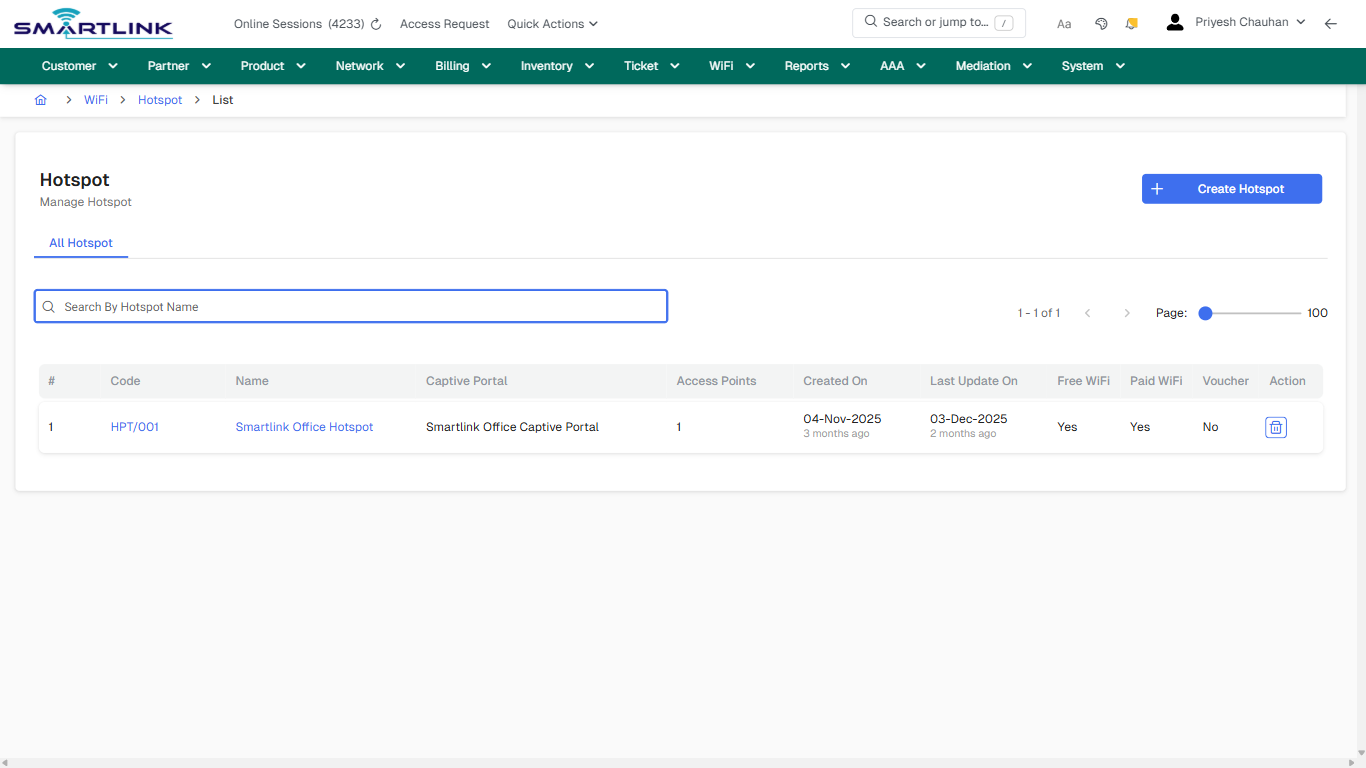
## Field &amp; Action Hints (Auto-detected)

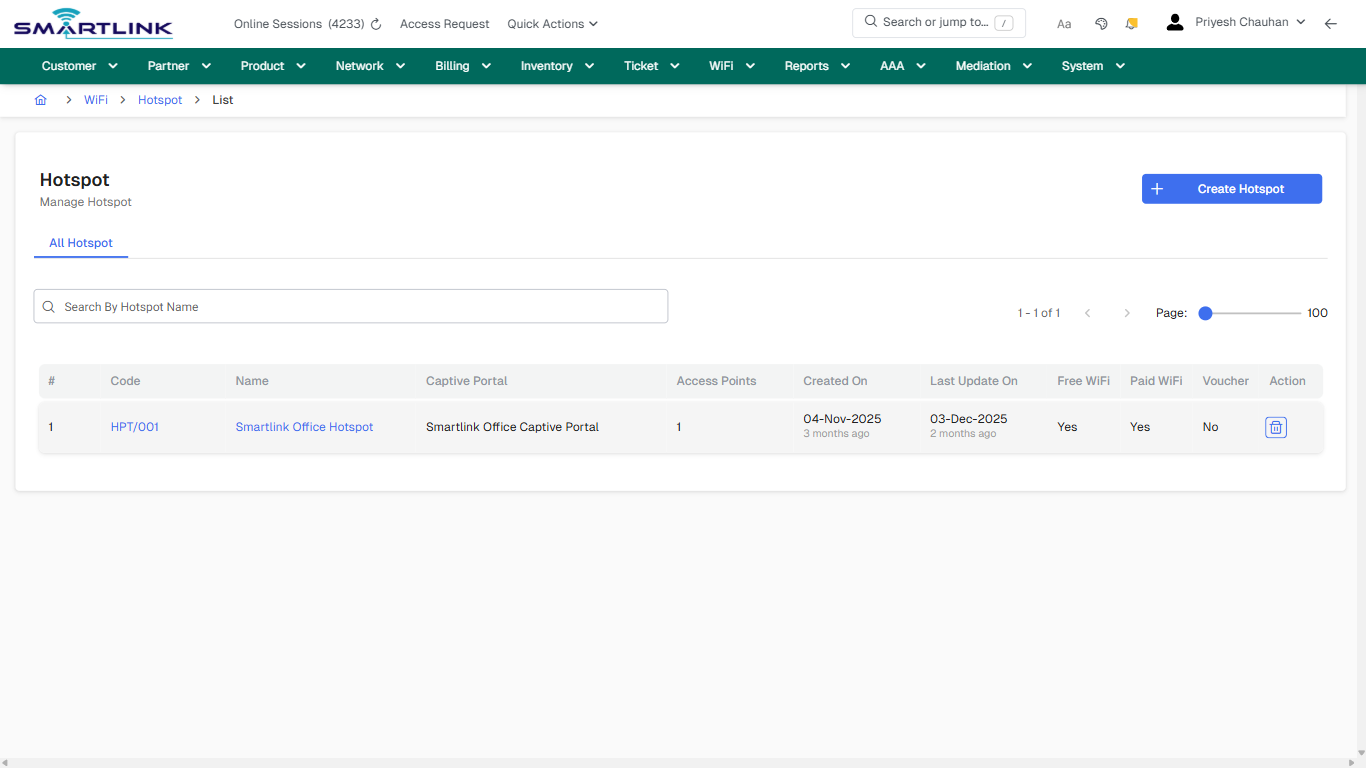
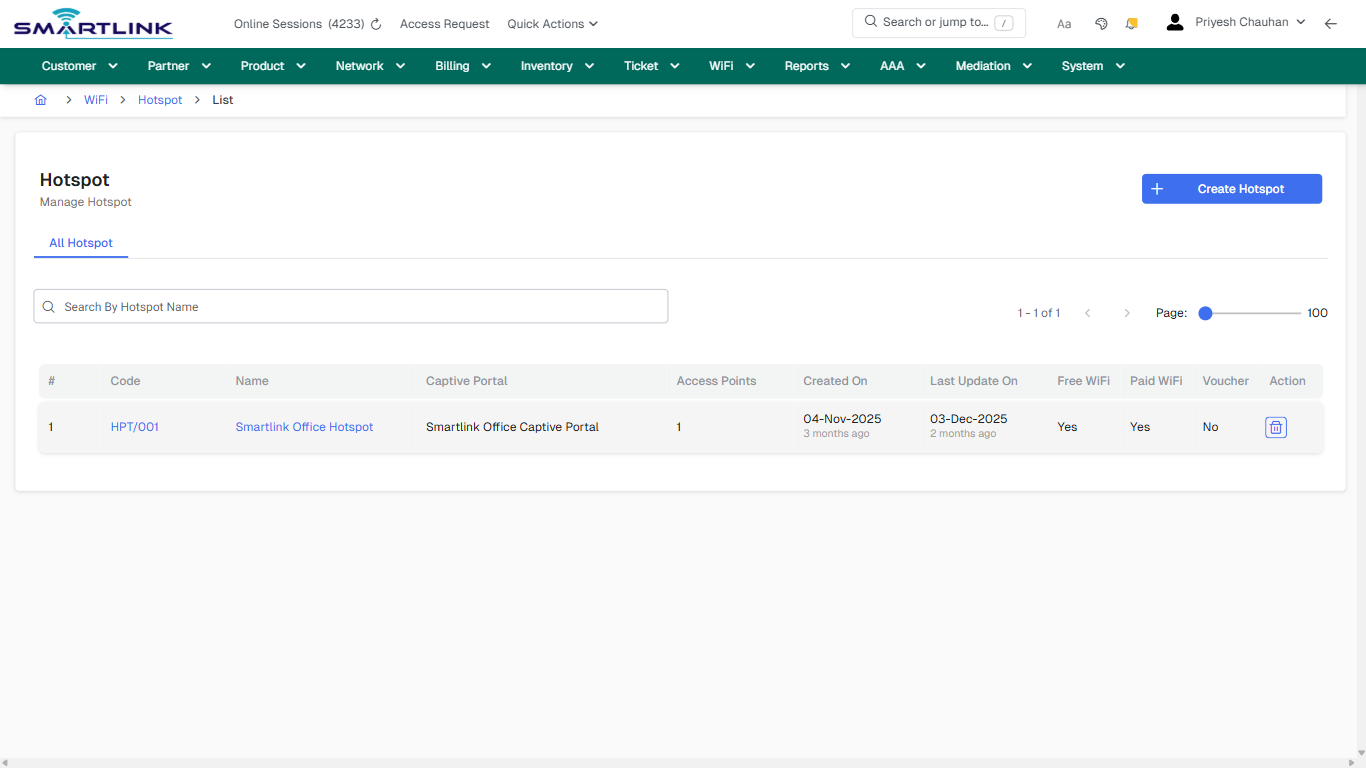
- **Actions detected:** Auto, Close, WiFi, Hotspot, Create Hotspot, HPT/001, Smartlink Office Hotspot

## Validation &amp; Safety Checks

- Confirm identifiers before saving.
- Confirm lifecycle state allows the change.
- Confirm rollback/support path exists for production actions.
 
## Escalation Guidance

- **L1:** Verify input, permissions, and entity state.
- **L2:** Validate dependencies and downstream state.
- **L3/Admin:** Policy/config changes or suspected defect.
 
---

## Screenshots

## default

**Captured URL:** https://admin.myslbb.com/#/wsmp/hspot/list/all

<div id="bkmrk-images-uploading%E2%80%A6">*Images uploading…*<div data-img-token="IMG_PLACEHOLDER_0_1770131003193">![screenshot](https://kb.i2itechservices.com/uploads/images/gallery/2026-02/admin-myslbb-com-wsmp-hspot-list-all-default-c0065dda06-part-01.png)

![screenshot](https://kb.i2itechservices.com/uploads/images/gallery/2026-02/admin-myslbb-com-wsmp-hspot-list-all-default-c0065dda06-part-02.png)

</div></div>---

## drilldown\_one\_item

**Captured URL:** https://admin.myslbb.com/#/wsmp/hspot/list/all

<div id="bkmrk-images-uploading%E2%80%A6-1">*Images uploading…*<div data-img-token="IMG_PLACEHOLDER_1_1770131003193">![screenshot](https://kb.i2itechservices.com/uploads/images/gallery/2026-02/admin-myslbb-com-wsmp-hspot-list-all-drilldown-one-item-a9b6331034-part-01.png)

![screenshot](https://kb.i2itechservices.com/uploads/images/gallery/2026-02/admin-myslbb-com-wsmp-hspot-list-all-drilldown-one-item-a9b6331034-part-02.png)

</div></div>