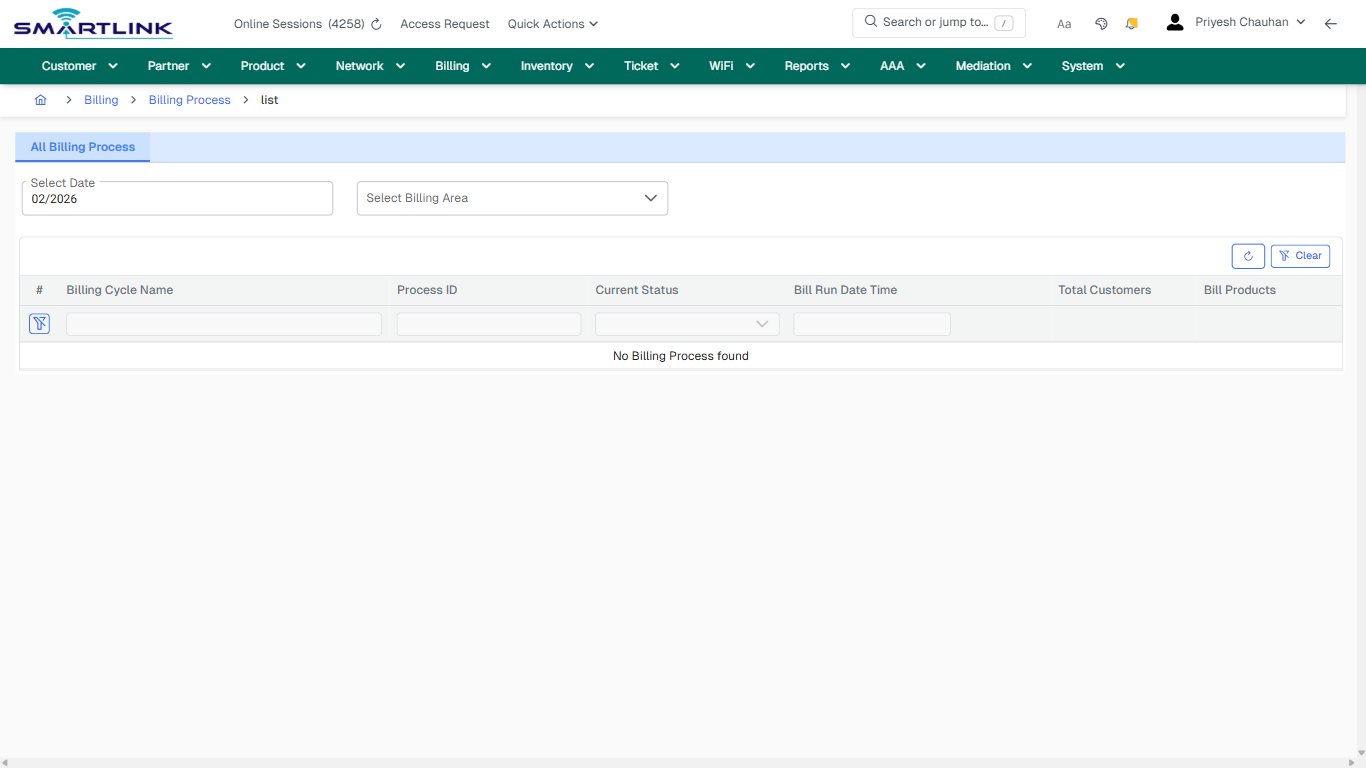
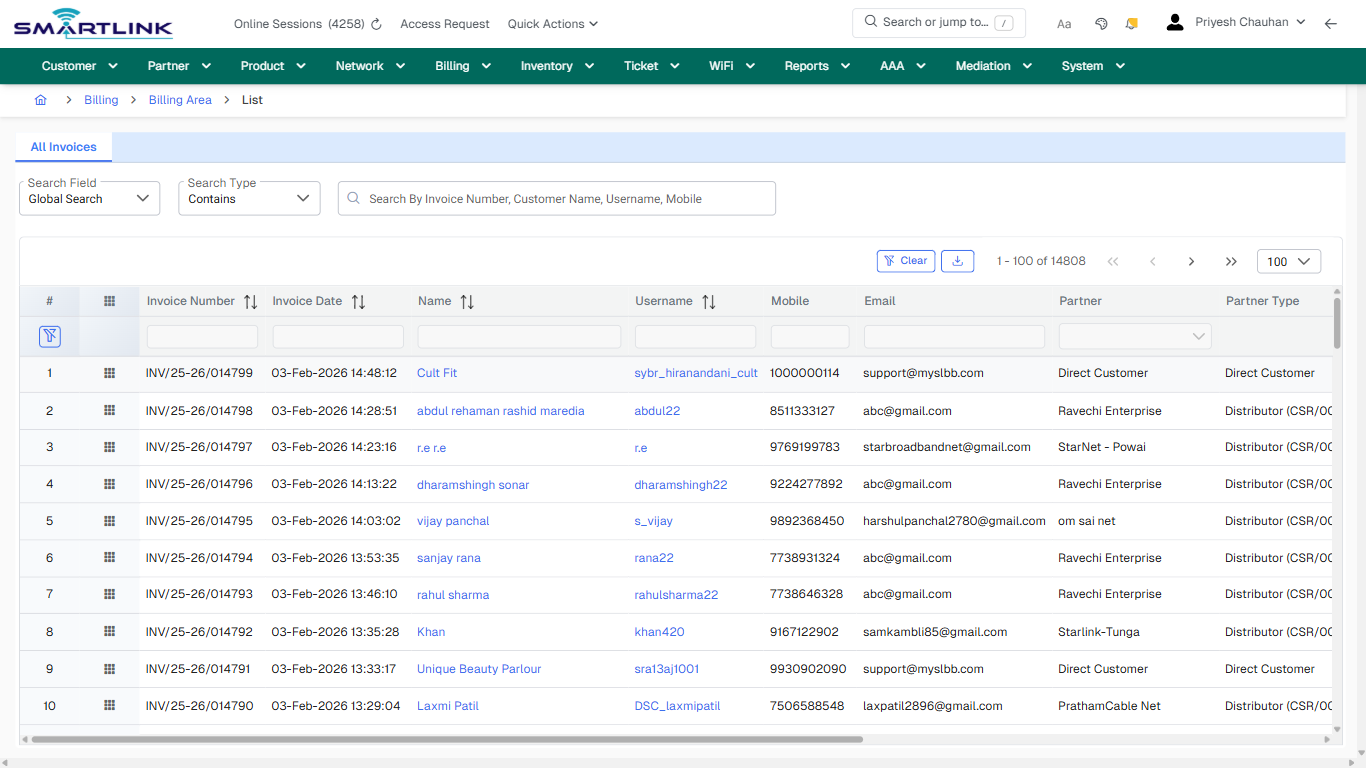
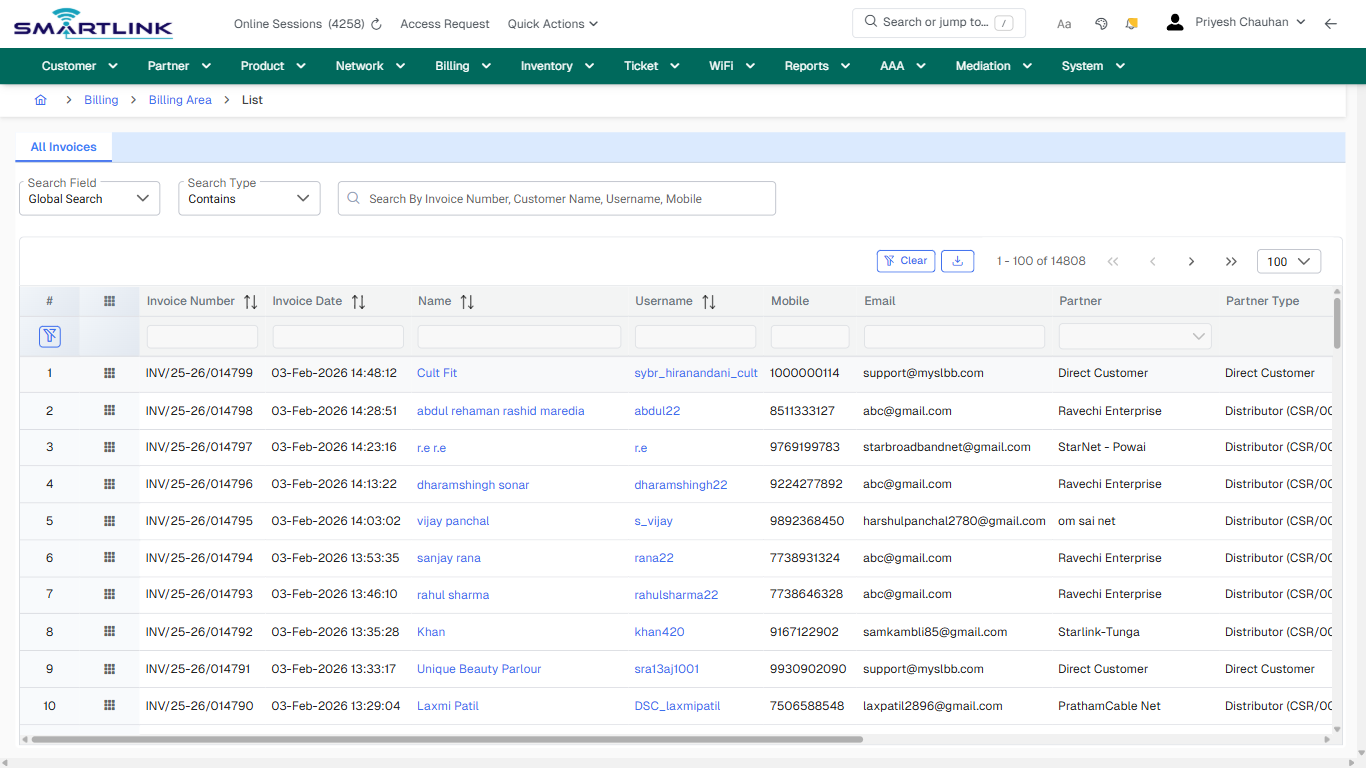
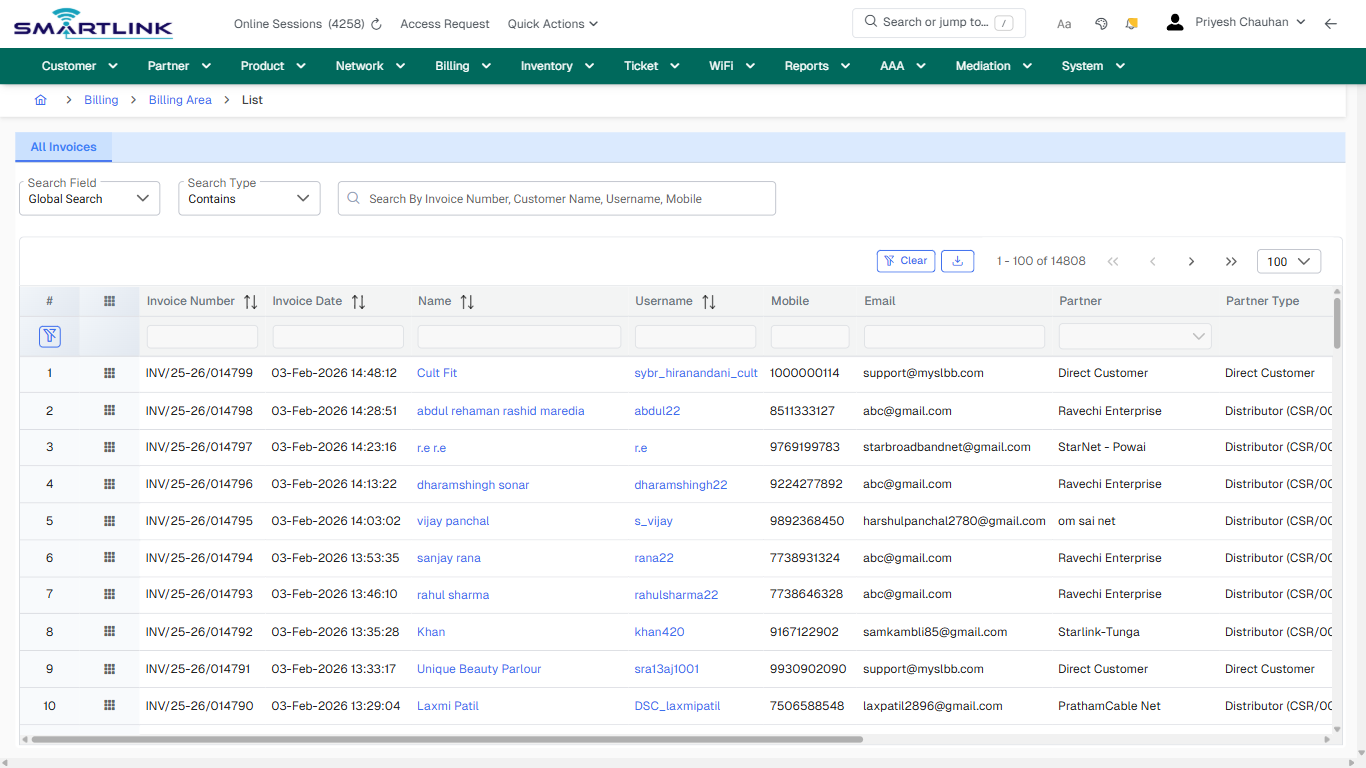
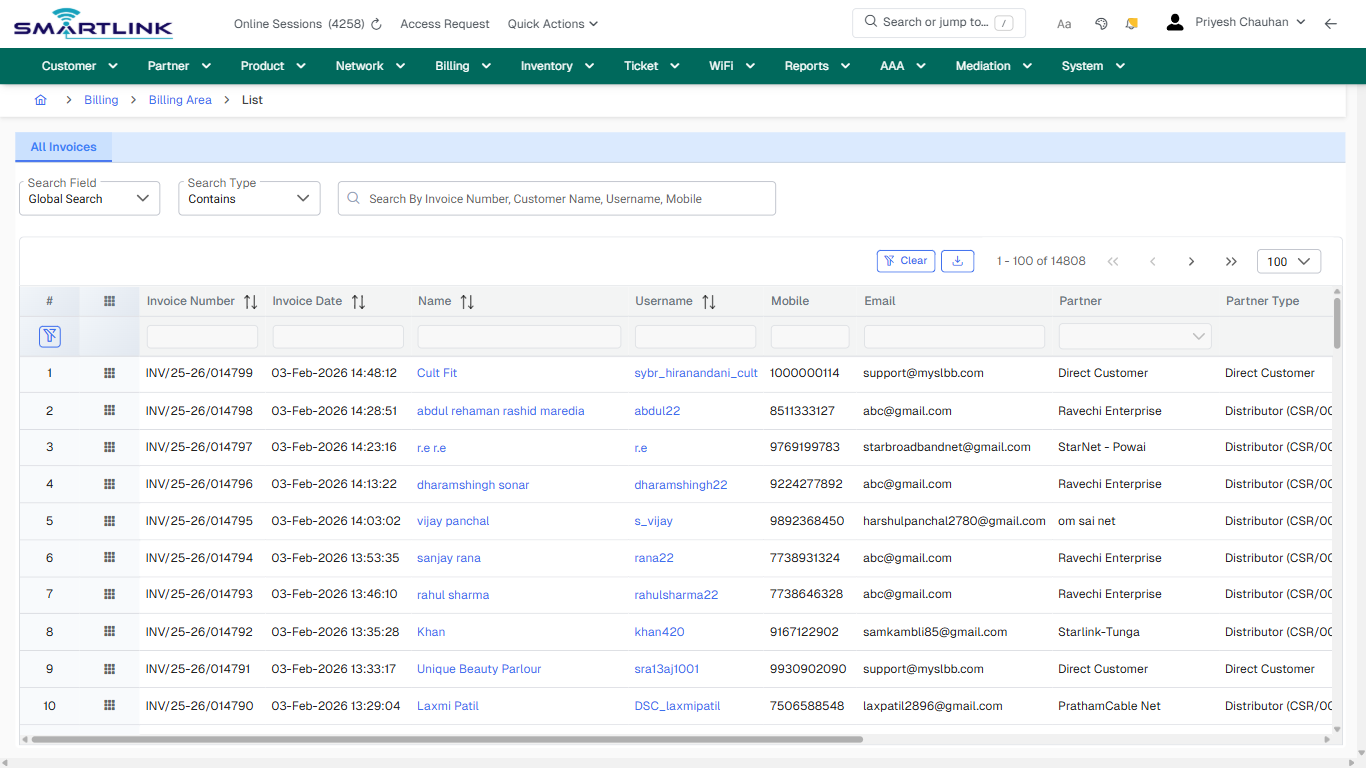
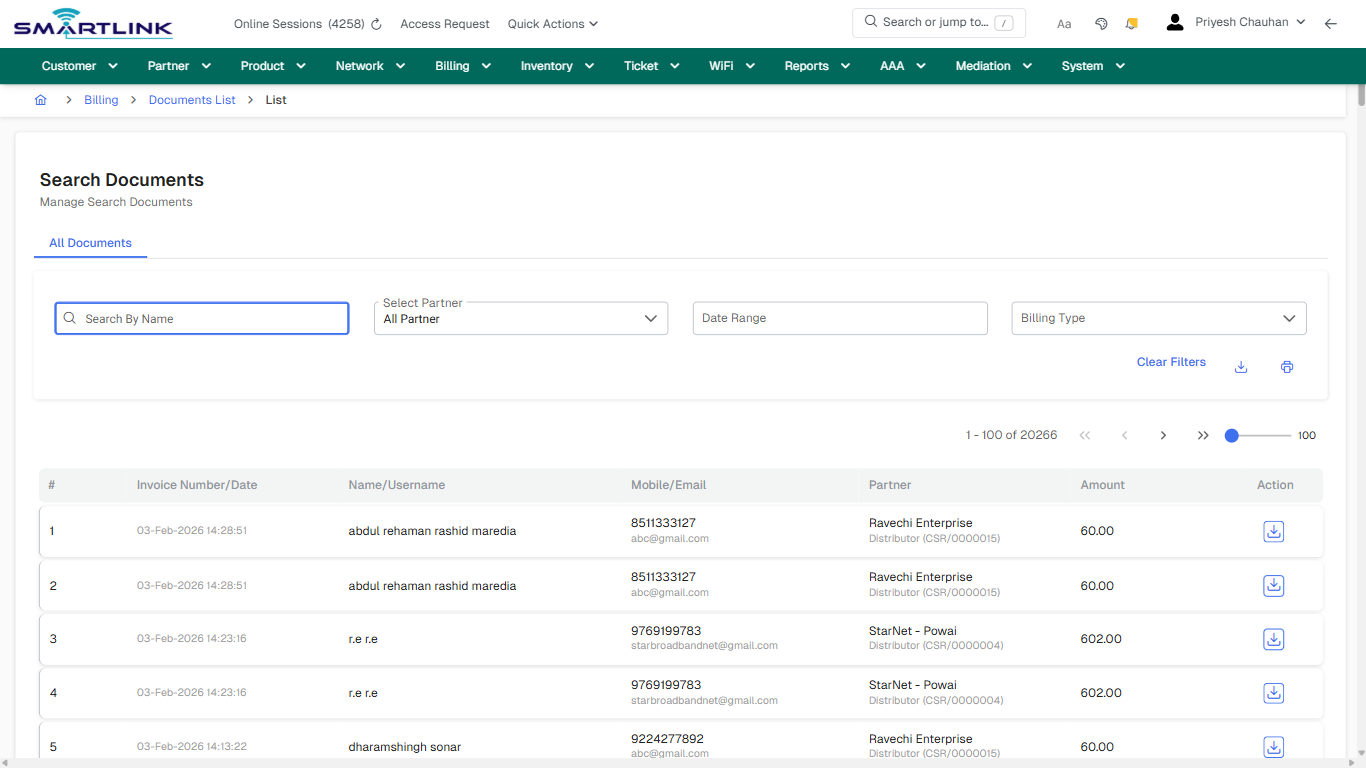
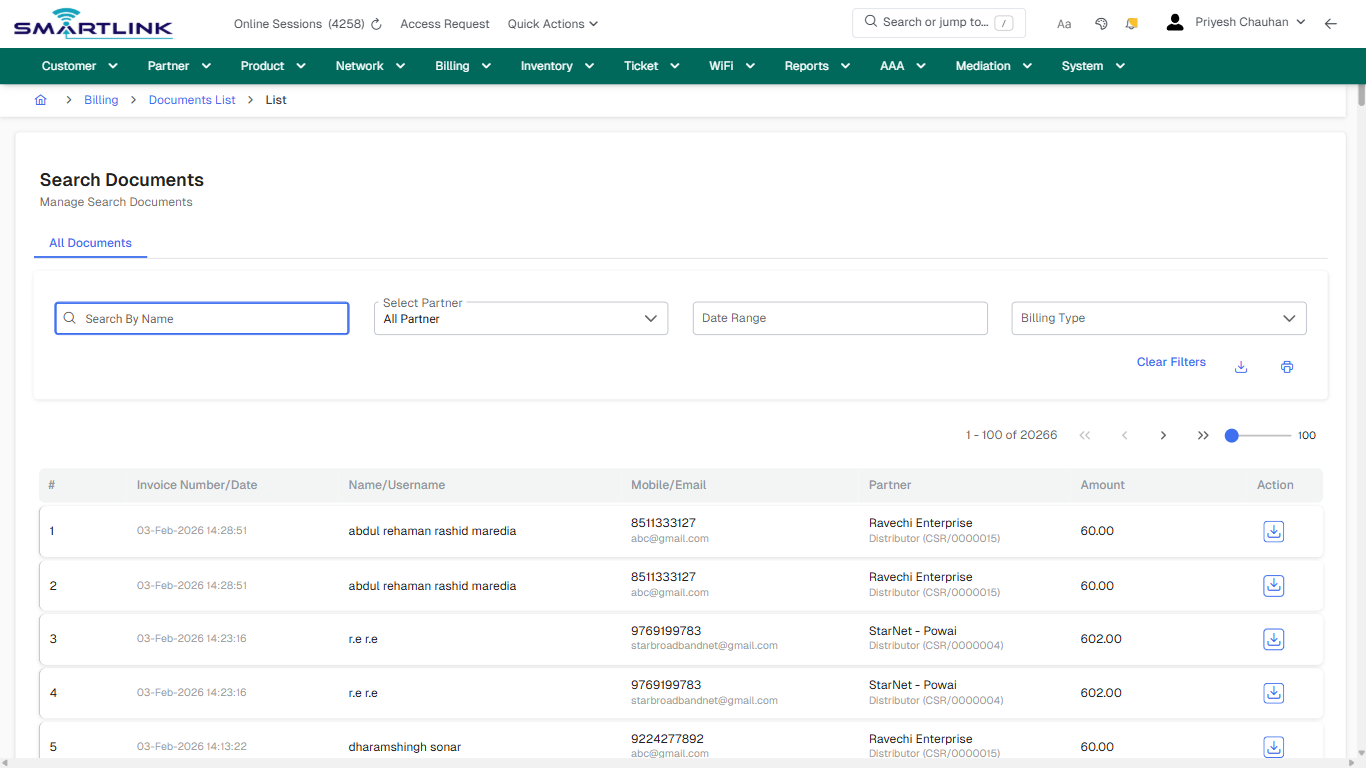
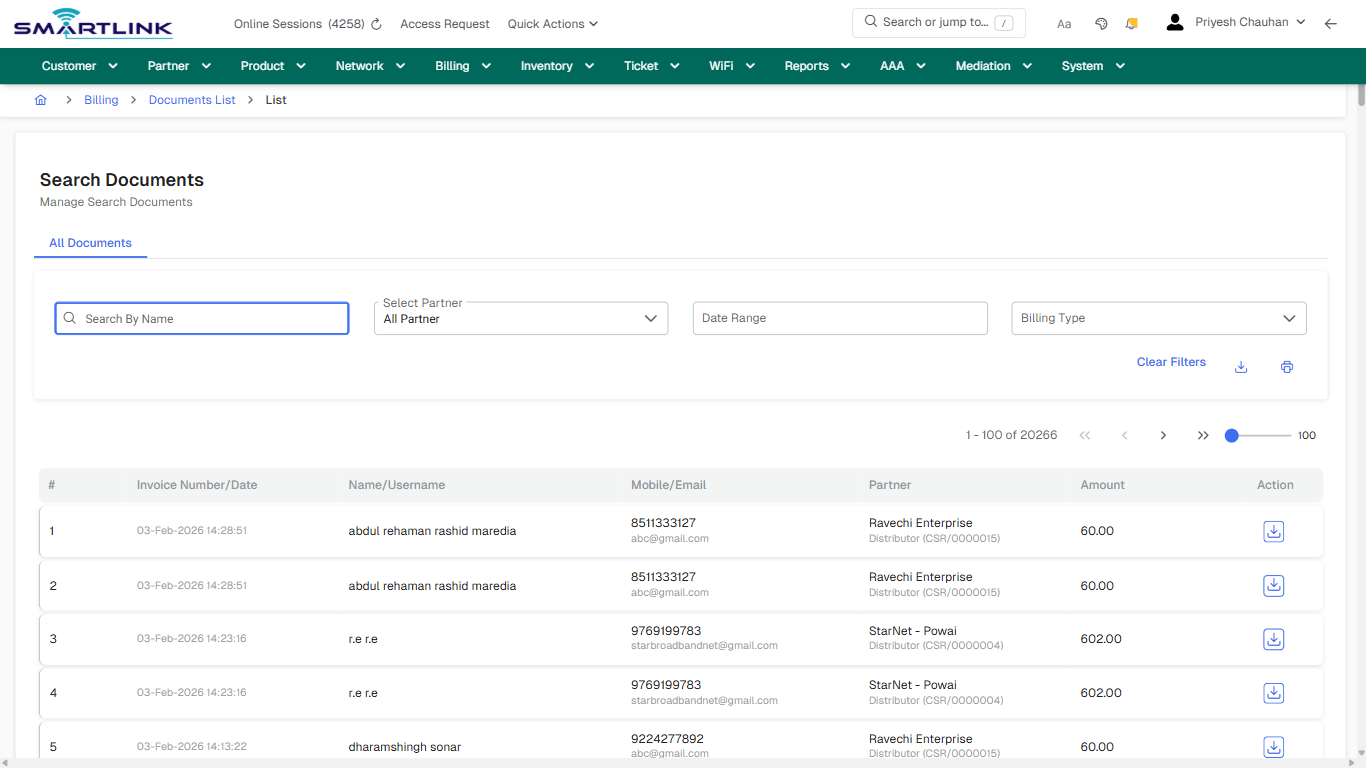
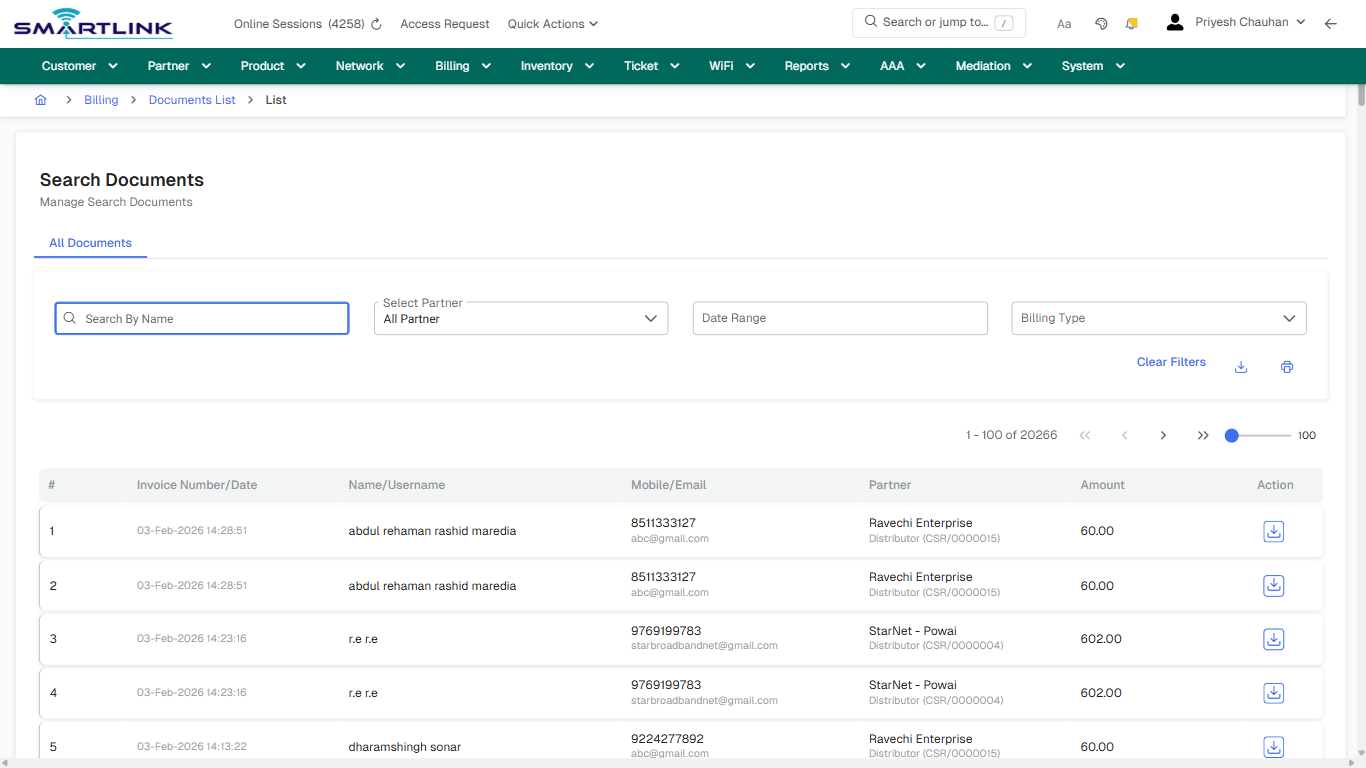
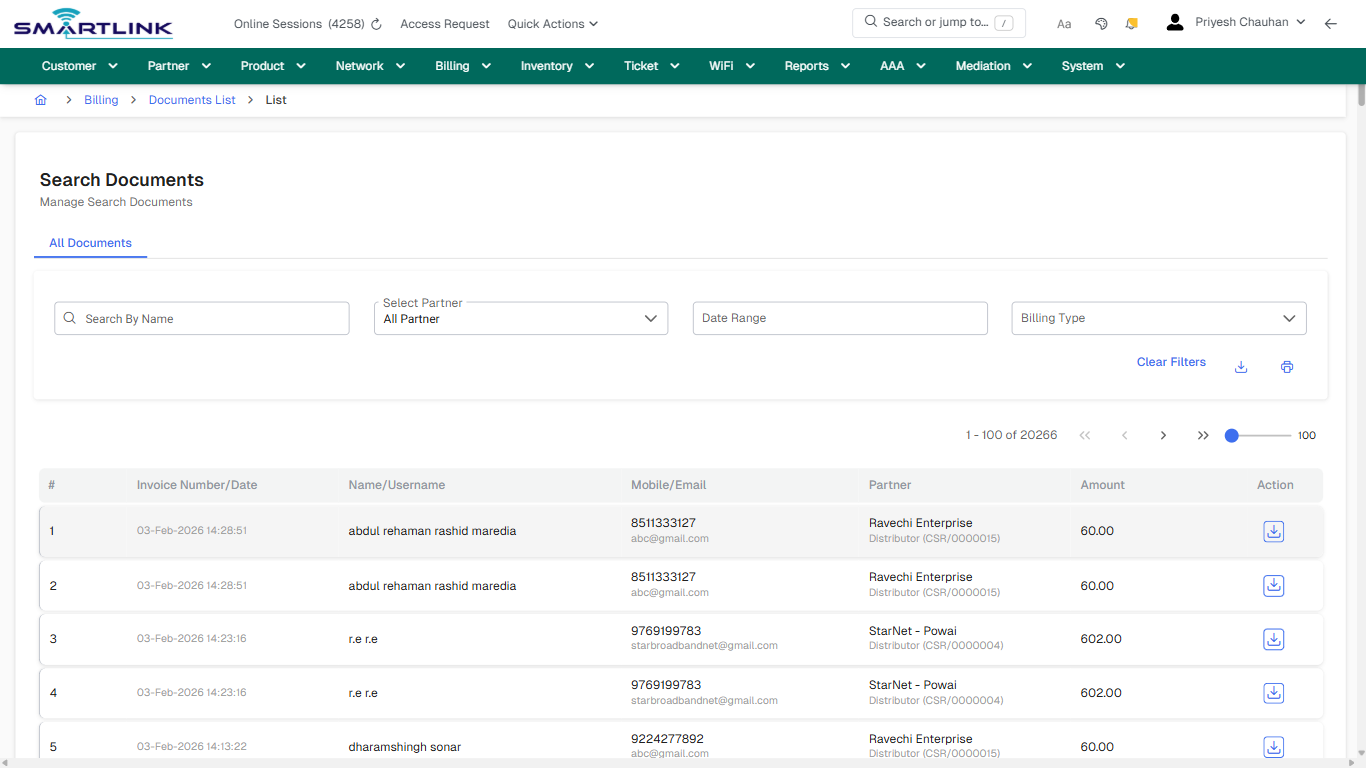
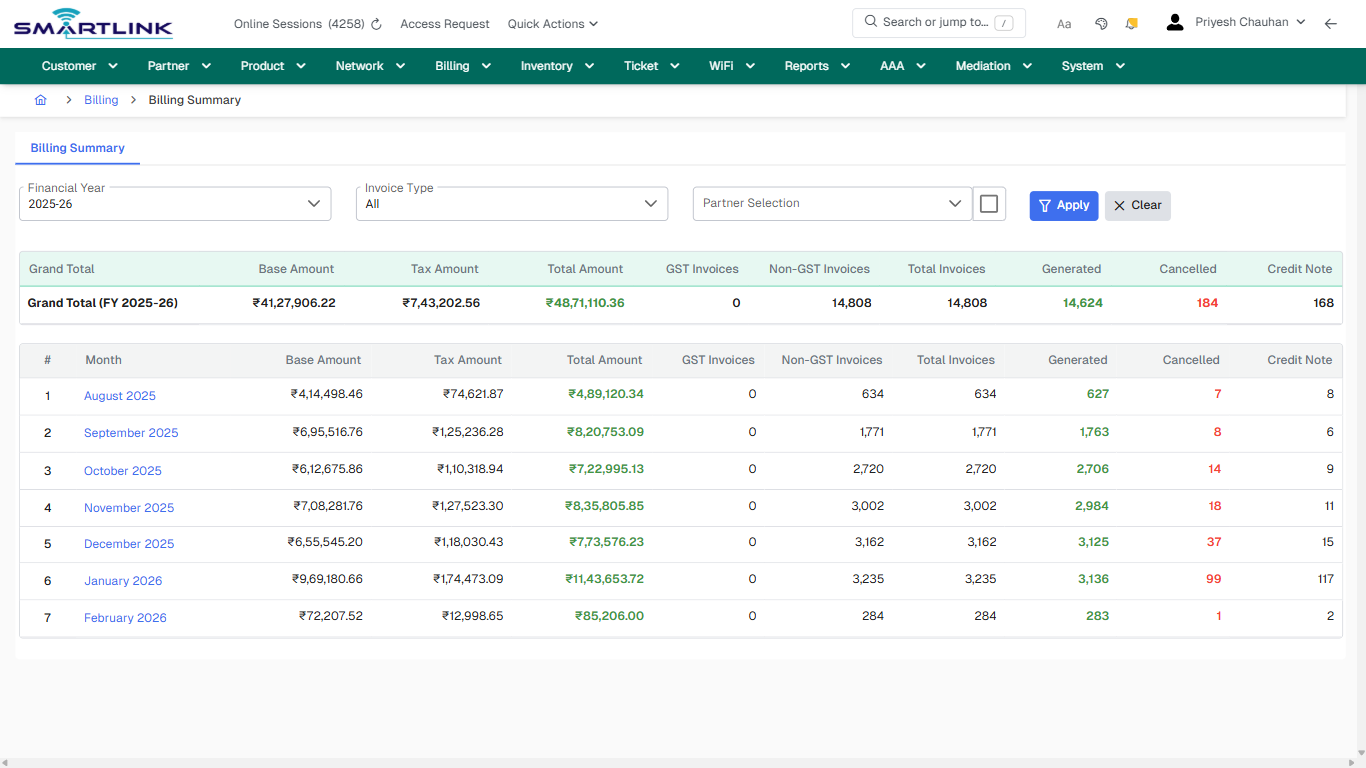
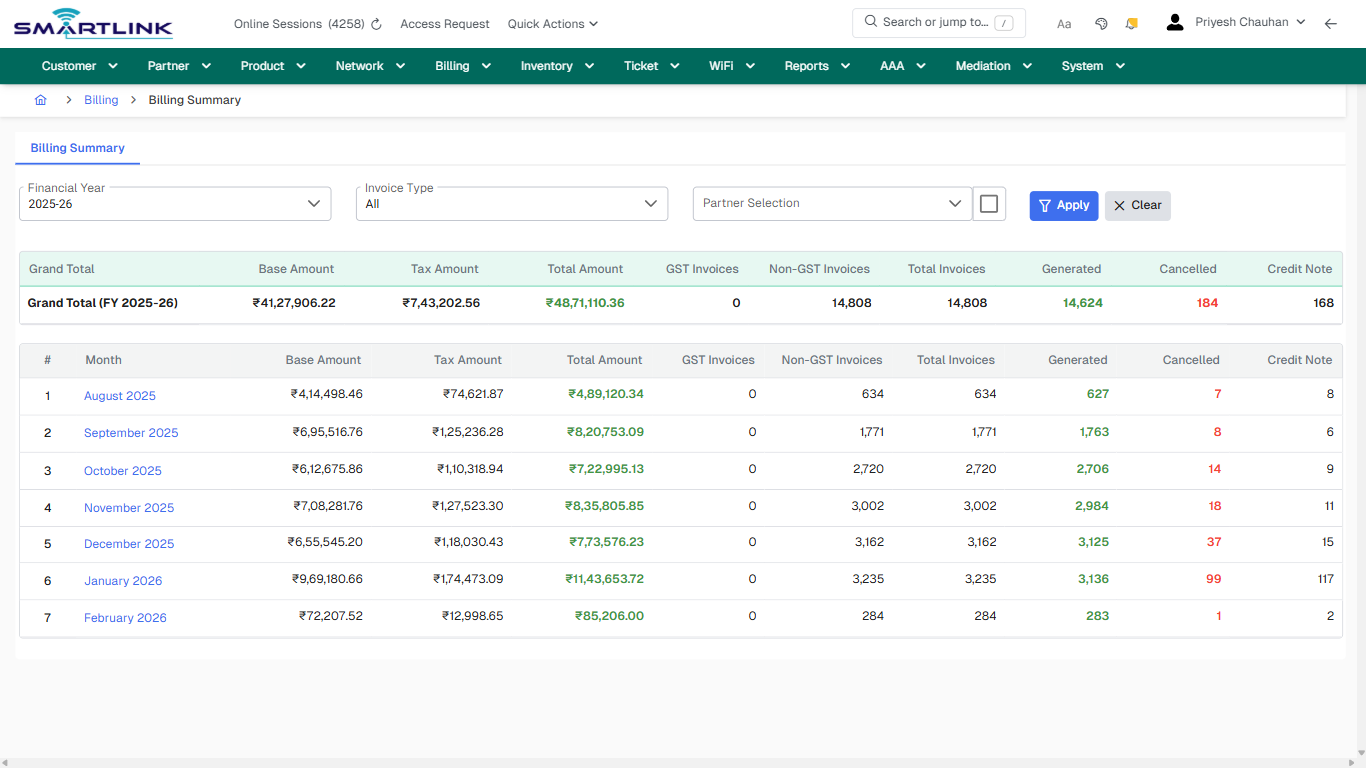
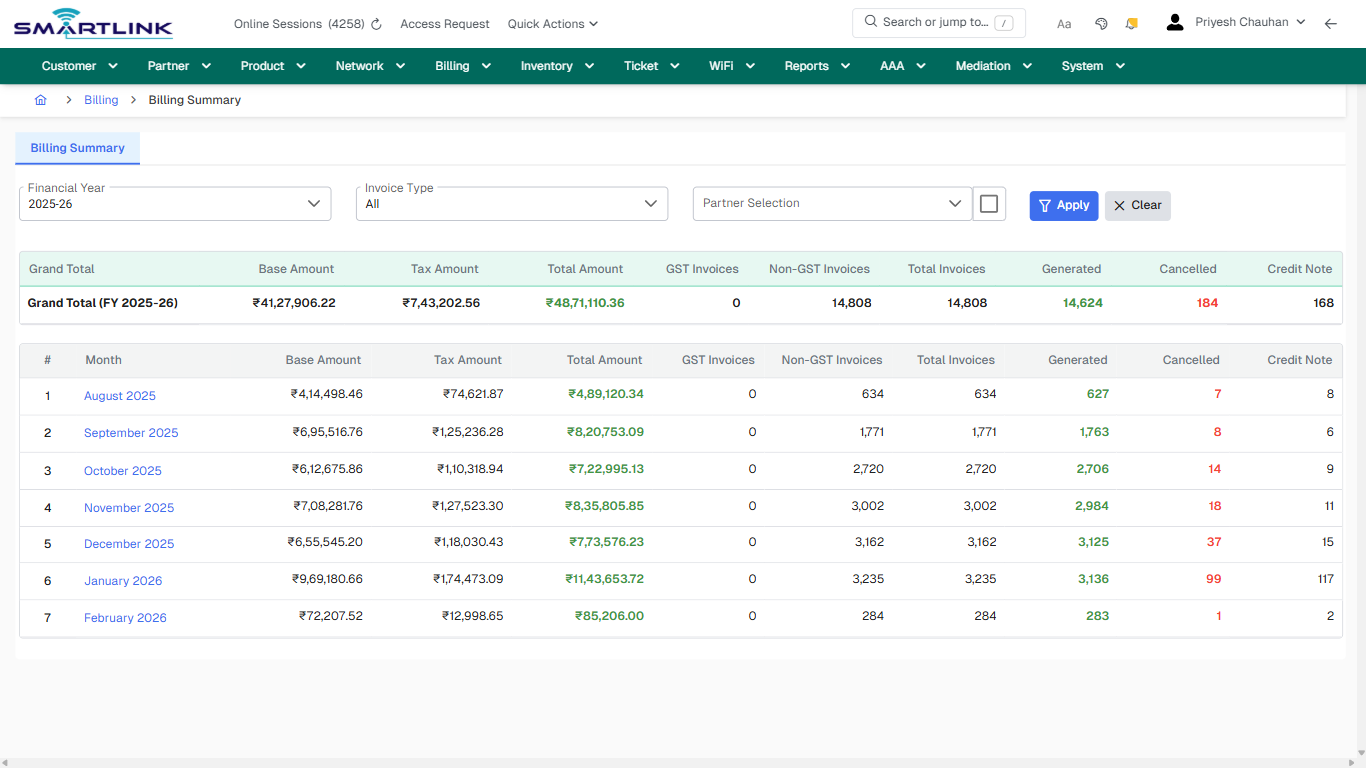
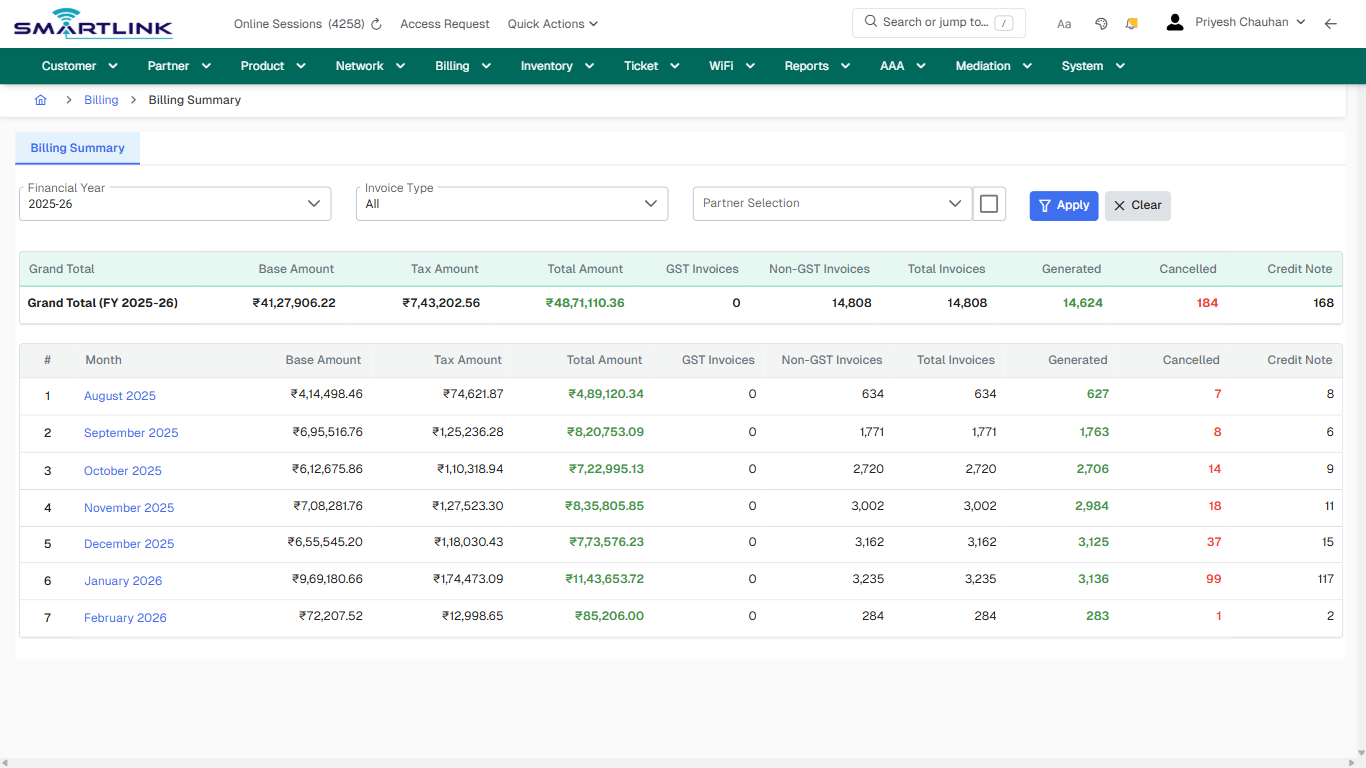
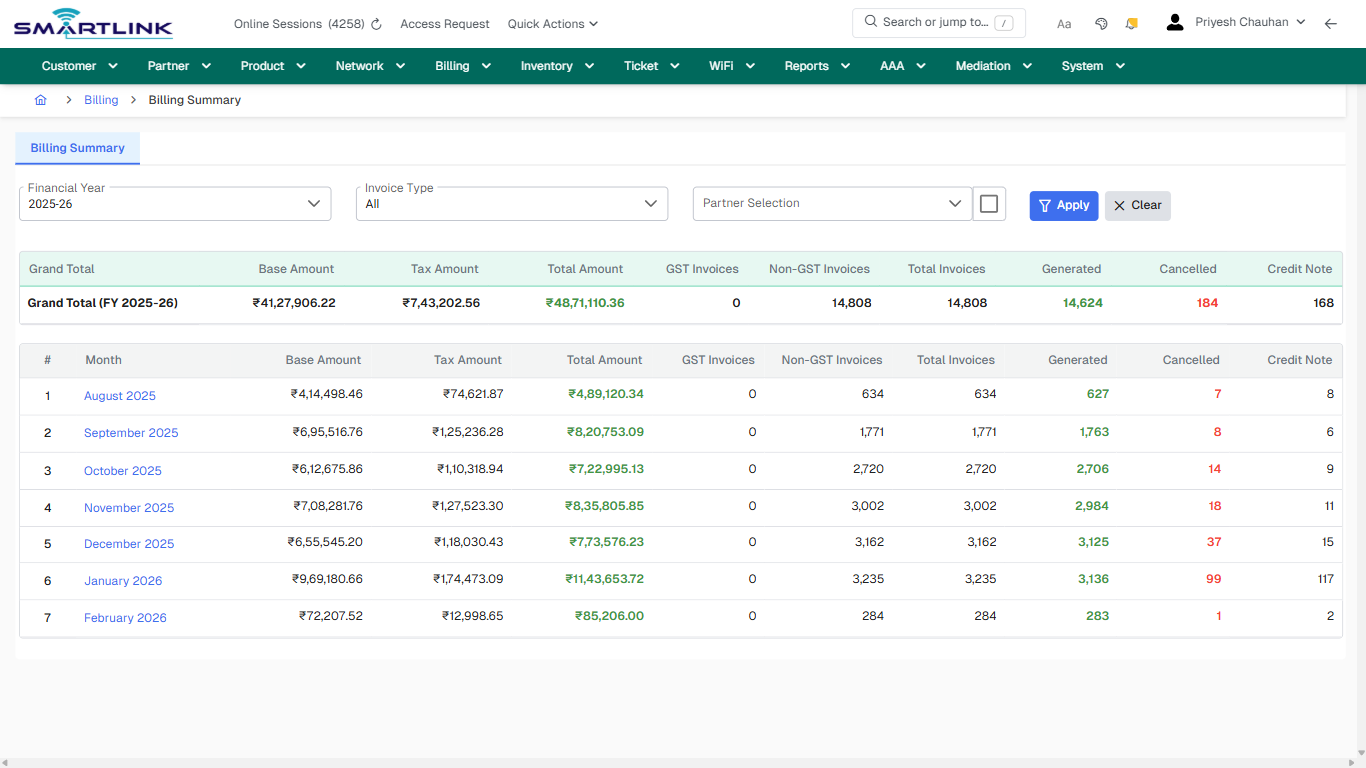
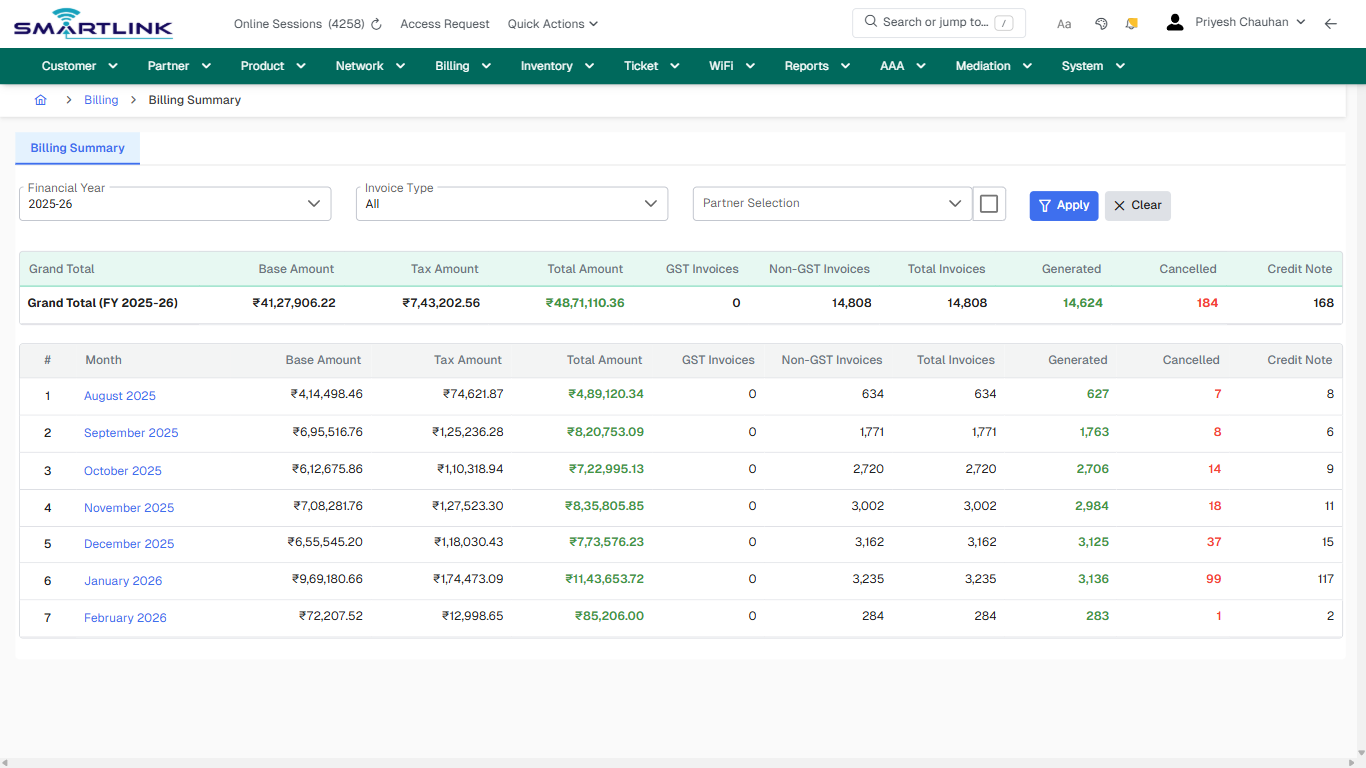
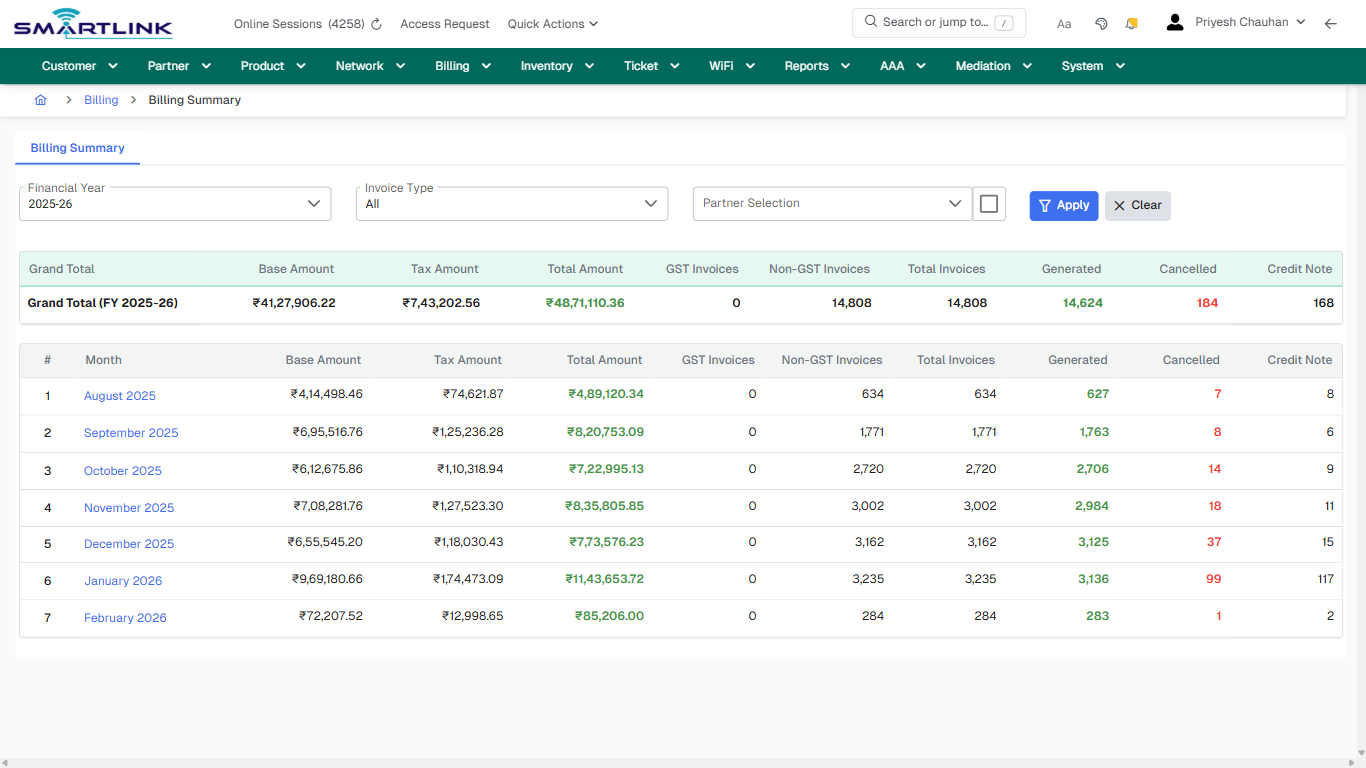
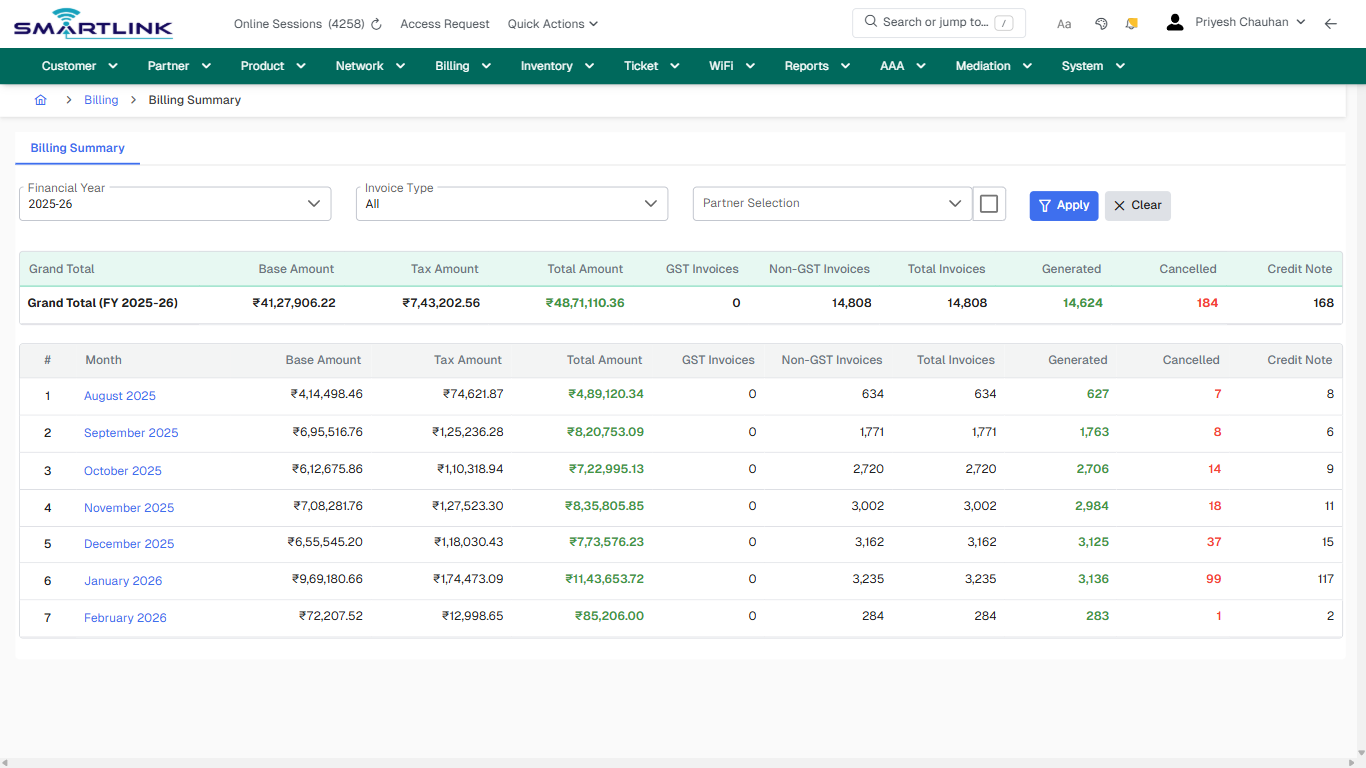
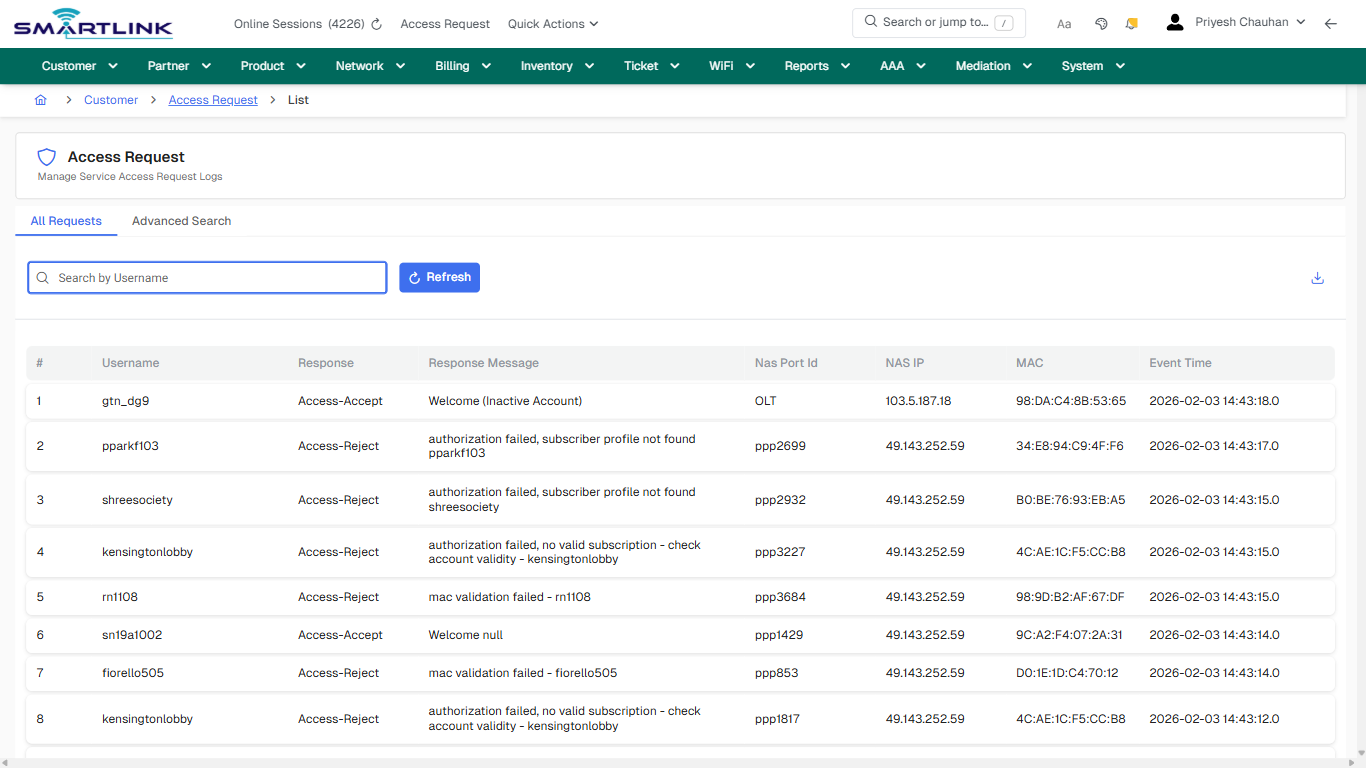
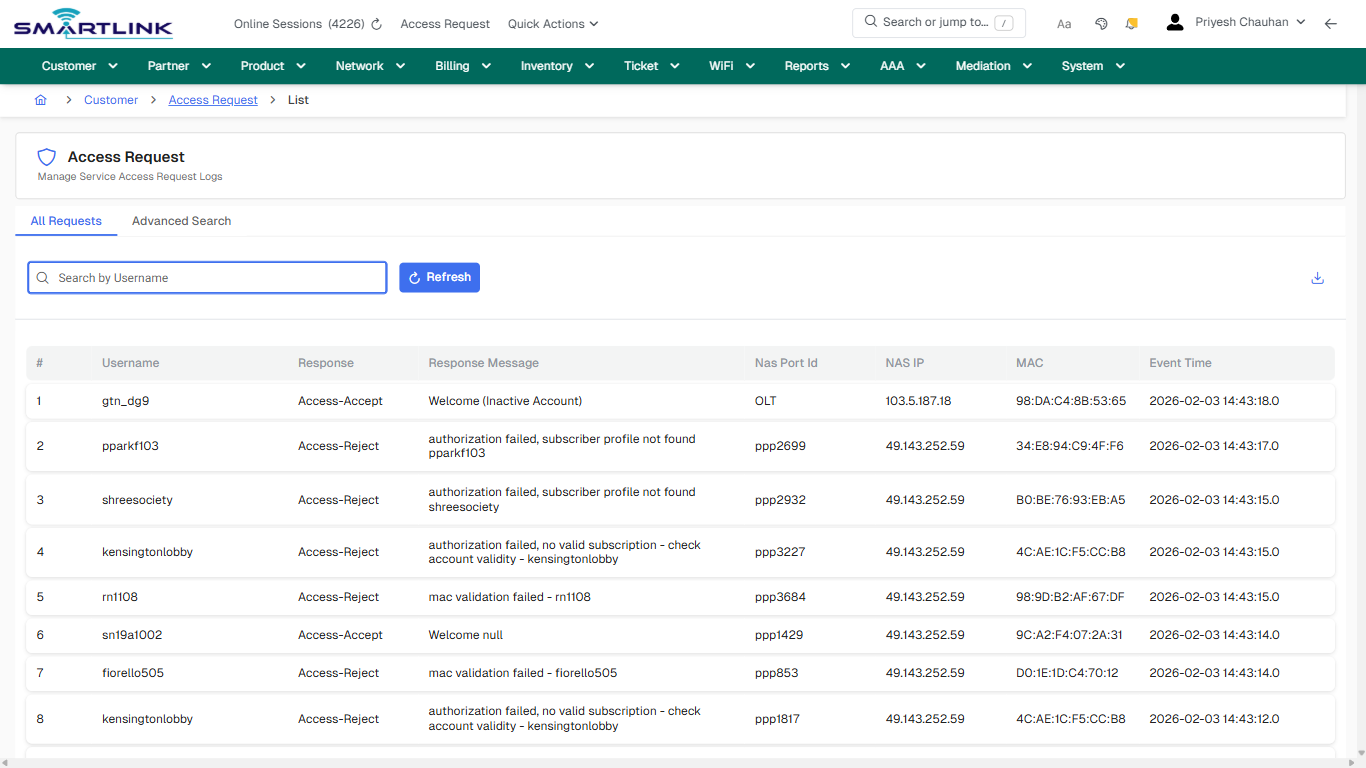
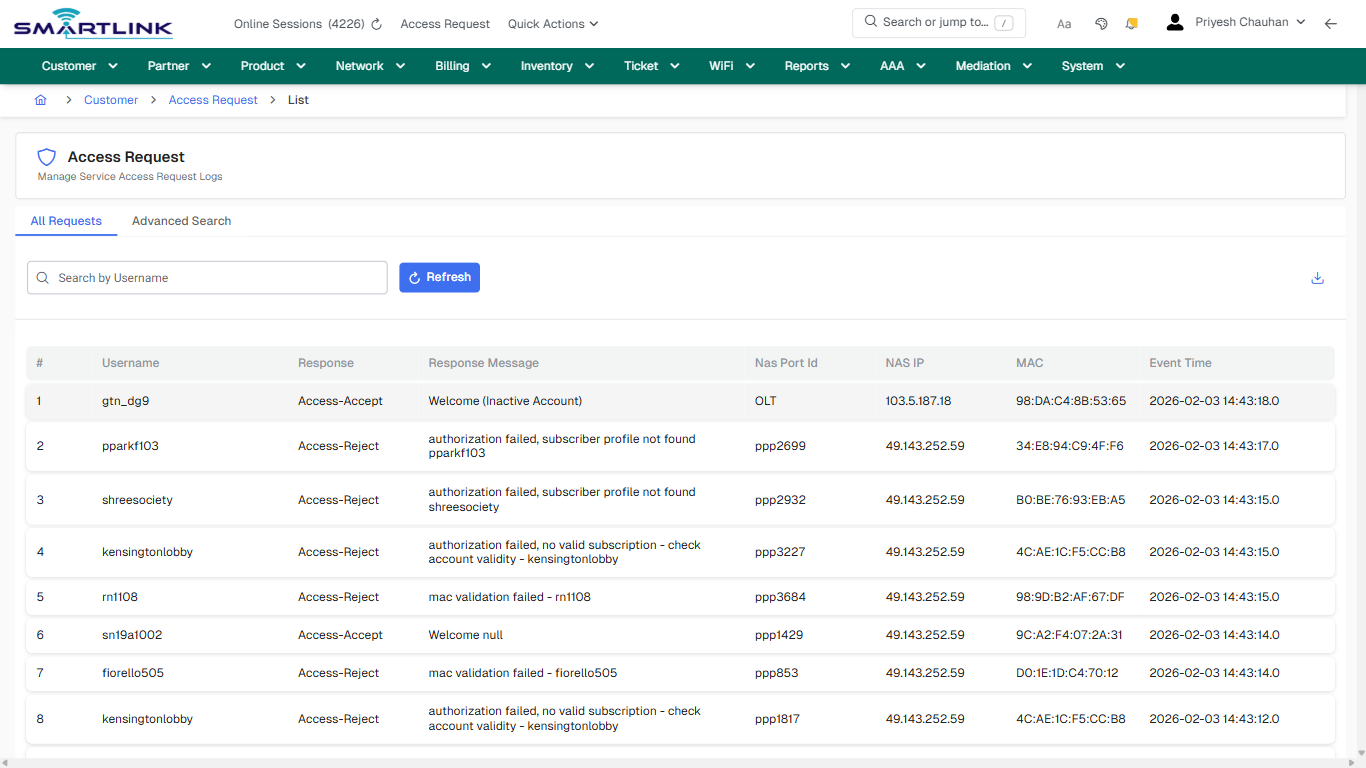
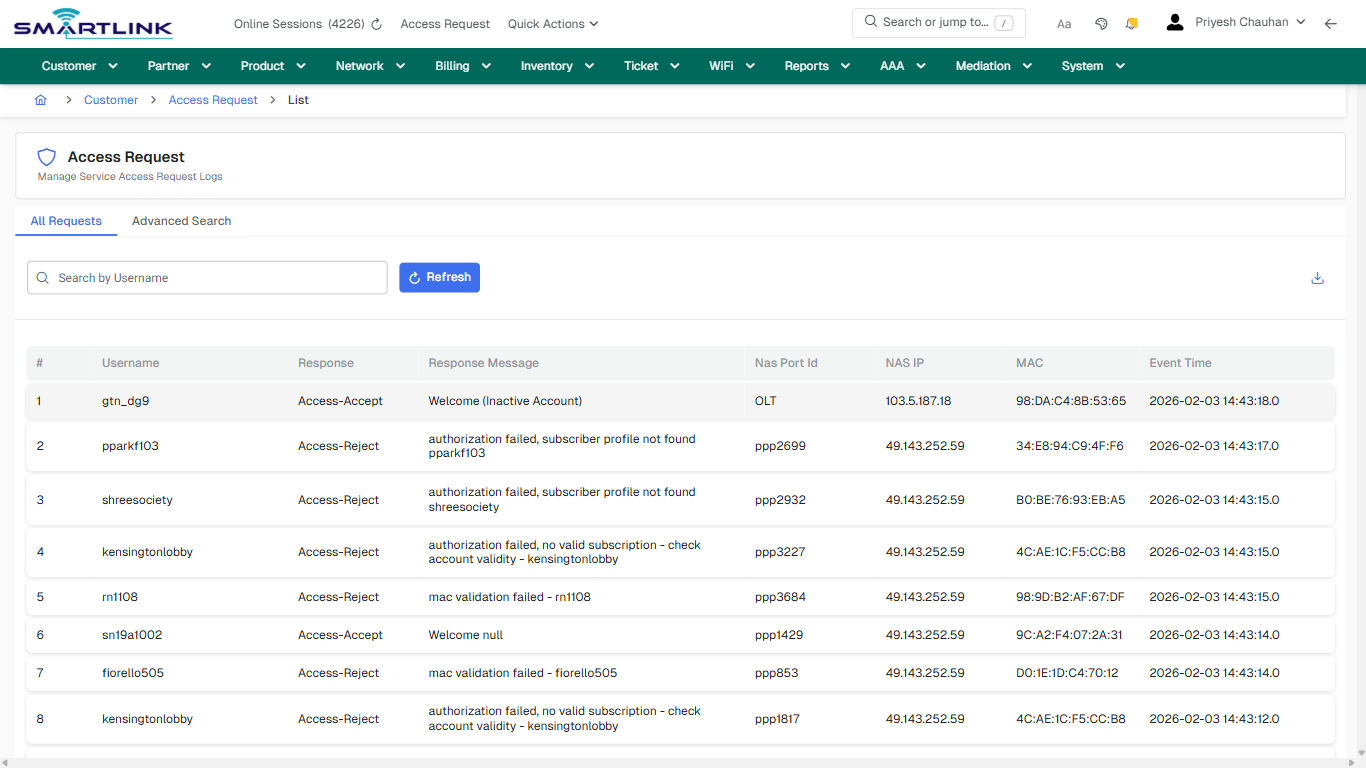
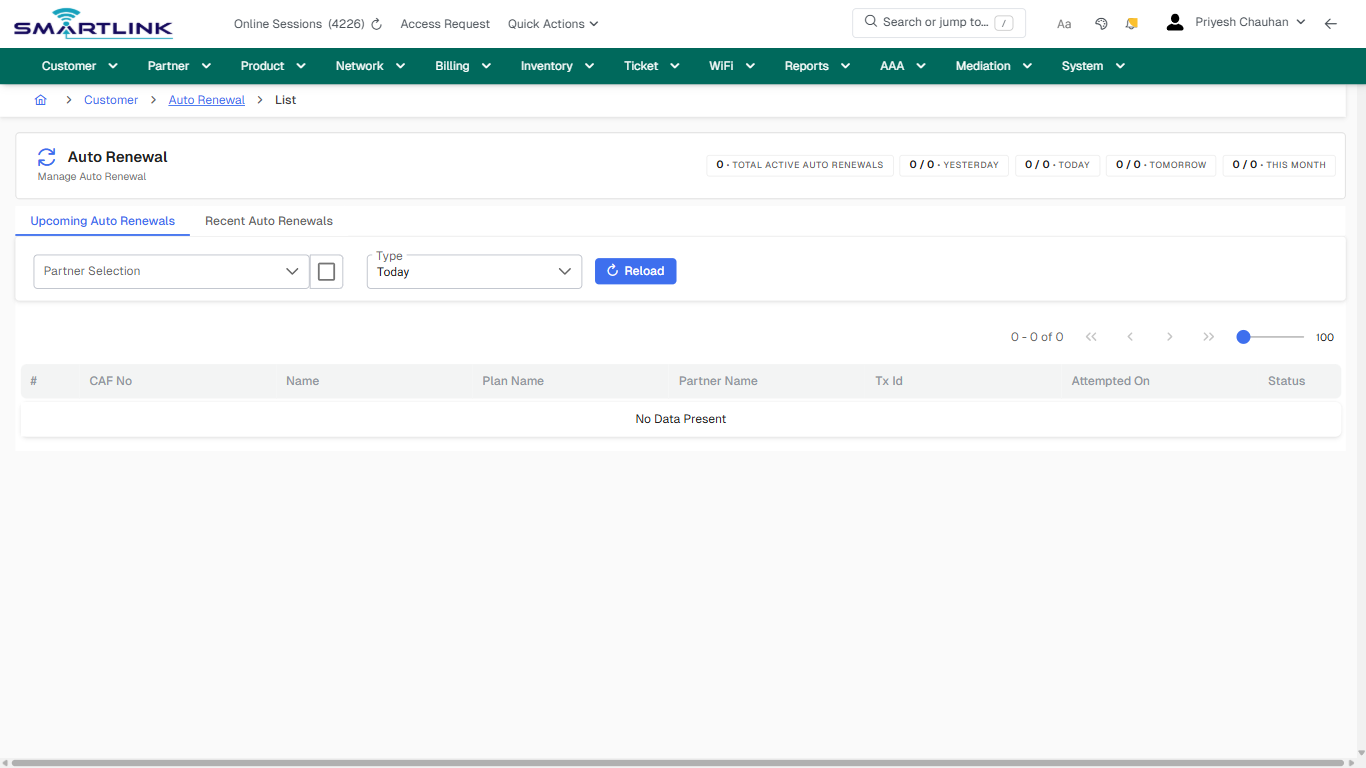
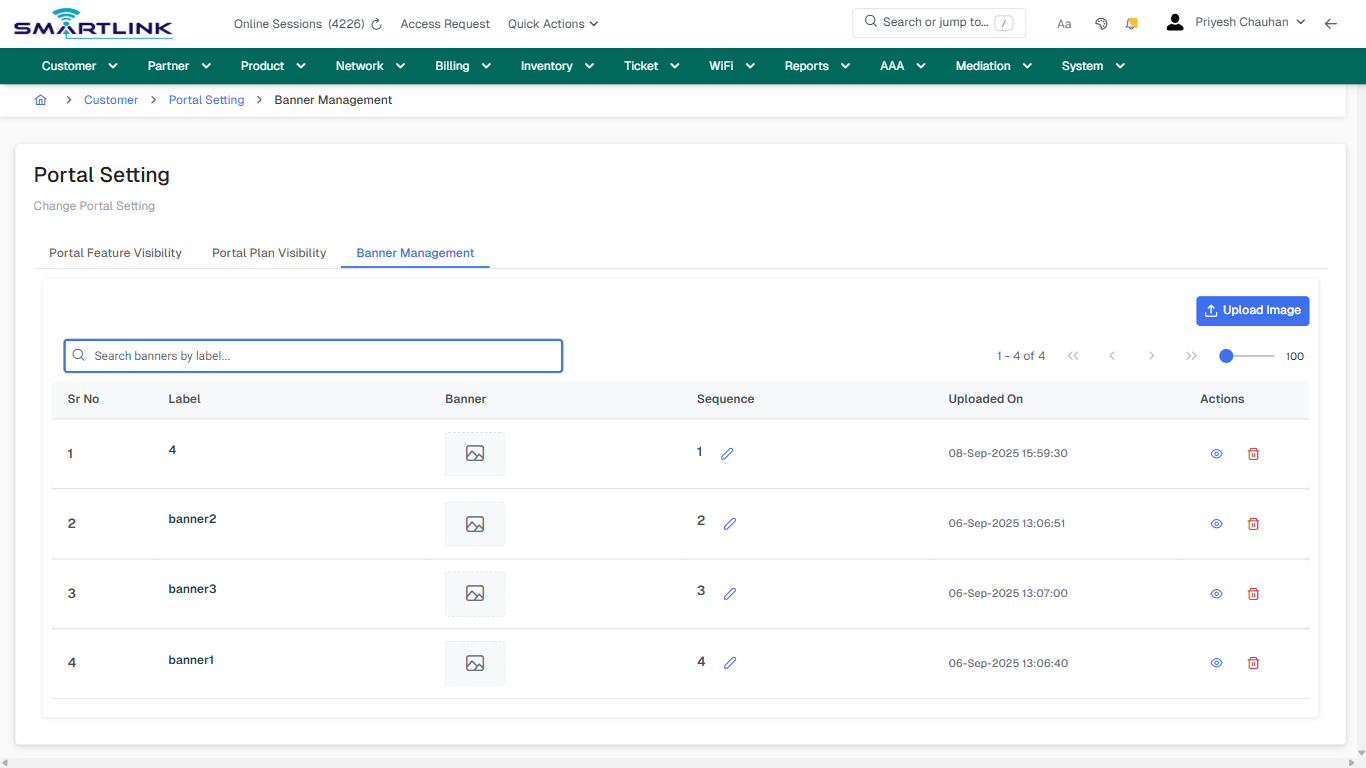
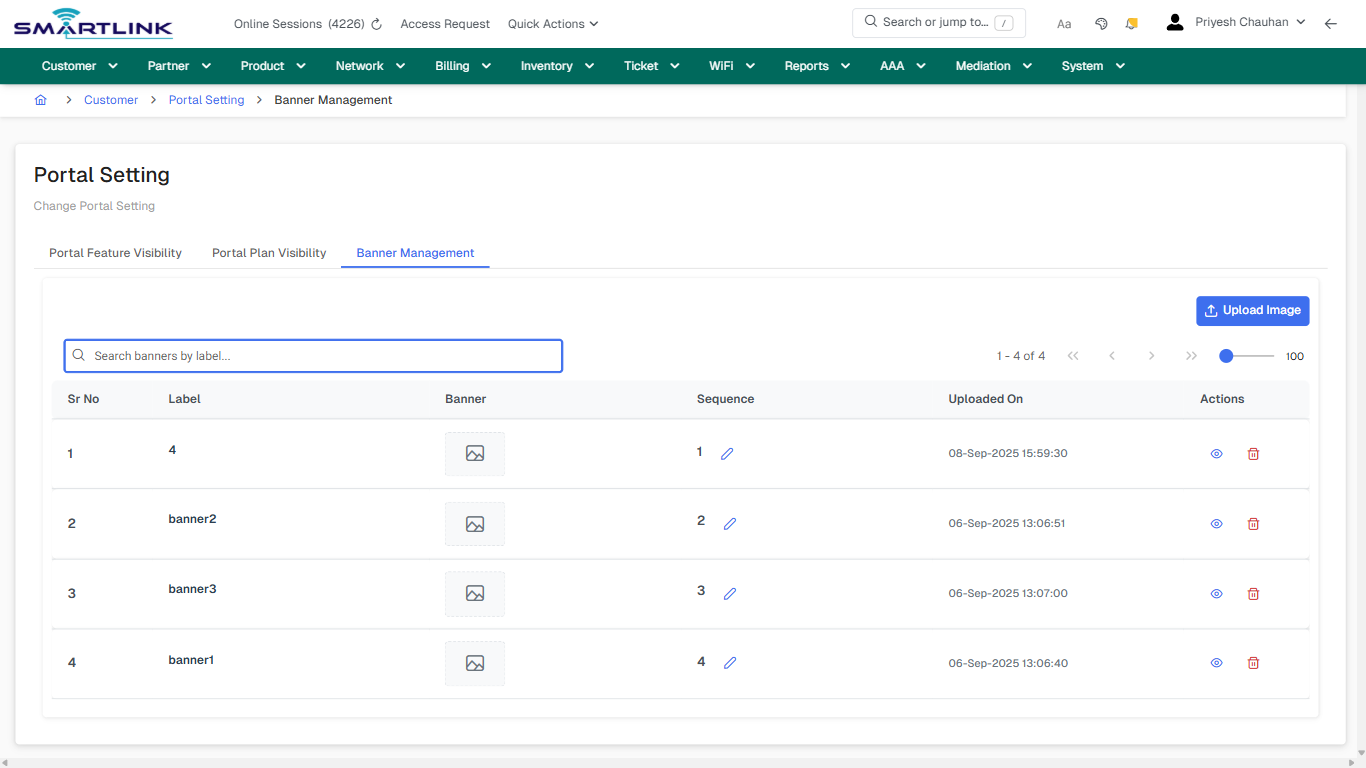
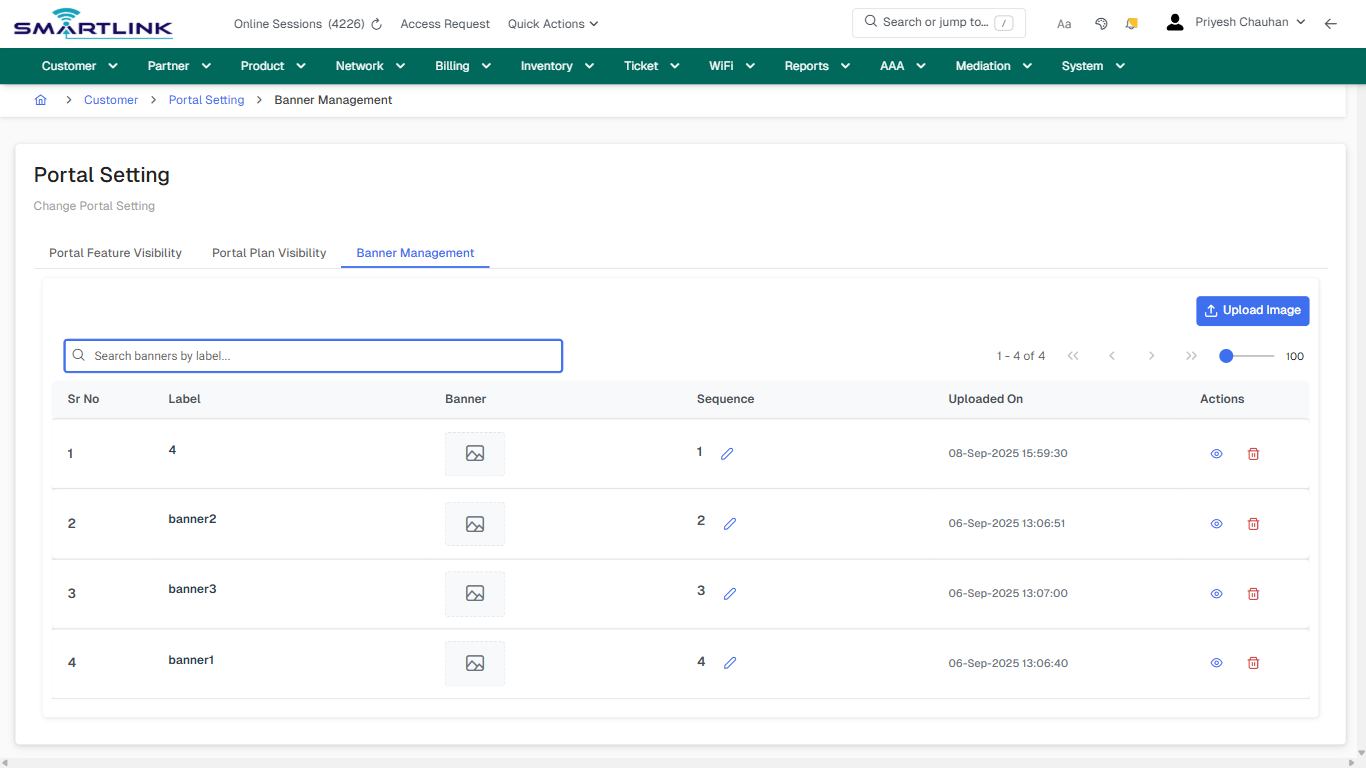
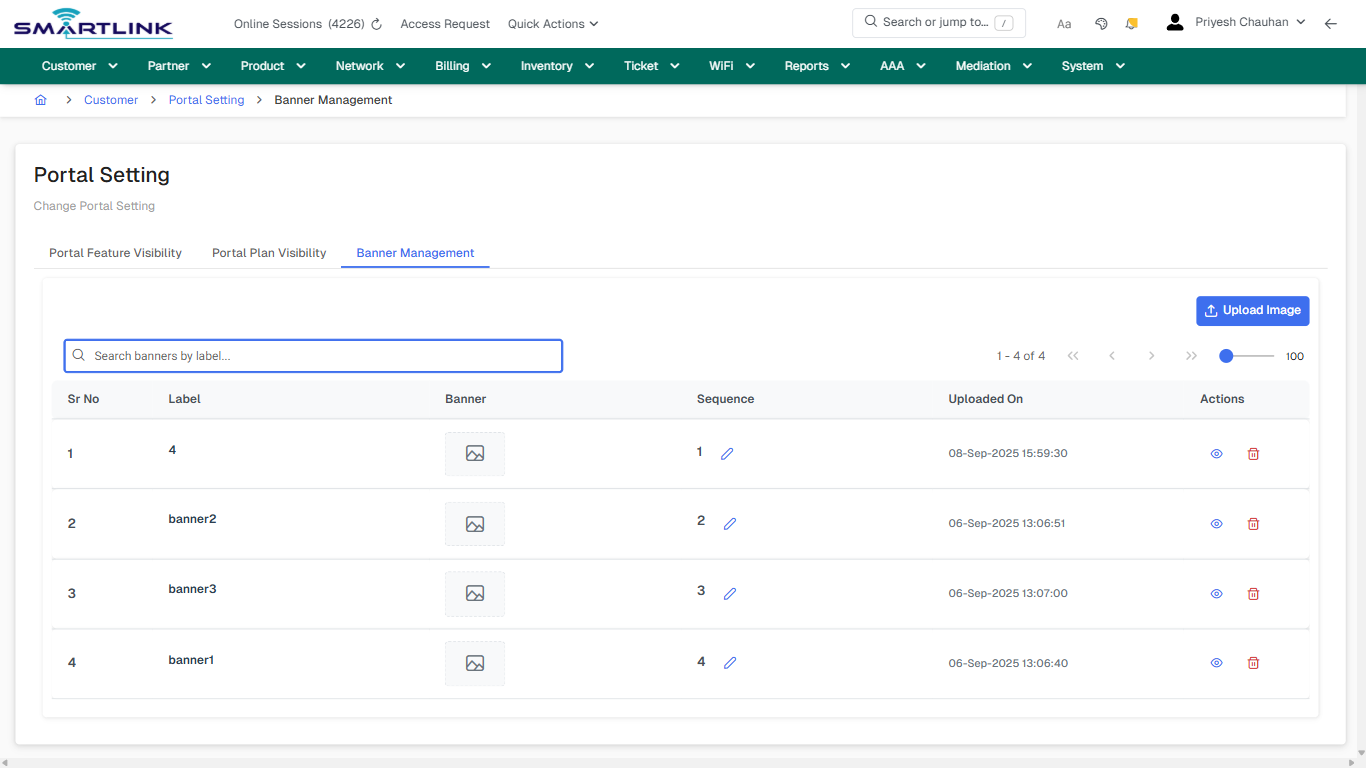
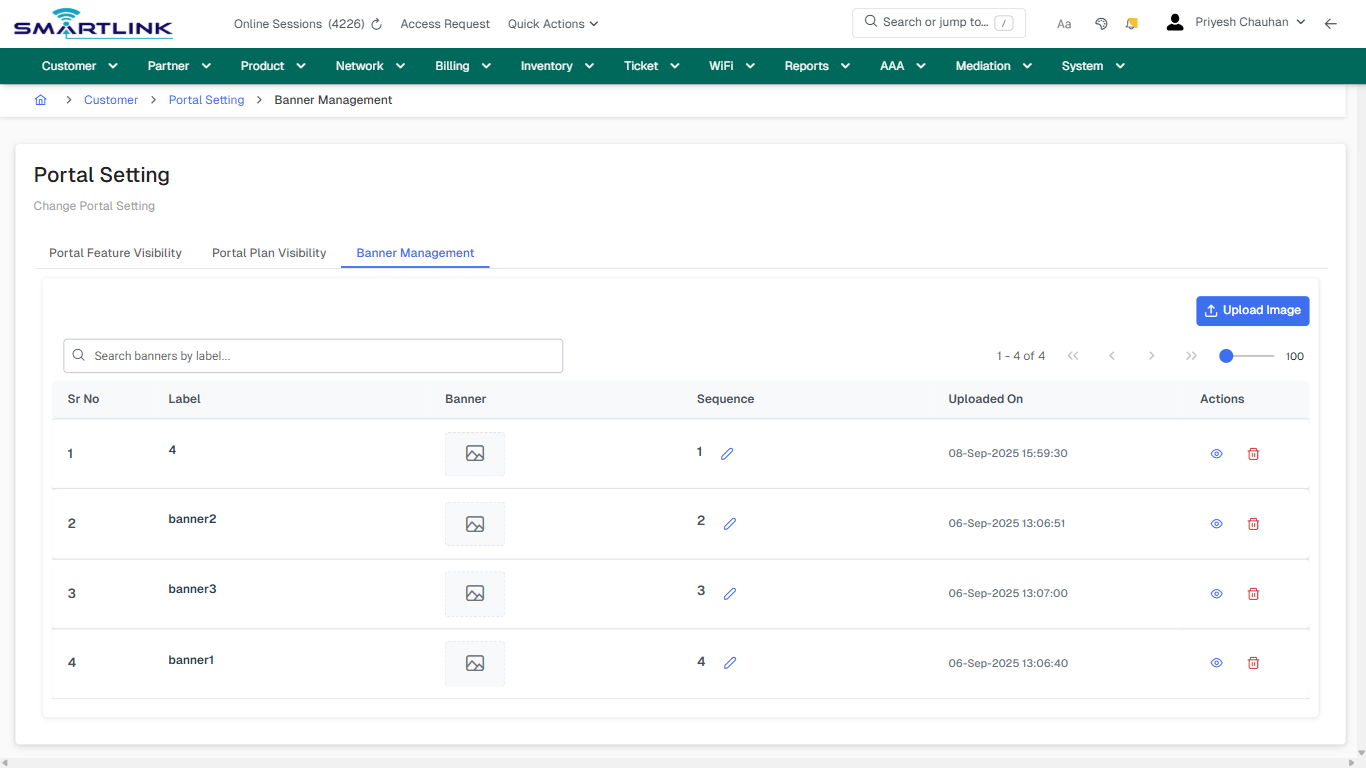
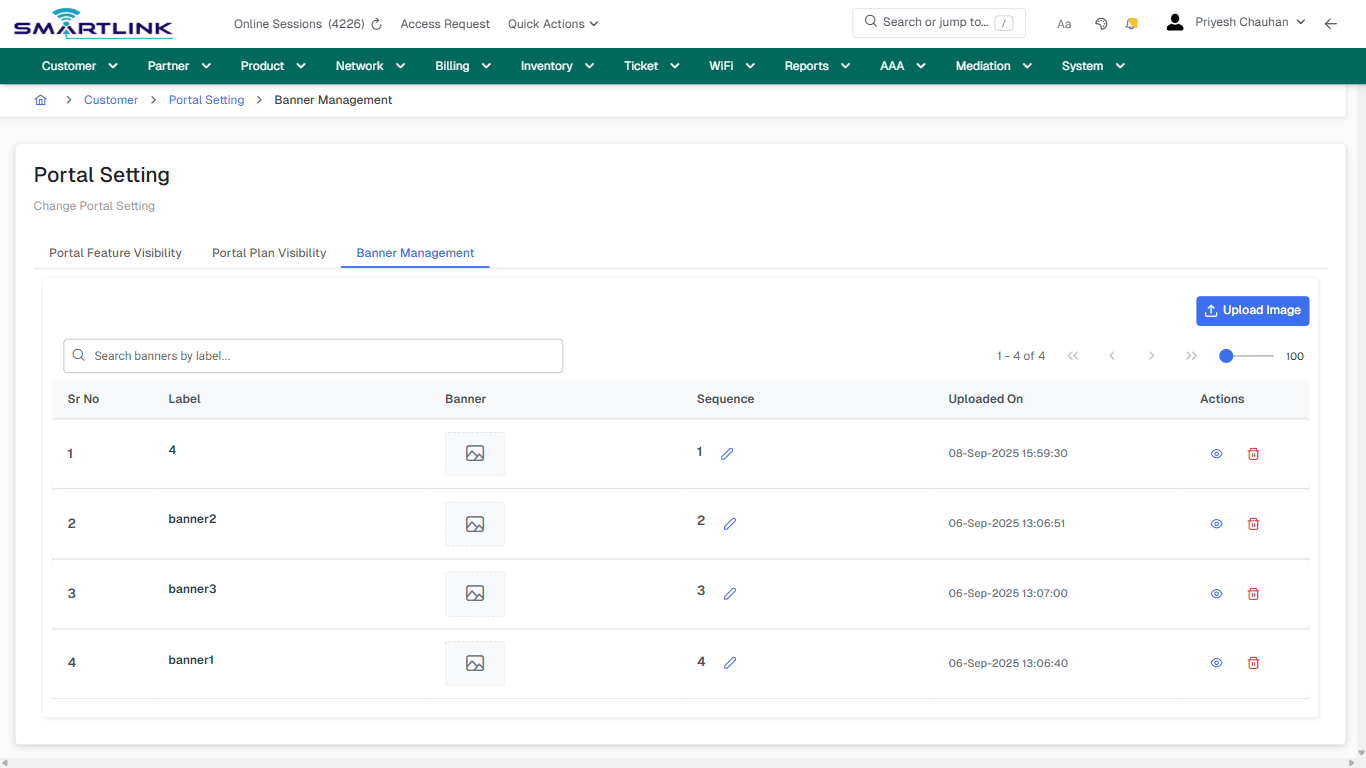
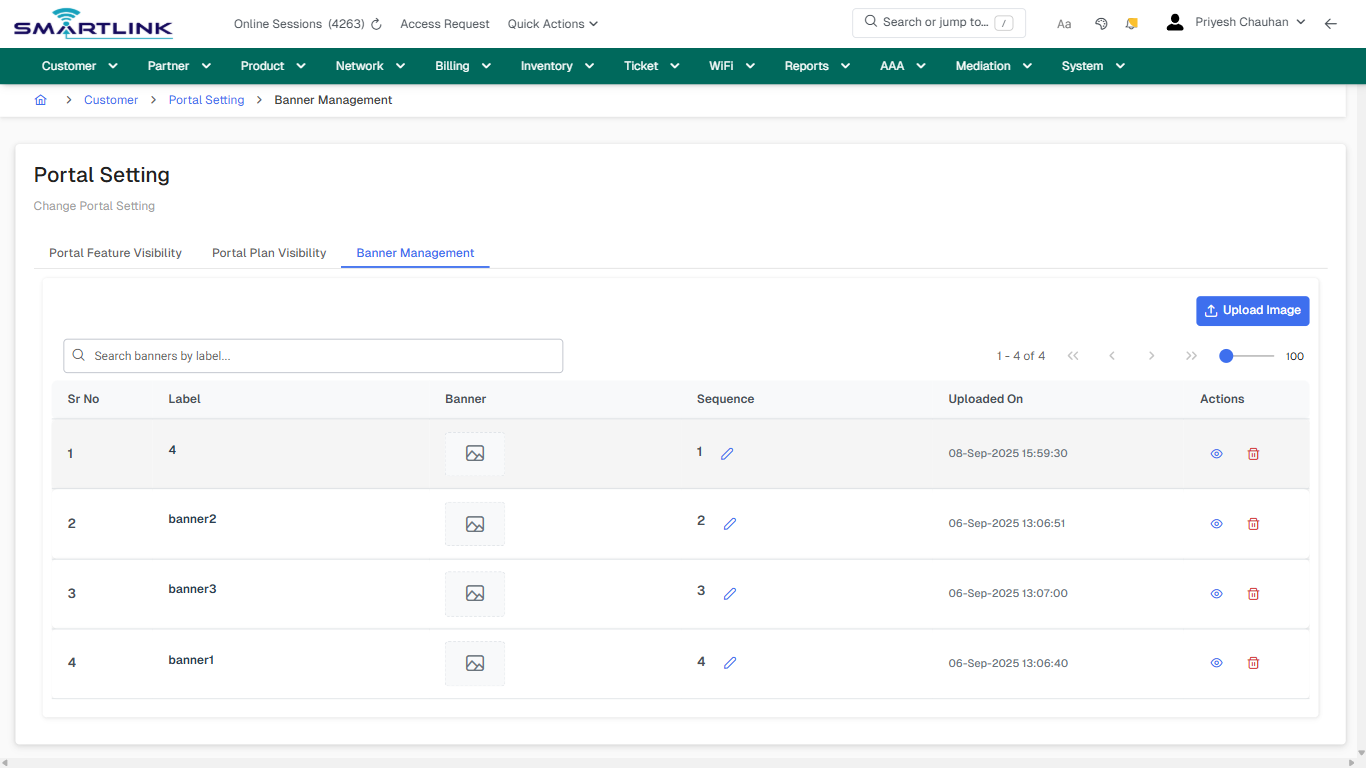
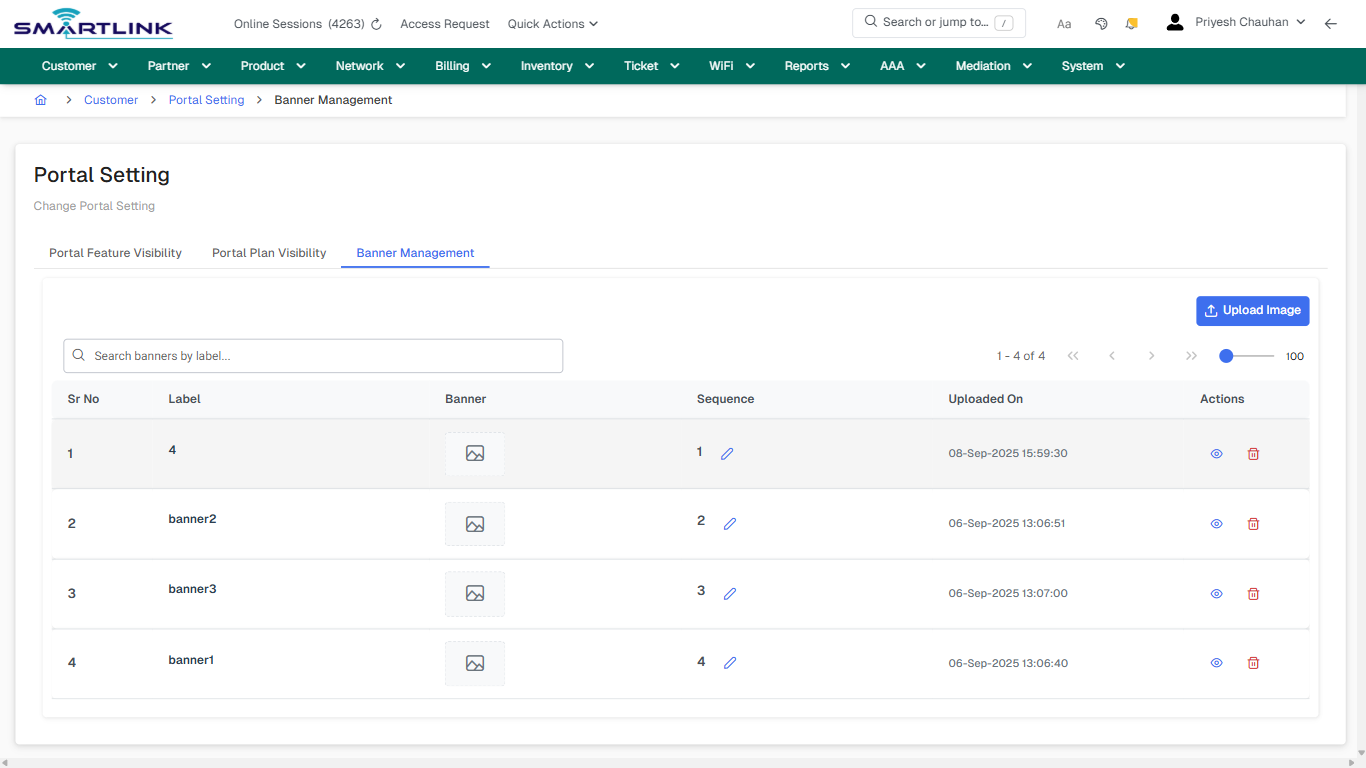
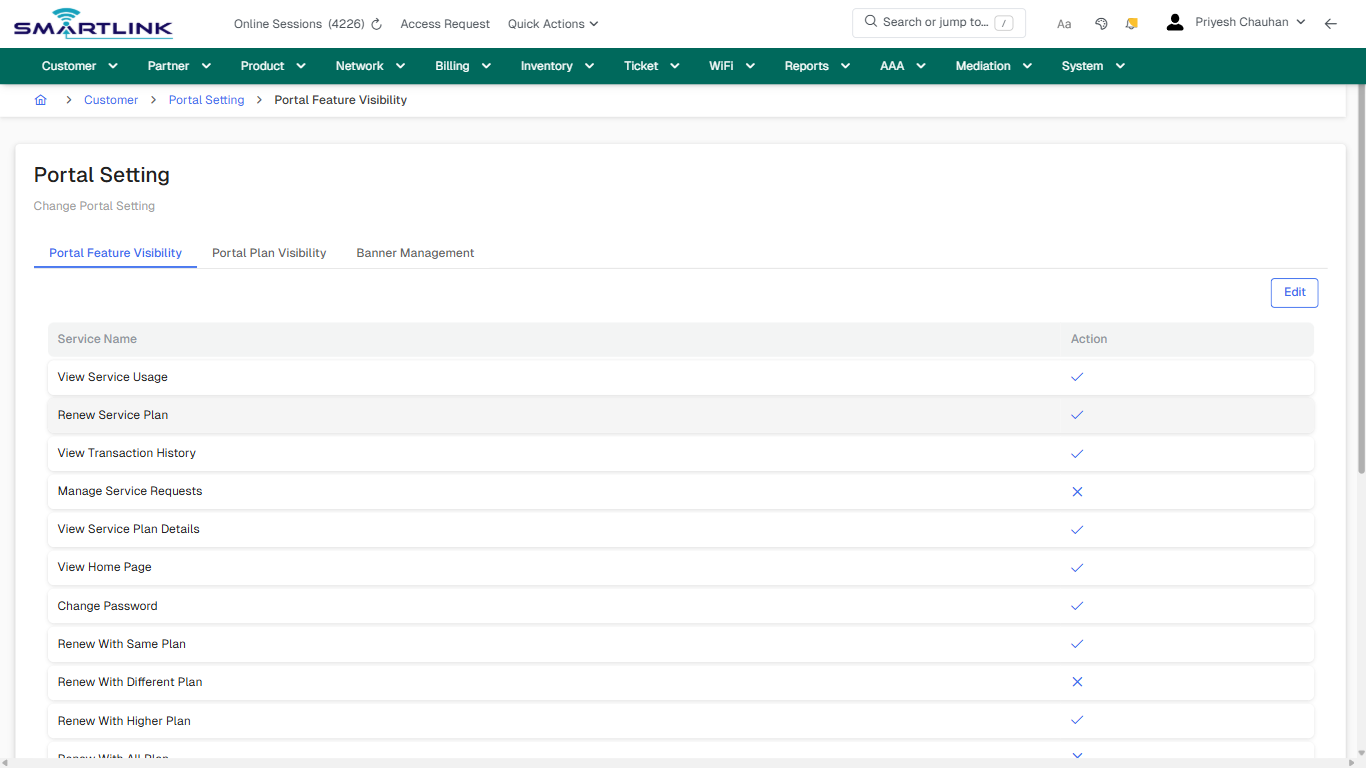
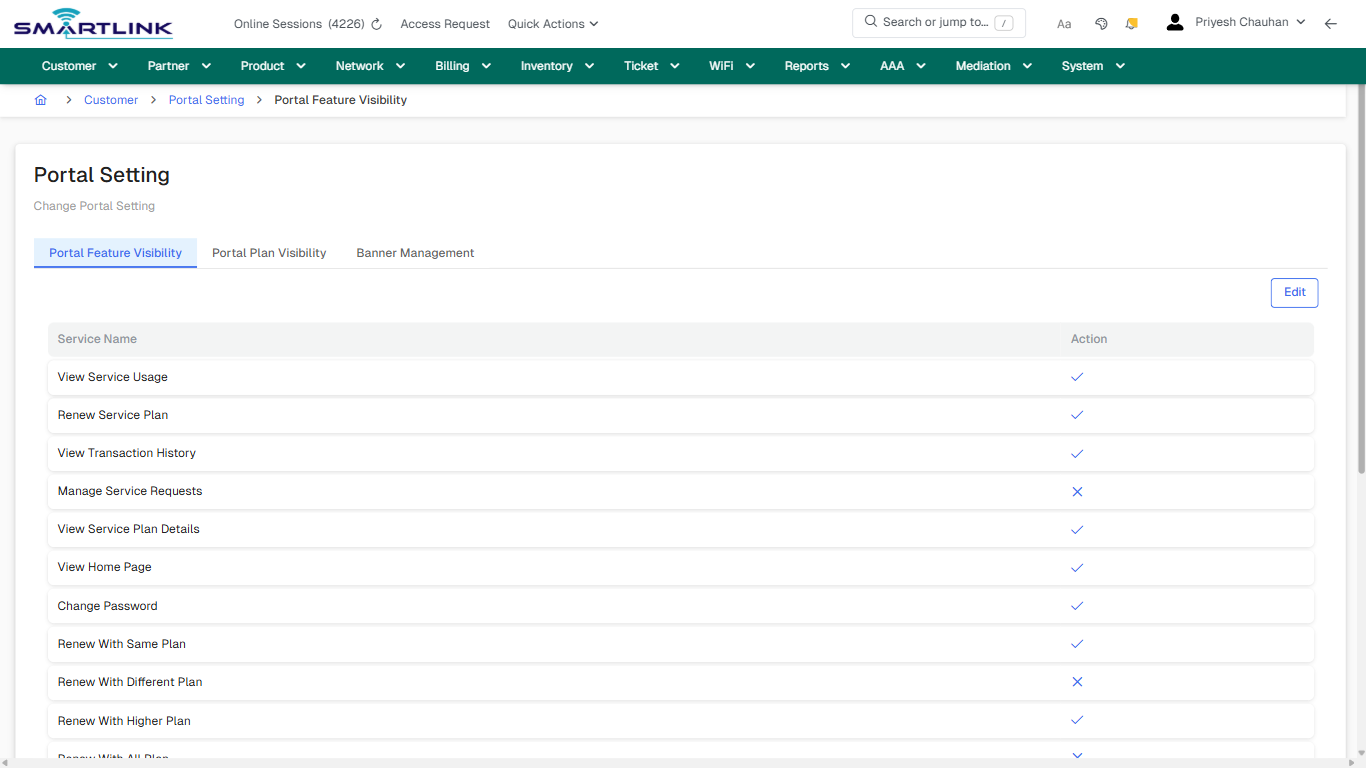
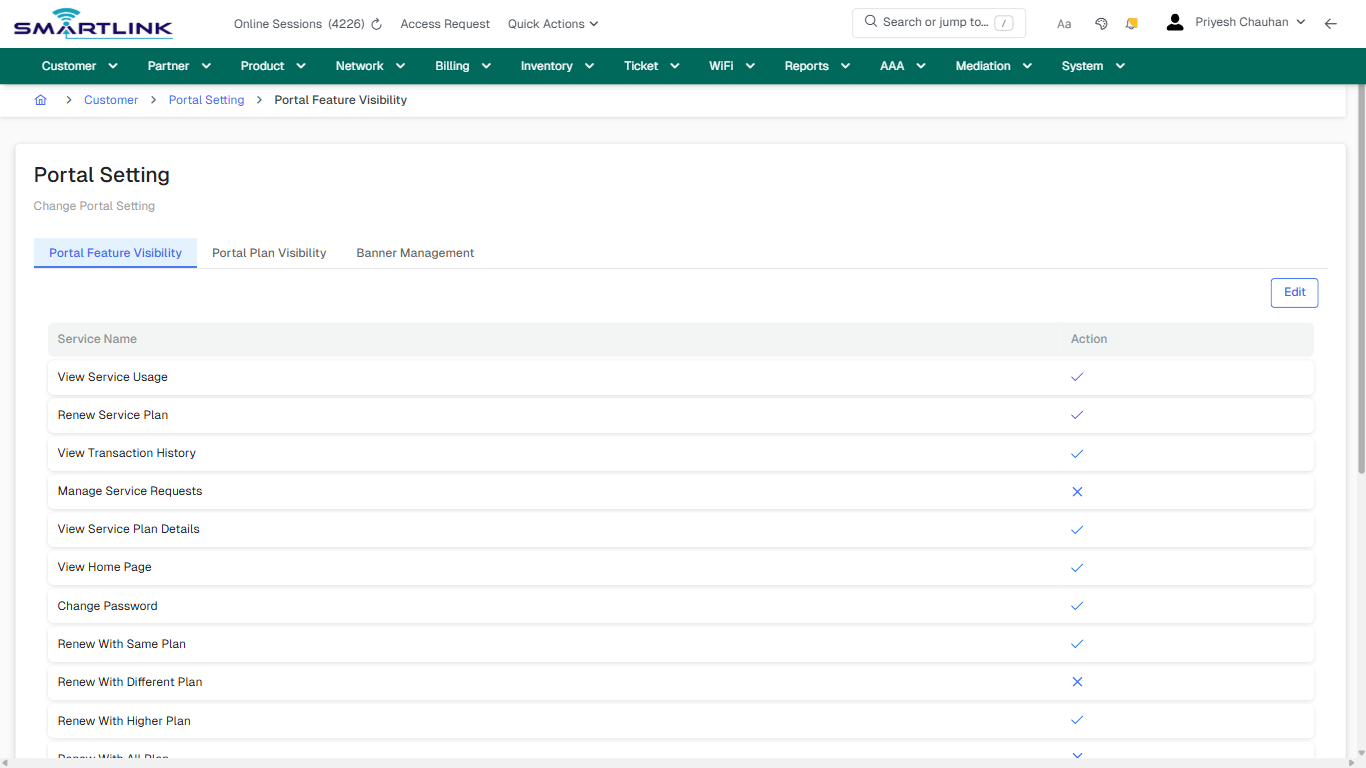
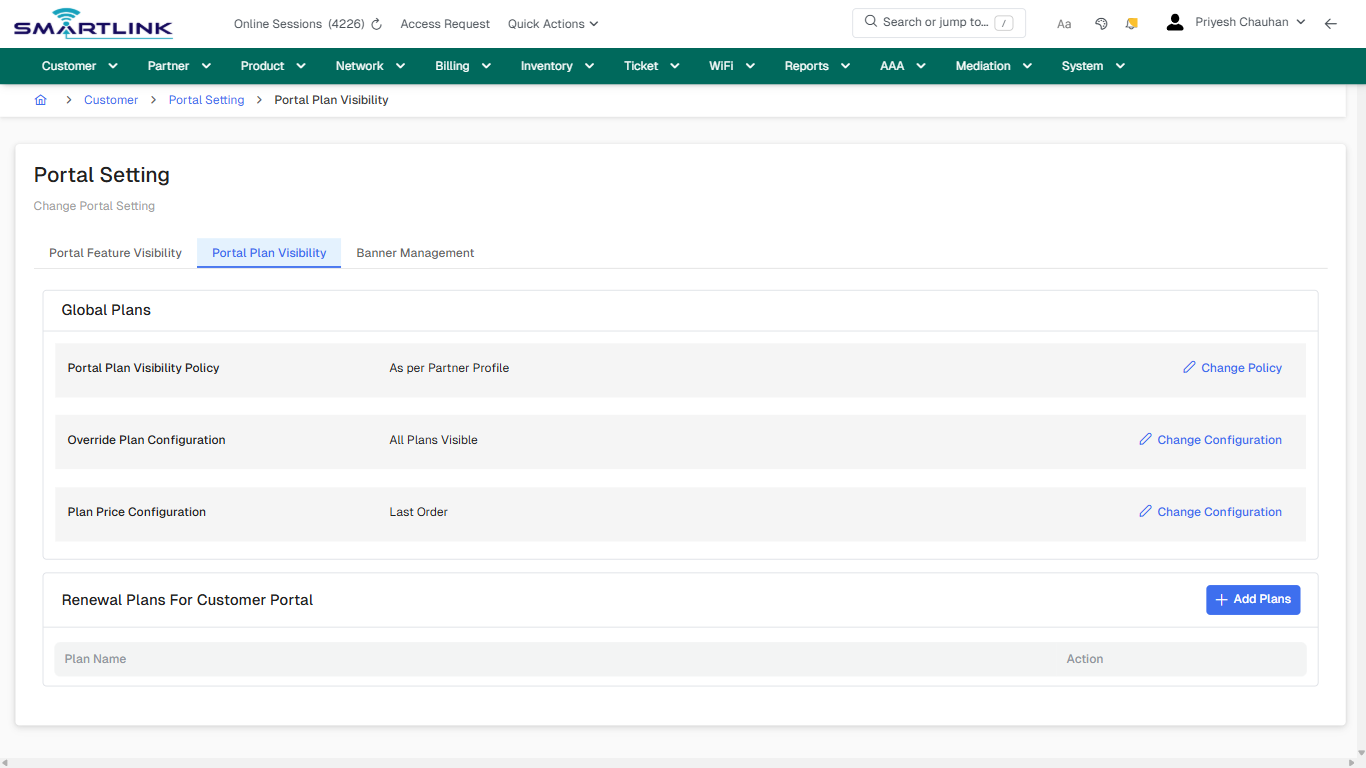
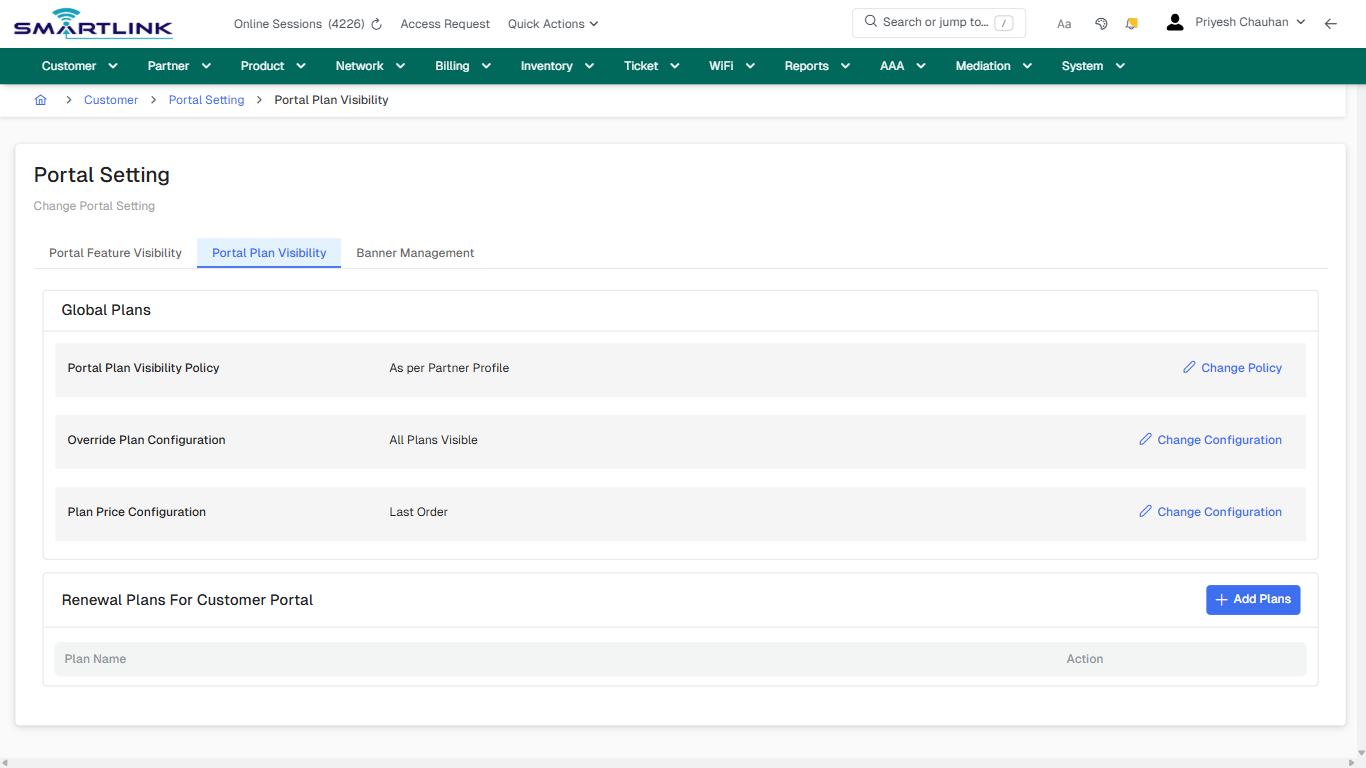
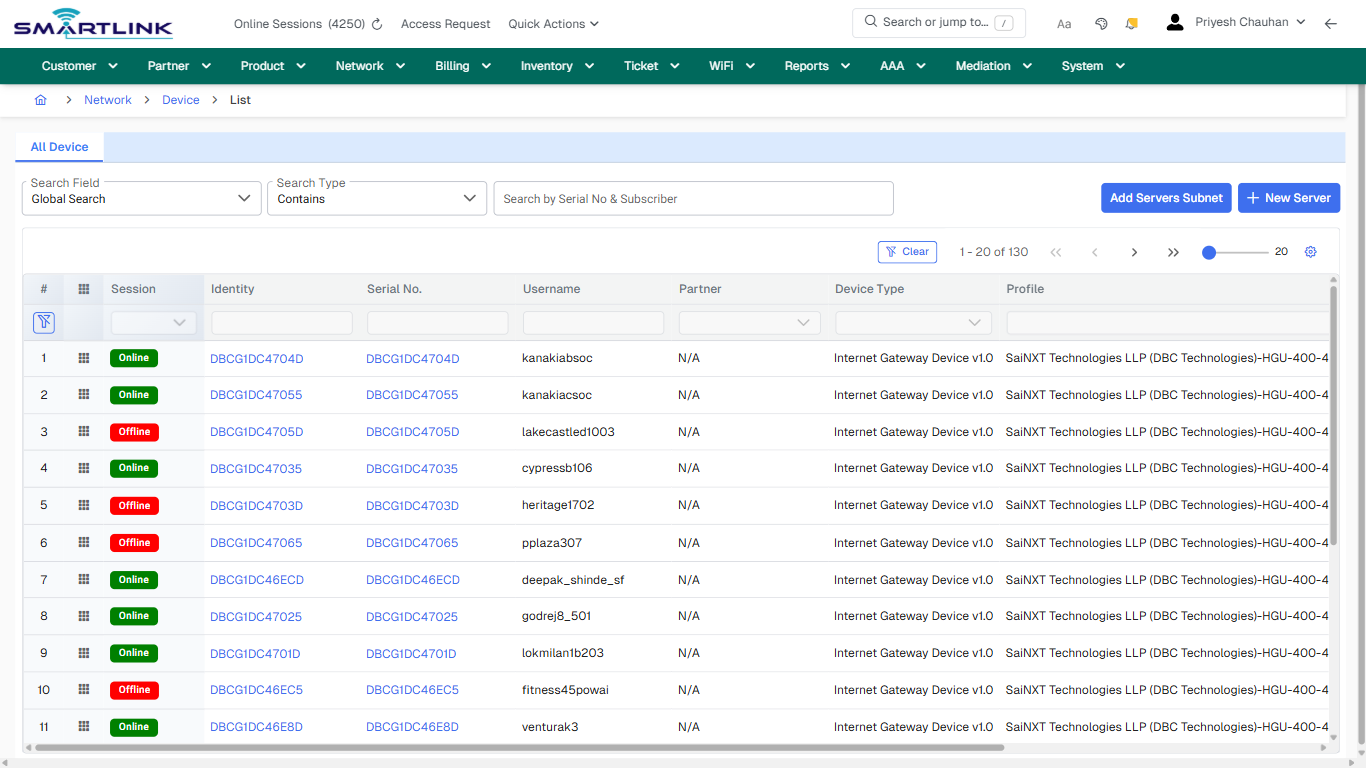
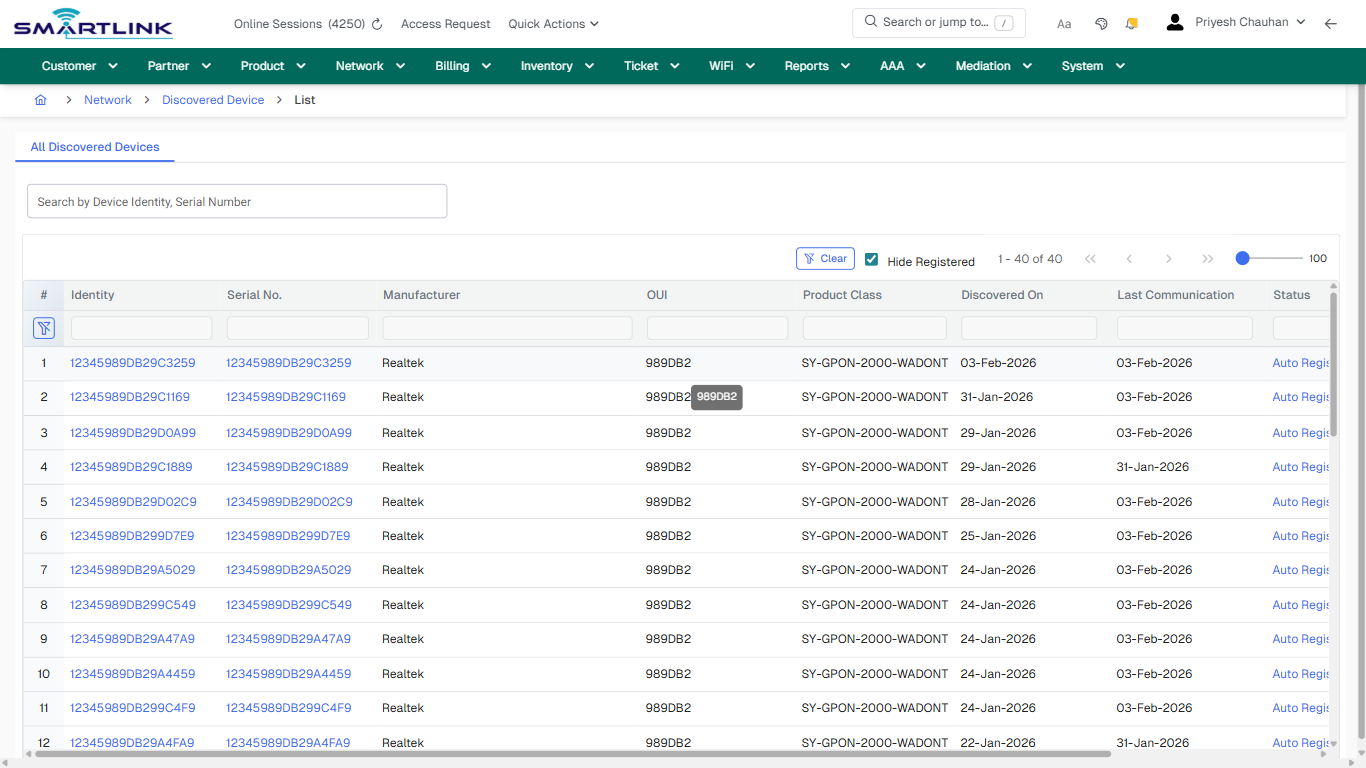
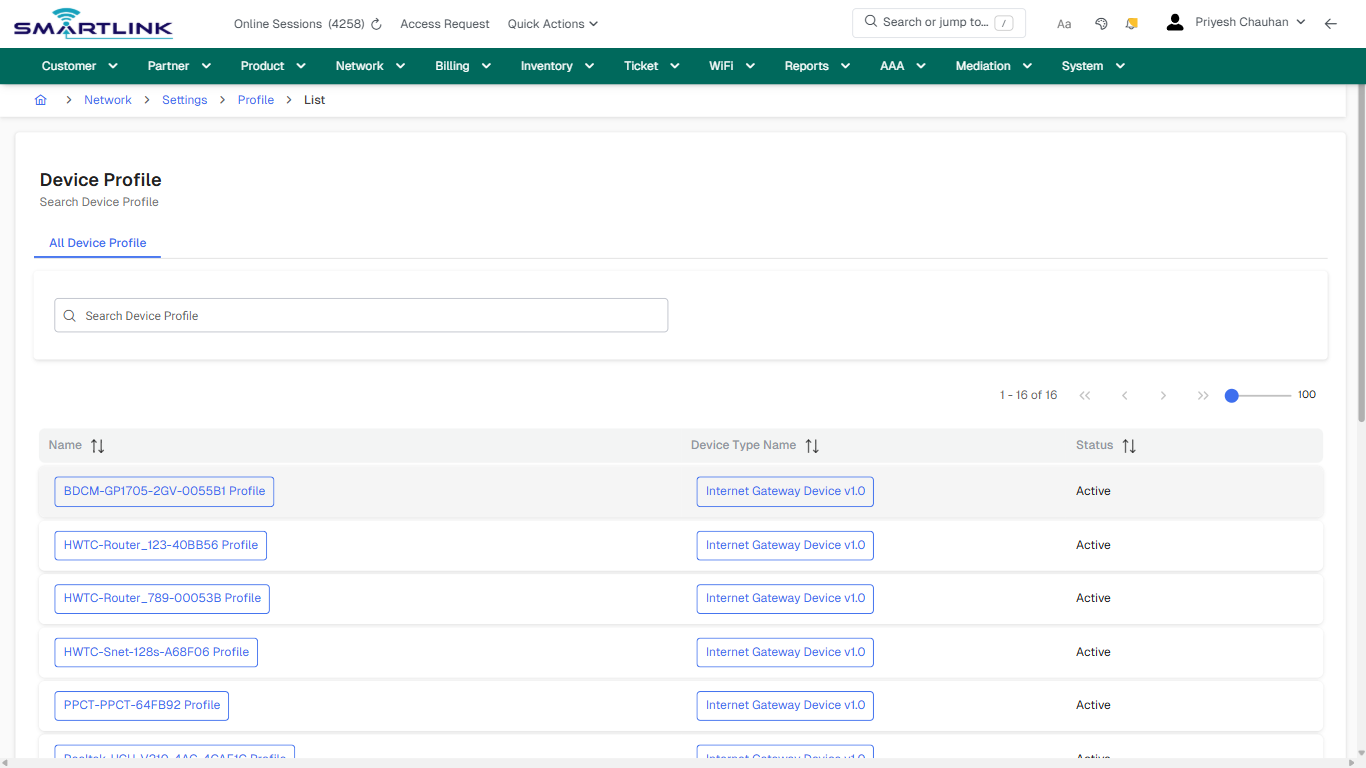
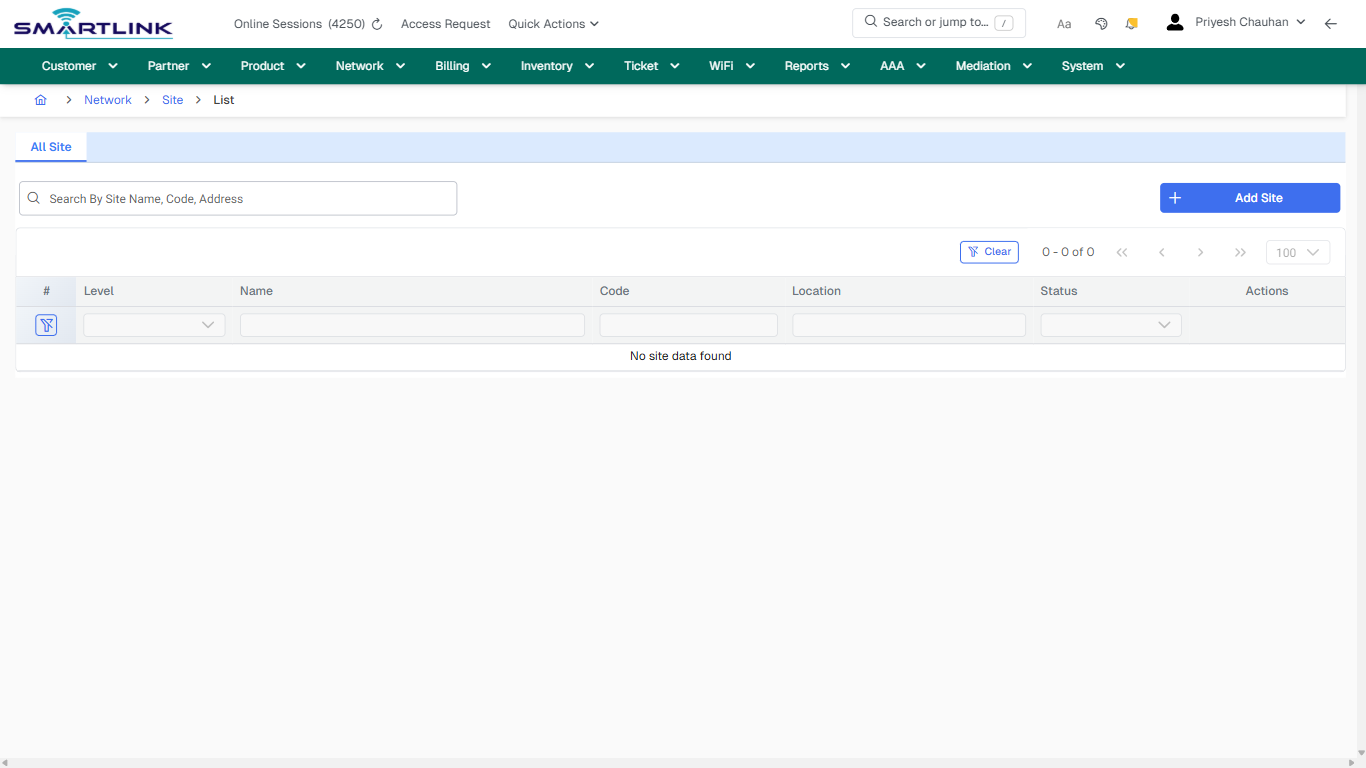
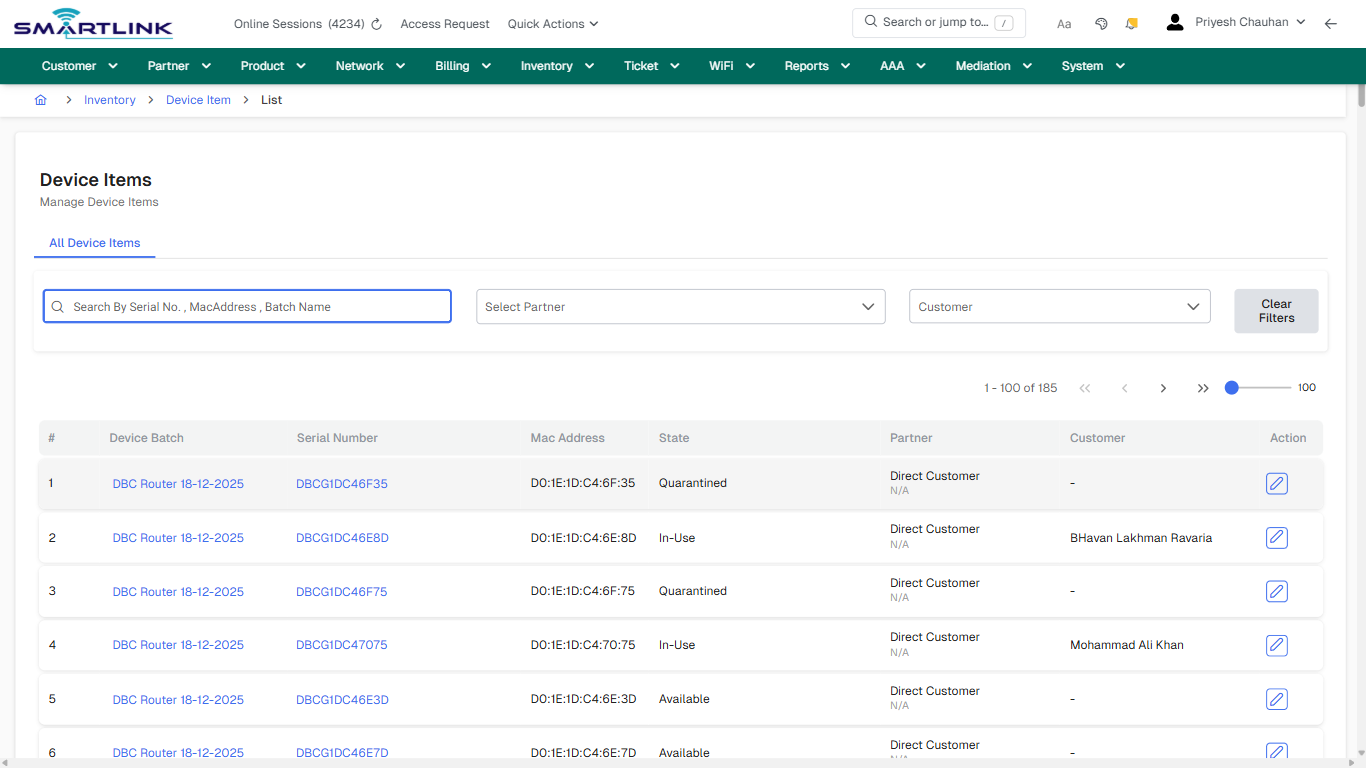
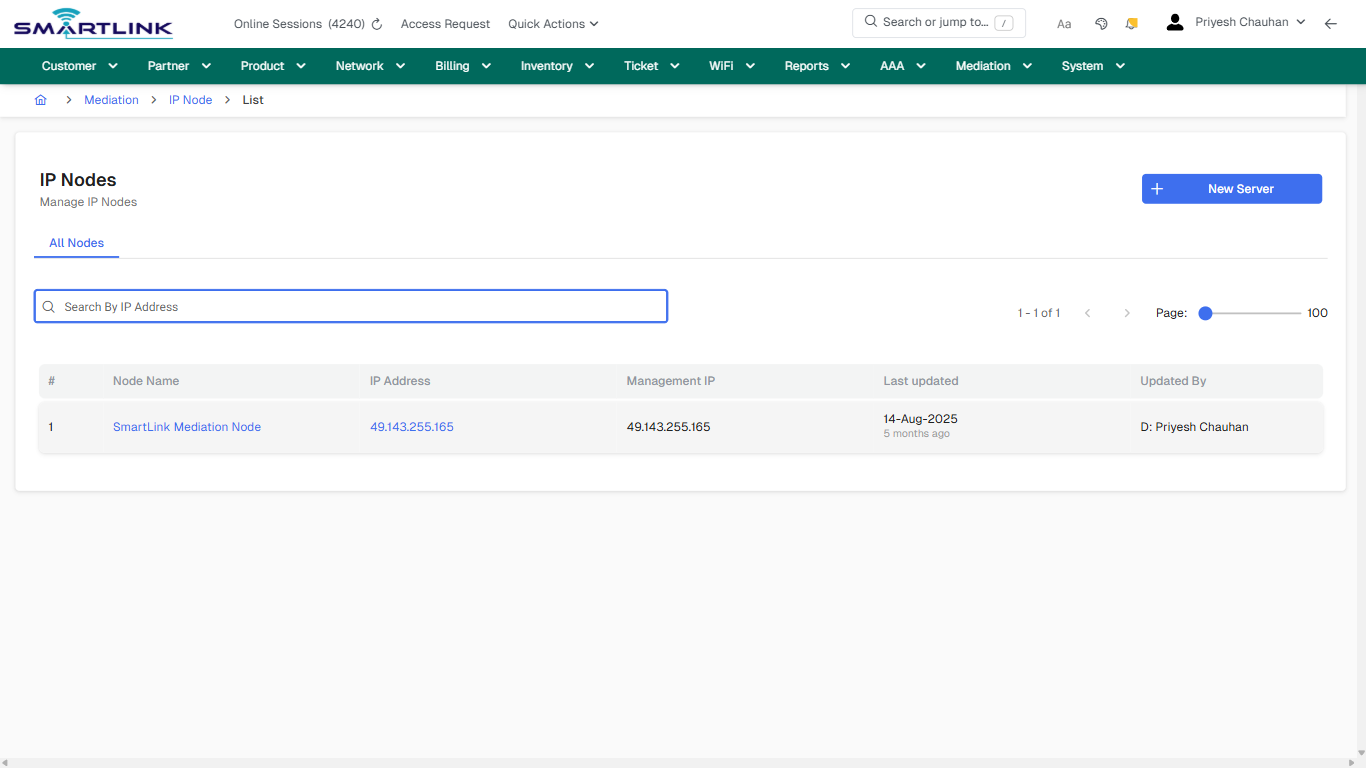
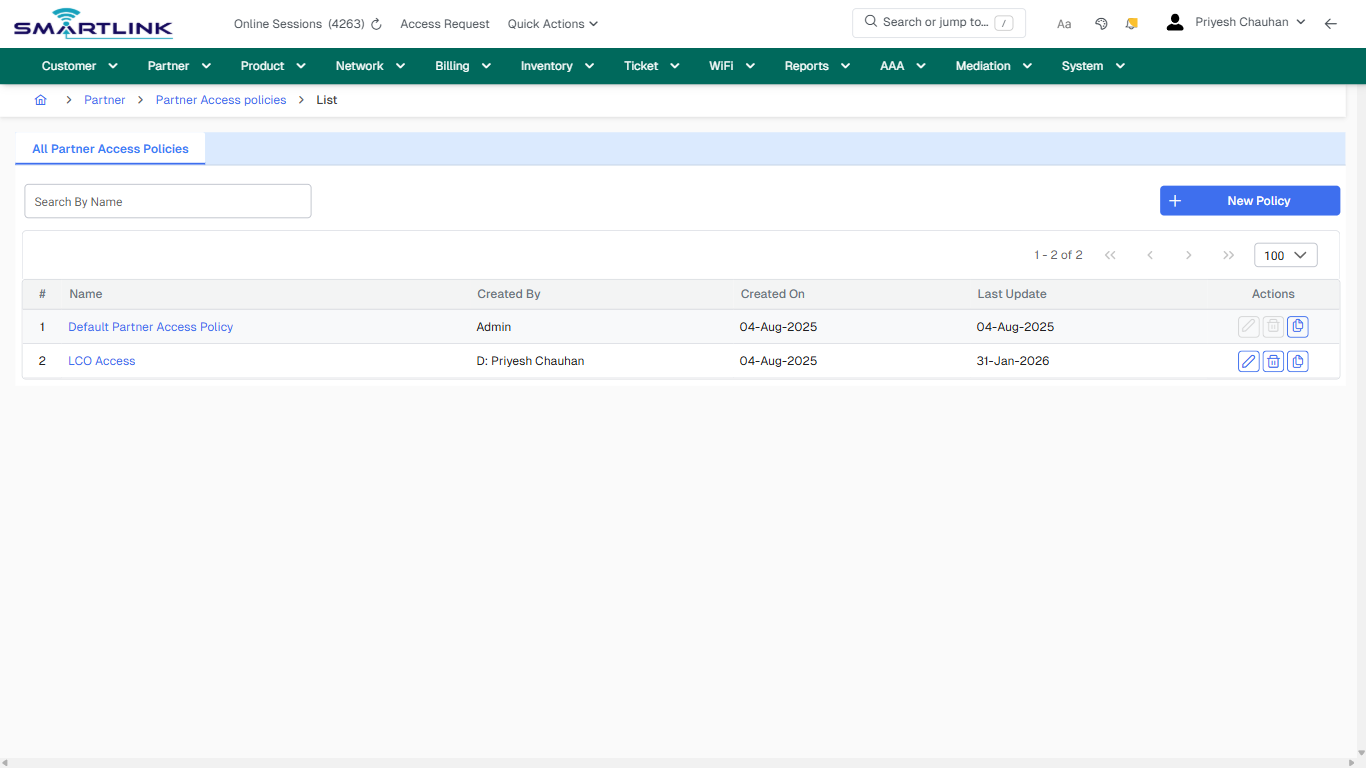
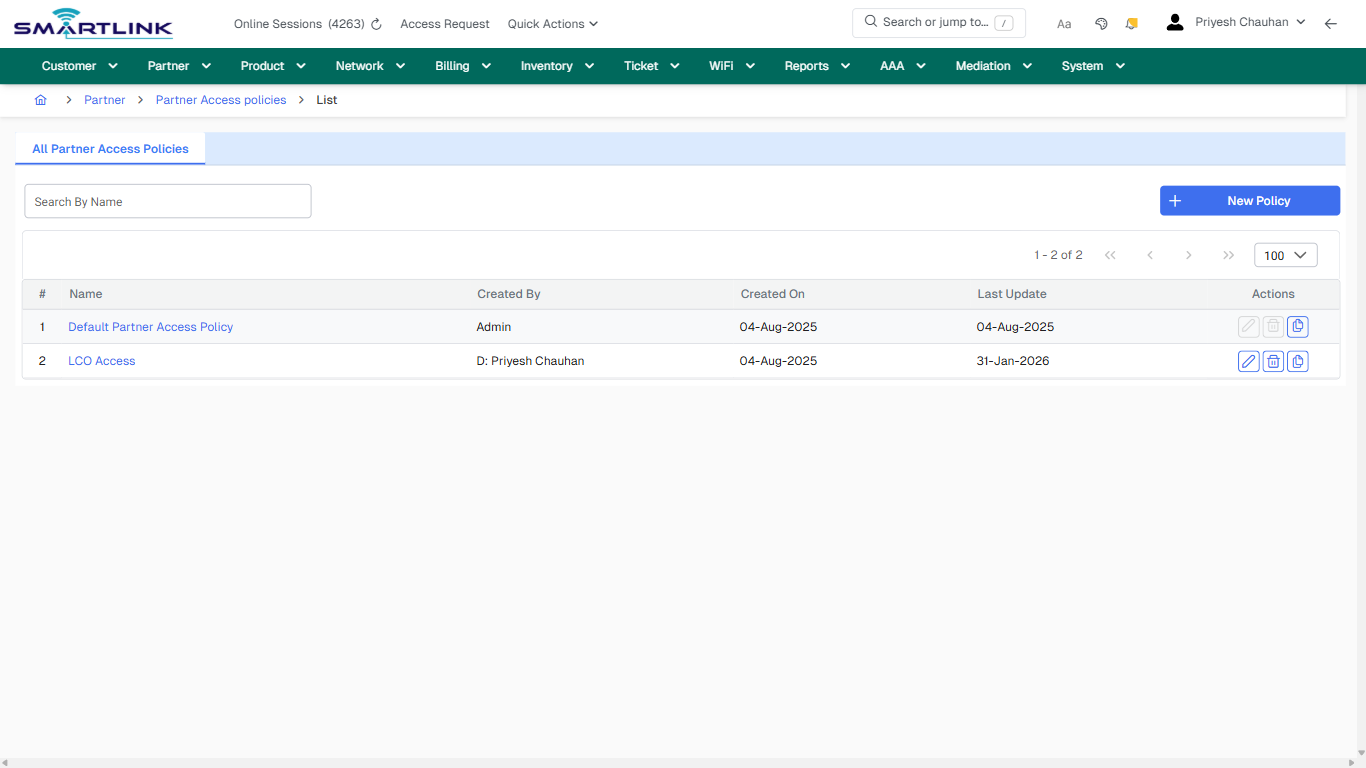
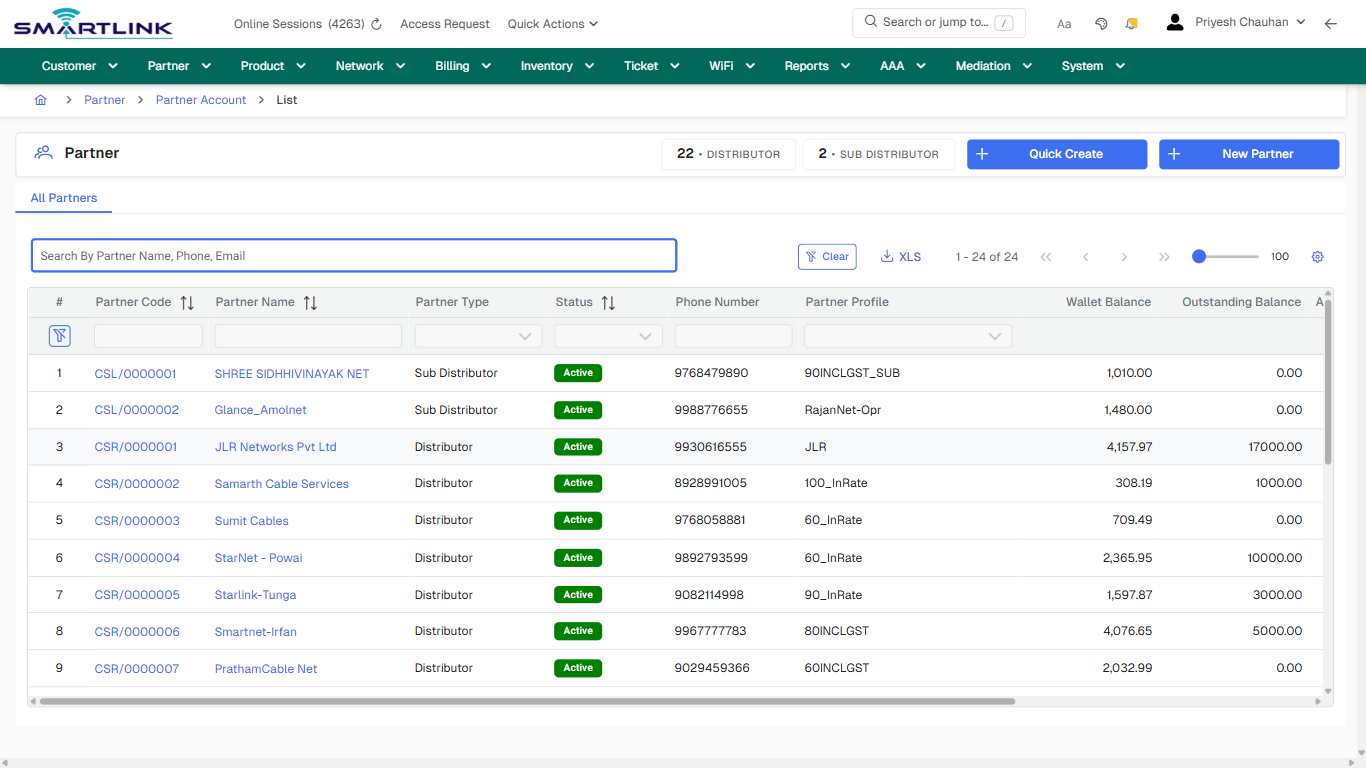
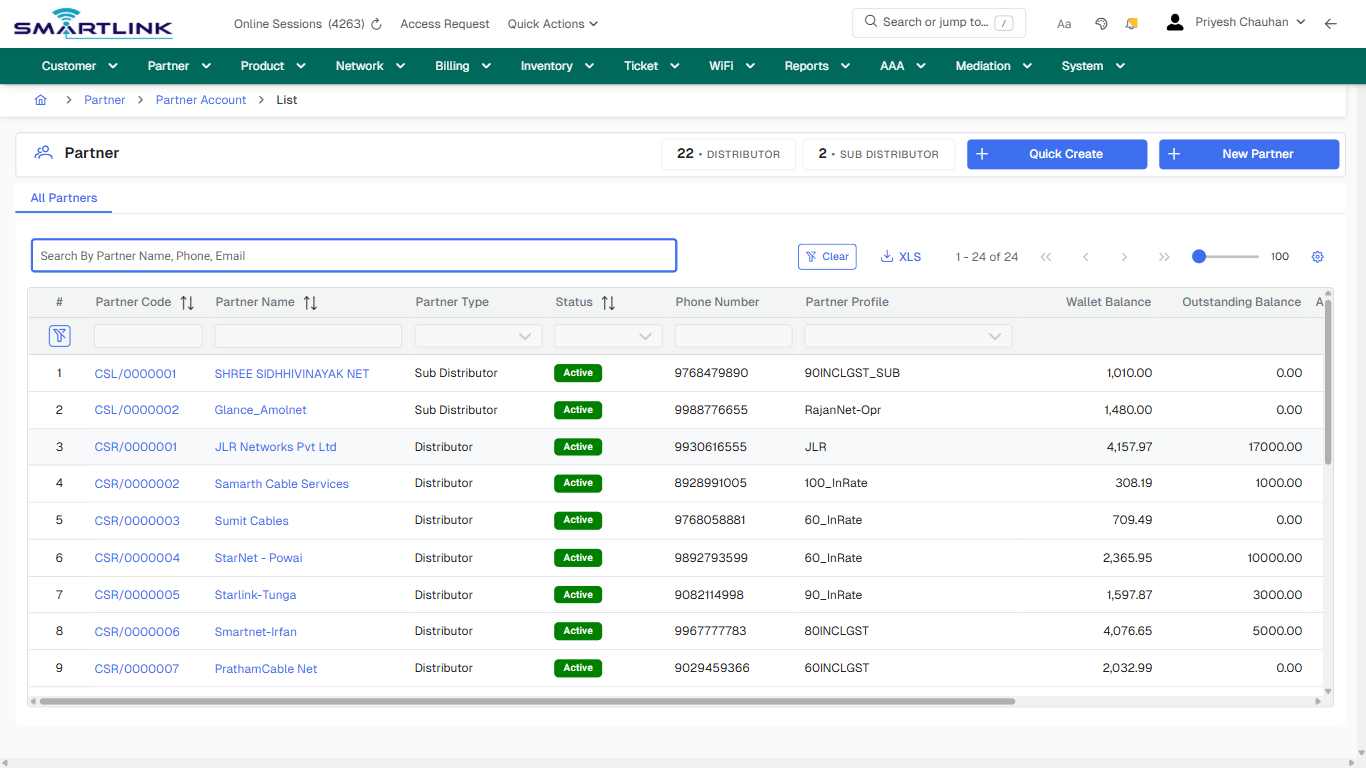
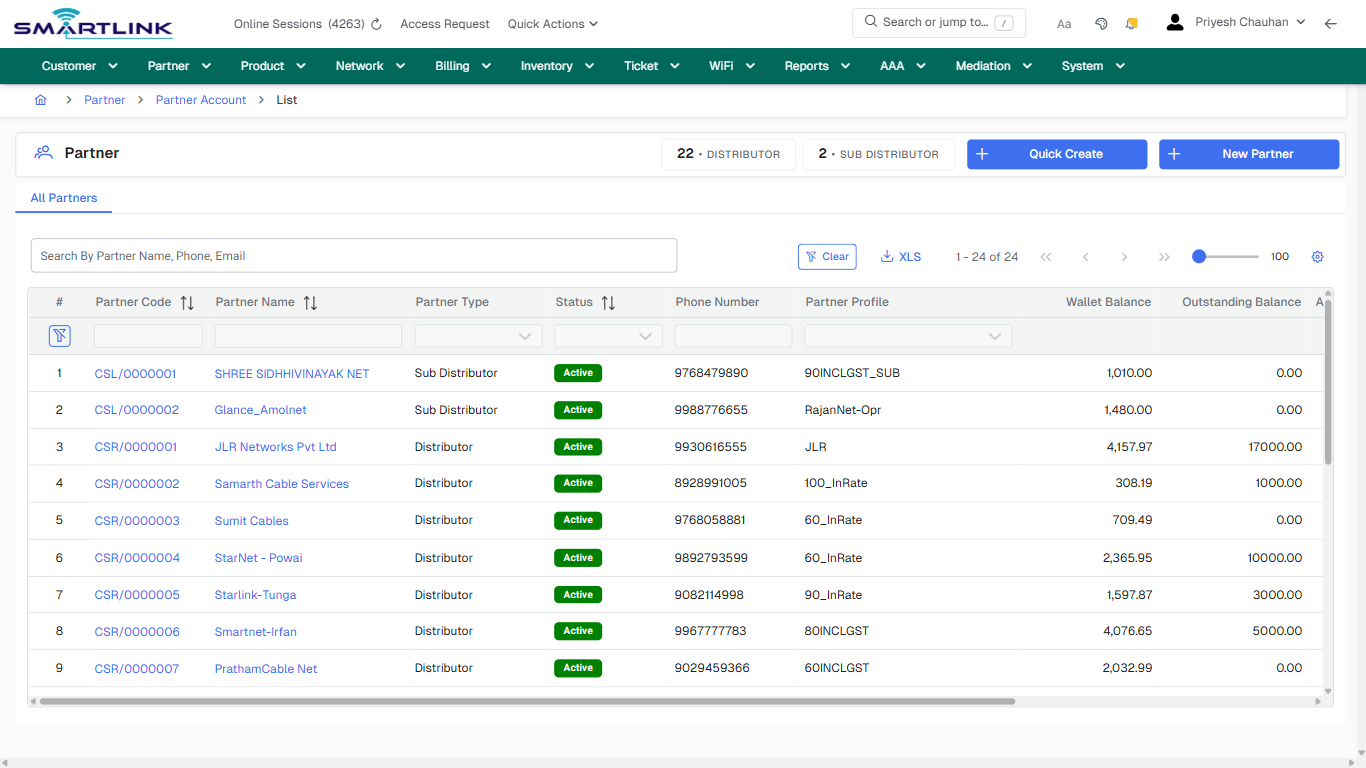
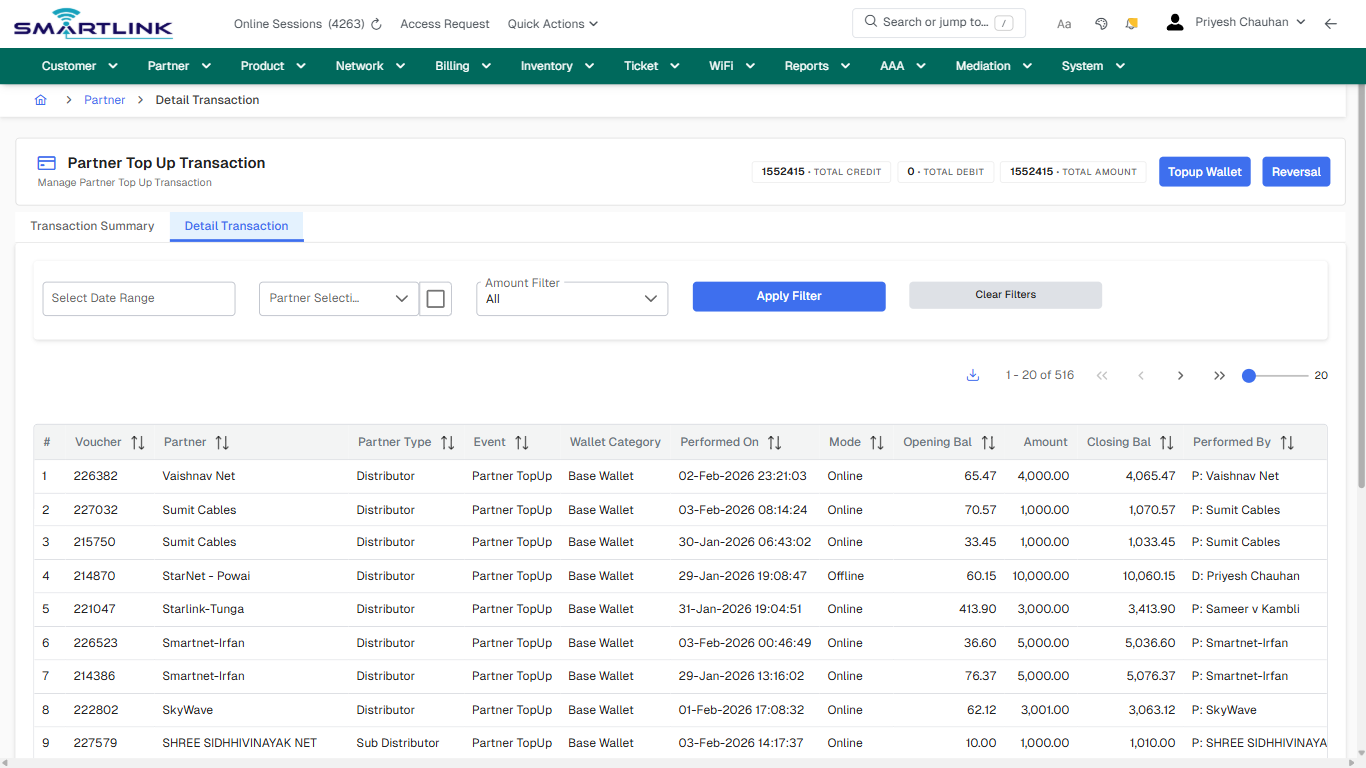
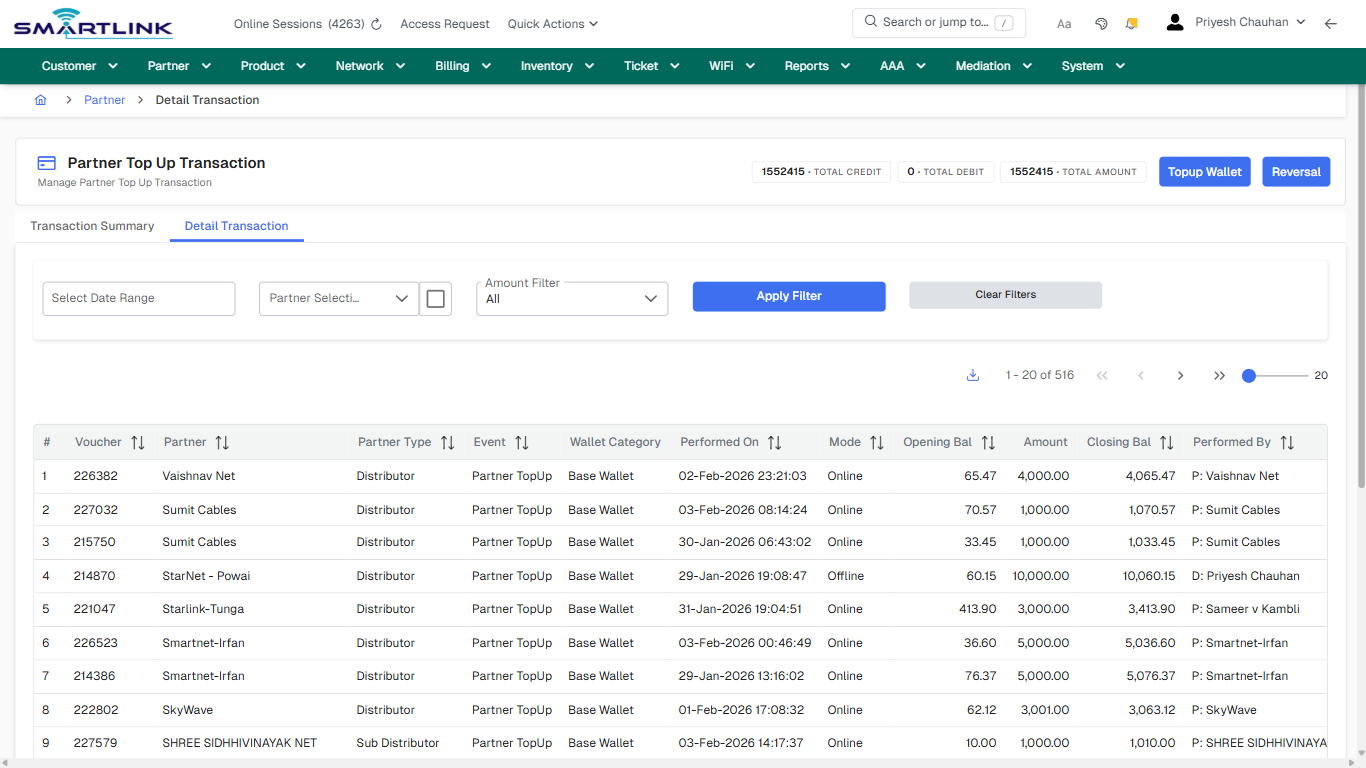
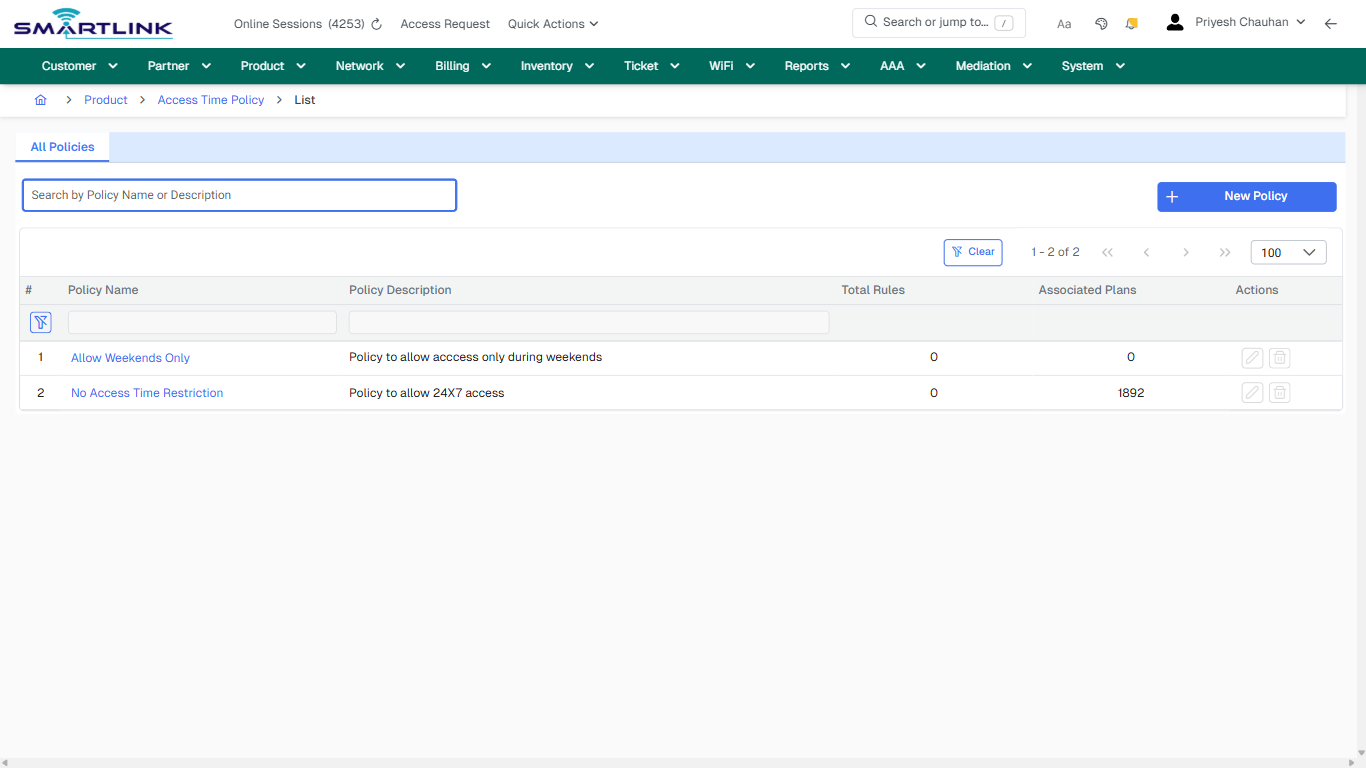
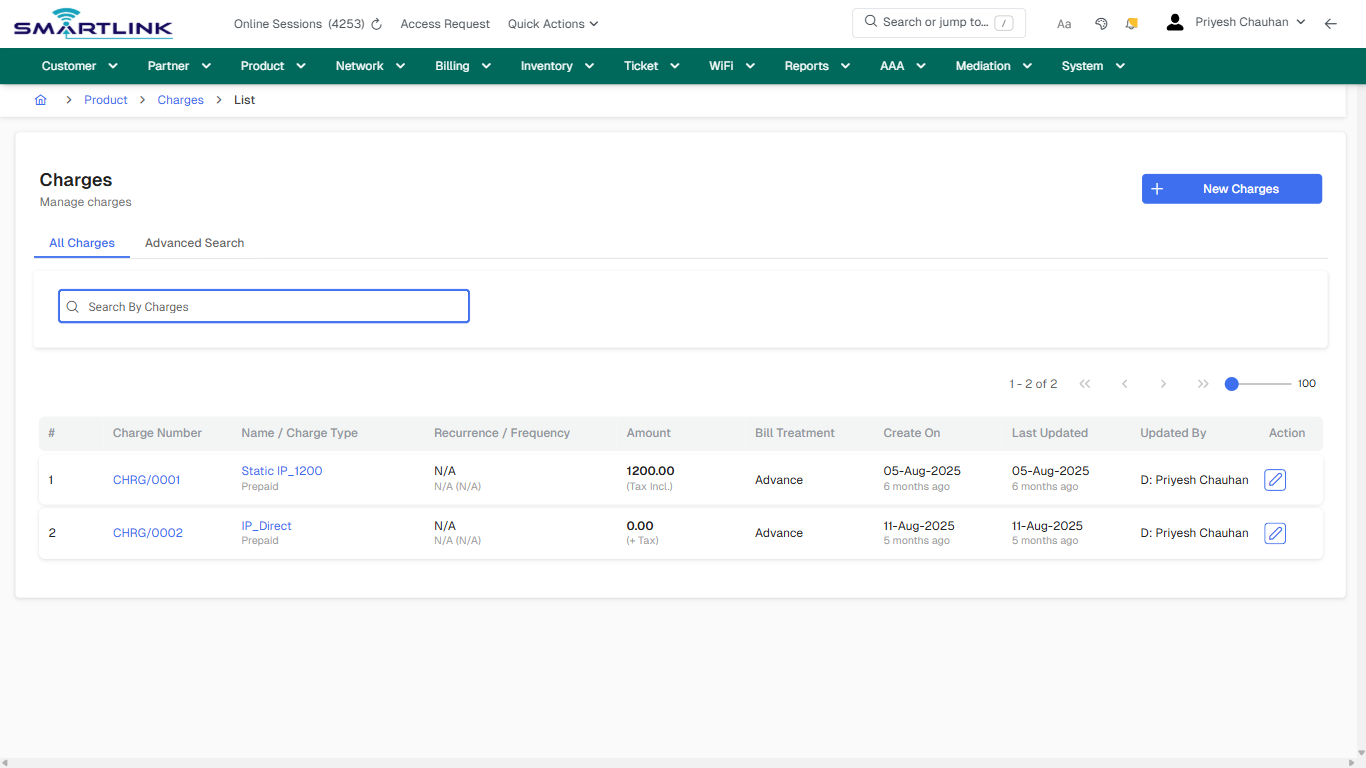
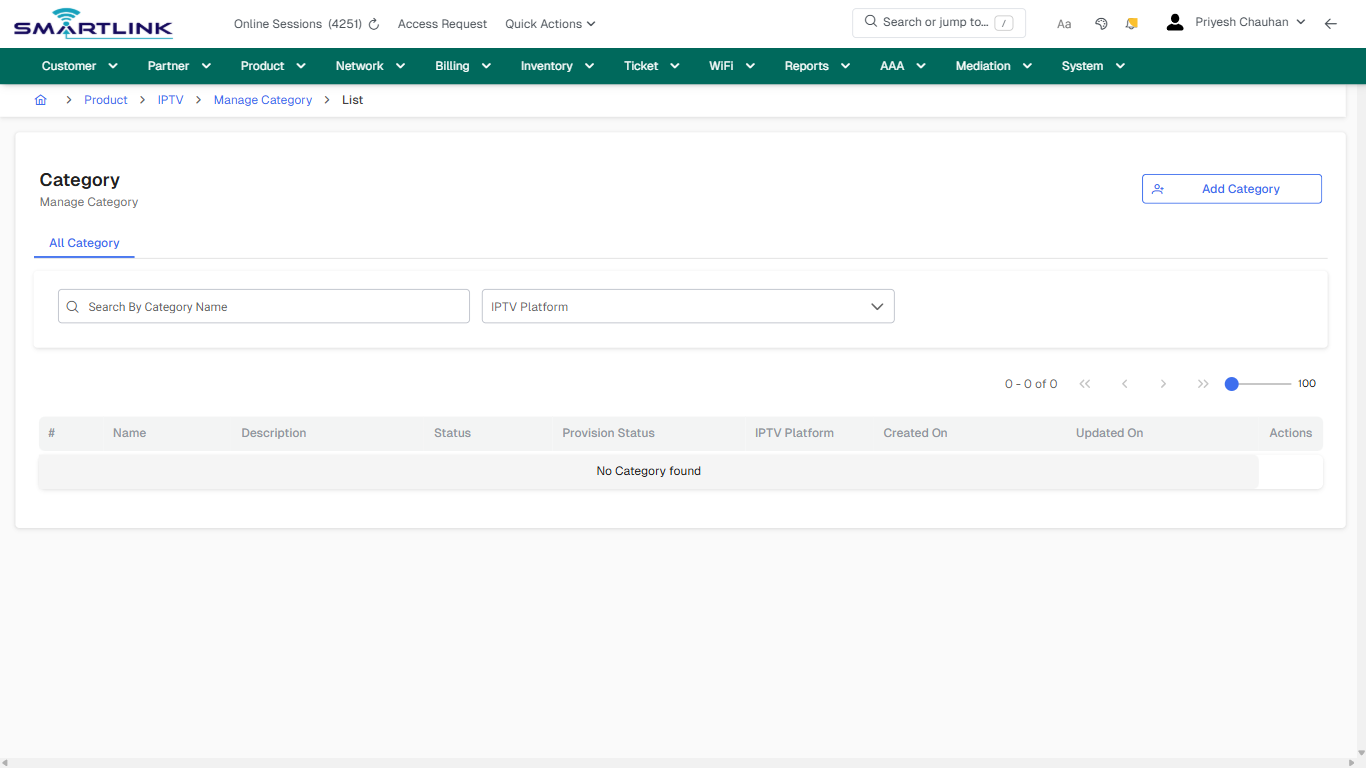
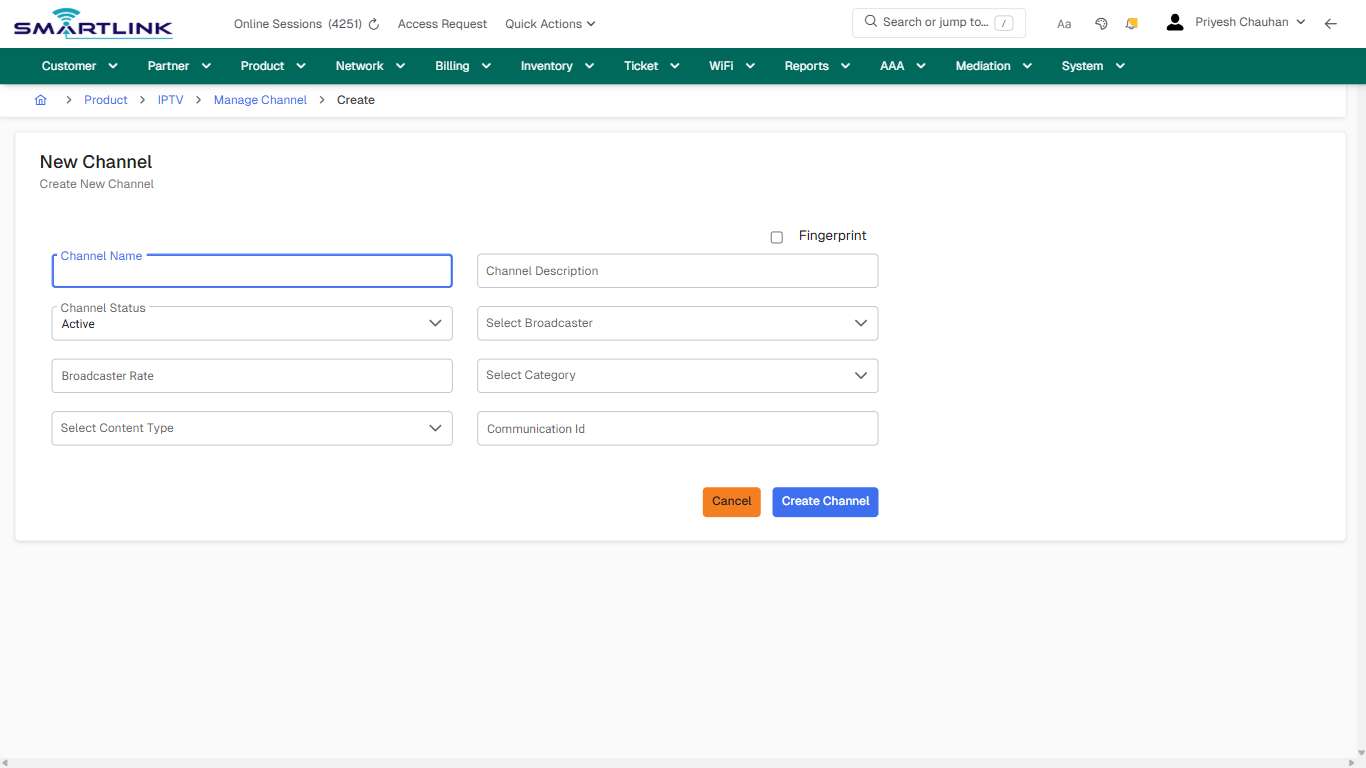
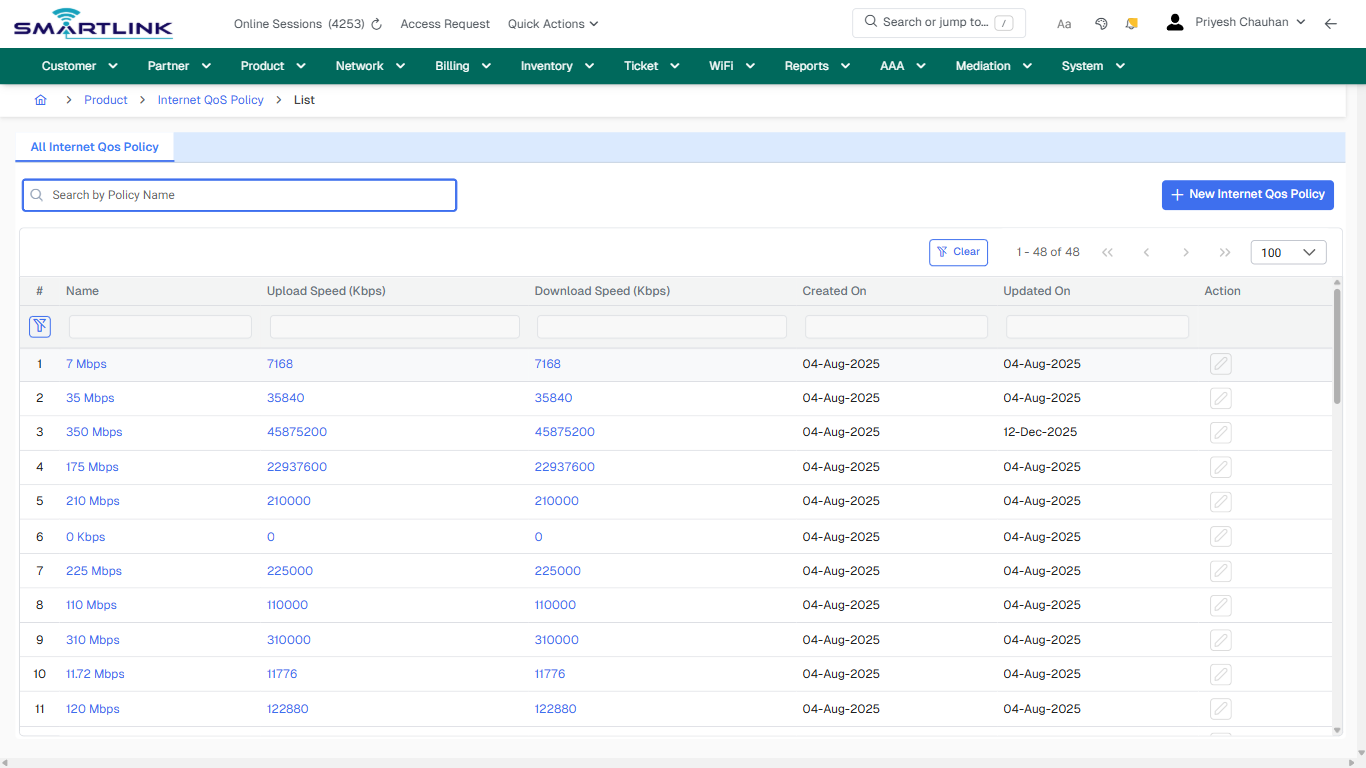
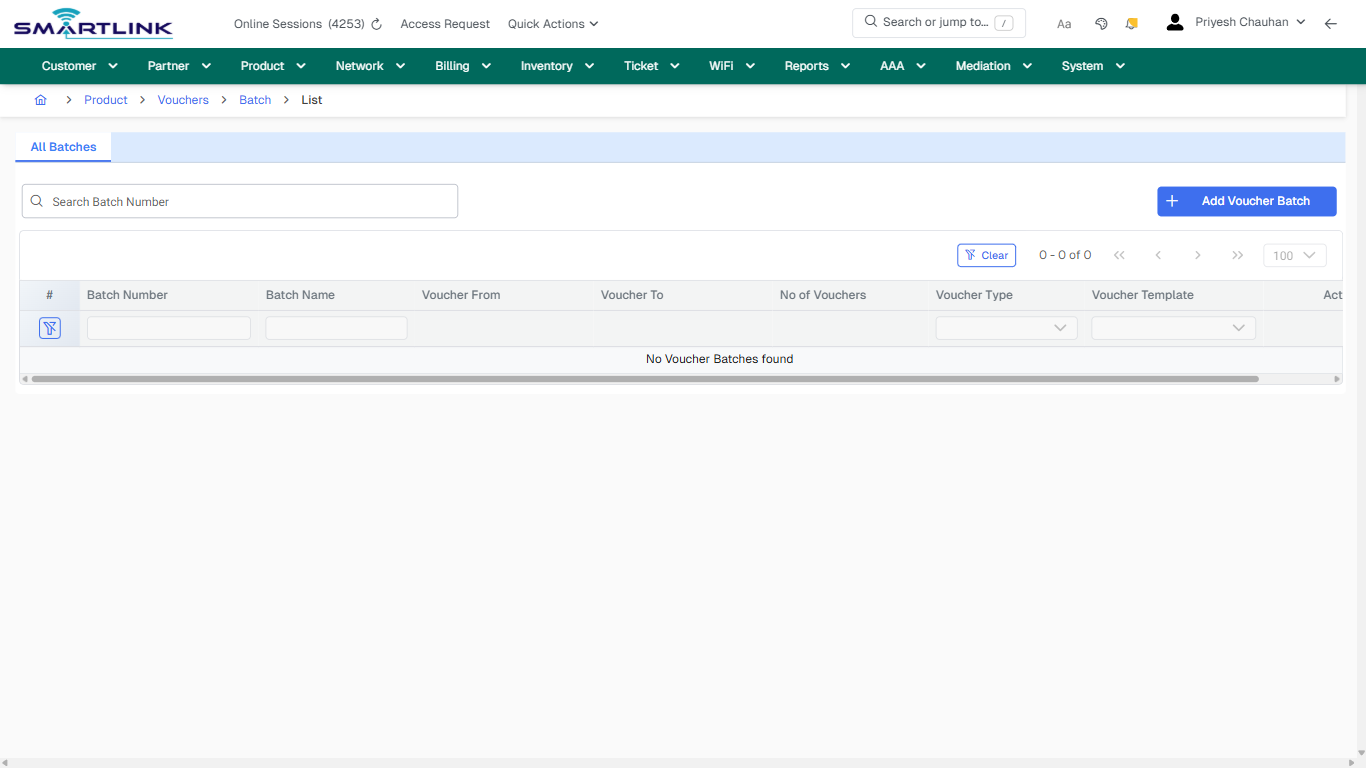
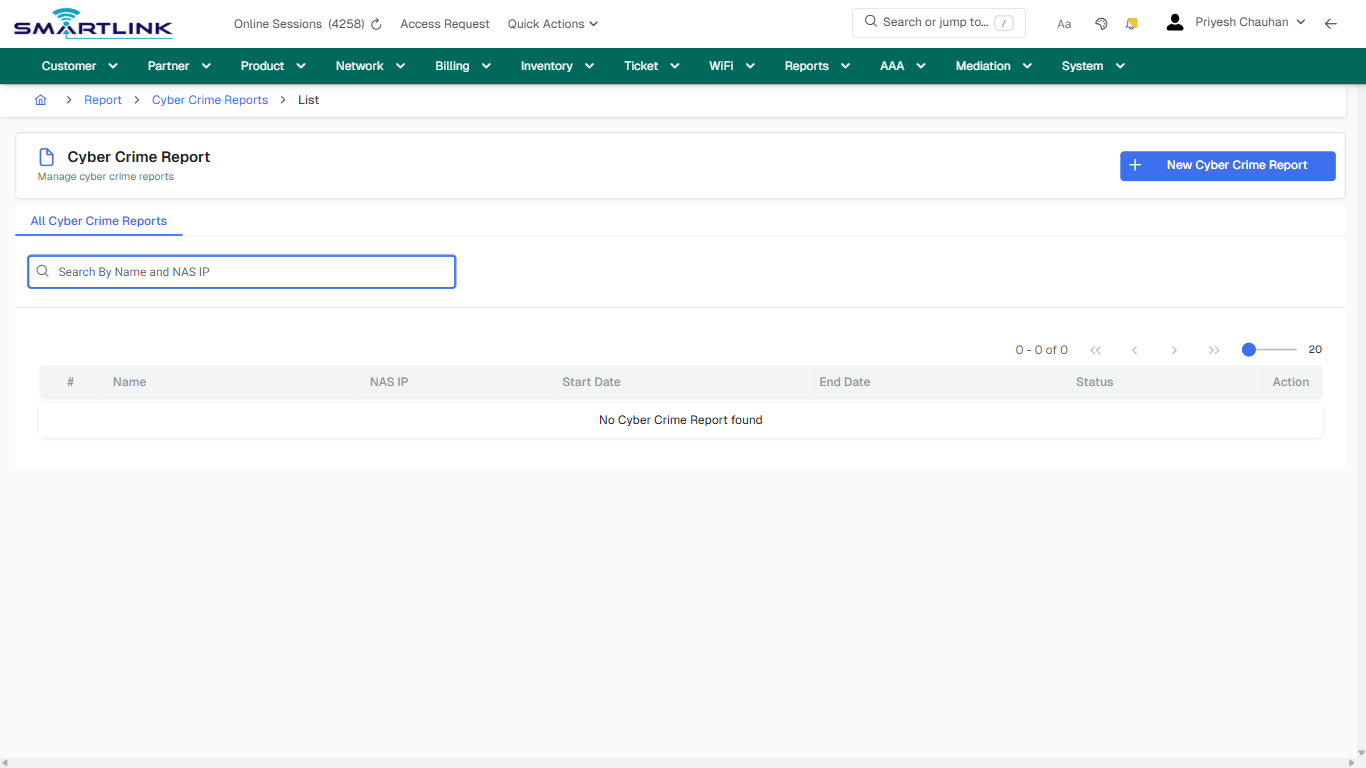
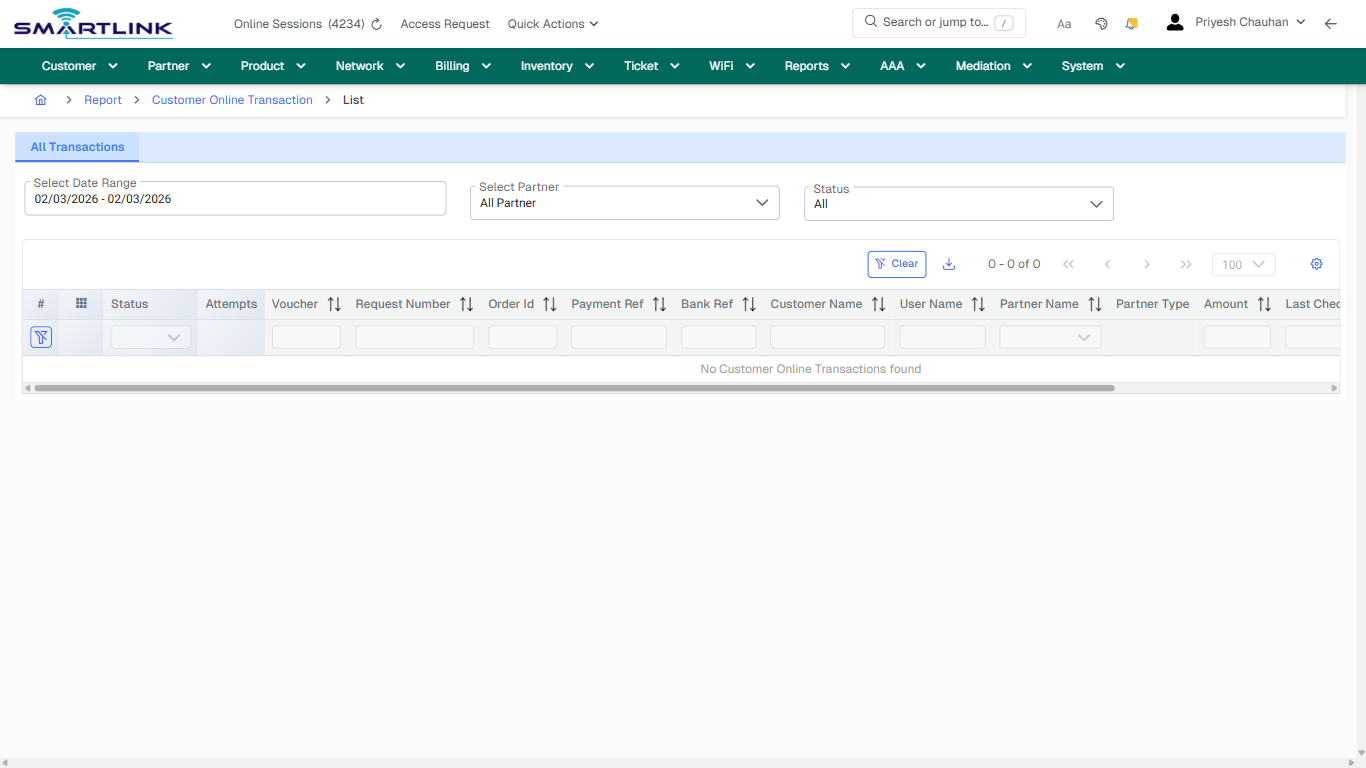
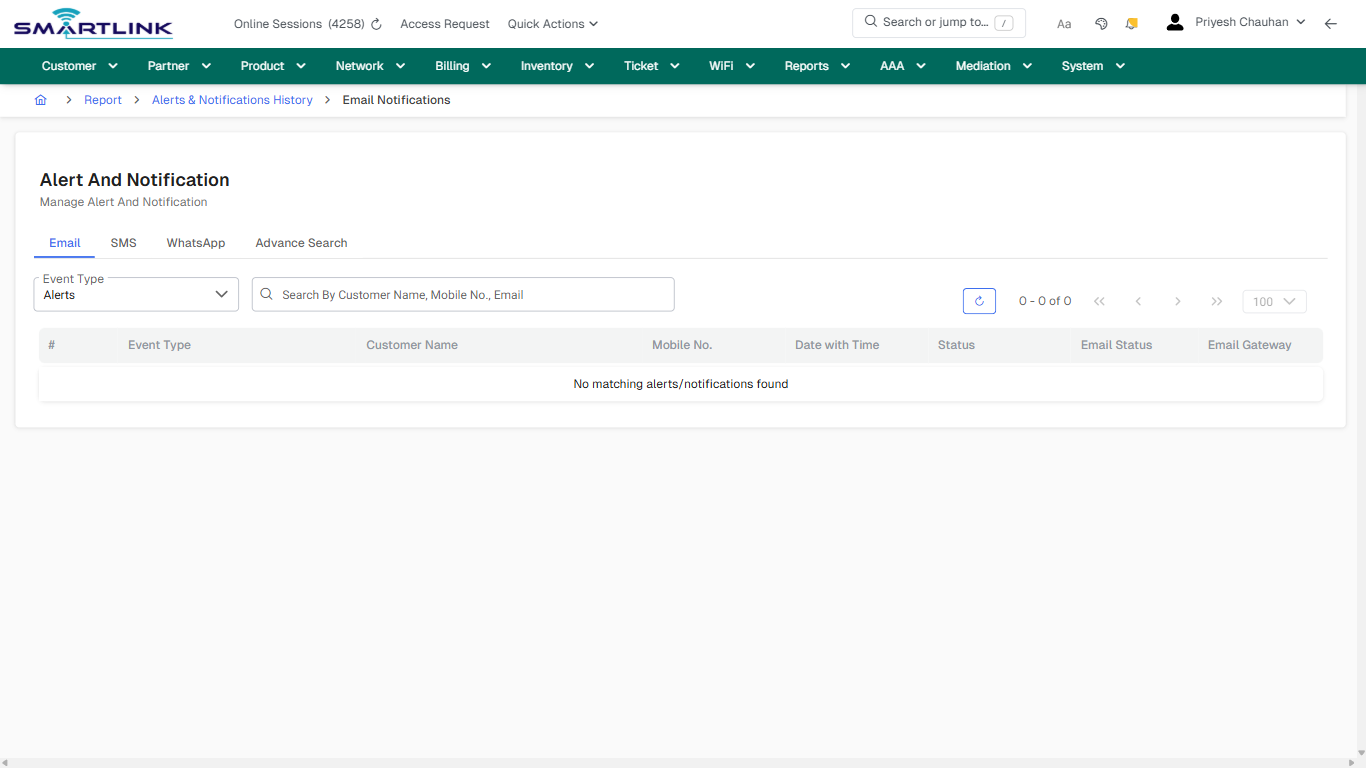
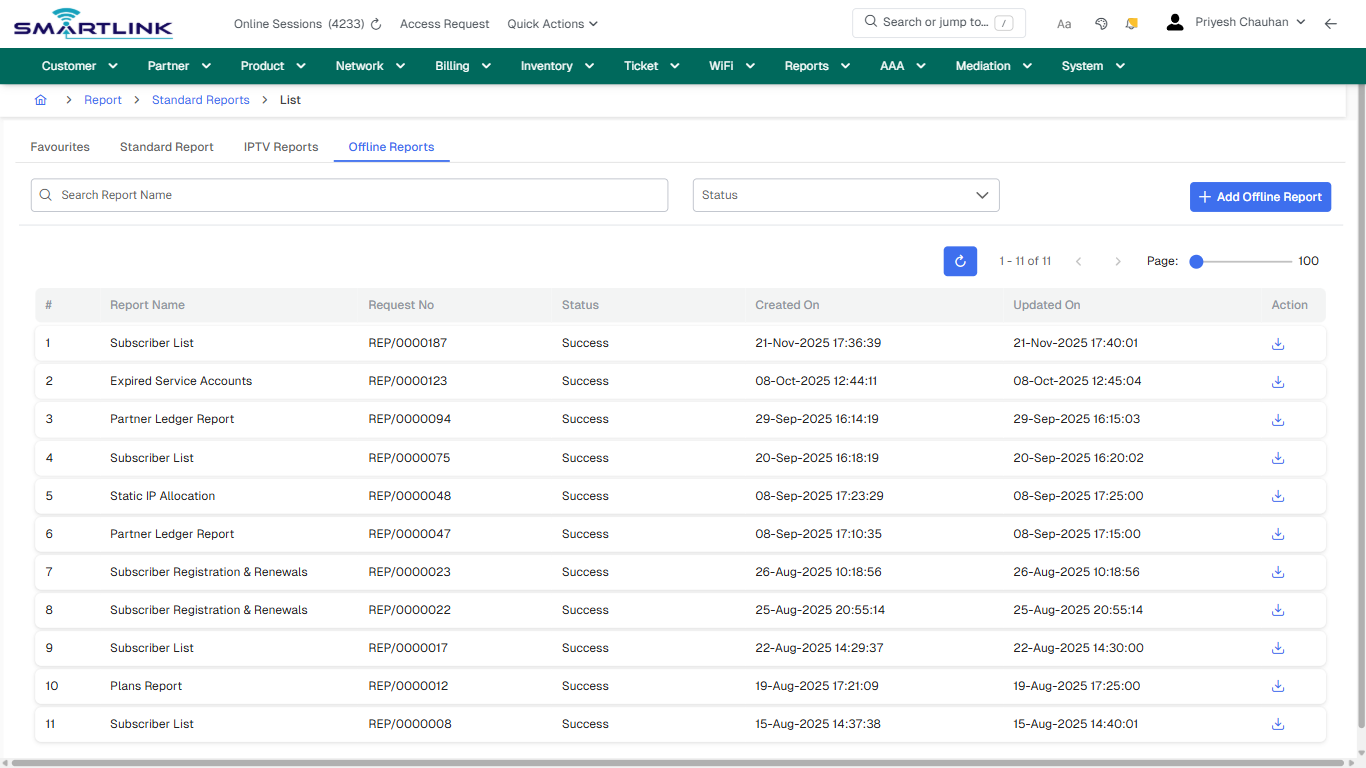
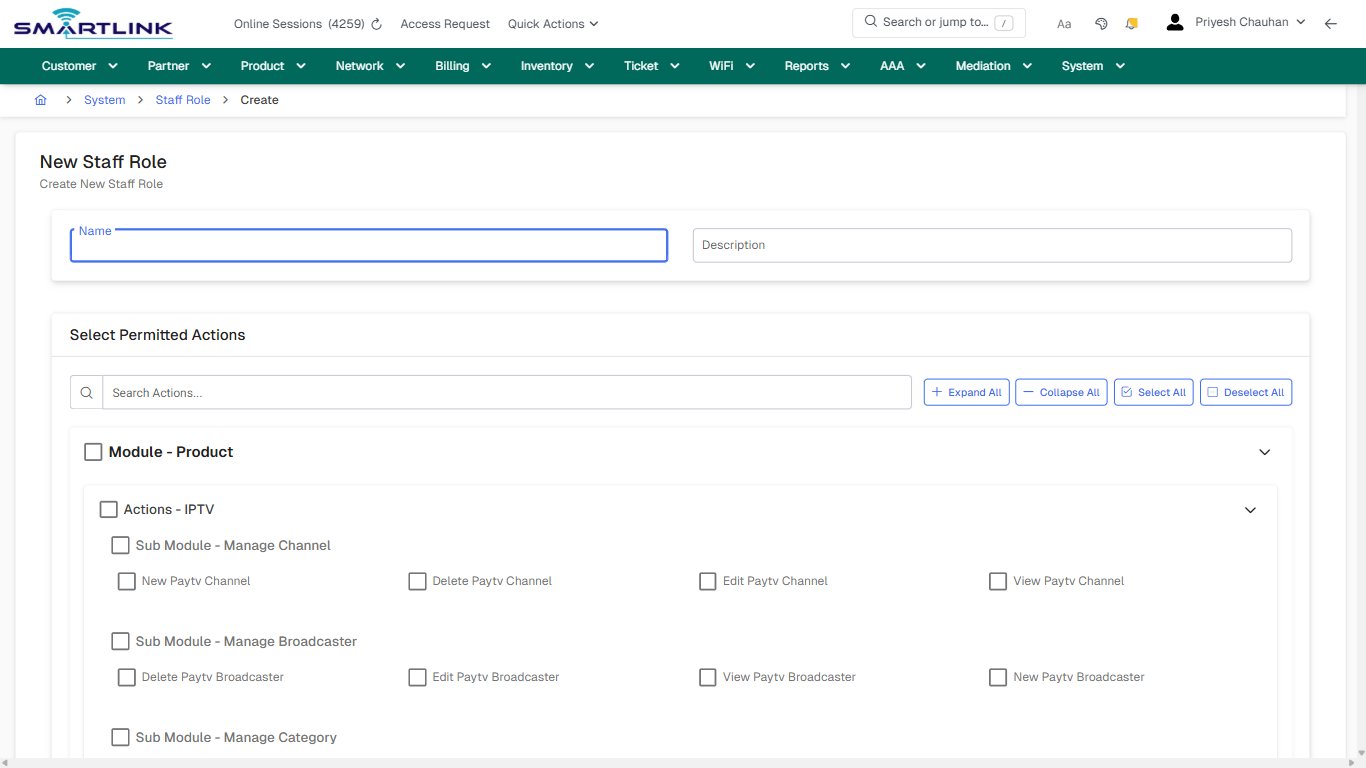
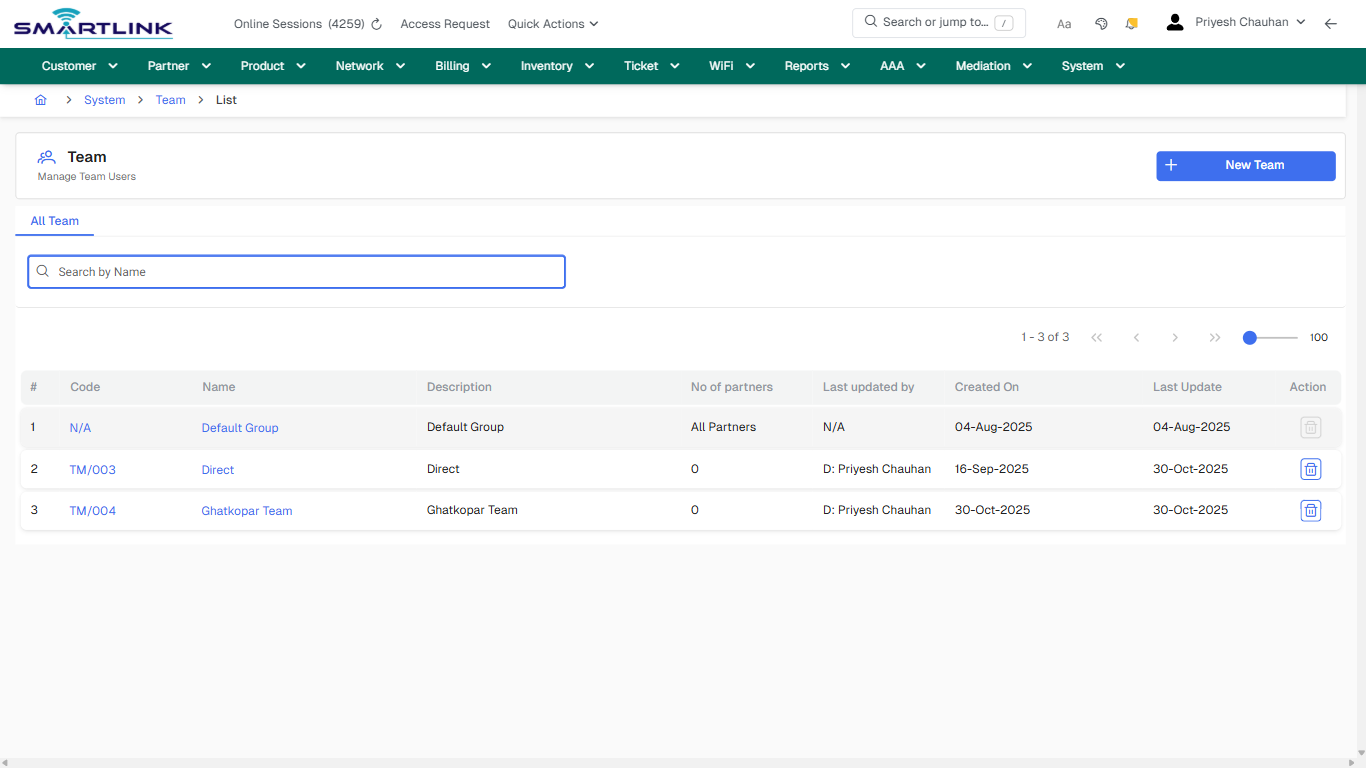
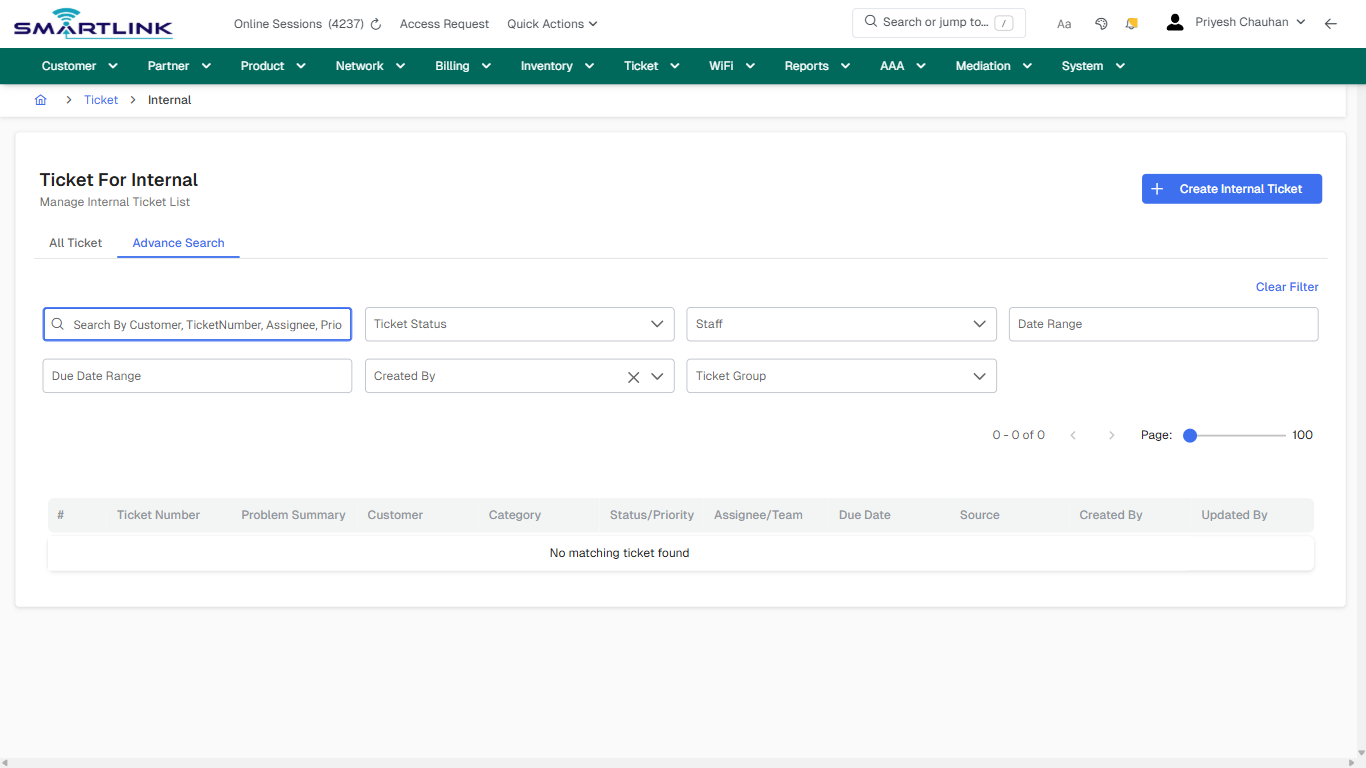
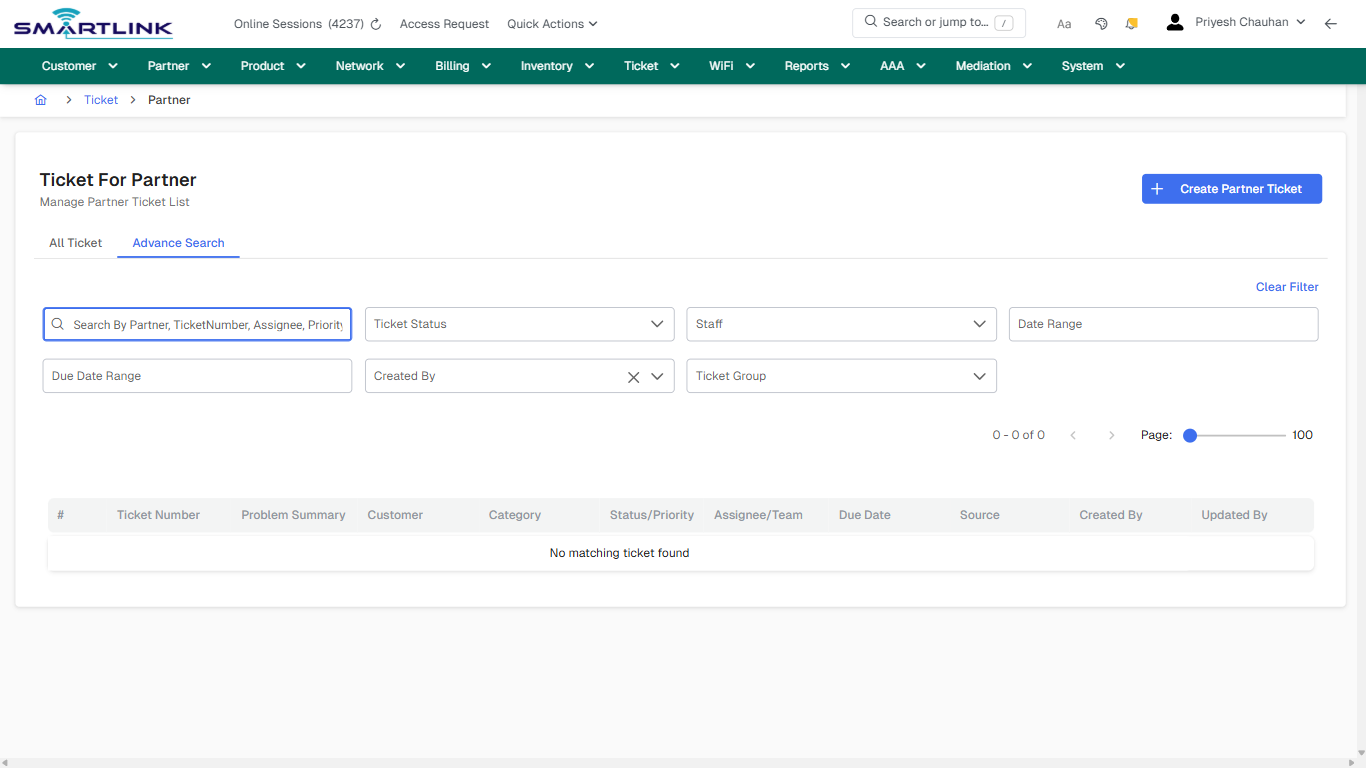
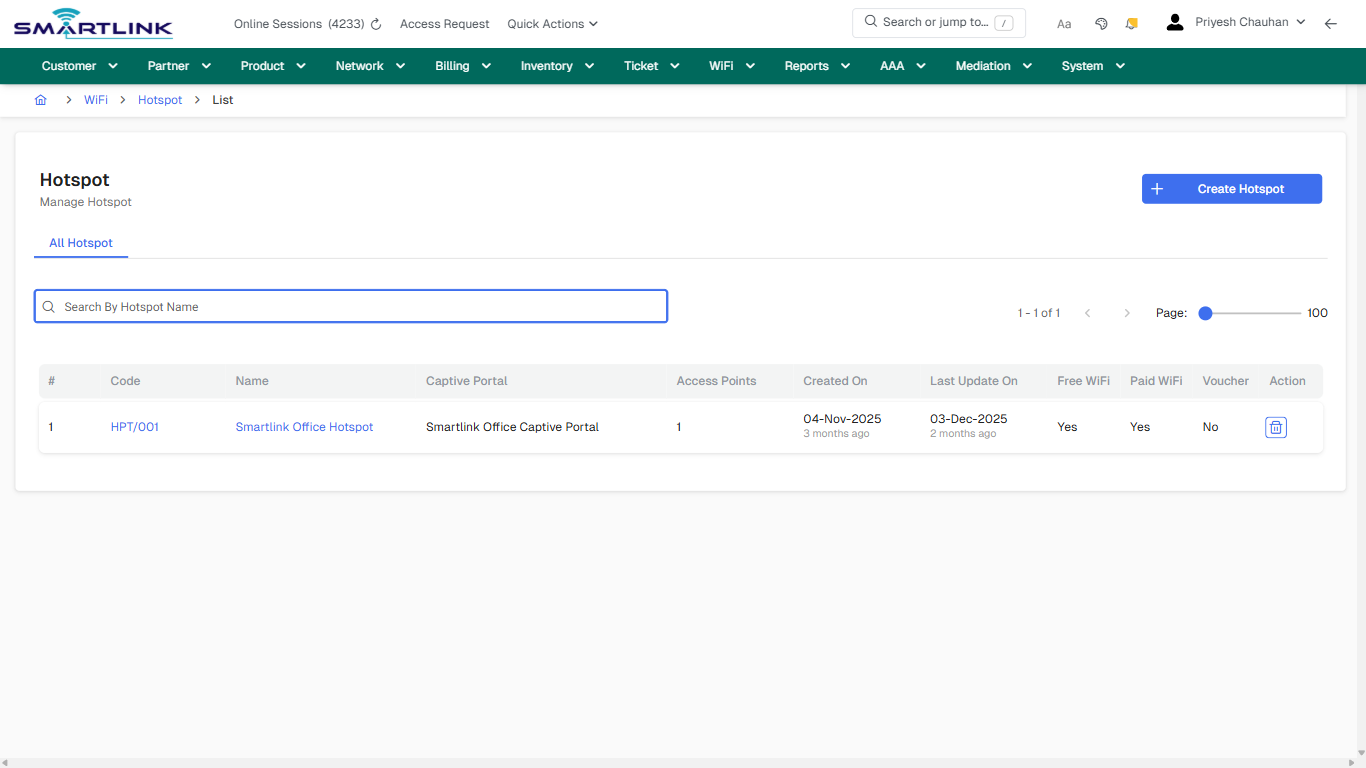
# i2i Core – Carrier-Grade User & Operations Guide (Draft)

Draft guide created from captured UI states. Review &amp; enrich for production release.

# AAA & Authentication

Routes under: aaa

# aaa > radius > clientg > all

# aaa &gt; radius &gt; clientg &gt; all

**Route:** aaa/radius/clientg/all

**URL:** https://admin.myslbb.com/#/aaa/radius/clientg/all

---

## Overview

 This page is a draft SOP reference for the above screen in **i2i Core OSS/BSS**. It is auto-generated from UI exports and should be reviewed for operational correctness before customer release.

## When to Use

- Use this screen for the workflow represented by this route.
- Do not make billing/AAA/provisioning-impacting changes without required authorization.
 
## Typical Workflow

1. Verify you are working on the correct entity (Customer/Account/Service).
2. Review the current lifecycle state before making changes.
3. Apply changes and validate system response.
4. Confirm downstream impact (AAA/Provisioning/Billing) where applicable.
 
## Field &amp; Action Hints (Auto-detected)

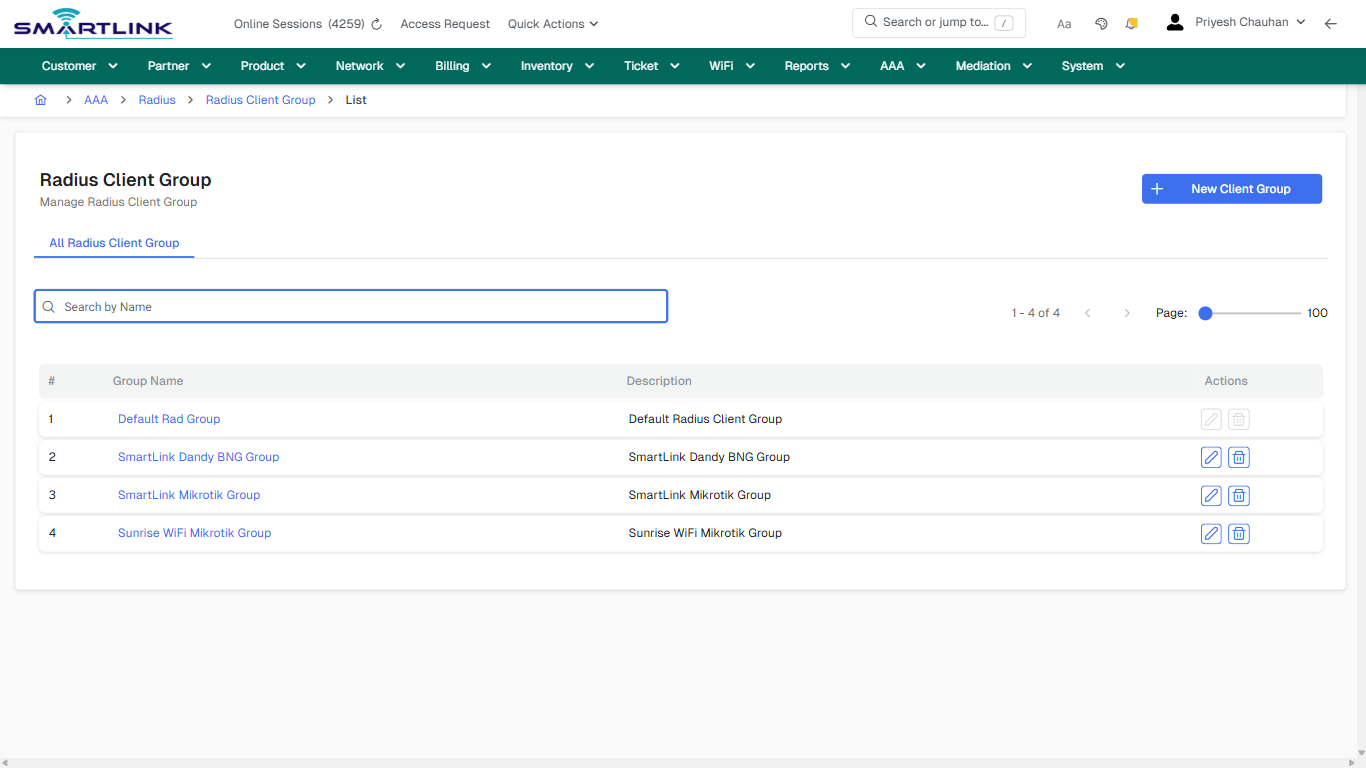
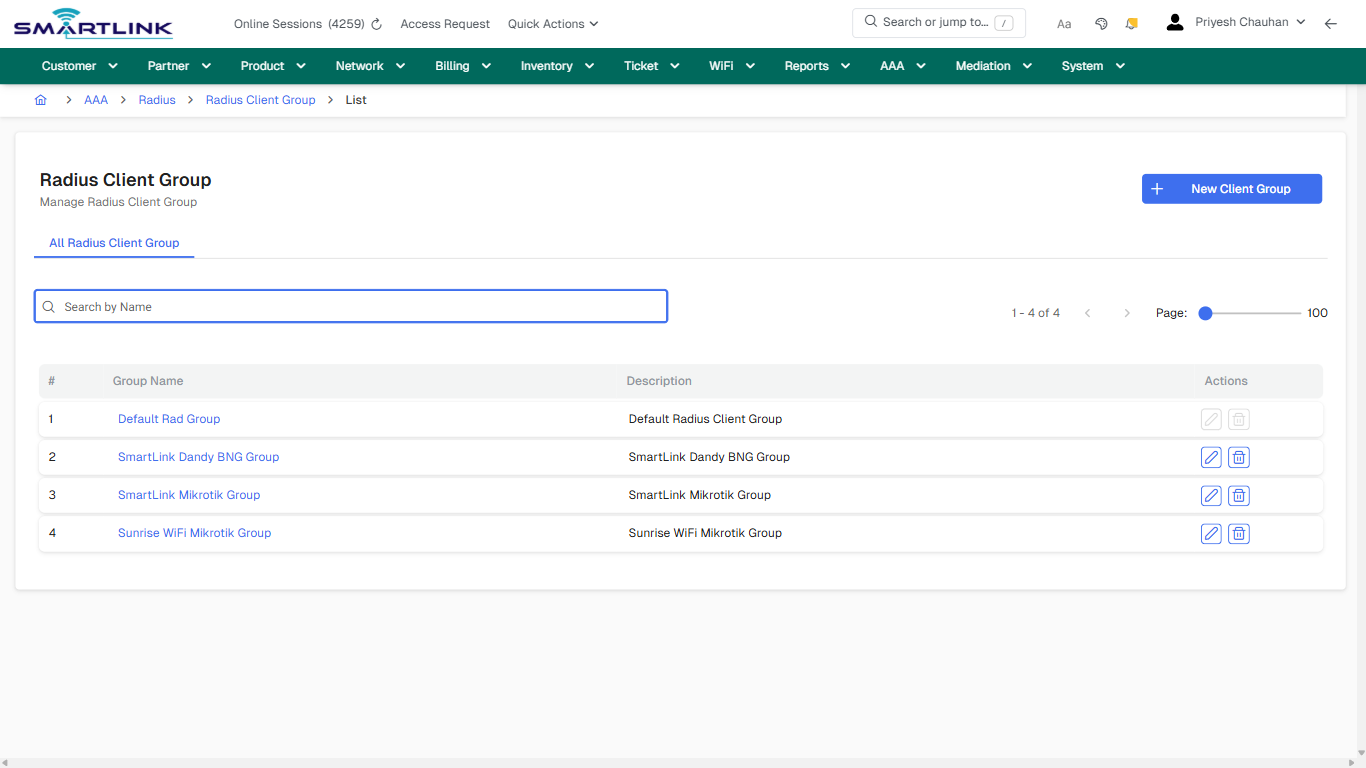
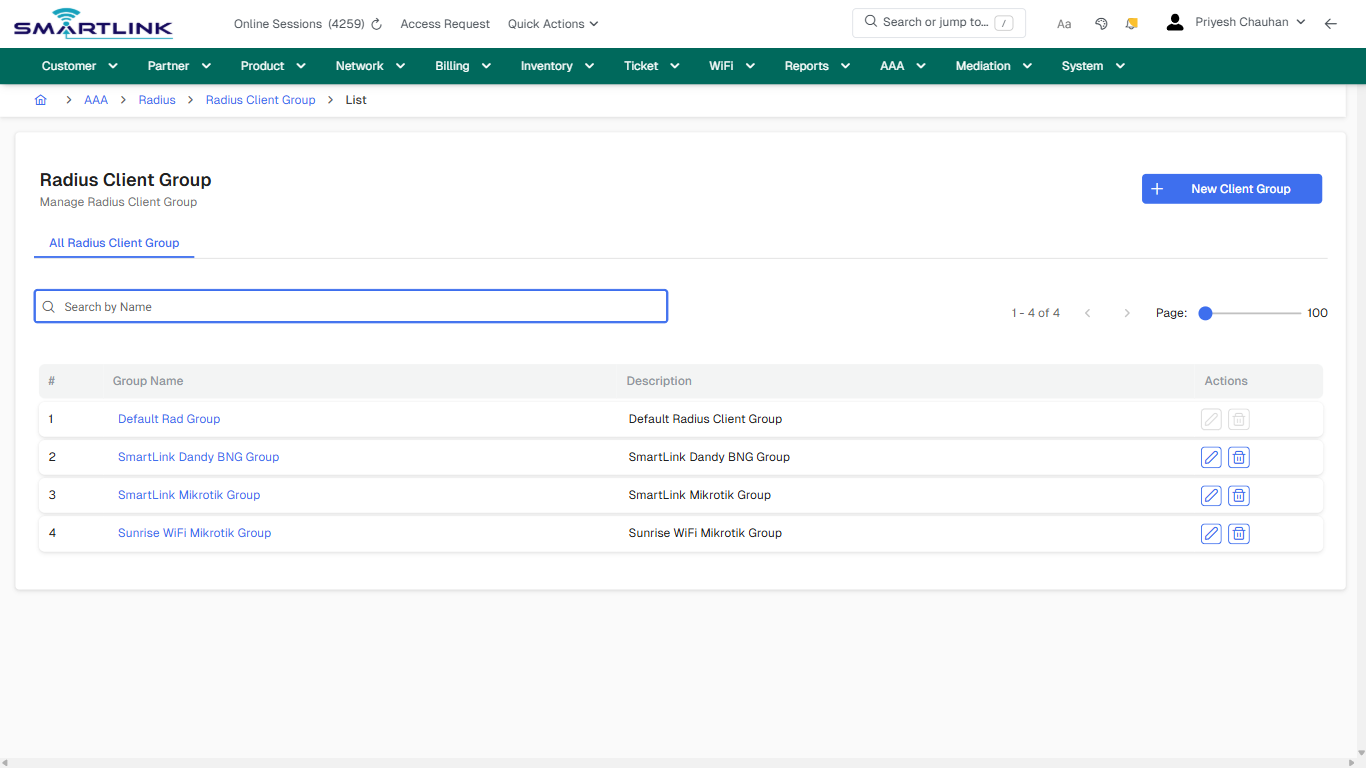
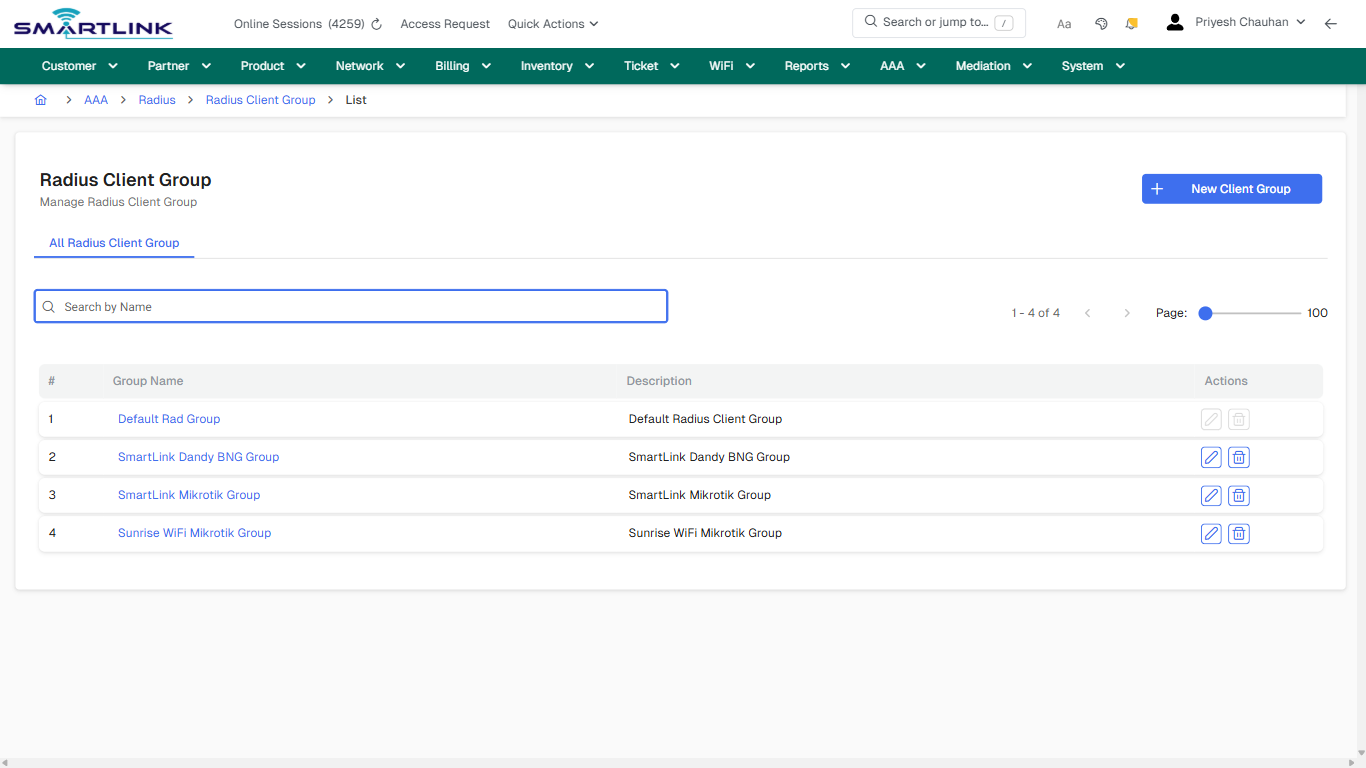
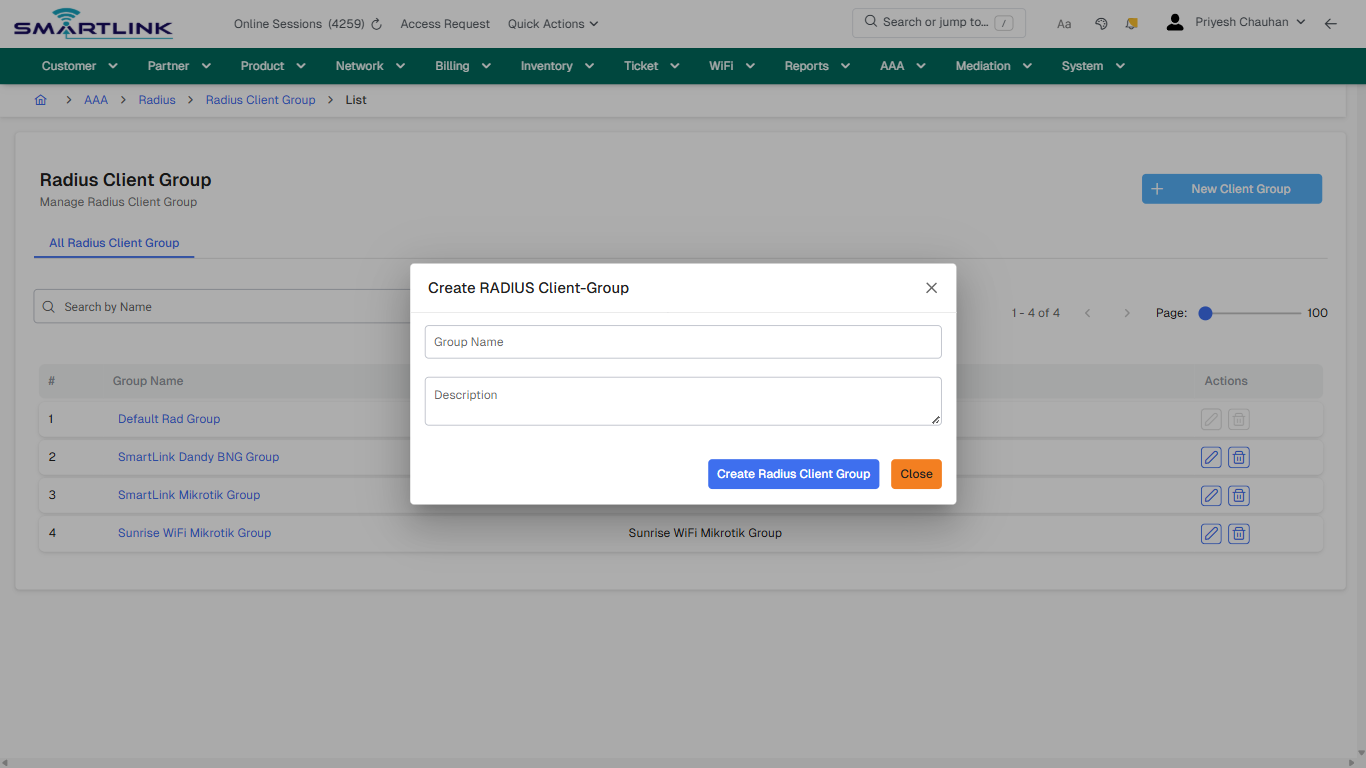
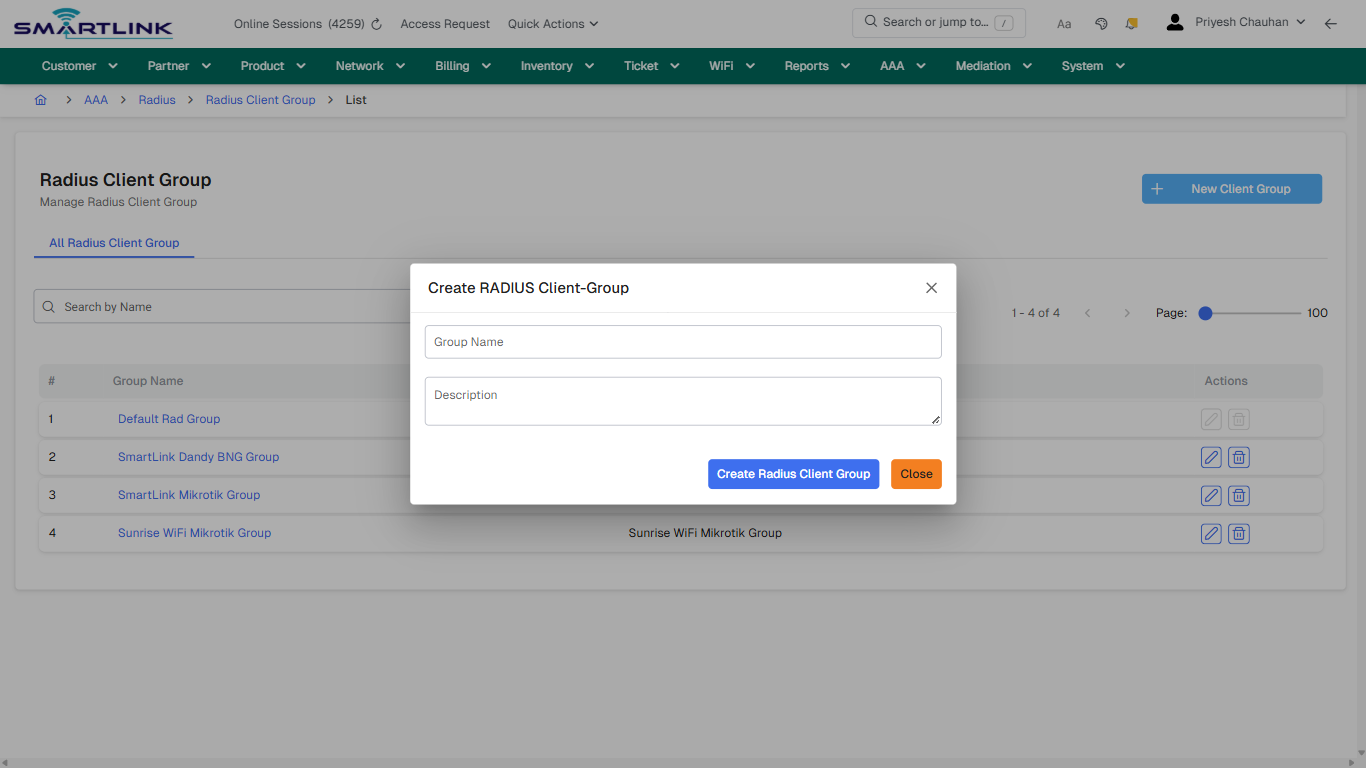
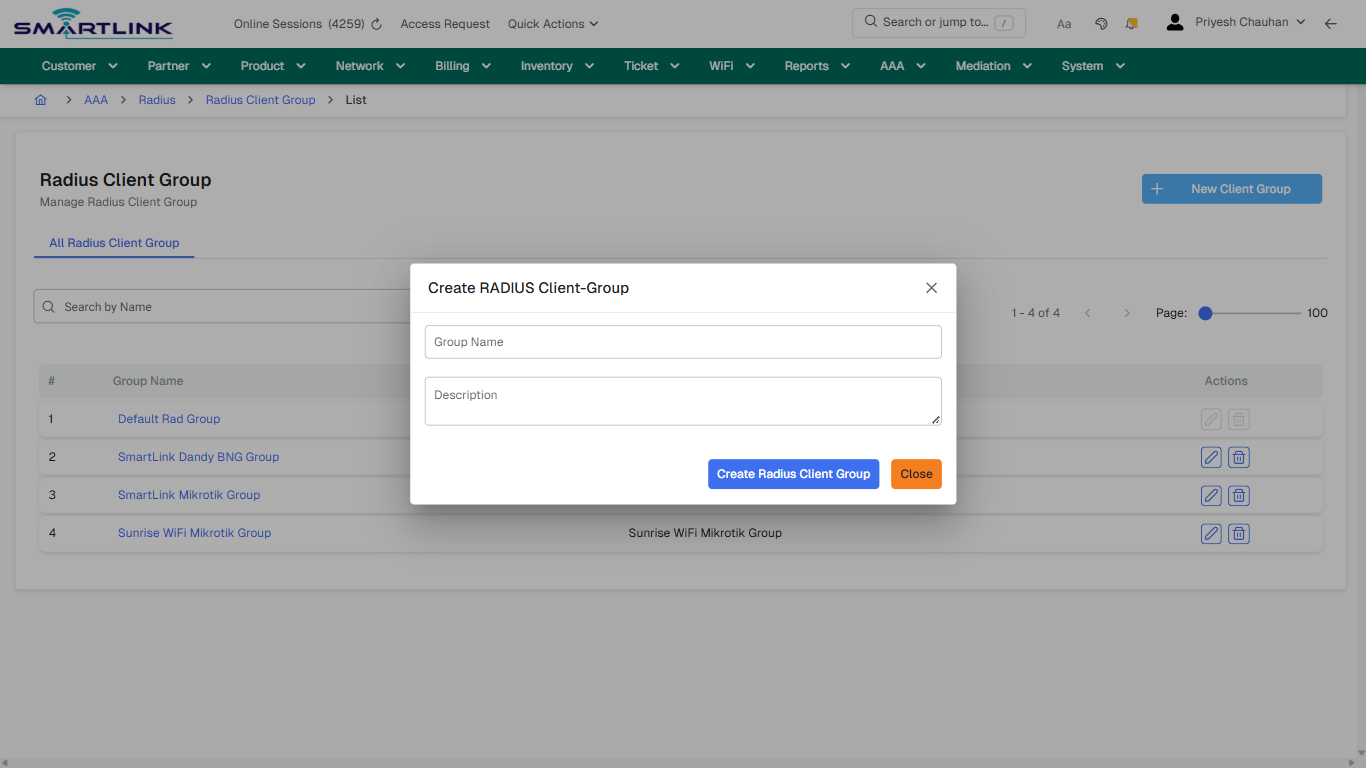
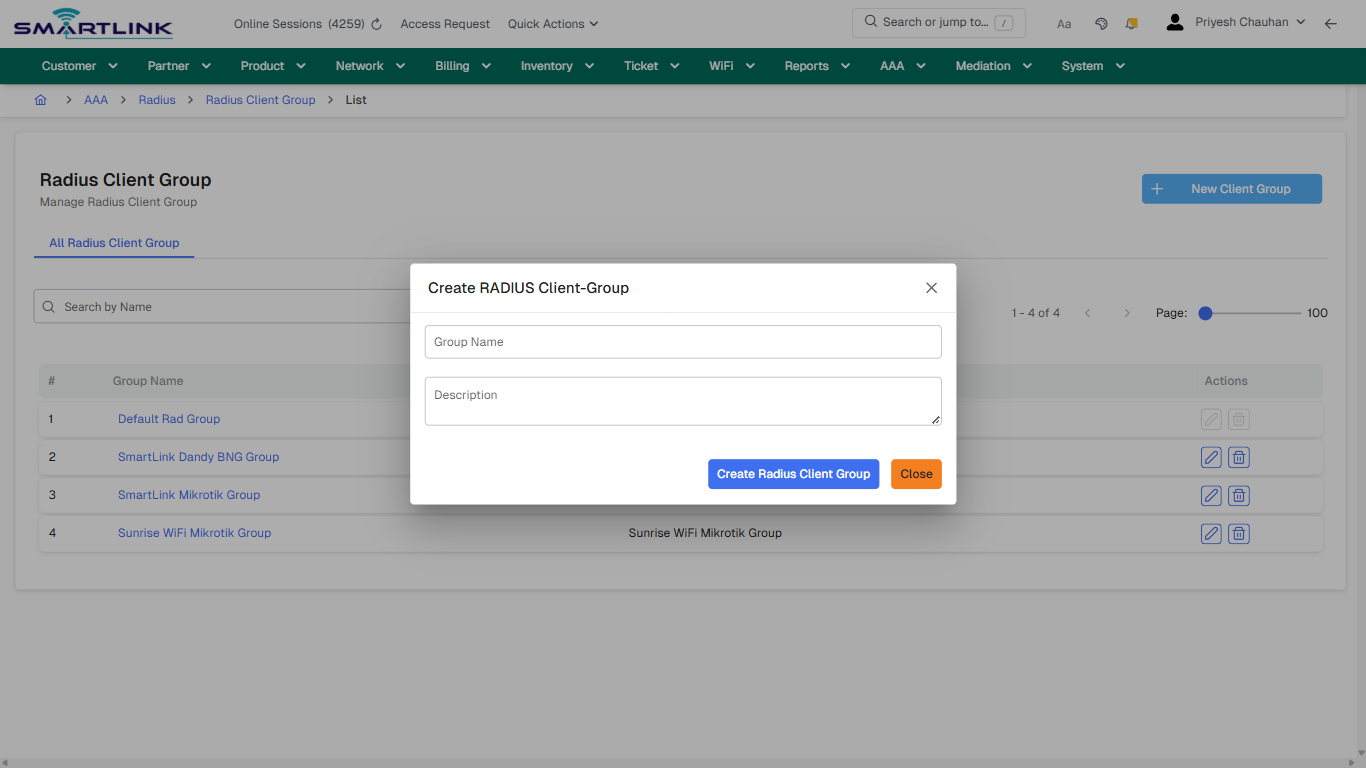
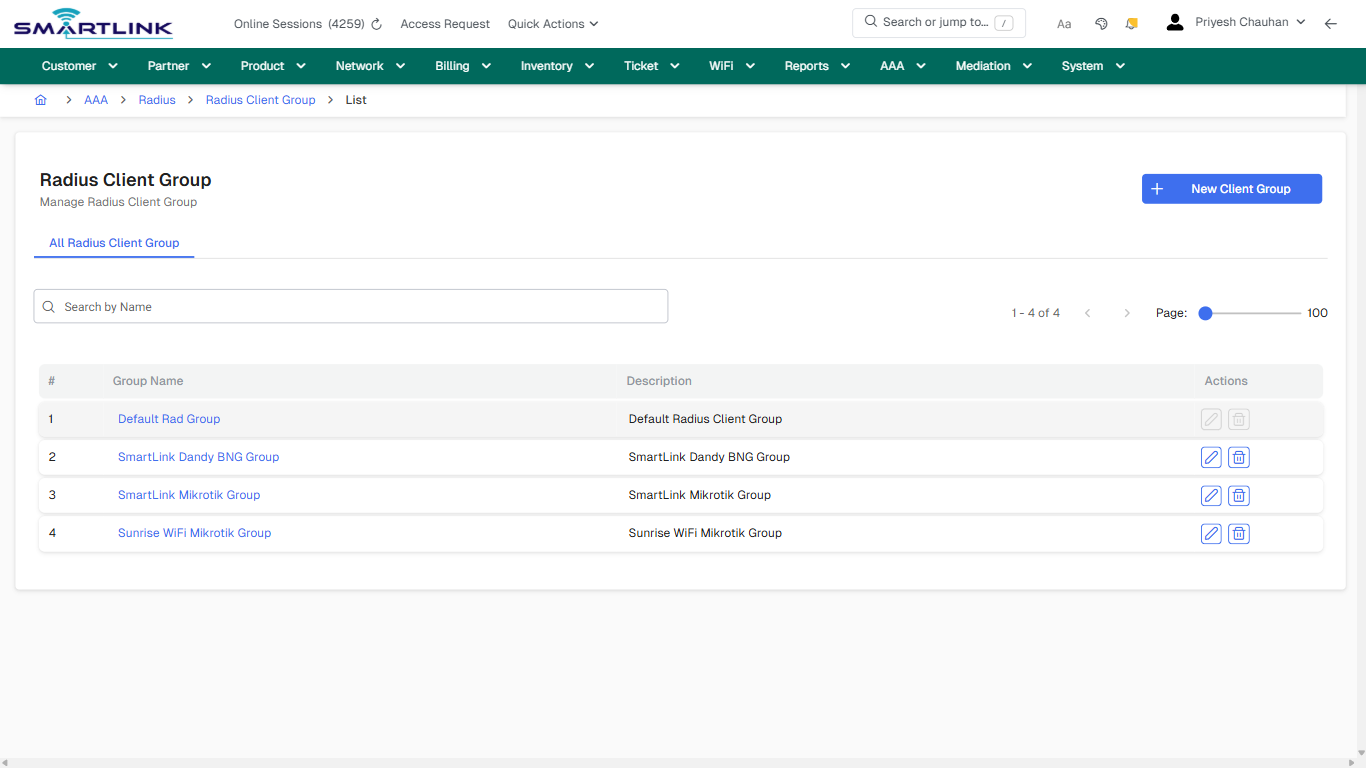
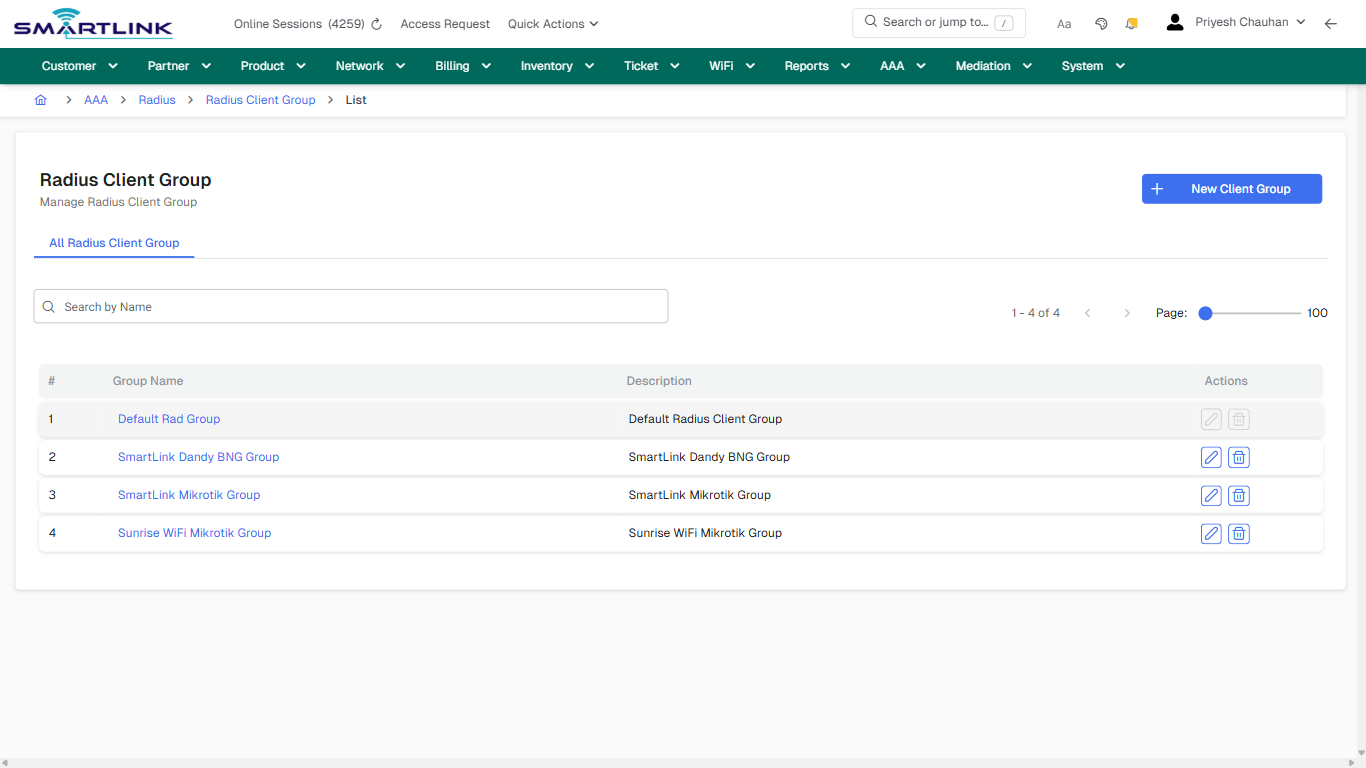
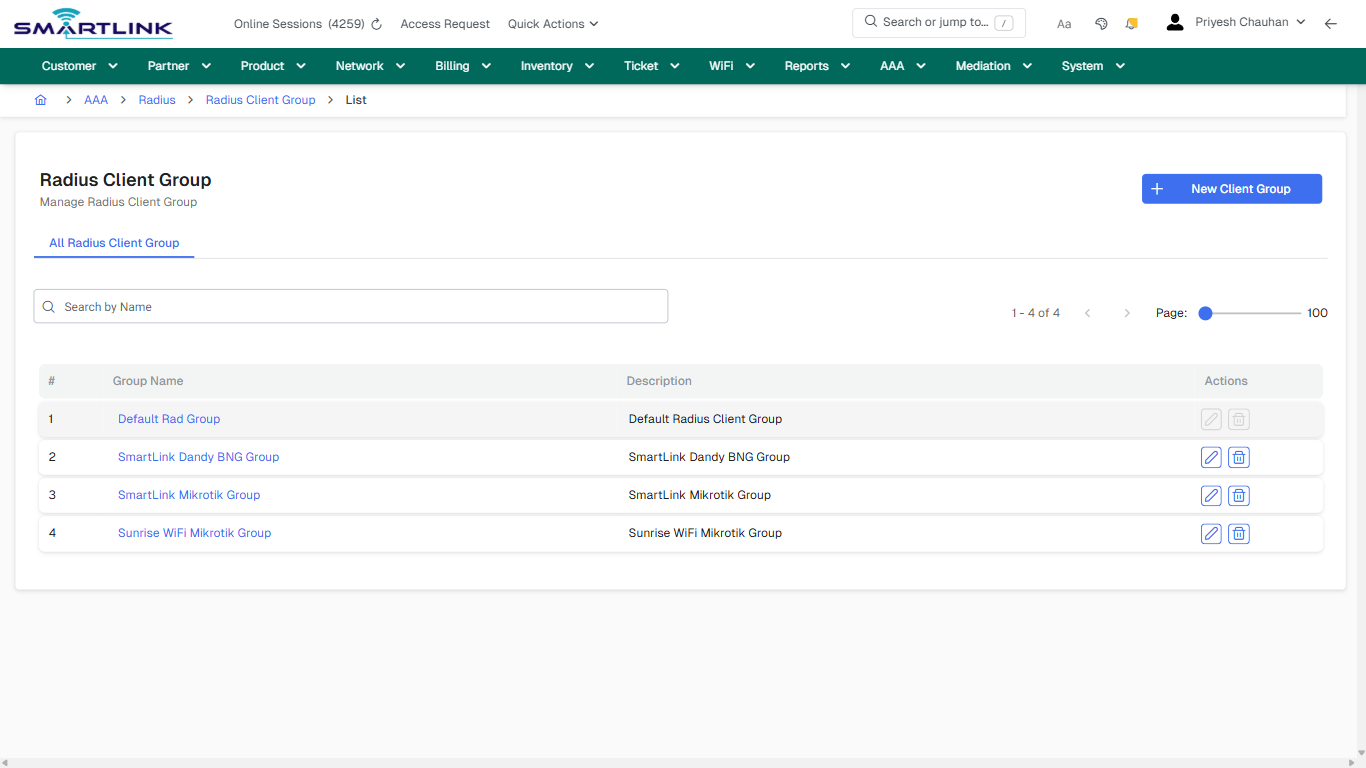
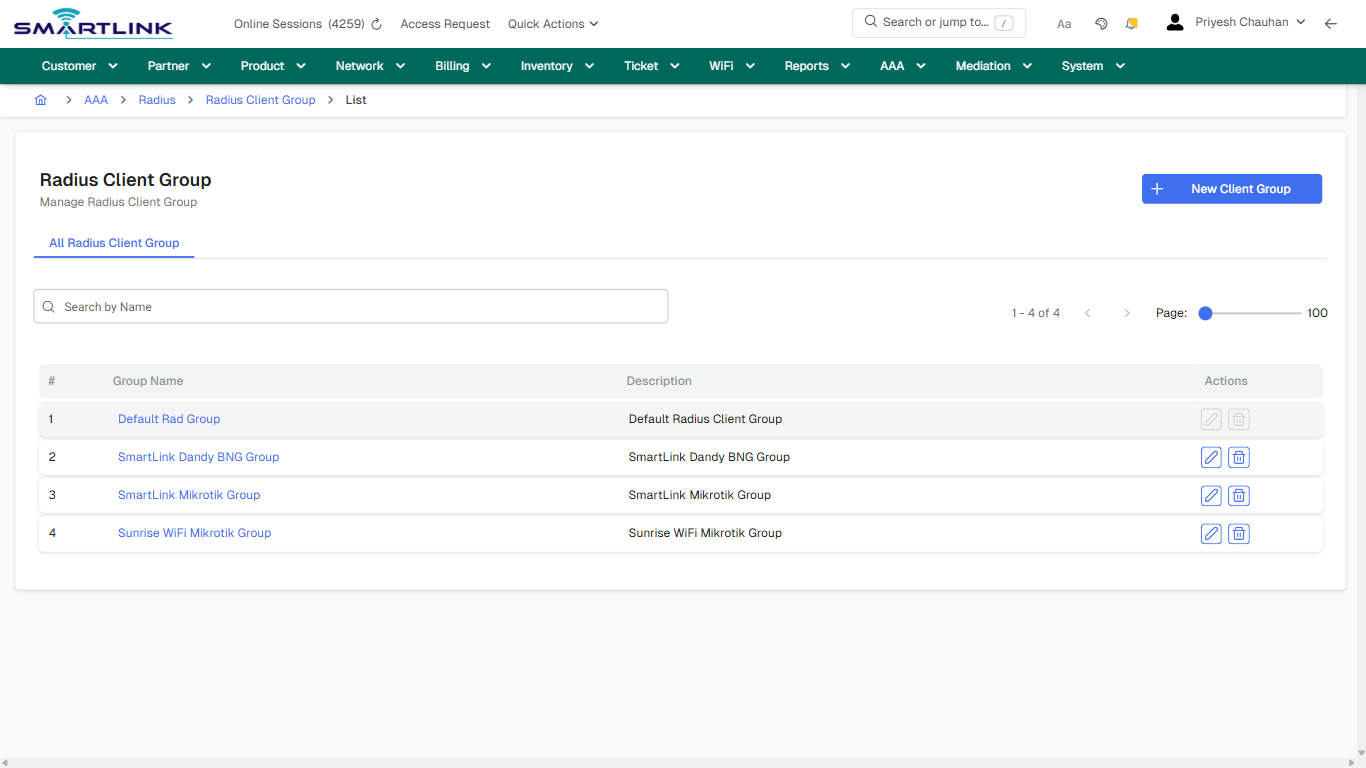
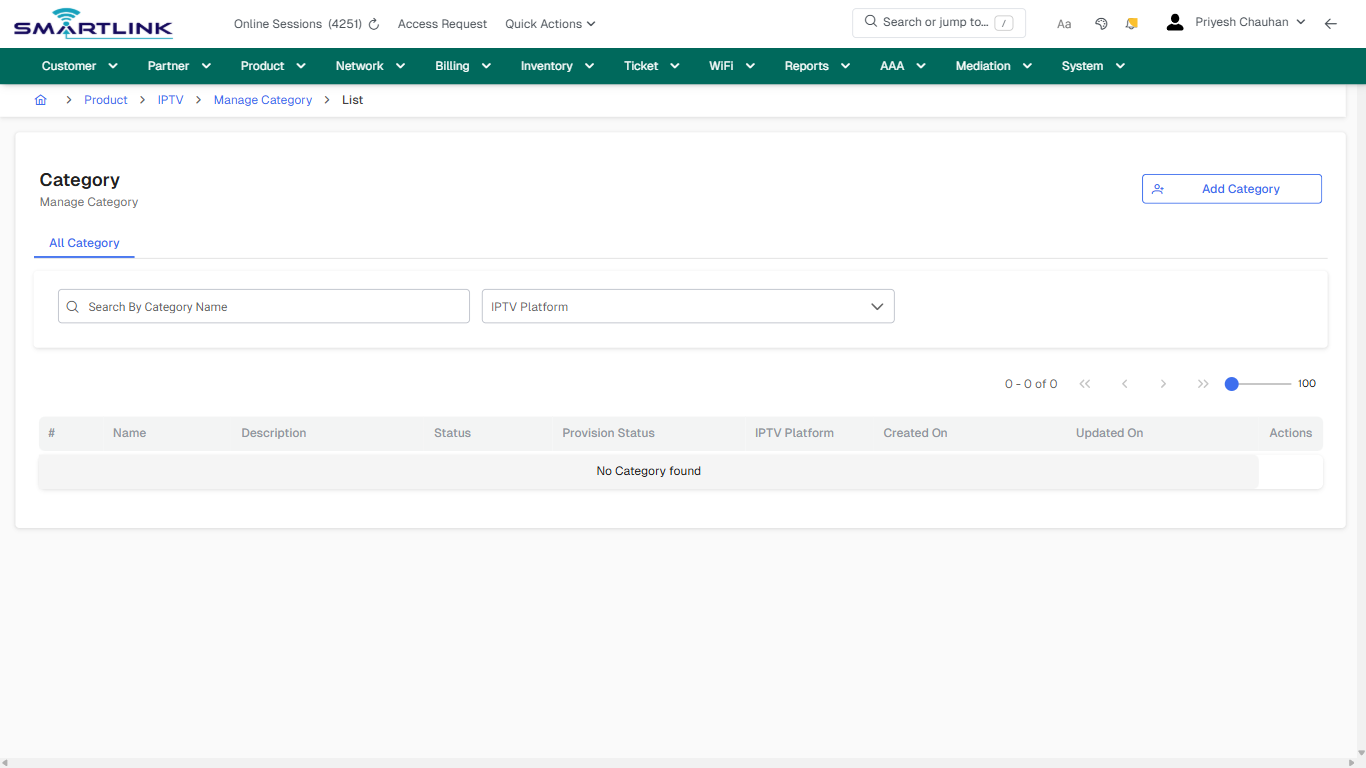
- **Actions detected:** Auto, Close, AAA, Radius, Radius Client Group, New Client Group, Default Rad Group, SmartLink Dandy BNG Group, SmartLink Mikrotik Group, Sunrise WiFi Mikrotik Group

## Validation &amp; Safety Checks

- Confirm identifiers before saving.
- Confirm lifecycle state allows the change.
- Confirm rollback/support path exists for production actions.
 
## Escalation Guidance

- **L1:** Verify input, permissions, and entity state.
- **L2:** Validate dependencies and downstream state.
- **L3/Admin:** Policy/config changes or suspected defect.
 
---

## Screenshots

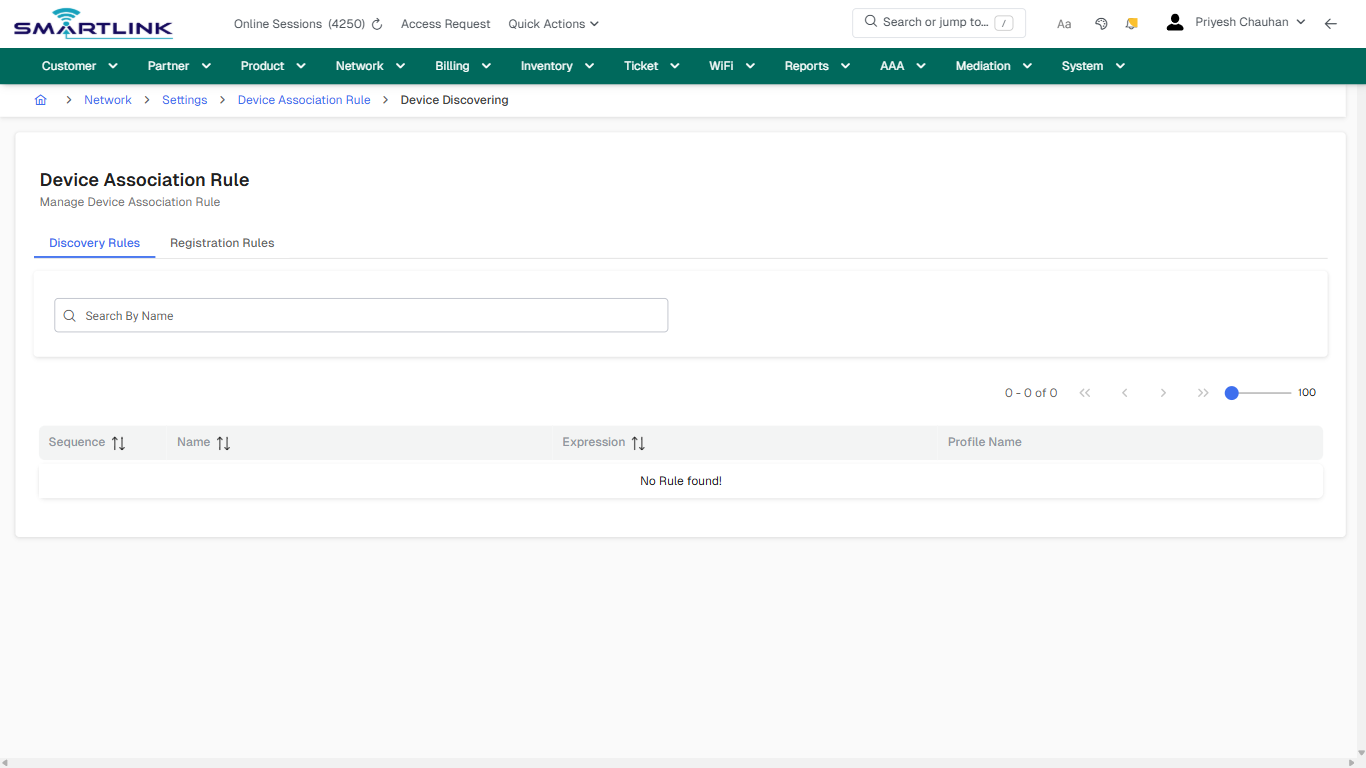
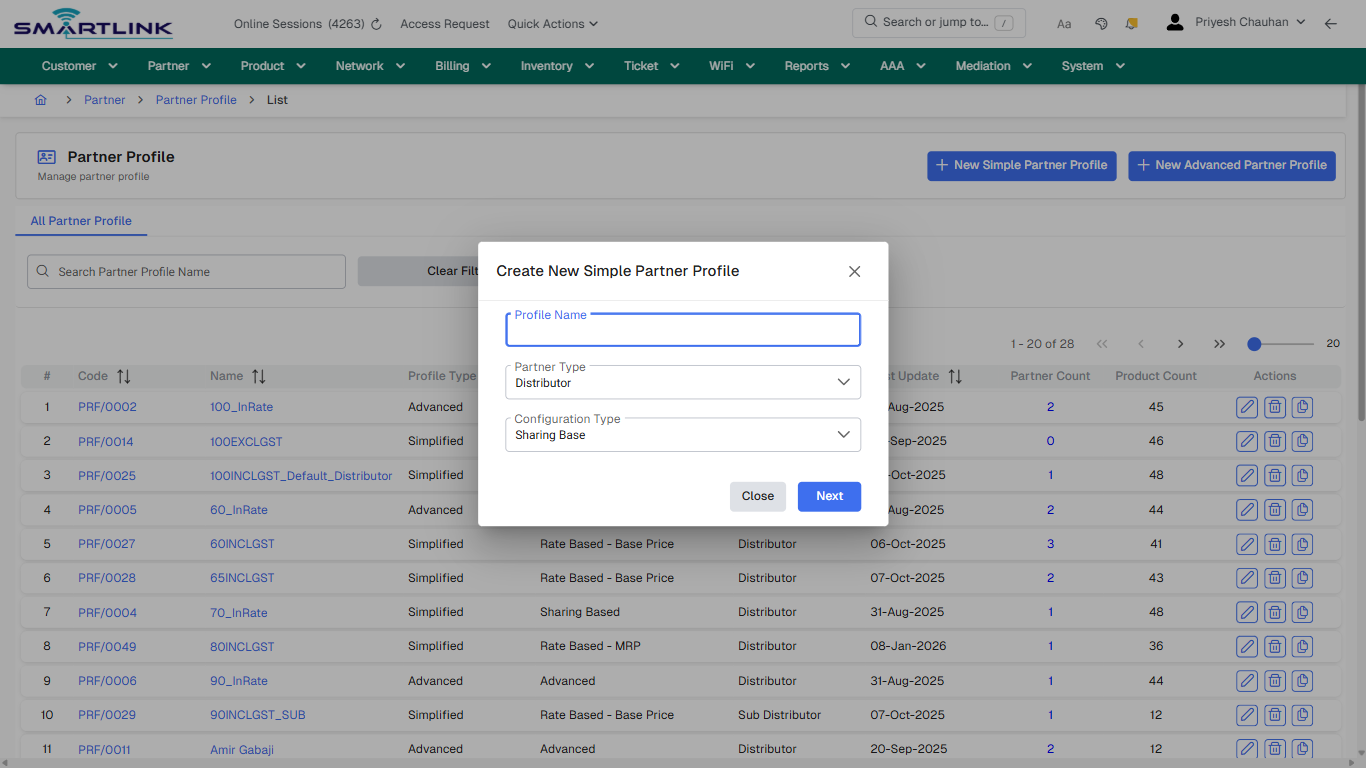
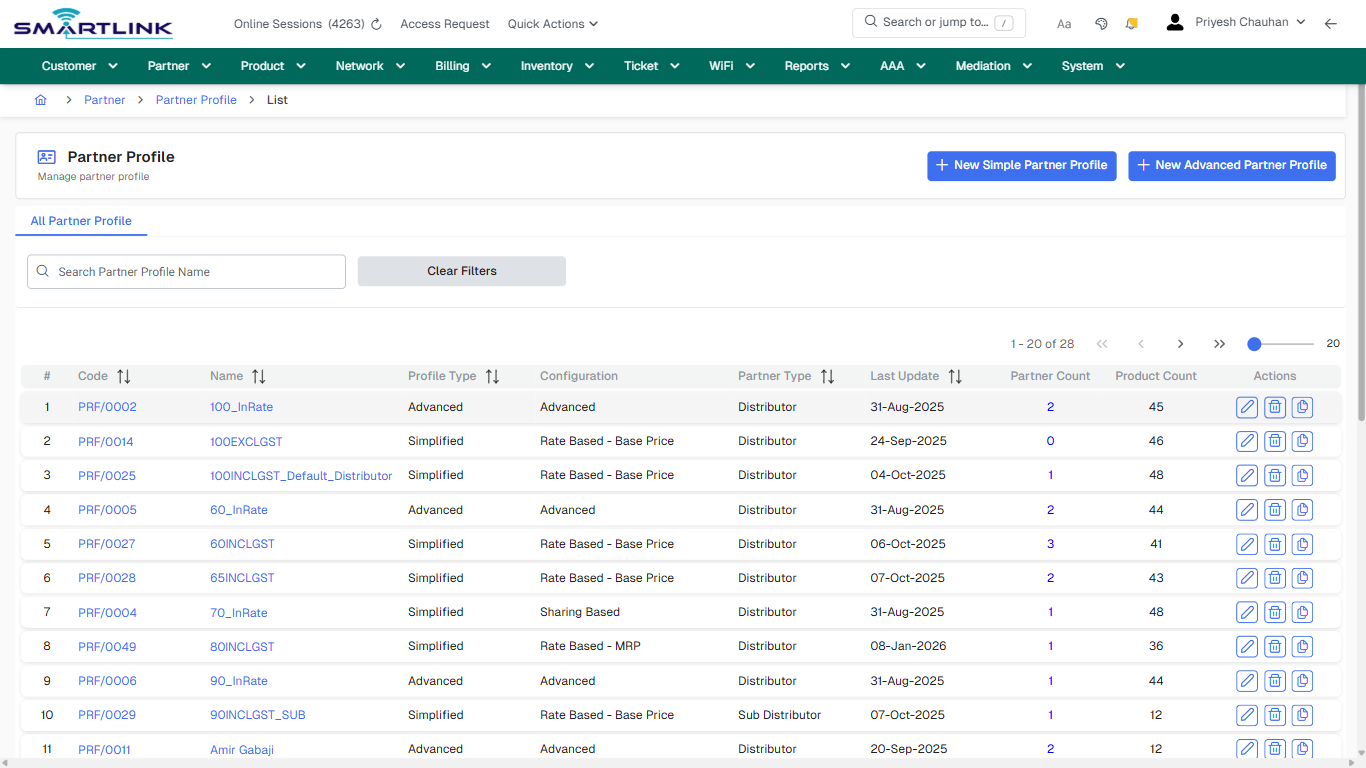
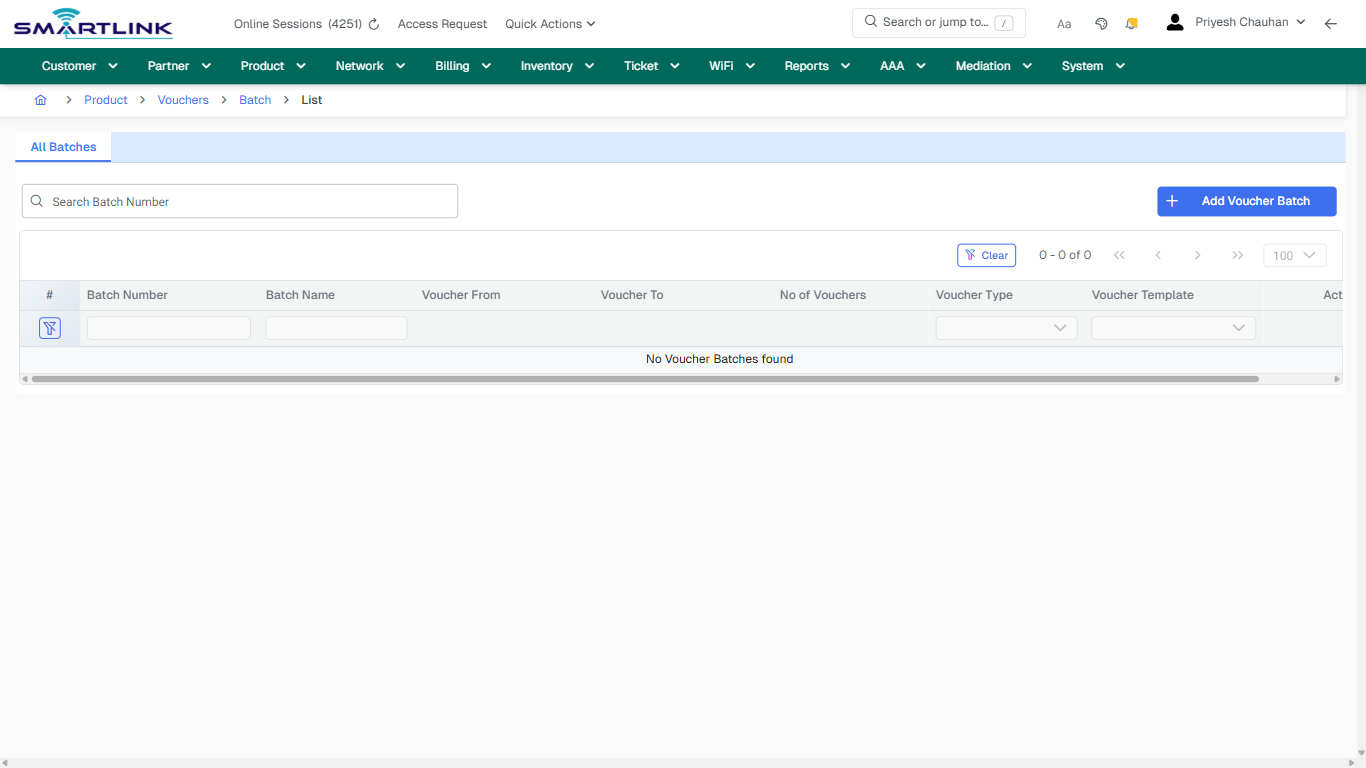
## default

**Captured URL:** https://admin.myslbb.com/#/aaa/radius/clientg/all

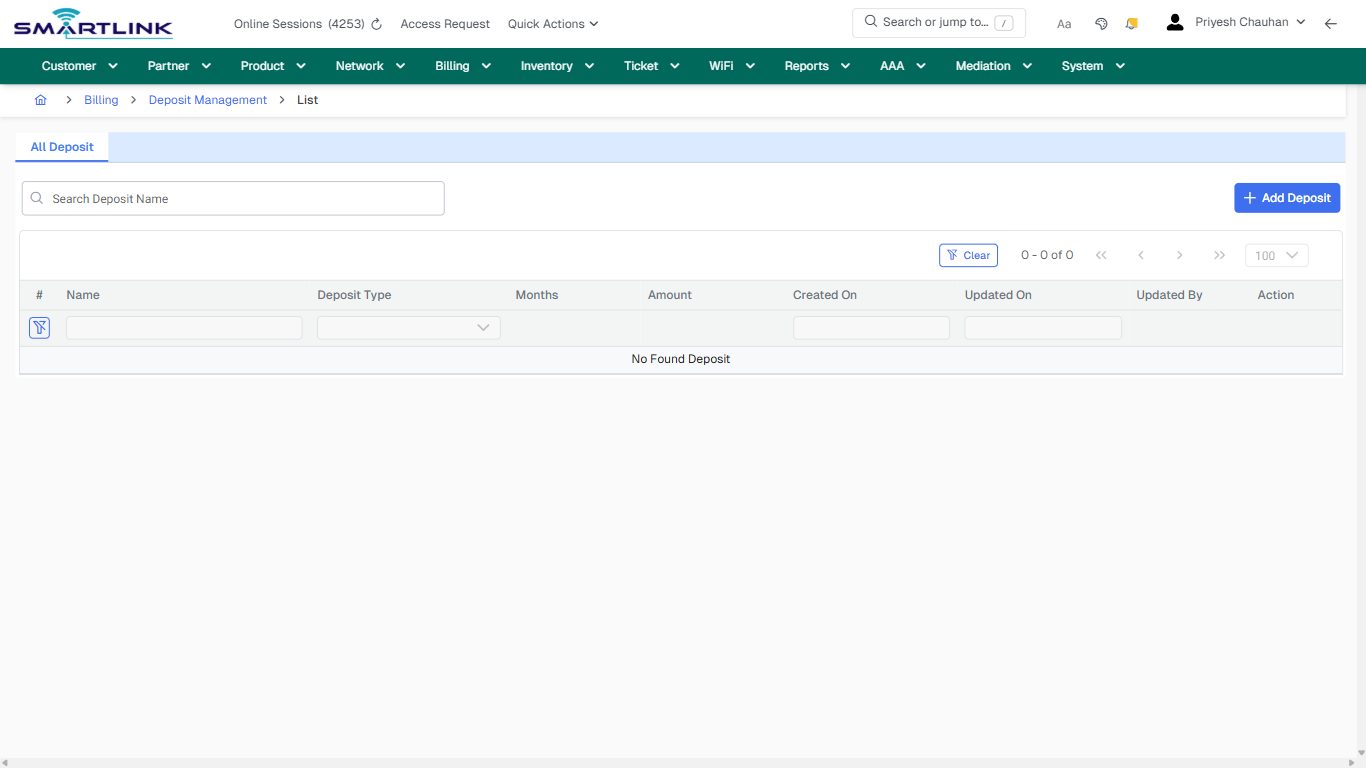
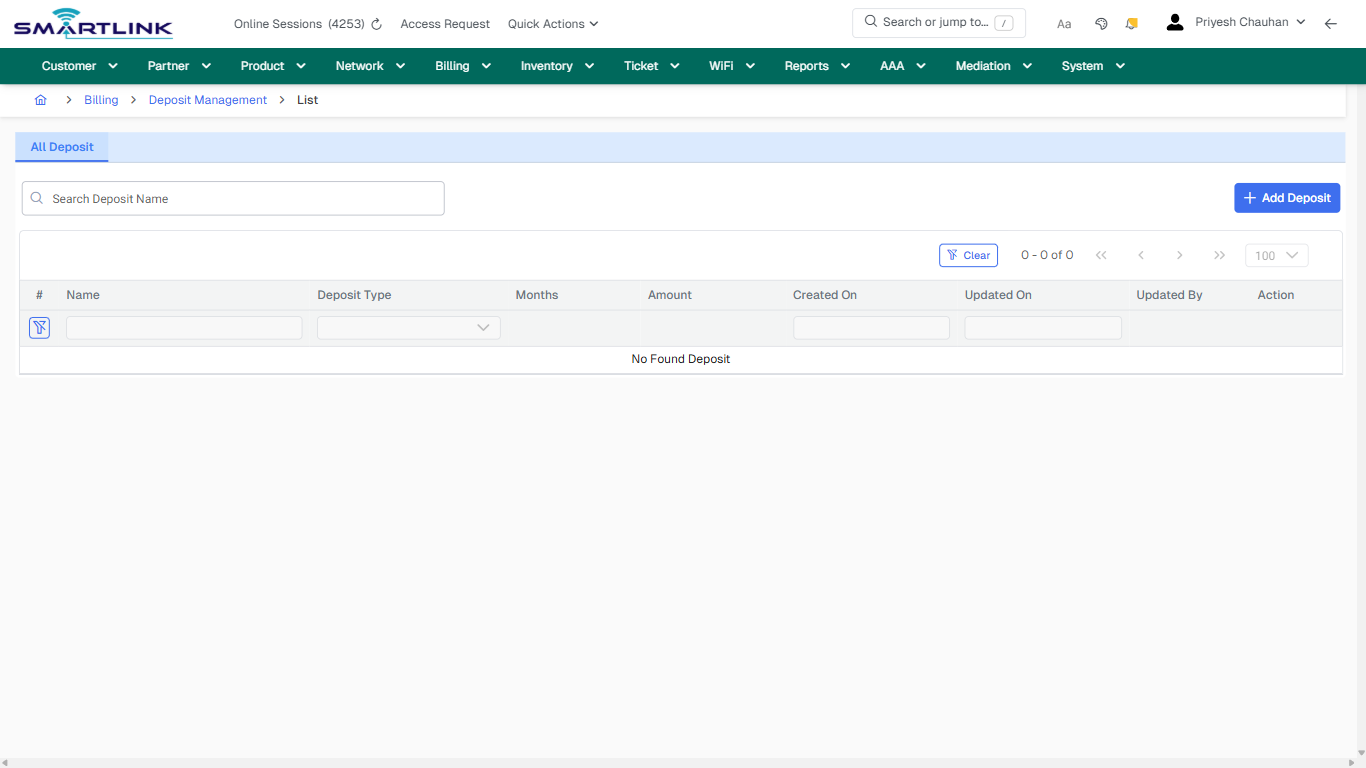
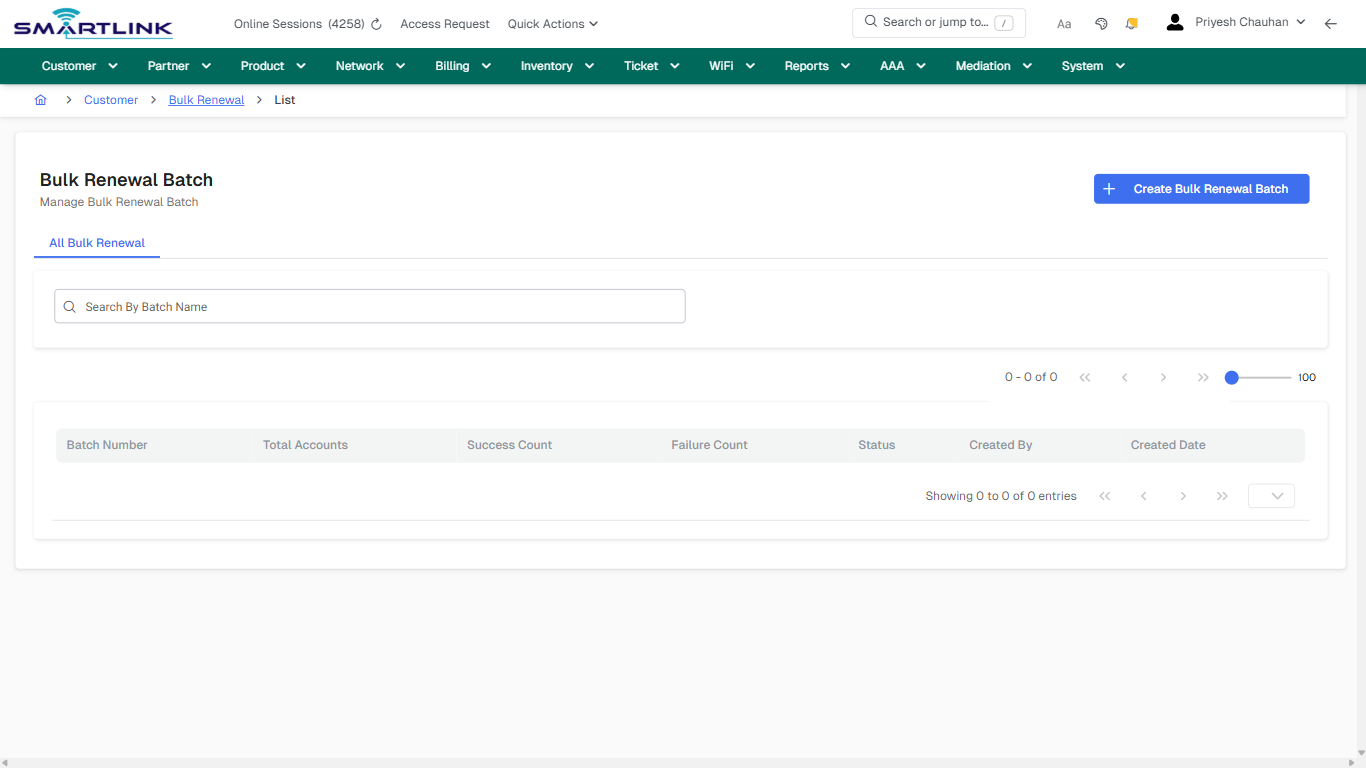
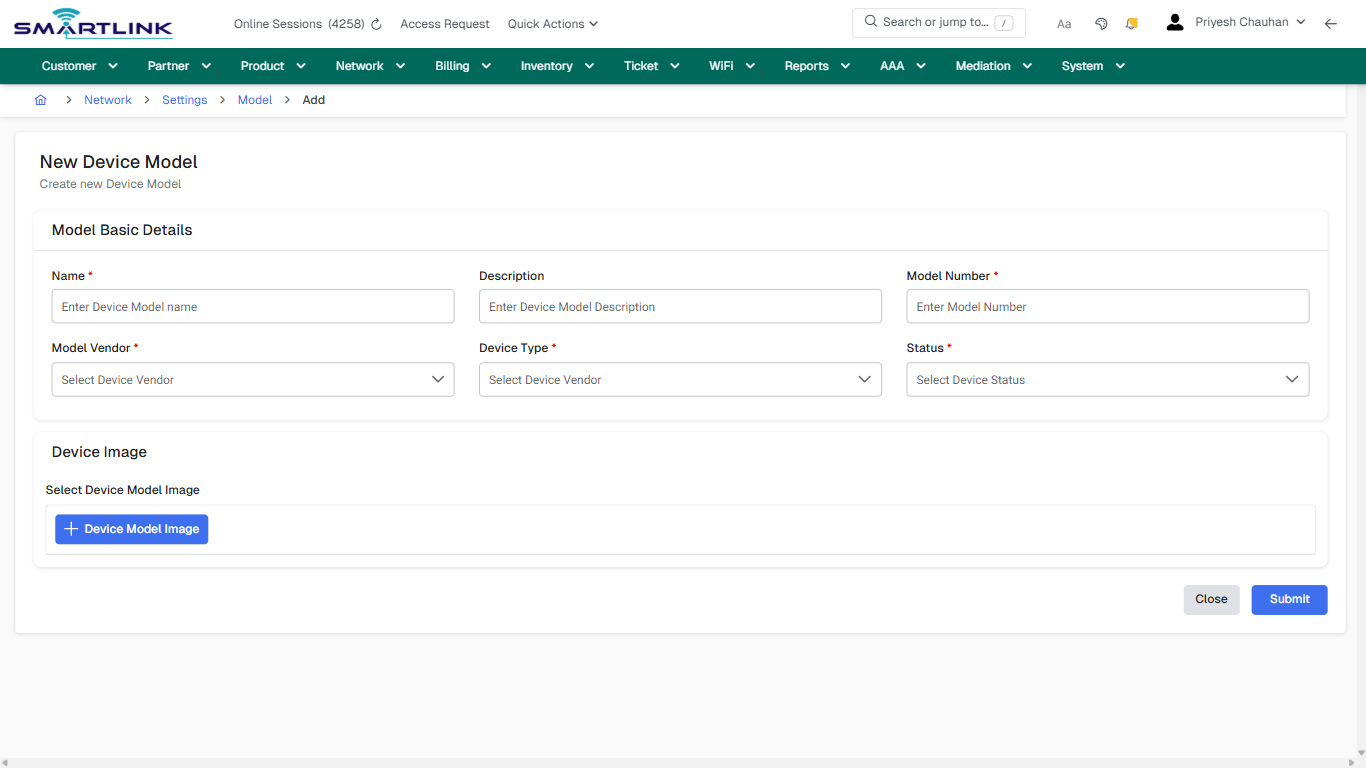
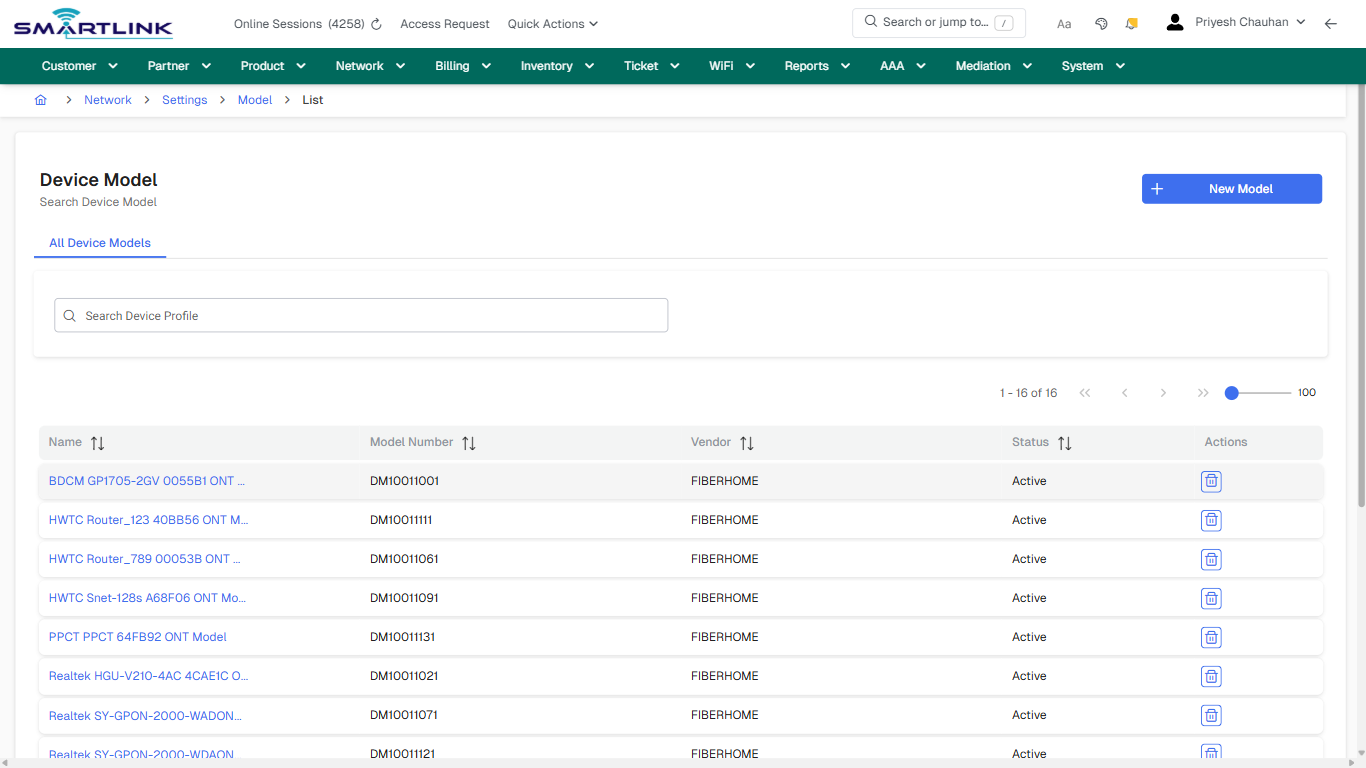
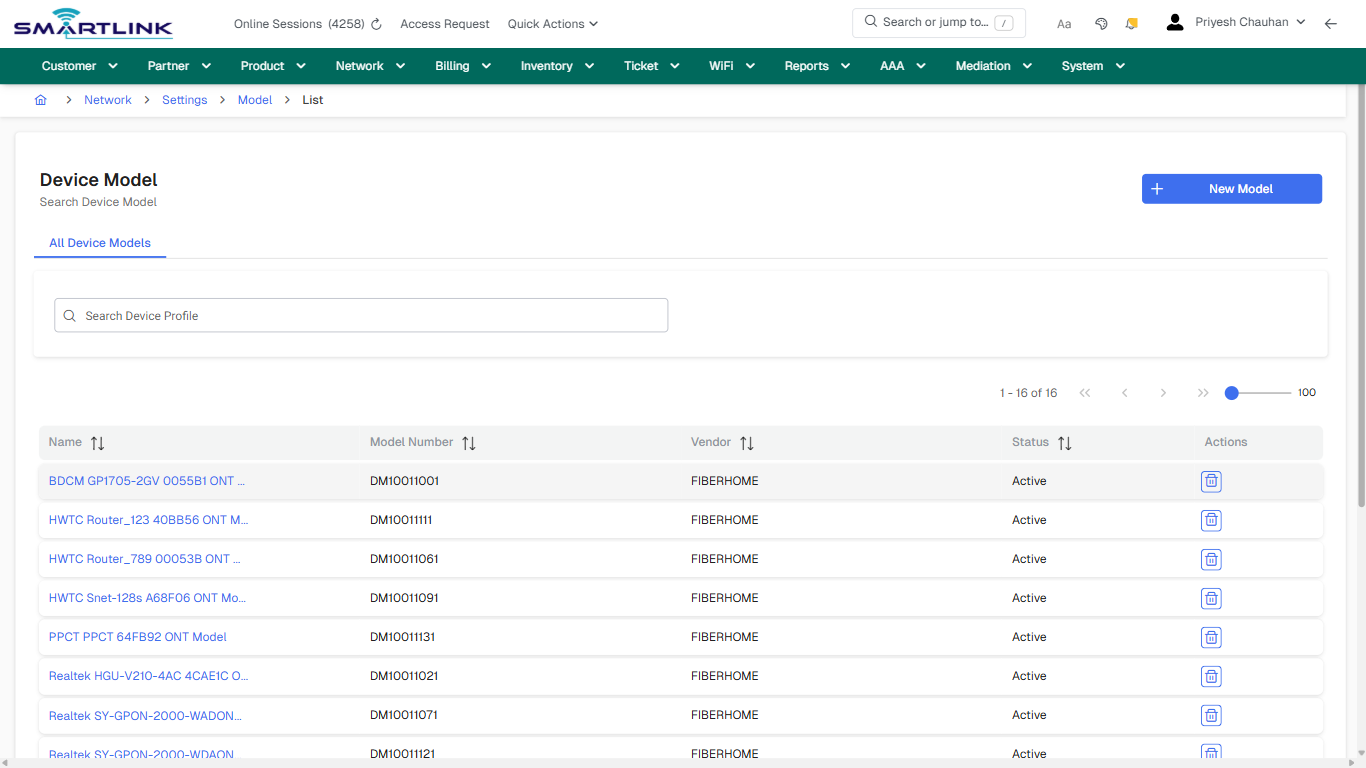
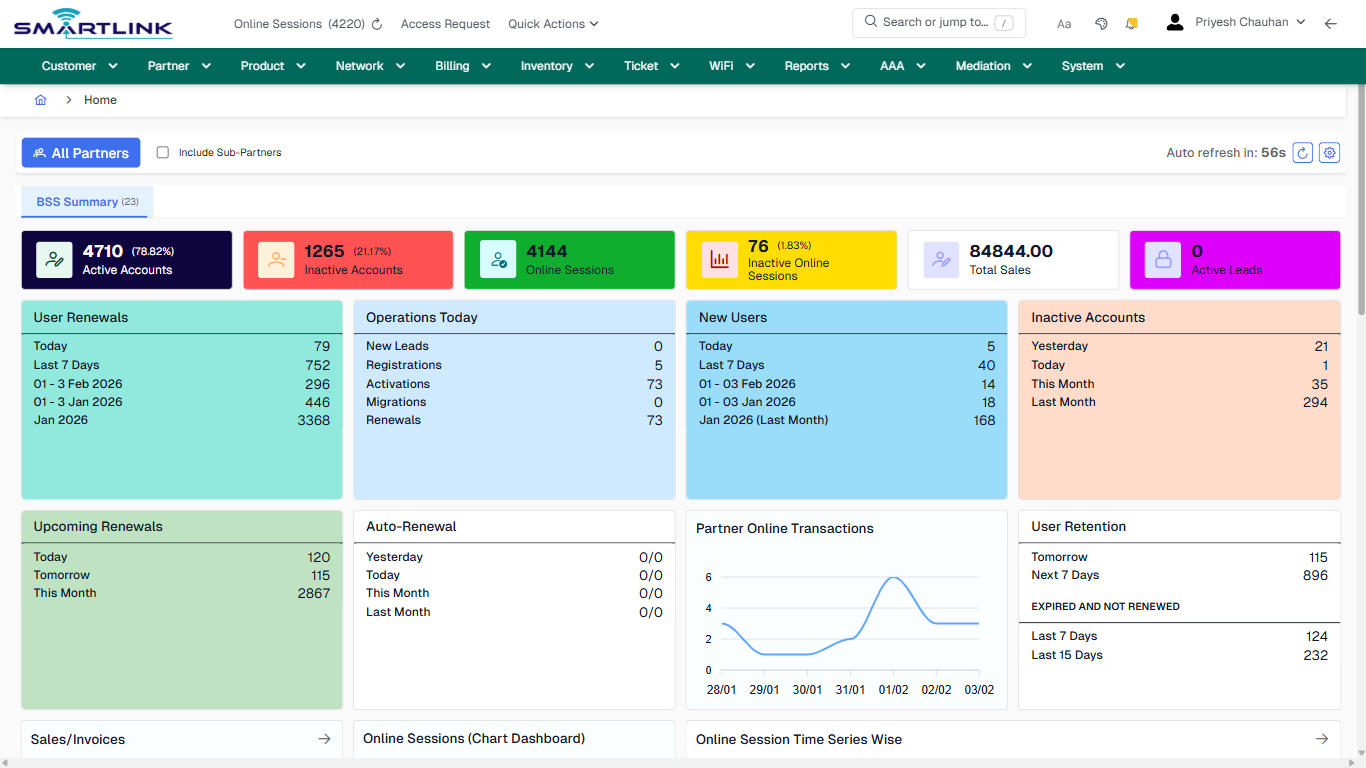
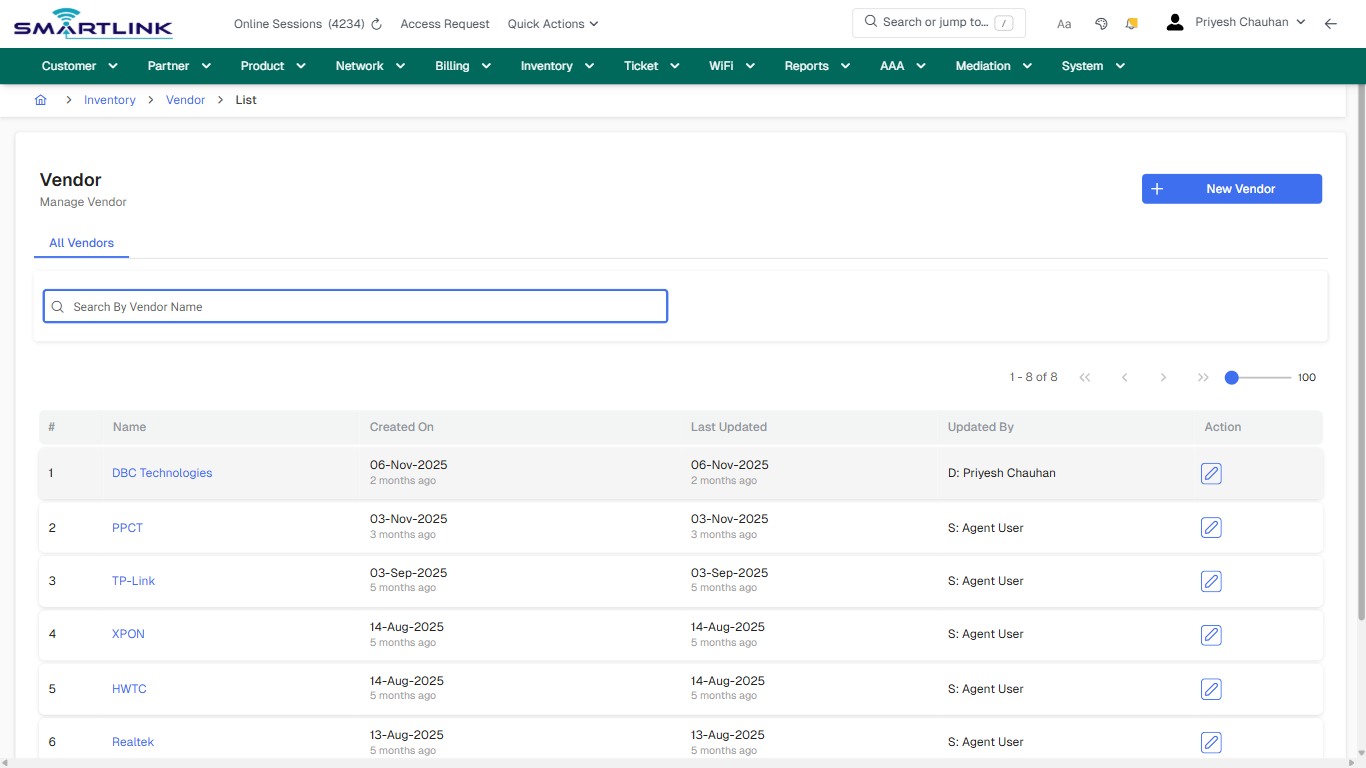
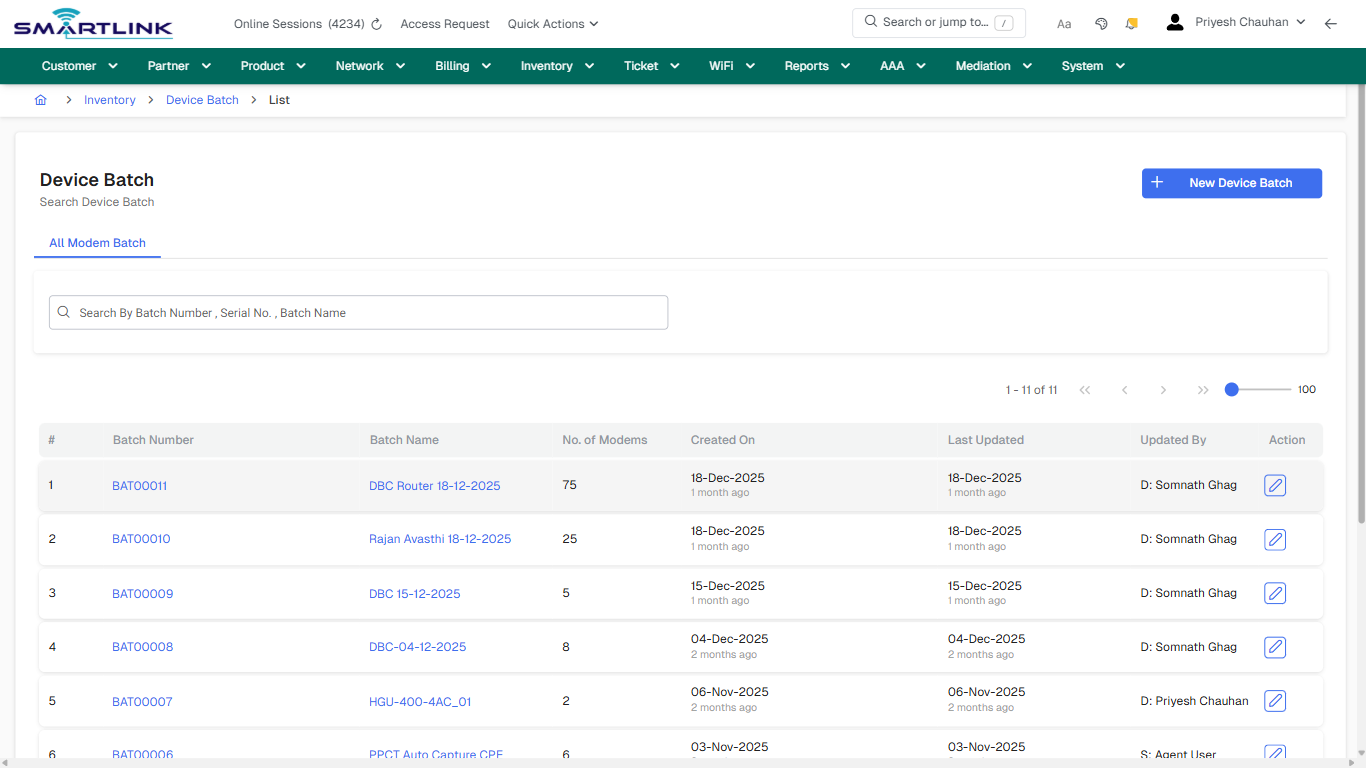
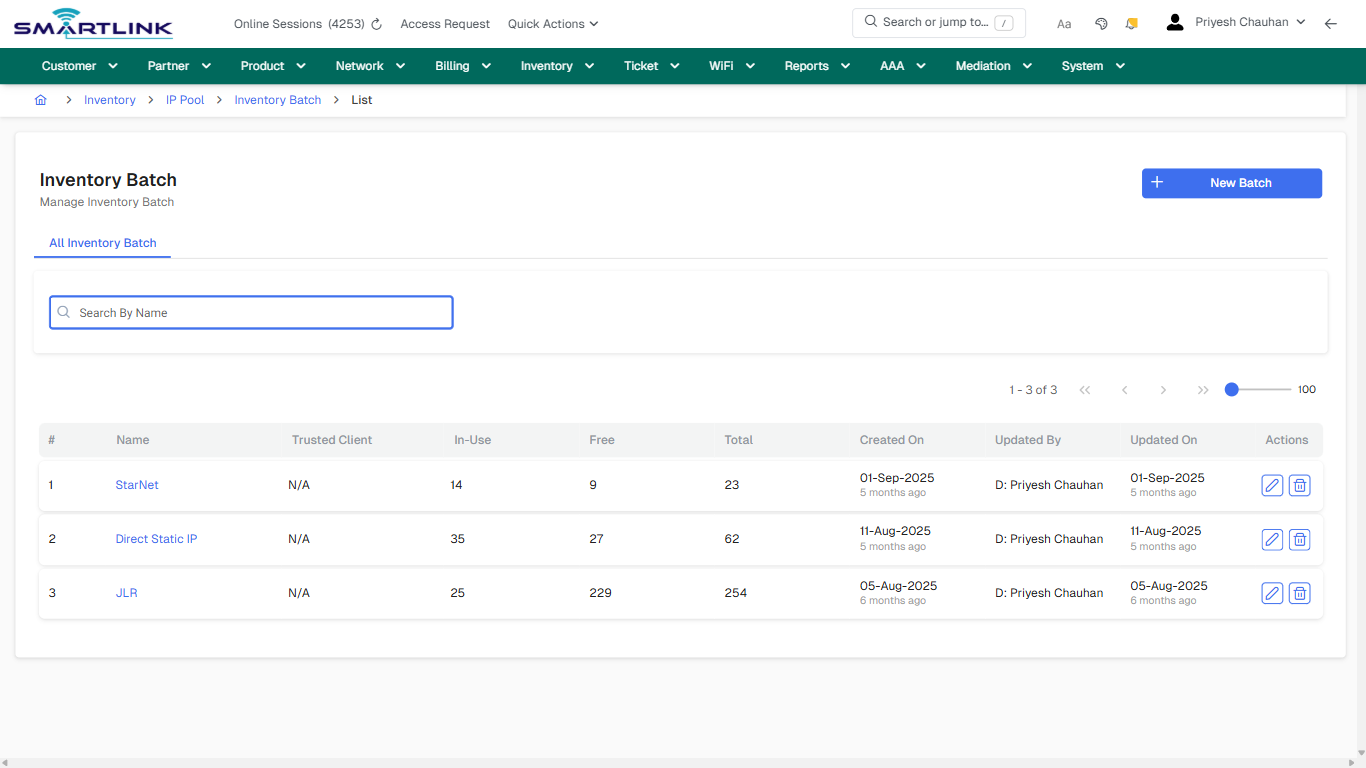
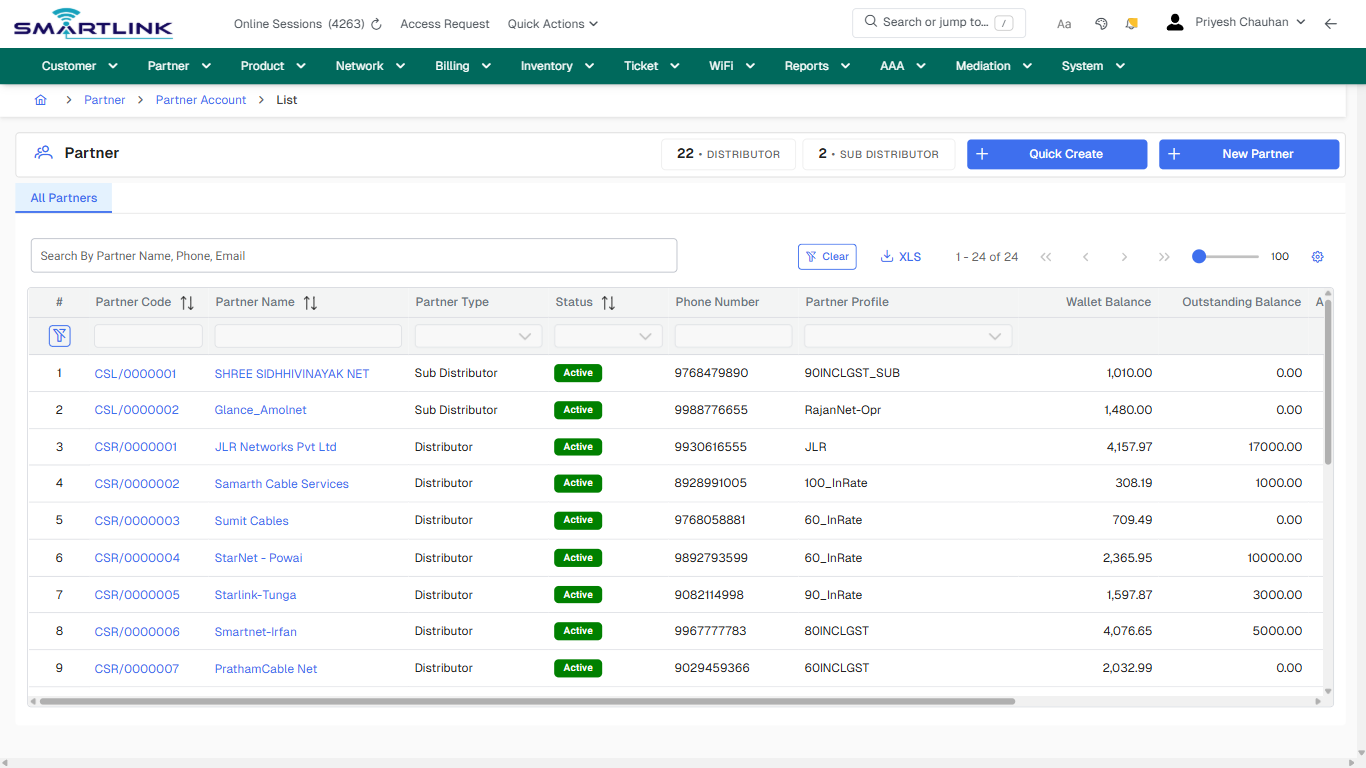
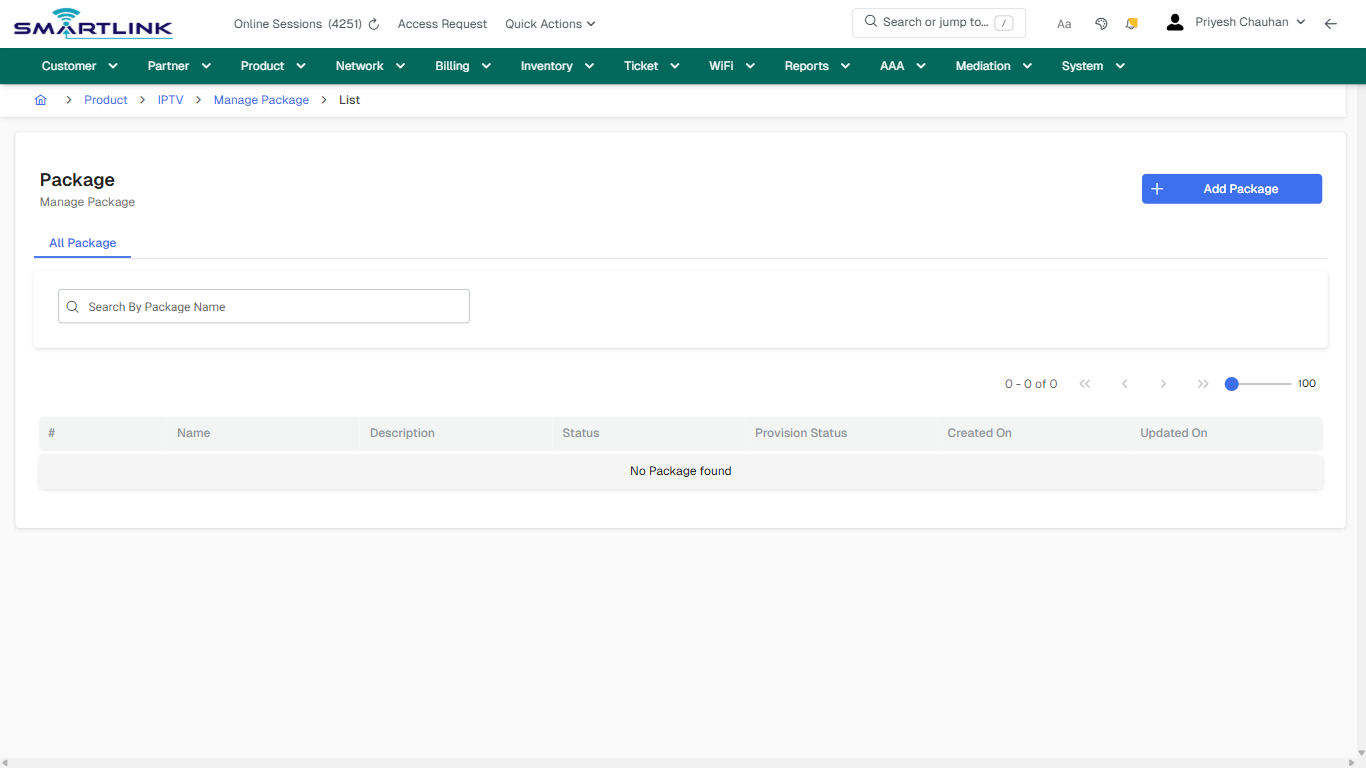
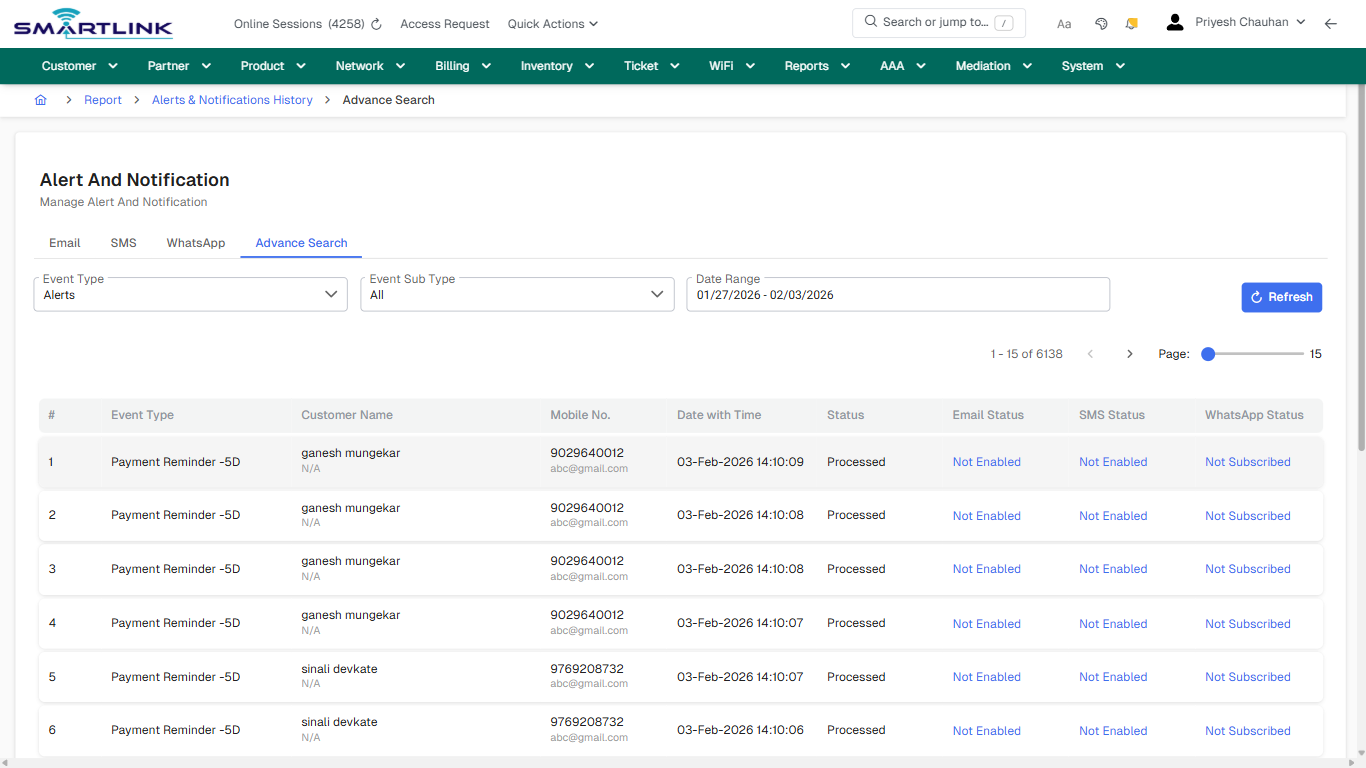
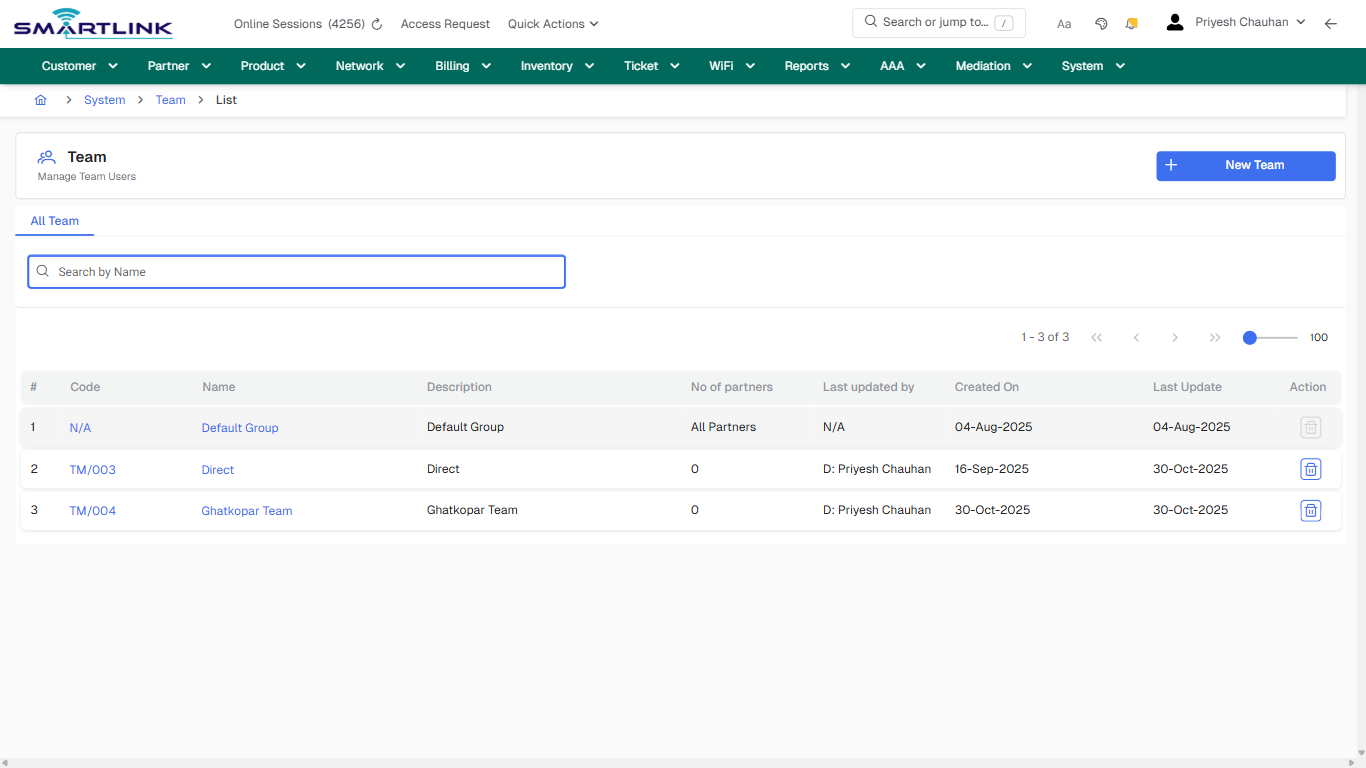
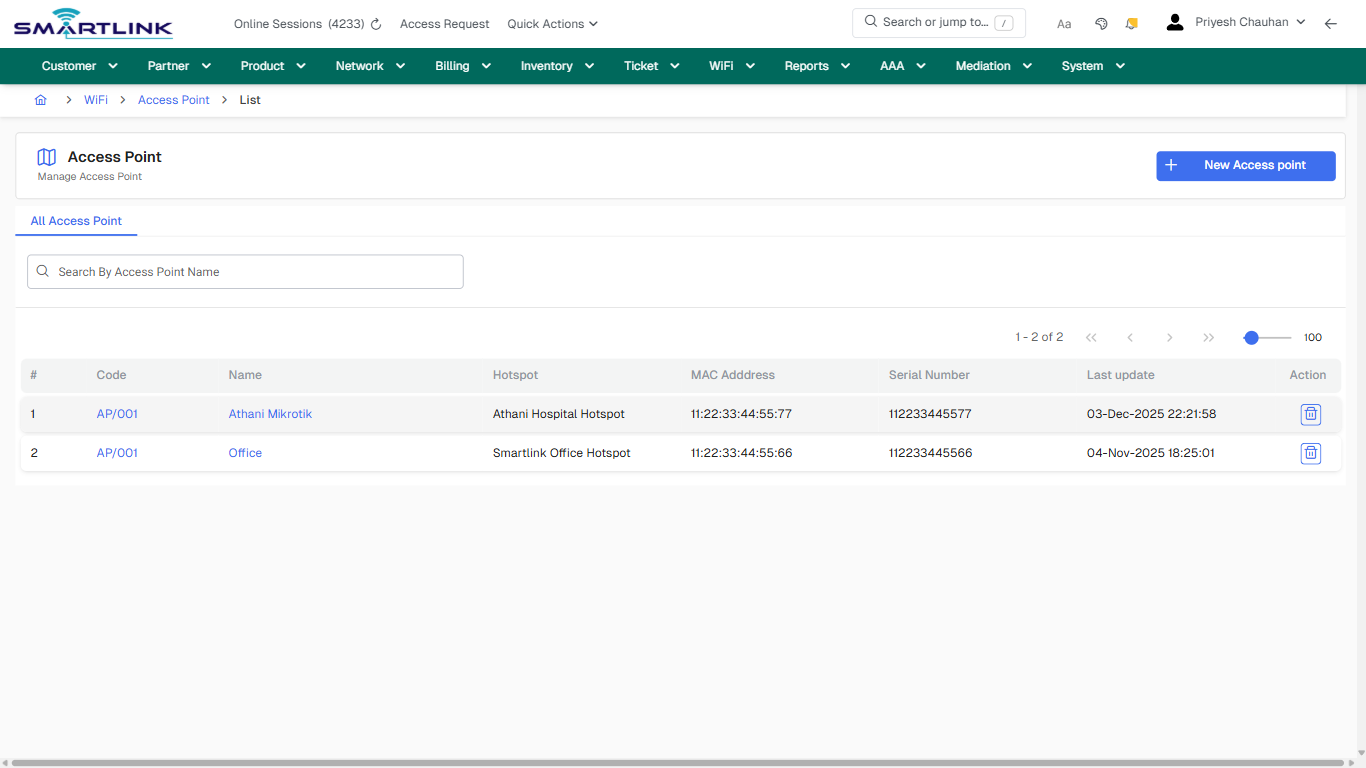
<div id="bkmrk-images-uploading%E2%80%A6">*Images uploading…*<div data-img-token="IMG_PLACEHOLDER_0_1770130459609">![screenshot](https://kb.i2itechservices.com/uploads/images/gallery/2026-02/admin-myslbb-com-aaa-radius-clientg-all-default-8aff0d4630-part-01.png)

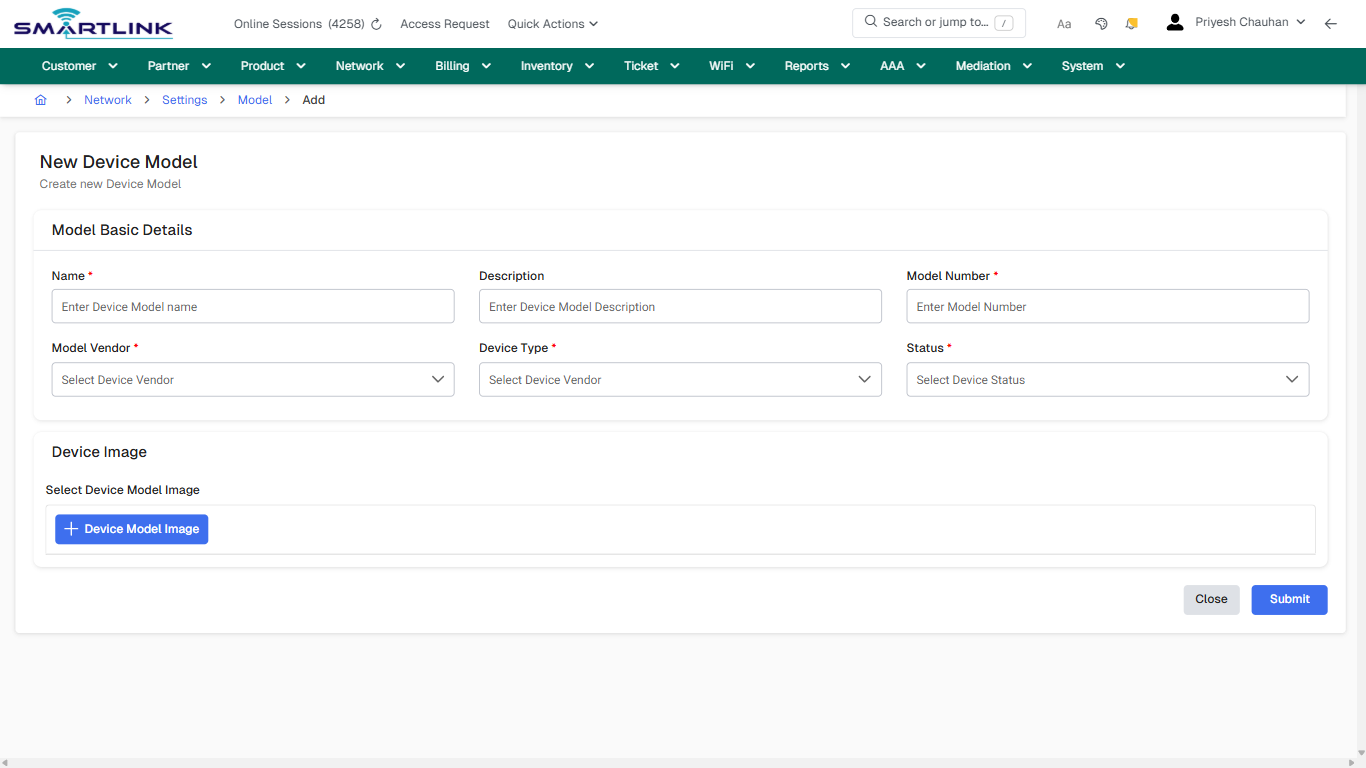
![screenshot](https://kb.i2itechservices.com/uploads/images/gallery/2026-02/admin-myslbb-com-aaa-radius-clientg-all-default-8aff0d4630-part-02.png)

</div></div>---

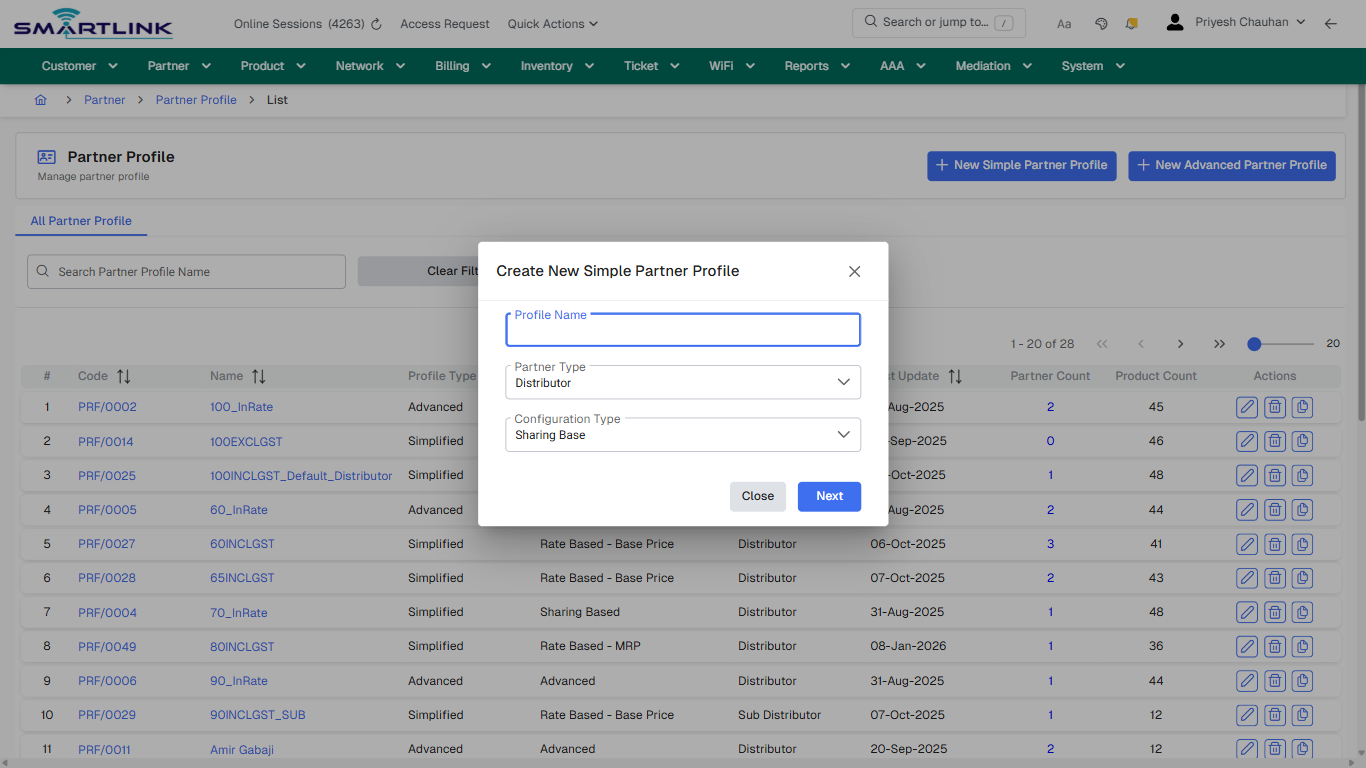
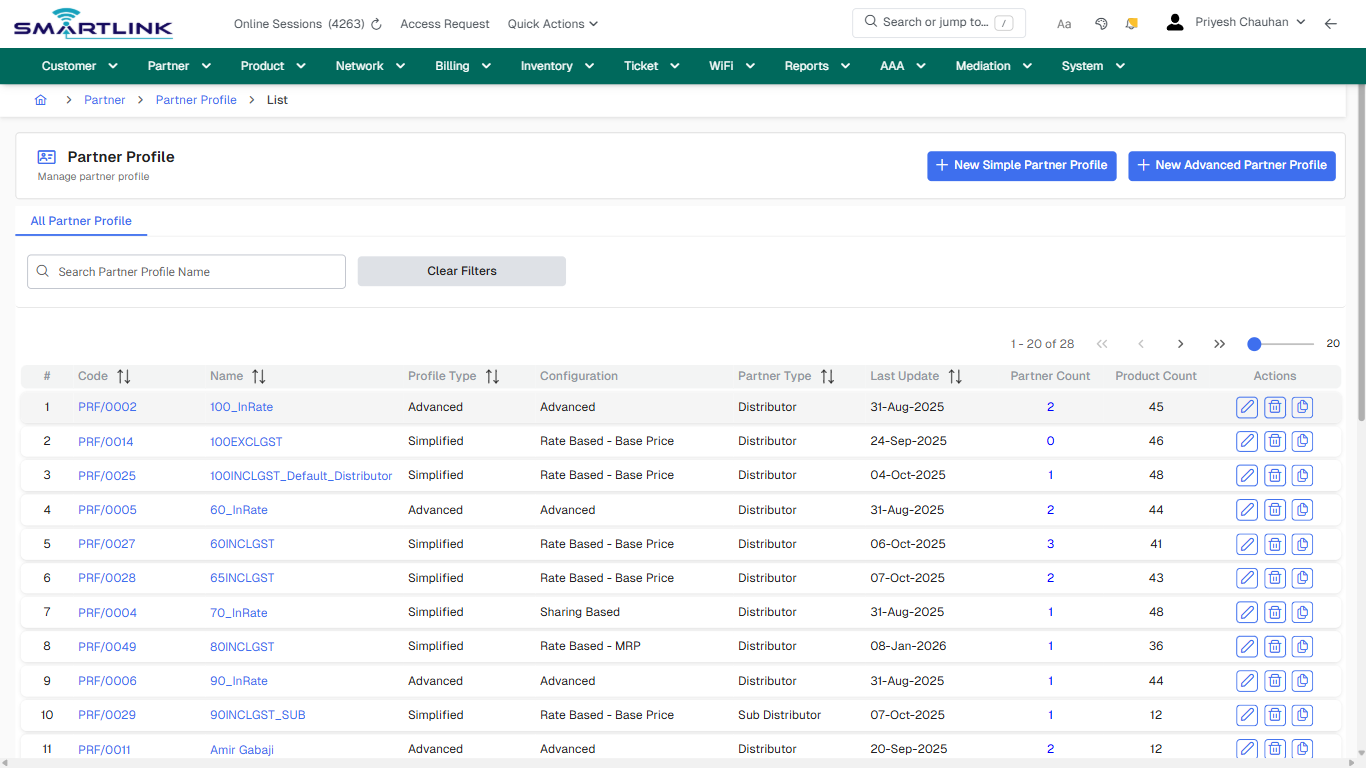
## default

**Captured URL:** https://admin.myslbb.com/#/aaa/radius/clientg/all

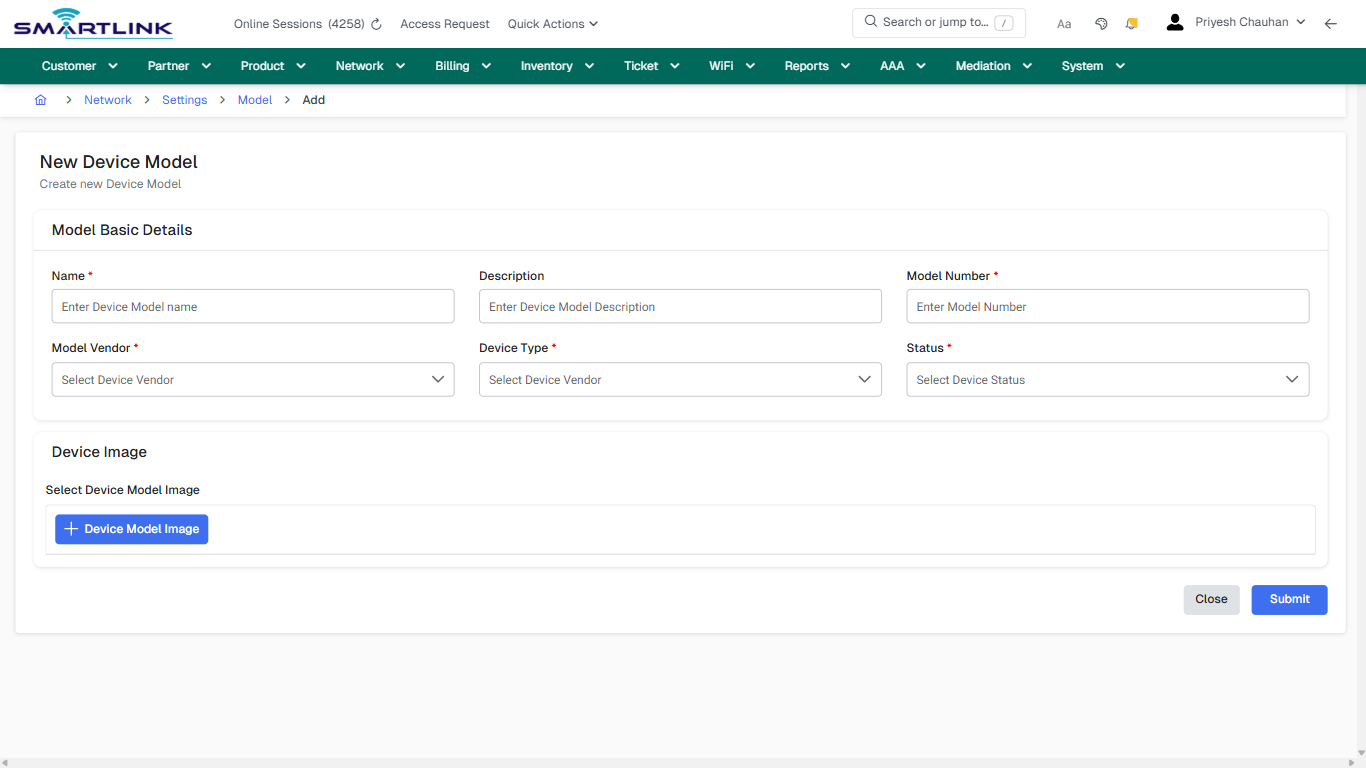
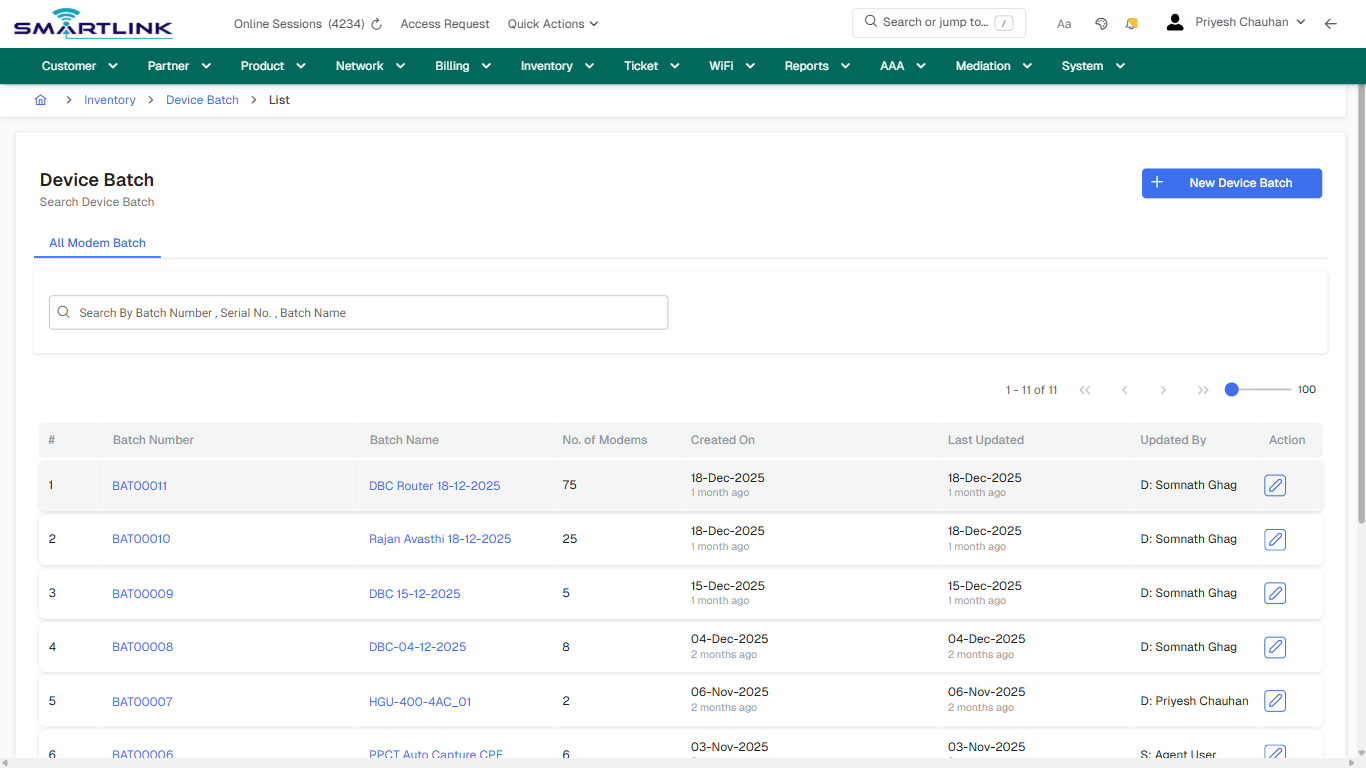
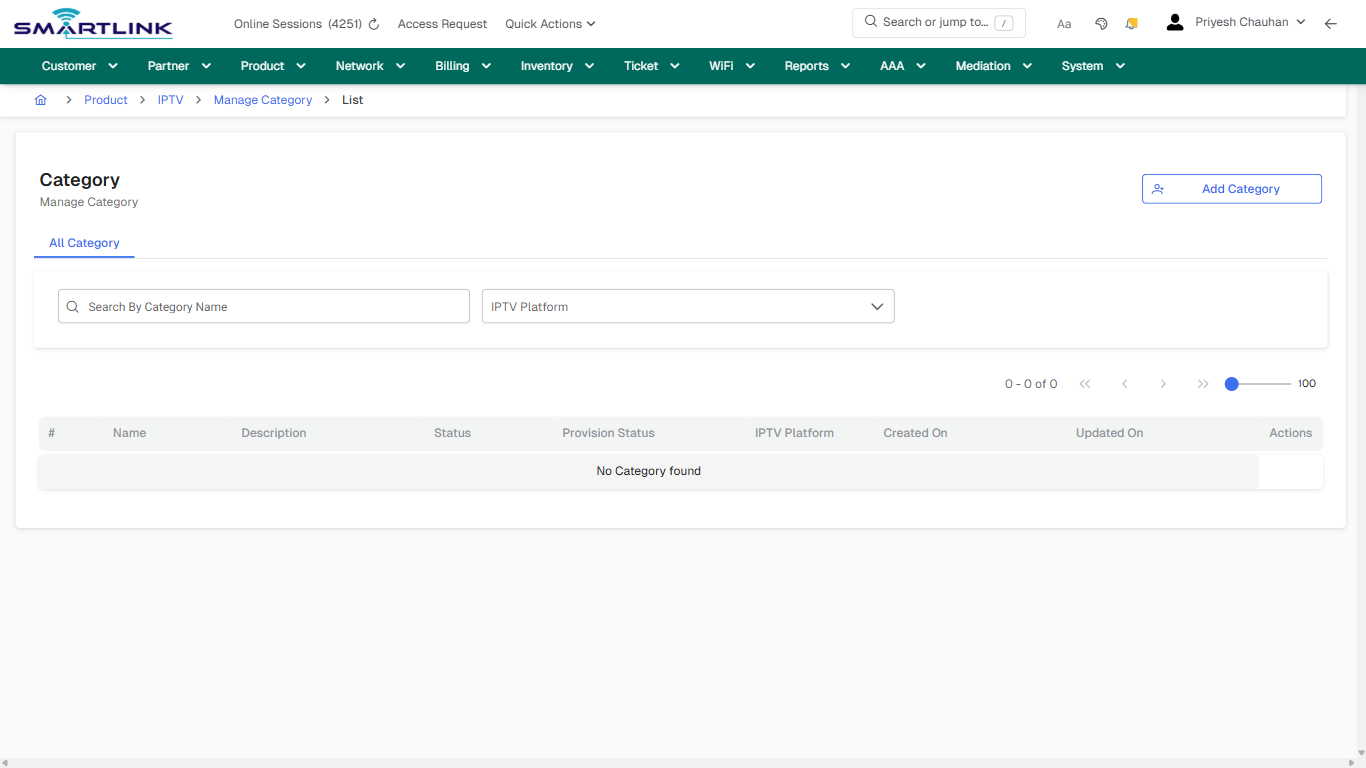
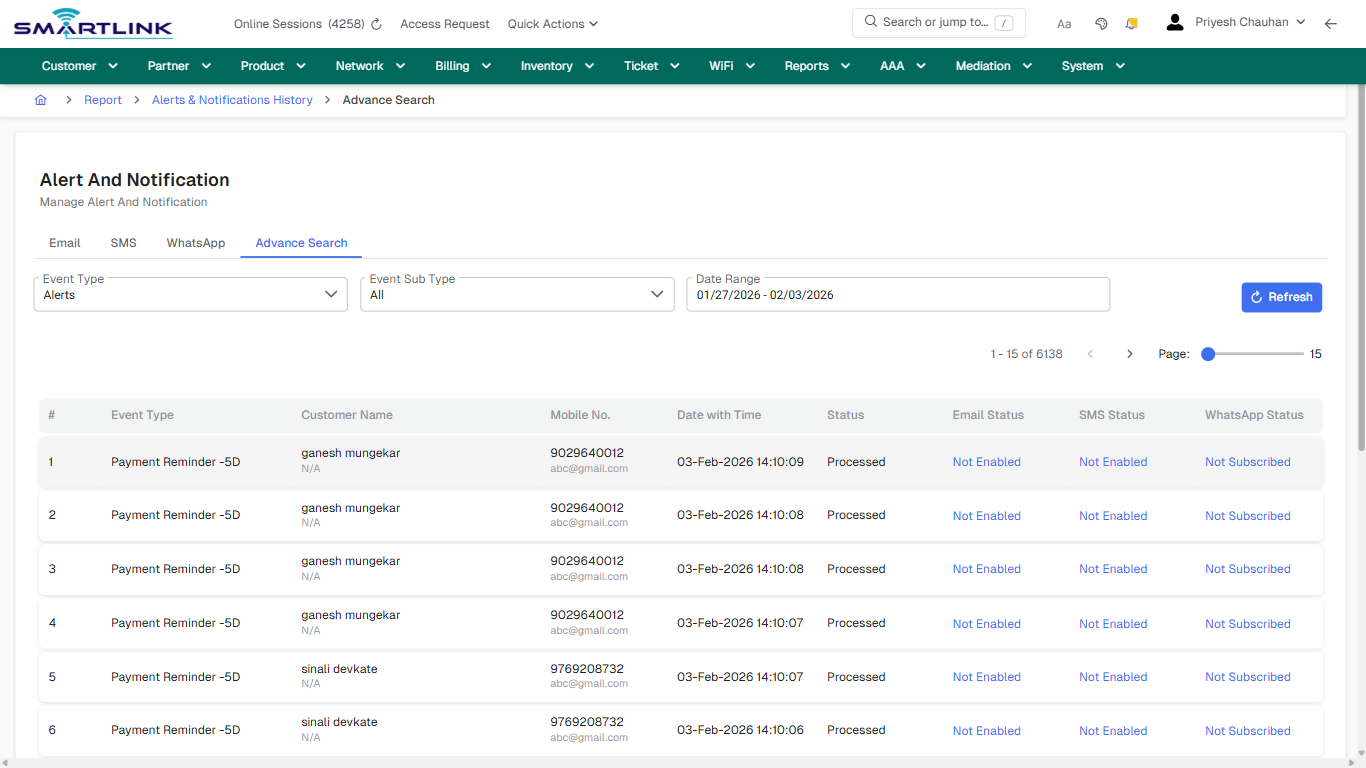
<div id="bkmrk-images-uploading%E2%80%A6-1">*Images uploading…*<div data-img-token="IMG_PLACEHOLDER_1_1770130459609">![screenshot](https://kb.i2itechservices.com/uploads/images/gallery/2026-02/2F3admin-myslbb-com-aaa-radius-clientg-all-default-8aff0d4630-part-01.png)

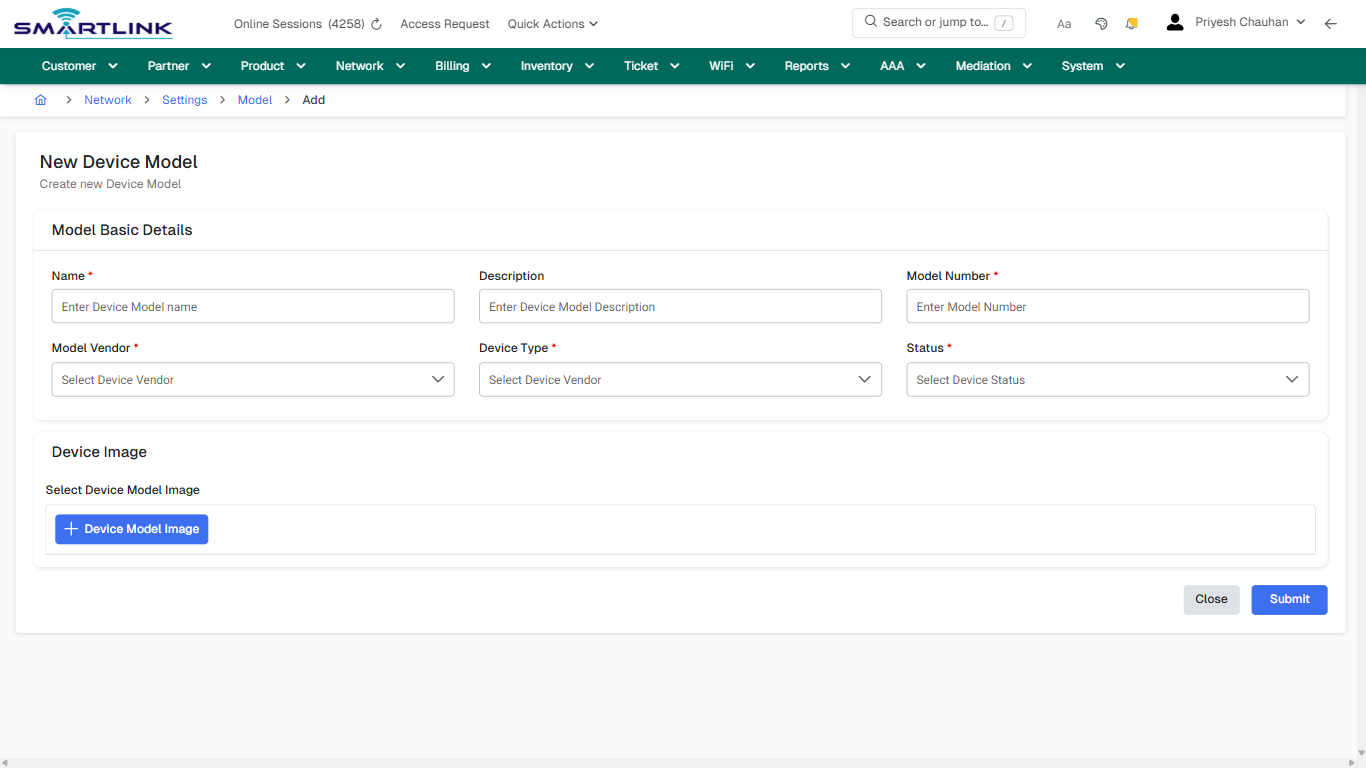
![screenshot](https://kb.i2itechservices.com/uploads/images/gallery/2026-02/wJDadmin-myslbb-com-aaa-radius-clientg-all-default-8aff0d4630-part-02.png)

</div></div>---

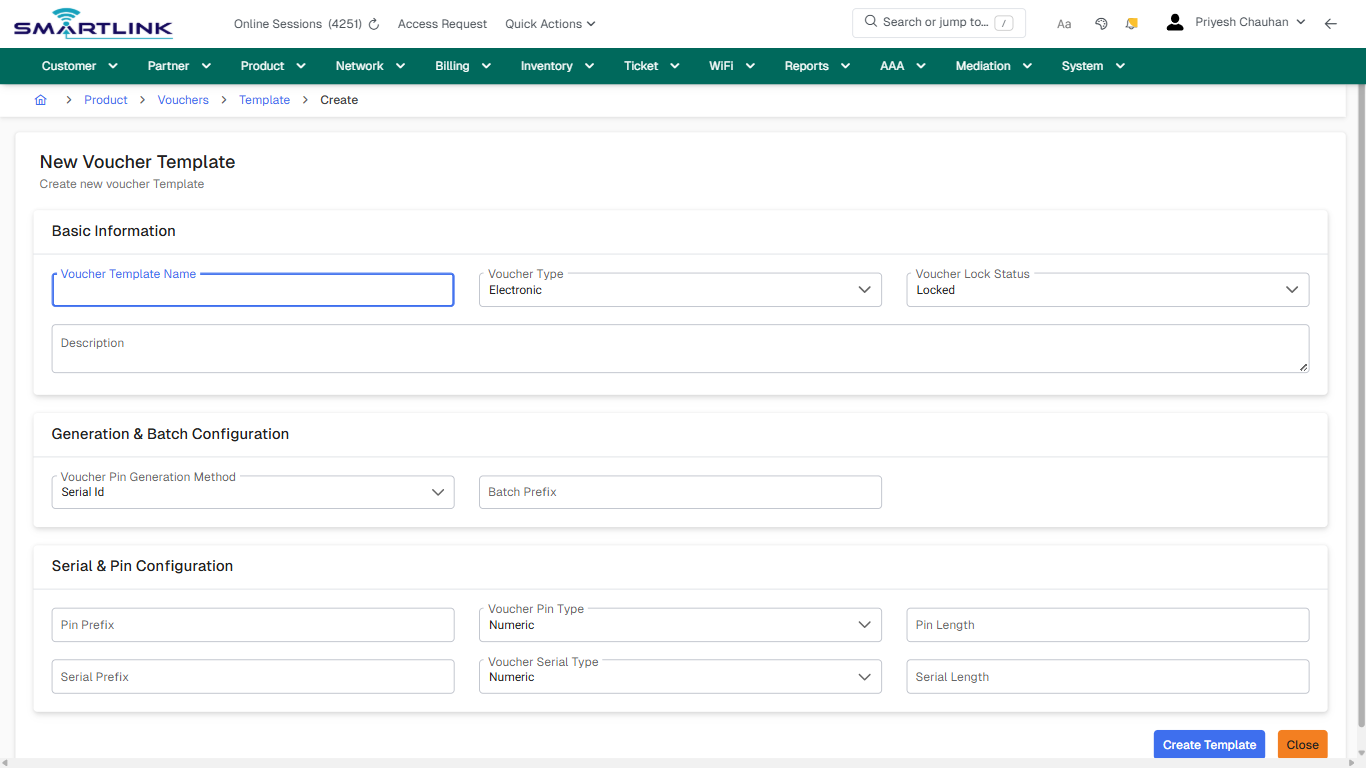
## create\_new

**Captured URL:** https://admin.myslbb.com/#/aaa/radius/clientg/all

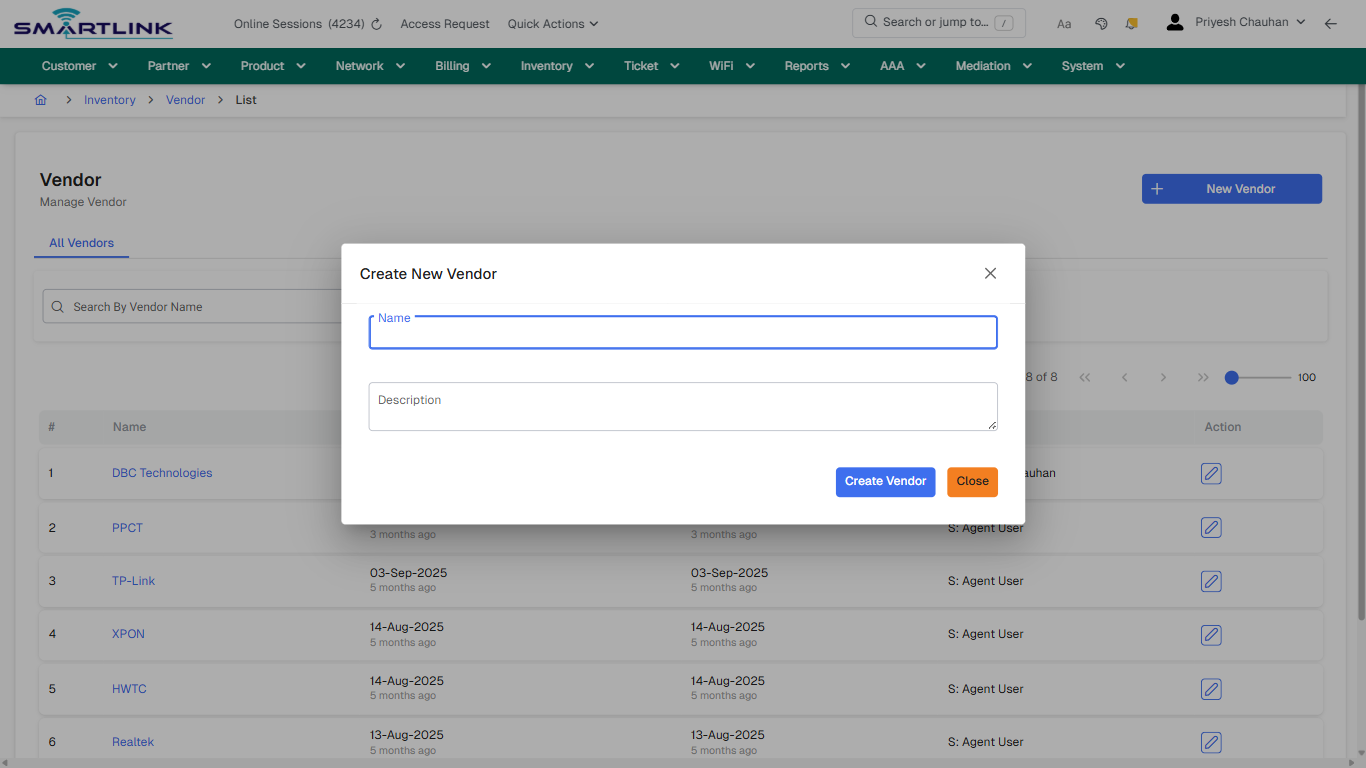
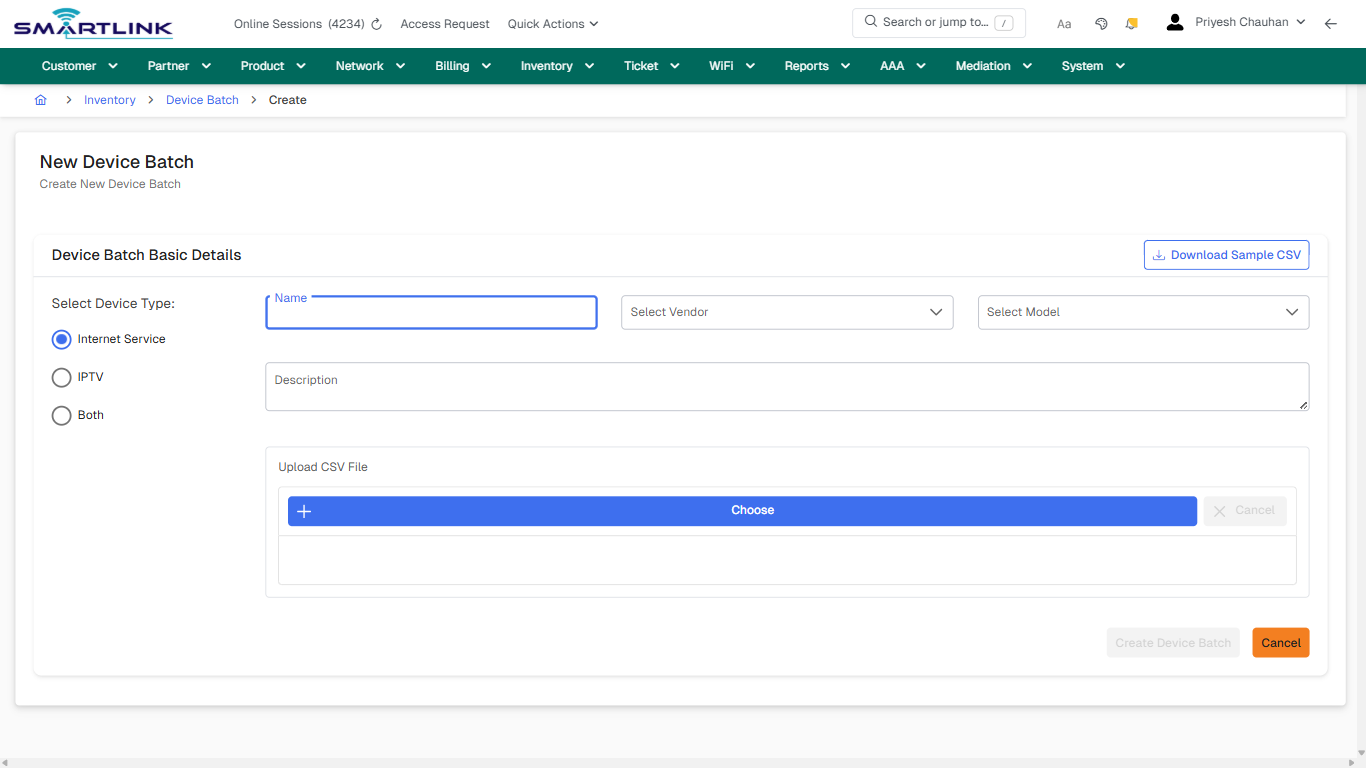
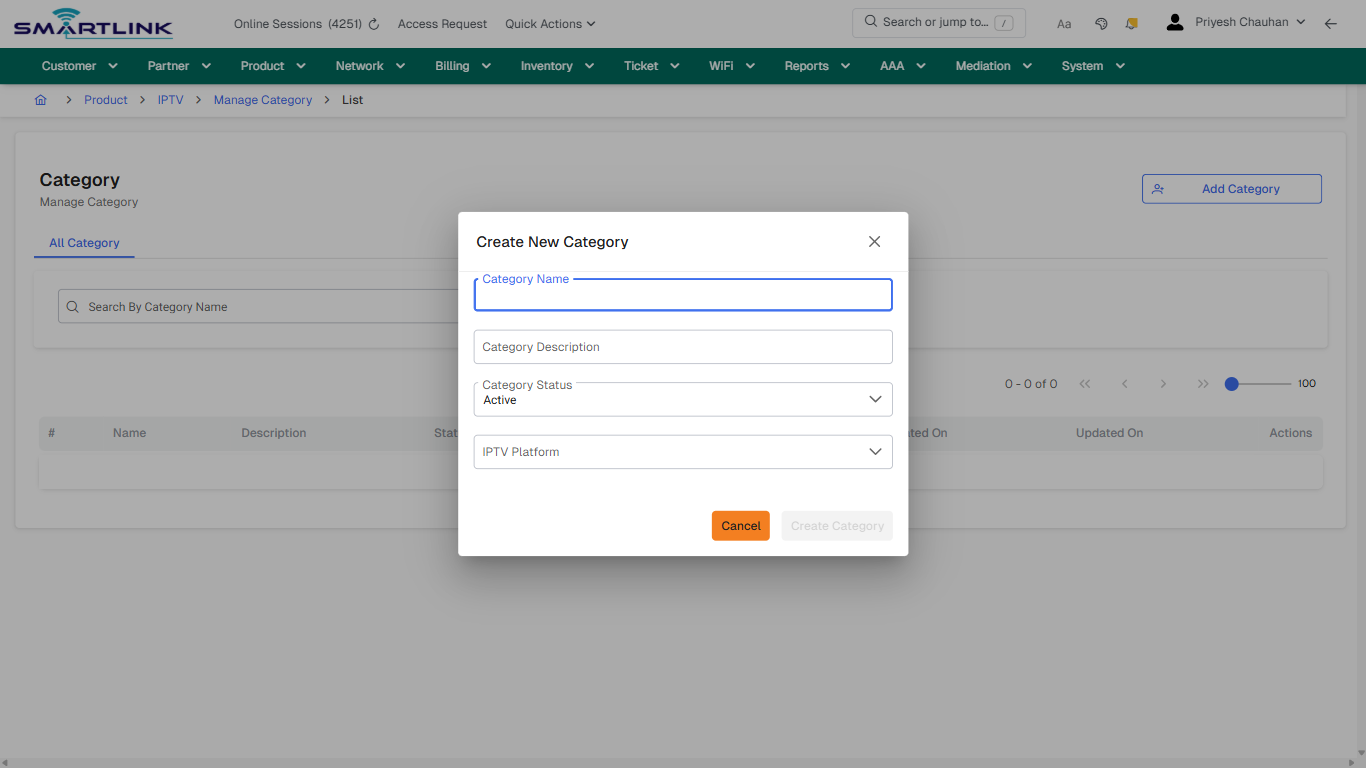
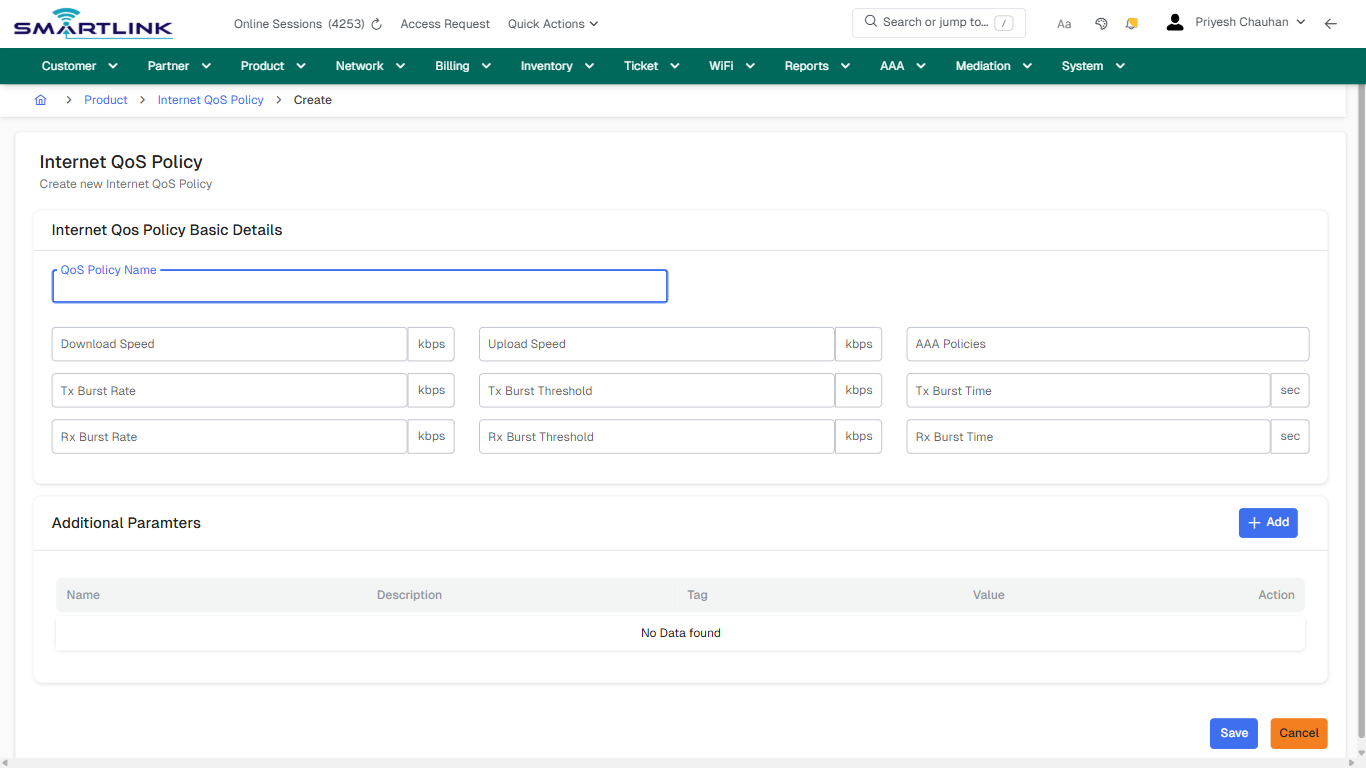
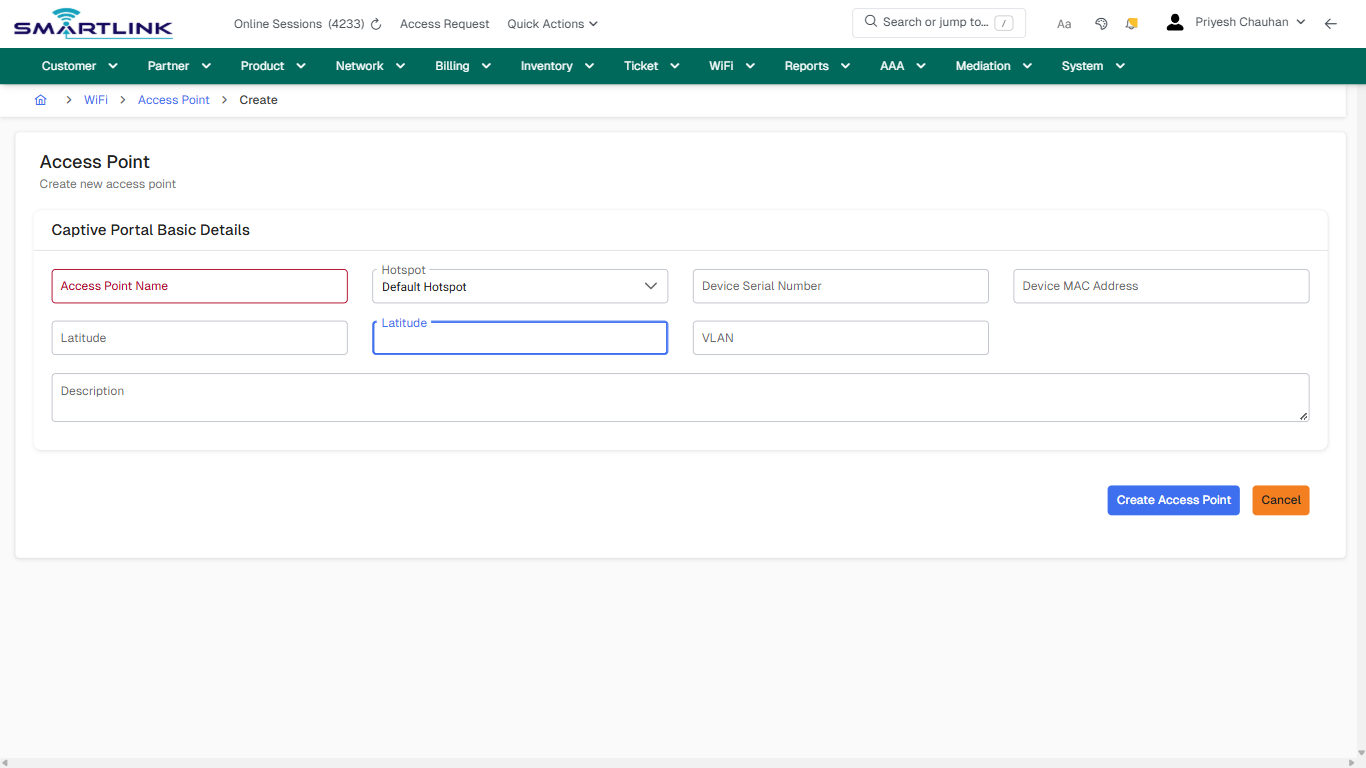
<div id="bkmrk-images-uploading%E2%80%A6-2">*Images uploading…*<div data-img-token="IMG_PLACEHOLDER_2_1770130459609">![screenshot](https://kb.i2itechservices.com/uploads/images/gallery/2026-02/admin-myslbb-com-aaa-radius-clientg-all-create-new-117eb33651-part-01.png)

![screenshot](https://kb.i2itechservices.com/uploads/images/gallery/2026-02/admin-myslbb-com-aaa-radius-clientg-all-create-new-117eb33651-part-02.png)

</div></div>---

## create\_new

**Captured URL:** https://admin.myslbb.com/#/aaa/radius/clientg/all

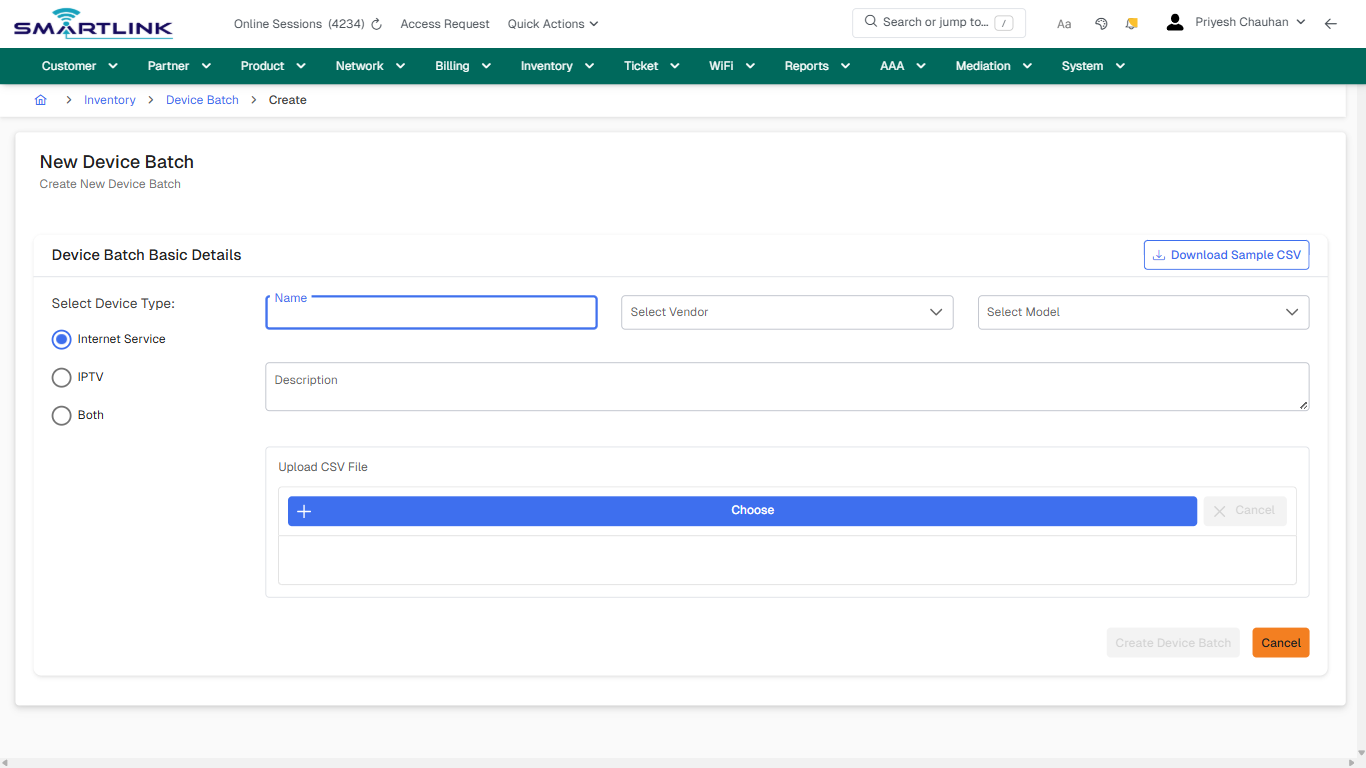
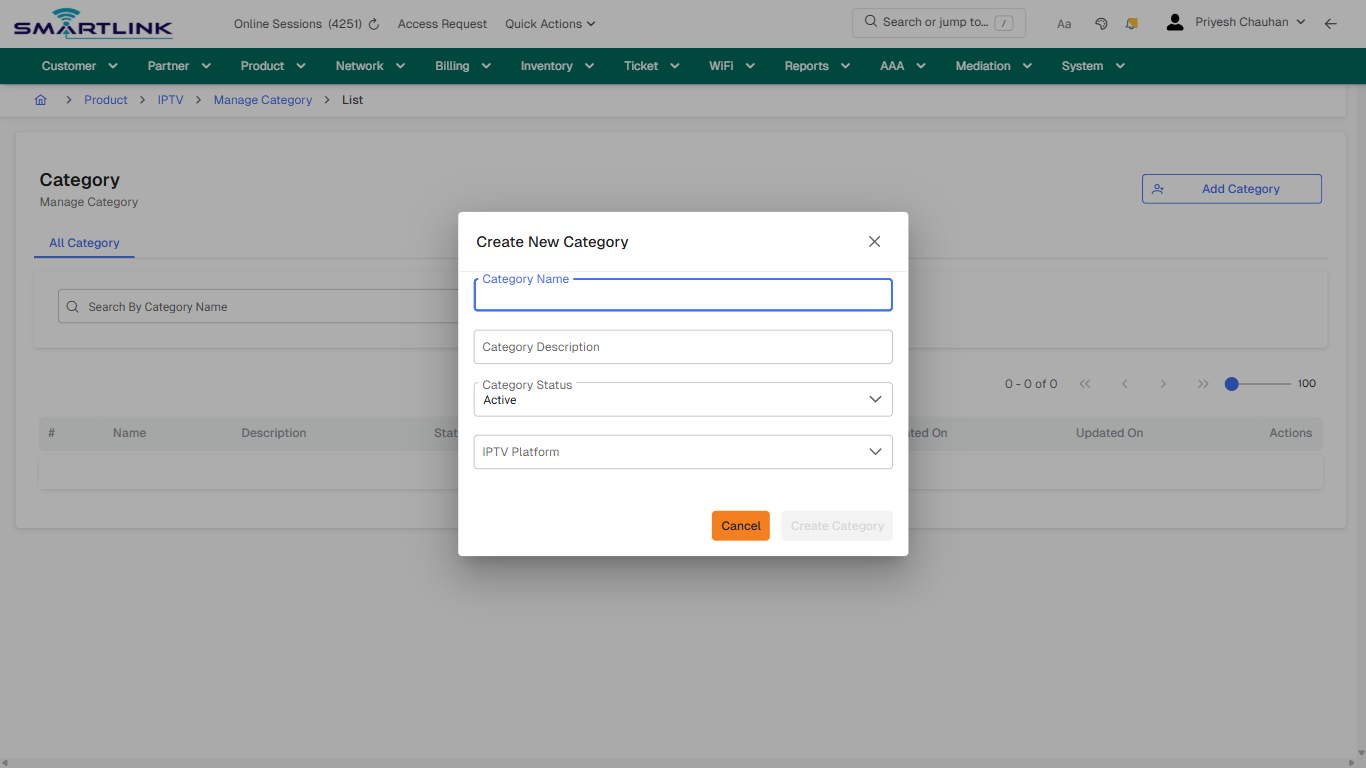
<div id="bkmrk-images-uploading%E2%80%A6-3">*Images uploading…*<div data-img-token="IMG_PLACEHOLDER_3_1770130459609">![screenshot](https://kb.i2itechservices.com/uploads/images/gallery/2026-02/M0Oadmin-myslbb-com-aaa-radius-clientg-all-create-new-117eb33651-part-01.png)

![screenshot](https://kb.i2itechservices.com/uploads/images/gallery/2026-02/W2Uadmin-myslbb-com-aaa-radius-clientg-all-create-new-117eb33651-part-02.png)

</div></div>---

## drilldown\_one\_item

**Captured URL:** https://admin.myslbb.com/#/aaa/radius/clientg/all

<div id="bkmrk-images-uploading%E2%80%A6-4">*Images uploading…*<div data-img-token="IMG_PLACEHOLDER_4_1770130459609">![screenshot](https://kb.i2itechservices.com/uploads/images/gallery/2026-02/admin-myslbb-com-aaa-radius-clientg-all-drilldown-one-item-61017fdfcc-part-01.png)

![screenshot](https://kb.i2itechservices.com/uploads/images/gallery/2026-02/admin-myslbb-com-aaa-radius-clientg-all-drilldown-one-item-61017fdfcc-part-02.png)

</div></div>---

## drilldown\_one\_item

**Captured URL:** https://admin.myslbb.com/#/aaa/radius/clientg/all

<div id="bkmrk-images-uploading%E2%80%A6-5">*Images uploading…*<div data-img-token="IMG_PLACEHOLDER_5_1770130459609">![screenshot](https://kb.i2itechservices.com/uploads/images/gallery/2026-02/Iwjadmin-myslbb-com-aaa-radius-clientg-all-drilldown-one-item-61017fdfcc-part-01.png)

![screenshot](https://kb.i2itechservices.com/uploads/images/gallery/2026-02/UNMadmin-myslbb-com-aaa-radius-clientg-all-drilldown-one-item-61017fdfcc-part-02.png)

</div></div>

# aaa > radius > clients > addclient

# aaa &gt; radius &gt; clients &gt; addclient

**Route:** aaa/radius/clients/addclient

**URL:** https://admin.myslbb.com/#/aaa/radius/clients/addclient

---

## Overview

 This page is a draft SOP reference for the above screen in **i2i Core OSS/BSS**. It is auto-generated from UI exports and should be reviewed for operational correctness before customer release.

## When to Use

- Use this screen for the workflow represented by this route.
- Do not make billing/AAA/provisioning-impacting changes without required authorization.
 
## Typical Workflow

1. Verify you are working on the correct entity (Customer/Account/Service).
2. Review the current lifecycle state before making changes.
3. Apply changes and validate system response.
4. Confirm downstream impact (AAA/Provisioning/Billing) where applicable.
 
## Field &amp; Action Hints (Auto-detected)

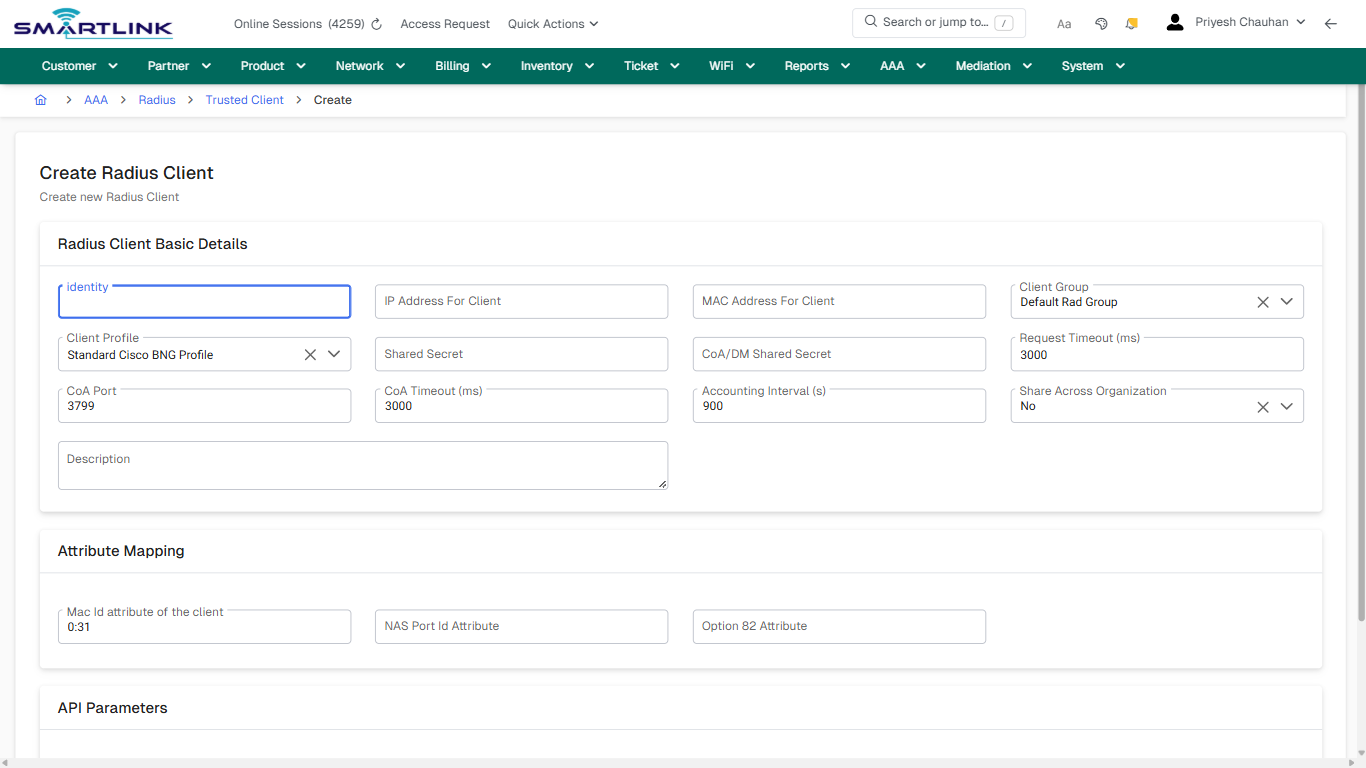
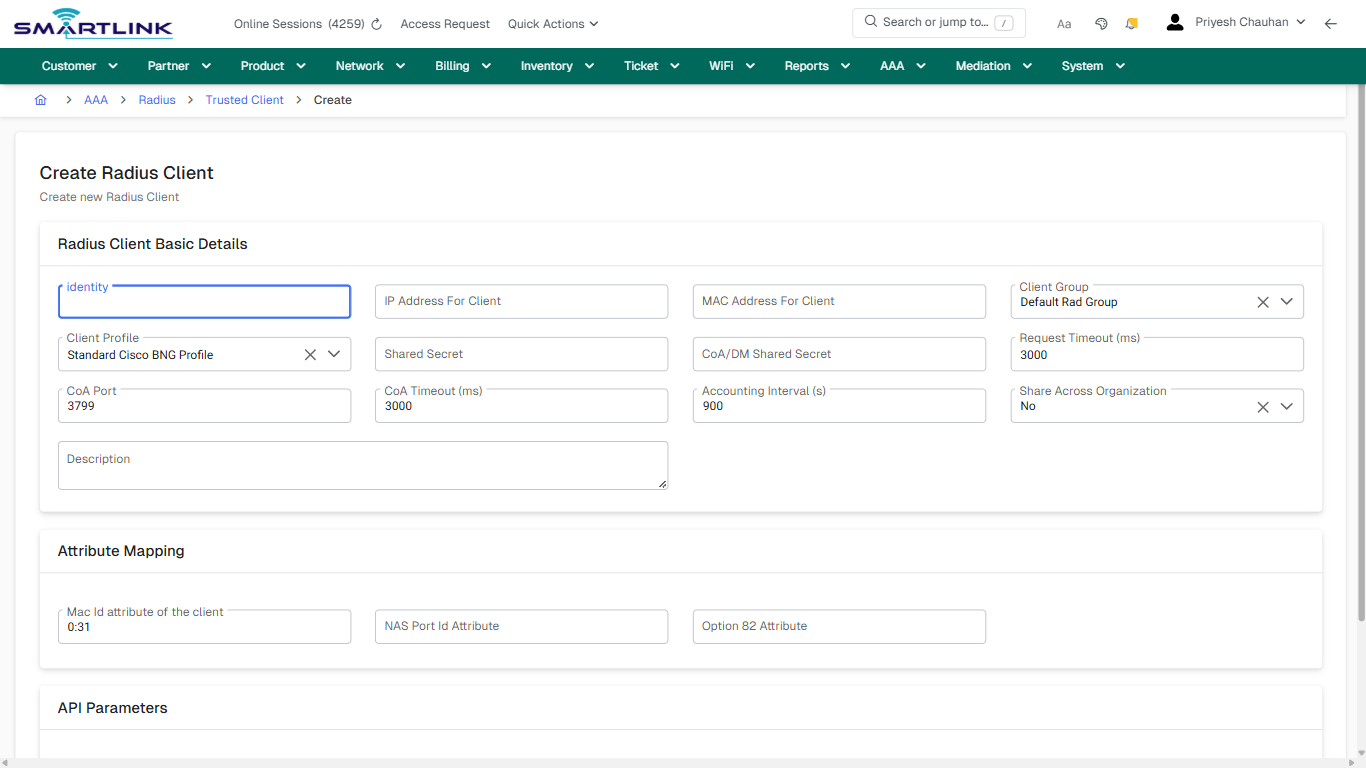
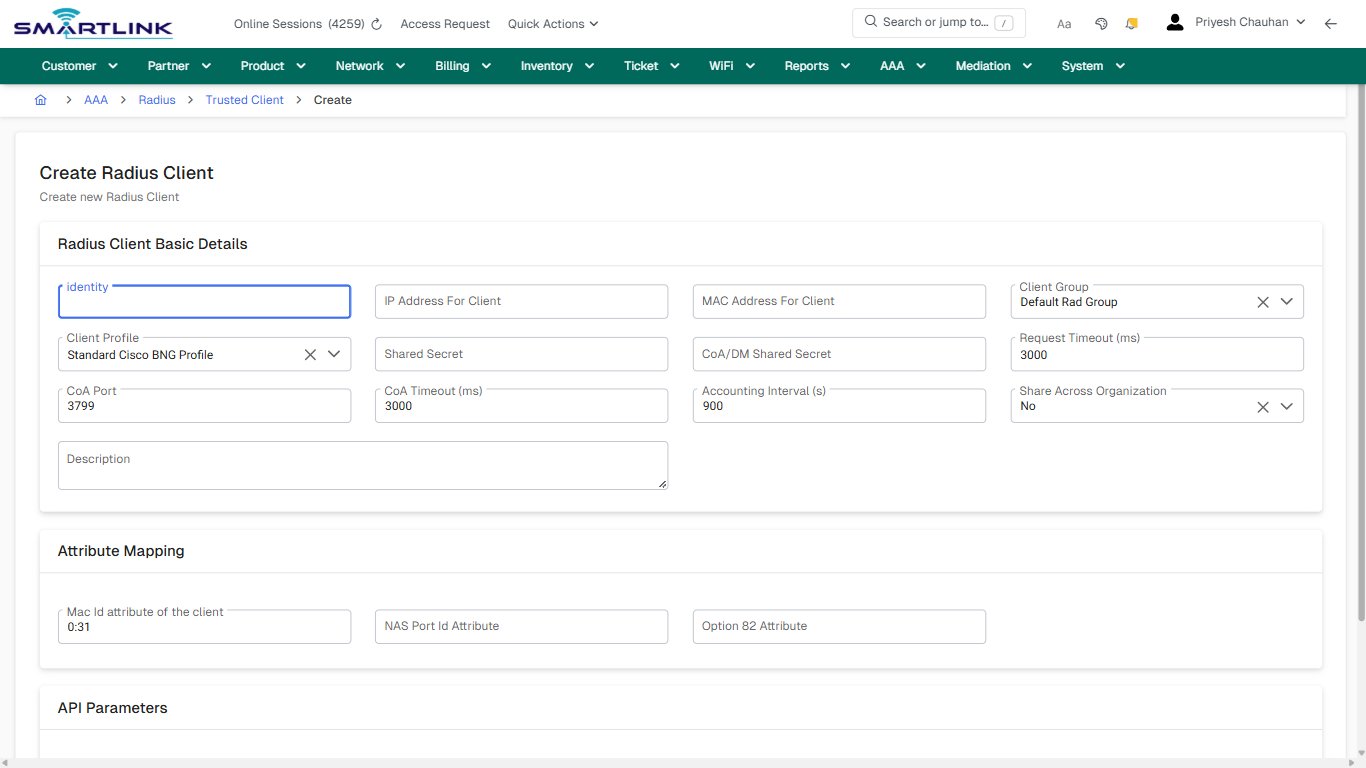
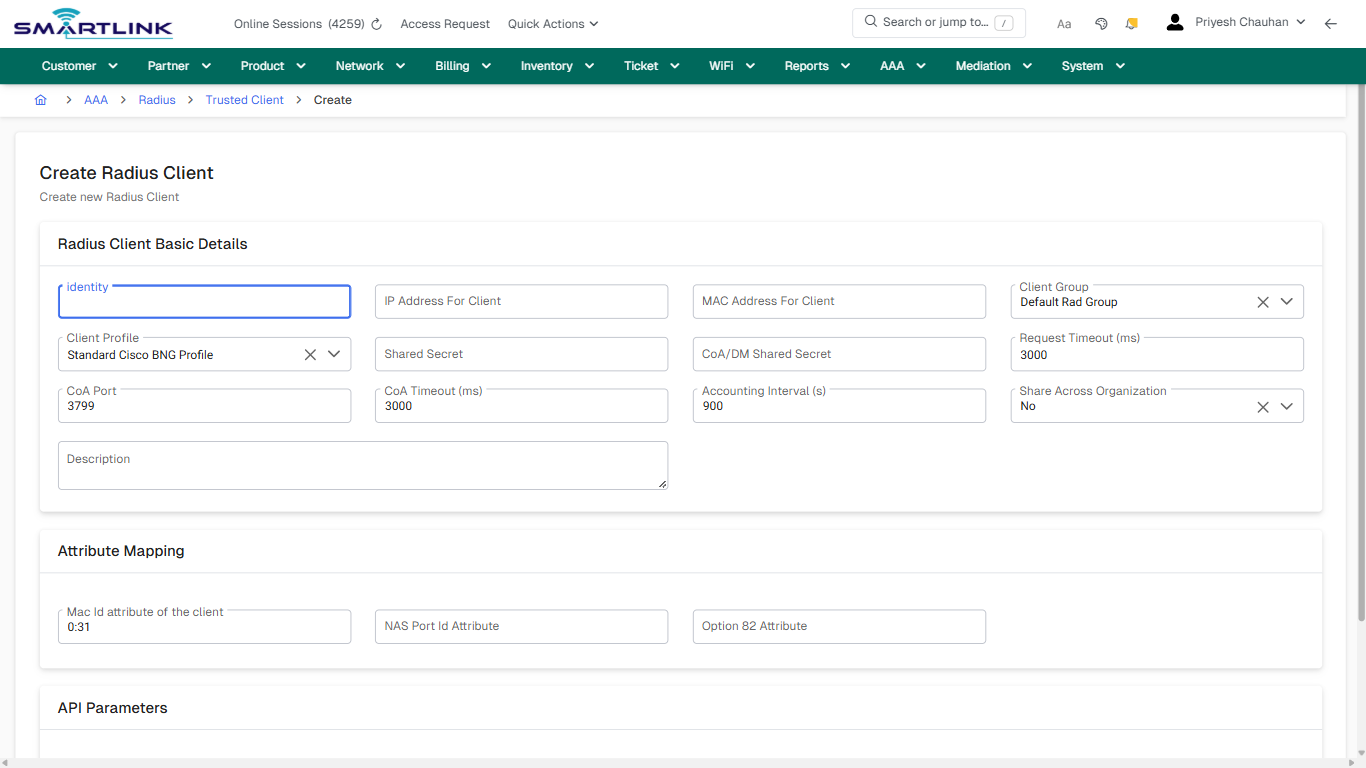
- **Fields detected:** identity, IP Address For Client, MAC Address For Client, Client Group, Client Profile, Shared Secret, CoA/DM Shared Secret, Request Timeout (ms), CoA Port, CoA Timeout (ms), Accounting Interval (s), Share Across Organization, Description, Mac Id attribute of the client, NAS Port Id Attribute, Option 82 Attribute, API Type
- **Actions detected:** Auto, Close, AAA, Radius, Trusted Client, Cancel, Create Radius Client

## Validation &amp; Safety Checks

- Confirm identifiers before saving.
- Confirm lifecycle state allows the change.
- Confirm rollback/support path exists for production actions.
 
## Escalation Guidance

- **L1:** Verify input, permissions, and entity state.
- **L2:** Validate dependencies and downstream state.
- **L3/Admin:** Policy/config changes or suspected defect.
 
---

## Screenshots

## create\_new

**Captured URL:** https://admin.myslbb.com/#/aaa/radius/clients/addclient

<div id="bkmrk-images-uploading%E2%80%A6">*Images uploading…*<div data-img-token="IMG_PLACEHOLDER_0_1770130467624">![screenshot](https://kb.i2itechservices.com/uploads/images/gallery/2026-02/admin-myslbb-com-aaa-radius-clients-addclient-create-new-a513c37ecb-part-01.png)

![screenshot](https://kb.i2itechservices.com/uploads/images/gallery/2026-02/admin-myslbb-com-aaa-radius-clients-addclient-create-new-a513c37ecb-part-02.png)

</div></div>---

## create\_new

**Captured URL:** https://admin.myslbb.com/#/aaa/radius/clients/addclient

<div id="bkmrk-images-uploading%E2%80%A6-1">*Images uploading…*<div data-img-token="IMG_PLACEHOLDER_1_1770130467624">![screenshot](https://kb.i2itechservices.com/uploads/images/gallery/2026-02/UWIadmin-myslbb-com-aaa-radius-clients-addclient-create-new-a513c37ecb-part-01.png)

![screenshot](https://kb.i2itechservices.com/uploads/images/gallery/2026-02/TT5admin-myslbb-com-aaa-radius-clients-addclient-create-new-a513c37ecb-part-02.png)

</div></div>

# aaa > radius > clients > l

# aaa &gt; radius &gt; clients &gt; l

**Route:** aaa/radius/clients/l

**URL:** https://admin.myslbb.com/#/aaa/radius/clients/l

---

## Overview

 This page is a draft SOP reference for the above screen in **i2i Core OSS/BSS**. It is auto-generated from UI exports and should be reviewed for operational correctness before customer release.

## When to Use

- Use this screen for the workflow represented by this route.
- Do not make billing/AAA/provisioning-impacting changes without required authorization.
 
## Typical Workflow

1. Verify you are working on the correct entity (Customer/Account/Service).
2. Review the current lifecycle state before making changes.
3. Apply changes and validate system response.
4. Confirm downstream impact (AAA/Provisioning/Billing) where applicable.
 
## Field &amp; Action Hints (Auto-detected)

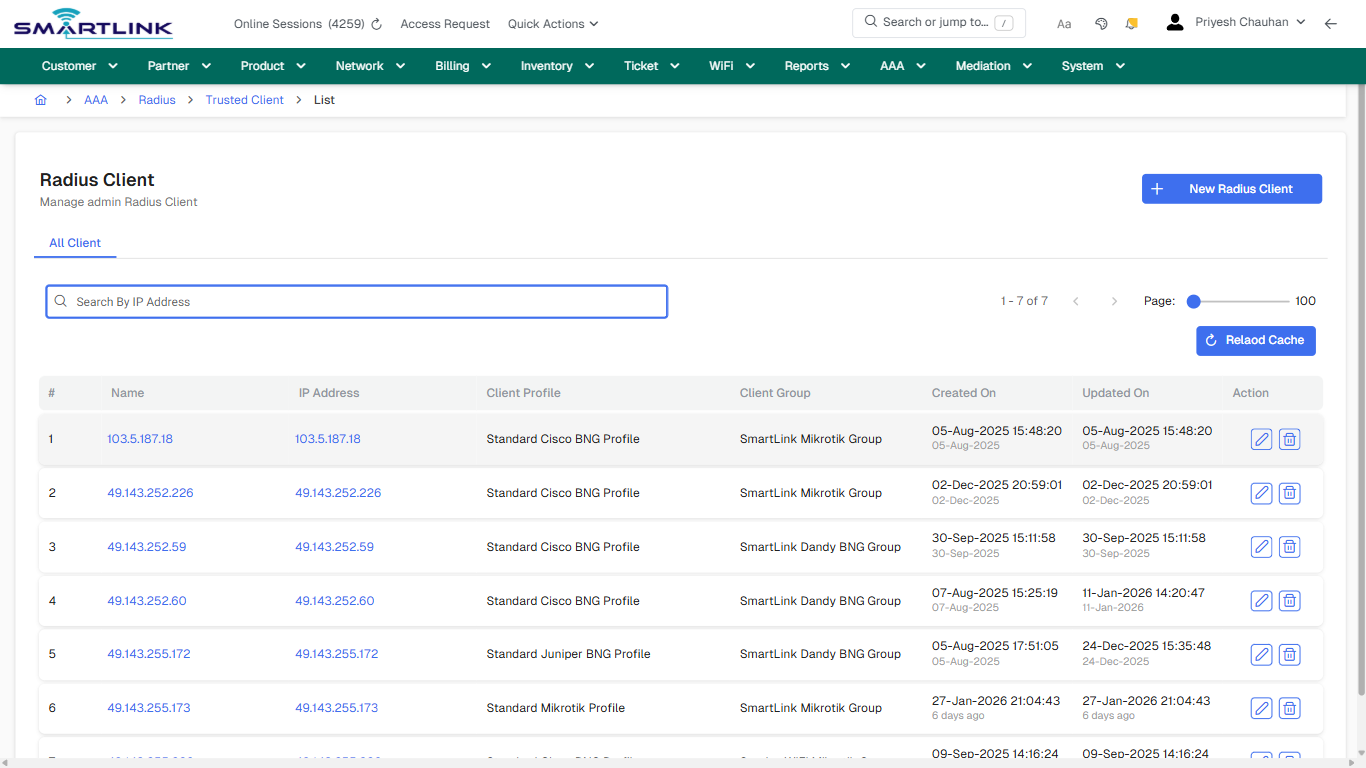
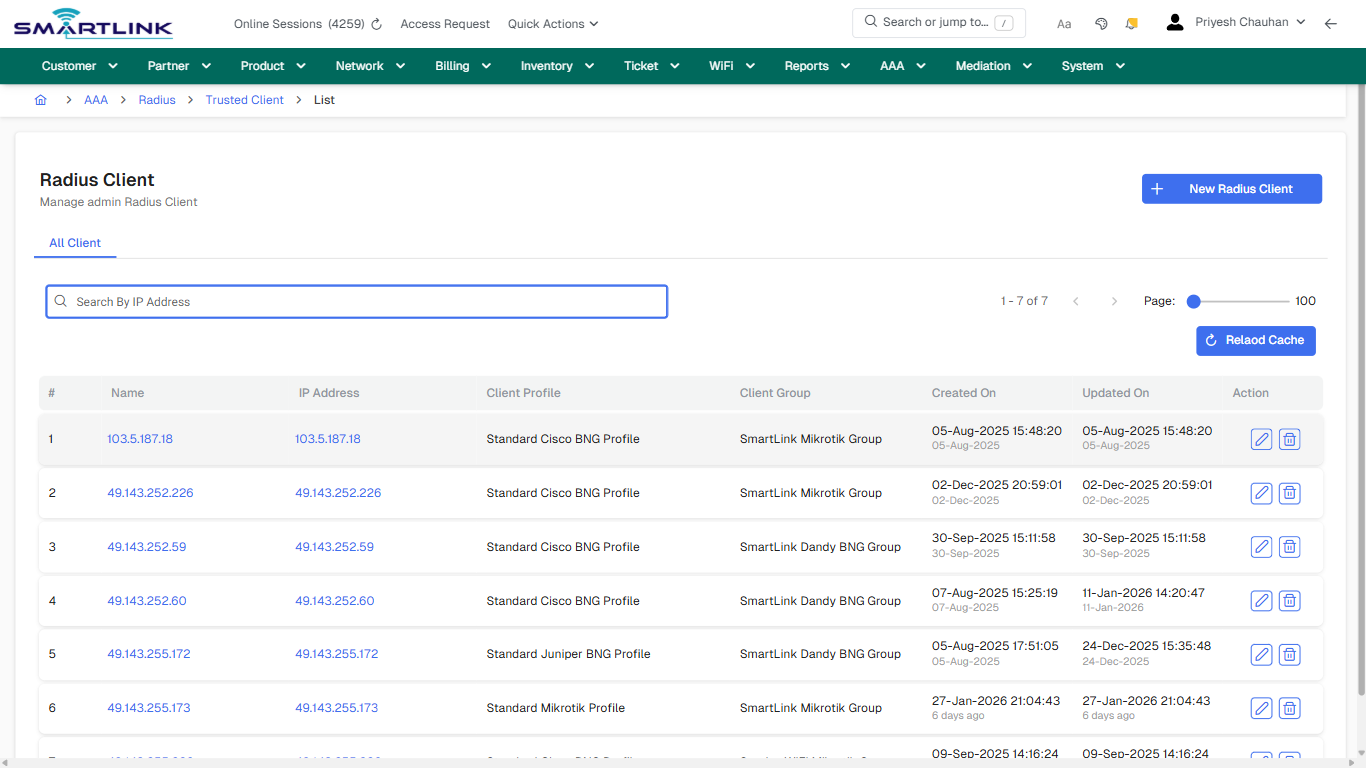
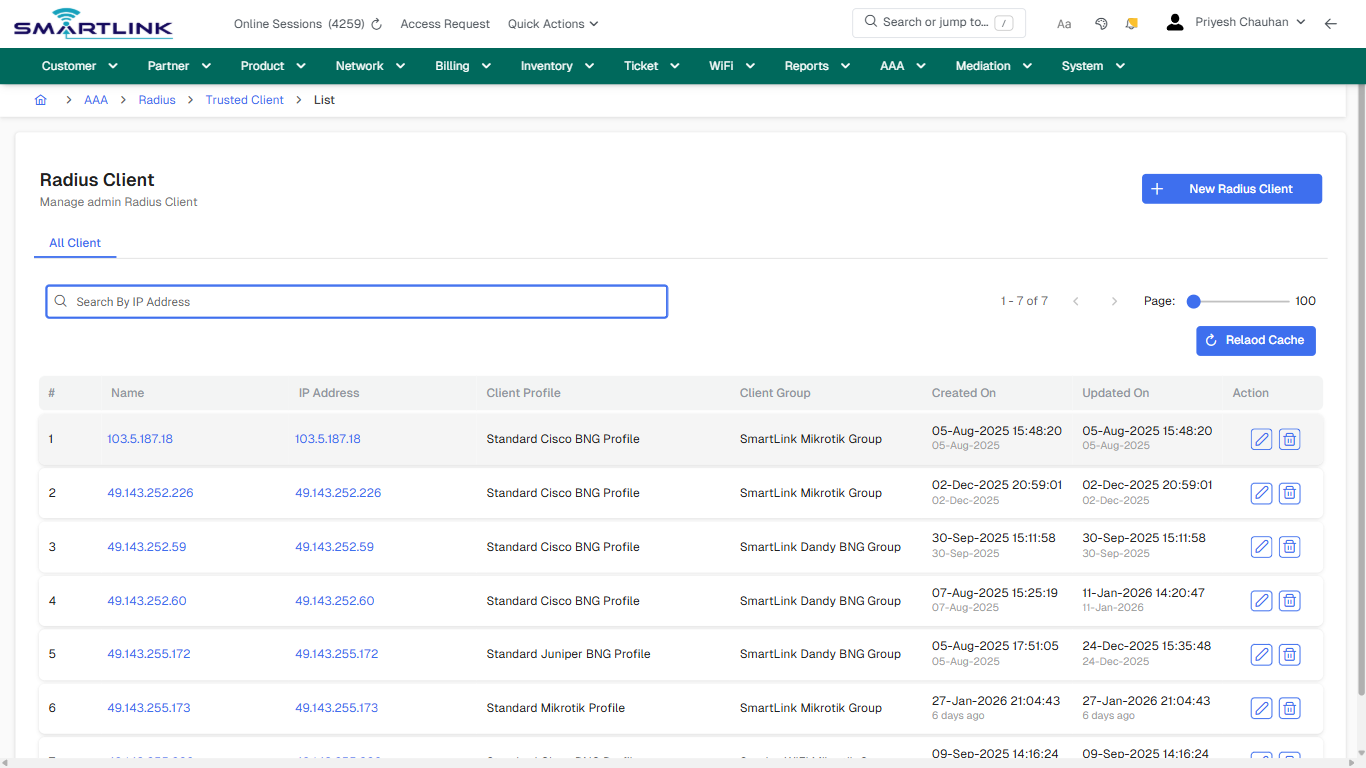
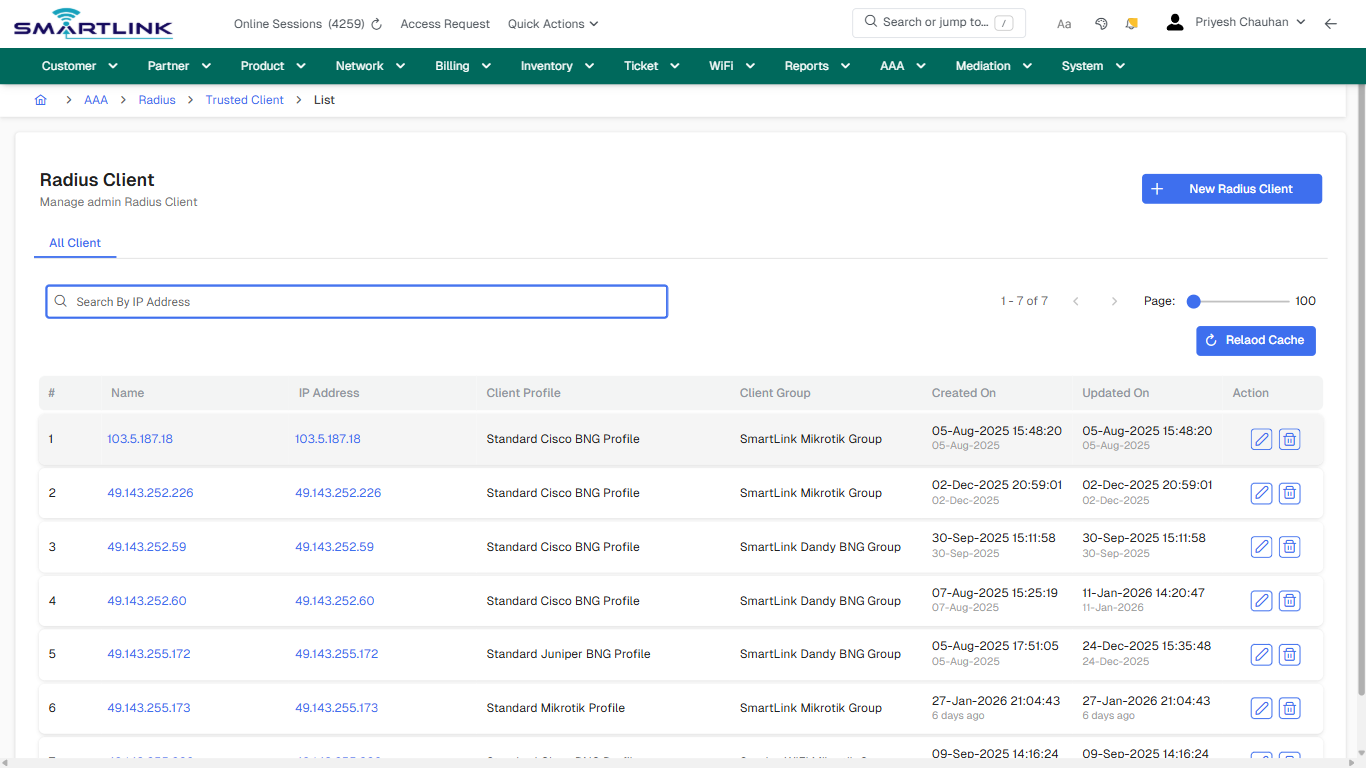
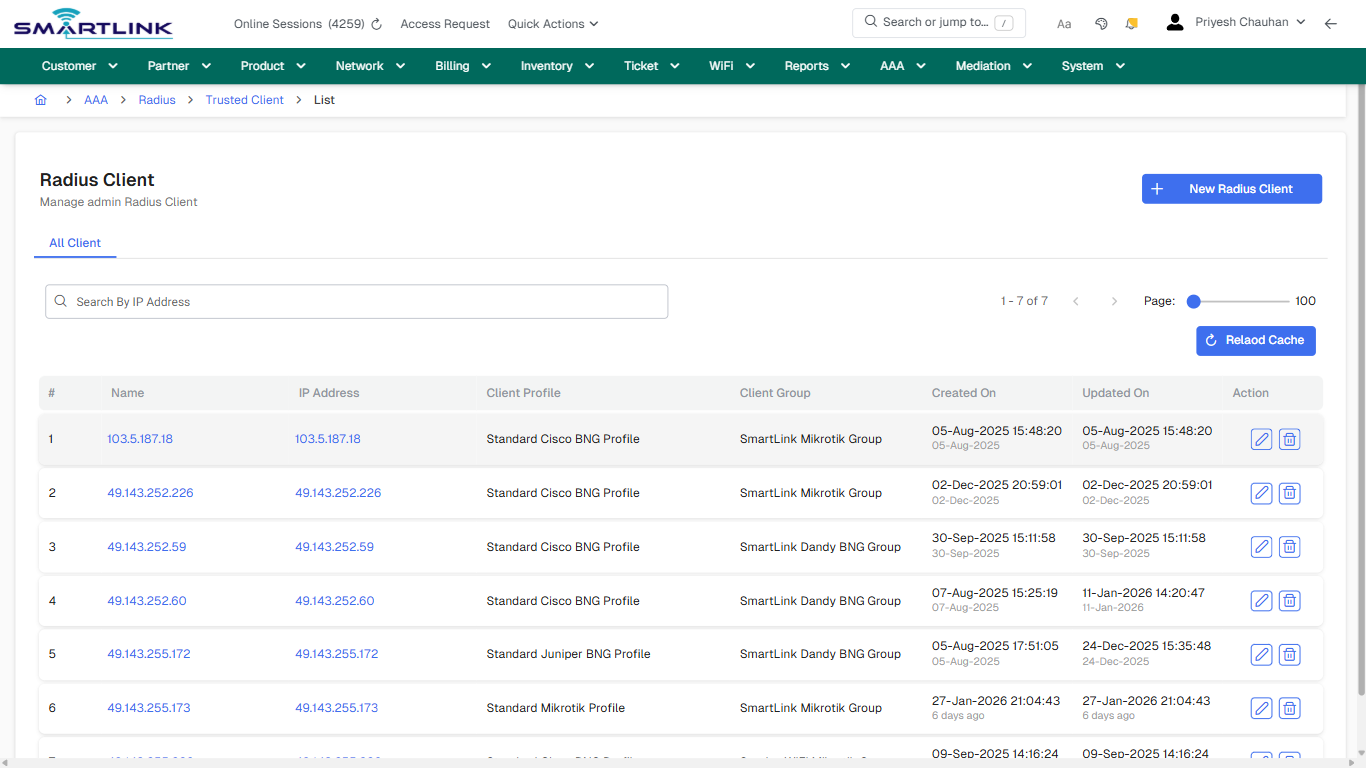
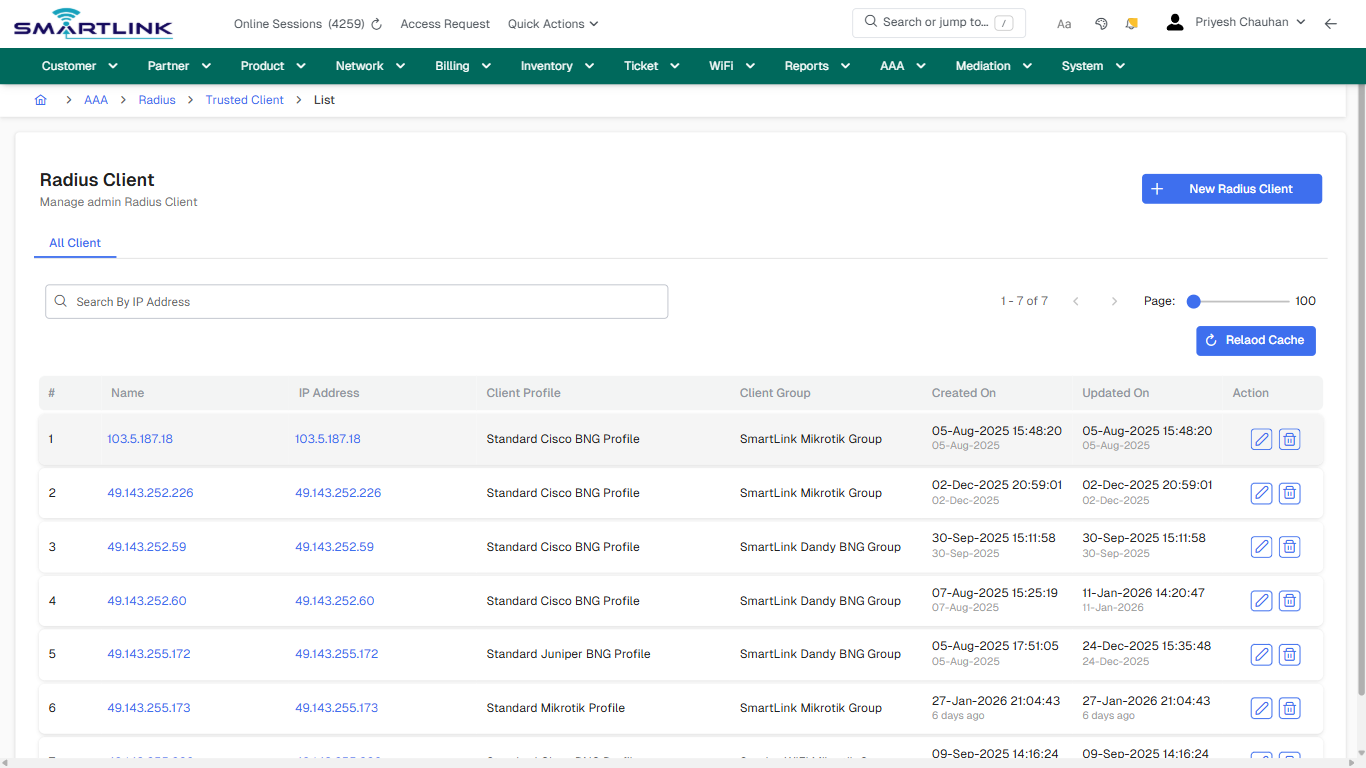
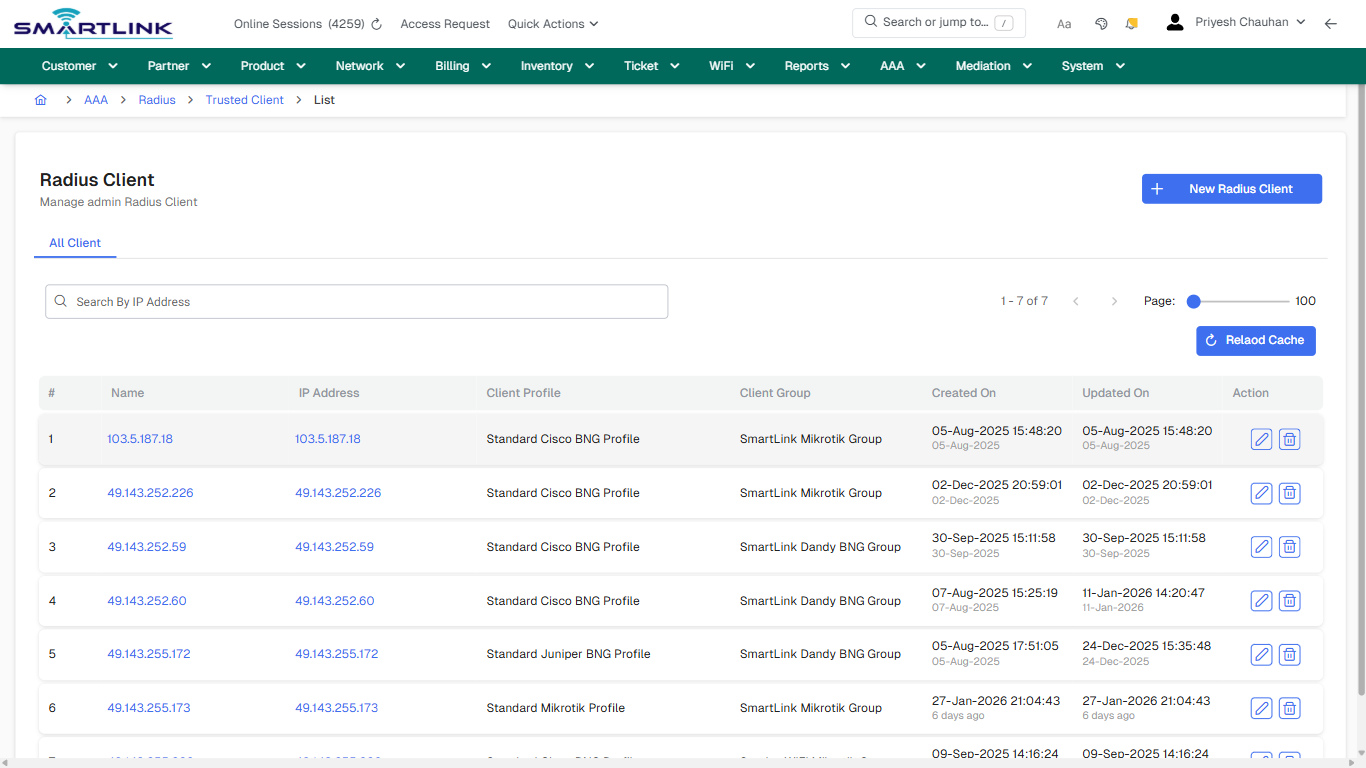
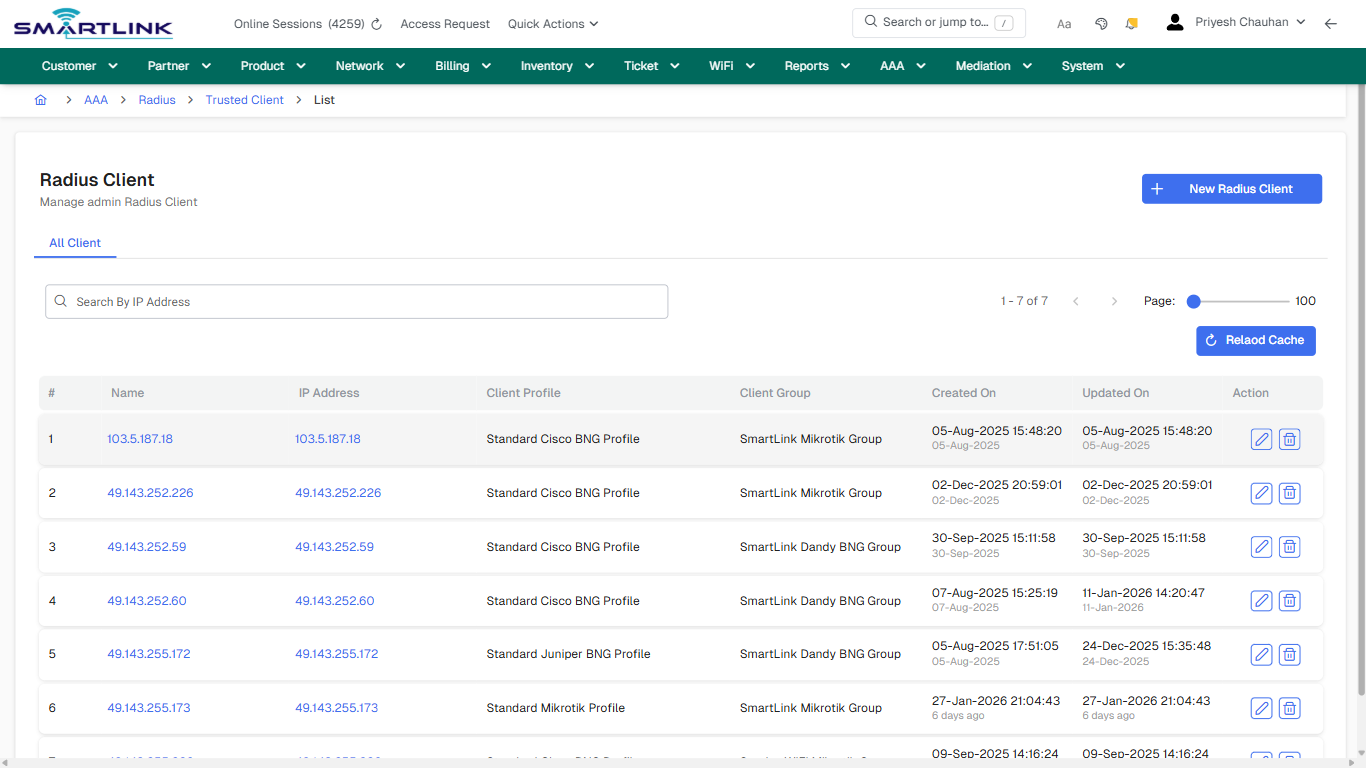
- **Actions detected:** Auto, Close, AAA, Radius, Trusted Client, New Radius Client, Relaod Cache, 103.5.187.18, 49.143.252.226, 49.143.252.59, 49.143.252.60, 49.143.255.172, 49.143.255.173, 49.143.255.226

## Validation &amp; Safety Checks

- Confirm identifiers before saving.
- Confirm lifecycle state allows the change.
- Confirm rollback/support path exists for production actions.
 
## Escalation Guidance

- **L1:** Verify input, permissions, and entity state.
- **L2:** Validate dependencies and downstream state.
- **L3/Admin:** Policy/config changes or suspected defect.
 
---

## Screenshots

## default

**Captured URL:** https://admin.myslbb.com/#/aaa/radius/clients/l

<div id="bkmrk-images-uploading%E2%80%A6">*Images uploading…*<div data-img-token="IMG_PLACEHOLDER_0_1770130470849">![screenshot](https://kb.i2itechservices.com/uploads/images/gallery/2026-02/admin-myslbb-com-aaa-radius-clients-l-default-bd4350b267-part-01.png)

![screenshot](https://kb.i2itechservices.com/uploads/images/gallery/2026-02/admin-myslbb-com-aaa-radius-clients-l-default-bd4350b267-part-02.png)

</div></div>---

## default

**Captured URL:** https://admin.myslbb.com/#/aaa/radius/clients/l

<div id="bkmrk-images-uploading%E2%80%A6-1">*Images uploading…*<div data-img-token="IMG_PLACEHOLDER_1_1770130470849">![screenshot](https://kb.i2itechservices.com/uploads/images/gallery/2026-02/rzLadmin-myslbb-com-aaa-radius-clients-l-default-bd4350b267-part-01.png)

![screenshot](https://kb.i2itechservices.com/uploads/images/gallery/2026-02/AXMadmin-myslbb-com-aaa-radius-clients-l-default-bd4350b267-part-02.png)

</div></div>---

## drilldown\_one\_item

**Captured URL:** https://admin.myslbb.com/#/aaa/radius/clients/l

<div id="bkmrk-images-uploading%E2%80%A6-2">*Images uploading…*<div data-img-token="IMG_PLACEHOLDER_2_1770130470849">![screenshot](https://kb.i2itechservices.com/uploads/images/gallery/2026-02/admin-myslbb-com-aaa-radius-clients-l-drilldown-one-item-9661e72bbc-part-01.png)

![screenshot](https://kb.i2itechservices.com/uploads/images/gallery/2026-02/admin-myslbb-com-aaa-radius-clients-l-drilldown-one-item-9661e72bbc-part-02.png)

</div></div>---

## drilldown\_one\_item

**Captured URL:** https://admin.myslbb.com/#/aaa/radius/clients/l

<div id="bkmrk-images-uploading%E2%80%A6-3">*Images uploading…*<div data-img-token="IMG_PLACEHOLDER_3_1770130470849">![screenshot](https://kb.i2itechservices.com/uploads/images/gallery/2026-02/i2Dadmin-myslbb-com-aaa-radius-clients-l-drilldown-one-item-9661e72bbc-part-01.png)

![screenshot](https://kb.i2itechservices.com/uploads/images/gallery/2026-02/ZHNadmin-myslbb-com-aaa-radius-clients-l-drilldown-one-item-9661e72bbc-part-02.png)

</div></div>

# aaa > radius > node > l

# aaa &gt; radius &gt; node &gt; l

**Route:** aaa/radius/node/l

**URL:** https://admin.myslbb.com/#/aaa/radius/node/l

---

## Overview

 This page is a draft SOP reference for the above screen in **i2i Core OSS/BSS**. It is auto-generated from UI exports and should be reviewed for operational correctness before customer release.

## When to Use

- Use this screen for the workflow represented by this route.
- Do not make billing/AAA/provisioning-impacting changes without required authorization.
 
## Typical Workflow

1. Verify you are working on the correct entity (Customer/Account/Service).
2. Review the current lifecycle state before making changes.
3. Apply changes and validate system response.
4. Confirm downstream impact (AAA/Provisioning/Billing) where applicable.
 
## Field &amp; Action Hints (Auto-detected)

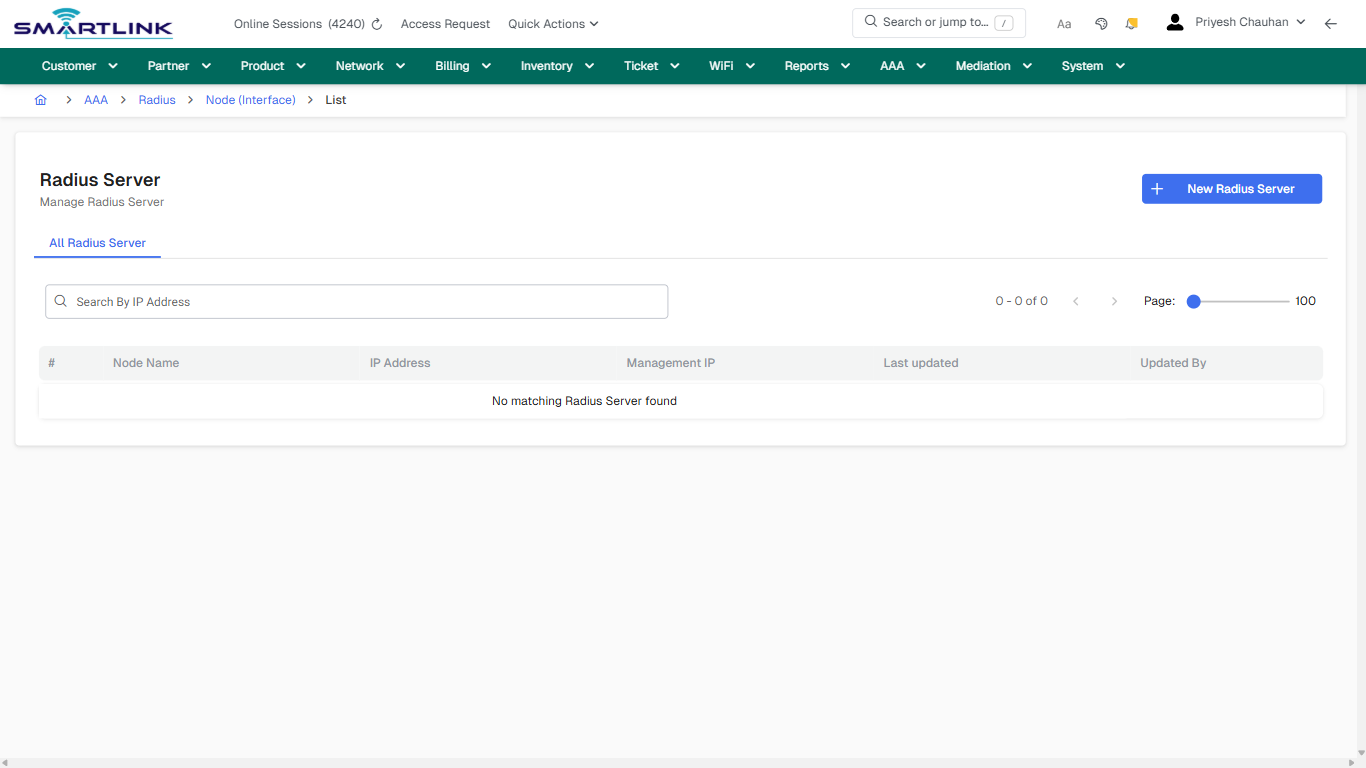
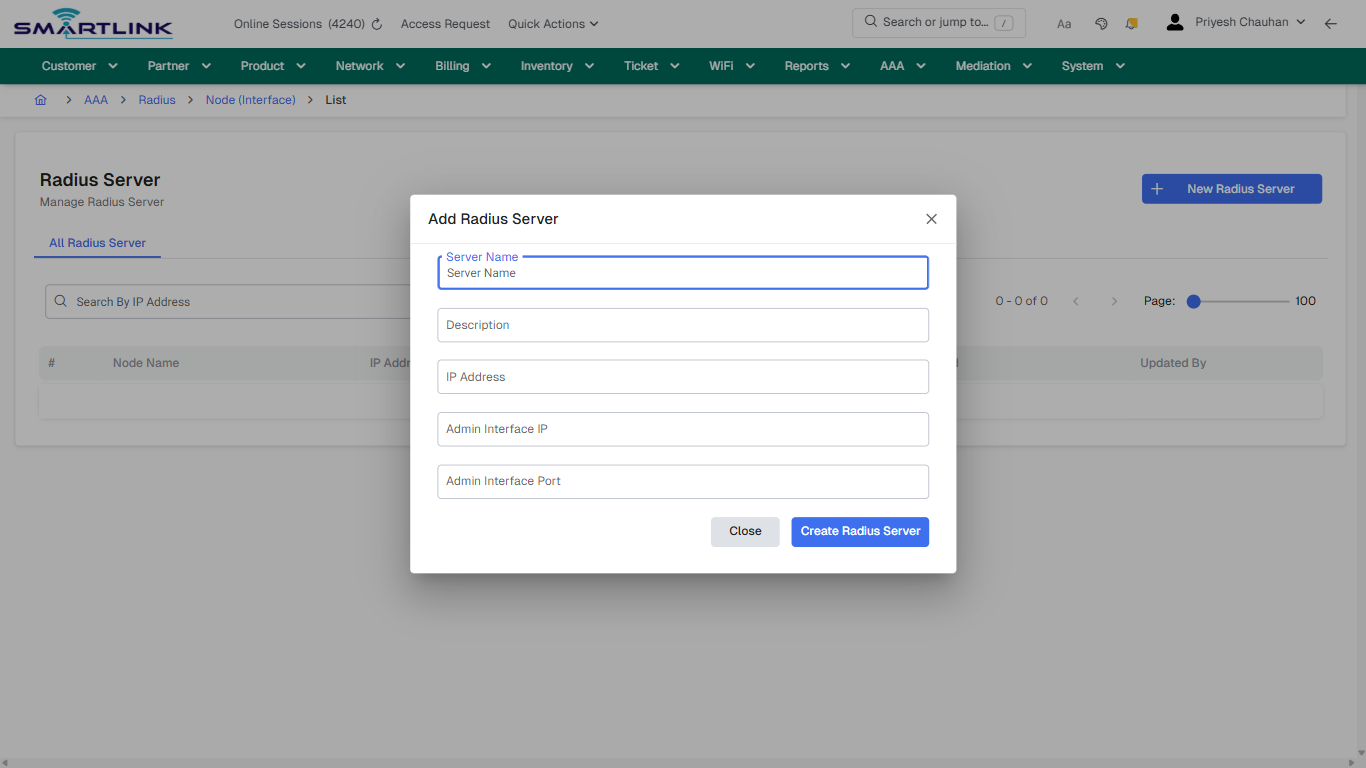
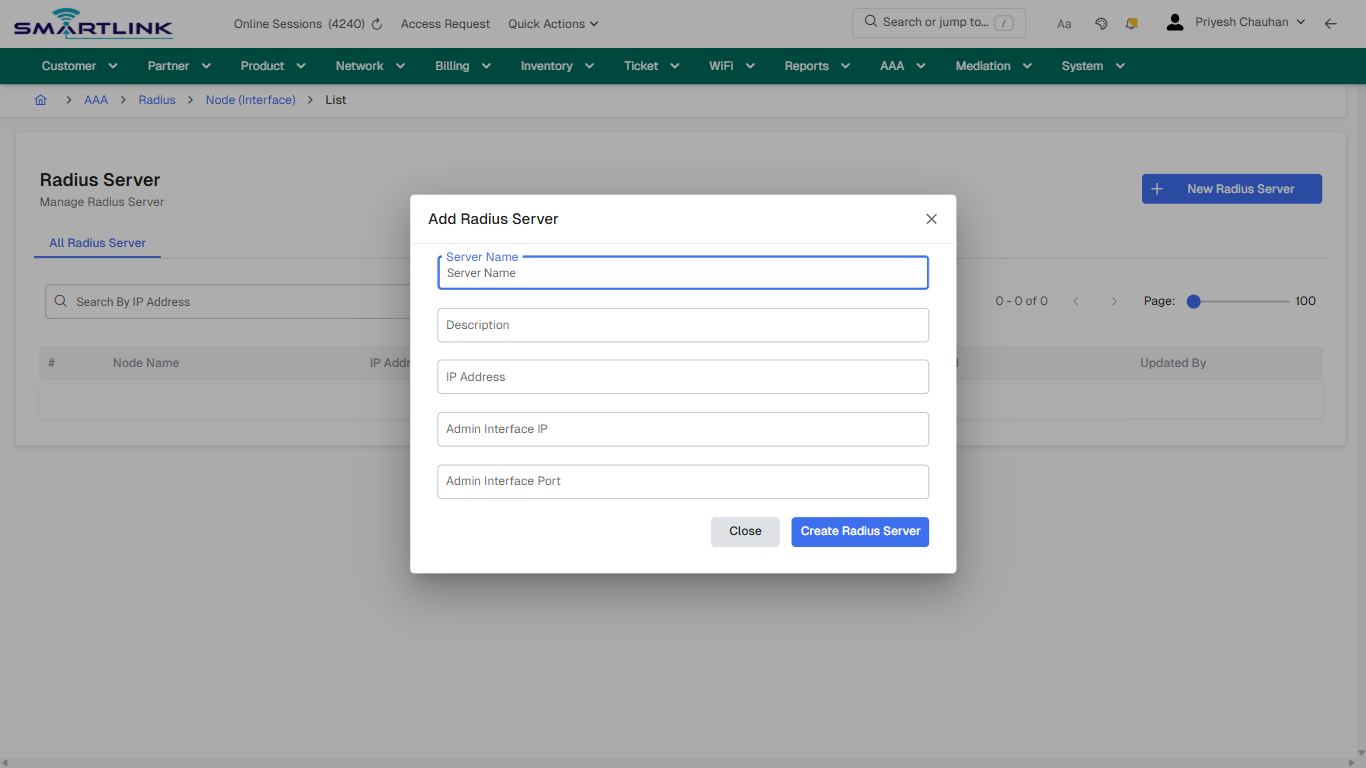
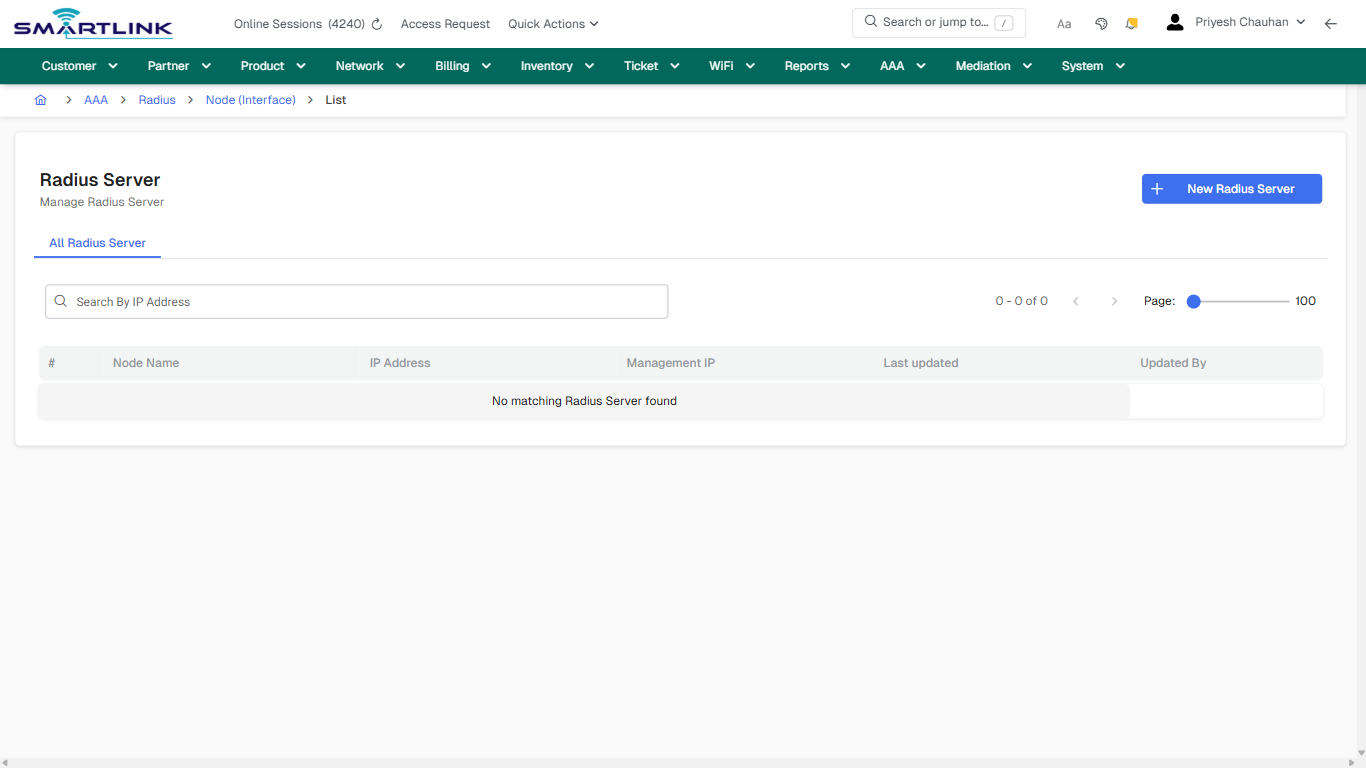
- **Actions detected:** Auto, Close, AAA, Radius, Node (Interface), New Radius Server

## Validation &amp; Safety Checks

- Confirm identifiers before saving.
- Confirm lifecycle state allows the change.
- Confirm rollback/support path exists for production actions.
 
## Escalation Guidance

- **L1:** Verify input, permissions, and entity state.
- **L2:** Validate dependencies and downstream state.
- **L3/Admin:** Policy/config changes or suspected defect.
 
---

## Screenshots

## default

**Captured URL:** https://admin.myslbb.com/#/aaa/radius/node/l

<div id="bkmrk-images-uploading%E2%80%A6">*Images uploading…*<div data-img-token="IMG_PLACEHOLDER_0_1770130476502">![screenshot](https://kb.i2itechservices.com/uploads/images/gallery/2026-02/admin-myslbb-com-aaa-radius-node-l-default-7d8841bba7-part-01.png)

![screenshot](https://kb.i2itechservices.com/uploads/images/gallery/2026-02/admin-myslbb-com-aaa-radius-node-l-default-7d8841bba7-part-02.png)

</div></div>---

## create\_new

**Captured URL:** https://admin.myslbb.com/#/aaa/radius/node/l

<div id="bkmrk-images-uploading%E2%80%A6-1">*Images uploading…*<div data-img-token="IMG_PLACEHOLDER_1_1770130476502">![screenshot](https://kb.i2itechservices.com/uploads/images/gallery/2026-02/admin-myslbb-com-aaa-radius-node-l-create-new-6e7fb557c5-part-01.png)

![screenshot](https://kb.i2itechservices.com/uploads/images/gallery/2026-02/admin-myslbb-com-aaa-radius-node-l-create-new-6e7fb557c5-part-02.png)

</div></div>---

## drilldown\_one\_item

**Captured URL:** https://admin.myslbb.com/#/aaa/radius/node/l

<div id="bkmrk-images-uploading%E2%80%A6-2">*Images uploading…*<div data-img-token="IMG_PLACEHOLDER_2_1770130476502">![screenshot](https://kb.i2itechservices.com/uploads/images/gallery/2026-02/admin-myslbb-com-aaa-radius-node-l-drilldown-one-item-02b7235c69-part-01.png)

![screenshot](https://kb.i2itechservices.com/uploads/images/gallery/2026-02/admin-myslbb-com-aaa-radius-node-l-drilldown-one-item-02b7235c69-part-02.png)

</div></div>

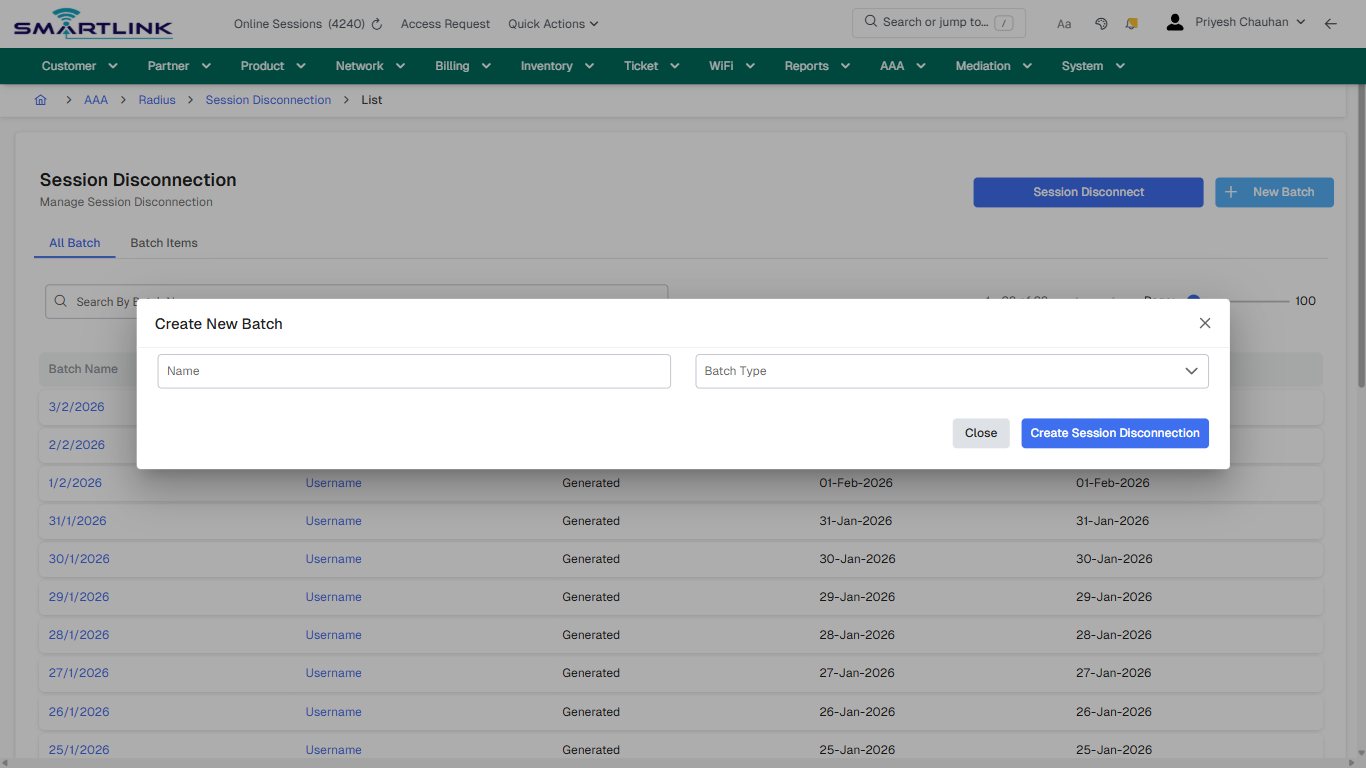
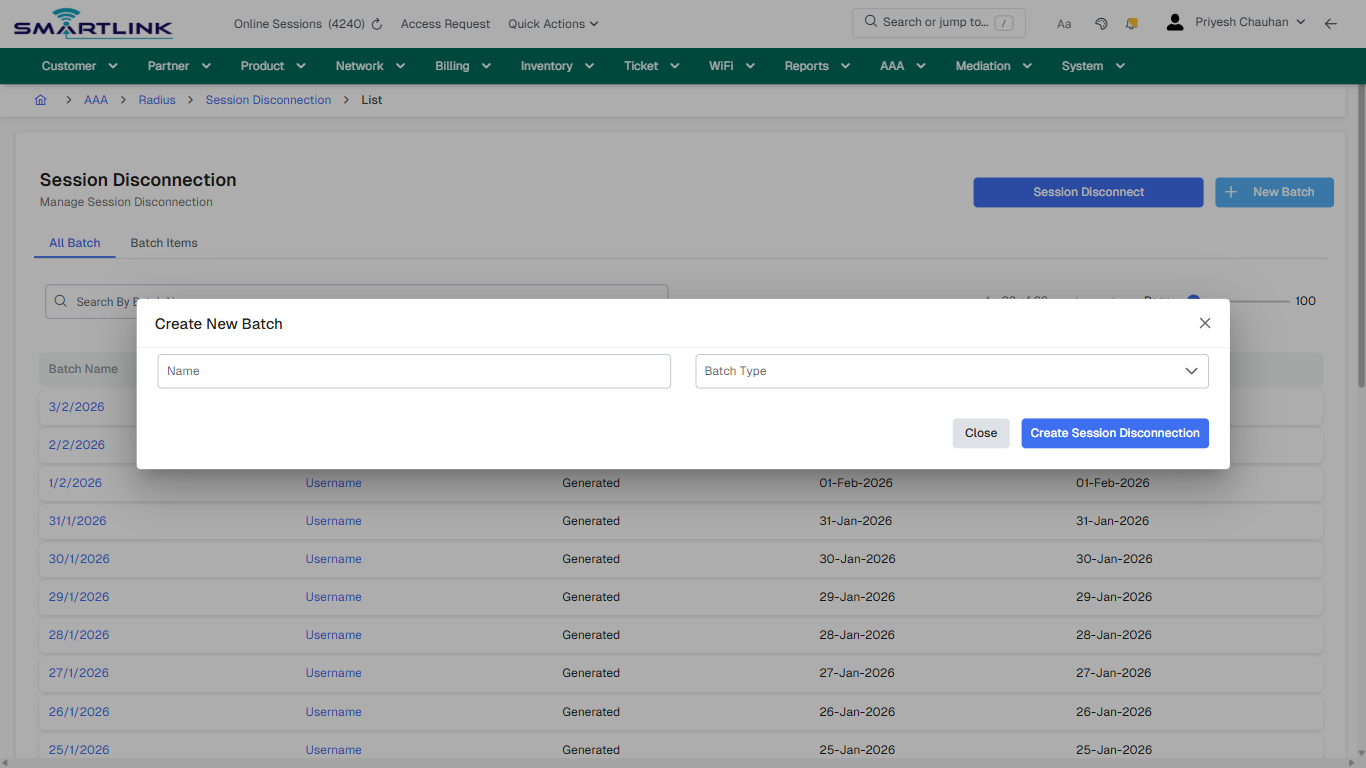
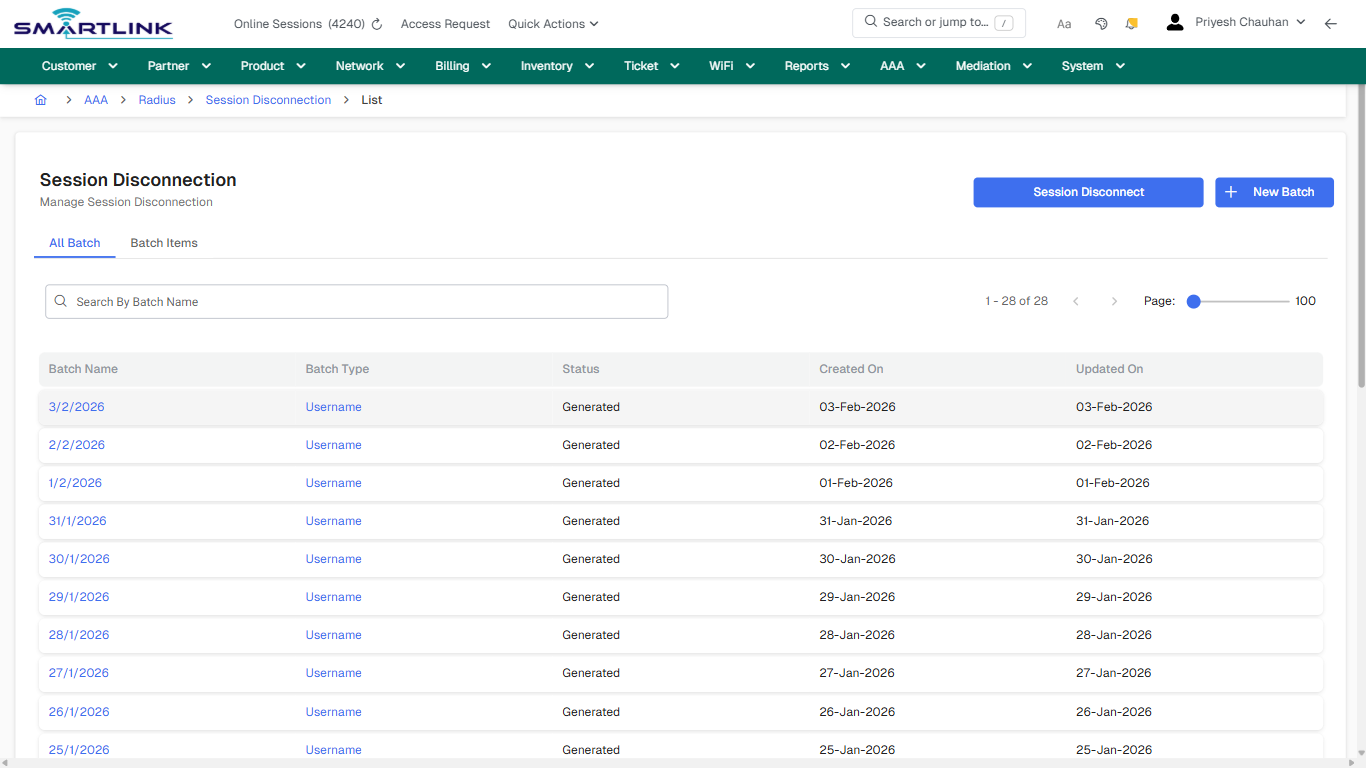
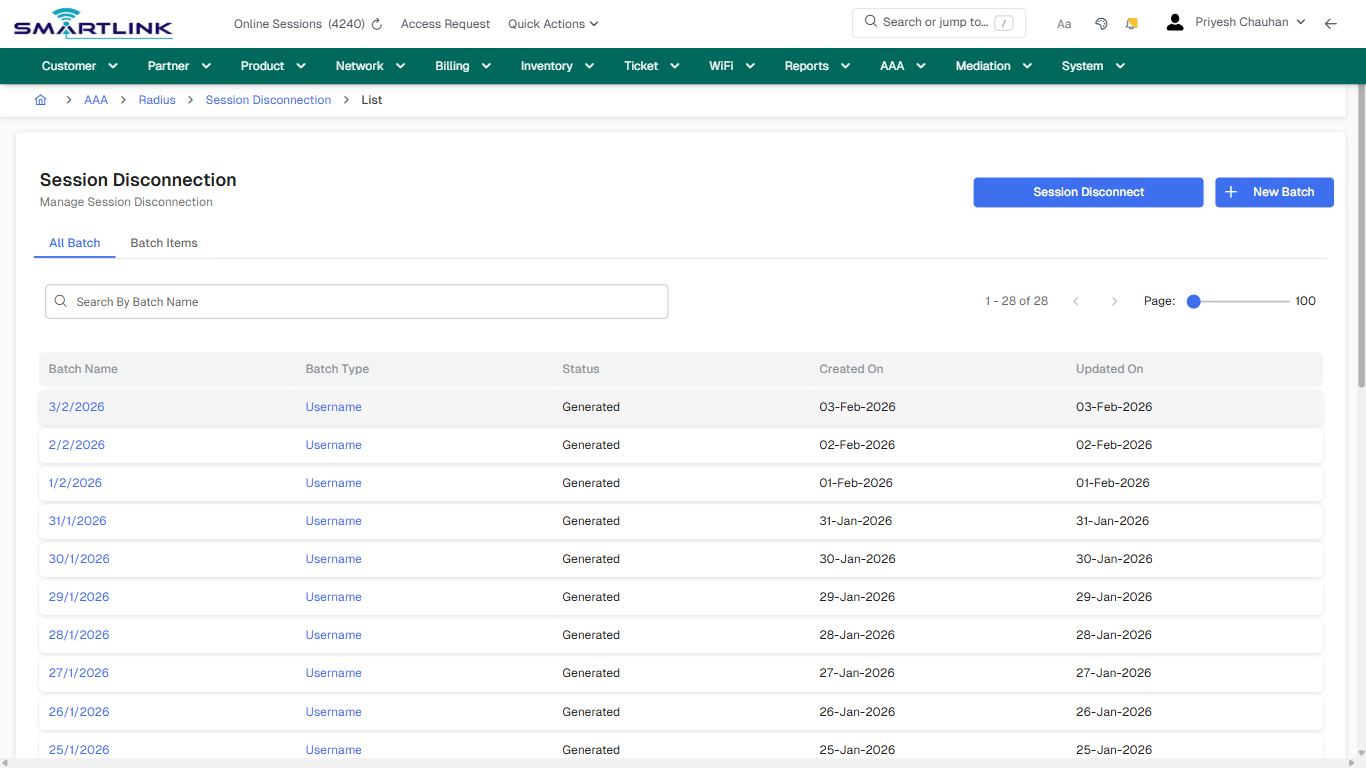
# aaa > radius > sesdis > all

# aaa &gt; radius &gt; sesdis &gt; all

**Route:** aaa/radius/sesdis/all

**URL:** https://admin.myslbb.com/#/aaa/radius/sesdis/all

---

## Overview

 This page is a draft SOP reference for the above screen in **i2i Core OSS/BSS**. It is auto-generated from UI exports and should be reviewed for operational correctness before customer release.

## When to Use

- Use this screen for the workflow represented by this route.
- Do not make billing/AAA/provisioning-impacting changes without required authorization.
 
## Typical Workflow

1. Verify you are working on the correct entity (Customer/Account/Service).
2. Review the current lifecycle state before making changes.
3. Apply changes and validate system response.
4. Confirm downstream impact (AAA/Provisioning/Billing) where applicable.
 
## Field &amp; Action Hints (Auto-detected)

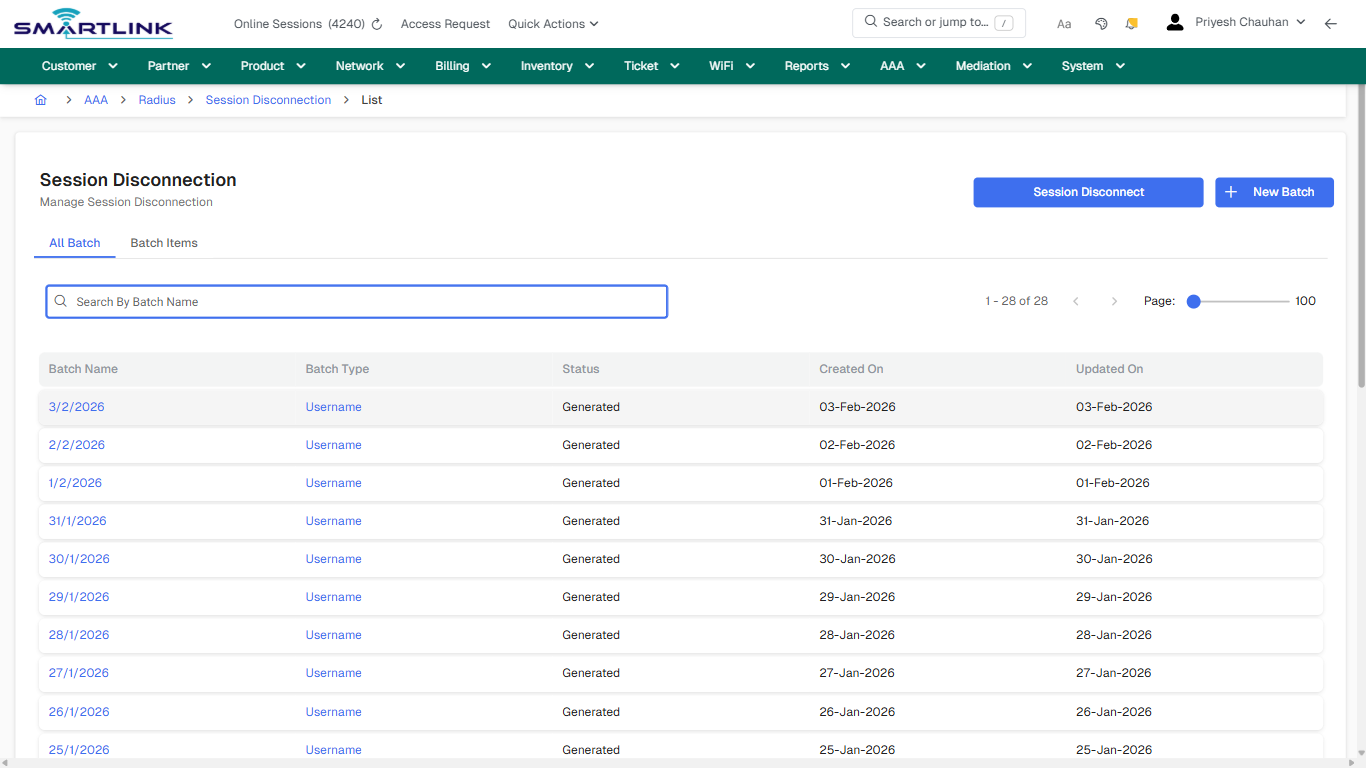
- **Actions detected:** Auto, Close, AAA, Radius, Session Disconnection, Session Disconnect, New Batch, 3/2/2026, Username, 2/2/2026, 1/2/2026, 31/1/2026, 30/1/2026, 29/1/2026, 28/1/2026, 27/1/2026, 26/1/2026, 25/1/2026, 24/1/2026, 23/1/2026

## Validation &amp; Safety Checks

- Confirm identifiers before saving.
- Confirm lifecycle state allows the change.
- Confirm rollback/support path exists for production actions.
 
## Escalation Guidance

- **L1:** Verify input, permissions, and entity state.
- **L2:** Validate dependencies and downstream state.
- **L3/Admin:** Policy/config changes or suspected defect.
 
---

## Screenshots

## default

**Captured URL:** https://admin.myslbb.com/#/aaa/radius/sesdis/all

<div id="bkmrk-images-uploading%E2%80%A6">*Images uploading…*<div data-img-token="IMG_PLACEHOLDER_0_1770130480875">![screenshot](https://kb.i2itechservices.com/uploads/images/gallery/2026-02/admin-myslbb-com-aaa-radius-sesdis-all-default-de6c8a6ee3-part-01.png)

![screenshot](https://kb.i2itechservices.com/uploads/images/gallery/2026-02/admin-myslbb-com-aaa-radius-sesdis-all-default-de6c8a6ee3-part-02.png)

</div></div>---

## create\_new

**Captured URL:** https://admin.myslbb.com/#/aaa/radius/sesdis/all

<div id="bkmrk-images-uploading%E2%80%A6-1">*Images uploading…*<div data-img-token="IMG_PLACEHOLDER_1_1770130480875">![screenshot](https://kb.i2itechservices.com/uploads/images/gallery/2026-02/admin-myslbb-com-aaa-radius-sesdis-all-create-new-9e9bb3dffb-part-01.png)

![screenshot](https://kb.i2itechservices.com/uploads/images/gallery/2026-02/admin-myslbb-com-aaa-radius-sesdis-all-create-new-9e9bb3dffb-part-02.png)

</div></div>---

## drilldown\_one\_item

**Captured URL:** https://admin.myslbb.com/#/aaa/radius/sesdis/all

<div id="bkmrk-images-uploading%E2%80%A6-2">*Images uploading…*<div data-img-token="IMG_PLACEHOLDER_2_1770130480875">![screenshot](https://kb.i2itechservices.com/uploads/images/gallery/2026-02/admin-myslbb-com-aaa-radius-sesdis-all-drilldown-one-item-b9446aae4d-part-01.png)

![screenshot](https://kb.i2itechservices.com/uploads/images/gallery/2026-02/admin-myslbb-com-aaa-radius-sesdis-all-drilldown-one-item-b9446aae4d-part-02.png)

</div></div>

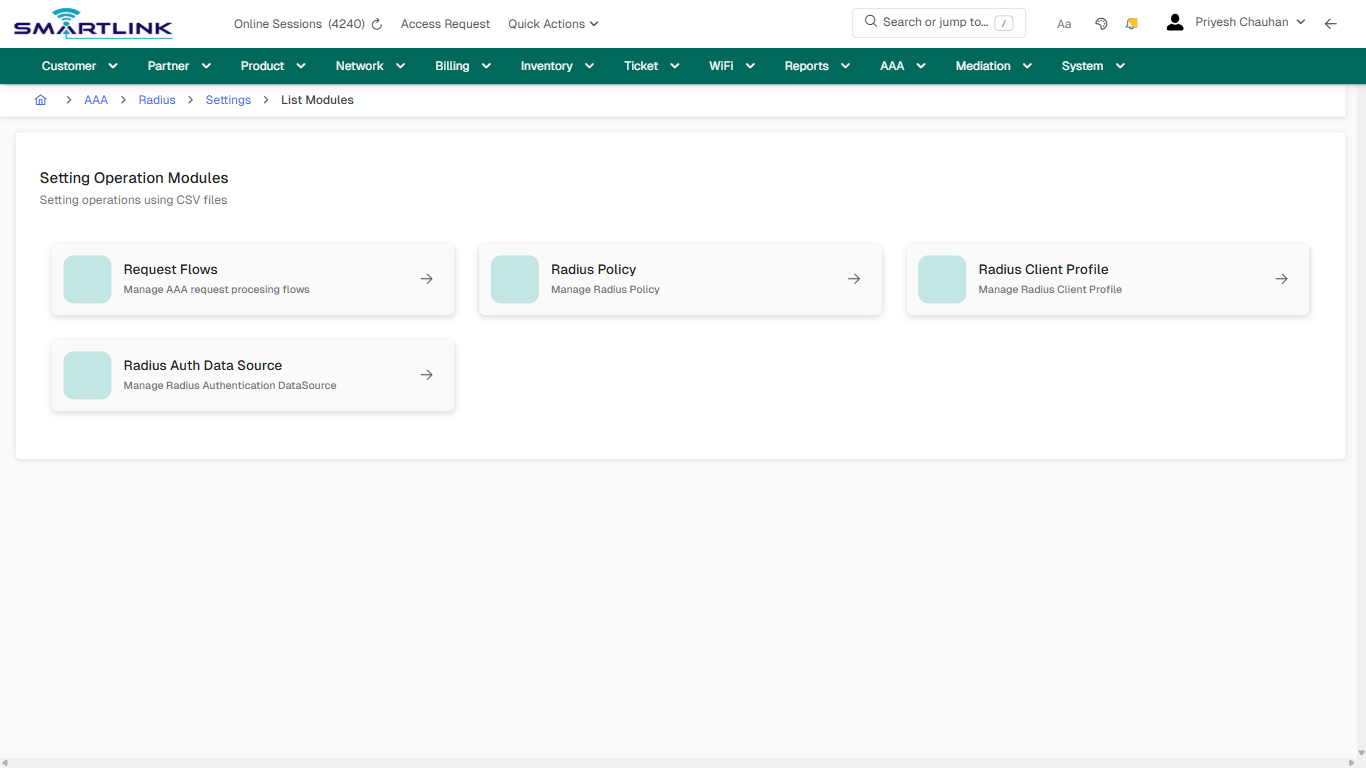
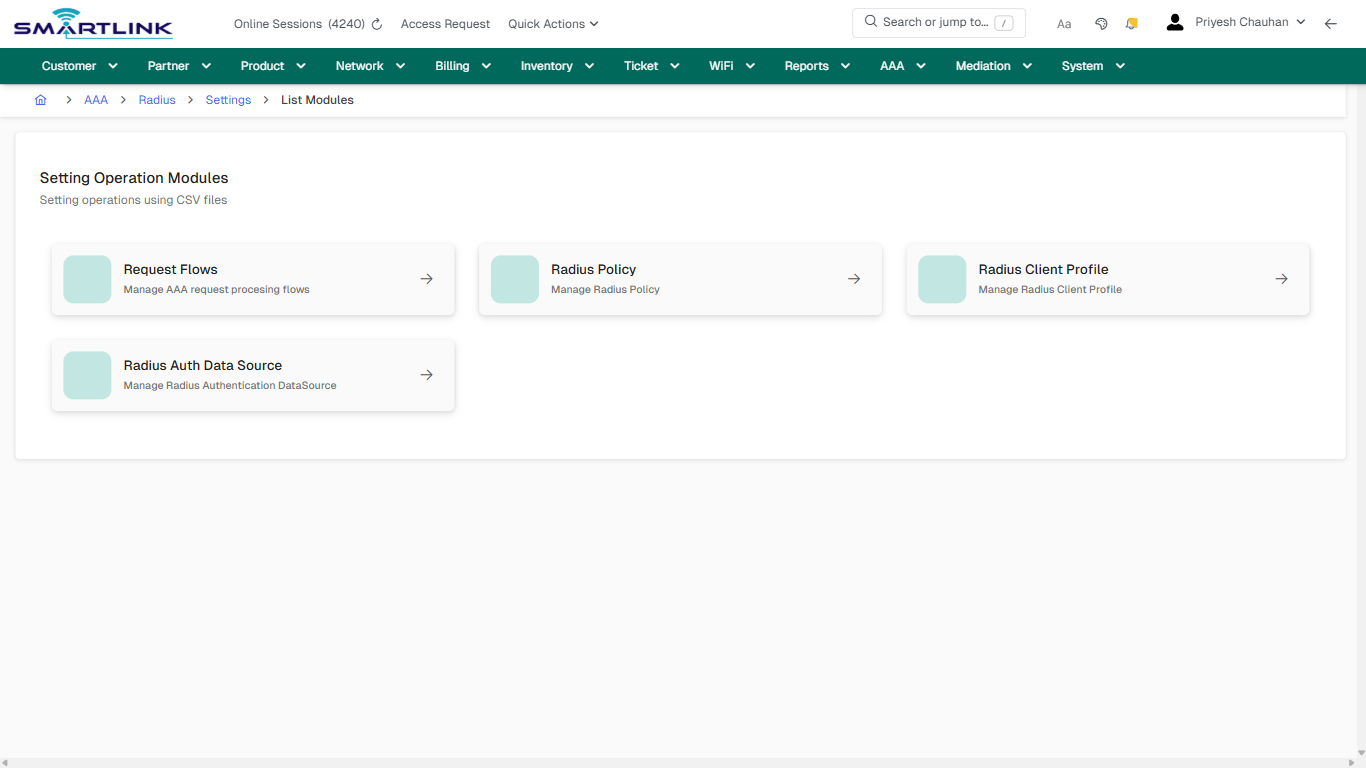
# aaa > radius > set

# aaa &gt; radius &gt; set

**Route:** aaa/radius/set

**URL:** https://admin.myslbb.com/#/aaa/radius/set

---

## Overview

 This page is a draft SOP reference for the above screen in **i2i Core OSS/BSS**. It is auto-generated from UI exports and should be reviewed for operational correctness before customer release.

## When to Use

- Use this screen for the workflow represented by this route.
- Do not make billing/AAA/provisioning-impacting changes without required authorization.
 
## Typical Workflow

1. Verify you are working on the correct entity (Customer/Account/Service).
2. Review the current lifecycle state before making changes.
3. Apply changes and validate system response.
4. Confirm downstream impact (AAA/Provisioning/Billing) where applicable.
 
## Field &amp; Action Hints (Auto-detected)

- **Actions detected:** Auto, Close, AAA, Radius, Settings

## Validation &amp; Safety Checks

- Confirm identifiers before saving.
- Confirm lifecycle state allows the change.
- Confirm rollback/support path exists for production actions.
 
## Escalation Guidance

- **L1:** Verify input, permissions, and entity state.
- **L2:** Validate dependencies and downstream state.
- **L3/Admin:** Policy/config changes or suspected defect.
 
---

## Screenshots

## default

**Captured URL:** https://admin.myslbb.com/#/aaa/radius/set

<div id="bkmrk-images-uploading%E2%80%A6">*Images uploading…*<div data-img-token="IMG_PLACEHOLDER_0_1770130485235">![screenshot](https://kb.i2itechservices.com/uploads/images/gallery/2026-02/admin-myslbb-com-aaa-radius-set-default-52d4e93ef2-part-01.png)

![screenshot](https://kb.i2itechservices.com/uploads/images/gallery/2026-02/admin-myslbb-com-aaa-radius-set-default-52d4e93ef2-part-02.png)

</div></div>

# Billing & Charging

Routes under: bill

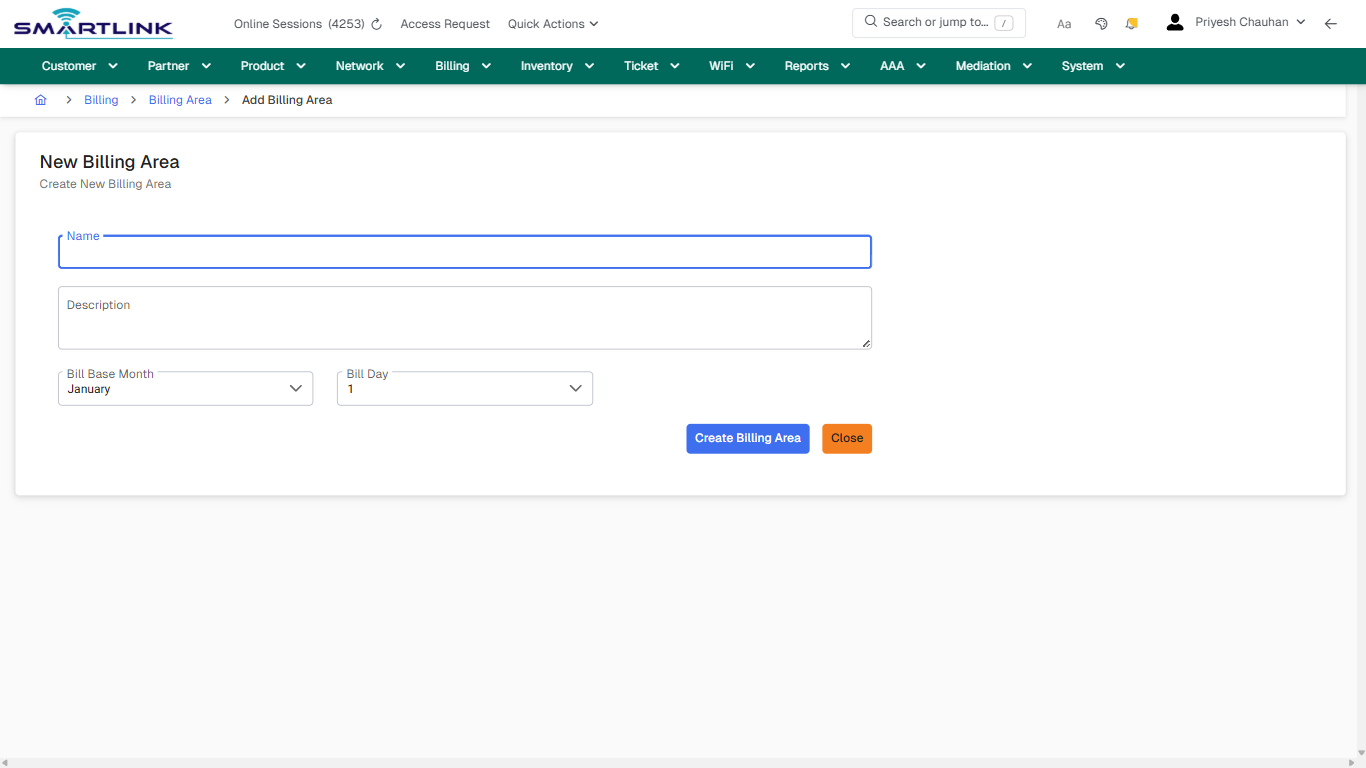
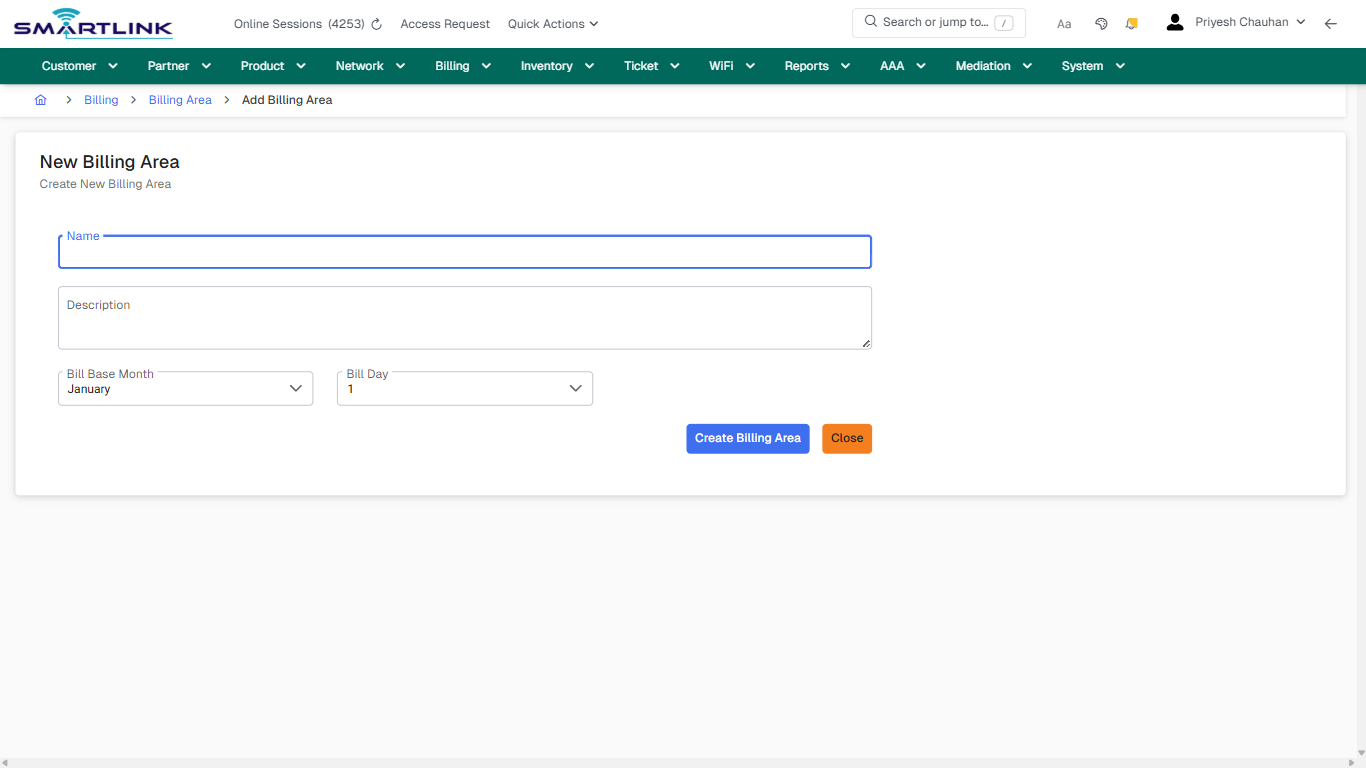
# bill > area > add

# bill &gt; area &gt; add

**Route:** bill/area/add

**URL:** https://admin.myslbb.com/#/bill/area/add

---

## Overview

 This page is a draft SOP reference for the above screen in **i2i Core OSS/BSS**. It is auto-generated from UI exports and should be reviewed for operational correctness before customer release.

## When to Use

- Use this screen for the workflow represented by this route.
- Do not make billing/AAA/provisioning-impacting changes without required authorization.
 
## Typical Workflow

1. Verify you are working on the correct entity (Customer/Account/Service).
2. Review the current lifecycle state before making changes.
3. Apply changes and validate system response.
4. Confirm downstream impact (AAA/Provisioning/Billing) where applicable.
 
## Field &amp; Action Hints (Auto-detected)

- **Fields detected:** Name, Description, Bill Base Month, Bill Day
- **Actions detected:** Auto, Close, Billing, Billing Area, Create Billing Area

## Validation &amp; Safety Checks

- Confirm identifiers before saving.
- Confirm lifecycle state allows the change.
- Confirm rollback/support path exists for production actions.
 
## Escalation Guidance

- **L1:** Verify input, permissions, and entity state.
- **L2:** Validate dependencies and downstream state.
- **L3/Admin:** Policy/config changes or suspected defect.
 
---

## Screenshots

## create\_new

**Captured URL:** https://admin.myslbb.com/#/bill/area/add

<div id="bkmrk-images-uploading%E2%80%A6">*Images uploading…*<div data-img-token="IMG_PLACEHOLDER_0_1770130487226">![screenshot](https://kb.i2itechservices.com/uploads/images/gallery/2026-02/admin-myslbb-com-bill-area-add-create-new-288cd2ccab-part-01.png)

![screenshot](https://kb.i2itechservices.com/uploads/images/gallery/2026-02/admin-myslbb-com-bill-area-add-create-new-288cd2ccab-part-02.png)

</div></div>

# bill > area > all

# bill &gt; area &gt; all

**Route:** bill/area/all

**URL:** https://admin.myslbb.com/#/bill/area/all

---

## Overview

 This page is a draft SOP reference for the above screen in **i2i Core OSS/BSS**. It is auto-generated from UI exports and should be reviewed for operational correctness before customer release.

## When to Use

- Use this screen for the workflow represented by this route.
- Do not make billing/AAA/provisioning-impacting changes without required authorization.
 
## Typical Workflow

1. Verify you are working on the correct entity (Customer/Account/Service).
2. Review the current lifecycle state before making changes.
3. Apply changes and validate system response.
4. Confirm downstream impact (AAA/Provisioning/Billing) where applicable.
 
## Field &amp; Action Hints (Auto-detected)

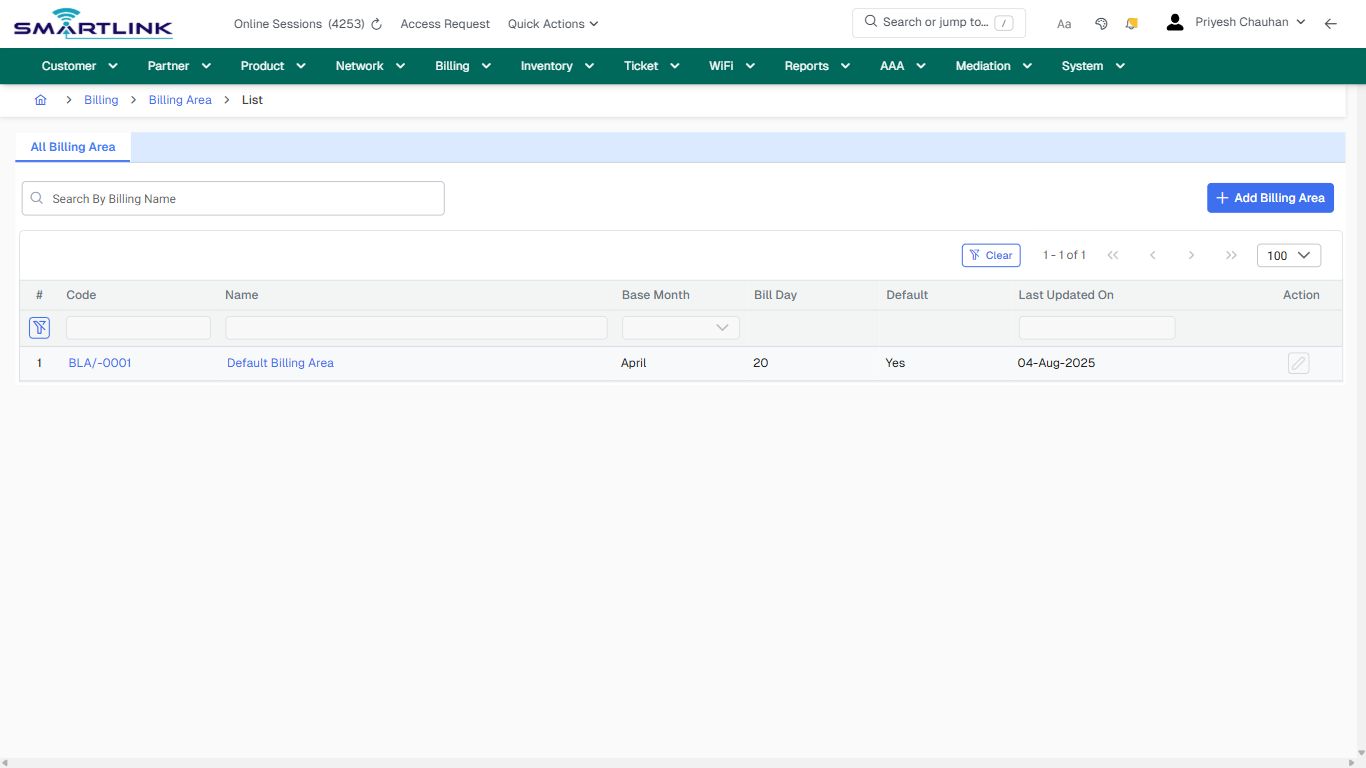
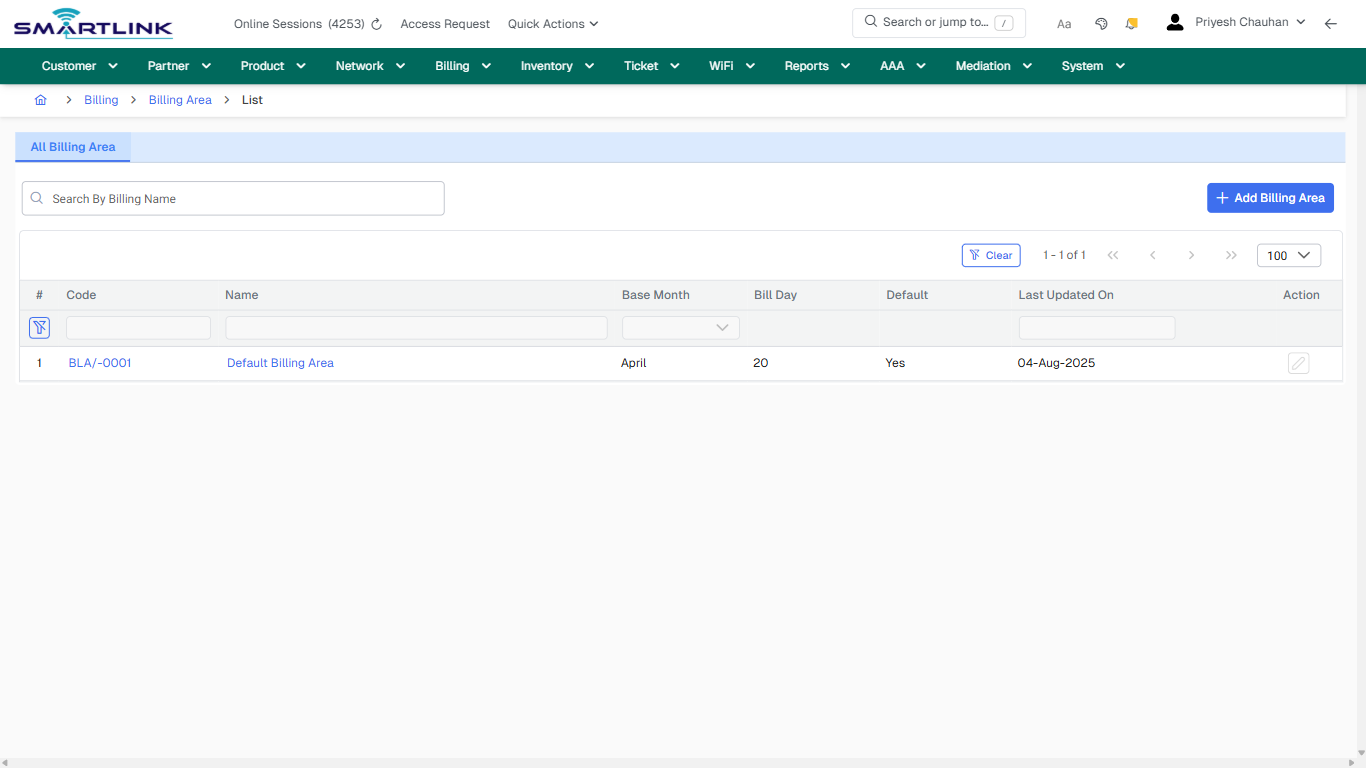
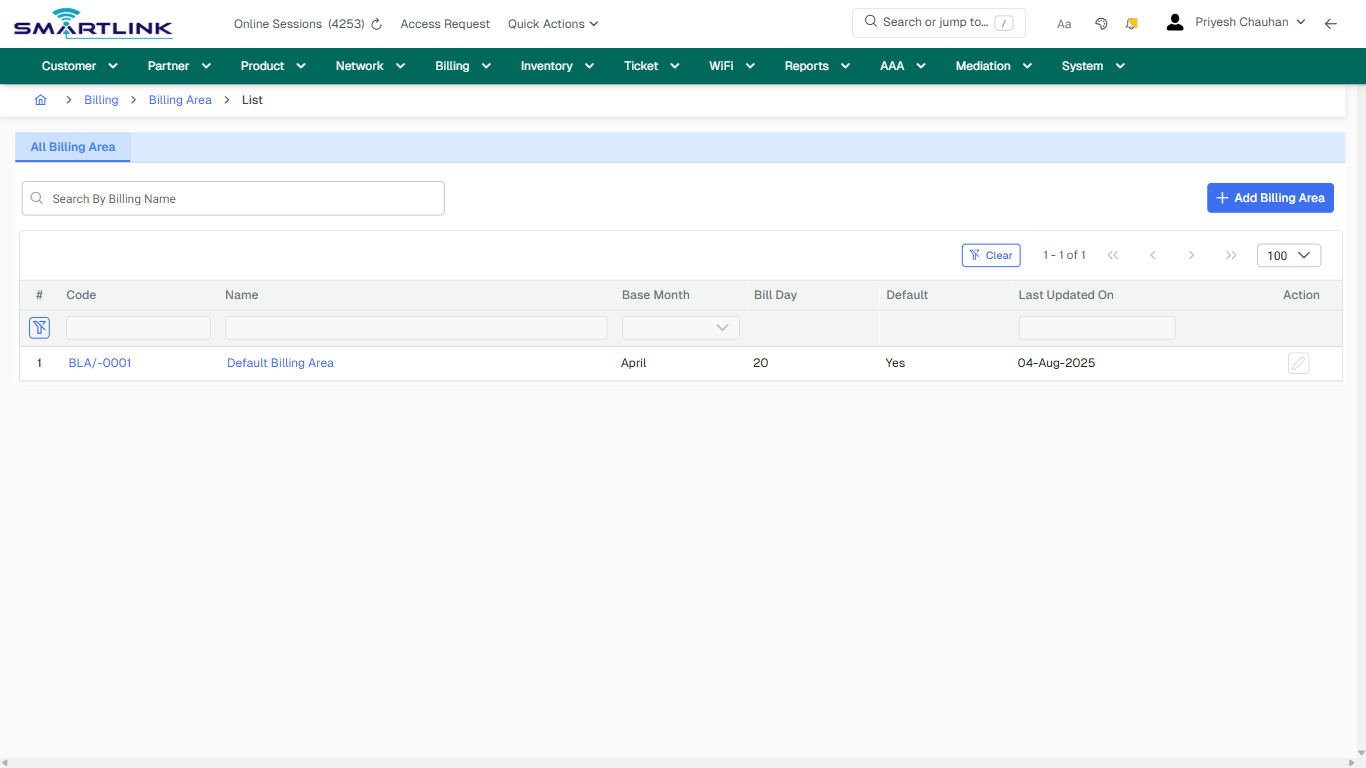
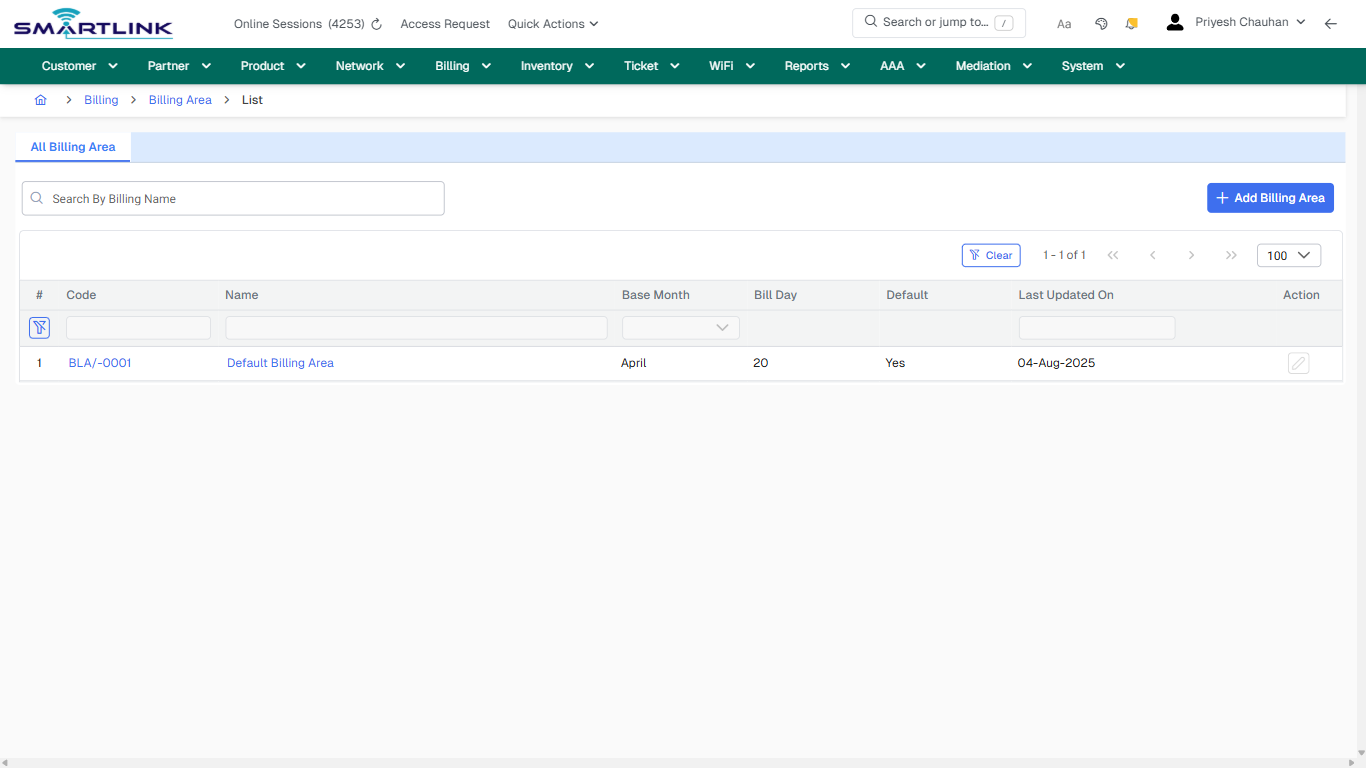
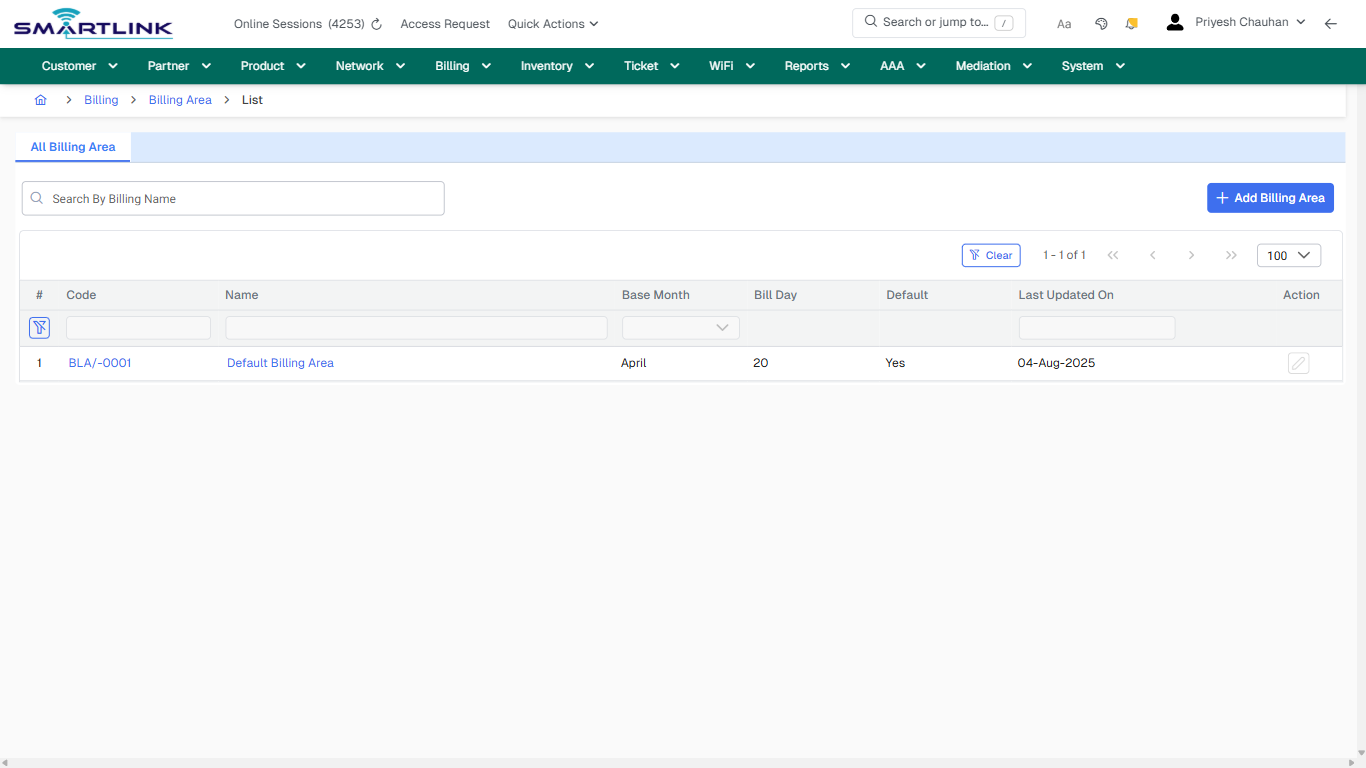
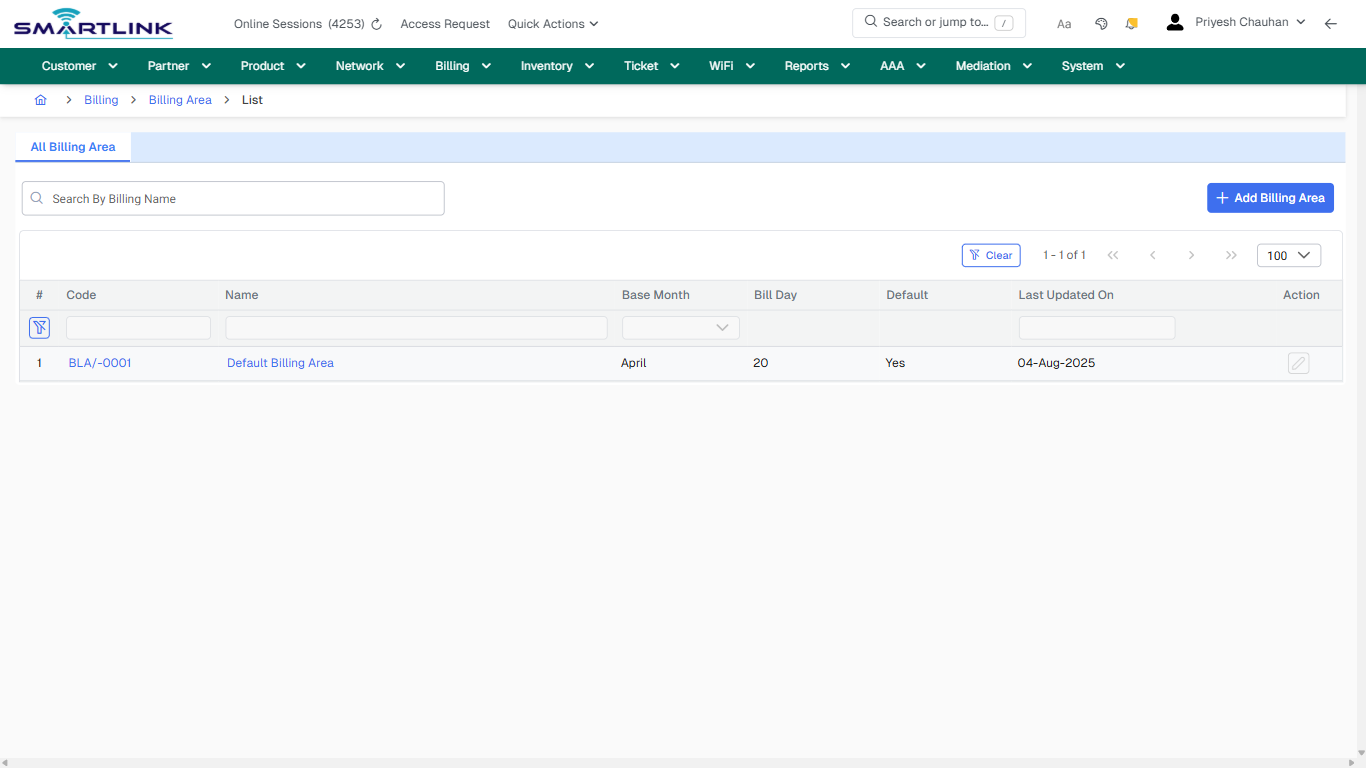
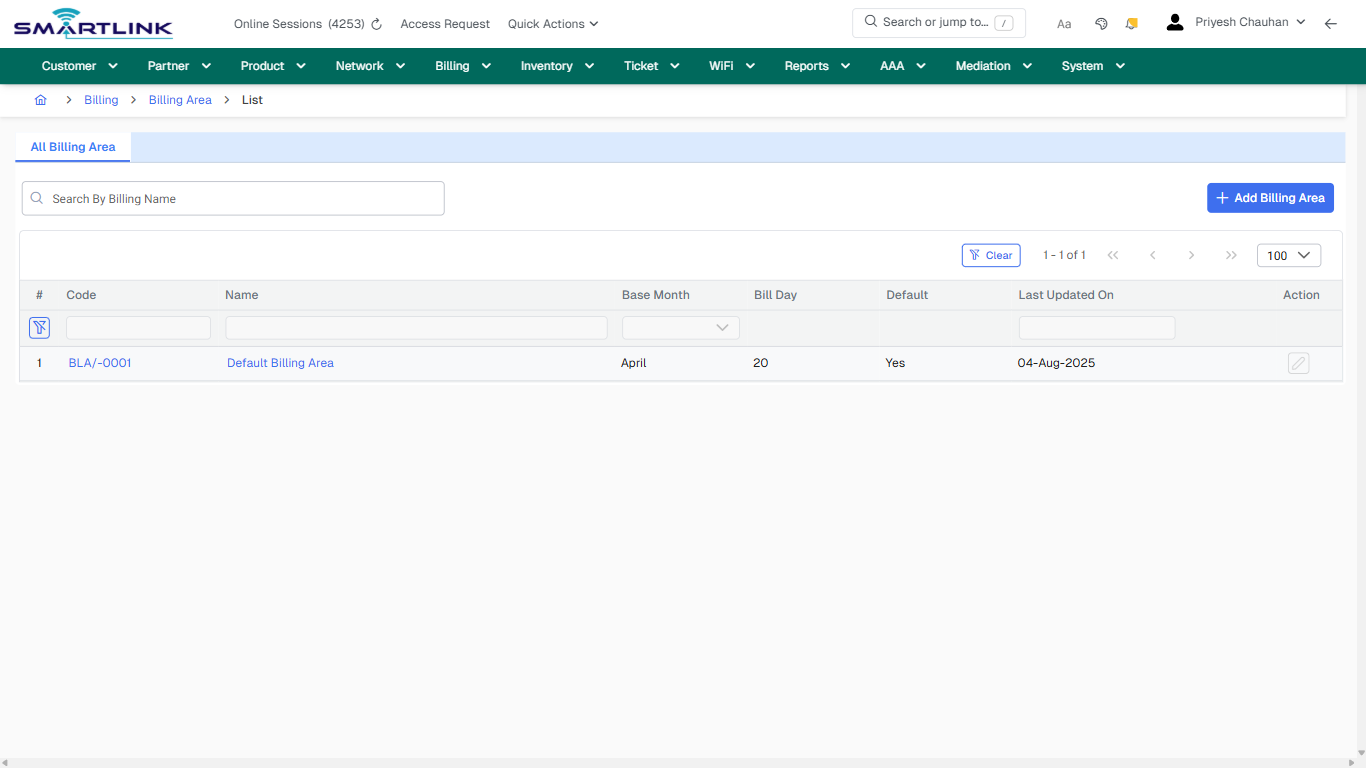
- **Actions detected:** Auto, Close, Billing, Billing Area, Add Billing Area, Clear, BLA/-0001, Default Billing Area

## Validation &amp; Safety Checks

- Confirm identifiers before saving.
- Confirm lifecycle state allows the change.
- Confirm rollback/support path exists for production actions.
 
## Escalation Guidance

- **L1:** Verify input, permissions, and entity state.
- **L2:** Validate dependencies and downstream state.
- **L3/Admin:** Policy/config changes or suspected defect.
 
---

## Screenshots

## default

**Captured URL:** https://admin.myslbb.com/#/bill/area/all

<div id="bkmrk-images-uploading%E2%80%A6">*Images uploading…*<div data-img-token="IMG_PLACEHOLDER_0_1770130489239">![screenshot](https://kb.i2itechservices.com/uploads/images/gallery/2026-02/admin-myslbb-com-bill-area-all-default-ea06902626-part-01.png)

![screenshot](https://kb.i2itechservices.com/uploads/images/gallery/2026-02/admin-myslbb-com-bill-area-all-default-ea06902626-part-02.png)

</div></div>---

## ui\_tab\_1

**Captured URL:** https://admin.myslbb.com/#/bill/area/all

<div id="bkmrk-images-uploading%E2%80%A6-1">*Images uploading…*<div data-img-token="IMG_PLACEHOLDER_1_1770130489239">![screenshot](https://kb.i2itechservices.com/uploads/images/gallery/2026-02/admin-myslbb-com-bill-area-all-ui-tab-1-6cd1fdf768-part-01.png)

![screenshot](https://kb.i2itechservices.com/uploads/images/gallery/2026-02/admin-myslbb-com-bill-area-all-ui-tab-1-6cd1fdf768-part-02.png)

</div></div>---

## common\_tab\_1

**Captured URL:** https://admin.myslbb.com/#/bill/area/all

<div id="bkmrk-images-uploading%E2%80%A6-2">*Images uploading…*<div data-img-token="IMG_PLACEHOLDER_2_1770130489239">![screenshot](https://kb.i2itechservices.com/uploads/images/gallery/2026-02/admin-myslbb-com-bill-area-all-common-tab-1-2616b4795e-part-01.png)

![screenshot](https://kb.i2itechservices.com/uploads/images/gallery/2026-02/admin-myslbb-com-bill-area-all-common-tab-1-2616b4795e-part-02.png)

</div></div>---

## common\_tab\_2

**Captured URL:** https://admin.myslbb.com/#/bill/area/all

<div id="bkmrk-images-uploading%E2%80%A6-3">*Images uploading…*<div data-img-token="IMG_PLACEHOLDER_3_1770130489239">![screenshot](https://kb.i2itechservices.com/uploads/images/gallery/2026-02/admin-myslbb-com-bill-area-all-common-tab-2-70a95dca51-part-01.png)

![screenshot](https://kb.i2itechservices.com/uploads/images/gallery/2026-02/admin-myslbb-com-bill-area-all-common-tab-2-70a95dca51-part-02.png)

</div></div>---

## drilldown\_one\_item

**Captured URL:** https://admin.myslbb.com/#/bill/area/all

<div id="bkmrk-images-uploading%E2%80%A6-4">*Images uploading…*<div data-img-token="IMG_PLACEHOLDER_4_1770130489239">![screenshot](https://kb.i2itechservices.com/uploads/images/gallery/2026-02/admin-myslbb-com-bill-area-all-drilldown-one-item-84d2ab8270-part-01.png)

![screenshot](https://kb.i2itechservices.com/uploads/images/gallery/2026-02/admin-myslbb-com-bill-area-all-drilldown-one-item-84d2ab8270-part-02.png)

</div></div>

# bill > deposit > add

# bill &gt; deposit &gt; add

**Route:** bill/deposit/add

**URL:** https://admin.myslbb.com/#/bill/deposit/add

---

## Overview

 This page is a draft SOP reference for the above screen in **i2i Core OSS/BSS**. It is auto-generated from UI exports and should be reviewed for operational correctness before customer release.

## When to Use

- Use this screen for the workflow represented by this route.
- Do not make billing/AAA/provisioning-impacting changes without required authorization.
 
## Typical Workflow

1. Verify you are working on the correct entity (Customer/Account/Service).
2. Review the current lifecycle state before making changes.
3. Apply changes and validate system response.
4. Confirm downstream impact (AAA/Provisioning/Billing) where applicable.
 
## Field &amp; Action Hints (Auto-detected)

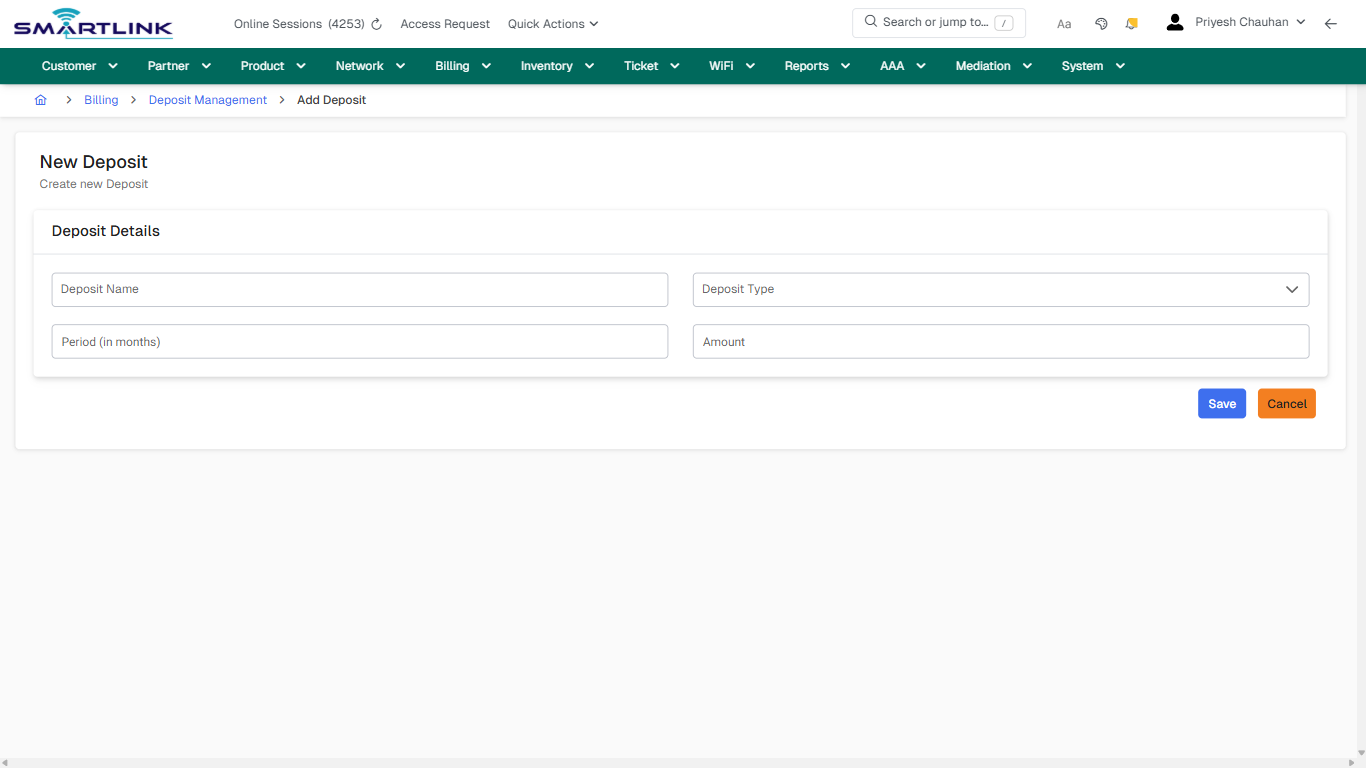
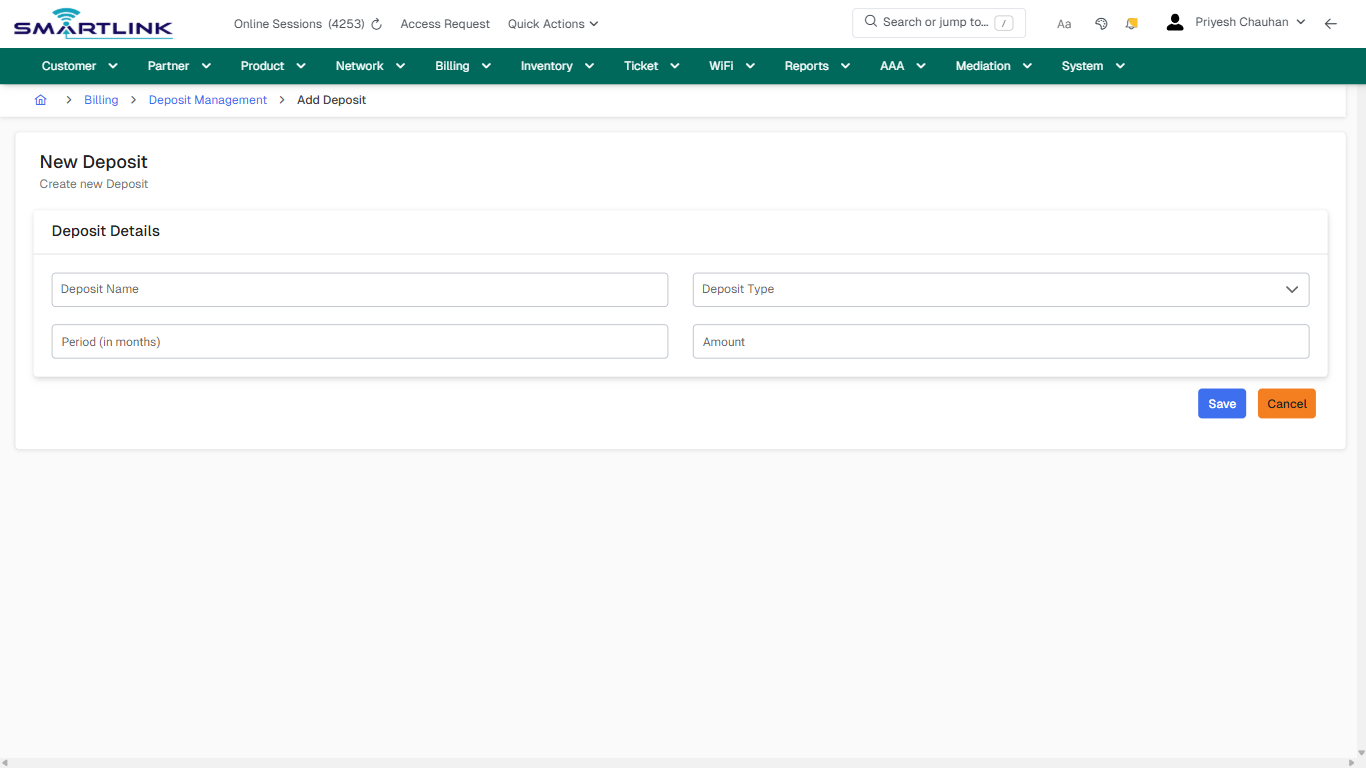
- **Fields detected:** Deposit Name, Deposit Type
- **Actions detected:** Auto, Close, Billing, Deposit Management, Save, Cancel

## Validation &amp; Safety Checks

- Confirm identifiers before saving.
- Confirm lifecycle state allows the change.
- Confirm rollback/support path exists for production actions.
 
## Escalation Guidance

- **L1:** Verify input, permissions, and entity state.
- **L2:** Validate dependencies and downstream state.
- **L3/Admin:** Policy/config changes or suspected defect.
 
---

## Screenshots

## create\_new

**Captured URL:** https://admin.myslbb.com/#/bill/deposit/add

<div id="bkmrk-images-uploading%E2%80%A6">*Images uploading…*<div data-img-token="IMG_PLACEHOLDER_0_1770130495842">![screenshot](https://kb.i2itechservices.com/uploads/images/gallery/2026-02/admin-myslbb-com-bill-deposit-add-create-new-55f23dada6-part-01.png)

![screenshot](https://kb.i2itechservices.com/uploads/images/gallery/2026-02/admin-myslbb-com-bill-deposit-add-create-new-55f23dada6-part-02.png)

</div></div>

# bill > deposit > all

# bill &gt; deposit &gt; all

**Route:** bill/deposit/all

**URL:** https://admin.myslbb.com/#/bill/deposit/all

---

## Overview

 This page is a draft SOP reference for the above screen in **i2i Core OSS/BSS**. It is auto-generated from UI exports and should be reviewed for operational correctness before customer release.

## When to Use

- Use this screen for the workflow represented by this route.
- Do not make billing/AAA/provisioning-impacting changes without required authorization.
 
## Typical Workflow

1. Verify you are working on the correct entity (Customer/Account/Service).
2. Review the current lifecycle state before making changes.
3. Apply changes and validate system response.
4. Confirm downstream impact (AAA/Provisioning/Billing) where applicable.
 
## Field &amp; Action Hints (Auto-detected)

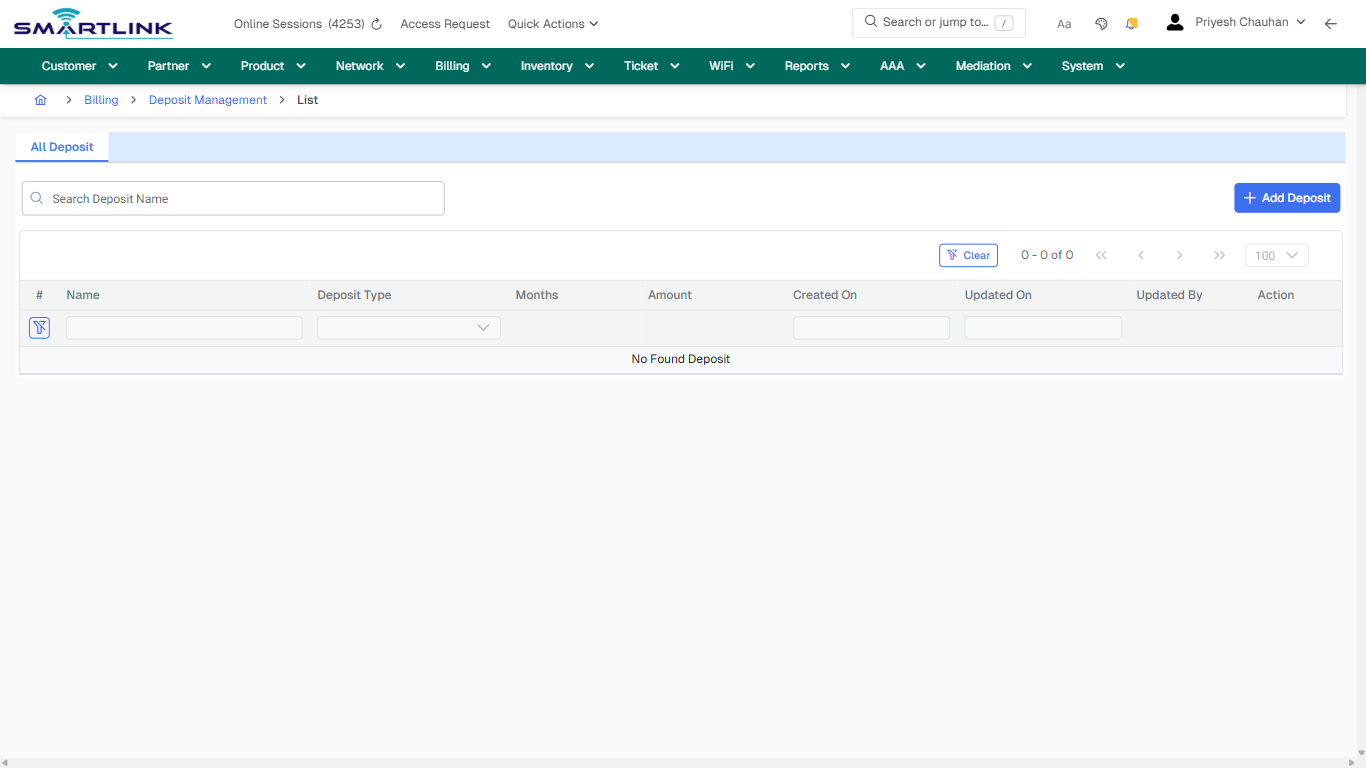
- **Actions detected:** Auto, Close, Billing, Deposit Management, Add Deposit, Clear

## Validation &amp; Safety Checks

- Confirm identifiers before saving.
- Confirm lifecycle state allows the change.
- Confirm rollback/support path exists for production actions.
 
## Escalation Guidance

- **L1:** Verify input, permissions, and entity state.
- **L2:** Validate dependencies and downstream state.
- **L3/Admin:** Policy/config changes or suspected defect.
 
---

## Screenshots

## default

**Captured URL:** https://admin.myslbb.com/#/bill/deposit/all

<div id="bkmrk-images-uploading%E2%80%A6">*Images uploading…*<div data-img-token="IMG_PLACEHOLDER_0_1770130497818">![screenshot](https://kb.i2itechservices.com/uploads/images/gallery/2026-02/admin-myslbb-com-bill-deposit-all-default-15a00f2348-part-01.png)

![screenshot](https://kb.i2itechservices.com/uploads/images/gallery/2026-02/admin-myslbb-com-bill-deposit-all-default-15a00f2348-part-02.png)

</div></div>---

## ui\_tab\_1

**Captured URL:** https://admin.myslbb.com/#/bill/deposit/all

<div id="bkmrk-images-uploading%E2%80%A6-1">*Images uploading…*<div data-img-token="IMG_PLACEHOLDER_1_1770130497818">![screenshot](https://kb.i2itechservices.com/uploads/images/gallery/2026-02/admin-myslbb-com-bill-deposit-all-ui-tab-1-b35af4237a-part-01.png)

![screenshot](https://kb.i2itechservices.com/uploads/images/gallery/2026-02/admin-myslbb-com-bill-deposit-all-ui-tab-1-b35af4237a-part-02.png)

</div></div>---

## common\_tab\_1

**Captured URL:** https://admin.myslbb.com/#/bill/deposit/all

<div id="bkmrk-images-uploading%E2%80%A6-2">*Images uploading…*<div data-img-token="IMG_PLACEHOLDER_2_1770130497818">![screenshot](https://kb.i2itechservices.com/uploads/images/gallery/2026-02/admin-myslbb-com-bill-deposit-all-common-tab-1-a037937d7b-part-01.png)

![screenshot](https://kb.i2itechservices.com/uploads/images/gallery/2026-02/admin-myslbb-com-bill-deposit-all-common-tab-1-a037937d7b-part-02.png)

</div></div>---

## common\_tab\_2

**Captured URL:** https://admin.myslbb.com/#/bill/deposit/all

<div id="bkmrk-images-uploading%E2%80%A6-3">*Images uploading…*<div data-img-token="IMG_PLACEHOLDER_3_1770130497818">![screenshot](https://kb.i2itechservices.com/uploads/images/gallery/2026-02/admin-myslbb-com-bill-deposit-all-common-tab-2-8f6884367e-part-01.png)

![screenshot](https://kb.i2itechservices.com/uploads/images/gallery/2026-02/admin-myslbb-com-bill-deposit-all-common-tab-2-8f6884367e-part-02.png)

</div></div>---

## drilldown\_one\_item

**Captured URL:** https://admin.myslbb.com/#/bill/deposit/all

<div id="bkmrk-images-uploading%E2%80%A6-4">*Images uploading…*<div data-img-token="IMG_PLACEHOLDER_4_1770130497818">![screenshot](https://kb.i2itechservices.com/uploads/images/gallery/2026-02/admin-myslbb-com-bill-deposit-all-drilldown-one-item-c31d453e22-part-01.png)

![screenshot](https://kb.i2itechservices.com/uploads/images/gallery/2026-02/admin-myslbb-com-bill-deposit-all-drilldown-one-item-c31d453e22-part-02.png)

</div></div>

# bill > proc > all

# bill &gt; proc &gt; all

**Route:** bill/proc/all

**URL:** https://admin.myslbb.com/#/bill/proc/all

---

## Overview

 This page is a draft SOP reference for the above screen in **i2i Core OSS/BSS**. It is auto-generated from UI exports and should be reviewed for operational correctness before customer release.

## When to Use

- Use this screen for the workflow represented by this route.
- Do not make billing/AAA/provisioning-impacting changes without required authorization.
 
## Typical Workflow

1. Verify you are working on the correct entity (Customer/Account/Service).
2. Review the current lifecycle state before making changes.
3. Apply changes and validate system response.
4. Confirm downstream impact (AAA/Provisioning/Billing) where applicable.
 
## Field &amp; Action Hints (Auto-detected)

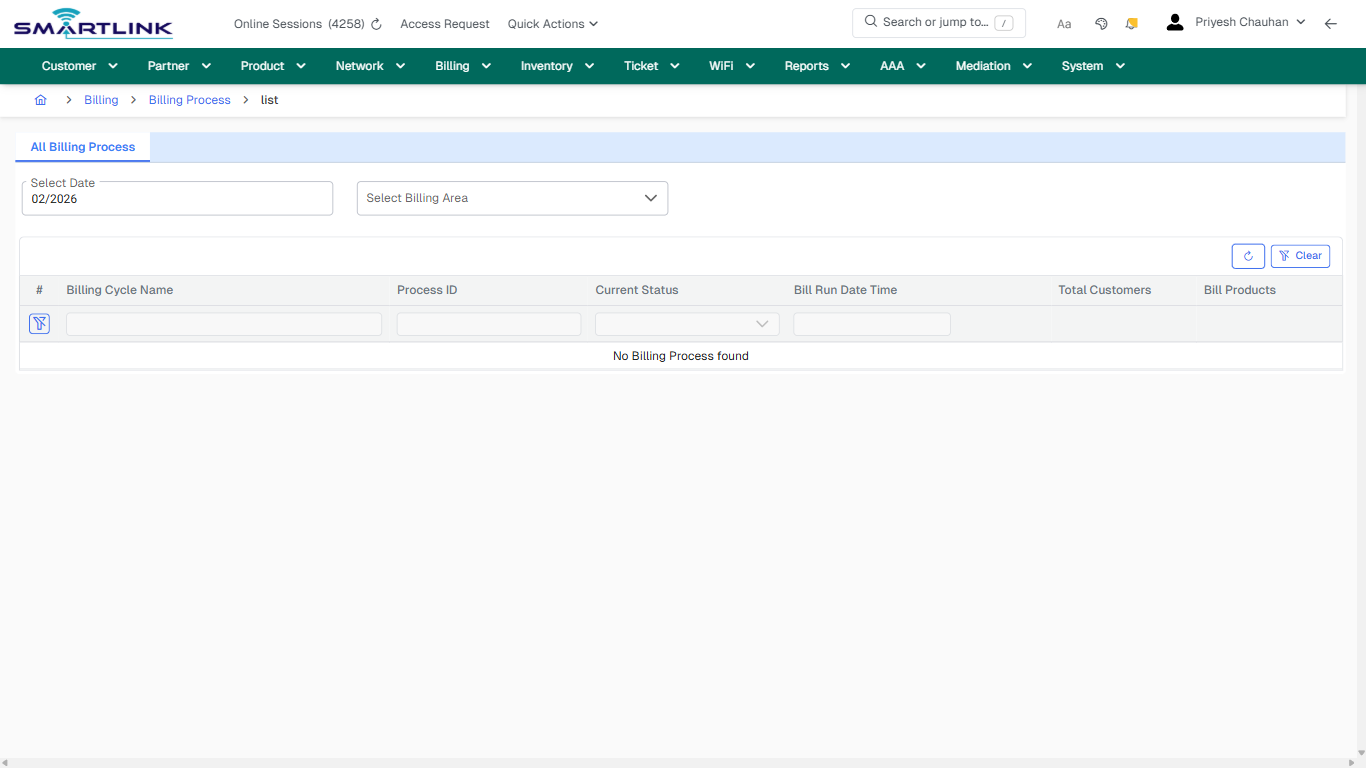
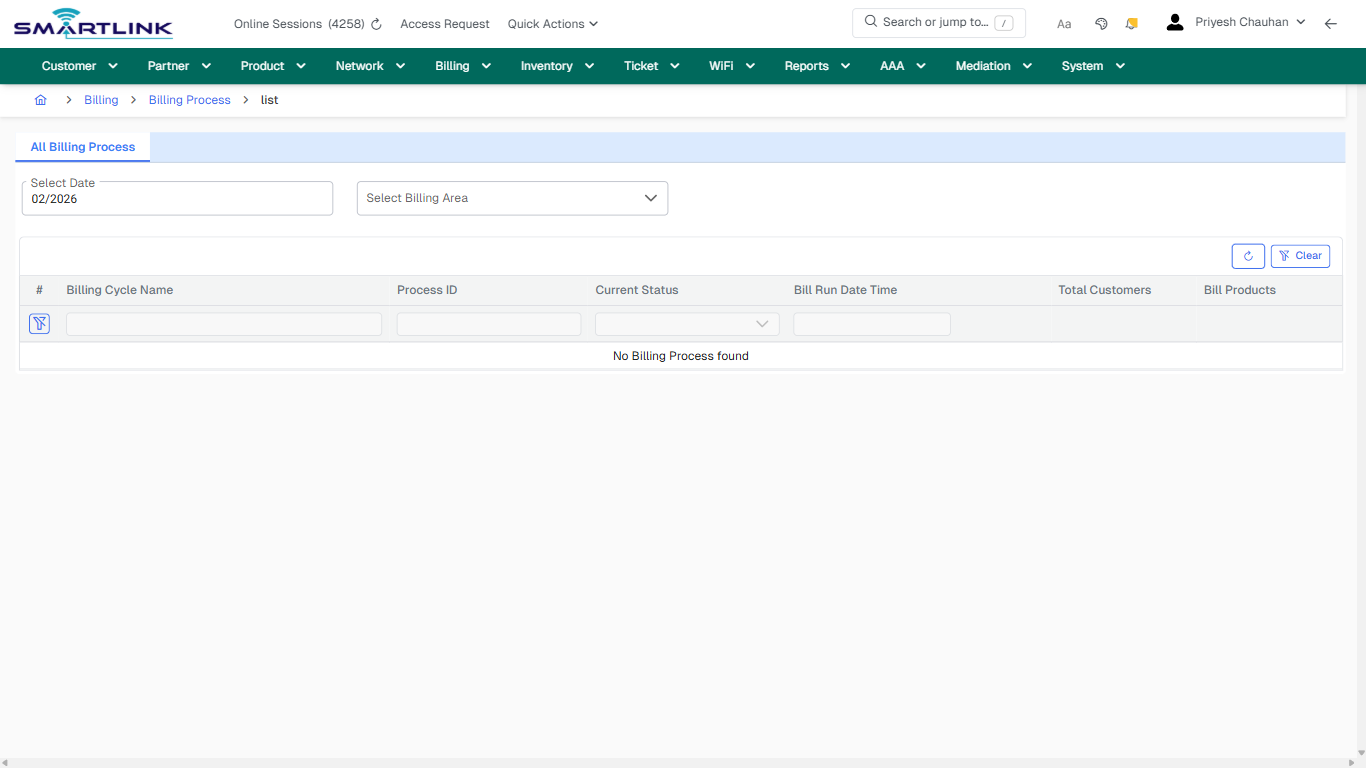
- **Fields detected:** Select Date, Select Billing Area
- **Actions detected:** Auto, Close, Billing, Billing Process, Clear

## Validation &amp; Safety Checks

- Confirm identifiers before saving.
- Confirm lifecycle state allows the change.
- Confirm rollback/support path exists for production actions.
 
## Escalation Guidance

- **L1:** Verify input, permissions, and entity state.
- **L2:** Validate dependencies and downstream state.
- **L3/Admin:** Policy/config changes or suspected defect.
 
---

## Screenshots

## default

**Captured URL:** https://admin.myslbb.com/#/bill/proc/all

<div id="bkmrk-images-uploading%E2%80%A6">*Images uploading…*<div data-img-token="IMG_PLACEHOLDER_0_1770130504459">![screenshot](https://kb.i2itechservices.com/uploads/images/gallery/2026-02/admin-myslbb-com-bill-proc-all-default-522a6a668a-part-01.png)

![screenshot](https://kb.i2itechservices.com/uploads/images/gallery/2026-02/admin-myslbb-com-bill-proc-all-default-522a6a668a-part-02.png)

</div></div>---

## ui\_tab\_1

**Captured URL:** https://admin.myslbb.com/#/bill/proc/all

<div id="bkmrk-images-uploading%E2%80%A6-1">*Images uploading…*<div data-img-token="IMG_PLACEHOLDER_1_1770130504459">![screenshot](https://kb.i2itechservices.com/uploads/images/gallery/2026-02/admin-myslbb-com-bill-proc-all-ui-tab-1-4e13609142-part-01.png)

![screenshot](https://kb.i2itechservices.com/uploads/images/gallery/2026-02/admin-myslbb-com-bill-proc-all-ui-tab-1-4e13609142-part-02.png)

</div></div>---

## common\_tab\_1

**Captured URL:** https://admin.myslbb.com/#/bill/proc/all

<div id="bkmrk-images-uploading%E2%80%A6-2">*Images uploading…*<div data-img-token="IMG_PLACEHOLDER_2_1770130504459">![screenshot](https://kb.i2itechservices.com/uploads/images/gallery/2026-02/admin-myslbb-com-bill-proc-all-common-tab-1-567f8c7f93-part-01.png)

![screenshot](https://kb.i2itechservices.com/uploads/images/gallery/2026-02/admin-myslbb-com-bill-proc-all-common-tab-1-567f8c7f93-part-02.png)

</div></div>---

## common\_tab\_2

**Captured URL:** https://admin.myslbb.com/#/bill/proc/all

<div id="bkmrk-images-uploading%E2%80%A6-3">*Images uploading…*<div data-img-token="IMG_PLACEHOLDER_3_1770130504459">![screenshot](https://kb.i2itechservices.com/uploads/images/gallery/2026-02/admin-myslbb-com-bill-proc-all-common-tab-2-e58a241d9c-part-01.png)

![screenshot](https://kb.i2itechservices.com/uploads/images/gallery/2026-02/admin-myslbb-com-bill-proc-all-common-tab-2-e58a241d9c-part-02.png)

</div></div>---

## drilldown\_one\_item

**Captured URL:** https://admin.myslbb.com/#/bill/proc/all

<div id="bkmrk-images-uploading%E2%80%A6-4">*Images uploading…*<div data-img-token="IMG_PLACEHOLDER_4_1770130504459">![screenshot](https://kb.i2itechservices.com/uploads/images/gallery/2026-02/admin-myslbb-com-bill-proc-all-drilldown-one-item-b253a50ef1-part-01.png)

![screenshot](https://kb.i2itechservices.com/uploads/images/gallery/2026-02/admin-myslbb-com-bill-proc-all-drilldown-one-item-b253a50ef1-part-02.png)

</div></div>

# bill > serbill > all

# bill &gt; serbill &gt; all

**Route:** bill/serbill/all

**URL:** https://admin.myslbb.com/#/bill/serbill/all

---

## Overview

 This page is a draft SOP reference for the above screen in **i2i Core OSS/BSS**. It is auto-generated from UI exports and should be reviewed for operational correctness before customer release.

## When to Use

- Use this screen for the workflow represented by this route.
- Do not make billing/AAA/provisioning-impacting changes without required authorization.
 
## Typical Workflow

1. Verify you are working on the correct entity (Customer/Account/Service).
2. Review the current lifecycle state before making changes.
3. Apply changes and validate system response.
4. Confirm downstream impact (AAA/Provisioning/Billing) where applicable.
 
## Field &amp; Action Hints (Auto-detected)

- **Fields detected:** Search Field, Search Type
- **Actions detected:** Auto, Close, Billing, Billing Area, Clear, Cult Fit, sybr\_hiranandani\_cult, abdul rehaman rashid maredia, abdul22, r.e r.e, r.e, dharamshingh sonar, dharamshingh22, vijay panchal, s\_vijay, sanjay rana, rana22, rahul sharma, rahulsharma22, Khan

## Validation &amp; Safety Checks

- Confirm identifiers before saving.
- Confirm lifecycle state allows the change.
- Confirm rollback/support path exists for production actions.
 
## Escalation Guidance

- **L1:** Verify input, permissions, and entity state.
- **L2:** Validate dependencies and downstream state.
- **L3/Admin:** Policy/config changes or suspected defect.
 
---

## Screenshots

## default

**Captured URL:** https://admin.myslbb.com/#/bill/serbill/all

<div id="bkmrk-images-uploading%E2%80%A6">*Images uploading…*<div data-img-token="IMG_PLACEHOLDER_0_1770130511204">![screenshot](https://kb.i2itechservices.com/uploads/images/gallery/2026-02/admin-myslbb-com-bill-serbill-all-default-a2722929a2-part-01.png)

![screenshot](https://kb.i2itechservices.com/uploads/images/gallery/2026-02/admin-myslbb-com-bill-serbill-all-default-a2722929a2-part-02.png)

</div></div>---

## ui\_tab\_1

**Captured URL:** https://admin.myslbb.com/#/bill/serbill/all

<div id="bkmrk-images-uploading%E2%80%A6-1">*Images uploading…*<div data-img-token="IMG_PLACEHOLDER_1_1770130511204">![screenshot](https://kb.i2itechservices.com/uploads/images/gallery/2026-02/admin-myslbb-com-bill-serbill-all-ui-tab-1-23fa24d491-part-01.png)

![screenshot](https://kb.i2itechservices.com/uploads/images/gallery/2026-02/admin-myslbb-com-bill-serbill-all-ui-tab-1-23fa24d491-part-02.png)

</div></div>---

## common\_tab\_1

**Captured URL:** https://admin.myslbb.com/#/bill/serbill/all

<div id="bkmrk-images-uploading%E2%80%A6-2">*Images uploading…*<div data-img-token="IMG_PLACEHOLDER_2_1770130511204">![screenshot](https://kb.i2itechservices.com/uploads/images/gallery/2026-02/admin-myslbb-com-bill-serbill-all-common-tab-1-9f49e07221-part-01.png)

![screenshot](https://kb.i2itechservices.com/uploads/images/gallery/2026-02/admin-myslbb-com-bill-serbill-all-common-tab-1-9f49e07221-part-02.png)

</div></div>---

## common\_tab\_2

**Captured URL:** https://admin.myslbb.com/#/bill/serbill/all

<div id="bkmrk-images-uploading%E2%80%A6-3">*Images uploading…*<div data-img-token="IMG_PLACEHOLDER_3_1770130511204">![screenshot](https://kb.i2itechservices.com/uploads/images/gallery/2026-02/admin-myslbb-com-bill-serbill-all-common-tab-2-b735305d66-part-01.png)

![screenshot](https://kb.i2itechservices.com/uploads/images/gallery/2026-02/admin-myslbb-com-bill-serbill-all-common-tab-2-b735305d66-part-02.png)

</div></div>

# bill > serdoc > all

# bill &gt; serdoc &gt; all

**Route:** bill/serdoc/all

**URL:** https://admin.myslbb.com/#/bill/serdoc/all

---

## Overview

 This page is a draft SOP reference for the above screen in **i2i Core OSS/BSS**. It is auto-generated from UI exports and should be reviewed for operational correctness before customer release.

## When to Use

- Use this screen for the workflow represented by this route.
- Do not make billing/AAA/provisioning-impacting changes without required authorization.
 
## Typical Workflow

1. Verify you are working on the correct entity (Customer/Account/Service).
2. Review the current lifecycle state before making changes.
3. Apply changes and validate system response.
4. Confirm downstream impact (AAA/Provisioning/Billing) where applicable.
 
## Field &amp; Action Hints (Auto-detected)

- **Fields detected:** Select Partner, Date Range, Billing Type
- **Actions detected:** Auto, Close, Billing, Documents List, Clear Filters

## Validation &amp; Safety Checks

- Confirm identifiers before saving.
- Confirm lifecycle state allows the change.
- Confirm rollback/support path exists for production actions.
 
## Escalation Guidance

- **L1:** Verify input, permissions, and entity state.
- **L2:** Validate dependencies and downstream state.
- **L3/Admin:** Policy/config changes or suspected defect.
 
---

## Screenshots

## default

**Captured URL:** https://admin.myslbb.com/#/bill/serdoc/all

<div id="bkmrk-images-uploading%E2%80%A6">*Images uploading…*<div data-img-token="IMG_PLACEHOLDER_0_1770130517549">![screenshot](https://kb.i2itechservices.com/uploads/images/gallery/2026-02/admin-myslbb-com-bill-serdoc-all-default-2741d5f5e9-part-01.png)

![screenshot](https://kb.i2itechservices.com/uploads/images/gallery/2026-02/admin-myslbb-com-bill-serdoc-all-default-2741d5f5e9-part-02.png)

</div></div>---

## default

**Captured URL:** https://admin.myslbb.com/#/bill/serdoc/all

<div id="bkmrk-images-uploading%E2%80%A6-1">*Images uploading…*<div data-img-token="IMG_PLACEHOLDER_1_1770130517549">![screenshot](https://kb.i2itechservices.com/uploads/images/gallery/2026-02/ec7admin-myslbb-com-bill-serdoc-all-default-2741d5f5e9-part-01.png)

![screenshot](https://kb.i2itechservices.com/uploads/images/gallery/2026-02/4Uaadmin-myslbb-com-bill-serdoc-all-default-2741d5f5e9-part-02.png)

</div></div>---

## drilldown\_one\_item

**Captured URL:** https://admin.myslbb.com/#/bill/serdoc/all

<div id="bkmrk-images-uploading%E2%80%A6-2">*Images uploading…*<div data-img-token="IMG_PLACEHOLDER_2_1770130517549">![screenshot](https://kb.i2itechservices.com/uploads/images/gallery/2026-02/admin-myslbb-com-bill-serdoc-all-drilldown-one-item-67ce602e53-part-01.png)

![screenshot](https://kb.i2itechservices.com/uploads/images/gallery/2026-02/admin-myslbb-com-bill-serdoc-all-drilldown-one-item-67ce602e53-part-02.png)

</div></div>---

## drilldown\_one\_item

**Captured URL:** https://admin.myslbb.com/#/bill/serdoc/all

<div id="bkmrk-images-uploading%E2%80%A6-3">*Images uploading…*<div data-img-token="IMG_PLACEHOLDER_3_1770130517549">![screenshot](https://kb.i2itechservices.com/uploads/images/gallery/2026-02/2iNadmin-myslbb-com-bill-serdoc-all-drilldown-one-item-67ce602e53-part-01.png)

![screenshot](https://kb.i2itechservices.com/uploads/images/gallery/2026-02/Yjoadmin-myslbb-com-bill-serdoc-all-drilldown-one-item-67ce602e53-part-02.png)

</div></div>

# BILLING

Routes under: billing

# billing > summary

# billing &gt; summary

**Route:** billing/summary

**URL:** https://admin.myslbb.com/#/billing/summary

---

## Overview

 This page is a draft SOP reference for the above screen in **i2i Core OSS/BSS**. It is auto-generated from UI exports and should be reviewed for operational correctness before customer release.

## When to Use

- Use this screen for the workflow represented by this route.
- Do not make billing/AAA/provisioning-impacting changes without required authorization.
 
## Typical Workflow

1. Verify you are working on the correct entity (Customer/Account/Service).
2. Review the current lifecycle state before making changes.
3. Apply changes and validate system response.
4. Confirm downstream impact (AAA/Provisioning/Billing) where applicable.
 
## Field &amp; Action Hints (Auto-detected)

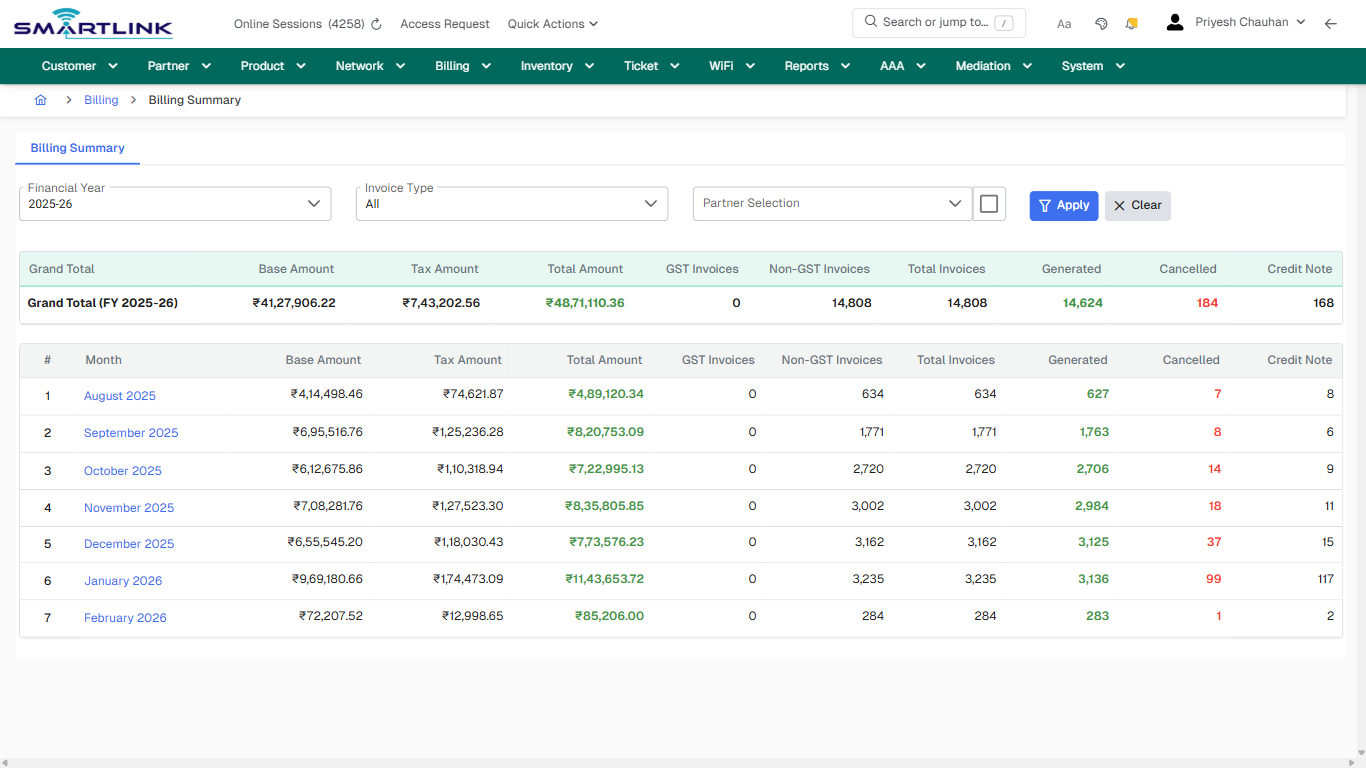
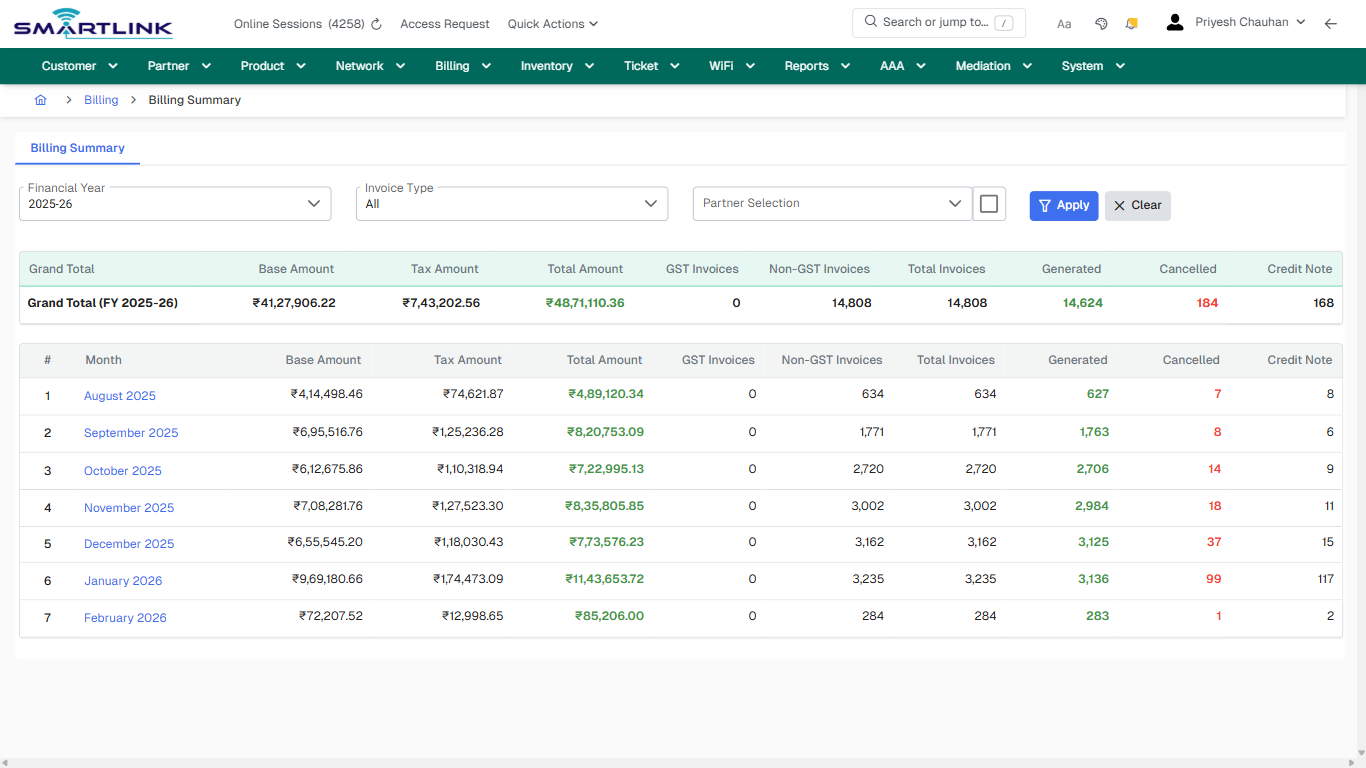
- **Fields detected:** Financial Year, Invoice Type
- **Actions detected:** Auto, Close, Billing, Apply, Clear, August 2025, September 2025, October 2025, November 2025, December 2025, January 2026, February 2026

## Validation &amp; Safety Checks

- Confirm identifiers before saving.
- Confirm lifecycle state allows the change.
- Confirm rollback/support path exists for production actions.
 
## Escalation Guidance

- **L1:** Verify input, permissions, and entity state.
- **L2:** Validate dependencies and downstream state.
- **L3/Admin:** Policy/config changes or suspected defect.
 
---

## Screenshots

## default

**Captured URL:** https://admin.myslbb.com/#/billing/summary

<div id="bkmrk-images-uploading%E2%80%A6">*Images uploading…*<div data-img-token="IMG_PLACEHOLDER_0_1770130523120">![screenshot](https://kb.i2itechservices.com/uploads/images/gallery/2026-02/admin-myslbb-com-billing-summary-default-803649a2b8-part-01.png)

![screenshot](https://kb.i2itechservices.com/uploads/images/gallery/2026-02/admin-myslbb-com-billing-summary-default-803649a2b8-part-02.png)

</div></div>---

## ui\_tab\_1

**Captured URL:** https://admin.myslbb.com/#/billing/summary

<div id="bkmrk-images-uploading%E2%80%A6-1">*Images uploading…*<div data-img-token="IMG_PLACEHOLDER_1_1770130523120">![screenshot](https://kb.i2itechservices.com/uploads/images/gallery/2026-02/admin-myslbb-com-billing-summary-ui-tab-1-4bad3ea32f-part-01.png)

![screenshot](https://kb.i2itechservices.com/uploads/images/gallery/2026-02/admin-myslbb-com-billing-summary-ui-tab-1-4bad3ea32f-part-02.png)

</div></div>---

## common\_tab\_1

**Captured URL:** https://admin.myslbb.com/#/billing/summary

<div id="bkmrk-images-uploading%E2%80%A6-2">*Images uploading…*<div data-img-token="IMG_PLACEHOLDER_2_1770130523120">![screenshot](https://kb.i2itechservices.com/uploads/images/gallery/2026-02/admin-myslbb-com-billing-summary-common-tab-1-c750b2fa66-part-01.png)

![screenshot](https://kb.i2itechservices.com/uploads/images/gallery/2026-02/admin-myslbb-com-billing-summary-common-tab-1-c750b2fa66-part-02.png)

</div></div>---

## common\_tab\_2

**Captured URL:** https://admin.myslbb.com/#/billing/summary

<div id="bkmrk-images-uploading%E2%80%A6-3">*Images uploading…*<div data-img-token="IMG_PLACEHOLDER_3_1770130523120">![screenshot](https://kb.i2itechservices.com/uploads/images/gallery/2026-02/admin-myslbb-com-billing-summary-common-tab-2-07ea4b1433-part-01.png)

![screenshot](https://kb.i2itechservices.com/uploads/images/gallery/2026-02/admin-myslbb-com-billing-summary-common-tab-2-07ea4b1433-part-02.png)

</div></div>---

## drilldown\_one\_item

**Captured URL:** https://admin.myslbb.com/#/billing/summary

<div id="bkmrk-images-uploading%E2%80%A6-4">*Images uploading…*<div data-img-token="IMG_PLACEHOLDER_4_1770130523120">![screenshot](https://kb.i2itechservices.com/uploads/images/gallery/2026-02/admin-myslbb-com-billing-summary-drilldown-one-item-9127bad72d-part-01.png)

![screenshot](https://kb.i2itechservices.com/uploads/images/gallery/2026-02/admin-myslbb-com-billing-summary-drilldown-one-item-9127bad72d-part-02.png)

</div></div>

# Customer & Subscriber Management

Routes under: cust

# cust > accesslog > adv

# cust &gt; accesslog &gt; adv

**Route:** cust/accesslog/adv

**URL:** https://admin.myslbb.com/#/cust/accesslog/adv

---

## Overview

 This page is a draft SOP reference for the above screen in **i2i Core OSS/BSS**. It is auto-generated from UI exports and should be reviewed for operational correctness before customer release.

## When to Use

- Use this screen for the workflow represented by this route.
- Do not make billing/AAA/provisioning-impacting changes without required authorization.
 
## Typical Workflow

1. Verify you are working on the correct entity (Customer/Account/Service).
2. Review the current lifecycle state before making changes.
3. Apply changes and validate system response.
4. Confirm downstream impact (AAA/Provisioning/Billing) where applicable.
 
## Field &amp; Action Hints (Auto-detected)

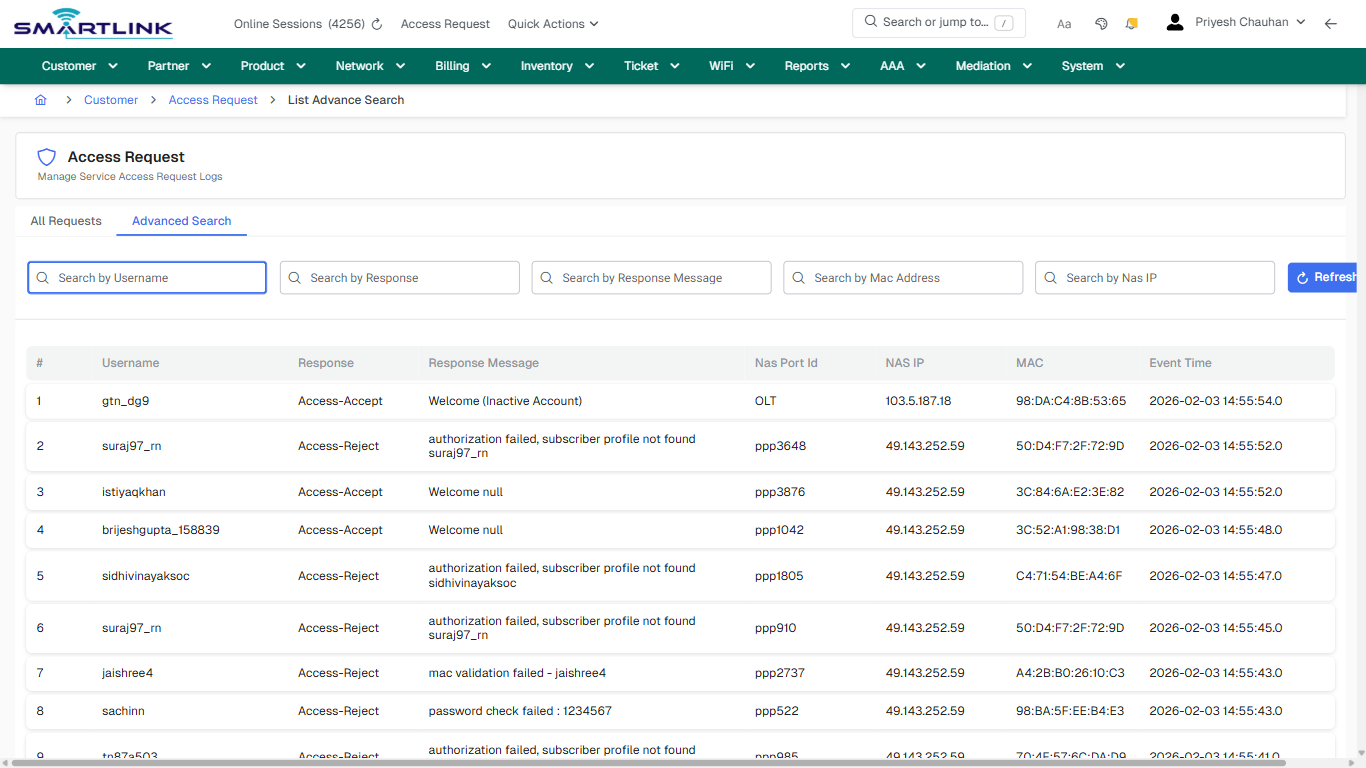
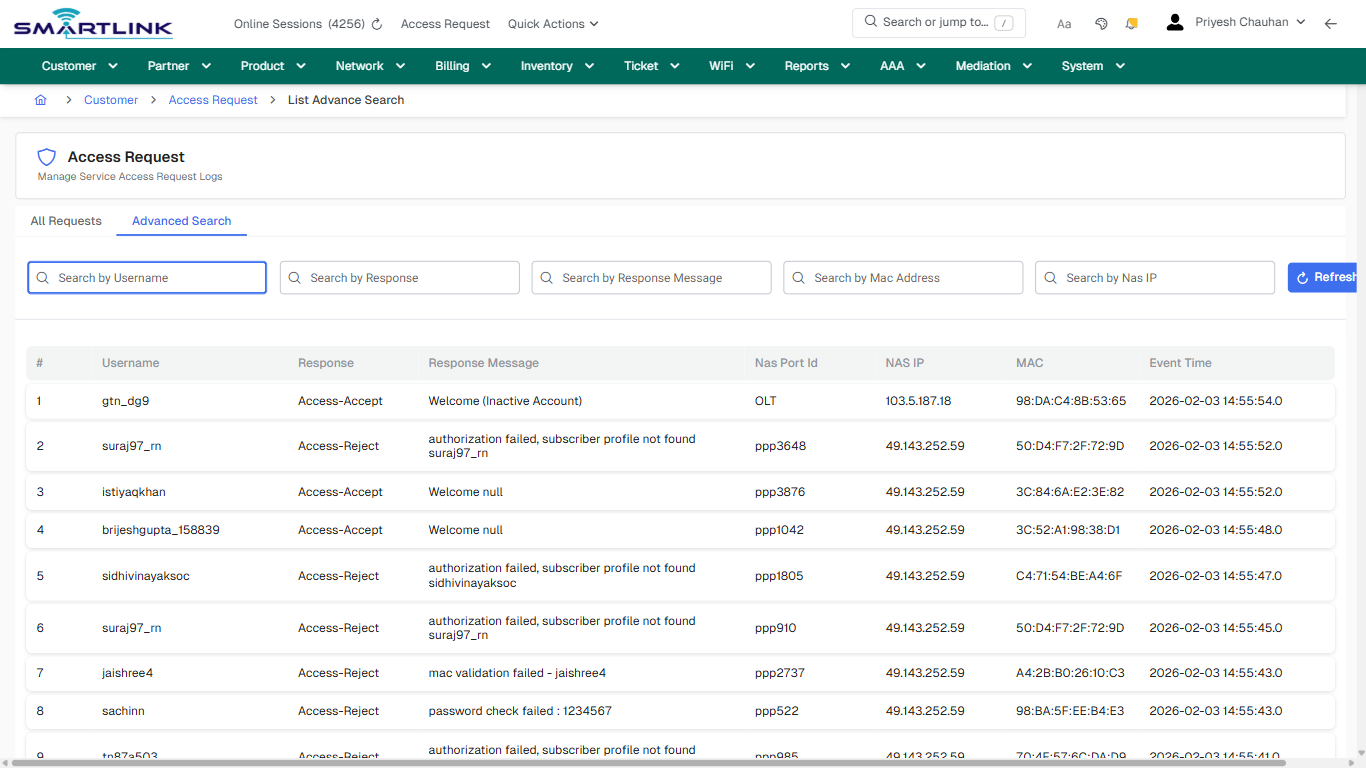
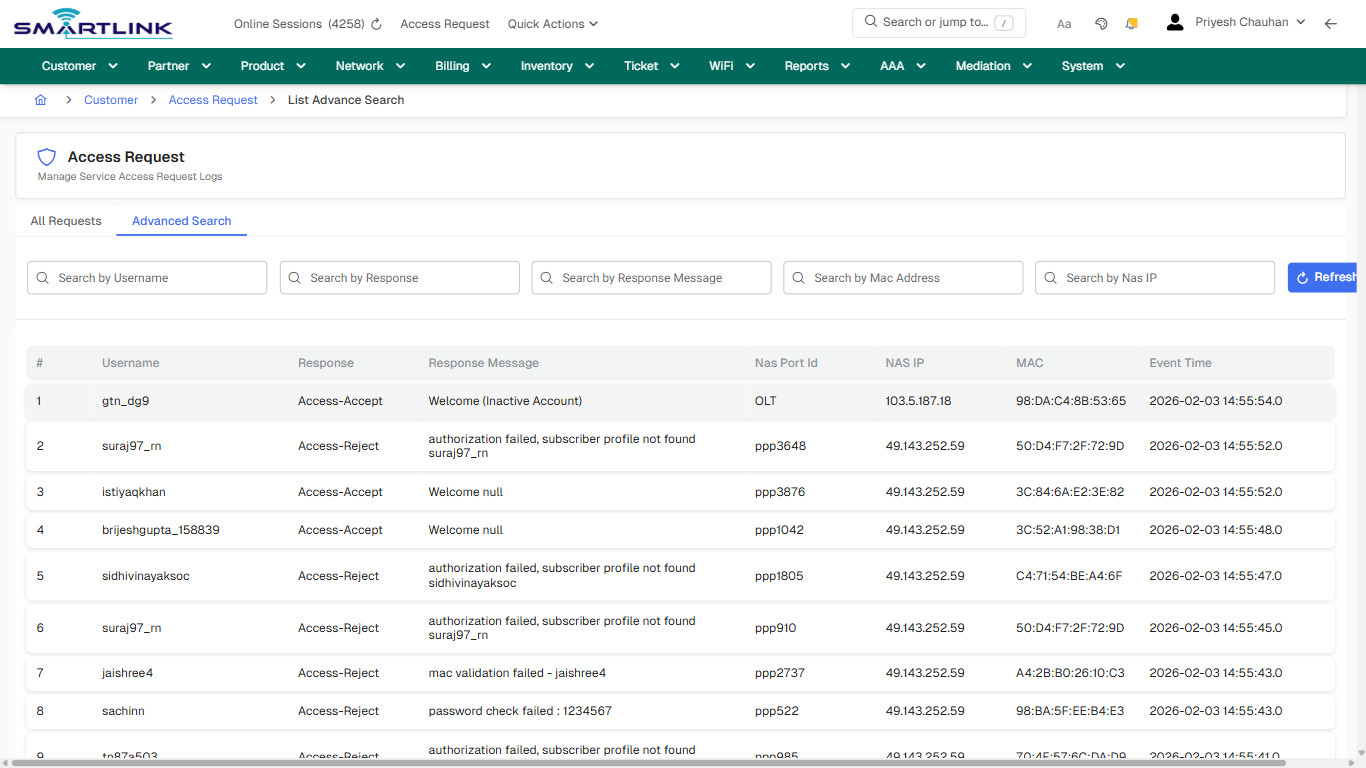
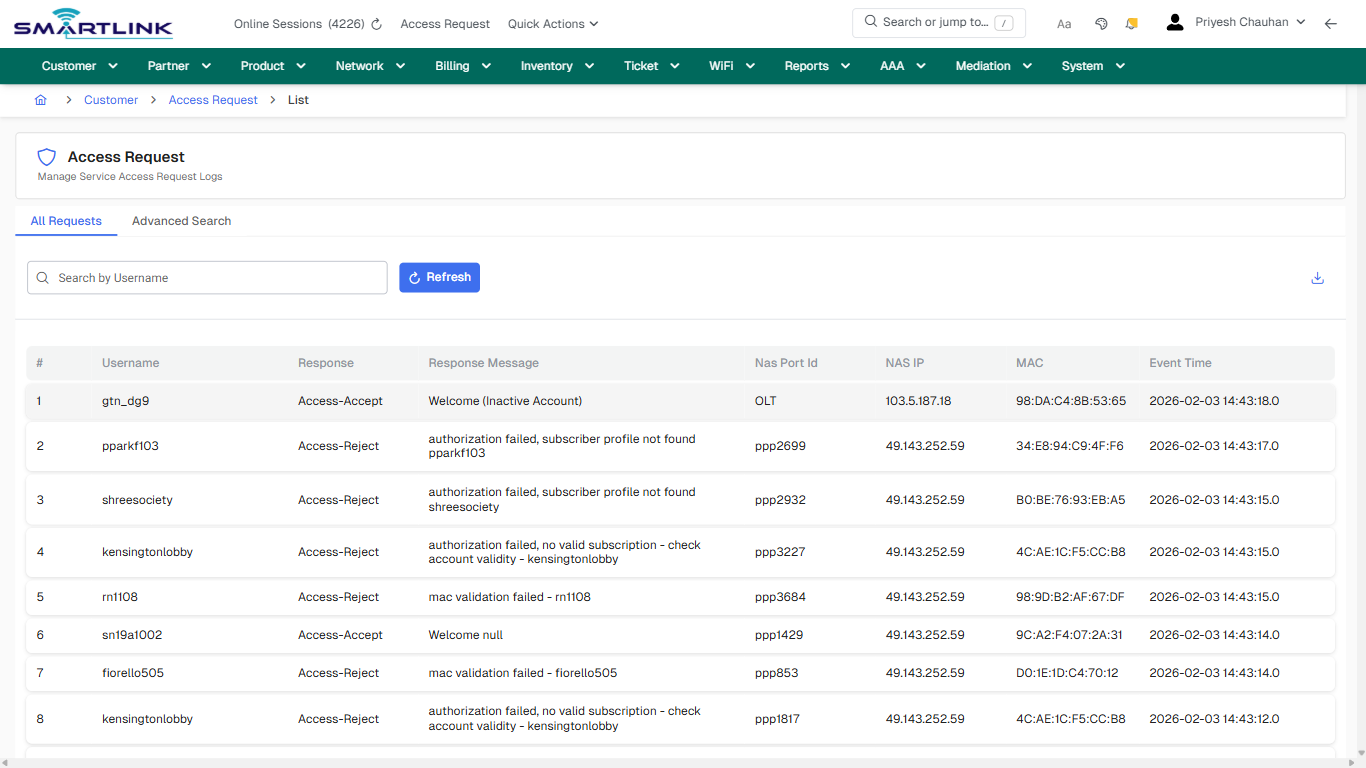
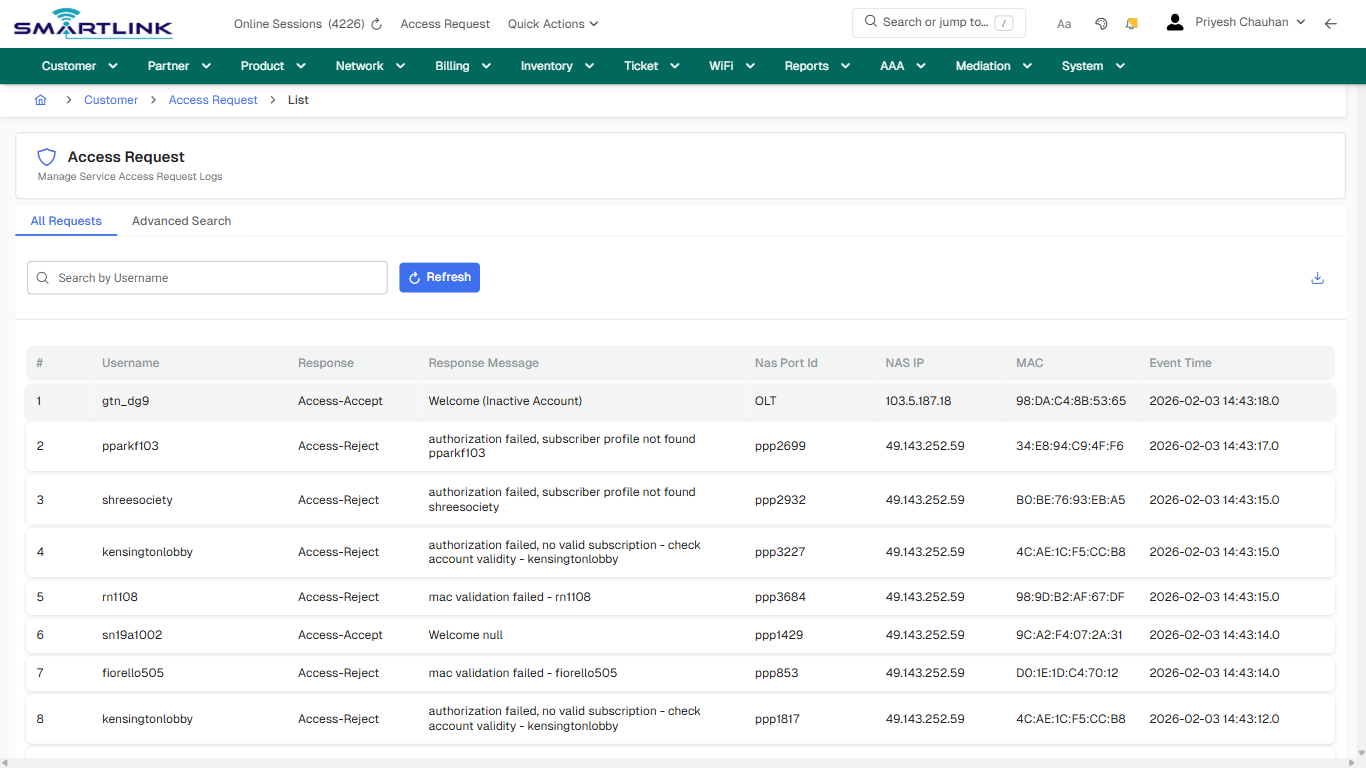
- **Actions detected:** Auto, Close, Customer, Access Request, Refresh

## Validation &amp; Safety Checks

- Confirm identifiers before saving.
- Confirm lifecycle state allows the change.
- Confirm rollback/support path exists for production actions.
 
## Escalation Guidance

- **L1:** Verify input, permissions, and entity state.
- **L2:** Validate dependencies and downstream state.
- **L3/Admin:** Policy/config changes or suspected defect.
 
---

## Screenshots

## default

**Captured URL:** https://admin.myslbb.com/#/cust/accesslog/adv

<div id="bkmrk-images-uploading%E2%80%A6">*Images uploading…*<div data-img-token="IMG_PLACEHOLDER_0_1770130530006">![screenshot](https://kb.i2itechservices.com/uploads/images/gallery/2026-02/admin-myslbb-com-cust-accesslog-adv-default-bb5b64e3f5-part-01.png)

![screenshot](https://kb.i2itechservices.com/uploads/images/gallery/2026-02/admin-myslbb-com-cust-accesslog-adv-default-bb5b64e3f5-part-02.png)

</div></div>---

## drilldown\_one\_item

**Captured URL:** https://admin.myslbb.com/#/cust/accesslog/adv

<div id="bkmrk-images-uploading%E2%80%A6-1">*Images uploading…*<div data-img-token="IMG_PLACEHOLDER_1_1770130530006">![screenshot](https://kb.i2itechservices.com/uploads/images/gallery/2026-02/admin-myslbb-com-cust-accesslog-adv-drilldown-one-item-13ce23632f-part-01.png)

![screenshot](https://kb.i2itechservices.com/uploads/images/gallery/2026-02/admin-myslbb-com-cust-accesslog-adv-drilldown-one-item-13ce23632f-part-02.png)

</div></div>

# cust > accesslog > all

# cust &gt; accesslog &gt; all

**Route:** cust/accesslog/all

**URL:** https://admin.myslbb.com/#/cust/accesslog/all

---

## Overview

 This page is a draft SOP reference for the above screen in **i2i Core OSS/BSS**. It is auto-generated from UI exports and should be reviewed for operational correctness before customer release.

## When to Use

- Use this screen for the workflow represented by this route.
- Do not make billing/AAA/provisioning-impacting changes without required authorization.
 
## Typical Workflow

1. Verify you are working on the correct entity (Customer/Account/Service).
2. Review the current lifecycle state before making changes.
3. Apply changes and validate system response.
4. Confirm downstream impact (AAA/Provisioning/Billing) where applicable.
 
## Field &amp; Action Hints (Auto-detected)

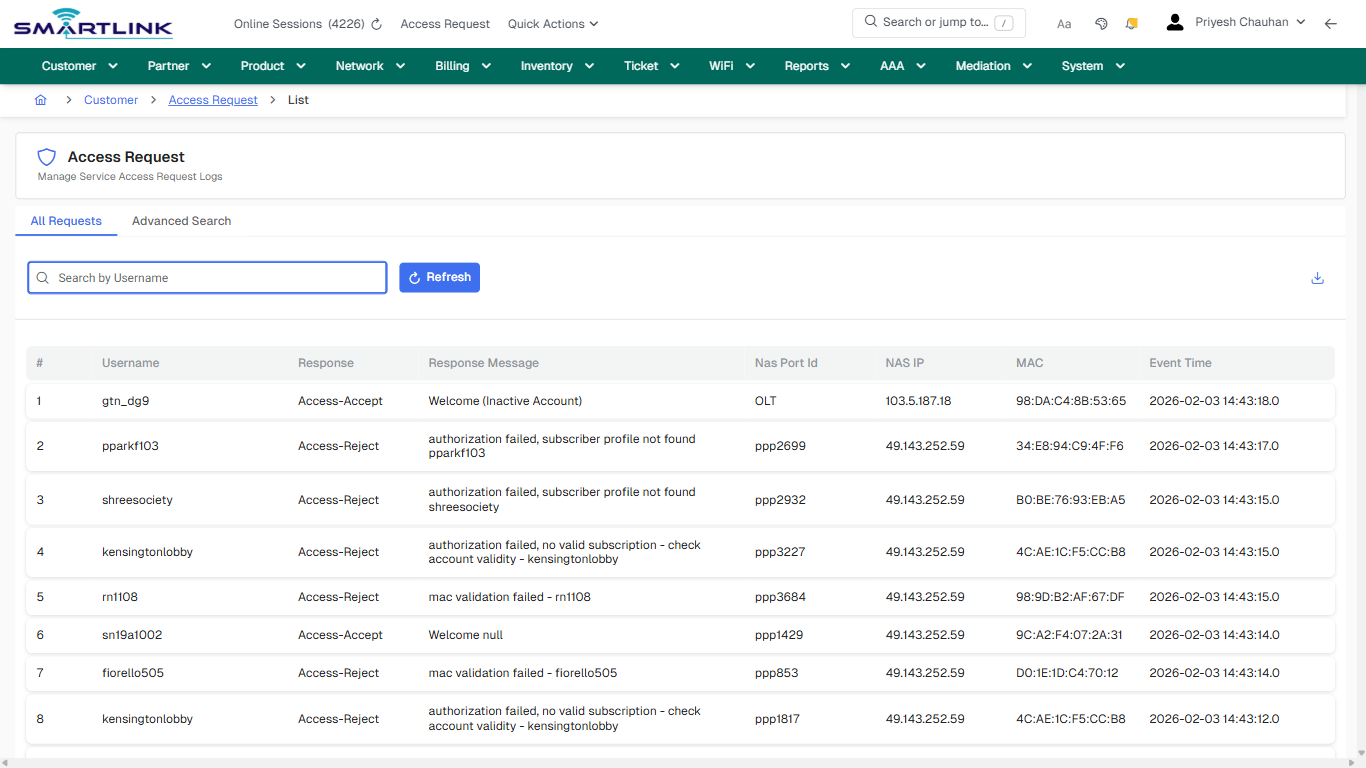
- **Actions detected:** Auto, Close, Customer, Access Request, Refresh

## Validation &amp; Safety Checks

- Confirm identifiers before saving.
- Confirm lifecycle state allows the change.
- Confirm rollback/support path exists for production actions.
 
## Escalation Guidance

- **L1:** Verify input, permissions, and entity state.
- **L2:** Validate dependencies and downstream state.
- **L3/Admin:** Policy/config changes or suspected defect.
 
---

## Screenshots

## default

**Captured URL:** https://admin.myslbb.com/#/cust/accesslog/all

<div id="bkmrk-images-uploading%E2%80%A6">*Images uploading…*<div data-img-token="IMG_PLACEHOLDER_0_1770130533320">![screenshot](https://kb.i2itechservices.com/uploads/images/gallery/2026-02/admin-myslbb-com-cust-accesslog-all-default-34f9cafa42-part-01.png)

![screenshot](https://kb.i2itechservices.com/uploads/images/gallery/2026-02/admin-myslbb-com-cust-accesslog-all-default-34f9cafa42-part-02.png)

</div></div>---

## default

**Captured URL:** https://admin.myslbb.com/#/cust/accesslog/all

<div id="bkmrk-images-uploading%E2%80%A6-1">*Images uploading…*<div data-img-token="IMG_PLACEHOLDER_1_1770130533320">![screenshot](https://kb.i2itechservices.com/uploads/images/gallery/2026-02/NC6admin-myslbb-com-cust-accesslog-all-default-34f9cafa42-part-01.png)

![screenshot](https://kb.i2itechservices.com/uploads/images/gallery/2026-02/Nffadmin-myslbb-com-cust-accesslog-all-default-34f9cafa42-part-02.png)

</div></div>---

## drilldown\_one\_item

**Captured URL:** https://admin.myslbb.com/#/cust/accesslog/all

<div id="bkmrk-images-uploading%E2%80%A6-2">*Images uploading…*<div data-img-token="IMG_PLACEHOLDER_2_1770130533320">![screenshot](https://kb.i2itechservices.com/uploads/images/gallery/2026-02/admin-myslbb-com-cust-accesslog-all-drilldown-one-item-a371a949d4-part-01.png)

![screenshot](https://kb.i2itechservices.com/uploads/images/gallery/2026-02/admin-myslbb-com-cust-accesslog-all-drilldown-one-item-a371a949d4-part-02.png)

</div></div>---

## drilldown\_one\_item

**Captured URL:** https://admin.myslbb.com/#/cust/accesslog/all

<div id="bkmrk-images-uploading%E2%80%A6-3">*Images uploading…*<div data-img-token="IMG_PLACEHOLDER_3_1770130533320">![screenshot](https://kb.i2itechservices.com/uploads/images/gallery/2026-02/HNsadmin-myslbb-com-cust-accesslog-all-drilldown-one-item-a371a949d4-part-01.png)

![screenshot](https://kb.i2itechservices.com/uploads/images/gallery/2026-02/WXNadmin-myslbb-com-cust-accesslog-all-drilldown-one-item-a371a949d4-part-02.png)

</div></div>

# cust > acct > list

# cust &gt; acct &gt; list

**Route:** cust/acct/list

**URL:** https://admin.myslbb.com/#/cust/acct/list

---

## Overview

 This page is a draft SOP reference for the above screen in **i2i Core OSS/BSS**. It is auto-generated from UI exports and should be reviewed for operational correctness before customer release.

## When to Use

- Use this screen for the workflow represented by this route.
- Do not make billing/AAA/provisioning-impacting changes without required authorization.
 
## Typical Workflow

1. Verify you are working on the correct entity (Customer/Account/Service).
2. Review the current lifecycle state before making changes.
3. Apply changes and validate system response.
4. Confirm downstream impact (AAA/Provisioning/Billing) where applicable.
 
## Field &amp; Action Hints (Auto-detected)

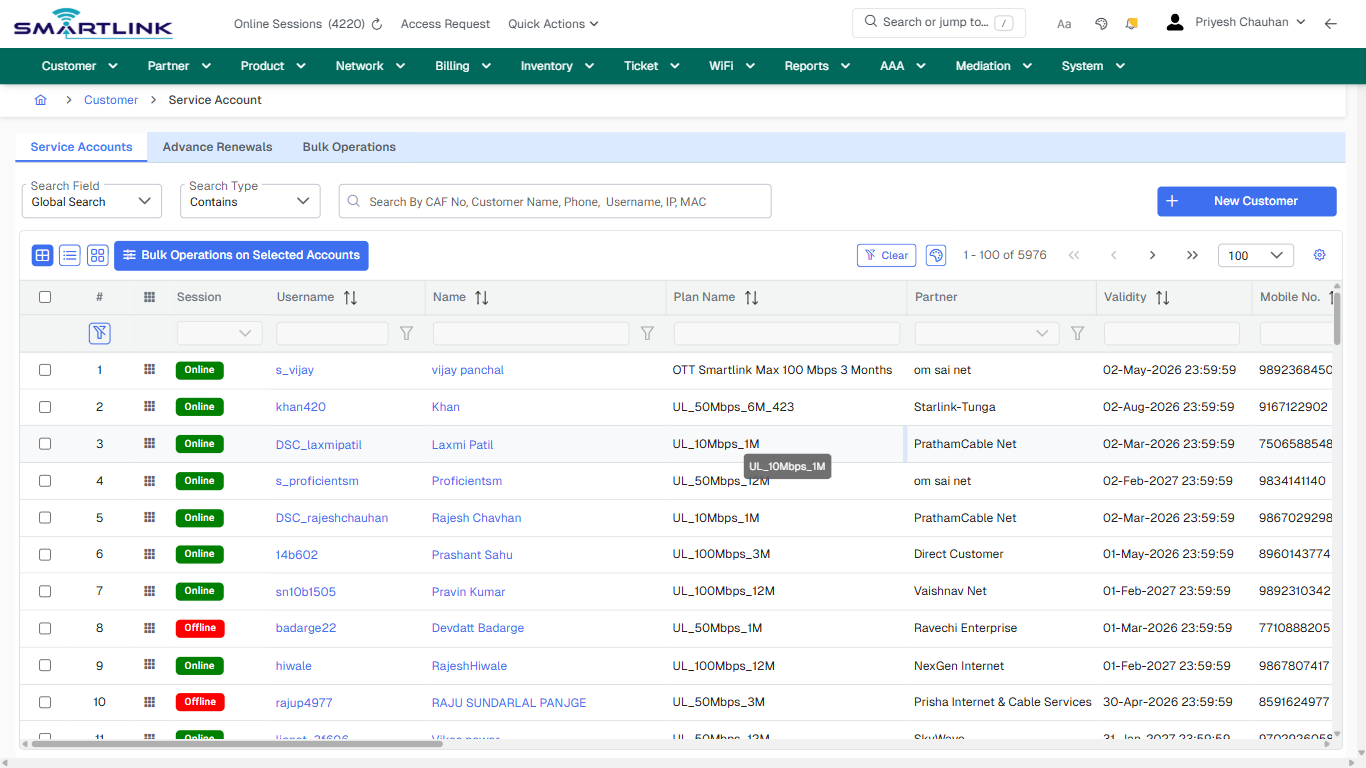
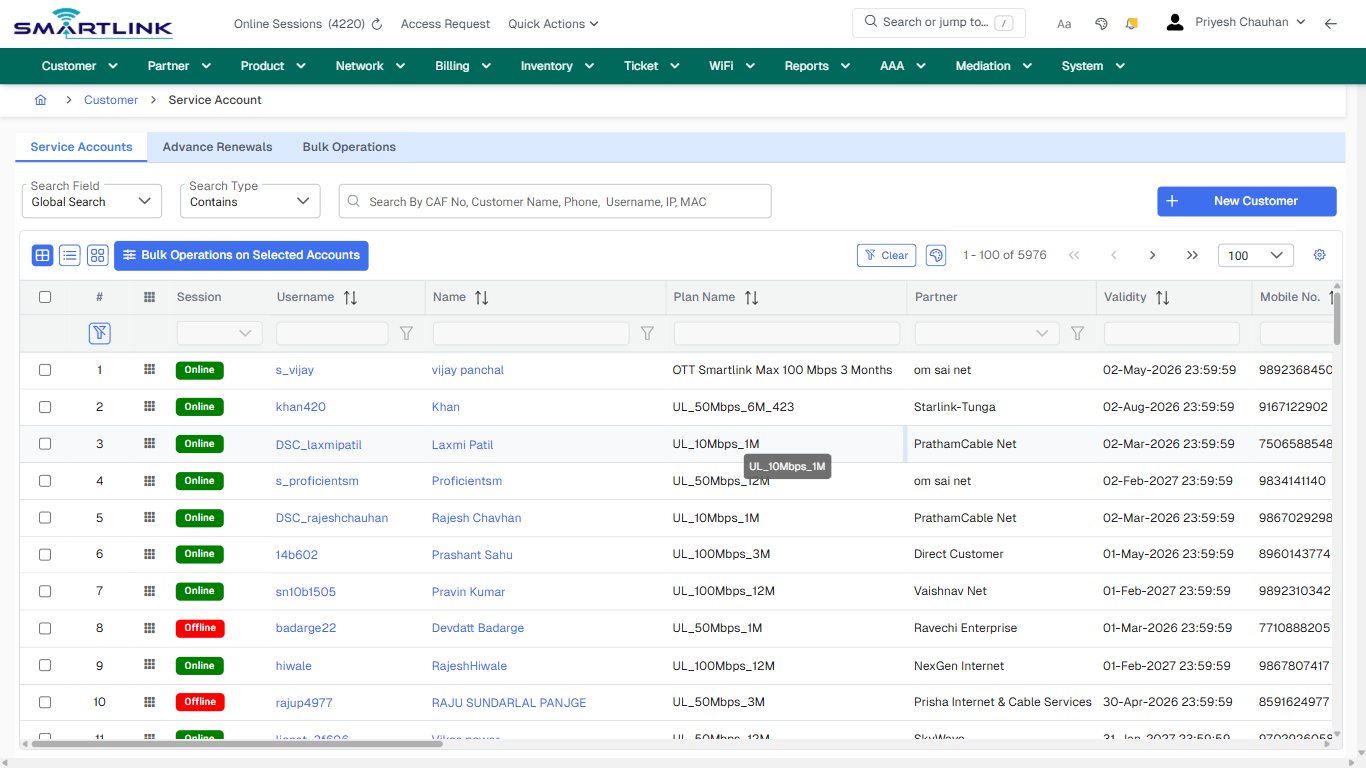
- **Headings detected:** Search Customers
- **Fields detected:** Search Field, Search Type
- **Actions detected:** Auto, Close, Customer, Advanced Search, New Customer, Bulk Operations on Selected Accounts, Clear, Bulk Operations, s\_vijay, vijay panchal, khan420, Khan, DSC\_laxmipatil, Laxmi Patil, s\_proficientsm, Proficientsm, DSC\_rajeshchauhan, Rajesh Chavhan, 14b602, Prashant Sahu

## Validation &amp; Safety Checks

- Confirm identifiers before saving.
- Confirm lifecycle state allows the change.
- Confirm rollback/support path exists for production actions.
 
## Escalation Guidance

- **L1:** Verify input, permissions, and entity state.
- **L2:** Validate dependencies and downstream state.
- **L3/Admin:** Policy/config changes or suspected defect.
 
---

## Screenshots

## default

**Captured URL:** https://admin.myslbb.com/#/cust/acct/list

<div id="bkmrk-images-uploading%E2%80%A6">*Images uploading…*<div data-img-token="IMG_PLACEHOLDER_0_1770130539050">![screenshot](https://kb.i2itechservices.com/uploads/images/gallery/2026-02/admin-myslbb-com-cust-acct-list-default-0b3435e69c-part-01.png)

![screenshot](https://kb.i2itechservices.com/uploads/images/gallery/2026-02/admin-myslbb-com-cust-acct-list-default-0b3435e69c-part-02.png)

</div></div>---

## ui\_tab\_1

**Captured URL:** https://admin.myslbb.com/#/cust/acct/list

<div id="bkmrk-images-uploading%E2%80%A6-1">*Images uploading…*<div data-img-token="IMG_PLACEHOLDER_1_1770130539050">![screenshot](https://kb.i2itechservices.com/uploads/images/gallery/2026-02/admin-myslbb-com-cust-acct-list-ui-tab-1-d7f595eafb-part-01.png)

![screenshot](https://kb.i2itechservices.com/uploads/images/gallery/2026-02/admin-myslbb-com-cust-acct-list-ui-tab-1-d7f595eafb-part-02.png)

</div></div>---

## ui\_tab\_2

**Captured URL:** https://admin.myslbb.com/#/cust/acct/list

<div id="bkmrk-images-uploading%E2%80%A6-2">*Images uploading…*<div data-img-token="IMG_PLACEHOLDER_2_1770130539050">![screenshot](https://kb.i2itechservices.com/uploads/images/gallery/2026-02/admin-myslbb-com-cust-acct-list-ui-tab-2-16d3c085f8-part-01.png)

![screenshot](https://kb.i2itechservices.com/uploads/images/gallery/2026-02/admin-myslbb-com-cust-acct-list-ui-tab-2-16d3c085f8-part-02.png)

</div></div>---

## ui\_tab\_3

**Captured URL:** https://admin.myslbb.com/#/cust/acct/list

<div id="bkmrk-images-uploading%E2%80%A6-3">*Images uploading…*<div data-img-token="IMG_PLACEHOLDER_3_1770130539050">![screenshot](https://kb.i2itechservices.com/uploads/images/gallery/2026-02/admin-myslbb-com-cust-acct-list-ui-tab-3-8077a05523-part-01.png)

![screenshot](https://kb.i2itechservices.com/uploads/images/gallery/2026-02/admin-myslbb-com-cust-acct-list-ui-tab-3-8077a05523-part-02.png)

</div></div>---

## common\_tab\_1

**Captured URL:** https://admin.myslbb.com/#/cust/acct/list

<div id="bkmrk-images-uploading%E2%80%A6-4">*Images uploading…*<div data-img-token="IMG_PLACEHOLDER_4_1770130539050">![screenshot](https://kb.i2itechservices.com/uploads/images/gallery/2026-02/admin-myslbb-com-cust-acct-list-common-tab-1-6cd64fe29a-part-01.png)

![screenshot](https://kb.i2itechservices.com/uploads/images/gallery/2026-02/admin-myslbb-com-cust-acct-list-common-tab-1-6cd64fe29a-part-02.png)

</div></div>---

## common\_tab\_2

**Captured URL:** https://admin.myslbb.com/#/cust/acct/list

<div id="bkmrk-images-uploading%E2%80%A6-5">*Images uploading…*<div data-img-token="IMG_PLACEHOLDER_5_1770130539050">![screenshot](https://kb.i2itechservices.com/uploads/images/gallery/2026-02/admin-myslbb-com-cust-acct-list-common-tab-2-c5718c6cc5-part-01.png)

![screenshot](https://kb.i2itechservices.com/uploads/images/gallery/2026-02/admin-myslbb-com-cust-acct-list-common-tab-2-c5718c6cc5-part-02.png)

</div></div>---

## common\_tab\_3

**Captured URL:** https://admin.myslbb.com/#/cust/acct/list

<div id="bkmrk-images-uploading%E2%80%A6-6">*Images uploading…*<div data-img-token="IMG_PLACEHOLDER_6_1770130539050">![screenshot](https://kb.i2itechservices.com/uploads/images/gallery/2026-02/admin-myslbb-com-cust-acct-list-common-tab-3-fd7f24d7a1-part-01.png)

![screenshot](https://kb.i2itechservices.com/uploads/images/gallery/2026-02/admin-myslbb-com-cust-acct-list-common-tab-3-fd7f24d7a1-part-02.png)

</div></div>---

## common\_tab\_4

**Captured URL:** https://admin.myslbb.com/#/cust/acct/list

<div id="bkmrk-images-uploading%E2%80%A6-7">*Images uploading…*<div data-img-token="IMG_PLACEHOLDER_7_1770130539050">![screenshot](https://kb.i2itechservices.com/uploads/images/gallery/2026-02/admin-myslbb-com-cust-acct-list-common-tab-4-14a84e0eb7-part-01.png)

![screenshot](https://kb.i2itechservices.com/uploads/images/gallery/2026-02/admin-myslbb-com-cust-acct-list-common-tab-4-14a84e0eb7-part-02.png)

</div></div>---

## drilldown\_one\_item

**Captured URL:** https://admin.myslbb.com/#/cust/acct/list

<div id="bkmrk-images-uploading%E2%80%A6-8">*Images uploading…*<div data-img-token="IMG_PLACEHOLDER_8_1770130539050">![screenshot](https://kb.i2itechservices.com/uploads/images/gallery/2026-02/admin-myslbb-com-cust-acct-list-drilldown-one-item-537f10a8b3-part-01.png)

![screenshot](https://kb.i2itechservices.com/uploads/images/gallery/2026-02/admin-myslbb-com-cust-acct-list-drilldown-one-item-537f10a8b3-part-02.png)

</div></div>

# cust > acct > vacct > 1001286 > 1287 > findetdv

# cust &gt; acct &gt; vacct &gt; 1001286 &gt; 1287 &gt; findetdv

**Route:** cust/acct/vacct/1001286/1287/findetdv

**URL:** https://admin.myslbb.com/#/cust/acct/vacct/1001286/1287/findetdv

---

## Overview

 This page is a draft SOP reference for the above screen in **i2i Core OSS/BSS**. It is auto-generated from UI exports and should be reviewed for operational correctness before customer release.

## When to Use

- Use this screen for the workflow represented by this route.
- Do not make billing/AAA/provisioning-impacting changes without required authorization.
 
## Typical Workflow

1. Verify you are working on the correct entity (Customer/Account/Service).
2. Review the current lifecycle state before making changes.
3. Apply changes and validate system response.
4. Confirm downstream impact (AAA/Provisioning/Billing) where applicable.
 
## Field &amp; Action Hints (Auto-detected)

- **Fields detected:** Document Type, Status, Date Range
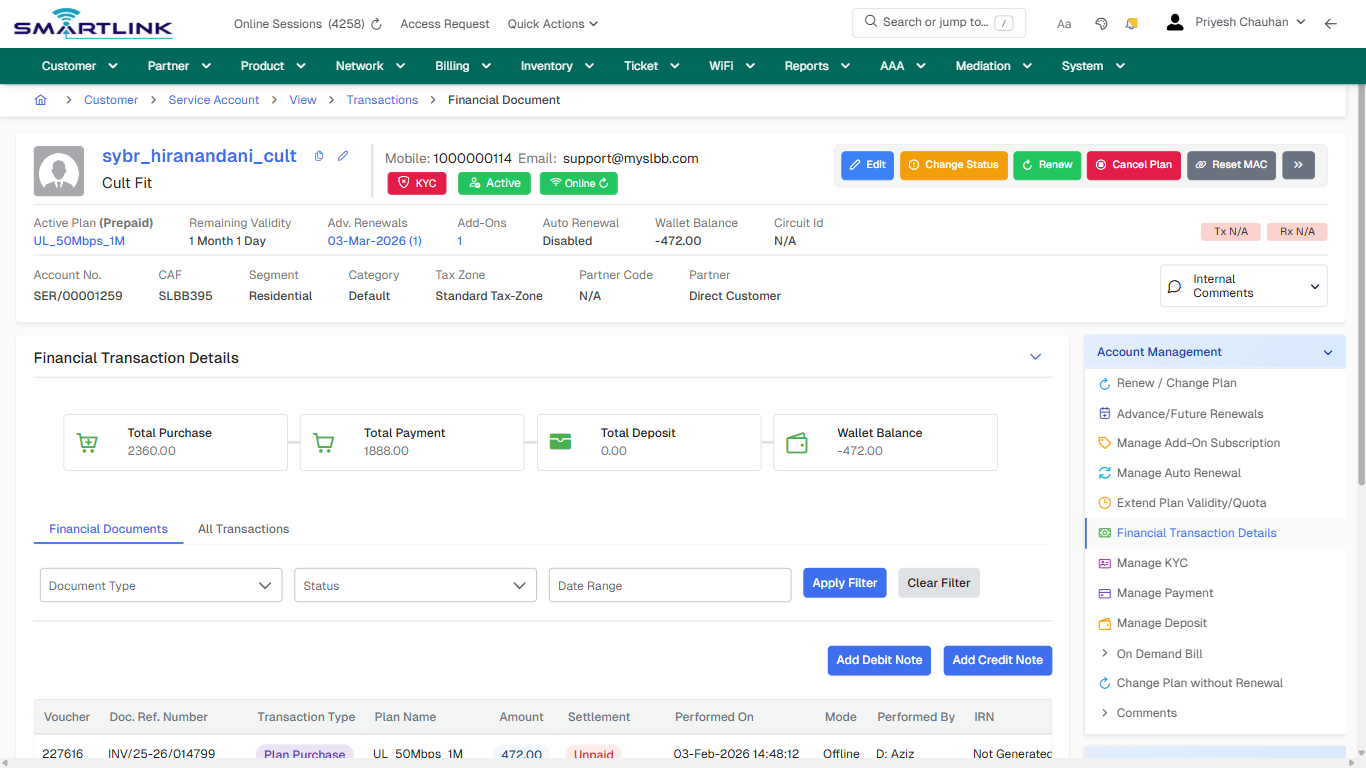
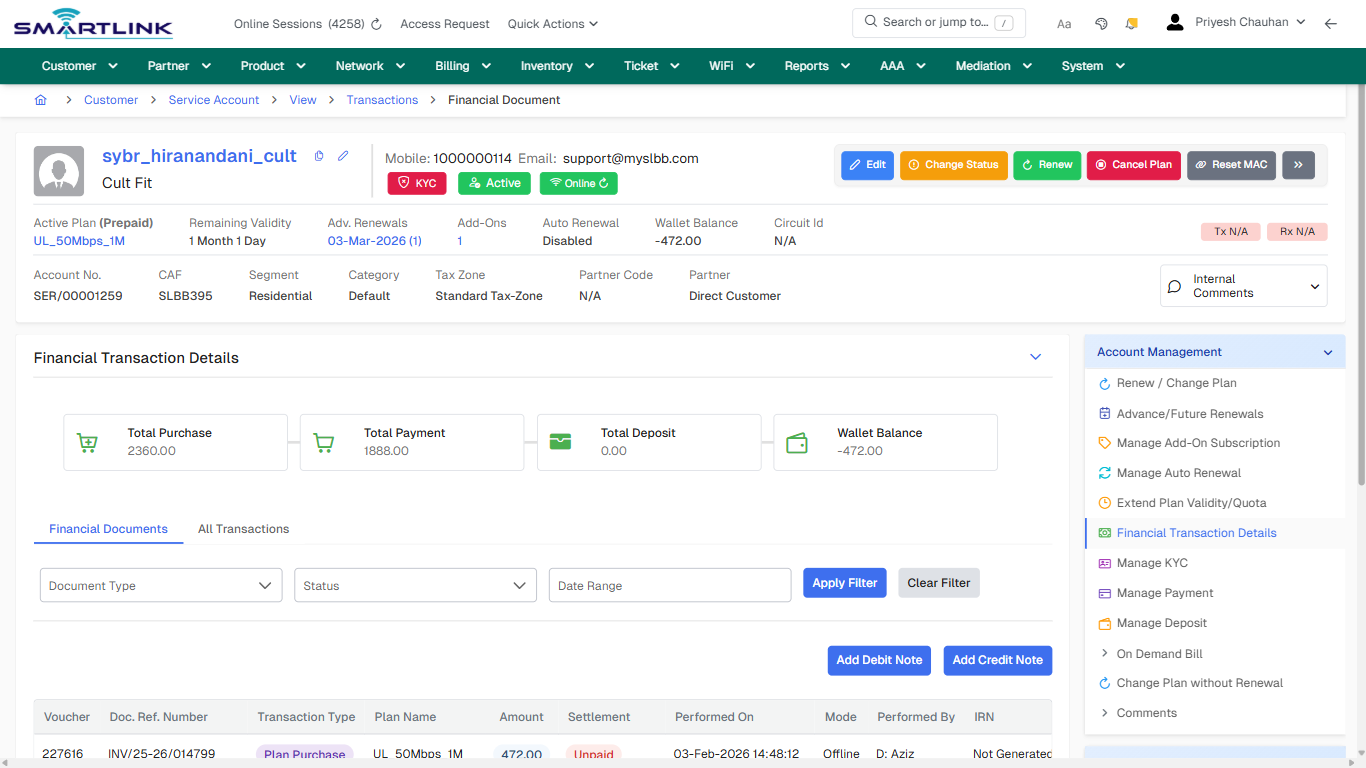
- **Actions detected:** Auto, Close, Customer, Service Account, View, Transactions, Edit, Change Status, Renew, Cancel Plan, Reset MAC, Change Password, Live Monitoring, eCAF, Apply Filter, Clear Filter, Add Debit Note, Add Credit Note

## Validation &amp; Safety Checks

- Confirm identifiers before saving.
- Confirm lifecycle state allows the change.
- Confirm rollback/support path exists for production actions.
 
## Escalation Guidance

- **L1:** Verify input, permissions, and entity state.
- **L2:** Validate dependencies and downstream state.
- **L3/Admin:** Policy/config changes or suspected defect.
 
---

## Screenshots

## drilldown\_one\_item

**Captured URL:** https://admin.myslbb.com/#/cust/acct/vacct/1001286/1287/findetdv

<div id="bkmrk-images-uploading%E2%80%A6">*Images uploading…*<div data-img-token="IMG_PLACEHOLDER_0_1770130551149">![screenshot](https://kb.i2itechservices.com/uploads/images/gallery/2026-02/admin-myslbb-com-cust-acct-vacct-1001286-1287-findetdv-drilldown-one-item-6aa189ea63-part-01.png)

![screenshot](https://kb.i2itechservices.com/uploads/images/gallery/2026-02/admin-myslbb-com-cust-acct-vacct-1001286-1287-findetdv-drilldown-one-item-6aa189ea63-part-02.png)

</div></div>

# cust > actsess > all

# cust &gt; actsess &gt; all

**Route:** cust/actsess/all

**URL:** https://admin.myslbb.com/#/cust/actsess/all

---

## Overview

 This page is a draft SOP reference for the above screen in **i2i Core OSS/BSS**. It is auto-generated from UI exports and should be reviewed for operational correctness before customer release.

## When to Use

- Use this screen for the workflow represented by this route.
- Do not make billing/AAA/provisioning-impacting changes without required authorization.
 
## Typical Workflow

1. Verify you are working on the correct entity (Customer/Account/Service).
2. Review the current lifecycle state before making changes.
3. Apply changes and validate system response.
4. Confirm downstream impact (AAA/Provisioning/Billing) where applicable.
 
## Field &amp; Action Hints (Auto-detected)

- **Fields detected:** Search Field
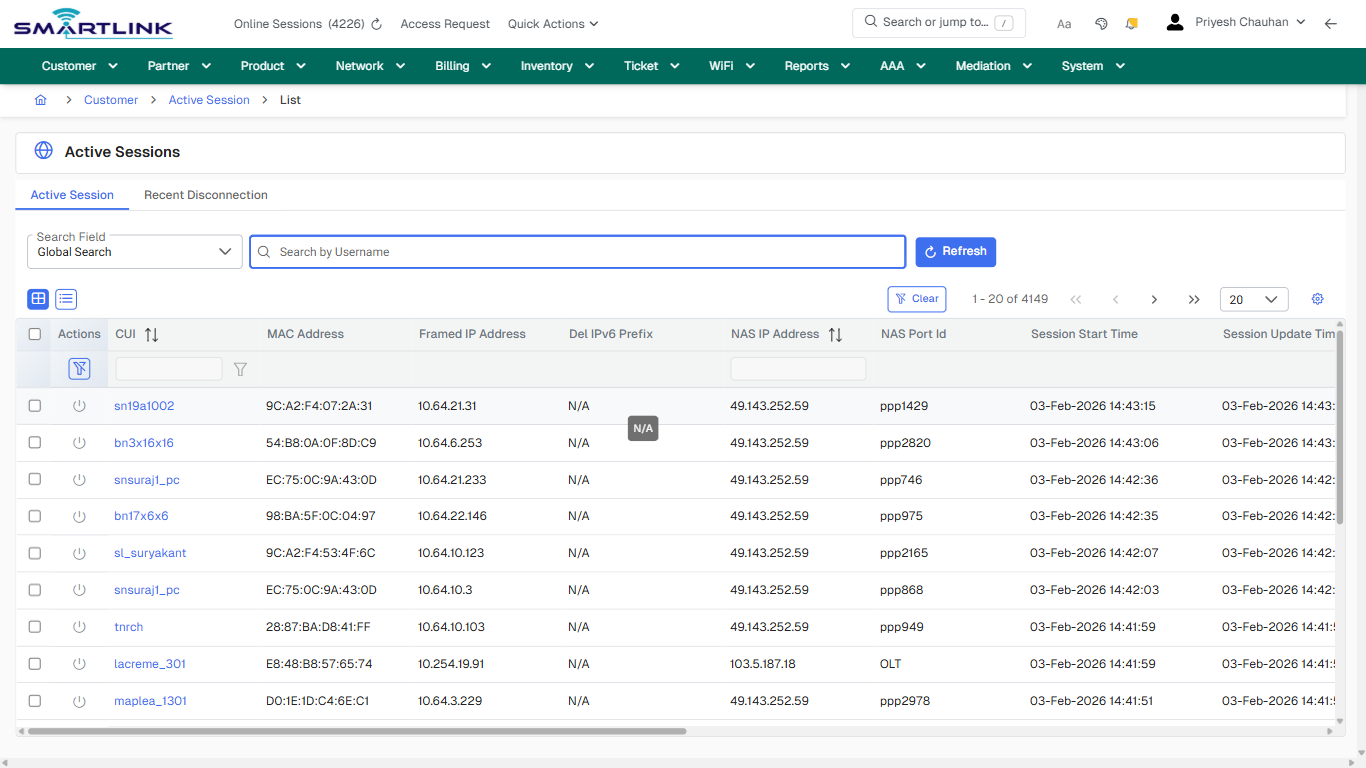
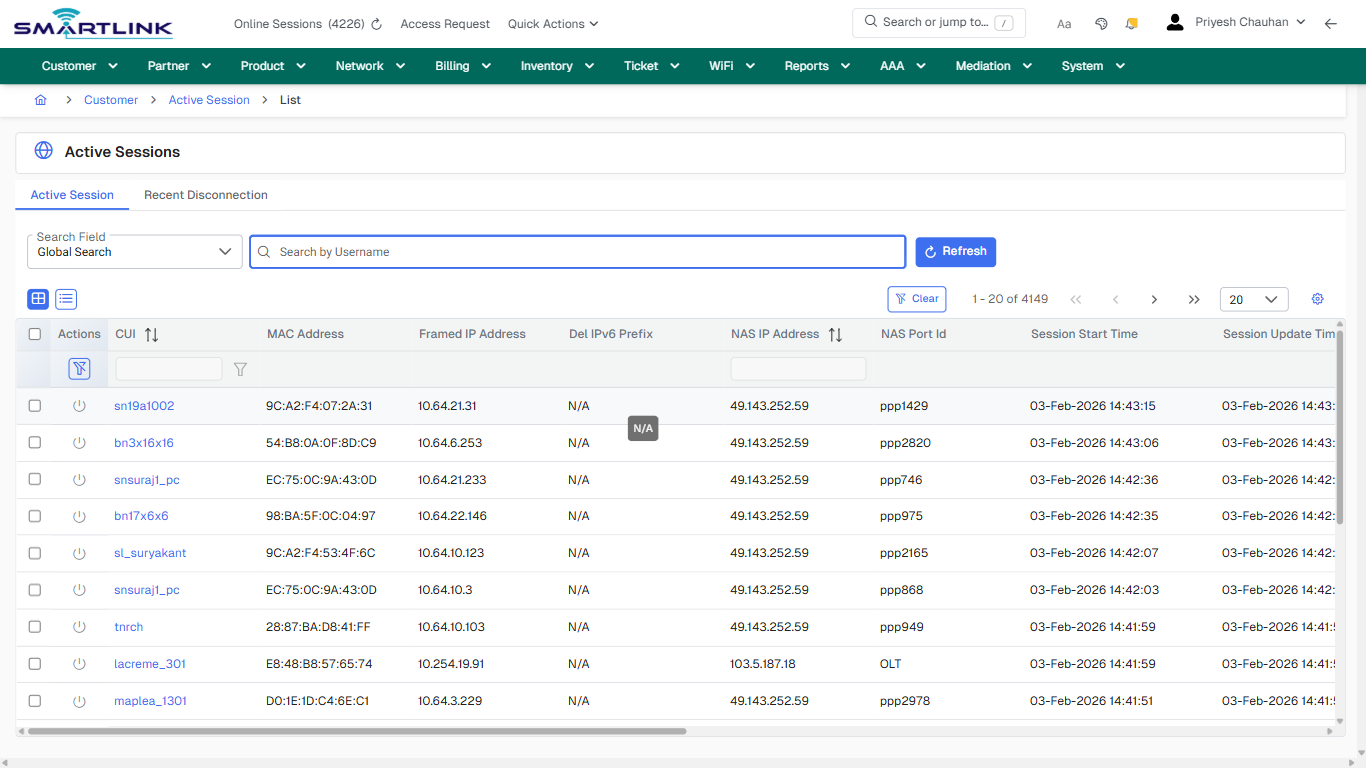
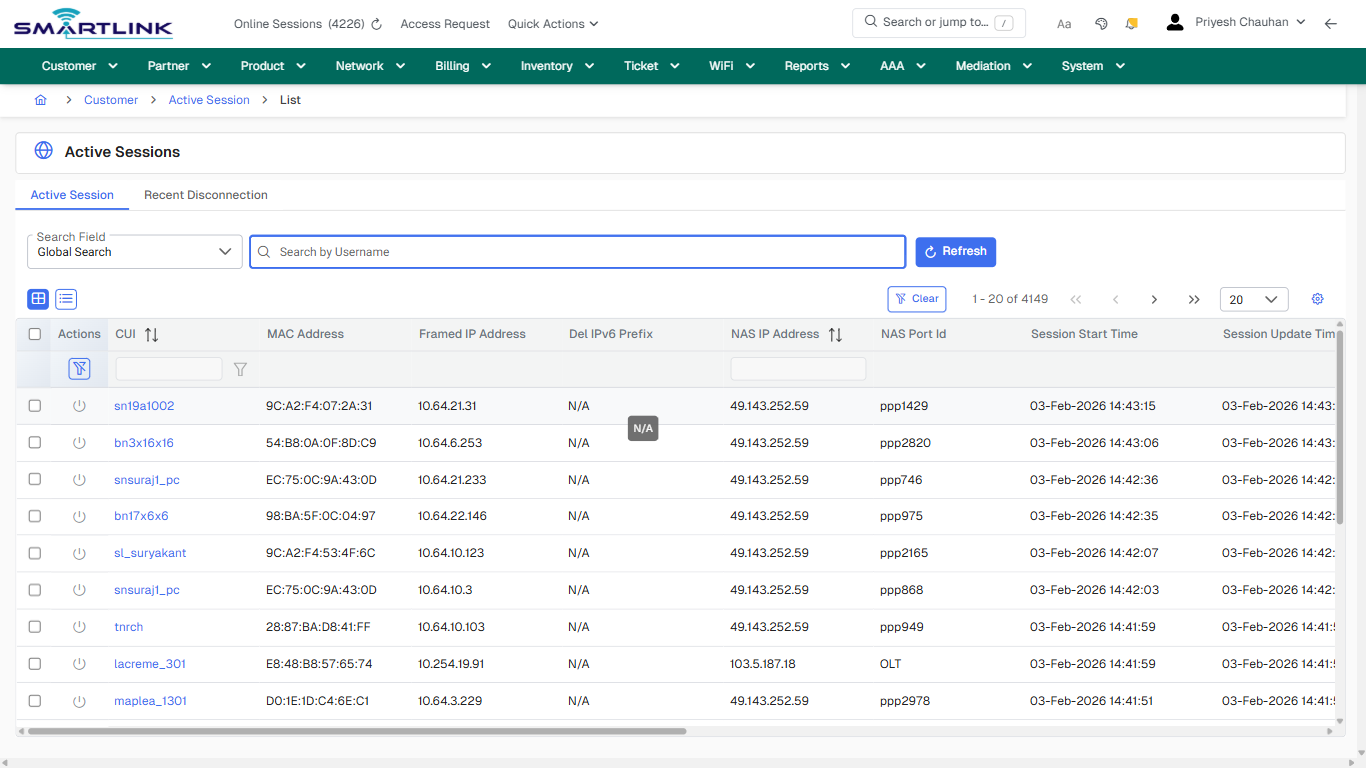
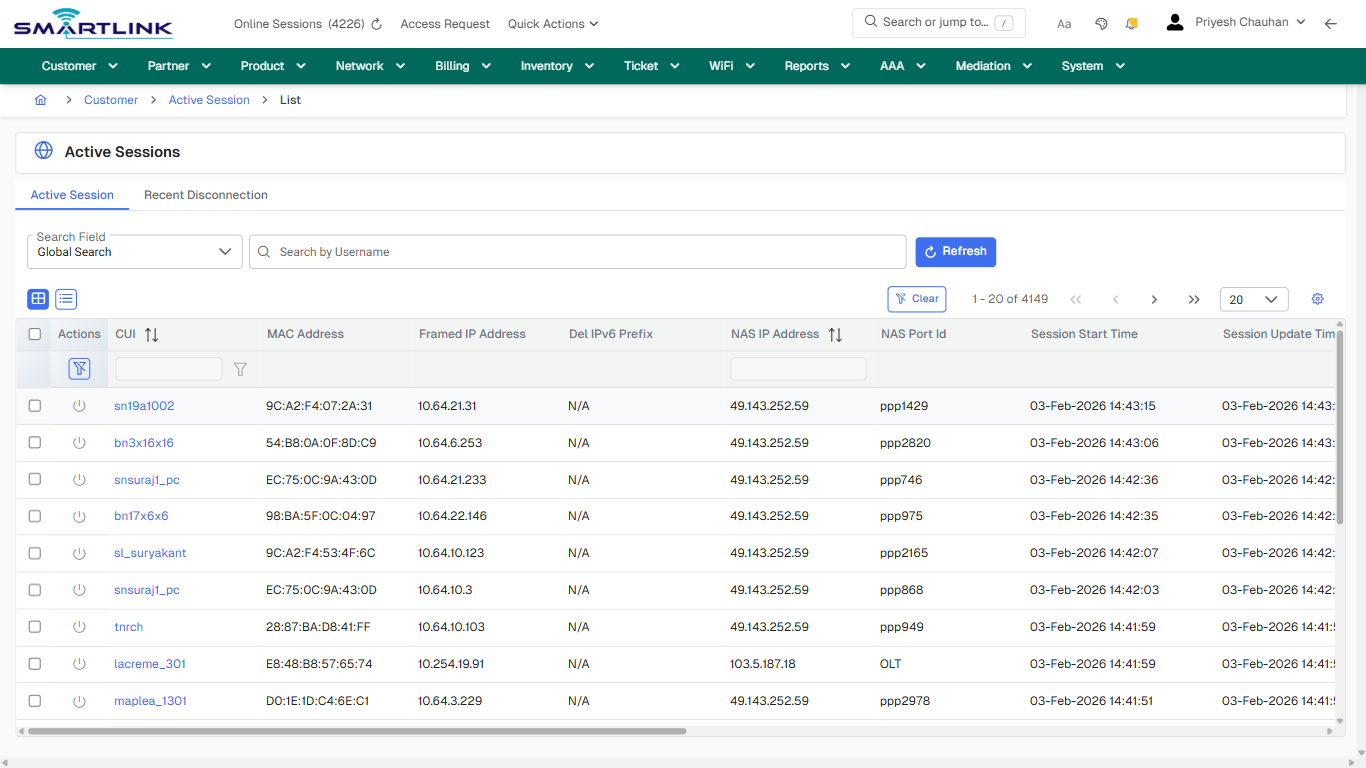
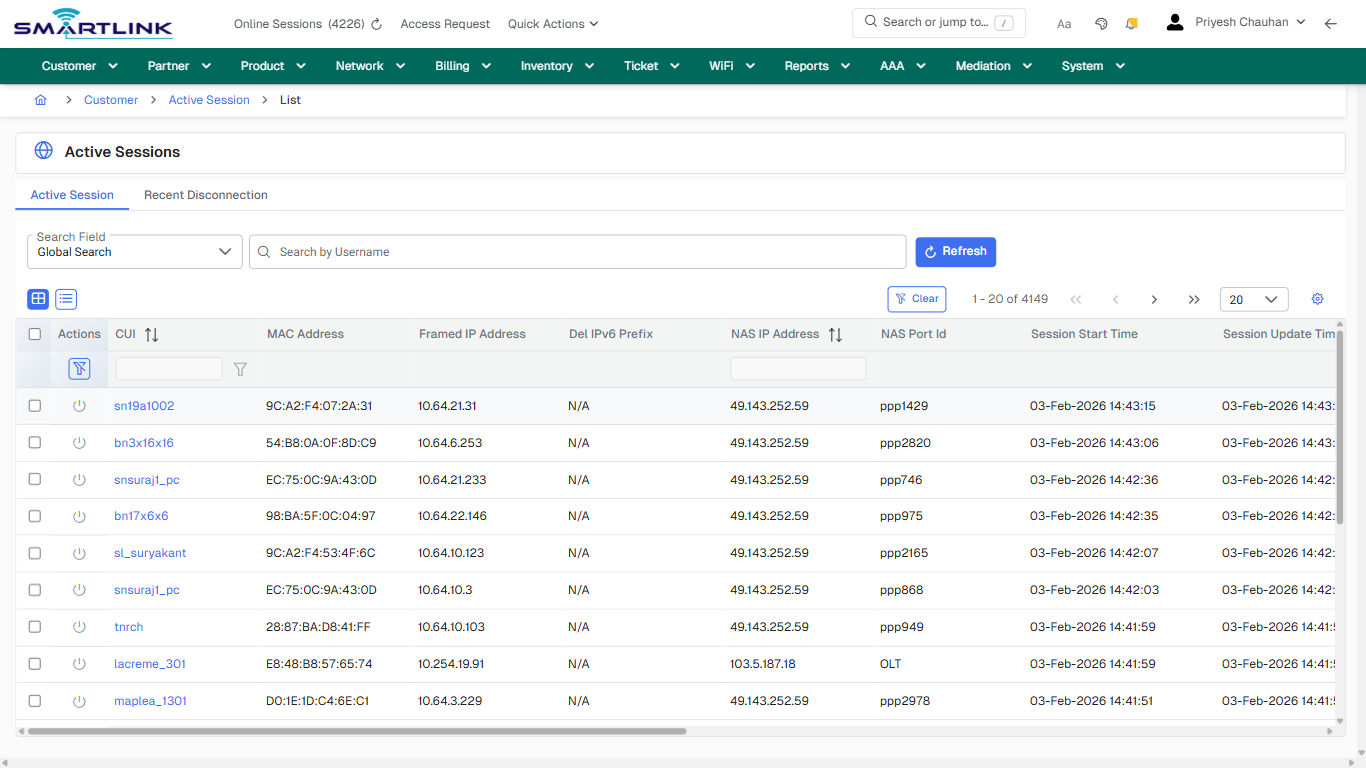
- **Actions detected:** Auto, Close, Customer, Active Session, Refresh, Clear, sn19a1002, bn3x16x16, snsuraj1\_pc, bn17x6x6, sl\_suryakant, tnrch, lacreme\_301, maplea\_1301, sn15a103, rakeshsolanki, kanakia\_c1404, inyatshaikh, baalwadi, bn17x4x7

## Validation &amp; Safety Checks

- Confirm identifiers before saving.
- Confirm lifecycle state allows the change.
- Confirm rollback/support path exists for production actions.
 
## Escalation Guidance

- **L1:** Verify input, permissions, and entity state.
- **L2:** Validate dependencies and downstream state.
- **L3/Admin:** Policy/config changes or suspected defect.
 
---

## Screenshots

## default

**Captured URL:** https://admin.myslbb.com/#/cust/actsess/all

<div id="bkmrk-images-uploading%E2%80%A6">*Images uploading…*<div data-img-token="IMG_PLACEHOLDER_0_1770130553257">![screenshot](https://kb.i2itechservices.com/uploads/images/gallery/2026-02/admin-myslbb-com-cust-actsess-all-default-baef08d59f-part-01.png)

![screenshot](https://kb.i2itechservices.com/uploads/images/gallery/2026-02/admin-myslbb-com-cust-actsess-all-default-baef08d59f-part-02.png)

</div></div>---

## default

**Captured URL:** https://admin.myslbb.com/#/cust/actsess/all

<div id="bkmrk-images-uploading%E2%80%A6-1">*Images uploading…*<div data-img-token="IMG_PLACEHOLDER_1_1770130553257">![screenshot](https://kb.i2itechservices.com/uploads/images/gallery/2026-02/bQaadmin-myslbb-com-cust-actsess-all-default-baef08d59f-part-01.png)

![screenshot](https://kb.i2itechservices.com/uploads/images/gallery/2026-02/Q0Badmin-myslbb-com-cust-actsess-all-default-baef08d59f-part-02.png)

</div></div>---

## drilldown\_one\_item

**Captured URL:** https://admin.myslbb.com/#/cust/actsess/all

<div id="bkmrk-images-uploading%E2%80%A6-2">*Images uploading…*<div data-img-token="IMG_PLACEHOLDER_2_1770130553257">![screenshot](https://kb.i2itechservices.com/uploads/images/gallery/2026-02/admin-myslbb-com-cust-actsess-all-drilldown-one-item-ec20f5fafa-part-01.png)

![screenshot](https://kb.i2itechservices.com/uploads/images/gallery/2026-02/admin-myslbb-com-cust-actsess-all-drilldown-one-item-ec20f5fafa-part-02.png)

</div></div>---

## drilldown\_one\_item

**Captured URL:** https://admin.myslbb.com/#/cust/actsess/all

<div id="bkmrk-images-uploading%E2%80%A6-3">*Images uploading…*<div data-img-token="IMG_PLACEHOLDER_3_1770130553257">![screenshot](https://kb.i2itechservices.com/uploads/images/gallery/2026-02/l6Radmin-myslbb-com-cust-actsess-all-drilldown-one-item-ec20f5fafa-part-01.png)

![screenshot](https://kb.i2itechservices.com/uploads/images/gallery/2026-02/nSdadmin-myslbb-com-cust-actsess-all-drilldown-one-item-ec20f5fafa-part-02.png)

</div></div>

# cust > autorenew > all

# cust &gt; autorenew &gt; all

**Route:** cust/autorenew/all

**URL:** https://admin.myslbb.com/#/cust/autorenew/all

---

## Overview

 This page is a draft SOP reference for the above screen in **i2i Core OSS/BSS**. It is auto-generated from UI exports and should be reviewed for operational correctness before customer release.

## When to Use

- Use this screen for the workflow represented by this route.
- Do not make billing/AAA/provisioning-impacting changes without required authorization.
 
## Typical Workflow

1. Verify you are working on the correct entity (Customer/Account/Service).
2. Review the current lifecycle state before making changes.
3. Apply changes and validate system response.
4. Confirm downstream impact (AAA/Provisioning/Billing) where applicable.
 
## Field &amp; Action Hints (Auto-detected)

- **Fields detected:** Type
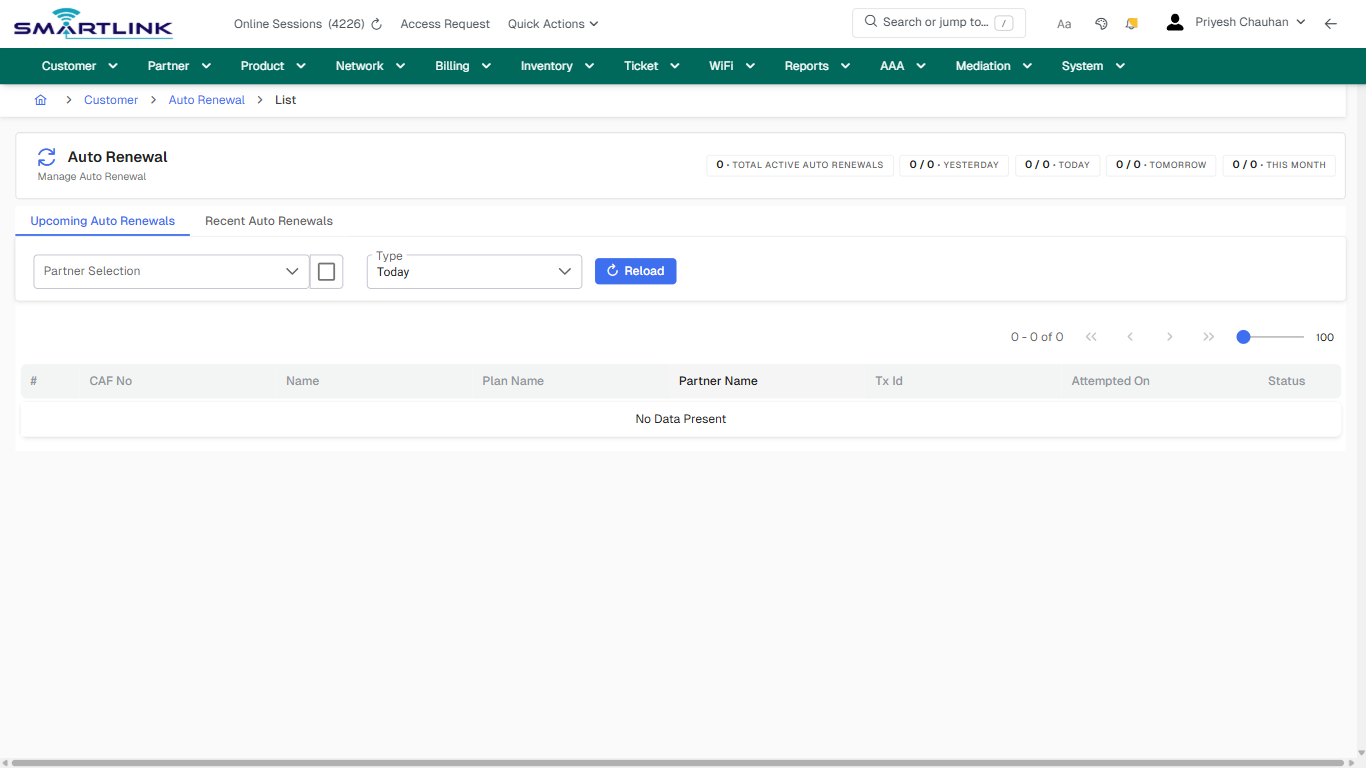
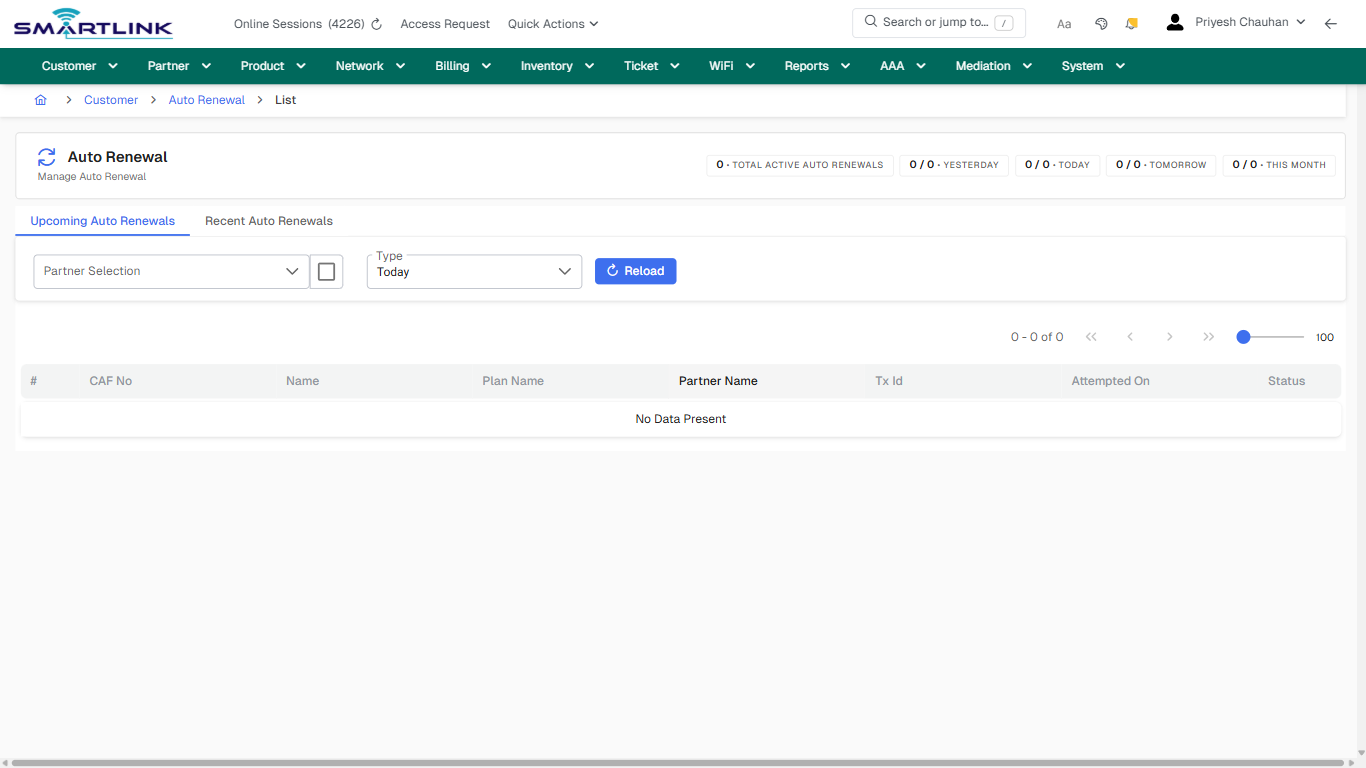
- **Actions detected:** Auto, Close, Customer, Auto Renewal

## Validation &amp; Safety Checks

- Confirm identifiers before saving.
- Confirm lifecycle state allows the change.
- Confirm rollback/support path exists for production actions.
 
## Escalation Guidance

- **L1:** Verify input, permissions, and entity state.
- **L2:** Validate dependencies and downstream state.
- **L3/Admin:** Policy/config changes or suspected defect.
 
---

## Screenshots

## default

**Captured URL:** https://admin.myslbb.com/#/cust/autorenew/all

<div id="bkmrk-images-uploading%E2%80%A6">*Images uploading…*<div data-img-token="IMG_PLACEHOLDER_0_1770130558872">![screenshot](https://kb.i2itechservices.com/uploads/images/gallery/2026-02/admin-myslbb-com-cust-autorenew-all-default-4c0efb3dea-part-01.png)

![screenshot](https://kb.i2itechservices.com/uploads/images/gallery/2026-02/admin-myslbb-com-cust-autorenew-all-default-4c0efb3dea-part-02.png)

</div></div>---

## create\_new

**Captured URL:** https://admin.myslbb.com/#/cust/autorenew/all

<div id="bkmrk-images-uploading%E2%80%A6-1">*Images uploading…*<div data-img-token="IMG_PLACEHOLDER_1_1770130558872">![screenshot](https://kb.i2itechservices.com/uploads/images/gallery/2026-02/admin-myslbb-com-cust-autorenew-all-create-new-434ef915ec-part-01.png)

![screenshot](https://kb.i2itechservices.com/uploads/images/gallery/2026-02/admin-myslbb-com-cust-autorenew-all-create-new-434ef915ec-part-02.png)

</div></div>---

## drilldown\_one\_item

**Captured URL:** https://admin.myslbb.com/#/cust/autorenew/all

<div id="bkmrk-images-uploading%E2%80%A6-2">*Images uploading…*<div data-img-token="IMG_PLACEHOLDER_2_1770130558872">![screenshot](https://kb.i2itechservices.com/uploads/images/gallery/2026-02/admin-myslbb-com-cust-autorenew-all-drilldown-one-item-ed27b34109-part-01.png)

![screenshot](https://kb.i2itechservices.com/uploads/images/gallery/2026-02/admin-myslbb-com-cust-autorenew-all-drilldown-one-item-ed27b34109-part-02.png)

</div></div>

# cust > bulkrenew > all

# cust &gt; bulkrenew &gt; all

**Route:** cust/bulkrenew/all

**URL:** https://admin.myslbb.com/#/cust/bulkrenew/all

---

## Overview

 This page is a draft SOP reference for the above screen in **i2i Core OSS/BSS**. It is auto-generated from UI exports and should be reviewed for operational correctness before customer release.

## When to Use

- Use this screen for the workflow represented by this route.
- Do not make billing/AAA/provisioning-impacting changes without required authorization.
 
## Typical Workflow

1. Verify you are working on the correct entity (Customer/Account/Service).
2. Review the current lifecycle state before making changes.
3. Apply changes and validate system response.
4. Confirm downstream impact (AAA/Provisioning/Billing) where applicable.
 
## Field &amp; Action Hints (Auto-detected)

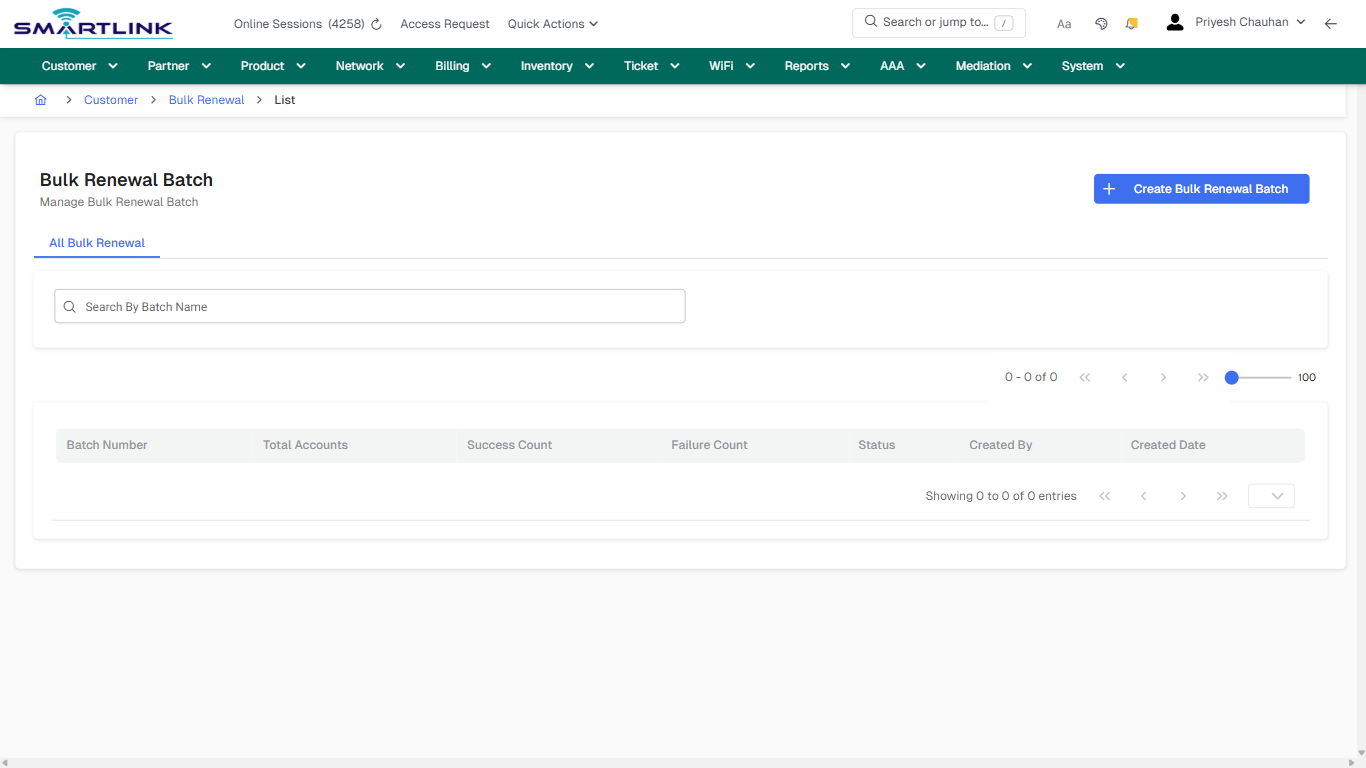
- **Actions detected:** Auto, Close, Customer, Bulk Renewal, Create Bulk Renewal Batch

## Validation &amp; Safety Checks

- Confirm identifiers before saving.
- Confirm lifecycle state allows the change.
- Confirm rollback/support path exists for production actions.
 
## Escalation Guidance

- **L1:** Verify input, permissions, and entity state.
- **L2:** Validate dependencies and downstream state.
- **L3/Admin:** Policy/config changes or suspected defect.
 
---

## Screenshots

## default

**Captured URL:** https://admin.myslbb.com/#/cust/bulkrenew/all

<div id="bkmrk-images-uploading%E2%80%A6">*Images uploading…*<div data-img-token="IMG_PLACEHOLDER_0_1770130563186">![screenshot](https://kb.i2itechservices.com/uploads/images/gallery/2026-02/admin-myslbb-com-cust-bulkrenew-all-default-a77b871fbd-part-01.png)

![screenshot](https://kb.i2itechservices.com/uploads/images/gallery/2026-02/admin-myslbb-com-cust-bulkrenew-all-default-a77b871fbd-part-02.png)

</div></div>---

## default

**Captured URL:** https://admin.myslbb.com/#/cust/bulkrenew/all

<div id="bkmrk-images-uploading%E2%80%A6-1">*Images uploading…*<div data-img-token="IMG_PLACEHOLDER_1_1770130563186">![screenshot](https://kb.i2itechservices.com/uploads/images/gallery/2026-02/KBDadmin-myslbb-com-cust-bulkrenew-all-default-a77b871fbd-part-01.png)

![screenshot](https://kb.i2itechservices.com/uploads/images/gallery/2026-02/qSNadmin-myslbb-com-cust-bulkrenew-all-default-a77b871fbd-part-02.png)

</div></div>---

## create\_new

**Captured URL:** https://admin.myslbb.com/#/cust/bulkrenew/all

<div id="bkmrk-images-uploading%E2%80%A6-2">*Images uploading…*<div data-img-token="IMG_PLACEHOLDER_2_1770130563186">![screenshot](https://kb.i2itechservices.com/uploads/images/gallery/2026-02/admin-myslbb-com-cust-bulkrenew-all-create-new-c7f91ed833-part-01.png)

![screenshot](https://kb.i2itechservices.com/uploads/images/gallery/2026-02/admin-myslbb-com-cust-bulkrenew-all-create-new-c7f91ed833-part-02.png)

</div></div>---

## create\_new

**Captured URL:** https://admin.myslbb.com/#/cust/bulkrenew/all

<div id="bkmrk-images-uploading%E2%80%A6-3">*Images uploading…*<div data-img-token="IMG_PLACEHOLDER_3_1770130563186">![screenshot](https://kb.i2itechservices.com/uploads/images/gallery/2026-02/BdIadmin-myslbb-com-cust-bulkrenew-all-create-new-c7f91ed833-part-01.png)

![screenshot](https://kb.i2itechservices.com/uploads/images/gallery/2026-02/JVuadmin-myslbb-com-cust-bulkrenew-all-create-new-c7f91ed833-part-02.png)

</div></div>

# cust > cpo > banner mgmt

# cust &gt; cpo &gt; banner mgmt

**Route:** cust/cpo/banner-mgmt

**URL:** https://admin.myslbb.com/#/cust/cpo/banner-mgmt

---

## Overview

 This page is a draft SOP reference for the above screen in **i2i Core OSS/BSS**. It is auto-generated from UI exports and should be reviewed for operational correctness before customer release.

## When to Use

- Use this screen for the workflow represented by this route.
- Do not make billing/AAA/provisioning-impacting changes without required authorization.
 
## Typical Workflow

1. Verify you are working on the correct entity (Customer/Account/Service).
2. Review the current lifecycle state before making changes.
3. Apply changes and validate system response.
4. Confirm downstream impact (AAA/Provisioning/Billing) where applicable.
 
## Field &amp; Action Hints (Auto-detected)

- **Actions detected:** Auto, Close, Customer, Portal Setting, Upload Image

## Validation &amp; Safety Checks

- Confirm identifiers before saving.
- Confirm lifecycle state allows the change.
- Confirm rollback/support path exists for production actions.
 
## Escalation Guidance

- **L1:** Verify input, permissions, and entity state.
- **L2:** Validate dependencies and downstream state.
- **L3/Admin:** Policy/config changes or suspected defect.
 
---

## Screenshots

## ui\_tab\_3

**Captured URL:** https://admin.myslbb.com/#/cust/cpo/banner-mgmt

<div id="bkmrk-images-uploading%E2%80%A6">*Images uploading…*<div data-img-token="IMG_PLACEHOLDER_0_1770130568709">![screenshot](https://kb.i2itechservices.com/uploads/images/gallery/2026-02/admin-myslbb-com-cust-cpo-banner-mgmt-ui-tab-3-83cfbceb47-part-01.png)

![screenshot](https://kb.i2itechservices.com/uploads/images/gallery/2026-02/admin-myslbb-com-cust-cpo-banner-mgmt-ui-tab-3-83cfbceb47-part-02.png)

</div></div>---

## common\_tab\_3

**Captured URL:** https://admin.myslbb.com/#/cust/cpo/banner-mgmt

<div id="bkmrk-images-uploading%E2%80%A6-1">*Images uploading…*<div data-img-token="IMG_PLACEHOLDER_1_1770130568709">![screenshot](https://kb.i2itechservices.com/uploads/images/gallery/2026-02/admin-myslbb-com-cust-cpo-banner-mgmt-common-tab-3-078eb78654-part-01.png)

![screenshot](https://kb.i2itechservices.com/uploads/images/gallery/2026-02/admin-myslbb-com-cust-cpo-banner-mgmt-common-tab-3-078eb78654-part-02.png)

</div></div>---

## common\_tab\_4

**Captured URL:** https://admin.myslbb.com/#/cust/cpo/banner-mgmt

<div id="bkmrk-images-uploading%E2%80%A6-2">*Images uploading…*<div data-img-token="IMG_PLACEHOLDER_2_1770130568709">![screenshot](https://kb.i2itechservices.com/uploads/images/gallery/2026-02/admin-myslbb-com-cust-cpo-banner-mgmt-common-tab-4-8d6e61888c-part-01.png)

![screenshot](https://kb.i2itechservices.com/uploads/images/gallery/2026-02/admin-myslbb-com-cust-cpo-banner-mgmt-common-tab-4-8d6e61888c-part-02.png)

</div></div>---

## drilldown\_one\_item

**Captured URL:** https://admin.myslbb.com/#/cust/cpo/banner-mgmt

<div id="bkmrk-images-uploading%E2%80%A6-3">*Images uploading…*<div data-img-token="IMG_PLACEHOLDER_3_1770130568709">![screenshot](https://kb.i2itechservices.com/uploads/images/gallery/2026-02/admin-myslbb-com-cust-cpo-banner-mgmt-drilldown-one-item-ed193a7e8e-part-01.png)

![screenshot](https://kb.i2itechservices.com/uploads/images/gallery/2026-02/admin-myslbb-com-cust-cpo-banner-mgmt-drilldown-one-item-ed193a7e8e-part-02.png)

</div></div>

# cust > cpo > pfv

# cust &gt; cpo &gt; pfv

**Route:** cust/cpo/pfv

**URL:** https://admin.myslbb.com/#/cust/cpo/pfv

---

## Overview

 This page is a draft SOP reference for the above screen in **i2i Core OSS/BSS**. It is auto-generated from UI exports and should be reviewed for operational correctness before customer release.

## When to Use

- Use this screen for the workflow represented by this route.
- Do not make billing/AAA/provisioning-impacting changes without required authorization.
 
## Typical Workflow

1. Verify you are working on the correct entity (Customer/Account/Service).
2. Review the current lifecycle state before making changes.
3. Apply changes and validate system response.
4. Confirm downstream impact (AAA/Provisioning/Billing) where applicable.
 
## Field &amp; Action Hints (Auto-detected)

- **Actions detected:** Auto, Close, Customer, Portal Setting, Edit

## Validation &amp; Safety Checks

- Confirm identifiers before saving.
- Confirm lifecycle state allows the change.
- Confirm rollback/support path exists for production actions.
 
## Escalation Guidance

- **L1:** Verify input, permissions, and entity state.
- **L2:** Validate dependencies and downstream state.
- **L3/Admin:** Policy/config changes or suspected defect.
 
---

## Screenshots

## default

**Captured URL:** https://admin.myslbb.com/#/cust/cpo/pfv

<div id="bkmrk-images-uploading%E2%80%A6">*Images uploading…*<div data-img-token="IMG_PLACEHOLDER_0_1770130574258">![screenshot](https://kb.i2itechservices.com/uploads/images/gallery/2026-02/admin-myslbb-com-cust-cpo-pfv-default-9e2c5dda74-part-01.png)

![screenshot](https://kb.i2itechservices.com/uploads/images/gallery/2026-02/admin-myslbb-com-cust-cpo-pfv-default-9e2c5dda74-part-02.png)

</div></div>---

## ui\_tab\_1

**Captured URL:** https://admin.myslbb.com/#/cust/cpo/pfv

<div id="bkmrk-images-uploading%E2%80%A6-1">*Images uploading…*<div data-img-token="IMG_PLACEHOLDER_1_1770130574258">![screenshot](https://kb.i2itechservices.com/uploads/images/gallery/2026-02/admin-myslbb-com-cust-cpo-pfv-ui-tab-1-b4db456bf5-part-01.png)

![screenshot](https://kb.i2itechservices.com/uploads/images/gallery/2026-02/admin-myslbb-com-cust-cpo-pfv-ui-tab-1-b4db456bf5-part-02.png)

</div></div>---

## common\_tab\_1

**Captured URL:** https://admin.myslbb.com/#/cust/cpo/pfv

<div id="bkmrk-images-uploading%E2%80%A6-2">*Images uploading…*<div data-img-token="IMG_PLACEHOLDER_2_1770130574258">![screenshot](https://kb.i2itechservices.com/uploads/images/gallery/2026-02/admin-myslbb-com-cust-cpo-pfv-common-tab-1-96e1a1aee5-part-01.png)

![screenshot](https://kb.i2itechservices.com/uploads/images/gallery/2026-02/admin-myslbb-com-cust-cpo-pfv-common-tab-1-96e1a1aee5-part-02.png)

</div></div>

# cust > cpo > ppv

# cust &gt; cpo &gt; ppv

**Route:** cust/cpo/ppv

**URL:** https://admin.myslbb.com/#/cust/cpo/ppv

---

## Overview

 This page is a draft SOP reference for the above screen in **i2i Core OSS/BSS**. It is auto-generated from UI exports and should be reviewed for operational correctness before customer release.

## When to Use

- Use this screen for the workflow represented by this route.
- Do not make billing/AAA/provisioning-impacting changes without required authorization.
 
## Typical Workflow

1. Verify you are working on the correct entity (Customer/Account/Service).
2. Review the current lifecycle state before making changes.
3. Apply changes and validate system response.
4. Confirm downstream impact (AAA/Provisioning/Billing) where applicable.
 
## Field &amp; Action Hints (Auto-detected)

- **Actions detected:** Auto, Close, Customer, Portal Setting, Add Plans

## Validation &amp; Safety Checks

- Confirm identifiers before saving.
- Confirm lifecycle state allows the change.
- Confirm rollback/support path exists for production actions.
 
## Escalation Guidance

- **L1:** Verify input, permissions, and entity state.
- **L2:** Validate dependencies and downstream state.
- **L3/Admin:** Policy/config changes or suspected defect.
 
---

## Screenshots

## ui\_tab\_2

**Captured URL:** https://admin.myslbb.com/#/cust/cpo/ppv

<div id="bkmrk-images-uploading%E2%80%A6">*Images uploading…*<div data-img-token="IMG_PLACEHOLDER_0_1770130578558">![screenshot](https://kb.i2itechservices.com/uploads/images/gallery/2026-02/admin-myslbb-com-cust-cpo-ppv-ui-tab-2-b1b9faa3a1-part-01.png)

![screenshot](https://kb.i2itechservices.com/uploads/images/gallery/2026-02/admin-myslbb-com-cust-cpo-ppv-ui-tab-2-b1b9faa3a1-part-02.png)

</div></div>---

## common\_tab\_2

**Captured URL:** https://admin.myslbb.com/#/cust/cpo/ppv

<div id="bkmrk-images-uploading%E2%80%A6-1">*Images uploading…*<div data-img-token="IMG_PLACEHOLDER_1_1770130578558">![screenshot](https://kb.i2itechservices.com/uploads/images/gallery/2026-02/admin-myslbb-com-cust-cpo-ppv-common-tab-2-8117d09578-part-01.png)

![screenshot](https://kb.i2itechservices.com/uploads/images/gallery/2026-02/admin-myslbb-com-cust-cpo-ppv-common-tab-2-8117d09578-part-02.png)

</div></div>

# cust > lead > all

# cust &gt; lead &gt; all

**Route:** cust/lead/all

**URL:** https://admin.myslbb.com/#/cust/lead/all

---

## Overview

 This page is a draft SOP reference for the above screen in **i2i Core OSS/BSS**. It is auto-generated from UI exports and should be reviewed for operational correctness before customer release.

## When to Use

- Use this screen for the workflow represented by this route.
- Do not make billing/AAA/provisioning-impacting changes without required authorization.
 
## Typical Workflow

1. Verify you are working on the correct entity (Customer/Account/Service).
2. Review the current lifecycle state before making changes.
3. Apply changes and validate system response.
4. Confirm downstream impact (AAA/Provisioning/Billing) where applicable.
 
## Field &amp; Action Hints (Auto-detected)

- **Fields detected:** Show All Closed Lead
- **Actions detected:** Auto, Close, Customer, Customer Lead, New Customer Lead, Clear

## Validation &amp; Safety Checks

- Confirm identifiers before saving.
- Confirm lifecycle state allows the change.
- Confirm rollback/support path exists for production actions.
 
## Escalation Guidance

- **L1:** Verify input, permissions, and entity state.
- **L2:** Validate dependencies and downstream state.
- **L3/Admin:** Policy/config changes or suspected defect.
 
---

## Screenshots

## default

**Captured URL:** https://admin.myslbb.com/#/cust/lead/all

<div id="bkmrk-images-uploading%E2%80%A6">*Images uploading…*<div data-img-token="IMG_PLACEHOLDER_0_1770130581720">![screenshot](https://kb.i2itechservices.com/uploads/images/gallery/2026-02/admin-myslbb-com-cust-lead-all-default-02e6a8450f-part-01.png)

![screenshot](https://kb.i2itechservices.com/uploads/images/gallery/2026-02/admin-myslbb-com-cust-lead-all-default-02e6a8450f-part-02.png)

</div></div>---

## ui\_tab\_1

**Captured URL:** https://admin.myslbb.com/#/cust/lead/all

<div id="bkmrk-images-uploading%E2%80%A6-1">*Images uploading…*<div data-img-token="IMG_PLACEHOLDER_1_1770130581720">![screenshot](https://kb.i2itechservices.com/uploads/images/gallery/2026-02/admin-myslbb-com-cust-lead-all-ui-tab-1-c04614ccd2-part-01.png)

![screenshot](https://kb.i2itechservices.com/uploads/images/gallery/2026-02/admin-myslbb-com-cust-lead-all-ui-tab-1-c04614ccd2-part-02.png)

</div></div>---

## common\_tab\_1

**Captured URL:** https://admin.myslbb.com/#/cust/lead/all

<div id="bkmrk-images-uploading%E2%80%A6-2">*Images uploading…*<div data-img-token="IMG_PLACEHOLDER_2_1770130581720">![screenshot](https://kb.i2itechservices.com/uploads/images/gallery/2026-02/admin-myslbb-com-cust-lead-all-common-tab-1-63c0bfec04-part-01.png)

![screenshot](https://kb.i2itechservices.com/uploads/images/gallery/2026-02/admin-myslbb-com-cust-lead-all-common-tab-1-63c0bfec04-part-02.png)

</div></div>---

## common\_tab\_2

**Captured URL:** https://admin.myslbb.com/#/cust/lead/all

<div id="bkmrk-images-uploading%E2%80%A6-3">*Images uploading…*<div data-img-token="IMG_PLACEHOLDER_3_1770130581720">![screenshot](https://kb.i2itechservices.com/uploads/images/gallery/2026-02/admin-myslbb-com-cust-lead-all-common-tab-2-5a28a603ce-part-01.png)

![screenshot](https://kb.i2itechservices.com/uploads/images/gallery/2026-02/admin-myslbb-com-cust-lead-all-common-tab-2-5a28a603ce-part-02.png)

</div></div>---

## create\_new

**Captured URL:** https://admin.myslbb.com/#/cust/lead/all

<div id="bkmrk-images-uploading%E2%80%A6-4">*Images uploading…*<div data-img-token="IMG_PLACEHOLDER_4_1770130581720">![screenshot](https://kb.i2itechservices.com/uploads/images/gallery/2026-02/admin-myslbb-com-cust-lead-all-create-new-11e6d39271-part-01.png)

![screenshot](https://kb.i2itechservices.com/uploads/images/gallery/2026-02/admin-myslbb-com-cust-lead-all-create-new-11e6d39271-part-02.png)

</div></div>---

## drilldown\_one\_item

**Captured URL:** https://admin.myslbb.com/#/cust/lead/all

<div id="bkmrk-images-uploading%E2%80%A6-5">*Images uploading…*<div data-img-token="IMG_PLACEHOLDER_5_1770130581720">![screenshot](https://kb.i2itechservices.com/uploads/images/gallery/2026-02/admin-myslbb-com-cust-lead-all-drilldown-one-item-64a737b55f-part-01.png)

![screenshot](https://kb.i2itechservices.com/uploads/images/gallery/2026-02/admin-myslbb-com-cust-lead-all-drilldown-one-item-64a737b55f-part-02.png)

</div></div>

# cust > lealineacct > list > all

# cust &gt; lealineacct &gt; list &gt; all

**Route:** cust/lealineacct/list/all

**URL:** https://admin.myslbb.com/#/cust/lealineacct/list/all

---

## Overview

 This page is a draft SOP reference for the above screen in **i2i Core OSS/BSS**. It is auto-generated from UI exports and should be reviewed for operational correctness before customer release.

## When to Use

- Use this screen for the workflow represented by this route.
- Do not make billing/AAA/provisioning-impacting changes without required authorization.
 
## Typical Workflow

1. Verify you are working on the correct entity (Customer/Account/Service).
2. Review the current lifecycle state before making changes.
3. Apply changes and validate system response.
4. Confirm downstream impact (AAA/Provisioning/Billing) where applicable.
 
## Field &amp; Action Hints (Auto-detected)

- **Actions detected:** Auto, Close, Customer, Group Account, New Group Account, Add New Service Account, Clear

## Validation &amp; Safety Checks

- Confirm identifiers before saving.
- Confirm lifecycle state allows the change.
- Confirm rollback/support path exists for production actions.
 
## Escalation Guidance

- **L1:** Verify input, permissions, and entity state.
- **L2:** Validate dependencies and downstream state.
- **L3/Admin:** Policy/config changes or suspected defect.
 
---

## Screenshots

## default

**Captured URL:** https://admin.myslbb.com/#/cust/lealineacct/list/all

<div id="bkmrk-images-uploading%E2%80%A6">*Images uploading…*<div data-img-token="IMG_PLACEHOLDER_0_1770130589580">![screenshot](https://kb.i2itechservices.com/uploads/images/gallery/2026-02/admin-myslbb-com-cust-lealineacct-list-all-default-2257e48181-part-01.png)

![screenshot](https://kb.i2itechservices.com/uploads/images/gallery/2026-02/admin-myslbb-com-cust-lealineacct-list-all-default-2257e48181-part-02.png)

</div></div>---

## ui\_tab\_1

**Captured URL:** https://admin.myslbb.com/#/cust/lealineacct/list/all

<div id="bkmrk-images-uploading%E2%80%A6-1">*Images uploading…*<div data-img-token="IMG_PLACEHOLDER_1_1770130589580">![screenshot](https://kb.i2itechservices.com/uploads/images/gallery/2026-02/admin-myslbb-com-cust-lealineacct-list-all-ui-tab-1-2ec14bbad3-part-01.png)

![screenshot](https://kb.i2itechservices.com/uploads/images/gallery/2026-02/admin-myslbb-com-cust-lealineacct-list-all-ui-tab-1-2ec14bbad3-part-02.png)

</div></div>---

## common\_tab\_1

**Captured URL:** https://admin.myslbb.com/#/cust/lealineacct/list/all

<div id="bkmrk-images-uploading%E2%80%A6-2">*Images uploading…*<div data-img-token="IMG_PLACEHOLDER_2_1770130589580">![screenshot](https://kb.i2itechservices.com/uploads/images/gallery/2026-02/admin-myslbb-com-cust-lealineacct-list-all-common-tab-1-7449ed099d-part-01.png)

![screenshot](https://kb.i2itechservices.com/uploads/images/gallery/2026-02/admin-myslbb-com-cust-lealineacct-list-all-common-tab-1-7449ed099d-part-02.png)

</div></div>---

## common\_tab\_2

**Captured URL:** https://admin.myslbb.com/#/cust/lealineacct/list/all

<div id="bkmrk-images-uploading%E2%80%A6-3">*Images uploading…*<div data-img-token="IMG_PLACEHOLDER_3_1770130589580">![screenshot](https://kb.i2itechservices.com/uploads/images/gallery/2026-02/admin-myslbb-com-cust-lealineacct-list-all-common-tab-2-1d26a6815d-part-01.png)

![screenshot](https://kb.i2itechservices.com/uploads/images/gallery/2026-02/admin-myslbb-com-cust-lealineacct-list-all-common-tab-2-1d26a6815d-part-02.png)

</div></div>---

## drilldown\_one\_item

**Captured URL:** https://admin.myslbb.com/#/cust/lealineacct/list/all

<div id="bkmrk-images-uploading%E2%80%A6-4">*Images uploading…*<div data-img-token="IMG_PLACEHOLDER_4_1770130589580">![screenshot](https://kb.i2itechservices.com/uploads/images/gallery/2026-02/admin-myslbb-com-cust-lealineacct-list-all-drilldown-one-item-af747ea39a-part-01.png)

![screenshot](https://kb.i2itechservices.com/uploads/images/gallery/2026-02/admin-myslbb-com-cust-lealineacct-list-all-drilldown-one-item-af747ea39a-part-02.png)

</div></div>

# cust > lealineacct > postpaid > create > 0

# cust &gt; lealineacct &gt; postpaid &gt; create &gt; 0

**Route:** cust/lealineacct/postpaid/create/0

**URL:** https://admin.myslbb.com/#/cust/lealineacct/postpaid/create/0

---

## Overview

 This page is a draft SOP reference for the above screen in **i2i Core OSS/BSS**. It is auto-generated from UI exports and should be reviewed for operational correctness before customer release.

## When to Use

- Use this screen for the workflow represented by this route.
- Do not make billing/AAA/provisioning-impacting changes without required authorization.
 
## Typical Workflow

1. Verify you are working on the correct entity (Customer/Account/Service).
2. Review the current lifecycle state before making changes.
3. Apply changes and validate system response.
4. Confirm downstream impact (AAA/Provisioning/Billing) where applicable.
 
## Field &amp; Action Hints (Auto-detected)

- **Fields detected:** Group Name, Group Segment, Group Phone, Group Email, Group Charge Type, Group Category Type, Person Name, Person Phone, Person Email, CAFNO, Address Line 1, Address Line 2, Pincode, Sub District, District, State, Tax Zone, Billing Area
- **Actions detected:** Auto, Close, Customer, Group Account, Create Group Account, Cancel

## Validation &amp; Safety Checks

- Confirm identifiers before saving.
- Confirm lifecycle state allows the change.
- Confirm rollback/support path exists for production actions.
 
## Escalation Guidance

- **L1:** Verify input, permissions, and entity state.
- **L2:** Validate dependencies and downstream state.
- **L3/Admin:** Policy/config changes or suspected defect.
 
---

## Screenshots

## create\_new

**Captured URL:** https://admin.myslbb.com/#/cust/lealineacct/postpaid/create/0

<div id="bkmrk-images-uploading%E2%80%A6">*Images uploading…*<div data-img-token="IMG_PLACEHOLDER_0_1770130596340">![screenshot](https://kb.i2itechservices.com/uploads/images/gallery/2026-02/admin-myslbb-com-cust-lealineacct-postpaid-create-0-create-new-dee1b38c43-part-01.png)

![screenshot](https://kb.i2itechservices.com/uploads/images/gallery/2026-02/admin-myslbb-com-cust-lealineacct-postpaid-create-0-create-new-dee1b38c43-part-02.png)

</div></div>

# cust > set

# cust &gt; set

**Route:** cust/set

**URL:** https://admin.myslbb.com/#/cust/set

---

## Overview

 This page is a draft SOP reference for the above screen in **i2i Core OSS/BSS**. It is auto-generated from UI exports and should be reviewed for operational correctness before customer release.

## When to Use

- Use this screen for the workflow represented by this route.
- Do not make billing/AAA/provisioning-impacting changes without required authorization.
 
## Typical Workflow

1. Verify you are working on the correct entity (Customer/Account/Service).
2. Review the current lifecycle state before making changes.
3. Apply changes and validate system response.
4. Confirm downstream impact (AAA/Provisioning/Billing) where applicable.
 
## Field &amp; Action Hints (Auto-detected)

- **Actions detected:** Auto, Close, Customer, Settings

## Validation &amp; Safety Checks

- Confirm identifiers before saving.
- Confirm lifecycle state allows the change.
- Confirm rollback/support path exists for production actions.
 
## Escalation Guidance

- **L1:** Verify input, permissions, and entity state.
- **L2:** Validate dependencies and downstream state.
- **L3/Admin:** Policy/config changes or suspected defect.
 
---

## Screenshots

## default

**Captured URL:** https://admin.myslbb.com/#/cust/set

<div id="bkmrk-images-uploading%E2%80%A6">*Images uploading…*<div data-img-token="IMG_PLACEHOLDER_0_1770130598327">![screenshot](https://kb.i2itechservices.com/uploads/images/gallery/2026-02/admin-myslbb-com-cust-set-default-2525fc3da4-part-01.png)

![screenshot](https://kb.i2itechservices.com/uploads/images/gallery/2026-02/admin-myslbb-com-cust-set-default-2525fc3da4-part-02.png)

</div></div>

# Customer & Subscriber Management – Overview

# Customer &amp; Subscriber Management – Overview

**Product:** i2i Core OSS/BSS  
 **Company:** i2i Tech Services Private Limited

---

## Purpose

 The Customer &amp; Subscriber Management module is the foundation of i2i Core OSS/BSS. It establishes the authoritative identity and ownership model used across AAA, provisioning, billing, reporting, and audit flows.

## Conceptual Model

- **Customer**: Legal/commercial entity (individual/organization/partner).
- **Account**: Billing &amp; service container under a customer.
- **Service**: A provisioned offering (broadband, leased line, add-ons) owned by an account.
- **Subscriber**: End endpoint/identity consuming the service (credentials + network identifiers).
 
## Lifecycle

1. Create Customer → Create Account
2. Attach Service(s) to Account
3. Create Subscriber identity and map it to service
4. Activate → Operate (Modify/Suspend/Resume) → Terminate
 
## Operational Principles

- **Data integrity first**: Avoid duplicates and uncontrolled edits.
- **Controlled state transitions**: Changes must be lifecycle-aware.
- **Downstream impact awareness**: Customer data drives AAA &amp; billing behavior.
- **Auditability**: All changes must be traceable to a user and time.
 
## Role Responsibilities

- **L1/NOC**: Create customers/accounts, routine updates, status checks, basic lifecycle actions.
- **L2 Ops**: Validate AAA/provisioning dependencies, handle complex corrections safely.
- **L3/Admin**: Policy, configuration, integration, and defect triage.
 
---

## Screenshots

*Screenshots not yet added.*

# Customer Creation & Classification

# Customer Creation &amp; Classification

**Product:** i2i Core OSS/BSS  
 **Company:** i2i Tech Services Private Limited

---

## Purpose

 Customer creation establishes the legal and operational identity for all downstream workflows in i2i Core OSS/BSS. Classification determines policy eligibility, billing ownership, provisioning constraints, and reporting visibility.

## When to Create a New Customer

- New legal/commercial entity onboarding (residential, enterprise, partner/reseller).
- Contractually separate ownership requiring distinct invoicing/compliance.
 
## When NOT to Create a New Customer

- Additional services for the same entity (create a new **Account** or **Service**).
- New location under the same agreement (use account/service mapping as per policy).
 
## Classification Guidance

- **Residential**: Standard policies, minimal exceptions.
- **Enterprise**: SLA-sensitive, multi-service/multi-site, approvals often required.
- **Partner/Reseller**: Revenue-share/settlement logic; restricted operational permissions.
 
## Mandatory Data &amp; Verification

- Customer name (legal), classification, verified contact details.
- Installation &amp; billing address mapping (as applicable).
- Uniqueness checks (avoid duplicates).
 
## Validation &amp; Controls

- Mandatory fields enforced; role-based permissions apply.
- Classification changes should be restricted after dependent entities exist.
- All creation actions must be auditable.
 
## Downstream Impact

- **Billing**: invoicing entity, tax/compliance behavior, ownership.
- **AAA**: root ownership for subscriber identities and policy boundaries.
- **Provisioning**: service eligibility and lifecycle enforcement.
 
---

## Screenshots

*Screenshots not yet added.*

# Account Creation & Billing Relationship

# Account Creation &amp; Billing Relationship

**Product:** i2i Core OSS/BSS  
 **Company:** i2i Tech Services Private Limited

---

## Purpose

 Accounts represent the commercial and billing container under a customer. Accounts are used to group services, define billing ownership, and enforce policies such as billing cycle, credit controls, and operational constraints.

## When to Create a New Account

- Separate billing relationship required (different GST/tax entity, cycle, or payer).
- Multi-site enterprise requiring separate service grouping and reporting.
- Partner/reseller models where settlement and ownership boundaries differ.
 
## Key Attributes

- **Billing owner** and invoicing details
- **Billing cycle** / effective dates
- **Payment terms** / credit policy (if applicable)
- **Account status** (active/suspended/closed)
 
## Workflow

1. Select the correct customer → Create Account
2. Set billing ownership &amp; cycle
3. Validate address/tax/compliance data (if used)
4. Save → Confirm account readiness for service attachment
 
## Validation &amp; Safety

- Do not attach services to incorrect account; ownership impacts billing and reporting.
- Do not change billing cycle/effective date without approvals.
- Account closure must ensure services are terminated/archived per policy.
 
## Downstream Impact

- **Billing**: invoice generation, adjustments, and ledger grouping.
- **Service**: services inherit account ownership and constraints.
- **Reporting**: KPIs roll up by account/customer hierarchy.
 
---

## Screenshots

*Screenshots not yet added.*

# Service Association & Ownership

# Service Association &amp; Ownership

**Product:** i2i Core OSS/BSS  
 **Company:** i2i Tech Services Private Limited

---

## Purpose

 Services represent the deliverable offering mapped to an account. Service association defines entitlement, provisioning scope, AAA applicability, and chargeability. Ownership must remain unambiguous to avoid revenue leakage and provisioning conflicts.

## Service Ownership Rules

- A service must belong to exactly one **Account** at a time.
- Service identifiers must remain stable (IDs used by provisioning/AAA/billing).
- Ownership transfers require controlled workflow and audit trail.
 
## Workflow

1. Open Account → Add/Attach Service
2. Select service type/plan/profile (as per product configuration)
3. Set activation/effective dates (if applicable)
4. Validate mandatory attributes → Save
 
## Validation &amp; Safety

- Confirm service type aligns with customer classification (residential vs enterprise vs partner).
- Confirm charging/rating applicability before activation.
- Do not edit service identifiers in production without escalation.
 
## Downstream Impact

- **Provisioning**: triggers activation workflows and network mapping.
- **AAA**: defines authorization scope and service entitlement.
- **Billing**: determines recurring/one-time charges and invoice mapping.
 
---

## Screenshots

*Screenshots not yet added.*

# Subscriber Creation & Identity Mapping

# Subscriber Creation &amp; Identity Mapping

**Product:** i2i Core OSS/BSS  
 **Company:** i2i Tech Services Private Limited

---

## Purpose

 Subscribers represent the operational endpoint identity consuming a service (credentials + network identifiers). Correct mapping ensures authentication success, accurate accounting, and consistent service state across systems.

## Identity Components

- **Authentication identity**: username/identifier used by AAA
- **Authorization mapping**: which service/plan/profile applies
- **Network identifiers**: MAC/VLAN/Circuit/Interface mapping where applicable
- **Status**: active/suspended/terminated aligned to lifecycle
 
## Workflow

1. Open Service → Create Subscriber
2. Assign identity/credentials per policy
3. Map subscriber to service entitlement
4. Validate uniqueness → Save
5. Perform post-save validation (AAA/provisioning readiness)
 
## Validation &amp; Safety

- Credentials must be unique within the defined domain/policy scope.
- Ensure correct plan/profile mapping; wrong mapping causes speed/policy mismatches.
- Any production credential reset should be auditable and approved.
 
## Troubleshooting Signals

- Authentication fails → check identity mapping and subscriber status
- Session starts but wrong policy → check service profile mapping
- Usage not visible → check accounting correlation and identifiers
 
---

## Screenshots

*Screenshots not yet added.*

# Customer Search, Verification & Duplicate Prevention

# Customer Search, Verification &amp; Duplicate Prevention

**Product:** i2i Core OSS/BSS  
 **Company:** i2i Tech Services Private Limited

---

## Purpose

 Search and verification reduces duplicate creation, prevents ownership errors, and ensures operational accuracy. This workflow must be executed before creating any new customer or account in production.

## Minimum Verification Checks

- Search by primary phone and email
- Search by identity reference (customer code/ID, document reference if used)
- Search by address keywords (when phone/email are unknown)
 
## Duplicate Prevention Rules

- Do not create a new customer if the same legal entity already exists.
- If multiple records exist, escalate for merge/dedup policy handling.
- Prefer updating verified contact fields rather than creating a second customer.
 
## Operational Workflow

1. Search using strongest identifiers first (phone/email/customer ID).
2. Open matching record and verify classification and active services.
3. If match confirmed → proceed with account/service actions under the existing customer.
4. If uncertain → escalate for verification before creation.
 
---

## Screenshots

*Screenshots not yet added.*

# Customer Updates & Controlled Changes

# Customer Updates &amp; Controlled Changes

**Product:** i2i Core OSS/BSS  
 **Company:** i2i Tech Services Private Limited

---

## Purpose

 Customer updates must be controlled because changes can impact billing, compliance communication, and operational routing. This page defines safe update practices and approval boundaries.

## Allowed Routine Updates (L1)

- Contact phone/email corrections (verified)
- Address corrections (as per SOP)
- Non-policy metadata updates (tags/notes if used)
 
## Restricted Updates (Require Approval / L2-L3)

- Customer classification changes (residential ↔ enterprise ↔ partner)
- Billing owner / invoicing identity changes
- Compliance identifiers used in invoices or regulatory reporting
 
## Safe Workflow

1. Confirm you are editing the correct customer (ID verification).
2. Review active services and accounts before changes.
3. Apply minimal change; avoid bulk edits.
4. Save and document reason/notes (as per policy).
 
## Common Risks

- Wrong customer edited → downstream billing/communication issues.
- Unapproved classification change → policy mismatches and audit risk.
 
---

## Screenshots

*Screenshots not yet added.*

# Service Lifecycle Actions – Suspend / Resume

# Service Lifecycle Actions – Suspend / Resume

**Product:** i2i Core OSS/BSS  
 **Company:** i2i Tech Services Private Limited

---

## Purpose

 Suspension and resumption are controlled lifecycle actions used to enforce policy (non-payment, misuse, temporary hold) without full termination. These actions must be consistent across customer/account/service/subscriber states.

## When to Suspend

- Billing/collection policy trigger (as approved)
- Security/abuse policy trigger (as approved)
- Customer-requested temporary hold (if supported)
 
## When NOT to Suspend

- When service must be permanently disconnected (use termination workflow)
- When entity ownership is unclear (verify customer/account first)
 
## Operational Workflow

1. Open the service → verify current status and active subscriber identity.
2. Trigger Suspend → confirm reason code/notes (if required).
3. Validate downstream: AAA should deny/limit session as per policy.
4. For Resume: confirm approvals/collection closure → resume → validate sessions.
 
## Validation

- Confirm the correct service and subscriber mapping before action.
- Confirm the expected downstream enforcement behavior (AAA state).
- Record action reason for audit trail.
 
## Troubleshooting

- Service suspended but user still online → verify AAA session handling and session termination policy.
- Service resumed but cannot authenticate → verify subscriber status and mapping.
 
---

## Screenshots

*Screenshots not yet added.*

# Service Termination / Disconnection & Data Retention

# Service Termination / Disconnection &amp; Data Retention

**Product:** i2i Core OSS/BSS  
 **Company:** i2i Tech Services Private Limited

---

## Purpose

 Termination is the permanent lifecycle closure of a service/subscriber relationship. Termination must ensure charging is closed correctly, AAA access is revoked, and records are retained according to policy.

## Pre-termination Checks

- Confirm customer/account ownership and correct service selection.
- Confirm billing closure or final invoice policy (as applicable).
- Confirm provisioning rollback policy (if applicable).
 
## Operational Workflow

1. Open service → validate active state and dependencies.
2. Trigger Termination/Disconnection → select reason and effective date if used.
3. Validate downstream: AAA access revoked, sessions terminated as per policy.
4. Confirm billing closure behavior and data retention flags.
 
## Retention &amp; Audit

- Operational records should remain queryable for audit for defined retention period.
- Do not hard-delete production entities unless explicitly approved and supported by policy.
 
## Common Issues

- Residual sessions after termination → check AAA session termination enforcement.
- Final invoice mismatch → check effective date and billing cycle alignment.
 
---

## Screenshots

*Screenshots not yet added.*

# Common Operational Scenarios & Troubleshooting

# Common Operational Scenarios &amp; Troubleshooting

**Product:** i2i Core OSS/BSS  
 **Company:** i2i Tech Services Private Limited

---

## Scenario A: Customer exists but onboarding fails

- Verify customer classification and mandatory data completeness.
- Verify account exists and is active.
- Verify service can be attached to that account per policy.
 
## Scenario B: Authentication fails after subscriber creation

- Verify subscriber is active and mapped to correct service/plan.
- Verify credential uniqueness and correct username format.
- Verify AAA policy assignment and service entitlement mapping.
 
## Scenario C: Wrong speed/policy applied

- Verify service plan/profile mapping.
- Verify subscriber is mapped to the intended service and not a stale record.
- Re-check effective dates and policy inheritance rules.
 
## Scenario D: Billing mismatch after ownership changes

- Verify account ownership and billing cycle/effective date alignment.
- Verify service is attached to the correct account.
- Escalate if correction requires ledger adjustments.
 
## Escalation Guidance

- **L1**: Verify IDs, status, and basic mapping.
- **L2**: Validate AAA/provisioning/billing dependencies and run corrective SOP.
- **L3**: Policy/config/integration issues and suspected product defects.
 
---

## Screenshots

*Screenshots not yet added.*

# Developer & Integrations

Routes under: dev

# dev > netdev > addbysubnet

# dev &gt; netdev &gt; addbysubnet

**Route:** dev/netdev/addbysubnet

**URL:** https://admin.myslbb.com/#/dev/netdev/addbysubnet

---

## Overview

 This page is a draft SOP reference for the above screen in **i2i Core OSS/BSS**. It is auto-generated from UI exports and should be reviewed for operational correctness before customer release.

## When to Use

- Use this screen for the workflow represented by this route.
- Do not make billing/AAA/provisioning-impacting changes without required authorization.
 
## Typical Workflow

1. Verify you are working on the correct entity (Customer/Account/Service).
2. Review the current lifecycle state before making changes.
3. Apply changes and validate system response.
4. Confirm downstream impact (AAA/Provisioning/Billing) where applicable.
 
## Field &amp; Action Hints (Auto-detected)

- **Fields detected:** Device Type, Device Profile, Device Model, Device Group, Status, IP with Subnet mask
- **Actions detected:** Auto, Close, Network, Device, Cancel, Submit

## Validation &amp; Safety Checks

- Confirm identifiers before saving.
- Confirm lifecycle state allows the change.
- Confirm rollback/support path exists for production actions.
 
## Escalation Guidance

- **L1:** Verify input, permissions, and entity state.
- **L2:** Validate dependencies and downstream state.
- **L3/Admin:** Policy/config changes or suspected defect.
 
---

## Screenshots

## create\_new

**Captured URL:** https://admin.myslbb.com/#/dev/netdev/addbysubnet

<div id="bkmrk-images-uploading%E2%80%A6">*Images uploading…*<div data-img-token="IMG_PLACEHOLDER_0_1770130600303">![screenshot](https://kb.i2itechservices.com/uploads/images/gallery/2026-02/admin-myslbb-com-dev-netdev-addbysubnet-create-new-398d08f403-part-01.png)

![screenshot](https://kb.i2itechservices.com/uploads/images/gallery/2026-02/admin-myslbb-com-dev-netdev-addbysubnet-create-new-398d08f403-part-02.png)

</div></div>

# dev > netdev > all

# dev &gt; netdev &gt; all

**Route:** dev/netdev/all

**URL:** https://admin.myslbb.com/#/dev/netdev/all

---

## Overview

 This page is a draft SOP reference for the above screen in **i2i Core OSS/BSS**. It is auto-generated from UI exports and should be reviewed for operational correctness before customer release.

## When to Use

- Use this screen for the workflow represented by this route.
- Do not make billing/AAA/provisioning-impacting changes without required authorization.
 
## Typical Workflow

1. Verify you are working on the correct entity (Customer/Account/Service).
2. Review the current lifecycle state before making changes.
3. Apply changes and validate system response.
4. Confirm downstream impact (AAA/Provisioning/Billing) where applicable.
 
## Field &amp; Action Hints (Auto-detected)

- **Fields detected:** Search Field, Search Type
- **Actions detected:** Auto, Close, Network, Device, Add Servers Subnet, New Server, Clear, DBCG1DC4704D, DBCG1DC47055, DBCG1DC4705D, DBCG1DC47035, DBCG1DC4703D, DBCG1DC47065, DBCG1DC46ECD, DBCG1DC47025, DBCG1DC4701D, DBCG1DC46EC5, DBCG1DC46E8D, DBCG1DC46EA5, DBCG1DC46ED5

## Validation &amp; Safety Checks

- Confirm identifiers before saving.
- Confirm lifecycle state allows the change.
- Confirm rollback/support path exists for production actions.
 
## Escalation Guidance

- **L1:** Verify input, permissions, and entity state.
- **L2:** Validate dependencies and downstream state.
- **L3/Admin:** Policy/config changes or suspected defect.
 
---

## Screenshots

## default

**Captured URL:** https://admin.myslbb.com/#/dev/netdev/all

<div id="bkmrk-images-uploading%E2%80%A6">*Images uploading…*<div data-img-token="IMG_PLACEHOLDER_0_1770130602272">![screenshot](https://kb.i2itechservices.com/uploads/images/gallery/2026-02/admin-myslbb-com-dev-netdev-all-default-a7b655e7f8-part-01.png)

![screenshot](https://kb.i2itechservices.com/uploads/images/gallery/2026-02/admin-myslbb-com-dev-netdev-all-default-a7b655e7f8-part-02.png)

</div></div>---

## ui\_tab\_1

**Captured URL:** https://admin.myslbb.com/#/dev/netdev/all

<div id="bkmrk-images-uploading%E2%80%A6-1">*Images uploading…*<div data-img-token="IMG_PLACEHOLDER_1_1770130602272">![screenshot](https://kb.i2itechservices.com/uploads/images/gallery/2026-02/admin-myslbb-com-dev-netdev-all-ui-tab-1-db734d51a8-part-01.png)

![screenshot](https://kb.i2itechservices.com/uploads/images/gallery/2026-02/admin-myslbb-com-dev-netdev-all-ui-tab-1-db734d51a8-part-02.png)

</div></div>---

## common\_tab\_1

**Captured URL:** https://admin.myslbb.com/#/dev/netdev/all

<div id="bkmrk-images-uploading%E2%80%A6-2">*Images uploading…*<div data-img-token="IMG_PLACEHOLDER_2_1770130602272">![screenshot](https://kb.i2itechservices.com/uploads/images/gallery/2026-02/admin-myslbb-com-dev-netdev-all-common-tab-1-d911c9b7bf-part-01.png)

![screenshot](https://kb.i2itechservices.com/uploads/images/gallery/2026-02/admin-myslbb-com-dev-netdev-all-common-tab-1-d911c9b7bf-part-02.png)

</div></div>---

## common\_tab\_2

**Captured URL:** https://admin.myslbb.com/#/dev/netdev/all

<div id="bkmrk-images-uploading%E2%80%A6-3">*Images uploading…*<div data-img-token="IMG_PLACEHOLDER_3_1770130602272">![screenshot](https://kb.i2itechservices.com/uploads/images/gallery/2026-02/admin-myslbb-com-dev-netdev-all-common-tab-2-b4e450eaf9-part-01.png)

![screenshot](https://kb.i2itechservices.com/uploads/images/gallery/2026-02/admin-myslbb-com-dev-netdev-all-common-tab-2-b4e450eaf9-part-02.png)

</div></div>---

## drilldown\_one\_item

**Captured URL:** https://admin.myslbb.com/#/dev/netdev/all

<div id="bkmrk-images-uploading%E2%80%A6-4">*Images uploading…*<div data-img-token="IMG_PLACEHOLDER_4_1770130602272">![screenshot](https://kb.i2itechservices.com/uploads/images/gallery/2026-02/admin-myslbb-com-dev-netdev-all-drilldown-one-item-23c5f21794-part-01.png)

![screenshot](https://kb.i2itechservices.com/uploads/images/gallery/2026-02/admin-myslbb-com-dev-netdev-all-drilldown-one-item-23c5f21794-part-02.png)

</div></div>

# dev > netdiscdev > all

# dev &gt; netdiscdev &gt; all

**Route:** dev/netdiscdev/all

**URL:** https://admin.myslbb.com/#/dev/netdiscdev/all

---

## Overview

 This page is a draft SOP reference for the above screen in **i2i Core OSS/BSS**. It is auto-generated from UI exports and should be reviewed for operational correctness before customer release.

## When to Use

- Use this screen for the workflow represented by this route.
- Do not make billing/AAA/provisioning-impacting changes without required authorization.
 
## Typical Workflow

1. Verify you are working on the correct entity (Customer/Account/Service).
2. Review the current lifecycle state before making changes.
3. Apply changes and validate system response.
4. Confirm downstream impact (AAA/Provisioning/Billing) where applicable.
 
## Field &amp; Action Hints (Auto-detected)

- **Actions detected:** Auto, Close, Network, Discovered Device, Clear, 12345989DB29C3259, Auto Registration Failed, 12345989DB29C1169, 12345989DB29D0A99, 12345989DB29C1889, 12345989DB29D02C9, 12345989DB299D7E9, 12345989DB29A5029, 12345989DB299C549, 12345989DB29A47A9, 12345989DB29A4459, 12345989DB299C4F9, 12345989DB29A4FA9, 12345989DB299C2A9, DBCG1DC3A3B4

## Validation &amp; Safety Checks

- Confirm identifiers before saving.
- Confirm lifecycle state allows the change.
- Confirm rollback/support path exists for production actions.
 
## Escalation Guidance

- **L1:** Verify input, permissions, and entity state.
- **L2:** Validate dependencies and downstream state.
- **L3/Admin:** Policy/config changes or suspected defect.
 
---

## Screenshots

## default

**Captured URL:** https://admin.myslbb.com/#/dev/netdiscdev/all

<div id="bkmrk-images-uploading%E2%80%A6">*Images uploading…*<div data-img-token="IMG_PLACEHOLDER_0_1770130609484">![screenshot](https://kb.i2itechservices.com/uploads/images/gallery/2026-02/admin-myslbb-com-dev-netdiscdev-all-default-a6ce036b6f-part-01.png)

![screenshot](https://kb.i2itechservices.com/uploads/images/gallery/2026-02/admin-myslbb-com-dev-netdiscdev-all-default-a6ce036b6f-part-02.png)

</div></div>---

## drilldown\_one\_item

**Captured URL:** https://admin.myslbb.com/#/dev/netdiscdev/all

<div id="bkmrk-images-uploading%E2%80%A6-1">*Images uploading…*<div data-img-token="IMG_PLACEHOLDER_1_1770130609484">![screenshot](https://kb.i2itechservices.com/uploads/images/gallery/2026-02/admin-myslbb-com-dev-netdiscdev-all-drilldown-one-item-9bde976631-part-01.png)

![screenshot](https://kb.i2itechservices.com/uploads/images/gallery/2026-02/admin-myslbb-com-dev-netdiscdev-all-drilldown-one-item-9bde976631-part-02.png)

</div></div>

# dev > settings > firm > all

# dev &gt; settings &gt; firm &gt; all

**Route:** dev/settings/firm/all

**URL:** https://admin.myslbb.com/#/dev/settings/firm/all

---

## Overview

 This page is a draft SOP reference for the above screen in **i2i Core OSS/BSS**. It is auto-generated from UI exports and should be reviewed for operational correctness before customer release.

## When to Use

- Use this screen for the workflow represented by this route.
- Do not make billing/AAA/provisioning-impacting changes without required authorization.
 
## Typical Workflow

1. Verify you are working on the correct entity (Customer/Account/Service).
2. Review the current lifecycle state before making changes.
3. Apply changes and validate system response.
4. Confirm downstream impact (AAA/Provisioning/Billing) where applicable.
 
## Field &amp; Action Hints (Auto-detected)

- **Actions detected:** Auto, Close, Network, Settings, Device Firmware, Add Firmware

## Validation &amp; Safety Checks

- Confirm identifiers before saving.
- Confirm lifecycle state allows the change.
- Confirm rollback/support path exists for production actions.
 
## Escalation Guidance

- **L1:** Verify input, permissions, and entity state.
- **L2:** Validate dependencies and downstream state.
- **L3/Admin:** Policy/config changes or suspected defect.
 
---

## Screenshots

## default

**Captured URL:** https://admin.myslbb.com/#/dev/settings/firm/all

<div id="bkmrk-images-uploading%E2%80%A6">*Images uploading…*<div data-img-token="IMG_PLACEHOLDER_0_1770130612698">![screenshot](https://kb.i2itechservices.com/uploads/images/gallery/2026-02/admin-myslbb-com-dev-settings-firm-all-default-e78170e1af-part-01.png)

![screenshot](https://kb.i2itechservices.com/uploads/images/gallery/2026-02/admin-myslbb-com-dev-settings-firm-all-default-e78170e1af-part-02.png)

</div></div>---

## create\_new

**Captured URL:** https://admin.myslbb.com/#/dev/settings/firm/all

<div id="bkmrk-images-uploading%E2%80%A6-1">*Images uploading…*<div data-img-token="IMG_PLACEHOLDER_1_1770130612698">![screenshot](https://kb.i2itechservices.com/uploads/images/gallery/2026-02/admin-myslbb-com-dev-settings-firm-all-create-new-211a55c600-part-01.png)

![screenshot](https://kb.i2itechservices.com/uploads/images/gallery/2026-02/admin-myslbb-com-dev-settings-firm-all-create-new-211a55c600-part-02.png)

</div></div>---

## drilldown\_one\_item

**Captured URL:** https://admin.myslbb.com/#/dev/settings/firm/all

<div id="bkmrk-images-uploading%E2%80%A6-2">*Images uploading…*<div data-img-token="IMG_PLACEHOLDER_2_1770130612698">![screenshot](https://kb.i2itechservices.com/uploads/images/gallery/2026-02/admin-myslbb-com-dev-settings-firm-all-drilldown-one-item-d6ad3f312b-part-01.png)

![screenshot](https://kb.i2itechservices.com/uploads/images/gallery/2026-02/admin-myslbb-com-dev-settings-firm-all-drilldown-one-item-d6ad3f312b-part-02.png)

</div></div>

# dev > settings > mg > add

# dev &gt; settings &gt; mg &gt; add

**Route:** dev/settings/mg/add

**URL:** https://admin.myslbb.com/#/dev/settings/mg/add

---

## Overview

 This page is a draft SOP reference for the above screen in **i2i Core OSS/BSS**. It is auto-generated from UI exports and should be reviewed for operational correctness before customer release.

## When to Use

- Use this screen for the workflow represented by this route.
- Do not make billing/AAA/provisioning-impacting changes without required authorization.
 
## Typical Workflow

1. Verify you are working on the correct entity (Customer/Account/Service).
2. Review the current lifecycle state before making changes.
3. Apply changes and validate system response.
4. Confirm downstream impact (AAA/Provisioning/Billing) where applicable.
 
## Field &amp; Action Hints (Auto-detected)

- **Fields detected:** Name, Description, Device Type, Activity Type, Activity, Execution Interval
- **Actions detected:** Auto, Close, Network, Settings, Monitoring Group, Add Device, Cancel, Submit

## Validation &amp; Safety Checks

- Confirm identifiers before saving.
- Confirm lifecycle state allows the change.
- Confirm rollback/support path exists for production actions.
 
## Escalation Guidance

- **L1:** Verify input, permissions, and entity state.
- **L2:** Validate dependencies and downstream state.
- **L3/Admin:** Policy/config changes or suspected defect.
 
---

## Screenshots

## create\_new

**Captured URL:** https://admin.myslbb.com/#/dev/settings/mg/add

<div id="bkmrk-images-uploading%E2%80%A6">*Images uploading…*<div data-img-token="IMG_PLACEHOLDER_0_1770130616996">![screenshot](https://kb.i2itechservices.com/uploads/images/gallery/2026-02/admin-myslbb-com-dev-settings-mg-add-create-new-a85690ed3d-part-01.png)

![screenshot](https://kb.i2itechservices.com/uploads/images/gallery/2026-02/admin-myslbb-com-dev-settings-mg-add-create-new-a85690ed3d-part-02.png)

</div></div>

# dev > settings > mg > all

# dev &gt; settings &gt; mg &gt; all

**Route:** dev/settings/mg/all

**URL:** https://admin.myslbb.com/#/dev/settings/mg/all

---

## Overview

 This page is a draft SOP reference for the above screen in **i2i Core OSS/BSS**. It is auto-generated from UI exports and should be reviewed for operational correctness before customer release.

## When to Use

- Use this screen for the workflow represented by this route.
- Do not make billing/AAA/provisioning-impacting changes without required authorization.
 
## Typical Workflow

1. Verify you are working on the correct entity (Customer/Account/Service).
2. Review the current lifecycle state before making changes.
3. Apply changes and validate system response.
4. Confirm downstream impact (AAA/Provisioning/Billing) where applicable.
 
## Field &amp; Action Hints (Auto-detected)

- **Actions detected:** Auto, Close, Network, Settings, Monitoring Group, New Monitoring Group, TR069 Power Monitoring

## Validation &amp; Safety Checks

- Confirm identifiers before saving.
- Confirm lifecycle state allows the change.
- Confirm rollback/support path exists for production actions.
 
## Escalation Guidance

- **L1:** Verify input, permissions, and entity state.
- **L2:** Validate dependencies and downstream state.
- **L3/Admin:** Policy/config changes or suspected defect.
 
---

## Screenshots

## default

**Captured URL:** https://admin.myslbb.com/#/dev/settings/mg/all

<div id="bkmrk-images-uploading%E2%80%A6">*Images uploading…*<div data-img-token="IMG_PLACEHOLDER_0_1770130618959">![screenshot](https://kb.i2itechservices.com/uploads/images/gallery/2026-02/admin-myslbb-com-dev-settings-mg-all-default-20b214f21b-part-01.png)

![screenshot](https://kb.i2itechservices.com/uploads/images/gallery/2026-02/admin-myslbb-com-dev-settings-mg-all-default-20b214f21b-part-02.png)

</div></div>---

## drilldown\_one\_item

**Captured URL:** https://admin.myslbb.com/#/dev/settings/mg/all

<div id="bkmrk-images-uploading%E2%80%A6-1">*Images uploading…*<div data-img-token="IMG_PLACEHOLDER_1_1770130618959">![screenshot](https://kb.i2itechservices.com/uploads/images/gallery/2026-02/admin-myslbb-com-dev-settings-mg-all-drilldown-one-item-967fb24a8e-part-01.png)

![screenshot](https://kb.i2itechservices.com/uploads/images/gallery/2026-02/admin-myslbb-com-dev-settings-mg-all-drilldown-one-item-967fb24a8e-part-02.png)

</div></div>

# dev > settings > model > add

# dev &gt; settings &gt; model &gt; add

**Route:** dev/settings/model/add

**URL:** https://admin.myslbb.com/#/dev/settings/model/add

---

## Overview

 This page is a draft SOP reference for the above screen in **i2i Core OSS/BSS**. It is auto-generated from UI exports and should be reviewed for operational correctness before customer release.

## When to Use

- Use this screen for the workflow represented by this route.
- Do not make billing/AAA/provisioning-impacting changes without required authorization.
 
## Typical Workflow

1. Verify you are working on the correct entity (Customer/Account/Service).
2. Review the current lifecycle state before making changes.
3. Apply changes and validate system response.
4. Confirm downstream impact (AAA/Provisioning/Billing) where applicable.
 
## Field &amp; Action Hints (Auto-detected)

- **Fields detected:** Name \*, Description, Model Number \*, Model Vendor \*, Device Type \*, Status \*, Select Device Model Image
- **Actions detected:** Auto, Close, Network, Settings, Model, Submit

## Validation &amp; Safety Checks

- Confirm identifiers before saving.
- Confirm lifecycle state allows the change.
- Confirm rollback/support path exists for production actions.
 
## Escalation Guidance

- **L1:** Verify input, permissions, and entity state.
- **L2:** Validate dependencies and downstream state.
- **L3/Admin:** Policy/config changes or suspected defect.
 
---

## Screenshots

## create\_new

**Captured URL:** https://admin.myslbb.com/#/dev/settings/model/add

<div id="bkmrk-images-uploading%E2%80%A6">*Images uploading…*<div data-img-token="IMG_PLACEHOLDER_0_1770130622101">![screenshot](https://kb.i2itechservices.com/uploads/images/gallery/2026-02/admin-myslbb-com-dev-settings-model-add-create-new-8c7d289a37-part-01.png)

![screenshot](https://kb.i2itechservices.com/uploads/images/gallery/2026-02/admin-myslbb-com-dev-settings-model-add-create-new-8c7d289a37-part-02.png)

</div></div>---

## create\_new

**Captured URL:** https://admin.myslbb.com/#/dev/settings/model/add

<div id="bkmrk-images-uploading%E2%80%A6-1">*Images uploading…*<div data-img-token="IMG_PLACEHOLDER_1_1770130622101">![screenshot](https://kb.i2itechservices.com/uploads/images/gallery/2026-02/gcxadmin-myslbb-com-dev-settings-model-add-create-new-8c7d289a37-part-01.png)

![screenshot](https://kb.i2itechservices.com/uploads/images/gallery/2026-02/A3yadmin-myslbb-com-dev-settings-model-add-create-new-8c7d289a37-part-02.png)

</div></div>

# dev > settings > model > all

# dev &gt; settings &gt; model &gt; all

**Route:** dev/settings/model/all

**URL:** https://admin.myslbb.com/#/dev/settings/model/all

---

## Overview

 This page is a draft SOP reference for the above screen in **i2i Core OSS/BSS**. It is auto-generated from UI exports and should be reviewed for operational correctness before customer release.

## When to Use

- Use this screen for the workflow represented by this route.
- Do not make billing/AAA/provisioning-impacting changes without required authorization.
 
## Typical Workflow

1. Verify you are working on the correct entity (Customer/Account/Service).
2. Review the current lifecycle state before making changes.
3. Apply changes and validate system response.
4. Confirm downstream impact (AAA/Provisioning/Billing) where applicable.
 
## Field &amp; Action Hints (Auto-detected)

- **Actions detected:** Auto, Close, Network, Settings, Model, New Model, BDCM GP1705-2GV 0055B1 ONT Model, HWTC Router\_123 40BB56 ONT Model, HWTC Router\_789 00053B ONT Model, HWTC Snet-128s A68F06 ONT Model, PPCT PPCT 64FB92 ONT Model, Realtek HGU-V210-4AC 4CAE1C ONT Model, TP-Link IGD E0D362 ONT Model, TP-Link XC220-G3v DC6279 ONT Model, XPON SM009 XPON ONT Model

## Validation &amp; Safety Checks

- Confirm identifiers before saving.
- Confirm lifecycle state allows the change.
- Confirm rollback/support path exists for production actions.
 
## Escalation Guidance

- **L1:** Verify input, permissions, and entity state.
- **L2:** Validate dependencies and downstream state.
- **L3/Admin:** Policy/config changes or suspected defect.
 
---

## Screenshots

## default

**Captured URL:** https://admin.myslbb.com/#/dev/settings/model/all

<div id="bkmrk-images-uploading%E2%80%A6">*Images uploading…*<div data-img-token="IMG_PLACEHOLDER_0_1770130625238">![screenshot](https://kb.i2itechservices.com/uploads/images/gallery/2026-02/admin-myslbb-com-dev-settings-model-all-default-fb59c69a65-part-01.png)

![screenshot](https://kb.i2itechservices.com/uploads/images/gallery/2026-02/admin-myslbb-com-dev-settings-model-all-default-fb59c69a65-part-02.png)

</div></div>---

## default

**Captured URL:** https://admin.myslbb.com/#/dev/settings/model/all

<div id="bkmrk-images-uploading%E2%80%A6-1">*Images uploading…*<div data-img-token="IMG_PLACEHOLDER_1_1770130625238">![screenshot](https://kb.i2itechservices.com/uploads/images/gallery/2026-02/Xmsadmin-myslbb-com-dev-settings-model-all-default-fb59c69a65-part-01.png)

![screenshot](https://kb.i2itechservices.com/uploads/images/gallery/2026-02/rrVadmin-myslbb-com-dev-settings-model-all-default-fb59c69a65-part-02.png)

</div></div>---

## drilldown\_one\_item

**Captured URL:** https://admin.myslbb.com/#/dev/settings/model/all

<div id="bkmrk-images-uploading%E2%80%A6-2">*Images uploading…*<div data-img-token="IMG_PLACEHOLDER_2_1770130625238">![screenshot](https://kb.i2itechservices.com/uploads/images/gallery/2026-02/admin-myslbb-com-dev-settings-model-all-drilldown-one-item-6fcbe27ecc-part-01.png)

![screenshot](https://kb.i2itechservices.com/uploads/images/gallery/2026-02/admin-myslbb-com-dev-settings-model-all-drilldown-one-item-6fcbe27ecc-part-02.png)

</div></div>---

## drilldown\_one\_item

**Captured URL:** https://admin.myslbb.com/#/dev/settings/model/all

<div id="bkmrk-images-uploading%E2%80%A6-3">*Images uploading…*<div data-img-token="IMG_PLACEHOLDER_3_1770130625238">![screenshot](https://kb.i2itechservices.com/uploads/images/gallery/2026-02/Nzqadmin-myslbb-com-dev-settings-model-all-drilldown-one-item-6fcbe27ecc-part-01.png)

![screenshot](https://kb.i2itechservices.com/uploads/images/gallery/2026-02/WhDadmin-myslbb-com-dev-settings-model-all-drilldown-one-item-6fcbe27ecc-part-02.png)

</div></div>

# dev > settings > profile > all

# dev &gt; settings &gt; profile &gt; all

**Route:** dev/settings/profile/all

**URL:** https://admin.myslbb.com/#/dev/settings/profile/all

---

## Overview

 This page is a draft SOP reference for the above screen in **i2i Core OSS/BSS**. It is auto-generated from UI exports and should be reviewed for operational correctness before customer release.

## When to Use

- Use this screen for the workflow represented by this route.
- Do not make billing/AAA/provisioning-impacting changes without required authorization.
 
## Typical Workflow

1. Verify you are working on the correct entity (Customer/Account/Service).
2. Review the current lifecycle state before making changes.
3. Apply changes and validate system response.
4. Confirm downstream impact (AAA/Provisioning/Billing) where applicable.
 
## Field &amp; Action Hints (Auto-detected)

- **Actions detected:** Auto, Close, Network, Settings, Profile, BDCM-GP1705-2GV-0055B1 Profile, Internet Gateway Device v1.0, HWTC-Router\_123-40BB56 Profile, HWTC-Router\_789-00053B Profile, HWTC-Snet-128s-A68F06 Profile, PPCT-PPCT-64FB92 Profile, Realtek-HGU-V210-4AC-4CAE1C Profile, TP-Link-IGD-E0D362 Profile, TP-Link-XC220-G3v-DC6279 Profile, XPON-SM009-XPON Profile

## Validation &amp; Safety Checks

- Confirm identifiers before saving.
- Confirm lifecycle state allows the change.
- Confirm rollback/support path exists for production actions.
 
## Escalation Guidance

- **L1:** Verify input, permissions, and entity state.
- **L2:** Validate dependencies and downstream state.
- **L3/Admin:** Policy/config changes or suspected defect.
 
---

## Screenshots

## default

**Captured URL:** https://admin.myslbb.com/#/dev/settings/profile/all

<div id="bkmrk-images-uploading%E2%80%A6">*Images uploading…*<div data-img-token="IMG_PLACEHOLDER_0_1770130630730">![screenshot](https://kb.i2itechservices.com/uploads/images/gallery/2026-02/admin-myslbb-com-dev-settings-profile-all-default-4cbe5c5b46-part-01.png)

![screenshot](https://kb.i2itechservices.com/uploads/images/gallery/2026-02/admin-myslbb-com-dev-settings-profile-all-default-4cbe5c5b46-part-02.png)

</div></div>---

## drilldown\_one\_item

**Captured URL:** https://admin.myslbb.com/#/dev/settings/profile/all

<div id="bkmrk-images-uploading%E2%80%A6-1">*Images uploading…*<div data-img-token="IMG_PLACEHOLDER_1_1770130630730">![screenshot](https://kb.i2itechservices.com/uploads/images/gallery/2026-02/admin-myslbb-com-dev-settings-profile-all-drilldown-one-item-0f3e133266-part-01.png)

![screenshot](https://kb.i2itechservices.com/uploads/images/gallery/2026-02/admin-myslbb-com-dev-settings-profile-all-drilldown-one-item-0f3e133266-part-02.png)

</div></div>

# dev > settings > rule > all

# dev &gt; settings &gt; rule &gt; all

**Route:** dev/settings/rule/all

**URL:** https://admin.myslbb.com/#/dev/settings/rule/all

---

## Overview

 This page is a draft SOP reference for the above screen in **i2i Core OSS/BSS**. It is auto-generated from UI exports and should be reviewed for operational correctness before customer release.

## When to Use

- Use this screen for the workflow represented by this route.
- Do not make billing/AAA/provisioning-impacting changes without required authorization.
 
## Typical Workflow

1. Verify you are working on the correct entity (Customer/Account/Service).
2. Review the current lifecycle state before making changes.
3. Apply changes and validate system response.
4. Confirm downstream impact (AAA/Provisioning/Billing) where applicable.
 
## Field &amp; Action Hints (Auto-detected)

- **Actions detected:** Auto, Close, Network, Settings, Device Association Rule

## Validation &amp; Safety Checks

- Confirm identifiers before saving.
- Confirm lifecycle state allows the change.
- Confirm rollback/support path exists for production actions.
 
## Escalation Guidance

- **L1:** Verify input, permissions, and entity state.
- **L2:** Validate dependencies and downstream state.
- **L3/Admin:** Policy/config changes or suspected defect.
 
---

## Screenshots

## default

**Captured URL:** https://admin.myslbb.com/#/dev/settings/rule/all

<div id="bkmrk-images-uploading%E2%80%A6">*Images uploading…*<div data-img-token="IMG_PLACEHOLDER_0_1770130633856">![screenshot](https://kb.i2itechservices.com/uploads/images/gallery/2026-02/admin-myslbb-com-dev-settings-rule-all-default-64337f9328-part-01.png)

![screenshot](https://kb.i2itechservices.com/uploads/images/gallery/2026-02/admin-myslbb-com-dev-settings-rule-all-default-64337f9328-part-02.png)

</div></div>---

## drilldown\_one\_item

**Captured URL:** https://admin.myslbb.com/#/dev/settings/rule/all

<div id="bkmrk-images-uploading%E2%80%A6-1">*Images uploading…*<div data-img-token="IMG_PLACEHOLDER_1_1770130633856">![screenshot](https://kb.i2itechservices.com/uploads/images/gallery/2026-02/admin-myslbb-com-dev-settings-rule-all-drilldown-one-item-b2056793e1-part-01.png)

![screenshot](https://kb.i2itechservices.com/uploads/images/gallery/2026-02/admin-myslbb-com-dev-settings-rule-all-drilldown-one-item-b2056793e1-part-02.png)

</div></div>

# dev > site > add

# dev &gt; site &gt; add

**Route:** dev/site/add

**URL:** https://admin.myslbb.com/#/dev/site/add

---

## Overview

 This page is a draft SOP reference for the above screen in **i2i Core OSS/BSS**. It is auto-generated from UI exports and should be reviewed for operational correctness before customer release.

## When to Use

- Use this screen for the workflow represented by this route.
- Do not make billing/AAA/provisioning-impacting changes without required authorization.
 
## Typical Workflow

1. Verify you are working on the correct entity (Customer/Account/Service).
2. Review the current lifecycle state before making changes.
3. Apply changes and validate system response.
4. Confirm downstream impact (AAA/Provisioning/Billing) where applicable.
 
## Field &amp; Action Hints (Auto-detected)

- **Fields detected:** Site Level \*, Site Name \*, Site Code, Status \*, Physical Location \*, Address Line 1 \*, Address Line 2, Pincode, State, City, Latitude, Longitude
- **Actions detected:** Auto, Close, Network, Site, Cancel, Create

## Validation &amp; Safety Checks

- Confirm identifiers before saving.
- Confirm lifecycle state allows the change.
- Confirm rollback/support path exists for production actions.
 
## Escalation Guidance

- **L1:** Verify input, permissions, and entity state.
- **L2:** Validate dependencies and downstream state.
- **L3/Admin:** Policy/config changes or suspected defect.
 
---

## Screenshots

## create\_new

**Captured URL:** https://admin.myslbb.com/#/dev/site/add

<div id="bkmrk-images-uploading%E2%80%A6">*Images uploading…*<div data-img-token="IMG_PLACEHOLDER_0_1770130636979">![screenshot](https://kb.i2itechservices.com/uploads/images/gallery/2026-02/admin-myslbb-com-dev-site-add-create-new-f93b1faead-part-01.png)

![screenshot](https://kb.i2itechservices.com/uploads/images/gallery/2026-02/admin-myslbb-com-dev-site-add-create-new-f93b1faead-part-02.png)

</div></div>

# dev > site > all

# dev &gt; site &gt; all

**Route:** dev/site/all

**URL:** https://admin.myslbb.com/#/dev/site/all

---

## Overview

 This page is a draft SOP reference for the above screen in **i2i Core OSS/BSS**. It is auto-generated from UI exports and should be reviewed for operational correctness before customer release.

## When to Use

- Use this screen for the workflow represented by this route.
- Do not make billing/AAA/provisioning-impacting changes without required authorization.
 
## Typical Workflow

1. Verify you are working on the correct entity (Customer/Account/Service).
2. Review the current lifecycle state before making changes.
3. Apply changes and validate system response.
4. Confirm downstream impact (AAA/Provisioning/Billing) where applicable.
 
## Field &amp; Action Hints (Auto-detected)

- **Actions detected:** Auto, Close, Network, Site, Add Site, Clear

## Validation &amp; Safety Checks

- Confirm identifiers before saving.
- Confirm lifecycle state allows the change.
- Confirm rollback/support path exists for production actions.
 
## Escalation Guidance

- **L1:** Verify input, permissions, and entity state.
- **L2:** Validate dependencies and downstream state.
- **L3/Admin:** Policy/config changes or suspected defect.
 
---

## Screenshots

## default

**Captured URL:** https://admin.myslbb.com/#/dev/site/all

<div id="bkmrk-images-uploading%E2%80%A6">*Images uploading…*<div data-img-token="IMG_PLACEHOLDER_0_1770130638948">![screenshot](https://kb.i2itechservices.com/uploads/images/gallery/2026-02/admin-myslbb-com-dev-site-all-default-08d943fce8-part-01.png)

![screenshot](https://kb.i2itechservices.com/uploads/images/gallery/2026-02/admin-myslbb-com-dev-site-all-default-08d943fce8-part-02.png)

</div></div>---

## ui\_tab\_1

**Captured URL:** https://admin.myslbb.com/#/dev/site/all

<div id="bkmrk-images-uploading%E2%80%A6-1">*Images uploading…*<div data-img-token="IMG_PLACEHOLDER_1_1770130638948">![screenshot](https://kb.i2itechservices.com/uploads/images/gallery/2026-02/admin-myslbb-com-dev-site-all-ui-tab-1-6623aefcb1-part-01.png)

![screenshot](https://kb.i2itechservices.com/uploads/images/gallery/2026-02/admin-myslbb-com-dev-site-all-ui-tab-1-6623aefcb1-part-02.png)

</div></div>---

## common\_tab\_1

**Captured URL:** https://admin.myslbb.com/#/dev/site/all

<div id="bkmrk-images-uploading%E2%80%A6-2">*Images uploading…*<div data-img-token="IMG_PLACEHOLDER_2_1770130638948">![screenshot](https://kb.i2itechservices.com/uploads/images/gallery/2026-02/admin-myslbb-com-dev-site-all-common-tab-1-08e7fbf993-part-01.png)

![screenshot](https://kb.i2itechservices.com/uploads/images/gallery/2026-02/admin-myslbb-com-dev-site-all-common-tab-1-08e7fbf993-part-02.png)

</div></div>---

## common\_tab\_2

**Captured URL:** https://admin.myslbb.com/#/dev/site/all

<div id="bkmrk-images-uploading%E2%80%A6-3">*Images uploading…*<div data-img-token="IMG_PLACEHOLDER_3_1770130638948">![screenshot](https://kb.i2itechservices.com/uploads/images/gallery/2026-02/admin-myslbb-com-dev-site-all-common-tab-2-d52d5c0618-part-01.png)

![screenshot](https://kb.i2itechservices.com/uploads/images/gallery/2026-02/admin-myslbb-com-dev-site-all-common-tab-2-d52d5c0618-part-02.png)

</div></div>---

## drilldown\_one\_item

**Captured URL:** https://admin.myslbb.com/#/dev/site/all

<div id="bkmrk-images-uploading%E2%80%A6-4">*Images uploading…*<div data-img-token="IMG_PLACEHOLDER_4_1770130638948">![screenshot](https://kb.i2itechservices.com/uploads/images/gallery/2026-02/admin-myslbb-com-dev-site-all-drilldown-one-item-94dab8086f-part-01.png)

![screenshot](https://kb.i2itechservices.com/uploads/images/gallery/2026-02/admin-myslbb-com-dev-site-all-drilldown-one-item-94dab8086f-part-02.png)

</div></div>

# HOME

Routes under: home

# home

# home

**Route:** home

**URL:** https://admin.myslbb.com/#/home

---

## Overview

 This page is a draft SOP reference for the above screen in **i2i Core OSS/BSS**. It is auto-generated from UI exports and should be reviewed for operational correctness before customer release.

## When to Use

- Use this screen for the workflow represented by this route.
- Do not make billing/AAA/provisioning-impacting changes without required authorization.
 
## Typical Workflow

1. Verify you are working on the correct entity (Customer/Account/Service).
2. Review the current lifecycle state before making changes.
3. Apply changes and validate system response.
4. Confirm downstream impact (AAA/Provisioning/Billing) where applicable.
 
## Field &amp; Action Hints (Auto-detected)

- **Actions detected:** Retry

## Validation &amp; Safety Checks

- Confirm identifiers before saving.
- Confirm lifecycle state allows the change.
- Confirm rollback/support path exists for production actions.
 
## Escalation Guidance

- **L1:** Verify input, permissions, and entity state.
- **L2:** Validate dependencies and downstream state.
- **L3/Admin:** Policy/config changes or suspected defect.
 
---

## Screenshots

## default

**Captured URL:** https://admin.myslbb.com/#/home

<div id="bkmrk-images-uploading%E2%80%A6">*Images uploading…*<div data-img-token="IMG_PLACEHOLDER_0_1770130645578">![screenshot](https://kb.i2itechservices.com/uploads/images/gallery/2026-02/admin-myslbb-com-home-default-5b0eadc9da-part-01.png)

![screenshot](https://kb.i2itechservices.com/uploads/images/gallery/2026-02/admin-myslbb-com-home-default-5b0eadc9da-part-02.png)

</div></div>---

## default

**Captured URL:** https://admin.myslbb.com/#/home

<div id="bkmrk-images-uploading%E2%80%A6-1">*Images uploading…*<div data-img-token="IMG_PLACEHOLDER_1_1770130645578">![screenshot](https://kb.i2itechservices.com/uploads/images/gallery/2026-02/HvJadmin-myslbb-com-home-default-5b0eadc9da-part-01.png)

![screenshot](https://kb.i2itechservices.com/uploads/images/gallery/2026-02/0HJadmin-myslbb-com-home-default-5b0eadc9da-part-02.png)

</div></div>---

## default

**Captured URL:** https://admin.myslbb.com/#/home

<div id="bkmrk-images-uploading%E2%80%A6-2">*Images uploading…*<div data-img-token="IMG_PLACEHOLDER_2_1770130645578">![screenshot](https://kb.i2itechservices.com/uploads/images/gallery/2026-02/tdDadmin-myslbb-com-home-default-5b0eadc9da-part-01.png)

![screenshot](https://kb.i2itechservices.com/uploads/images/gallery/2026-02/WQ3admin-myslbb-com-home-default-5b0eadc9da-part-02.png)

</div></div>---

## ui\_tab\_1

**Captured URL:** https://admin.myslbb.com/#/home

<div id="bkmrk-images-uploading%E2%80%A6-3">*Images uploading…*<div data-img-token="IMG_PLACEHOLDER_3_1770130645578">![screenshot](https://kb.i2itechservices.com/uploads/images/gallery/2026-02/admin-myslbb-com-home-ui-tab-1-c1d0026b76-part-01.png)

![screenshot](https://kb.i2itechservices.com/uploads/images/gallery/2026-02/admin-myslbb-com-home-ui-tab-1-c1d0026b76-part-02.png)

</div></div>---

## common\_tab\_1

**Captured URL:** https://admin.myslbb.com/#/home

<div id="bkmrk-images-uploading%E2%80%A6-4">*Images uploading…*<div data-img-token="IMG_PLACEHOLDER_4_1770130645578">![screenshot](https://kb.i2itechservices.com/uploads/images/gallery/2026-02/admin-myslbb-com-home-common-tab-1-f6d6c5ed94-part-01.png)

![screenshot](https://kb.i2itechservices.com/uploads/images/gallery/2026-02/admin-myslbb-com-home-common-tab-1-f6d6c5ed94-part-02.png)

</div></div>---

## common\_tab\_2

**Captured URL:** https://admin.myslbb.com/#/home

<div id="bkmrk-images-uploading%E2%80%A6-5">*Images uploading…*<div data-img-token="IMG_PLACEHOLDER_5_1770130645578">![screenshot](https://kb.i2itechservices.com/uploads/images/gallery/2026-02/admin-myslbb-com-home-common-tab-2-c74c513523-part-01.png)

![screenshot](https://kb.i2itechservices.com/uploads/images/gallery/2026-02/admin-myslbb-com-home-common-tab-2-c74c513523-part-02.png)

</div></div>---

## ui\_tab\_1

**Captured URL:** https://admin.myslbb.com/#/home

<div id="bkmrk-images-uploading%E2%80%A6-6">*Images uploading…*<div data-img-token="IMG_PLACEHOLDER_6_1770130645578">![screenshot](https://kb.i2itechservices.com/uploads/images/gallery/2026-02/Zjfadmin-myslbb-com-home-ui-tab-1-c1d0026b76-part-01.png)

![screenshot](https://kb.i2itechservices.com/uploads/images/gallery/2026-02/75Jadmin-myslbb-com-home-ui-tab-1-c1d0026b76-part-02.png)

</div></div>---

## common\_tab\_1

**Captured URL:** https://admin.myslbb.com/#/home

<div id="bkmrk-images-uploading%E2%80%A6-7">*Images uploading…*<div data-img-token="IMG_PLACEHOLDER_7_1770130645578">![screenshot](https://kb.i2itechservices.com/uploads/images/gallery/2026-02/yX2admin-myslbb-com-home-common-tab-1-f6d6c5ed94-part-01.png)

![screenshot](https://kb.i2itechservices.com/uploads/images/gallery/2026-02/hNbadmin-myslbb-com-home-common-tab-1-f6d6c5ed94-part-02.png)

</div></div>---

## common\_tab\_2

**Captured URL:** https://admin.myslbb.com/#/home

<div id="bkmrk-images-uploading%E2%80%A6-8">*Images uploading…*<div data-img-token="IMG_PLACEHOLDER_8_1770130645578">![screenshot](https://kb.i2itechservices.com/uploads/images/gallery/2026-02/cOXadmin-myslbb-com-home-common-tab-2-c74c513523-part-01.png)

![screenshot](https://kb.i2itechservices.com/uploads/images/gallery/2026-02/XTLadmin-myslbb-com-home-common-tab-2-c74c513523-part-02.png)

</div></div>

# Inventory & Resources

Routes under: inv

# inv > dconf > model > 105

# inv &gt; dconf &gt; model &gt; 105

**Route:** inv/dconf/model/105

**URL:** https://admin.myslbb.com/#/inv/dconf/model/105

---

## Overview

 This page is a draft SOP reference for the above screen in **i2i Core OSS/BSS**. It is auto-generated from UI exports and should be reviewed for operational correctness before customer release.

## When to Use

- Use this screen for the workflow represented by this route.
- Do not make billing/AAA/provisioning-impacting changes without required authorization.
 
## Typical Workflow

1. Verify you are working on the correct entity (Customer/Account/Service).
2. Review the current lifecycle state before making changes.
3. Apply changes and validate system response.
4. Confirm downstream impact (AAA/Provisioning/Billing) where applicable.
 
## Field &amp; Action Hints (Auto-detected)

- **Actions detected:** Auto, Close, Inventory, Device Model, Add New Model, HGU-400-4AC, DBC Technologies, PPCT-All, PPCT, TP-Link-All, TP-Link, XPON-All, XPON, HWTC-All, HWTC, Realtek-All, Realtek, BDCM-All, BDCM

## Validation &amp; Safety Checks

- Confirm identifiers before saving.
- Confirm lifecycle state allows the change.
- Confirm rollback/support path exists for production actions.
 
## Escalation Guidance

- **L1:** Verify input, permissions, and entity state.
- **L2:** Validate dependencies and downstream state.
- **L3/Admin:** Policy/config changes or suspected defect.
 
---

## Screenshots

## default

**Captured URL:** https://admin.myslbb.com/#/inv/dconf/model/105

<div id="bkmrk-images-uploading%E2%80%A6">*Images uploading…*<div data-img-token="IMG_PLACEHOLDER_0_1770130657009">![screenshot](https://kb.i2itechservices.com/uploads/images/gallery/2026-02/admin-myslbb-com-inv-dconf-model-105-default-812013fe0a-part-01.png)

![screenshot](https://kb.i2itechservices.com/uploads/images/gallery/2026-02/admin-myslbb-com-inv-dconf-model-105-default-812013fe0a-part-02.png)

</div></div>---

## create\_new

**Captured URL:** https://admin.myslbb.com/#/inv/dconf/model/105

<div id="bkmrk-images-uploading%E2%80%A6-1">*Images uploading…*<div data-img-token="IMG_PLACEHOLDER_1_1770130657009">![screenshot](https://kb.i2itechservices.com/uploads/images/gallery/2026-02/admin-myslbb-com-inv-dconf-model-105-create-new-79d86f97cf-part-01.png)

![screenshot](https://kb.i2itechservices.com/uploads/images/gallery/2026-02/admin-myslbb-com-inv-dconf-model-105-create-new-79d86f97cf-part-02.png)

</div></div>---

## drilldown\_one\_item

**Captured URL:** https://admin.myslbb.com/#/inv/dconf/model/105

<div id="bkmrk-images-uploading%E2%80%A6-2">*Images uploading…*<div data-img-token="IMG_PLACEHOLDER_2_1770130657009">![screenshot](https://kb.i2itechservices.com/uploads/images/gallery/2026-02/admin-myslbb-com-inv-dconf-model-105-drilldown-one-item-54c482a7af-part-01.png)

![screenshot](https://kb.i2itechservices.com/uploads/images/gallery/2026-02/admin-myslbb-com-inv-dconf-model-105-drilldown-one-item-54c482a7af-part-02.png)

</div></div>

# inv > dconf > vendor > 104

# inv &gt; dconf &gt; vendor &gt; 104

**Route:** inv/dconf/vendor/104

**URL:** https://admin.myslbb.com/#/inv/dconf/vendor/104

---

## Overview

 This page is a draft SOP reference for the above screen in **i2i Core OSS/BSS**. It is auto-generated from UI exports and should be reviewed for operational correctness before customer release.

## When to Use

- Use this screen for the workflow represented by this route.
- Do not make billing/AAA/provisioning-impacting changes without required authorization.
 
## Typical Workflow

1. Verify you are working on the correct entity (Customer/Account/Service).
2. Review the current lifecycle state before making changes.
3. Apply changes and validate system response.
4. Confirm downstream impact (AAA/Provisioning/Billing) where applicable.
 
## Field &amp; Action Hints (Auto-detected)

- **Actions detected:** Auto, Close, Inventory, Vendor, New Vendor, DBC Technologies, PPCT, TP-Link, XPON, HWTC, Realtek, BDCM, Syrotech

## Validation &amp; Safety Checks

- Confirm identifiers before saving.
- Confirm lifecycle state allows the change.
- Confirm rollback/support path exists for production actions.
 
## Escalation Guidance

- **L1:** Verify input, permissions, and entity state.
- **L2:** Validate dependencies and downstream state.
- **L3/Admin:** Policy/config changes or suspected defect.
 
---

## Screenshots

## default

**Captured URL:** https://admin.myslbb.com/#/inv/dconf/vendor/104

<div id="bkmrk-images-uploading%E2%80%A6">*Images uploading…*<div data-img-token="IMG_PLACEHOLDER_0_1770130661289">![screenshot](https://kb.i2itechservices.com/uploads/images/gallery/2026-02/admin-myslbb-com-inv-dconf-vendor-104-default-a389e893b3-part-01.png)

![screenshot](https://kb.i2itechservices.com/uploads/images/gallery/2026-02/admin-myslbb-com-inv-dconf-vendor-104-default-a389e893b3-part-02.png)

</div></div>---

## create\_new

**Captured URL:** https://admin.myslbb.com/#/inv/dconf/vendor/104

<div id="bkmrk-images-uploading%E2%80%A6-1">*Images uploading…*<div data-img-token="IMG_PLACEHOLDER_1_1770130661289">![screenshot](https://kb.i2itechservices.com/uploads/images/gallery/2026-02/admin-myslbb-com-inv-dconf-vendor-104-create-new-c844c99cad-part-01.png)

![screenshot](https://kb.i2itechservices.com/uploads/images/gallery/2026-02/admin-myslbb-com-inv-dconf-vendor-104-create-new-c844c99cad-part-02.png)

</div></div>---

## drilldown\_one\_item

**Captured URL:** https://admin.myslbb.com/#/inv/dconf/vendor/104

<div id="bkmrk-images-uploading%E2%80%A6-2">*Images uploading…*<div data-img-token="IMG_PLACEHOLDER_2_1770130661289">![screenshot](https://kb.i2itechservices.com/uploads/images/gallery/2026-02/admin-myslbb-com-inv-dconf-vendor-104-drilldown-one-item-9ce875a61a-part-01.png)

![screenshot](https://kb.i2itechservices.com/uploads/images/gallery/2026-02/admin-myslbb-com-inv-dconf-vendor-104-drilldown-one-item-9ce875a61a-part-02.png)

</div></div>

# inv > device > modem > 103

# inv &gt; device &gt; modem &gt; 103

**Route:** inv/device/modem/103

**URL:** https://admin.myslbb.com/#/inv/device/modem/103

---

## Overview

 This page is a draft SOP reference for the above screen in **i2i Core OSS/BSS**. It is auto-generated from UI exports and should be reviewed for operational correctness before customer release.

## When to Use

- Use this screen for the workflow represented by this route.
- Do not make billing/AAA/provisioning-impacting changes without required authorization.
 
## Typical Workflow

1. Verify you are working on the correct entity (Customer/Account/Service).
2. Review the current lifecycle state before making changes.
3. Apply changes and validate system response.
4. Confirm downstream impact (AAA/Provisioning/Billing) where applicable.
 
## Field &amp; Action Hints (Auto-detected)

- **Actions detected:** Auto, Close, Inventory, Device Batch, New Device Batch, BAT00011, DBC Router 18-12-2025, BAT00010, Rajan Avasthi 18-12-2025, BAT00009, DBC 15-12-2025, BAT00008, DBC-04-12-2025, BAT00007, HGU-400-4AC\_01, BAT00006, PPCT Auto Capture CPE, BAT00005, TP-Link Auto Capture CPE, BAT00004

## Validation &amp; Safety Checks

- Confirm identifiers before saving.
- Confirm lifecycle state allows the change.
- Confirm rollback/support path exists for production actions.
 
## Escalation Guidance

- **L1:** Verify input, permissions, and entity state.
- **L2:** Validate dependencies and downstream state.
- **L3/Admin:** Policy/config changes or suspected defect.
 
---

## Screenshots

## default

**Captured URL:** https://admin.myslbb.com/#/inv/device/modem/103

<div id="bkmrk-images-uploading%E2%80%A6">*Images uploading…*<div data-img-token="IMG_PLACEHOLDER_0_1770130665616">![screenshot](https://kb.i2itechservices.com/uploads/images/gallery/2026-02/admin-myslbb-com-inv-device-modem-103-default-804e5611a0-part-01.png)

![screenshot](https://kb.i2itechservices.com/uploads/images/gallery/2026-02/admin-myslbb-com-inv-device-modem-103-default-804e5611a0-part-02.png)

</div></div>---

## drilldown\_one\_item

**Captured URL:** https://admin.myslbb.com/#/inv/device/modem/103

<div id="bkmrk-images-uploading%E2%80%A6-1">*Images uploading…*<div data-img-token="IMG_PLACEHOLDER_1_1770130665616">![screenshot](https://kb.i2itechservices.com/uploads/images/gallery/2026-02/admin-myslbb-com-inv-device-modem-103-drilldown-one-item-24d93fef29-part-01.png)

![screenshot](https://kb.i2itechservices.com/uploads/images/gallery/2026-02/admin-myslbb-com-inv-device-modem-103-drilldown-one-item-24d93fef29-part-02.png)

</div></div>

# inv > device > modem > 103 > add

# inv &gt; device &gt; modem &gt; 103 &gt; add

**Route:** inv/device/modem/103/add

**URL:** https://admin.myslbb.com/#/inv/device/modem/103/add

---

## Overview

 This page is a draft SOP reference for the above screen in **i2i Core OSS/BSS**. It is auto-generated from UI exports and should be reviewed for operational correctness before customer release.

## When to Use

- Use this screen for the workflow represented by this route.
- Do not make billing/AAA/provisioning-impacting changes without required authorization.
 
## Typical Workflow

1. Verify you are working on the correct entity (Customer/Account/Service).
2. Review the current lifecycle state before making changes.
3. Apply changes and validate system response.
4. Confirm downstream impact (AAA/Provisioning/Billing) where applicable.
 
## Field &amp; Action Hints (Auto-detected)

- **Fields detected:** Internet Service, IPTV, Both, Name, Select Vendor, Select Model, Description
- **Actions detected:** Auto, Close, Inventory, Device Batch, Download Sample CSV, Cancel, Create Device Batch

## Validation &amp; Safety Checks

- Confirm identifiers before saving.
- Confirm lifecycle state allows the change.
- Confirm rollback/support path exists for production actions.
 
## Escalation Guidance

- **L1:** Verify input, permissions, and entity state.
- **L2:** Validate dependencies and downstream state.
- **L3/Admin:** Policy/config changes or suspected defect.
 
---

## Screenshots

## create\_new

**Captured URL:** https://admin.myslbb.com/#/inv/device/modem/103/add

<div id="bkmrk-images-uploading%E2%80%A6">*Images uploading…*<div data-img-token="IMG_PLACEHOLDER_0_1770130668774">![screenshot](https://kb.i2itechservices.com/uploads/images/gallery/2026-02/admin-myslbb-com-inv-device-modem-103-add-create-new-de119b67ea-part-01.png)

![screenshot](https://kb.i2itechservices.com/uploads/images/gallery/2026-02/admin-myslbb-com-inv-device-modem-103-add-create-new-de119b67ea-part-02.png)

</div></div>

# inv > device > modemitm > 106

# inv &gt; device &gt; modemitm &gt; 106

**Route:** inv/device/modemitm/106

**URL:** https://admin.myslbb.com/#/inv/device/modemitm/106

---

## Overview

 This page is a draft SOP reference for the above screen in **i2i Core OSS/BSS**. It is auto-generated from UI exports and should be reviewed for operational correctness before customer release.

## When to Use

- Use this screen for the workflow represented by this route.
- Do not make billing/AAA/provisioning-impacting changes without required authorization.
 
## Typical Workflow

1. Verify you are working on the correct entity (Customer/Account/Service).
2. Review the current lifecycle state before making changes.
3. Apply changes and validate system response.
4. Confirm downstream impact (AAA/Provisioning/Billing) where applicable.
 
## Field &amp; Action Hints (Auto-detected)

- **Fields detected:** Select Partner, Customer
- **Actions detected:** Auto, Close, Inventory, Device Item, Clear Filters, DBC Router 18-12-2025, DBCG1DC46F35, DBCG1DC46E8D, DBCG1DC46F75, DBCG1DC47075, DBCG1DC46E3D, DBCG1DC46E7D, DBCG1DC46F9D, DBCG1DC46EAD, DBCG1DC46ED5, DBCG1DC46DF5, DBCG1DC46FBD, DBCG1DC47005, DBCG1DC470A5, DBCG1DC4704D

## Validation &amp; Safety Checks

- Confirm identifiers before saving.
- Confirm lifecycle state allows the change.
- Confirm rollback/support path exists for production actions.
 
## Escalation Guidance

- **L1:** Verify input, permissions, and entity state.
- **L2:** Validate dependencies and downstream state.
- **L3/Admin:** Policy/config changes or suspected defect.
 
---

## Screenshots

## default

**Captured URL:** https://admin.myslbb.com/#/inv/device/modemitm/106

<div id="bkmrk-images-uploading%E2%80%A6">*Images uploading…*<div data-img-token="IMG_PLACEHOLDER_0_1770130670764">![screenshot](https://kb.i2itechservices.com/uploads/images/gallery/2026-02/admin-myslbb-com-inv-device-modemitm-106-default-5f03f75e28-part-01.png)

![screenshot](https://kb.i2itechservices.com/uploads/images/gallery/2026-02/admin-myslbb-com-inv-device-modemitm-106-default-5f03f75e28-part-02.png)

</div></div>---

## drilldown\_one\_item

**Captured URL:** https://admin.myslbb.com/#/inv/device/modemitm/106

<div id="bkmrk-images-uploading%E2%80%A6-1">*Images uploading…*<div data-img-token="IMG_PLACEHOLDER_1_1770130670764">![screenshot](https://kb.i2itechservices.com/uploads/images/gallery/2026-02/admin-myslbb-com-inv-device-modemitm-106-drilldown-one-item-1851254e7d-part-01.png)

![screenshot](https://kb.i2itechservices.com/uploads/images/gallery/2026-02/admin-myslbb-com-inv-device-modemitm-106-drilldown-one-item-1851254e7d-part-02.png)

</div></div>

# inv > ip > batch > 101

# inv &gt; ip &gt; batch &gt; 101

**Route:** inv/ip/batch/101

**URL:** https://admin.myslbb.com/#/inv/ip/batch/101

---

## Overview

 This page is a draft SOP reference for the above screen in **i2i Core OSS/BSS**. It is auto-generated from UI exports and should be reviewed for operational correctness before customer release.

## When to Use

- Use this screen for the workflow represented by this route.
- Do not make billing/AAA/provisioning-impacting changes without required authorization.
 
## Typical Workflow

1. Verify you are working on the correct entity (Customer/Account/Service).
2. Review the current lifecycle state before making changes.
3. Apply changes and validate system response.
4. Confirm downstream impact (AAA/Provisioning/Billing) where applicable.
 
## Field &amp; Action Hints (Auto-detected)

- **Actions detected:** Auto, Close, Inventory, IP Pool, Inventory Batch, New Batch, StarNet, Direct Static IP, JLR

## Validation &amp; Safety Checks

- Confirm identifiers before saving.
- Confirm lifecycle state allows the change.
- Confirm rollback/support path exists for production actions.
 
## Escalation Guidance

- **L1:** Verify input, permissions, and entity state.
- **L2:** Validate dependencies and downstream state.
- **L3/Admin:** Policy/config changes or suspected defect.
 
---

## Screenshots

## default

**Captured URL:** https://admin.myslbb.com/#/inv/ip/batch/101

<div id="bkmrk-images-uploading%E2%80%A6">*Images uploading…*<div data-img-token="IMG_PLACEHOLDER_0_1770130673926">![screenshot](https://kb.i2itechservices.com/uploads/images/gallery/2026-02/admin-myslbb-com-inv-ip-batch-101-default-84e6dd7fb1-part-01.png)

![screenshot](https://kb.i2itechservices.com/uploads/images/gallery/2026-02/admin-myslbb-com-inv-ip-batch-101-default-84e6dd7fb1-part-02.png)

</div></div>---

## drilldown\_one\_item

**Captured URL:** https://admin.myslbb.com/#/inv/ip/batch/101

<div id="bkmrk-images-uploading%E2%80%A6-1">*Images uploading…*<div data-img-token="IMG_PLACEHOLDER_1_1770130673926">![screenshot](https://kb.i2itechservices.com/uploads/images/gallery/2026-02/admin-myslbb-com-inv-ip-batch-101-drilldown-one-item-3634de0e20-part-01.png)

![screenshot](https://kb.i2itechservices.com/uploads/images/gallery/2026-02/admin-myslbb-com-inv-ip-batch-101-drilldown-one-item-3634de0e20-part-02.png)

</div></div>

# inv > ip > batch > 101 > add

# inv &gt; ip &gt; batch &gt; 101 &gt; add

**Route:** inv/ip/batch/101/add

**URL:** https://admin.myslbb.com/#/inv/ip/batch/101/add

---

## Overview

 This page is a draft SOP reference for the above screen in **i2i Core OSS/BSS**. It is auto-generated from UI exports and should be reviewed for operational correctness before customer release.

## When to Use

- Use this screen for the workflow represented by this route.
- Do not make billing/AAA/provisioning-impacting changes without required authorization.
 
## Typical Workflow

1. Verify you are working on the correct entity (Customer/Account/Service).
2. Review the current lifecycle state before making changes.
3. Apply changes and validate system response.
4. Confirm downstream impact (AAA/Provisioning/Billing) where applicable.
 
## Field &amp; Action Hints (Auto-detected)

- **Fields detected:** Name, Description, From (IP address), To (IP address), Trusted Client (Optional), Subnet Mask (Optional), Gateway IP (Optional), IP Type, Association Type
- **Actions detected:** Auto, Close, Inventory, IP Pool, Inventory Batch, Create Batch, Cancel

## Validation &amp; Safety Checks

- Confirm identifiers before saving.
- Confirm lifecycle state allows the change.
- Confirm rollback/support path exists for production actions.
 
## Escalation Guidance

- **L1:** Verify input, permissions, and entity state.
- **L2:** Validate dependencies and downstream state.
- **L3/Admin:** Policy/config changes or suspected defect.
 
---

## Screenshots

## create\_new

**Captured URL:** https://admin.myslbb.com/#/inv/ip/batch/101/add

<div id="bkmrk-images-uploading%E2%80%A6">*Images uploading…*<div data-img-token="IMG_PLACEHOLDER_0_1770130677072">![screenshot](https://kb.i2itechservices.com/uploads/images/gallery/2026-02/admin-myslbb-com-inv-ip-batch-101-add-create-new-95c36c135d-part-01.png)

![screenshot](https://kb.i2itechservices.com/uploads/images/gallery/2026-02/admin-myslbb-com-inv-ip-batch-101-add-create-new-95c36c135d-part-02.png)

</div></div>

# inv > ip > item

# inv &gt; ip &gt; item

**Route:** inv/ip/item

**URL:** https://admin.myslbb.com/#/inv/ip/item

---

## Overview

 This page is a draft SOP reference for the above screen in **i2i Core OSS/BSS**. It is auto-generated from UI exports and should be reviewed for operational correctness before customer release.

## When to Use

- Use this screen for the workflow represented by this route.
- Do not make billing/AAA/provisioning-impacting changes without required authorization.
 
## Typical Workflow

1. Verify you are working on the correct entity (Customer/Account/Service).
2. Review the current lifecycle state before making changes.
3. Apply changes and validate system response.
4. Confirm downstream impact (AAA/Provisioning/Billing) where applicable.
 
## Field &amp; Action Hints (Auto-detected)

- **Actions detected:** Auto, Close, Inventory, IP Pool, Inventory Item, 103.5.184.192, 103.5.184.129, 103.5.184.130, 103.5.184.131, 103.5.184.132, 103.5.184.133, 103.5.184.134, 103.5.184.135, 103.5.184.136, 103.5.184.137, 103.5.184.138, 103.5.184.139, 103.5.184.140, 103.5.184.141, 103.5.184.142

## Validation &amp; Safety Checks

- Confirm identifiers before saving.
- Confirm lifecycle state allows the change.
- Confirm rollback/support path exists for production actions.
 
## Escalation Guidance

- **L1:** Verify input, permissions, and entity state.
- **L2:** Validate dependencies and downstream state.
- **L3/Admin:** Policy/config changes or suspected defect.
 
---

## Screenshots

## default

**Captured URL:** https://admin.myslbb.com/#/inv/ip/item

<div id="bkmrk-images-uploading%E2%80%A6">*Images uploading…*<div data-img-token="IMG_PLACEHOLDER_0_1770130679060">![screenshot](https://kb.i2itechservices.com/uploads/images/gallery/2026-02/admin-myslbb-com-inv-ip-item-default-8a3024f0ae-part-01.png)

![screenshot](https://kb.i2itechservices.com/uploads/images/gallery/2026-02/admin-myslbb-com-inv-ip-item-default-8a3024f0ae-part-02.png)

</div></div>---

## drilldown\_one\_item

**Captured URL:** https://admin.myslbb.com/#/inv/ip/item

<div id="bkmrk-images-uploading%E2%80%A6-1">*Images uploading…*<div data-img-token="IMG_PLACEHOLDER_1_1770130679060">![screenshot](https://kb.i2itechservices.com/uploads/images/gallery/2026-02/admin-myslbb-com-inv-ip-item-drilldown-one-item-24991e5dcc-part-01.png)

![screenshot](https://kb.i2itechservices.com/uploads/images/gallery/2026-02/admin-myslbb-com-inv-ip-item-drilldown-one-item-24991e5dcc-part-02.png)

</div></div>

# inv > landlinem > landline > 101

# inv &gt; landlinem &gt; landline &gt; 101

**Route:** inv/landlinem/landline/101

**URL:** https://admin.myslbb.com/#/inv/landlinem/landline/101

---

## Overview

 This page is a draft SOP reference for the above screen in **i2i Core OSS/BSS**. It is auto-generated from UI exports and should be reviewed for operational correctness before customer release.

## When to Use

- Use this screen for the workflow represented by this route.
- Do not make billing/AAA/provisioning-impacting changes without required authorization.
 
## Typical Workflow

1. Verify you are working on the correct entity (Customer/Account/Service).
2. Review the current lifecycle state before making changes.
3. Apply changes and validate system response.
4. Confirm downstream impact (AAA/Provisioning/Billing) where applicable.
 
## Field &amp; Action Hints (Auto-detected)

- **Actions detected:** Auto, Close, Inventory, Landline Number Batch, New Landline Batch

## Validation &amp; Safety Checks

- Confirm identifiers before saving.
- Confirm lifecycle state allows the change.
- Confirm rollback/support path exists for production actions.
 
## Escalation Guidance

- **L1:** Verify input, permissions, and entity state.
- **L2:** Validate dependencies and downstream state.
- **L3/Admin:** Policy/config changes or suspected defect.
 
---

## Screenshots

## default

**Captured URL:** https://admin.myslbb.com/#/inv/landlinem/landline/101

<div id="bkmrk-images-uploading%E2%80%A6">*Images uploading…*<div data-img-token="IMG_PLACEHOLDER_0_1770130682205">![screenshot](https://kb.i2itechservices.com/uploads/images/gallery/2026-02/admin-myslbb-com-inv-landlinem-landline-101-default-88625f2a35-part-01.png)

![screenshot](https://kb.i2itechservices.com/uploads/images/gallery/2026-02/admin-myslbb-com-inv-landlinem-landline-101-default-88625f2a35-part-02.png)

</div></div>---

## drilldown\_one\_item

**Captured URL:** https://admin.myslbb.com/#/inv/landlinem/landline/101

<div id="bkmrk-images-uploading%E2%80%A6-1">*Images uploading…*<div data-img-token="IMG_PLACEHOLDER_1_1770130682205">![screenshot](https://kb.i2itechservices.com/uploads/images/gallery/2026-02/admin-myslbb-com-inv-landlinem-landline-101-drilldown-one-item-f5e341c5c3-part-01.png)

![screenshot](https://kb.i2itechservices.com/uploads/images/gallery/2026-02/admin-myslbb-com-inv-landlinem-landline-101-drilldown-one-item-f5e341c5c3-part-02.png)

</div></div>

# inv > landlinem > landline > 104 > add

# inv &gt; landlinem &gt; landline &gt; 104 &gt; add

**Route:** inv/landlinem/landline/104/add

**URL:** https://admin.myslbb.com/#/inv/landlinem/landline/104/add

---

## Overview

 This page is a draft SOP reference for the above screen in **i2i Core OSS/BSS**. It is auto-generated from UI exports and should be reviewed for operational correctness before customer release.

## When to Use

- Use this screen for the workflow represented by this route.
- Do not make billing/AAA/provisioning-impacting changes without required authorization.
 
## Typical Workflow

1. Verify you are working on the correct entity (Customer/Account/Service).
2. Review the current lifecycle state before making changes.
3. Apply changes and validate system response.
4. Confirm downstream impact (AAA/Provisioning/Billing) where applicable.
 
## Field &amp; Action Hints (Auto-detected)

- **Fields detected:** Name, Description
- **Actions detected:** Auto, Close, Inventory, Landline Number Batch, Download Sample CSV, Cancel, Create Landline Batch

## Validation &amp; Safety Checks

- Confirm identifiers before saving.
- Confirm lifecycle state allows the change.
- Confirm rollback/support path exists for production actions.
 
## Escalation Guidance

- **L1:** Verify input, permissions, and entity state.
- **L2:** Validate dependencies and downstream state.
- **L3/Admin:** Policy/config changes or suspected defect.
 
---

## Screenshots

## create\_new

**Captured URL:** https://admin.myslbb.com/#/inv/landlinem/landline/104/add

<div id="bkmrk-images-uploading%E2%80%A6">*Images uploading…*<div data-img-token="IMG_PLACEHOLDER_0_1770130685323">![screenshot](https://kb.i2itechservices.com/uploads/images/gallery/2026-02/admin-myslbb-com-inv-landlinem-landline-104-add-create-new-3be64266c3-part-01.png)

![screenshot](https://kb.i2itechservices.com/uploads/images/gallery/2026-02/admin-myslbb-com-inv-landlinem-landline-104-add-create-new-3be64266c3-part-02.png)

</div></div>

# inv > landlinem > landlinenumber > 102

# inv &gt; landlinem &gt; landlinenumber &gt; 102

**Route:** inv/landlinem/landlinenumber/102

**URL:** https://admin.myslbb.com/#/inv/landlinem/landlinenumber/102

---

## Overview

 This page is a draft SOP reference for the above screen in **i2i Core OSS/BSS**. It is auto-generated from UI exports and should be reviewed for operational correctness before customer release.

## When to Use

- Use this screen for the workflow represented by this route.
- Do not make billing/AAA/provisioning-impacting changes without required authorization.
 
## Typical Workflow

1. Verify you are working on the correct entity (Customer/Account/Service).
2. Review the current lifecycle state before making changes.
3. Apply changes and validate system response.
4. Confirm downstream impact (AAA/Provisioning/Billing) where applicable.
 
## Field &amp; Action Hints (Auto-detected)

- **Fields detected:** Select Partner, Customer
- **Actions detected:** Auto, Close, Inventory, Landline Number, Clear Filters

## Validation &amp; Safety Checks

- Confirm identifiers before saving.
- Confirm lifecycle state allows the change.
- Confirm rollback/support path exists for production actions.
 
## Escalation Guidance

- **L1:** Verify input, permissions, and entity state.
- **L2:** Validate dependencies and downstream state.
- **L3/Admin:** Policy/config changes or suspected defect.
 
---

## Screenshots

## default

**Captured URL:** https://admin.myslbb.com/#/inv/landlinem/landlinenumber/102

<div id="bkmrk-images-uploading%E2%80%A6">*Images uploading…*<div data-img-token="IMG_PLACEHOLDER_0_1770130687317">![screenshot](https://kb.i2itechservices.com/uploads/images/gallery/2026-02/admin-myslbb-com-inv-landlinem-landlinenumber-102-default-a935fe09a1-part-01.png)

![screenshot](https://kb.i2itechservices.com/uploads/images/gallery/2026-02/admin-myslbb-com-inv-landlinem-landlinenumber-102-default-a935fe09a1-part-02.png)

</div></div>---

## drilldown\_one\_item

**Captured URL:** https://admin.myslbb.com/#/inv/landlinem/landlinenumber/102

<div id="bkmrk-images-uploading%E2%80%A6-1">*Images uploading…*<div data-img-token="IMG_PLACEHOLDER_1_1770130687317">![screenshot](https://kb.i2itechservices.com/uploads/images/gallery/2026-02/admin-myslbb-com-inv-landlinem-landlinenumber-102-drilldown-one-item-82f4357926-part-01.png)

![screenshot](https://kb.i2itechservices.com/uploads/images/gallery/2026-02/admin-myslbb-com-inv-landlinem-landlinenumber-102-drilldown-one-item-82f4357926-part-02.png)

</div></div>

# IPLM

Routes under: iplm

# iplm > ipnode > l

# iplm &gt; ipnode &gt; l

**Route:** iplm/ipnode/l

**URL:** https://admin.myslbb.com/#/iplm/ipnode/l

---

## Overview

 This page is a draft SOP reference for the above screen in **i2i Core OSS/BSS**. It is auto-generated from UI exports and should be reviewed for operational correctness before customer release.

## When to Use

- Use this screen for the workflow represented by this route.
- Do not make billing/AAA/provisioning-impacting changes without required authorization.
 
## Typical Workflow

1. Verify you are working on the correct entity (Customer/Account/Service).
2. Review the current lifecycle state before making changes.
3. Apply changes and validate system response.
4. Confirm downstream impact (AAA/Provisioning/Billing) where applicable.
 
## Field &amp; Action Hints (Auto-detected)

- **Actions detected:** Auto, Close, Mediation, IP Node, New Server, SmartLink Mediation Node, 49.143.255.165

## Validation &amp; Safety Checks

- Confirm identifiers before saving.
- Confirm lifecycle state allows the change.
- Confirm rollback/support path exists for production actions.
 
## Escalation Guidance

- **L1:** Verify input, permissions, and entity state.
- **L2:** Validate dependencies and downstream state.
- **L3/Admin:** Policy/config changes or suspected defect.
 
---

## Screenshots

## default

**Captured URL:** https://admin.myslbb.com/#/iplm/ipnode/l

<div id="bkmrk-images-uploading%E2%80%A6">*Images uploading…*<div data-img-token="IMG_PLACEHOLDER_0_1770130690429">![screenshot](https://kb.i2itechservices.com/uploads/images/gallery/2026-02/admin-myslbb-com-iplm-ipnode-l-default-ef45666fc8-part-01.png)

![screenshot](https://kb.i2itechservices.com/uploads/images/gallery/2026-02/admin-myslbb-com-iplm-ipnode-l-default-ef45666fc8-part-02.png)

</div></div>---

## create\_new

**Captured URL:** https://admin.myslbb.com/#/iplm/ipnode/l

<div id="bkmrk-images-uploading%E2%80%A6-1">*Images uploading…*<div data-img-token="IMG_PLACEHOLDER_1_1770130690429">![screenshot](https://kb.i2itechservices.com/uploads/images/gallery/2026-02/admin-myslbb-com-iplm-ipnode-l-create-new-99d0e2c9bb-part-01.png)

![screenshot](https://kb.i2itechservices.com/uploads/images/gallery/2026-02/admin-myslbb-com-iplm-ipnode-l-create-new-99d0e2c9bb-part-02.png)

</div></div>---

## drilldown\_one\_item

**Captured URL:** https://admin.myslbb.com/#/iplm/ipnode/l

<div id="bkmrk-images-uploading%E2%80%A6-2">*Images uploading…*<div data-img-token="IMG_PLACEHOLDER_2_1770130690429">![screenshot](https://kb.i2itechservices.com/uploads/images/gallery/2026-02/admin-myslbb-com-iplm-ipnode-l-drilldown-one-item-2159a09a3b-part-01.png)

![screenshot](https://kb.i2itechservices.com/uploads/images/gallery/2026-02/admin-myslbb-com-iplm-ipnode-l-drilldown-one-item-2159a09a3b-part-02.png)

</div></div>

# iplm > ipreqflw

# iplm &gt; ipreqflw

**Route:** iplm/ipreqflw

**URL:** https://admin.myslbb.com/#/iplm/ipreqflw

---

## Overview

 This page is a draft SOP reference for the above screen in **i2i Core OSS/BSS**. It is auto-generated from UI exports and should be reviewed for operational correctness before customer release.

## When to Use

- Use this screen for the workflow represented by this route.
- Do not make billing/AAA/provisioning-impacting changes without required authorization.
 
## Typical Workflow

1. Verify you are working on the correct entity (Customer/Account/Service).
2. Review the current lifecycle state before making changes.
3. Apply changes and validate system response.
4. Confirm downstream impact (AAA/Provisioning/Billing) where applicable.
 
## Field &amp; Action Hints (Auto-detected)

- **Actions detected:** Auto, Close, Mediation, IP Request Flows

## Validation &amp; Safety Checks

- Confirm identifiers before saving.
- Confirm lifecycle state allows the change.
- Confirm rollback/support path exists for production actions.
 
## Escalation Guidance

- **L1:** Verify input, permissions, and entity state.
- **L2:** Validate dependencies and downstream state.
- **L3/Admin:** Policy/config changes or suspected defect.
 
---

## Screenshots

## default

**Captured URL:** https://admin.myslbb.com/#/iplm/ipreqflw

<div id="bkmrk-images-uploading%E2%80%A6">*Images uploading…*<div data-img-token="IMG_PLACEHOLDER_0_1770130694729">![screenshot](https://kb.i2itechservices.com/uploads/images/gallery/2026-02/admin-myslbb-com-iplm-ipreqflw-default-1d4587ab42-part-01.png)

![screenshot](https://kb.i2itechservices.com/uploads/images/gallery/2026-02/admin-myslbb-com-iplm-ipreqflw-default-1d4587ab42-part-02.png)

</div></div>

# iplm > pov

# iplm &gt; pov

**Route:** iplm/pov

**URL:** https://admin.myslbb.com/#/iplm/pov

---

## Overview

 This page is a draft SOP reference for the above screen in **i2i Core OSS/BSS**. It is auto-generated from UI exports and should be reviewed for operational correctness before customer release.

## When to Use

- Use this screen for the workflow represented by this route.
- Do not make billing/AAA/provisioning-impacting changes without required authorization.
 
## Typical Workflow

1. Verify you are working on the correct entity (Customer/Account/Service).
2. Review the current lifecycle state before making changes.
3. Apply changes and validate system response.
4. Confirm downstream impact (AAA/Provisioning/Billing) where applicable.
 
## Field &amp; Action Hints (Auto-detected)

- **Actions detected:** Auto, Close, Mediation

## Validation &amp; Safety Checks

- Confirm identifiers before saving.
- Confirm lifecycle state allows the change.
- Confirm rollback/support path exists for production actions.
 
## Escalation Guidance

- **L1:** Verify input, permissions, and entity state.
- **L2:** Validate dependencies and downstream state.
- **L3/Admin:** Policy/config changes or suspected defect.
 
---

## Screenshots

## default

**Captured URL:** https://admin.myslbb.com/#/iplm/pov

<div id="bkmrk-images-uploading%E2%80%A6">*Images uploading…*<div data-img-token="IMG_PLACEHOLDER_0_1770130696689">![screenshot](https://kb.i2itechservices.com/uploads/images/gallery/2026-02/admin-myslbb-com-iplm-pov-default-8d43dc8350-part-01.png)

![screenshot](https://kb.i2itechservices.com/uploads/images/gallery/2026-02/admin-myslbb-com-iplm-pov-default-8d43dc8350-part-02.png)

</div></div>

# NOTFOUND

Routes under: notfound

# notfound

# notfound

**Route:** notfound

**URL:** https://admin.myslbb.com/#/notfound

---

## Overview

 This page is a draft SOP reference for the above screen in **i2i Core OSS/BSS**. It is auto-generated from UI exports and should be reviewed for operational correctness before customer release.

## When to Use

- Use this screen for the workflow represented by this route.
- Do not make billing/AAA/provisioning-impacting changes without required authorization.
 
## Typical Workflow

1. Verify you are working on the correct entity (Customer/Account/Service).
2. Review the current lifecycle state before making changes.
3. Apply changes and validate system response.
4. Confirm downstream impact (AAA/Provisioning/Billing) where applicable.
 
## Field &amp; Action Hints (Auto-detected)

- **Headings detected:** Access Denied!!
- **Actions detected:** Auto, Close, GO BACK TO DASHBOARD

## Validation &amp; Safety Checks

- Confirm identifiers before saving.
- Confirm lifecycle state allows the change.
- Confirm rollback/support path exists for production actions.
 
## Escalation Guidance

- **L1:** Verify input, permissions, and entity state.
- **L2:** Validate dependencies and downstream state.
- **L3/Admin:** Policy/config changes or suspected defect.
 
---

## Screenshots

## default

**Captured URL:** https://admin.myslbb.com/#/notfound

<div id="bkmrk-images-uploading%E2%80%A6">*Images uploading…*<div data-img-token="IMG_PLACEHOLDER_0_1770130698631">![screenshot](https://kb.i2itechservices.com/uploads/images/gallery/2026-02/admin-myslbb-com-notfound-default-494bb277d2-part-01.png)

![screenshot](https://kb.i2itechservices.com/uploads/images/gallery/2026-02/admin-myslbb-com-notfound-default-494bb277d2-part-02.png)

</div></div>---

## default

**Captured URL:** https://admin.myslbb.com/#/notfound

<div id="bkmrk-images-uploading%E2%80%A6-1">*Images uploading…*<div data-img-token="IMG_PLACEHOLDER_1_1770130698631">![screenshot](https://kb.i2itechservices.com/uploads/images/gallery/2026-02/q8cadmin-myslbb-com-notfound-default-494bb277d2-part-01.png)

![screenshot](https://kb.i2itechservices.com/uploads/images/gallery/2026-02/gjXadmin-myslbb-com-notfound-default-494bb277d2-part-02.png)

</div></div>---

## default

**Captured URL:** https://admin.myslbb.com/#/notfound

<div id="bkmrk-images-uploading%E2%80%A6-2">*Images uploading…*<div data-img-token="IMG_PLACEHOLDER_2_1770130698631">![screenshot](https://kb.i2itechservices.com/uploads/images/gallery/2026-02/cKIadmin-myslbb-com-notfound-default-494bb277d2-part-01.png)

![screenshot](https://kb.i2itechservices.com/uploads/images/gallery/2026-02/Pryadmin-myslbb-com-notfound-default-494bb277d2-part-02.png)

</div></div>---

## default

**Captured URL:** https://admin.myslbb.com/#/notfound

<div id="bkmrk-images-uploading%E2%80%A6-3">*Images uploading…*<div data-img-token="IMG_PLACEHOLDER_3_1770130698631">![screenshot](https://kb.i2itechservices.com/uploads/images/gallery/2026-02/8WTadmin-myslbb-com-notfound-default-494bb277d2-part-01.png)

![screenshot](https://kb.i2itechservices.com/uploads/images/gallery/2026-02/niTadmin-myslbb-com-notfound-default-494bb277d2-part-02.png)

</div></div>---

## default

**Captured URL:** https://admin.myslbb.com/#/notfound

<div id="bkmrk-images-uploading%E2%80%A6-4">*Images uploading…*<div data-img-token="IMG_PLACEHOLDER_4_1770130698631">![screenshot](https://kb.i2itechservices.com/uploads/images/gallery/2026-02/RQvadmin-myslbb-com-notfound-default-494bb277d2-part-01.png)

![screenshot](https://kb.i2itechservices.com/uploads/images/gallery/2026-02/BFNadmin-myslbb-com-notfound-default-494bb277d2-part-02.png)

</div></div>

# Partner & Reseller Management

Routes under: part

# part > paccpo > add

# part &gt; paccpo &gt; add

**Route:** part/paccpo/add

**URL:** https://admin.myslbb.com/#/part/paccpo/add

---

## Overview

 This page is a draft SOP reference for the above screen in **i2i Core OSS/BSS**. It is auto-generated from UI exports and should be reviewed for operational correctness before customer release.

## When to Use

- Use this screen for the workflow represented by this route.
- Do not make billing/AAA/provisioning-impacting changes without required authorization.
 
## Typical Workflow

1. Verify you are working on the correct entity (Customer/Account/Service).
2. Review the current lifecycle state before making changes.
3. Apply changes and validate system response.
4. Confirm downstream impact (AAA/Provisioning/Billing) where applicable.
 
## Field &amp; Action Hints (Auto-detected)

- **Fields detected:** Name, Description, View Active Sessions, Bulk Renew, Manage KYC, Manage Customer Comments, New Customer Auto Renewal, Edit Customer Account, View Financial Transaction Details, Change Customer Account Status, Cancel Future Plan, Manage Service Parameters, View Manage AddOn, Manage Customer Auto Renewal, View Customer Communication, Modify Communication Address, Cancel Service Plan, Download ECaf, Manage Service Parameter (Mac Bindings), View Account Operation Log, Manage On Demand Bill, View Service Usage Details, Manage Customer Subscriber Preferences, Override QOS Policy, Enable Edit Partner
- **Actions detected:** Auto, Close, Partner, Partner Access policies, Expand All, Collapse All, Select All, Deselect All, Module - Customer, Actions - Active Sessions, Actions - Ticket, Actions - Bulk Renewal, Actions - Account, Actions - Lead, Actions - Auto Renewal, Actions - Access Requests, Actions - Portal Settings, Module - Inventory, Actions - Device Items, Actions - IP Pool

## Validation &amp; Safety Checks

- Confirm identifiers before saving.
- Confirm lifecycle state allows the change.
- Confirm rollback/support path exists for production actions.
 
## Escalation Guidance

- **L1:** Verify input, permissions, and entity state.
- **L2:** Validate dependencies and downstream state.
- **L3/Admin:** Policy/config changes or suspected defect.
 
---

## Screenshots

## create\_new

**Captured URL:** https://admin.myslbb.com/#/part/paccpo/add

<div id="bkmrk-images-uploading%E2%80%A6">*Images uploading…*<div data-img-token="IMG_PLACEHOLDER_0_1770130705198">![screenshot](https://kb.i2itechservices.com/uploads/images/gallery/2026-02/admin-myslbb-com-part-paccpo-add-create-new-5e5699dddc-part-01.png)

![screenshot](https://kb.i2itechservices.com/uploads/images/gallery/2026-02/admin-myslbb-com-part-paccpo-add-create-new-5e5699dddc-part-02.png)

</div></div>

# part > paccpo > list > all

# part &gt; paccpo &gt; list &gt; all

**Route:** part/paccpo/list/all

**URL:** https://admin.myslbb.com/#/part/paccpo/list/all

---

## Overview

 This page is a draft SOP reference for the above screen in **i2i Core OSS/BSS**. It is auto-generated from UI exports and should be reviewed for operational correctness before customer release.

## When to Use

- Use this screen for the workflow represented by this route.
- Do not make billing/AAA/provisioning-impacting changes without required authorization.
 
## Typical Workflow

1. Verify you are working on the correct entity (Customer/Account/Service).
2. Review the current lifecycle state before making changes.
3. Apply changes and validate system response.
4. Confirm downstream impact (AAA/Provisioning/Billing) where applicable.
 
## Field &amp; Action Hints (Auto-detected)

- **Actions detected:** Auto, Close, Partner, Partner Access policies, New Policy, Default Partner Access Policy, LCO Access

## Validation &amp; Safety Checks

- Confirm identifiers before saving.
- Confirm lifecycle state allows the change.
- Confirm rollback/support path exists for production actions.
 
## Escalation Guidance

- **L1:** Verify input, permissions, and entity state.
- **L2:** Validate dependencies and downstream state.
- **L3/Admin:** Policy/config changes or suspected defect.
 
---

## Screenshots

## default

**Captured URL:** https://admin.myslbb.com/#/part/paccpo/list/all

<div id="bkmrk-images-uploading%E2%80%A6">*Images uploading…*<div data-img-token="IMG_PLACEHOLDER_0_1770130707147">![screenshot](https://kb.i2itechservices.com/uploads/images/gallery/2026-02/admin-myslbb-com-part-paccpo-list-all-default-0e9d1f8485-part-01.png)

![screenshot](https://kb.i2itechservices.com/uploads/images/gallery/2026-02/admin-myslbb-com-part-paccpo-list-all-default-0e9d1f8485-part-02.png)

</div></div>---

## drilldown\_one\_item

**Captured URL:** https://admin.myslbb.com/#/part/paccpo/list/all

<div id="bkmrk-images-uploading%E2%80%A6-1">*Images uploading…*<div data-img-token="IMG_PLACEHOLDER_1_1770130707147">![screenshot](https://kb.i2itechservices.com/uploads/images/gallery/2026-02/admin-myslbb-com-part-paccpo-list-all-drilldown-one-item-a5909eddc9-part-01.png)

![screenshot](https://kb.i2itechservices.com/uploads/images/gallery/2026-02/admin-myslbb-com-part-paccpo-list-all-drilldown-one-item-a5909eddc9-part-02.png)

</div></div>

# part > pacct > list > all

# part &gt; pacct &gt; list &gt; all

**Route:** part/pacct/list/all

**URL:** https://admin.myslbb.com/#/part/pacct/list/all

---

## Overview

 This page is a draft SOP reference for the above screen in **i2i Core OSS/BSS**. It is auto-generated from UI exports and should be reviewed for operational correctness before customer release.

## When to Use

- Use this screen for the workflow represented by this route.
- Do not make billing/AAA/provisioning-impacting changes without required authorization.
 
## Typical Workflow

1. Verify you are working on the correct entity (Customer/Account/Service).
2. Review the current lifecycle state before making changes.
3. Apply changes and validate system response.
4. Confirm downstream impact (AAA/Provisioning/Billing) where applicable.
 
## Field &amp; Action Hints (Auto-detected)

- **Actions detected:** Auto, Close, Partner, Partner Account, Quick Create, New Partner, Clear, CSL/0000001, SHREE SIDHHIVINAYAK NET, CSL/0000002, Glance\_Amolnet, CSR/0000001, JLR Networks Pvt Ltd, CSR/0000002, Samarth Cable Services, CSR/0000003, Sumit Cables, CSR/0000004, StarNet - Powai, CSR/0000005

## Validation &amp; Safety Checks

- Confirm identifiers before saving.
- Confirm lifecycle state allows the change.
- Confirm rollback/support path exists for production actions.
 
## Escalation Guidance

- **L1:** Verify input, permissions, and entity state.
- **L2:** Validate dependencies and downstream state.
- **L3/Admin:** Policy/config changes or suspected defect.
 
---

## Screenshots

## default

**Captured URL:** https://admin.myslbb.com/#/part/pacct/list/all

<div id="bkmrk-images-uploading%E2%80%A6">*Images uploading…*<div data-img-token="IMG_PLACEHOLDER_0_1770130710252">![screenshot](https://kb.i2itechservices.com/uploads/images/gallery/2026-02/admin-myslbb-com-part-pacct-list-all-default-12dac24be5-part-01.png)

![screenshot](https://kb.i2itechservices.com/uploads/images/gallery/2026-02/admin-myslbb-com-part-pacct-list-all-default-12dac24be5-part-02.png)

</div></div>---

## ui\_tab\_1

**Captured URL:** https://admin.myslbb.com/#/part/pacct/list/all

<div id="bkmrk-images-uploading%E2%80%A6-1">*Images uploading…*<div data-img-token="IMG_PLACEHOLDER_1_1770130710252">![screenshot](https://kb.i2itechservices.com/uploads/images/gallery/2026-02/admin-myslbb-com-part-pacct-list-all-ui-tab-1-bff2602322-part-01.png)

![screenshot](https://kb.i2itechservices.com/uploads/images/gallery/2026-02/admin-myslbb-com-part-pacct-list-all-ui-tab-1-bff2602322-part-02.png)

</div></div>---

## common\_tab\_1

**Captured URL:** https://admin.myslbb.com/#/part/pacct/list/all

<div id="bkmrk-images-uploading%E2%80%A6-2">*Images uploading…*<div data-img-token="IMG_PLACEHOLDER_2_1770130710252">![screenshot](https://kb.i2itechservices.com/uploads/images/gallery/2026-02/admin-myslbb-com-part-pacct-list-all-common-tab-1-4b519c5236-part-01.png)

![screenshot](https://kb.i2itechservices.com/uploads/images/gallery/2026-02/admin-myslbb-com-part-pacct-list-all-common-tab-1-4b519c5236-part-02.png)

</div></div>---

## common\_tab\_2

**Captured URL:** https://admin.myslbb.com/#/part/pacct/list/all

<div id="bkmrk-images-uploading%E2%80%A6-3">*Images uploading…*<div data-img-token="IMG_PLACEHOLDER_3_1770130710252">![screenshot](https://kb.i2itechservices.com/uploads/images/gallery/2026-02/admin-myslbb-com-part-pacct-list-all-common-tab-2-a29b0b5f17-part-01.png)

![screenshot](https://kb.i2itechservices.com/uploads/images/gallery/2026-02/admin-myslbb-com-part-pacct-list-all-common-tab-2-a29b0b5f17-part-02.png)

</div></div>---

## drilldown\_one\_item

**Captured URL:** https://admin.myslbb.com/#/part/pacct/list/all

<div id="bkmrk-images-uploading%E2%80%A6-4">*Images uploading…*<div data-img-token="IMG_PLACEHOLDER_4_1770130710252">![screenshot](https://kb.i2itechservices.com/uploads/images/gallery/2026-02/admin-myslbb-com-part-pacct-list-all-drilldown-one-item-90c1769234-part-01.png)

![screenshot](https://kb.i2itechservices.com/uploads/images/gallery/2026-02/admin-myslbb-com-part-pacct-list-all-drilldown-one-item-90c1769234-part-02.png)

</div></div>

# part > pacct > quick add

# part &gt; pacct &gt; quick add

**Route:** part/pacct/quick-add

**URL:** https://admin.myslbb.com/#/part/pacct/quick-add

---

## Overview

 This page is a draft SOP reference for the above screen in **i2i Core OSS/BSS**. It is auto-generated from UI exports and should be reviewed for operational correctness before customer release.

## When to Use

- Use this screen for the workflow represented by this route.
- Do not make billing/AAA/provisioning-impacting changes without required authorization.
 
## Typical Workflow

1. Verify you are working on the correct entity (Customer/Account/Service).
2. Review the current lifecycle state before making changes.
3. Apply changes and validate system response.
4. Confirm downstream impact (AAA/Provisioning/Billing) where applicable.
 
## Field &amp; Action Hints (Auto-detected)

- **Fields detected:** Partner Name, Partner Network Name, Description, Partner Type, Partner Profile, Business Entity, Access Profile, TDS(in %), GSTIN, Aadhar Number, PAN Number, Agreement Start Date, Agreement End Date, Email Id, Phone, Additional Phone Number(Optional), AddressLine 1, AddressLine 2, Pincode, Sub District, District, State, Default UserName, Default Password, User Email
- **Actions detected:** Auto, Close, Partner, Partner Account, Create Partner Account, Cancel

## Validation &amp; Safety Checks

- Confirm identifiers before saving.
- Confirm lifecycle state allows the change.
- Confirm rollback/support path exists for production actions.
 
## Escalation Guidance

- **L1:** Verify input, permissions, and entity state.
- **L2:** Validate dependencies and downstream state.
- **L3/Admin:** Policy/config changes or suspected defect.
 
---

## Screenshots

## create\_new

**Captured URL:** https://admin.myslbb.com/#/part/pacct/quick-add

<div id="bkmrk-images-uploading%E2%80%A6">*Images uploading…*<div data-img-token="IMG_PLACEHOLDER_0_1770130717049">![screenshot](https://kb.i2itechservices.com/uploads/images/gallery/2026-02/admin-myslbb-com-part-pacct-quick-add-create-new-67c0dc7705-part-01.png)

![screenshot](https://kb.i2itechservices.com/uploads/images/gallery/2026-02/admin-myslbb-com-part-pacct-quick-add-create-new-67c0dc7705-part-02.png)

</div></div>

# part > phm > l

# part &gt; phm &gt; l

**Route:** part/phm/l

**URL:** https://admin.myslbb.com/#/part/phm/l

---

## Overview

 This page is a draft SOP reference for the above screen in **i2i Core OSS/BSS**. It is auto-generated from UI exports and should be reviewed for operational correctness before customer release.

## When to Use

- Use this screen for the workflow represented by this route.
- Do not make billing/AAA/provisioning-impacting changes without required authorization.
 
## Typical Workflow

1. Verify you are working on the correct entity (Customer/Account/Service).
2. Review the current lifecycle state before making changes.
3. Apply changes and validate system response.
4. Confirm downstream impact (AAA/Provisioning/Billing) where applicable.
 
## Field &amp; Action Hints (Auto-detected)

- **Actions detected:** Auto, Close, Partner, Partner Hierarchy Management

## Validation &amp; Safety Checks

- Confirm identifiers before saving.
- Confirm lifecycle state allows the change.
- Confirm rollback/support path exists for production actions.
 
## Escalation Guidance

- **L1:** Verify input, permissions, and entity state.
- **L2:** Validate dependencies and downstream state.
- **L3/Admin:** Policy/config changes or suspected defect.
 
---

## Screenshots

## default

**Captured URL:** https://admin.myslbb.com/#/part/phm/l

<div id="bkmrk-images-uploading%E2%80%A6">*Images uploading…*<div data-img-token="IMG_PLACEHOLDER_0_1770130719041">![screenshot](https://kb.i2itechservices.com/uploads/images/gallery/2026-02/admin-myslbb-com-part-phm-l-default-6baa0b5b1d-part-01.png)

![screenshot](https://kb.i2itechservices.com/uploads/images/gallery/2026-02/admin-myslbb-com-part-phm-l-default-6baa0b5b1d-part-02.png)

</div></div>---

## drilldown\_one\_item

**Captured URL:** https://admin.myslbb.com/#/part/phm/l

<div id="bkmrk-images-uploading%E2%80%A6-1">*Images uploading…*<div data-img-token="IMG_PLACEHOLDER_1_1770130719041">![screenshot](https://kb.i2itechservices.com/uploads/images/gallery/2026-02/admin-myslbb-com-part-phm-l-drilldown-one-item-ca23e64ae6-part-01.png)

![screenshot](https://kb.i2itechservices.com/uploads/images/gallery/2026-02/admin-myslbb-com-part-phm-l-drilldown-one-item-ca23e64ae6-part-02.png)

</div></div>

# part > ptnrprf > list > all

# part &gt; ptnrprf &gt; list &gt; all

**Route:** part/ptnrprf/list/all

**URL:** https://admin.myslbb.com/#/part/ptnrprf/list/all

---

## Overview

 This page is a draft SOP reference for the above screen in **i2i Core OSS/BSS**. It is auto-generated from UI exports and should be reviewed for operational correctness before customer release.

## When to Use

- Use this screen for the workflow represented by this route.
- Do not make billing/AAA/provisioning-impacting changes without required authorization.
 
## Typical Workflow

1. Verify you are working on the correct entity (Customer/Account/Service).
2. Review the current lifecycle state before making changes.
3. Apply changes and validate system response.
4. Confirm downstream impact (AAA/Provisioning/Billing) where applicable.
 
## Field &amp; Action Hints (Auto-detected)

- **Actions detected:** Auto, Close, Partner, Partner Profile, New Simple Partner Profile, New Advanced Partner Profile, Clear Filters, PRF/0002, 100\_InRate, PRF/0014, 100EXCLGST, PRF/0025, 100INCLGST\_Default\_Distributor, PRF/0005, 60\_InRate, PRF/0027, 60INCLGST, PRF/0028, 65INCLGST, PRF/0004

## Validation &amp; Safety Checks

- Confirm identifiers before saving.
- Confirm lifecycle state allows the change.
- Confirm rollback/support path exists for production actions.
 
## Escalation Guidance

- **L1:** Verify input, permissions, and entity state.
- **L2:** Validate dependencies and downstream state.
- **L3/Admin:** Policy/config changes or suspected defect.
 
---

## Screenshots

## default

**Captured URL:** https://admin.myslbb.com/#/part/ptnrprf/list/all

<div id="bkmrk-images-uploading%E2%80%A6">*Images uploading…*<div data-img-token="IMG_PLACEHOLDER_0_1770130722178">![screenshot](https://kb.i2itechservices.com/uploads/images/gallery/2026-02/admin-myslbb-com-part-ptnrprf-list-all-default-f320231b7b-part-01.png)

![screenshot](https://kb.i2itechservices.com/uploads/images/gallery/2026-02/admin-myslbb-com-part-ptnrprf-list-all-default-f320231b7b-part-02.png)

</div></div>---

## create\_new

**Captured URL:** https://admin.myslbb.com/#/part/ptnrprf/list/all

<div id="bkmrk-images-uploading%E2%80%A6-1">*Images uploading…*<div data-img-token="IMG_PLACEHOLDER_1_1770130722178">![screenshot](https://kb.i2itechservices.com/uploads/images/gallery/2026-02/admin-myslbb-com-part-ptnrprf-list-all-create-new-5174cf20ad-part-01.png)

![screenshot](https://kb.i2itechservices.com/uploads/images/gallery/2026-02/admin-myslbb-com-part-ptnrprf-list-all-create-new-5174cf20ad-part-02.png)

</div></div>---

## drilldown\_one\_item

**Captured URL:** https://admin.myslbb.com/#/part/ptnrprf/list/all

<div id="bkmrk-images-uploading%E2%80%A6-2">*Images uploading…*<div data-img-token="IMG_PLACEHOLDER_2_1770130722178">![screenshot](https://kb.i2itechservices.com/uploads/images/gallery/2026-02/admin-myslbb-com-part-ptnrprf-list-all-drilldown-one-item-e91c844d06-part-01.png)

![screenshot](https://kb.i2itechservices.com/uploads/images/gallery/2026-02/admin-myslbb-com-part-ptnrprf-list-all-drilldown-one-item-e91c844d06-part-02.png)

</div></div>

# part > tu > tra > re > details

# part &gt; tu &gt; tra &gt; re &gt; details

**Route:** part/tu/tra/re/details

**URL:** https://admin.myslbb.com/#/part/tu/tra/re/details

---

## Overview

 This page is a draft SOP reference for the above screen in **i2i Core OSS/BSS**. It is auto-generated from UI exports and should be reviewed for operational correctness before customer release.

## When to Use

- Use this screen for the workflow represented by this route.
- Do not make billing/AAA/provisioning-impacting changes without required authorization.
 
## Typical Workflow

1. Verify you are working on the correct entity (Customer/Account/Service).
2. Review the current lifecycle state before making changes.
3. Apply changes and validate system response.
4. Confirm downstream impact (AAA/Provisioning/Billing) where applicable.
 
## Field &amp; Action Hints (Auto-detected)

- **Fields detected:** Select Date Range, Amount Filter
- **Actions detected:** Auto, Close, Partner, Topup Wallet, Reversal, Apply Filter, Clear Filters

## Validation &amp; Safety Checks

- Confirm identifiers before saving.
- Confirm lifecycle state allows the change.
- Confirm rollback/support path exists for production actions.
 
## Escalation Guidance

- **L1:** Verify input, permissions, and entity state.
- **L2:** Validate dependencies and downstream state.
- **L3/Admin:** Policy/config changes or suspected defect.
 
---

## Screenshots

## ui\_tab\_2

**Captured URL:** https://admin.myslbb.com/#/part/tu/tra/re/details

<div id="bkmrk-images-uploading%E2%80%A6">*Images uploading…*<div data-img-token="IMG_PLACEHOLDER_0_1770130726576">![screenshot](https://kb.i2itechservices.com/uploads/images/gallery/2026-02/admin-myslbb-com-part-tu-tra-re-details-ui-tab-2-ca986000a9-part-01.png)

![screenshot](https://kb.i2itechservices.com/uploads/images/gallery/2026-02/admin-myslbb-com-part-tu-tra-re-details-ui-tab-2-ca986000a9-part-02.png)

</div></div>---

## common\_tab\_2

**Captured URL:** https://admin.myslbb.com/#/part/tu/tra/re/details

<div id="bkmrk-images-uploading%E2%80%A6-1">*Images uploading…*<div data-img-token="IMG_PLACEHOLDER_1_1770130726576">![screenshot](https://kb.i2itechservices.com/uploads/images/gallery/2026-02/admin-myslbb-com-part-tu-tra-re-details-common-tab-2-be083397c8-part-01.png)

![screenshot](https://kb.i2itechservices.com/uploads/images/gallery/2026-02/admin-myslbb-com-part-tu-tra-re-details-common-tab-2-be083397c8-part-02.png)

</div></div>---

## common\_tab\_3

**Captured URL:** https://admin.myslbb.com/#/part/tu/tra/re/details

<div id="bkmrk-images-uploading%E2%80%A6-2">*Images uploading…*<div data-img-token="IMG_PLACEHOLDER_2_1770130726576">![screenshot](https://kb.i2itechservices.com/uploads/images/gallery/2026-02/admin-myslbb-com-part-tu-tra-re-details-common-tab-3-bc9c43a5aa-part-01.png)

![screenshot](https://kb.i2itechservices.com/uploads/images/gallery/2026-02/admin-myslbb-com-part-tu-tra-re-details-common-tab-3-bc9c43a5aa-part-02.png)

</div></div>---

## drilldown\_one\_item

**Captured URL:** https://admin.myslbb.com/#/part/tu/tra/re/details

<div id="bkmrk-images-uploading%E2%80%A6-3">*Images uploading…*<div data-img-token="IMG_PLACEHOLDER_3_1770130726576">![screenshot](https://kb.i2itechservices.com/uploads/images/gallery/2026-02/admin-myslbb-com-part-tu-tra-re-details-drilldown-one-item-daab888d34-part-01.png)

![screenshot](https://kb.i2itechservices.com/uploads/images/gallery/2026-02/admin-myslbb-com-part-tu-tra-re-details-drilldown-one-item-daab888d34-part-02.png)

</div></div>

# part > tu > tra > re > summary

# part &gt; tu &gt; tra &gt; re &gt; summary

**Route:** part/tu/tra/re/summary

**URL:** https://admin.myslbb.com/#/part/tu/tra/re/summary

---

## Overview

 This page is a draft SOP reference for the above screen in **i2i Core OSS/BSS**. It is auto-generated from UI exports and should be reviewed for operational correctness before customer release.

## When to Use

- Use this screen for the workflow represented by this route.
- Do not make billing/AAA/provisioning-impacting changes without required authorization.
 
## Typical Workflow

1. Verify you are working on the correct entity (Customer/Account/Service).
2. Review the current lifecycle state before making changes.
3. Apply changes and validate system response.
4. Confirm downstream impact (AAA/Provisioning/Billing) where applicable.
 
## Field &amp; Action Hints (Auto-detected)

- **Fields detected:** Select Date Range
- **Actions detected:** Auto, Close, Partner, Topup Wallet, Reversal, Apply Filter, Clear Filters, XLS, CSV

## Validation &amp; Safety Checks

- Confirm identifiers before saving.
- Confirm lifecycle state allows the change.
- Confirm rollback/support path exists for production actions.
 
## Escalation Guidance

- **L1:** Verify input, permissions, and entity state.
- **L2:** Validate dependencies and downstream state.
- **L3/Admin:** Policy/config changes or suspected defect.
 
---

## Screenshots

## default

**Captured URL:** https://admin.myslbb.com/#/part/tu/tra/re/summary

<div id="bkmrk-images-uploading%E2%80%A6">*Images uploading…*<div data-img-token="IMG_PLACEHOLDER_0_1770130732139">![screenshot](https://kb.i2itechservices.com/uploads/images/gallery/2026-02/admin-myslbb-com-part-tu-tra-re-summary-default-7485c9a575-part-01.png)

![screenshot](https://kb.i2itechservices.com/uploads/images/gallery/2026-02/admin-myslbb-com-part-tu-tra-re-summary-default-7485c9a575-part-02.png)

</div></div>---

## ui\_tab\_1

**Captured URL:** https://admin.myslbb.com/#/part/tu/tra/re/summary

<div id="bkmrk-images-uploading%E2%80%A6-1">*Images uploading…*<div data-img-token="IMG_PLACEHOLDER_1_1770130732139">![screenshot](https://kb.i2itechservices.com/uploads/images/gallery/2026-02/admin-myslbb-com-part-tu-tra-re-summary-ui-tab-1-24589527eb-part-01.png)

![screenshot](https://kb.i2itechservices.com/uploads/images/gallery/2026-02/admin-myslbb-com-part-tu-tra-re-summary-ui-tab-1-24589527eb-part-02.png)

</div></div>---

## common\_tab\_1

**Captured URL:** https://admin.myslbb.com/#/part/tu/tra/re/summary

<div id="bkmrk-images-uploading%E2%80%A6-2">*Images uploading…*<div data-img-token="IMG_PLACEHOLDER_2_1770130732139">![screenshot](https://kb.i2itechservices.com/uploads/images/gallery/2026-02/admin-myslbb-com-part-tu-tra-re-summary-common-tab-1-90674294a2-part-01.png)

![screenshot](https://kb.i2itechservices.com/uploads/images/gallery/2026-02/admin-myslbb-com-part-tu-tra-re-summary-common-tab-1-90674294a2-part-02.png)

</div></div>

# Provisioning & Activation

Routes under: pro

# pro > actm > addactm

# pro &gt; actm &gt; addactm

**Route:** pro/actm/addactm

**URL:** https://admin.myslbb.com/#/pro/actm/addactm

---

## Overview

 This page is a draft SOP reference for the above screen in **i2i Core OSS/BSS**. It is auto-generated from UI exports and should be reviewed for operational correctness before customer release.

## When to Use

- Use this screen for the workflow represented by this route.
- Do not make billing/AAA/provisioning-impacting changes without required authorization.
 
## Typical Workflow

1. Verify you are working on the correct entity (Customer/Account/Service).
2. Review the current lifecycle state before making changes.
3. Apply changes and validate system response.
4. Confirm downstream impact (AAA/Provisioning/Billing) where applicable.
 
## Field &amp; Action Hints (Auto-detected)

- **Fields detected:** Policy Name \*, Description
- **Actions detected:** Auto, Close, Product, Access Time Policy, Add Rule, Create Policy, Cancel

## Validation &amp; Safety Checks

- Confirm identifiers before saving.
- Confirm lifecycle state allows the change.
- Confirm rollback/support path exists for production actions.
 
## Escalation Guidance

- **L1:** Verify input, permissions, and entity state.
- **L2:** Validate dependencies and downstream state.
- **L3/Admin:** Policy/config changes or suspected defect.
 
---

## Screenshots

## create\_new

**Captured URL:** https://admin.myslbb.com/#/pro/actm/addactm

<div id="bkmrk-images-uploading%E2%80%A6">*Images uploading…*<div data-img-token="IMG_PLACEHOLDER_0_1770130736457">![screenshot](https://kb.i2itechservices.com/uploads/images/gallery/2026-02/admin-myslbb-com-pro-actm-addactm-create-new-00cd59b6df-part-01.png)

![screenshot](https://kb.i2itechservices.com/uploads/images/gallery/2026-02/admin-myslbb-com-pro-actm-addactm-create-new-00cd59b6df-part-02.png)

</div></div>

# pro > actm > list > all

# pro &gt; actm &gt; list &gt; all

**Route:** pro/actm/list/all

**URL:** https://admin.myslbb.com/#/pro/actm/list/all

---

## Overview

 This page is a draft SOP reference for the above screen in **i2i Core OSS/BSS**. It is auto-generated from UI exports and should be reviewed for operational correctness before customer release.

## When to Use

- Use this screen for the workflow represented by this route.
- Do not make billing/AAA/provisioning-impacting changes without required authorization.
 
## Typical Workflow

1. Verify you are working on the correct entity (Customer/Account/Service).
2. Review the current lifecycle state before making changes.
3. Apply changes and validate system response.
4. Confirm downstream impact (AAA/Provisioning/Billing) where applicable.
 
## Field &amp; Action Hints (Auto-detected)

- **Actions detected:** Auto, Close, Product, Access Time Policy, New Policy, Clear, Allow Weekends Only, No Access Time Restriction

## Validation &amp; Safety Checks

- Confirm identifiers before saving.
- Confirm lifecycle state allows the change.
- Confirm rollback/support path exists for production actions.
 
## Escalation Guidance

- **L1:** Verify input, permissions, and entity state.
- **L2:** Validate dependencies and downstream state.
- **L3/Admin:** Policy/config changes or suspected defect.
 
---

## Screenshots

## default

**Captured URL:** https://admin.myslbb.com/#/pro/actm/list/all

<div id="bkmrk-images-uploading%E2%80%A6">*Images uploading…*<div data-img-token="IMG_PLACEHOLDER_0_1770130738423">![screenshot](https://kb.i2itechservices.com/uploads/images/gallery/2026-02/admin-myslbb-com-pro-actm-list-all-default-71149e7904-part-01.png)

![screenshot](https://kb.i2itechservices.com/uploads/images/gallery/2026-02/admin-myslbb-com-pro-actm-list-all-default-71149e7904-part-02.png)

</div></div>---

## ui\_tab\_1

**Captured URL:** https://admin.myslbb.com/#/pro/actm/list/all

<div id="bkmrk-images-uploading%E2%80%A6-1">*Images uploading…*<div data-img-token="IMG_PLACEHOLDER_1_1770130738423">![screenshot](https://kb.i2itechservices.com/uploads/images/gallery/2026-02/admin-myslbb-com-pro-actm-list-all-ui-tab-1-4c9d60bd89-part-01.png)

![screenshot](https://kb.i2itechservices.com/uploads/images/gallery/2026-02/admin-myslbb-com-pro-actm-list-all-ui-tab-1-4c9d60bd89-part-02.png)

</div></div>---

## common\_tab\_1

**Captured URL:** https://admin.myslbb.com/#/pro/actm/list/all

<div id="bkmrk-images-uploading%E2%80%A6-2">*Images uploading…*<div data-img-token="IMG_PLACEHOLDER_2_1770130738423">![screenshot](https://kb.i2itechservices.com/uploads/images/gallery/2026-02/admin-myslbb-com-pro-actm-list-all-common-tab-1-099ff6bd01-part-01.png)

![screenshot](https://kb.i2itechservices.com/uploads/images/gallery/2026-02/admin-myslbb-com-pro-actm-list-all-common-tab-1-099ff6bd01-part-02.png)

</div></div>---

## common\_tab\_2

**Captured URL:** https://admin.myslbb.com/#/pro/actm/list/all

<div id="bkmrk-images-uploading%E2%80%A6-3">*Images uploading…*<div data-img-token="IMG_PLACEHOLDER_3_1770130738423">![screenshot](https://kb.i2itechservices.com/uploads/images/gallery/2026-02/admin-myslbb-com-pro-actm-list-all-common-tab-2-ddfedbd69f-part-01.png)

![screenshot](https://kb.i2itechservices.com/uploads/images/gallery/2026-02/admin-myslbb-com-pro-actm-list-all-common-tab-2-ddfedbd69f-part-02.png)

</div></div>---

## drilldown\_one\_item

**Captured URL:** https://admin.myslbb.com/#/pro/actm/list/all

<div id="bkmrk-images-uploading%E2%80%A6-4">*Images uploading…*<div data-img-token="IMG_PLACEHOLDER_4_1770130738423">![screenshot](https://kb.i2itechservices.com/uploads/images/gallery/2026-02/admin-myslbb-com-pro-actm-list-all-drilldown-one-item-ba3a899b5d-part-01.png)

![screenshot](https://kb.i2itechservices.com/uploads/images/gallery/2026-02/admin-myslbb-com-pro-actm-list-all-drilldown-one-item-ba3a899b5d-part-02.png)

</div></div>

# pro > charge > chpost

# pro &gt; charge &gt; chpost

**Route:** pro/charge/chpost

**URL:** https://admin.myslbb.com/#/pro/charge/chpost

---

## Overview

 This page is a draft SOP reference for the above screen in **i2i Core OSS/BSS**. It is auto-generated from UI exports and should be reviewed for operational correctness before customer release.

## When to Use

- Use this screen for the workflow represented by this route.
- Do not make billing/AAA/provisioning-impacting changes without required authorization.
 
## Typical Workflow

1. Verify you are working on the correct entity (Customer/Account/Service).
2. Review the current lifecycle state before making changes.
3. Apply changes and validate system response.
4. Confirm downstream impact (AAA/Provisioning/Billing) where applicable.
 
## Field &amp; Action Hints (Auto-detected)

- **Fields detected:** Charge Name, Charge Type, Recurrence, Bill Treatment, Number of Cycles, Amount per Cycle, Bill Frequency, Charge Head, Tax Group
- **Actions detected:** Auto, Close, Product, Charges, Create Charges, Cancel

## Validation &amp; Safety Checks

- Confirm identifiers before saving.
- Confirm lifecycle state allows the change.
- Confirm rollback/support path exists for production actions.
 
## Escalation Guidance

- **L1:** Verify input, permissions, and entity state.
- **L2:** Validate dependencies and downstream state.
- **L3/Admin:** Policy/config changes or suspected defect.
 
---

## Screenshots

## create\_new

**Captured URL:** https://admin.myslbb.com/#/pro/charge/chpost

<div id="bkmrk-images-uploading%E2%80%A6">*Images uploading…*<div data-img-token="IMG_PLACEHOLDER_0_1770130744980">![screenshot](https://kb.i2itechservices.com/uploads/images/gallery/2026-02/admin-myslbb-com-pro-charge-chpost-create-new-b278474ed4-part-01.png)

![screenshot](https://kb.i2itechservices.com/uploads/images/gallery/2026-02/admin-myslbb-com-pro-charge-chpost-create-new-b278474ed4-part-02.png)

</div></div>

# pro > charge > list > all

# pro &gt; charge &gt; list &gt; all

**Route:** pro/charge/list/all

**URL:** https://admin.myslbb.com/#/pro/charge/list/all

---

## Overview

 This page is a draft SOP reference for the above screen in **i2i Core OSS/BSS**. It is auto-generated from UI exports and should be reviewed for operational correctness before customer release.

## When to Use

- Use this screen for the workflow represented by this route.
- Do not make billing/AAA/provisioning-impacting changes without required authorization.
 
## Typical Workflow

1. Verify you are working on the correct entity (Customer/Account/Service).
2. Review the current lifecycle state before making changes.
3. Apply changes and validate system response.
4. Confirm downstream impact (AAA/Provisioning/Billing) where applicable.
 
## Field &amp; Action Hints (Auto-detected)

- **Actions detected:** Auto, Close, Product, Charges, New Charges, CHRG/0001, Static IP\_1200, CHRG/0002, IP\_Direct

## Validation &amp; Safety Checks

- Confirm identifiers before saving.
- Confirm lifecycle state allows the change.
- Confirm rollback/support path exists for production actions.
 
## Escalation Guidance

- **L1:** Verify input, permissions, and entity state.
- **L2:** Validate dependencies and downstream state.
- **L3/Admin:** Policy/config changes or suspected defect.
 
---

## Screenshots

## default

**Captured URL:** https://admin.myslbb.com/#/pro/charge/list/all

<div id="bkmrk-images-uploading%E2%80%A6">*Images uploading…*<div data-img-token="IMG_PLACEHOLDER_0_1770130746945">![screenshot](https://kb.i2itechservices.com/uploads/images/gallery/2026-02/admin-myslbb-com-pro-charge-list-all-default-4d4b6b1d4e-part-01.png)

![screenshot](https://kb.i2itechservices.com/uploads/images/gallery/2026-02/admin-myslbb-com-pro-charge-list-all-default-4d4b6b1d4e-part-02.png)

</div></div>---

## drilldown\_one\_item

**Captured URL:** https://admin.myslbb.com/#/pro/charge/list/all

<div id="bkmrk-images-uploading%E2%80%A6-1">*Images uploading…*<div data-img-token="IMG_PLACEHOLDER_1_1770130746945">![screenshot](https://kb.i2itechservices.com/uploads/images/gallery/2026-02/admin-myslbb-com-pro-charge-list-all-drilldown-one-item-e0db8fdc42-part-01.png)

![screenshot](https://kb.i2itechservices.com/uploads/images/gallery/2026-02/admin-myslbb-com-pro-charge-list-all-drilldown-one-item-e0db8fdc42-part-02.png)

</div></div>

# pro > iptv > broadcaster > all

# pro &gt; iptv &gt; broadcaster &gt; all

**Route:** pro/iptv/broadcaster/all

**URL:** https://admin.myslbb.com/#/pro/iptv/broadcaster/all

---

## Overview

 This page is a draft SOP reference for the above screen in **i2i Core OSS/BSS**. It is auto-generated from UI exports and should be reviewed for operational correctness before customer release.

## When to Use

- Use this screen for the workflow represented by this route.
- Do not make billing/AAA/provisioning-impacting changes without required authorization.
 
## Typical Workflow

1. Verify you are working on the correct entity (Customer/Account/Service).
2. Review the current lifecycle state before making changes.
3. Apply changes and validate system response.
4. Confirm downstream impact (AAA/Provisioning/Billing) where applicable.
 
## Field &amp; Action Hints (Auto-detected)

- **Fields detected:** IPTV Platform
- **Actions detected:** Auto, Close, Product, IPTV, Manage Broadcaster, Add Broadcaster

## Validation &amp; Safety Checks

- Confirm identifiers before saving.
- Confirm lifecycle state allows the change.
- Confirm rollback/support path exists for production actions.
 
## Escalation Guidance

- **L1:** Verify input, permissions, and entity state.
- **L2:** Validate dependencies and downstream state.
- **L3/Admin:** Policy/config changes or suspected defect.
 
---

## Screenshots

## default

**Captured URL:** https://admin.myslbb.com/#/pro/iptv/broadcaster/all

<div id="bkmrk-images-uploading%E2%80%A6">*Images uploading…*<div data-img-token="IMG_PLACEHOLDER_0_1770130750051">![screenshot](https://kb.i2itechservices.com/uploads/images/gallery/2026-02/admin-myslbb-com-pro-iptv-broadcaster-all-default-a29973c58d-part-01.png)

![screenshot](https://kb.i2itechservices.com/uploads/images/gallery/2026-02/admin-myslbb-com-pro-iptv-broadcaster-all-default-a29973c58d-part-02.png)

</div></div>---

## default

**Captured URL:** https://admin.myslbb.com/#/pro/iptv/broadcaster/all

<div id="bkmrk-images-uploading%E2%80%A6-1">*Images uploading…*<div data-img-token="IMG_PLACEHOLDER_1_1770130750051">![screenshot](https://kb.i2itechservices.com/uploads/images/gallery/2026-02/O5Iadmin-myslbb-com-pro-iptv-broadcaster-all-default-a29973c58d-part-01.png)

![screenshot](https://kb.i2itechservices.com/uploads/images/gallery/2026-02/K70admin-myslbb-com-pro-iptv-broadcaster-all-default-a29973c58d-part-02.png)

</div></div>---

## create\_new

**Captured URL:** https://admin.myslbb.com/#/pro/iptv/broadcaster/all

<div id="bkmrk-images-uploading%E2%80%A6-2">*Images uploading…*<div data-img-token="IMG_PLACEHOLDER_2_1770130750051">![screenshot](https://kb.i2itechservices.com/uploads/images/gallery/2026-02/admin-myslbb-com-pro-iptv-broadcaster-all-create-new-ea6c36052c-part-01.png)

![screenshot](https://kb.i2itechservices.com/uploads/images/gallery/2026-02/admin-myslbb-com-pro-iptv-broadcaster-all-create-new-ea6c36052c-part-02.png)

</div></div>---

## create\_new

**Captured URL:** https://admin.myslbb.com/#/pro/iptv/broadcaster/all

<div id="bkmrk-images-uploading%E2%80%A6-3">*Images uploading…*<div data-img-token="IMG_PLACEHOLDER_3_1770130750051">![screenshot](https://kb.i2itechservices.com/uploads/images/gallery/2026-02/bVFadmin-myslbb-com-pro-iptv-broadcaster-all-create-new-ea6c36052c-part-01.png)

![screenshot](https://kb.i2itechservices.com/uploads/images/gallery/2026-02/mYSadmin-myslbb-com-pro-iptv-broadcaster-all-create-new-ea6c36052c-part-02.png)

</div></div>---

## drilldown\_one\_item

**Captured URL:** https://admin.myslbb.com/#/pro/iptv/broadcaster/all

<div id="bkmrk-images-uploading%E2%80%A6-4">*Images uploading…*<div data-img-token="IMG_PLACEHOLDER_4_1770130750051">![screenshot](https://kb.i2itechservices.com/uploads/images/gallery/2026-02/admin-myslbb-com-pro-iptv-broadcaster-all-drilldown-one-item-8eaa9f90ab-part-01.png)

![screenshot](https://kb.i2itechservices.com/uploads/images/gallery/2026-02/admin-myslbb-com-pro-iptv-broadcaster-all-drilldown-one-item-8eaa9f90ab-part-02.png)

</div></div>---

## drilldown\_one\_item

**Captured URL:** https://admin.myslbb.com/#/pro/iptv/broadcaster/all

<div id="bkmrk-images-uploading%E2%80%A6-5">*Images uploading…*<div data-img-token="IMG_PLACEHOLDER_5_1770130750051">![screenshot](https://kb.i2itechservices.com/uploads/images/gallery/2026-02/JR6admin-myslbb-com-pro-iptv-broadcaster-all-drilldown-one-item-8eaa9f90ab-part-01.png)

![screenshot](https://kb.i2itechservices.com/uploads/images/gallery/2026-02/Drkadmin-myslbb-com-pro-iptv-broadcaster-all-drilldown-one-item-8eaa9f90ab-part-02.png)

</div></div>

# pro > iptv > category > all

# pro &gt; iptv &gt; category &gt; all

**Route:** pro/iptv/category/all

**URL:** https://admin.myslbb.com/#/pro/iptv/category/all

---

## Overview

 This page is a draft SOP reference for the above screen in **i2i Core OSS/BSS**. It is auto-generated from UI exports and should be reviewed for operational correctness before customer release.

## When to Use

- Use this screen for the workflow represented by this route.
- Do not make billing/AAA/provisioning-impacting changes without required authorization.
 
## Typical Workflow

1. Verify you are working on the correct entity (Customer/Account/Service).
2. Review the current lifecycle state before making changes.
3. Apply changes and validate system response.
4. Confirm downstream impact (AAA/Provisioning/Billing) where applicable.
 
## Field &amp; Action Hints (Auto-detected)

- **Fields detected:** IPTV Platform
- **Actions detected:** Auto, Close, Product, IPTV, Manage Category, Add Category

## Validation &amp; Safety Checks

- Confirm identifiers before saving.
- Confirm lifecycle state allows the change.
- Confirm rollback/support path exists for production actions.
 
## Escalation Guidance

- **L1:** Verify input, permissions, and entity state.
- **L2:** Validate dependencies and downstream state.
- **L3/Admin:** Policy/config changes or suspected defect.
 
---

## Screenshots

## default

**Captured URL:** https://admin.myslbb.com/#/pro/iptv/category/all

<div id="bkmrk-images-uploading%E2%80%A6">*Images uploading…*<div data-img-token="IMG_PLACEHOLDER_0_1770130757775">![screenshot](https://kb.i2itechservices.com/uploads/images/gallery/2026-02/admin-myslbb-com-pro-iptv-category-all-default-6052df5b62-part-01.png)

![screenshot](https://kb.i2itechservices.com/uploads/images/gallery/2026-02/admin-myslbb-com-pro-iptv-category-all-default-6052df5b62-part-02.png)

</div></div>---

## create\_new

**Captured URL:** https://admin.myslbb.com/#/pro/iptv/category/all

<div id="bkmrk-images-uploading%E2%80%A6-1">*Images uploading…*<div data-img-token="IMG_PLACEHOLDER_1_1770130757775">![screenshot](https://kb.i2itechservices.com/uploads/images/gallery/2026-02/admin-myslbb-com-pro-iptv-category-all-create-new-f5b4de55d2-part-01.png)

![screenshot](https://kb.i2itechservices.com/uploads/images/gallery/2026-02/admin-myslbb-com-pro-iptv-category-all-create-new-f5b4de55d2-part-02.png)

</div></div>---

## drilldown\_one\_item

**Captured URL:** https://admin.myslbb.com/#/pro/iptv/category/all

<div id="bkmrk-images-uploading%E2%80%A6-2">*Images uploading…*<div data-img-token="IMG_PLACEHOLDER_2_1770130757775">![screenshot](https://kb.i2itechservices.com/uploads/images/gallery/2026-02/admin-myslbb-com-pro-iptv-category-all-drilldown-one-item-7cfa22e337-part-01.png)

![screenshot](https://kb.i2itechservices.com/uploads/images/gallery/2026-02/admin-myslbb-com-pro-iptv-category-all-drilldown-one-item-7cfa22e337-part-02.png)

</div></div>

# pro > iptv > channel > add

# pro &gt; iptv &gt; channel &gt; add

**Route:** pro/iptv/channel/add

**URL:** https://admin.myslbb.com/#/pro/iptv/channel/add

---

## Overview

 This page is a draft SOP reference for the above screen in **i2i Core OSS/BSS**. It is auto-generated from UI exports and should be reviewed for operational correctness before customer release.

## When to Use

- Use this screen for the workflow represented by this route.
- Do not make billing/AAA/provisioning-impacting changes without required authorization.
 
## Typical Workflow

1. Verify you are working on the correct entity (Customer/Account/Service).
2. Review the current lifecycle state before making changes.
3. Apply changes and validate system response.
4. Confirm downstream impact (AAA/Provisioning/Billing) where applicable.
 
## Field &amp; Action Hints (Auto-detected)

- **Fields detected:** Channel Name, Channel Description, Channel Status, Select Broadcaster, Select Category, Select Content Type
- **Actions detected:** Auto, Close, Product, IPTV, Manage Channel, Cancel, Create Channel

## Validation &amp; Safety Checks

- Confirm identifiers before saving.
- Confirm lifecycle state allows the change.
- Confirm rollback/support path exists for production actions.
 
## Escalation Guidance

- **L1:** Verify input, permissions, and entity state.
- **L2:** Validate dependencies and downstream state.
- **L3/Admin:** Policy/config changes or suspected defect.
 
---

## Screenshots

## create\_new

**Captured URL:** https://admin.myslbb.com/#/pro/iptv/channel/add

<div id="bkmrk-images-uploading%E2%80%A6">*Images uploading…*<div data-img-token="IMG_PLACEHOLDER_0_1770130762072">![screenshot](https://kb.i2itechservices.com/uploads/images/gallery/2026-02/admin-myslbb-com-pro-iptv-channel-add-create-new-9a90d3a55c-part-01.png)

![screenshot](https://kb.i2itechservices.com/uploads/images/gallery/2026-02/admin-myslbb-com-pro-iptv-channel-add-create-new-9a90d3a55c-part-02.png)

</div></div>

# pro > iptv > channel > all

# pro &gt; iptv &gt; channel &gt; all

**Route:** pro/iptv/channel/all

**URL:** https://admin.myslbb.com/#/pro/iptv/channel/all

---

## Overview

 This page is a draft SOP reference for the above screen in **i2i Core OSS/BSS**. It is auto-generated from UI exports and should be reviewed for operational correctness before customer release.

## When to Use

- Use this screen for the workflow represented by this route.
- Do not make billing/AAA/provisioning-impacting changes without required authorization.
 
## Typical Workflow

1. Verify you are working on the correct entity (Customer/Account/Service).
2. Review the current lifecycle state before making changes.
3. Apply changes and validate system response.
4. Confirm downstream impact (AAA/Provisioning/Billing) where applicable.
 
## Field &amp; Action Hints (Auto-detected)

- **Actions detected:** Auto, Close, Product, IPTV, Manage Channel, Add Channel

## Validation &amp; Safety Checks

- Confirm identifiers before saving.
- Confirm lifecycle state allows the change.
- Confirm rollback/support path exists for production actions.
 
## Escalation Guidance

- **L1:** Verify input, permissions, and entity state.
- **L2:** Validate dependencies and downstream state.
- **L3/Admin:** Policy/config changes or suspected defect.
 
---

## Screenshots

## default

**Captured URL:** https://admin.myslbb.com/#/pro/iptv/channel/all

<div id="bkmrk-images-uploading%E2%80%A6">*Images uploading…*<div data-img-token="IMG_PLACEHOLDER_0_1770130764025">![screenshot](https://kb.i2itechservices.com/uploads/images/gallery/2026-02/admin-myslbb-com-pro-iptv-channel-all-default-7b7f34ad66-part-01.png)

![screenshot](https://kb.i2itechservices.com/uploads/images/gallery/2026-02/admin-myslbb-com-pro-iptv-channel-all-default-7b7f34ad66-part-02.png)

</div></div>---

## drilldown\_one\_item

**Captured URL:** https://admin.myslbb.com/#/pro/iptv/channel/all

<div id="bkmrk-images-uploading%E2%80%A6-1">*Images uploading…*<div data-img-token="IMG_PLACEHOLDER_1_1770130764025">![screenshot](https://kb.i2itechservices.com/uploads/images/gallery/2026-02/admin-myslbb-com-pro-iptv-channel-all-drilldown-one-item-e12d15bc39-part-01.png)

![screenshot](https://kb.i2itechservices.com/uploads/images/gallery/2026-02/admin-myslbb-com-pro-iptv-channel-all-drilldown-one-item-e12d15bc39-part-02.png)

</div></div>

# pro > iptv > package > add

# pro &gt; iptv &gt; package &gt; add

**Route:** pro/iptv/package/add

**URL:** https://admin.myslbb.com/#/pro/iptv/package/add

---

## Overview

 This page is a draft SOP reference for the above screen in **i2i Core OSS/BSS**. It is auto-generated from UI exports and should be reviewed for operational correctness before customer release.

## When to Use

- Use this screen for the workflow represented by this route.
- Do not make billing/AAA/provisioning-impacting changes without required authorization.
 
## Typical Workflow

1. Verify you are working on the correct entity (Customer/Account/Service).
2. Review the current lifecycle state before making changes.
3. Apply changes and validate system response.
4. Confirm downstream impact (AAA/Provisioning/Billing) where applicable.
 
## Field &amp; Action Hints (Auto-detected)

- **Fields detected:** Package Name, Package Description, Package Status, Package Type, Package Definition Type, Validity Date, Channels, Bouquet Type
- **Actions detected:** Auto, Close, Product, IPTV, Manage Package, Cancel, Create Package

## Validation &amp; Safety Checks

- Confirm identifiers before saving.
- Confirm lifecycle state allows the change.
- Confirm rollback/support path exists for production actions.
 
## Escalation Guidance

- **L1:** Verify input, permissions, and entity state.
- **L2:** Validate dependencies and downstream state.
- **L3/Admin:** Policy/config changes or suspected defect.
 
---

## Screenshots

## create\_new

**Captured URL:** https://admin.myslbb.com/#/pro/iptv/package/add

<div id="bkmrk-images-uploading%E2%80%A6">*Images uploading…*<div data-img-token="IMG_PLACEHOLDER_0_1770130767131">![screenshot](https://kb.i2itechservices.com/uploads/images/gallery/2026-02/admin-myslbb-com-pro-iptv-package-add-create-new-2cef2bcd3c-part-01.png)

![screenshot](https://kb.i2itechservices.com/uploads/images/gallery/2026-02/admin-myslbb-com-pro-iptv-package-add-create-new-2cef2bcd3c-part-02.png)

</div></div>

# pro > iptv > package > all

# pro &gt; iptv &gt; package &gt; all

**Route:** pro/iptv/package/all

**URL:** https://admin.myslbb.com/#/pro/iptv/package/all

---

## Overview

 This page is a draft SOP reference for the above screen in **i2i Core OSS/BSS**. It is auto-generated from UI exports and should be reviewed for operational correctness before customer release.

## When to Use

- Use this screen for the workflow represented by this route.
- Do not make billing/AAA/provisioning-impacting changes without required authorization.
 
## Typical Workflow

1. Verify you are working on the correct entity (Customer/Account/Service).
2. Review the current lifecycle state before making changes.
3. Apply changes and validate system response.
4. Confirm downstream impact (AAA/Provisioning/Billing) where applicable.
 
## Field &amp; Action Hints (Auto-detected)

- **Actions detected:** Auto, Close, Product, IPTV, Manage Package, Add Package

## Validation &amp; Safety Checks

- Confirm identifiers before saving.
- Confirm lifecycle state allows the change.
- Confirm rollback/support path exists for production actions.
 
## Escalation Guidance

- **L1:** Verify input, permissions, and entity state.
- **L2:** Validate dependencies and downstream state.
- **L3/Admin:** Policy/config changes or suspected defect.
 
---

## Screenshots

## default

**Captured URL:** https://admin.myslbb.com/#/pro/iptv/package/all

<div id="bkmrk-images-uploading%E2%80%A6">*Images uploading…*<div data-img-token="IMG_PLACEHOLDER_0_1770130769113">![screenshot](https://kb.i2itechservices.com/uploads/images/gallery/2026-02/admin-myslbb-com-pro-iptv-package-all-default-77ba323903-part-01.png)

![screenshot](https://kb.i2itechservices.com/uploads/images/gallery/2026-02/admin-myslbb-com-pro-iptv-package-all-default-77ba323903-part-02.png)

</div></div>---

## drilldown\_one\_item

**Captured URL:** https://admin.myslbb.com/#/pro/iptv/package/all

<div id="bkmrk-images-uploading%E2%80%A6-1">*Images uploading…*<div data-img-token="IMG_PLACEHOLDER_1_1770130769113">![screenshot](https://kb.i2itechservices.com/uploads/images/gallery/2026-02/admin-myslbb-com-pro-iptv-package-all-drilldown-one-item-e6ac905137-part-01.png)

![screenshot](https://kb.i2itechservices.com/uploads/images/gallery/2026-02/admin-myslbb-com-pro-iptv-package-all-drilldown-one-item-e6ac905137-part-02.png)

</div></div>

# pro > iqos > addiqos

# pro &gt; iqos &gt; addiqos

**Route:** pro/iqos/addiqos

**URL:** https://admin.myslbb.com/#/pro/iqos/addiqos

---

## Overview

 This page is a draft SOP reference for the above screen in **i2i Core OSS/BSS**. It is auto-generated from UI exports and should be reviewed for operational correctness before customer release.

## When to Use

- Use this screen for the workflow represented by this route.
- Do not make billing/AAA/provisioning-impacting changes without required authorization.
 
## Typical Workflow

1. Verify you are working on the correct entity (Customer/Account/Service).
2. Review the current lifecycle state before making changes.
3. Apply changes and validate system response.
4. Confirm downstream impact (AAA/Provisioning/Billing) where applicable.
 
## Field &amp; Action Hints (Auto-detected)

- **Fields detected:** QoS Policy Name, Download Speed, Upload Speed, AAA Policies, Tx Burst Rate, Tx Burst Threshold, Tx Burst Time, Rx Burst Rate, Rx Burst Threshold, Rx Burst Time
- **Actions detected:** Auto, Close, Product, Internet QoS Policy, Add, Save, Cancel

## Validation &amp; Safety Checks

- Confirm identifiers before saving.
- Confirm lifecycle state allows the change.
- Confirm rollback/support path exists for production actions.
 
## Escalation Guidance

- **L1:** Verify input, permissions, and entity state.
- **L2:** Validate dependencies and downstream state.
- **L3/Admin:** Policy/config changes or suspected defect.
 
---

## Screenshots

## create\_new

**Captured URL:** https://admin.myslbb.com/#/pro/iqos/addiqos

<div id="bkmrk-images-uploading%E2%80%A6">*Images uploading…*<div data-img-token="IMG_PLACEHOLDER_0_1770130772219">![screenshot](https://kb.i2itechservices.com/uploads/images/gallery/2026-02/admin-myslbb-com-pro-iqos-addiqos-create-new-a06faeb52d-part-01.png)

![screenshot](https://kb.i2itechservices.com/uploads/images/gallery/2026-02/admin-myslbb-com-pro-iqos-addiqos-create-new-a06faeb52d-part-02.png)

</div></div>

# pro > iqos > all

# pro &gt; iqos &gt; all

**Route:** pro/iqos/all

**URL:** https://admin.myslbb.com/#/pro/iqos/all

---

## Overview

 This page is a draft SOP reference for the above screen in **i2i Core OSS/BSS**. It is auto-generated from UI exports and should be reviewed for operational correctness before customer release.

## When to Use

- Use this screen for the workflow represented by this route.
- Do not make billing/AAA/provisioning-impacting changes without required authorization.
 
## Typical Workflow

1. Verify you are working on the correct entity (Customer/Account/Service).
2. Review the current lifecycle state before making changes.
3. Apply changes and validate system response.
4. Confirm downstream impact (AAA/Provisioning/Billing) where applicable.
 
## Field &amp; Action Hints (Auto-detected)

- **Actions detected:** Auto, Close, Product, Internet QoS Policy, New Internet Qos Policy, Clear, 7 Mbps, 7168, 35 Mbps, 35840, 350 Mbps, 45875200, 175 Mbps, 22937600, 210 Mbps, 210000, 0 Kbps, 0, 225 Mbps, 225000

## Validation &amp; Safety Checks

- Confirm identifiers before saving.
- Confirm lifecycle state allows the change.
- Confirm rollback/support path exists for production actions.
 
## Escalation Guidance

- **L1:** Verify input, permissions, and entity state.
- **L2:** Validate dependencies and downstream state.
- **L3/Admin:** Policy/config changes or suspected defect.
 
---

## Screenshots

## default

**Captured URL:** https://admin.myslbb.com/#/pro/iqos/all

<div id="bkmrk-images-uploading%E2%80%A6">*Images uploading…*<div data-img-token="IMG_PLACEHOLDER_0_1770130774215">![screenshot](https://kb.i2itechservices.com/uploads/images/gallery/2026-02/admin-myslbb-com-pro-iqos-all-default-b1bd6ad432-part-01.png)

![screenshot](https://kb.i2itechservices.com/uploads/images/gallery/2026-02/admin-myslbb-com-pro-iqos-all-default-b1bd6ad432-part-02.png)

</div></div>---

## ui\_tab\_1

**Captured URL:** https://admin.myslbb.com/#/pro/iqos/all

<div id="bkmrk-images-uploading%E2%80%A6-1">*Images uploading…*<div data-img-token="IMG_PLACEHOLDER_1_1770130774215">![screenshot](https://kb.i2itechservices.com/uploads/images/gallery/2026-02/admin-myslbb-com-pro-iqos-all-ui-tab-1-288b3a901d-part-01.png)

![screenshot](https://kb.i2itechservices.com/uploads/images/gallery/2026-02/admin-myslbb-com-pro-iqos-all-ui-tab-1-288b3a901d-part-02.png)

</div></div>---

## common\_tab\_1

**Captured URL:** https://admin.myslbb.com/#/pro/iqos/all

<div id="bkmrk-images-uploading%E2%80%A6-2">*Images uploading…*<div data-img-token="IMG_PLACEHOLDER_2_1770130774215">![screenshot](https://kb.i2itechservices.com/uploads/images/gallery/2026-02/admin-myslbb-com-pro-iqos-all-common-tab-1-89614d0fe4-part-01.png)

![screenshot](https://kb.i2itechservices.com/uploads/images/gallery/2026-02/admin-myslbb-com-pro-iqos-all-common-tab-1-89614d0fe4-part-02.png)

</div></div>---

## common\_tab\_2

**Captured URL:** https://admin.myslbb.com/#/pro/iqos/all

<div id="bkmrk-images-uploading%E2%80%A6-3">*Images uploading…*<div data-img-token="IMG_PLACEHOLDER_3_1770130774215">![screenshot](https://kb.i2itechservices.com/uploads/images/gallery/2026-02/admin-myslbb-com-pro-iqos-all-common-tab-2-31b8dbc723-part-01.png)

![screenshot](https://kb.i2itechservices.com/uploads/images/gallery/2026-02/admin-myslbb-com-pro-iqos-all-common-tab-2-31b8dbc723-part-02.png)

</div></div>---

## drilldown\_one\_item

**Captured URL:** https://admin.myslbb.com/#/pro/iqos/all

<div id="bkmrk-images-uploading%E2%80%A6-4">*Images uploading…*<div data-img-token="IMG_PLACEHOLDER_4_1770130774215">![screenshot](https://kb.i2itechservices.com/uploads/images/gallery/2026-02/admin-myslbb-com-pro-iqos-all-drilldown-one-item-7053ae4525-part-01.png)

![screenshot](https://kb.i2itechservices.com/uploads/images/gallery/2026-02/admin-myslbb-com-pro-iqos-all-drilldown-one-item-7053ae4525-part-02.png)

</div></div>

# pro > plan > list > all

# pro &gt; plan &gt; list &gt; all

**Route:** pro/plan/list/all

**URL:** https://admin.myslbb.com/#/pro/plan/list/all

---

## Overview

 This page is a draft SOP reference for the above screen in **i2i Core OSS/BSS**. It is auto-generated from UI exports and should be reviewed for operational correctness before customer release.

## When to Use

- Use this screen for the workflow represented by this route.
- Do not make billing/AAA/provisioning-impacting changes without required authorization.
 
## Typical Workflow

1. Verify you are working on the correct entity (Customer/Account/Service).
2. Review the current lifecycle state before making changes.
3. Apply changes and validate system response.
4. Confirm downstream impact (AAA/Provisioning/Billing) where applicable.
 
## Field &amp; Action Hints (Auto-detected)

- **Fields detected:** Search Field
- **Actions detected:** Auto, Close, Product, Service Plan, New Service Plan, Clear, Somnath Demo 100Mbps, Base, OTT Smartlink Lite 300 Mbps 1 Year, Combo, OTT Smartlink Lite 300 Mbps 6 Month, OTT Smartlink Lite 300 Mbps 3 Month, OTT Smartlink Lite 300 Mbps 1 Month, OTT Smartlink Lite 200 Mbps 1 Year, OTT Smartlink Lite 200 Mbps 6 Month, OTT Smartlink Lite 200 Mbps 3 Month, OTT Smartlink Lite 200 Mbps 1 Month, OTT Smartlink Lite 150 Mbps 1 Year, OTT Smartlink Lite 150 Mbps 6 Month, OTT Smartlink Lite 150 Mbps 3 Month

## Validation &amp; Safety Checks

- Confirm identifiers before saving.
- Confirm lifecycle state allows the change.
- Confirm rollback/support path exists for production actions.
 
## Escalation Guidance

- **L1:** Verify input, permissions, and entity state.
- **L2:** Validate dependencies and downstream state.
- **L3/Admin:** Policy/config changes or suspected defect.
 
---

## Screenshots

## default

**Captured URL:** https://admin.myslbb.com/#/pro/plan/list/all

<div id="bkmrk-images-uploading%E2%80%A6">*Images uploading…*<div data-img-token="IMG_PLACEHOLDER_0_1770130780939">![screenshot](https://kb.i2itechservices.com/uploads/images/gallery/2026-02/admin-myslbb-com-pro-plan-list-all-default-705d66c9df-part-01.png)

![screenshot](https://kb.i2itechservices.com/uploads/images/gallery/2026-02/admin-myslbb-com-pro-plan-list-all-default-705d66c9df-part-02.png)

</div></div>---

## ui\_tab\_1

**Captured URL:** https://admin.myslbb.com/#/pro/plan/list/all

<div id="bkmrk-images-uploading%E2%80%A6-1">*Images uploading…*<div data-img-token="IMG_PLACEHOLDER_1_1770130780939">![screenshot](https://kb.i2itechservices.com/uploads/images/gallery/2026-02/admin-myslbb-com-pro-plan-list-all-ui-tab-1-33ce81e120-part-01.png)

![screenshot](https://kb.i2itechservices.com/uploads/images/gallery/2026-02/admin-myslbb-com-pro-plan-list-all-ui-tab-1-33ce81e120-part-02.png)

</div></div>---

## common\_tab\_1

**Captured URL:** https://admin.myslbb.com/#/pro/plan/list/all

<div id="bkmrk-images-uploading%E2%80%A6-2">*Images uploading…*<div data-img-token="IMG_PLACEHOLDER_2_1770130780939">![screenshot](https://kb.i2itechservices.com/uploads/images/gallery/2026-02/admin-myslbb-com-pro-plan-list-all-common-tab-1-b9ef4cc515-part-01.png)

![screenshot](https://kb.i2itechservices.com/uploads/images/gallery/2026-02/admin-myslbb-com-pro-plan-list-all-common-tab-1-b9ef4cc515-part-02.png)

</div></div>---

## common\_tab\_2

**Captured URL:** https://admin.myslbb.com/#/pro/plan/list/all

<div id="bkmrk-images-uploading%E2%80%A6-3">*Images uploading…*<div data-img-token="IMG_PLACEHOLDER_3_1770130780939">![screenshot](https://kb.i2itechservices.com/uploads/images/gallery/2026-02/admin-myslbb-com-pro-plan-list-all-common-tab-2-f059443c90-part-01.png)

![screenshot](https://kb.i2itechservices.com/uploads/images/gallery/2026-02/admin-myslbb-com-pro-plan-list-all-common-tab-2-f059443c90-part-02.png)

</div></div>---

## create\_new

**Captured URL:** https://admin.myslbb.com/#/pro/plan/list/all

<div id="bkmrk-images-uploading%E2%80%A6-4">*Images uploading…*<div data-img-token="IMG_PLACEHOLDER_4_1770130780939">![screenshot](https://kb.i2itechservices.com/uploads/images/gallery/2026-02/admin-myslbb-com-pro-plan-list-all-create-new-453d13795c-part-01.png)

![screenshot](https://kb.i2itechservices.com/uploads/images/gallery/2026-02/admin-myslbb-com-pro-plan-list-all-create-new-453d13795c-part-02.png)

</div></div>---

## drilldown\_one\_item

**Captured URL:** https://admin.myslbb.com/#/pro/plan/list/all

<div id="bkmrk-images-uploading%E2%80%A6-5">*Images uploading…*<div data-img-token="IMG_PLACEHOLDER_5_1770130780939">![screenshot](https://kb.i2itechservices.com/uploads/images/gallery/2026-02/admin-myslbb-com-pro-plan-list-all-drilldown-one-item-131398cc4e-part-01.png)

![screenshot](https://kb.i2itechservices.com/uploads/images/gallery/2026-02/admin-myslbb-com-pro-plan-list-all-drilldown-one-item-131398cc4e-part-02.png)

</div></div>

# pro > promotion policy > add

# pro &gt; promotion policy &gt; add

**Route:** pro/promotion-policy/add

**URL:** https://admin.myslbb.com/#/pro/promotion-policy/add

---

## Overview

 This page is a draft SOP reference for the above screen in **i2i Core OSS/BSS**. It is auto-generated from UI exports and should be reviewed for operational correctness before customer release.

## When to Use

- Use this screen for the workflow represented by this route.
- Do not make billing/AAA/provisioning-impacting changes without required authorization.
 
## Typical Workflow

1. Verify you are working on the correct entity (Customer/Account/Service).
2. Review the current lifecycle state before making changes.
3. Apply changes and validate system response.
4. Confirm downstream impact (AAA/Provisioning/Billing) where applicable.
 
## Field &amp; Action Hints (Auto-detected)

- **Fields detected:** Policy Name, Offer Start Date, Offer End Date, Select Customer Type, Select Offer, What discount amount should be given?, Which partners should this offer apply to?, Which plans should this offer apply to?
- **Actions detected:** Auto, Close, Product, Promotion Policy, Create Policy, Cancel

## Validation &amp; Safety Checks

- Confirm identifiers before saving.
- Confirm lifecycle state allows the change.
- Confirm rollback/support path exists for production actions.
 
## Escalation Guidance

- **L1:** Verify input, permissions, and entity state.
- **L2:** Validate dependencies and downstream state.
- **L3/Admin:** Policy/config changes or suspected defect.
 
---

## Screenshots

## create\_new

**Captured URL:** https://admin.myslbb.com/#/pro/promotion-policy/add

<div id="bkmrk-images-uploading%E2%80%A6">*Images uploading…*<div data-img-token="IMG_PLACEHOLDER_0_1770130788958">![screenshot](https://kb.i2itechservices.com/uploads/images/gallery/2026-02/admin-myslbb-com-pro-promotion-policy-add-create-new-0429eada32-part-01.png)

![screenshot](https://kb.i2itechservices.com/uploads/images/gallery/2026-02/admin-myslbb-com-pro-promotion-policy-add-create-new-0429eada32-part-02.png)

</div></div>

# pro > promotion policy > all

# pro &gt; promotion policy &gt; all

**Route:** pro/promotion-policy/all

**URL:** https://admin.myslbb.com/#/pro/promotion-policy/all

---

## Overview

 This page is a draft SOP reference for the above screen in **i2i Core OSS/BSS**. It is auto-generated from UI exports and should be reviewed for operational correctness before customer release.

## When to Use

- Use this screen for the workflow represented by this route.
- Do not make billing/AAA/provisioning-impacting changes without required authorization.
 
## Typical Workflow

1. Verify you are working on the correct entity (Customer/Account/Service).
2. Review the current lifecycle state before making changes.
3. Apply changes and validate system response.
4. Confirm downstream impact (AAA/Provisioning/Billing) where applicable.
 
## Field &amp; Action Hints (Auto-detected)

- **Actions detected:** Auto, Close, Product, Promotion Policy, New Policy, Clear

## Validation &amp; Safety Checks

- Confirm identifiers before saving.
- Confirm lifecycle state allows the change.
- Confirm rollback/support path exists for production actions.
 
## Escalation Guidance

- **L1:** Verify input, permissions, and entity state.
- **L2:** Validate dependencies and downstream state.
- **L3/Admin:** Policy/config changes or suspected defect.
 
---

## Screenshots

## default

**Captured URL:** https://admin.myslbb.com/#/pro/promotion-policy/all

<div id="bkmrk-images-uploading%E2%80%A6">*Images uploading…*<div data-img-token="IMG_PLACEHOLDER_0_1770130790940">![screenshot](https://kb.i2itechservices.com/uploads/images/gallery/2026-02/admin-myslbb-com-pro-promotion-policy-all-default-c4a19d396b-part-01.png)

![screenshot](https://kb.i2itechservices.com/uploads/images/gallery/2026-02/admin-myslbb-com-pro-promotion-policy-all-default-c4a19d396b-part-02.png)

</div></div>---

## ui\_tab\_1

**Captured URL:** https://admin.myslbb.com/#/pro/promotion-policy/all

<div id="bkmrk-images-uploading%E2%80%A6-1">*Images uploading…*<div data-img-token="IMG_PLACEHOLDER_1_1770130790940">![screenshot](https://kb.i2itechservices.com/uploads/images/gallery/2026-02/admin-myslbb-com-pro-promotion-policy-all-ui-tab-1-6d5c705b9c-part-01.png)

![screenshot](https://kb.i2itechservices.com/uploads/images/gallery/2026-02/admin-myslbb-com-pro-promotion-policy-all-ui-tab-1-6d5c705b9c-part-02.png)

</div></div>---

## common\_tab\_1

**Captured URL:** https://admin.myslbb.com/#/pro/promotion-policy/all

<div id="bkmrk-images-uploading%E2%80%A6-2">*Images uploading…*<div data-img-token="IMG_PLACEHOLDER_2_1770130790940">![screenshot](https://kb.i2itechservices.com/uploads/images/gallery/2026-02/admin-myslbb-com-pro-promotion-policy-all-common-tab-1-25d3186164-part-01.png)

![screenshot](https://kb.i2itechservices.com/uploads/images/gallery/2026-02/admin-myslbb-com-pro-promotion-policy-all-common-tab-1-25d3186164-part-02.png)

</div></div>---

## common\_tab\_2

**Captured URL:** https://admin.myslbb.com/#/pro/promotion-policy/all

<div id="bkmrk-images-uploading%E2%80%A6-3">*Images uploading…*<div data-img-token="IMG_PLACEHOLDER_3_1770130790940">![screenshot](https://kb.i2itechservices.com/uploads/images/gallery/2026-02/admin-myslbb-com-pro-promotion-policy-all-common-tab-2-bef6c0c5c5-part-01.png)

![screenshot](https://kb.i2itechservices.com/uploads/images/gallery/2026-02/admin-myslbb-com-pro-promotion-policy-all-common-tab-2-bef6c0c5c5-part-02.png)

</div></div>---

## drilldown\_one\_item

**Captured URL:** https://admin.myslbb.com/#/pro/promotion-policy/all

<div id="bkmrk-images-uploading%E2%80%A6-4">*Images uploading…*<div data-img-token="IMG_PLACEHOLDER_4_1770130790940">![screenshot](https://kb.i2itechservices.com/uploads/images/gallery/2026-02/admin-myslbb-com-pro-promotion-policy-all-drilldown-one-item-aefbb26734-part-01.png)

![screenshot](https://kb.i2itechservices.com/uploads/images/gallery/2026-02/admin-myslbb-com-pro-promotion-policy-all-drilldown-one-item-aefbb26734-part-02.png)

</div></div>

# pro > voucher > batch > add

# pro &gt; voucher &gt; batch &gt; add

**Route:** pro/voucher/batch/add

**URL:** https://admin.myslbb.com/#/pro/voucher/batch/add

---

## Overview

 This page is a draft SOP reference for the above screen in **i2i Core OSS/BSS**. It is auto-generated from UI exports and should be reviewed for operational correctness before customer release.

## When to Use

- Use this screen for the workflow represented by this route.
- Do not make billing/AAA/provisioning-impacting changes without required authorization.
 
## Typical Workflow

1. Verify you are working on the correct entity (Customer/Account/Service).
2. Review the current lifecycle state before making changes.
3. Apply changes and validate system response.
4. Confirm downstream impact (AAA/Provisioning/Billing) where applicable.
 
## Field &amp; Action Hints (Auto-detected)

- **Fields detected:** Batch Name, Voucher Type, Description, Voucher Template, No of Items, Lock Status, Pin Generation Method, Batch Prefix, Pin Prefix, Pin Type, Pin Length, Serial Prefix, Serial Type, Serial Length
- **Actions detected:** Auto, Close, Product, Vouchers, Batch, Cancel, Generate

## Validation &amp; Safety Checks

- Confirm identifiers before saving.
- Confirm lifecycle state allows the change.
- Confirm rollback/support path exists for production actions.
 
## Escalation Guidance

- **L1:** Verify input, permissions, and entity state.
- **L2:** Validate dependencies and downstream state.
- **L3/Admin:** Policy/config changes or suspected defect.
 
---

## Screenshots

## create\_new

**Captured URL:** https://admin.myslbb.com/#/pro/voucher/batch/add

<div id="bkmrk-images-uploading%E2%80%A6">*Images uploading…*<div data-img-token="IMG_PLACEHOLDER_0_1770130797577">![screenshot](https://kb.i2itechservices.com/uploads/images/gallery/2026-02/admin-myslbb-com-pro-voucher-batch-add-create-new-03a9f8e6d6-part-01.png)

![screenshot](https://kb.i2itechservices.com/uploads/images/gallery/2026-02/admin-myslbb-com-pro-voucher-batch-add-create-new-03a9f8e6d6-part-02.png)

</div></div>

# pro > voucher > batch > all

# pro &gt; voucher &gt; batch &gt; all

**Route:** pro/voucher/batch/all

**URL:** https://admin.myslbb.com/#/pro/voucher/batch/all

---

## Overview

 This page is a draft SOP reference for the above screen in **i2i Core OSS/BSS**. It is auto-generated from UI exports and should be reviewed for operational correctness before customer release.

## When to Use

- Use this screen for the workflow represented by this route.
- Do not make billing/AAA/provisioning-impacting changes without required authorization.
 
## Typical Workflow

1. Verify you are working on the correct entity (Customer/Account/Service).
2. Review the current lifecycle state before making changes.
3. Apply changes and validate system response.
4. Confirm downstream impact (AAA/Provisioning/Billing) where applicable.
 
## Field &amp; Action Hints (Auto-detected)

- **Actions detected:** Auto, Close, Product, Vouchers, Batch, Add Voucher Batch, Clear

## Validation &amp; Safety Checks

- Confirm identifiers before saving.
- Confirm lifecycle state allows the change.
- Confirm rollback/support path exists for production actions.
 
## Escalation Guidance

- **L1:** Verify input, permissions, and entity state.
- **L2:** Validate dependencies and downstream state.
- **L3/Admin:** Policy/config changes or suspected defect.
 
---

## Screenshots

## default

**Captured URL:** https://admin.myslbb.com/#/pro/voucher/batch/all

<div id="bkmrk-images-uploading%E2%80%A6">*Images uploading…*<div data-img-token="IMG_PLACEHOLDER_0_1770130799552">![screenshot](https://kb.i2itechservices.com/uploads/images/gallery/2026-02/admin-myslbb-com-pro-voucher-batch-all-default-8f8ec741af-part-01.png)

![screenshot](https://kb.i2itechservices.com/uploads/images/gallery/2026-02/admin-myslbb-com-pro-voucher-batch-all-default-8f8ec741af-part-02.png)

</div></div>---

## ui\_tab\_1

**Captured URL:** https://admin.myslbb.com/#/pro/voucher/batch/all

<div id="bkmrk-images-uploading%E2%80%A6-1">*Images uploading…*<div data-img-token="IMG_PLACEHOLDER_1_1770130799552">![screenshot](https://kb.i2itechservices.com/uploads/images/gallery/2026-02/admin-myslbb-com-pro-voucher-batch-all-ui-tab-1-06740a06a7-part-01.png)

![screenshot](https://kb.i2itechservices.com/uploads/images/gallery/2026-02/admin-myslbb-com-pro-voucher-batch-all-ui-tab-1-06740a06a7-part-02.png)

</div></div>---

## common\_tab\_1

**Captured URL:** https://admin.myslbb.com/#/pro/voucher/batch/all

<div id="bkmrk-images-uploading%E2%80%A6-2">*Images uploading…*<div data-img-token="IMG_PLACEHOLDER_2_1770130799552">![screenshot](https://kb.i2itechservices.com/uploads/images/gallery/2026-02/admin-myslbb-com-pro-voucher-batch-all-common-tab-1-1b978c1973-part-01.png)

![screenshot](https://kb.i2itechservices.com/uploads/images/gallery/2026-02/admin-myslbb-com-pro-voucher-batch-all-common-tab-1-1b978c1973-part-02.png)

</div></div>---

## common\_tab\_2

**Captured URL:** https://admin.myslbb.com/#/pro/voucher/batch/all

<div id="bkmrk-images-uploading%E2%80%A6-3">*Images uploading…*<div data-img-token="IMG_PLACEHOLDER_3_1770130799552">![screenshot](https://kb.i2itechservices.com/uploads/images/gallery/2026-02/admin-myslbb-com-pro-voucher-batch-all-common-tab-2-b0df49c7b4-part-01.png)

![screenshot](https://kb.i2itechservices.com/uploads/images/gallery/2026-02/admin-myslbb-com-pro-voucher-batch-all-common-tab-2-b0df49c7b4-part-02.png)

</div></div>---

## drilldown\_one\_item

**Captured URL:** https://admin.myslbb.com/#/pro/voucher/batch/all

<div id="bkmrk-images-uploading%E2%80%A6-4">*Images uploading…*<div data-img-token="IMG_PLACEHOLDER_4_1770130799552">![screenshot](https://kb.i2itechservices.com/uploads/images/gallery/2026-02/admin-myslbb-com-pro-voucher-batch-all-drilldown-one-item-9ed6df1fe7-part-01.png)

![screenshot](https://kb.i2itechservices.com/uploads/images/gallery/2026-02/admin-myslbb-com-pro-voucher-batch-all-drilldown-one-item-9ed6df1fe7-part-02.png)

</div></div>

# pro > voucher > temp > add

# pro &gt; voucher &gt; temp &gt; add

**Route:** pro/voucher/temp/add

**URL:** https://admin.myslbb.com/#/pro/voucher/temp/add

---

## Overview

 This page is a draft SOP reference for the above screen in **i2i Core OSS/BSS**. It is auto-generated from UI exports and should be reviewed for operational correctness before customer release.

## When to Use

- Use this screen for the workflow represented by this route.
- Do not make billing/AAA/provisioning-impacting changes without required authorization.
 
## Typical Workflow

1. Verify you are working on the correct entity (Customer/Account/Service).
2. Review the current lifecycle state before making changes.
3. Apply changes and validate system response.
4. Confirm downstream impact (AAA/Provisioning/Billing) where applicable.
 
## Field &amp; Action Hints (Auto-detected)

- **Fields detected:** Voucher Template Name, Voucher Type, Voucher Lock Status, Description, Voucher Pin Generation Method, Batch Prefix, Pin Prefix, Voucher Pin Type, Pin Length, Serial Prefix, Voucher Serial Type, Serial Length
- **Actions detected:** Auto, Close, Product, Vouchers, Template, Create Template

## Validation &amp; Safety Checks

- Confirm identifiers before saving.
- Confirm lifecycle state allows the change.
- Confirm rollback/support path exists for production actions.
 
## Escalation Guidance

- **L1:** Verify input, permissions, and entity state.
- **L2:** Validate dependencies and downstream state.
- **L3/Admin:** Policy/config changes or suspected defect.
 
---

## Screenshots

## create\_new

**Captured URL:** https://admin.myslbb.com/#/pro/voucher/temp/add

<div id="bkmrk-images-uploading%E2%80%A6">*Images uploading…*<div data-img-token="IMG_PLACEHOLDER_0_1770130806164">![screenshot](https://kb.i2itechservices.com/uploads/images/gallery/2026-02/admin-myslbb-com-pro-voucher-temp-add-create-new-29a5bf1f02-part-01.png)

![screenshot](https://kb.i2itechservices.com/uploads/images/gallery/2026-02/admin-myslbb-com-pro-voucher-temp-add-create-new-29a5bf1f02-part-02.png)

</div></div>

# pro > voucher > temp > all

# pro &gt; voucher &gt; temp &gt; all

**Route:** pro/voucher/temp/all

**URL:** https://admin.myslbb.com/#/pro/voucher/temp/all

---

## Overview

 This page is a draft SOP reference for the above screen in **i2i Core OSS/BSS**. It is auto-generated from UI exports and should be reviewed for operational correctness before customer release.

## When to Use

- Use this screen for the workflow represented by this route.
- Do not make billing/AAA/provisioning-impacting changes without required authorization.
 
## Typical Workflow

1. Verify you are working on the correct entity (Customer/Account/Service).
2. Review the current lifecycle state before making changes.
3. Apply changes and validate system response.
4. Confirm downstream impact (AAA/Provisioning/Billing) where applicable.
 
## Field &amp; Action Hints (Auto-detected)

- **Actions detected:** Auto, Close, Product, Vouchers, Template, Add Voucher Template, Clear

## Validation &amp; Safety Checks

- Confirm identifiers before saving.
- Confirm lifecycle state allows the change.
- Confirm rollback/support path exists for production actions.
 
## Escalation Guidance

- **L1:** Verify input, permissions, and entity state.
- **L2:** Validate dependencies and downstream state.
- **L3/Admin:** Policy/config changes or suspected defect.
 
---

## Screenshots

## default

**Captured URL:** https://admin.myslbb.com/#/pro/voucher/temp/all

<div id="bkmrk-images-uploading%E2%80%A6">*Images uploading…*<div data-img-token="IMG_PLACEHOLDER_0_1770130808143">![screenshot](https://kb.i2itechservices.com/uploads/images/gallery/2026-02/admin-myslbb-com-pro-voucher-temp-all-default-09b260738f-part-01.png)

![screenshot](https://kb.i2itechservices.com/uploads/images/gallery/2026-02/admin-myslbb-com-pro-voucher-temp-all-default-09b260738f-part-02.png)

</div></div>---

## ui\_tab\_1

**Captured URL:** https://admin.myslbb.com/#/pro/voucher/temp/all

<div id="bkmrk-images-uploading%E2%80%A6-1">*Images uploading…*<div data-img-token="IMG_PLACEHOLDER_1_1770130808143">![screenshot](https://kb.i2itechservices.com/uploads/images/gallery/2026-02/admin-myslbb-com-pro-voucher-temp-all-ui-tab-1-7bc98c2724-part-01.png)

![screenshot](https://kb.i2itechservices.com/uploads/images/gallery/2026-02/admin-myslbb-com-pro-voucher-temp-all-ui-tab-1-7bc98c2724-part-02.png)

</div></div>---

## common\_tab\_1

**Captured URL:** https://admin.myslbb.com/#/pro/voucher/temp/all

<div id="bkmrk-images-uploading%E2%80%A6-2">*Images uploading…*<div data-img-token="IMG_PLACEHOLDER_2_1770130808143">![screenshot](https://kb.i2itechservices.com/uploads/images/gallery/2026-02/admin-myslbb-com-pro-voucher-temp-all-common-tab-1-46eaae84b4-part-01.png)

![screenshot](https://kb.i2itechservices.com/uploads/images/gallery/2026-02/admin-myslbb-com-pro-voucher-temp-all-common-tab-1-46eaae84b4-part-02.png)

</div></div>---

## common\_tab\_2

**Captured URL:** https://admin.myslbb.com/#/pro/voucher/temp/all

<div id="bkmrk-images-uploading%E2%80%A6-3">*Images uploading…*<div data-img-token="IMG_PLACEHOLDER_3_1770130808143">![screenshot](https://kb.i2itechservices.com/uploads/images/gallery/2026-02/admin-myslbb-com-pro-voucher-temp-all-common-tab-2-2f83628268-part-01.png)

![screenshot](https://kb.i2itechservices.com/uploads/images/gallery/2026-02/admin-myslbb-com-pro-voucher-temp-all-common-tab-2-2f83628268-part-02.png)

</div></div>---

## drilldown\_one\_item

**Captured URL:** https://admin.myslbb.com/#/pro/voucher/temp/all

<div id="bkmrk-images-uploading%E2%80%A6-4">*Images uploading…*<div data-img-token="IMG_PLACEHOLDER_4_1770130808143">![screenshot](https://kb.i2itechservices.com/uploads/images/gallery/2026-02/admin-myslbb-com-pro-voucher-temp-all-drilldown-one-item-8593e4067b-part-01.png)

![screenshot](https://kb.i2itechservices.com/uploads/images/gallery/2026-02/admin-myslbb-com-pro-voucher-temp-all-drilldown-one-item-8593e4067b-part-02.png)

</div></div>

# Reports & Analytics

Routes under: rep

# rep > agree > all

# rep &gt; agree &gt; all

**Route:** rep/agree/all

**URL:** https://admin.myslbb.com/#/rep/agree/all

---

## Overview

 This page is a draft SOP reference for the above screen in **i2i Core OSS/BSS**. It is auto-generated from UI exports and should be reviewed for operational correctness before customer release.

## When to Use

- Use this screen for the workflow represented by this route.
- Do not make billing/AAA/provisioning-impacting changes without required authorization.
 
## Typical Workflow

1. Verify you are working on the correct entity (Customer/Account/Service).
2. Review the current lifecycle state before making changes.
3. Apply changes and validate system response.
4. Confirm downstream impact (AAA/Provisioning/Billing) where applicable.
 
## Field &amp; Action Hints (Auto-detected)

- **Fields detected:** Status
- **Actions detected:** Auto, Close, Report, eKYC

## Validation &amp; Safety Checks

- Confirm identifiers before saving.
- Confirm lifecycle state allows the change.
- Confirm rollback/support path exists for production actions.
 
## Escalation Guidance

- **L1:** Verify input, permissions, and entity state.
- **L2:** Validate dependencies and downstream state.
- **L3/Admin:** Policy/config changes or suspected defect.
 
---

## Screenshots

## default

**Captured URL:** https://admin.myslbb.com/#/rep/agree/all

<div id="bkmrk-images-uploading%E2%80%A6">*Images uploading…*<div data-img-token="IMG_PLACEHOLDER_0_1770130814781">![screenshot](https://kb.i2itechservices.com/uploads/images/gallery/2026-02/admin-myslbb-com-rep-agree-all-default-64b839defc-part-01.png)

![screenshot](https://kb.i2itechservices.com/uploads/images/gallery/2026-02/admin-myslbb-com-rep-agree-all-default-64b839defc-part-02.png)

</div></div>---

## drilldown\_one\_item

**Captured URL:** https://admin.myslbb.com/#/rep/agree/all

<div id="bkmrk-images-uploading%E2%80%A6-1">*Images uploading…*<div data-img-token="IMG_PLACEHOLDER_1_1770130814781">![screenshot](https://kb.i2itechservices.com/uploads/images/gallery/2026-02/admin-myslbb-com-rep-agree-all-drilldown-one-item-89d8f9a434-part-01.png)

![screenshot](https://kb.i2itechservices.com/uploads/images/gallery/2026-02/admin-myslbb-com-rep-agree-all-drilldown-one-item-89d8f9a434-part-02.png)

</div></div>

# rep > ccrep > list > all

# rep &gt; ccrep &gt; list &gt; all

**Route:** rep/ccrep/list/all

**URL:** https://admin.myslbb.com/#/rep/ccrep/list/all

---

## Overview

 This page is a draft SOP reference for the above screen in **i2i Core OSS/BSS**. It is auto-generated from UI exports and should be reviewed for operational correctness before customer release.

## When to Use

- Use this screen for the workflow represented by this route.
- Do not make billing/AAA/provisioning-impacting changes without required authorization.
 
## Typical Workflow

1. Verify you are working on the correct entity (Customer/Account/Service).
2. Review the current lifecycle state before making changes.
3. Apply changes and validate system response.
4. Confirm downstream impact (AAA/Provisioning/Billing) where applicable.
 
## Field &amp; Action Hints (Auto-detected)

- **Actions detected:** Auto, Close, Report, Cyber Crime Reports, New Cyber Crime Report

## Validation &amp; Safety Checks

- Confirm identifiers before saving.
- Confirm lifecycle state allows the change.
- Confirm rollback/support path exists for production actions.
 
## Escalation Guidance

- **L1:** Verify input, permissions, and entity state.
- **L2:** Validate dependencies and downstream state.
- **L3/Admin:** Policy/config changes or suspected defect.
 
---

## Screenshots

## default

**Captured URL:** https://admin.myslbb.com/#/rep/ccrep/list/all

<div id="bkmrk-images-uploading%E2%80%A6">*Images uploading…*<div data-img-token="IMG_PLACEHOLDER_0_1770130817932">![screenshot](https://kb.i2itechservices.com/uploads/images/gallery/2026-02/admin-myslbb-com-rep-ccrep-list-all-default-b99764db1d-part-01.png)

![screenshot](https://kb.i2itechservices.com/uploads/images/gallery/2026-02/admin-myslbb-com-rep-ccrep-list-all-default-b99764db1d-part-02.png)

</div></div>---

## default

**Captured URL:** https://admin.myslbb.com/#/rep/ccrep/list/all

<div id="bkmrk-images-uploading%E2%80%A6-1">*Images uploading…*<div data-img-token="IMG_PLACEHOLDER_1_1770130817932">![screenshot](https://kb.i2itechservices.com/uploads/images/gallery/2026-02/3Beadmin-myslbb-com-rep-ccrep-list-all-default-b99764db1d-part-01.png)

![screenshot](https://kb.i2itechservices.com/uploads/images/gallery/2026-02/KoCadmin-myslbb-com-rep-ccrep-list-all-default-b99764db1d-part-02.png)

</div></div>---

## create\_new

**Captured URL:** https://admin.myslbb.com/#/rep/ccrep/list/all

<div id="bkmrk-images-uploading%E2%80%A6-2">*Images uploading…*<div data-img-token="IMG_PLACEHOLDER_2_1770130817932">![screenshot](https://kb.i2itechservices.com/uploads/images/gallery/2026-02/admin-myslbb-com-rep-ccrep-list-all-create-new-590eed5b5b-part-01.png)

![screenshot](https://kb.i2itechservices.com/uploads/images/gallery/2026-02/admin-myslbb-com-rep-ccrep-list-all-create-new-590eed5b5b-part-02.png)

</div></div>---

## create\_new

**Captured URL:** https://admin.myslbb.com/#/rep/ccrep/list/all

<div id="bkmrk-images-uploading%E2%80%A6-3">*Images uploading…*<div data-img-token="IMG_PLACEHOLDER_3_1770130817932">![screenshot](https://kb.i2itechservices.com/uploads/images/gallery/2026-02/GKladmin-myslbb-com-rep-ccrep-list-all-create-new-590eed5b5b-part-01.png)

![screenshot](https://kb.i2itechservices.com/uploads/images/gallery/2026-02/zagadmin-myslbb-com-rep-ccrep-list-all-create-new-590eed5b5b-part-02.png)

</div></div>---

## drilldown\_one\_item

**Captured URL:** https://admin.myslbb.com/#/rep/ccrep/list/all

<div id="bkmrk-images-uploading%E2%80%A6-4">*Images uploading…*<div data-img-token="IMG_PLACEHOLDER_4_1770130817932">![screenshot](https://kb.i2itechservices.com/uploads/images/gallery/2026-02/admin-myslbb-com-rep-ccrep-list-all-drilldown-one-item-bfa0ef08c9-part-01.png)

![screenshot](https://kb.i2itechservices.com/uploads/images/gallery/2026-02/admin-myslbb-com-rep-ccrep-list-all-drilldown-one-item-bfa0ef08c9-part-02.png)

</div></div>---

## drilldown\_one\_item

**Captured URL:** https://admin.myslbb.com/#/rep/ccrep/list/all

<div id="bkmrk-images-uploading%E2%80%A6-5">*Images uploading…*<div data-img-token="IMG_PLACEHOLDER_5_1770130817932">![screenshot](https://kb.i2itechservices.com/uploads/images/gallery/2026-02/op2admin-myslbb-com-rep-ccrep-list-all-drilldown-one-item-bfa0ef08c9-part-01.png)

![screenshot](https://kb.i2itechservices.com/uploads/images/gallery/2026-02/OdCadmin-myslbb-com-rep-ccrep-list-all-drilldown-one-item-bfa0ef08c9-part-02.png)

</div></div>

# rep > coltr > all

# rep &gt; coltr &gt; all

**Route:** rep/coltr/all

**URL:** https://admin.myslbb.com/#/rep/coltr/all

---

## Overview

 This page is a draft SOP reference for the above screen in **i2i Core OSS/BSS**. It is auto-generated from UI exports and should be reviewed for operational correctness before customer release.

## When to Use

- Use this screen for the workflow represented by this route.
- Do not make billing/AAA/provisioning-impacting changes without required authorization.
 
## Typical Workflow

1. Verify you are working on the correct entity (Customer/Account/Service).
2. Review the current lifecycle state before making changes.
3. Apply changes and validate system response.
4. Confirm downstream impact (AAA/Provisioning/Billing) where applicable.
 
## Field &amp; Action Hints (Auto-detected)

- **Fields detected:** Select Date Range, Select Partner, Status
- **Actions detected:** Auto, Close, Report, Customer Online Transaction, Clear

## Validation &amp; Safety Checks

- Confirm identifiers before saving.
- Confirm lifecycle state allows the change.
- Confirm rollback/support path exists for production actions.
 
## Escalation Guidance

- **L1:** Verify input, permissions, and entity state.
- **L2:** Validate dependencies and downstream state.
- **L3/Admin:** Policy/config changes or suspected defect.
 
---

## Screenshots

## default

**Captured URL:** https://admin.myslbb.com/#/rep/coltr/all

<div id="bkmrk-images-uploading%E2%80%A6">*Images uploading…*<div data-img-token="IMG_PLACEHOLDER_0_1770130825717">![screenshot](https://kb.i2itechservices.com/uploads/images/gallery/2026-02/admin-myslbb-com-rep-coltr-all-default-4e8ce97c6f-part-01.png)

![screenshot](https://kb.i2itechservices.com/uploads/images/gallery/2026-02/admin-myslbb-com-rep-coltr-all-default-4e8ce97c6f-part-02.png)

</div></div>---

## ui\_tab\_1

**Captured URL:** https://admin.myslbb.com/#/rep/coltr/all

<div id="bkmrk-images-uploading%E2%80%A6-1">*Images uploading…*<div data-img-token="IMG_PLACEHOLDER_1_1770130825717">![screenshot](https://kb.i2itechservices.com/uploads/images/gallery/2026-02/admin-myslbb-com-rep-coltr-all-ui-tab-1-d61bc25a2d-part-01.png)

![screenshot](https://kb.i2itechservices.com/uploads/images/gallery/2026-02/admin-myslbb-com-rep-coltr-all-ui-tab-1-d61bc25a2d-part-02.png)

</div></div>---

## common\_tab\_1

**Captured URL:** https://admin.myslbb.com/#/rep/coltr/all

<div id="bkmrk-images-uploading%E2%80%A6-2">*Images uploading…*<div data-img-token="IMG_PLACEHOLDER_2_1770130825717">![screenshot](https://kb.i2itechservices.com/uploads/images/gallery/2026-02/admin-myslbb-com-rep-coltr-all-common-tab-1-ab1b99acdc-part-01.png)

![screenshot](https://kb.i2itechservices.com/uploads/images/gallery/2026-02/admin-myslbb-com-rep-coltr-all-common-tab-1-ab1b99acdc-part-02.png)

</div></div>---

## common\_tab\_2

**Captured URL:** https://admin.myslbb.com/#/rep/coltr/all

<div id="bkmrk-images-uploading%E2%80%A6-3">*Images uploading…*<div data-img-token="IMG_PLACEHOLDER_3_1770130825717">![screenshot](https://kb.i2itechservices.com/uploads/images/gallery/2026-02/admin-myslbb-com-rep-coltr-all-common-tab-2-273257f5bd-part-01.png)

![screenshot](https://kb.i2itechservices.com/uploads/images/gallery/2026-02/admin-myslbb-com-rep-coltr-all-common-tab-2-273257f5bd-part-02.png)

</div></div>---

## drilldown\_one\_item

**Captured URL:** https://admin.myslbb.com/#/rep/coltr/all

<div id="bkmrk-images-uploading%E2%80%A6-4">*Images uploading…*<div data-img-token="IMG_PLACEHOLDER_4_1770130825717">![screenshot](https://kb.i2itechservices.com/uploads/images/gallery/2026-02/admin-myslbb-com-rep-coltr-all-drilldown-one-item-6df54d94c3-part-01.png)

![screenshot](https://kb.i2itechservices.com/uploads/images/gallery/2026-02/admin-myslbb-com-rep-coltr-all-drilldown-one-item-6df54d94c3-part-02.png)

</div></div>

# rep > dtl

# rep &gt; dtl

**Route:** rep/dtl

**URL:** https://admin.myslbb.com/#/rep/dtl

---

## Overview

 This page is a draft SOP reference for the above screen in **i2i Core OSS/BSS**. It is auto-generated from UI exports and should be reviewed for operational correctness before customer release.

## When to Use

- Use this screen for the workflow represented by this route.
- Do not make billing/AAA/provisioning-impacting changes without required authorization.
 
## Typical Workflow

1. Verify you are working on the correct entity (Customer/Account/Service).
2. Review the current lifecycle state before making changes.
3. Apply changes and validate system response.
4. Confirm downstream impact (AAA/Provisioning/Billing) where applicable.
 
## Field &amp; Action Hints (Auto-detected)

- **Headings detected:** Partner Account, Partner Ledger, Customer Account, DOT Reports, Archived Reports, Device Report, PMR Report
- **Actions detected:** Auto, Close, Report

## Validation &amp; Safety Checks

- Confirm identifiers before saving.
- Confirm lifecycle state allows the change.
- Confirm rollback/support path exists for production actions.
 
## Escalation Guidance

- **L1:** Verify input, permissions, and entity state.
- **L2:** Validate dependencies and downstream state.
- **L3/Admin:** Policy/config changes or suspected defect.
 
---

## Screenshots

## default

**Captured URL:** https://admin.myslbb.com/#/rep/dtl

<div id="bkmrk-images-uploading%E2%80%A6">*Images uploading…*<div data-img-token="IMG_PLACEHOLDER_0_1770130832381">![screenshot](https://kb.i2itechservices.com/uploads/images/gallery/2026-02/admin-myslbb-com-rep-dtl-default-0531f737f5-part-01.png)

![screenshot](https://kb.i2itechservices.com/uploads/images/gallery/2026-02/admin-myslbb-com-rep-dtl-default-0531f737f5-part-02.png)

</div></div>

# rep > loltr > all

# rep &gt; loltr &gt; all

**Route:** rep/loltr/all

**URL:** https://admin.myslbb.com/#/rep/loltr/all

---

## Overview

 This page is a draft SOP reference for the above screen in **i2i Core OSS/BSS**. It is auto-generated from UI exports and should be reviewed for operational correctness before customer release.

## When to Use

- Use this screen for the workflow represented by this route.
- Do not make billing/AAA/provisioning-impacting changes without required authorization.
 
## Typical Workflow

1. Verify you are working on the correct entity (Customer/Account/Service).
2. Review the current lifecycle state before making changes.
3. Apply changes and validate system response.
4. Confirm downstream impact (AAA/Provisioning/Billing) where applicable.
 
## Field &amp; Action Hints (Auto-detected)

- **Fields detected:** Lead Search Filter, Status, Payment Method, Select Date Range
- **Actions detected:** Auto, Close, Report, Lead Online Transaction

## Validation &amp; Safety Checks

- Confirm identifiers before saving.
- Confirm lifecycle state allows the change.
- Confirm rollback/support path exists for production actions.
 
## Escalation Guidance

- **L1:** Verify input, permissions, and entity state.
- **L2:** Validate dependencies and downstream state.
- **L3/Admin:** Policy/config changes or suspected defect.
 
---

## Screenshots

## default

**Captured URL:** https://admin.myslbb.com/#/rep/loltr/all

<div id="bkmrk-images-uploading%E2%80%A6">*Images uploading…*<div data-img-token="IMG_PLACEHOLDER_0_1770130834390">![screenshot](https://kb.i2itechservices.com/uploads/images/gallery/2026-02/admin-myslbb-com-rep-loltr-all-default-9f18d73e61-part-01.png)

![screenshot](https://kb.i2itechservices.com/uploads/images/gallery/2026-02/admin-myslbb-com-rep-loltr-all-default-9f18d73e61-part-02.png)

</div></div>---

## drilldown\_one\_item

**Captured URL:** https://admin.myslbb.com/#/rep/loltr/all

<div id="bkmrk-images-uploading%E2%80%A6-1">*Images uploading…*<div data-img-token="IMG_PLACEHOLDER_1_1770130834390">![screenshot](https://kb.i2itechservices.com/uploads/images/gallery/2026-02/admin-myslbb-com-rep-loltr-all-drilldown-one-item-07128506f9-part-01.png)

![screenshot](https://kb.i2itechservices.com/uploads/images/gallery/2026-02/admin-myslbb-com-rep-loltr-all-drilldown-one-item-07128506f9-part-02.png)

</div></div>

# rep > notif > adv

# rep &gt; notif &gt; adv

**Route:** rep/notif/adv

**URL:** https://admin.myslbb.com/#/rep/notif/adv

---

## Overview

 This page is a draft SOP reference for the above screen in **i2i Core OSS/BSS**. It is auto-generated from UI exports and should be reviewed for operational correctness before customer release.

## When to Use

- Use this screen for the workflow represented by this route.
- Do not make billing/AAA/provisioning-impacting changes without required authorization.
 
## Typical Workflow

1. Verify you are working on the correct entity (Customer/Account/Service).
2. Review the current lifecycle state before making changes.
3. Apply changes and validate system response.
4. Confirm downstream impact (AAA/Provisioning/Billing) where applicable.
 
## Field &amp; Action Hints (Auto-detected)

- **Fields detected:** Event Type, Event Sub Type, Date Range
- **Actions detected:** Auto, Close, Report, Alerts &amp; Notifications History, Refresh, Not Enabled, Not Subscribed

## Validation &amp; Safety Checks

- Confirm identifiers before saving.
- Confirm lifecycle state allows the change.
- Confirm rollback/support path exists for production actions.
 
## Escalation Guidance

- **L1:** Verify input, permissions, and entity state.
- **L2:** Validate dependencies and downstream state.
- **L3/Admin:** Policy/config changes or suspected defect.
 
---

## Screenshots

## default

**Captured URL:** https://admin.myslbb.com/#/rep/notif/adv

<div id="bkmrk-images-uploading%E2%80%A6">*Images uploading…*<div data-img-token="IMG_PLACEHOLDER_0_1770130837532">![screenshot](https://kb.i2itechservices.com/uploads/images/gallery/2026-02/admin-myslbb-com-rep-notif-adv-default-487784bb70-part-01.png)

![screenshot](https://kb.i2itechservices.com/uploads/images/gallery/2026-02/admin-myslbb-com-rep-notif-adv-default-487784bb70-part-02.png)

</div></div>---

## drilldown\_one\_item

**Captured URL:** https://admin.myslbb.com/#/rep/notif/adv

<div id="bkmrk-images-uploading%E2%80%A6-1">*Images uploading…*<div data-img-token="IMG_PLACEHOLDER_1_1770130837532">![screenshot](https://kb.i2itechservices.com/uploads/images/gallery/2026-02/admin-myslbb-com-rep-notif-adv-drilldown-one-item-61e113e093-part-01.png)

![screenshot](https://kb.i2itechservices.com/uploads/images/gallery/2026-02/admin-myslbb-com-rep-notif-adv-drilldown-one-item-61e113e093-part-02.png)

</div></div>

# rep > notif > email

# rep &gt; notif &gt; email

**Route:** rep/notif/email

**URL:** https://admin.myslbb.com/#/rep/notif/email

---

## Overview

 This page is a draft SOP reference for the above screen in **i2i Core OSS/BSS**. It is auto-generated from UI exports and should be reviewed for operational correctness before customer release.

## When to Use

- Use this screen for the workflow represented by this route.
- Do not make billing/AAA/provisioning-impacting changes without required authorization.
 
## Typical Workflow

1. Verify you are working on the correct entity (Customer/Account/Service).
2. Review the current lifecycle state before making changes.
3. Apply changes and validate system response.
4. Confirm downstream impact (AAA/Provisioning/Billing) where applicable.
 
## Field &amp; Action Hints (Auto-detected)

- **Fields detected:** Event Type
- **Actions detected:** Auto, Close, Report, Alerts &amp; Notifications History

## Validation &amp; Safety Checks

- Confirm identifiers before saving.
- Confirm lifecycle state allows the change.
- Confirm rollback/support path exists for production actions.
 
## Escalation Guidance

- **L1:** Verify input, permissions, and entity state.
- **L2:** Validate dependencies and downstream state.
- **L3/Admin:** Policy/config changes or suspected defect.
 
---

## Screenshots

## default

**Captured URL:** https://admin.myslbb.com/#/rep/notif/email

<div id="bkmrk-images-uploading%E2%80%A6">*Images uploading…*<div data-img-token="IMG_PLACEHOLDER_0_1770130840707">![screenshot](https://kb.i2itechservices.com/uploads/images/gallery/2026-02/admin-myslbb-com-rep-notif-email-default-050e11101e-part-01.png)

![screenshot](https://kb.i2itechservices.com/uploads/images/gallery/2026-02/admin-myslbb-com-rep-notif-email-default-050e11101e-part-02.png)

</div></div>---

## default

**Captured URL:** https://admin.myslbb.com/#/rep/notif/email

<div id="bkmrk-images-uploading%E2%80%A6-1">*Images uploading…*<div data-img-token="IMG_PLACEHOLDER_1_1770130840707">![screenshot](https://kb.i2itechservices.com/uploads/images/gallery/2026-02/4vPadmin-myslbb-com-rep-notif-email-default-050e11101e-part-01.png)

![screenshot](https://kb.i2itechservices.com/uploads/images/gallery/2026-02/g4Iadmin-myslbb-com-rep-notif-email-default-050e11101e-part-02.png)

</div></div>---

## drilldown\_one\_item

**Captured URL:** https://admin.myslbb.com/#/rep/notif/email

<div id="bkmrk-images-uploading%E2%80%A6-2">*Images uploading…*<div data-img-token="IMG_PLACEHOLDER_2_1770130840707">![screenshot](https://kb.i2itechservices.com/uploads/images/gallery/2026-02/admin-myslbb-com-rep-notif-email-drilldown-one-item-74ae064bfb-part-01.png)

![screenshot](https://kb.i2itechservices.com/uploads/images/gallery/2026-02/admin-myslbb-com-rep-notif-email-drilldown-one-item-74ae064bfb-part-02.png)

</div></div>---

## drilldown\_one\_item

**Captured URL:** https://admin.myslbb.com/#/rep/notif/email

<div id="bkmrk-images-uploading%E2%80%A6-3">*Images uploading…*<div data-img-token="IMG_PLACEHOLDER_3_1770130840707">![screenshot](https://kb.i2itechservices.com/uploads/images/gallery/2026-02/1uYadmin-myslbb-com-rep-notif-email-drilldown-one-item-74ae064bfb-part-01.png)

![screenshot](https://kb.i2itechservices.com/uploads/images/gallery/2026-02/OaWadmin-myslbb-com-rep-notif-email-drilldown-one-item-74ae064bfb-part-02.png)

</div></div>

# rep > notif > sms

# rep &gt; notif &gt; sms

**Route:** rep/notif/sms

**URL:** https://admin.myslbb.com/#/rep/notif/sms

---

## Overview

 This page is a draft SOP reference for the above screen in **i2i Core OSS/BSS**. It is auto-generated from UI exports and should be reviewed for operational correctness before customer release.

## When to Use

- Use this screen for the workflow represented by this route.
- Do not make billing/AAA/provisioning-impacting changes without required authorization.
 
## Typical Workflow

1. Verify you are working on the correct entity (Customer/Account/Service).
2. Review the current lifecycle state before making changes.
3. Apply changes and validate system response.
4. Confirm downstream impact (AAA/Provisioning/Billing) where applicable.
 
## Field &amp; Action Hints (Auto-detected)

- **Fields detected:** Event Type
- **Actions detected:** Auto, Close, Report, Alerts &amp; Notifications History

## Validation &amp; Safety Checks

- Confirm identifiers before saving.
- Confirm lifecycle state allows the change.
- Confirm rollback/support path exists for production actions.
 
## Escalation Guidance

- **L1:** Verify input, permissions, and entity state.
- **L2:** Validate dependencies and downstream state.
- **L3/Admin:** Policy/config changes or suspected defect.
 
---

## Screenshots

## default

**Captured URL:** https://admin.myslbb.com/#/rep/notif/sms

<div id="bkmrk-images-uploading%E2%80%A6">*Images uploading…*<div data-img-token="IMG_PLACEHOLDER_0_1770130846109">![screenshot](https://kb.i2itechservices.com/uploads/images/gallery/2026-02/admin-myslbb-com-rep-notif-sms-default-3bab102af1-part-01.png)

![screenshot](https://kb.i2itechservices.com/uploads/images/gallery/2026-02/admin-myslbb-com-rep-notif-sms-default-3bab102af1-part-02.png)

</div></div>---

## drilldown\_one\_item

**Captured URL:** https://admin.myslbb.com/#/rep/notif/sms

<div id="bkmrk-images-uploading%E2%80%A6-1">*Images uploading…*<div data-img-token="IMG_PLACEHOLDER_1_1770130846109">![screenshot](https://kb.i2itechservices.com/uploads/images/gallery/2026-02/admin-myslbb-com-rep-notif-sms-drilldown-one-item-856b954ee5-part-01.png)

![screenshot](https://kb.i2itechservices.com/uploads/images/gallery/2026-02/admin-myslbb-com-rep-notif-sms-drilldown-one-item-856b954ee5-part-02.png)

</div></div>

# rep > notif > whatsapp

# rep &gt; notif &gt; whatsapp

**Route:** rep/notif/whatsapp

**URL:** https://admin.myslbb.com/#/rep/notif/whatsapp

---

## Overview

 This page is a draft SOP reference for the above screen in **i2i Core OSS/BSS**. It is auto-generated from UI exports and should be reviewed for operational correctness before customer release.

## When to Use

- Use this screen for the workflow represented by this route.
- Do not make billing/AAA/provisioning-impacting changes without required authorization.
 
## Typical Workflow

1. Verify you are working on the correct entity (Customer/Account/Service).
2. Review the current lifecycle state before making changes.
3. Apply changes and validate system response.
4. Confirm downstream impact (AAA/Provisioning/Billing) where applicable.
 
## Field &amp; Action Hints (Auto-detected)

- **Fields detected:** Event Type
- **Actions detected:** Auto, Close, Report, Alerts &amp; Notifications History

## Validation &amp; Safety Checks

- Confirm identifiers before saving.
- Confirm lifecycle state allows the change.
- Confirm rollback/support path exists for production actions.
 
## Escalation Guidance

- **L1:** Verify input, permissions, and entity state.
- **L2:** Validate dependencies and downstream state.
- **L3/Admin:** Policy/config changes or suspected defect.
 
---

## Screenshots

## default

**Captured URL:** https://admin.myslbb.com/#/rep/notif/whatsapp

<div id="bkmrk-images-uploading%E2%80%A6">*Images uploading…*<div data-img-token="IMG_PLACEHOLDER_0_1770130849214">![screenshot](https://kb.i2itechservices.com/uploads/images/gallery/2026-02/admin-myslbb-com-rep-notif-whatsapp-default-94a6f8a4cb-part-01.png)

![screenshot](https://kb.i2itechservices.com/uploads/images/gallery/2026-02/admin-myslbb-com-rep-notif-whatsapp-default-94a6f8a4cb-part-02.png)

</div></div>---

## drilldown\_one\_item

**Captured URL:** https://admin.myslbb.com/#/rep/notif/whatsapp

<div id="bkmrk-images-uploading%E2%80%A6-1">*Images uploading…*<div data-img-token="IMG_PLACEHOLDER_1_1770130849214">![screenshot](https://kb.i2itechservices.com/uploads/images/gallery/2026-02/admin-myslbb-com-rep-notif-whatsapp-drilldown-one-item-3f0a80b9ba-part-01.png)

![screenshot](https://kb.i2itechservices.com/uploads/images/gallery/2026-02/admin-myslbb-com-rep-notif-whatsapp-drilldown-one-item-3f0a80b9ba-part-02.png)

</div></div>

# rep > poltr > all

# rep &gt; poltr &gt; all

**Route:** rep/poltr/all

**URL:** https://admin.myslbb.com/#/rep/poltr/all

---

## Overview

 This page is a draft SOP reference for the above screen in **i2i Core OSS/BSS**. It is auto-generated from UI exports and should be reviewed for operational correctness before customer release.

## When to Use

- Use this screen for the workflow represented by this route.
- Do not make billing/AAA/provisioning-impacting changes without required authorization.
 
## Typical Workflow

1. Verify you are working on the correct entity (Customer/Account/Service).
2. Review the current lifecycle state before making changes.
3. Apply changes and validate system response.
4. Confirm downstream impact (AAA/Provisioning/Billing) where applicable.
 
## Field &amp; Action Hints (Auto-detected)

- **Fields detected:** Select Date Range, Select Partner, Status
- **Actions detected:** Auto, Close, Report, Partner Online Transaction, Clear, Success, 1

## Validation &amp; Safety Checks

- Confirm identifiers before saving.
- Confirm lifecycle state allows the change.
- Confirm rollback/support path exists for production actions.
 
## Escalation Guidance

- **L1:** Verify input, permissions, and entity state.
- **L2:** Validate dependencies and downstream state.
- **L3/Admin:** Policy/config changes or suspected defect.
 
---

## Screenshots

## default

**Captured URL:** https://admin.myslbb.com/#/rep/poltr/all

<div id="bkmrk-images-uploading%E2%80%A6">*Images uploading…*<div data-img-token="IMG_PLACEHOLDER_0_1770130852360">![screenshot](https://kb.i2itechservices.com/uploads/images/gallery/2026-02/admin-myslbb-com-rep-poltr-all-default-4b2d6916a2-part-01.png)

![screenshot](https://kb.i2itechservices.com/uploads/images/gallery/2026-02/admin-myslbb-com-rep-poltr-all-default-4b2d6916a2-part-02.png)

</div></div>---

## ui\_tab\_1

**Captured URL:** https://admin.myslbb.com/#/rep/poltr/all

<div id="bkmrk-images-uploading%E2%80%A6-1">*Images uploading…*<div data-img-token="IMG_PLACEHOLDER_1_1770130852360">![screenshot](https://kb.i2itechservices.com/uploads/images/gallery/2026-02/admin-myslbb-com-rep-poltr-all-ui-tab-1-93cc469710-part-01.png)

![screenshot](https://kb.i2itechservices.com/uploads/images/gallery/2026-02/admin-myslbb-com-rep-poltr-all-ui-tab-1-93cc469710-part-02.png)

</div></div>---

## common\_tab\_1

**Captured URL:** https://admin.myslbb.com/#/rep/poltr/all

<div id="bkmrk-images-uploading%E2%80%A6-2">*Images uploading…*<div data-img-token="IMG_PLACEHOLDER_2_1770130852360">![screenshot](https://kb.i2itechservices.com/uploads/images/gallery/2026-02/admin-myslbb-com-rep-poltr-all-common-tab-1-e457bd83f4-part-01.png)

![screenshot](https://kb.i2itechservices.com/uploads/images/gallery/2026-02/admin-myslbb-com-rep-poltr-all-common-tab-1-e457bd83f4-part-02.png)

</div></div>---

## common\_tab\_2

**Captured URL:** https://admin.myslbb.com/#/rep/poltr/all

<div id="bkmrk-images-uploading%E2%80%A6-3">*Images uploading…*<div data-img-token="IMG_PLACEHOLDER_3_1770130852360">![screenshot](https://kb.i2itechservices.com/uploads/images/gallery/2026-02/admin-myslbb-com-rep-poltr-all-common-tab-2-7e012081cb-part-01.png)

![screenshot](https://kb.i2itechservices.com/uploads/images/gallery/2026-02/admin-myslbb-com-rep-poltr-all-common-tab-2-7e012081cb-part-02.png)

</div></div>---

## drilldown\_one\_item

**Captured URL:** https://admin.myslbb.com/#/rep/poltr/all

<div id="bkmrk-images-uploading%E2%80%A6-4">*Images uploading…*<div data-img-token="IMG_PLACEHOLDER_4_1770130852360">![screenshot](https://kb.i2itechservices.com/uploads/images/gallery/2026-02/admin-myslbb-com-rep-poltr-all-drilldown-one-item-d1285fbcd7-part-01.png)

![screenshot](https://kb.i2itechservices.com/uploads/images/gallery/2026-02/admin-myslbb-com-rep-poltr-all-drilldown-one-item-d1285fbcd7-part-02.png)

</div></div>

# rep > srep > add

# rep &gt; srep &gt; add

**Route:** rep/srep/add

**URL:** https://admin.myslbb.com/#/rep/srep/add

---

## Overview

 This page is a draft SOP reference for the above screen in **i2i Core OSS/BSS**. It is auto-generated from UI exports and should be reviewed for operational correctness before customer release.

## When to Use

- Use this screen for the workflow represented by this route.
- Do not make billing/AAA/provisioning-impacting changes without required authorization.
 
## Typical Workflow

1. Verify you are working on the correct entity (Customer/Account/Service).
2. Review the current lifecycle state before making changes.
3. Apply changes and validate system response.
4. Confirm downstream impact (AAA/Provisioning/Billing) where applicable.
 
## Field &amp; Action Hints (Auto-detected)

- **Fields detected:** Scheduled Report Name, Report Group, Report, Schedule Frequency, Schedule Time, Email, SMS, Whatsapp, FTP
- **Actions detected:** Auto, Close, Report, Scheduled Reports, Create Scheduled Report, Cancel

## Validation &amp; Safety Checks

- Confirm identifiers before saving.
- Confirm lifecycle state allows the change.
- Confirm rollback/support path exists for production actions.
 
## Escalation Guidance

- **L1:** Verify input, permissions, and entity state.
- **L2:** Validate dependencies and downstream state.
- **L3/Admin:** Policy/config changes or suspected defect.
 
---

## Screenshots

## create\_new

**Captured URL:** https://admin.myslbb.com/#/rep/srep/add

<div id="bkmrk-images-uploading%E2%80%A6">*Images uploading…*<div data-img-token="IMG_PLACEHOLDER_0_1770130859087">![screenshot](https://kb.i2itechservices.com/uploads/images/gallery/2026-02/admin-myslbb-com-rep-srep-add-create-new-143d20f554-part-01.png)

![screenshot](https://kb.i2itechservices.com/uploads/images/gallery/2026-02/admin-myslbb-com-rep-srep-add-create-new-143d20f554-part-02.png)

</div></div>

# rep > srep > all

# rep &gt; srep &gt; all

**Route:** rep/srep/all

**URL:** https://admin.myslbb.com/#/rep/srep/all

---

## Overview

 This page is a draft SOP reference for the above screen in **i2i Core OSS/BSS**. It is auto-generated from UI exports and should be reviewed for operational correctness before customer release.

## When to Use

- Use this screen for the workflow represented by this route.
- Do not make billing/AAA/provisioning-impacting changes without required authorization.
 
## Typical Workflow

1. Verify you are working on the correct entity (Customer/Account/Service).
2. Review the current lifecycle state before making changes.
3. Apply changes and validate system response.
4. Confirm downstream impact (AAA/Provisioning/Billing) where applicable.
 
## Field &amp; Action Hints (Auto-detected)

- **Actions detected:** Auto, Close, Report, Scheduled Reports, Add Scheduled Report, Daily Summary Report Direct Customer

## Validation &amp; Safety Checks

- Confirm identifiers before saving.
- Confirm lifecycle state allows the change.
- Confirm rollback/support path exists for production actions.
 
## Escalation Guidance

- **L1:** Verify input, permissions, and entity state.
- **L2:** Validate dependencies and downstream state.
- **L3/Admin:** Policy/config changes or suspected defect.
 
---

## Screenshots

## default

**Captured URL:** https://admin.myslbb.com/#/rep/srep/all

<div id="bkmrk-images-uploading%E2%80%A6">*Images uploading…*<div data-img-token="IMG_PLACEHOLDER_0_1770130861070">![screenshot](https://kb.i2itechservices.com/uploads/images/gallery/2026-02/admin-myslbb-com-rep-srep-all-default-9117ff2297-part-01.png)

![screenshot](https://kb.i2itechservices.com/uploads/images/gallery/2026-02/admin-myslbb-com-rep-srep-all-default-9117ff2297-part-02.png)

</div></div>---

## drilldown\_one\_item

**Captured URL:** https://admin.myslbb.com/#/rep/srep/all

<div id="bkmrk-images-uploading%E2%80%A6-1">*Images uploading…*<div data-img-token="IMG_PLACEHOLDER_1_1770130861070">![screenshot](https://kb.i2itechservices.com/uploads/images/gallery/2026-02/admin-myslbb-com-rep-srep-all-drilldown-one-item-58e9cb4709-part-01.png)

![screenshot](https://kb.i2itechservices.com/uploads/images/gallery/2026-02/admin-myslbb-com-rep-srep-all-drilldown-one-item-58e9cb4709-part-02.png)

</div></div>

# rep > stdrep

# rep &gt; stdrep

**Route:** rep/stdrep

**URL:** https://admin.myslbb.com/#/rep/stdrep

---

## Overview

 This page is a draft SOP reference for the above screen in **i2i Core OSS/BSS**. It is auto-generated from UI exports and should be reviewed for operational correctness before customer release.

## When to Use

- Use this screen for the workflow represented by this route.
- Do not make billing/AAA/provisioning-impacting changes without required authorization.
 
## Typical Workflow

1. Verify you are working on the correct entity (Customer/Account/Service).
2. Review the current lifecycle state before making changes.
3. Apply changes and validate system response.
4. Confirm downstream impact (AAA/Provisioning/Billing) where applicable.
 
## Field &amp; Action Hints (Auto-detected)

- **Headings detected:** Direct Reports, Customer Account, Sales, Partner Reports, Custom Reports, DoT Reports, Service Usage Reprts
- **Fields detected:** Status
- **Actions detected:** Auto, Close, Report, Standard Reports, + Add Category, Open, Add Offline Report

## Validation &amp; Safety Checks

- Confirm identifiers before saving.
- Confirm lifecycle state allows the change.
- Confirm rollback/support path exists for production actions.
 
## Escalation Guidance

- **L1:** Verify input, permissions, and entity state.
- **L2:** Validate dependencies and downstream state.
- **L3/Admin:** Policy/config changes or suspected defect.
 
---

## Screenshots

## default

**Captured URL:** https://admin.myslbb.com/#/rep/stdrep

<div id="bkmrk-images-uploading%E2%80%A6">*Images uploading…*<div data-img-token="IMG_PLACEHOLDER_0_1770130864225">![screenshot](https://kb.i2itechservices.com/uploads/images/gallery/2026-02/admin-myslbb-com-rep-stdrep-default-fa4b5e7562-part-01.png)

![screenshot](https://kb.i2itechservices.com/uploads/images/gallery/2026-02/admin-myslbb-com-rep-stdrep-default-fa4b5e7562-part-02.png)

</div></div>---

## ui\_tab\_1

**Captured URL:** https://admin.myslbb.com/#/rep/stdrep

<div id="bkmrk-images-uploading%E2%80%A6-1">*Images uploading…*<div data-img-token="IMG_PLACEHOLDER_1_1770130864225">![screenshot](https://kb.i2itechservices.com/uploads/images/gallery/2026-02/admin-myslbb-com-rep-stdrep-ui-tab-1-f181a83b7c-part-01.png)

![screenshot](https://kb.i2itechservices.com/uploads/images/gallery/2026-02/admin-myslbb-com-rep-stdrep-ui-tab-1-f181a83b7c-part-02.png)

</div></div>---

## ui\_tab\_2

**Captured URL:** https://admin.myslbb.com/#/rep/stdrep

<div id="bkmrk-images-uploading%E2%80%A6-2">*Images uploading…*<div data-img-token="IMG_PLACEHOLDER_2_1770130864225">![screenshot](https://kb.i2itechservices.com/uploads/images/gallery/2026-02/admin-myslbb-com-rep-stdrep-ui-tab-2-d0dbb7f2c1-part-01.png)

![screenshot](https://kb.i2itechservices.com/uploads/images/gallery/2026-02/admin-myslbb-com-rep-stdrep-ui-tab-2-d0dbb7f2c1-part-02.png)

</div></div>---

## ui\_tab\_3

**Captured URL:** https://admin.myslbb.com/#/rep/stdrep

<div id="bkmrk-images-uploading%E2%80%A6-3">*Images uploading…*<div data-img-token="IMG_PLACEHOLDER_3_1770130864225">![screenshot](https://kb.i2itechservices.com/uploads/images/gallery/2026-02/admin-myslbb-com-rep-stdrep-ui-tab-3-3fb1633825-part-01.png)

![screenshot](https://kb.i2itechservices.com/uploads/images/gallery/2026-02/admin-myslbb-com-rep-stdrep-ui-tab-3-3fb1633825-part-02.png)

</div></div>---

## ui\_tab\_4

**Captured URL:** https://admin.myslbb.com/#/rep/stdrep

<div id="bkmrk-images-uploading%E2%80%A6-4">*Images uploading…*<div data-img-token="IMG_PLACEHOLDER_4_1770130864225">![screenshot](https://kb.i2itechservices.com/uploads/images/gallery/2026-02/admin-myslbb-com-rep-stdrep-ui-tab-4-a632d42530-part-01.png)

![screenshot](https://kb.i2itechservices.com/uploads/images/gallery/2026-02/admin-myslbb-com-rep-stdrep-ui-tab-4-a632d42530-part-02.png)

</div></div>---

## common\_tab\_1

**Captured URL:** https://admin.myslbb.com/#/rep/stdrep

<div id="bkmrk-images-uploading%E2%80%A6-5">*Images uploading…*<div data-img-token="IMG_PLACEHOLDER_5_1770130864225">![screenshot](https://kb.i2itechservices.com/uploads/images/gallery/2026-02/admin-myslbb-com-rep-stdrep-common-tab-1-3eb417d5dd-part-01.png)

![screenshot](https://kb.i2itechservices.com/uploads/images/gallery/2026-02/admin-myslbb-com-rep-stdrep-common-tab-1-3eb417d5dd-part-02.png)

</div></div>---

## common\_tab\_2

**Captured URL:** https://admin.myslbb.com/#/rep/stdrep

<div id="bkmrk-images-uploading%E2%80%A6-6">*Images uploading…*<div data-img-token="IMG_PLACEHOLDER_6_1770130864225">![screenshot](https://kb.i2itechservices.com/uploads/images/gallery/2026-02/admin-myslbb-com-rep-stdrep-common-tab-2-24d36b4183-part-01.png)

![screenshot](https://kb.i2itechservices.com/uploads/images/gallery/2026-02/admin-myslbb-com-rep-stdrep-common-tab-2-24d36b4183-part-02.png)

</div></div>---

## common\_tab\_3

**Captured URL:** https://admin.myslbb.com/#/rep/stdrep

<div id="bkmrk-images-uploading%E2%80%A6-7">*Images uploading…*<div data-img-token="IMG_PLACEHOLDER_7_1770130864225">![screenshot](https://kb.i2itechservices.com/uploads/images/gallery/2026-02/admin-myslbb-com-rep-stdrep-common-tab-3-b1d20249f9-part-01.png)

![screenshot](https://kb.i2itechservices.com/uploads/images/gallery/2026-02/admin-myslbb-com-rep-stdrep-common-tab-3-b1d20249f9-part-02.png)

</div></div>---

## common\_tab\_4

**Captured URL:** https://admin.myslbb.com/#/rep/stdrep

<div id="bkmrk-images-uploading%E2%80%A6-8">*Images uploading…*<div data-img-token="IMG_PLACEHOLDER_8_1770130864225">![screenshot](https://kb.i2itechservices.com/uploads/images/gallery/2026-02/admin-myslbb-com-rep-stdrep-common-tab-4-73641bd46e-part-01.png)

![screenshot](https://kb.i2itechservices.com/uploads/images/gallery/2026-02/admin-myslbb-com-rep-stdrep-common-tab-4-73641bd46e-part-02.png)

</div></div>---

## common\_tab\_5

**Captured URL:** https://admin.myslbb.com/#/rep/stdrep

<div id="bkmrk-images-uploading%E2%80%A6-9">*Images uploading…*<div data-img-token="IMG_PLACEHOLDER_9_1770130864225">![screenshot](https://kb.i2itechservices.com/uploads/images/gallery/2026-02/admin-myslbb-com-rep-stdrep-common-tab-5-12b26afe26-part-01.png)

![screenshot](https://kb.i2itechservices.com/uploads/images/gallery/2026-02/admin-myslbb-com-rep-stdrep-common-tab-5-12b26afe26-part-02.png)

</div></div>---

## create\_new

**Captured URL:** https://admin.myslbb.com/#/rep/stdrep

<div id="bkmrk-images-uploading%E2%80%A6-10">*Images uploading…*<div data-img-token="IMG_PLACEHOLDER_10_1770130864225">![screenshot](https://kb.i2itechservices.com/uploads/images/gallery/2026-02/admin-myslbb-com-rep-stdrep-create-new-74fbd4261d-part-01.png)

![screenshot](https://kb.i2itechservices.com/uploads/images/gallery/2026-02/admin-myslbb-com-rep-stdrep-create-new-74fbd4261d-part-02.png)

</div></div>---

## drilldown\_one\_item

**Captured URL:** https://admin.myslbb.com/#/rep/stdrep

<div id="bkmrk-images-uploading%E2%80%A6-11">*Images uploading…*<div data-img-token="IMG_PLACEHOLDER_11_1770130864225">![screenshot](https://kb.i2itechservices.com/uploads/images/gallery/2026-02/admin-myslbb-com-rep-stdrep-drilldown-one-item-e1df0f5178-part-01.png)

![screenshot](https://kb.i2itechservices.com/uploads/images/gallery/2026-02/admin-myslbb-com-rep-stdrep-drilldown-one-item-e1df0f5178-part-02.png)

</div></div>

# System Configuration

Routes under: sys

# sys > alerts

# sys &gt; alerts

**Route:** sys/alerts

**URL:** https://admin.myslbb.com/#/sys/alerts

---

## Overview

 This page is a draft SOP reference for the above screen in **i2i Core OSS/BSS**. It is auto-generated from UI exports and should be reviewed for operational correctness before customer release.

## When to Use

- Use this screen for the workflow represented by this route.
- Do not make billing/AAA/provisioning-impacting changes without required authorization.
 
## Typical Workflow

1. Verify you are working on the correct entity (Customer/Account/Service).
2. Review the current lifecycle state before making changes.
3. Apply changes and validate system response.
4. Confirm downstream impact (AAA/Provisioning/Billing) where applicable.
 
## Field &amp; Action Hints (Auto-detected)

- **Actions detected:** Auto, Close, System, Alerts, Clear

## Validation &amp; Safety Checks

- Confirm identifiers before saving.
- Confirm lifecycle state allows the change.
- Confirm rollback/support path exists for production actions.
 
## Escalation Guidance

- **L1:** Verify input, permissions, and entity state.
- **L2:** Validate dependencies and downstream state.
- **L3/Admin:** Policy/config changes or suspected defect.
 
---

## Screenshots

## default

**Captured URL:** https://admin.myslbb.com/#/sys/alerts

<div id="bkmrk-images-uploading%E2%80%A6">*Images uploading…*<div data-img-token="IMG_PLACEHOLDER_0_1770130879104">![screenshot](https://kb.i2itechservices.com/uploads/images/gallery/2026-02/admin-myslbb-com-sys-alerts-default-9b2c2a7cdf-part-01.png)

![screenshot](https://kb.i2itechservices.com/uploads/images/gallery/2026-02/admin-myslbb-com-sys-alerts-default-9b2c2a7cdf-part-02.png)

</div></div>---

## ui\_tab\_1

**Captured URL:** https://admin.myslbb.com/#/sys/alerts

<div id="bkmrk-images-uploading%E2%80%A6-1">*Images uploading…*<div data-img-token="IMG_PLACEHOLDER_1_1770130879104">![screenshot](https://kb.i2itechservices.com/uploads/images/gallery/2026-02/admin-myslbb-com-sys-alerts-ui-tab-1-af114f6997-part-01.png)

![screenshot](https://kb.i2itechservices.com/uploads/images/gallery/2026-02/admin-myslbb-com-sys-alerts-ui-tab-1-af114f6997-part-02.png)

</div></div>---

## common\_tab\_1

**Captured URL:** https://admin.myslbb.com/#/sys/alerts

<div id="bkmrk-images-uploading%E2%80%A6-2">*Images uploading…*<div data-img-token="IMG_PLACEHOLDER_2_1770130879104">![screenshot](https://kb.i2itechservices.com/uploads/images/gallery/2026-02/admin-myslbb-com-sys-alerts-common-tab-1-aaaf170027-part-01.png)

![screenshot](https://kb.i2itechservices.com/uploads/images/gallery/2026-02/admin-myslbb-com-sys-alerts-common-tab-1-aaaf170027-part-02.png)

</div></div>---

## common\_tab\_2

**Captured URL:** https://admin.myslbb.com/#/sys/alerts

<div id="bkmrk-images-uploading%E2%80%A6-3">*Images uploading…*<div data-img-token="IMG_PLACEHOLDER_3_1770130879104">![screenshot](https://kb.i2itechservices.com/uploads/images/gallery/2026-02/admin-myslbb-com-sys-alerts-common-tab-2-bc48216cfc-part-01.png)

![screenshot](https://kb.i2itechservices.com/uploads/images/gallery/2026-02/admin-myslbb-com-sys-alerts-common-tab-2-bc48216cfc-part-02.png)

</div></div>---

## drilldown\_one\_item

**Captured URL:** https://admin.myslbb.com/#/sys/alerts

<div id="bkmrk-images-uploading%E2%80%A6-4">*Images uploading…*<div data-img-token="IMG_PLACEHOLDER_4_1770130879104">![screenshot](https://kb.i2itechservices.com/uploads/images/gallery/2026-02/admin-myslbb-com-sys-alerts-drilldown-one-item-3746b1493a-part-01.png)

![screenshot](https://kb.i2itechservices.com/uploads/images/gallery/2026-02/admin-myslbb-com-sys-alerts-drilldown-one-item-3746b1493a-part-02.png)

</div></div>

# sys > alerts > summary

# sys &gt; alerts &gt; summary

**Route:** sys/alerts/summary

**URL:** https://admin.myslbb.com/#/sys/alerts/summary

---

## Overview

 This page is a draft SOP reference for the above screen in **i2i Core OSS/BSS**. It is auto-generated from UI exports and should be reviewed for operational correctness before customer release.

## When to Use

- Use this screen for the workflow represented by this route.
- Do not make billing/AAA/provisioning-impacting changes without required authorization.
 
## Typical Workflow

1. Verify you are working on the correct entity (Customer/Account/Service).
2. Review the current lifecycle state before making changes.
3. Apply changes and validate system response.
4. Confirm downstream impact (AAA/Provisioning/Billing) where applicable.
 
## Field &amp; Action Hints (Auto-detected)

- **Headings detected:** Alerts Summary, Recent Alerts, Alerts by Module
- **Actions detected:** Auto, Close, System, Alerts, Internet Gateway Device v1.0, 1

## Validation &amp; Safety Checks

- Confirm identifiers before saving.
- Confirm lifecycle state allows the change.
- Confirm rollback/support path exists for production actions.
 
## Escalation Guidance

- **L1:** Verify input, permissions, and entity state.
- **L2:** Validate dependencies and downstream state.
- **L3/Admin:** Policy/config changes or suspected defect.
 
---

## Screenshots

## default

**Captured URL:** https://admin.myslbb.com/#/sys/alerts/summary

<div id="bkmrk-images-uploading%E2%80%A6">*Images uploading…*<div data-img-token="IMG_PLACEHOLDER_0_1770130885727">![screenshot](https://kb.i2itechservices.com/uploads/images/gallery/2026-02/admin-myslbb-com-sys-alerts-summary-default-0e6b2637ec-part-01.png)

![screenshot](https://kb.i2itechservices.com/uploads/images/gallery/2026-02/admin-myslbb-com-sys-alerts-summary-default-0e6b2637ec-part-02.png)

</div></div>---

## drilldown\_one\_item

**Captured URL:** https://admin.myslbb.com/#/sys/alerts/summary

<div id="bkmrk-images-uploading%E2%80%A6-1">*Images uploading…*<div data-img-token="IMG_PLACEHOLDER_1_1770130885727">![screenshot](https://kb.i2itechservices.com/uploads/images/gallery/2026-02/admin-myslbb-com-sys-alerts-summary-drilldown-one-item-038d149e38-part-01.png)

![screenshot](https://kb.i2itechservices.com/uploads/images/gallery/2026-02/admin-myslbb-com-sys-alerts-summary-drilldown-one-item-038d149e38-part-02.png)

</div></div>

# sys > audit

# sys &gt; audit

**Route:** sys/audit

**URL:** https://admin.myslbb.com/#/sys/audit

---

## Overview

 This page is a draft SOP reference for the above screen in **i2i Core OSS/BSS**. It is auto-generated from UI exports and should be reviewed for operational correctness before customer release.

## When to Use

- Use this screen for the workflow represented by this route.
- Do not make billing/AAA/provisioning-impacting changes without required authorization.
 
## Typical Workflow

1. Verify you are working on the correct entity (Customer/Account/Service).
2. Review the current lifecycle state before making changes.
3. Apply changes and validate system response.
4. Confirm downstream impact (AAA/Provisioning/Billing) where applicable.
 
## Field &amp; Action Hints (Auto-detected)

- **Actions detected:** Auto, Close

## Validation &amp; Safety Checks

- Confirm identifiers before saving.
- Confirm lifecycle state allows the change.
- Confirm rollback/support path exists for production actions.
 
## Escalation Guidance

- **L1:** Verify input, permissions, and entity state.
- **L2:** Validate dependencies and downstream state.
- **L3/Admin:** Policy/config changes or suspected defect.
 
---

## Screenshots

## default

**Captured URL:** https://admin.myslbb.com/#/sys/audit

<div id="bkmrk-images-uploading%E2%80%A6">*Images uploading…*<div data-img-token="IMG_PLACEHOLDER_0_1770130888924">![screenshot](https://kb.i2itechservices.com/uploads/images/gallery/2026-02/admin-myslbb-com-sys-audit-default-b712095004-part-01.png)

![screenshot](https://kb.i2itechservices.com/uploads/images/gallery/2026-02/admin-myslbb-com-sys-audit-default-b712095004-part-02.png)

</div></div>

# sys > csv

# sys &gt; csv

**Route:** sys/csv

**URL:** https://admin.myslbb.com/#/sys/csv

---

## Overview

 This page is a draft SOP reference for the above screen in **i2i Core OSS/BSS**. It is auto-generated from UI exports and should be reviewed for operational correctness before customer release.

## When to Use

- Use this screen for the workflow represented by this route.
- Do not make billing/AAA/provisioning-impacting changes without required authorization.
 
## Typical Workflow

1. Verify you are working on the correct entity (Customer/Account/Service).
2. Review the current lifecycle state before making changes.
3. Apply changes and validate system response.
4. Confirm downstream impact (AAA/Provisioning/Billing) where applicable.
 
## Field &amp; Action Hints (Auto-detected)

- **Actions detected:** Auto, Close, System, Bulk Operations

## Validation &amp; Safety Checks

- Confirm identifiers before saving.
- Confirm lifecycle state allows the change.
- Confirm rollback/support path exists for production actions.
 
## Escalation Guidance

- **L1:** Verify input, permissions, and entity state.
- **L2:** Validate dependencies and downstream state.
- **L3/Admin:** Policy/config changes or suspected defect.
 
---

## Screenshots

## default

**Captured URL:** https://admin.myslbb.com/#/sys/csv

<div id="bkmrk-images-uploading%E2%80%A6">*Images uploading…*<div data-img-token="IMG_PLACEHOLDER_0_1770130890906">![screenshot](https://kb.i2itechservices.com/uploads/images/gallery/2026-02/admin-myslbb-com-sys-csv-default-fa73300d32-part-01.png)

![screenshot](https://kb.i2itechservices.com/uploads/images/gallery/2026-02/admin-myslbb-com-sys-csv-default-fa73300d32-part-02.png)

</div></div>

# sys > logs

# sys &gt; logs

**Route:** sys/logs

**URL:** https://admin.myslbb.com/#/sys/logs

---

## Overview

 This page is a draft SOP reference for the above screen in **i2i Core OSS/BSS**. It is auto-generated from UI exports and should be reviewed for operational correctness before customer release.

## When to Use

- Use this screen for the workflow represented by this route.
- Do not make billing/AAA/provisioning-impacting changes without required authorization.
 
## Typical Workflow

1. Verify you are working on the correct entity (Customer/Account/Service).
2. Review the current lifecycle state before making changes.
3. Apply changes and validate system response.
4. Confirm downstream impact (AAA/Provisioning/Billing) where applicable.
 
## Field &amp; Action Hints (Auto-detected)

- **Actions detected:** Auto, Close, System, Logs

## Validation &amp; Safety Checks

- Confirm identifiers before saving.
- Confirm lifecycle state allows the change.
- Confirm rollback/support path exists for production actions.
 
## Escalation Guidance

- **L1:** Verify input, permissions, and entity state.
- **L2:** Validate dependencies and downstream state.
- **L3/Admin:** Policy/config changes or suspected defect.
 
---

## Screenshots

## default

**Captured URL:** https://admin.myslbb.com/#/sys/logs

<div id="bkmrk-images-uploading%E2%80%A6">*Images uploading…*<div data-img-token="IMG_PLACEHOLDER_0_1770130892894">![screenshot](https://kb.i2itechservices.com/uploads/images/gallery/2026-02/admin-myslbb-com-sys-logs-default-0c2141fd10-part-01.png)

![screenshot](https://kb.i2itechservices.com/uploads/images/gallery/2026-02/admin-myslbb-com-sys-logs-default-0c2141fd10-part-02.png)

</div></div>

# sys > ntfrem

# sys &gt; ntfrem

**Route:** sys/ntfrem

**URL:** https://admin.myslbb.com/#/sys/ntfrem

---

## Overview

 This page is a draft SOP reference for the above screen in **i2i Core OSS/BSS**. It is auto-generated from UI exports and should be reviewed for operational correctness before customer release.

## When to Use

- Use this screen for the workflow represented by this route.
- Do not make billing/AAA/provisioning-impacting changes without required authorization.
 
## Typical Workflow

1. Verify you are working on the correct entity (Customer/Account/Service).
2. Review the current lifecycle state before making changes.
3. Apply changes and validate system response.
4. Confirm downstream impact (AAA/Provisioning/Billing) where applicable.
 
## Field &amp; Action Hints (Auto-detected)

- **Actions detected:** Auto, Close, System, Notification &amp; Reminder

## Validation &amp; Safety Checks

- Confirm identifiers before saving.
- Confirm lifecycle state allows the change.
- Confirm rollback/support path exists for production actions.
 
## Escalation Guidance

- **L1:** Verify input, permissions, and entity state.
- **L2:** Validate dependencies and downstream state.
- **L3/Admin:** Policy/config changes or suspected defect.
 
---

## Screenshots

## default

**Captured URL:** https://admin.myslbb.com/#/sys/ntfrem

<div id="bkmrk-images-uploading%E2%80%A6">*Images uploading…*<div data-img-token="IMG_PLACEHOLDER_0_1770130894886">![screenshot](https://kb.i2itechservices.com/uploads/images/gallery/2026-02/admin-myslbb-com-sys-ntfrem-default-ecac9f9fd6-part-01.png)

![screenshot](https://kb.i2itechservices.com/uploads/images/gallery/2026-02/admin-myslbb-com-sys-ntfrem-default-ecac9f9fd6-part-02.png)

</div></div>

# sys > role > addrole

# sys &gt; role &gt; addrole

**Route:** sys/role/addrole

**URL:** https://admin.myslbb.com/#/sys/role/addrole

---

## Overview

 This page is a draft SOP reference for the above screen in **i2i Core OSS/BSS**. It is auto-generated from UI exports and should be reviewed for operational correctness before customer release.

## When to Use

- Use this screen for the workflow represented by this route.
- Do not make billing/AAA/provisioning-impacting changes without required authorization.
 
## Typical Workflow

1. Verify you are working on the correct entity (Customer/Account/Service).
2. Review the current lifecycle state before making changes.
3. Apply changes and validate system response.
4. Confirm downstream impact (AAA/Provisioning/Billing) where applicable.
 
## Field &amp; Action Hints (Auto-detected)

- **Fields detected:** Name, Description, New Paytv Channel, Delete Paytv Channel, Edit Paytv Channel, View Paytv Channel, Delete Paytv Broadcaster, Edit Paytv Broadcaster, View Paytv Broadcaster, New Paytv Broadcaster, View Paytv Category, Edit Paytv Category, Delete Paytv Category, New Paytv Category, New Paytv Package, Delete Paytv Package, Edit Paytv Package, View Paytv Package, Manage Voucher Batch, Manage Voucher Template, Edit Internet Service Plan, View Product Active Users, View Product Operation Log, New Internet Service Plan, View Internet Service Plan
- **Actions detected:** Auto, Close, System, Staff Role, Expand All, Collapse All, Select All, Deselect All, Module - Product, Actions - IPTV, Actions - Voucher, Actions - OTT, Actions - Service Plan, Actions - Promotions, Actions - Policies, Actions - Charges, Module - Customer, Actions - Group Account, Actions - Account, Actions - Settings

## Validation &amp; Safety Checks

- Confirm identifiers before saving.
- Confirm lifecycle state allows the change.
- Confirm rollback/support path exists for production actions.
 
## Escalation Guidance

- **L1:** Verify input, permissions, and entity state.
- **L2:** Validate dependencies and downstream state.
- **L3/Admin:** Policy/config changes or suspected defect.
 
---

## Screenshots

## create\_new

**Captured URL:** https://admin.myslbb.com/#/sys/role/addrole

<div id="bkmrk-images-uploading%E2%80%A6">*Images uploading…*<div data-img-token="IMG_PLACEHOLDER_0_1770130896950">![screenshot](https://kb.i2itechservices.com/uploads/images/gallery/2026-02/admin-myslbb-com-sys-role-addrole-create-new-69753c0fe7-part-01.png)

![screenshot](https://kb.i2itechservices.com/uploads/images/gallery/2026-02/admin-myslbb-com-sys-role-addrole-create-new-69753c0fe7-part-02.png)

</div></div>---

## create\_new

**Captured URL:** https://admin.myslbb.com/#/sys/role/addrole

<div id="bkmrk-images-uploading%E2%80%A6-1">*Images uploading…*<div data-img-token="IMG_PLACEHOLDER_1_1770130896950">![screenshot](https://kb.i2itechservices.com/uploads/images/gallery/2026-02/reladmin-myslbb-com-sys-role-addrole-create-new-69753c0fe7-part-01.png)

![screenshot](https://kb.i2itechservices.com/uploads/images/gallery/2026-02/syqadmin-myslbb-com-sys-role-addrole-create-new-69753c0fe7-part-02.png)

</div></div>

# sys > role > all

# sys &gt; role &gt; all

**Route:** sys/role/all

**URL:** https://admin.myslbb.com/#/sys/role/all

---

## Overview

 This page is a draft SOP reference for the above screen in **i2i Core OSS/BSS**. It is auto-generated from UI exports and should be reviewed for operational correctness before customer release.

## When to Use

- Use this screen for the workflow represented by this route.
- Do not make billing/AAA/provisioning-impacting changes without required authorization.
 
## Typical Workflow

1. Verify you are working on the correct entity (Customer/Account/Service).
2. Review the current lifecycle state before making changes.
3. Apply changes and validate system response.
4. Confirm downstream impact (AAA/Provisioning/Billing) where applicable.
 
## Field &amp; Action Hints (Auto-detected)

- **Actions detected:** Auto, Close, System, Staff Role, New Role, SRL/003, Collection, SRL/001, Customer Care, N/A, Organization Admin, SRL/005, Sales Team, SRL/002, Super Admin, SRL/004, Technical

## Validation &amp; Safety Checks

- Confirm identifiers before saving.
- Confirm lifecycle state allows the change.
- Confirm rollback/support path exists for production actions.
 
## Escalation Guidance

- **L1:** Verify input, permissions, and entity state.
- **L2:** Validate dependencies and downstream state.
- **L3/Admin:** Policy/config changes or suspected defect.
 
---

## Screenshots

## default

**Captured URL:** https://admin.myslbb.com/#/sys/role/all

<div id="bkmrk-images-uploading%E2%80%A6">*Images uploading…*<div data-img-token="IMG_PLACEHOLDER_0_1770130900092">![screenshot](https://kb.i2itechservices.com/uploads/images/gallery/2026-02/admin-myslbb-com-sys-role-all-default-02e0b0413b-part-01.png)

![screenshot](https://kb.i2itechservices.com/uploads/images/gallery/2026-02/admin-myslbb-com-sys-role-all-default-02e0b0413b-part-02.png)

</div></div>---

## drilldown\_one\_item

**Captured URL:** https://admin.myslbb.com/#/sys/role/all

<div id="bkmrk-images-uploading%E2%80%A6-1">*Images uploading…*<div data-img-token="IMG_PLACEHOLDER_1_1770130900092">![screenshot](https://kb.i2itechservices.com/uploads/images/gallery/2026-02/admin-myslbb-com-sys-role-all-drilldown-one-item-194a624932-part-01.png)

![screenshot](https://kb.i2itechservices.com/uploads/images/gallery/2026-02/admin-myslbb-com-sys-role-all-drilldown-one-item-194a624932-part-02.png)

</div></div>

# sys > role > l > all

# sys &gt; role &gt; l &gt; all

**Route:** sys/role/l/all

**URL:** https://admin.myslbb.com/#/sys/role/l/all

---

## Overview

 This page is a draft SOP reference for the above screen in **i2i Core OSS/BSS**. It is auto-generated from UI exports and should be reviewed for operational correctness before customer release.

## When to Use

- Use this screen for the workflow represented by this route.
- Do not make billing/AAA/provisioning-impacting changes without required authorization.
 
## Typical Workflow

1. Verify you are working on the correct entity (Customer/Account/Service).
2. Review the current lifecycle state before making changes.
3. Apply changes and validate system response.
4. Confirm downstream impact (AAA/Provisioning/Billing) where applicable.
 
## Field &amp; Action Hints (Auto-detected)

- **Actions detected:** Auto, Close, System, Staff Role, New Role, SRL/003, Collection, SRL/001, Customer Care, N/A, Organization Admin, SRL/005, Sales Team, SRL/002, Super Admin, SRL/004, Technical

## Validation &amp; Safety Checks

- Confirm identifiers before saving.
- Confirm lifecycle state allows the change.
- Confirm rollback/support path exists for production actions.
 
## Escalation Guidance

- **L1:** Verify input, permissions, and entity state.
- **L2:** Validate dependencies and downstream state.
- **L3/Admin:** Policy/config changes or suspected defect.
 
---

## Screenshots

## default

**Captured URL:** https://admin.myslbb.com/#/sys/role/l/all

<div id="bkmrk-images-uploading%E2%80%A6">*Images uploading…*<div data-img-token="IMG_PLACEHOLDER_0_1770130903244">![screenshot](https://kb.i2itechservices.com/uploads/images/gallery/2026-02/admin-myslbb-com-sys-role-l-all-default-bdbd6321be-part-01.png)

![screenshot](https://kb.i2itechservices.com/uploads/images/gallery/2026-02/admin-myslbb-com-sys-role-l-all-default-bdbd6321be-part-02.png)

</div></div>---

## drilldown\_one\_item

**Captured URL:** https://admin.myslbb.com/#/sys/role/l/all

<div id="bkmrk-images-uploading%E2%80%A6-1">*Images uploading…*<div data-img-token="IMG_PLACEHOLDER_1_1770130903244">![screenshot](https://kb.i2itechservices.com/uploads/images/gallery/2026-02/admin-myslbb-com-sys-role-l-all-drilldown-one-item-d14845cb0a-part-01.png)

![screenshot](https://kb.i2itechservices.com/uploads/images/gallery/2026-02/admin-myslbb-com-sys-role-l-all-drilldown-one-item-d14845cb0a-part-02.png)

</div></div>

# sys > sau

# sys &gt; sau

**Route:** sys/sau

**URL:** https://admin.myslbb.com/#/sys/sau

---

## Overview

 This page is a draft SOP reference for the above screen in **i2i Core OSS/BSS**. It is auto-generated from UI exports and should be reviewed for operational correctness before customer release.

## When to Use

- Use this screen for the workflow represented by this route.
- Do not make billing/AAA/provisioning-impacting changes without required authorization.
 
## Typical Workflow

1. Verify you are working on the correct entity (Customer/Account/Service).
2. Review the current lifecycle state before making changes.
3. Apply changes and validate system response.
4. Confirm downstream impact (AAA/Provisioning/Billing) where applicable.
 
## Field &amp; Action Hints (Auto-detected)

- **Actions detected:** Auto, Close, System, Bulk Search and Upload Operations

## Validation &amp; Safety Checks

- Confirm identifiers before saving.
- Confirm lifecycle state allows the change.
- Confirm rollback/support path exists for production actions.
 
## Escalation Guidance

- **L1:** Verify input, permissions, and entity state.
- **L2:** Validate dependencies and downstream state.
- **L3/Admin:** Policy/config changes or suspected defect.
 
---

## Screenshots

## default

**Captured URL:** https://admin.myslbb.com/#/sys/sau

<div id="bkmrk-images-uploading%E2%80%A6">*Images uploading…*<div data-img-token="IMG_PLACEHOLDER_0_1770130906406">![screenshot](https://kb.i2itechservices.com/uploads/images/gallery/2026-02/admin-myslbb-com-sys-sau-default-ec778e001e-part-01.png)

![screenshot](https://kb.i2itechservices.com/uploads/images/gallery/2026-02/admin-myslbb-com-sys-sau-default-ec778e001e-part-02.png)

</div></div>

# sys > set

# sys &gt; set

**Route:** sys/set

**URL:** https://admin.myslbb.com/#/sys/set

---

## Overview

 This page is a draft SOP reference for the above screen in **i2i Core OSS/BSS**. It is auto-generated from UI exports and should be reviewed for operational correctness before customer release.

## When to Use

- Use this screen for the workflow represented by this route.
- Do not make billing/AAA/provisioning-impacting changes without required authorization.
 
## Typical Workflow

1. Verify you are working on the correct entity (Customer/Account/Service).
2. Review the current lifecycle state before making changes.
3. Apply changes and validate system response.
4. Confirm downstream impact (AAA/Provisioning/Billing) where applicable.
 
## Field &amp; Action Hints (Auto-detected)

- **Headings detected:** Charge Head, Global Parameters, Tax, Tax Group, My Organization, Display Preferences, Manage Gateways, Financial Document Management, WorkFlow, Agent
- **Actions detected:** Auto, Close, System, System Settings, Refresh

## Validation &amp; Safety Checks

- Confirm identifiers before saving.
- Confirm lifecycle state allows the change.
- Confirm rollback/support path exists for production actions.
 
## Escalation Guidance

- **L1:** Verify input, permissions, and entity state.
- **L2:** Validate dependencies and downstream state.
- **L3/Admin:** Policy/config changes or suspected defect.
 
---

## Screenshots

## default

**Captured URL:** https://admin.myslbb.com/#/sys/set

<div id="bkmrk-images-uploading%E2%80%A6">*Images uploading…*<div data-img-token="IMG_PLACEHOLDER_0_1770130908363">![screenshot](https://kb.i2itechservices.com/uploads/images/gallery/2026-02/admin-myslbb-com-sys-set-default-8d7e806c0c-part-01.png)

![screenshot](https://kb.i2itechservices.com/uploads/images/gallery/2026-02/admin-myslbb-com-sys-set-default-8d7e806c0c-part-02.png)

</div></div>

# sys > staff > add

# sys &gt; staff &gt; add

**Route:** sys/staff/add

**URL:** https://admin.myslbb.com/#/sys/staff/add

---

## Overview

 This page is a draft SOP reference for the above screen in **i2i Core OSS/BSS**. It is auto-generated from UI exports and should be reviewed for operational correctness before customer release.

## When to Use

- Use this screen for the workflow represented by this route.
- Do not make billing/AAA/provisioning-impacting changes without required authorization.
 
## Typical Workflow

1. Verify you are working on the correct entity (Customer/Account/Service).
2. Review the current lifecycle state before making changes.
3. Apply changes and validate system response.
4. Confirm downstream impact (AAA/Provisioning/Billing) where applicable.
 
## Field &amp; Action Hints (Auto-detected)

- **Fields detected:** Employee Code, Staff Name, Username, Staff Role, Primary Team, Email Address, Phone/Mobile, Reporting Manager
- **Actions detected:** Auto, Close, System, Staff, Create Staff, Cancel

## Validation &amp; Safety Checks

- Confirm identifiers before saving.
- Confirm lifecycle state allows the change.
- Confirm rollback/support path exists for production actions.
 
## Escalation Guidance

- **L1:** Verify input, permissions, and entity state.
- **L2:** Validate dependencies and downstream state.
- **L3/Admin:** Policy/config changes or suspected defect.
 
---

## Screenshots

## create\_new

**Captured URL:** https://admin.myslbb.com/#/sys/staff/add

<div id="bkmrk-images-uploading%E2%80%A6">*Images uploading…*<div data-img-token="IMG_PLACEHOLDER_0_1770130910366">![screenshot](https://kb.i2itechservices.com/uploads/images/gallery/2026-02/admin-myslbb-com-sys-staff-add-create-new-918cda253a-part-01.png)

![screenshot](https://kb.i2itechservices.com/uploads/images/gallery/2026-02/admin-myslbb-com-sys-staff-add-create-new-918cda253a-part-02.png)

</div></div>---

## create\_new

**Captured URL:** https://admin.myslbb.com/#/sys/staff/add

<div id="bkmrk-images-uploading%E2%80%A6-1">*Images uploading…*<div data-img-token="IMG_PLACEHOLDER_1_1770130910366">![screenshot](https://kb.i2itechservices.com/uploads/images/gallery/2026-02/qFFadmin-myslbb-com-sys-staff-add-create-new-918cda253a-part-01.png)

![screenshot](https://kb.i2itechservices.com/uploads/images/gallery/2026-02/vFXadmin-myslbb-com-sys-staff-add-create-new-918cda253a-part-02.png)

</div></div>

# sys > staff > all

# sys &gt; staff &gt; all

**Route:** sys/staff/all

**URL:** https://admin.myslbb.com/#/sys/staff/all

---

## Overview

 This page is a draft SOP reference for the above screen in **i2i Core OSS/BSS**. It is auto-generated from UI exports and should be reviewed for operational correctness before customer release.

## When to Use

- Use this screen for the workflow represented by this route.
- Do not make billing/AAA/provisioning-impacting changes without required authorization.
 
## Typical Workflow

1. Verify you are working on the correct entity (Customer/Account/Service).
2. Review the current lifecycle state before making changes.
3. Apply changes and validate system response.
4. Confirm downstream impact (AAA/Provisioning/Billing) where applicable.
 
## Field &amp; Action Hints (Auto-detected)

- **Actions detected:** Auto, Close, System, Staff, New Staff, ANIL, Anil (anil), ATIQ, Atiq Chauhan (atiq), Aziz, Aziz (aziz), EMP/000111, Hotspot User (hotspotuser), emp/00001, i2iSupport (i2isupport\_smart), 004, Mahendra Bisht (mahendra), 003, Najuka (najuka), NAM

## Validation &amp; Safety Checks

- Confirm identifiers before saving.
- Confirm lifecycle state allows the change.
- Confirm rollback/support path exists for production actions.
 
## Escalation Guidance

- **L1:** Verify input, permissions, and entity state.
- **L2:** Validate dependencies and downstream state.
- **L3/Admin:** Policy/config changes or suspected defect.
 
---

## Screenshots

## default

**Captured URL:** https://admin.myslbb.com/#/sys/staff/all

<div id="bkmrk-images-uploading%E2%80%A6">*Images uploading…*<div data-img-token="IMG_PLACEHOLDER_0_1770130913489">![screenshot](https://kb.i2itechservices.com/uploads/images/gallery/2026-02/admin-myslbb-com-sys-staff-all-default-fed617582e-part-01.png)

![screenshot](https://kb.i2itechservices.com/uploads/images/gallery/2026-02/admin-myslbb-com-sys-staff-all-default-fed617582e-part-02.png)

</div></div>---

## drilldown\_one\_item

**Captured URL:** https://admin.myslbb.com/#/sys/staff/all

<div id="bkmrk-images-uploading%E2%80%A6-1">*Images uploading…*<div data-img-token="IMG_PLACEHOLDER_1_1770130913489">![screenshot](https://kb.i2itechservices.com/uploads/images/gallery/2026-02/admin-myslbb-com-sys-staff-all-drilldown-one-item-145846bbb2-part-01.png)

![screenshot](https://kb.i2itechservices.com/uploads/images/gallery/2026-02/admin-myslbb-com-sys-staff-all-drilldown-one-item-145846bbb2-part-02.png)

</div></div>

# sys > staff > l > all

# sys &gt; staff &gt; l &gt; all

**Route:** sys/staff/l/all

**URL:** https://admin.myslbb.com/#/sys/staff/l/all

---

## Overview

 This page is a draft SOP reference for the above screen in **i2i Core OSS/BSS**. It is auto-generated from UI exports and should be reviewed for operational correctness before customer release.

## When to Use

- Use this screen for the workflow represented by this route.
- Do not make billing/AAA/provisioning-impacting changes without required authorization.
 
## Typical Workflow

1. Verify you are working on the correct entity (Customer/Account/Service).
2. Review the current lifecycle state before making changes.
3. Apply changes and validate system response.
4. Confirm downstream impact (AAA/Provisioning/Billing) where applicable.
 
## Field &amp; Action Hints (Auto-detected)

- **Actions detected:** Auto, Close, System, Staff, New Staff, ANIL, Anil (anil), ATIQ, Atiq Chauhan (atiq), Aziz, Aziz (aziz), EMP/000111, Hotspot User (hotspotuser), emp/00001, i2iSupport (i2isupport\_smart), 004, Mahendra Bisht (mahendra), 003, Najuka (najuka), NAM

## Validation &amp; Safety Checks

- Confirm identifiers before saving.
- Confirm lifecycle state allows the change.
- Confirm rollback/support path exists for production actions.
 
## Escalation Guidance

- **L1:** Verify input, permissions, and entity state.
- **L2:** Validate dependencies and downstream state.
- **L3/Admin:** Policy/config changes or suspected defect.
 
---

## Screenshots

## default

**Captured URL:** https://admin.myslbb.com/#/sys/staff/l/all

<div id="bkmrk-images-uploading%E2%80%A6">*Images uploading…*<div data-img-token="IMG_PLACEHOLDER_0_1770130916703">![screenshot](https://kb.i2itechservices.com/uploads/images/gallery/2026-02/admin-myslbb-com-sys-staff-l-all-default-56b88f3947-part-01.png)

![screenshot](https://kb.i2itechservices.com/uploads/images/gallery/2026-02/admin-myslbb-com-sys-staff-l-all-default-56b88f3947-part-02.png)

</div></div>---

## drilldown\_one\_item

**Captured URL:** https://admin.myslbb.com/#/sys/staff/l/all

<div id="bkmrk-images-uploading%E2%80%A6-1">*Images uploading…*<div data-img-token="IMG_PLACEHOLDER_1_1770130916703">![screenshot](https://kb.i2itechservices.com/uploads/images/gallery/2026-02/admin-myslbb-com-sys-staff-l-all-drilldown-one-item-61350b6e25-part-01.png)

![screenshot](https://kb.i2itechservices.com/uploads/images/gallery/2026-02/admin-myslbb-com-sys-staff-l-all-drilldown-one-item-61350b6e25-part-02.png)

</div></div>

# sys > staffg > add

# sys &gt; staffg &gt; add

**Route:** sys/staffg/add

**URL:** https://admin.myslbb.com/#/sys/staffg/add

---

## Overview

 This page is a draft SOP reference for the above screen in **i2i Core OSS/BSS**. It is auto-generated from UI exports and should be reviewed for operational correctness before customer release.

## When to Use

- Use this screen for the workflow represented by this route.
- Do not make billing/AAA/provisioning-impacting changes without required authorization.
 
## Typical Workflow

1. Verify you are working on the correct entity (Customer/Account/Service).
2. Review the current lifecycle state before making changes.
3. Apply changes and validate system response.
4. Confirm downstream impact (AAA/Provisioning/Billing) where applicable.
 
## Field &amp; Action Hints (Auto-detected)

- **Headings detected:** Access Ticket
- **Fields detected:** Name, Description, All, Assigned To Team, Assigned To Me, Associate All Partner, Associate All Branch
- **Actions detected:** Auto, Close, System, Team, Add Partner, Add Branch, Create Team, Cancel

## Validation &amp; Safety Checks

- Confirm identifiers before saving.
- Confirm lifecycle state allows the change.
- Confirm rollback/support path exists for production actions.
 
## Escalation Guidance

- **L1:** Verify input, permissions, and entity state.
- **L2:** Validate dependencies and downstream state.
- **L3/Admin:** Policy/config changes or suspected defect.
 
---

## Screenshots

## create\_new

**Captured URL:** https://admin.myslbb.com/#/sys/staffg/add

<div id="bkmrk-images-uploading%E2%80%A6">*Images uploading…*<div data-img-token="IMG_PLACEHOLDER_0_1770130919860">![screenshot](https://kb.i2itechservices.com/uploads/images/gallery/2026-02/admin-myslbb-com-sys-staffg-add-create-new-ba7f3de78d-part-01.png)

![screenshot](https://kb.i2itechservices.com/uploads/images/gallery/2026-02/admin-myslbb-com-sys-staffg-add-create-new-ba7f3de78d-part-02.png)

</div></div>---

## create\_new

**Captured URL:** https://admin.myslbb.com/#/sys/staffg/add

<div id="bkmrk-images-uploading%E2%80%A6-1">*Images uploading…*<div data-img-token="IMG_PLACEHOLDER_1_1770130919860">![screenshot](https://kb.i2itechservices.com/uploads/images/gallery/2026-02/dtPadmin-myslbb-com-sys-staffg-add-create-new-ba7f3de78d-part-01.png)

![screenshot](https://kb.i2itechservices.com/uploads/images/gallery/2026-02/o10admin-myslbb-com-sys-staffg-add-create-new-ba7f3de78d-part-02.png)

</div></div>

# sys > staffg > all

# sys &gt; staffg &gt; all

**Route:** sys/staffg/all

**URL:** https://admin.myslbb.com/#/sys/staffg/all

---

## Overview

 This page is a draft SOP reference for the above screen in **i2i Core OSS/BSS**. It is auto-generated from UI exports and should be reviewed for operational correctness before customer release.

## When to Use

- Use this screen for the workflow represented by this route.
- Do not make billing/AAA/provisioning-impacting changes without required authorization.
 
## Typical Workflow

1. Verify you are working on the correct entity (Customer/Account/Service).
2. Review the current lifecycle state before making changes.
3. Apply changes and validate system response.
4. Confirm downstream impact (AAA/Provisioning/Billing) where applicable.
 
## Field &amp; Action Hints (Auto-detected)

- **Actions detected:** Auto, Close, System, Team, New Team, N/A, Default Group, TM/003, Direct, TM/004, Ghatkopar Team

## Validation &amp; Safety Checks

- Confirm identifiers before saving.
- Confirm lifecycle state allows the change.
- Confirm rollback/support path exists for production actions.
 
## Escalation Guidance

- **L1:** Verify input, permissions, and entity state.
- **L2:** Validate dependencies and downstream state.
- **L3/Admin:** Policy/config changes or suspected defect.
 
---

## Screenshots

## default

**Captured URL:** https://admin.myslbb.com/#/sys/staffg/all

<div id="bkmrk-images-uploading%E2%80%A6">*Images uploading…*<div data-img-token="IMG_PLACEHOLDER_0_1770130923014">![screenshot](https://kb.i2itechservices.com/uploads/images/gallery/2026-02/admin-myslbb-com-sys-staffg-all-default-ff98030736-part-01.png)

![screenshot](https://kb.i2itechservices.com/uploads/images/gallery/2026-02/admin-myslbb-com-sys-staffg-all-default-ff98030736-part-02.png)

</div></div>---

## drilldown\_one\_item

**Captured URL:** https://admin.myslbb.com/#/sys/staffg/all

<div id="bkmrk-images-uploading%E2%80%A6-1">*Images uploading…*<div data-img-token="IMG_PLACEHOLDER_1_1770130923014">![screenshot](https://kb.i2itechservices.com/uploads/images/gallery/2026-02/admin-myslbb-com-sys-staffg-all-drilldown-one-item-efbb70ec78-part-01.png)

![screenshot](https://kb.i2itechservices.com/uploads/images/gallery/2026-02/admin-myslbb-com-sys-staffg-all-drilldown-one-item-efbb70ec78-part-02.png)

</div></div>

# sys > staffg > l > all

# sys &gt; staffg &gt; l &gt; all

**Route:** sys/staffg/l/all

**URL:** https://admin.myslbb.com/#/sys/staffg/l/all

---

## Overview

 This page is a draft SOP reference for the above screen in **i2i Core OSS/BSS**. It is auto-generated from UI exports and should be reviewed for operational correctness before customer release.

## When to Use

- Use this screen for the workflow represented by this route.
- Do not make billing/AAA/provisioning-impacting changes without required authorization.
 
## Typical Workflow

1. Verify you are working on the correct entity (Customer/Account/Service).
2. Review the current lifecycle state before making changes.
3. Apply changes and validate system response.
4. Confirm downstream impact (AAA/Provisioning/Billing) where applicable.
 
## Field &amp; Action Hints (Auto-detected)

- **Actions detected:** Auto, Close, System, Team, New Team, N/A, Default Group, TM/003, Direct, TM/004, Ghatkopar Team

## Validation &amp; Safety Checks

- Confirm identifiers before saving.
- Confirm lifecycle state allows the change.
- Confirm rollback/support path exists for production actions.
 
## Escalation Guidance

- **L1:** Verify input, permissions, and entity state.
- **L2:** Validate dependencies and downstream state.
- **L3/Admin:** Policy/config changes or suspected defect.
 
---

## Screenshots

## default

**Captured URL:** https://admin.myslbb.com/#/sys/staffg/l/all

<div id="bkmrk-images-uploading%E2%80%A6">*Images uploading…*<div data-img-token="IMG_PLACEHOLDER_0_1770130926149">![screenshot](https://kb.i2itechservices.com/uploads/images/gallery/2026-02/admin-myslbb-com-sys-staffg-l-all-default-0e043542bb-part-01.png)

![screenshot](https://kb.i2itechservices.com/uploads/images/gallery/2026-02/admin-myslbb-com-sys-staffg-l-all-default-0e043542bb-part-02.png)

</div></div>---

## drilldown\_one\_item

**Captured URL:** https://admin.myslbb.com/#/sys/staffg/l/all

<div id="bkmrk-images-uploading%E2%80%A6-1">*Images uploading…*<div data-img-token="IMG_PLACEHOLDER_1_1770130926149">![screenshot](https://kb.i2itechservices.com/uploads/images/gallery/2026-02/admin-myslbb-com-sys-staffg-l-all-drilldown-one-item-1118fc3520-part-01.png)

![screenshot](https://kb.i2itechservices.com/uploads/images/gallery/2026-02/admin-myslbb-com-sys-staffg-l-all-drilldown-one-item-1118fc3520-part-02.png)

</div></div>

# Trouble Ticketing

Routes under: tkt

# tkt > customer

# tkt &gt; customer

**Route:** tkt/customer

**URL:** https://admin.myslbb.com/#/tkt/customer

---

## Overview

 This page is a draft SOP reference for the above screen in **i2i Core OSS/BSS**. It is auto-generated from UI exports and should be reviewed for operational correctness before customer release.

## When to Use

- Use this screen for the workflow represented by this route.
- Do not make billing/AAA/provisioning-impacting changes without required authorization.
 
## Typical Workflow

1. Verify you are working on the correct entity (Customer/Account/Service).
2. Review the current lifecycle state before making changes.
3. Apply changes and validate system response.
4. Confirm downstream impact (AAA/Provisioning/Billing) where applicable.
 
## Field &amp; Action Hints (Auto-detected)

- **Fields detected:** Date Range
- **Actions detected:** Auto, Close, Ticket, Customer, Create Customer Ticket, Clear Filter, CTKT/00002, Hubcom Techno System LLP Unit, Connectivity Issue -&gt; Fiber Issue, CTKT/00001, Najuka

## Validation &amp; Safety Checks

- Confirm identifiers before saving.
- Confirm lifecycle state allows the change.
- Confirm rollback/support path exists for production actions.
 
## Escalation Guidance

- **L1:** Verify input, permissions, and entity state.
- **L2:** Validate dependencies and downstream state.
- **L3/Admin:** Policy/config changes or suspected defect.
 
---

## Screenshots

## default

**Captured URL:** https://admin.myslbb.com/#/tkt/customer

<div id="bkmrk-images-uploading%E2%80%A6">*Images uploading…*<div data-img-token="IMG_PLACEHOLDER_0_1770130929317">![screenshot](https://kb.i2itechservices.com/uploads/images/gallery/2026-02/admin-myslbb-com-tkt-customer-default-e9f8b14520-part-01.png)

![screenshot](https://kb.i2itechservices.com/uploads/images/gallery/2026-02/admin-myslbb-com-tkt-customer-default-e9f8b14520-part-02.png)

</div></div>---

## ui\_tab\_1

**Captured URL:** https://admin.myslbb.com/#/tkt/customer

<div id="bkmrk-images-uploading%E2%80%A6-1">*Images uploading…*<div data-img-token="IMG_PLACEHOLDER_1_1770130929317">![screenshot](https://kb.i2itechservices.com/uploads/images/gallery/2026-02/admin-myslbb-com-tkt-customer-ui-tab-1-2a85d37a51-part-01.png)

![screenshot](https://kb.i2itechservices.com/uploads/images/gallery/2026-02/admin-myslbb-com-tkt-customer-ui-tab-1-2a85d37a51-part-02.png)

</div></div>---

## ui\_tab\_2

**Captured URL:** https://admin.myslbb.com/#/tkt/customer

<div id="bkmrk-images-uploading%E2%80%A6-2">*Images uploading…*<div data-img-token="IMG_PLACEHOLDER_2_1770130929317">![screenshot](https://kb.i2itechservices.com/uploads/images/gallery/2026-02/admin-myslbb-com-tkt-customer-ui-tab-2-02c190fb91-part-01.png)

![screenshot](https://kb.i2itechservices.com/uploads/images/gallery/2026-02/admin-myslbb-com-tkt-customer-ui-tab-2-02c190fb91-part-02.png)

</div></div>---

## ui\_tab\_3

**Captured URL:** https://admin.myslbb.com/#/tkt/customer

<div id="bkmrk-images-uploading%E2%80%A6-3">*Images uploading…*<div data-img-token="IMG_PLACEHOLDER_3_1770130929317">![screenshot](https://kb.i2itechservices.com/uploads/images/gallery/2026-02/admin-myslbb-com-tkt-customer-ui-tab-3-00770fe6d3-part-01.png)

![screenshot](https://kb.i2itechservices.com/uploads/images/gallery/2026-02/admin-myslbb-com-tkt-customer-ui-tab-3-00770fe6d3-part-02.png)

</div></div>---

## ui\_tab\_4

**Captured URL:** https://admin.myslbb.com/#/tkt/customer

<div id="bkmrk-images-uploading%E2%80%A6-4">*Images uploading…*<div data-img-token="IMG_PLACEHOLDER_4_1770130929317">![screenshot](https://kb.i2itechservices.com/uploads/images/gallery/2026-02/admin-myslbb-com-tkt-customer-ui-tab-4-7794369dac-part-01.png)

![screenshot](https://kb.i2itechservices.com/uploads/images/gallery/2026-02/admin-myslbb-com-tkt-customer-ui-tab-4-7794369dac-part-02.png)

</div></div>---

## ui\_tab\_5

**Captured URL:** https://admin.myslbb.com/#/tkt/customer

<div id="bkmrk-images-uploading%E2%80%A6-5">*Images uploading…*<div data-img-token="IMG_PLACEHOLDER_5_1770130929317">![screenshot](https://kb.i2itechservices.com/uploads/images/gallery/2026-02/admin-myslbb-com-tkt-customer-ui-tab-5-ef60a4613a-part-01.png)

![screenshot](https://kb.i2itechservices.com/uploads/images/gallery/2026-02/admin-myslbb-com-tkt-customer-ui-tab-5-ef60a4613a-part-02.png)

</div></div>---

## ui\_tab\_6

**Captured URL:** https://admin.myslbb.com/#/tkt/customer

<div id="bkmrk-images-uploading%E2%80%A6-6">*Images uploading…*<div data-img-token="IMG_PLACEHOLDER_6_1770130929317">![screenshot](https://kb.i2itechservices.com/uploads/images/gallery/2026-02/admin-myslbb-com-tkt-customer-ui-tab-6-16315f3389-part-01.png)

![screenshot](https://kb.i2itechservices.com/uploads/images/gallery/2026-02/admin-myslbb-com-tkt-customer-ui-tab-6-16315f3389-part-02.png)

</div></div>---

## ui\_tab\_7

**Captured URL:** https://admin.myslbb.com/#/tkt/customer

<div id="bkmrk-images-uploading%E2%80%A6-7">*Images uploading…*<div data-img-token="IMG_PLACEHOLDER_7_1770130929317">![screenshot](https://kb.i2itechservices.com/uploads/images/gallery/2026-02/admin-myslbb-com-tkt-customer-ui-tab-7-1d809c46c5-part-01.png)

![screenshot](https://kb.i2itechservices.com/uploads/images/gallery/2026-02/admin-myslbb-com-tkt-customer-ui-tab-7-1d809c46c5-part-02.png)

</div></div>---

## ui\_tab\_8

**Captured URL:** https://admin.myslbb.com/#/tkt/customer

<div id="bkmrk-images-uploading%E2%80%A6-8">*Images uploading…*<div data-img-token="IMG_PLACEHOLDER_8_1770130929317">![screenshot](https://kb.i2itechservices.com/uploads/images/gallery/2026-02/admin-myslbb-com-tkt-customer-ui-tab-8-69fa8bdd6b-part-01.png)

![screenshot](https://kb.i2itechservices.com/uploads/images/gallery/2026-02/admin-myslbb-com-tkt-customer-ui-tab-8-69fa8bdd6b-part-02.png)

</div></div>---

## common\_tab\_1

**Captured URL:** https://admin.myslbb.com/#/tkt/customer

<div id="bkmrk-images-uploading%E2%80%A6-9">*Images uploading…*<div data-img-token="IMG_PLACEHOLDER_9_1770130929317">![screenshot](https://kb.i2itechservices.com/uploads/images/gallery/2026-02/admin-myslbb-com-tkt-customer-common-tab-1-49a1178eb6-part-01.png)

![screenshot](https://kb.i2itechservices.com/uploads/images/gallery/2026-02/admin-myslbb-com-tkt-customer-common-tab-1-49a1178eb6-part-02.png)

</div></div>---

## common\_tab\_2

**Captured URL:** https://admin.myslbb.com/#/tkt/customer

<div id="bkmrk-images-uploading%E2%80%A6-10">*Images uploading…*<div data-img-token="IMG_PLACEHOLDER_10_1770130929317">![screenshot](https://kb.i2itechservices.com/uploads/images/gallery/2026-02/admin-myslbb-com-tkt-customer-common-tab-2-3ec67db5a3-part-01.png)

![screenshot](https://kb.i2itechservices.com/uploads/images/gallery/2026-02/admin-myslbb-com-tkt-customer-common-tab-2-3ec67db5a3-part-02.png)

</div></div>---

## common\_tab\_3

**Captured URL:** https://admin.myslbb.com/#/tkt/customer

<div id="bkmrk-images-uploading%E2%80%A6-11">*Images uploading…*<div data-img-token="IMG_PLACEHOLDER_11_1770130929317">![screenshot](https://kb.i2itechservices.com/uploads/images/gallery/2026-02/admin-myslbb-com-tkt-customer-common-tab-3-b2db796185-part-01.png)

![screenshot](https://kb.i2itechservices.com/uploads/images/gallery/2026-02/admin-myslbb-com-tkt-customer-common-tab-3-b2db796185-part-02.png)

</div></div>---

## common\_tab\_4

**Captured URL:** https://admin.myslbb.com/#/tkt/customer

<div id="bkmrk-images-uploading%E2%80%A6-12">*Images uploading…*<div data-img-token="IMG_PLACEHOLDER_12_1770130929317">![screenshot](https://kb.i2itechservices.com/uploads/images/gallery/2026-02/admin-myslbb-com-tkt-customer-common-tab-4-de2d23961f-part-01.png)

![screenshot](https://kb.i2itechservices.com/uploads/images/gallery/2026-02/admin-myslbb-com-tkt-customer-common-tab-4-de2d23961f-part-02.png)

</div></div>---

## common\_tab\_5

**Captured URL:** https://admin.myslbb.com/#/tkt/customer

<div id="bkmrk-images-uploading%E2%80%A6-13">*Images uploading…*<div data-img-token="IMG_PLACEHOLDER_13_1770130929317">![screenshot](https://kb.i2itechservices.com/uploads/images/gallery/2026-02/admin-myslbb-com-tkt-customer-common-tab-5-2aacc2909c-part-01.png)

![screenshot](https://kb.i2itechservices.com/uploads/images/gallery/2026-02/admin-myslbb-com-tkt-customer-common-tab-5-2aacc2909c-part-02.png)

</div></div>---

## common\_tab\_6

**Captured URL:** https://admin.myslbb.com/#/tkt/customer

<div id="bkmrk-images-uploading%E2%80%A6-14">*Images uploading…*<div data-img-token="IMG_PLACEHOLDER_14_1770130929317">![screenshot](https://kb.i2itechservices.com/uploads/images/gallery/2026-02/admin-myslbb-com-tkt-customer-common-tab-6-c37d354ece-part-01.png)

![screenshot](https://kb.i2itechservices.com/uploads/images/gallery/2026-02/admin-myslbb-com-tkt-customer-common-tab-6-c37d354ece-part-02.png)

</div></div>---

## common\_tab\_7

**Captured URL:** https://admin.myslbb.com/#/tkt/customer

<div id="bkmrk-images-uploading%E2%80%A6-15">*Images uploading…*<div data-img-token="IMG_PLACEHOLDER_15_1770130929317">![screenshot](https://kb.i2itechservices.com/uploads/images/gallery/2026-02/admin-myslbb-com-tkt-customer-common-tab-7-d78cab0824-part-01.png)

![screenshot](https://kb.i2itechservices.com/uploads/images/gallery/2026-02/admin-myslbb-com-tkt-customer-common-tab-7-d78cab0824-part-02.png)

</div></div>---

## common\_tab\_8

**Captured URL:** https://admin.myslbb.com/#/tkt/customer

<div id="bkmrk-images-uploading%E2%80%A6-16">*Images uploading…*<div data-img-token="IMG_PLACEHOLDER_16_1770130929317">![screenshot](https://kb.i2itechservices.com/uploads/images/gallery/2026-02/admin-myslbb-com-tkt-customer-common-tab-8-e2930cd721-part-01.png)

![screenshot](https://kb.i2itechservices.com/uploads/images/gallery/2026-02/admin-myslbb-com-tkt-customer-common-tab-8-e2930cd721-part-02.png)

</div></div>---

## common\_tab\_9

**Captured URL:** https://admin.myslbb.com/#/tkt/customer

<div id="bkmrk-images-uploading%E2%80%A6-17">*Images uploading…*<div data-img-token="IMG_PLACEHOLDER_17_1770130929317">![screenshot](https://kb.i2itechservices.com/uploads/images/gallery/2026-02/admin-myslbb-com-tkt-customer-common-tab-9-b92af243d2-part-01.png)

![screenshot](https://kb.i2itechservices.com/uploads/images/gallery/2026-02/admin-myslbb-com-tkt-customer-common-tab-9-b92af243d2-part-02.png)

</div></div>---

## drilldown\_one\_item

**Captured URL:** https://admin.myslbb.com/#/tkt/customer

<div id="bkmrk-images-uploading%E2%80%A6-18">*Images uploading…*<div data-img-token="IMG_PLACEHOLDER_18_1770130929317">![screenshot](https://kb.i2itechservices.com/uploads/images/gallery/2026-02/admin-myslbb-com-tkt-customer-drilldown-one-item-f570169788-part-01.png)

![screenshot](https://kb.i2itechservices.com/uploads/images/gallery/2026-02/admin-myslbb-com-tkt-customer-drilldown-one-item-f570169788-part-02.png)

</div></div>

# tkt > customer > add

# tkt &gt; customer &gt; add

**Route:** tkt/customer/add

**URL:** https://admin.myslbb.com/#/tkt/customer/add

---

## Overview

 This page is a draft SOP reference for the above screen in **i2i Core OSS/BSS**. It is auto-generated from UI exports and should be reviewed for operational correctness before customer release.

## When to Use

- Use this screen for the workflow represented by this route.
- Do not make billing/AAA/provisioning-impacting changes without required authorization.
 
## Typical Workflow

1. Verify you are working on the correct entity (Customer/Account/Service).
2. Review the current lifecycle state before making changes.
3. Apply changes and validate system response.
4. Confirm downstream impact (AAA/Provisioning/Billing) where applicable.
 
## Field &amp; Action Hints (Auto-detected)

- **Fields detected:** Select Customer, Type, Select Category, Priority, High, Medium, Low, Call From, Auto Assignment, Manual Assignment
- **Actions detected:** Auto, Close, Ticket, Customer, Cancel, Create Ticket, Create Ticket With Resolve

## Validation &amp; Safety Checks

- Confirm identifiers before saving.
- Confirm lifecycle state allows the change.
- Confirm rollback/support path exists for production actions.
 
## Escalation Guidance

- **L1:** Verify input, permissions, and entity state.
- **L2:** Validate dependencies and downstream state.
- **L3/Admin:** Policy/config changes or suspected defect.
 
---

## Screenshots

## create\_new

**Captured URL:** https://admin.myslbb.com/#/tkt/customer/add

<div id="bkmrk-images-uploading%E2%80%A6">*Images uploading…*<div data-img-token="IMG_PLACEHOLDER_0_1770130952218">![screenshot](https://kb.i2itechservices.com/uploads/images/gallery/2026-02/admin-myslbb-com-tkt-customer-add-create-new-dedc9aa80c-part-01.png)

![screenshot](https://kb.i2itechservices.com/uploads/images/gallery/2026-02/admin-myslbb-com-tkt-customer-add-create-new-dedc9aa80c-part-02.png)

</div></div>

# tkt > internal

# tkt &gt; internal

**Route:** tkt/internal

**URL:** https://admin.myslbb.com/#/tkt/internal

---

## Overview

 This page is a draft SOP reference for the above screen in **i2i Core OSS/BSS**. It is auto-generated from UI exports and should be reviewed for operational correctness before customer release.

## When to Use

- Use this screen for the workflow represented by this route.
- Do not make billing/AAA/provisioning-impacting changes without required authorization.
 
## Typical Workflow

1. Verify you are working on the correct entity (Customer/Account/Service).
2. Review the current lifecycle state before making changes.
3. Apply changes and validate system response.
4. Confirm downstream impact (AAA/Provisioning/Billing) where applicable.
 
## Field &amp; Action Hints (Auto-detected)

- **Actions detected:** Auto, Close, Ticket, Create Internal Ticket

## Validation &amp; Safety Checks

- Confirm identifiers before saving.
- Confirm lifecycle state allows the change.
- Confirm rollback/support path exists for production actions.
 
## Escalation Guidance

- **L1:** Verify input, permissions, and entity state.
- **L2:** Validate dependencies and downstream state.
- **L3/Admin:** Policy/config changes or suspected defect.
 
---

## Screenshots

## default

**Captured URL:** https://admin.myslbb.com/#/tkt/internal

<div id="bkmrk-images-uploading%E2%80%A6">*Images uploading…*<div data-img-token="IMG_PLACEHOLDER_0_1770130954207">![screenshot](https://kb.i2itechservices.com/uploads/images/gallery/2026-02/admin-myslbb-com-tkt-internal-default-abf7662fb7-part-01.png)

![screenshot](https://kb.i2itechservices.com/uploads/images/gallery/2026-02/admin-myslbb-com-tkt-internal-default-abf7662fb7-part-02.png)

</div></div>---

## ui\_tab\_1

**Captured URL:** https://admin.myslbb.com/#/tkt/internal

<div id="bkmrk-images-uploading%E2%80%A6-1">*Images uploading…*<div data-img-token="IMG_PLACEHOLDER_1_1770130954207">![screenshot](https://kb.i2itechservices.com/uploads/images/gallery/2026-02/admin-myslbb-com-tkt-internal-ui-tab-1-f9d9d5ee42-part-01.png)

![screenshot](https://kb.i2itechservices.com/uploads/images/gallery/2026-02/admin-myslbb-com-tkt-internal-ui-tab-1-f9d9d5ee42-part-02.png)

</div></div>---

## ui\_tab\_2

**Captured URL:** https://admin.myslbb.com/#/tkt/internal

<div id="bkmrk-images-uploading%E2%80%A6-2">*Images uploading…*<div data-img-token="IMG_PLACEHOLDER_2_1770130954207">![screenshot](https://kb.i2itechservices.com/uploads/images/gallery/2026-02/admin-myslbb-com-tkt-internal-ui-tab-2-c540dd3cda-part-01.png)

![screenshot](https://kb.i2itechservices.com/uploads/images/gallery/2026-02/admin-myslbb-com-tkt-internal-ui-tab-2-c540dd3cda-part-02.png)

</div></div>---

## common\_tab\_1

**Captured URL:** https://admin.myslbb.com/#/tkt/internal

<div id="bkmrk-images-uploading%E2%80%A6-3">*Images uploading…*<div data-img-token="IMG_PLACEHOLDER_3_1770130954207">![screenshot](https://kb.i2itechservices.com/uploads/images/gallery/2026-02/admin-myslbb-com-tkt-internal-common-tab-1-3b9457408a-part-01.png)

![screenshot](https://kb.i2itechservices.com/uploads/images/gallery/2026-02/admin-myslbb-com-tkt-internal-common-tab-1-3b9457408a-part-02.png)

</div></div>---

## common\_tab\_2

**Captured URL:** https://admin.myslbb.com/#/tkt/internal

<div id="bkmrk-images-uploading%E2%80%A6-4">*Images uploading…*<div data-img-token="IMG_PLACEHOLDER_4_1770130954207">![screenshot](https://kb.i2itechservices.com/uploads/images/gallery/2026-02/admin-myslbb-com-tkt-internal-common-tab-2-03c3a60e37-part-01.png)

![screenshot](https://kb.i2itechservices.com/uploads/images/gallery/2026-02/admin-myslbb-com-tkt-internal-common-tab-2-03c3a60e37-part-02.png)

</div></div>---

## common\_tab\_3

**Captured URL:** https://admin.myslbb.com/#/tkt/internal

<div id="bkmrk-images-uploading%E2%80%A6-5">*Images uploading…*<div data-img-token="IMG_PLACEHOLDER_5_1770130954207">![screenshot](https://kb.i2itechservices.com/uploads/images/gallery/2026-02/admin-myslbb-com-tkt-internal-common-tab-3-3ef8730e04-part-01.png)

![screenshot](https://kb.i2itechservices.com/uploads/images/gallery/2026-02/admin-myslbb-com-tkt-internal-common-tab-3-3ef8730e04-part-02.png)

</div></div>---

## drilldown\_one\_item

**Captured URL:** https://admin.myslbb.com/#/tkt/internal

<div id="bkmrk-images-uploading%E2%80%A6-6">*Images uploading…*<div data-img-token="IMG_PLACEHOLDER_6_1770130954207">![screenshot](https://kb.i2itechservices.com/uploads/images/gallery/2026-02/admin-myslbb-com-tkt-internal-drilldown-one-item-b51d3782ba-part-01.png)

![screenshot](https://kb.i2itechservices.com/uploads/images/gallery/2026-02/admin-myslbb-com-tkt-internal-drilldown-one-item-b51d3782ba-part-02.png)

</div></div>

# tkt > internal > add

# tkt &gt; internal &gt; add

**Route:** tkt/internal/add

**URL:** https://admin.myslbb.com/#/tkt/internal/add

---

## Overview

 This page is a draft SOP reference for the above screen in **i2i Core OSS/BSS**. It is auto-generated from UI exports and should be reviewed for operational correctness before customer release.

## When to Use

- Use this screen for the workflow represented by this route.
- Do not make billing/AAA/provisioning-impacting changes without required authorization.
 
## Typical Workflow

1. Verify you are working on the correct entity (Customer/Account/Service).
2. Review the current lifecycle state before making changes.
3. Apply changes and validate system response.
4. Confirm downstream impact (AAA/Provisioning/Billing) where applicable.
 
## Field &amp; Action Hints (Auto-detected)

- **Fields detected:** Type, Select Category, Priority, High, Medium, Low, Title, Auto Assignemnt, Manual Assignment
- **Actions detected:** Auto, Close, Ticket, Internal, Cancel, Create Ticket, Create Ticket With Resolve

## Validation &amp; Safety Checks

- Confirm identifiers before saving.
- Confirm lifecycle state allows the change.
- Confirm rollback/support path exists for production actions.
 
## Escalation Guidance

- **L1:** Verify input, permissions, and entity state.
- **L2:** Validate dependencies and downstream state.
- **L3/Admin:** Policy/config changes or suspected defect.
 
---

## Screenshots

## create\_new

**Captured URL:** https://admin.myslbb.com/#/tkt/internal/add

<div id="bkmrk-images-uploading%E2%80%A6">*Images uploading…*<div data-img-token="IMG_PLACEHOLDER_0_1770130963182">![screenshot](https://kb.i2itechservices.com/uploads/images/gallery/2026-02/admin-myslbb-com-tkt-internal-add-create-new-53b986bebb-part-01.png)

![screenshot](https://kb.i2itechservices.com/uploads/images/gallery/2026-02/admin-myslbb-com-tkt-internal-add-create-new-53b986bebb-part-02.png)

</div></div>

# tkt > partner

# tkt &gt; partner

**Route:** tkt/partner

**URL:** https://admin.myslbb.com/#/tkt/partner

---

## Overview

 This page is a draft SOP reference for the above screen in **i2i Core OSS/BSS**. It is auto-generated from UI exports and should be reviewed for operational correctness before customer release.

## When to Use

- Use this screen for the workflow represented by this route.
- Do not make billing/AAA/provisioning-impacting changes without required authorization.
 
## Typical Workflow

1. Verify you are working on the correct entity (Customer/Account/Service).
2. Review the current lifecycle state before making changes.
3. Apply changes and validate system response.
4. Confirm downstream impact (AAA/Provisioning/Billing) where applicable.
 
## Field &amp; Action Hints (Auto-detected)

- **Actions detected:** Auto, Close, Ticket, Create Partner Ticket

## Validation &amp; Safety Checks

- Confirm identifiers before saving.
- Confirm lifecycle state allows the change.
- Confirm rollback/support path exists for production actions.
 
## Escalation Guidance

- **L1:** Verify input, permissions, and entity state.
- **L2:** Validate dependencies and downstream state.
- **L3/Admin:** Policy/config changes or suspected defect.
 
---

## Screenshots

## default

**Captured URL:** https://admin.myslbb.com/#/tkt/partner

<div id="bkmrk-images-uploading%E2%80%A6">*Images uploading…*<div data-img-token="IMG_PLACEHOLDER_0_1770130965163">![screenshot](https://kb.i2itechservices.com/uploads/images/gallery/2026-02/admin-myslbb-com-tkt-partner-default-3270d3a8cb-part-01.png)

![screenshot](https://kb.i2itechservices.com/uploads/images/gallery/2026-02/admin-myslbb-com-tkt-partner-default-3270d3a8cb-part-02.png)

</div></div>---

## ui\_tab\_1

**Captured URL:** https://admin.myslbb.com/#/tkt/partner

<div id="bkmrk-images-uploading%E2%80%A6-1">*Images uploading…*<div data-img-token="IMG_PLACEHOLDER_1_1770130965163">![screenshot](https://kb.i2itechservices.com/uploads/images/gallery/2026-02/admin-myslbb-com-tkt-partner-ui-tab-1-bb4b526144-part-01.png)

![screenshot](https://kb.i2itechservices.com/uploads/images/gallery/2026-02/admin-myslbb-com-tkt-partner-ui-tab-1-bb4b526144-part-02.png)

</div></div>---

## ui\_tab\_2

**Captured URL:** https://admin.myslbb.com/#/tkt/partner

<div id="bkmrk-images-uploading%E2%80%A6-2">*Images uploading…*<div data-img-token="IMG_PLACEHOLDER_2_1770130965163">![screenshot](https://kb.i2itechservices.com/uploads/images/gallery/2026-02/admin-myslbb-com-tkt-partner-ui-tab-2-0c3c27360a-part-01.png)

![screenshot](https://kb.i2itechservices.com/uploads/images/gallery/2026-02/admin-myslbb-com-tkt-partner-ui-tab-2-0c3c27360a-part-02.png)

</div></div>---

## common\_tab\_1

**Captured URL:** https://admin.myslbb.com/#/tkt/partner

<div id="bkmrk-images-uploading%E2%80%A6-3">*Images uploading…*<div data-img-token="IMG_PLACEHOLDER_3_1770130965163">![screenshot](https://kb.i2itechservices.com/uploads/images/gallery/2026-02/admin-myslbb-com-tkt-partner-common-tab-1-f6efb092eb-part-01.png)

![screenshot](https://kb.i2itechservices.com/uploads/images/gallery/2026-02/admin-myslbb-com-tkt-partner-common-tab-1-f6efb092eb-part-02.png)

</div></div>---

## common\_tab\_2

**Captured URL:** https://admin.myslbb.com/#/tkt/partner

<div id="bkmrk-images-uploading%E2%80%A6-4">*Images uploading…*<div data-img-token="IMG_PLACEHOLDER_4_1770130965163">![screenshot](https://kb.i2itechservices.com/uploads/images/gallery/2026-02/admin-myslbb-com-tkt-partner-common-tab-2-a6b0221869-part-01.png)

![screenshot](https://kb.i2itechservices.com/uploads/images/gallery/2026-02/admin-myslbb-com-tkt-partner-common-tab-2-a6b0221869-part-02.png)

</div></div>---

## common\_tab\_3

**Captured URL:** https://admin.myslbb.com/#/tkt/partner

<div id="bkmrk-images-uploading%E2%80%A6-5">*Images uploading…*<div data-img-token="IMG_PLACEHOLDER_5_1770130965163">![screenshot](https://kb.i2itechservices.com/uploads/images/gallery/2026-02/admin-myslbb-com-tkt-partner-common-tab-3-f6888e1ab5-part-01.png)

![screenshot](https://kb.i2itechservices.com/uploads/images/gallery/2026-02/admin-myslbb-com-tkt-partner-common-tab-3-f6888e1ab5-part-02.png)

</div></div>---

## drilldown\_one\_item

**Captured URL:** https://admin.myslbb.com/#/tkt/partner

<div id="bkmrk-images-uploading%E2%80%A6-6">*Images uploading…*<div data-img-token="IMG_PLACEHOLDER_6_1770130965163">![screenshot](https://kb.i2itechservices.com/uploads/images/gallery/2026-02/admin-myslbb-com-tkt-partner-drilldown-one-item-e884587a9a-part-01.png)

![screenshot](https://kb.i2itechservices.com/uploads/images/gallery/2026-02/admin-myslbb-com-tkt-partner-drilldown-one-item-e884587a9a-part-02.png)

</div></div>

# tkt > partner > add

# tkt &gt; partner &gt; add

**Route:** tkt/partner/add

**URL:** https://admin.myslbb.com/#/tkt/partner/add

---

## Overview

 This page is a draft SOP reference for the above screen in **i2i Core OSS/BSS**. It is auto-generated from UI exports and should be reviewed for operational correctness before customer release.

## When to Use

- Use this screen for the workflow represented by this route.
- Do not make billing/AAA/provisioning-impacting changes without required authorization.
 
## Typical Workflow

1. Verify you are working on the correct entity (Customer/Account/Service).
2. Review the current lifecycle state before making changes.
3. Apply changes and validate system response.
4. Confirm downstream impact (AAA/Provisioning/Billing) where applicable.
 
## Field &amp; Action Hints (Auto-detected)

- **Fields detected:** Select Partner, Type, Select Category, Priority, High, Medium, Low, Title, Auto Assignemnt, Manual Assignment
- **Actions detected:** Auto, Close, Ticket, Partner, Cancel, Create Ticket, Create Ticket With Resolve

## Validation &amp; Safety Checks

- Confirm identifiers before saving.
- Confirm lifecycle state allows the change.
- Confirm rollback/support path exists for production actions.
 
## Escalation Guidance

- **L1:** Verify input, permissions, and entity state.
- **L2:** Validate dependencies and downstream state.
- **L3/Admin:** Policy/config changes or suspected defect.
 
---

## Screenshots

## create\_new

**Captured URL:** https://admin.myslbb.com/#/tkt/partner/add

<div id="bkmrk-images-uploading%E2%80%A6">*Images uploading…*<div data-img-token="IMG_PLACEHOLDER_0_1770130974158">![screenshot](https://kb.i2itechservices.com/uploads/images/gallery/2026-02/admin-myslbb-com-tkt-partner-add-create-new-a86d788f0a-part-01.png)

![screenshot](https://kb.i2itechservices.com/uploads/images/gallery/2026-02/admin-myslbb-com-tkt-partner-add-create-new-a86d788f0a-part-02.png)

</div></div>

# tkt > settings > customer

# tkt &gt; settings &gt; customer

**Route:** tkt/settings/customer

**URL:** https://admin.myslbb.com/#/tkt/settings/customer

---

## Overview

 This page is a draft SOP reference for the above screen in **i2i Core OSS/BSS**. It is auto-generated from UI exports and should be reviewed for operational correctness before customer release.

## When to Use

- Use this screen for the workflow represented by this route.
- Do not make billing/AAA/provisioning-impacting changes without required authorization.
 
## Typical Workflow

1. Verify you are working on the correct entity (Customer/Account/Service).
2. Review the current lifecycle state before making changes.
3. Apply changes and validate system response.
4. Confirm downstream impact (AAA/Provisioning/Billing) where applicable.
 
## Field &amp; Action Hints (Auto-detected)

- **Actions detected:** Auto, Close, Ticket, Settings

## Validation &amp; Safety Checks

- Confirm identifiers before saving.
- Confirm lifecycle state allows the change.
- Confirm rollback/support path exists for production actions.
 
## Escalation Guidance

- **L1:** Verify input, permissions, and entity state.
- **L2:** Validate dependencies and downstream state.
- **L3/Admin:** Policy/config changes or suspected defect.
 
---

## Screenshots

## default

**Captured URL:** https://admin.myslbb.com/#/tkt/settings/customer

<div id="bkmrk-images-uploading%E2%80%A6">*Images uploading…*<div data-img-token="IMG_PLACEHOLDER_0_1770130976133">![screenshot](https://kb.i2itechservices.com/uploads/images/gallery/2026-02/admin-myslbb-com-tkt-settings-customer-default-567ede825e-part-01.png)

![screenshot](https://kb.i2itechservices.com/uploads/images/gallery/2026-02/admin-myslbb-com-tkt-settings-customer-default-567ede825e-part-02.png)

</div></div>

# tkt > settings > internal

# tkt &gt; settings &gt; internal

**Route:** tkt/settings/internal

**URL:** https://admin.myslbb.com/#/tkt/settings/internal

---

## Overview

 This page is a draft SOP reference for the above screen in **i2i Core OSS/BSS**. It is auto-generated from UI exports and should be reviewed for operational correctness before customer release.

## When to Use

- Use this screen for the workflow represented by this route.
- Do not make billing/AAA/provisioning-impacting changes without required authorization.
 
## Typical Workflow

1. Verify you are working on the correct entity (Customer/Account/Service).
2. Review the current lifecycle state before making changes.
3. Apply changes and validate system response.
4. Confirm downstream impact (AAA/Provisioning/Billing) where applicable.
 
## Field &amp; Action Hints (Auto-detected)

- **Actions detected:** Auto, Close, Ticket, Settings

## Validation &amp; Safety Checks

- Confirm identifiers before saving.
- Confirm lifecycle state allows the change.
- Confirm rollback/support path exists for production actions.
 
## Escalation Guidance

- **L1:** Verify input, permissions, and entity state.
- **L2:** Validate dependencies and downstream state.
- **L3/Admin:** Policy/config changes or suspected defect.
 
---

## Screenshots

## default

**Captured URL:** https://admin.myslbb.com/#/tkt/settings/internal

<div id="bkmrk-images-uploading%E2%80%A6">*Images uploading…*<div data-img-token="IMG_PLACEHOLDER_0_1770130978111">![screenshot](https://kb.i2itechservices.com/uploads/images/gallery/2026-02/admin-myslbb-com-tkt-settings-internal-default-5c1f9b2e99-part-01.png)

![screenshot](https://kb.i2itechservices.com/uploads/images/gallery/2026-02/admin-myslbb-com-tkt-settings-internal-default-5c1f9b2e99-part-02.png)

</div></div>

# tkt > settings > partner

# tkt &gt; settings &gt; partner

**Route:** tkt/settings/partner

**URL:** https://admin.myslbb.com/#/tkt/settings/partner

---

## Overview

 This page is a draft SOP reference for the above screen in **i2i Core OSS/BSS**. It is auto-generated from UI exports and should be reviewed for operational correctness before customer release.

## When to Use

- Use this screen for the workflow represented by this route.
- Do not make billing/AAA/provisioning-impacting changes without required authorization.
 
## Typical Workflow

1. Verify you are working on the correct entity (Customer/Account/Service).
2. Review the current lifecycle state before making changes.
3. Apply changes and validate system response.
4. Confirm downstream impact (AAA/Provisioning/Billing) where applicable.
 
## Field &amp; Action Hints (Auto-detected)

- **Actions detected:** Auto, Close, Ticket, Settings

## Validation &amp; Safety Checks

- Confirm identifiers before saving.
- Confirm lifecycle state allows the change.
- Confirm rollback/support path exists for production actions.
 
## Escalation Guidance

- **L1:** Verify input, permissions, and entity state.
- **L2:** Validate dependencies and downstream state.
- **L3/Admin:** Policy/config changes or suspected defect.
 
---

## Screenshots

## default

**Captured URL:** https://admin.myslbb.com/#/tkt/settings/partner

<div id="bkmrk-images-uploading%E2%80%A6">*Images uploading…*<div data-img-token="IMG_PLACEHOLDER_0_1770130980066">![screenshot](https://kb.i2itechservices.com/uploads/images/gallery/2026-02/admin-myslbb-com-tkt-settings-partner-default-f040cf88e1-part-01.png)

![screenshot](https://kb.i2itechservices.com/uploads/images/gallery/2026-02/admin-myslbb-com-tkt-settings-partner-default-f040cf88e1-part-02.png)

</div></div>

# WSMP

Routes under: wsmp

# wsmp > advment > add

# wsmp &gt; advment &gt; add

**Route:** wsmp/advment/add

**URL:** https://admin.myslbb.com/#/wsmp/advment/add

---

## Overview

 This page is a draft SOP reference for the above screen in **i2i Core OSS/BSS**. It is auto-generated from UI exports and should be reviewed for operational correctness before customer release.

## When to Use

- Use this screen for the workflow represented by this route.
- Do not make billing/AAA/provisioning-impacting changes without required authorization.
 
## Typical Workflow

1. Verify you are working on the correct entity (Customer/Account/Service).
2. Review the current lifecycle state before making changes.
3. Apply changes and validate system response.
4. Confirm downstream impact (AAA/Provisioning/Billing) where applicable.
 
## Field &amp; Action Hints (Auto-detected)

- **Fields detected:** Advertisement Name, Type, Select Category
- **Actions detected:** Auto, Close, WiFi, Advertisement Service, Cancel, Create Advertisement Portal

## Validation &amp; Safety Checks

- Confirm identifiers before saving.
- Confirm lifecycle state allows the change.
- Confirm rollback/support path exists for production actions.
 
## Escalation Guidance

- **L1:** Verify input, permissions, and entity state.
- **L2:** Validate dependencies and downstream state.
- **L3/Admin:** Policy/config changes or suspected defect.
 
---

## Screenshots

## create\_new

**Captured URL:** https://admin.myslbb.com/#/wsmp/advment/add

<div id="bkmrk-images-uploading%E2%80%A6">*Images uploading…*<div data-img-token="IMG_PLACEHOLDER_0_1770130982011">![screenshot](https://kb.i2itechservices.com/uploads/images/gallery/2026-02/admin-myslbb-com-wsmp-advment-add-create-new-5b86c0c547-part-01.png)

![screenshot](https://kb.i2itechservices.com/uploads/images/gallery/2026-02/admin-myslbb-com-wsmp-advment-add-create-new-5b86c0c547-part-02.png)

</div></div>---

## create\_new

**Captured URL:** https://admin.myslbb.com/#/wsmp/advment/add

<div id="bkmrk-images-uploading%E2%80%A6-1">*Images uploading…*<div data-img-token="IMG_PLACEHOLDER_1_1770130982011">![screenshot](https://kb.i2itechservices.com/uploads/images/gallery/2026-02/iK5admin-myslbb-com-wsmp-advment-add-create-new-5b86c0c547-part-01.png)

![screenshot](https://kb.i2itechservices.com/uploads/images/gallery/2026-02/G1uadmin-myslbb-com-wsmp-advment-add-create-new-5b86c0c547-part-02.png)

</div></div>

# wsmp > advment > list > all

# wsmp &gt; advment &gt; list &gt; all

**Route:** wsmp/advment/list/all

**URL:** https://admin.myslbb.com/#/wsmp/advment/list/all

---

## Overview

 This page is a draft SOP reference for the above screen in **i2i Core OSS/BSS**. It is auto-generated from UI exports and should be reviewed for operational correctness before customer release.

## When to Use

- Use this screen for the workflow represented by this route.
- Do not make billing/AAA/provisioning-impacting changes without required authorization.
 
## Typical Workflow

1. Verify you are working on the correct entity (Customer/Account/Service).
2. Review the current lifecycle state before making changes.
3. Apply changes and validate system response.
4. Confirm downstream impact (AAA/Provisioning/Billing) where applicable.
 
## Field &amp; Action Hints (Auto-detected)

- **Actions detected:** Auto, Close, WiFi, Advertisement Service, Add Advertisement

## Validation &amp; Safety Checks

- Confirm identifiers before saving.
- Confirm lifecycle state allows the change.
- Confirm rollback/support path exists for production actions.
 
## Escalation Guidance

- **L1:** Verify input, permissions, and entity state.
- **L2:** Validate dependencies and downstream state.
- **L3/Admin:** Policy/config changes or suspected defect.
 
---

## Screenshots

## default

**Captured URL:** https://admin.myslbb.com/#/wsmp/advment/list/all

<div id="bkmrk-images-uploading%E2%80%A6">*Images uploading…*<div data-img-token="IMG_PLACEHOLDER_0_1770130985110">![screenshot](https://kb.i2itechservices.com/uploads/images/gallery/2026-02/admin-myslbb-com-wsmp-advment-list-all-default-58090ffb9b-part-01.png)

![screenshot](https://kb.i2itechservices.com/uploads/images/gallery/2026-02/admin-myslbb-com-wsmp-advment-list-all-default-58090ffb9b-part-02.png)

</div></div>---

## default

**Captured URL:** https://admin.myslbb.com/#/wsmp/advment/list/all

<div id="bkmrk-images-uploading%E2%80%A6-1">*Images uploading…*<div data-img-token="IMG_PLACEHOLDER_1_1770130985110">![screenshot](https://kb.i2itechservices.com/uploads/images/gallery/2026-02/IMDadmin-myslbb-com-wsmp-advment-list-all-default-58090ffb9b-part-01.png)

![screenshot](https://kb.i2itechservices.com/uploads/images/gallery/2026-02/xXOadmin-myslbb-com-wsmp-advment-list-all-default-58090ffb9b-part-02.png)

</div></div>---

## drilldown\_one\_item

**Captured URL:** https://admin.myslbb.com/#/wsmp/advment/list/all

<div id="bkmrk-images-uploading%E2%80%A6-2">*Images uploading…*<div data-img-token="IMG_PLACEHOLDER_2_1770130985110">![screenshot](https://kb.i2itechservices.com/uploads/images/gallery/2026-02/admin-myslbb-com-wsmp-advment-list-all-drilldown-one-item-e4ac879f9d-part-01.png)

![screenshot](https://kb.i2itechservices.com/uploads/images/gallery/2026-02/admin-myslbb-com-wsmp-advment-list-all-drilldown-one-item-e4ac879f9d-part-02.png)

</div></div>---

## drilldown\_one\_item

**Captured URL:** https://admin.myslbb.com/#/wsmp/advment/list/all

<div id="bkmrk-images-uploading%E2%80%A6-3">*Images uploading…*<div data-img-token="IMG_PLACEHOLDER_3_1770130985110">![screenshot](https://kb.i2itechservices.com/uploads/images/gallery/2026-02/lIsadmin-myslbb-com-wsmp-advment-list-all-drilldown-one-item-e4ac879f9d-part-01.png)

![screenshot](https://kb.i2itechservices.com/uploads/images/gallery/2026-02/W94admin-myslbb-com-wsmp-advment-list-all-drilldown-one-item-e4ac879f9d-part-02.png)

</div></div>

# wsmp > ap > all

# wsmp &gt; ap &gt; all

**Route:** wsmp/ap/all

**URL:** https://admin.myslbb.com/#/wsmp/ap/all

---

## Overview

 This page is a draft SOP reference for the above screen in **i2i Core OSS/BSS**. It is auto-generated from UI exports and should be reviewed for operational correctness before customer release.

## When to Use

- Use this screen for the workflow represented by this route.
- Do not make billing/AAA/provisioning-impacting changes without required authorization.
 
## Typical Workflow

1. Verify you are working on the correct entity (Customer/Account/Service).
2. Review the current lifecycle state before making changes.
3. Apply changes and validate system response.
4. Confirm downstream impact (AAA/Provisioning/Billing) where applicable.
 
## Field &amp; Action Hints (Auto-detected)

- **Actions detected:** Auto, Close, WiFi, Access Point, New Access point, AP/001, Athani Mikrotik, Office

## Validation &amp; Safety Checks

- Confirm identifiers before saving.
- Confirm lifecycle state allows the change.
- Confirm rollback/support path exists for production actions.
 
## Escalation Guidance

- **L1:** Verify input, permissions, and entity state.
- **L2:** Validate dependencies and downstream state.
- **L3/Admin:** Policy/config changes or suspected defect.
 
---

## Screenshots

## default

**Captured URL:** https://admin.myslbb.com/#/wsmp/ap/all

<div id="bkmrk-images-uploading%E2%80%A6">*Images uploading…*<div data-img-token="IMG_PLACEHOLDER_0_1770130990500">![screenshot](https://kb.i2itechservices.com/uploads/images/gallery/2026-02/admin-myslbb-com-wsmp-ap-all-default-5fc74f8c49-part-01.png)

![screenshot](https://kb.i2itechservices.com/uploads/images/gallery/2026-02/admin-myslbb-com-wsmp-ap-all-default-5fc74f8c49-part-02.png)

</div></div>---

## drilldown\_one\_item

**Captured URL:** https://admin.myslbb.com/#/wsmp/ap/all

<div id="bkmrk-images-uploading%E2%80%A6-1">*Images uploading…*<div data-img-token="IMG_PLACEHOLDER_1_1770130990500">![screenshot](https://kb.i2itechservices.com/uploads/images/gallery/2026-02/admin-myslbb-com-wsmp-ap-all-drilldown-one-item-b587c6582f-part-01.png)

![screenshot](https://kb.i2itechservices.com/uploads/images/gallery/2026-02/admin-myslbb-com-wsmp-ap-all-drilldown-one-item-b587c6582f-part-02.png)

</div></div>

# wsmp > ap > create

# wsmp &gt; ap &gt; create

**Route:** wsmp/ap/create

**URL:** https://admin.myslbb.com/#/wsmp/ap/create

---

## Overview

 This page is a draft SOP reference for the above screen in **i2i Core OSS/BSS**. It is auto-generated from UI exports and should be reviewed for operational correctness before customer release.

## When to Use

- Use this screen for the workflow represented by this route.
- Do not make billing/AAA/provisioning-impacting changes without required authorization.
 
## Typical Workflow

1. Verify you are working on the correct entity (Customer/Account/Service).
2. Review the current lifecycle state before making changes.
3. Apply changes and validate system response.
4. Confirm downstream impact (AAA/Provisioning/Billing) where applicable.
 
## Field &amp; Action Hints (Auto-detected)

- **Fields detected:** Access Point Name, Hotspot, Device Serial Number, Device MAC Address, Latitude, VLAN, Description
- **Actions detected:** Auto, Close, WiFi, Access Point, Create Access Point, Cancel

## Validation &amp; Safety Checks

- Confirm identifiers before saving.
- Confirm lifecycle state allows the change.
- Confirm rollback/support path exists for production actions.
 
## Escalation Guidance

- **L1:** Verify input, permissions, and entity state.
- **L2:** Validate dependencies and downstream state.
- **L3/Admin:** Policy/config changes or suspected defect.
 
---

## Screenshots

## create\_new

**Captured URL:** https://admin.myslbb.com/#/wsmp/ap/create

<div id="bkmrk-images-uploading%E2%80%A6">*Images uploading…*<div data-img-token="IMG_PLACEHOLDER_0_1770130993624">![screenshot](https://kb.i2itechservices.com/uploads/images/gallery/2026-02/admin-myslbb-com-wsmp-ap-create-create-new-6cc4903974-part-01.png)

![screenshot](https://kb.i2itechservices.com/uploads/images/gallery/2026-02/admin-myslbb-com-wsmp-ap-create-create-new-6cc4903974-part-02.png)

</div></div>

# wsmp > cp > add

# wsmp &gt; cp &gt; add

**Route:** wsmp/cp/add

**URL:** https://admin.myslbb.com/#/wsmp/cp/add

---

## Overview

 This page is a draft SOP reference for the above screen in **i2i Core OSS/BSS**. It is auto-generated from UI exports and should be reviewed for operational correctness before customer release.

## When to Use

- Use this screen for the workflow represented by this route.
- Do not make billing/AAA/provisioning-impacting changes without required authorization.
 
## Typical Workflow

1. Verify you are working on the correct entity (Customer/Account/Service).
2. Review the current lifecycle state before making changes.
3. Apply changes and validate system response.
4. Confirm downstream impact (AAA/Provisioning/Billing) where applicable.
 
## Field &amp; Action Hints (Auto-detected)

- **Fields detected:** Captive Portal Name, Description, Layout, Background Configuration
- **Actions detected:** Auto, Close, WiFi, Captive Portal Service, Create Captive Portal, Cancel

## Validation &amp; Safety Checks

- Confirm identifiers before saving.
- Confirm lifecycle state allows the change.
- Confirm rollback/support path exists for production actions.
 
## Escalation Guidance

- **L1:** Verify input, permissions, and entity state.
- **L2:** Validate dependencies and downstream state.
- **L3/Admin:** Policy/config changes or suspected defect.
 
---

## Screenshots

## create\_new

**Captured URL:** https://admin.myslbb.com/#/wsmp/cp/add

<div id="bkmrk-images-uploading%E2%80%A6">*Images uploading…*<div data-img-token="IMG_PLACEHOLDER_0_1770130995622">![screenshot](https://kb.i2itechservices.com/uploads/images/gallery/2026-02/admin-myslbb-com-wsmp-cp-add-create-new-3ee7de614a-part-01.png)

![screenshot](https://kb.i2itechservices.com/uploads/images/gallery/2026-02/admin-myslbb-com-wsmp-cp-add-create-new-3ee7de614a-part-02.png)

</div></div>

# wsmp > cp > list > all

# wsmp &gt; cp &gt; list &gt; all

**Route:** wsmp/cp/list/all

**URL:** https://admin.myslbb.com/#/wsmp/cp/list/all

---

## Overview

 This page is a draft SOP reference for the above screen in **i2i Core OSS/BSS**. It is auto-generated from UI exports and should be reviewed for operational correctness before customer release.

## When to Use

- Use this screen for the workflow represented by this route.
- Do not make billing/AAA/provisioning-impacting changes without required authorization.
 
## Typical Workflow

1. Verify you are working on the correct entity (Customer/Account/Service).
2. Review the current lifecycle state before making changes.
3. Apply changes and validate system response.
4. Confirm downstream impact (AAA/Provisioning/Billing) where applicable.
 
## Field &amp; Action Hints (Auto-detected)

- **Actions detected:** Auto, Close, WiFi, Captive Portal Service, Add Captive Portal, CP/001, Smartlink Office Captive Portal, 1

## Validation &amp; Safety Checks

- Confirm identifiers before saving.
- Confirm lifecycle state allows the change.
- Confirm rollback/support path exists for production actions.
 
## Escalation Guidance

- **L1:** Verify input, permissions, and entity state.
- **L2:** Validate dependencies and downstream state.
- **L3/Admin:** Policy/config changes or suspected defect.
 
---

## Screenshots

## default

**Captured URL:** https://admin.myslbb.com/#/wsmp/cp/list/all

<div id="bkmrk-images-uploading%E2%80%A6">*Images uploading…*<div data-img-token="IMG_PLACEHOLDER_0_1770130997606">![screenshot](https://kb.i2itechservices.com/uploads/images/gallery/2026-02/admin-myslbb-com-wsmp-cp-list-all-default-62e9de002e-part-01.png)

![screenshot](https://kb.i2itechservices.com/uploads/images/gallery/2026-02/admin-myslbb-com-wsmp-cp-list-all-default-62e9de002e-part-02.png)

</div></div>---

## drilldown\_one\_item

**Captured URL:** https://admin.myslbb.com/#/wsmp/cp/list/all

<div id="bkmrk-images-uploading%E2%80%A6-1">*Images uploading…*<div data-img-token="IMG_PLACEHOLDER_1_1770130997606">![screenshot](https://kb.i2itechservices.com/uploads/images/gallery/2026-02/admin-myslbb-com-wsmp-cp-list-all-drilldown-one-item-457c6927ac-part-01.png)

![screenshot](https://kb.i2itechservices.com/uploads/images/gallery/2026-02/admin-myslbb-com-wsmp-cp-list-all-drilldown-one-item-457c6927ac-part-02.png)

</div></div>

# wsmp > hspot > create

# wsmp &gt; hspot &gt; create

**Route:** wsmp/hspot/create

**URL:** https://admin.myslbb.com/#/wsmp/hspot/create

---

## Overview

 This page is a draft SOP reference for the above screen in **i2i Core OSS/BSS**. It is auto-generated from UI exports and should be reviewed for operational correctness before customer release.

## When to Use

- Use this screen for the workflow represented by this route.
- Do not make billing/AAA/provisioning-impacting changes without required authorization.
 
## Typical Workflow

1. Verify you are working on the correct entity (Customer/Account/Service).
2. Review the current lifecycle state before making changes.
3. Apply changes and validate system response.
4. Confirm downstream impact (AAA/Provisioning/Billing) where applicable.
 
## Field &amp; Action Hints (Auto-detected)

- **Fields detected:** Advertisement Allowed, Hotspot Name, Captive Portal, Latitude, Longitude, Select Partner, Default Country Code, Key, Description, Select All, One Time Use, Time Duration, Never Expires
- **Actions detected:** Auto, Close, WiFi, Hotspot, Create Hotspot, Cancel

## Validation &amp; Safety Checks

- Confirm identifiers before saving.
- Confirm lifecycle state allows the change.
- Confirm rollback/support path exists for production actions.
 
## Escalation Guidance

- **L1:** Verify input, permissions, and entity state.
- **L2:** Validate dependencies and downstream state.
- **L3/Admin:** Policy/config changes or suspected defect.
 
---

## Screenshots

## create\_new

**Captured URL:** https://admin.myslbb.com/#/wsmp/hspot/create

<div id="bkmrk-images-uploading%E2%80%A6">*Images uploading…*<div data-img-token="IMG_PLACEHOLDER_0_1770131000956">![screenshot](https://kb.i2itechservices.com/uploads/images/gallery/2026-02/admin-myslbb-com-wsmp-hspot-create-create-new-e187268d5b-part-01.png)

![screenshot](https://kb.i2itechservices.com/uploads/images/gallery/2026-02/admin-myslbb-com-wsmp-hspot-create-create-new-e187268d5b-part-02.png)

</div></div>

# wsmp > hspot > list > all

# wsmp &gt; hspot &gt; list &gt; all

**Route:** wsmp/hspot/list/all

**URL:** https://admin.myslbb.com/#/wsmp/hspot/list/all

---

## Overview

 This page is a draft SOP reference for the above screen in **i2i Core OSS/BSS**. It is auto-generated from UI exports and should be reviewed for operational correctness before customer release.

## When to Use

- Use this screen for the workflow represented by this route.
- Do not make billing/AAA/provisioning-impacting changes without required authorization.
 
## Typical Workflow

1. Verify you are working on the correct entity (Customer/Account/Service).
2. Review the current lifecycle state before making changes.
3. Apply changes and validate system response.
4. Confirm downstream impact (AAA/Provisioning/Billing) where applicable.
 
## Field &amp; Action Hints (Auto-detected)

- **Actions detected:** Auto, Close, WiFi, Hotspot, Create Hotspot, HPT/001, Smartlink Office Hotspot

## Validation &amp; Safety Checks

- Confirm identifiers before saving.
- Confirm lifecycle state allows the change.
- Confirm rollback/support path exists for production actions.
 
## Escalation Guidance

- **L1:** Verify input, permissions, and entity state.
- **L2:** Validate dependencies and downstream state.
- **L3/Admin:** Policy/config changes or suspected defect.
 
---

## Screenshots

## default

**Captured URL:** https://admin.myslbb.com/#/wsmp/hspot/list/all

<div id="bkmrk-images-uploading%E2%80%A6">*Images uploading…*<div data-img-token="IMG_PLACEHOLDER_0_1770131003193">![screenshot](https://kb.i2itechservices.com/uploads/images/gallery/2026-02/admin-myslbb-com-wsmp-hspot-list-all-default-c0065dda06-part-01.png)

![screenshot](https://kb.i2itechservices.com/uploads/images/gallery/2026-02/admin-myslbb-com-wsmp-hspot-list-all-default-c0065dda06-part-02.png)

</div></div>---

## drilldown\_one\_item

**Captured URL:** https://admin.myslbb.com/#/wsmp/hspot/list/all

<div id="bkmrk-images-uploading%E2%80%A6-1">*Images uploading…*<div data-img-token="IMG_PLACEHOLDER_1_1770131003193">![screenshot](https://kb.i2itechservices.com/uploads/images/gallery/2026-02/admin-myslbb-com-wsmp-hspot-list-all-drilldown-one-item-a9b6331034-part-01.png)

![screenshot](https://kb.i2itechservices.com/uploads/images/gallery/2026-02/admin-myslbb-com-wsmp-hspot-list-all-drilldown-one-item-a9b6331034-part-02.png)

</div></div>