# inv > device > modemitm > 106

# inv &gt; device &gt; modemitm &gt; 106

**Route:** inv/device/modemitm/106

**URL:** https://admin.myslbb.com/#/inv/device/modemitm/106

---

## Overview

 This page is a draft SOP reference for the above screen in **i2i Core OSS/BSS**. It is auto-generated from UI exports and should be reviewed for operational correctness before customer release.

## When to Use

- Use this screen for the workflow represented by this route.
- Do not make billing/AAA/provisioning-impacting changes without required authorization.
 
## Typical Workflow

1. Verify you are working on the correct entity (Customer/Account/Service).
2. Review the current lifecycle state before making changes.
3. Apply changes and validate system response.
4. Confirm downstream impact (AAA/Provisioning/Billing) where applicable.
 
## Field &amp; Action Hints (Auto-detected)

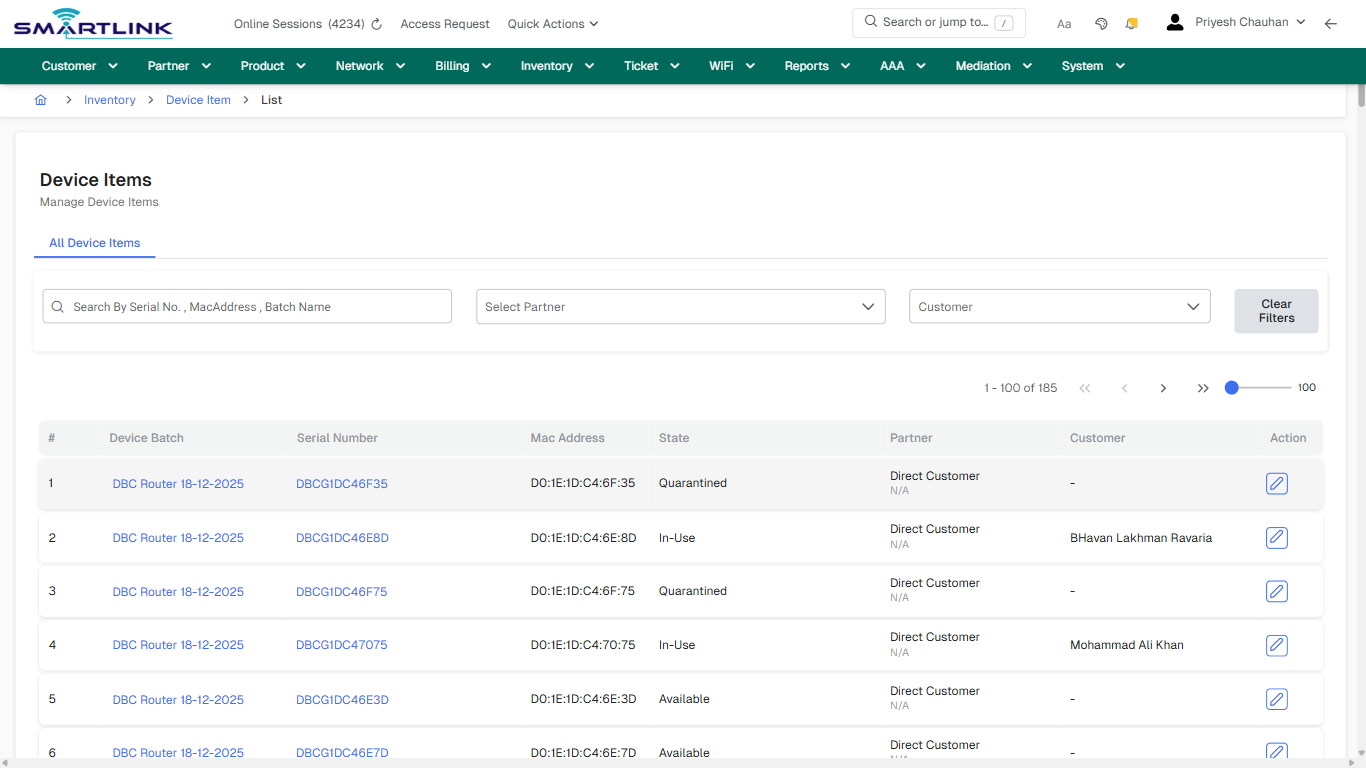
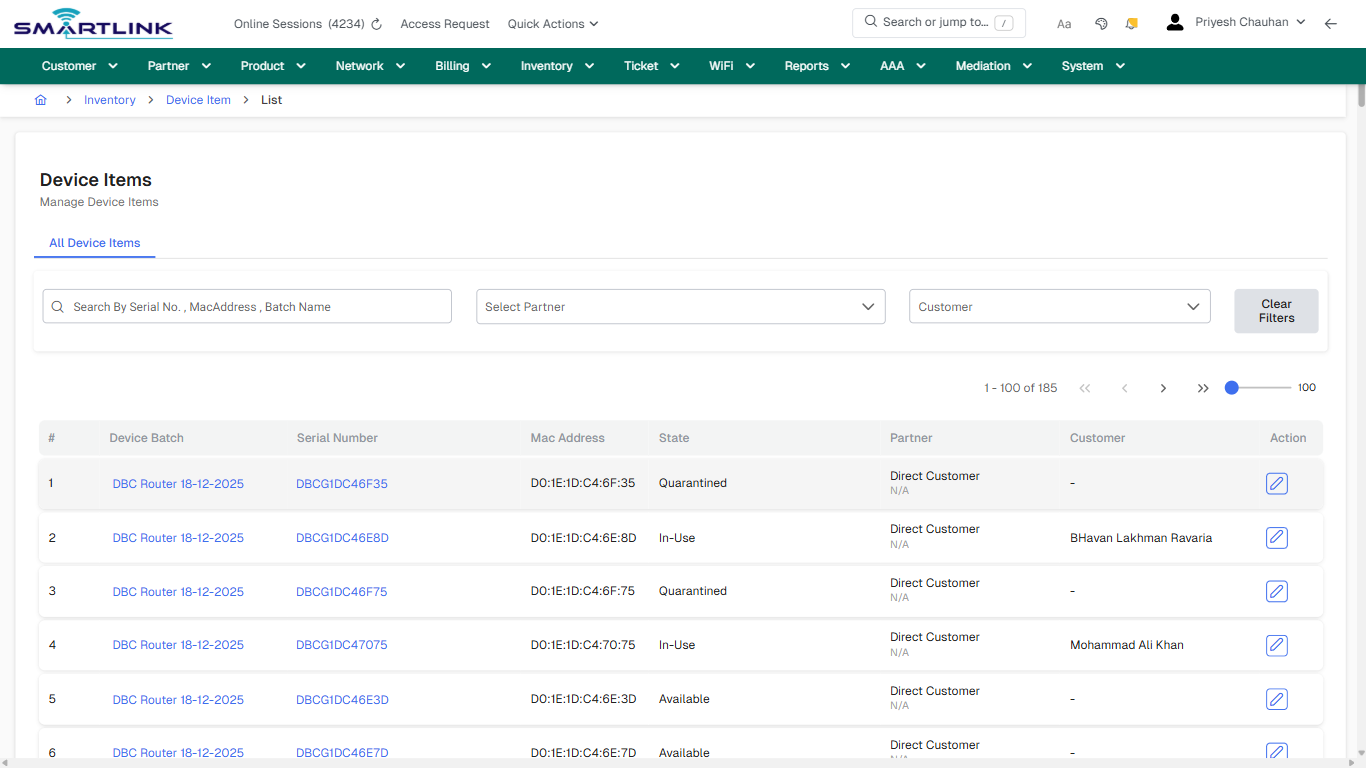
- **Fields detected:** Select Partner, Customer
- **Actions detected:** Auto, Close, Inventory, Device Item, Clear Filters, DBC Router 18-12-2025, DBCG1DC46F35, DBCG1DC46E8D, DBCG1DC46F75, DBCG1DC47075, DBCG1DC46E3D, DBCG1DC46E7D, DBCG1DC46F9D, DBCG1DC46EAD, DBCG1DC46ED5, DBCG1DC46DF5, DBCG1DC46FBD, DBCG1DC47005, DBCG1DC470A5, DBCG1DC4704D

## Validation &amp; Safety Checks

- Confirm identifiers before saving.
- Confirm lifecycle state allows the change.
- Confirm rollback/support path exists for production actions.
 
## Escalation Guidance

- **L1:** Verify input, permissions, and entity state.
- **L2:** Validate dependencies and downstream state.
- **L3/Admin:** Policy/config changes or suspected defect.
 
---

## Screenshots

## default

**Captured URL:** https://admin.myslbb.com/#/inv/device/modemitm/106

<div id="bkmrk-images-uploading%E2%80%A6">*Images uploading…*<div data-img-token="IMG_PLACEHOLDER_0_1770130670764">![screenshot](https://kb.i2itechservices.com/uploads/images/gallery/2026-02/admin-myslbb-com-inv-device-modemitm-106-default-5f03f75e28-part-01.png)

![screenshot](https://kb.i2itechservices.com/uploads/images/gallery/2026-02/admin-myslbb-com-inv-device-modemitm-106-default-5f03f75e28-part-02.png)

</div></div>---

## drilldown\_one\_item

**Captured URL:** https://admin.myslbb.com/#/inv/device/modemitm/106

<div id="bkmrk-images-uploading%E2%80%A6-1">*Images uploading…*<div data-img-token="IMG_PLACEHOLDER_1_1770130670764">![screenshot](https://kb.i2itechservices.com/uploads/images/gallery/2026-02/admin-myslbb-com-inv-device-modemitm-106-drilldown-one-item-1851254e7d-part-01.png)

![screenshot](https://kb.i2itechservices.com/uploads/images/gallery/2026-02/admin-myslbb-com-inv-device-modemitm-106-drilldown-one-item-1851254e7d-part-02.png)

</div></div>