
aaa > radius > clients > addclient
aaa > radius > clients > addclient
Route: aaa/radius/clients/addclient
URL: https://admin.myslbb.com/#/aaa/radius/clients/addclient
Overview
This page is a draft SOP reference for the above screen in i2i Core OSS/BSS. It is auto-generated from UI exports and should be reviewed for operational correctness before customer release.
When to Use
- Use this screen for the workflow represented by this route.
- Do not make billing/AAA/provisioning-impacting changes without required authorization.
Typical Workflow
- Verify you are working on the correct entity (Customer/Account/Service).
- Review the current lifecycle state before making changes.
- Apply changes and validate system response.
- Confirm downstream impact (AAA/Provisioning/Billing) where applicable.
Field & Action Hints (Auto-detected)
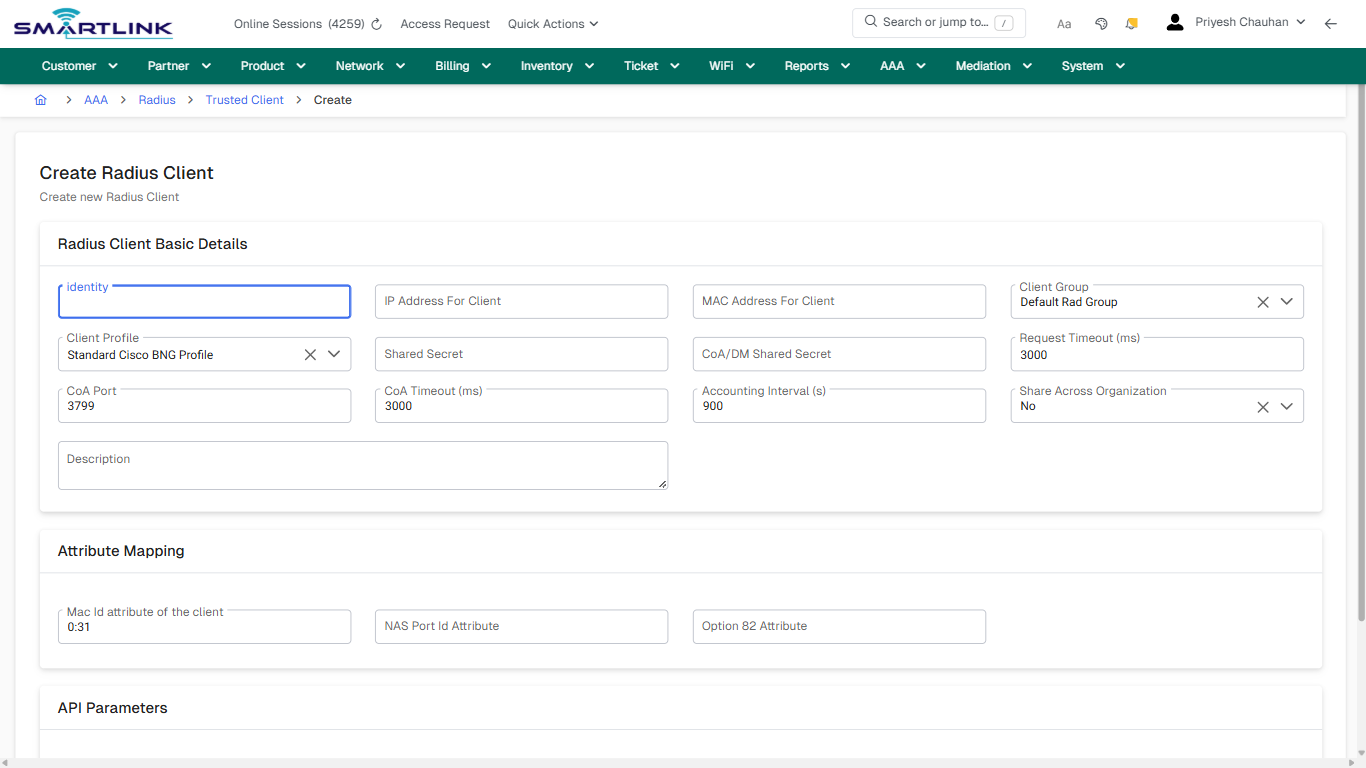
- Fields detected: identity, IP Address For Client, MAC Address For Client, Client Group, Client Profile, Shared Secret, CoA/DM Shared Secret, Request Timeout (ms), CoA Port, CoA Timeout (ms), Accounting Interval (s), Share Across Organization, Description, Mac Id attribute of the client, NAS Port Id Attribute, Option 82 Attribute, API Type
- Actions detected: Auto, Close, AAA, Radius, Trusted Client, Cancel, Create Radius Client
Validation & Safety Checks
- Confirm identifiers before saving.
- Confirm lifecycle state allows the change.
- Confirm rollback/support path exists for production actions.
Escalation Guidance
- L1: Verify input, permissions, and entity state.
- L2: Validate dependencies and downstream state.
- L3/Admin: Policy/config changes or suspected defect.
Screenshots
create_new
Captured URL: https://admin.myslbb.com/#/aaa/radius/clients/addclient
Images uploading…
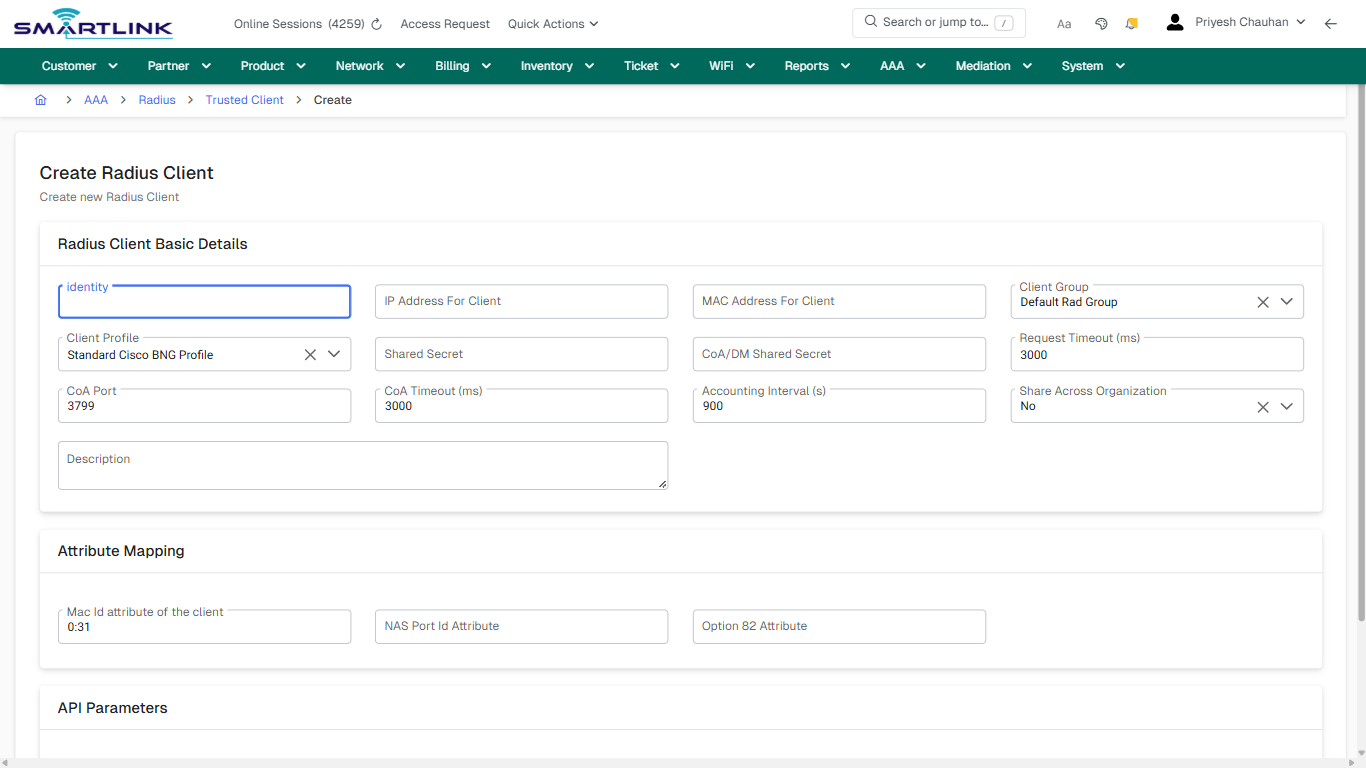
create_new
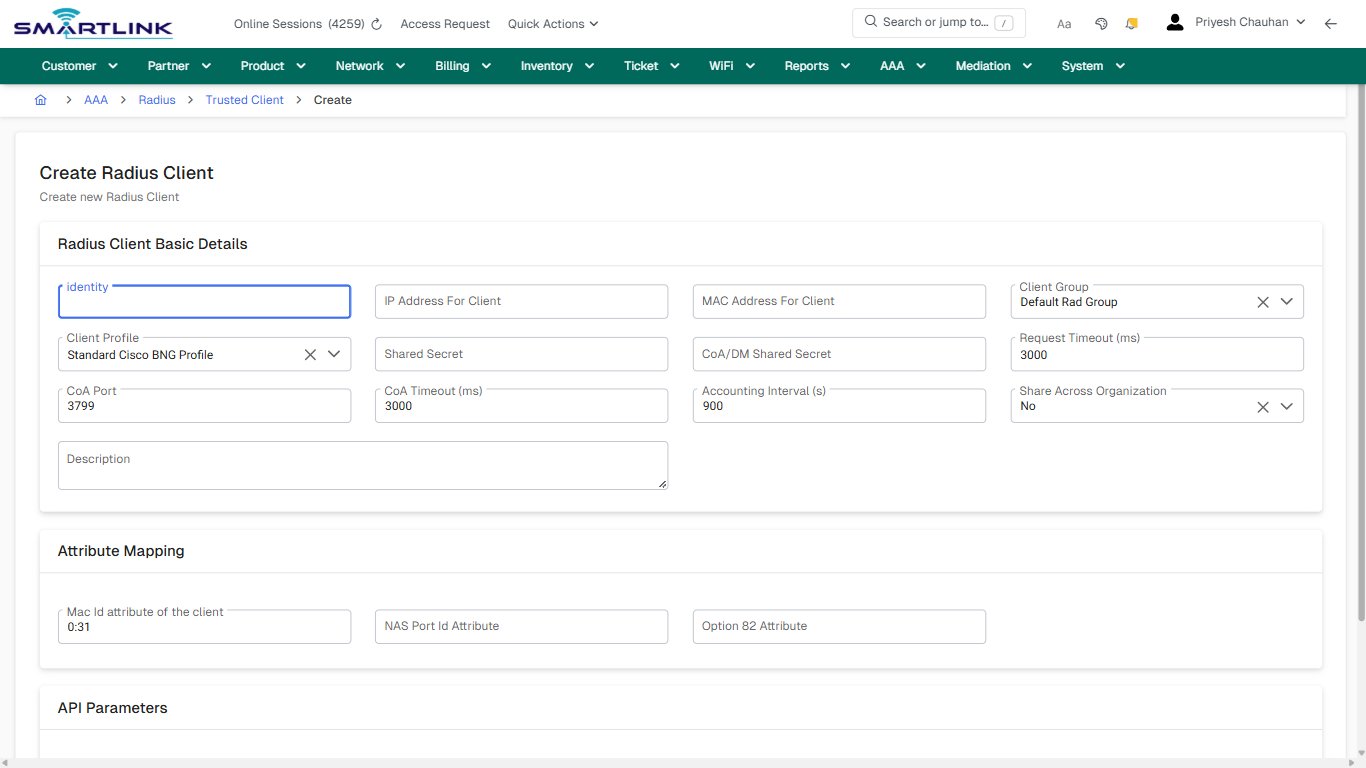
Captured URL: https://admin.myslbb.com/#/aaa/radius/clients/addclient
Images uploading…
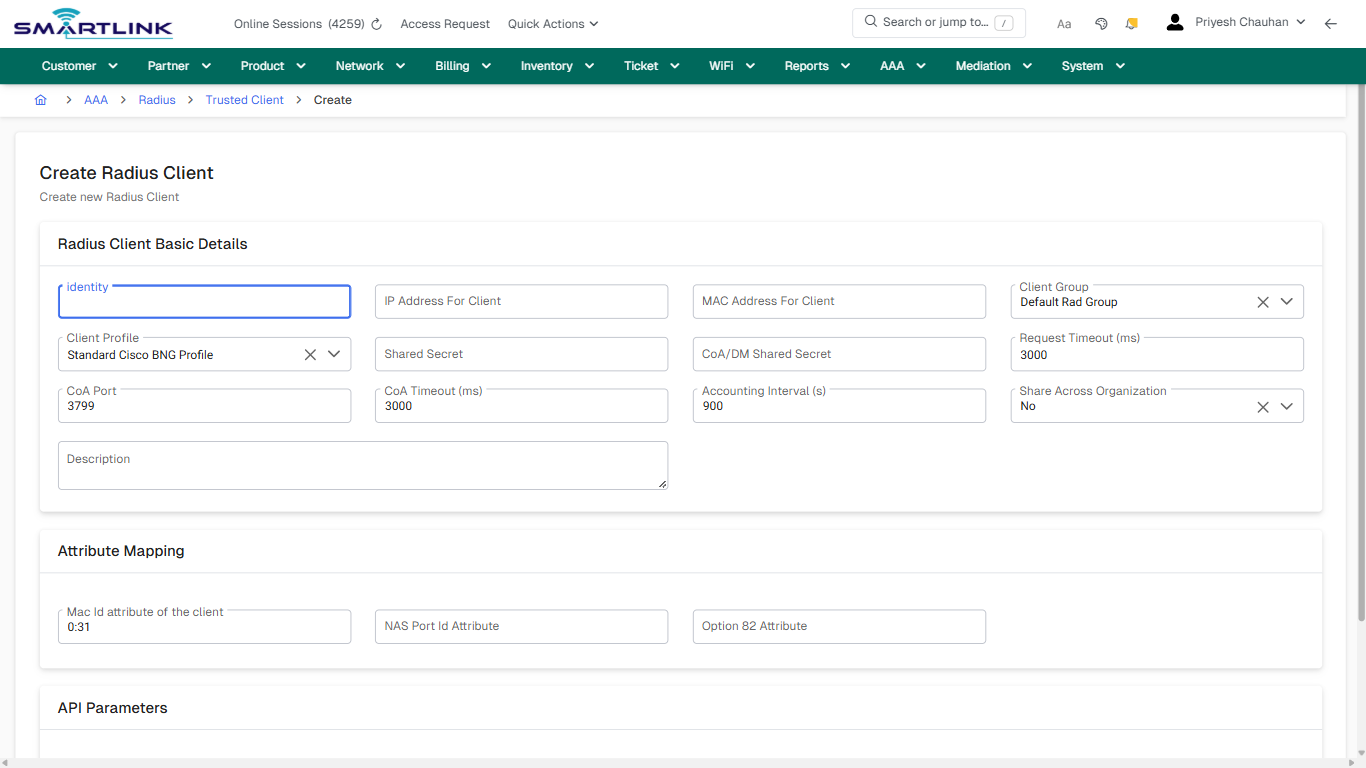
No comments to display
No comments to display